

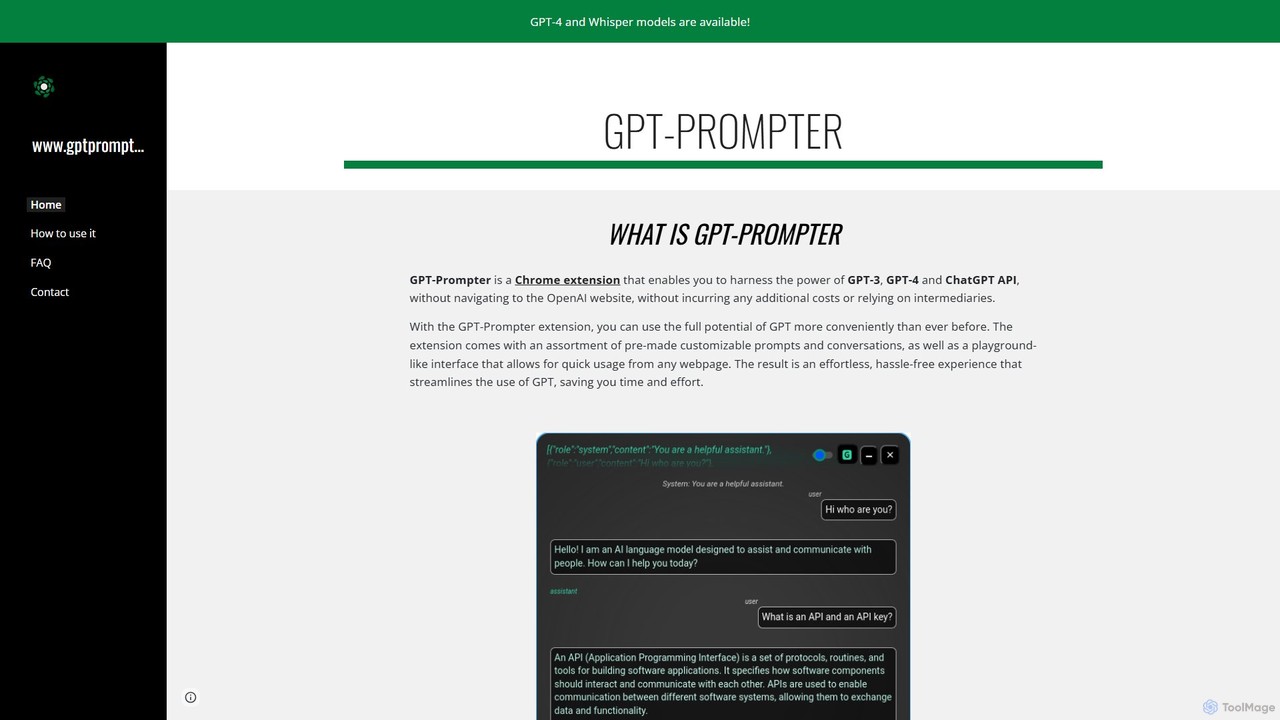
GPT-Prompter Overview
GPT-Prompter is a versatile Chrome extension designed to seamlessly integrate the power of OpenAI's language models, including GPT-3, GPT-4, and the ChatGPT API, directly into your web browsing experience. It eliminates the need to constantly switch tabs to access the OpenAI website, allowing you to use these advanced AI capabilities on any webpage. By leveraging your personal OpenAI API key, GPT-Prompter ensures a secure, private, and cost-effective way to enhance your productivity and streamline your workflow.
The extension offers a rich set of features, including a library of pre-made and customizable prompts, a playground-like interface for on-the-fly interactions, and deep integration with the browser's context menu. This allows for an effortless and hassle-free experience, saving you valuable time and effort whether you're writing, coding, researching, or learning.
How to use GPT-Prompter
Getting started with GPT-Prompter is straightforward:
- Installation: Install the GPT-Prompter extension from the Chrome Web Store.
- API Key Setup: Obtain your personal API key from your OpenAI account dashboard. Open the GPT-Prompter extension settings and paste your key. Your key is stored securely and locally in your browser's storage.
- Create Custom Prompts: In the extension's popup, you can design your own prompts. Choose the desired model (e.g., gpt-4, gpt-3.5-turbo), set the temperature for creativity, and define the prompt text. Use the special `#TEXT#` placeholder, which will be replaced by the text you select on a webpage.
- Execute Prompts: To use a prompt, simply highlight any text on a webpage, right-click, and select your desired custom prompt from the context menu. The AI's response will appear in a floating window. If no text is selected, you can open the prompt and type directly into it.
- Use Different Modes: Access the ChatGPT mode for a conversational interface, the 'Prompt On-the-Fly' for quick experiments, or use keyboard shortcuts (e.g., Alt+G) for even faster access.
- Voice Transcription: Click the microphone icon to use the Whisper API to transcribe your speech into text directly within the prompt input area.
- Review Usage: Navigate to the 'History' section to view a complete log of your prompts, the generated responses, and the associated API costs.
Core Features of GPT-Prompter
- Direct OpenAI API Integration: Connects directly to GPT-3, GPT-4, and ChatGPT models using your personal API key, ensuring you have control over models and costs.
- Custom Prompt Creation & Management: Design, save, and organize an unlimited number of custom prompts. You can give them titles, reorder them via drag-and-drop, and edit them at any time.
- Context Menu Access: The core feature allows you to execute any of your saved prompts instantly by right-clicking on selected text anywhere on the web.
- Multiple Interaction Modes: Includes a full ChatGPT-like chat interface, a 'Prompt On-the-Fly' playground for quick tests, and the fast custom prompt execution via the context menu.
- Whisper API Transcription: Features integrated voice-to-text functionality, allowing you to dictate your prompts or content for transcription.
- Two-Stage Mode: For complex queries, this mode allows you to parse selected text into the prompt editor first, letting you modify or add to it before submission.
- Usage History & Cost Tracking: A dedicated history tab logs all your API calls, showing the prompt, the completion, and the cost of each request, which can be exported as JSON.
- Productivity Shortcuts: Customizable keyboard shortcuts for opening chat windows, submitting prompts, and other common actions to speed up your workflow.
Use Cases for GPT-Prompter
GPT-Prompter is a valuable tool for a wide range of users:
- Writers & Content Creators: Summarize articles, rephrase sentences, overcome writer's block, or generate ideas for blog posts directly from source material.
- Students & Researchers: Get instant explanations for complex terms, summarize research papers, or translate text without leaving the study material.
- Developers: Select a code snippet to get an explanation, find bugs, refactor code, or convert it to another programming language.
- Marketers & Social Media Managers: Draft compelling ad copy, generate social media posts, or refine marketing emails directly within your web-based tools.
- General Users: Compose better emails, get quick answers to questions, or explore creative writing, all seamlessly integrated into your browsing.
Advantages of GPT-Prompter
- Enhanced Workflow Efficiency: By eliminating the need to copy-paste between tabs, the extension significantly reduces friction and saves time.
- High Degree of Customization: Full control over prompts, models, and parameters allows you to tailor the AI's behavior to your specific needs.
- Cost Transparency and Control: Using your own API key gives you a clear view of your spending and allows you to leverage any credits or plans you have with OpenAI.
- Privacy-Focused: Your API key and prompt history are stored locally on your machine, not on a third-party server, ensuring your data remains private.
- Versatility: The combination of chat, a playground, and context-menu prompts makes it a flexible tool for any task.
Pricing and Plans
The GPT-Prompter Chrome extension is completely free to download and use. It does not have any subscription fees or hidden costs. However, the tool functions by using the official OpenAI API. Therefore, users are responsible for the costs associated with their own OpenAI API usage. You must have a valid OpenAI account with a registered payment method or available credits to use the extension. The tool includes a 'History' feature that helps you monitor your token usage and associated costs for full transparency.
Traffic
Latest traffic
Status
Monthly traffic trend
- 2025-9: 1.8K
- 2026-1: 1.0K
- 2026-2: 214
- 2026-3: 1.9K
- 2026-4: 974
- 2026-5: 744
Geography
Top 5 countries / regions
- 🇮🇳India82.2%
- 🇺🇸United States17.8%
Top keywords
| Keyword | Cost per click |
|---|---|
| chapt gpt screen prompter | $0.00 |
| placeholdergpt p | $0.00 |
| promptaura chrome extension | $0.00 |
| prompter extention | $0.00 |
GPT-Prompter Alternatives
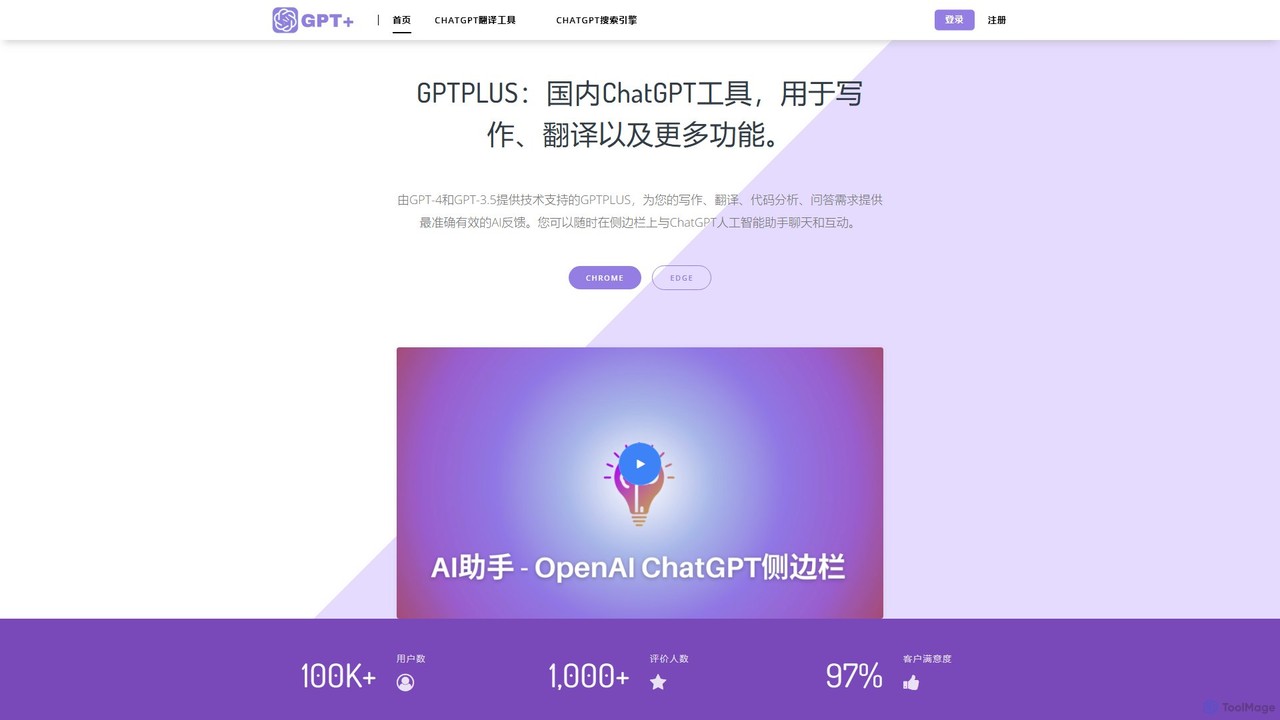
GPTPLUS
GPTPLUS is a powerful browser extension that integrates ChatGPT as a convenient sidebar. It offers one-click text processing, a rich library of prompt templates, and advanced AI assistance for writing, translation, and research directly within your browser, boosting productivity and streamlining your workflow.
Browser Extensions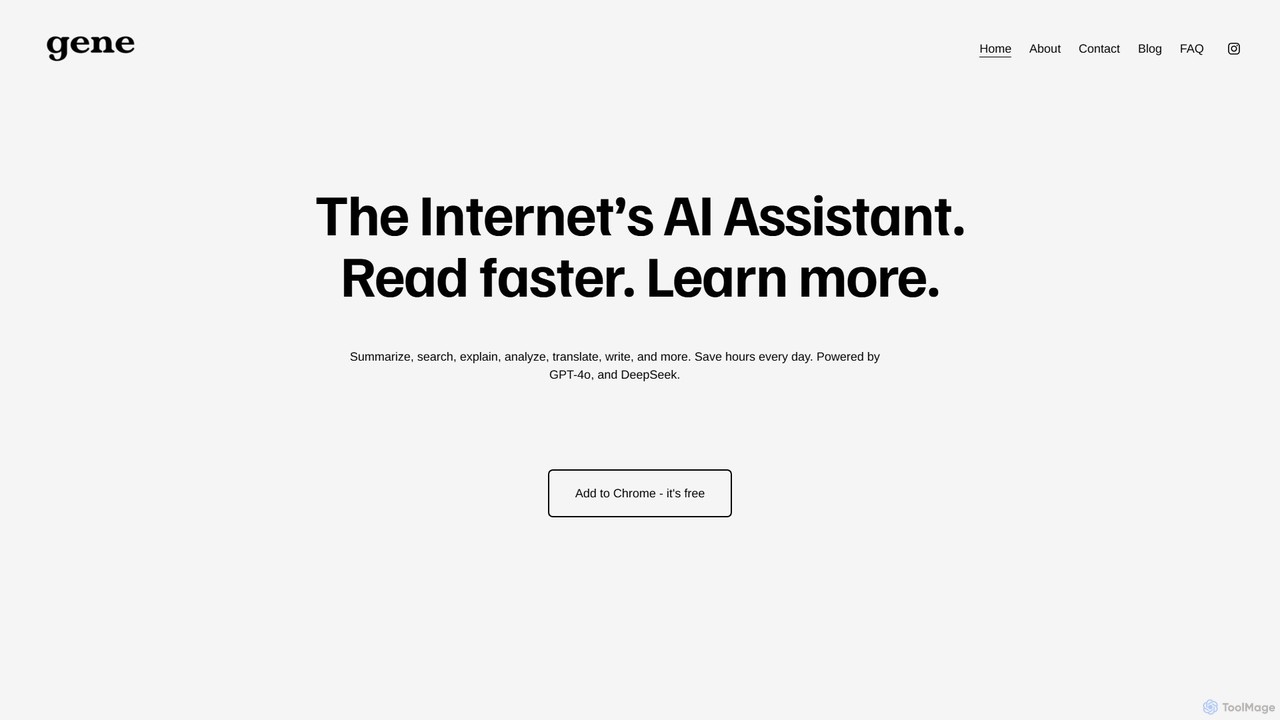
Ask Gene
Ask Gene is a free AI-powered Chrome extension that acts as your personal internet assistant. Powered by GPT-4o and DeepSeek, it allows you to summarize webpages and PDFs, chat with AI without leaving your tab, explain complex text, translate, and assist with writing, all seamlessly integrated into your browser.
Research
GPTBLOX
GPTBLOX is a productivity platform centered around its flagship Chrome extension, "ChatGPT Save Data." It enables users to easily save, manage, and export their ChatGPT conversations in multiple formats like PDF, TXT, HTML, and PNG. Designed for writers, developers, marketers, and students, it streamlines workflow and ensures valuable AI-generated insights are never lost.
Browser Extensions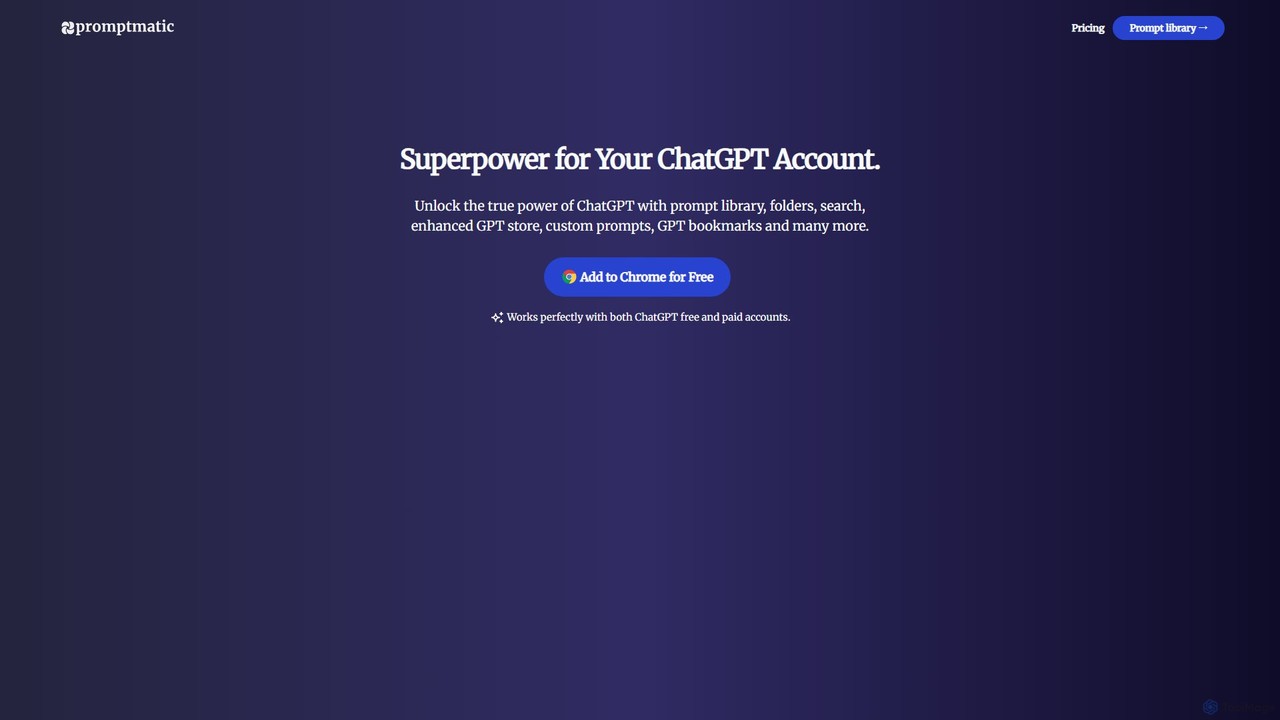
Promptmatic
Promptmatic is a powerful Google Chrome extension for ChatGPT, designed to enhance your AI interactions. It features a massive library of over 2900 prompts, a smart prompt editor, a GPT bookmark manager, and extensive customization options for roles, styles, and tones. It streamlines your workflow, making you more productive and efficient when using ChatGPT for professional tasks.
Chrome Extensions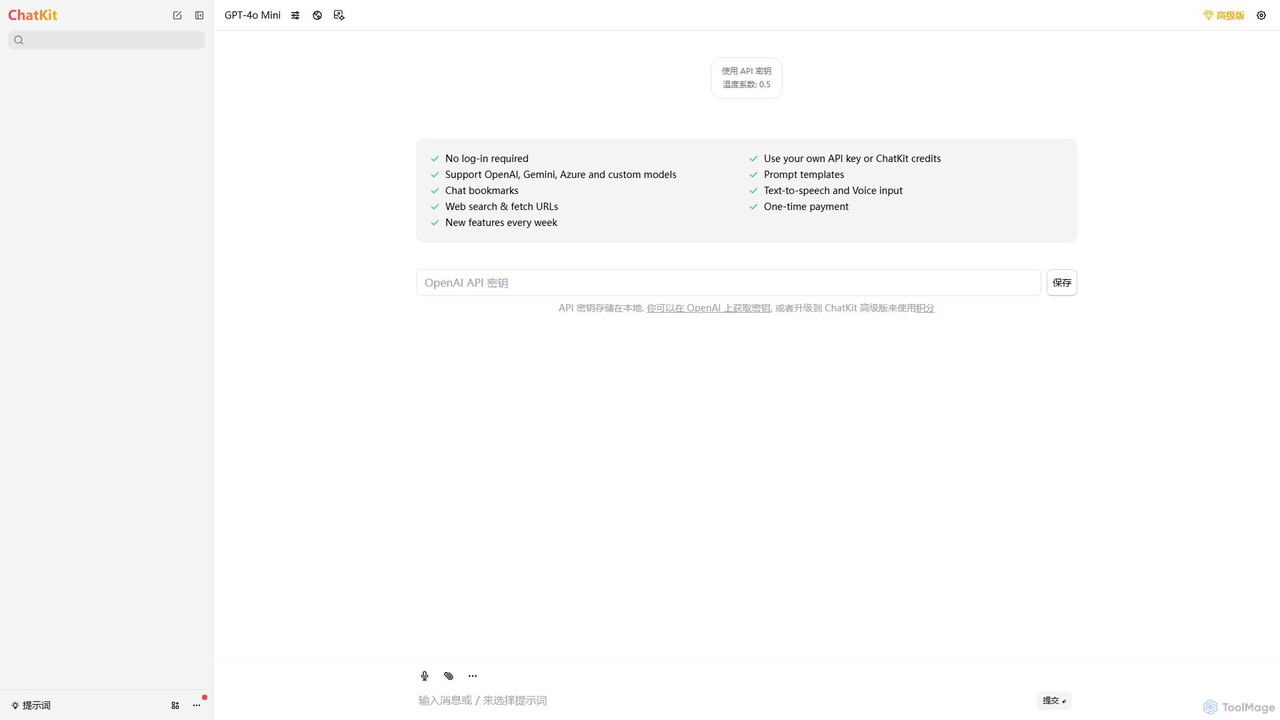
ChatKit
ChatKit is a refined, unified chat interface for top AI models like OpenAI, Gemini, and Azure. It enhances your workflow with features like web search, prompt templates, voice input, and chat bookmarks, all while prioritizing user privacy with local API key storage and no required login.
Api ManagementGPT-Prompter Categories
GPT-Prompter Embed Widget
Copy this embed code to place the badge on your blog, article, or product site and send readers directly to this ToolMage detail page.

Related AI tools
Promptmatic
Promptmatic is a powerful Google Chrome extension for ChatGPT, designed to enhance your AI interactions. It features a massive library of over 2900 prompts, a smart prompt editor, a GPT bookmark manager, and extensive customization options for roles, styles, and tones. It streamlines your workflow, making you more productive and efficient when using ChatGPT for professional tasks.
Chrome Extensions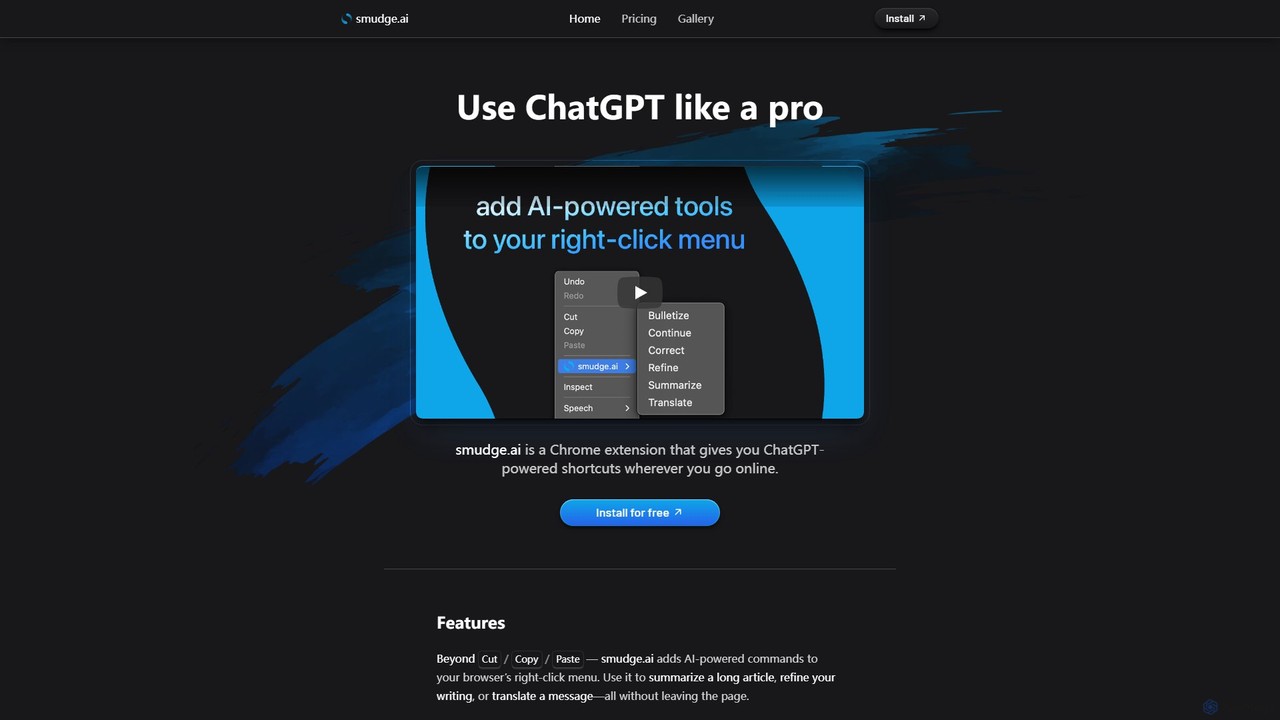
smudge.ai
smudge.ai is a powerful Chrome extension that integrates ChatGPT-powered shortcuts directly into your browser's right-click menu. Instantly summarize articles, refine your writing, translate text, and create custom commands without ever leaving your current page, streamlining your online workflow.
Chrome Extensions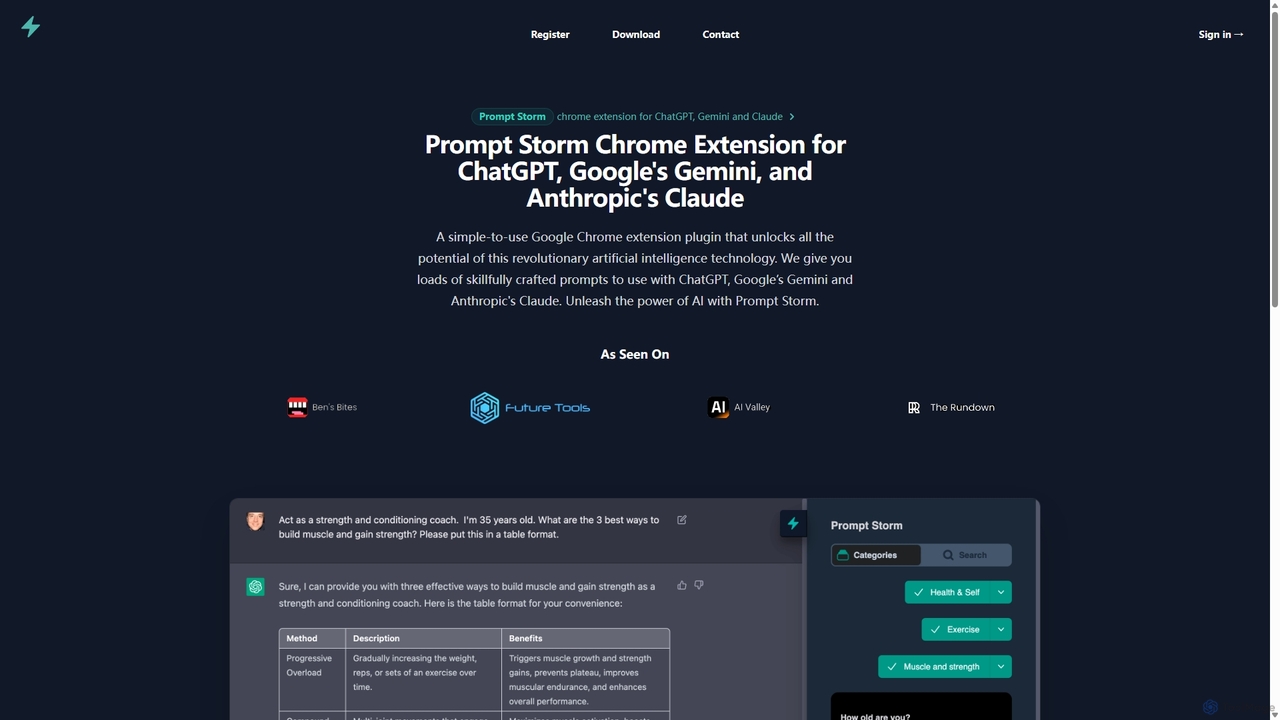
Prompt Storm
Prompt Storm is a powerful Chrome extension that enhances your interactions with ChatGPT, Google Gemini, and Anthropic's Claude. It provides a vast library of expertly crafted prompts, enabling users to unlock the full potential of AI for tasks like content creation, marketing, coding, and learning. Boost your productivity and get higher-quality AI responses with just a few clicks.
Code Generation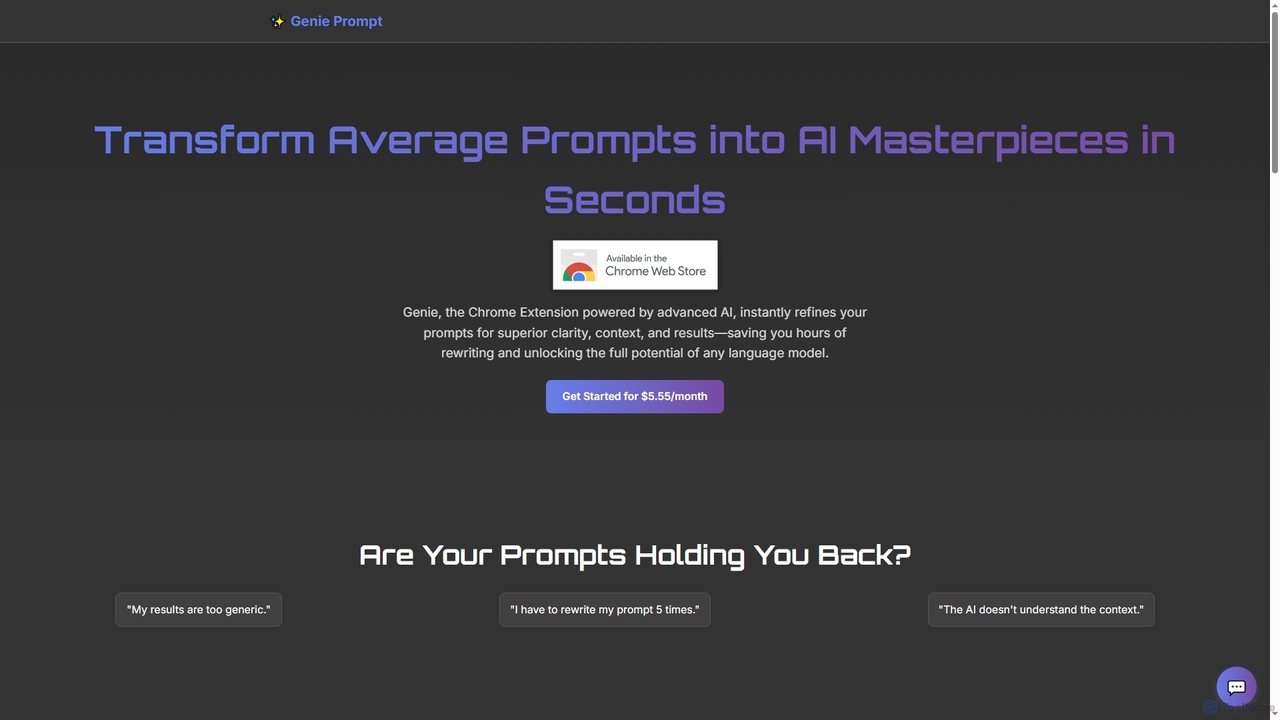
Genie Prompt
Genie Prompt is a Chrome extension powered by Google's Gemini AI that instantly refines your selected text into superior prompts. It enhances clarity, context, and structure to help you get better, more consistent results from any AI language model, saving you time and effort.
Writing Assistant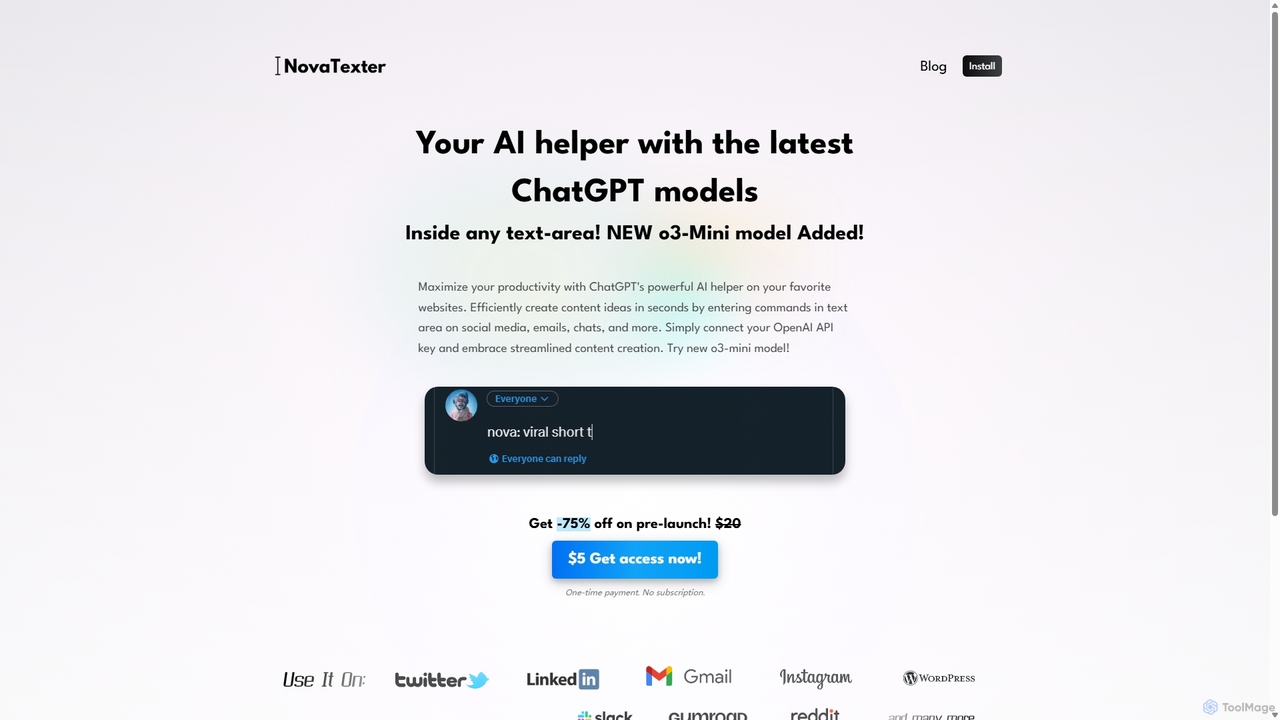
NovaTexter
NovaTexter is an AI-powered browser extension that integrates ChatGPT models directly into your workflow. It allows you to generate content, ideas, and responses on any website by simply typing commands in a text area. Connect your OpenAI API key for a seamless, productive content creation experience with a single one-time payment.
Chrome Extensions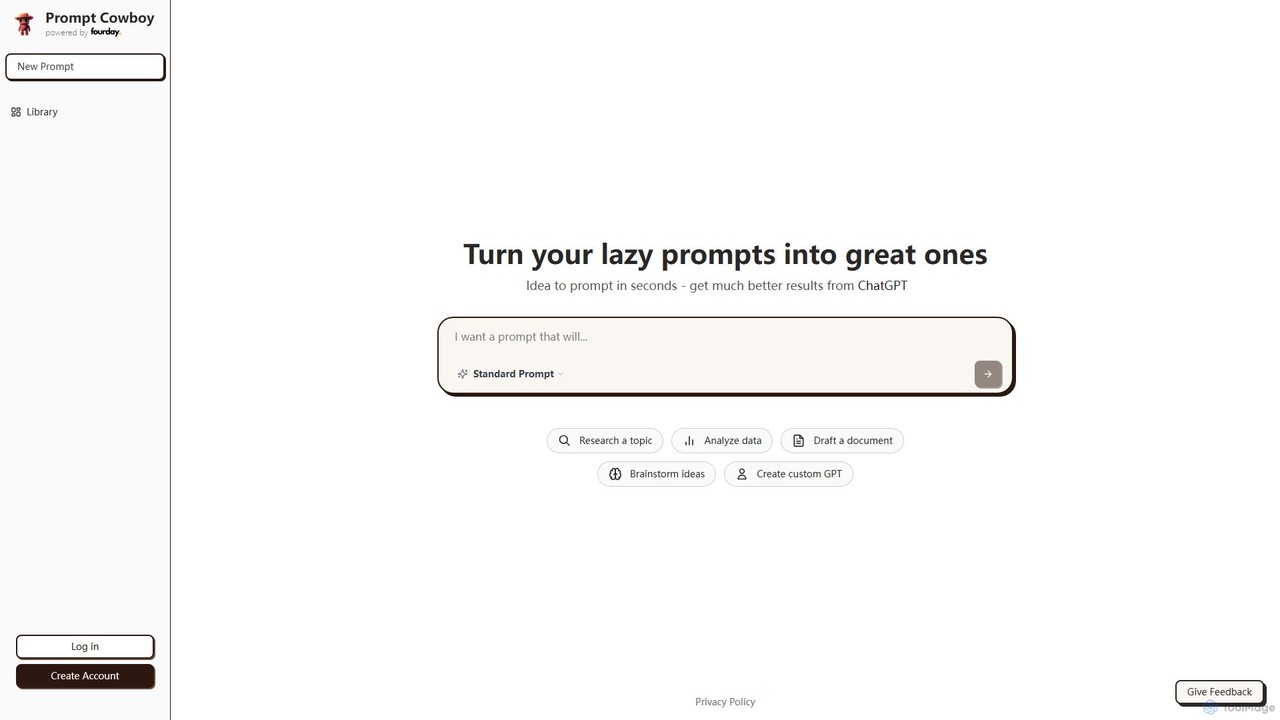
Prompt Cowboy
Prompt Cowboy is an AI-powered prompt generator that transforms simple ideas into highly effective, structured prompts for models like ChatGPT, OpenAI o3, and VEO-3. It offers specialized templates for various tasks, including reasoning, deep research, and custom GPT creation, helping users achieve significantly better results from their AI interactions.
Ai Integration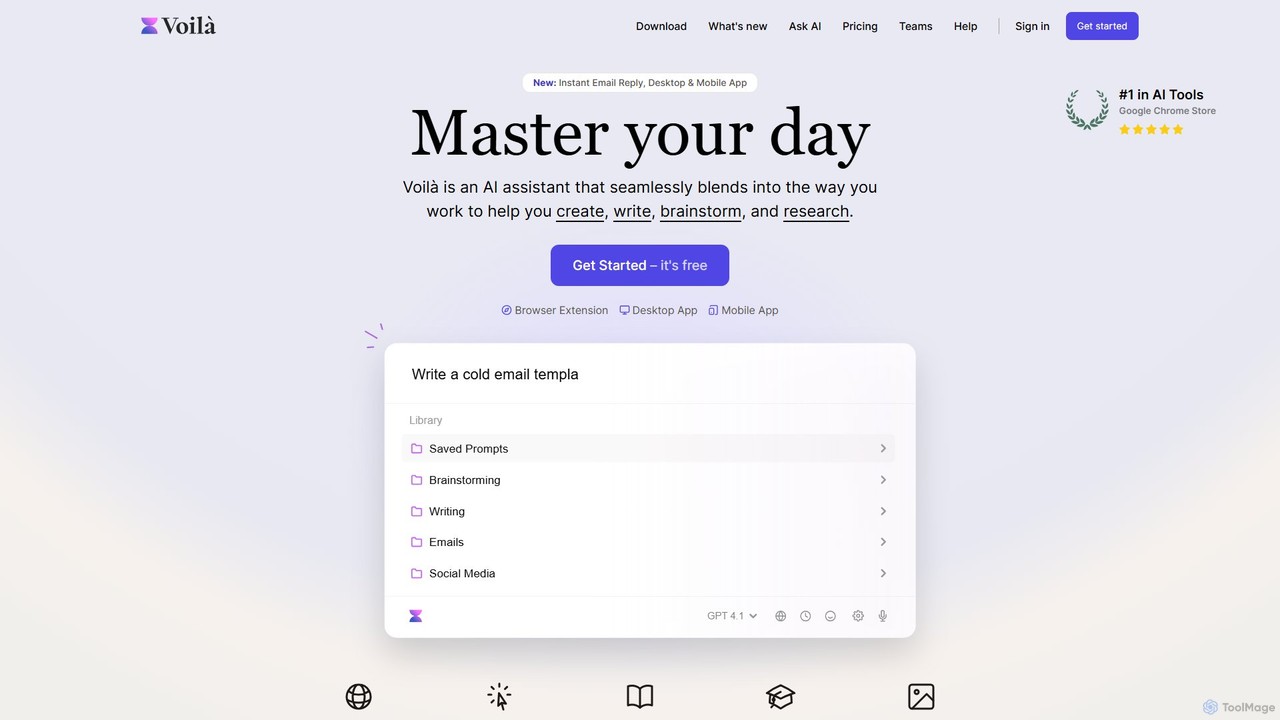
Voilà
Voilà is an all-in-one AI assistant designed to maximize productivity. It functions as a browser extension, desktop, and mobile app, seamlessly integrating into your workflow to help with writing, brainstorming, research, and content creation. It works on any website or app, understanding the context to provide relevant assistance.
Content Creation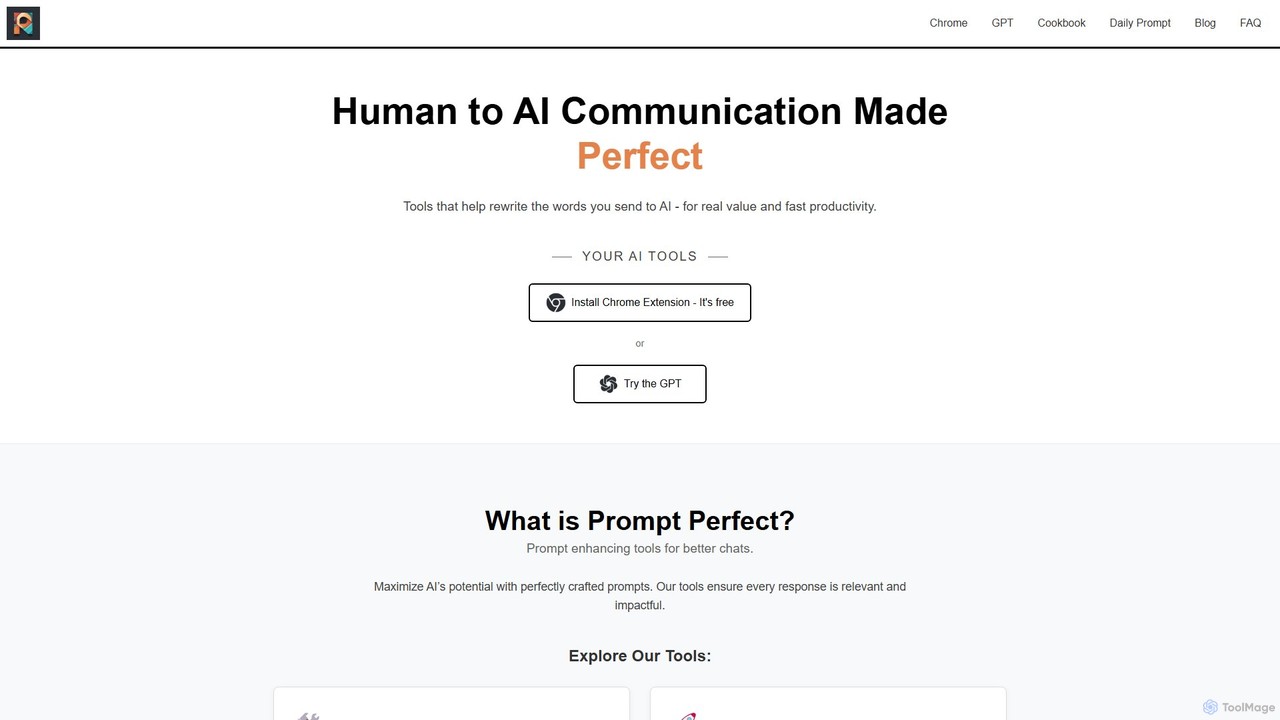
Prompt Perfect
Prompt Perfect is an AI-powered suite, featuring a Chrome Extension and a GPT, designed to optimize your prompts for superior results across major AI platforms like ChatGPT, Gemini, and Claude. It refines, enhances, and manages your prompts to unlock more precise, creative, and effective AI-generated content, boosting productivity for writers, researchers, and professionals.
Research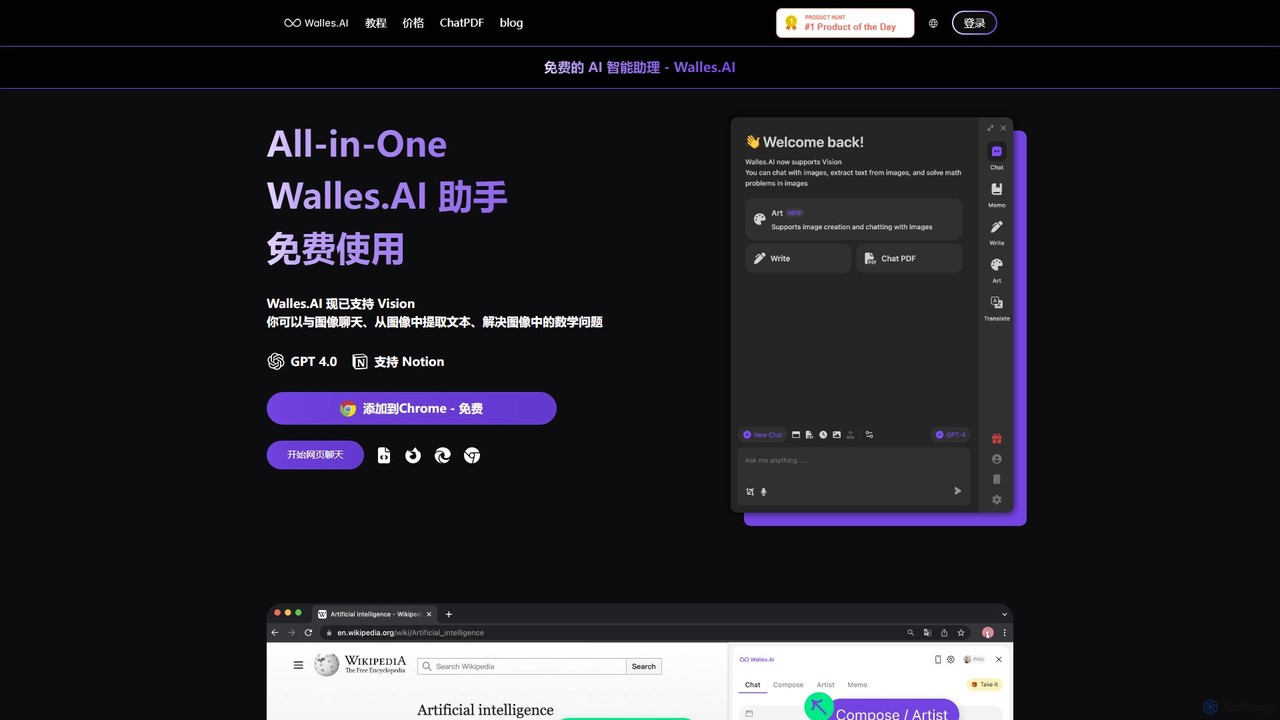
Walles.AI
Walles.AI is an all-in-one AI assistant integrated as a Chrome extension. Powered by GPT-4, it allows you to chat with webpages, PDFs, YouTube videos, and even images. Boost your productivity with instant summarization, translation, text analysis, and seamless integration with Notion.
Study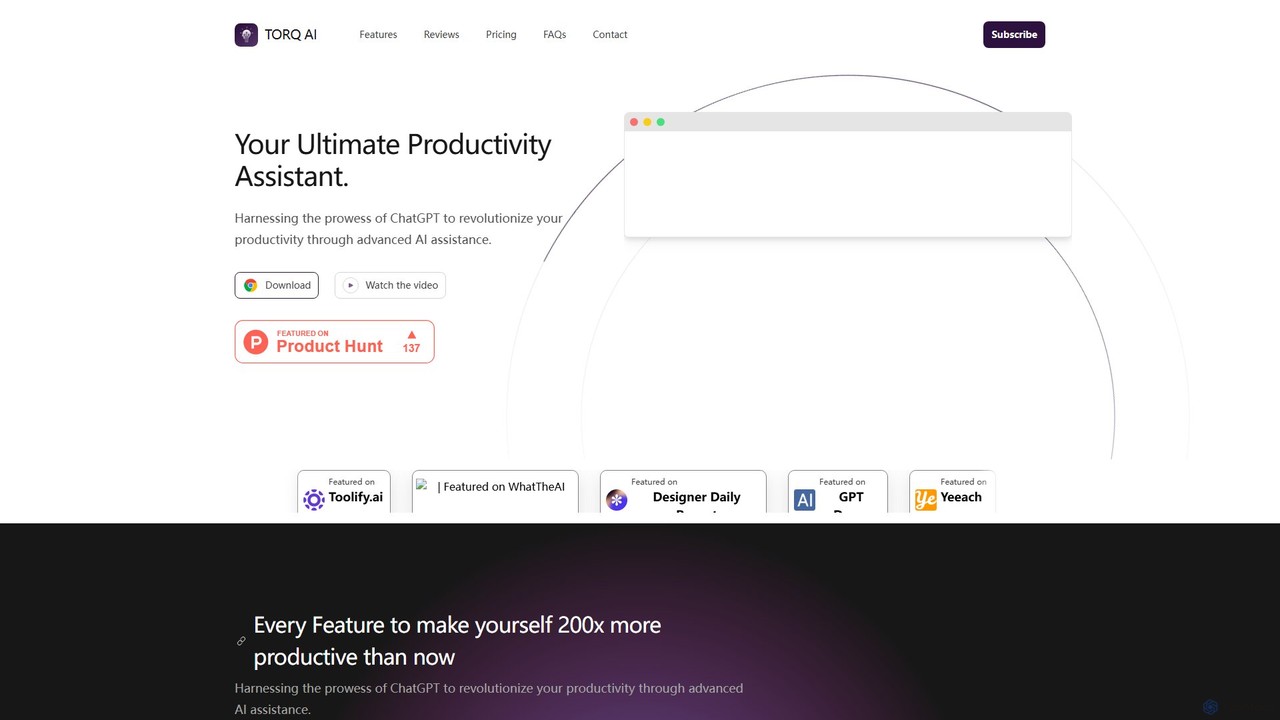
Torq
Torq is an AI-powered Chrome extension that supercharges your productivity. Leveraging ChatGPT, it offers one-click email generation, instant text summarization and translation, and integrates AI responses directly into your Google search results, streamlining your daily workflow.
Browser Extension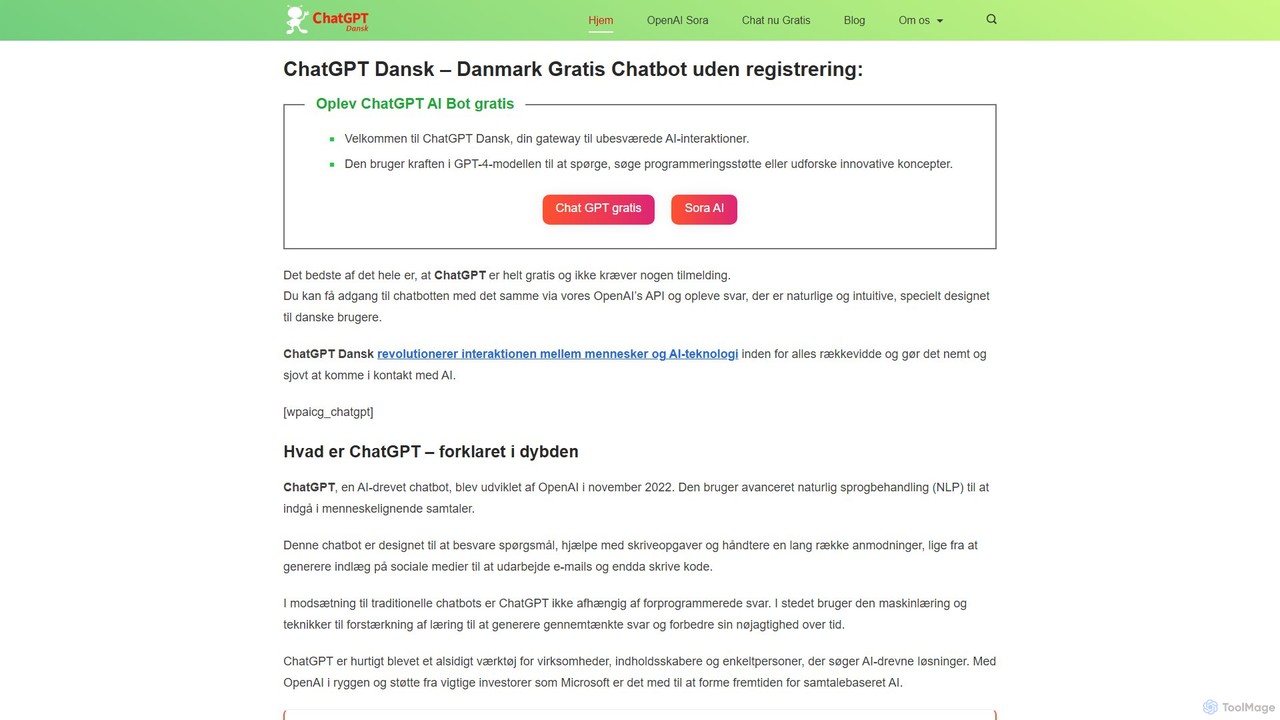
chatdansk
A user-friendly web platform providing Danish speakers with seamless access to advanced AI models like GPT-4. It facilitates a wide range of tasks, including writing, coding, translation, and creative brainstorming. The tool offers both free and premium access without requiring a native app, making powerful AI accessible to everyone.
Code Assistant
chrome_ai
An all-in-one AI assistant integrated into your Chrome browser. Summarize web pages and YouTube videos, enhance your writing, explain complex topics, and chat with advanced AI models without leaving your current tab. Boost your productivity with seamless AI power.
Chrome Extensions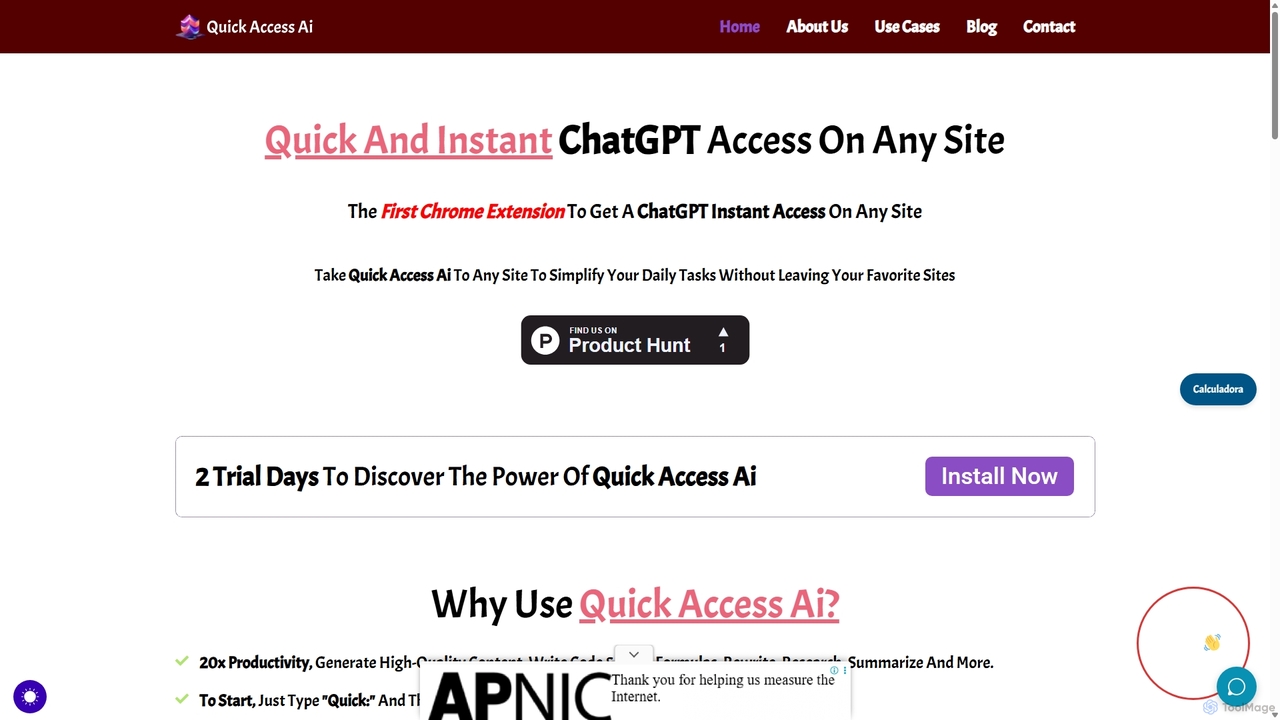
Quick Access Ai
Quick Access Ai is a Chrome extension that provides instant access to ChatGPT on any website. By simply typing a command, users can generate content, write code, summarize text, and perform research without switching tabs. It aims to boost productivity by integrating AI assistance directly into your existing workflow, making daily tasks faster and more efficient.
Code Assistant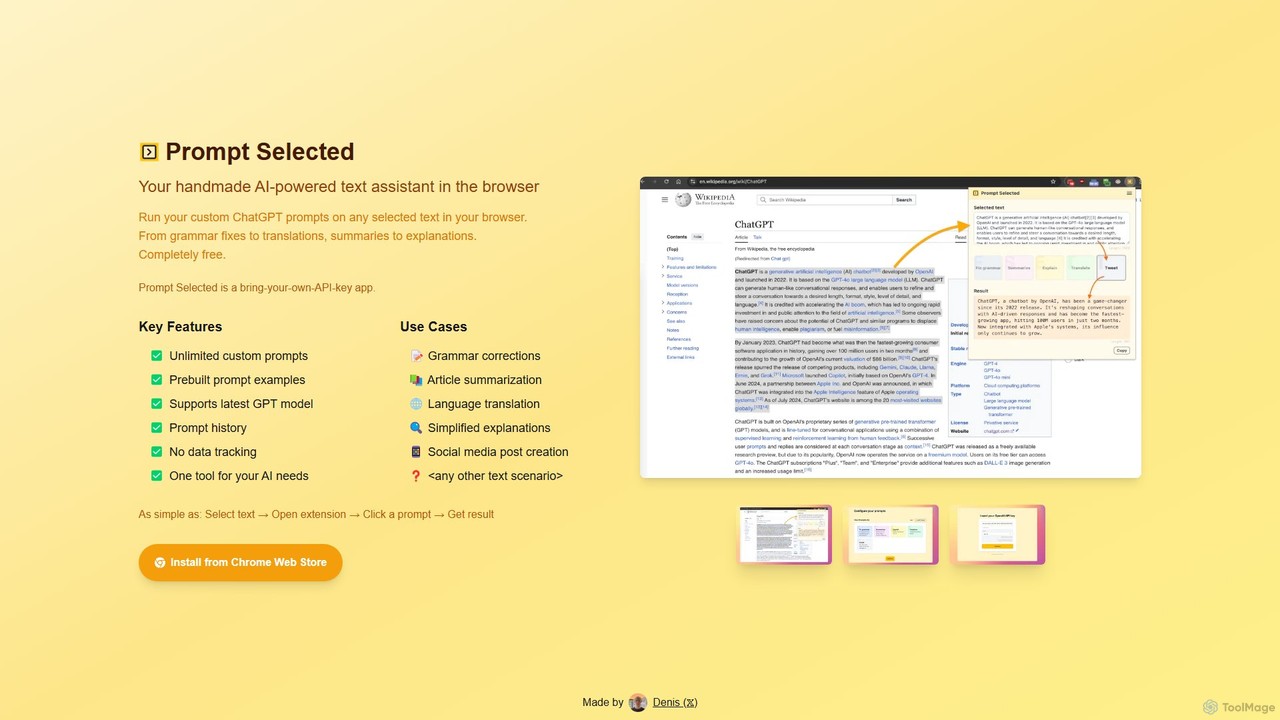
Prompt Selected
A free, privacy-focused Chrome extension that acts as your personal AI text assistant. Run unlimited custom ChatGPT prompts on any selected text directly in your browser for tasks like summarization, translation, and grammar correction using your own API key.
Prompt Engineering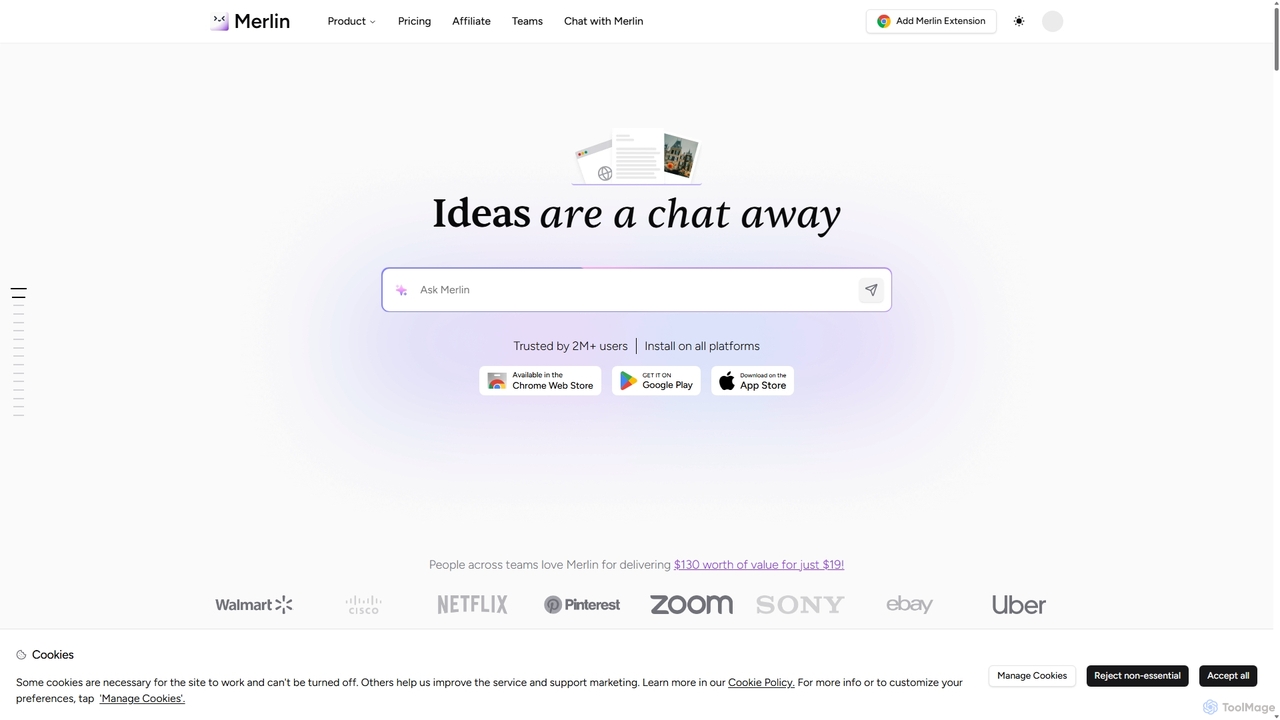
Merlin AI
Merlin is an all-in-one AI assistant, available as a browser extension and app, that integrates top AI models like GPT-4, Claude 3, and Gemini. It allows you to research, write, summarize content, generate images, and code with a single click on any website, streamlining your workflow and boosting productivity without switching tabs.
Chrome Extensions
GPT-Prompter Comments (0)
Sign in to comment.
Sign inNo comments yet.