
ChatKit Overview
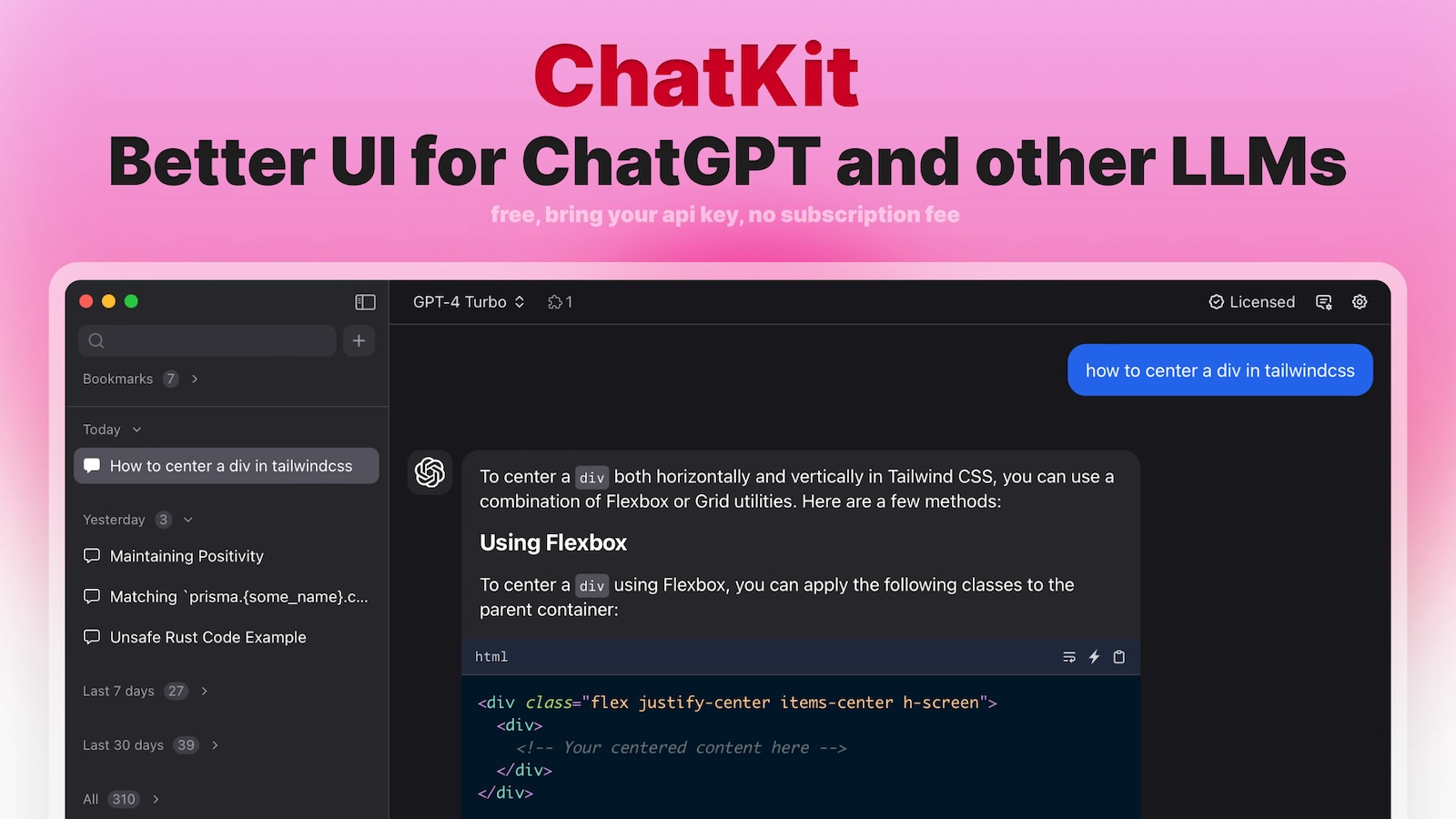
ChatKit is a sophisticated and versatile AI chat client designed to streamline your interaction with a variety of leading large language models (LLMs). It serves as a single, powerful interface for models from OpenAI (including ChatGPT), Google Gemini, Microsoft Azure, and even custom models. By consolidating access, ChatKit eliminates the need to switch between different platforms, creating a more efficient and productive workflow for developers, writers, researchers, and general users alike.
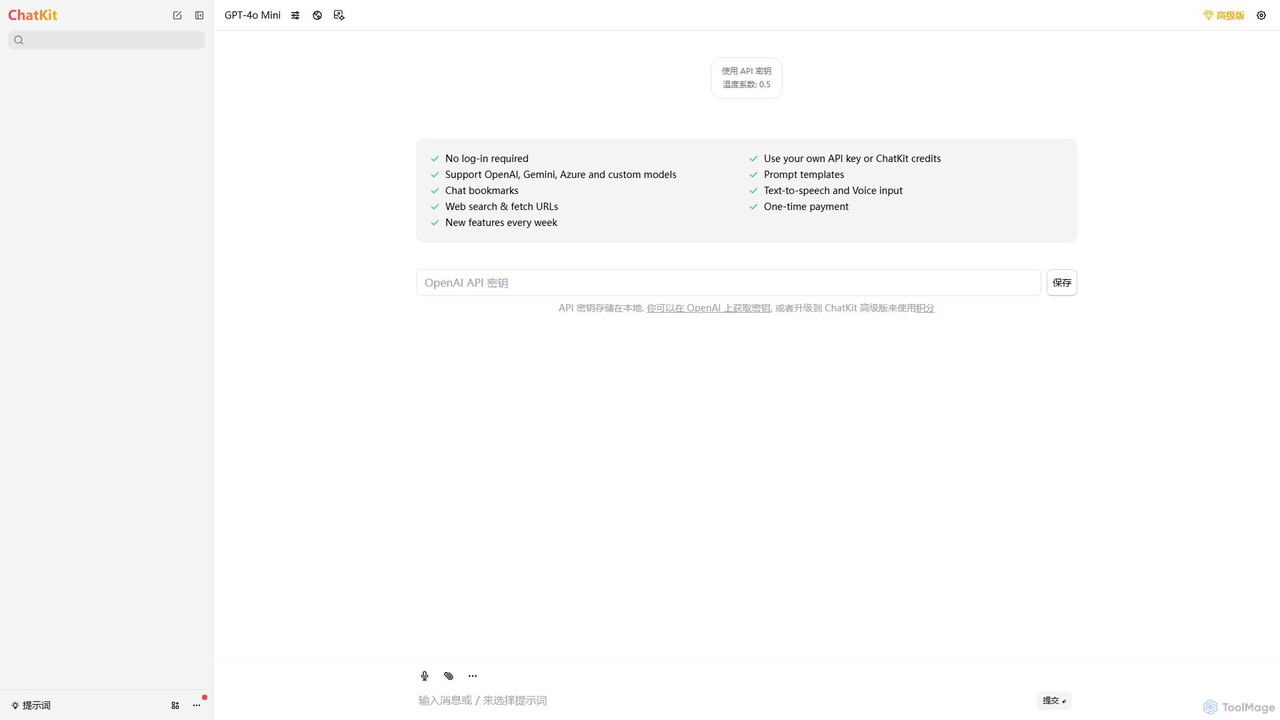
The core philosophy of ChatKit revolves around user control, privacy, and an enhanced feature set. Unlike many other services, it offers a 'Bring Your Own Key' (BYOK) model, allowing you to use your personal API keys directly. These keys are stored locally in your browser, ensuring they are never transmitted to ChatKit's servers, providing a high level of security and privacy. For those who prefer a simpler approach or don't have their own keys, ChatKit also offers a credit-based system with a one-time payment.
How to use ChatKit
Getting started with ChatKit is designed to be simple and flexible:
- Navigate to the ChatKit web application at chatkit.app.
- Select your preferred AI model from the available options (e.g., GPT-4, Gemini Pro).
- Option 1 (Bring Your Own Key): Go to the settings menu and enter your API key from a provider like OpenAI or Azure. Your key will be saved securely in your browser's local storage for future use. You will only be billed by your API provider for your usage.
- Option 2 (Use ChatKit Credits): If you don't have an API key, you can purchase ChatKit credits via a one-time payment. This allows you to use the supported models without any external setup.
- Begin your conversation. You can type your queries, use voice input, or leverage advanced features.
- To get real-time information, use the web search feature by prefixing your query. You can also provide a URL for the AI to fetch and analyze its content.
- Fine-tune the AI's output by adjusting parameters like 'temperature' to control creativity.
- Organize your workflow by creating and using prompt templates for recurring tasks and bookmarking important conversations for easy retrieval.
Core Features of ChatKit
- Multi-Model Support: Seamlessly switch between major AI models, including OpenAI's GPT series, Google's Gemini, Microsoft Azure, and custom-configured models.
- Enhanced Privacy (BYOK): Use your own API key, which is stored locally on your device. No login is required, ensuring your data and keys remain private.
- Web Search & URL Fetching: Grant the AI access to the live internet to get up-to-date answers and summarize content from any webpage.
- Prompt Templates: Create, save, and manage a library of your most-used prompts to accelerate your workflow and ensure consistent outputs.
- Chat Bookmarks: Easily save and categorize important or insightful conversations, creating a personal knowledge base.
- Voice-to-Text and Text-to-Speech: Interact with the AI using your voice for input and listen to the responses, offering a hands-free experience.
- Parameter Control: Adjust model parameters like temperature to fine-tune the balance between factual accuracy and creative freedom in the AI's responses.
- Credit-Based System: An alternative to BYOK, offering a simple one-time payment for credits to use the platform's full capabilities.
Use Cases for ChatKit
ChatKit is a versatile tool suitable for a wide range of professionals and enthusiasts:
- Content Creators & Marketers: Use prompt templates to rapidly generate blog posts, social media content, and ad copy. Compare outputs from different models like Gemini and GPT-4 to find the best result.
- Developers & Programmers: Debug code, write documentation, and prototype with different AI models in a single, unified interface without constant context switching.
- Researchers & Academics: Leverage the web search feature to gather and synthesize information from the latest research papers, articles, and news sources.
- Students: Summarize long articles or web pages for study notes, use text-to-speech to review materials, and get help with complex topics.
- Business Professionals: Draft professional emails, create presentation outlines, analyze reports, and brainstorm ideas with enhanced privacy and control.
Advantages of ChatKit
ChatKit stands out by offering several key benefits:
- Unified Platform: Saves time and effort by providing access to multiple top-tier LLMs in one clean interface.
- User-Centric Privacy: The local storage of API keys and no-login requirement puts you in full control of your data.
- Cost-Efficiency: The BYOK model means you only pay for what you use from your API provider. The one-time payment for credits offers a clear, predictable alternative.
- Productivity Boost: Advanced features like templates, bookmarks, and web search are specifically designed to streamline common tasks and save you time.
- Flexibility and Customization: The ability to switch models and tweak parameters allows you to tailor the AI's performance to your specific needs.
Pricing and Plans
ChatKit operates on a flexible freemium model:
- Free Plan (BYOK): Users can use the platform for free by connecting their own API key from services like OpenAI, Google AI, or Azure. In this model, users are responsible for the costs incurred on their own API accounts.
- Premium Plan (Credits): For users without an API key or those who prefer a consolidated payment, ChatKit offers a premium option. This involves a one-time payment that provides a specific amount of credits. These credits can be used to access the various AI models through the ChatKit platform. For the most current pricing and credit package details, please visit the official website.
Traffic
Latest traffic
Status
Monthly traffic trend
- 2025-9: 1.4K
- 2026-1: 8.6K
- 2026-2: 3.5K
- 2026-3: 4.4K
- 2026-4: 5.1K
- 2026-5: 3.4K
Geography
Top 5 countries / regions
- 🇺🇸United States96.6%
- 🇩🇪Germany3.4%
Top keywords
| Keyword | Cost per click |
|---|---|
| chatkit | $3.54 |
| emoji finder | $0.00 |
| emojifinder | $0.00 |
| openai chatkit | $4.76 |
| pplx | $3.84 |
ChatKit Alternatives
TypingMind
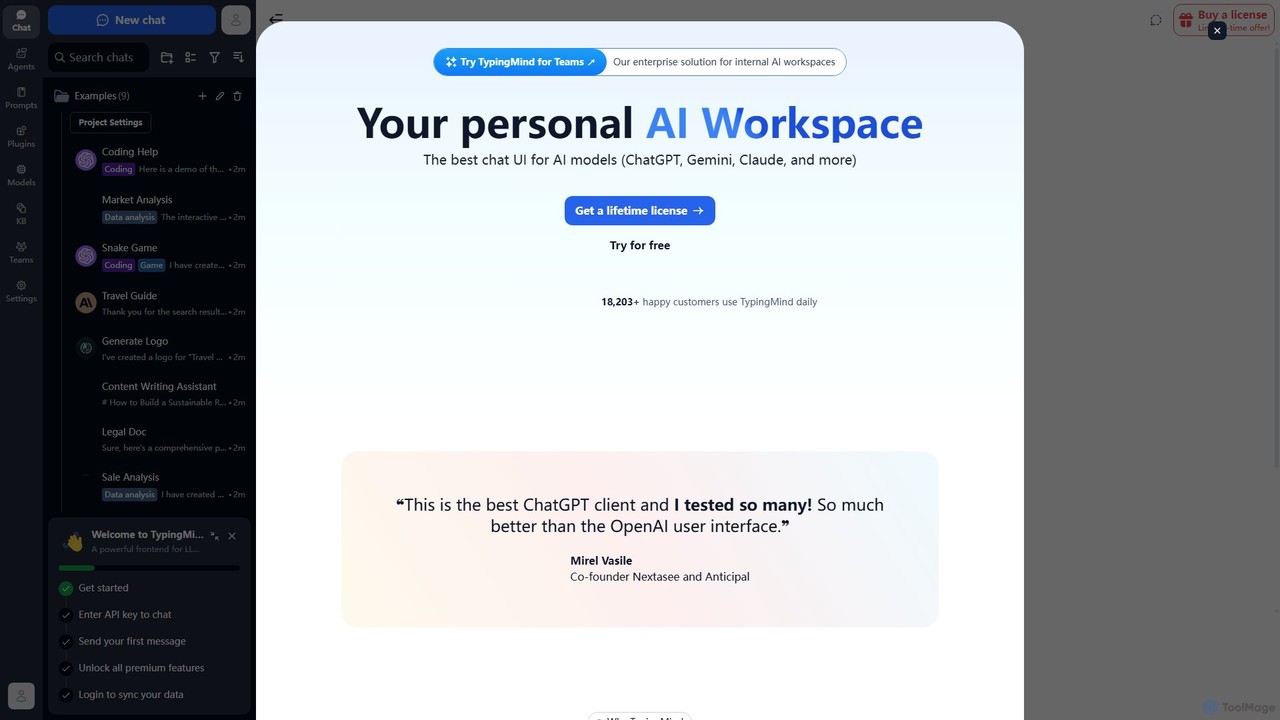
TypingMind is an advanced, privacy-first chat UI for large language models (LLMs) like ChatGPT, Gemini, and Claude. It offers a unified workspace with powerful features, allowing users to bring their own API keys for a one-time fee. Enhance your productivity with custom agents, a rich plugin ecosystem, and advanced chat management tools, all while keeping your data secure on your device.
Api Management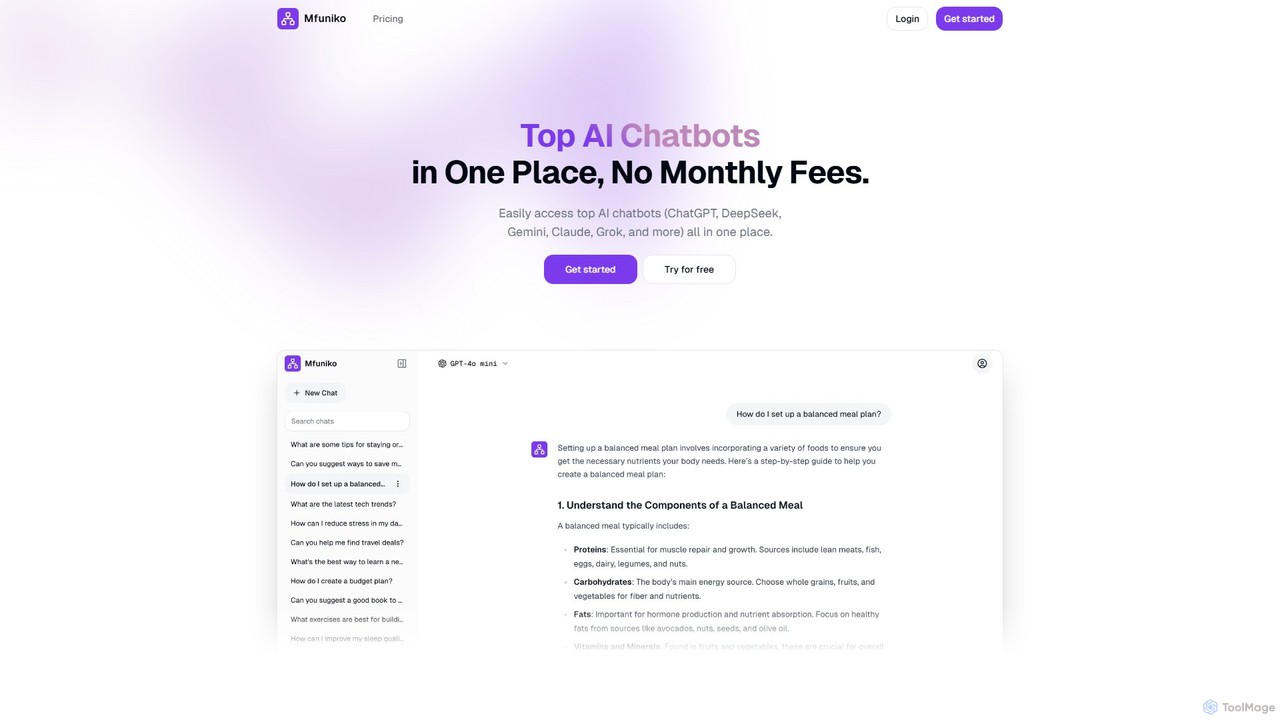
mfuniko
Mfuniko is a unified AI chat interface that allows you to access top AI models like ChatGPT, Gemini, Claude, and Grok in one place. It operates on a 'bring your own API key' model with a one-time payment for lifetime access, eliminating monthly subscription fees. It offers advanced features like file and image chat, chat organization, and text-to-speech to streamline your AI workflow.
Api Management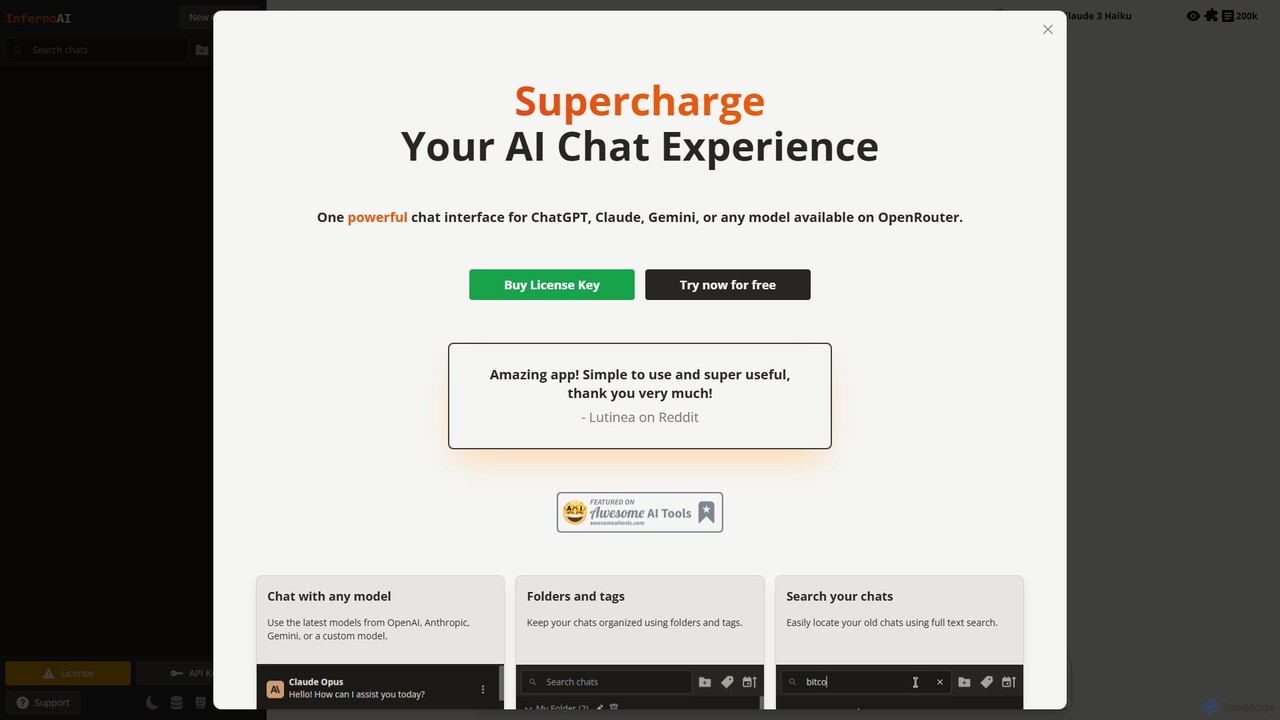
InfernoAI
InfernoAI is a powerful web-based chat interface that unifies access to top AI models like ChatGPT, Claude, and Gemini through OpenRouter. It operates on a 'Bring Your Own Key' model, ensuring privacy with local data storage. Features include advanced chat organization, full-text search, text-to-speech, and integrated image generation, all without monthly fees.
Ai Chat Interface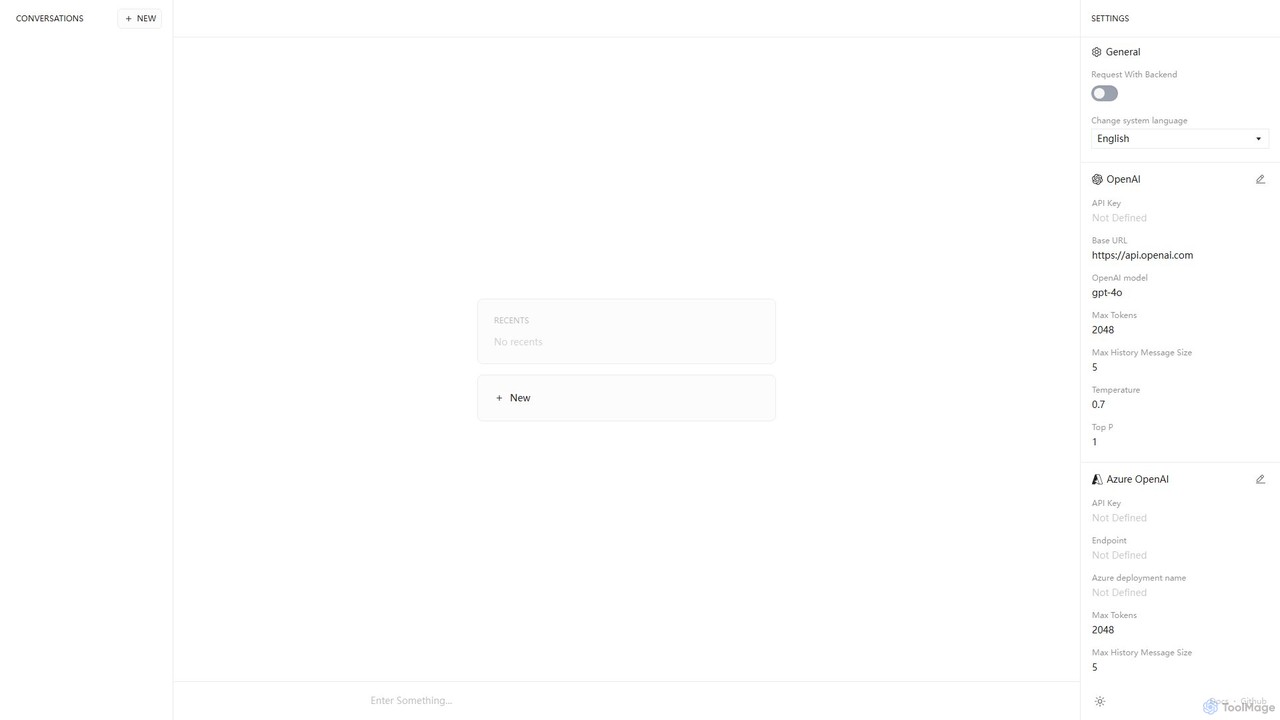
Anse
Anse is a free, open-source, and privacy-focused desktop AI client. It provides a unified interface to interact with various large language models from providers like OpenAI, Google, and Azure. By using your own API keys, you maintain full control over your data and costs, while enjoying advanced features and model customization in a sleek, minimalist application.
Ai Client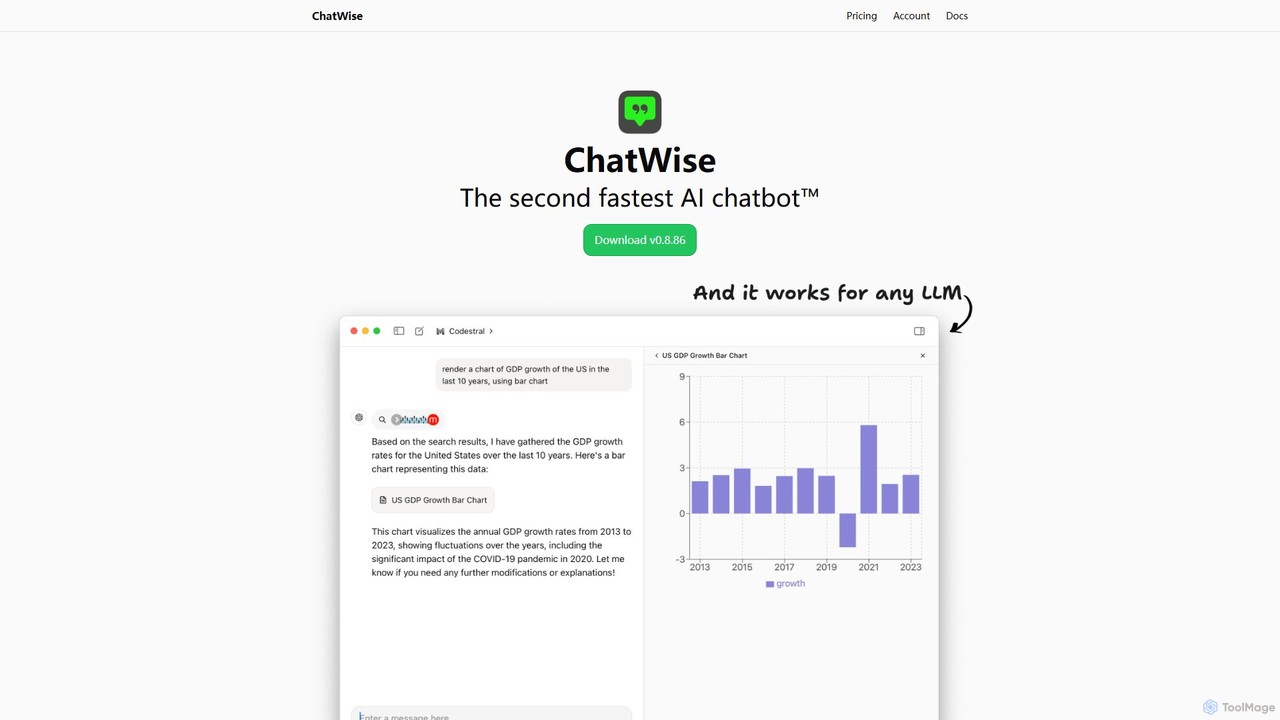
ChatWise
ChatWise is a high-performance, privacy-focused desktop application that provides a unified interface for interacting with various LLMs like ChatGPT, Claude, Gemini, and Llama. It supports multi-modal inputs, web search, and tool integration, storing all your data locally.
Api ManagementChatKit Categories
ChatKit Embed Widget
Copy this embed code to place the badge on your blog, article, or product site and send readers directly to this ToolMage detail page.

Related AI tools
InfernoAI
InfernoAI is a powerful web-based chat interface that unifies access to top AI models like ChatGPT, Claude, and Gemini through OpenRouter. It operates on a 'Bring Your Own Key' model, ensuring privacy with local data storage. Features include advanced chat organization, full-text search, text-to-speech, and integrated image generation, all without monthly fees.
Ai Chat InterfaceTypingMind
TypingMind is an advanced, privacy-first chat UI for large language models (LLMs) like ChatGPT, Gemini, and Claude. It offers a unified workspace with powerful features, allowing users to bring their own API keys for a one-time fee. Enhance your productivity with custom agents, a rich plugin ecosystem, and advanced chat management tools, all while keeping your data secure on your device.
Api ManagementAnse
Anse is a free, open-source, and privacy-focused desktop AI client. It provides a unified interface to interact with various large language models from providers like OpenAI, Google, and Azure. By using your own API keys, you maintain full control over your data and costs, while enjoying advanced features and model customization in a sleek, minimalist application.
Ai Client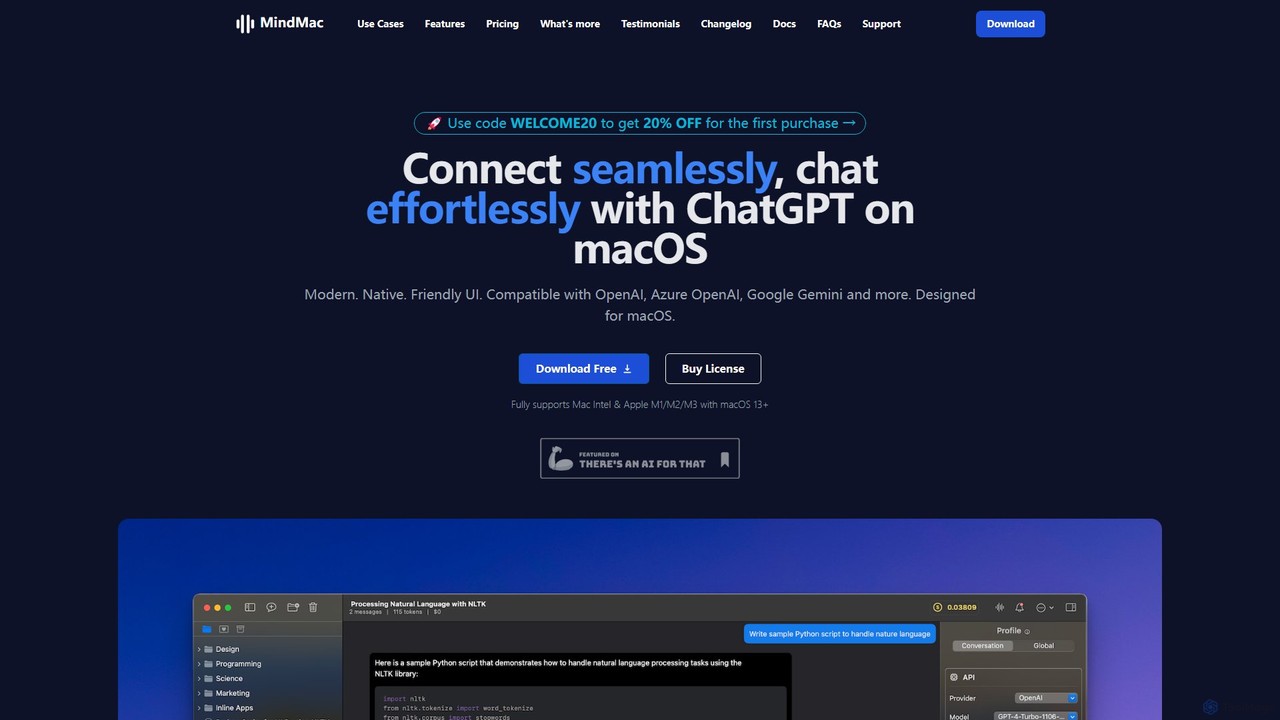
MindMac
MindMac is a powerful, native macOS client that provides a unified interface for interacting with a vast range of AI models, including OpenAI's GPT, Google Gemini, Claude, and local LLMs. It enhances productivity with features like an inline mode for use in any app, a rich prompt library, and extensive customization. It prioritizes privacy and security by storing API keys locally and communicating directly with AI providers.
Macos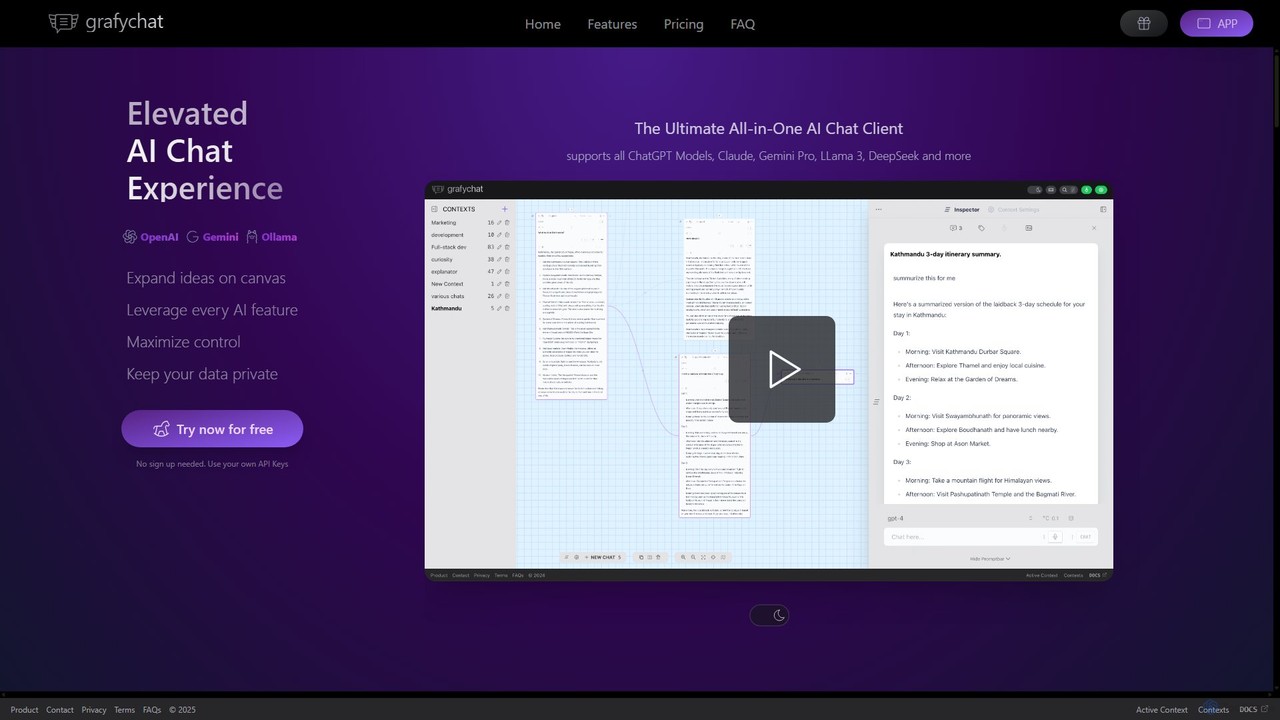
grafychat
grafychat is a privacy-first, all-in-one AI chat client that offers a unique visual canvas interface. It allows users to connect with major AI models like ChatGPT, Gemini, Claude, and Llama 3 using their own API keys, providing a non-linear, organized, and highly customizable chat experience.
Api Managementmfuniko
Mfuniko is a unified AI chat interface that allows you to access top AI models like ChatGPT, Gemini, Claude, and Grok in one place. It operates on a 'bring your own API key' model with a one-time payment for lifetime access, eliminating monthly subscription fees. It offers advanced features like file and image chat, chat organization, and text-to-speech to streamline your AI workflow.
Api Management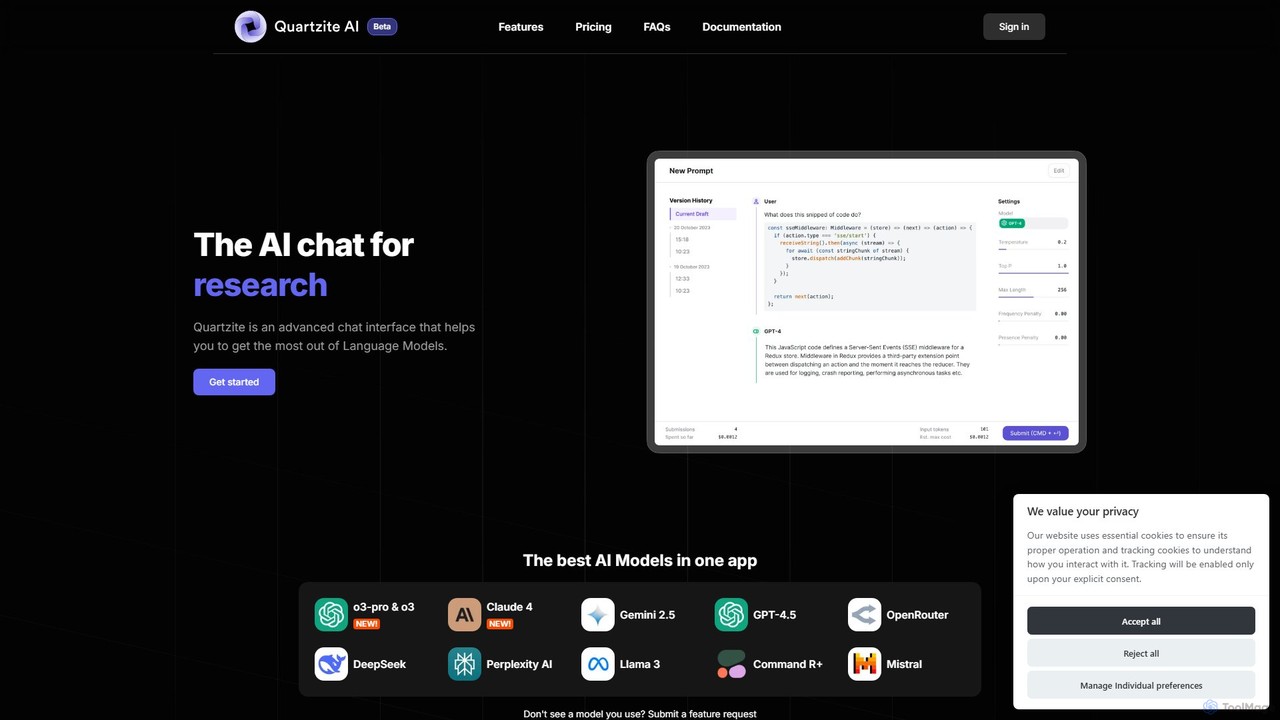
Quartzite
Quartzite is an advanced AI prompt IDE and productivity tool that centralizes access to top LLMs like GPT-4, Claude, and Gemini. It helps users write, optimize, and manage complex prompts with features like a template library, version history, cost preview, and a personal document knowledge base, all while reducing API costs.
Prompt EngineeringChatWise
ChatWise is a high-performance, privacy-focused desktop application that provides a unified interface for interacting with various LLMs like ChatGPT, Claude, Gemini, and Llama. It supports multi-modal inputs, web search, and tool integration, storing all your data locally.
Api Management
HeyGPT
HeyGPT is an advanced, privacy-focused web client for ChatGPT. It enhances your experience by allowing you to use your own OpenAI API key, chat with documents, PDFs, websites, and YouTube videos, and transcribe audio. All data is stored locally, with no monthly fees or required logins.
Summarizer
Machato
Machato is a native macOS application designed to provide a seamless and powerful AI chat experience. It acts as a desktop client for various large language models, offering a clean, fast, and integrated interface that surpasses web-based alternatives. Perfect for developers, writers, and professionals.
Code Assistant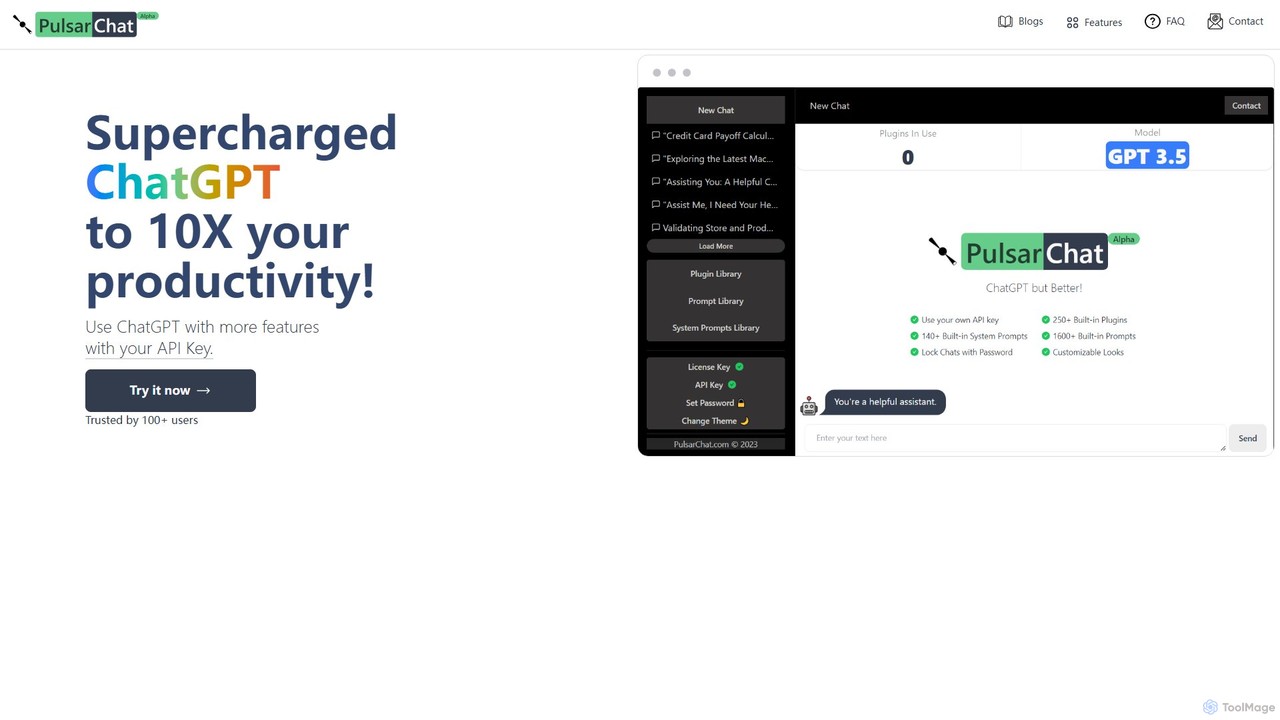
PulsarChat
PulsarChat is a powerful web-based client that supercharges your ChatGPT experience. By using your own OpenAI API key, it unlocks advanced features like 250+ plugins, a vast library of 1500+ prompts, and access to larger context models (e.g., GPT-4) without usage caps. It prioritizes user privacy by storing API keys locally and ensuring all communication is directly with OpenAI's servers.
Api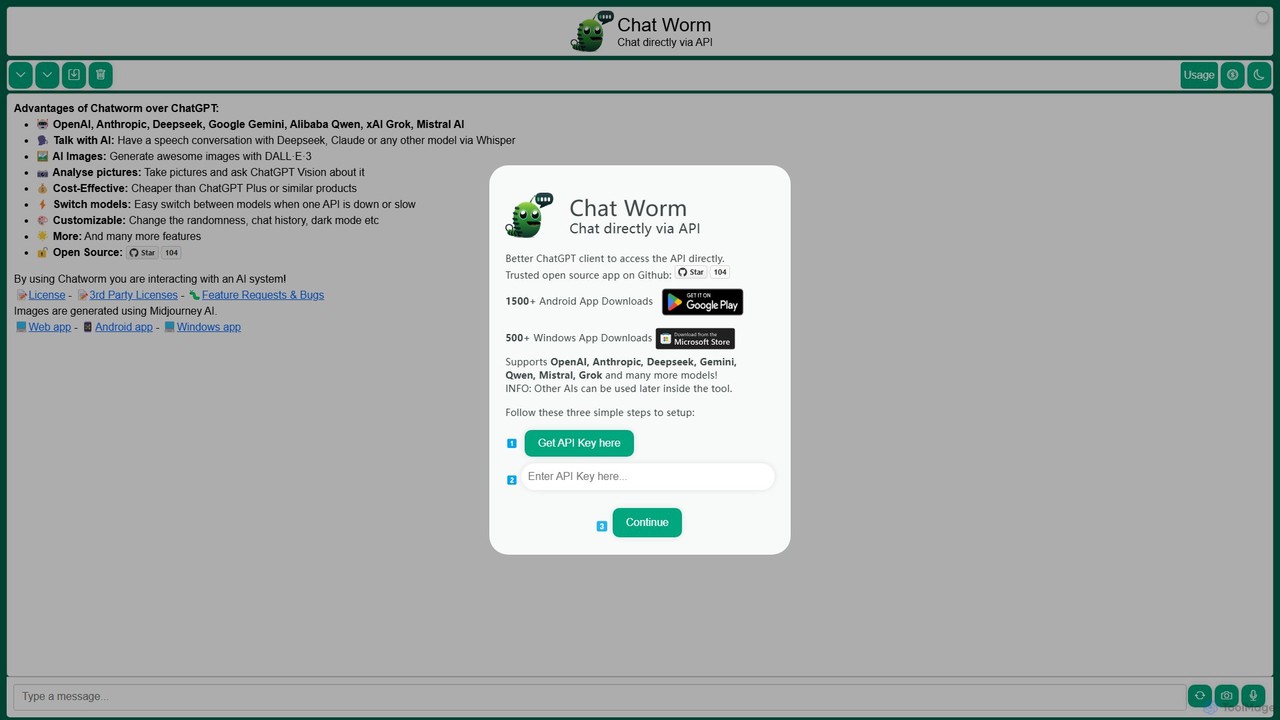
Chatworm
Chatworm is a versatile, open-source AI client that unifies access to multiple leading AI models like OpenAI's GPT, Anthropic's Claude, Google's Gemini, and more. It allows users to interact via text or voice, generate images, and analyze pictures, all within a single, customizable interface using their own API keys for a cost-effective experience.
Aggregator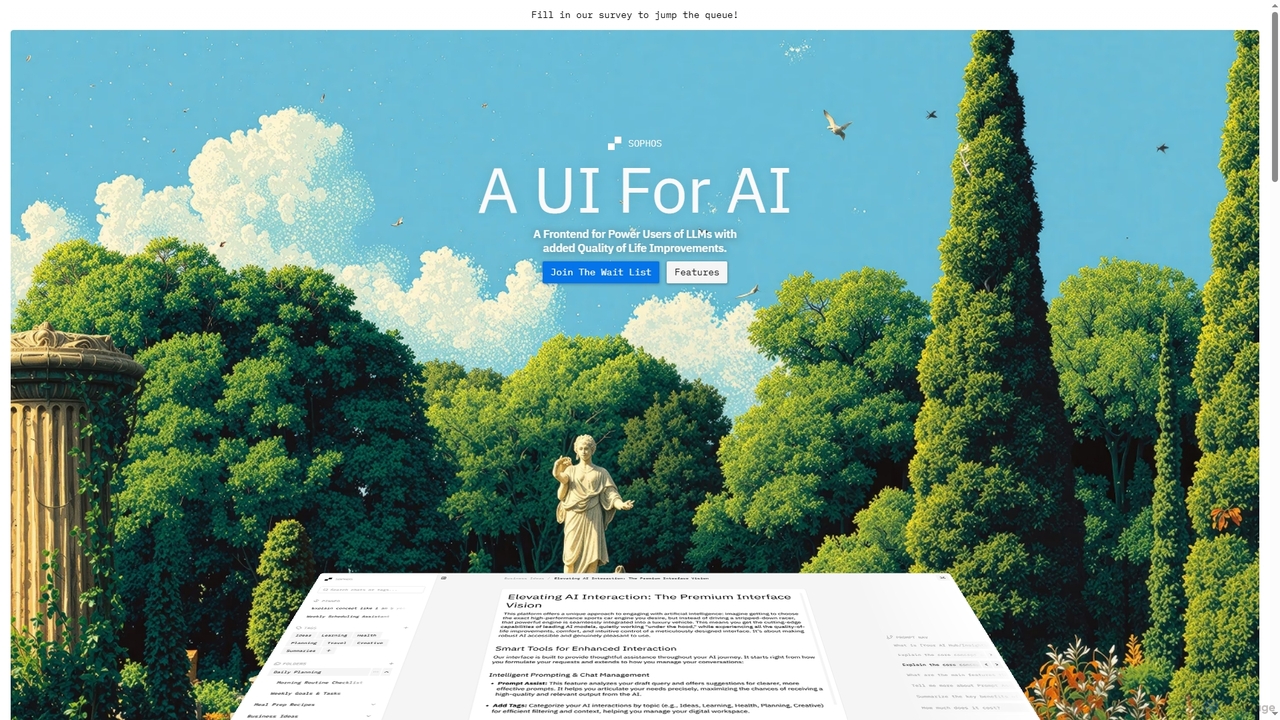
Sophos
Sophos is an advanced UI frontend designed for power users of Large Language Models (LLMs). It enhances the user experience with quality-of-life improvements, allowing users to interact with leading AI engines through a modern, organized interface. Key features include chat organization, prompt assistance, and enhanced navigation.
Workflow Management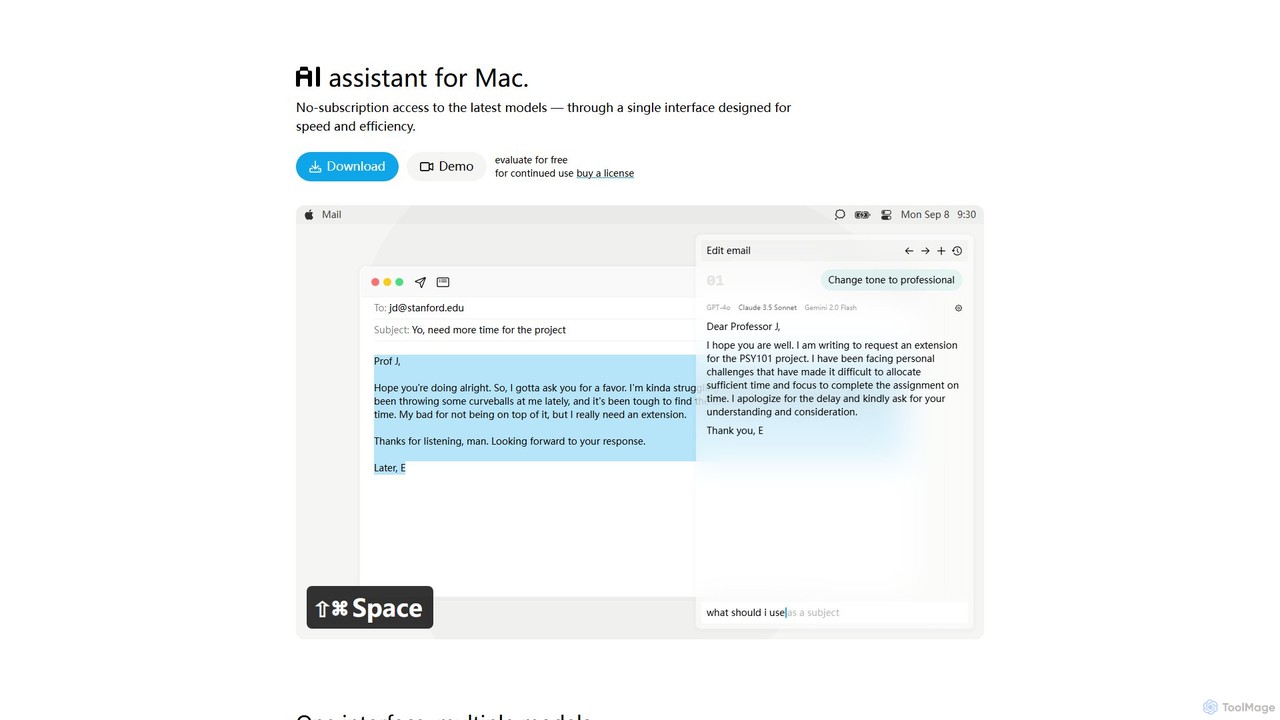
IntelliBar
IntelliBar is a native AI assistant for Mac, providing a unified interface to access the latest large language models like GPT-4o, Claude 3.5, and Gemini, plus local models via Ollama. It focuses on speed, efficiency, and privacy, with a one-time purchase model instead of recurring subscriptions. Compare models, use powerful shortcuts, and keep your data secure on your device.
Api Management
Cosmicup
Cosmicup is an all-in-one AI platform offering unlimited access to a wide array of advanced AI models like ChatGPT 5, Claude 4.5, Gemini 2.5, and Grok 4 through a single subscription. It streamlines workflows with features including multi-model interaction, code assistance, document analysis, real-time web search, deep research, and AI image generation, eliminating the need for multiple subscriptions.
Multimodal Ai
ChatKit Comments (0)
Sign in to comment.
Sign inNo comments yet.