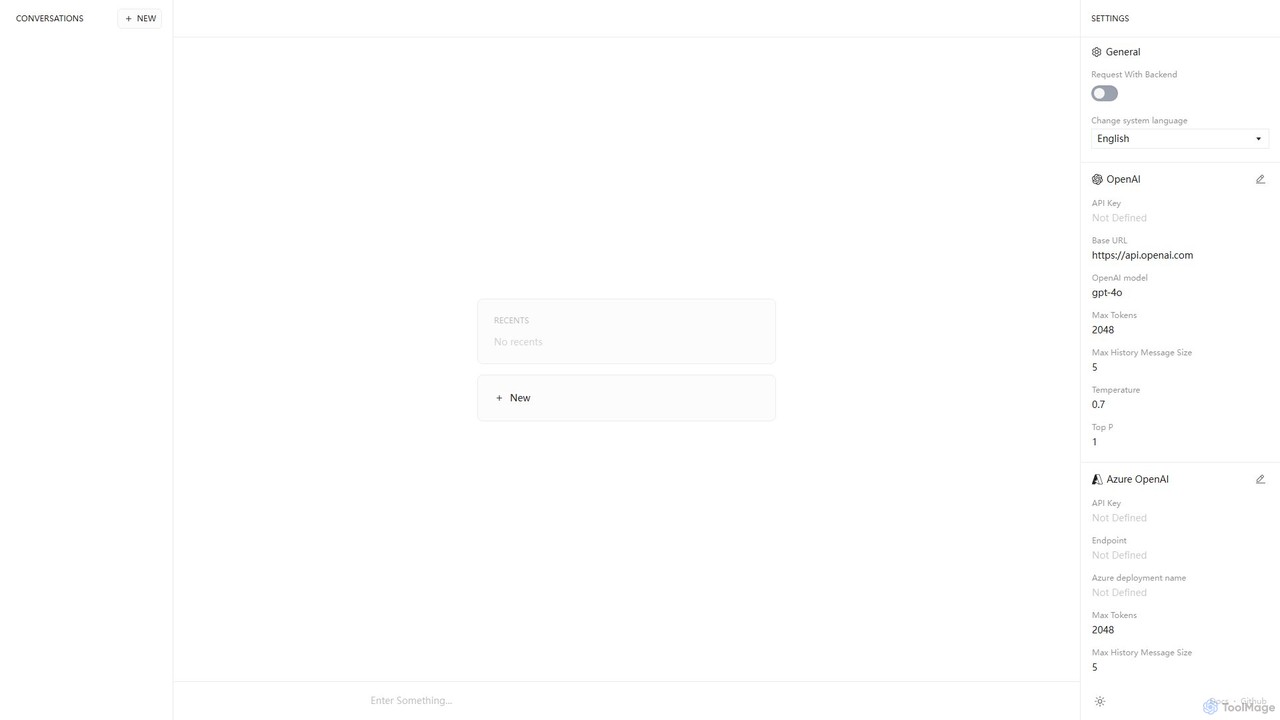
AI Clients are desktop applications that provide a unified interface for accessing multiple AI models and services. Instead of using separate web browsers for different AI tools, these clients integrate services like GPT, Claude, and Stable Diffusion into a single, native application. This approach enhances workflow efficiency, offers advanced features like keyboard shortcuts and offline access, and often provides better data privacy. They are designed for users who frequently interact with various AIs and seek a more streamlined and powerful experience.
Core Features
- Multi-Model Integration: Access and switch between different large language models (LLMs) or image models from one interface.
- Enhanced User Interface: Offers features not available in web versions, such as tabbed conversations, prompt libraries, and customizable themes.
- System-Level Integration: Utilizes native OS capabilities like global hotkeys, menu bar access, and local file system integration.
- Local Data Management: Stores conversation history and data locally on your computer, improving privacy and data control.
Use Cases
These clients are ideal for developers, writers, researchers, and marketers who rely on multiple AI services daily. For instance, a content creator can draft an article using one AI model, generate accompanying images with another, and check code snippets with a third, all within the same application window, significantly reducing context switching.
How to Choose
When selecting an AI Client, consider the range of supported AI models and services. Evaluate its user interface and customization options to ensure it fits your workflow. Also, check its data privacy policy, especially regarding local data storage, and consider its pricing model, whether it's a one-time purchase or a subscription.