

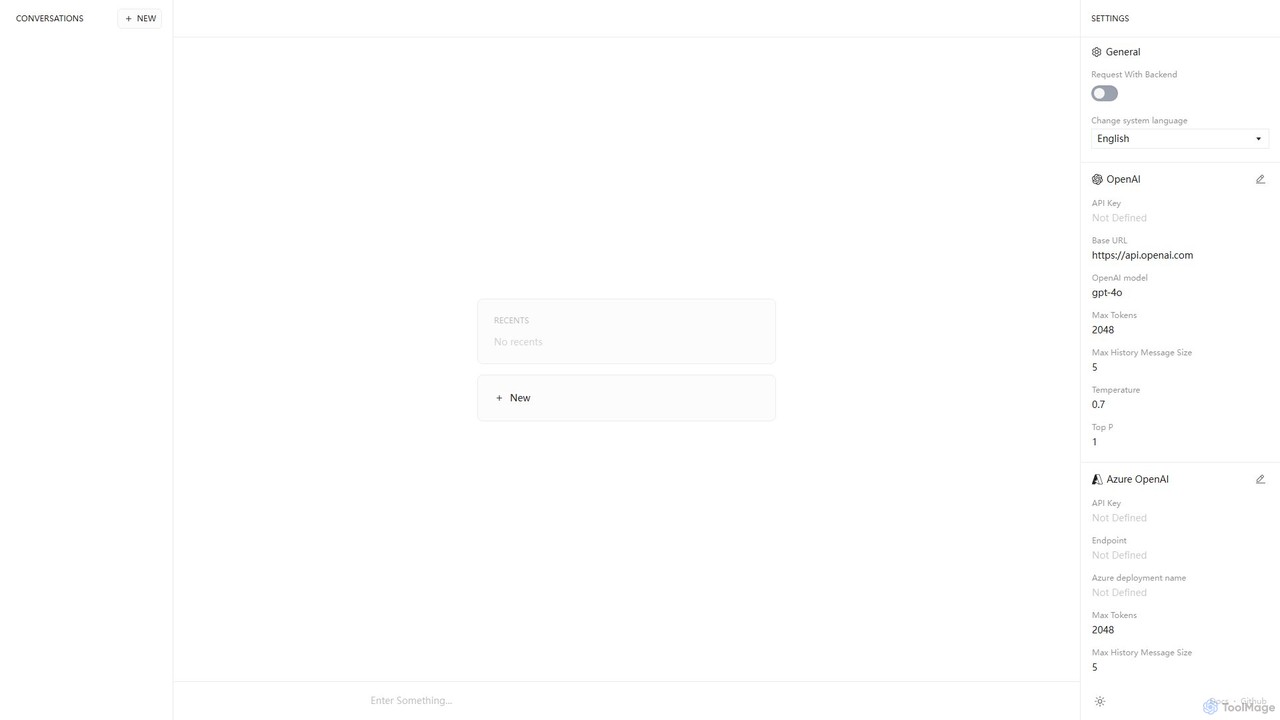
Anse Overview
Anse is a powerful, open-source, and privacy-centric desktop application designed to be a unified front-end for various leading AI models. It acts as a versatile AI chatbot client, allowing users to connect to multiple Large Language Model (LLM) providers, including OpenAI, Google, Microsoft Azure, and Replicate, all from a single, clean interface. The core philosophy of Anse is "Bring Your Own Key" (BYOK). This means users provide their own API keys for the services they wish to use, ensuring that all conversations and data remain private and are processed directly between their machine and the AI provider. Anse itself does not store or have access to user data, making it an ideal choice for developers, researchers, and privacy-conscious individuals who want to leverage the power of state-of-the-art AI without compromising on security or flexibility.
How to use Anse
Getting started with Anse is straightforward, designed for both technical and non-technical users.
1. **Download and Install:** First, download the Anse application for your operating system (Windows, macOS, or Linux) from its official website or GitHub repository.
2. **Obtain API Keys:** You will need an API key from the AI provider you want to use. For example, you can get one from your OpenAI or Google AI Platform account.
3. **Configure the Backend:** Open Anse and navigate to the settings panel. Here you will see sections for different providers like OpenAI, Google, etc.
4. **Enter Your Key:** Select your desired provider and paste your API key into the designated field. You can also configure the specific model you want to use (e.g., 'gpt-4o', 'gemini-pro').
5. **Customize Parameters:** For advanced control, you can adjust parameters such as 'Max Tokens', 'Temperature', and 'Top P' to fine-tune the AI's responses to your specific needs.
6. **Start Chatting:** Once configured, return to the main chat screen. You can now start typing your prompts and interacting with your chosen AI model through Anse's intuitive interface.
Core Features of Anse
- Multi-Provider Support: Seamlessly switch between models from OpenAI, Google AI, Azure OpenAI, and Replicate without leaving the app.
- Bring Your Own Key (BYOK): Ensures maximum privacy and security. Your API keys and conversation history are stored locally on your device.
- Advanced Model Configuration: Fine-tune AI behavior by adjusting key parameters like temperature, max tokens, and context history size.
- Open-Source and Transparent: As an open-source project, its code is publicly available for audit, ensuring there are no hidden trackers or data collection mechanisms.
- Minimalist and Clean UI: A clutter-free, focused interface that prioritizes the conversation with the AI.
- Cross-Platform Availability: Works on major desktop operating systems, including Windows, macOS, and Linux.
- No Subscription Fees: The Anse application is completely free to use. You only pay for what you use directly to your chosen AI API provider.
Use Cases for Anse
Anse is a versatile tool suitable for a wide range of users and tasks:
For Developers: A perfect sandbox for testing and comparing the performance, tone, and capabilities of different LLMs. Quickly prototype applications or integrate AI-powered features by experimenting with various models in a controlled environment.
For Content Creators: Use different models for different tasks—GPT-4o for creative writing and brainstorming, and Gemini for research and fact-checking—all within one streamlined workflow.
For Researchers and Academics: Conduct research and analyze text with powerful AI models while ensuring the confidentiality of sensitive data.
For Power Users: Anyone who wants to use the latest AI models without being tied to a specific company's web interface, gaining more control and privacy.
Advantages of Anse
The primary advantage of Anse lies in its combination of flexibility, privacy, and control. Unlike many third-party AI clients, Anse's open-source and BYOK nature provides complete peace of mind regarding data privacy. You are not sending your data through an intermediary's servers. Furthermore, the ability to connect to multiple providers means you are not locked into a single ecosystem and can always choose the best model for the job. This also provides a safeguard against provider-specific downtime or price changes. The advanced parameter control empowers users to tailor the AI's output precisely, a feature often missing in more basic chat applications.
Pricing and Plans
The Anse application itself is completely free and open-source. There are no subscription fees, hidden charges, or premium tiers for using the software. However, users are responsible for the costs associated with the API usage of the AI models they connect to. For example, if you use Anse with OpenAI's GPT-4o model, you will be billed by OpenAI based on their pay-as-you-go pricing for the number of tokens you use. Anse simply acts as a client, and all billing is handled directly between you and the API provider (e.g., OpenAI, Google, etc.).
Traffic
Latest traffic
Status
Monthly traffic trend
- 2025-9: 3.4K
- 2026-1: 2.6K
- 2026-2: 2.7K
- 2026-3: 2.1K
- 2026-4: 2.1K
- 2026-5: 2.2K
Geography
Top 5 countries / regions
- 🇺🇸United States59.8%
- 🇧🇷Brazil40.2%
Top keywords
| Keyword | Cost per click |
|---|---|
| anse | $0.63 |
| anse chat | $0.00 |
| anse fully optimized ui for ai chats. | $0.00 |
| asionance vercel | $0.00 |
Anse Alternatives
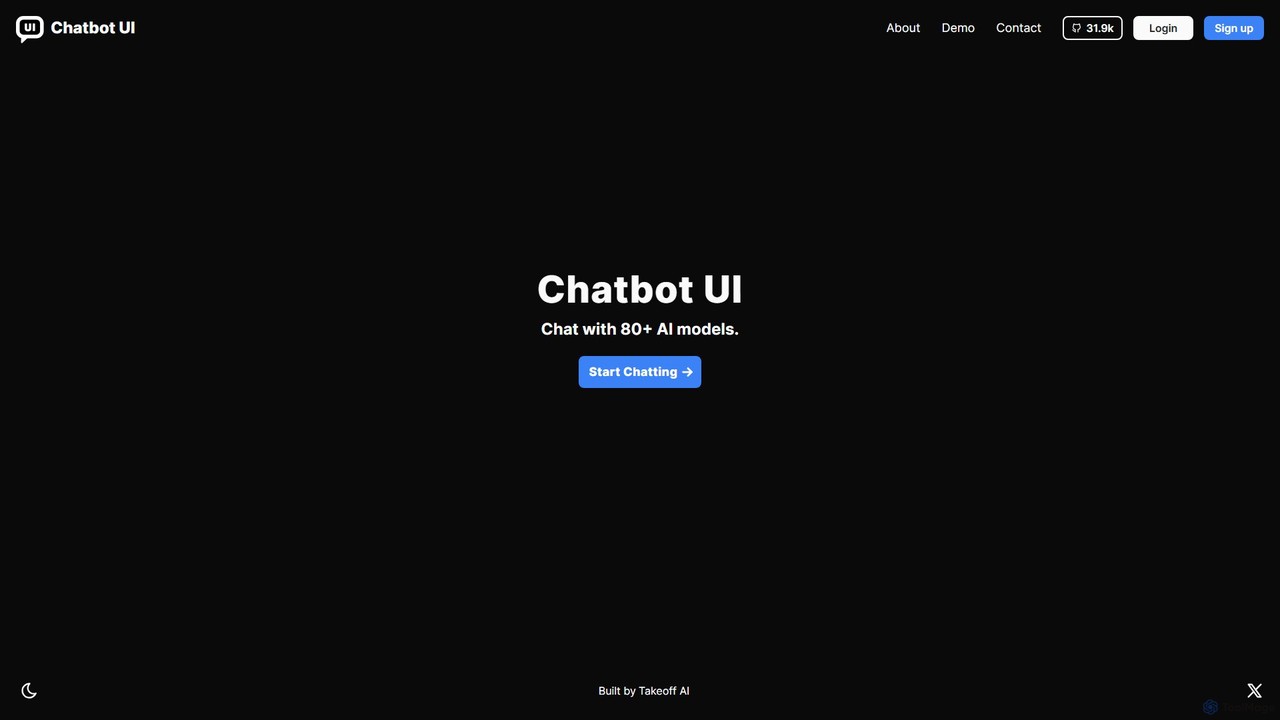
Chatbot UI
Chatbot UI is an open-source chatbot interface that allows you to connect with over 80 AI models, including those from OpenAI, Google, and Anthropic. It offers a self-hostable, customizable alternative to proprietary chat platforms, giving users full control over their data and conversations. Organize chats, create prompts, and seamlessly switch between models in a single, unified workspace.
Api Management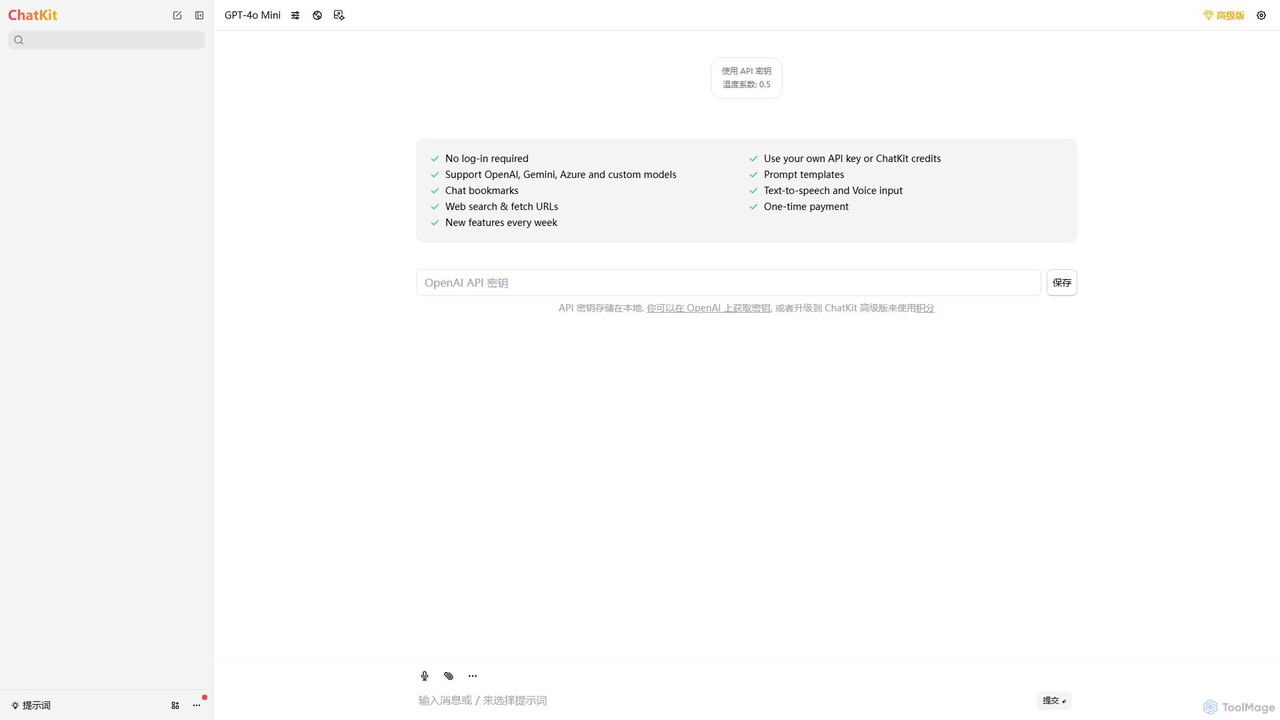
ChatKit
ChatKit is a refined, unified chat interface for top AI models like OpenAI, Gemini, and Azure. It enhances your workflow with features like web search, prompt templates, voice input, and chat bookmarks, all while prioritizing user privacy with local API key storage and no required login.
Api Management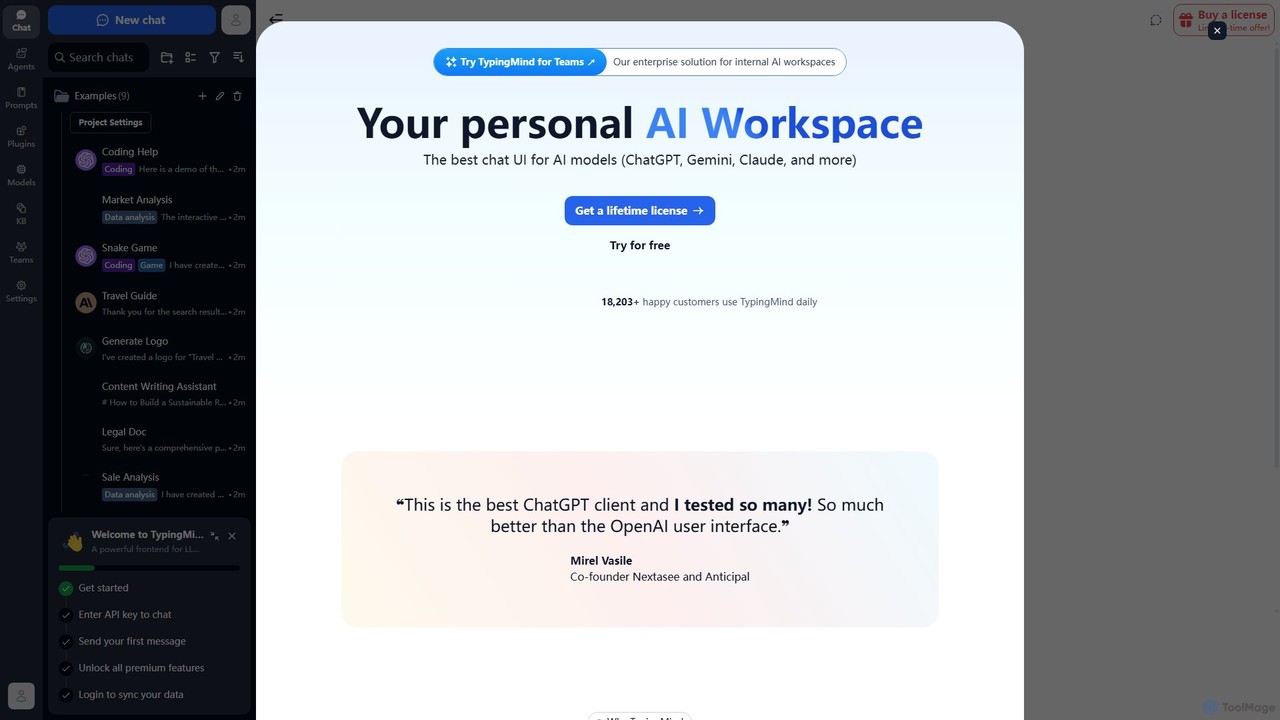
TypingMind
TypingMind is an advanced, privacy-first chat UI for large language models (LLMs) like ChatGPT, Gemini, and Claude. It offers a unified workspace with powerful features, allowing users to bring their own API keys for a one-time fee. Enhance your productivity with custom agents, a rich plugin ecosystem, and advanced chat management tools, all while keeping your data secure on your device.
Api Management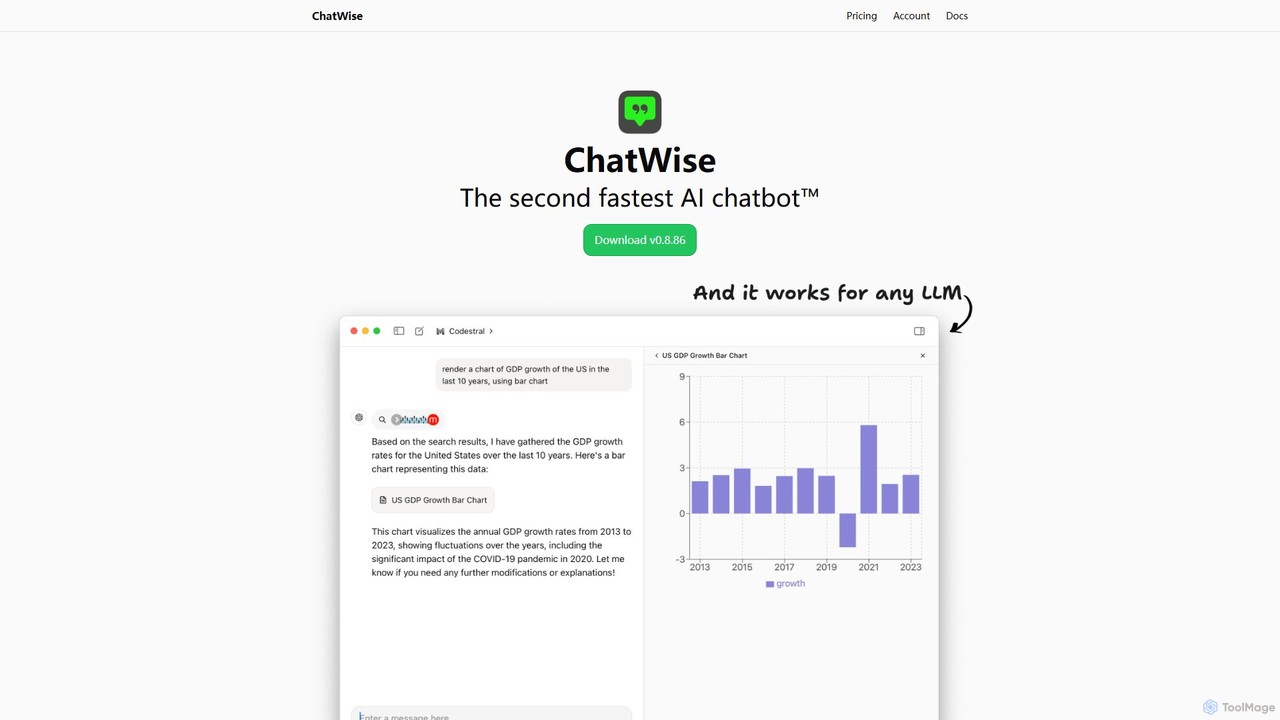
ChatWise
ChatWise is a high-performance, privacy-focused desktop application that provides a unified interface for interacting with various LLMs like ChatGPT, Claude, Gemini, and Llama. It supports multi-modal inputs, web search, and tool integration, storing all your data locally.
Api Management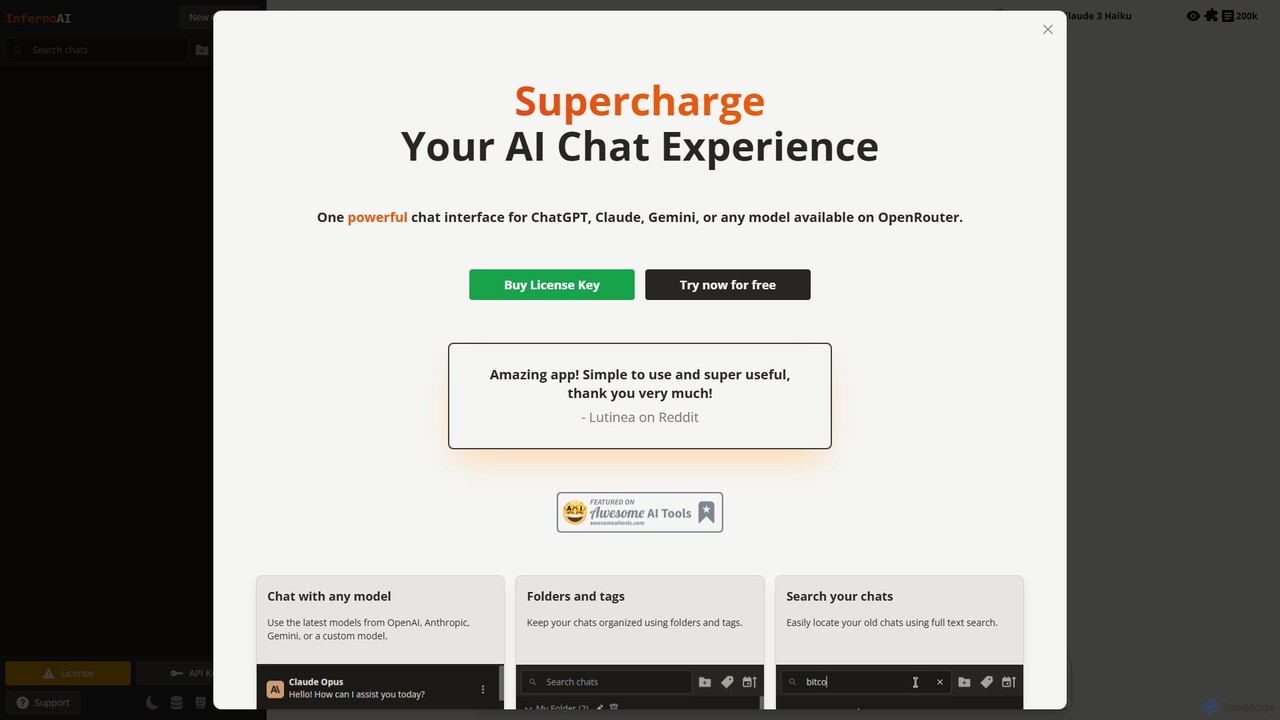
InfernoAI
InfernoAI is a powerful web-based chat interface that unifies access to top AI models like ChatGPT, Claude, and Gemini through OpenRouter. It operates on a 'Bring Your Own Key' model, ensuring privacy with local data storage. Features include advanced chat organization, full-text search, text-to-speech, and integrated image generation, all without monthly fees.
Ai Chat InterfaceAnse Categories
Anse Embed Widget
Copy this embed code to place the badge on your blog, article, or product site and send readers directly to this ToolMage detail page.

Related AI tools
Chatworm
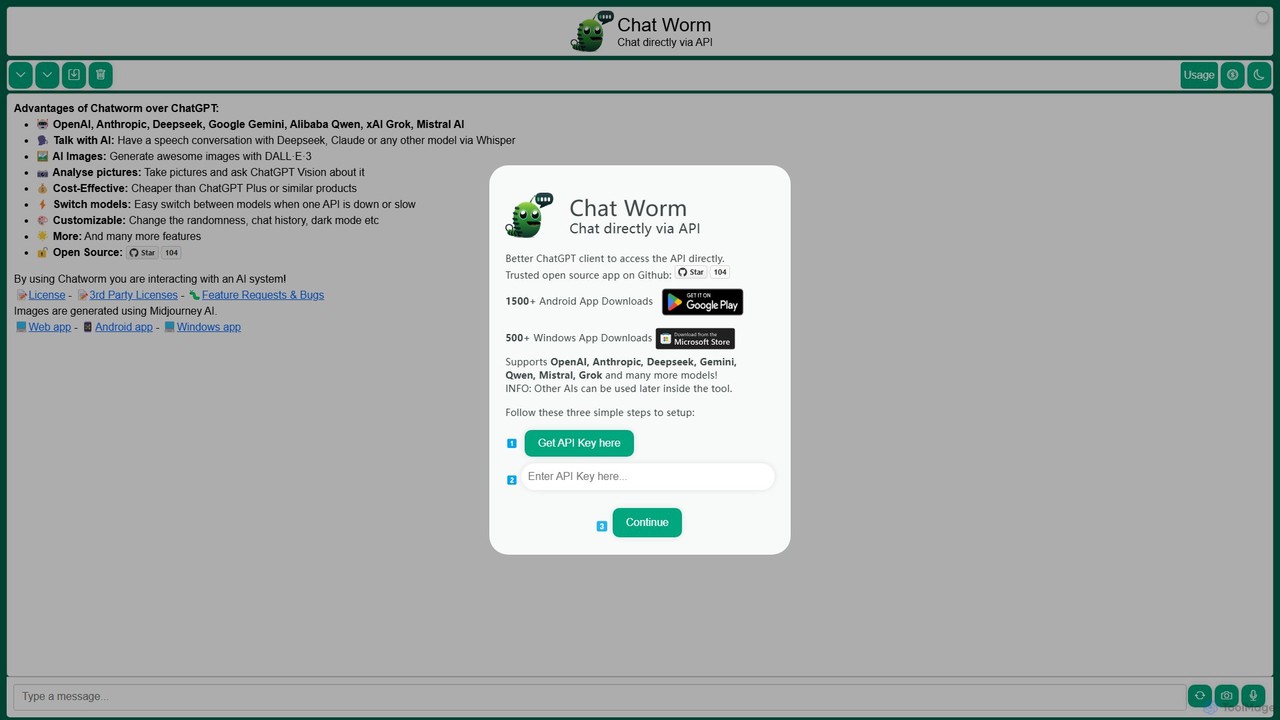
Chatworm is a versatile, open-source AI client that unifies access to multiple leading AI models like OpenAI's GPT, Anthropic's Claude, Google's Gemini, and more. It allows users to interact via text or voice, generate images, and analyze pictures, all within a single, customizable interface using their own API keys for a cost-effective experience.
AggregatorChatbot UI
Chatbot UI is an open-source chatbot interface that allows you to connect with over 80 AI models, including those from OpenAI, Google, and Anthropic. It offers a self-hostable, customizable alternative to proprietary chat platforms, giving users full control over their data and conversations. Organize chats, create prompts, and seamlessly switch between models in a single, unified workspace.
Api ManagementChatKit
ChatKit is a refined, unified chat interface for top AI models like OpenAI, Gemini, and Azure. It enhances your workflow with features like web search, prompt templates, voice input, and chat bookmarks, all while prioritizing user privacy with local API key storage and no required login.
Api Management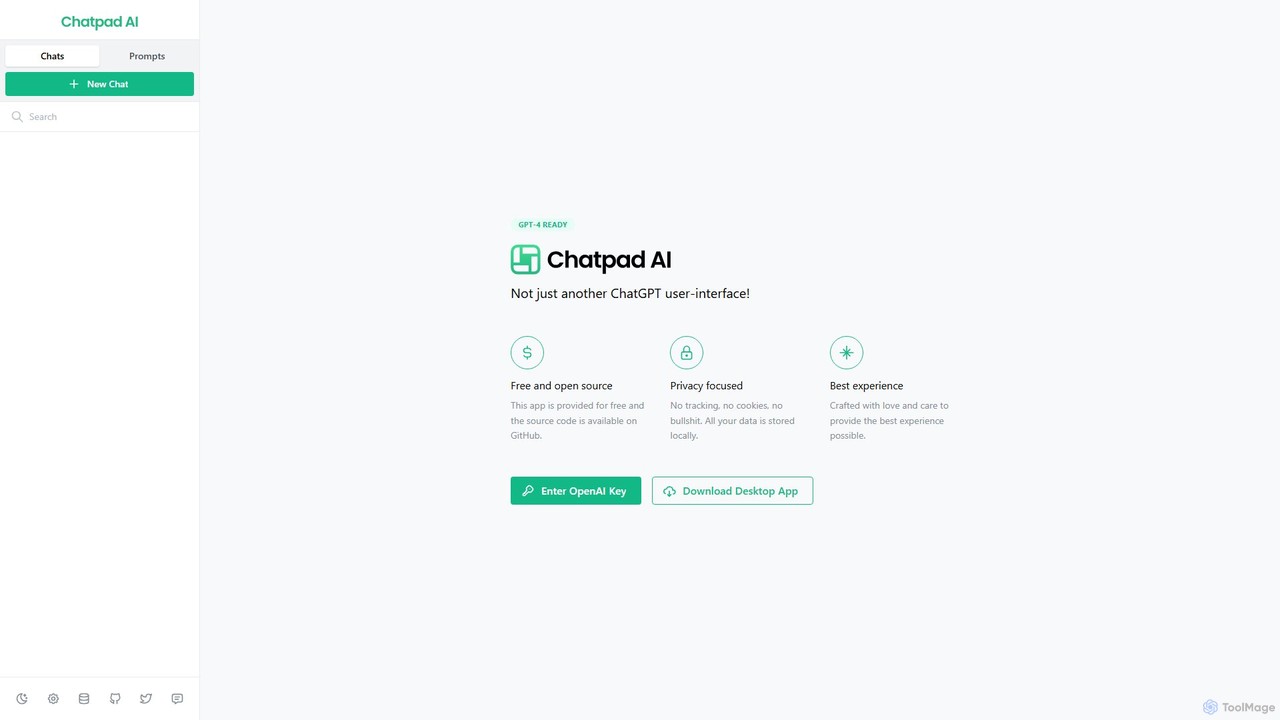
Chatpad AI
Chatpad AI is a free, open-source, and privacy-focused desktop client for OpenAI's GPT models, including GPT-4. It enhances the standard chat experience by storing all your data locally, ensuring complete privacy and data ownership. Use your own OpenAI API key for a secure and powerful AI interaction.
Code Assistant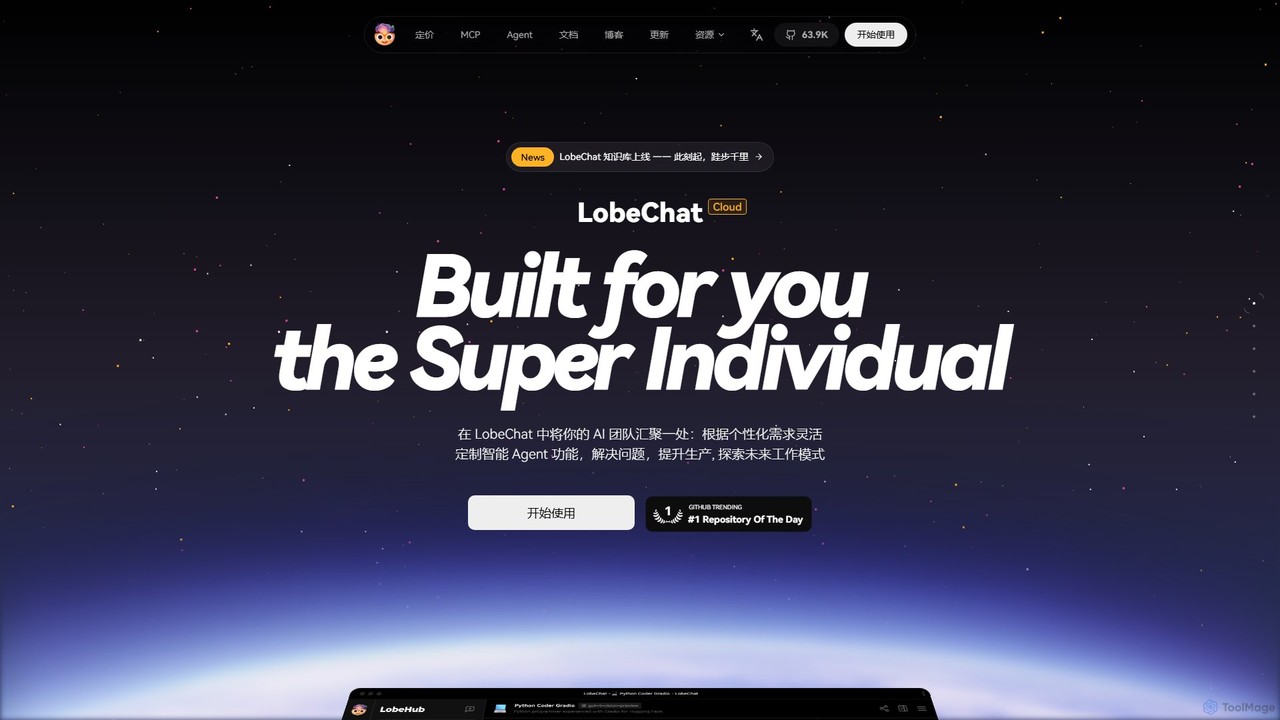
LobeHub
LobeHub is an all-in-one AI platform that allows you to build and manage a personalized team of AI Agents. It offers a superior user experience to standard LLM interfaces like ChatGPT, with support for numerous models, plugins, and multi-modal interactions. Create, share, and use specialized agents for tasks ranging from coding and writing to academic research and daily life, all within a single, intuitive chat interface.
Chatbot Platform
Intervo
Intervo is an open-source platform for businesses to build and deploy intelligent voice and chat AI agents. It automates customer interactions, streamlines workflows, and enhances lead qualification, customer support, and internal operations with advanced conversational AI.
Chatbot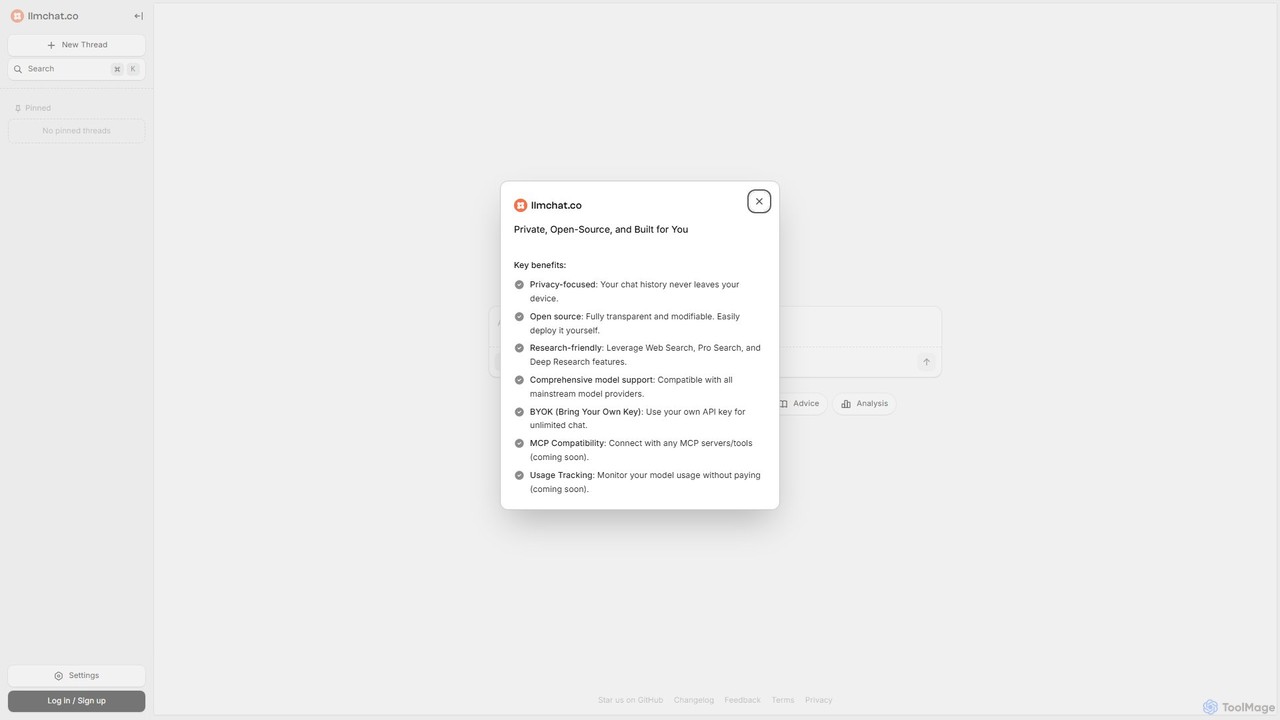
llmchat.co
llmchat.co is a private, open-source AI research assistant designed for deep analysis and agentic workflows. It prioritizes user privacy by keeping all chat history on your device. With support for multiple LLM providers via your own API key (BYOK), it offers powerful features like Web Search and Deep Research, making it an ideal tool for researchers, developers, and power users seeking control and flexibility.
Chatbot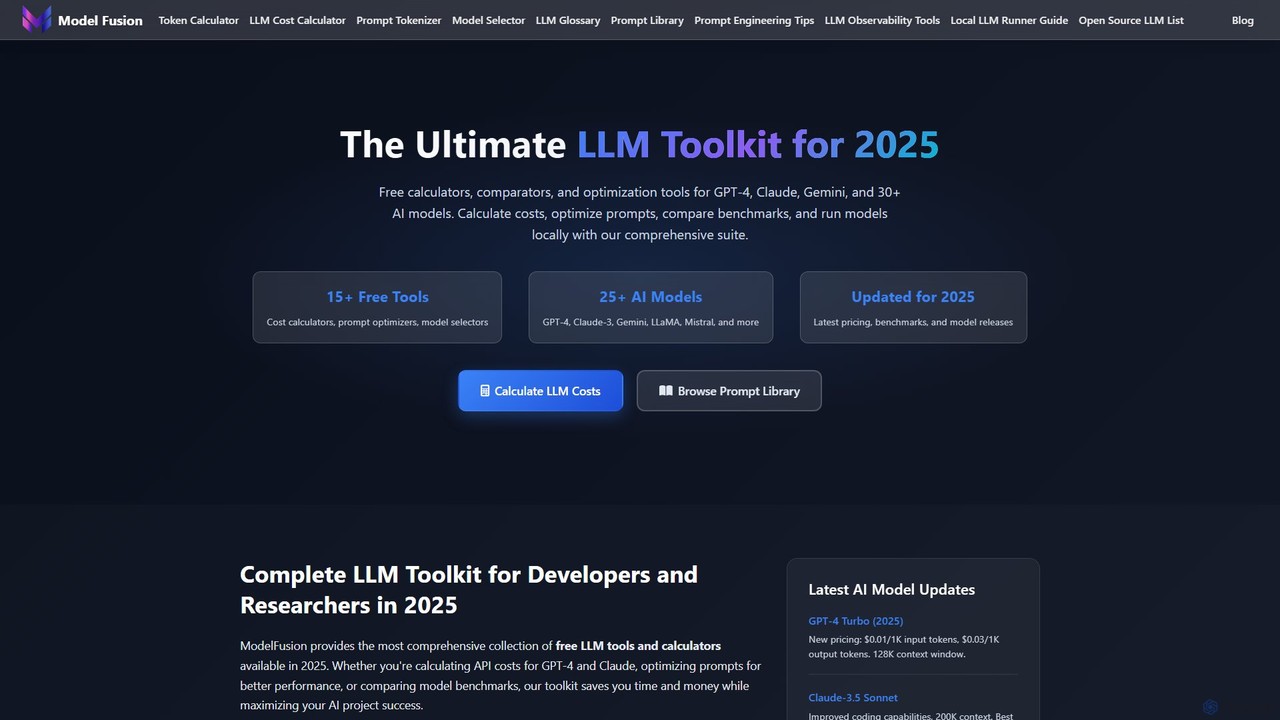
ModelFusion
ModelFusion is an all-in-one LLM toolkit for developers and researchers. It offers a suite of free tools, including a cost calculator, prompt library, and model comparator for over 30 AI models like GPT-4, Claude, and Gemini. It also provides a unified API and local model running guides to streamline AI development and optimize costs.
Api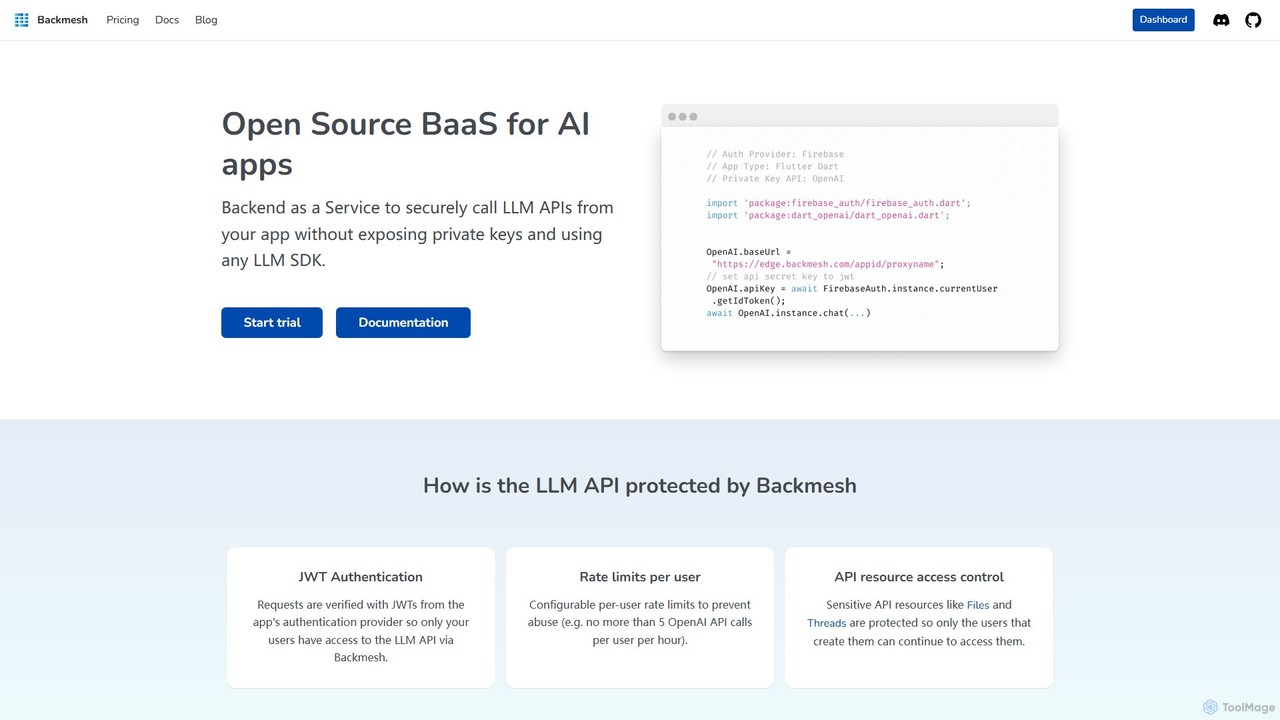
Backmesh
Backmesh is an open-source Backend as a Service (BaaS) designed for AI applications. It acts as a secure LLM API Gatekeeper, allowing developers to call LLM APIs like OpenAI and Gemini directly from web or mobile apps without exposing private keys. It offers features like JWT authentication, per-user rate limiting, and built-in analytics to manage and monitor API usage effectively.
ApiTypingMind
TypingMind is an advanced, privacy-first chat UI for large language models (LLMs) like ChatGPT, Gemini, and Claude. It offers a unified workspace with powerful features, allowing users to bring their own API keys for a one-time fee. Enhance your productivity with custom agents, a rich plugin ecosystem, and advanced chat management tools, all while keeping your data secure on your device.
Api ManagementChatWise
ChatWise is a high-performance, privacy-focused desktop application that provides a unified interface for interacting with various LLMs like ChatGPT, Claude, Gemini, and Llama. It supports multi-modal inputs, web search, and tool integration, storing all your data locally.
Api ManagementInfernoAI
InfernoAI is a powerful web-based chat interface that unifies access to top AI models like ChatGPT, Claude, and Gemini through OpenRouter. It operates on a 'Bring Your Own Key' model, ensuring privacy with local data storage. Features include advanced chat organization, full-text search, text-to-speech, and integrated image generation, all without monthly fees.
Ai Chat Interface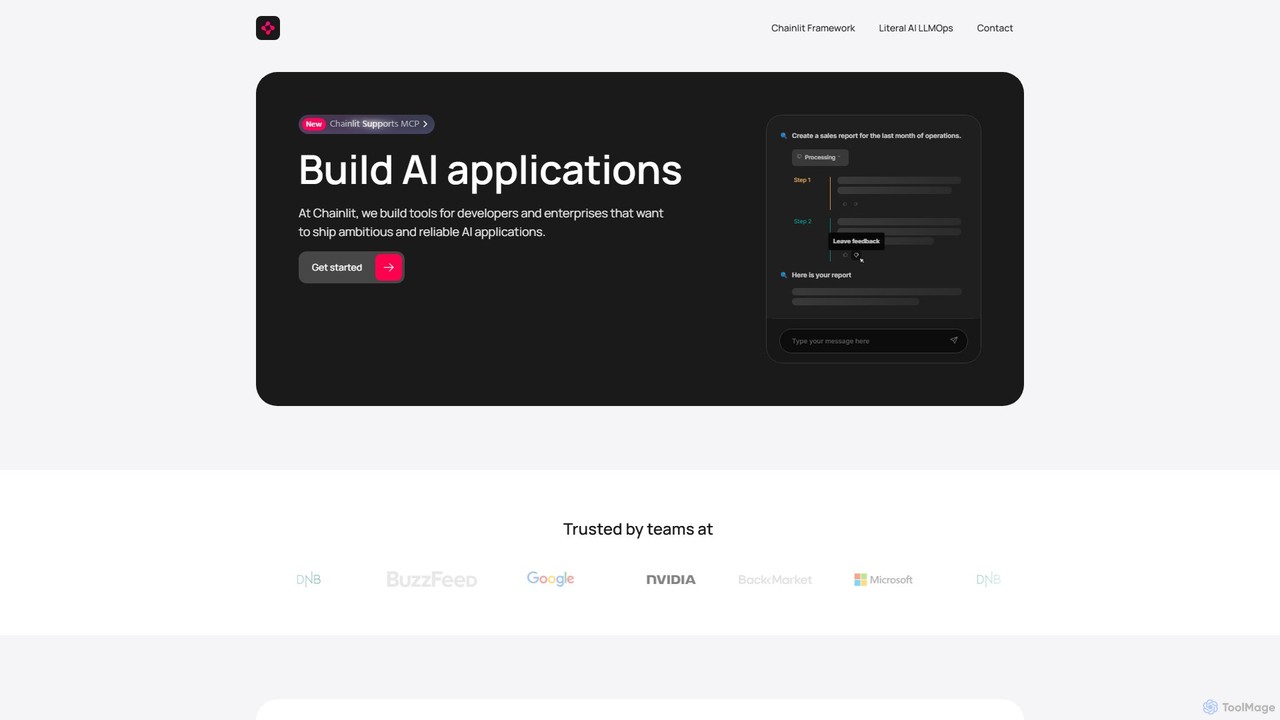
Chainlit
Chainlit is an open-source Python framework for developers to rapidly build and deploy production-ready conversational AI applications. It provides an instant, customizable chat interface, allowing you to focus on your backend logic and LLM interactions. With deep integrations for LangChain, LlamaIndex, and major LLM providers, Chainlit simplifies the creation of everything from simple chatbots to complex, data-driven copilots.
Framework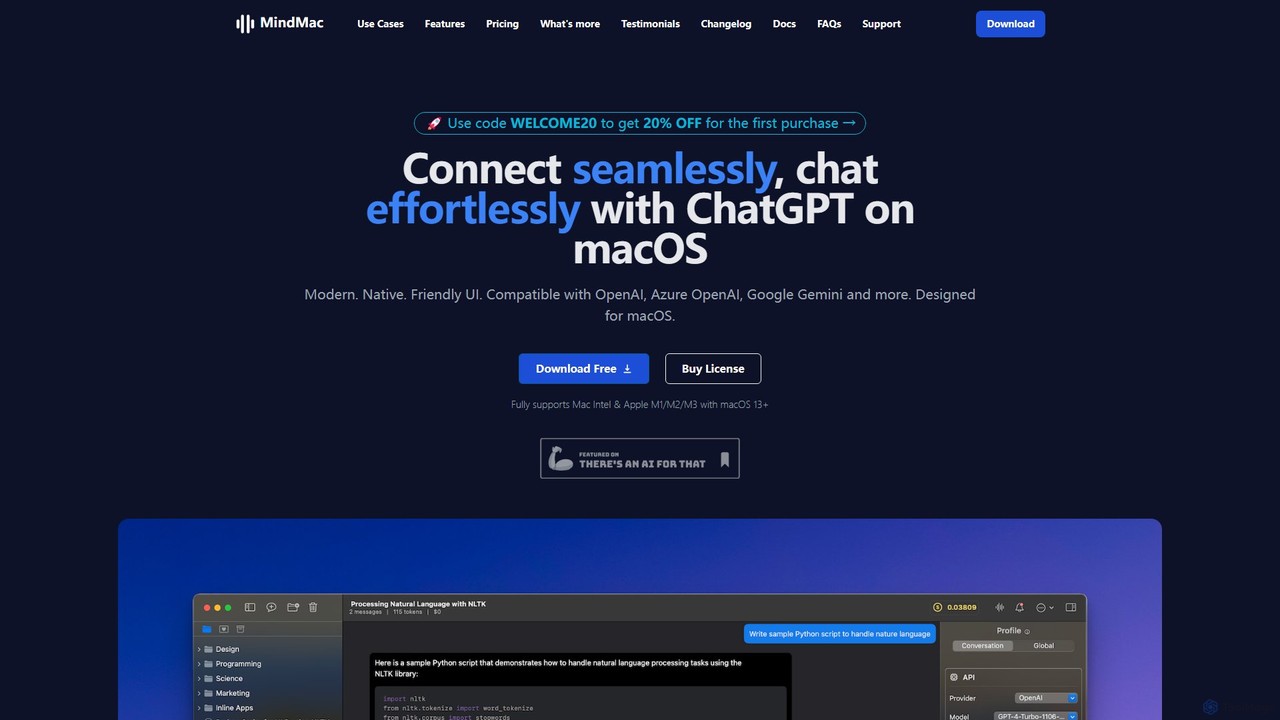
MindMac
MindMac is a powerful, native macOS client that provides a unified interface for interacting with a vast range of AI models, including OpenAI's GPT, Google Gemini, Claude, and local LLMs. It enhances productivity with features like an inline mode for use in any app, a rich prompt library, and extensive customization. It prioritizes privacy and security by storing API keys locally and communicating directly with AI providers.
Macos
ChatLLM
ChatLLM is an advanced conversational AI platform designed for professionals and developers. It provides unified access to multiple leading Large Language Models (LLMs) like GPT-4, Claude 3, and more. The platform focuses on enhancing productivity, streamlining workflows, and enabling powerful integrations through a robust API.
Api
Anse Comments (0)
Sign in to comment.
Sign inNo comments yet.