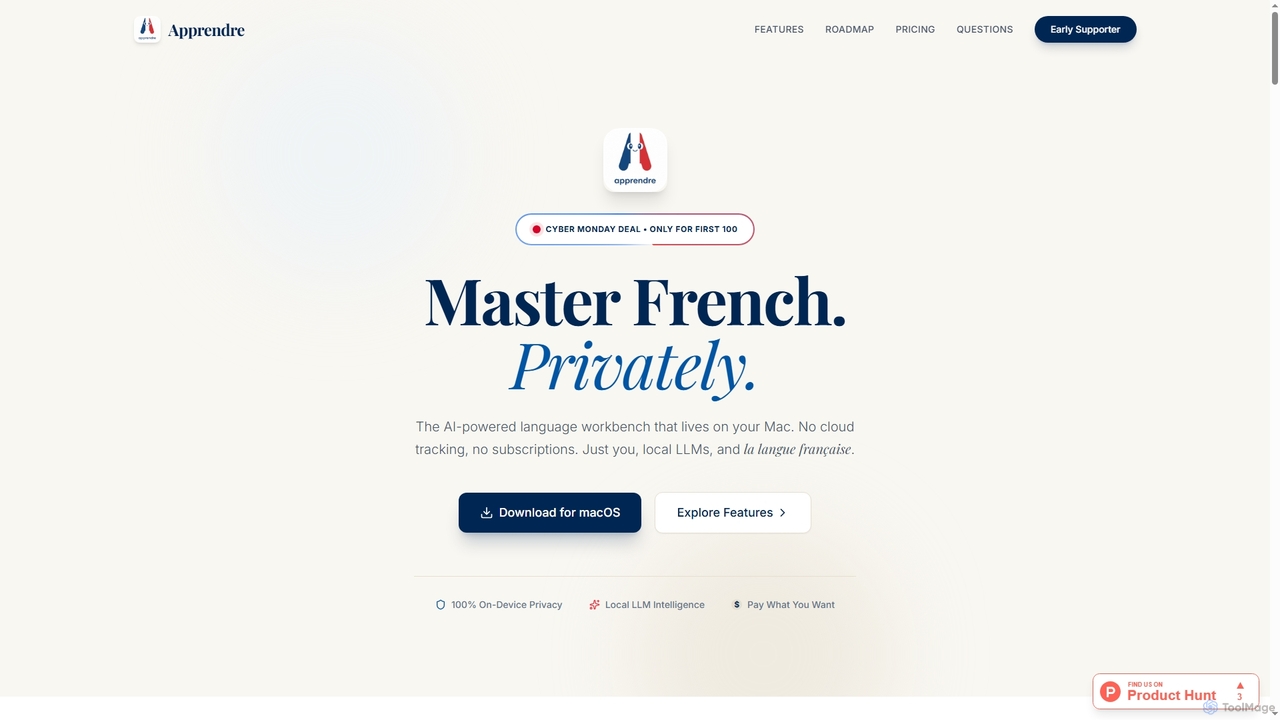
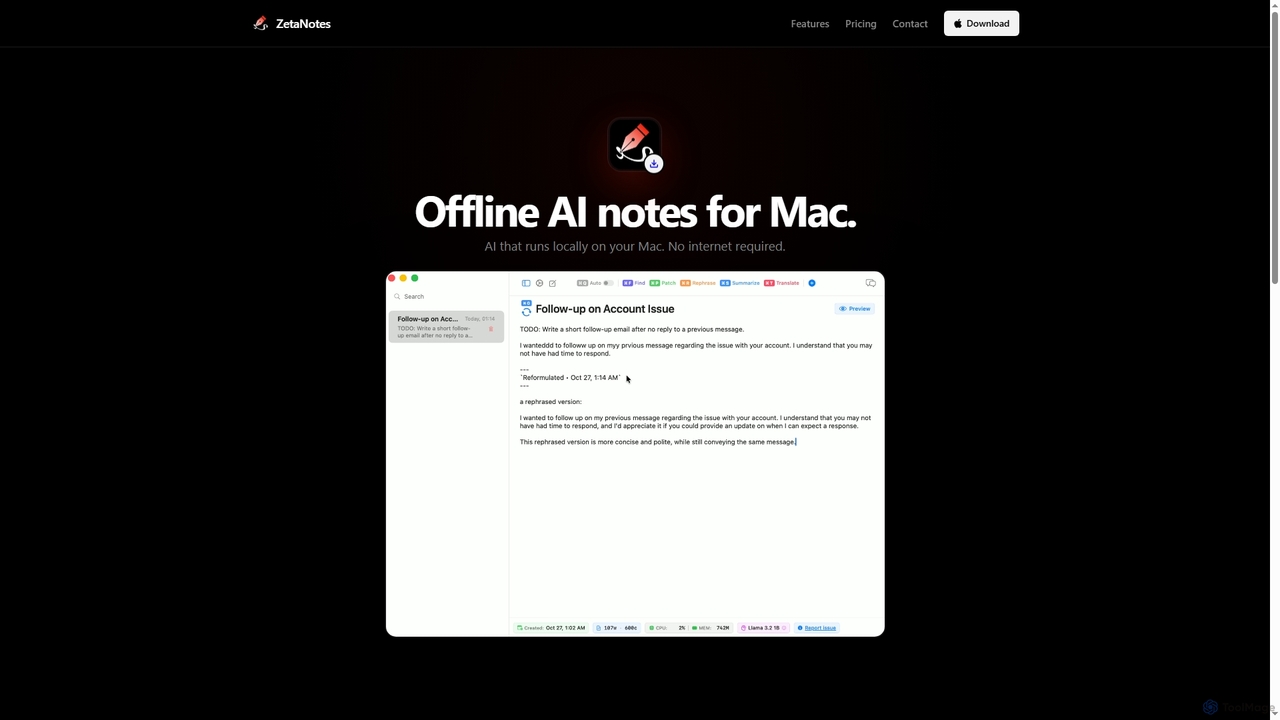
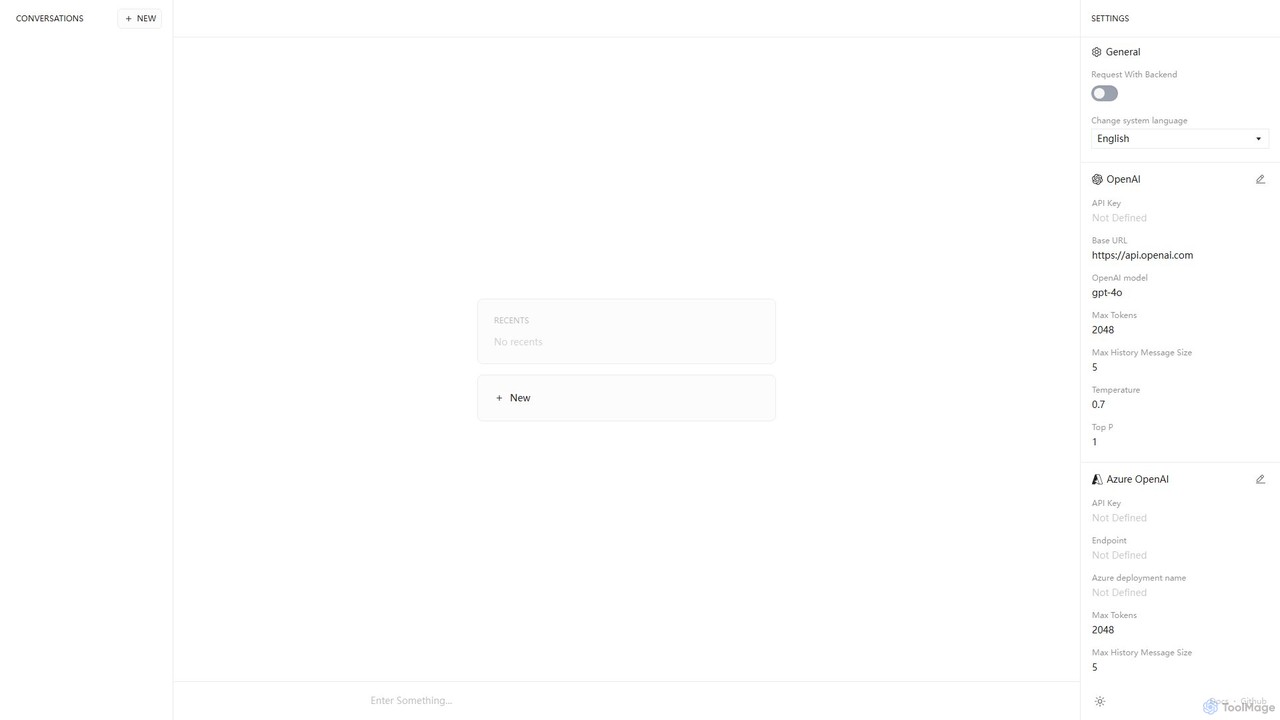
Desktop Apps are AI-powered software installed directly onto your computer's operating system. These tools leverage local hardware resources, such as the CPU and GPU, to deliver high performance, low latency, and offline functionality. They are widely used in professional fields like content creation, software development, and data analysis, offering deeper system integration and enhanced data privacy compared to web-based alternatives. By processing data locally, these applications provide a secure and responsive environment for complex AI tasks.
Core Features
- Offline Functionality: AI models and features run without requiring an active internet connection.
- High Performance: Utilizes local CPU and GPU power for fast processing of tasks like video rendering or model inference.
- Enhanced Data Privacy: Processes sensitive information on your own machine, minimizing data exposure to third-party servers.
- Deep System Integration: Accesses local files, system notifications, and integrates with other desktop software seamlessly.
Use Cases
AI Desktop Apps are ideal for professionals who require performance, security, and offline access. This includes developers running local large language models, video editors using real-time AI effects, data scientists analyzing sensitive datasets without uploading them to the cloud, and writers using AI assistants in distraction-free environments.
How to Choose
When selecting an AI Desktop App, consider its compatibility with your operating system (Windows, macOS, Linux). Evaluate the hardware requirements, especially the need for a dedicated GPU. Assess the specific AI features offered, the application's data privacy policy, and whether the pricing model (one-time purchase vs. subscription) aligns with your budget and usage patterns.