

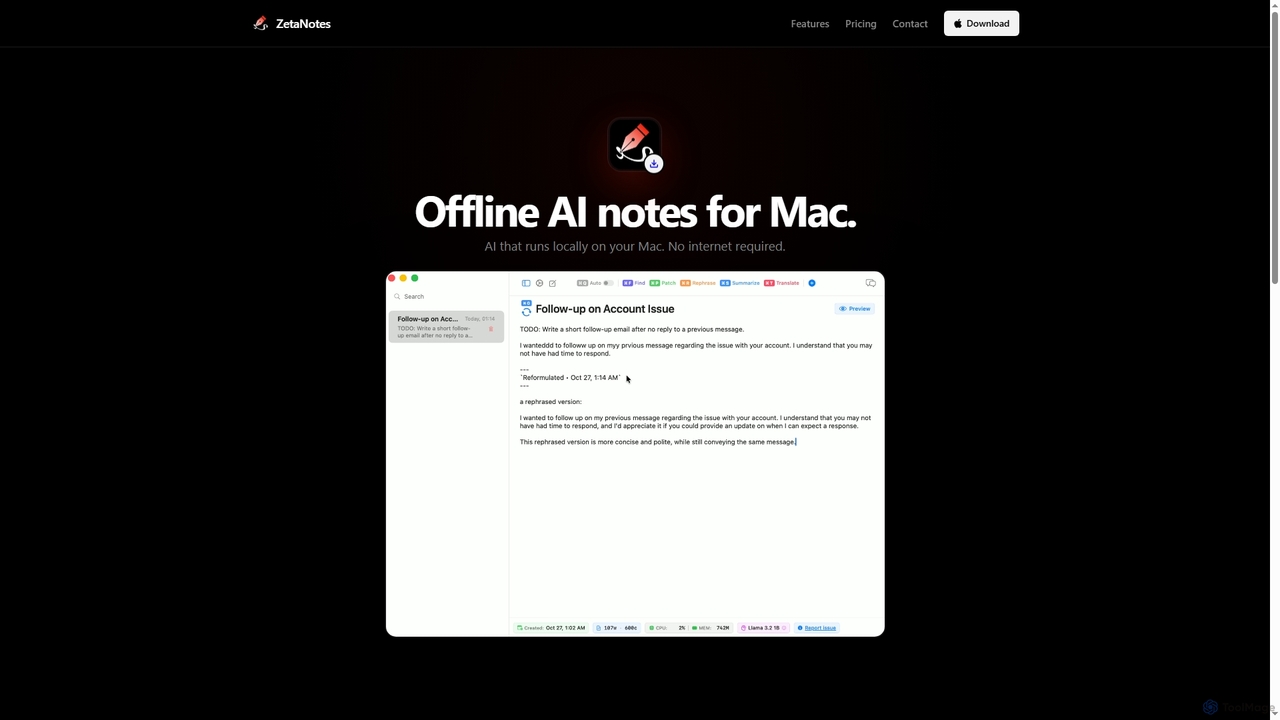
Zetanotes Overview
Zetanotes is a native macOS application designed as a secure and efficient AI-powered note-taking companion. Its core principle is privacy, achieved by running all AI models directly on your Mac. This offline-first approach means you can use its powerful features without an internet connection after the initial setup, and your notes never leave your device. The app is highly optimized for Apple Silicon, leveraging Metal GPU acceleration for fast and responsive performance. It supports various AI models, including Llama 3.2, Phi-3, Qwen 2.5, and Gemma 2, to assist with a range of writing tasks.
How to use Zetanotes
To get started, download and install the native macOS application. You can immediately begin creating and organizing notes using Markdown syntax with a live preview. For AI assistance, simply use the built-in text tools to autocomplete sentences, correct grammar, rephrase content, summarize long texts, or translate into over 12 languages. The AI-powered semantic search allows you to find information across all your notes contextually. For advanced functionality, Pro users can interact with a conversational AI assistant and even create custom AI tools tailored to their specific needs by defining their own prompts.
Core Features of Zetanotes
- Offline Processing: All AI models run locally on your Mac, ensuring complete data privacy and functionality without an internet connection.
- Metal GPU Acceleration: Optimized for Apple Silicon, providing fast and efficient AI inference.
- Native macOS App: Built specifically for macOS for seamless integration and efficient memory management.
- Multiple AI Models: Supports 8 different models across 4 families (Llama 3.2, Phi-3, Qwen 2.5, Gemma 2), with more available in the Pro version.
- AI Text Tools: Includes autocomplete, correction, rephrasing, summarization, and translation capabilities.
- Semantic Search: An AI-powered search engine that understands the context and meaning of your queries to find relevant notes.
- Markdown Support: Write notes using Markdown with a live preview and export options.
- Chat Interface (Pro): A conversational AI assistant with context awareness for interactive assistance.
- Custom Tools (Pro): Ability to create personalized AI tools with custom prompts and parameters.
Use Cases for Zetanotes
Zetanotes is ideal for students, writers, developers, researchers, and professionals who handle sensitive information or prefer an offline workflow. It can be used for drafting articles, brainstorming ideas, summarizing research papers, taking meeting minutes, coding assistance, and translating documents, all within a secure, private environment.
Advantages of Zetanotes
The primary advantage of Zetanotes is its commitment to privacy through local, offline AI processing. This eliminates reliance on cloud services and subscriptions for core features. Its native macOS design and Metal GPU optimization ensure superior performance on Apple hardware. The availability of a free version and an affordable one-time payment for the Pro plan makes it a cost-effective and accessible tool.
Pricing and Plans
Zetanotes operates on a freemium model with clear and accessible pricing.
Free Plan ($0, Forever): Includes core features such as the Llama 3.2 1B model, AI autocomplete, text correction, rephrasing, summarization, translation (12+ languages), semantic search, and unlimited notes.
Pro Plan: Unlocks all features, including a chat interface, access to all 8 AI models, custom tools, prompt customization, and priority support. Pricing options for Pro are:
- Monthly: $0.99 per month
- Annual: $5.99 per year (50% off)
- Lifetime: $19.99 one-time payment
Zetanotes FAQ
Zetanotes Alternatives
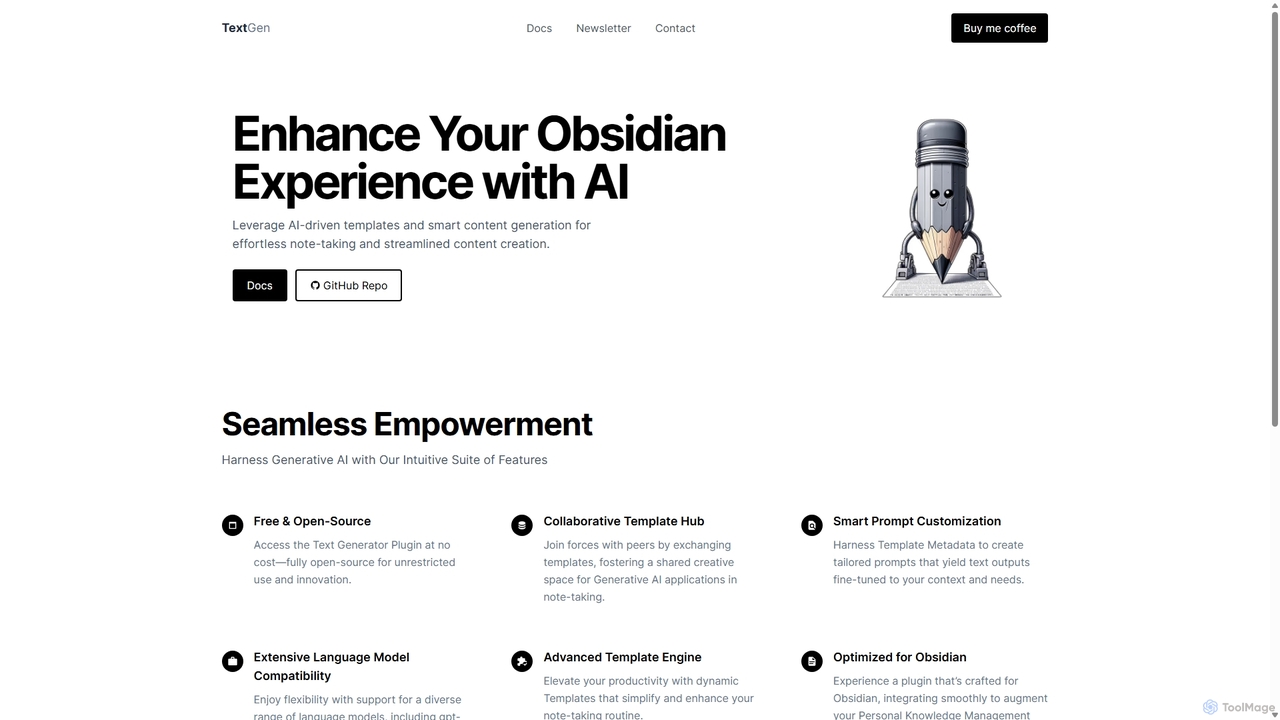
TextGen
TextGen is a free, open-source AI plugin for Obsidian that supercharges your note-taking and content creation. It integrates seamlessly with various large language models like GPT-4, Claude, and Llama, allowing you to generate, summarize, and transform text using customizable templates directly within your knowledge base.
Code Assistant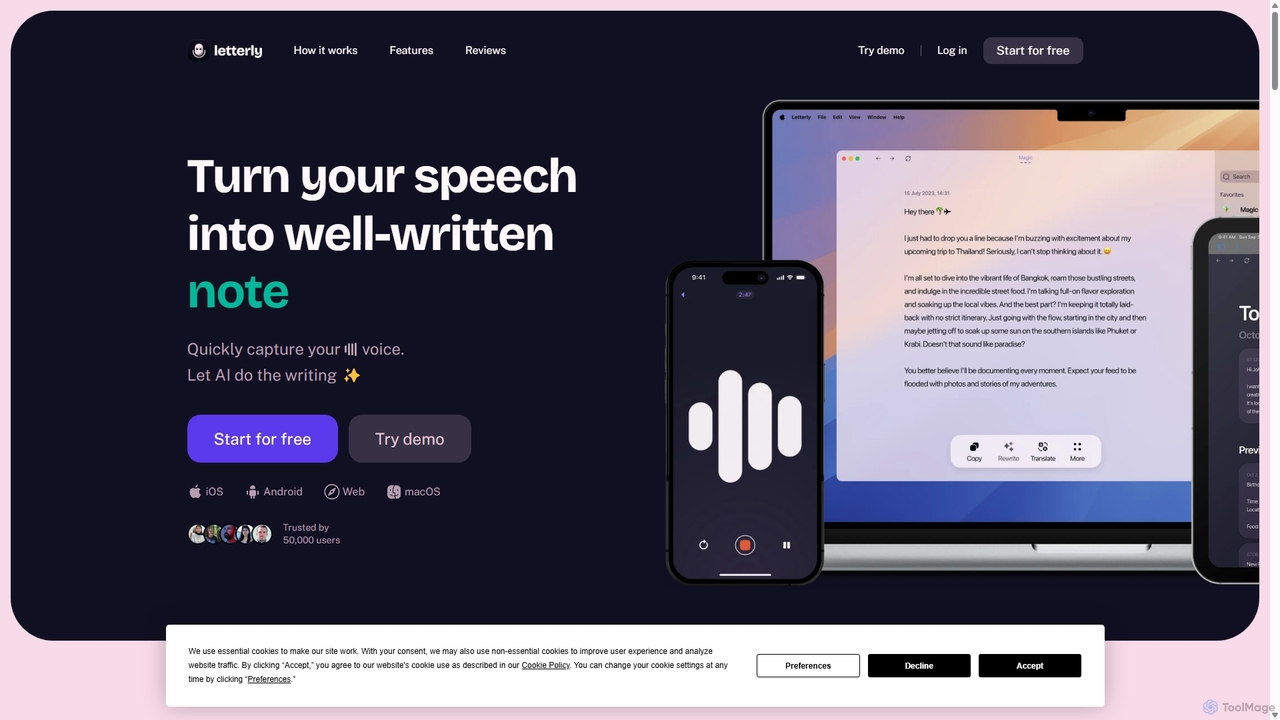
Letterly
Letterly is an AI-powered mobile and desktop app that transforms your spoken words into clear, well-written text. It's more than just transcription; it uses AI to structure, rewrite, and format your voice notes into ready-to-use emails, social media posts, journal entries, to-do lists, and more, supporting over 90 languages.
Transcription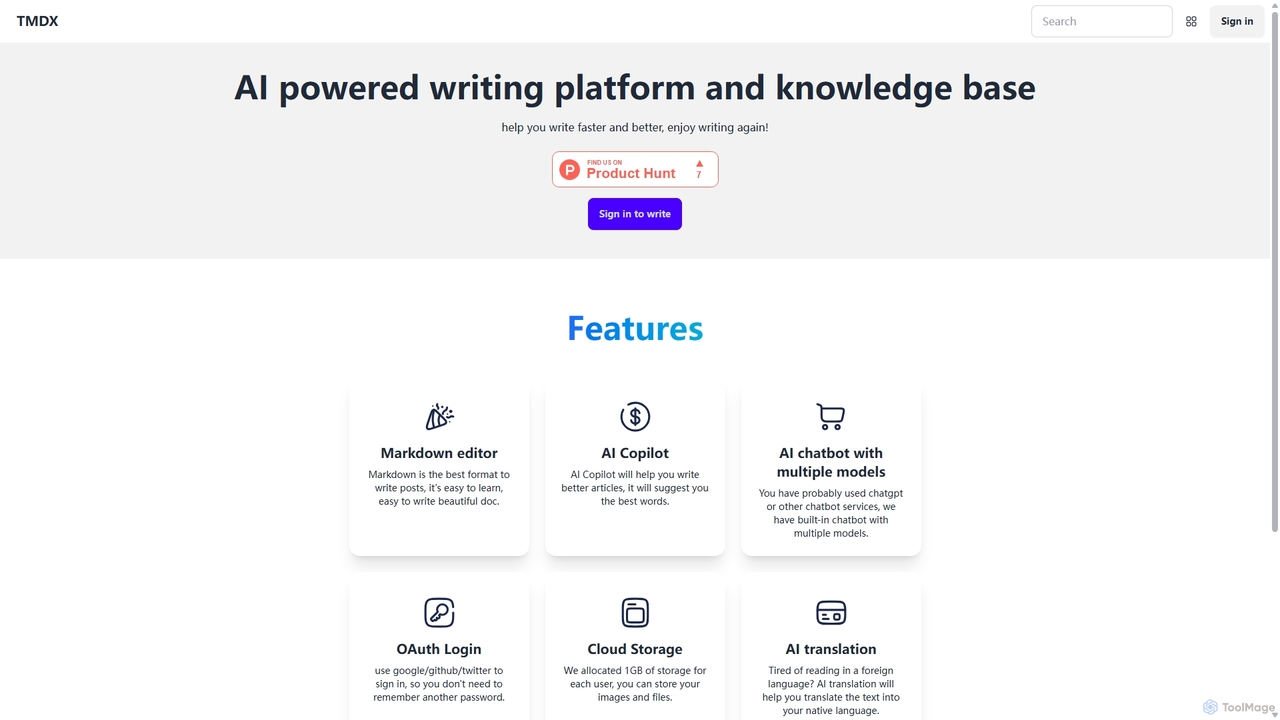
TMDX
TMDX is an AI-powered writing platform and personal knowledge base designed to enhance your writing process. It combines a clean Markdown editor with an AI Copilot for content generation, a multi-model AI chatbot for research, and built-in AI translation. With a focus on privacy, data ownership, and an ad-free experience, TMDX helps you write faster, better, and more enjoyably.
Blogging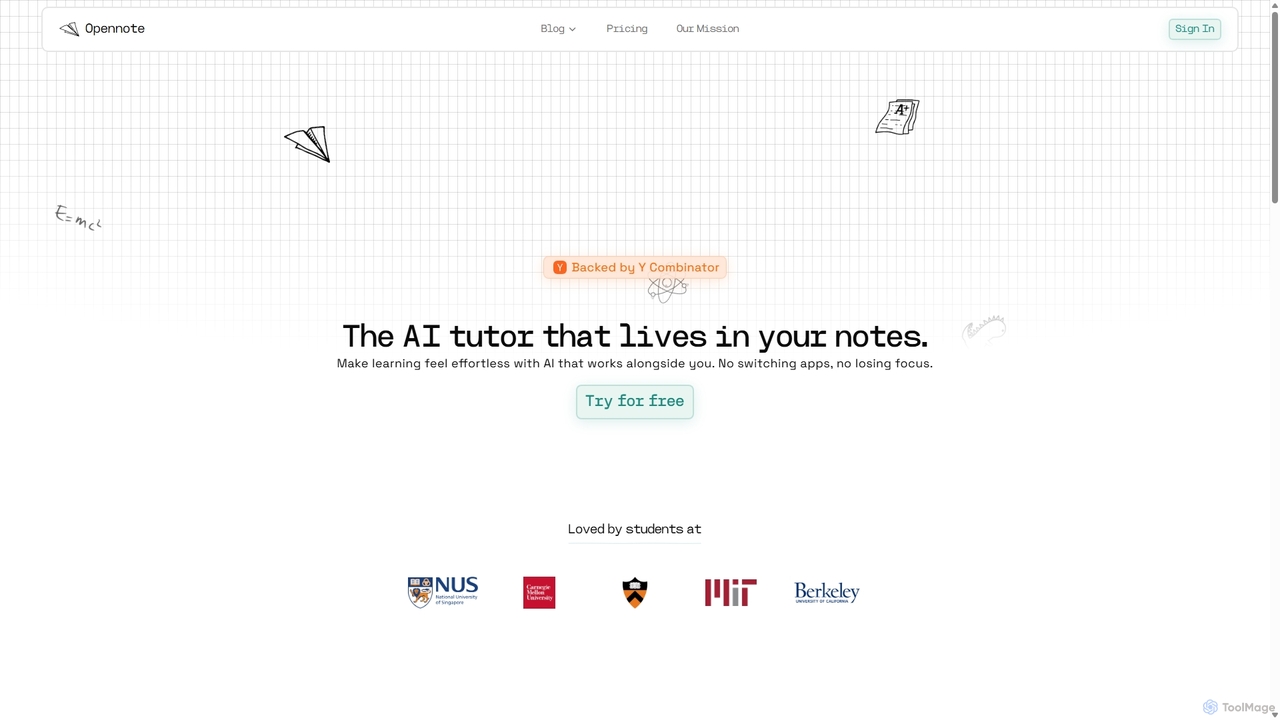
Opennote
Opennote is a Y Combinator-backed AI tutor integrated directly into your note-taking workspace. It enhances learning by proactively providing feedback, generating visual aids like videos and graphs, and referencing your existing documents from Google Drive and Notion. Designed for students and lifelong learners, it transforms static notes into an interactive, collaborative learning environment, making studying more efficient and effortless without switching apps.
Learning Assistant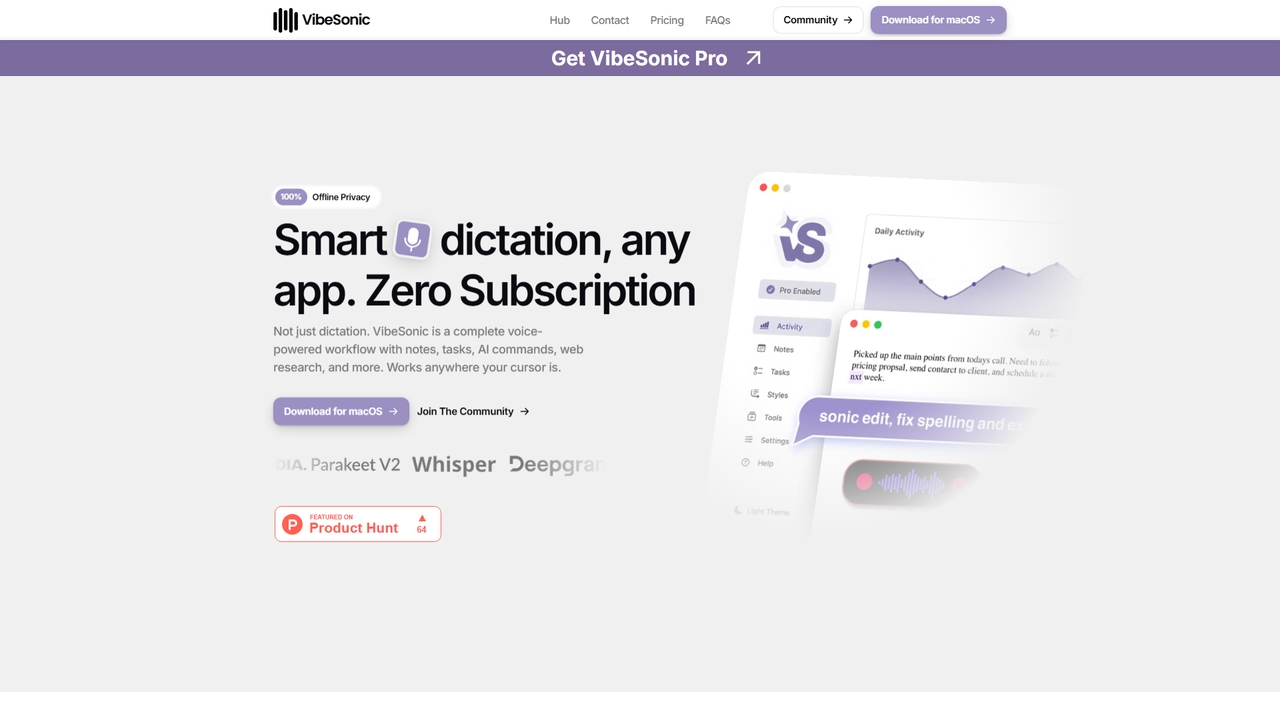
VibeSonic
VibeSonic is a comprehensive, voice-powered workflow application for macOS that combines offline transcription, AI-assisted editing, voice-triggered notes and tasks, and integrated web research. It prioritizes user privacy by processing audio locally on the device and offers a lifetime license model with no subscription required.
Note TakingZetanotes Categories
Zetanotes Jobs
Zetanotes Embed Widget
Copy this embed code to place the badge on your blog, article, or product site and send readers directly to this ToolMage detail page.

Related AI tools
TMDX
TMDX is an AI-powered writing platform and personal knowledge base designed to enhance your writing process. It combines a clean Markdown editor with an AI Copilot for content generation, a multi-model AI chatbot for research, and built-in AI translation. With a focus on privacy, data ownership, and an ad-free experience, TMDX helps you write faster, better, and more enjoyably.
BloggingTextGen
TextGen is a free, open-source AI plugin for Obsidian that supercharges your note-taking and content creation. It integrates seamlessly with various large language models like GPT-4, Claude, and Llama, allowing you to generate, summarize, and transform text using customizable templates directly within your knowledge base.
Code AssistantVibeSonic
VibeSonic is a comprehensive, voice-powered workflow application for macOS that combines offline transcription, AI-assisted editing, voice-triggered notes and tasks, and integrated web research. It prioritizes user privacy by processing audio locally on the device and offers a lifetime license model with no subscription required.
Note TakingLetterly
Letterly is an AI-powered mobile and desktop app that transforms your spoken words into clear, well-written text. It's more than just transcription; it uses AI to structure, rewrite, and format your voice notes into ready-to-use emails, social media posts, journal entries, to-do lists, and more, supporting over 90 languages.
Transcription
Jyek
Jyek is an AI agent platform that understands objectives, creates execution plans, uses tools, and delivers verifiable results for complex, multi-step tasks.
Automation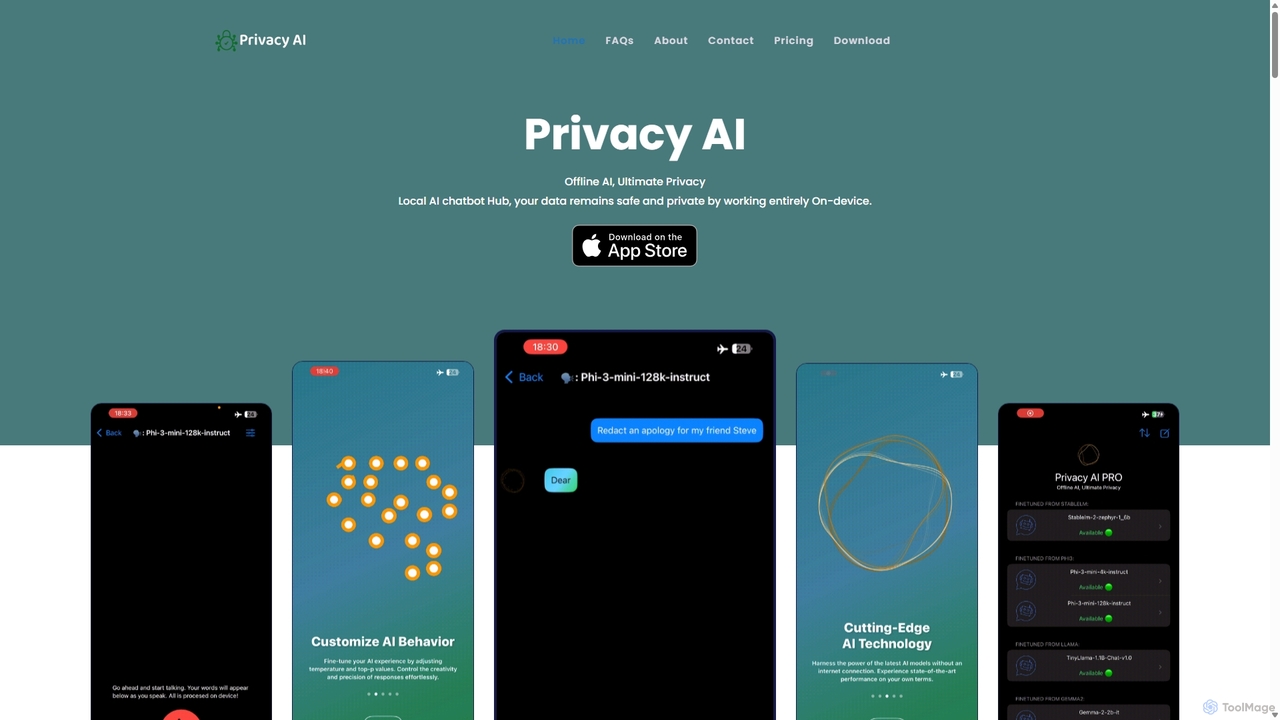
Privacy AI
Privacy AI is a native application for iPhone, iPad, and Mac that allows you to run powerful open-source large language models (LLMs) entirely offline. It ensures absolute privacy by processing all data on your device, with no data collection or internet connection required. Access models like LLaMA, Mistral, and Phi3 securely, with advanced customization options for a tailored AI experience.
Local Development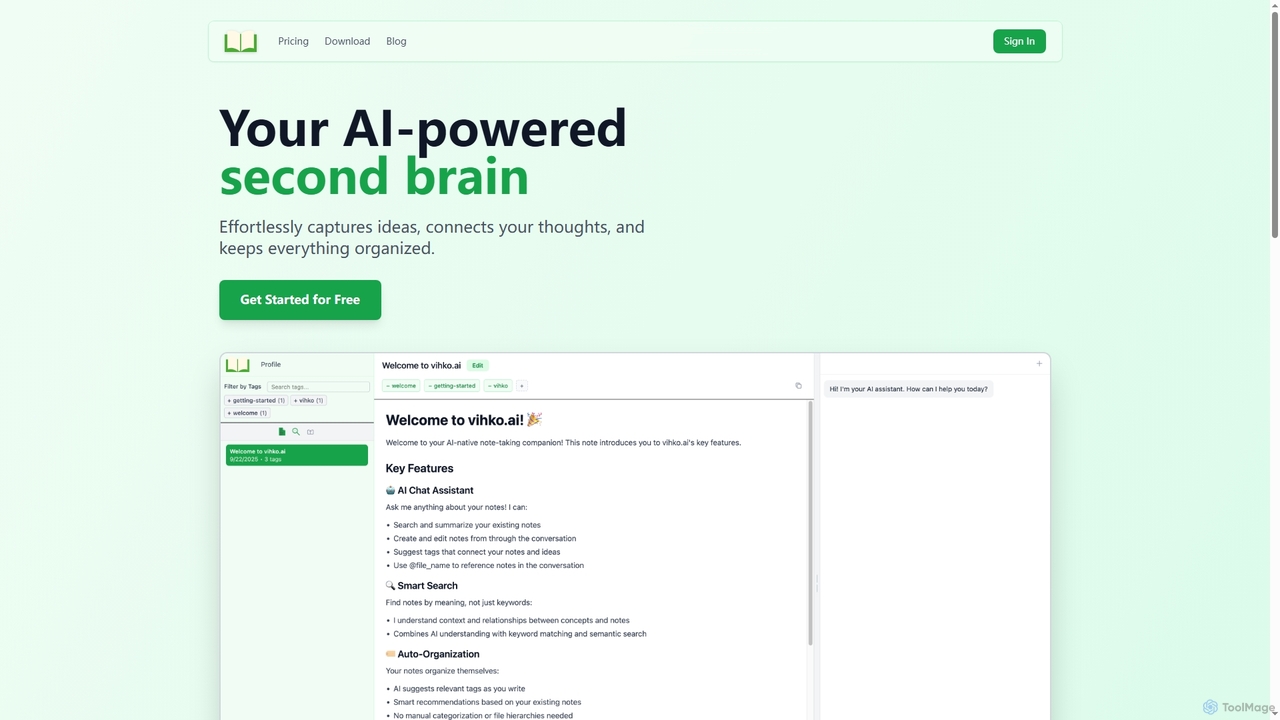
Vihko
Vihko is an AI-native note-taking application designed to function as your second brain. It seamlessly captures ideas, connects thoughts through intelligent tagging, and organizes your knowledge base with features like semantic search and an integrated AI assistant.
Prompt Engineering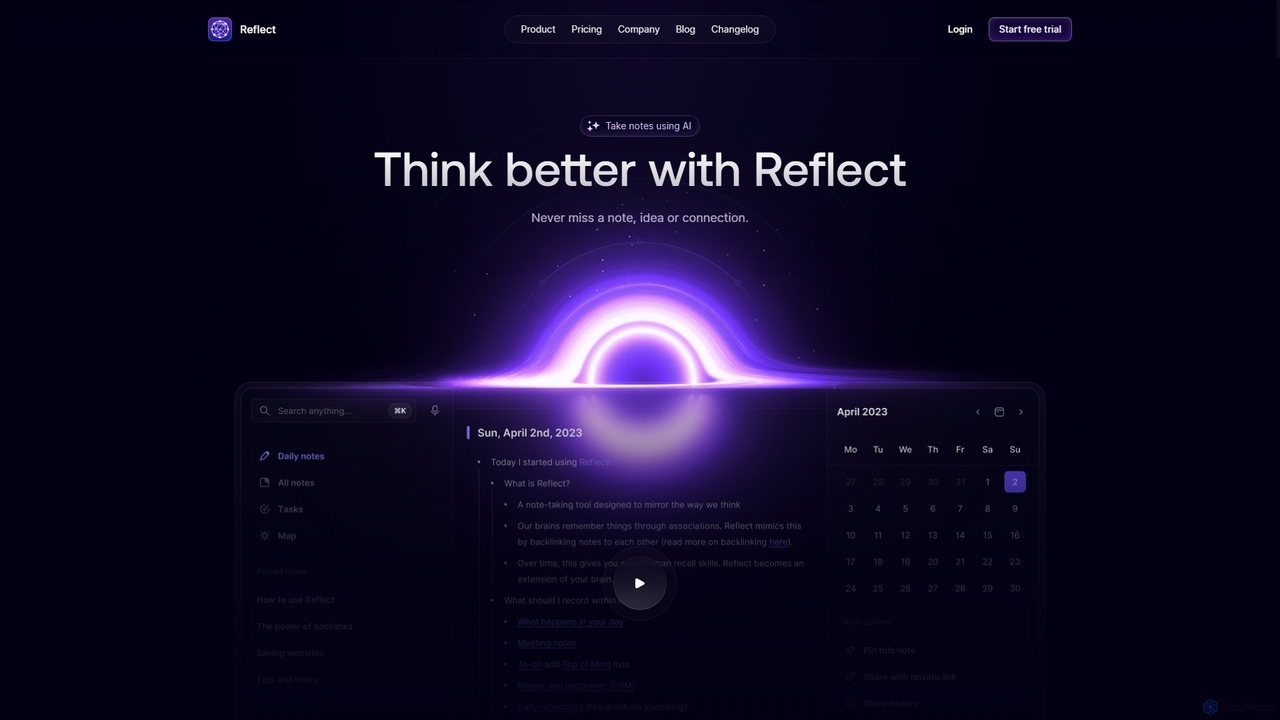
Reflect
Reflect is an AI-powered, networked note-taking app designed to help you think better. It acts as a 'second brain' by connecting your notes through backlinks, creating a graph of your ideas. With features like AI-driven transcription, summarization, end-to-end encryption, and seamless cross-device sync, it's built for speed, security, and frictionless thought capture.
Personal Assistant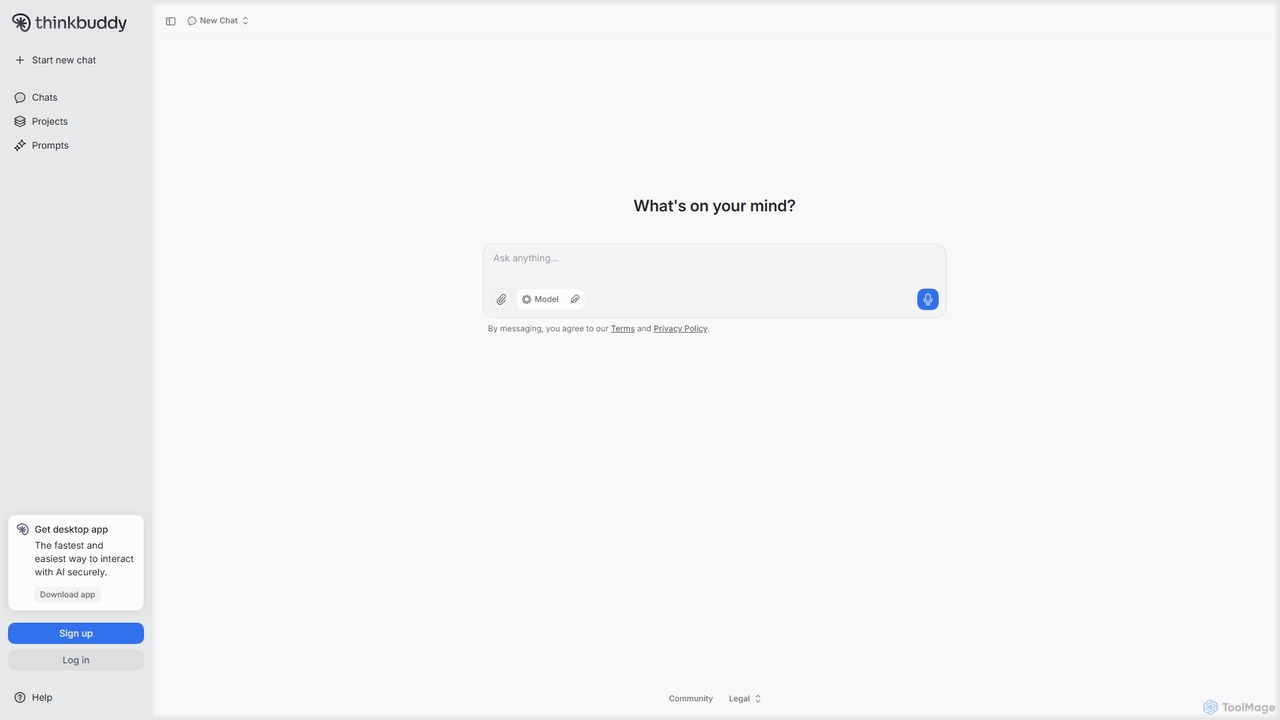
Thinkbuddy
Thinkbuddy is a native desktop AI client designed for fast, secure, and organized interaction with multiple AI models. It acts as a unified workspace, allowing you to switch between models like GPT-4o, Claude 3, and Llama 3, manage conversations in projects, and save prompts in a library for a streamlined workflow.
Code Assistant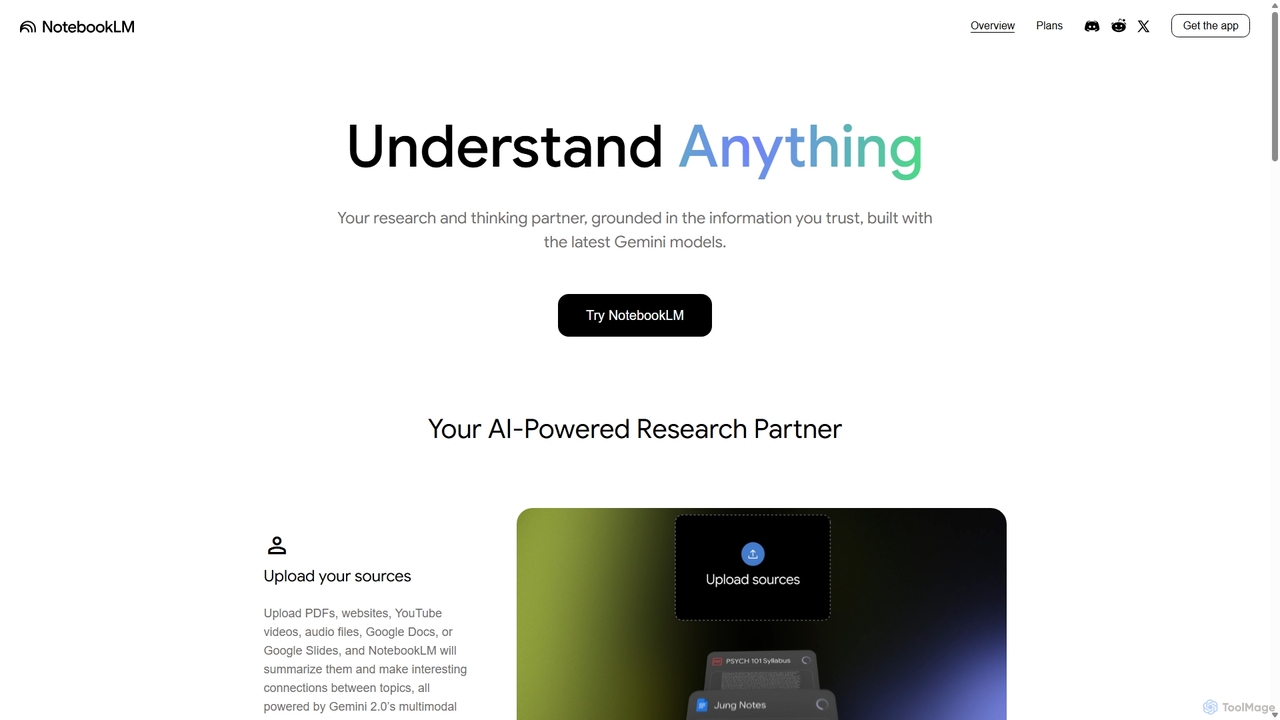
NotebookLM
NotebookLM is an AI-powered research assistant and thinking partner from Google. It helps you understand, synthesize, and generate insights from your own documents. Upload PDFs, Google Docs, websites, and more to create a personalized knowledge base, then ask questions, get summaries, and brainstorm new ideas, with all responses grounded in your source material.
Knowledge Management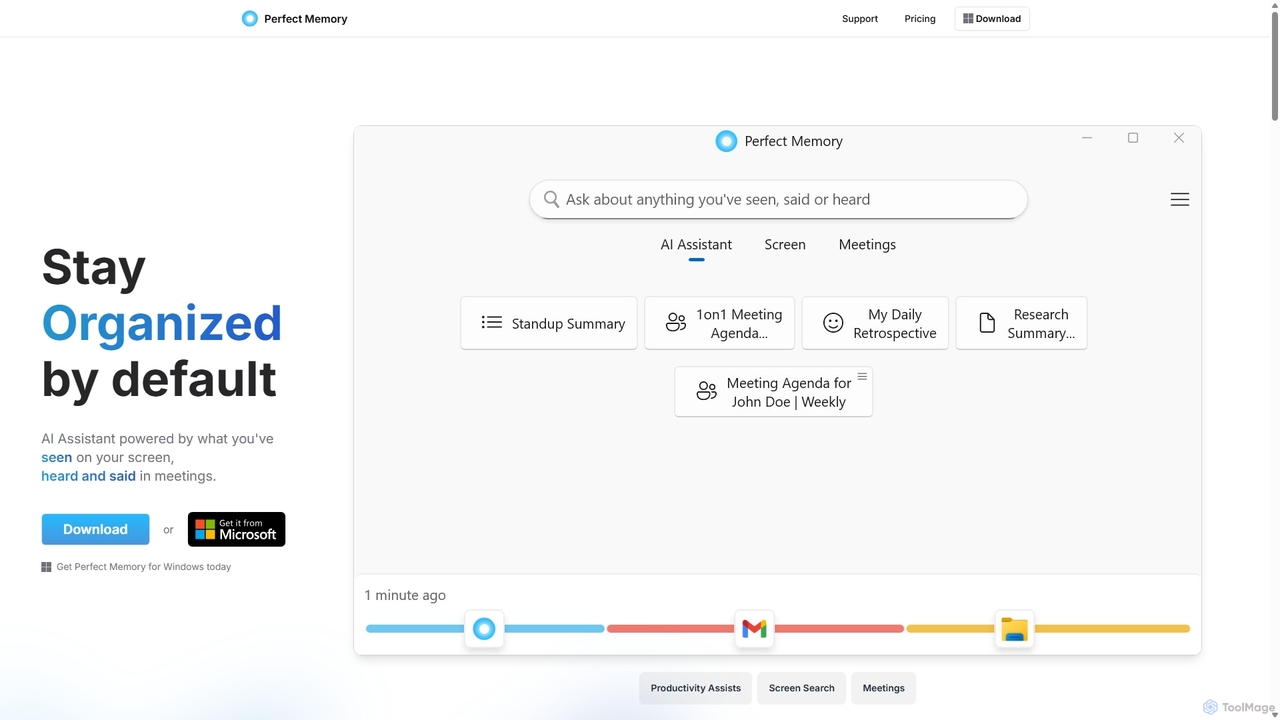
Perfect Memory AI
Perfect Memory AI is a privacy-focused productivity assistant that acts as your second brain. It records your screen activity and meetings, making everything you've seen or heard fully searchable. With a powerful AI assistant, it helps you recall information, summarize research, and prepare for meetings, all while keeping your data securely on your local device.
Local Processing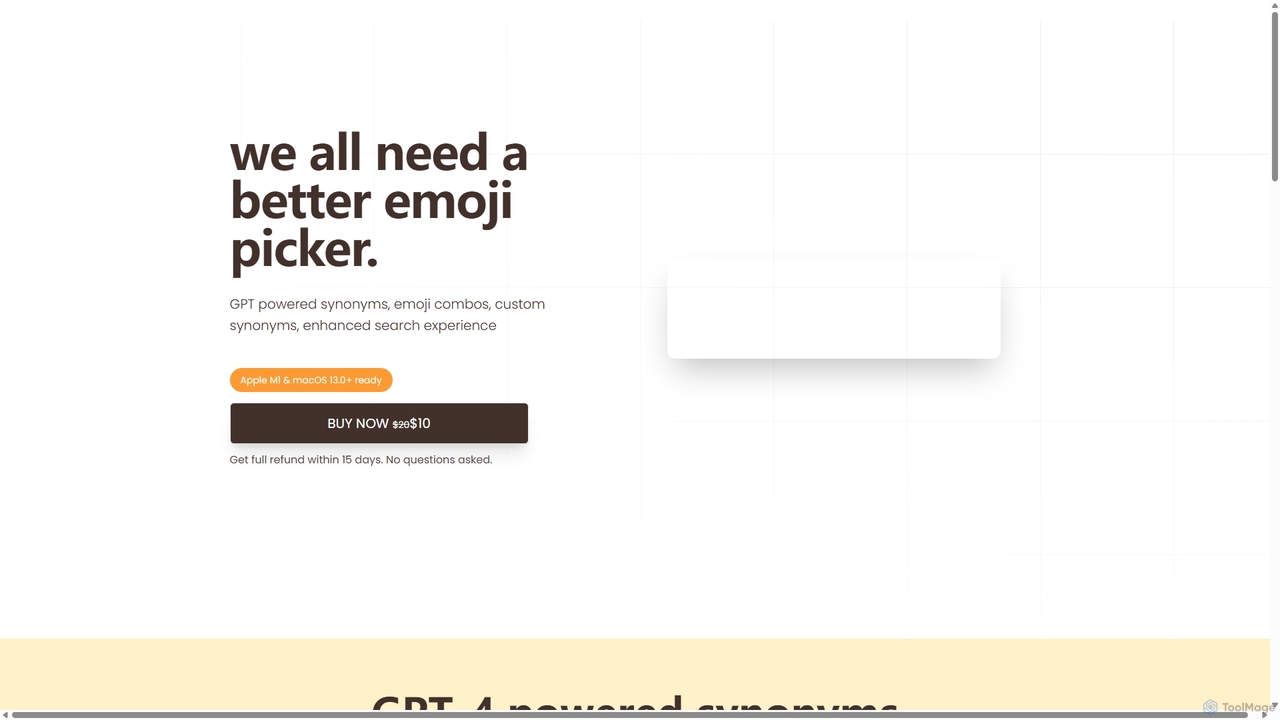
Emojibu
emojibu is an advanced emoji picker for macOS, powered by GPT-4. It revolutionizes how you find and use emojis with AI-driven synonym search, creative emoji combinations, and personalized keywords. Its multi-tab search interface and one-time purchase model make it a powerful and cost-effective tool for anyone who communicates digitally, enhancing expression and productivity.
Writing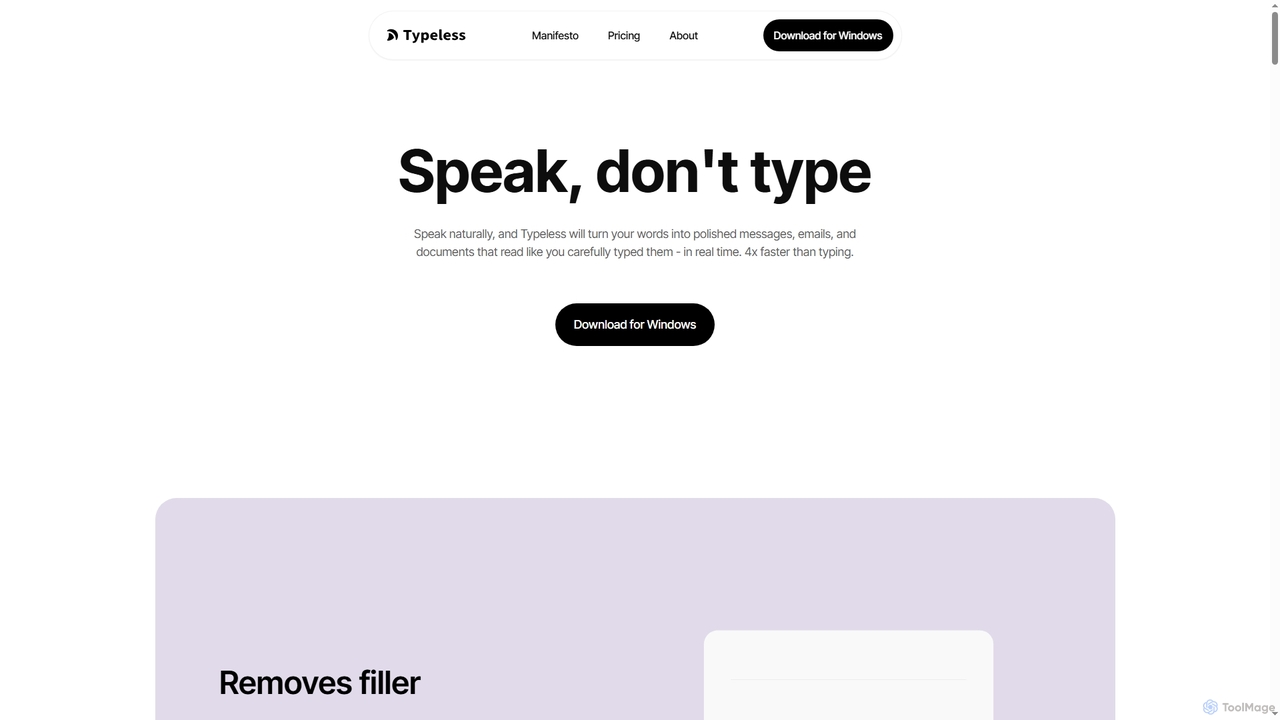
Typeless
Typeless is an intelligent AI voice dictation tool that transforms natural speech into polished, formatted text in real-time. It enhances productivity by automatically removing filler words, repetitions, and auto-correcting mid-sentence changes, making communication up to 4x faster than traditional typing.
Automation
Matter
Matter is a modern read-later app designed for avid readers. It allows you to save articles, newsletters, and threads into a clean, distraction-free library. A key feature is its advanced AI-powered text-to-speech, which converts any saved content into natural-sounding audio. With powerful highlighting, tagging, and integrations with knowledge management tools, Matter helps you not just read, but also retain and grow from what you consume.
Curation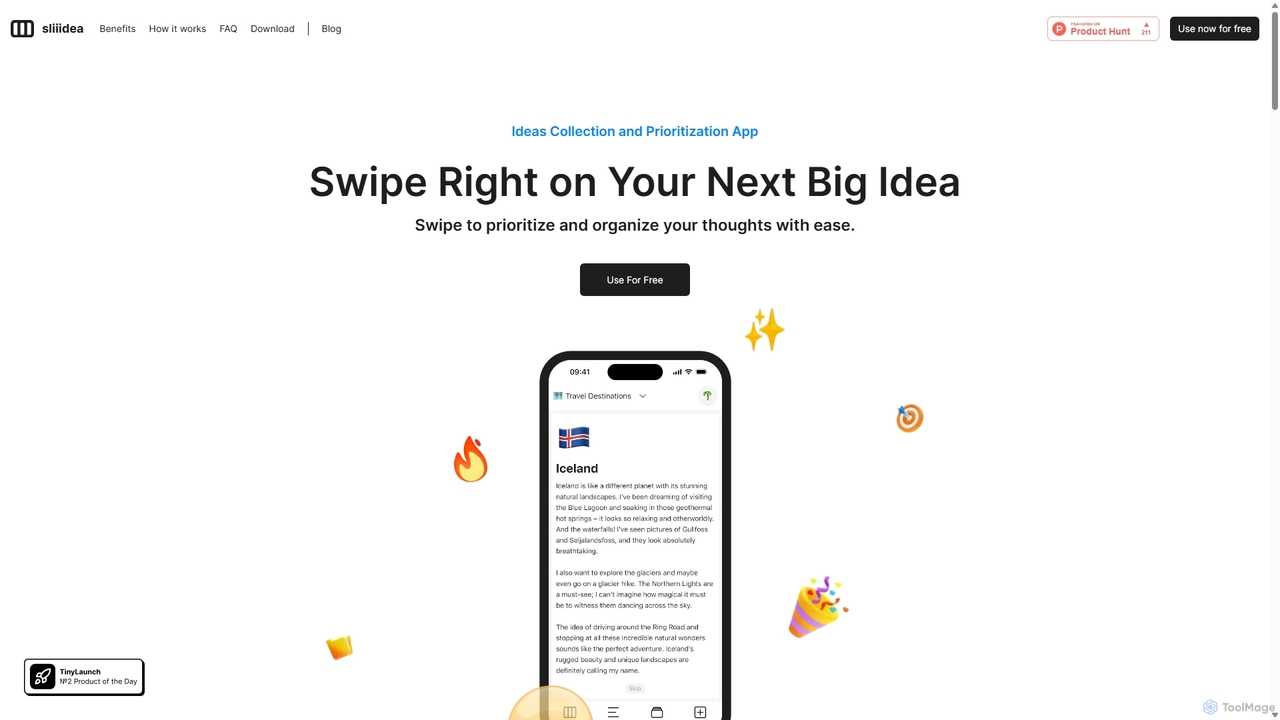
Sliiidea
Sliiidea is an innovative idea management and prioritization app designed to help you capture, evaluate, and cultivate your thoughts. Using an intuitive swipe-right/left interface, similar to dating apps, you can regularly review and rank your ideas, ensuring the best ones rise to the top. It focuses on simplicity and continuous reflection, making it easy to organize concepts, track their progress, and make better decisions. With upcoming AI features and collaboration tools, Sliiidea aims to be the ultimate hub for personal and team brainstorming.
Brainstorming
Zetanotes Comments (0)
Sign in to comment.
Sign inNo comments yet.