

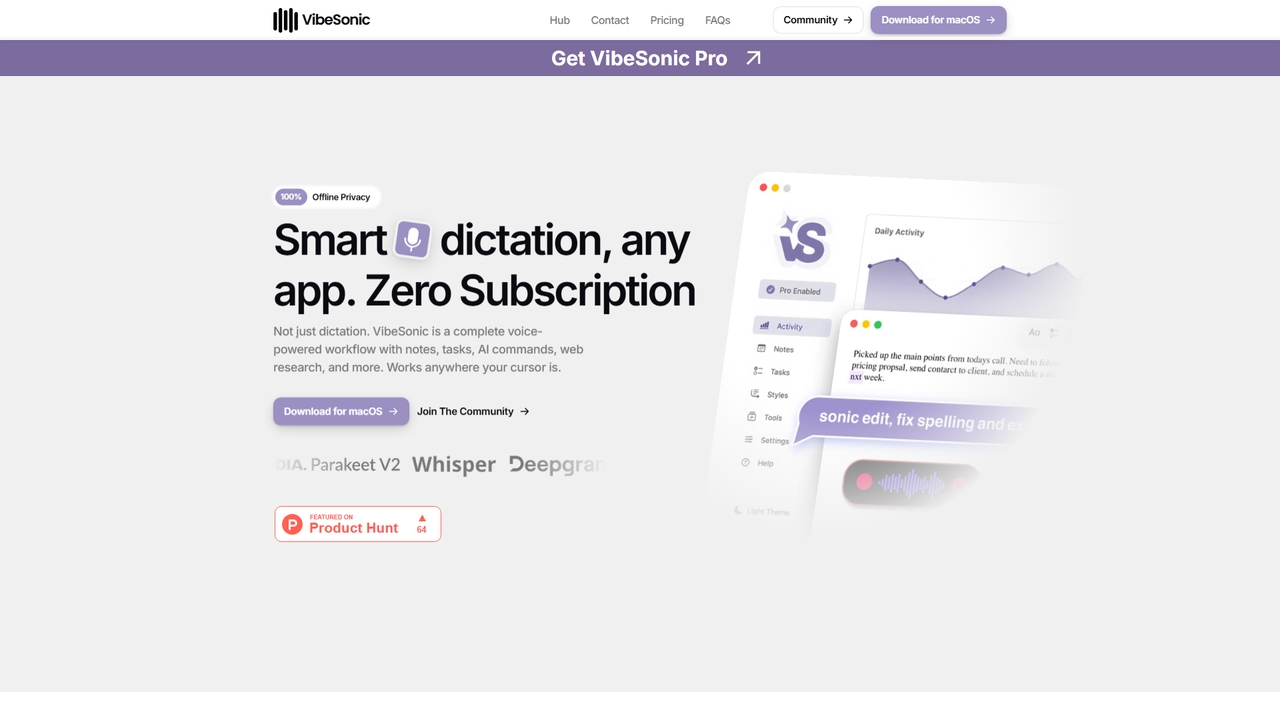
VibeSonic Overview
VibeSonic is an AI-powered voice workflow application designed exclusively for macOS. It moves beyond simple dictation to offer a complete suite of tools for managing notes, tasks, and content creation entirely by voice. A key differentiator is its strong commitment to privacy, with the ability to process all audio using on-device models that ensure no data leaves your Mac. The application integrates seamlessly wherever your cursor is active—be it a browser, IDE, or email client—and enhances productivity through inline AI assistants and voice commands for editing and research.
How to use VibeSonic
To use VibeSonic, download and install the application on your macOS device. Once installed, you can activate it with a keyboard shortcut from any application where your cursor is placed. You can then start speaking to dictate text. Use voice commands to trigger AI assistants for questions, edit highlighted text (e.g., rewrite, expand, fix), manage voice notes and task lists, or perform web research via integrated providers. You can configure the tool to use either local (offline, private) or cloud-based (faster, using your own API keys) transcription models based on your needs.
Core Features of VibeSonic
- Private & Multilingual Dictation: Transcribe speech in over 99 languages entirely on your device for complete offline privacy.
- Inline AI Assistants: Ask questions or issue AI commands without interrupting your workflow; answers are injected directly into your text.
- AI Edit With Voice: Highlight any text and use voice commands to rewrite, fix, expand, or refactor it instantly.
- Voice Notes & Tasks: Create, organize, and inject named notes, prompts, and AI-generated task lists across multiple projects using voice commands.
- Integrated Research & Tools: Built-in Perplexity web search, custom styles, voice-triggered snippets, a personal dictionary, and project mapping, all accessible by voice.
- Flexible Model Support: Choose between local Whisper models for privacy or connect cloud providers (OpenAI, Groq, Deepgram, Perplexity) using your own API keys for speed.
Use Cases for VibeSonic
VibeSonic is ideal for professionals and creators who need efficient, hands-free text input and management. Writers and content creators can draft and edit long-form content. Developers and engineers can write code comments, documentation, or emails without touching the keyboard. Researchers and students can capture notes, generate summaries, and conduct web searches verbally. Project managers can build and manage task lists by voice, organizing workflows across multiple projects directly from their Mac.
Advantages of VibeSonic
The primary advantage of VibeSonic is its all-in-one, voice-driven workflow that eliminates the need to switch between multiple applications. Its uncompromising privacy model, with local on-device processing, ensures sensitive audio data never leaves your computer. The application is optimized for Apple Silicon, using the Neural Engine for near real-time transcription with minimal battery or performance impact. Unlike many SaaS tools, VibeSonic offers a one-time, lifetime license with no recurring subscription fees, providing long-term value and control over costs for cloud AI features.
Pricing and Plans
VibeSonic offers two main tiers: a Free plan and a Pro plan with a lifetime license. The Free plan includes unlimited transcription, two local Whisper models, voice notes & tasks, snippets & a dictionary, and real-time analytics at no cost. The Pro plan is a one-time payment of $19.95 for one device, which includes all Free features plus ultra-fast Parakeet TDT transcription, AI assistants & inline tools, all Whisper models unlocked, access to cloud models & providers, and major updates. Multi-device licenses are available: 2 devices for $29.95, 5 for $69.95, and 10 for $129.95.
VibeSonic FAQ
VibeSonic Alternatives
SpeechtoNote
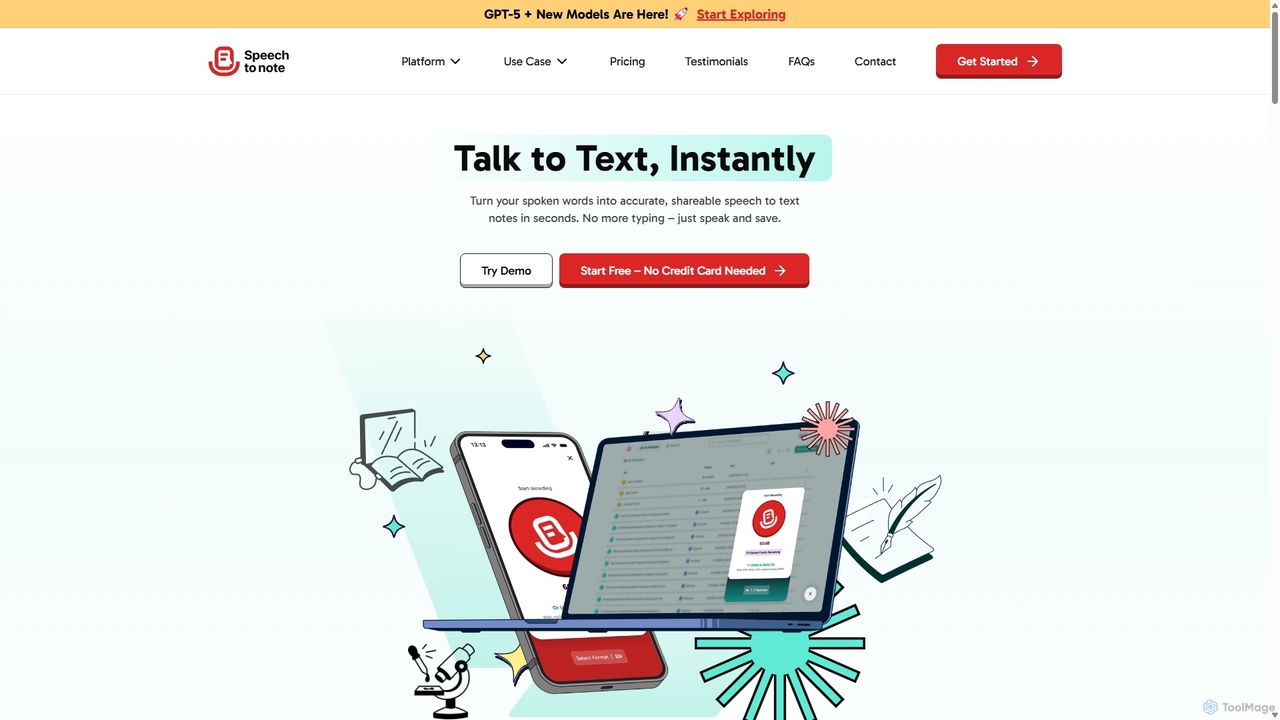
SpeechtoNote is an AI-powered tool that instantly converts spoken words into accurate text notes. It supports over 40 languages and offers 30+ smart note formats, including summaries, emails, and to-do lists. Powered by advanced models like GPT-4o, it's designed for professionals, students, and creators to capture ideas, transcribe meetings, and streamline their workflow effortlessly.
Speech To Text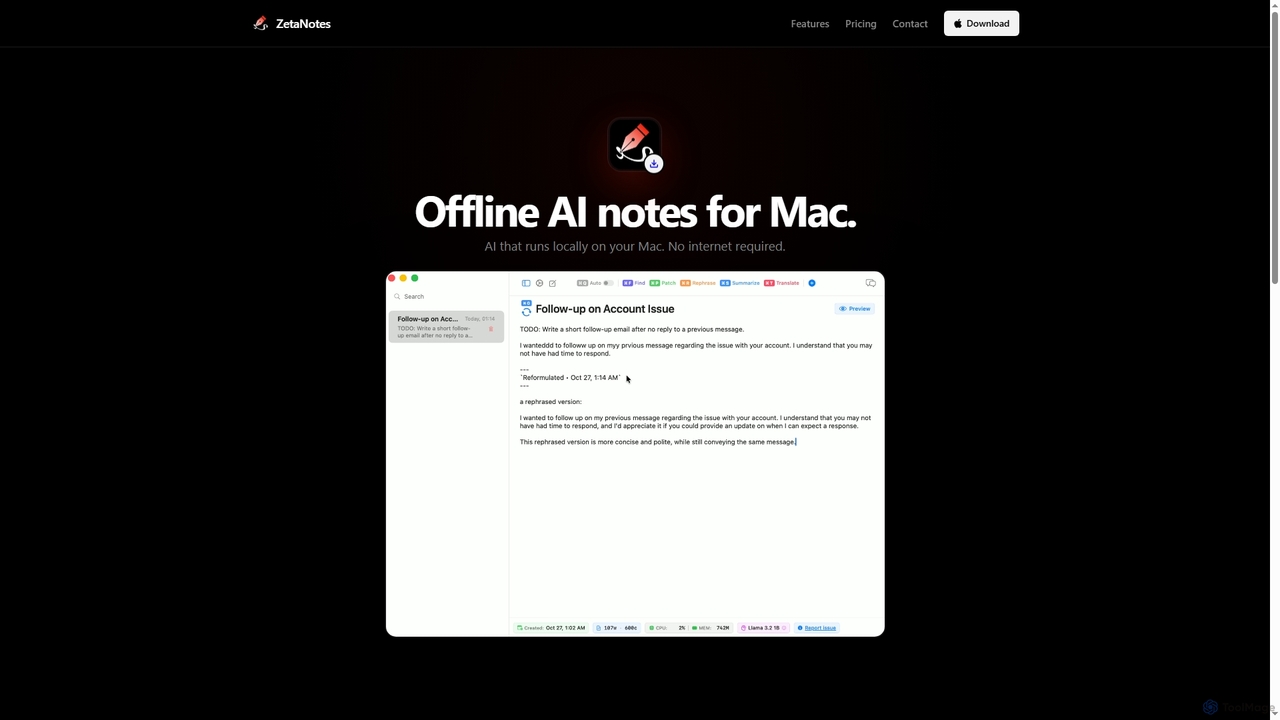
Zetanotes
Zetanotes is a privacy-focused, offline AI note-taking application for Mac. It runs AI models locally on your device, requiring no internet connection for core features, ensuring your data remains private. Optimized for Apple Silicon with Metal GPU acceleration.
Mac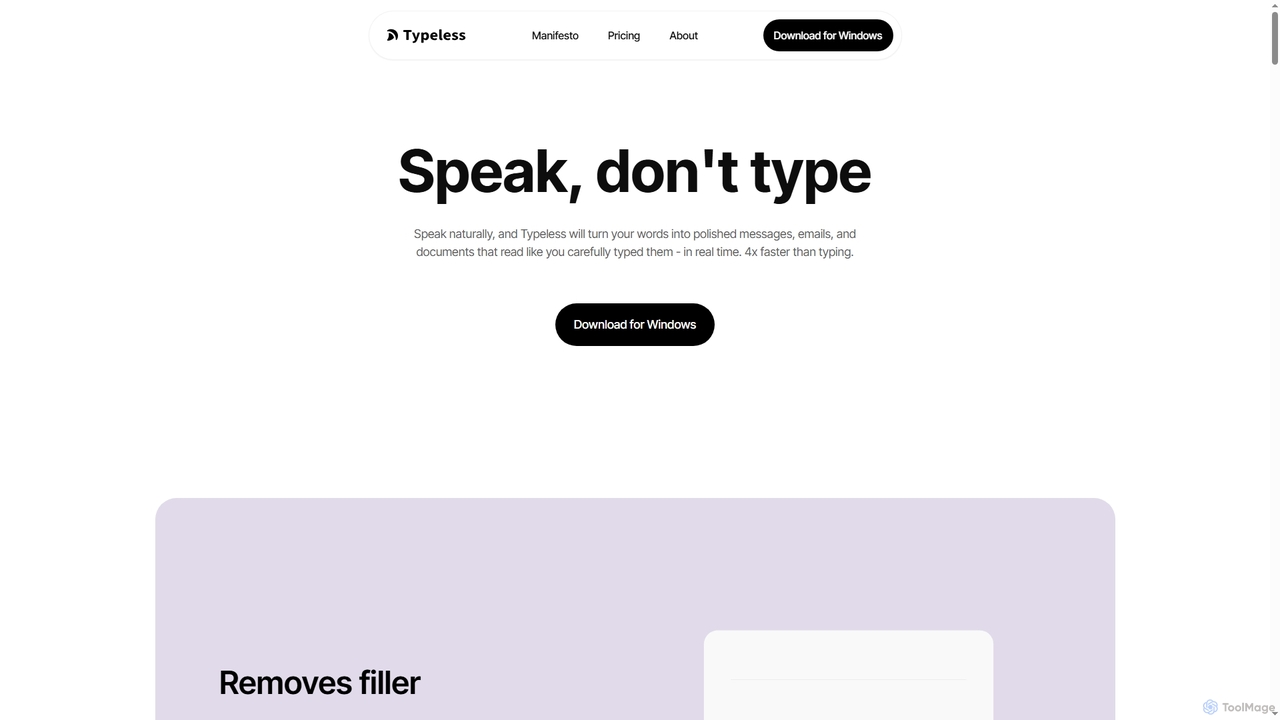
Typeless
Typeless is an intelligent AI voice dictation tool that transforms natural speech into polished, formatted text in real-time. It enhances productivity by automatically removing filler words, repetitions, and auto-correcting mid-sentence changes, making communication up to 4x faster than traditional typing.
Automation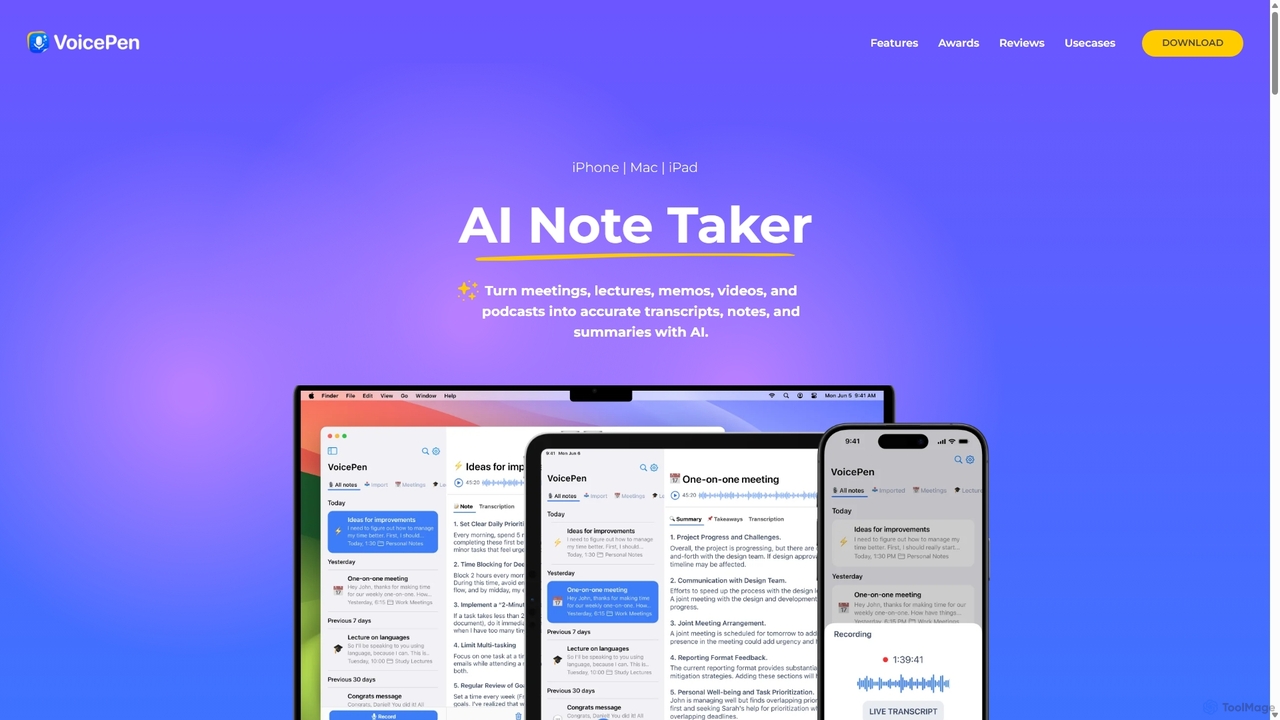
VoicePen
VoicePen is an AI-powered note-taking app for iPhone, Mac, and iPad that transforms meetings, lectures, and any audio/video into accurate transcripts, summaries, and structured notes. It features high-speed transcription, speaker separation, 80+ language support, and over 25 AI rewriting styles to boost your productivity.
Speech To Text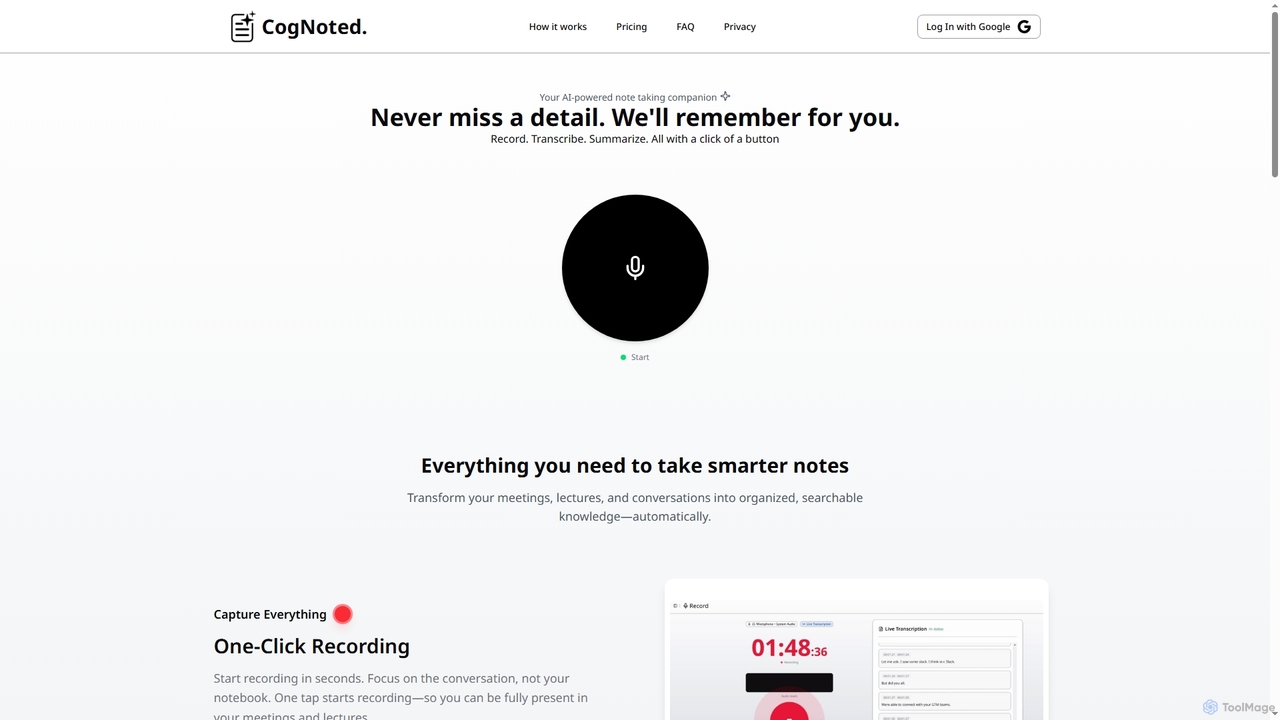
Cognoted
An AI-powered note-taking and transcription tool that transforms meetings, lectures, and conversations into organized, searchable knowledge. It offers one-click recording, real-time transcription, smart summaries, and an AI chat assistant to capture every detail and extract key insights effortlessly.
Meeting AssistantVibeSonic Categories
VibeSonic Jobs
VibeSonic Embed Widget
Copy this embed code to place the badge on your blog, article, or product site and send readers directly to this ToolMage detail page.

Related AI tools
Typeless
Typeless is an intelligent AI voice dictation tool that transforms natural speech into polished, formatted text in real-time. It enhances productivity by automatically removing filler words, repetitions, and auto-correcting mid-sentence changes, making communication up to 4x faster than traditional typing.
AutomationZetanotes
Zetanotes is a privacy-focused, offline AI note-taking application for Mac. It runs AI models locally on your device, requiring no internet connection for core features, ensuring your data remains private. Optimized for Apple Silicon with Metal GPU acceleration.
Mac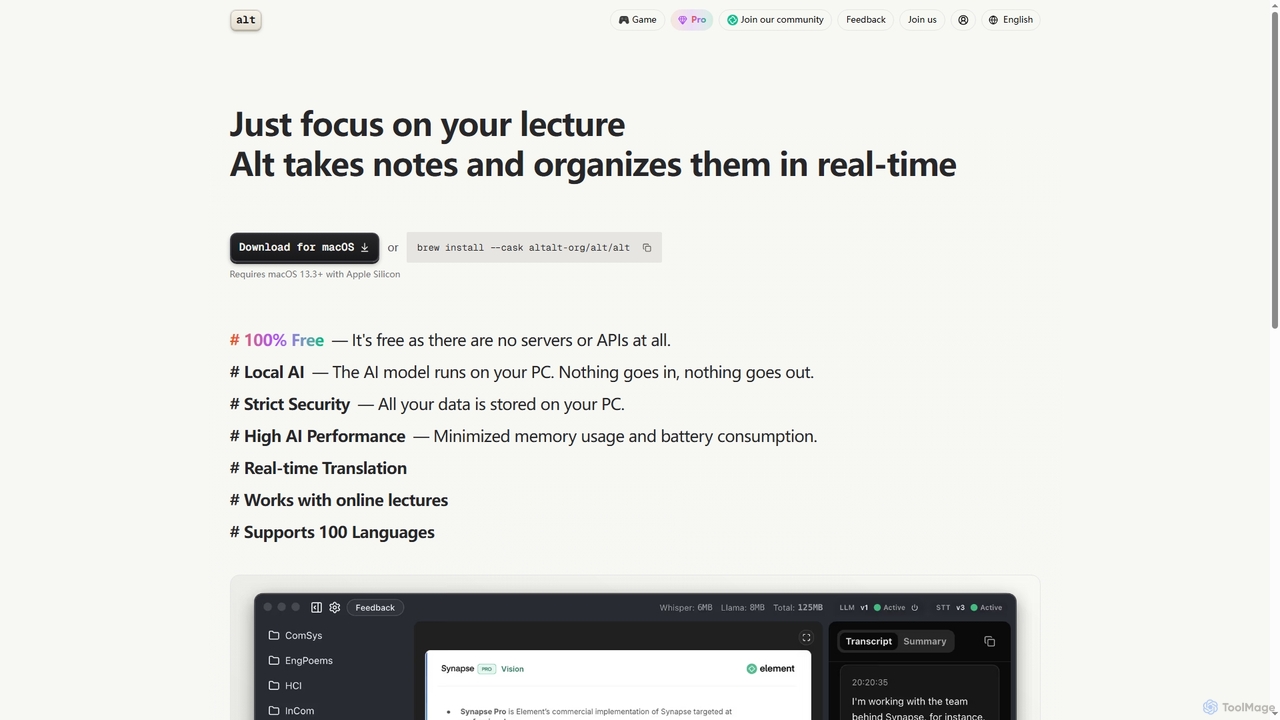
Altalt
Altalt is a free, local AI lecture notetaker for macOS that transcribes and organizes your lectures in real-time. It ensures strict data privacy by running entirely on your device, supporting 100 languages and real-time translation, making it ideal for students and professionals seeking efficient, secure note-taking.
Note Taking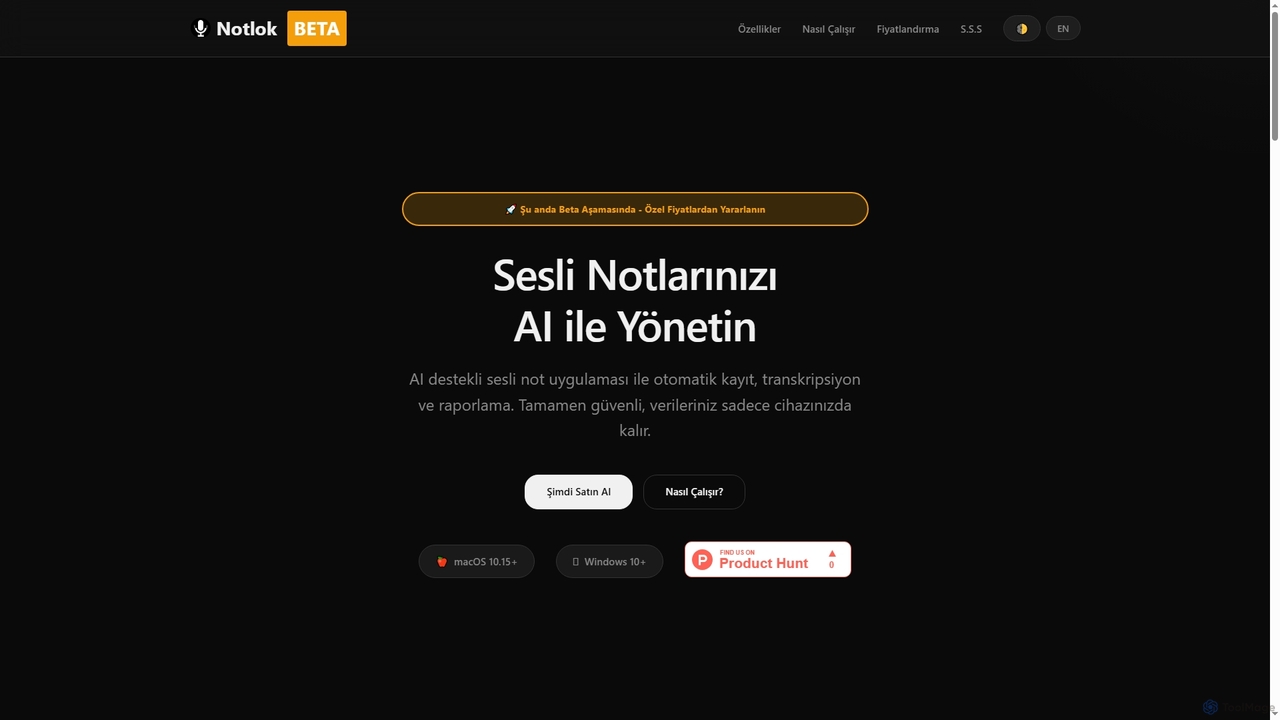
Notlok
Notlok is an AI-powered desktop application for macOS and Windows that provides secure, offline voice note transcription and direct system audio recording. It leverages Whisper AI models to convert spoken content from over 99 languages into text, ensuring user data remains entirely on the local device.
Voice Notes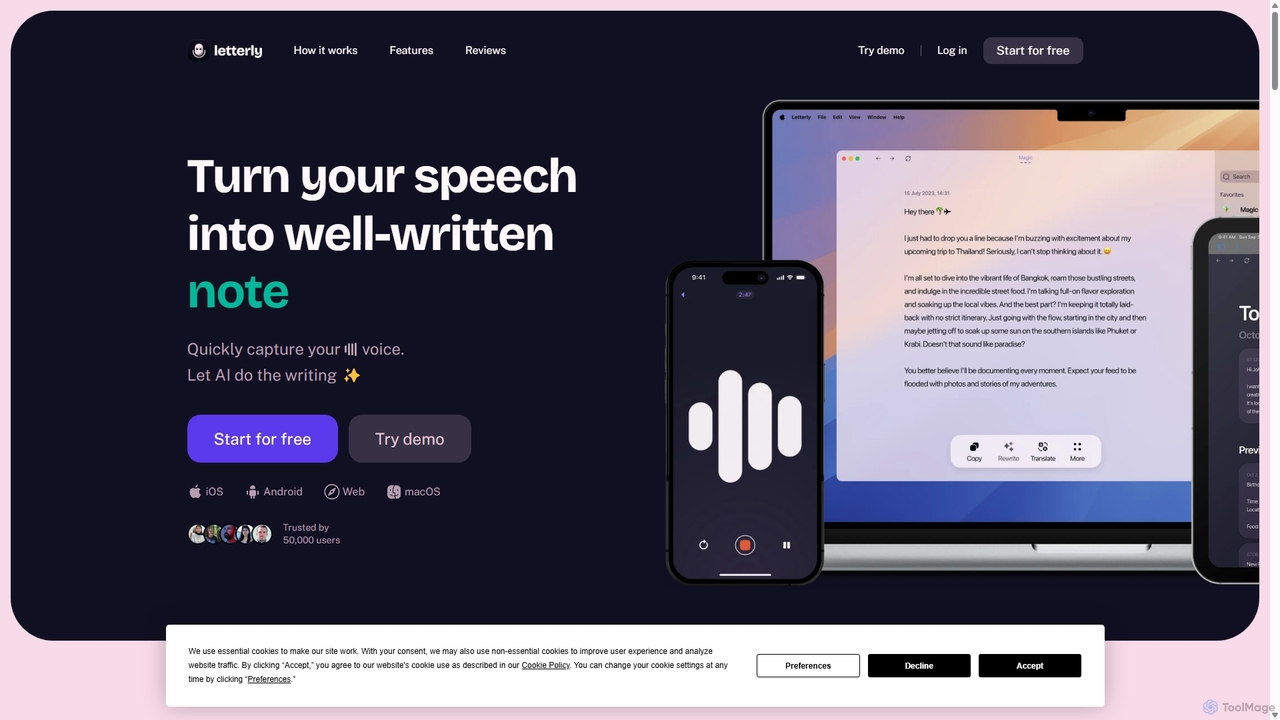
Letterly
Letterly is an AI-powered mobile and desktop app that transforms your spoken words into clear, well-written text. It's more than just transcription; it uses AI to structure, rewrite, and format your voice notes into ready-to-use emails, social media posts, journal entries, to-do lists, and more, supporting over 90 languages.
Transcription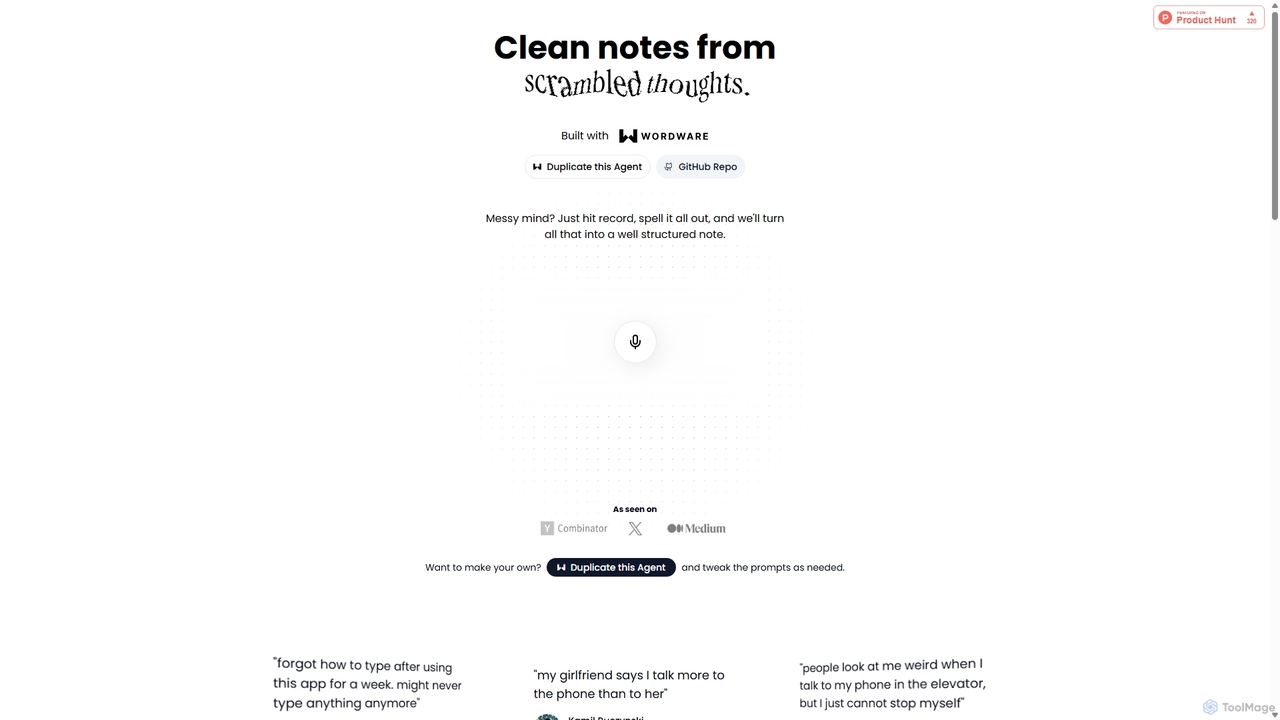
Audioscribe
Audioscribe is an AI-powered tool that transforms your messy, spoken thoughts into clean, well-structured notes. Simply record your voice, and the AI will transcribe, organize, and format your ideas into coherent text for project plans, emails, journals, and more, streamlining your workflow and boosting productivity.
Speech To Text
Turbo
Turbo is an advanced AI note-taker and study tool designed to transform various content formats like lectures, PDFs, videos, and audio into editable notes, flashcards, quizzes, and podcasts. It helps students and professionals study smarter, organize information, and collaborate efficiently, leveraging AI for enhanced learning and productivity.
TranscriptionSpeechtoNote
SpeechtoNote is an AI-powered tool that instantly converts spoken words into accurate text notes. It supports over 40 languages and offers 30+ smart note formats, including summaries, emails, and to-do lists. Powered by advanced models like GPT-4o, it's designed for professionals, students, and creators to capture ideas, transcribe meetings, and streamline their workflow effortlessly.
Speech To Text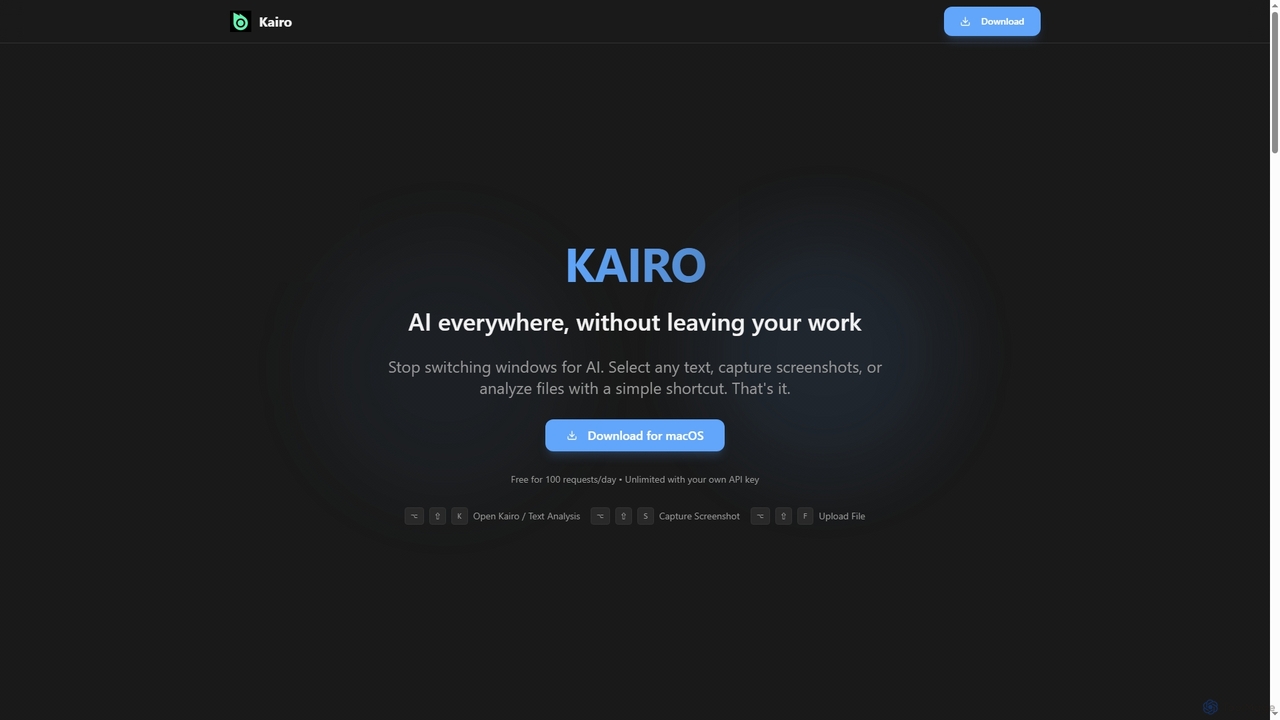
Kairo
Kairo is an AI-powered desktop assistant for macOS that integrates seamlessly into your workflow, eliminating the need to switch applications for AI tasks. It offers smart text transformation, visual analysis of screenshots, and deep analysis of files directly from any app using simple keyboard shortcuts.
Document Analysis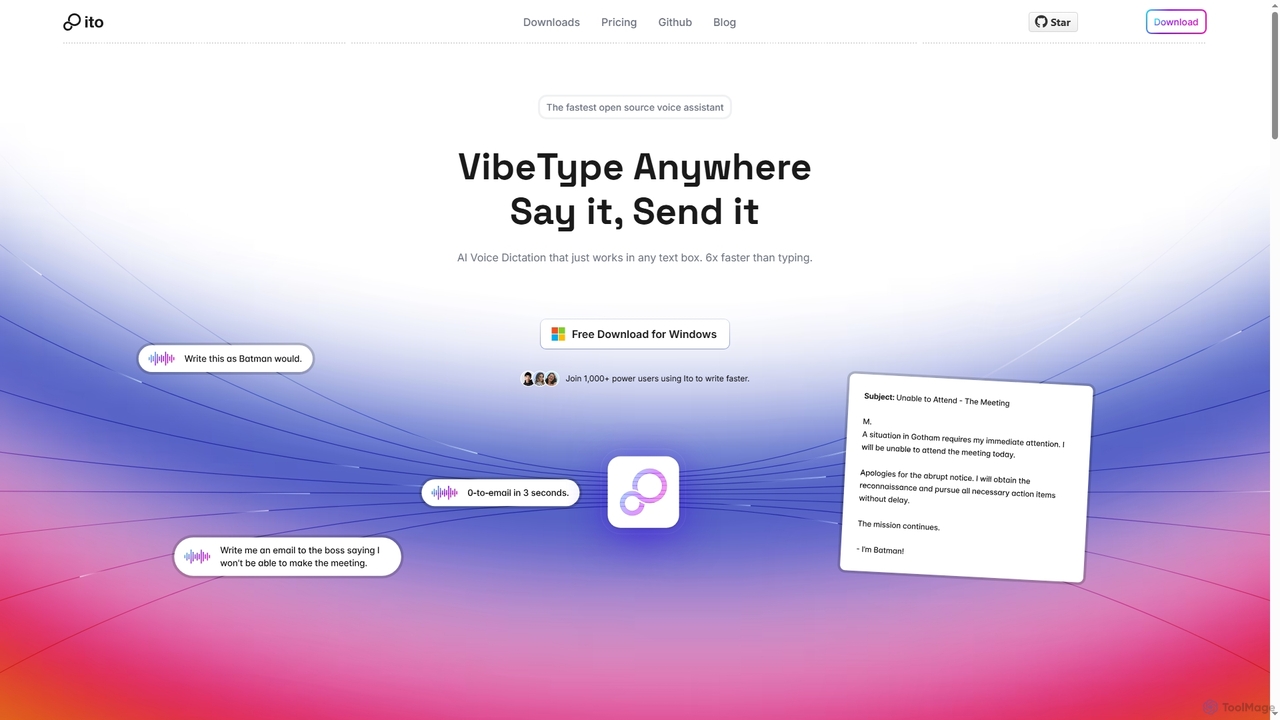
Ito
Ito is an open-source, voice-powered AI assistant for Mac and Windows that goes beyond simple dictation. Using "Vibe Typing," it understands your intent to generate polished text, smart responses, and even code, saving users significant time by allowing them to think, not type.
Email Assistant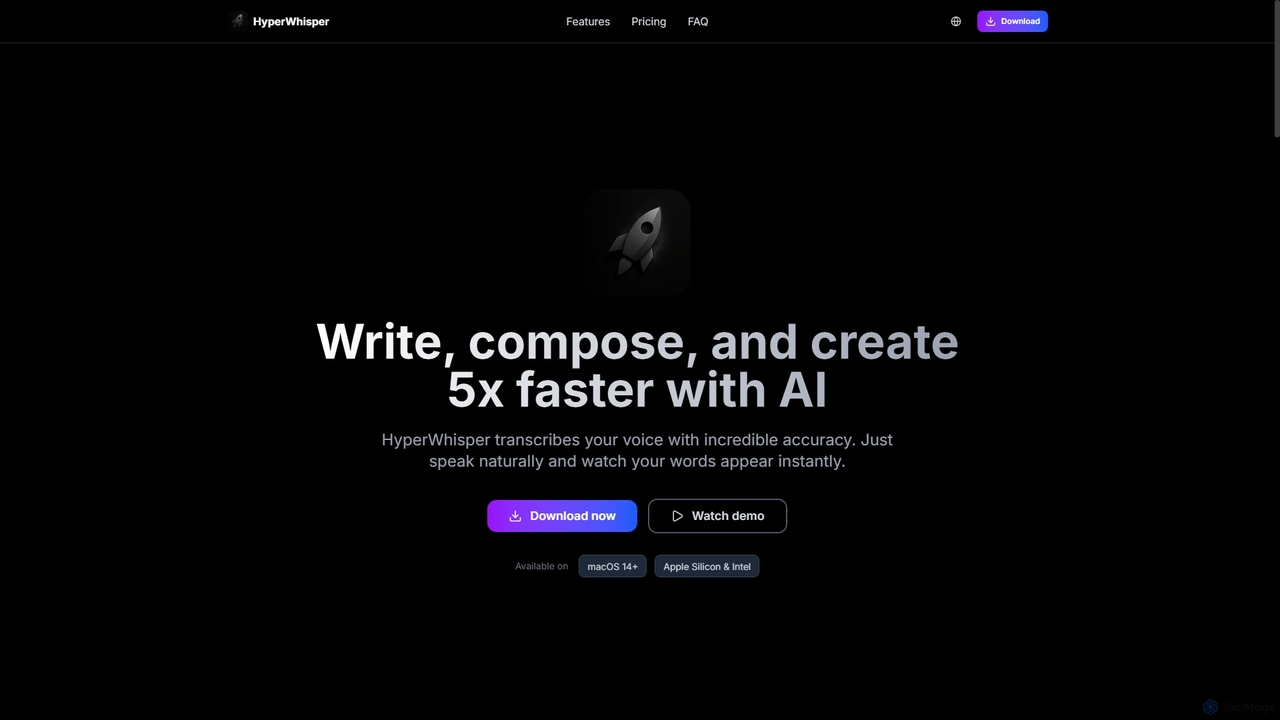
HyperWhisper
HyperWhisper is an AI-powered voice transcription application for macOS, designed to convert spoken words into text with exceptional accuracy and speed. It supports over 100 languages, offers robust offline capabilities, and prioritizes user privacy, making it ideal for professionals seeking efficient content creation and note-taking.
Coding Assistant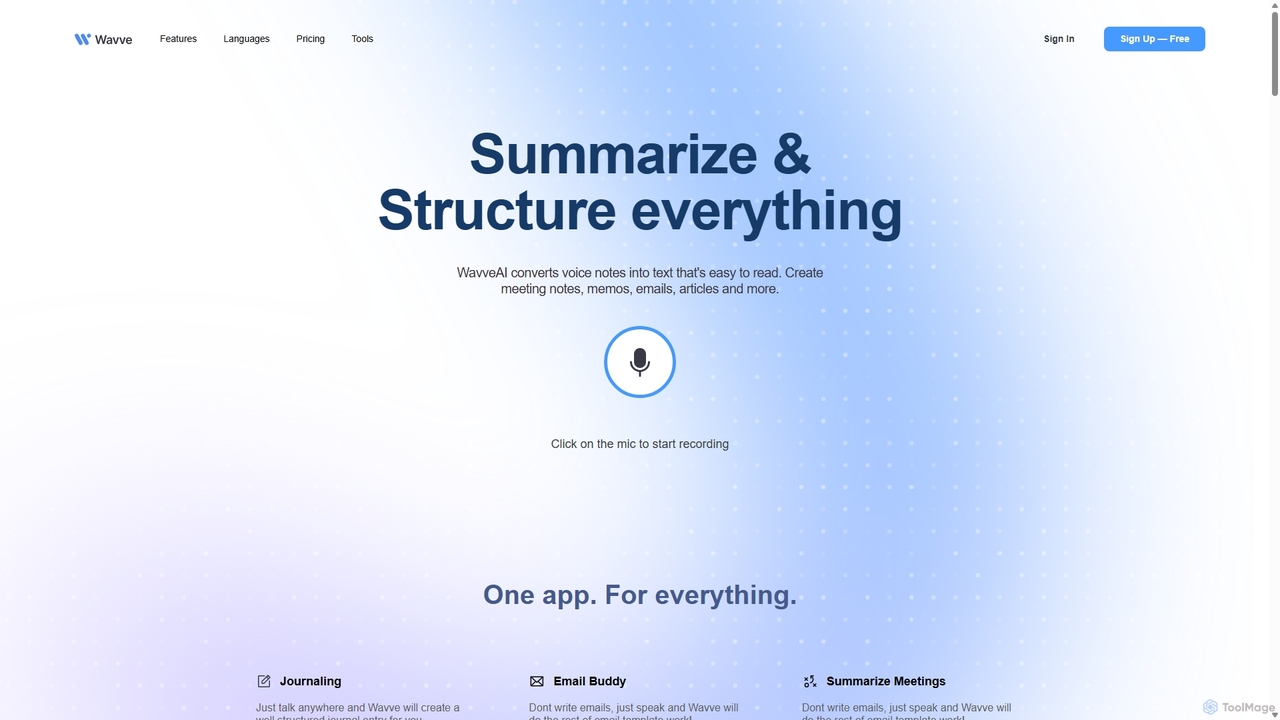
Wavve AI
Wavve AI is an intelligent tool that effortlessly records, transcribes, and summarizes voice notes. It transforms spoken ideas into structured text formats like meeting notes, emails, articles, and social media posts, supporting over 140 languages. Ideal for creators, professionals, and anyone looking to boost productivity by converting voice to content.
Speech To Text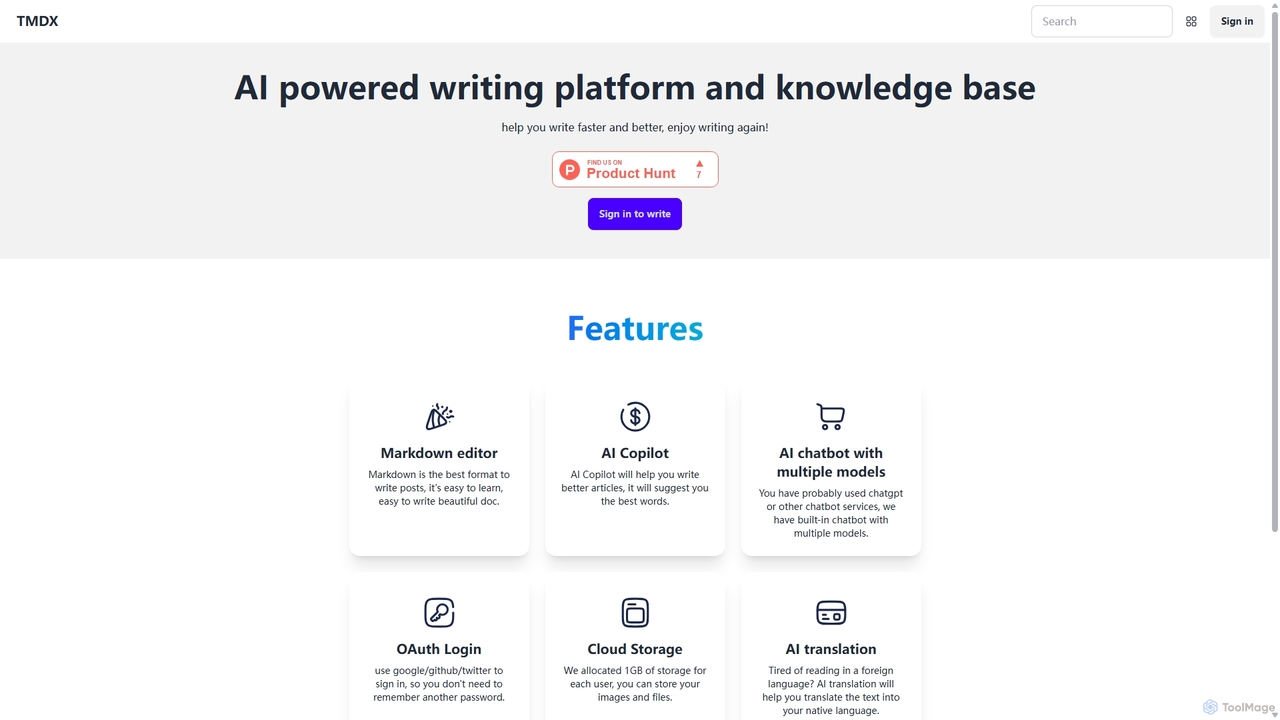
TMDX
TMDX is an AI-powered writing platform and personal knowledge base designed to enhance your writing process. It combines a clean Markdown editor with an AI Copilot for content generation, a multi-model AI chatbot for research, and built-in AI translation. With a focus on privacy, data ownership, and an ad-free experience, TMDX helps you write faster, better, and more enjoyably.
Blogging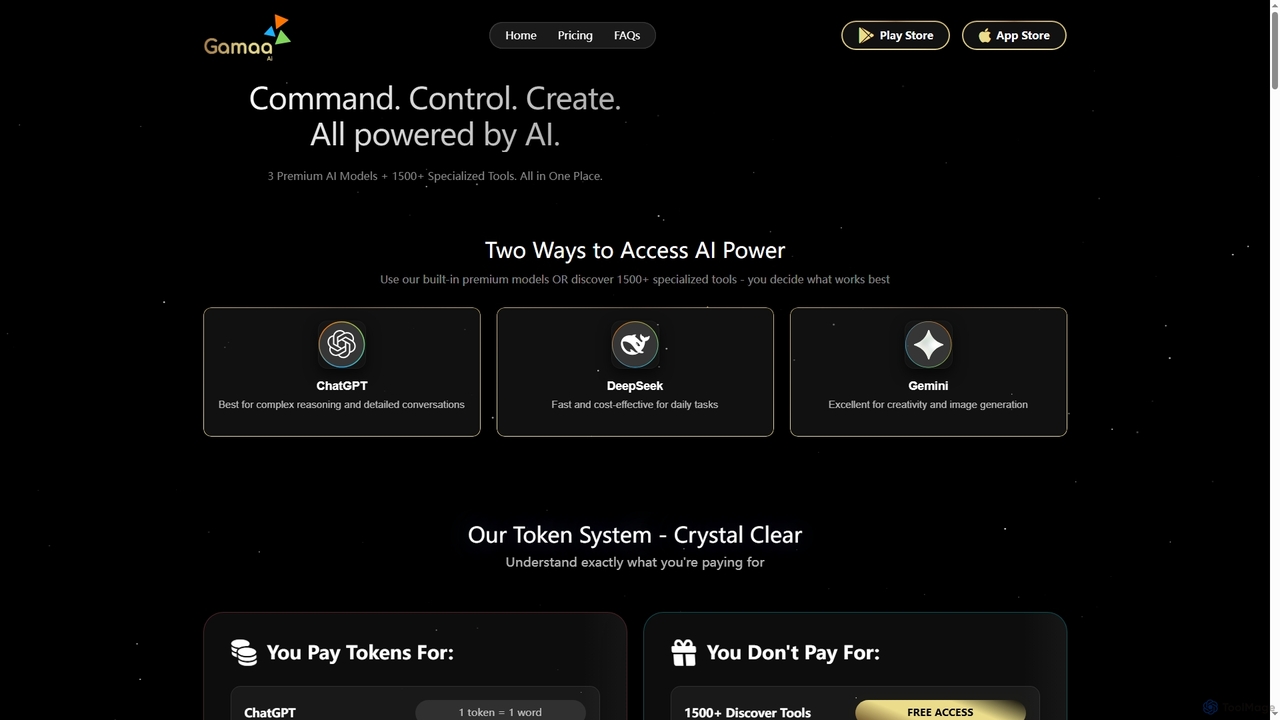
Gamaa
Gamaa is an advanced AI platform offering a unified chat interface that integrates the reasoning power of DeepSeek, the creativity of ChatGPT, and the data context of Gemini. It provides access to over 1500 AI tools for writing, coding, analytics, and research, alongside a trending gallery of prompts and workflows. Its flexible credit system ensures users only pay for what they generate.
Analytics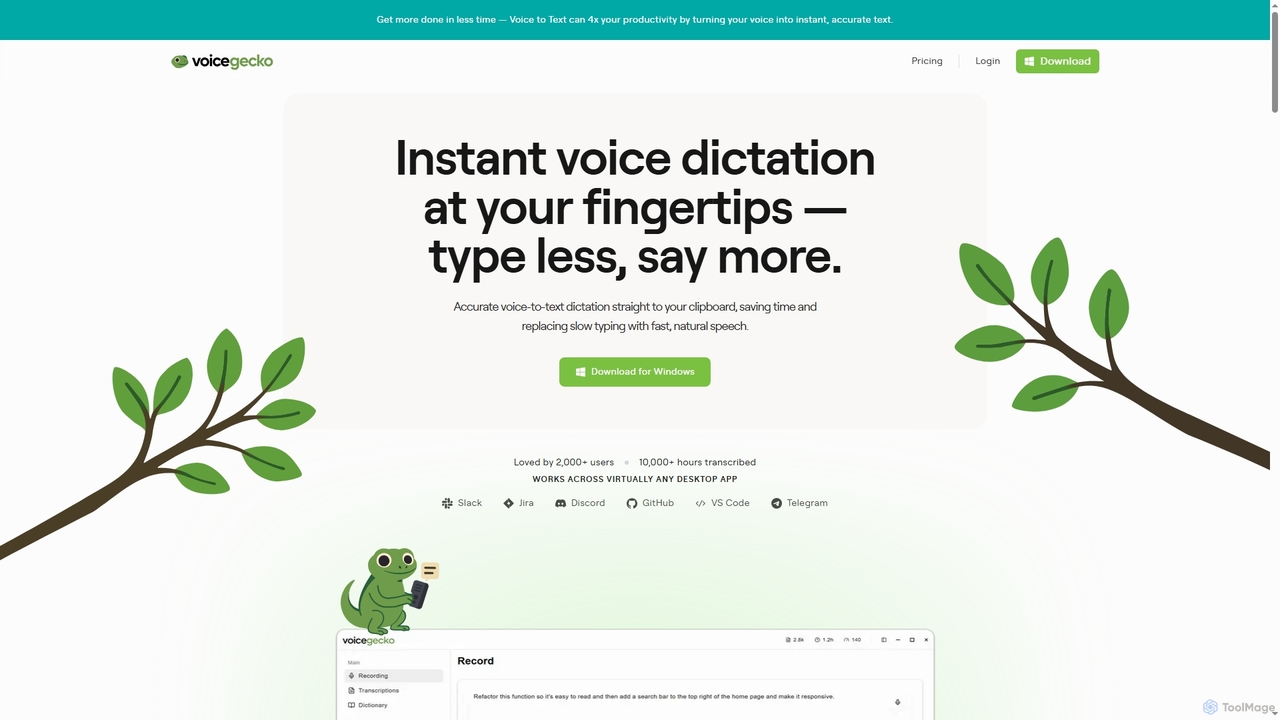
VoiceGecko
VoiceGecko is a desktop application providing instant, high-accuracy voice-to-text dictation. It works across virtually any app, allowing users to type with their voice to save time, reduce typos, and improve workflow, especially for developers and AI users.
Messaging
VibeSonic Comments (0)
Sign in to comment.
Sign inNo comments yet.