

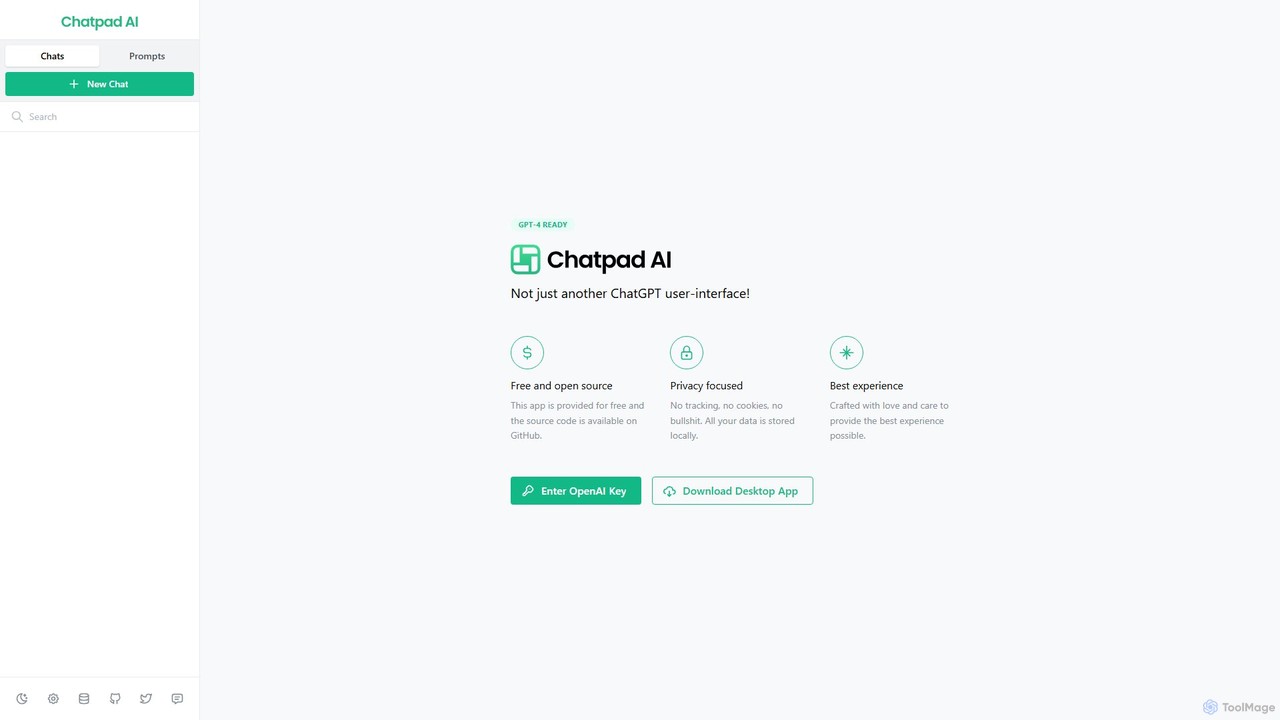
Chatpad AI Overview
Chatpad AI is an advanced, privacy-centric user interface designed for interacting with OpenAI's powerful language models like GPT-4. It distinguishes itself from typical web-based chat interfaces by being a free, open-source, and downloadable desktop application. The core philosophy of Chatpad AI is to put users in complete control of their data. By requiring users to input their own OpenAI API key, it ensures that all conversations are processed directly through OpenAI's services under the user's account, and more importantly, all chat history is stored exclusively on the user's local machine. This approach completely eliminates third-party tracking, cookies, and data collection, offering a truly private and secure environment for leveraging AI.
Developed with a focus on providing the best possible user experience, Chatpad AI offers a clean, fast, and intuitive interface that surpasses many standard web UIs. As an open-source project with its code available on GitHub, it provides full transparency, allowing developers and security experts to audit its code and contribute to its development. This fosters a high level of trust and ensures the platform's privacy claims are verifiable.
How to use Chatpad AI
Using Chatpad AI is a straightforward process designed for both technical and non-technical users. Here’s a step-by-step guide:
- Download the Application: Visit the official Chatpad AI website (chatpad.ai) and download the desktop application for your operating system (e.g., Windows, macOS, Linux).
- Get Your OpenAI API Key: Log in to your OpenAI account at platform.openai.com. Navigate to the API keys section and generate a new secret key. Copy this key.
- Configure Chatpad AI: Launch the Chatpad AI application. It will prompt you to enter your OpenAI API key. Paste the key you copied into the designated field.
- Start Chatting: Once the API key is validated, you can immediately start interacting with the AI. You can select different models available through the API, such as GPT-4 or GPT-3.5-turbo.
- Manage Conversations: All your conversations are automatically saved locally on your computer. You can easily access, search, and manage your chat history directly within the app without needing an internet connection to view past chats.
Core Features of Chatpad AI
- GPT-4 Ready: Seamlessly integrates with OpenAI's most advanced models, allowing you to leverage state-of-the-art AI capabilities.
- Privacy First Architecture: No tracking, no cookies, and no server-side data storage. All your conversations and your API key are stored locally on your device.
- Open Source and Transparent: The source code is publicly available on GitHub, allowing for community audits, contributions, and complete transparency.
- Use Your Own API Key: Connects directly to your OpenAI account, giving you full control over your API usage and costs. You only pay OpenAI for what you use.
- Native Desktop Experience: As a dedicated desktop app, it offers superior performance, stability, and integration compared to a browser tab.
- Clean and Intuitive Interface: Meticulously designed to be user-friendly, efficient, and free of clutter, enabling a focused workflow.
- Local Chat History: All conversations are saved on your machine, ensuring you have permanent, private access to your data.
Use Cases for Chatpad AI
Chatpad AI is a versatile tool suitable for a wide range of users who prioritize privacy and control:
- Developers: Use it as a secure coding assistant to generate code, debug issues, and learn new programming concepts without exposing proprietary code to third-party servers.
- Writers and Content Creators: Brainstorm ideas, draft articles, scripts, and marketing copy in a confidential environment.
- Researchers and Academics: Analyze research papers, summarize complex topics, and organize notes with the assurance that their intellectual property remains private.
- Business Professionals: Draft sensitive emails, create reports, and analyze business data without risking data leaks.
- Privacy-Conscious Individuals: Anyone who wants to use the power of large language models for personal or professional tasks without their data being used for model training or stored by an intermediary service.
Advantages of Chatpad AI
The primary advantage of Chatpad AI is its commitment to user privacy and control. By storing all data locally, it provides a level of security that web-based services cannot match. Being free and open-source makes it accessible to everyone and builds a foundation of trust. Furthermore, using your own API key can be more cost-effective for users with moderate usage compared to fixed monthly subscriptions like ChatGPT Plus. The native desktop application provides a more stable, fast, and integrated workflow, free from the distractions of a web browser.
Pricing and Plans
Chatpad AI is **completely free** to download and use. The application itself has no fees, subscriptions, or hidden costs. Users are only responsible for the charges incurred from their usage of the OpenAI API, which is billed directly by OpenAI on a pay-as-you-go basis. This model ensures you only pay for the AI processing you actually consume.
Traffic
Latest traffic
Status
Monthly traffic trend
- 2025-9: 6.8K
- 2026-1: 2.3K
- 2026-2: 2.3K
- 2026-3: 3.1K
- 2026-4: 2.6K
- 2026-5: 4.3K
Geography
Top 5 countries / regions
- 🇺🇸United States78.0%
- 🇮🇳India11.7%
- 🇯🇵Japan10.3%
Top keywords
| Keyword | Cost per click |
|---|---|
| chadpad | $0.00 |
| chatpad | $0.38 |
| chatpad ui for chatgpt | $0.00 |
| chat pat | $0.00 |
| chatpat | $0.00 |
Chatpad AI Alternatives
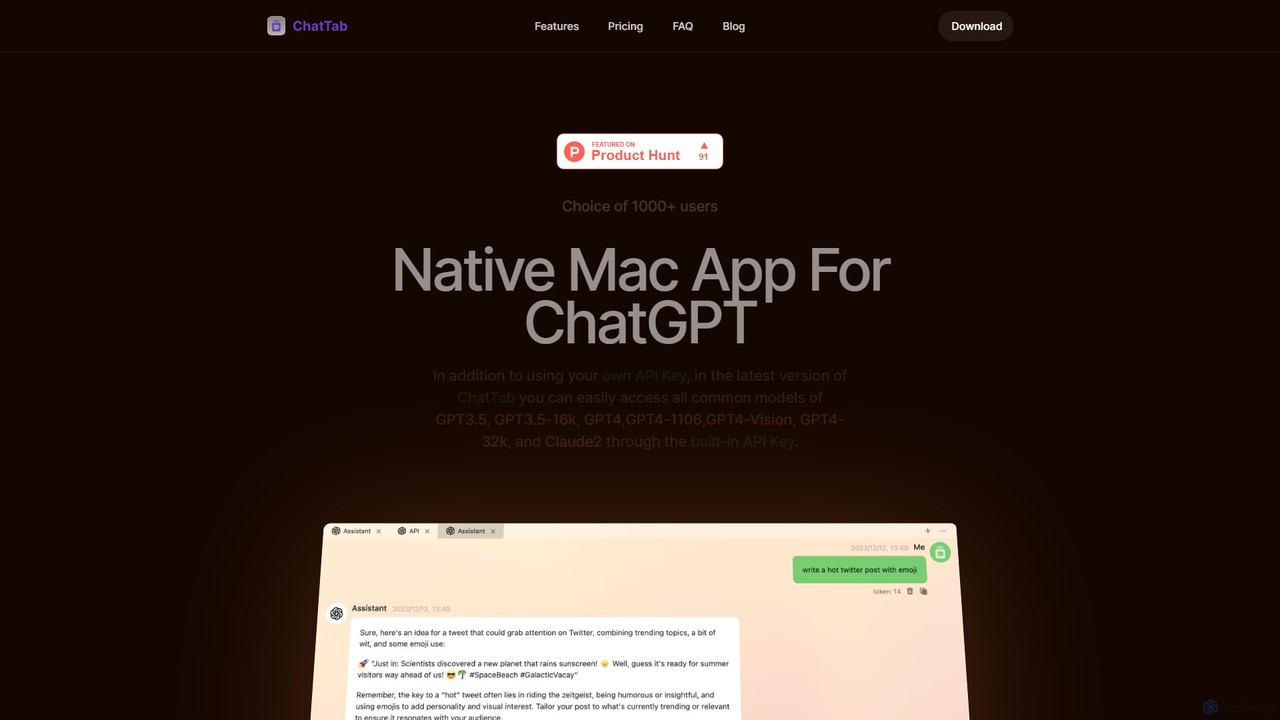
ChatTab
ChatTab is a native macOS desktop application designed to enhance the ChatGPT experience. It offers a fast, lightweight interface with features like multi-tab conversations, shortcut key access, iCloud prompt synchronization, and support for various models including GPT-4 Vision and Claude 2. Users can leverage their own API key or use the built-in one, ensuring a secure and private interaction with advanced AI models directly from their desktop.
Code Assistant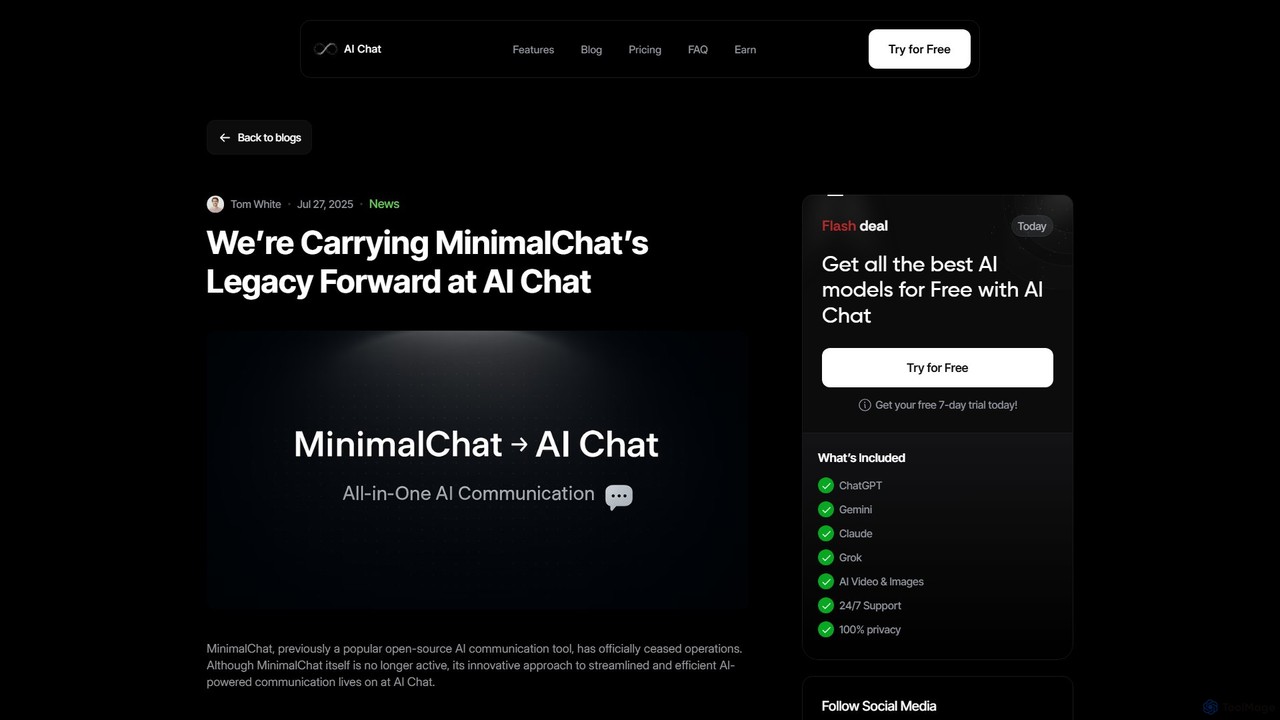
MinimalChat
MinimalChat was a popular open-source, self-hostable AI chat platform known for its lightweight, minimalist design. It allowed users to interact with various GPT models in a clean interface, supporting file uploads, voice interactions, and PWA functionality. Although the project is now discontinued, its legacy of streamlined AI communication continues, emphasizing user privacy and control through its self-hosting capabilities.
Code Assistant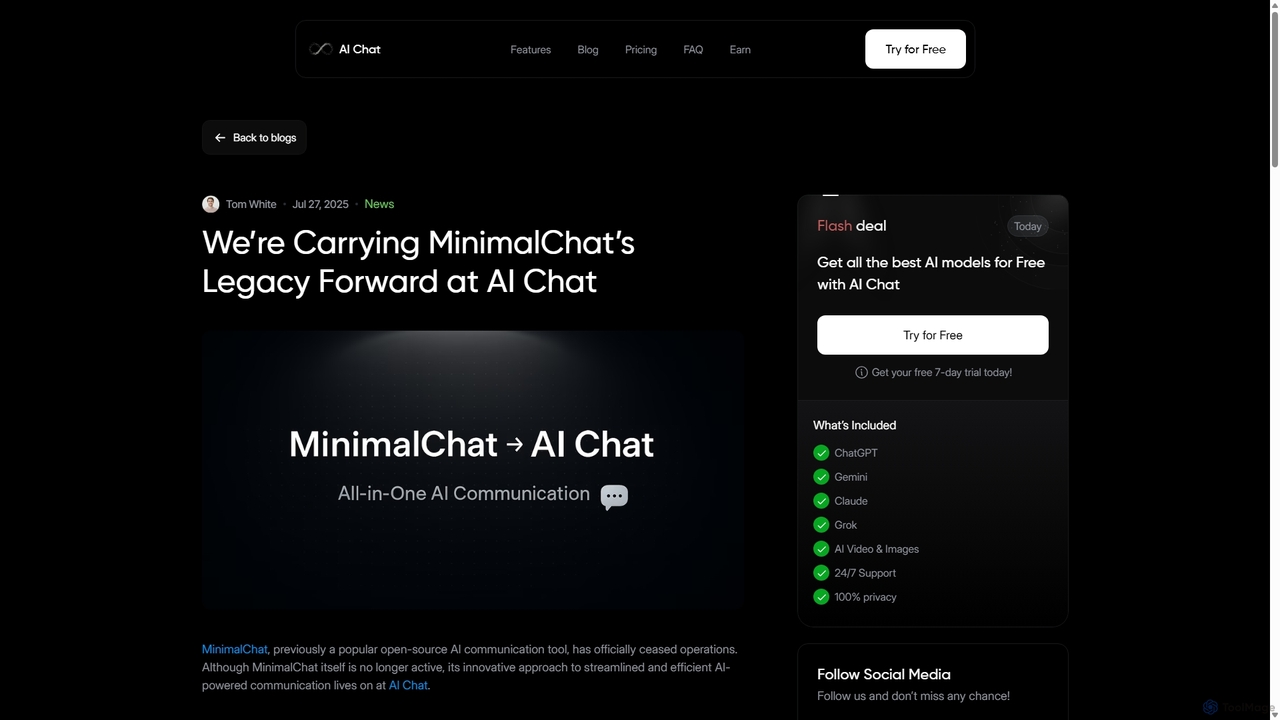
MinimalChat
MinimalChat was a popular open-source, self-hostable AI chat platform known for its lightweight, minimalist design. It supported various GPT models, file uploads, and voice interactions, offering a private and flexible alternative to commercial services. Note: The project has ceased operations.
Code Assistant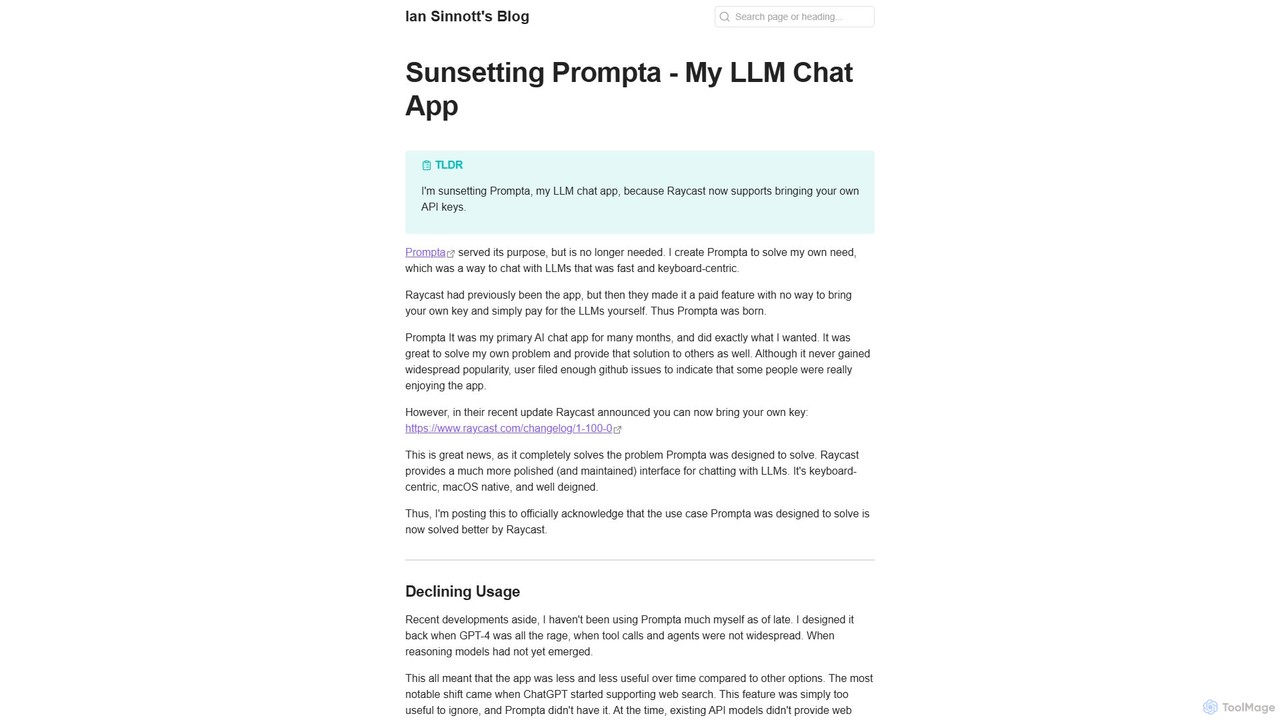
Prompta
Prompta is a fast, keyboard-centric, and open-source LLM chat application for macOS. It allows users to bring their own API keys (BYOK) for direct and cost-effective interaction with large language models. Although no longer in active development, it remains a functional tool for users seeking a simple, efficient AI chat experience.
Mac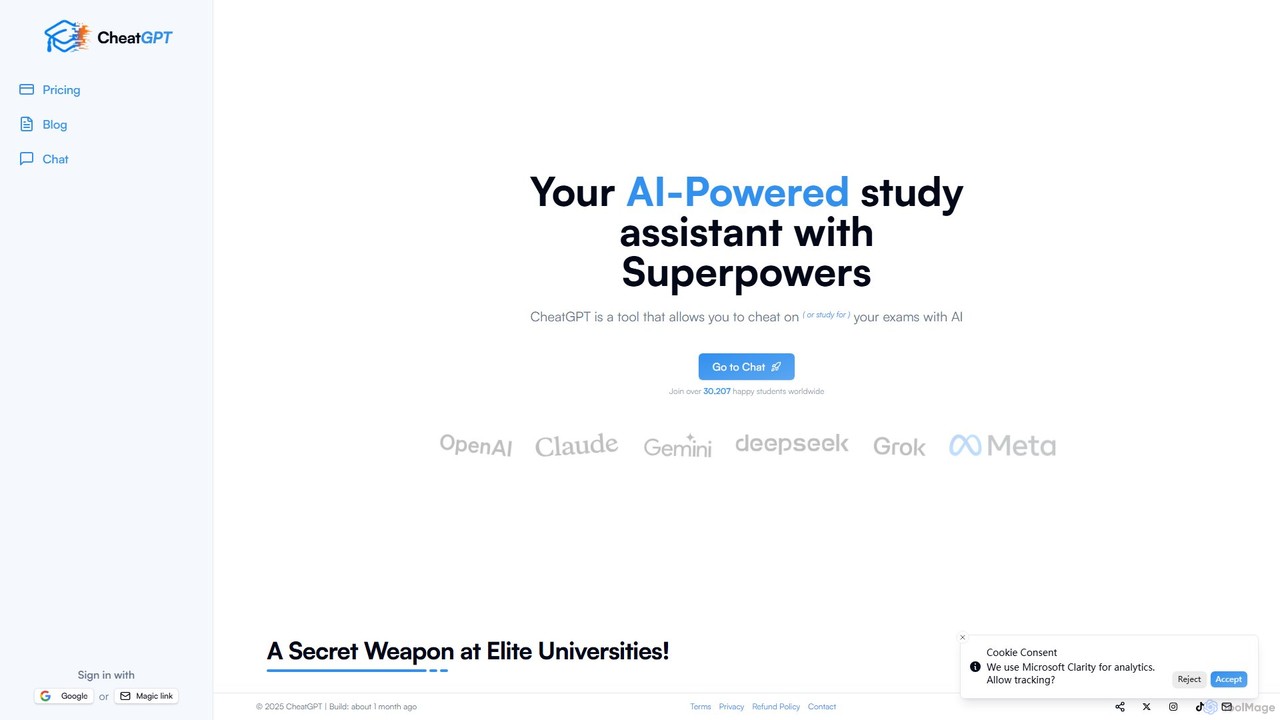
CheatGPT
CheatGPT is an all-in-one AI-powered assistant designed for students, developers, and learners. It provides affordable access to multiple top-tier AI models like GPT-4 and Claude in a single platform. Key features include web search, PDF analysis, quiz creation, and image generation, making it a versatile and cost-effective alternative to subscribing to multiple AI services.
Code AssistantChatpad AI Categories
Chatpad AI Embed Widget
Copy this embed code to place the badge on your blog, article, or product site and send readers directly to this ToolMage detail page.

Related AI tools
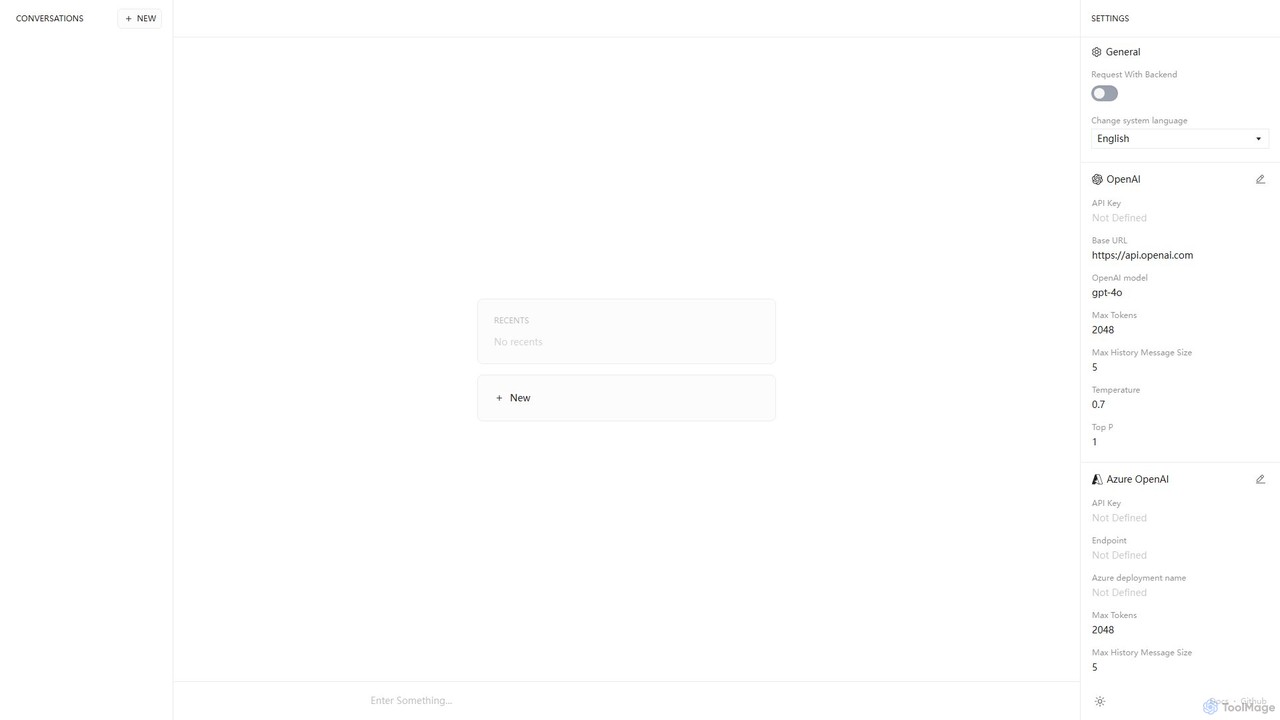
Anse
Anse is a free, open-source, and privacy-focused desktop AI client. It provides a unified interface to interact with various large language models from providers like OpenAI, Google, and Azure. By using your own API keys, you maintain full control over your data and costs, while enjoying advanced features and model customization in a sleek, minimalist application.
Ai Client
Lit.Codes Chat
A privacy-focused AI chat interface offering access to a wide range of advanced GPT models, including GPT-4o. It features end-to-end encrypted chat history and a convenient Chrome extension, making it a secure and versatile tool for developers, writers, and professionals seeking powerful AI assistance without compromising on data security.
Coding AssistantChatTab
ChatTab is a native macOS desktop application designed to enhance the ChatGPT experience. It offers a fast, lightweight interface with features like multi-tab conversations, shortcut key access, iCloud prompt synchronization, and support for various models including GPT-4 Vision and Claude 2. Users can leverage their own API key or use the built-in one, ensuring a secure and private interaction with advanced AI models directly from their desktop.
Code Assistant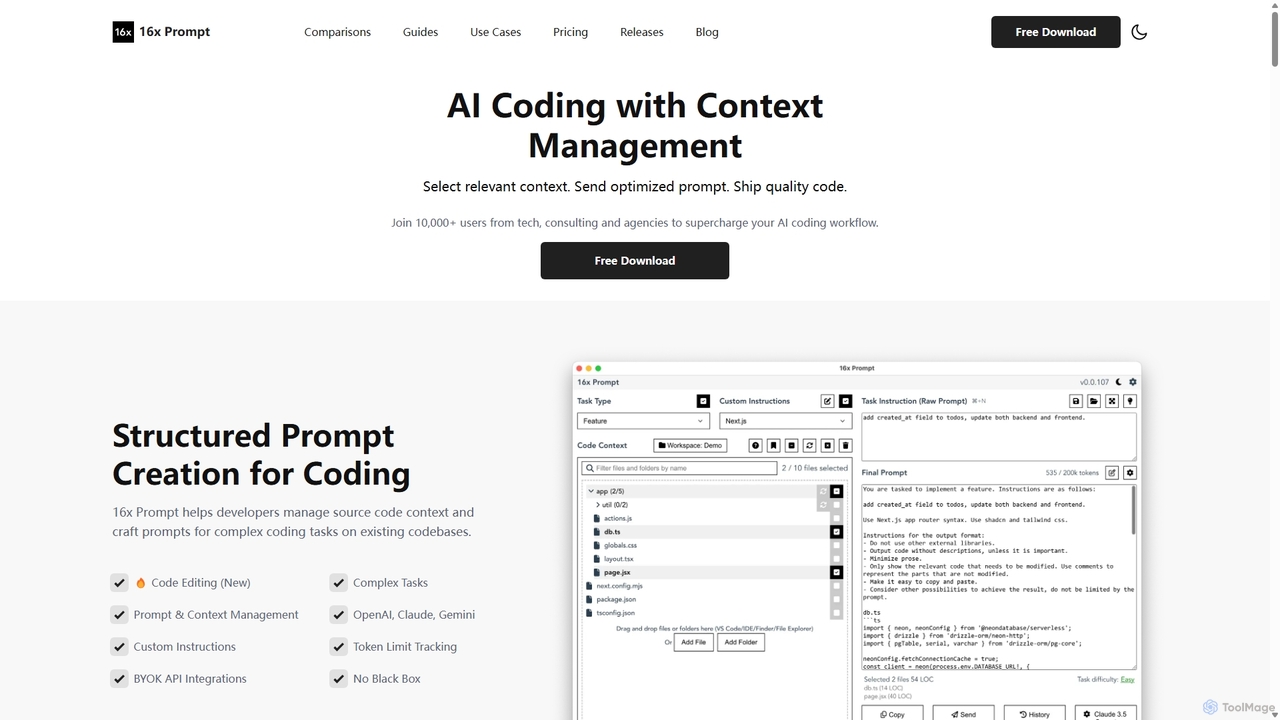
16x Prompt
16x Prompt is a desktop application for developers that enhances AI-assisted coding by enabling advanced context management. It helps you compose complex, context-rich prompts from task instructions and multiple source code files to get superior code generation from any LLM, all while running locally to ensure data privacy and IP protection.
Code Generation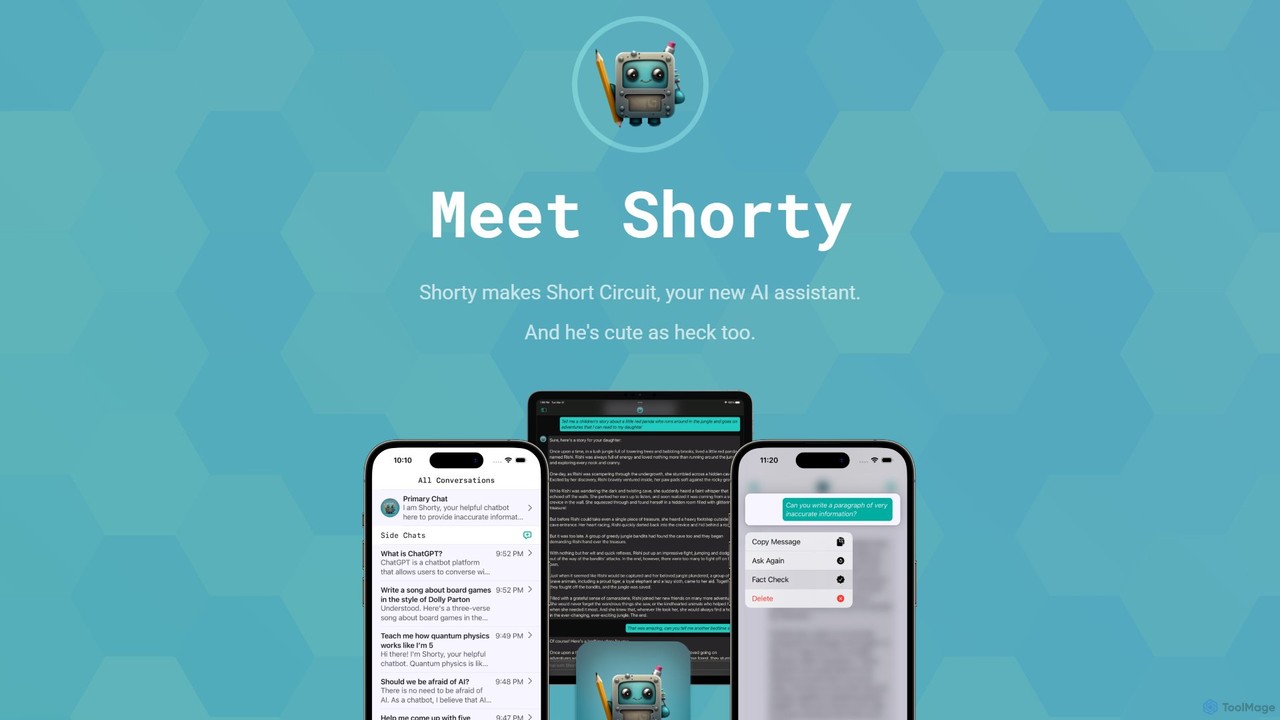
Short Circuit
Short Circuit is a privacy-focused AI assistant for iPhone, iPad, and Mac, powered by ChatGPT & GPT-4. It offers deep integration with the Apple ecosystem, including Siri and Shortcuts. Customize AI personalities for any task, from a math tutor to a code expert. With a strong commitment to privacy and flexible pricing options, including a lifetime unlock with your own API key, Short Circuit provides a premium, secure, and versatile AI experience.
Code Assistant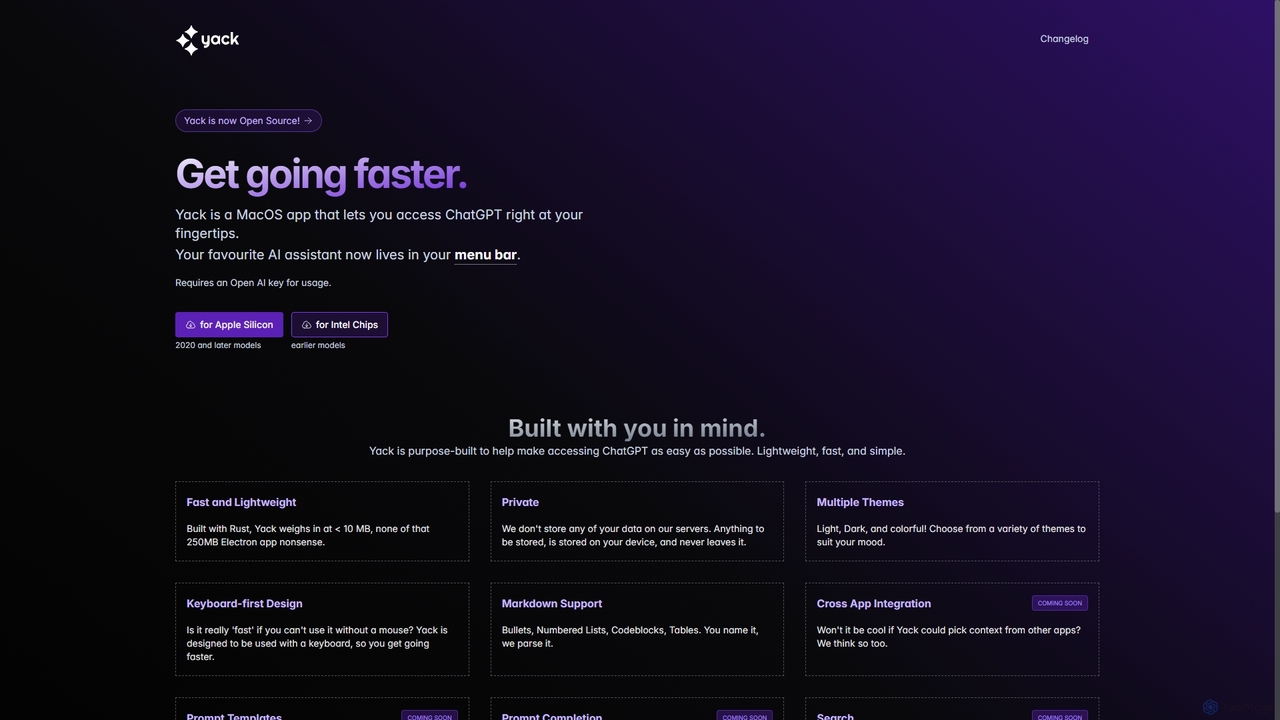
Yack
Yack is a lightweight, fast, and private open-source native macOS application that provides instant access to ChatGPT directly from your menu bar. Built with Rust, it's designed for efficiency with a keyboard-first approach, ensuring you can interact with AI without disrupting your workflow.
Api ClientMinimalChat
MinimalChat was a popular open-source, self-hostable AI chat platform known for its lightweight, minimalist design. It allowed users to interact with various GPT models in a clean interface, supporting file uploads, voice interactions, and PWA functionality. Although the project is now discontinued, its legacy of streamlined AI communication continues, emphasizing user privacy and control through its self-hosting capabilities.
Code AssistantMinimalChat
MinimalChat was a popular open-source, self-hostable AI chat platform known for its lightweight, minimalist design. It supported various GPT models, file uploads, and voice interactions, offering a private and flexible alternative to commercial services. Note: The project has ceased operations.
Code AssistantPrompta
Prompta is a fast, keyboard-centric, and open-source LLM chat application for macOS. It allows users to bring their own API keys (BYOK) for direct and cost-effective interaction with large language models. Although no longer in active development, it remains a functional tool for users seeking a simple, efficient AI chat experience.
Mac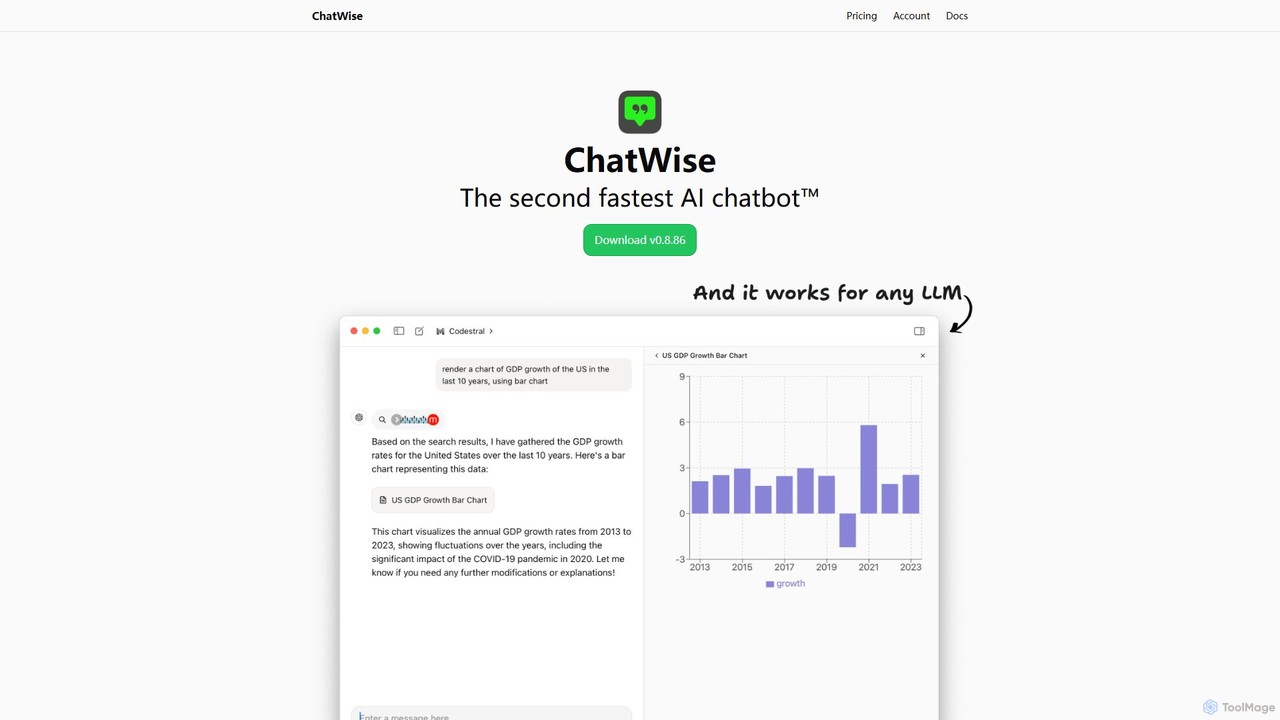
ChatWise
ChatWise is a high-performance, privacy-focused desktop application that provides a unified interface for interacting with various LLMs like ChatGPT, Claude, Gemini, and Llama. It supports multi-modal inputs, web search, and tool integration, storing all your data locally.
Api Management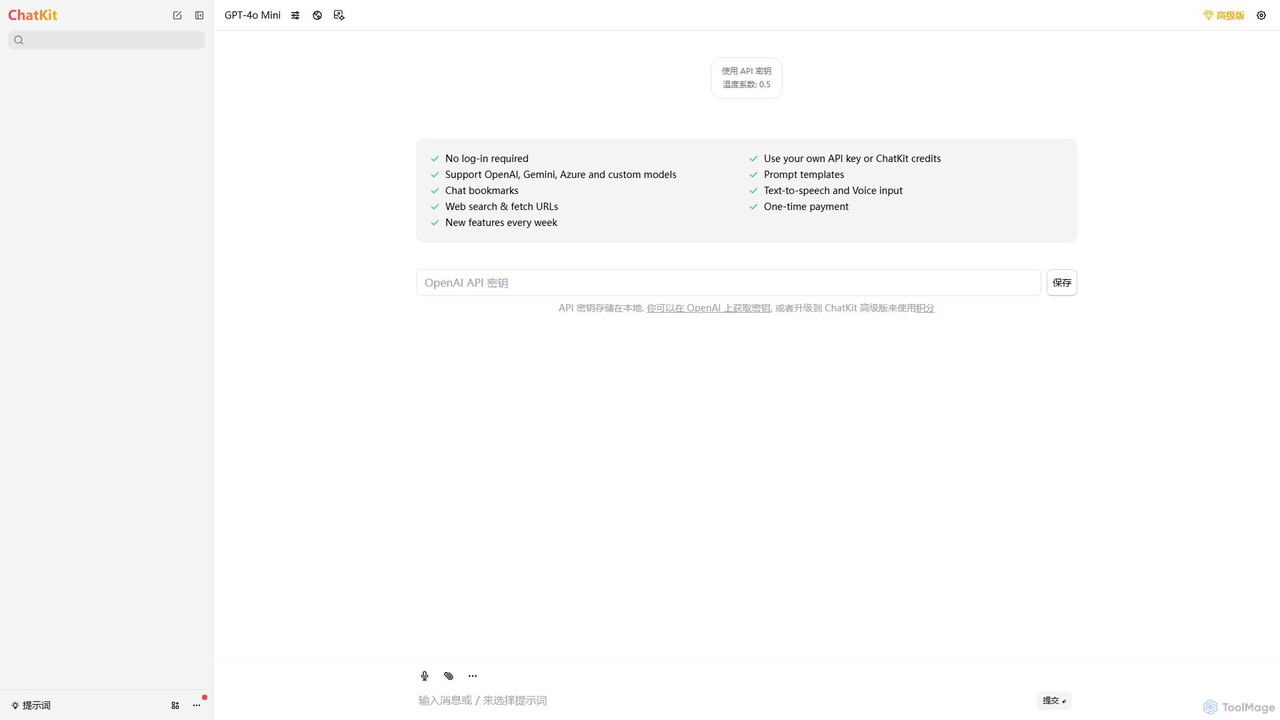
ChatKit
ChatKit is a refined, unified chat interface for top AI models like OpenAI, Gemini, and Azure. It enhances your workflow with features like web search, prompt templates, voice input, and chat bookmarks, all while prioritizing user privacy with local API key storage and no required login.
Api Management
HeyGPT
HeyGPT is an advanced, privacy-focused web client for ChatGPT. It enhances your experience by allowing you to use your own OpenAI API key, chat with documents, PDFs, websites, and YouTube videos, and transcribe audio. All data is stored locally, with no monthly fees or required logins.
Summarizer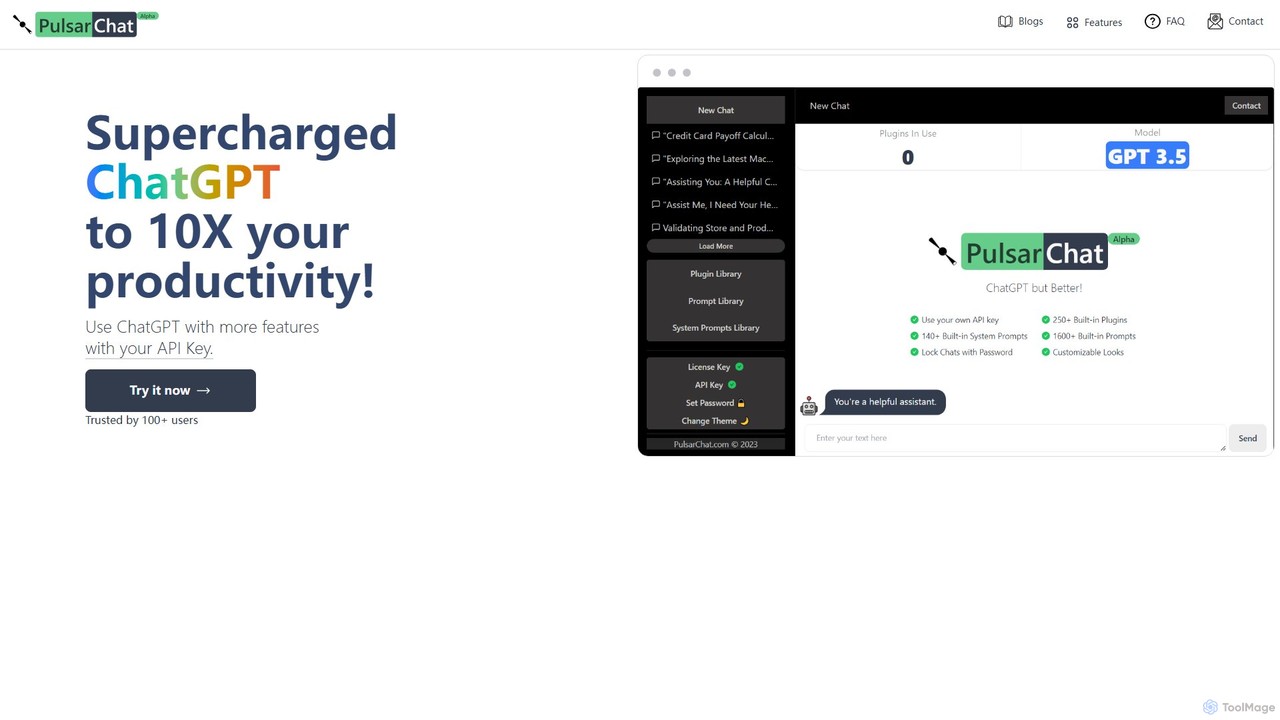
PulsarChat
PulsarChat is a powerful web-based client that supercharges your ChatGPT experience. By using your own OpenAI API key, it unlocks advanced features like 250+ plugins, a vast library of 1500+ prompts, and access to larger context models (e.g., GPT-4) without usage caps. It prioritizes user privacy by storing API keys locally and ensuring all communication is directly with OpenAI's servers.
Api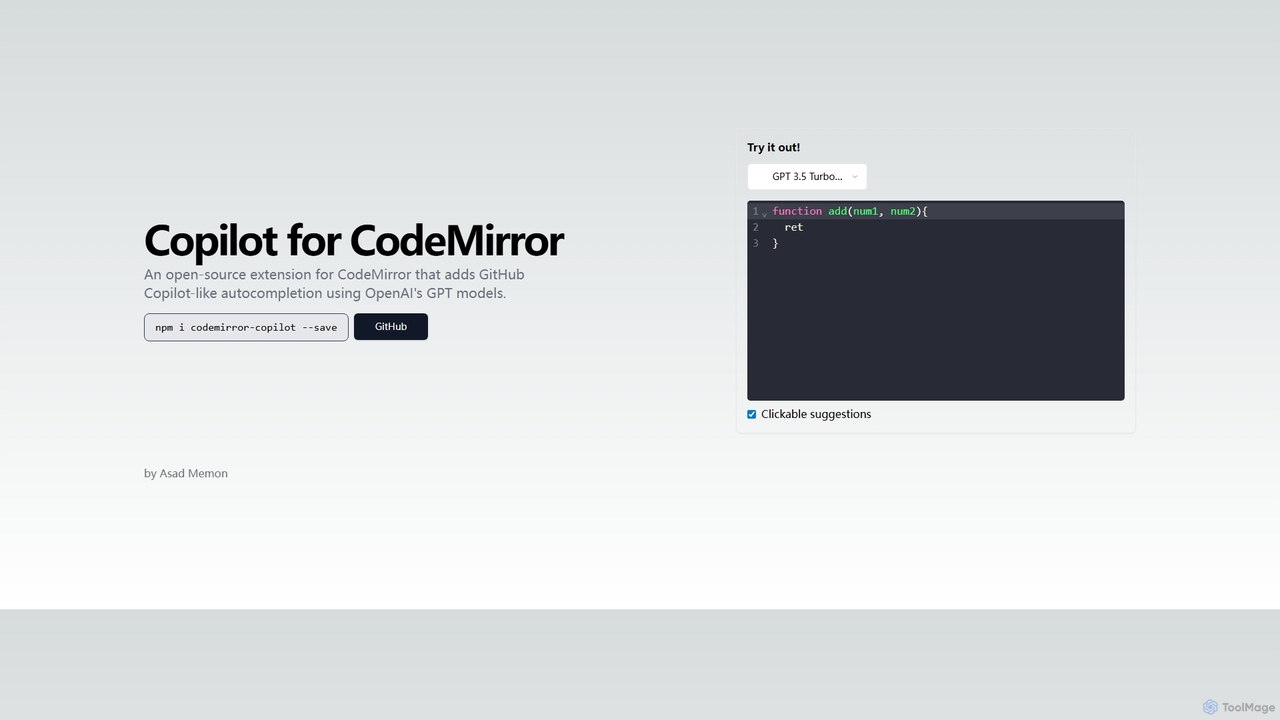
Copilot for CodeMirror
An open-source extension that integrates GitHub Copilot-like AI-powered autocompletion into the CodeMirror editor. Powered by OpenAI's GPT models, it provides intelligent, context-aware code suggestions to accelerate web development and enhance productivity within any application using CodeMirror.
Code Assistant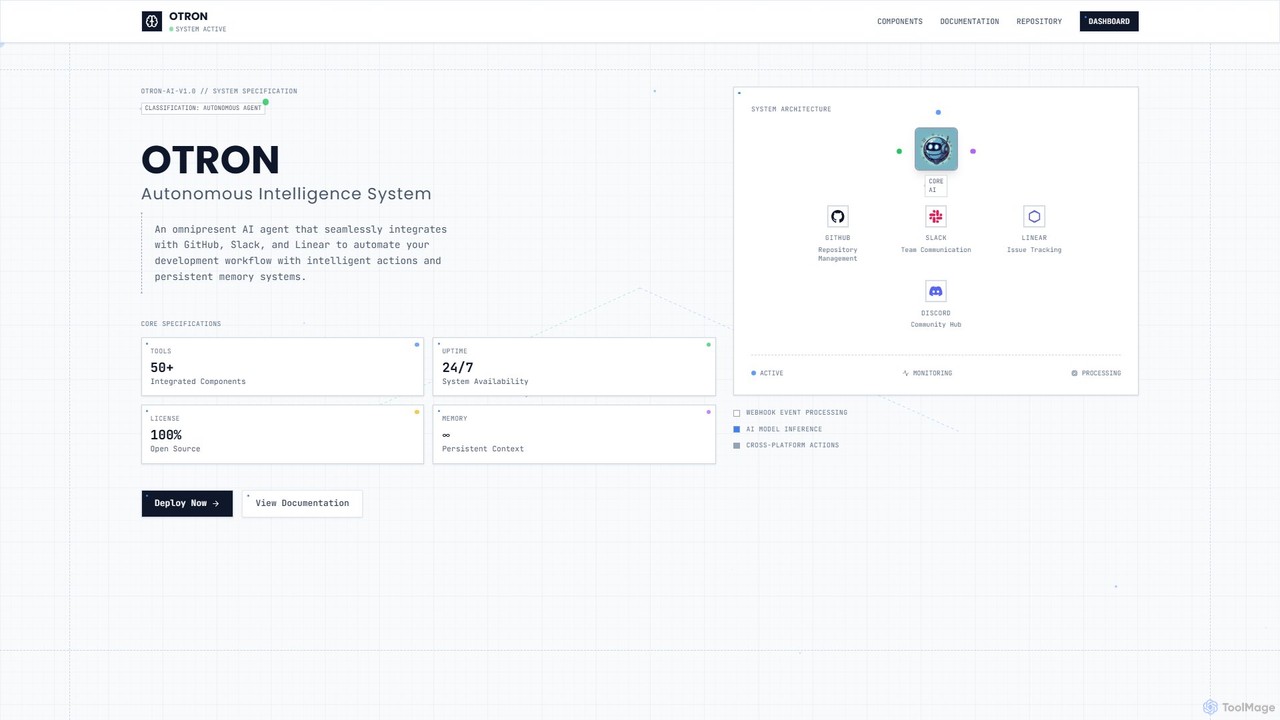
Otron
Otron is an open-source, autonomous AI development agent designed to streamline your software development lifecycle. It seamlessly integrates with GitHub, Slack, and Linear to automate workflows, manage code, handle project tasks, and facilitate team communication, all powered by advanced AI models like Claude and GPT-4.
Code Assistant
Chatpad AI Comments (0)
Sign in to comment.
Sign inNo comments yet.