

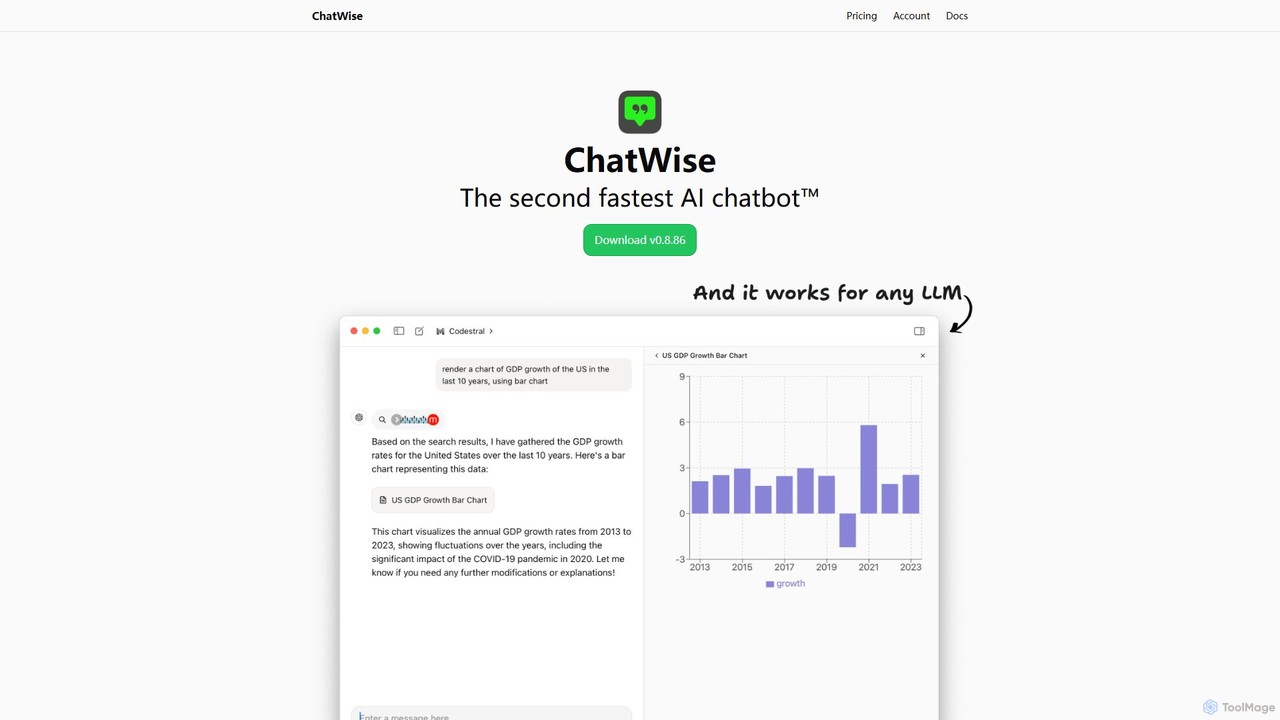
ChatWise Overview
ChatWise is a sophisticated and powerful desktop client designed for users who want a streamlined, fast, and private way to interact with a multitude of Large Language Models (LLMs). It serves as a central hub, eliminating the need to switch between different web interfaces for models like GPT-4, Claude 3, Gemini, Llama, and DeepSeek. Built with performance as a top priority, ChatWise offers a native desktop experience that is significantly faster and more responsive than browser-based alternatives. A cornerstone of its design is privacy; all your chat history, prompts, and API keys are stored exclusively on your local machine, ensuring your data never leaves your device except when sending requests to your chosen LLM provider.
The application is not just a simple chat window. It's a versatile tool that supports multi-modal interactions. Users can seamlessly chat using text, audio, images, and even upload documents like PDFs and text files for analysis and summarization. This makes it an incredibly flexible tool for a wide range of tasks. Furthermore, ChatWise integrates a powerful web search capability, allowing the AI to access real-time information from the internet either through the Tavily Search API or by using your local browser, ensuring your conversations are always informed by the latest data.
How to use ChatWise
Using ChatWise is straightforward, designed to get you up and running quickly:
- Download and Install: First, download the latest version of the ChatWise application from its official website (chatwise.app) and install it on your desktop computer (Windows, macOS, or Linux).
- Configure API Keys: Open the application and navigate to the settings menu. Here, you will add the API keys for the LLM providers you wish to use (e.g., OpenAI, Anthropic, Google, OpenRouter). This is a one-time setup for each provider.
- Select a Model: In the main chat interface, you can choose your desired model from a dropdown list of all the providers you've configured. You can easily switch between models for different tasks.
- Start Chatting: Begin your conversation by typing in the input box. To use multi-modal features, simply drag and drop an image, PDF, or audio file into the chat window.
- Leverage Advanced Features: For real-time information, enable the web search feature. To render complex data, observe how the app handles artifacts like charts and HTML. For automation, explore the MCP (Model-Connect-Platform) to connect the AI to external tools like Notion or Google Sheets.
Core Features of ChatWise
- Universal LLM Support: Connect to virtually any LLM provider, including OpenAI (GPT-4), Anthropic (Claude), Google (Gemini), as well as open-source models through platforms like OpenRouter and Together AI.
- Privacy First: All sensitive data, including conversations and API keys, is stored locally on your device, guaranteeing maximum privacy and control.
- High Performance: As a native desktop application, it's optimized for speed and low latency, providing a smooth and efficient user experience.
- Multi-modal Capabilities: Interact with the AI using text, audio, images, PDFs, and other file types, making it a versatile tool for diverse needs.
- Integrated Web Search: Get up-to-date answers by allowing the AI to search the web for free using Tavily or your local browser.
- Artifact Rendering: The ability to render complex outputs like HTML, React components, charts, and documents directly within the chat interface.
- Tool Integration (MCP): The Model-Connect-Platform allows the AI to use external tools and applications, such as Notion, Google Sheets, and browsers, enabling powerful automation and workflows.
- Simplicity and Customization: A clean, intuitive interface that is easy to use, yet offers powerful customization options for prompts and model settings.
Use Cases for ChatWise
ChatWise is suitable for a wide variety of users and professions:
- Developers: Use it as a unified coding assistant for debugging, writing code, and understanding complex algorithms across different models without leaving their desktop.
- Researchers and Academics: Quickly summarize research papers (PDFs), analyze data, and conduct literature reviews with the help of real-time web search.
- Content Creators and Writers: Brainstorm ideas, draft articles, and translate text, leveraging the unique strengths of different LLMs for higher quality output.
- Power Users and Automators: Create complex, automated workflows by connecting the AI to other applications via MCP, streamlining repetitive tasks.
- Privacy-Conscious Users: Anyone who wants to harness the power of AI without compromising their data privacy by using a secure, local-first client.
Advantages of ChatWise
The main advantages of ChatWise include its unified approach to managing multiple AIs, its strong commitment to user privacy with local data storage, and its superior performance as a native desktop app. The multi-modal support and innovative features like artifact rendering and tool integration (MCP) set it apart from simple web wrappers, making it a truly powerful and extensible platform for anyone who uses AI regularly.
Pricing and Plans
ChatWise operates on a "Bring Your Own Key" (BYOK) model. The desktop application itself is free to download and use. Users are only responsible for the costs associated with the API usage of the LLM providers they connect to the application. This model provides maximum flexibility and cost-effectiveness, as users can take advantage of free tiers or pay-as-you-go pricing from providers like OpenAI, Anthropic, and others without any additional subscription fees from ChatWise.
Traffic
Latest traffic
Status
Monthly traffic trend
- 2025-9: 34.3K
- 2026-1: 23.4K
- 2026-2: 16.3K
- 2026-3: 29.3K
- 2026-4: 33.8K
- 2026-5: 25.9K
Geography
Top 5 countries / regions
- 🇨🇳China60.9%
- 🇺🇸United States15.8%
- 🇭🇰Hong Kong SAR China8.9%
- 🇸🇬Singapore7.2%
- 🇮🇳India7.0%
Traffic sources
| Source type | Percentage |
|---|---|
Direct | 81.8% |
Referral | 18.1% |
Top keywords
| Keyword | Cost per click |
|---|---|
| aihubmix | $4.21 |
| chatwise | $0.87 |
| chatwise rpo | $0.00 |
| chatwise 如何调用 mcp | $0.00 |
| chatwsie | $0.00 |
ChatWise Videos on YouTube

Samir_AI_facts01

ChatWise Alternatives
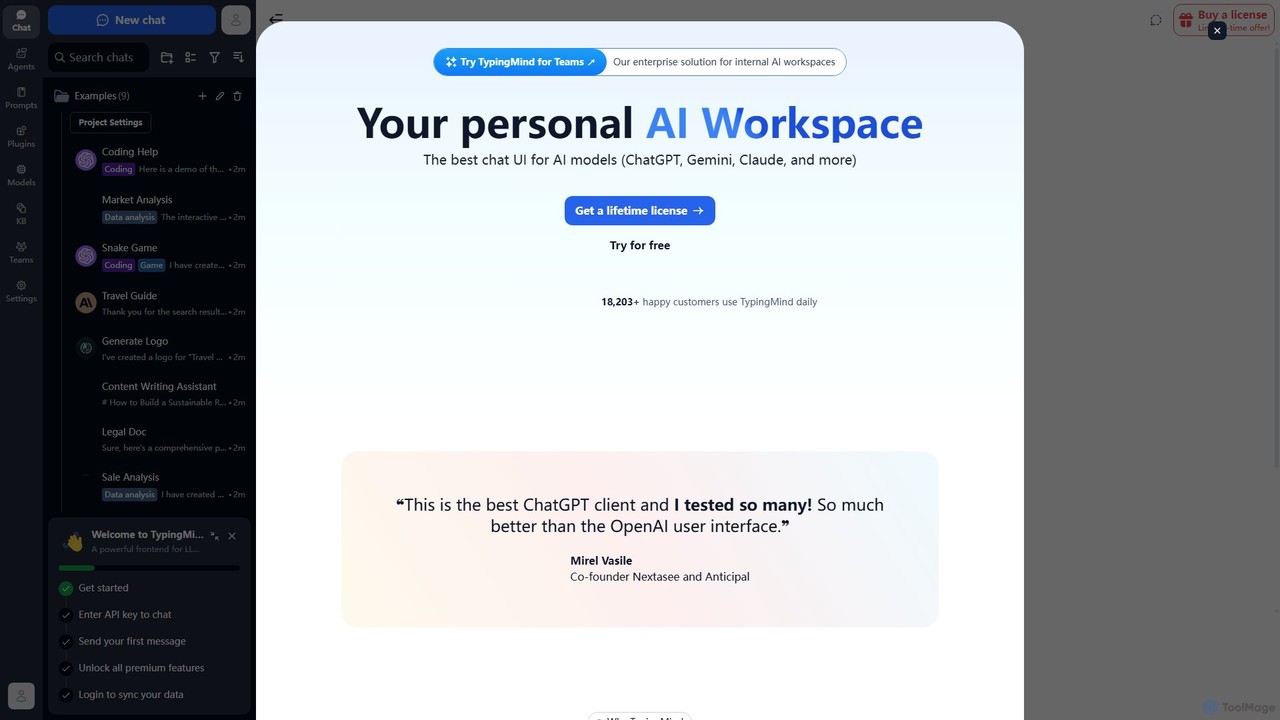
TypingMind
TypingMind is an advanced, privacy-first chat UI for large language models (LLMs) like ChatGPT, Gemini, and Claude. It offers a unified workspace with powerful features, allowing users to bring their own API keys for a one-time fee. Enhance your productivity with custom agents, a rich plugin ecosystem, and advanced chat management tools, all while keeping your data secure on your device.
Api Management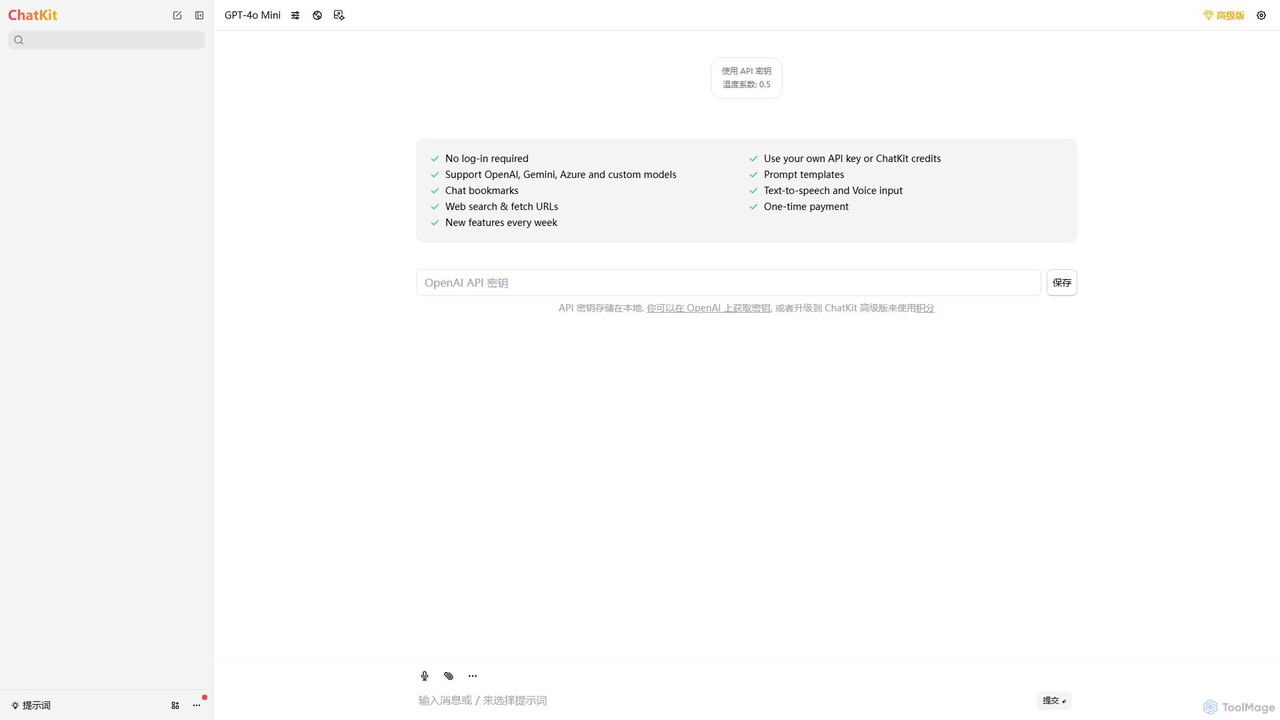
ChatKit
ChatKit is a refined, unified chat interface for top AI models like OpenAI, Gemini, and Azure. It enhances your workflow with features like web search, prompt templates, voice input, and chat bookmarks, all while prioritizing user privacy with local API key storage and no required login.
Api Management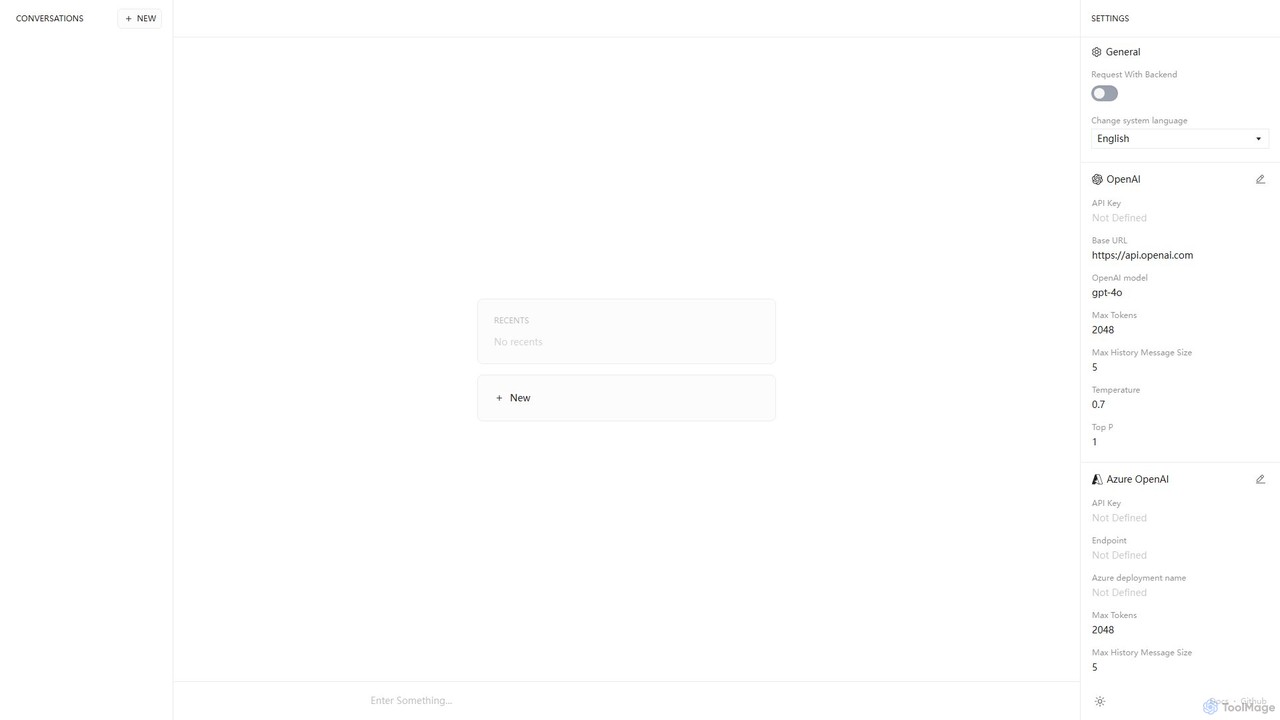
Anse
Anse is a free, open-source, and privacy-focused desktop AI client. It provides a unified interface to interact with various large language models from providers like OpenAI, Google, and Azure. By using your own API keys, you maintain full control over your data and costs, while enjoying advanced features and model customization in a sleek, minimalist application.
Ai Client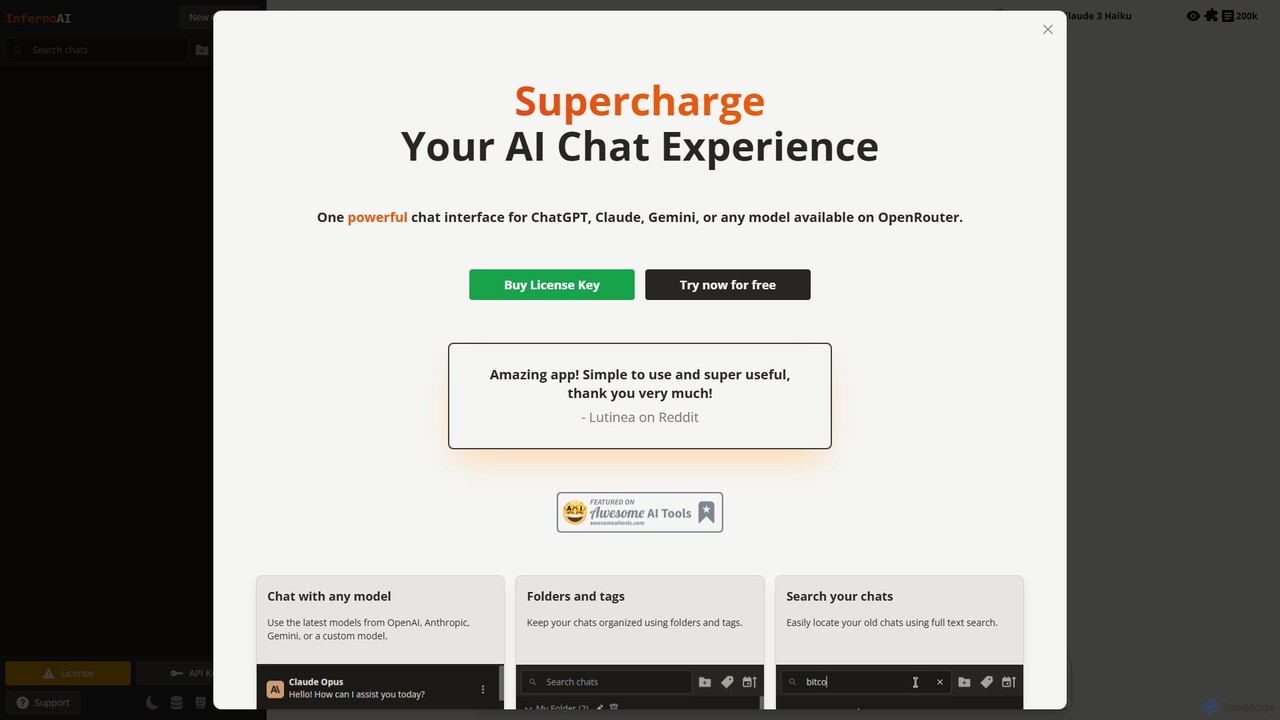
InfernoAI
InfernoAI is a powerful web-based chat interface that unifies access to top AI models like ChatGPT, Claude, and Gemini through OpenRouter. It operates on a 'Bring Your Own Key' model, ensuring privacy with local data storage. Features include advanced chat organization, full-text search, text-to-speech, and integrated image generation, all without monthly fees.
Ai Chat Interface
Chatbot UI
Chatbot UI is an open-source chatbot interface that allows you to connect with over 80 AI models, including those from OpenAI, Google, and Anthropic. It offers a self-hostable, customizable alternative to proprietary chat platforms, giving users full control over their data and conversations. Organize chats, create prompts, and seamlessly switch between models in a single, unified workspace.
Api ManagementChatWise Categories
ChatWise Embed Widget
Copy this embed code to place the badge on your blog, article, or product site and send readers directly to this ToolMage detail page.

Related AI tools
grafychat
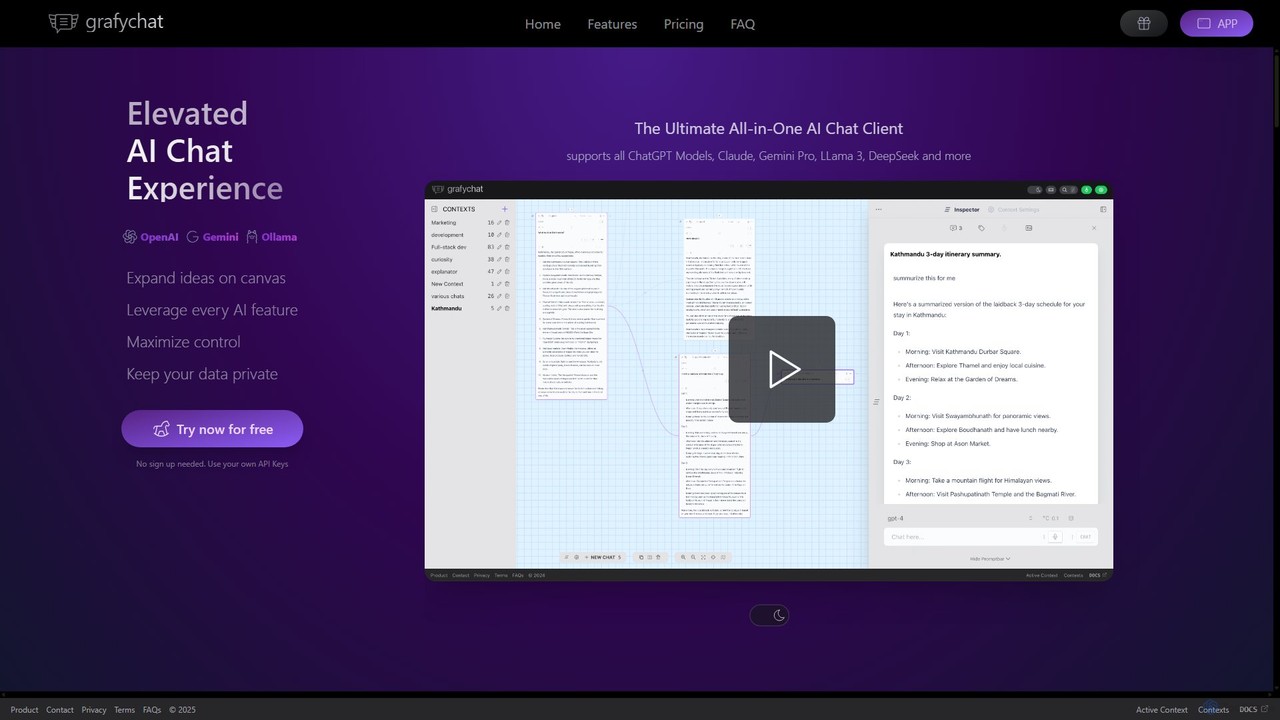
grafychat is a privacy-first, all-in-one AI chat client that offers a unique visual canvas interface. It allows users to connect with major AI models like ChatGPT, Gemini, Claude, and Llama 3 using their own API keys, providing a non-linear, organized, and highly customizable chat experience.
Api ManagementTypingMind
TypingMind is an advanced, privacy-first chat UI for large language models (LLMs) like ChatGPT, Gemini, and Claude. It offers a unified workspace with powerful features, allowing users to bring their own API keys for a one-time fee. Enhance your productivity with custom agents, a rich plugin ecosystem, and advanced chat management tools, all while keeping your data secure on your device.
Api ManagementChatKit
ChatKit is a refined, unified chat interface for top AI models like OpenAI, Gemini, and Azure. It enhances your workflow with features like web search, prompt templates, voice input, and chat bookmarks, all while prioritizing user privacy with local API key storage and no required login.
Api ManagementAnse
Anse is a free, open-source, and privacy-focused desktop AI client. It provides a unified interface to interact with various large language models from providers like OpenAI, Google, and Azure. By using your own API keys, you maintain full control over your data and costs, while enjoying advanced features and model customization in a sleek, minimalist application.
Ai ClientInfernoAI
InfernoAI is a powerful web-based chat interface that unifies access to top AI models like ChatGPT, Claude, and Gemini through OpenRouter. It operates on a 'Bring Your Own Key' model, ensuring privacy with local data storage. Features include advanced chat organization, full-text search, text-to-speech, and integrated image generation, all without monthly fees.
Ai Chat Interface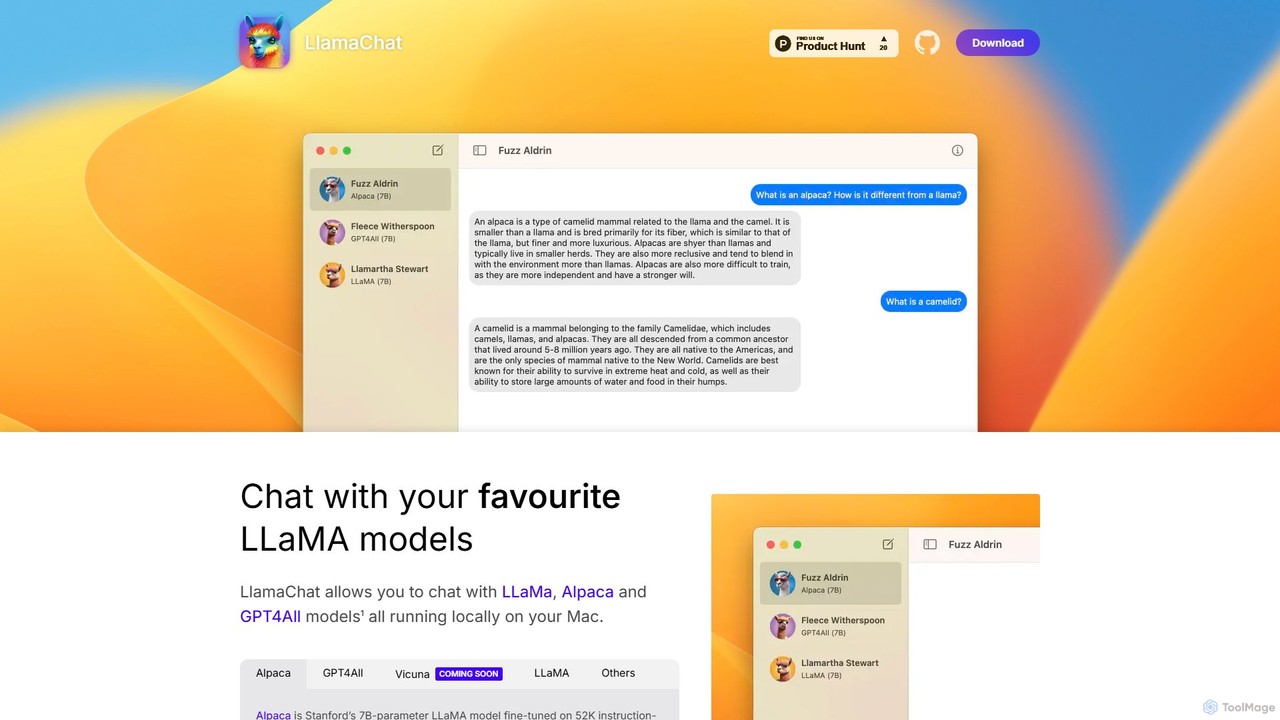
LlamaChat
LlamaChat is a free, open-source macOS application that allows you to run and chat with powerful large language models like LLaMA, Alpaca, and GPT4All directly on your Mac. It prioritizes privacy by keeping all data local and offers a seamless, native experience for offline AI interaction.
Local Models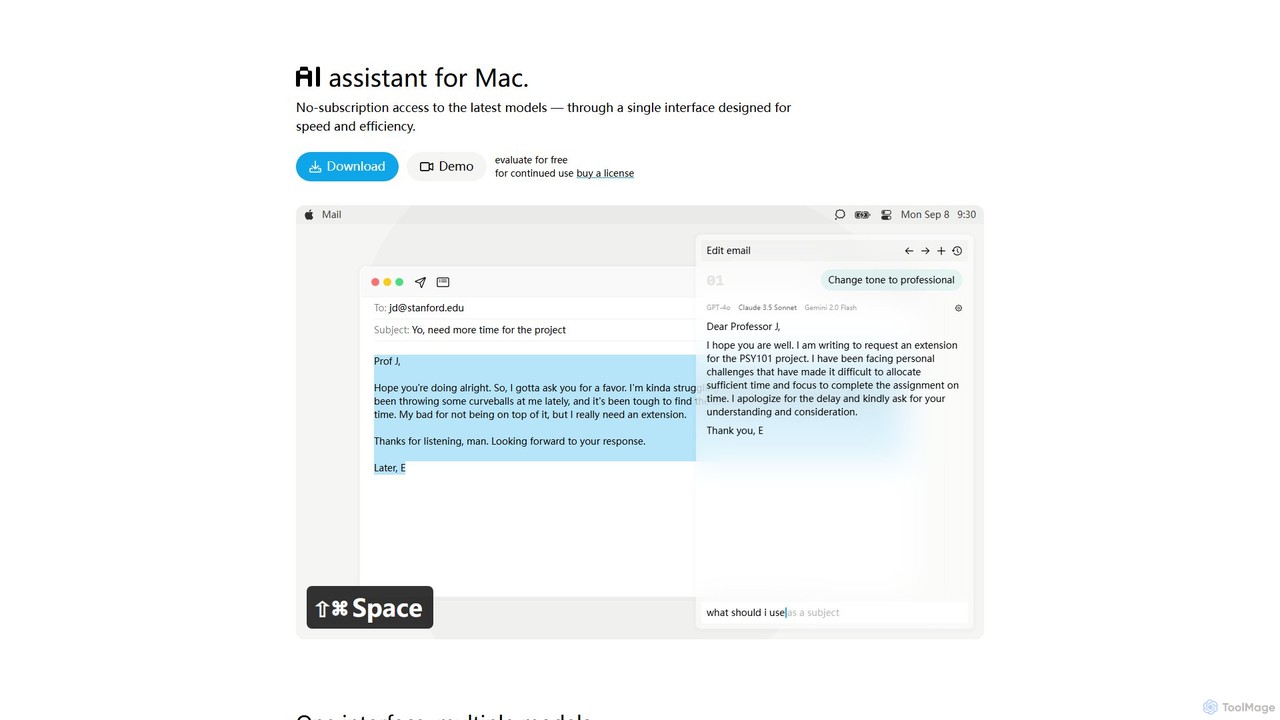
IntelliBar
IntelliBar is a native AI assistant for Mac, providing a unified interface to access the latest large language models like GPT-4o, Claude 3.5, and Gemini, plus local models via Ollama. It focuses on speed, efficiency, and privacy, with a one-time purchase model instead of recurring subscriptions. Compare models, use powerful shortcuts, and keep your data secure on your device.
Api Management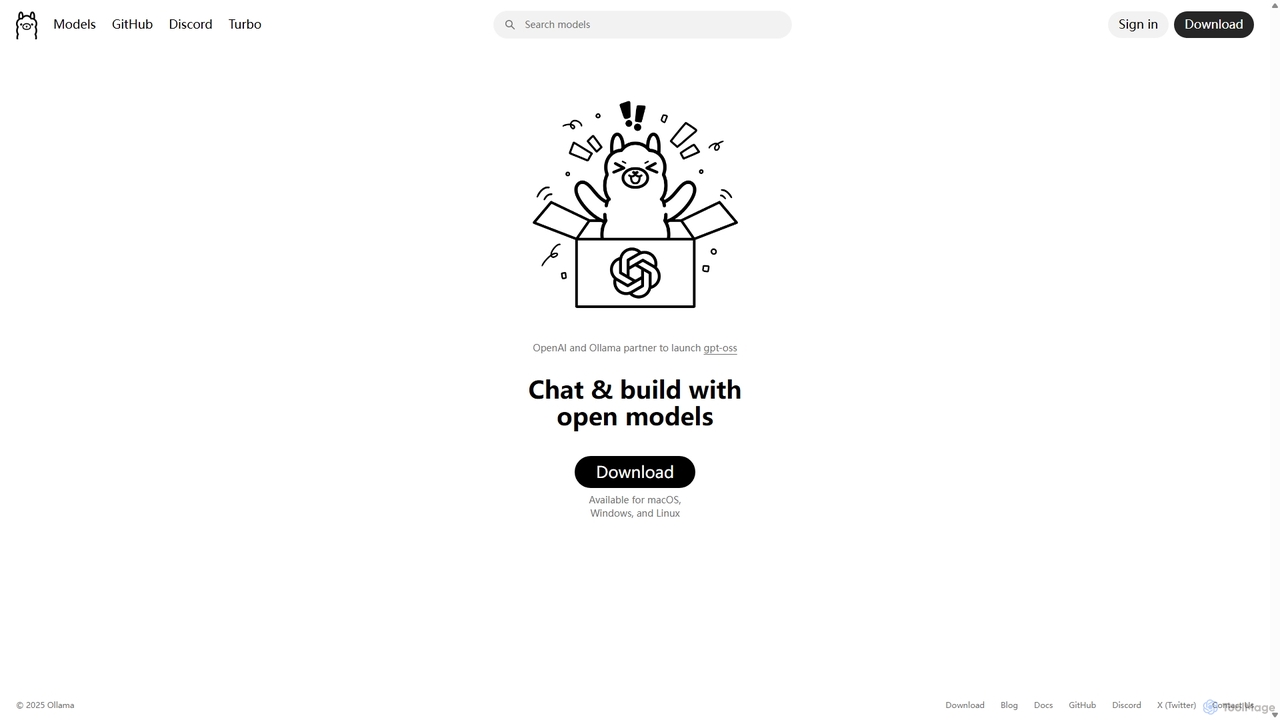
Ollama
Ollama is a powerful open-source framework for running large language models (LLMs) like Llama 3, Mistral, and Gemma locally on your own hardware. Available for macOS, Windows, and Linux, it simplifies the setup and management of open-source models, enabling private, offline, and cost-effective AI development and usage.
Machine Learning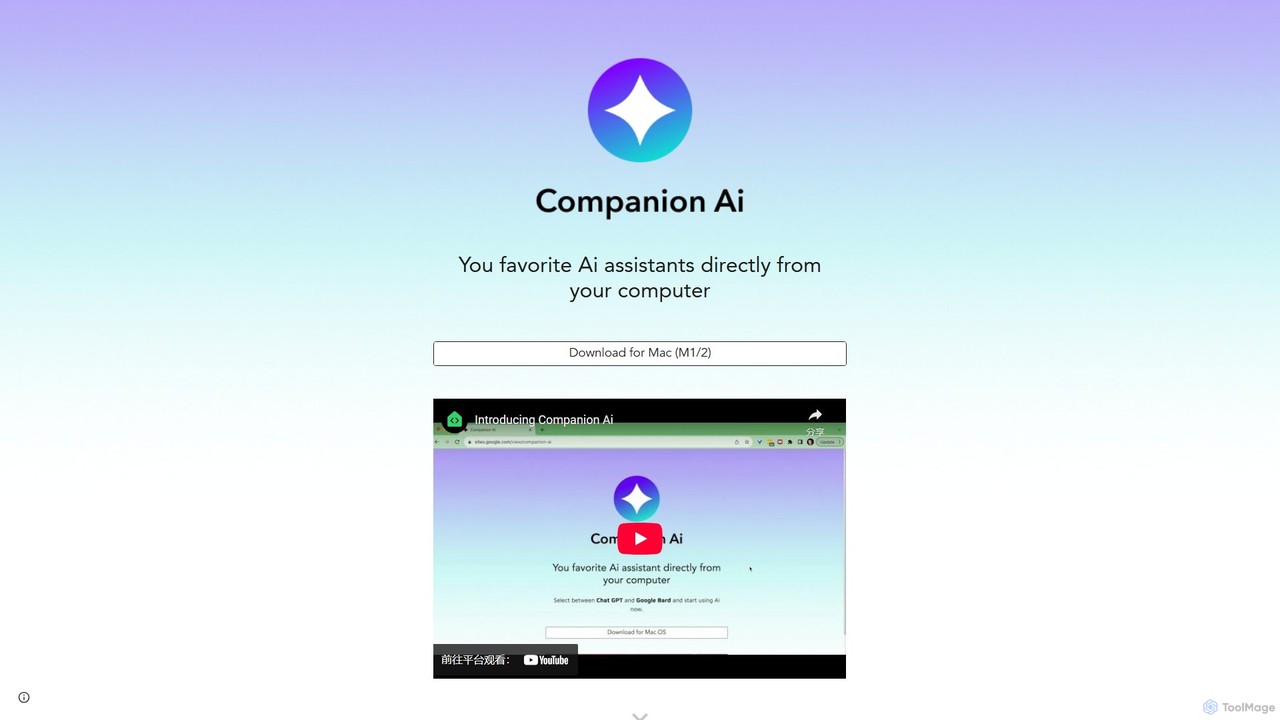
Companion AI
Companion AI is a free macOS desktop application that centralizes your favorite AI assistants like ChatGPT, Gemini, Claude, and Midjourney. Access and switch between multiple AIs instantly from your menu bar, streamlining your workflow and boosting productivity without browser tab clutter.
Code Assistant
Cosmicup
Cosmicup is an all-in-one AI platform offering unlimited access to a wide array of advanced AI models like ChatGPT 5, Claude 4.5, Gemini 2.5, and Grok 4 through a single subscription. It streamlines workflows with features including multi-model interaction, code assistance, document analysis, real-time web search, deep research, and AI image generation, eliminating the need for multiple subscriptions.
Multimodal Ai
Intervo
Intervo is an open-source platform for businesses to build and deploy intelligent voice and chat AI agents. It automates customer interactions, streamlines workflows, and enhances lead qualification, customer support, and internal operations with advanced conversational AI.
Chatbot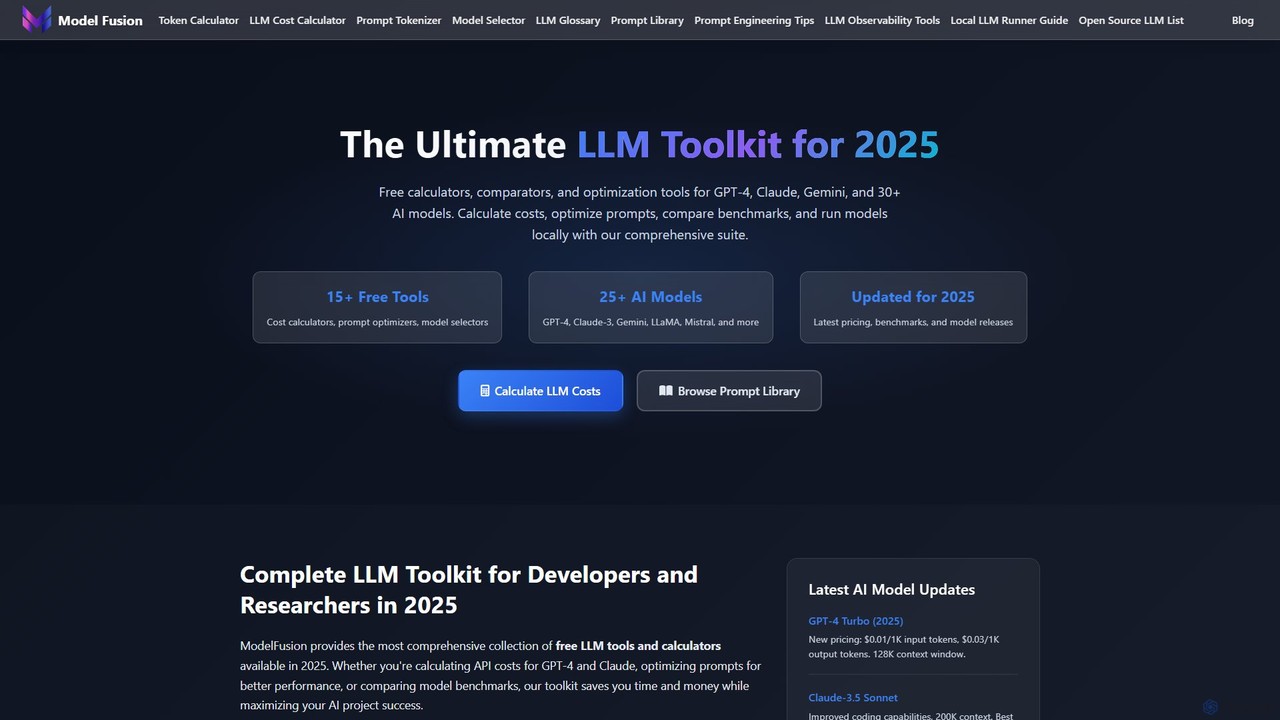
ModelFusion
ModelFusion is an all-in-one LLM toolkit for developers and researchers. It offers a suite of free tools, including a cost calculator, prompt library, and model comparator for over 30 AI models like GPT-4, Claude, and Gemini. It also provides a unified API and local model running guides to streamline AI development and optimize costs.
Api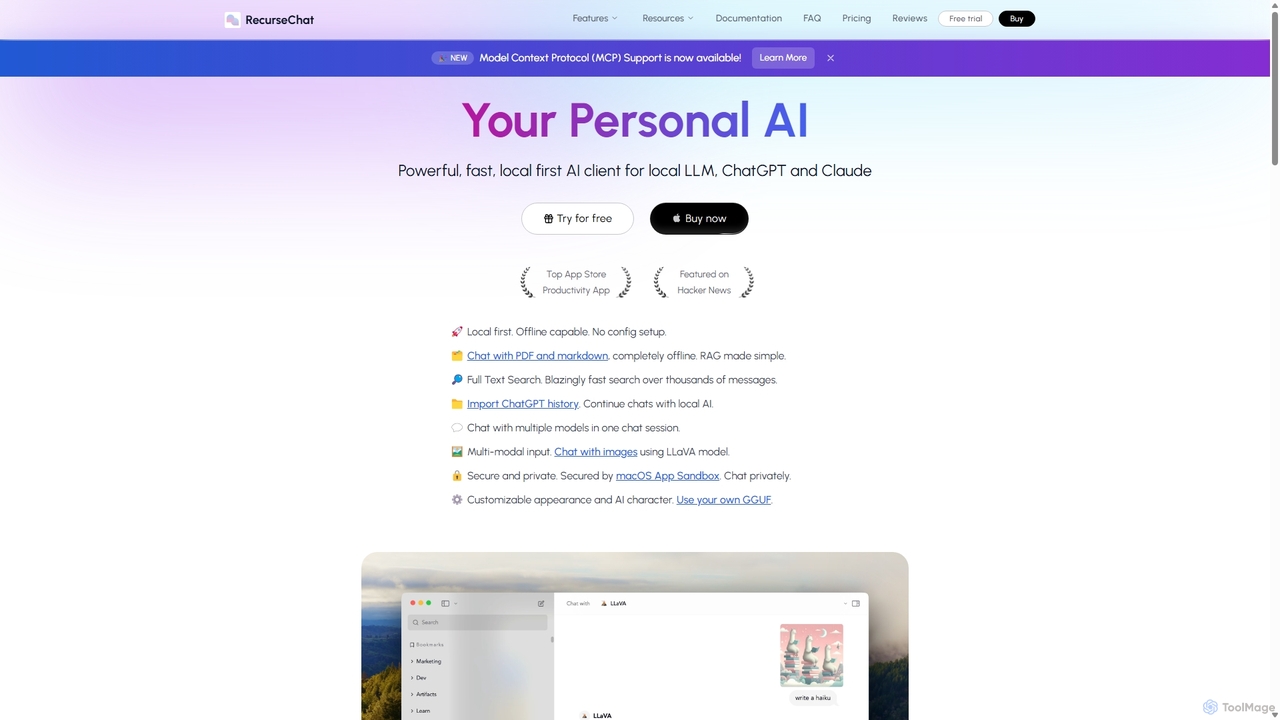
RecurseChat
RecurseChat is a powerful, privacy-focused AI client for macOS. It operates local-first, allowing you to chat with local LLMs, ChatGPT, and Claude, even offline. Interact with your PDFs and documents securely on your device using RAG technology. It features multi-modal input, full-text search, and extensive customization without requiring a subscription.
Llm ClientsChatbot UI
Chatbot UI is an open-source chatbot interface that allows you to connect with over 80 AI models, including those from OpenAI, Google, and Anthropic. It offers a self-hostable, customizable alternative to proprietary chat platforms, giving users full control over their data and conversations. Organize chats, create prompts, and seamlessly switch between models in a single, unified workspace.
Api Management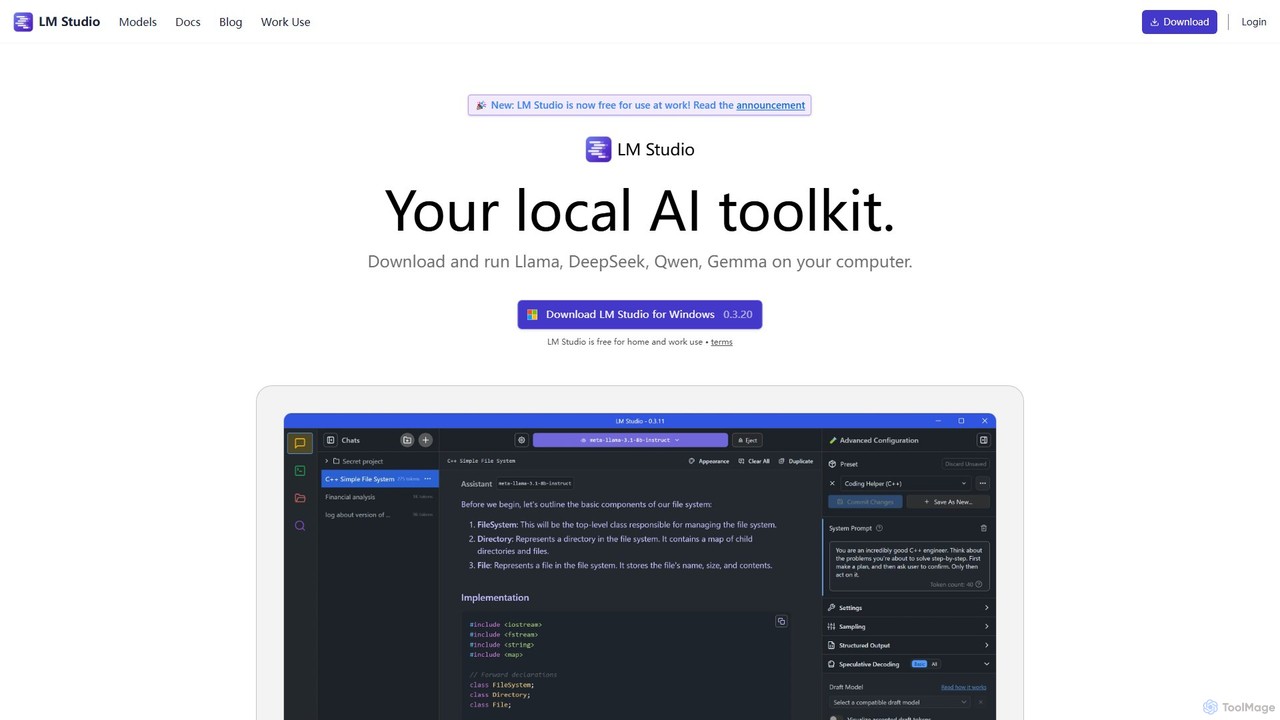
LM Studio
LM Studio is a desktop application for Windows, macOS, and Linux that allows you to discover, download, and run open-source Large Language Models (LLMs) entirely on your local machine. It offers a user-friendly interface, an OpenAI-compatible local server, and robust privacy features, making it ideal for developers, researchers, and anyone seeking a private AI experience.
Model Deployment
ChatWise Comments (0)
Sign in to comment.
Sign inNo comments yet.