

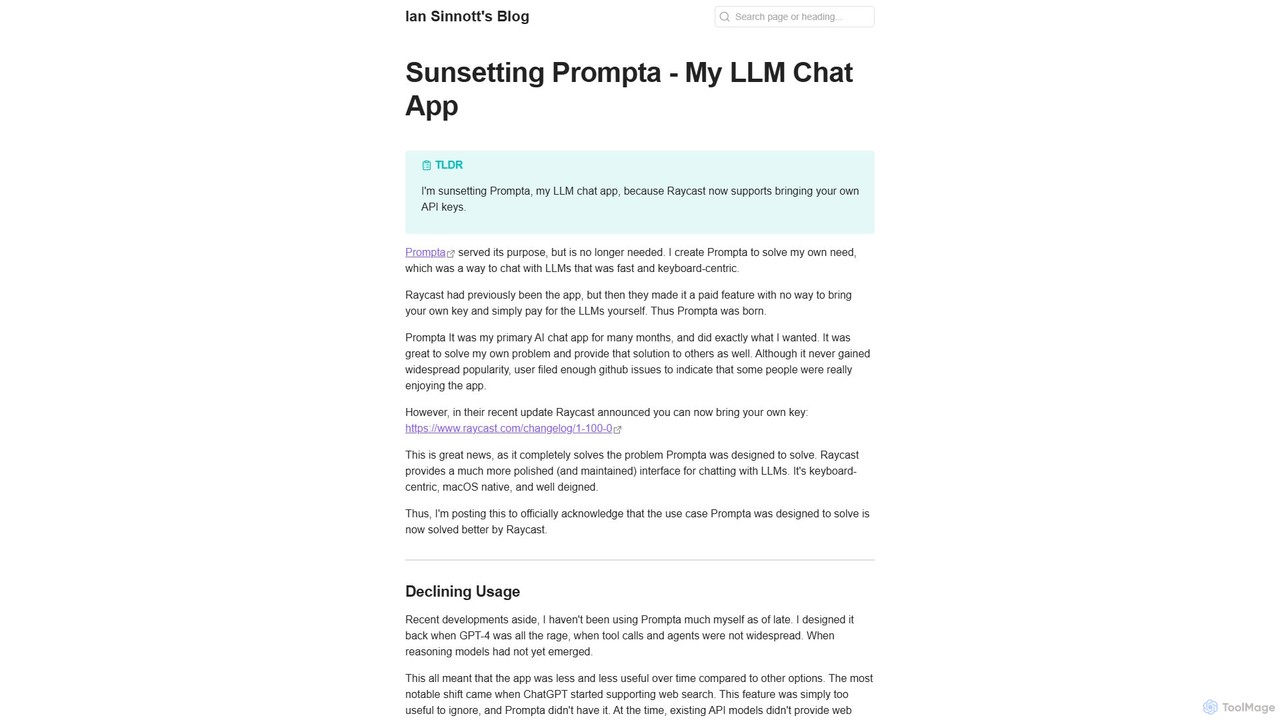
Prompta Overview
Prompta is a dedicated LLM (Large Language Model) chat application designed specifically for macOS users who prioritize speed, efficiency, and control over their AI usage. Created as a solution for fast, keyboard-driven interactions with AI, Prompta filled a niche for users who wanted to leverage their own LLM API keys rather than paying for a bundled subscription service. While the project has been officially sunsetted and is no longer under active development, its source code is available on GitHub, making it a valuable resource for developers and a functional tool for those who appreciate its focused simplicity.
The core philosophy behind Prompta was to provide a native, lightweight, and distraction-free interface for chatting with models like GPT-4. It was born from the need for a tool similar to the early, pre-subscription versions of Raycast's AI features, allowing users to directly manage their API costs and interact with AI without leaving their keyboard-centric workflow.
How to use Prompta
Using Prompta is designed to be straightforward, especially for those familiar with keyboard-driven applications. The typical workflow is as follows:
- Installation: Download and install the application on your macOS device.
- API Key Configuration: Navigate to the settings menu within the app. Here, you will find a field to enter your own API key from an LLM provider (e.g., OpenAI).
- Initiate Chat: Use a designated keyboard shortcut or open the app to bring up the chat interface.
- Interact with the AI: Simply type your questions or prompts into the input box and press Enter. The conversation with the LLM will appear in a clean, easy-to-read format.
- Continue the Conversation: The app maintains the context of the current session, allowing for follow-up questions and iterative development of ideas.
Core Features of Prompta
- Keyboard-Centric Design: Optimized for users who prefer to navigate and operate applications using keyboard shortcuts for maximum speed and efficiency.
- Bring Your Own Key (BYOK): Users can integrate their personal or business API keys from various LLM providers, ensuring they only pay for the tokens they actually use.
- Native macOS Experience: Built as a native application, it offers better performance and a more integrated feel compared to web-based wrappers.
- Simple and Focused Interface: The user interface is clean and minimalist, focusing solely on the chat interaction without unnecessary clutter.
- Open Source: The project's source code is publicly available on GitHub, offering transparency and allowing the community to fork, modify, or learn from the codebase.
Use Cases for Prompta
Prompta is ideal for a variety of quick tasks and professional workflows, including:
- Developers: Quickly generating code snippets, debugging functions, or understanding complex algorithms without switching context.
- Writers and Content Creators: Brainstorming ideas, drafting paragraphs, overcoming writer's block, or rephrasing sentences in a fast-paced environment.
- Students and Researchers: Asking quick questions, summarizing complex topics, or getting explanations for academic concepts.
- Power Users: Anyone who lives in a keyboard-driven environment and wants a rapid-access AI assistant integrated into their workflow.
Advantages of Prompta
The primary advantages of Prompta stem from its design philosophy:
- Cost-Effectiveness: By using your own API key, you avoid platform subscription fees and pay the LLM provider directly, which can be significantly cheaper for moderate usage.
- Speed: The native build and keyboard-first approach make interacting with the AI much faster than navigating to a website, logging in, and using a web interface.
- Control and Privacy: Your conversations are routed directly through your own API key, offering more control over your data compared to some third-party services.
- No Frills: It focuses on doing one thing well—providing a direct line to an LLM—without the feature bloat of larger, more complex platforms.
Pricing and Plans
Prompta itself is a completely free application. As an open-source project, there are no fees, subscriptions, or hidden charges to use the software. However, users are responsible for the costs associated with the API usage from their chosen LLM provider (such as OpenAI, Anthropic, etc.). This model ensures users only pay for what they consume.
Prompta Alternatives
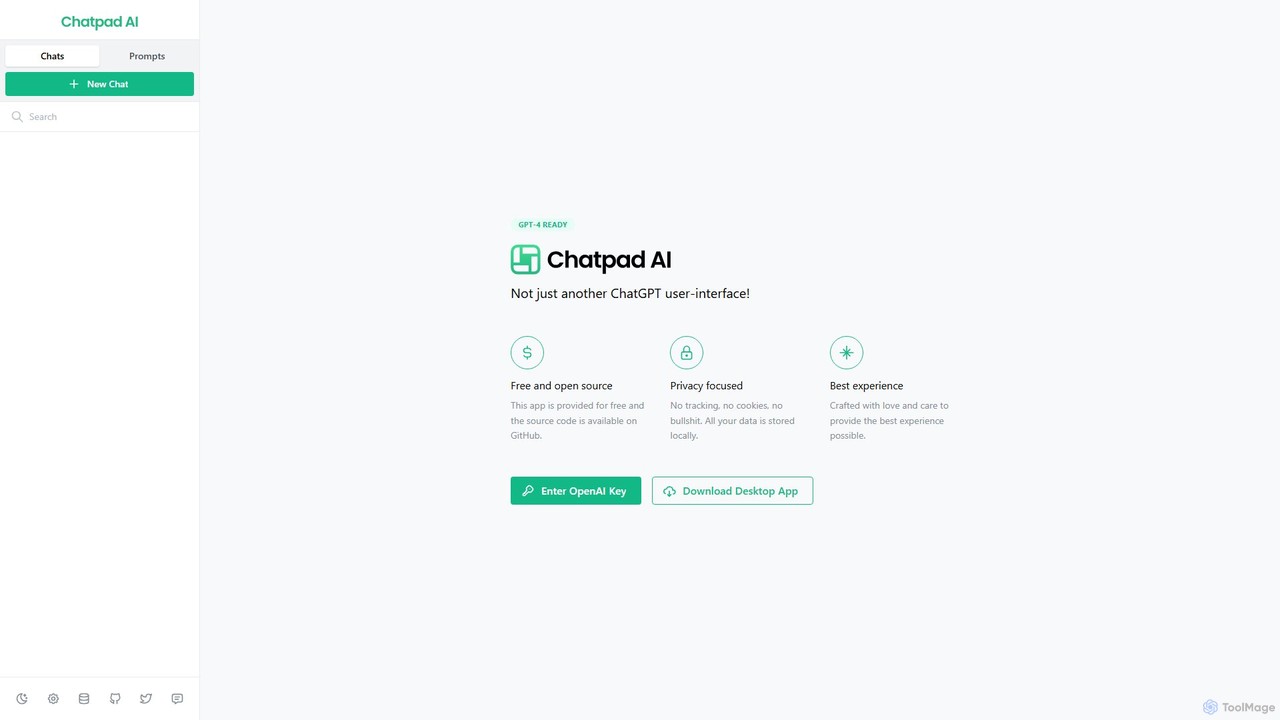
Chatpad AI
Chatpad AI is a free, open-source, and privacy-focused desktop client for OpenAI's GPT models, including GPT-4. It enhances the standard chat experience by storing all your data locally, ensuring complete privacy and data ownership. Use your own OpenAI API key for a secure and powerful AI interaction.
Code Assistant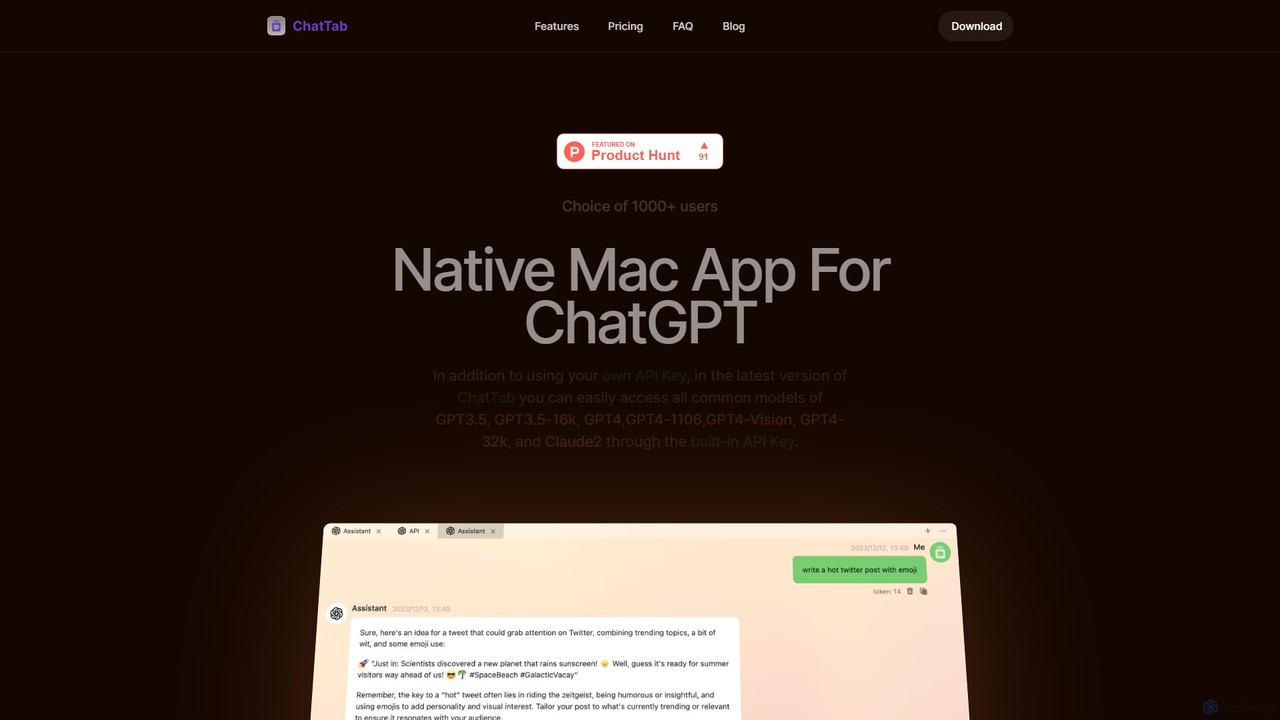
ChatTab
ChatTab is a native macOS desktop application designed to enhance the ChatGPT experience. It offers a fast, lightweight interface with features like multi-tab conversations, shortcut key access, iCloud prompt synchronization, and support for various models including GPT-4 Vision and Claude 2. Users can leverage their own API key or use the built-in one, ensuring a secure and private interaction with advanced AI models directly from their desktop.
Code Assistant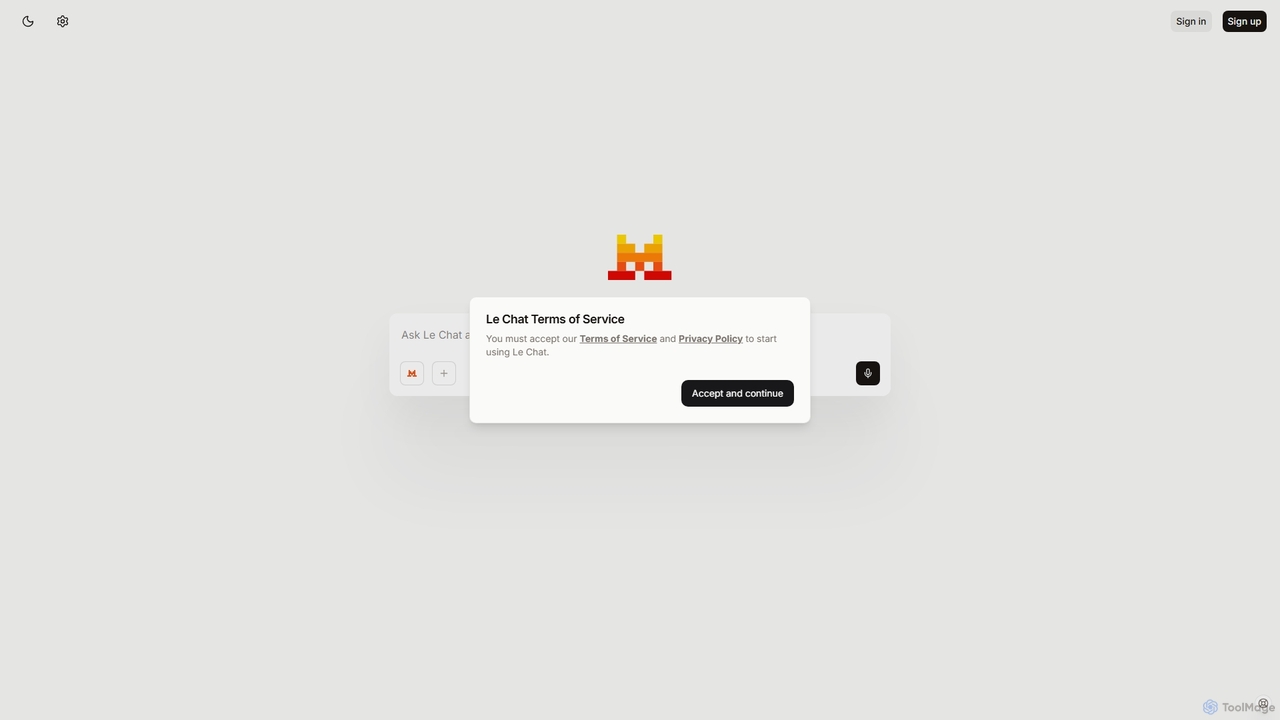
Le Chat
Le Chat is a powerful conversational AI assistant from Mistral AI, providing direct access to their cutting-edge language models. It excels at complex reasoning, code generation, and multilingual tasks. Le Chat offers a streamlined interface for users to brainstorm ideas, create content, and get instant answers, leveraging Mistral's high-performance and efficient AI technology for both personal and professional use.
Code Assistant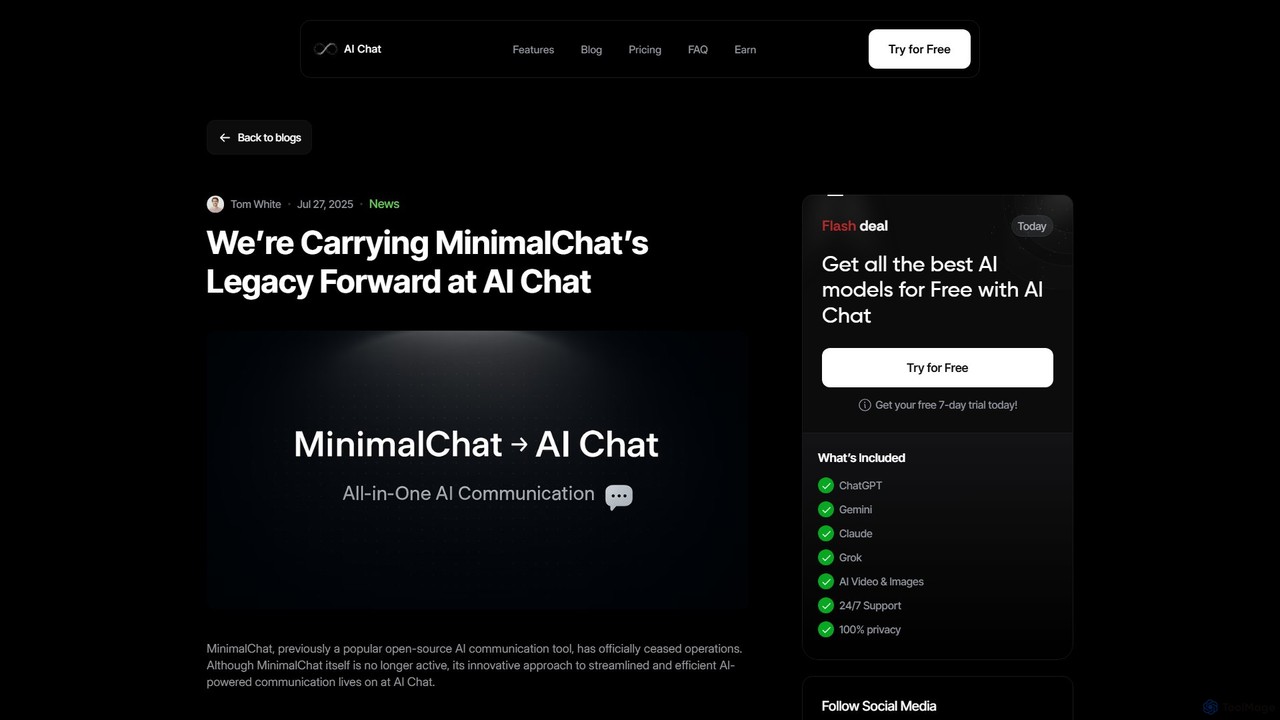
MinimalChat
MinimalChat was a popular open-source, self-hostable AI chat platform known for its lightweight, minimalist design. It allowed users to interact with various GPT models in a clean interface, supporting file uploads, voice interactions, and PWA functionality. Although the project is now discontinued, its legacy of streamlined AI communication continues, emphasizing user privacy and control through its self-hosting capabilities.
Code Assistant
CheatGPT
CheatGPT is an all-in-one AI-powered assistant designed for students, developers, and learners. It provides affordable access to multiple top-tier AI models like GPT-4 and Claude in a single platform. Key features include web search, PDF analysis, quiz creation, and image generation, making it a versatile and cost-effective alternative to subscribing to multiple AI services.
Code AssistantPrompta Categories
Prompta Embed Widget
Copy this embed code to place the badge on your blog, article, or product site and send readers directly to this ToolMage detail page.

Related AI tools
heyalice
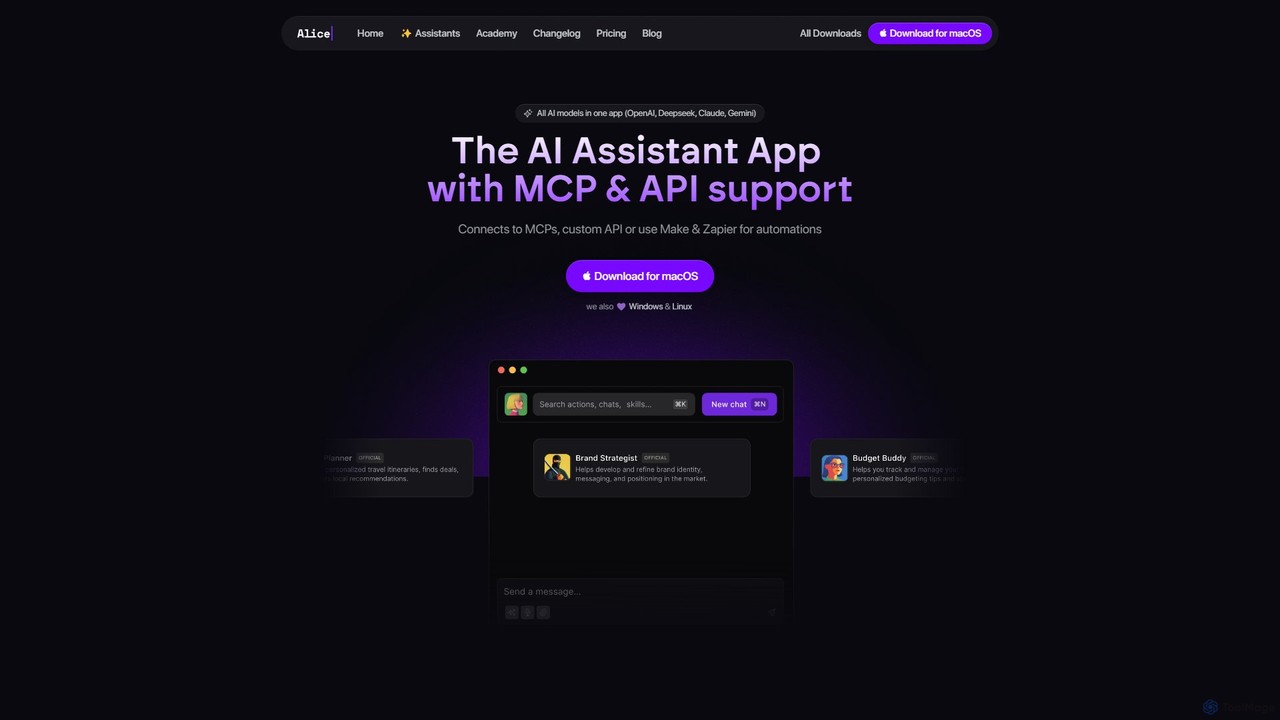
heyalice is a personal AI assistant for your desktop (macOS, Windows, Linux) that centralizes top AI models like GPT-4o and Claude 3.5. It enhances productivity through customizable assistants, reusable prompts (Skills), and seamless integration with automation tools like Zapier and Make. Bring your own API keys to control costs and work faster with powerful keyboard shortcuts, all within a privacy-focused, local application.
Code Assistant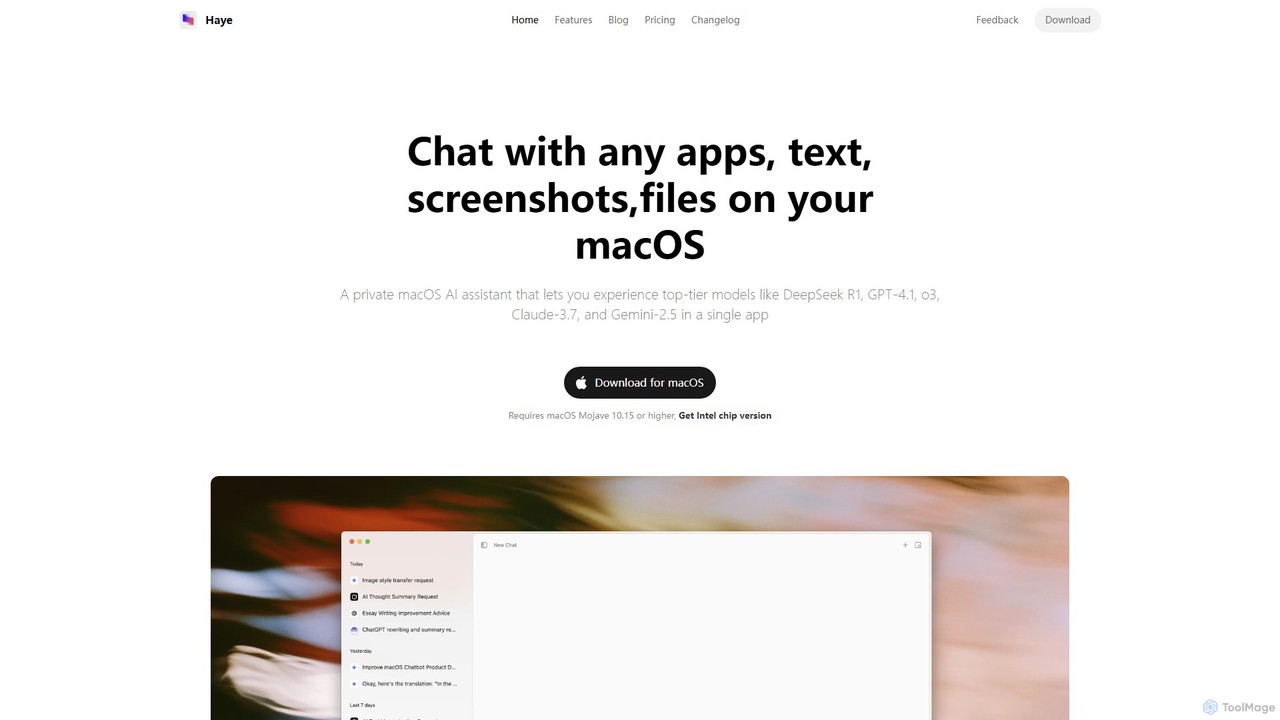
Haye
Haye is a powerful, all-in-one AI chat assistant for macOS, integrating top-tier models like GPT-4.1, Claude-3.7, and Gemini-2.5. It allows users to seamlessly interact with any app, text, screenshot, or file on their desktop, boosting productivity with features like AI search, document chat, and advanced customization.
Code Assistant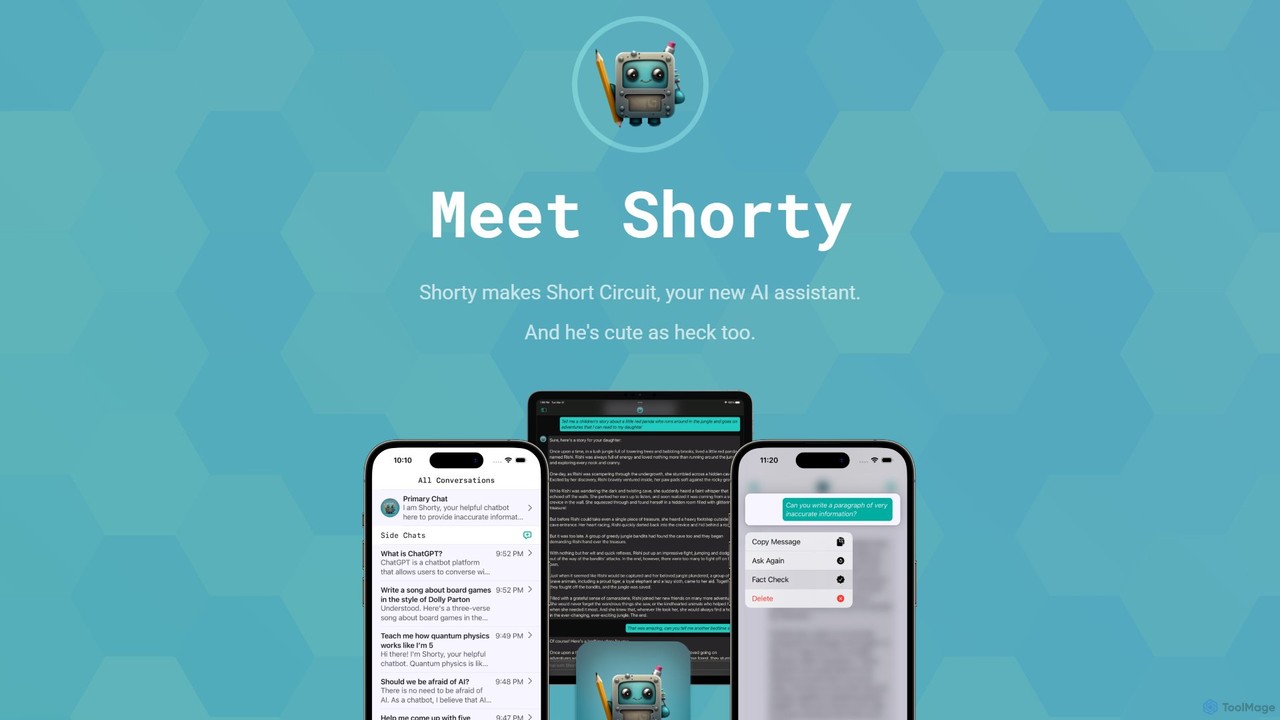
Short Circuit
Short Circuit is a privacy-focused AI assistant for iPhone, iPad, and Mac, powered by ChatGPT & GPT-4. It offers deep integration with the Apple ecosystem, including Siri and Shortcuts. Customize AI personalities for any task, from a math tutor to a code expert. With a strong commitment to privacy and flexible pricing options, including a lifetime unlock with your own API key, Short Circuit provides a premium, secure, and versatile AI experience.
Code Assistant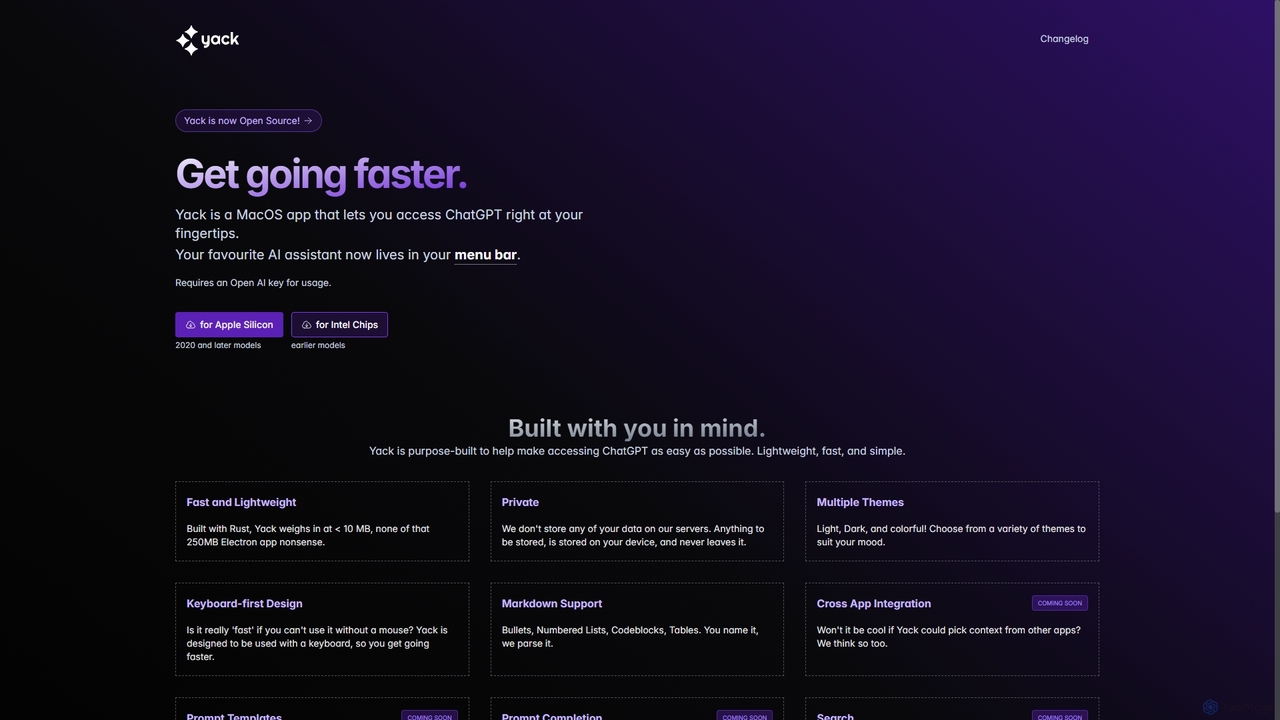
Yack
Yack is a lightweight, fast, and private open-source native macOS application that provides instant access to ChatGPT directly from your menu bar. Built with Rust, it's designed for efficiency with a keyboard-first approach, ensuring you can interact with AI without disrupting your workflow.
Api Client
Najva
Najva is a free, native macOS app that combines offline, on-device speech recognition with advanced AI models like GPT-4 and Claude 3. It instantly transforms your voice into intelligent text, offering unparalleled privacy and productivity for writers, developers, and professionals. It features context awareness, screenshot integration, and support for numerous AI providers.
Documentation
anygpt.app
anygpt.app is a powerful desktop utility that allows you to access GPT-4, Claude, and other large language models from any application on your computer. Simply use a keyboard shortcut to instantly get AI assistance for writing, coding, summarizing, and more, seamlessly integrating AI into your daily workflow.
Coding AssistantChatpad AI
Chatpad AI is a free, open-source, and privacy-focused desktop client for OpenAI's GPT models, including GPT-4. It enhances the standard chat experience by storing all your data locally, ensuring complete privacy and data ownership. Use your own OpenAI API key for a secure and powerful AI interaction.
Code AssistantChatTab
ChatTab is a native macOS desktop application designed to enhance the ChatGPT experience. It offers a fast, lightweight interface with features like multi-tab conversations, shortcut key access, iCloud prompt synchronization, and support for various models including GPT-4 Vision and Claude 2. Users can leverage their own API key or use the built-in one, ensuring a secure and private interaction with advanced AI models directly from their desktop.
Code Assistant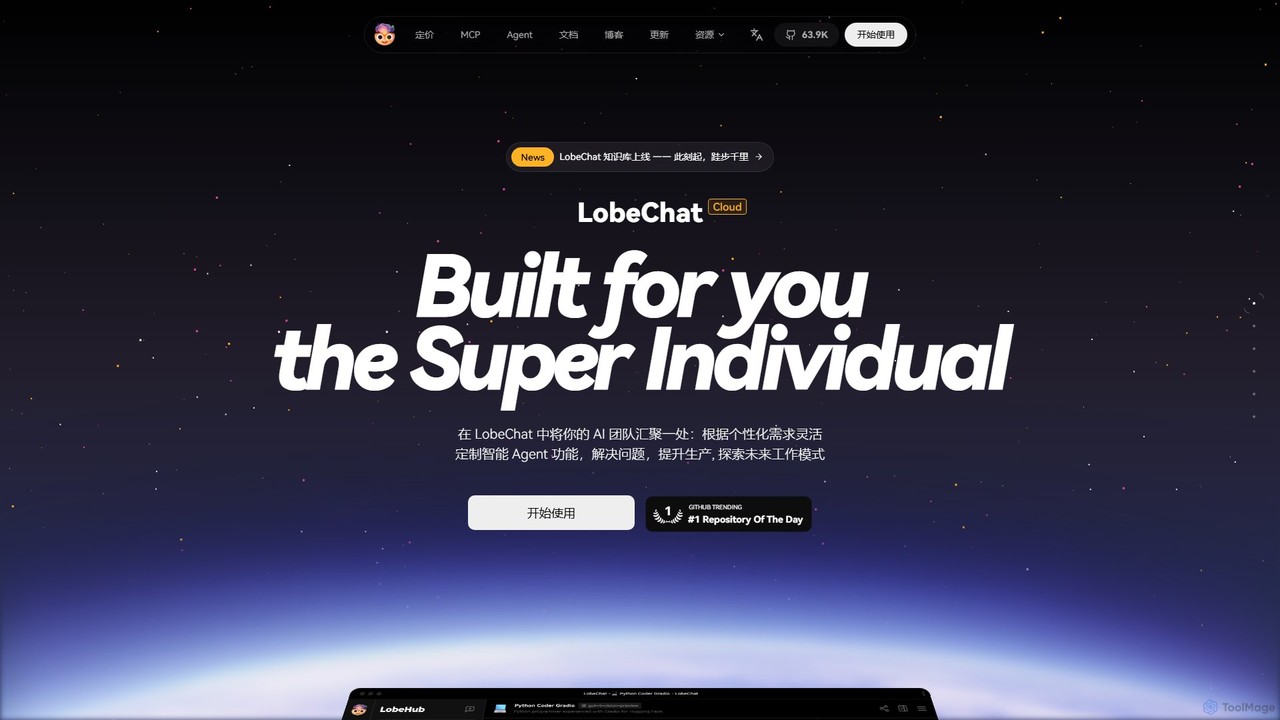
LobeHub
LobeHub is an all-in-one AI platform that allows you to build and manage a personalized team of AI Agents. It offers a superior user experience to standard LLM interfaces like ChatGPT, with support for numerous models, plugins, and multi-modal interactions. Create, share, and use specialized agents for tasks ranging from coding and writing to academic research and daily life, all within a single, intuitive chat interface.
Chatbot Platform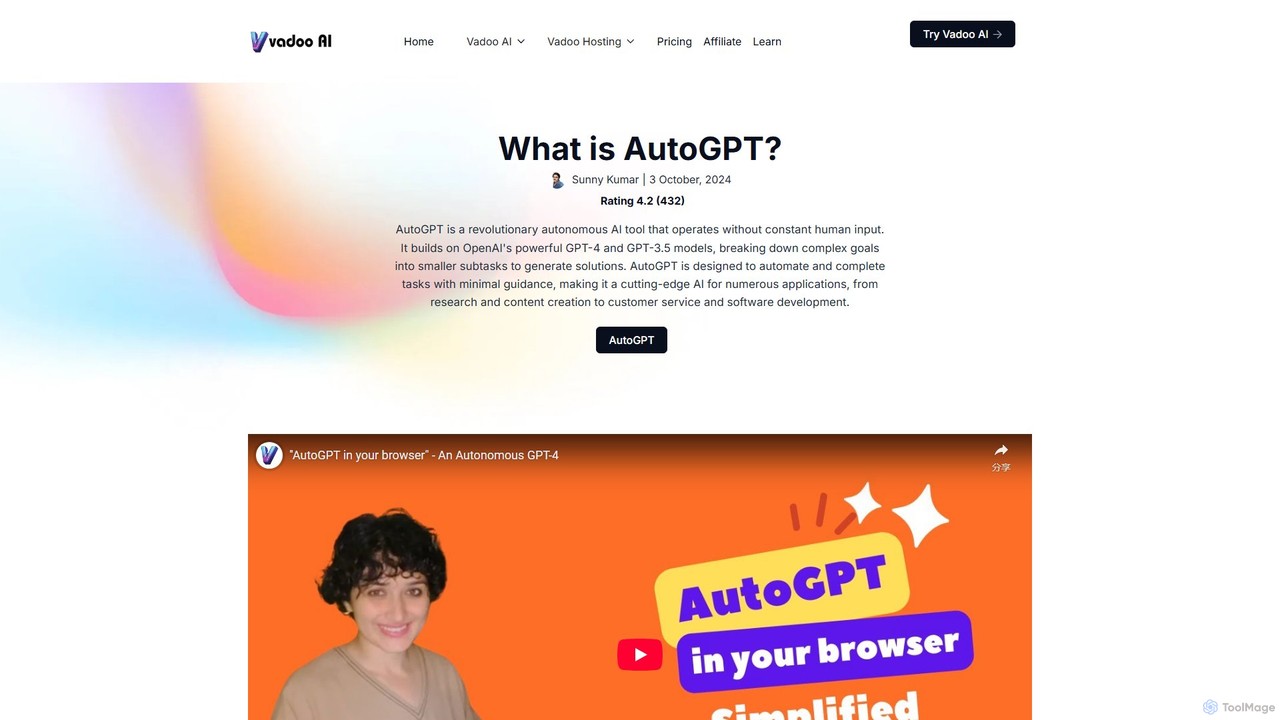
AutoGPT
AutoGPT is a revolutionary open-source autonomous AI agent that leverages GPT-4 and GPT-3.5 to independently achieve complex goals. By breaking down high-level objectives into smaller, manageable subtasks, it can browse the web, write code, manage files, and execute plans with minimal human intervention, dramatically boosting productivity and automating complex workflows.
Code Assistant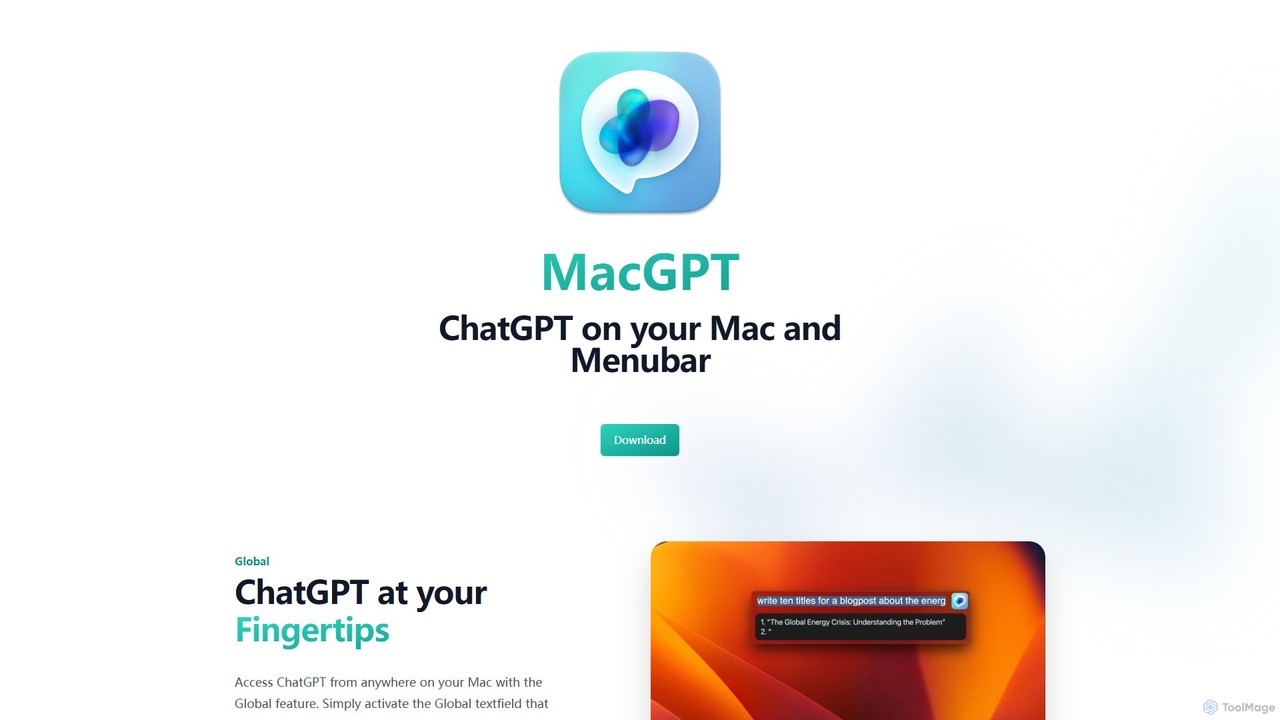
MacGPT
MacGPT brings the power of ChatGPT directly to your macOS desktop. Access OpenAI's models instantly from your menubar, use the Inline feature to write in any application, and switch between a native or web interface for ultimate flexibility and productivity.
Code Assistant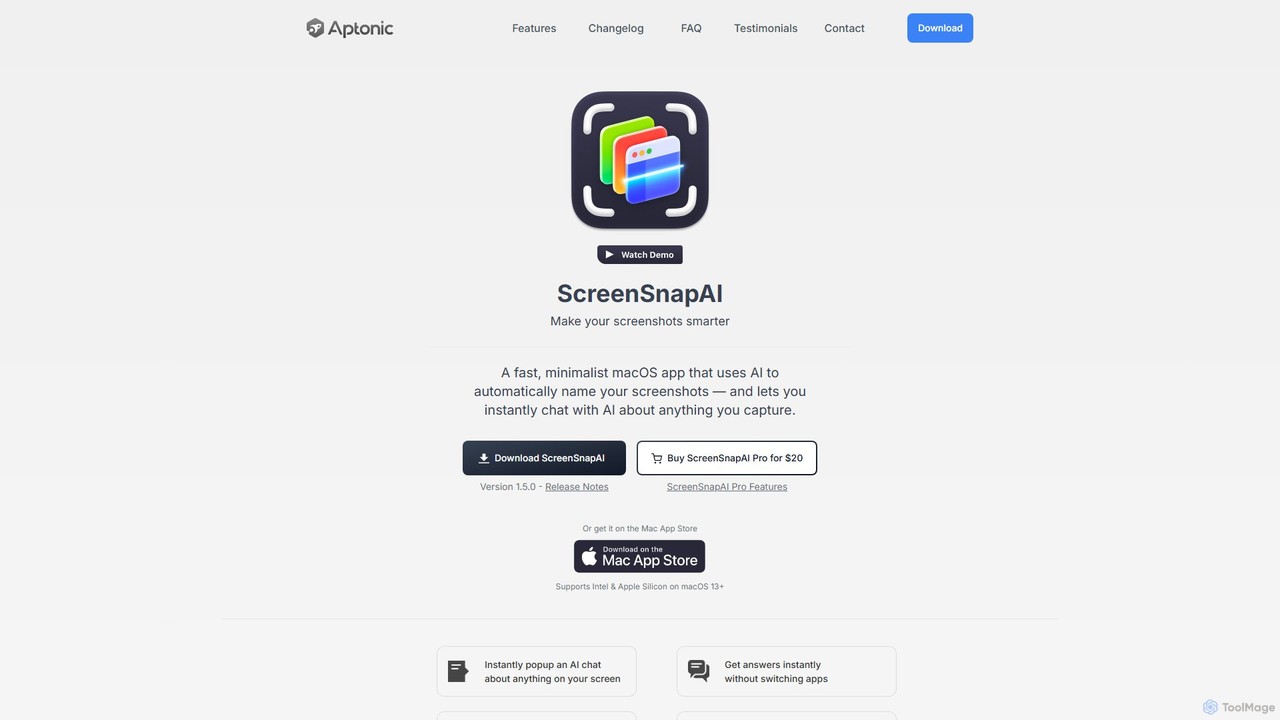
ScreenSnapAI
ScreenSnapAI is a smart macOS application that uses AI to automatically rename, tag, and organize your screenshots. It features an integrated AI assistant that allows you to instantly chat about, translate, or extract text and code from any captured image, dramatically improving productivity and workflow efficiency.
Code Assistant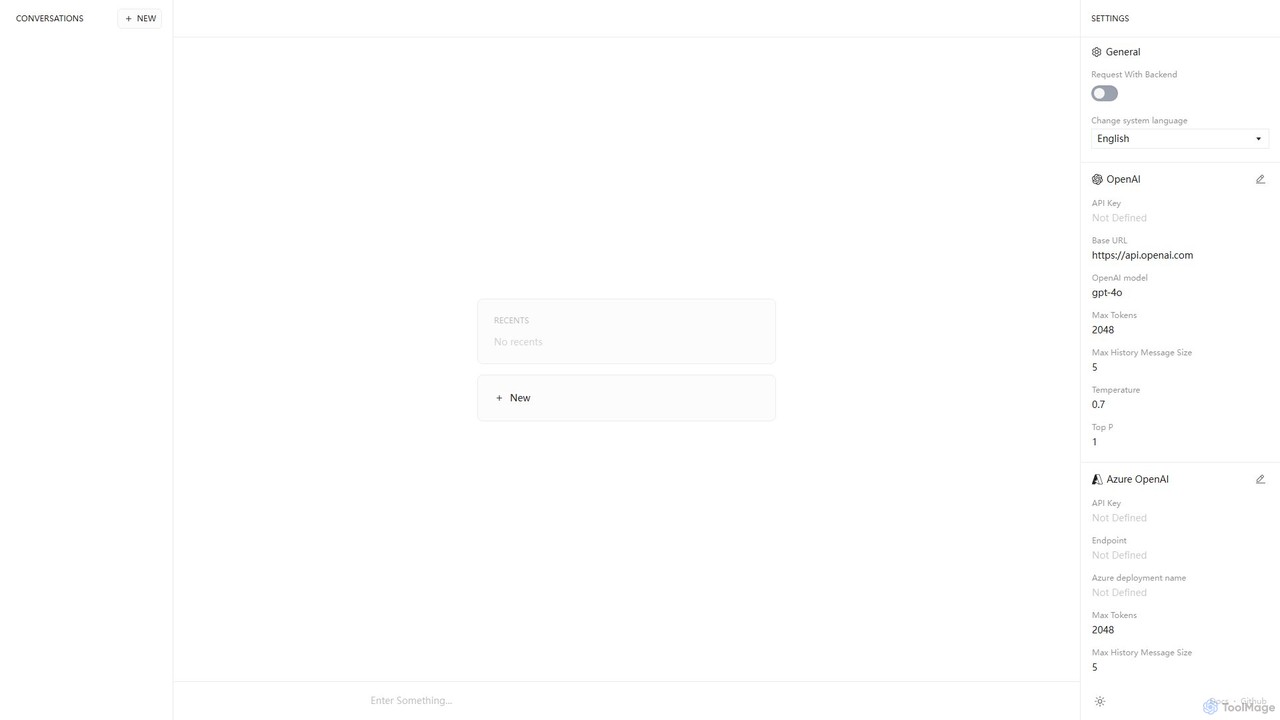
Anse
Anse is a free, open-source, and privacy-focused desktop AI client. It provides a unified interface to interact with various large language models from providers like OpenAI, Google, and Azure. By using your own API keys, you maintain full control over your data and costs, while enjoying advanced features and model customization in a sleek, minimalist application.
Ai Client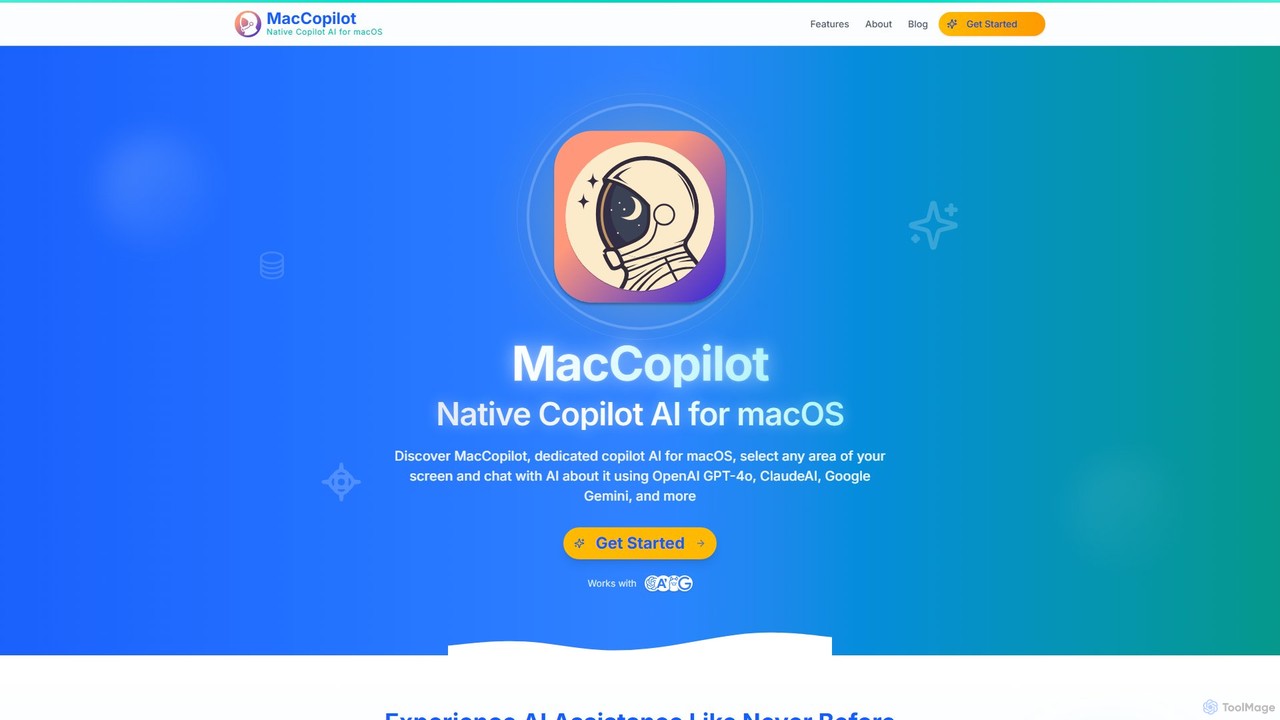
MacCopilot
MacCopilot is a native AI assistant for macOS that revolutionizes productivity. It allows you to select any area of your screen and instantly start a conversation with advanced AI models like GPT-4o, Claude 3.5, and Gemini. Get immediate insights, code explanations, email drafts, and more, without ever leaving your current window. It's a seamless bridge between your screen's content and powerful AI.
Code Assistant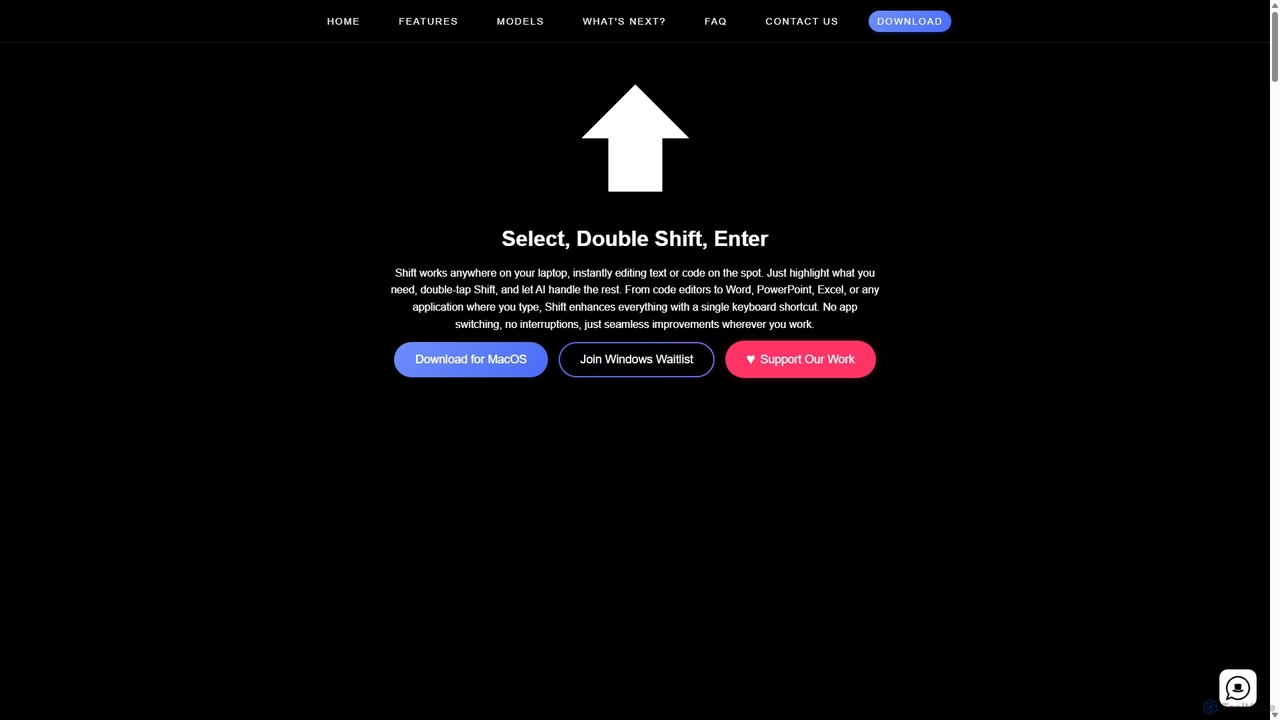
Shift
Shift is a system-wide AI assistant for macOS that enhances your workflow by allowing you to edit text and code anywhere with a simple keyboard shortcut. Just highlight text, double-tap Shift, and let the AI rewrite, debug, translate, or rephrase it instantly within any application.
Code Assistant
Prompta Comments (0)
Sign in to comment.
Sign inNo comments yet.