

Najva Overview
Najva, which translates to "Whisper" in Persian, is a lightweight, native macOS application designed to seamlessly bridge the gap between your thoughts and digital text. It masterfully combines state-of-the-art on-device speech recognition powered by Whisper with the most advanced AI models available today. This powerful synergy allows you to transform your voice into intelligent, formatted, and context-aware text instantly. Whether you're a writer battling a blank page, a developer documenting code, a medical professional taking notes, or any user who thinks faster than they can type, Najva is your ultimate productivity companion, built with privacy at its core.
How to use Najva
Getting started with Najva is designed to be simple and intuitive, allowing you to integrate it into your workflow in minutes:
- Download and Install: Get the application from the official Gumroad page and install it on your macOS device.
- Configure AI Provider (Optional): To unlock the full intelligence of Najva, add your own API key from a supported AI provider (like OpenAI, Anthropic, Google, etc.). This step is optional if you only need on-device transcription.
- Select Your Microphone: Choose your preferred input device, which can be your Mac's built-in microphone, an external one, or even your iPhone's camera for remote use.
- Start Speaking: Use a keyboard shortcut or click the menubar icon to activate Najva. Start talking, and watch your words get transcribed in real-time.
- Process and Paste: Use the 'Fast Mode' to have the AI-processed text automatically pasted into any active text field, streamlining your work.
Core Features of Najva
- Advanced On-Device Speech Recognition: Built with Whisper, all transcription happens locally on your Mac, ensuring your voice data remains private. It offers ultra-fast, real-time conversion and supports numerous languages with high accuracy. You can also transcribe existing audio files.
- Cutting-Edge AI Integration: Najva supports a wide array of AI providers, including Anthropic (Claude 3.7), OpenAI (GPT-4.5), Google (Gemini 2.5 Pro), Groq (for speed), OpenRouter, and local models via Ollama and vLLM for 100% privacy. You bring your own API key for full control.
- Enhanced Productivity Features: 'Fast Mode' instantly pastes processed text. 'Context Awareness' automatically includes selected text or clipboard content to give the AI better context. 'Smart Screenshots' allow you to capture visuals from your screen or cameras to include with your voice prompts.
- Cross-Device Support: Uniquely, you can use your iPhone as a remote microphone, giving you more flexibility in how you capture your thoughts.
- Native & Private by Design: As a native Swift app, Najva is incredibly lightweight (under 90MB RAM when idle) and efficient. It contains zero trackers, analytics, or data collection, guaranteeing your complete privacy.
Use Cases for Najva
Najva is a versatile tool designed for a wide range of professionals and creatives:
- Writers & Content Creators: Draft articles, brainstorm ideas, outline scripts, and overcome writer's block by speaking your thoughts naturally.
- Developers: Document code, write detailed commit messages, explain complex functions, and generate boilerplate code without leaving your editor.
- Medical Professionals: Dictate patient notes, transcribe consultations, and draft medical reports with the assurance of complete data privacy. The developer's background as a medical doctor ensures the tool is tailored for such critical needs.
- Students & Researchers: Capture lecture notes in real-time, summarize academic papers, and organize research by simply speaking.
- Business Professionals: Draft emails, take meeting minutes, and prepare presentations quickly and efficiently.
Advantages of Najva
Najva stands out from other voice tools with its unique combination of features and philosophy:
- Privacy First: Your voice is processed on-device. No data leaves your machine unless you choose to send it to an AI provider. This commitment to privacy is absolute, with no trackers or analytics.
- Unmatched Flexibility: You are not locked into a single ecosystem. Choose from the most powerful AI models, the fastest ones, or fully local models depending on your needs for power, speed, or privacy.
- Seamless Workflow Integration: Living in your menubar and accessible via global keyboard shortcuts, Najva feels like a natural extension of macOS, never getting in your way.
- Completely Free & Transparent: The application is free to use forever. You only pay for what you use via your own AI provider API keys, giving you full control and transparency over costs.
Pricing and Plans
Najva is committed to being accessible to everyone and operates on a "Pay What You Want" model. You can download it for free by entering "0" in the price field on Gumroad, or choose to support the developer with a fair price.
While the Najva application itself is completely free, users are responsible for any costs associated with the API usage of third-party AI providers (e.g., OpenAI, Anthropic, Google). This model ensures you have full control over your spending and only pay for the AI processing you actually use.
Najva Alternatives
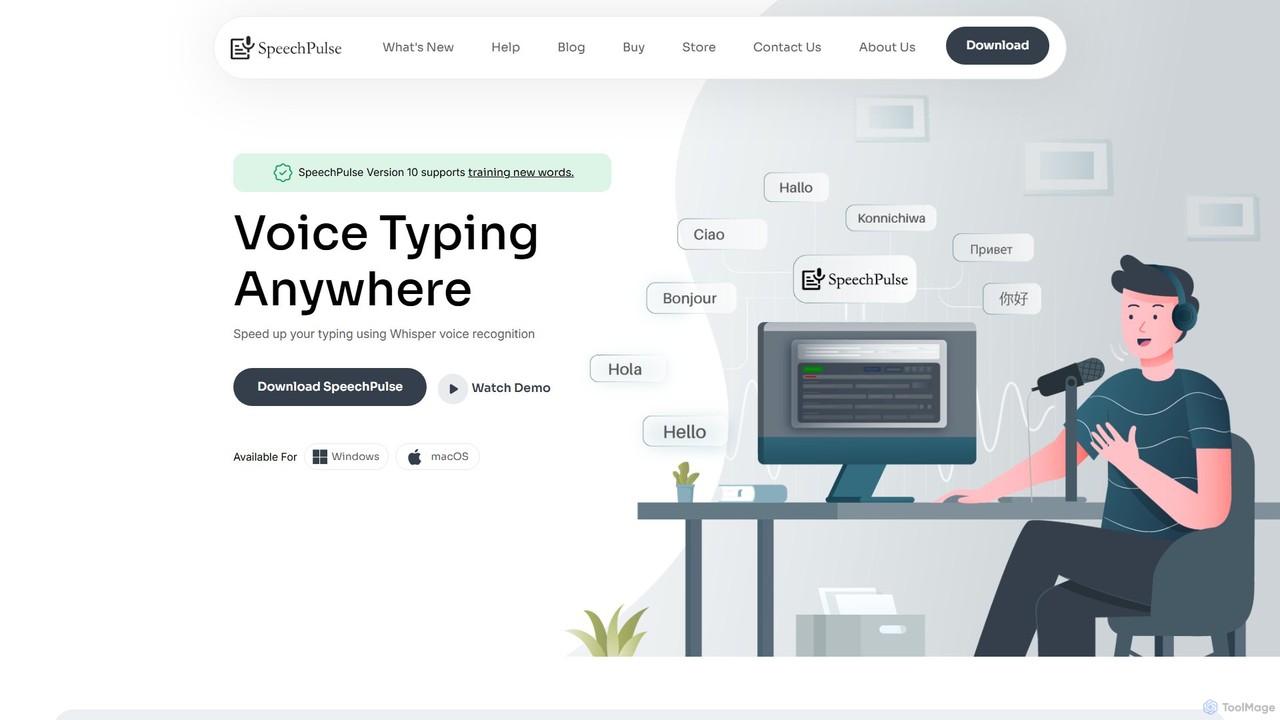
SpeechPulse
SpeechPulse is a powerful offline AI dictation and transcription application for Windows and macOS. It prioritizes user privacy by processing all data locally on your machine. Supporting 99 languages, it offers real-time dictation, audio/video file transcription with speaker diarization, subtitle generation, and AI-powered text enhancement. Ideal for professionals, content creators, and anyone seeking a secure and efficient speech-to-text solution.
Speech To Text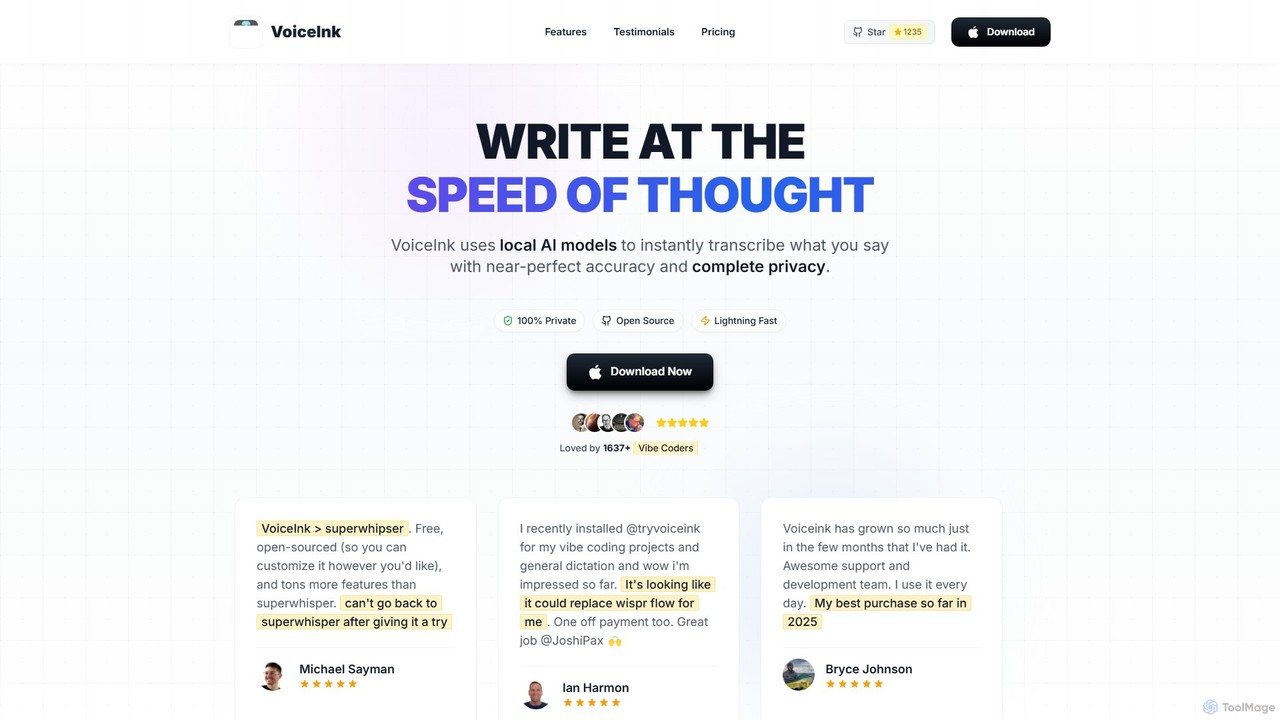
VoiceInk
VoiceInk is a privacy-first, open-source AI dictation app for Mac. It uses local AI models for instant, highly accurate voice-to-text transcription directly in any application. With a one-time payment, it offers system-wide integration, custom dictionaries, and smart modes to boost productivity for writers, coders, and professionals.
Mac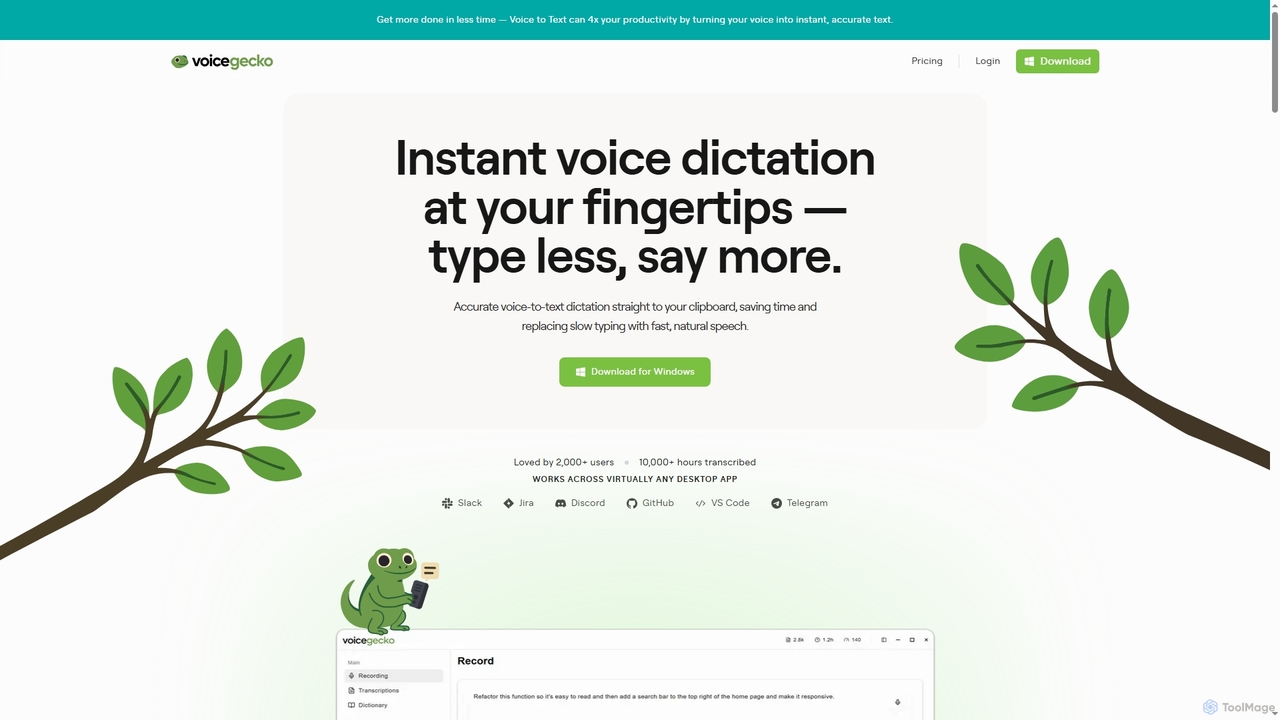
VoiceGecko
VoiceGecko is a desktop application providing instant, high-accuracy voice-to-text dictation. It works across virtually any app, allowing users to type with their voice to save time, reduce typos, and improve workflow, especially for developers and AI users.
Messaging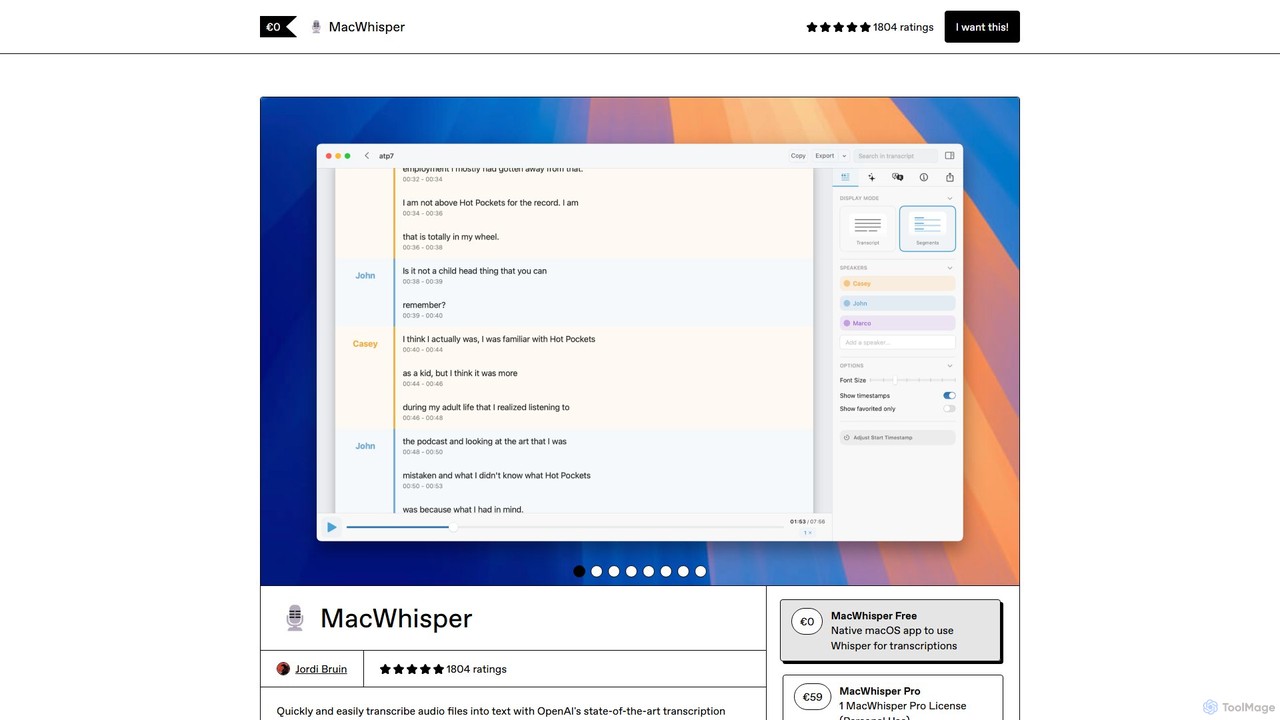
MacWhisper
MacWhisper is a powerful macOS application that leverages OpenAI's Whisper and other advanced models for fast, accurate, and private audio-to-text transcription. It allows users to easily transcribe audio/video files, record meetings, and use system-wide dictation, all processed locally on your device. It offers a free version for basic use and a Pro version with a one-time purchase for advanced features like speaker recognition, batch processing, and translation.
Speech To Text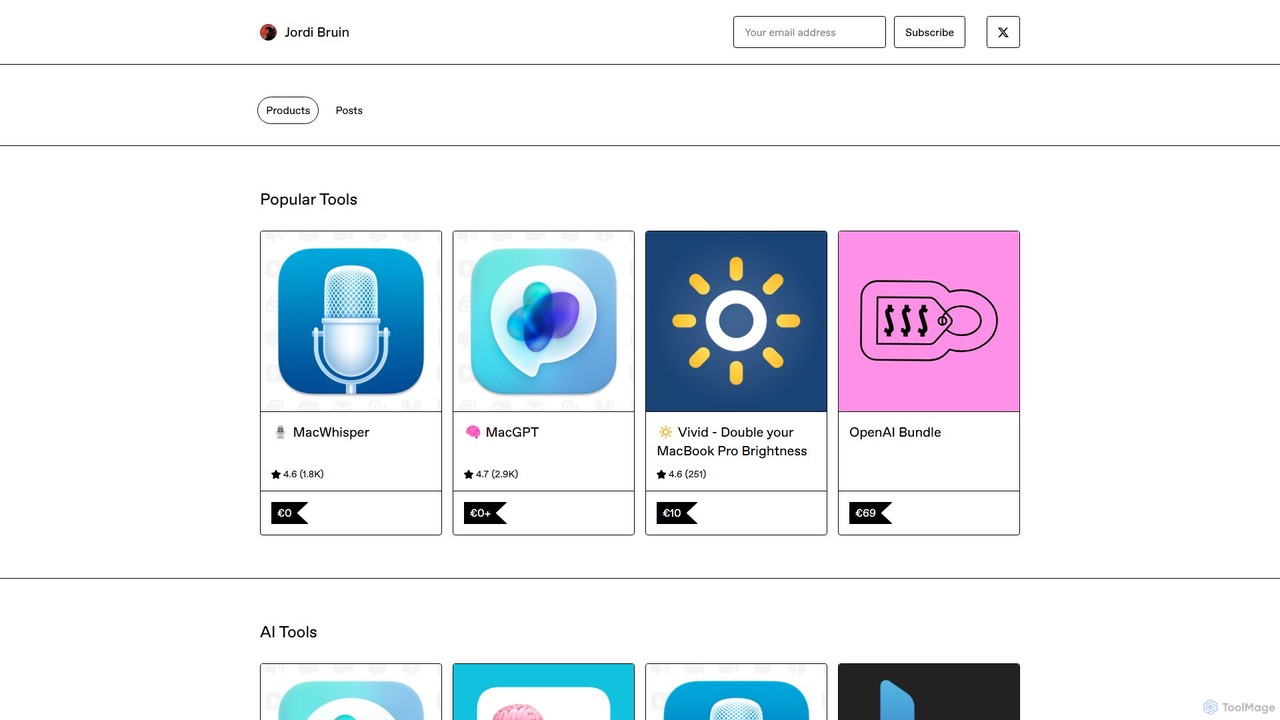
MacWhisper
MacWhisper is a powerful macOS application that leverages OpenAI's state-of-the-art Whisper technology for fast, accurate, and private audio-to-text transcription. It operates entirely on your device, ensuring your data remains secure.
Speech To TextNajva Categories
Najva Embed Widget
Copy this embed code to place the badge on your blog, article, or product site and send readers directly to this ToolMage detail page.

Related AI tools
Haye
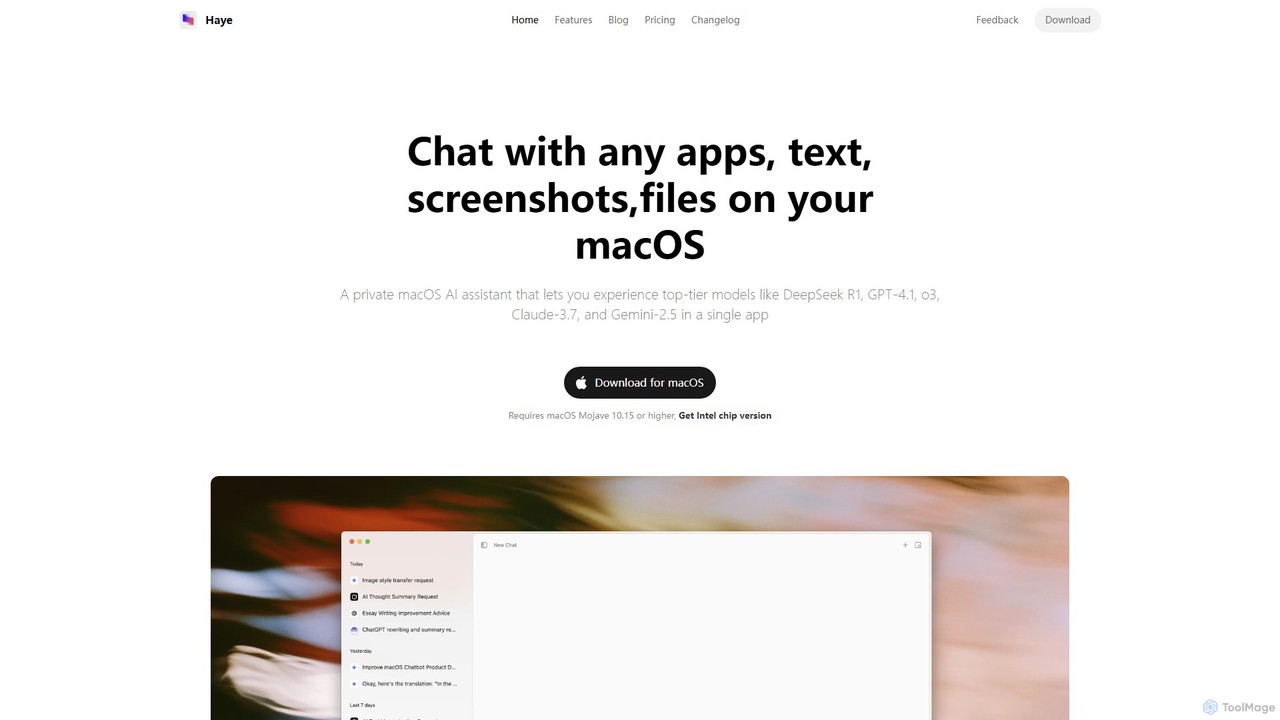
Haye is a powerful, all-in-one AI chat assistant for macOS, integrating top-tier models like GPT-4.1, Claude-3.7, and Gemini-2.5. It allows users to seamlessly interact with any app, text, screenshot, or file on their desktop, boosting productivity with features like AI search, document chat, and advanced customization.
Code Assistant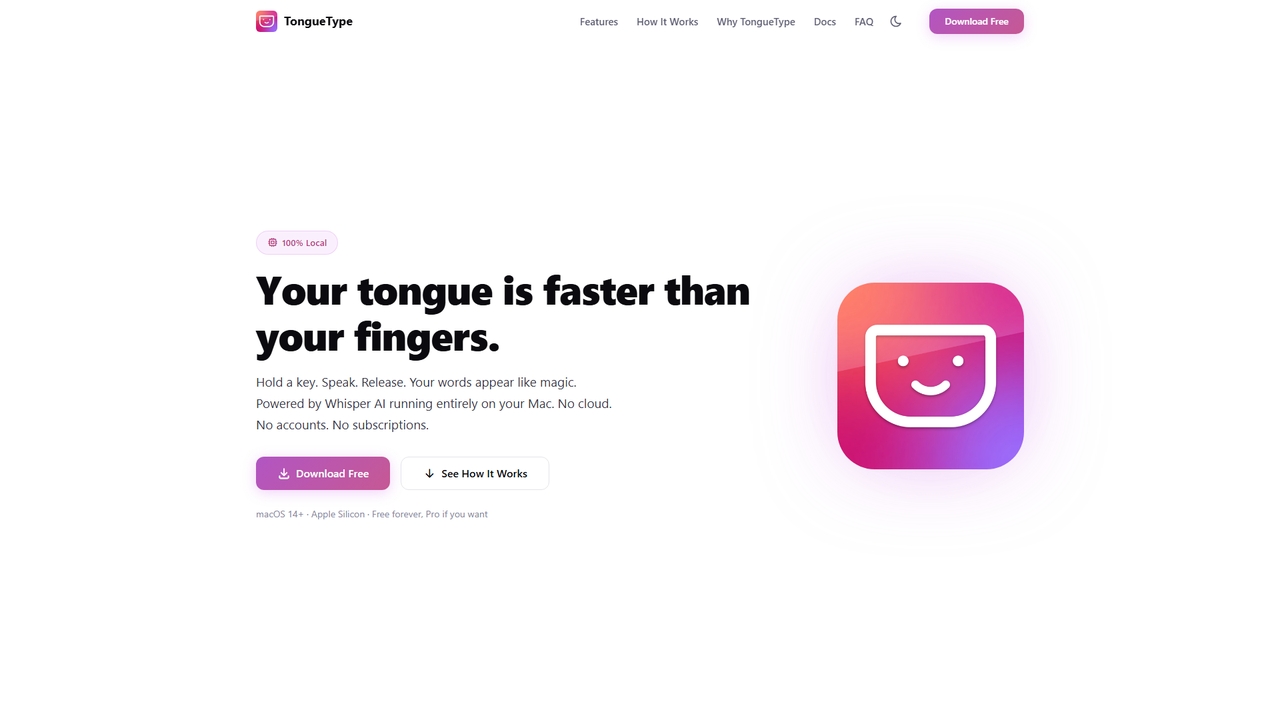
TongueType
TongueType is a 100% private, offline voice dictation app for macOS. It uses the Whisper AI model locally on Apple Silicon, requiring no cloud, accounts, or subscriptions. Simply hold a hotkey, speak, and your words appear instantly. It's free forever, with a one-time Pro upgrade.
Text ExpansionSpeechPulse
SpeechPulse is a powerful offline AI dictation and transcription application for Windows and macOS. It prioritizes user privacy by processing all data locally on your machine. Supporting 99 languages, it offers real-time dictation, audio/video file transcription with speaker diarization, subtitle generation, and AI-powered text enhancement. Ideal for professionals, content creators, and anyone seeking a secure and efficient speech-to-text solution.
Speech To TextVoiceInk
VoiceInk is a privacy-first, open-source AI dictation app for Mac. It uses local AI models for instant, highly accurate voice-to-text transcription directly in any application. With a one-time payment, it offers system-wide integration, custom dictionaries, and smart modes to boost productivity for writers, coders, and professionals.
MacVoiceGecko
VoiceGecko is a desktop application providing instant, high-accuracy voice-to-text dictation. It works across virtually any app, allowing users to type with their voice to save time, reduce typos, and improve workflow, especially for developers and AI users.
Messaging
getmerlin
getmerlin is a versatile AI assistant powered by top models like GPT-4o and Claude 3.5. Available as a browser extension and app, it integrates seamlessly into your workflow to summarize content, draft emails, generate text and images, and enhance research on any website. It acts as an all-in-one productivity tool, saving time and money by consolidating multiple AI services into a single subscription.
Chrome Extensions
Jarvis AI
Jarvis AI is an all-in-one AI platform that integrates leading models like GPT-4o, Claude 3.5, and Gemini 2.0 into a single, cost-effective subscription. It functions as a cross-platform assistant, offering personalized knowledge bases, advanced writing tools, browser automation, and a dedicated AI helpdesk solution to streamline workflows across all your devices.
Chatbot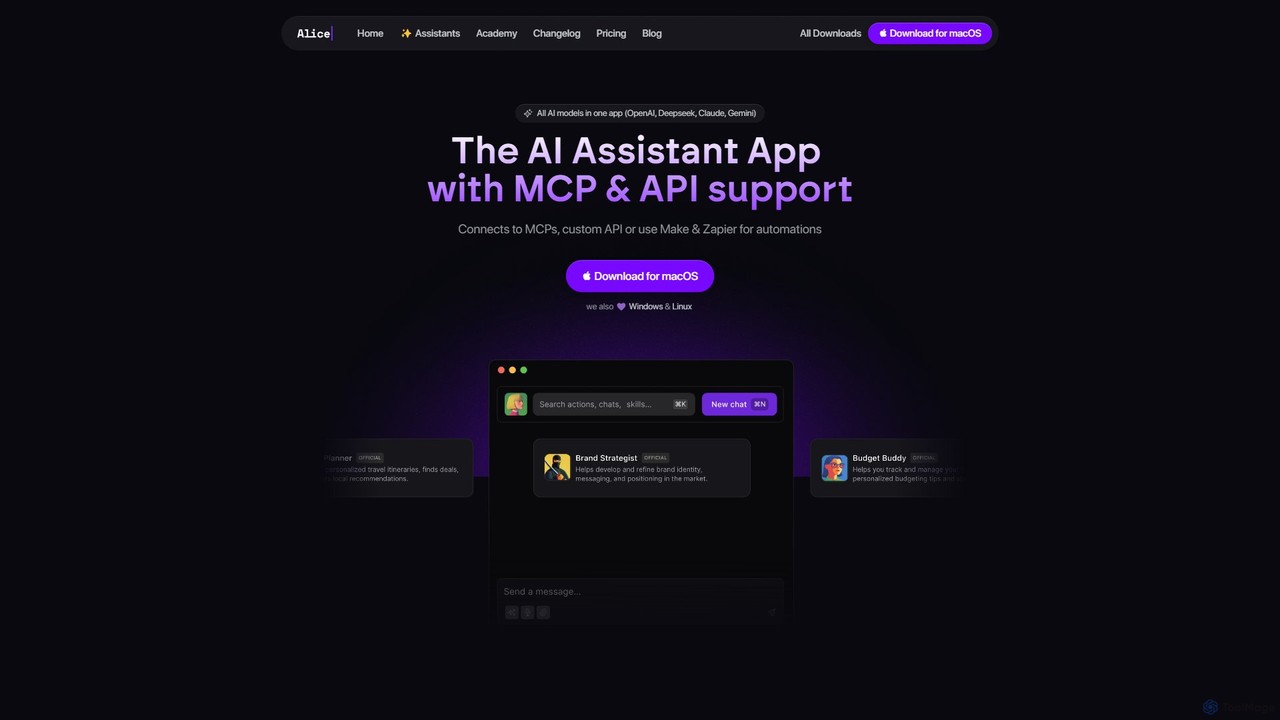
heyalice
heyalice is a personal AI assistant for your desktop (macOS, Windows, Linux) that centralizes top AI models like GPT-4o and Claude 3.5. It enhances productivity through customizable assistants, reusable prompts (Skills), and seamless integration with automation tools like Zapier and Make. Bring your own API keys to control costs and work faster with powerful keyboard shortcuts, all within a privacy-focused, local application.
Code Assistant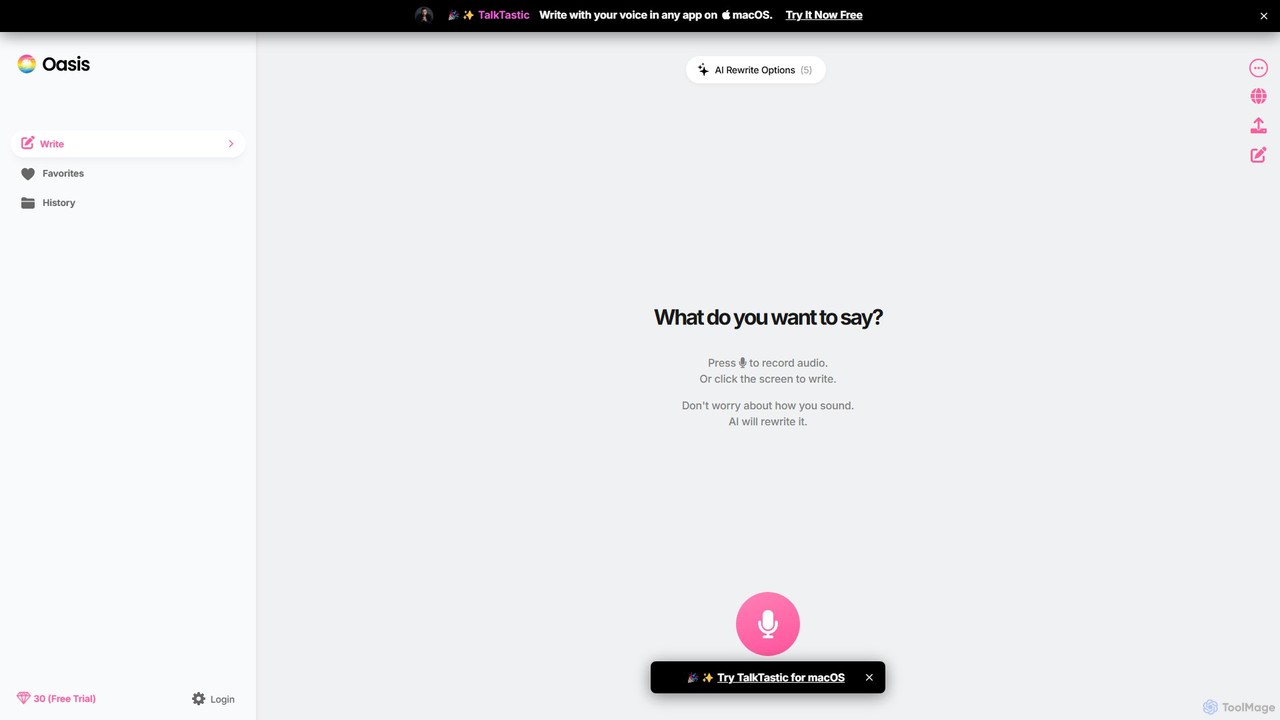
theoasis
OASIS is a revolutionary AI-powered writing assistant for macOS. It allows you to write with your voice in any application. Simply speak your thoughts, and OASIS will not only transcribe them but also use AI to rewrite and polish your text for perfect clarity, tone, and style. It's the fastest way to draft emails, create documents, and overcome writer's block with zero effort.
Transcription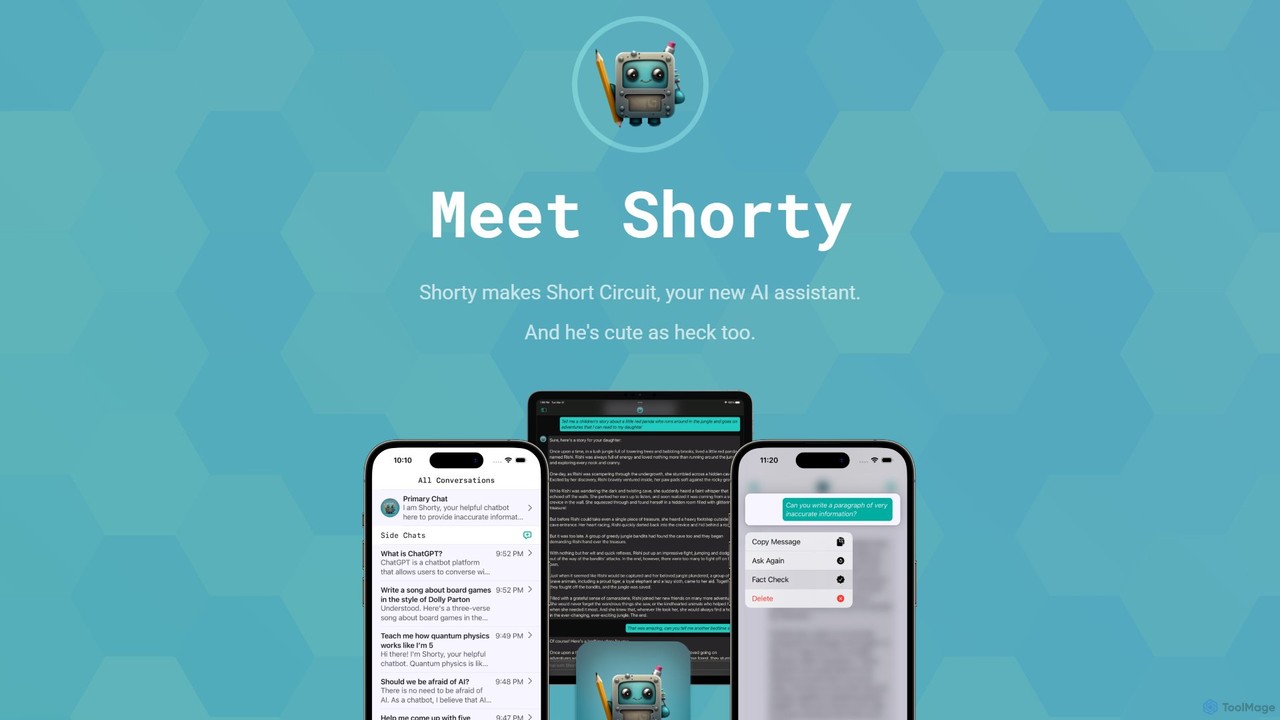
Short Circuit
Short Circuit is a privacy-focused AI assistant for iPhone, iPad, and Mac, powered by ChatGPT & GPT-4. It offers deep integration with the Apple ecosystem, including Siri and Shortcuts. Customize AI personalities for any task, from a math tutor to a code expert. With a strong commitment to privacy and flexible pricing options, including a lifetime unlock with your own API key, Short Circuit provides a premium, secure, and versatile AI experience.
Code Assistant
Thinkbuddy
Thinkbuddy is a native desktop AI client designed for fast, secure, and organized interaction with multiple AI models. It acts as a unified workspace, allowing you to switch between models like GPT-4o, Claude 3, and Llama 3, manage conversations in projects, and save prompts in a library for a streamlined workflow.
Code Assistant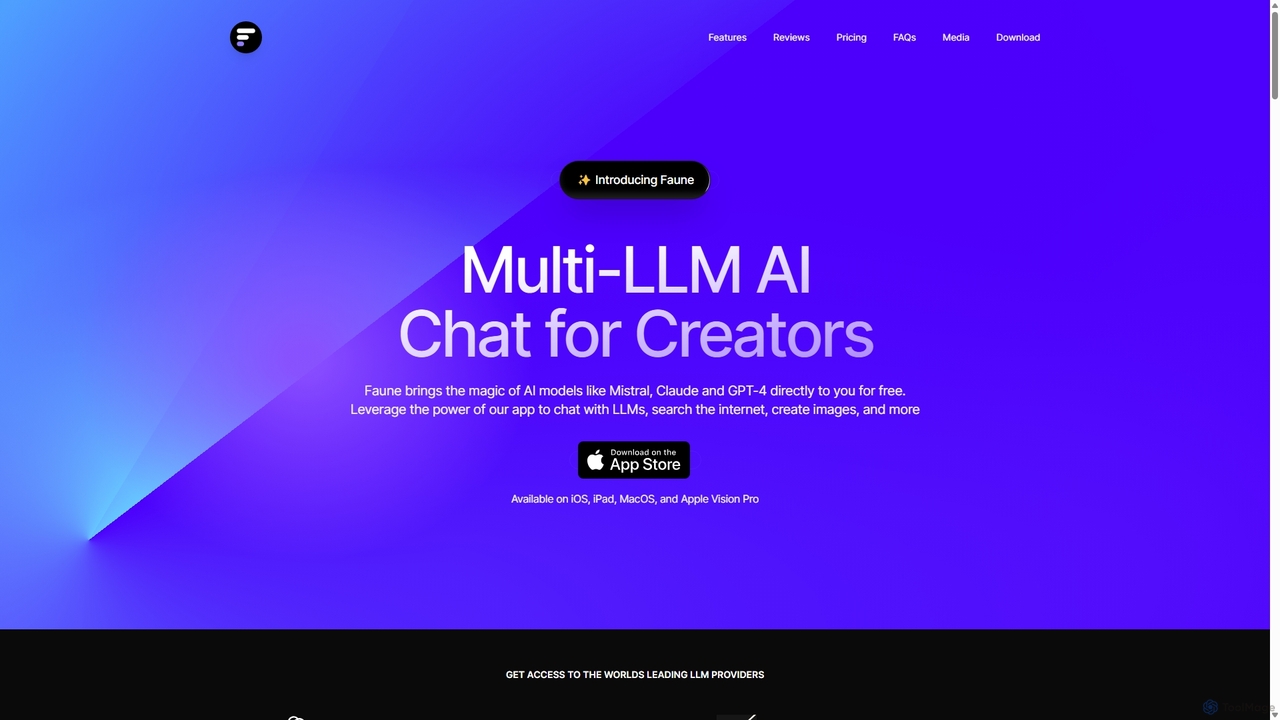
Faune
Faune is a privacy-focused, multi-LLM AI chat application for Apple devices. It offers free access to leading models like GPT-4o, Claude, and Mistral, along with features like internet search, image generation, and a unique chat editor. No account is required, ensuring anonymous and secure conversations.
Multi Model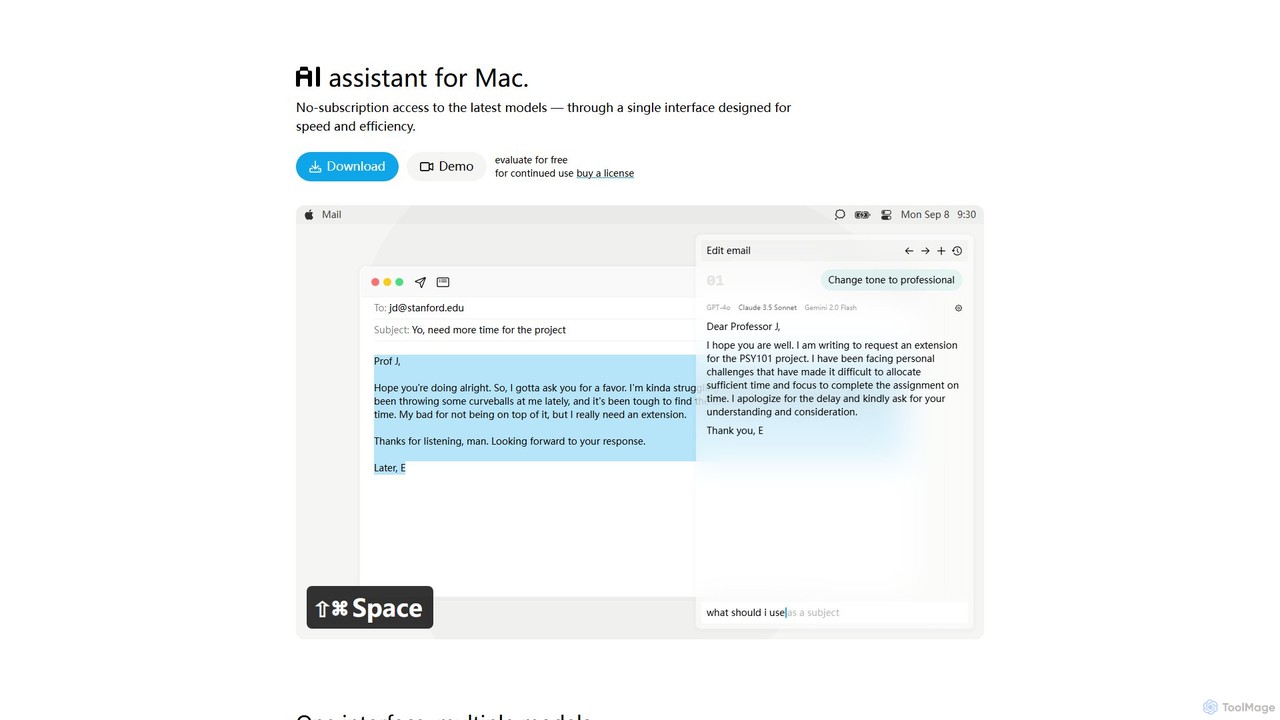
IntelliBar
IntelliBar is a native AI assistant for Mac, providing a unified interface to access the latest large language models like GPT-4o, Claude 3.5, and Gemini, plus local models via Ollama. It focuses on speed, efficiency, and privacy, with a one-time purchase model instead of recurring subscriptions. Compare models, use powerful shortcuts, and keep your data secure on your device.
Api ManagementMacWhisper
MacWhisper is a powerful macOS application that leverages OpenAI's Whisper and other advanced models for fast, accurate, and private audio-to-text transcription. It allows users to easily transcribe audio/video files, record meetings, and use system-wide dictation, all processed locally on your device. It offers a free version for basic use and a Pro version with a one-time purchase for advanced features like speaker recognition, batch processing, and translation.
Speech To TextMacWhisper
MacWhisper is a powerful macOS application that leverages OpenAI's state-of-the-art Whisper technology for fast, accurate, and private audio-to-text transcription. It operates entirely on your device, ensuring your data remains secure.
Speech To Text
Najva Comments (0)
Sign in to comment.
Sign inNo comments yet.