

SpeechPulse Overview
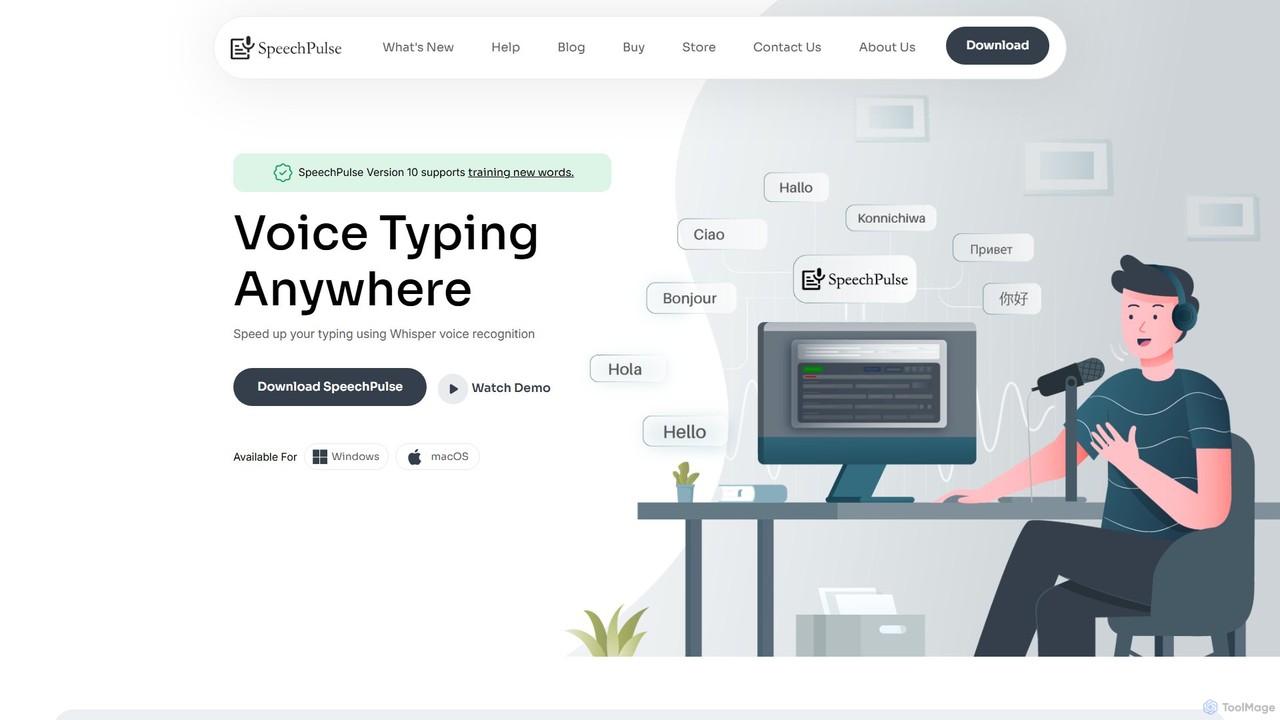
SpeechPulse is a sophisticated AI-powered dictation and transcription software designed for Windows and macOS, with a primary focus on user privacy and control. Unlike many cloud-based services, SpeechPulse performs speech recognition offline, ensuring that your voice and text data never leave your computer. This makes it an ideal solution for handling sensitive information in fields like law, medicine, and corporate communications. Built by an independent developer using advanced Whisper AI models, the tool delivers high accuracy for a wide range of accents and supports transcription in 99 languages, as well as translation into English.
The application seamlessly integrates into your workflow, allowing you to dictate text into any application, from word processors and email clients to web browsers and code editors. With features like real-time transcription, audio/video file processing, automatic subtitle generation, and speaker diarization, SpeechPulse is a versatile tool for writers, journalists, podcasters, students, and anyone looking to boost their productivity by converting speech to text.
How to use SpeechPulse
Getting started with SpeechPulse is straightforward. First, download and install the application on your Windows or macOS computer. The installer includes a base English model to get you started immediately. For enhanced accuracy or other languages, you can use the built-in downloader to add larger models. For optimal performance with larger models, Windows users with NVIDIA GPUs can download the required CUDA libraries directly through the app.
For basic dictation, simply open your desired application (e.g., Microsoft Word, Google Docs), place the cursor where you want to type, and press the 'Start' button in SpeechPulse. You can use either the 'Auto Speak Detection' mode, which transcribes after you pause, or the 'Push To Talk' mode for more control. The tool also supports extensive voice commands for punctuation, formatting, and navigation. For advanced tasks, you can drag and drop audio/video files into the app to generate transcripts or subtitles, or connect to LLM APIs like OpenAI, Groq, or Gemini to use AI templates for real-time text correction, summarization, and formatting.
Core Features of SpeechPulse
- Offline Speech Recognition: Guarantees ultimate privacy and security by processing all voice data locally on your device. No internet connection is required for core transcription functions.
- Multi-Language Support: Transcribes speech in 99 different languages and can also translate non-English audio into English text.
- AI Templates & LLM Integration: Connects to OpenAI-compatible LLM APIs to enhance your dictation in real-time. Use pre-built or custom templates for grammar correction, summarization, email formatting, and more.
- Audio/Video File Transcription: Transcribes pre-recorded audio and video files in various formats (MP3, WAV, M4A, MP4, etc.).
- Speaker Diarization: Automatically identifies and labels different speakers in an audio or video file, which is perfect for transcribing meetings and interviews.
- Automatic Subtitle Generation: Creates accurately timestamped subtitles in .SRT and .VTT formats for your audio and video content.
- Advanced Customization: Tailor the tool to your needs with custom vocabularies, word/phrase mappings (with regex support), voice-activated hotkeys, and text inserters for boilerplate content.
- System Audio Mode: Transcribe any audio playing on your computer in real-time, such as online meetings, webinars, or videos.
Use Cases for SpeechPulse
SpeechPulse is a versatile tool suitable for a wide range of users and professions:
- Legal and Medical Professionals: Transcribe client meetings, patient notes, and legal depositions with complete confidentiality thanks to offline processing.
- Content Creators and Journalists: Generate accurate subtitles for videos and transcribe interviews or podcasts quickly, complete with speaker labels.
- Writers and Authors: Draft articles, books, and emails hands-free, overcoming writer's block and increasing typing speed.
- Students and Researchers: Transcribe lectures, research interviews, and academic notes to easily search and reference key information.
- Developers: Use voice commands to write code, comments, and documentation, reducing strain from constant typing.
- Gamers: Communicate in in-game chats without taking your hands off the controls.
Advantages of SpeechPulse
The main advantage of SpeechPulse is its commitment to privacy through offline functionality. It offers high accuracy comparable to leading online services, supports a vast number of languages, and provides a level of customization rarely seen in dictation software. Its ability to handle both live dictation and file-based transcription, along with advanced features like speaker diarization and AI templates, makes it an all-in-one solution. The one-time purchase model also makes it a cost-effective alternative to subscription-based services.
Pricing and Plans
SpeechPulse is offered as a one-time purchase for a lifetime license, making it a great value proposition. There are no recurring subscription fees for the core offline functionality. The current price is approximately $29.95. For the most up-to-date pricing and to purchase a license, please visit the official website. Note that using external LLM APIs may incur separate costs from the respective API providers.
Traffic
Latest traffic
Status
Monthly traffic trend
- 2025-9: 13.2K
- 2026-1: 10.7K
- 2026-2: 8.0K
- 2026-3: 8.7K
- 2026-4: 6.4K
- 2026-5: 12.2K
Geography
Top 5 countries / regions
- 🇷🇺Russia35.5%
- 🇺🇸United States25.8%
- 🇩🇪Germany16.3%
- 🇵🇱Poland11.9%
- 🇻🇳Vietnam10.7%
Top keywords
| Keyword | Cost per click |
|---|---|
| speechpaulse | $0.00 |
| speechpluse | $0.00 |
| speech pulse | $0.00 |
| speechpulse | $1.98 |
| windows doesn't have a voice dictate option to russian language | $0.00 |
SpeechPulse Videos on YouTube

SpeechPulse Alternatives
Memo AI
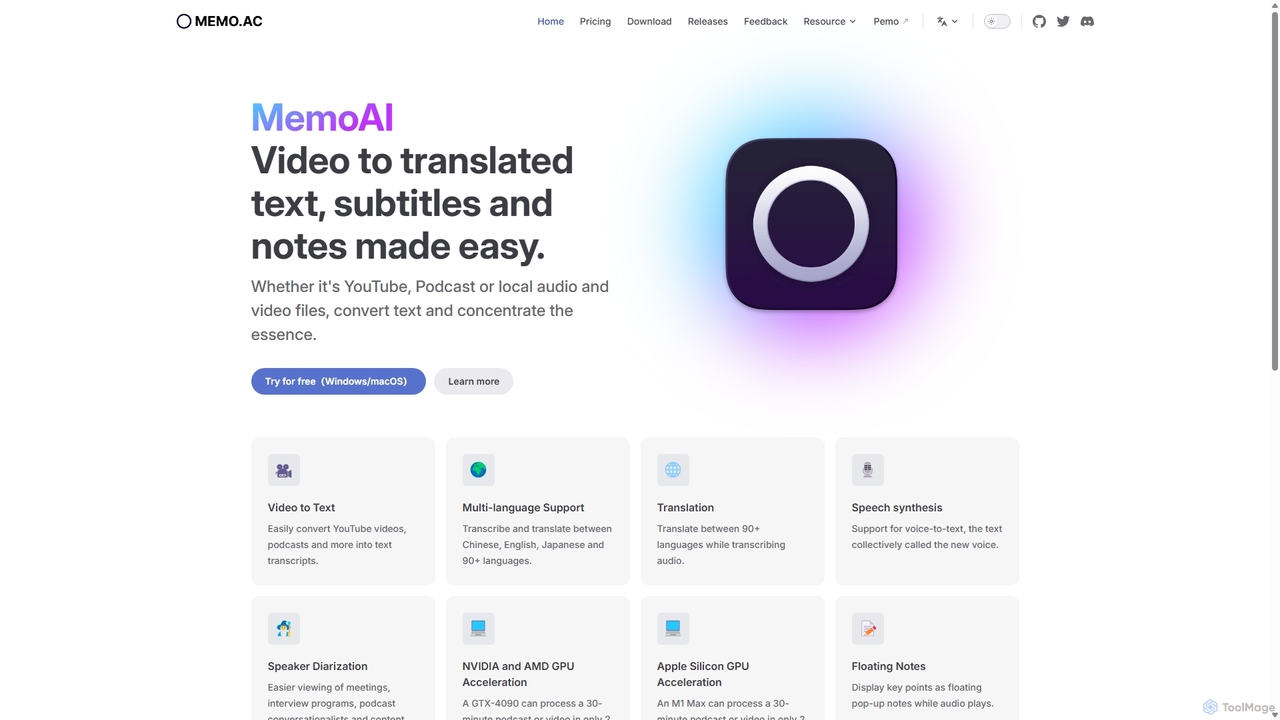
Memo AI is a privacy-focused desktop application for Windows and macOS that provides AI-powered transcription, translation, and summarization for audio and video files. It operates completely offline, leveraging GPU acceleration for fast processing of local files and online content from platforms like YouTube. It supports over 90 languages, speaker diarization, and various export formats.
Speech To Text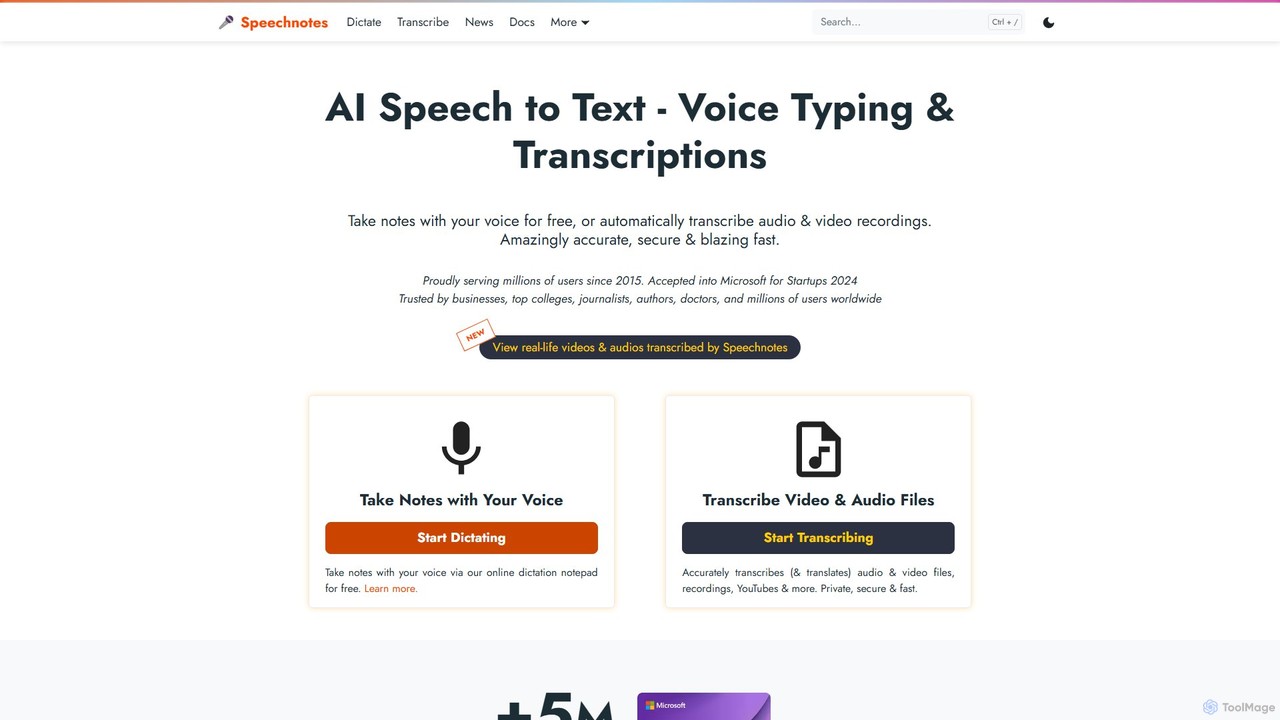
Speechnotes
Speechnotes is a powerful and private speech-to-text tool, offering free online voice dictation and a professional, secure automatic transcription service. It supports real-time voice typing, audio/video file transcription, and even features a convenient WhatsApp bot. With a strong emphasis on user privacy and HIPAA compliance for its paid service, Speechnotes is ideal for writers, journalists, students, and professionals.
Speech To Text
superwhisper
superwhisper is an AI-powered dictation and transcription tool for macOS and iOS. It offers high-accuracy speech-to-text conversion, intelligent formatting modes for different contexts (emails, notes), and supports over 100 languages. It prioritizes privacy with offline, on-device processing and works seamlessly in any application.
Speech To Text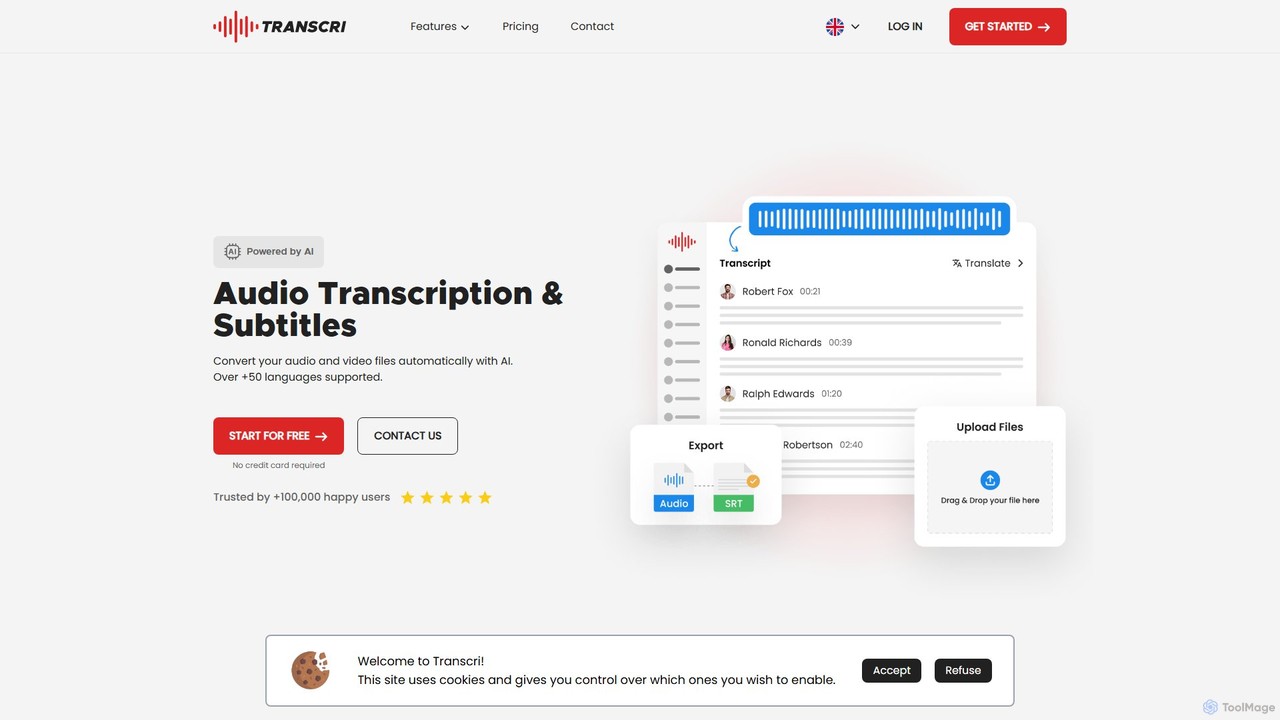
Transcri
Transcri is an AI-powered platform for fast and accurate audio/video transcription and subtitle generation. It supports over 50 languages, offers up to 96% accuracy, and features speaker identification. Ideal for professionals in media, business, and education, it provides flexible export options, a collaborative workspace, and robust data security.
Speech To Text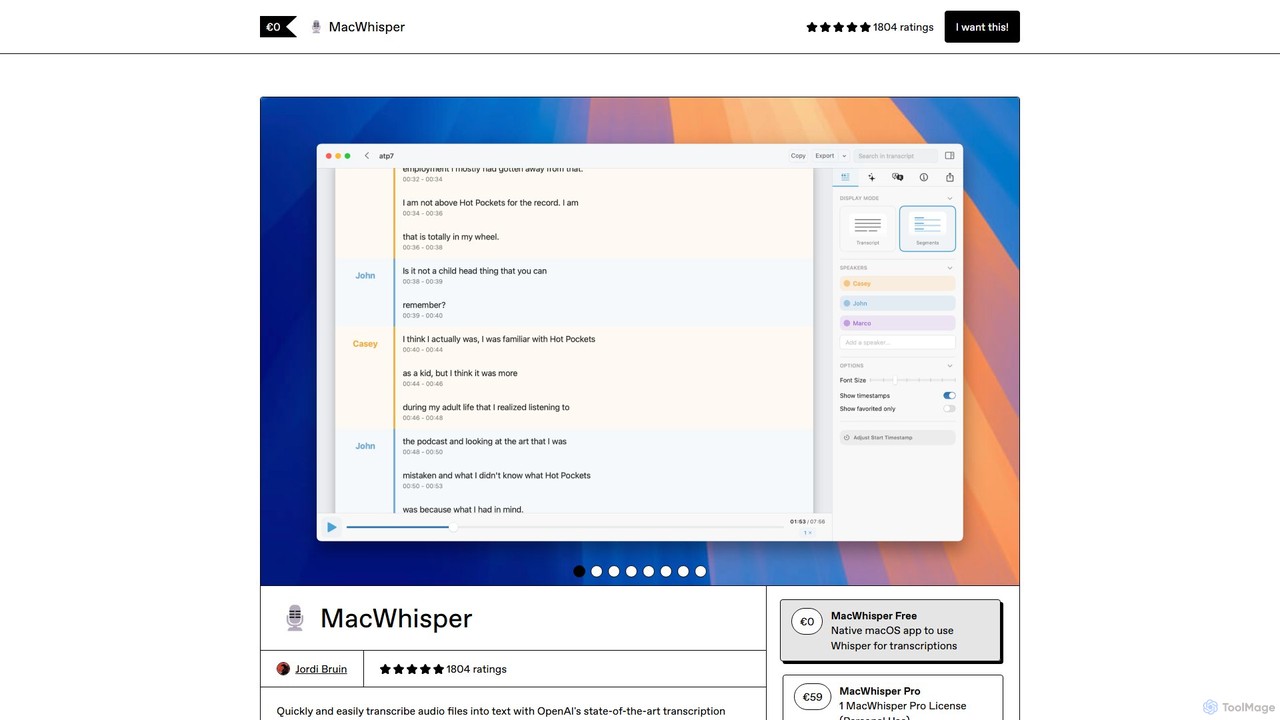
MacWhisper
MacWhisper is a powerful macOS application that leverages OpenAI's Whisper and other advanced models for fast, accurate, and private audio-to-text transcription. It allows users to easily transcribe audio/video files, record meetings, and use system-wide dictation, all processed locally on your device. It offers a free version for basic use and a Pro version with a one-time purchase for advanced features like speaker recognition, batch processing, and translation.
Speech To TextSpeechPulse Categories
SpeechPulse Embed Widget
Copy this embed code to place the badge on your blog, article, or product site and send readers directly to this ToolMage detail page.

Related AI tools
Memo AI
Memo AI is a privacy-focused desktop application for Windows and macOS that provides AI-powered transcription, translation, and summarization for audio and video files. It operates completely offline, leveraging GPU acceleration for fast processing of local files and online content from platforms like YouTube. It supports over 90 languages, speaker diarization, and various export formats.
Speech To Text
Najva
Najva is a free, native macOS app that combines offline, on-device speech recognition with advanced AI models like GPT-4 and Claude 3. It instantly transforms your voice into intelligent text, offering unparalleled privacy and productivity for writers, developers, and professionals. It features context awareness, screenshot integration, and support for numerous AI providers.
Documentation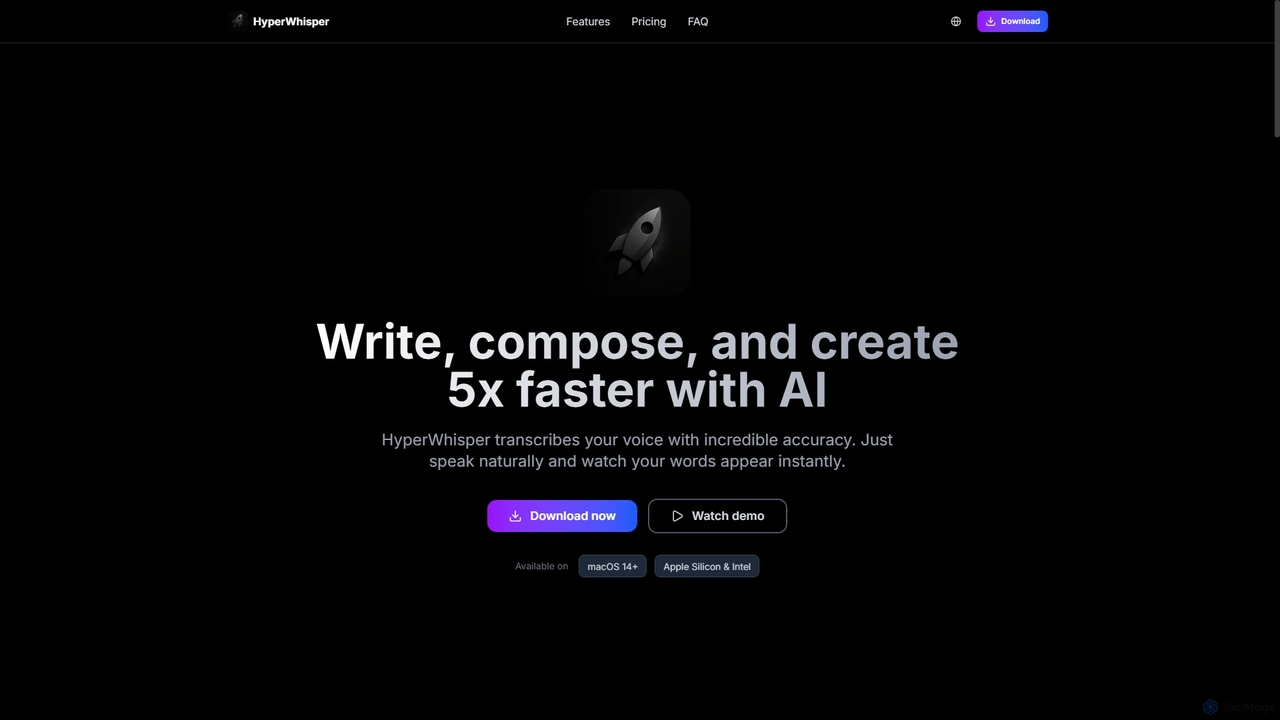
HyperWhisper
HyperWhisper is an AI-powered voice transcription application for macOS, designed to convert spoken words into text with exceptional accuracy and speed. It supports over 100 languages, offers robust offline capabilities, and prioritizes user privacy, making it ideal for professionals seeking efficient content creation and note-taking.
Coding AssistantSpeechnotes
Speechnotes is a powerful and private speech-to-text tool, offering free online voice dictation and a professional, secure automatic transcription service. It supports real-time voice typing, audio/video file transcription, and even features a convenient WhatsApp bot. With a strong emphasis on user privacy and HIPAA compliance for its paid service, Speechnotes is ideal for writers, journalists, students, and professionals.
Speech To Textsuperwhisper
superwhisper is an AI-powered dictation and transcription tool for macOS and iOS. It offers high-accuracy speech-to-text conversion, intelligent formatting modes for different contexts (emails, notes), and supports over 100 languages. It prioritizes privacy with offline, on-device processing and works seamlessly in any application.
Speech To TextTranscri
Transcri is an AI-powered platform for fast and accurate audio/video transcription and subtitle generation. It supports over 50 languages, offers up to 96% accuracy, and features speaker identification. Ideal for professionals in media, business, and education, it provides flexible export options, a collaborative workspace, and robust data security.
Speech To TextMacWhisper
MacWhisper is a powerful macOS application that leverages OpenAI's Whisper and other advanced models for fast, accurate, and private audio-to-text transcription. It allows users to easily transcribe audio/video files, record meetings, and use system-wide dictation, all processed locally on your device. It offers a free version for basic use and a Pro version with a one-time purchase for advanced features like speaker recognition, batch processing, and translation.
Speech To Text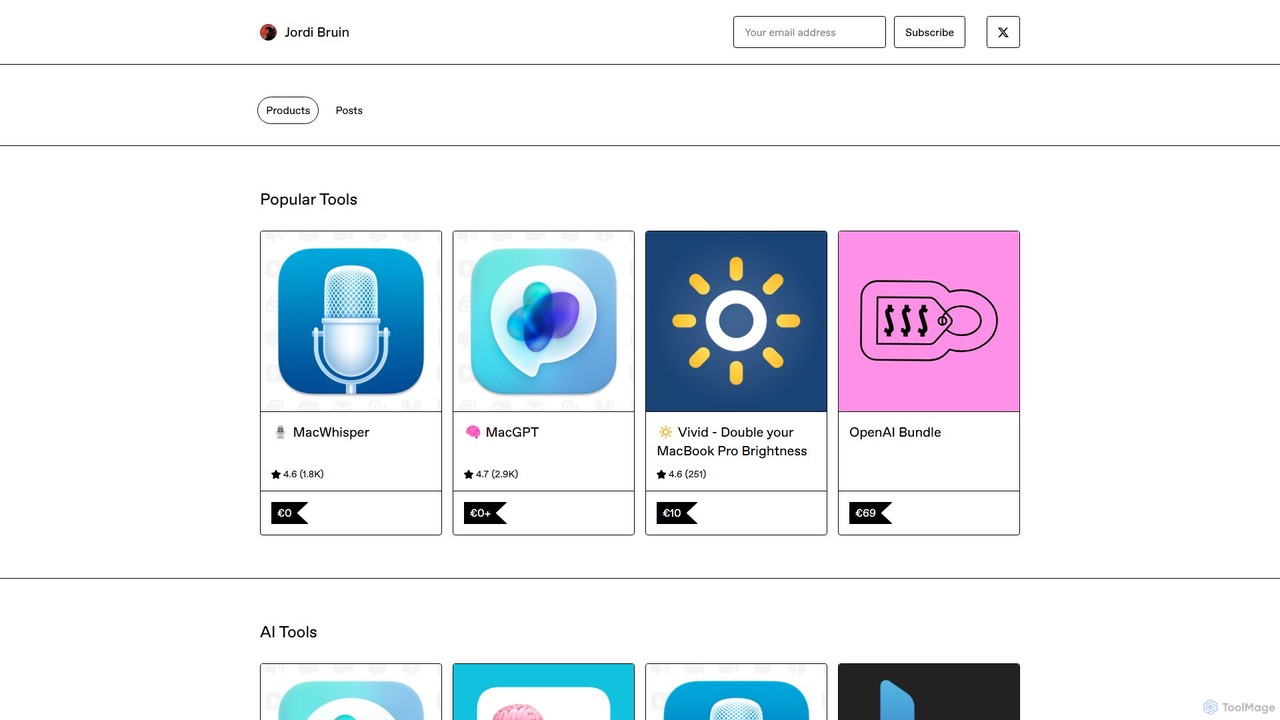
MacWhisper
MacWhisper is a powerful macOS application that leverages OpenAI's state-of-the-art Whisper technology for fast, accurate, and private audio-to-text transcription. It operates entirely on your device, ensuring your data remains secure.
Speech To Text
TalkTastic
TalkTastic is a revolutionary AI-powered dictation app for macOS that lets you write with your voice in any application. It goes beyond simple speech-to-text by using multimodal AI to understand on-screen context, ensuring highly accurate, context-aware transcriptions and smart rewrites in your personal style. Boost your productivity and stop typing.
Speech To Text
voicewriter
An AI-powered voice writing tool that transcribes your speech into polished, grammatically correct text in real-time. It supports over 30 languages, learns your unique writing style, and works directly in your browser via a Chrome extension, boosting your writing speed for emails, blogs, and reports.
Note Taking
Lugs.ai
Lugs.ai is a macOS desktop application providing real-time, highly accurate transcription and captioning for all computer and microphone audio. It operates completely offline, ensuring user privacy. Designed by the hearing-impaired, it offers best-in-class accuracy for meetings, conversations, and enhancing accessibility.
Hearingimpairment
transcribetotext.ai
An AI-powered transcription service that converts audio and video files into accurate text. It offers unlimited transcriptions, supports various formats and sources like YouTube and Zoom, and provides features like speaker diarization and subtitle generation, all powered by Whisper AI for maximum accuracy.
Transcription
TongueType
TongueType is a 100% private, offline voice dictation app for macOS. It uses the Whisper AI model locally on Apple Silicon, requiring no cloud, accounts, or subscriptions. Simply hold a hotkey, speak, and your words appear instantly. It's free forever, with a one-time Pro upgrade.
Text Expansion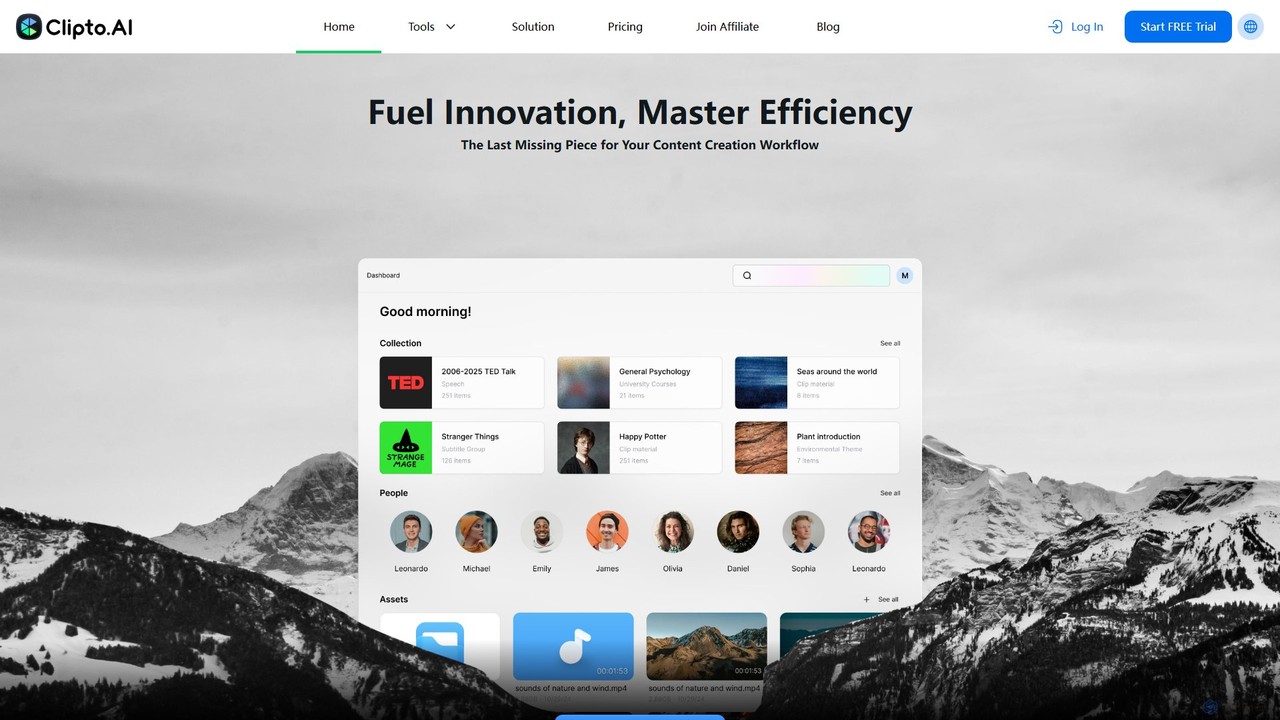
Clipto
Clipto is an AI-powered transcription assistant that accurately converts audio and video files into text and subtitles. Supporting over 99 languages, it offers fast, reliable service with 99% accuracy, speaker identification, and unlimited usage on paid plans. Ideal for content creators, professionals, and students to streamline their workflow, enhance accessibility, and repurpose content efficiently.
Speech To Text
Accuratescribe
Accuratescribe is an AI-powered transcription service that converts audio and video to text with 99.8% accuracy. Powered by Whisper technology, it supports 134+ languages, speaker detection, and large file processing. Ideal for content creators, researchers, and legal professionals, it offers fast, secure, and reliable transcription with flexible export options like SRT, VTT, DOCX, and PDF.
Speech To Text
SpeechPulse Comments (0)
Sign in to comment.
Sign inNo comments yet.