


superwhisper Overview
superwhisper is a sophisticated AI-powered dictation application designed for macOS and iOS, transforming the way users interact with their devices. It moves beyond simple speech-to-text by leveraging advanced AI to not only transcribe spoken words with exceptional accuracy but also to intelligently process and format the output for specific needs. Whether you're drafting a professional email, taking quick notes, or sending a message, superwhisper adapts to the context, delivering perfectly structured text instantly. It is built with a privacy-first and offline-first approach, ensuring all your data is processed securely on your device without needing an internet connection.
How to use superwhisper
Getting started with superwhisper is a streamlined process designed to get you dictating in minutes:
- Installation and Onboarding: Download and install the application on your Mac or iOS device. The initial launch will guide you through a simple onboarding process.
- Permissions Setup: Grant the necessary system permissions for microphone access and accessibility features to enable system-wide dictation.
- Configuration: Choose your primary transcription language from over 100 options. Select your preferred AI model, with options for fully offline local models or powerful cloud-based models (you can even use your own API keys).
- Start Dictating: Use a simple keyboard shortcut to activate superwhisper in any text field or application. There's no need to switch windows.
- Speak Naturally: Just talk. superwhisper's context-aware AI will capture your words.
- AI Processing: The app automatically transcribes and then transforms the text based on the selected 'Intelligent Mode' (e.g., 'Email Mode' will format a proper email structure).
- File Transcription: For pre-recorded content, simply drag and drop audio or video files into the app to get a full transcription.
Core Features of superwhisper
- Intelligent Modes: Use pre-built modes like 'Email', 'Note', 'Voice Message', and 'Super Meeting' for context-specific formatting, or create your own custom modes to fit your unique workflow.
- High-Accuracy Transcription: Powered by cutting-edge AI, it delivers highly accurate transcriptions, minimizing the need for manual corrections.
- Offline-First & Private: All processing occurs on your device, guaranteeing your data remains private and secure. The app functions perfectly without an internet connection.
- 100+ Language Support: Dictate in over 100 languages and dialects. It can also translate foreign language dictation directly into English.
- Custom Vocabulary: Enhance recognition accuracy by adding custom phrases, unique names, technical jargon, links, or acronyms to your personal vocabulary.
- System-Wide Integration: Works seamlessly anywhere you can type or paste text on your Mac, from word processors and code editors to web browsers and chat apps.
- File Transcription: Transcribe audio and video files, turning recordings into editable text.
- Cross-Platform License: A single Pro license covers both the macOS and iOS versions, syncing your productivity across devices.
Use Cases for superwhisper
superwhisper is a versatile tool for a wide range of users:
- Professionals & Executives: Quickly draft emails, compose reports, and take meeting notes, saving hours of typing.
- Writers & Journalists: Capture thoughts and interviews on the fly and transcribe recordings effortlessly.
- Students: Take detailed lecture notes in real-time without having to type.
- Developers: Dictate code, comments, and technical documentation, especially useful for explaining complex logic.
- Users with Accessibility Needs: Provides a powerful, hands-free way to control and input text across the entire operating system.
Advantages of superwhisper
The primary advantage of superwhisper is its combination of speed, intelligence, and privacy. It dramatically increases productivity by making text input faster and more natural than typing. The on-device processing is a critical feature for users concerned with data security. Its flexibility, with system-wide integration and extensive language support, makes it an indispensable tool for modern computing. The intelligent formatting modes save significant time on editing and structuring text.
Pricing and Plans
superwhisper operates on a freemium model. New users receive a free trial with 15 minutes of access to all Pro features.
- PRO Monthly: $8.49 per month
- PRO Annual: $84.99 per year
- PRO Lifetime: $249.99 for a one-time purchase
A Pro license grants unlimited AI usage, access to all intelligent modes, file transcription, and use on both macOS and iOS devices.
Traffic
Latest traffic
Status
Monthly traffic trend
- 2025-9: 224.1K
- 2026-1: 325.6K
- 2026-2: 338.0K
- 2026-3: 386.3K
- 2026-4: 327.4K
- 2026-5: 344.3K
Geography
Top 5 countries / regions
- 🇺🇸United States54.7%
- 🇬🇧United Kingdom13.5%
- 🇩🇪Germany12.8%
- 🇮🇳India10.2%
- 🇫🇷France8.7%
Traffic sources
| Source type | Percentage |
|---|---|
Direct | 75.8% |
Referral | 22.0% |
Email | 2.2% |
Top keywords
| Keyword | Cost per click |
|---|---|
| super whisper | $0.93 |
| superwhisper | $0.87 |
| superwhisper mac | $4.34 |
| superwisper | $0.85 |
| wispr flow | $1.44 |
superwhisper Videos on YouTube

Superwhisper

Superwhisper


Superwhisper

Superwhisper
Superwhisper

A Fading Thought
superwhisper Alternatives
TalkTastic
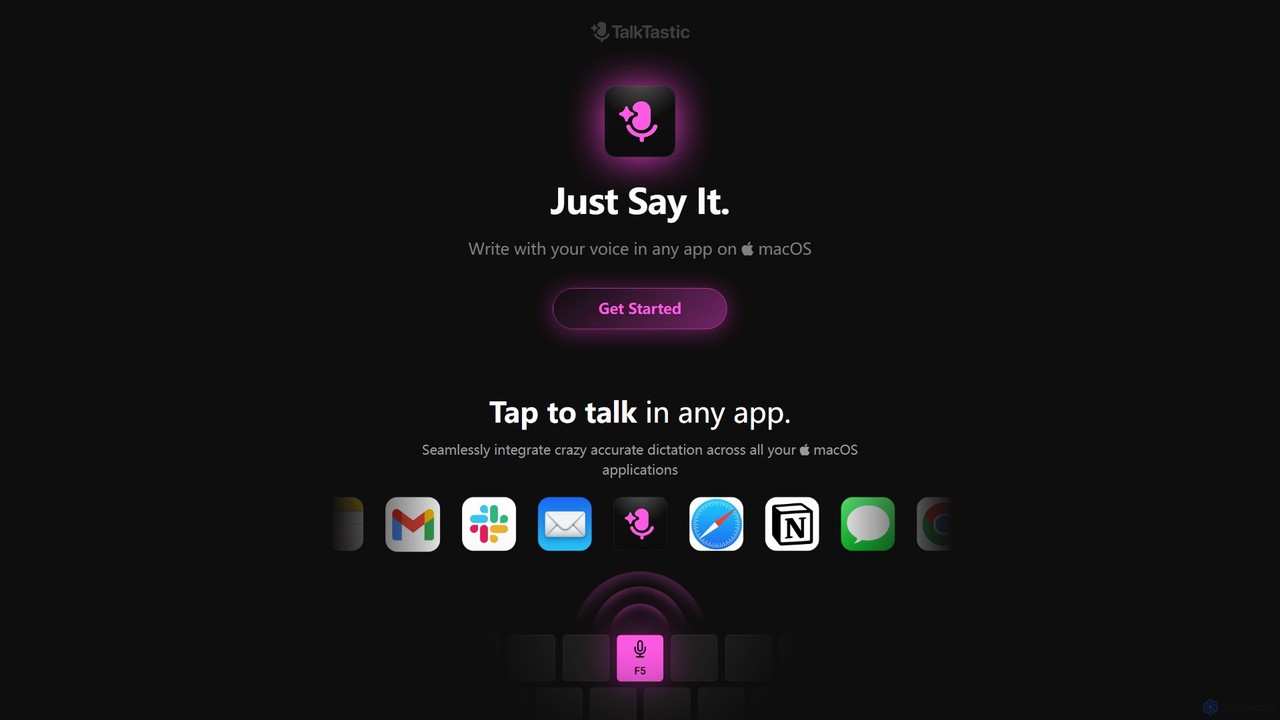
TalkTastic is a revolutionary AI-powered dictation app for macOS that lets you write with your voice in any application. It goes beyond simple speech-to-text by using multimodal AI to understand on-screen context, ensuring highly accurate, context-aware transcriptions and smart rewrites in your personal style. Boost your productivity and stop typing.
Speech To Text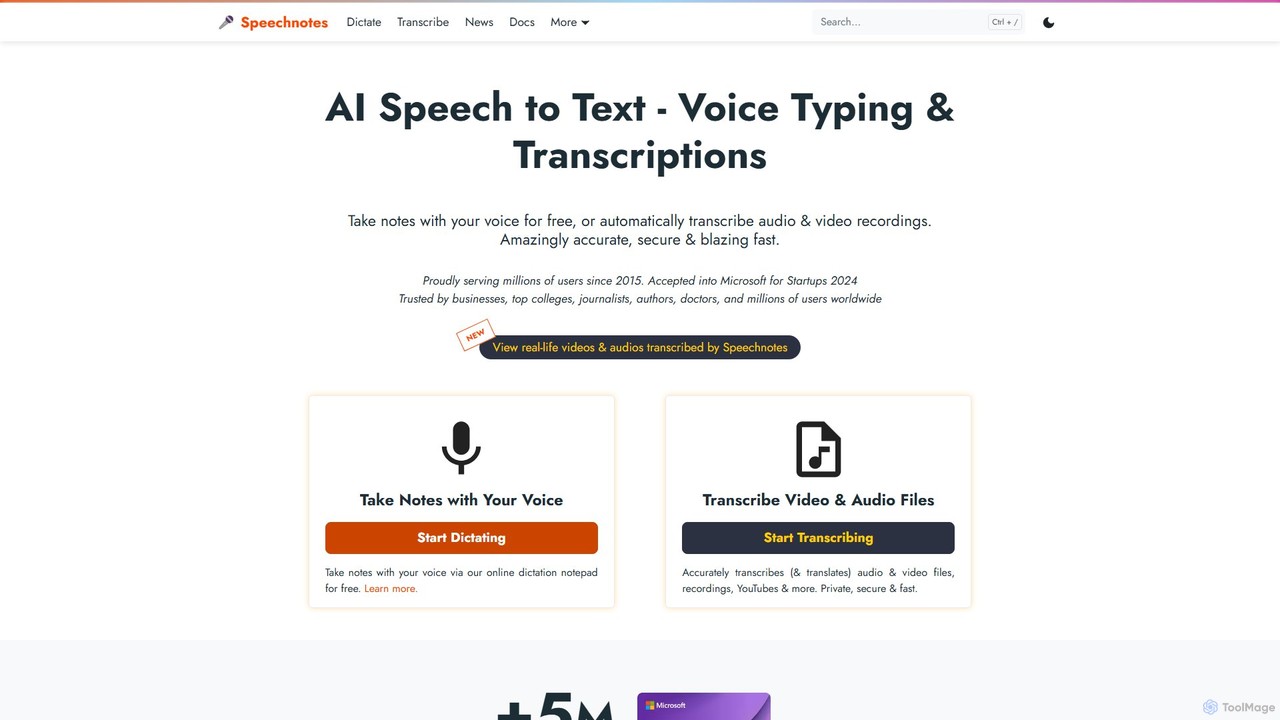
Speechnotes
Speechnotes is a powerful and private speech-to-text tool, offering free online voice dictation and a professional, secure automatic transcription service. It supports real-time voice typing, audio/video file transcription, and even features a convenient WhatsApp bot. With a strong emphasis on user privacy and HIPAA compliance for its paid service, Speechnotes is ideal for writers, journalists, students, and professionals.
Speech To Text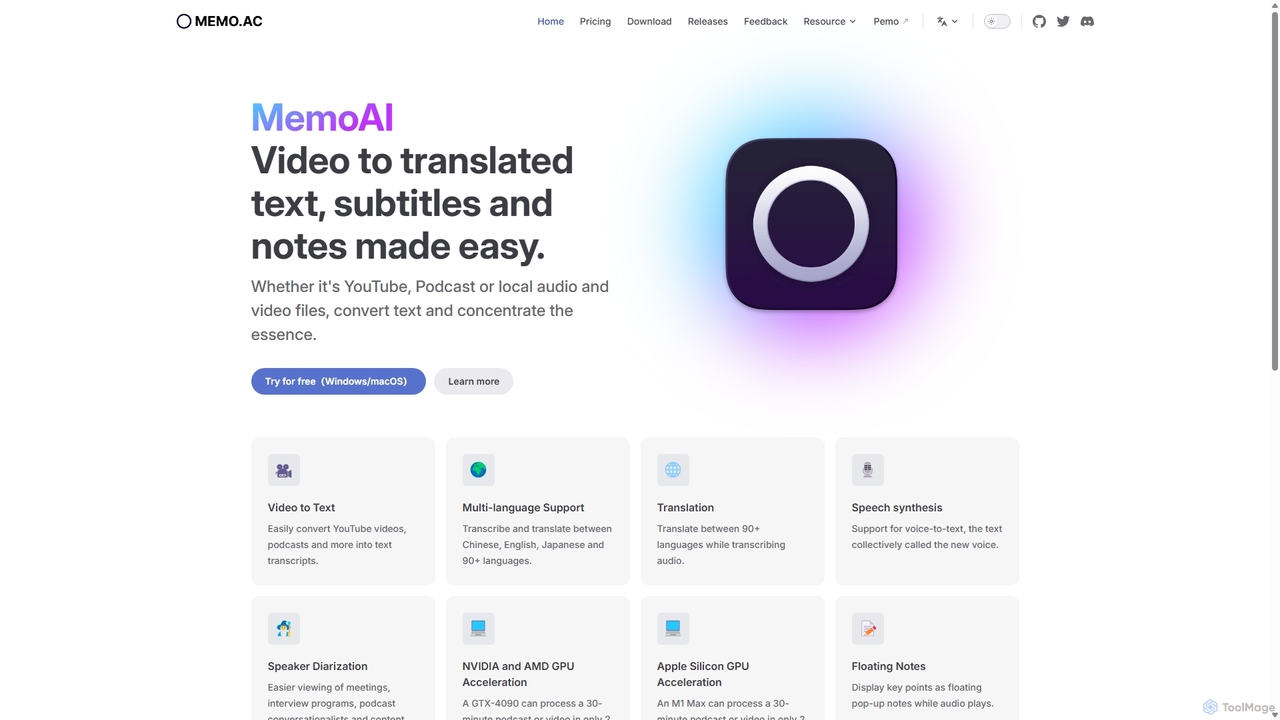
Memo AI
Memo AI is a privacy-focused desktop application for Windows and macOS that provides AI-powered transcription, translation, and summarization for audio and video files. It operates completely offline, leveraging GPU acceleration for fast processing of local files and online content from platforms like YouTube. It supports over 90 languages, speaker diarization, and various export formats.
Speech To Text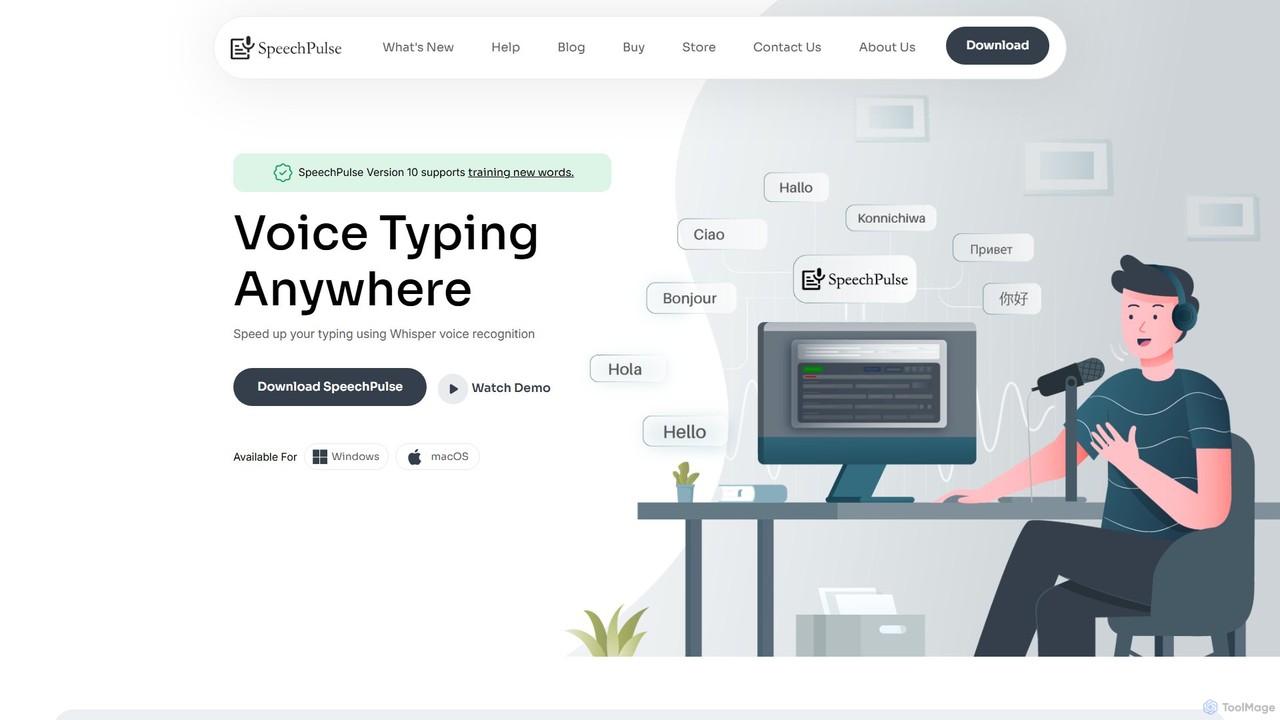
SpeechPulse
SpeechPulse is a powerful offline AI dictation and transcription application for Windows and macOS. It prioritizes user privacy by processing all data locally on your machine. Supporting 99 languages, it offers real-time dictation, audio/video file transcription with speaker diarization, subtitle generation, and AI-powered text enhancement. Ideal for professionals, content creators, and anyone seeking a secure and efficient speech-to-text solution.
Speech To Text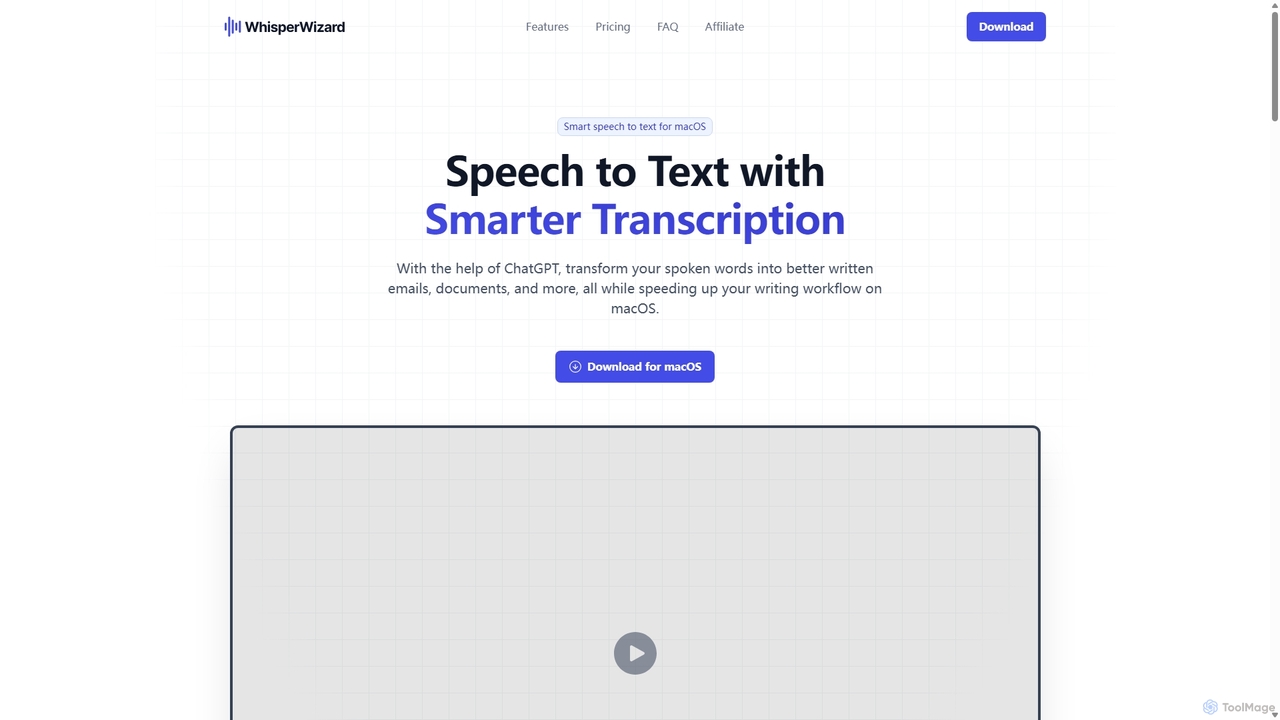
WhisperWizard
WhisperWizard is a powerful macOS application that transforms your speech into text with AI-powered enhancements. Leveraging ChatGPT, it not only transcribes your voice with high accuracy but also refines the output into well-structured emails, documents, and more. Create custom templates and shortcuts to streamline your writing workflow, making it faster and more efficient than ever to capture and perfect your ideas.
Speech To Textsuperwhisper Categories
superwhisper Embed Widget
Copy this embed code to place the badge on your blog, article, or product site and send readers directly to this ToolMage detail page.

Related AI tools
TalkTastic
TalkTastic is a revolutionary AI-powered dictation app for macOS that lets you write with your voice in any application. It goes beyond simple speech-to-text by using multimodal AI to understand on-screen context, ensuring highly accurate, context-aware transcriptions and smart rewrites in your personal style. Boost your productivity and stop typing.
Speech To TextSpeechnotes
Speechnotes is a powerful and private speech-to-text tool, offering free online voice dictation and a professional, secure automatic transcription service. It supports real-time voice typing, audio/video file transcription, and even features a convenient WhatsApp bot. With a strong emphasis on user privacy and HIPAA compliance for its paid service, Speechnotes is ideal for writers, journalists, students, and professionals.
Speech To TextMemo AI
Memo AI is a privacy-focused desktop application for Windows and macOS that provides AI-powered transcription, translation, and summarization for audio and video files. It operates completely offline, leveraging GPU acceleration for fast processing of local files and online content from platforms like YouTube. It supports over 90 languages, speaker diarization, and various export formats.
Speech To TextSpeechPulse
SpeechPulse is a powerful offline AI dictation and transcription application for Windows and macOS. It prioritizes user privacy by processing all data locally on your machine. Supporting 99 languages, it offers real-time dictation, audio/video file transcription with speaker diarization, subtitle generation, and AI-powered text enhancement. Ideal for professionals, content creators, and anyone seeking a secure and efficient speech-to-text solution.
Speech To TextWhisperWizard
WhisperWizard is a powerful macOS application that transforms your speech into text with AI-powered enhancements. Leveraging ChatGPT, it not only transcribes your voice with high accuracy but also refines the output into well-structured emails, documents, and more. Create custom templates and shortcuts to streamline your writing workflow, making it faster and more efficient than ever to capture and perfect your ideas.
Speech To Text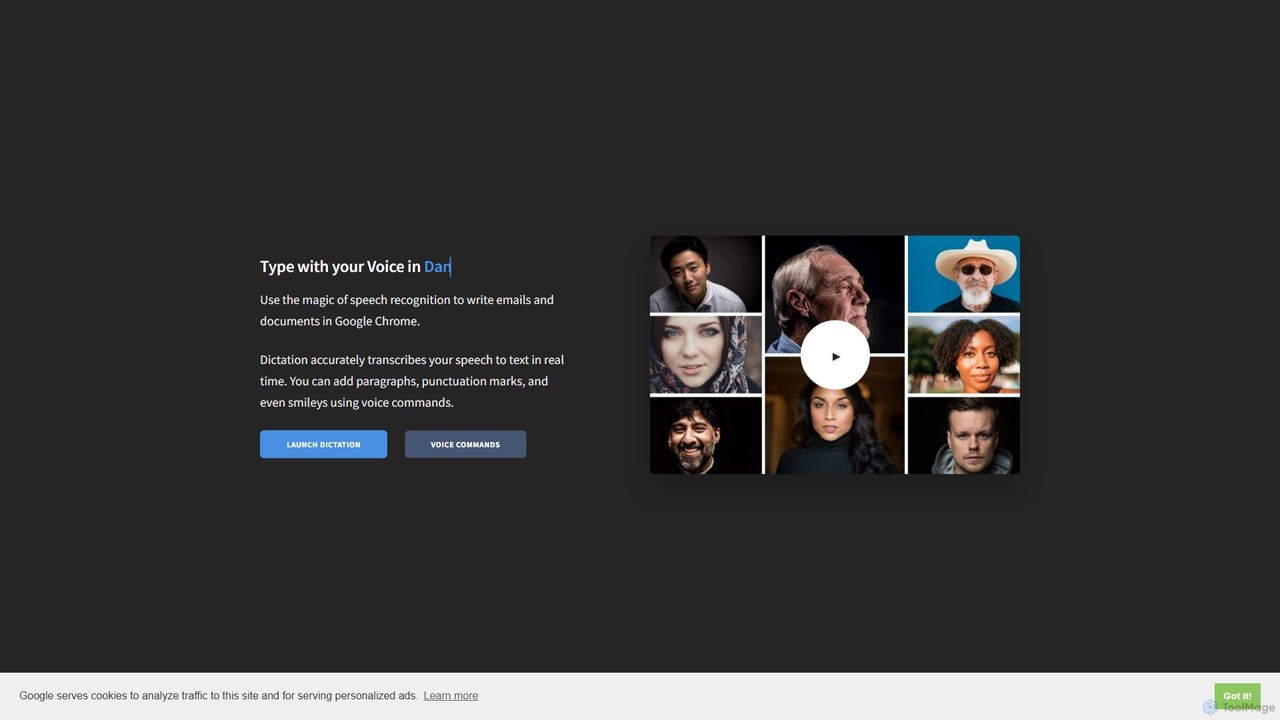
Dictation.io
Dictation.io is a free, web-based speech-to-text application that allows you to type with your voice in over 100 languages. It uses Google's speech recognition for fast, real-time transcription directly in your Chrome browser, with no data stored online, ensuring privacy.
Speech To Text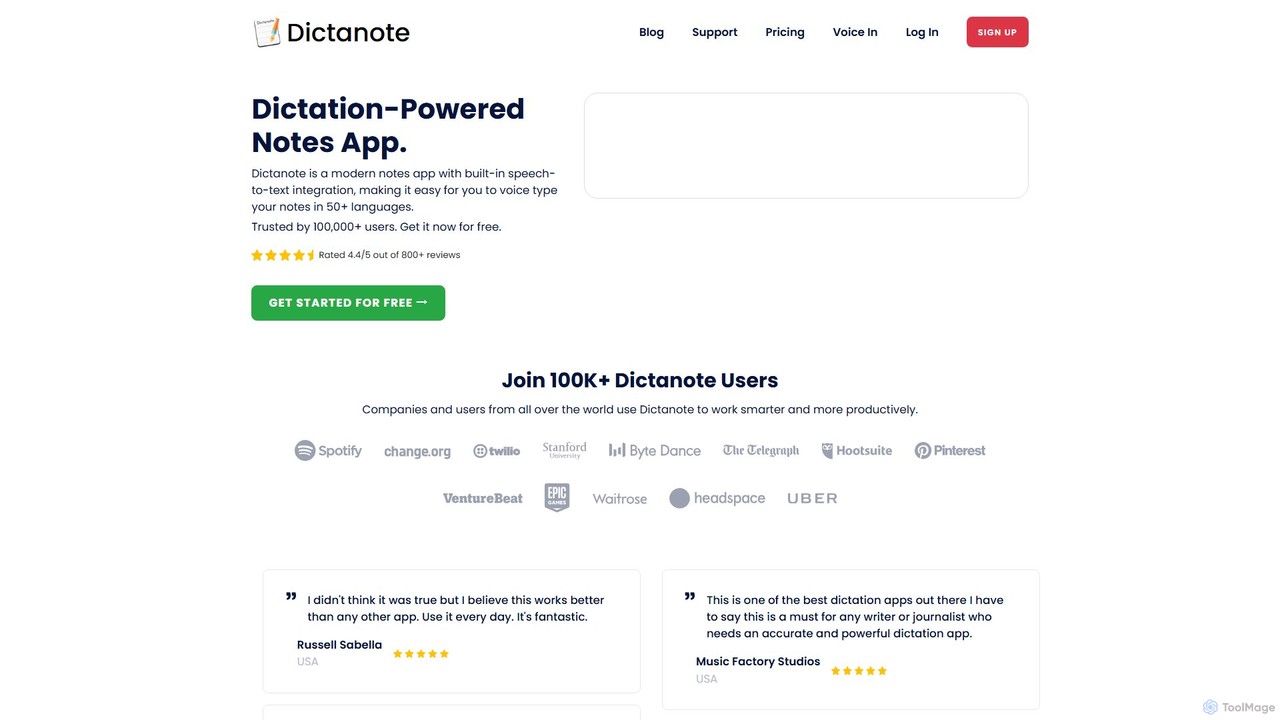
Dictanote
Dictanote is an AI-powered note-taking and transcription tool that converts your voice into text with high accuracy. It features a smart note editor, a Chrome extension for dictation on any site, and an AI assistant, AudioScribe, to summarize and rewrite your voice notes.
Speech To Text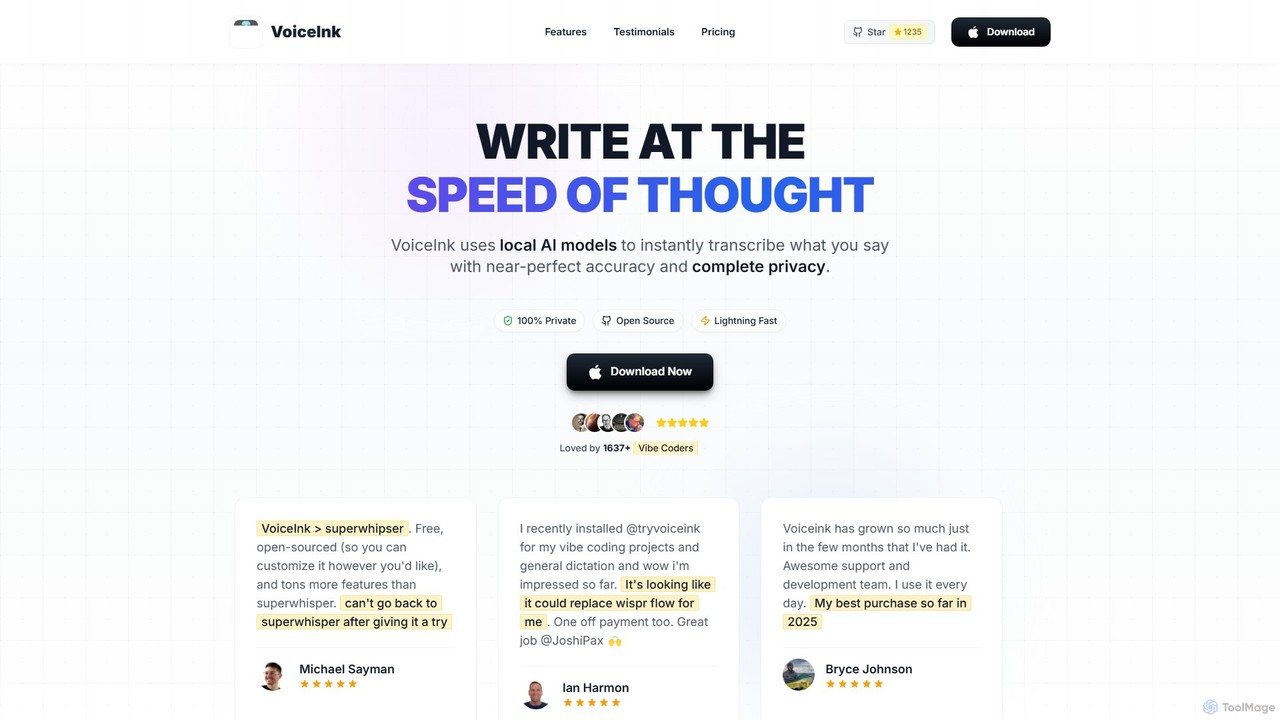
VoiceInk
VoiceInk is a privacy-first, open-source AI dictation app for Mac. It uses local AI models for instant, highly accurate voice-to-text transcription directly in any application. With a one-time payment, it offers system-wide integration, custom dictionaries, and smart modes to boost productivity for writers, coders, and professionals.
Mac
voicewriter
An AI-powered voice writing tool that transcribes your speech into polished, grammatically correct text in real-time. It supports over 30 languages, learns your unique writing style, and works directly in your browser via a Chrome extension, boosting your writing speed for emails, blogs, and reports.
Note Taking
Notta
Notta is an AI-powered transcription service that converts audio and video to text with high accuracy. It offers real-time transcription, AI summaries, speaker identification, and translation in 58 languages, streamlining workflows for meetings, interviews, and lectures.
Speech To Text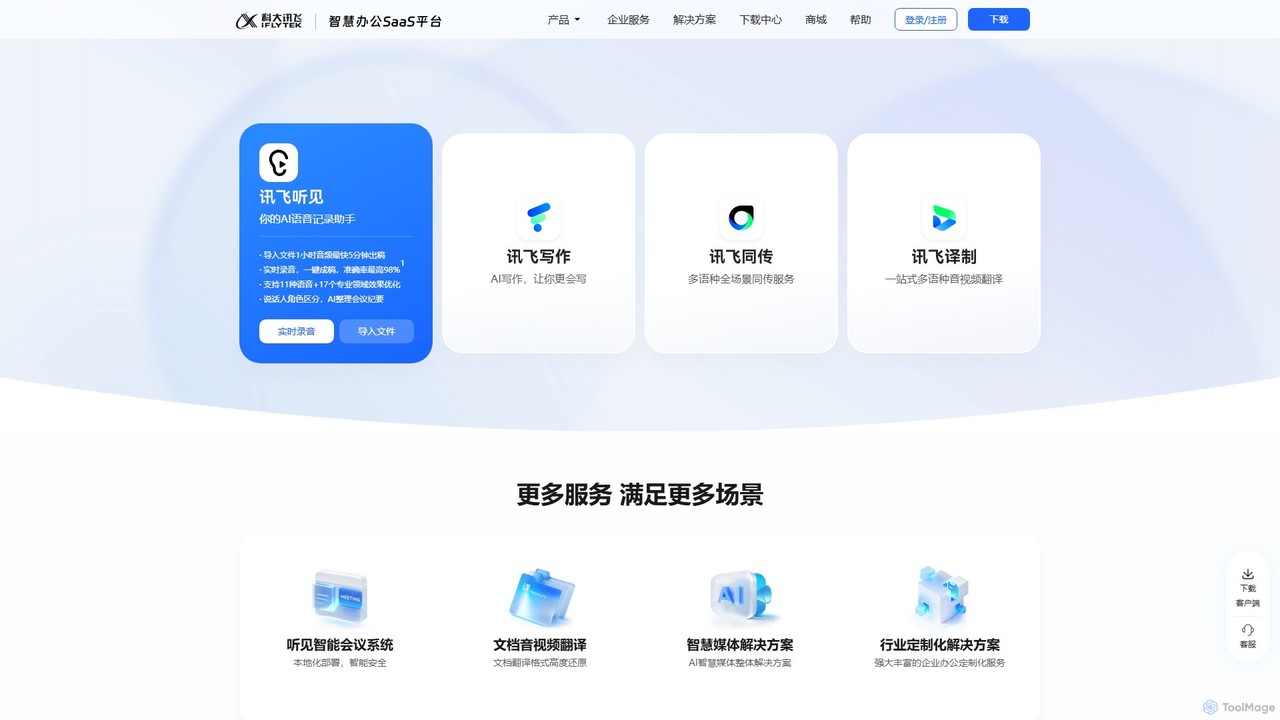
iflyrec
iFlyrec is an AI-powered voice assistant from iFlytek, specializing in high-accuracy speech-to-text transcription, real-time translation, and intelligent document generation. It supports multiple languages and professional domains, offering solutions for meetings, interviews, lectures, and content creation to boost productivity for professionals, students, and enterprises.
Speech To Text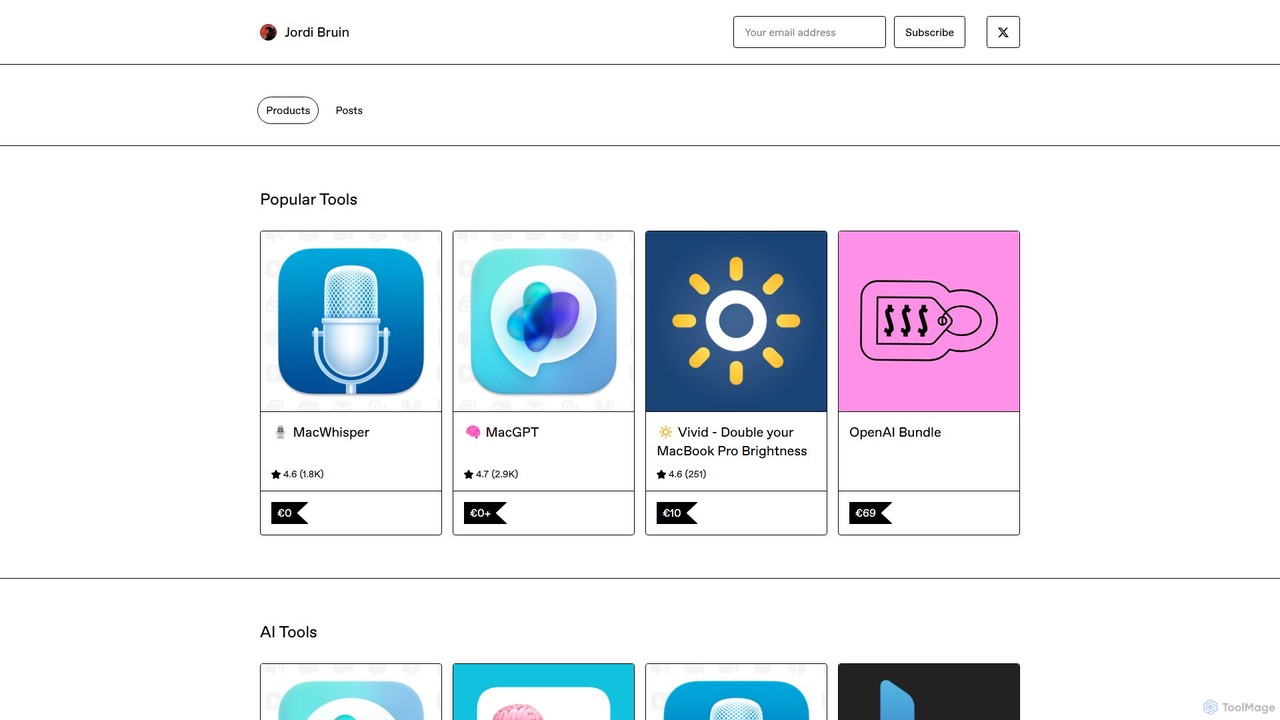
MacWhisper
MacWhisper is a powerful macOS application that leverages OpenAI's state-of-the-art Whisper technology for fast, accurate, and private audio-to-text transcription. It operates entirely on your device, ensuring your data remains secure.
Speech To Text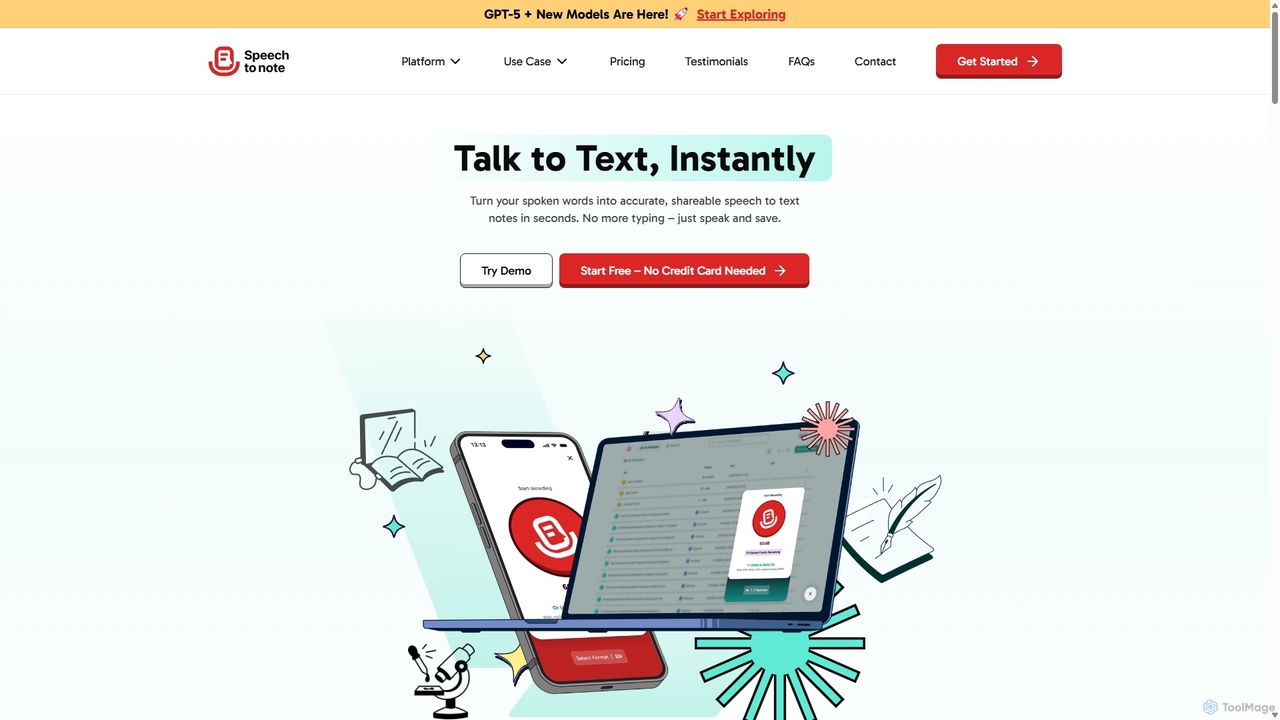
SpeechtoNote
SpeechtoNote is an AI-powered tool that instantly converts spoken words into accurate text notes. It supports over 40 languages and offers 30+ smart note formats, including summaries, emails, and to-do lists. Powered by advanced models like GPT-4o, it's designed for professionals, students, and creators to capture ideas, transcribe meetings, and streamline their workflow effortlessly.
Speech To Text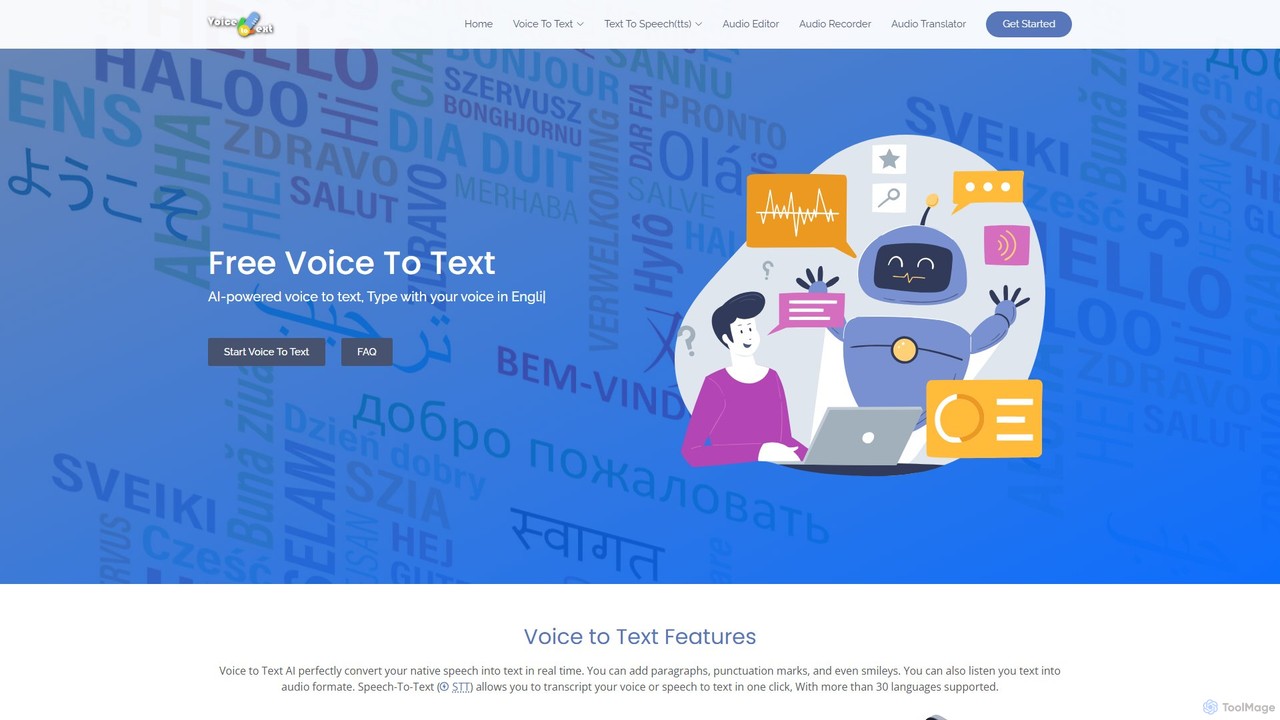
voicetotext.org
voicetotext.org is a free, AI-powered online tool for real-time speech-to-text transcription and text-to-speech conversion. It supports over 30 languages, allowing users to type with their voice, add punctuation, and export text. The service prioritizes privacy by processing all data locally in the browser, with no sign-up or data storage required. It also includes a voice generator to convert text into audio.
Speech To Text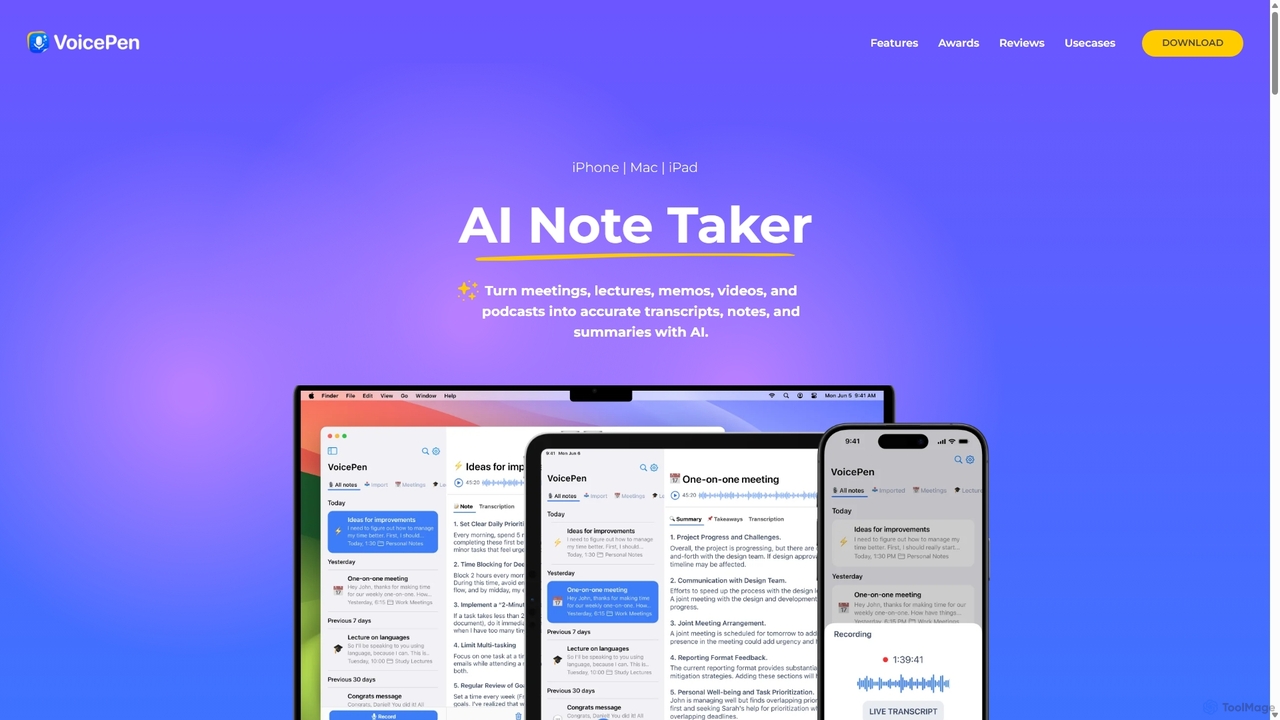
VoicePen
VoicePen is an AI-powered note-taking app for iPhone, Mac, and iPad that transforms meetings, lectures, and any audio/video into accurate transcripts, summaries, and structured notes. It features high-speed transcription, speaker separation, 80+ language support, and over 25 AI rewriting styles to boost your productivity.
Speech To Text
superwhisper Comments (0)
Sign in to comment.
Sign inNo comments yet.