

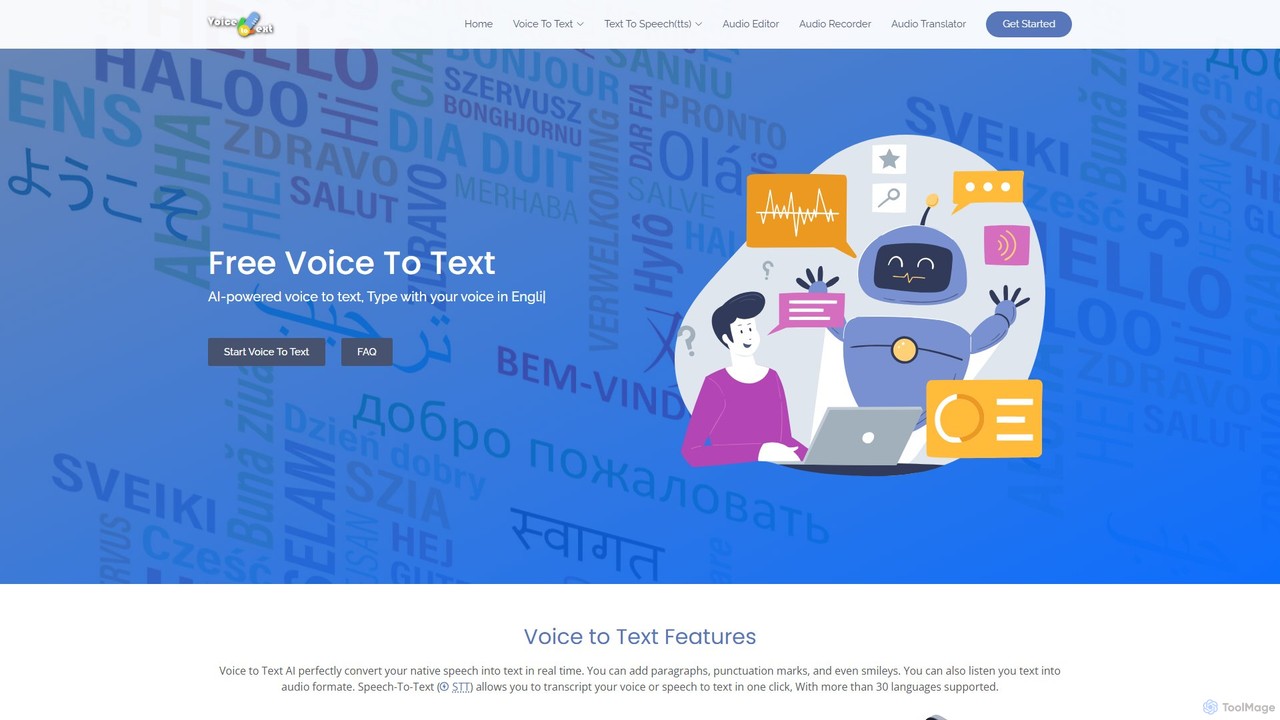
voicetotext.org Overview
voicetotext.org is a versatile and user-friendly online AI tool designed to streamline the process of converting speech into text and vice-versa. Launched in 2019, this platform serves as a powerful personal assistant for anyone looking to increase their writing productivity. It leverages advanced AI-powered speech recognition technology to provide highly accurate, real-time transcriptions directly in your browser. The tool is completely free to use and emphasizes user privacy by ensuring that no data is ever stored on its servers; all processing happens locally on your device. In addition to its primary voice-to-text function, it also offers a robust text-to-speech (TTS) voice generator, making it a comprehensive solution for writers, bloggers, students, and professionals who need to work with both spoken and written content efficiently.
How to use voicetotext.org
Using voicetotext.org is designed to be simple and intuitive. For voice-to-text transcription, first ensure you are using the Google Chrome browser on a desktop (Windows, Mac, Linux) or an Android device, as it is the only supported browser. Connect a microphone to your device. Navigate to the homepage and click the microphone icon. A browser prompt will ask for permission to access your microphone; grant access to proceed. Once the microphone is active (indicated by a blinking red dot in the browser tab), simply start speaking. Your words will be transcribed into the text editor in real-time. You can use voice commands to add punctuation like "period" or "comma". For the text-to-speech feature, navigate to the "Text to Speech" or "Voice Generator" section. Paste or type your text into the provided text box, select your desired language and voice style, and click the "Voice Generator" button to hear the text read aloud. You can also download the generated audio as a file.
Core Features of voicetotext.org
- Real-Time Speech-to-Text: Utilizes powerful AI to instantly convert spoken words into written text with up to 95% accuracy.
- Multi-Language Support: Supports over 30 languages and various accents, including English, Spanish, French, German, Chinese, Hindi, Arabic, and many more.
- Text-to-Speech (TTS) Voice Generator: Converts written text into natural-sounding speech. Users can download the generated audio for free.
- Audio & Video File Transcription: Capable of converting pre-recorded audio and video files into text.
- Simple Editing Tools: Allows for basic text formatting like bold and underline after transcription.
- Punctuation & Smiley Support: Intelligently recognizes commands for adding paragraphs, punctuation marks, and even smileys.
- Multiple Export Options: Transcribed text can be easily exported as .txt or .docx files.
- Privacy-Focused: No user registration is required. All data is processed and stored locally in the browser's cache, ensuring complete user privacy and data security.
- Online Audio Recorder: Includes a feature to record audio directly online and save the file to your computer.
Use Cases for voicetotext.org
voicetotext.org is an invaluable tool for a wide range of users. Authors, bloggers, and content creators can use it to draft articles, books, and scripts much faster than typing, overcoming writer's block by simply speaking their ideas. Students can use it to take notes during lectures or transcribe interviews for research projects. Professionals can dictate emails, reports, and meeting minutes, saving significant time and effort. It is also a beneficial accessibility tool for individuals with physical conditions or age-related challenges that make typing difficult. Furthermore, the text-to-speech feature is useful for proofreading written content by listening to it, or for creating voiceovers for videos and presentations.
Advantages of voicetotext.org
The primary advantage of voicetotext.org is that it is completely free, offering powerful features without any cost or hidden fees. Its real-time transcription capability significantly boosts productivity by making writing faster and more efficient than traditional typing. The high accuracy of its speech recognition engine minimizes the need for corrections. A major standout feature is its commitment to privacy; by not requiring sign-ups and processing all data locally, users can confidently use the service for sensitive or personal work without worrying about data breaches. Its cross-platform compatibility on Google Chrome (Windows, Mac, Linux, Android) makes it accessible to a broad audience.
Pricing and Plans
voicetotext.org is a completely free tool. There are no subscription plans, hidden charges, or premium versions. All features, including real-time transcription, multi-language support, text-to-speech, and exporting, are available to all users at no cost. The service is supported by its creators who aim to provide a valuable and accessible tool for everyone.
Traffic
Latest traffic
Status
Monthly traffic trend
- 2025-9: 2.6K
- 2026-1: 549
- 2026-2: 4.4K
- 2026-3: 4.4K
- 2026-4: 1.4K
- 2026-5: 3.8K
Geography
Top 5 countries / regions
- 🇮🇳India57.3%
- 🇻🇳Vietnam18.7%
- 🇺🇦Ukraine10.6%
- 🇿🇦South Africa7.6%
- 🇪🇬Egypt5.8%
Top keywords
| Keyword | Cost per click |
|---|---|
| speech to text | $0.00 |
| speech to text free | $1.44 |
| speech to text online | $0.83 |
| voice translator to text | $0.00 |
| войс в текст | $0.00 |
voicetotext.org Alternatives
Speechnotes
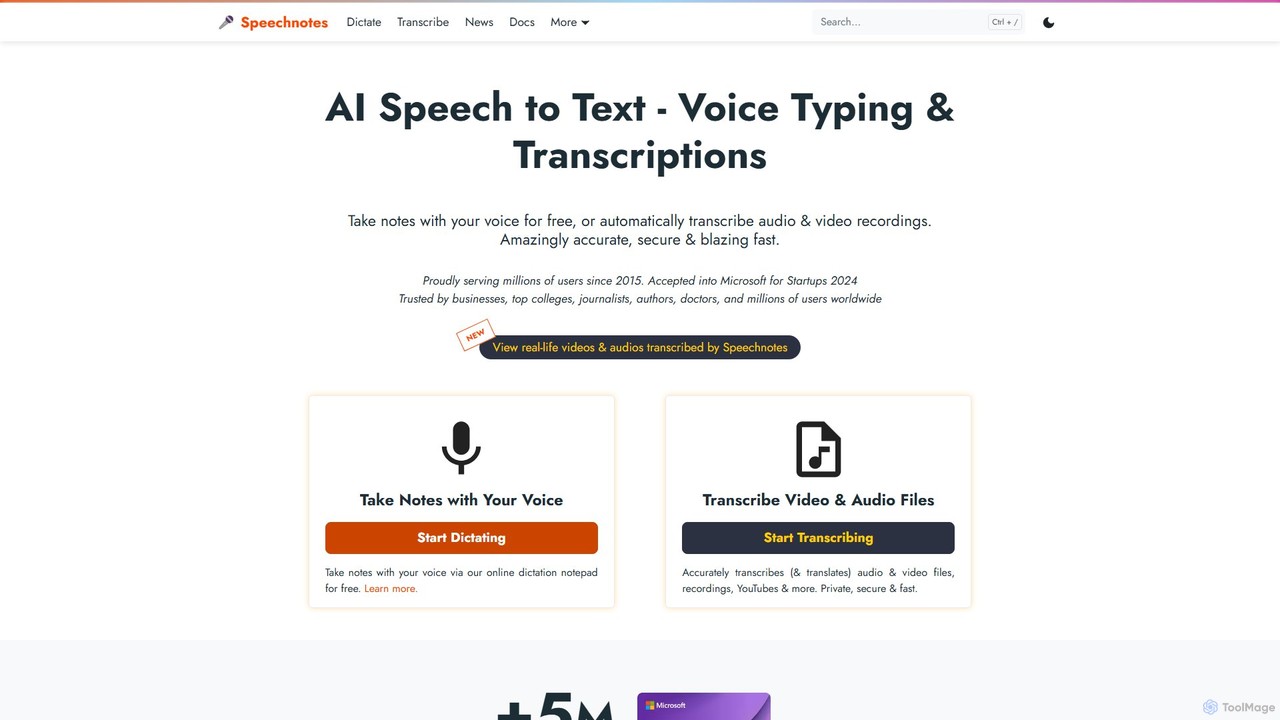
Speechnotes is a powerful and private speech-to-text tool, offering free online voice dictation and a professional, secure automatic transcription service. It supports real-time voice typing, audio/video file transcription, and even features a convenient WhatsApp bot. With a strong emphasis on user privacy and HIPAA compliance for its paid service, Speechnotes is ideal for writers, journalists, students, and professionals.
Speech To Text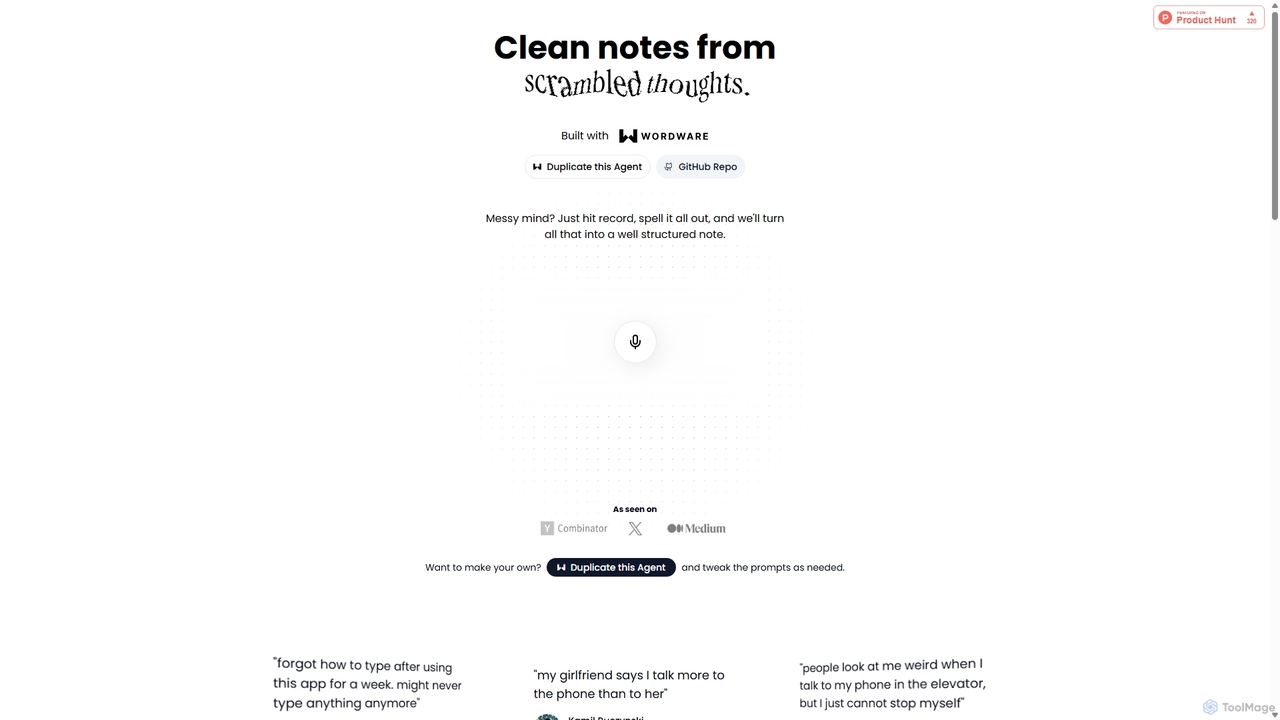
Audioscribe
Audioscribe is an AI-powered tool that transforms your messy, spoken thoughts into clean, well-structured notes. Simply record your voice, and the AI will transcribe, organize, and format your ideas into coherent text for project plans, emails, journals, and more, streamlining your workflow and boosting productivity.
Speech To Text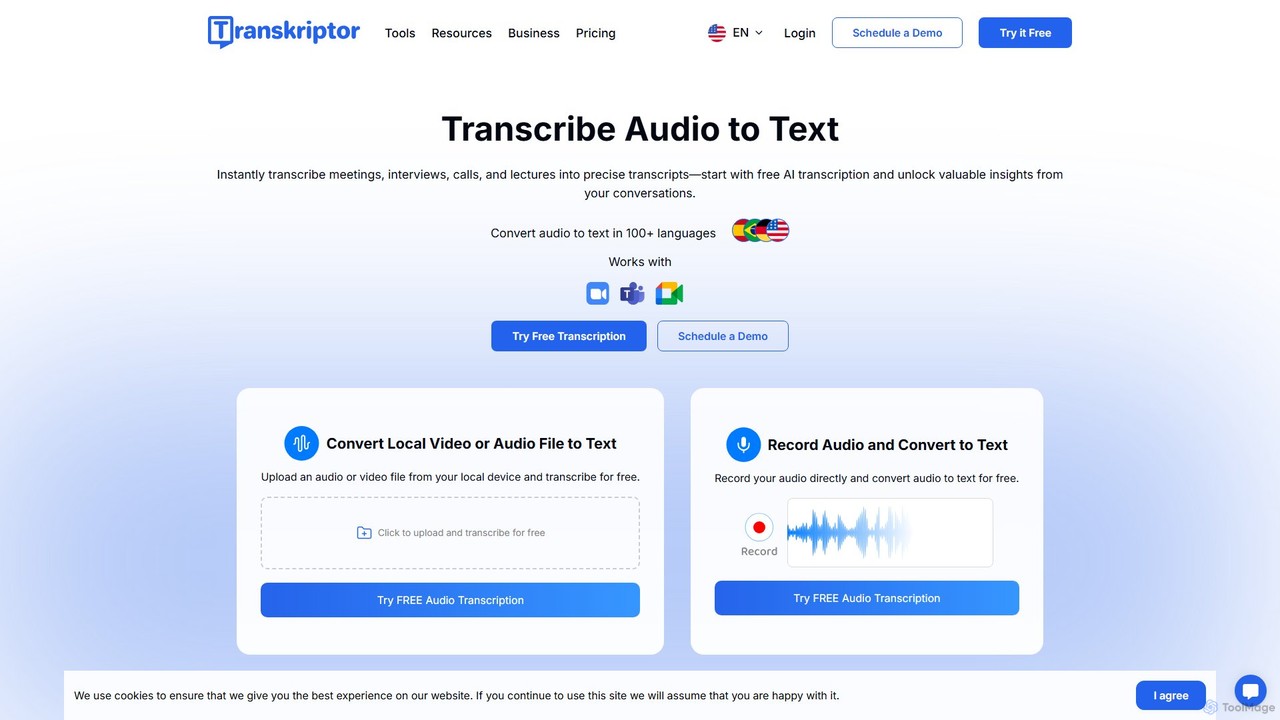
Transkriptor
Transkriptor is an AI-powered transcription service that converts audio and video files into accurate, editable text in over 100 languages. It features an AI assistant for summarizing content, identifying speakers, and extracting action items. Ideal for meetings, interviews, lectures, and content creation, it offers up to 99% accuracy and integrates with platforms like Zoom, Google Meet, and Microsoft Teams. Available as a web app, mobile app, and Chrome extension, it streamlines note-taking and creates a searchable knowledge base from your conversations.
Speech To Text
superwhisper
superwhisper is an AI-powered dictation and transcription tool for macOS and iOS. It offers high-accuracy speech-to-text conversion, intelligent formatting modes for different contexts (emails, notes), and supports over 100 languages. It prioritizes privacy with offline, on-device processing and works seamlessly in any application.
Speech To Text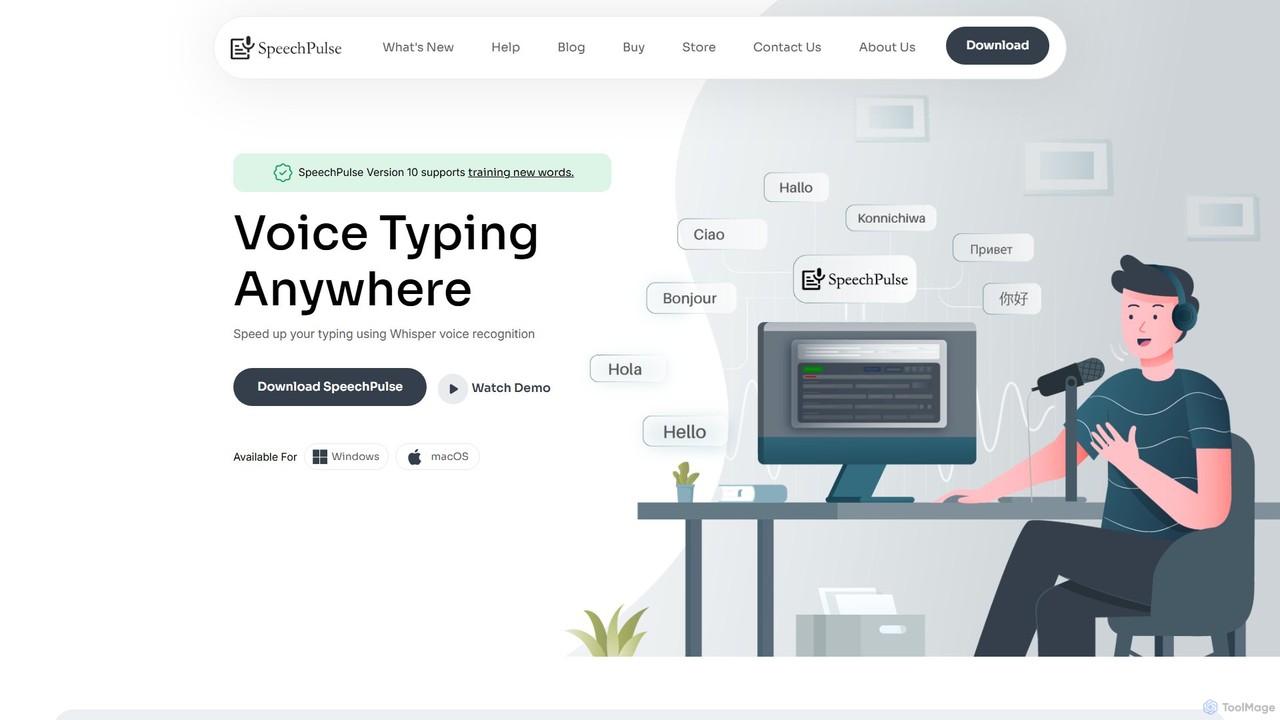
SpeechPulse
SpeechPulse is a powerful offline AI dictation and transcription application for Windows and macOS. It prioritizes user privacy by processing all data locally on your machine. Supporting 99 languages, it offers real-time dictation, audio/video file transcription with speaker diarization, subtitle generation, and AI-powered text enhancement. Ideal for professionals, content creators, and anyone seeking a secure and efficient speech-to-text solution.
Speech To Textvoicetotext.org Categories
voicetotext.org Embed Widget
Copy this embed code to place the badge on your blog, article, or product site and send readers directly to this ToolMage detail page.

Related AI tools
Dictation.io
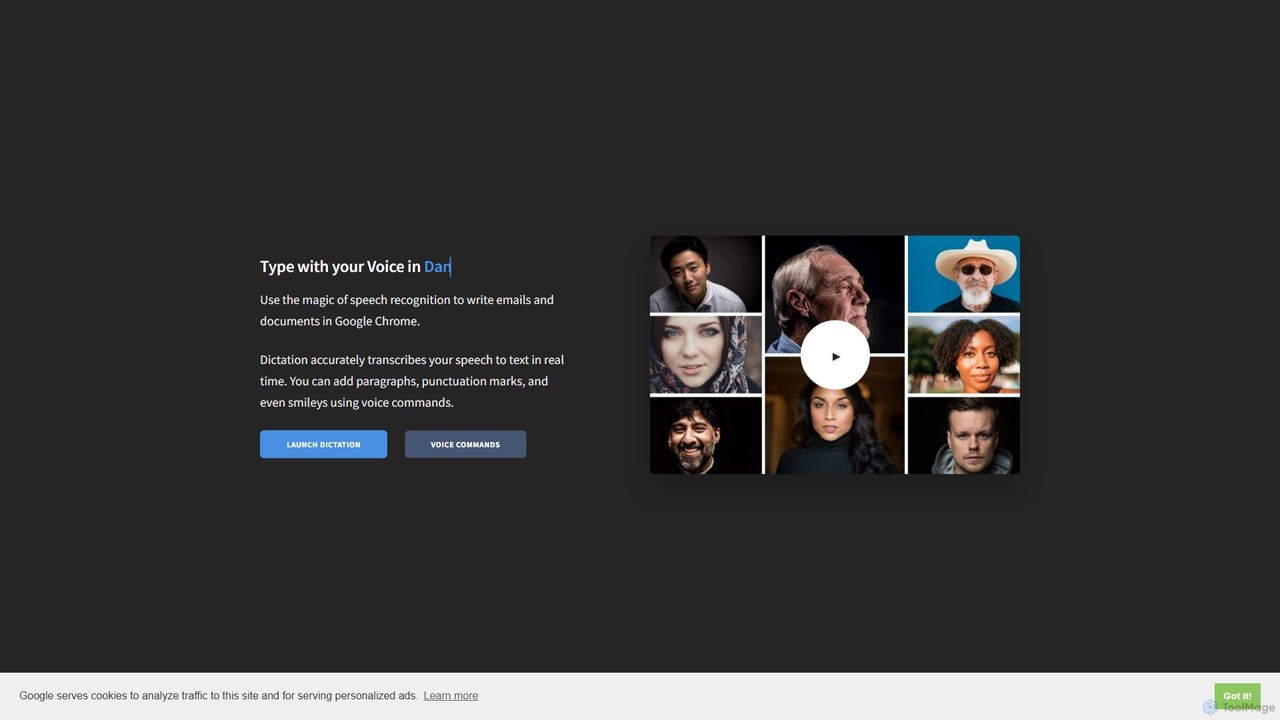
Dictation.io is a free, web-based speech-to-text application that allows you to type with your voice in over 100 languages. It uses Google's speech recognition for fast, real-time transcription directly in your Chrome browser, with no data stored online, ensuring privacy.
Speech To Text
Jyek
Jyek is an AI agent platform that understands objectives, creates execution plans, uses tools, and delivers verifiable results for complex, multi-step tasks.
AutomationSpeechnotes
Speechnotes is a powerful and private speech-to-text tool, offering free online voice dictation and a professional, secure automatic transcription service. It supports real-time voice typing, audio/video file transcription, and even features a convenient WhatsApp bot. With a strong emphasis on user privacy and HIPAA compliance for its paid service, Speechnotes is ideal for writers, journalists, students, and professionals.
Speech To TextAudioscribe
Audioscribe is an AI-powered tool that transforms your messy, spoken thoughts into clean, well-structured notes. Simply record your voice, and the AI will transcribe, organize, and format your ideas into coherent text for project plans, emails, journals, and more, streamlining your workflow and boosting productivity.
Speech To Text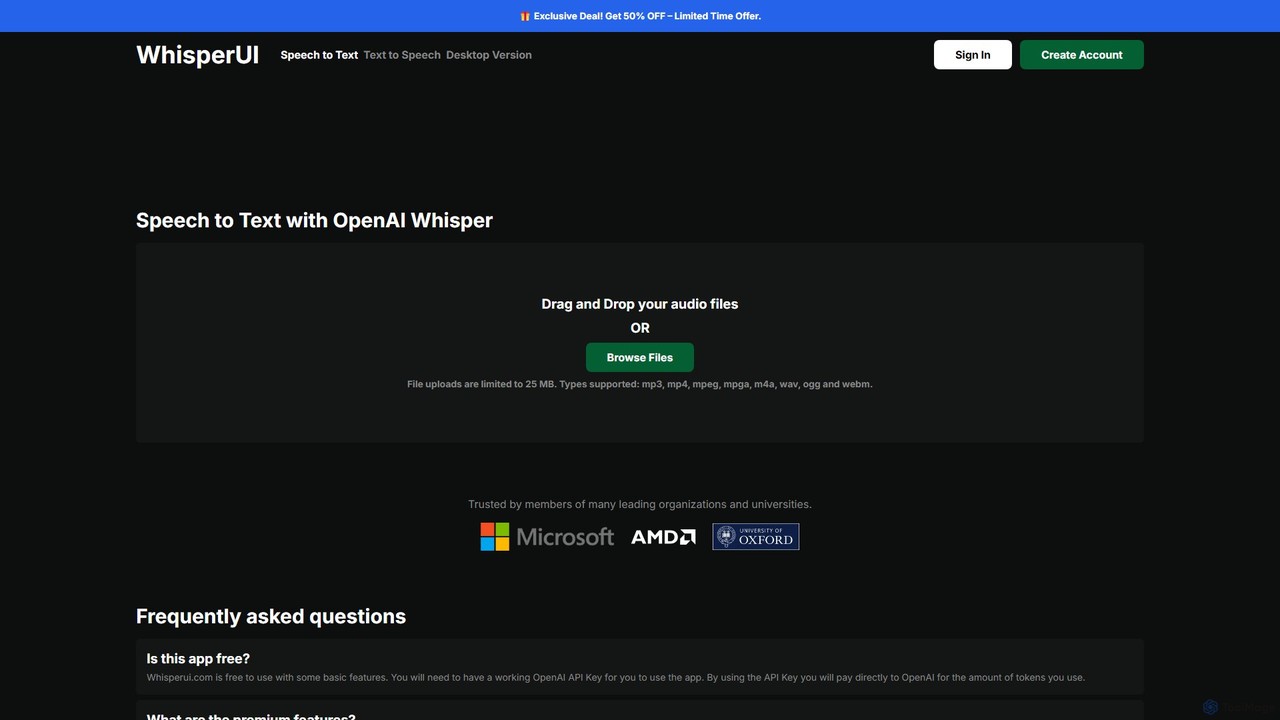
WhisperUI
WhisperUI is a versatile AI-powered suite for speech-to-text and text-to-speech conversion. It offers a web-based interface using your OpenAI API key for affordable transcriptions and voice generation, and a dedicated desktop app for unlimited, private, local processing on Windows and macOS with GPU support.
Text To Speech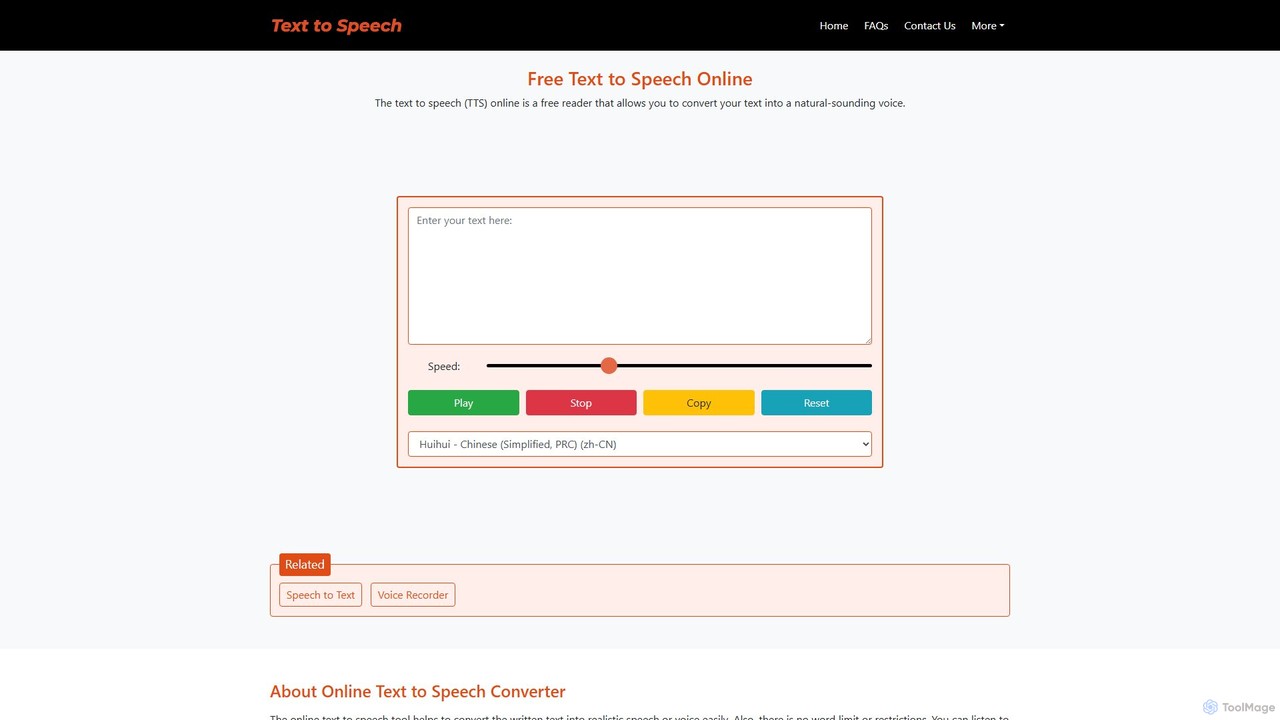
text-speech.net
A versatile and free online tool that provides both Text-to-Speech (TTS) and Speech-to-Text (STT) functionalities. Instantly convert written text into natural-sounding audio or transcribe spoken words into text across a wide range of languages, all without any registration or fees.
TranscriptionTranskriptor
Transkriptor is an AI-powered transcription service that converts audio and video files into accurate, editable text in over 100 languages. It features an AI assistant for summarizing content, identifying speakers, and extracting action items. Ideal for meetings, interviews, lectures, and content creation, it offers up to 99% accuracy and integrates with platforms like Zoom, Google Meet, and Microsoft Teams. Available as a web app, mobile app, and Chrome extension, it streamlines note-taking and creates a searchable knowledge base from your conversations.
Speech To Textsuperwhisper
superwhisper is an AI-powered dictation and transcription tool for macOS and iOS. It offers high-accuracy speech-to-text conversion, intelligent formatting modes for different contexts (emails, notes), and supports over 100 languages. It prioritizes privacy with offline, on-device processing and works seamlessly in any application.
Speech To TextSpeechPulse
SpeechPulse is a powerful offline AI dictation and transcription application for Windows and macOS. It prioritizes user privacy by processing all data locally on your machine. Supporting 99 languages, it offers real-time dictation, audio/video file transcription with speaker diarization, subtitle generation, and AI-powered text enhancement. Ideal for professionals, content creators, and anyone seeking a secure and efficient speech-to-text solution.
Speech To Text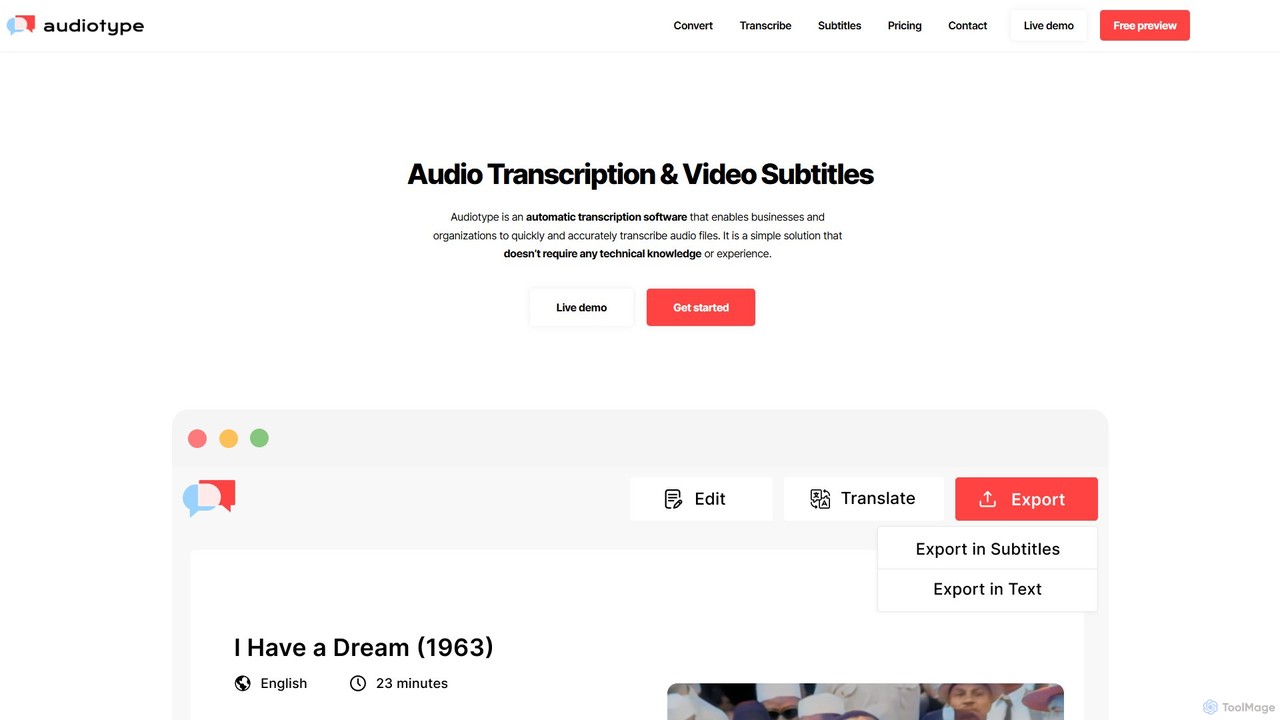
Audiotype
Audiotype is an AI-powered transcription service that automatically converts audio and video files into text and subtitles. It supports over 30 languages with high accuracy (80-95%), ensuring privacy and security. Ideal for journalists, students, and content creators, it offers a simple, no-account-required interface, speaker identification, and multiple export formats, saving hours of manual work.
Speech To Text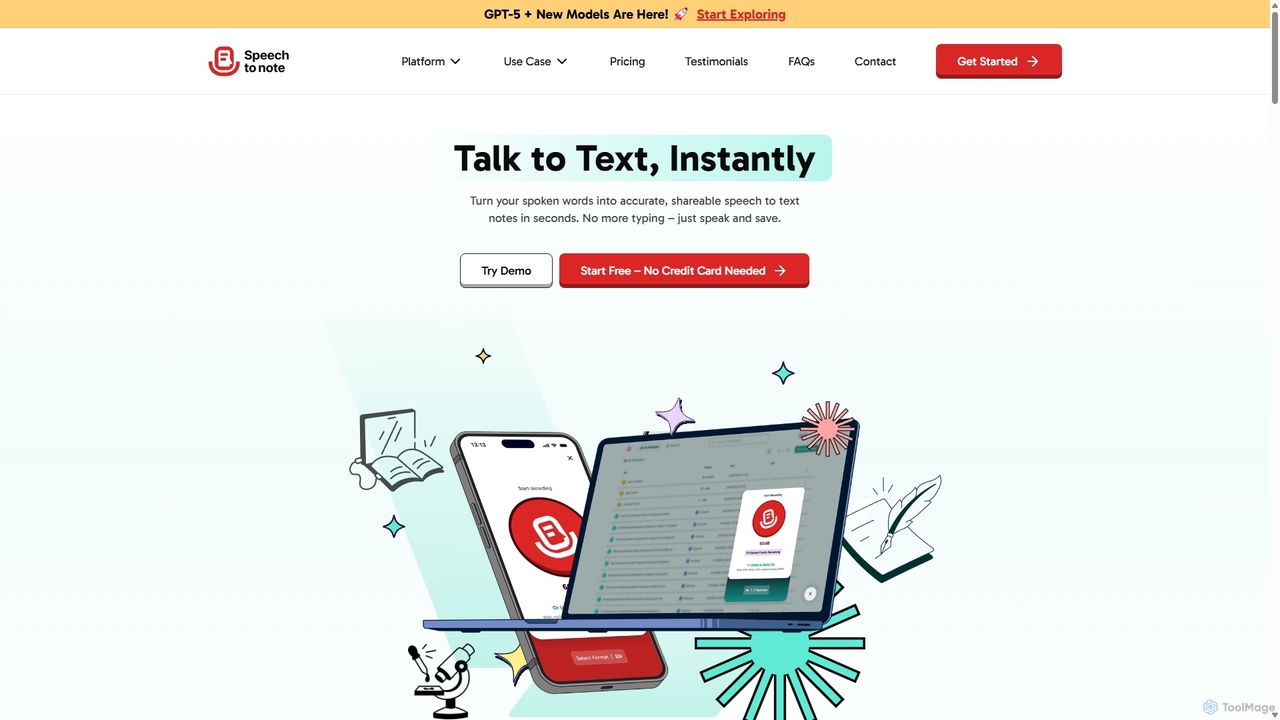
SpeechtoNote
SpeechtoNote is an AI-powered tool that instantly converts spoken words into accurate text notes. It supports over 40 languages and offers 30+ smart note formats, including summaries, emails, and to-do lists. Powered by advanced models like GPT-4o, it's designed for professionals, students, and creators to capture ideas, transcribe meetings, and streamline their workflow effortlessly.
Speech To Text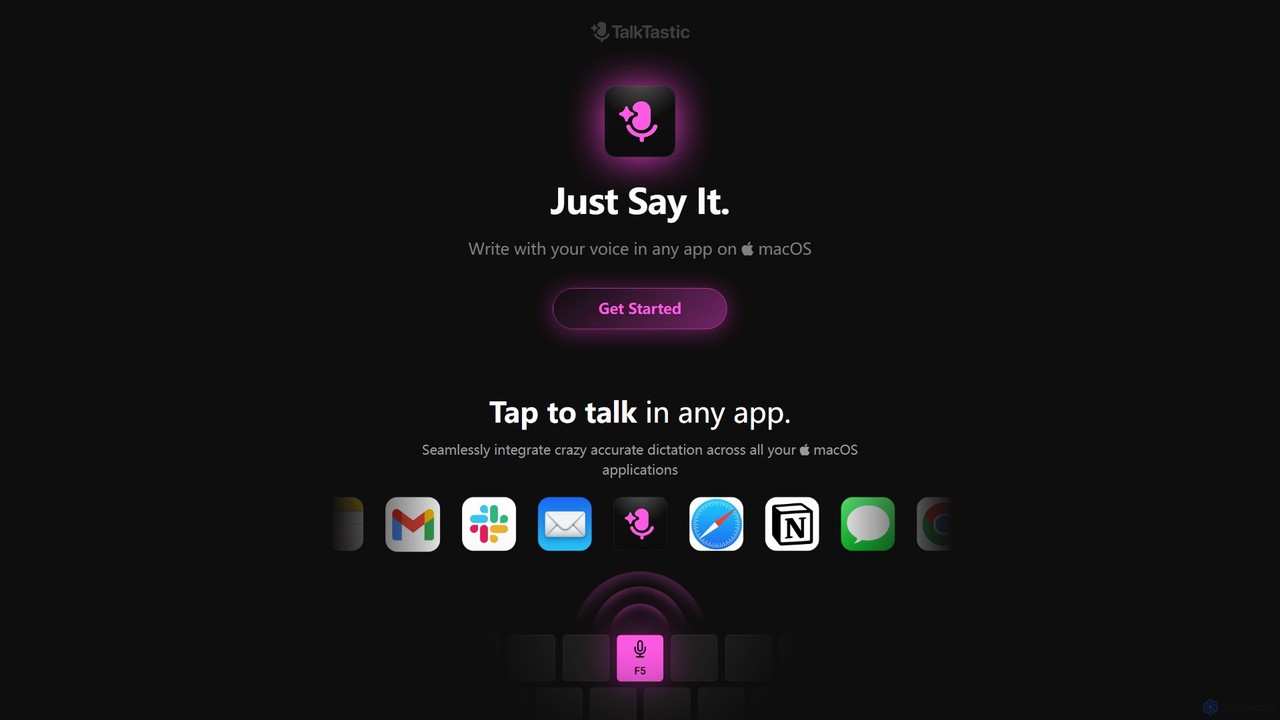
TalkTastic
TalkTastic is a revolutionary AI-powered dictation app for macOS that lets you write with your voice in any application. It goes beyond simple speech-to-text by using multimodal AI to understand on-screen context, ensuring highly accurate, context-aware transcriptions and smart rewrites in your personal style. Boost your productivity and stop typing.
Speech To Text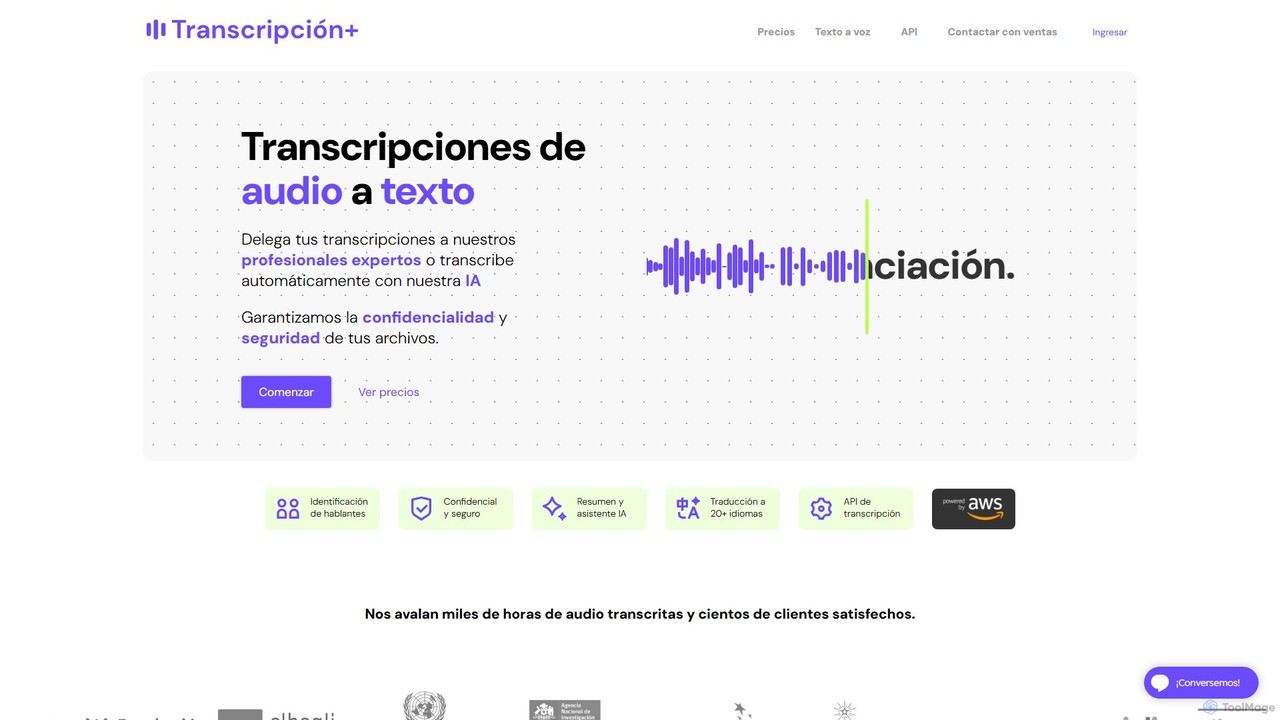
TranscripcionPlus
A professional service combining advanced technology and human expertise for high-accuracy audio-to-text transcription and text-to-voice solutions. Ideal for academics, researchers, and businesses, it guarantees precision, reliability, and contextual understanding for interviews, meetings, and media content.
Speech To Text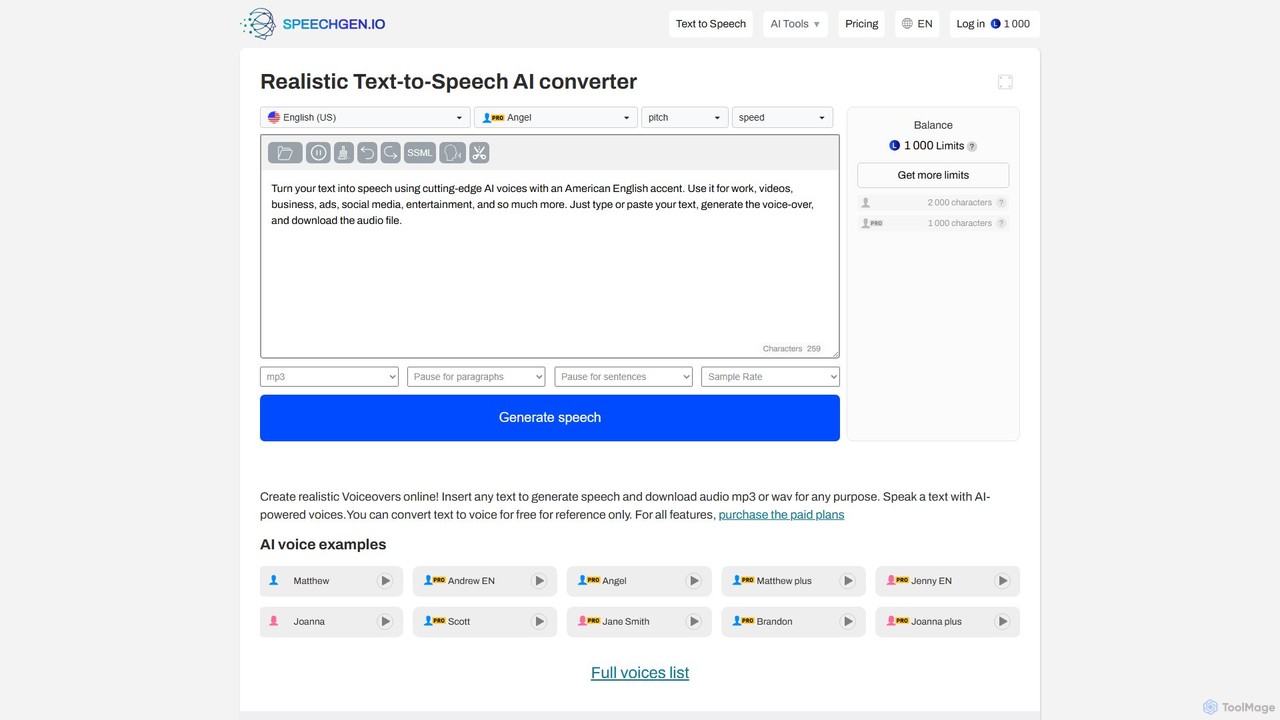
SpeechGen
SpeechGen is a powerful AI tool for generating realistic text-to-speech (TTS) voiceovers and transcribing video/audio files to text. It offers over 1000 natural-sounding voices in 150+ languages, extensive customization options, and a unique pay-as-you-go pricing model. Ideal for content creators, marketers, and developers, it supports commercial use and integrates seamlessly with various platforms.
Text To Speech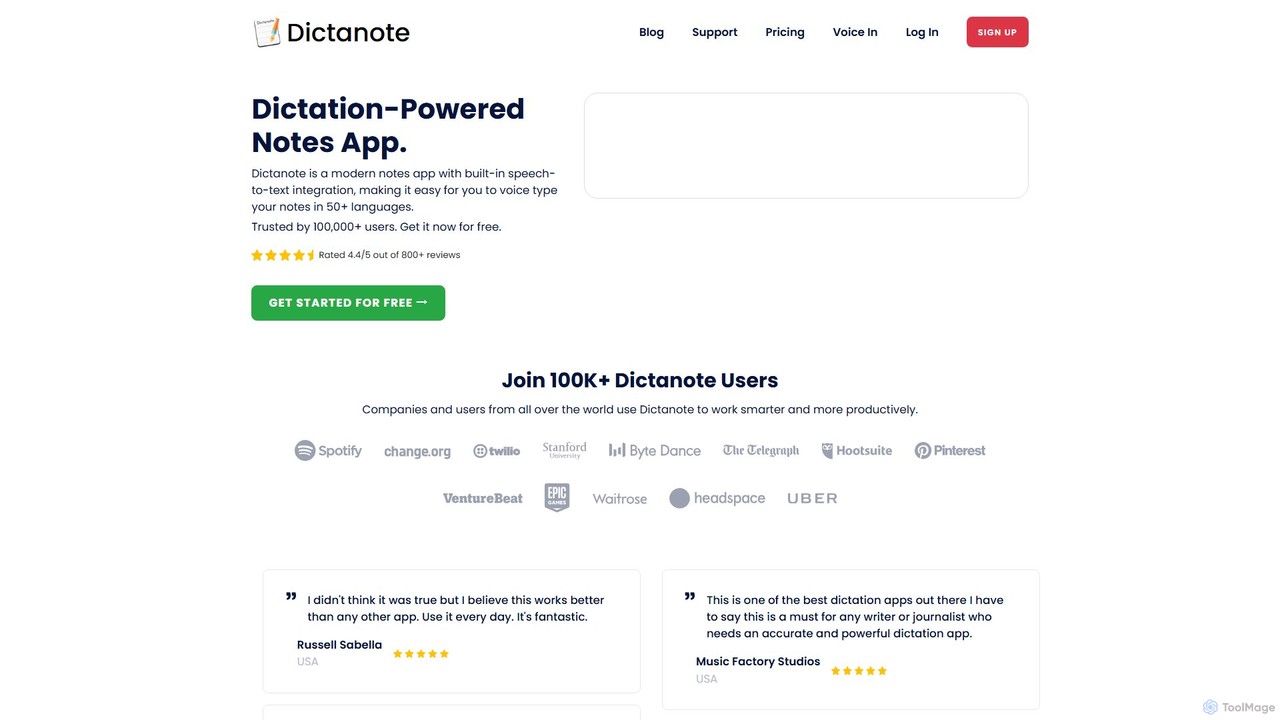
Dictanote
Dictanote is an AI-powered note-taking and transcription tool that converts your voice into text with high accuracy. It features a smart note editor, a Chrome extension for dictation on any site, and an AI assistant, AudioScribe, to summarize and rewrite your voice notes.
Speech To Text
voicetotext.org Comments (0)
Sign in to comment.
Sign inNo comments yet.