

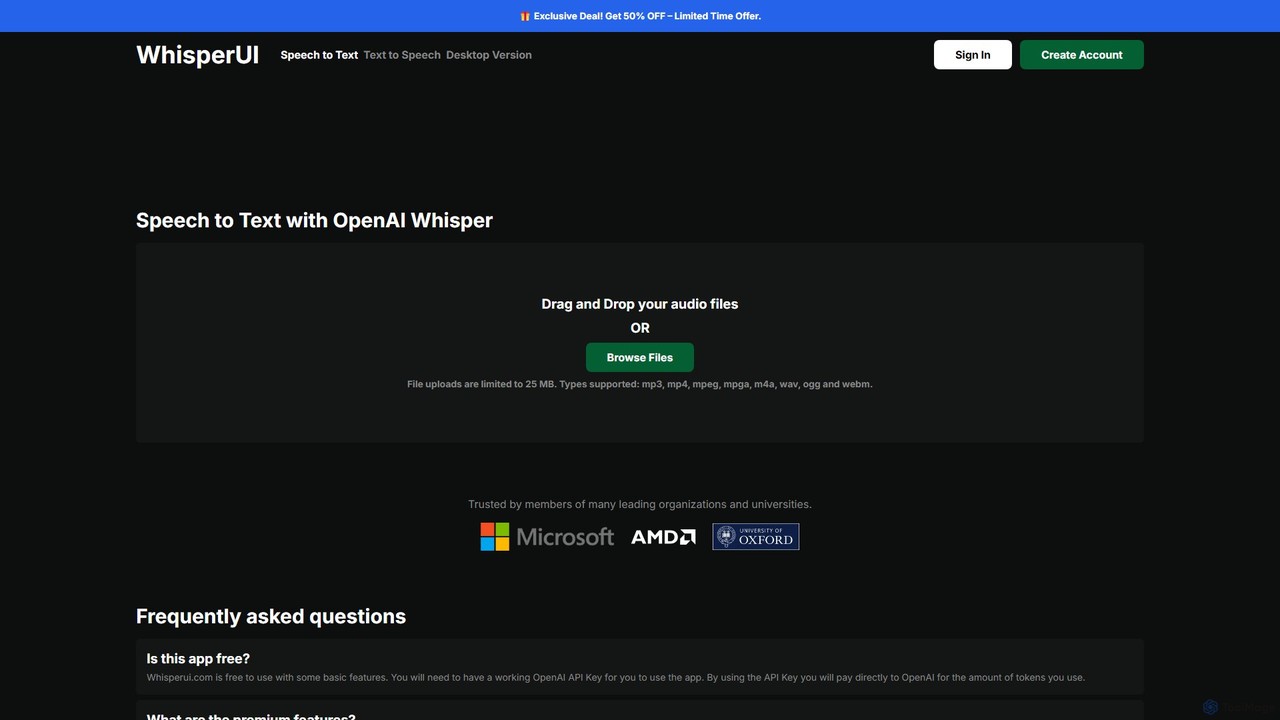
WhisperUI Overview
WhisperUI is a comprehensive and flexible platform that leverages OpenAI's powerful Whisper and Text-to-Speech models to provide high-quality audio transcription and voice generation services. It caters to a wide range of users through its dual-offering: a user-friendly web interface and a powerful standalone desktop application. This dual approach allows users to choose between the convenience of a cloud-based service and the privacy and unlimited usage of local processing.
The web version of WhisperUI provides both Speech-to-Text (S2T) and Text-to-Speech (T2S) functionalities. It operates on a "Bring Your Own Key" (BYOK) model, where users connect their OpenAI API key and pay OpenAI directly for their usage, making it a highly cost-effective solution. The free tier supports basic transcription, while premium features unlock capabilities like batch file uploads and SRT subtitle file generation. The T2S service allows users to convert text into lifelike speech, offering a selection of voices and quality models.
For users who prioritize data privacy, handle large files, or require unlimited transcriptions, the WhisperUI Desktop application is the ideal solution. This subscription-based software runs locally on Windows and macOS devices, ensuring that all audio data remains on the user's machine. It removes file size and duration limits, offers unlimited transcriptions for a flat monthly fee, and even supports GPU acceleration (NVIDIA and AMD) for significantly faster processing speeds.
How to use WhisperUI
Using WhisperUI is straightforward, with different steps for its web and desktop versions:
For Web-based Speech-to-Text:
- Navigate to the WhisperUI website.
- Provide your OpenAI API key. Your key is stored locally in your browser for security.
- Drag and drop your audio file (e.g., mp3, wav, m4a) into the designated area or browse to select it.
- The tool will process the audio using OpenAI Whisper and display the transcribed text.
- For premium users, you can upload multiple files at once and export the transcript as a text or SRT file.
For Web-based Text-to-Speech:
- Go to the Text-to-Speech section on the website.
- Enter your OpenAI API key.
- Select your desired voice (e.g., Alloy, Echo, Nova) and quality model (TTS-1 or TTS-1-HD).
- Type or paste the text you want to convert into the text box.
- Click "Generate Speech" to create and download the audio file.
For the Desktop App:
- Subscribe to the WhisperUI Desktop plan on the website.
- Download and install the application on your Windows or macOS computer.
- Copy your license key from your account settings and paste it into the desktop app.
- You can now drag and drop any number of audio files of any size for local transcription, with the output generated directly on your device.
Core Features of WhisperUI
- High-Accuracy Transcription: Powered by OpenAI's Whisper model, known for its robustness against accents, background noise, and technical language.
- Text-to-Speech Generation: Converts text into natural-sounding audio with a variety of voices and two quality tiers (TTS-1 and TTS-1-HD).
- Dual Platform: Offers both a flexible web interface and a private, powerful desktop application.
- Local Processing: The desktop app processes all data locally, ensuring maximum data privacy and security.
- Unlimited Usage (Desktop): The desktop version has no limits on file size, speech duration, or the number of transcriptions.
- GPU Acceleration: Experimental support for NVIDIA and AMD GPUs in the desktop app for faster performance.
- SRT File Export: Premium web feature to generate subtitle files directly from audio.
- Batch Processing: The premium web version allows for uploading and transcribing multiple files simultaneously.
- Broad File Support: Compatible with popular audio and video formats like mp3, mp4, mpeg, m4a, wav, ogg, and webm.
Use Cases for WhisperUI
Content Creators: Transcribing podcasts, interviews, and video content to create subtitles, show notes, and blog articles, improving accessibility and SEO.
Journalists and Researchers: Quickly converting recorded interviews, lectures, and field notes into text for analysis, quoting, and reporting.
Students and Educators: Transcribing lectures for study notes or creating audio versions of written materials for different learning styles.
Business Professionals: Generating accurate minutes from meetings, conference calls, and voice memos for documentation and follow-up actions.
Developers: Using the Text-to-Speech function to generate voiceovers for applications, videos, or e-learning modules.
Advantages of WhisperUI
- Flexibility: Users can choose between pay-as-you-go cloud processing or a flat-fee subscription for unlimited local processing.
- Cost-Effectiveness: The web version's BYOK model avoids markups, allowing users to pay OpenAI's base rates. The desktop app offers predictable, affordable pricing for heavy users.
- Enhanced Privacy: The desktop application is a major advantage for users dealing with sensitive or confidential information, as no data is sent to the cloud.
- Power and Control: By leveraging OpenAI's advanced models and offering local GPU acceleration, WhisperUI gives users powerful tools with a high degree of control over their workflow and data.
- User-Friendly Interface: The simple drag-and-drop functionality makes it accessible to users of all technical levels.
Pricing and Plans
WhisperUI offers several distinct pricing structures:
- Web Speech-to-Text (Freemium/BYOK): The basic web transcription service is free to use. Users must provide their own OpenAI API key and are billed directly by OpenAI for the transcription usage. Premium features like batch uploads and SRT export may require an additional purchase or subscription.
- Web Text-to-Speech (Pay-as-you-go/BYOK): This service also requires the user's OpenAI API key. Billing is direct from OpenAI based on the number of characters: $0.015 per 1,000 characters for the TTS-1 model and $0.030 per 1,000 characters for the TTS-1-HD model.
- WhisperUI Desktop (Subscription): This is a paid subscription, priced at $8/month (promotional price). The license grants access to the desktop app for one device, offering unlimited local transcriptions, enhanced privacy, no file size limits, and GPU support.
Traffic
Latest traffic
Status
Monthly traffic trend
- 2025-9: 40.5K
- 2026-1: 36.6K
- 2026-2: 22.4K
- 2026-3: 22.1K
- 2026-4: 21.8K
- 2026-5: 22.5K
Geography
Top 5 countries / regions
- 🇺🇸United States31.4%
- 🇻🇳Vietnam21.4%
- 🇷🇺Russia16.1%
- 🇫🇷France15.8%
- 🇧🇷Brazil15.3%
Top keywords
| Keyword | Cost per click |
|---|---|
| how to use whisperai | $0.00 |
| whisper desktop | $1.83 |
| whisper speech to text | $2.18 |
| whisper-ui | $0.00 |
| whisperui | $0.00 |
WhisperUI Alternatives
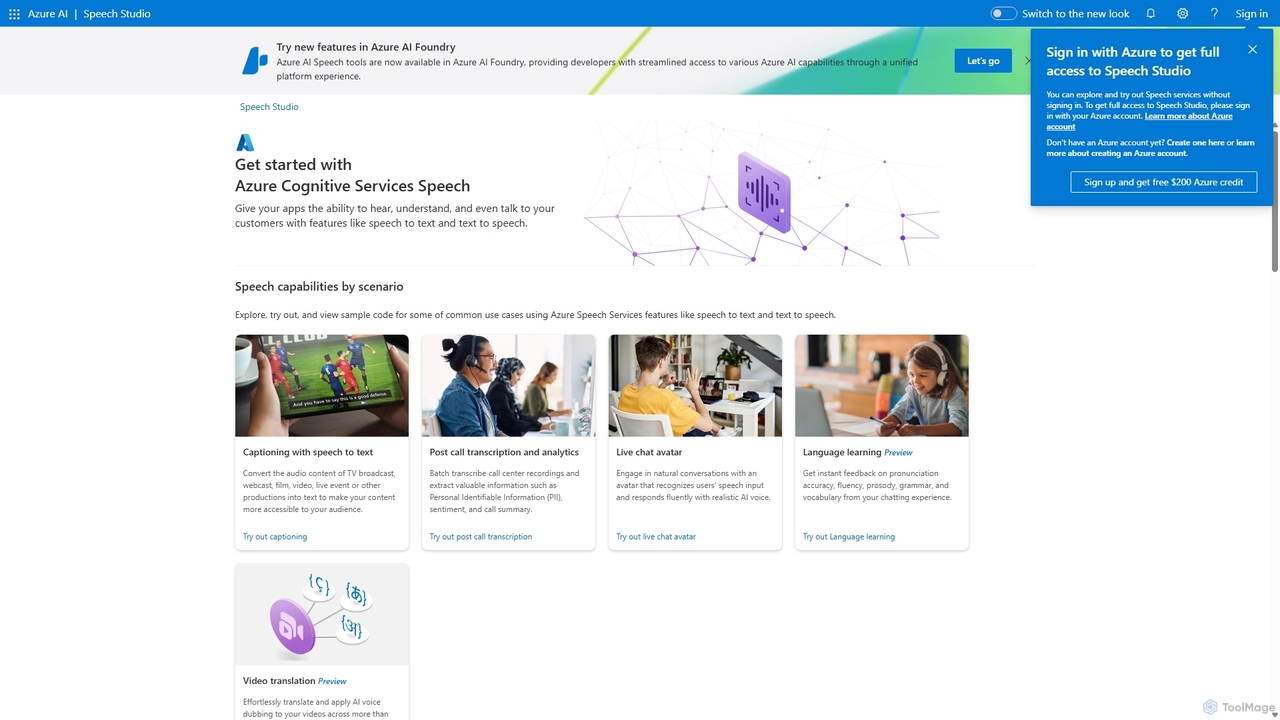
Speech Studio
Speech Studio is a comprehensive suite of AI-powered tools from Microsoft Azure that enables developers to build applications with advanced speech capabilities. It offers highly accurate speech-to-text, natural-sounding text-to-speech, real-time speech translation, and speaker recognition. Users can create custom voice models and conversational interfaces, making it a versatile platform for a wide range of voice-enabled solutions.
Text To Speech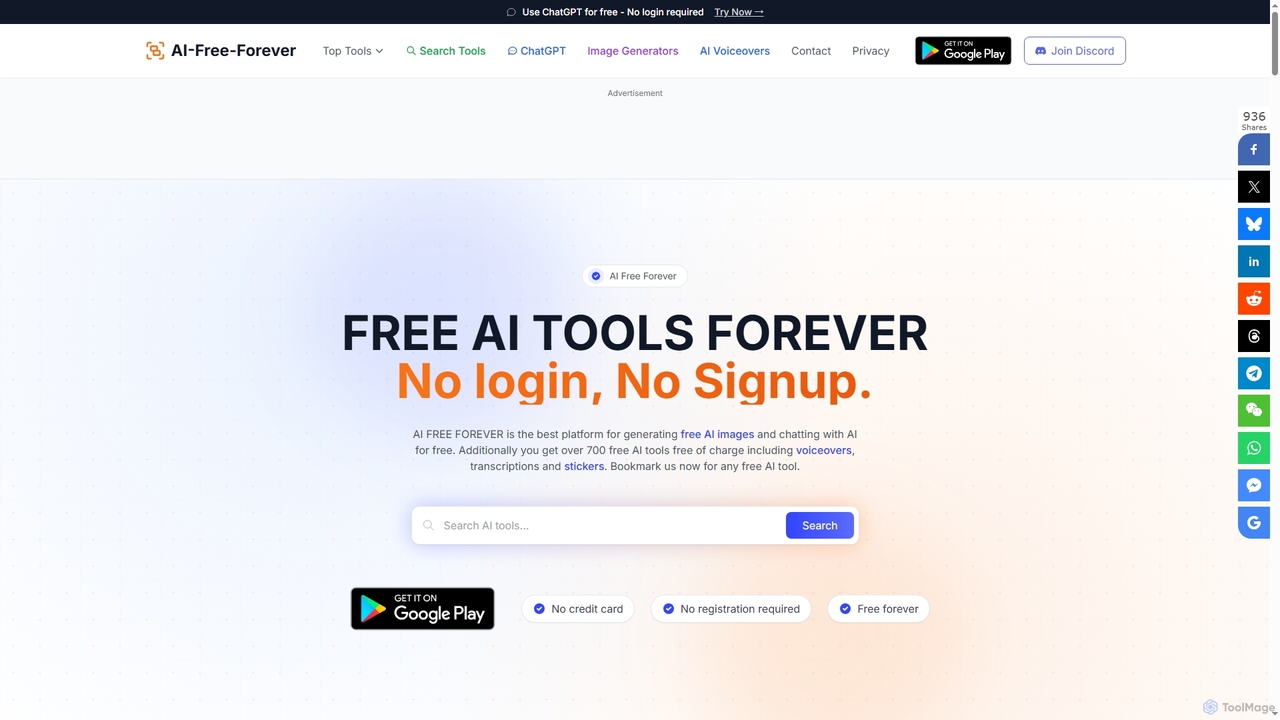
AIFreeforever
AIFreeforever is a comprehensive platform offering over 700 free AI tools for image generation, chatbots, text-to-speech, transcription, writing, and more. It requires no login, no signup, and no credit card, providing unlimited access to advanced AI capabilities for content creators, students, and professionals.
Text To Speech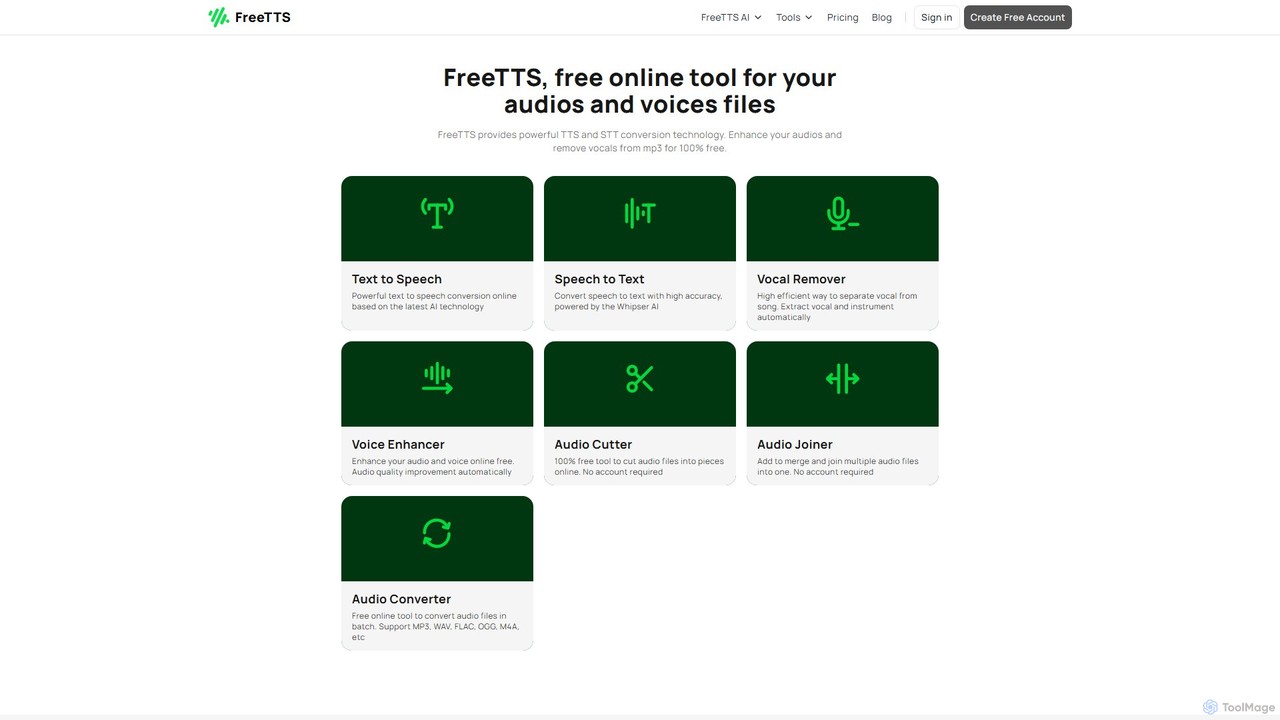
FreeTTS
FreeTTS is a versatile AI-powered audio toolkit offering a suite of free and premium services. It excels in converting text to natural-sounding speech with a wide range of human-like voices. Beyond TTS, it provides high-accuracy speech-to-text transcription, an AI vocal remover, a voice enhancer, and various audio editing tools like a converter, cutter, and joiner. It's an all-in-one solution for content creators, musicians, and anyone needing high-quality audio processing.
Audio Editing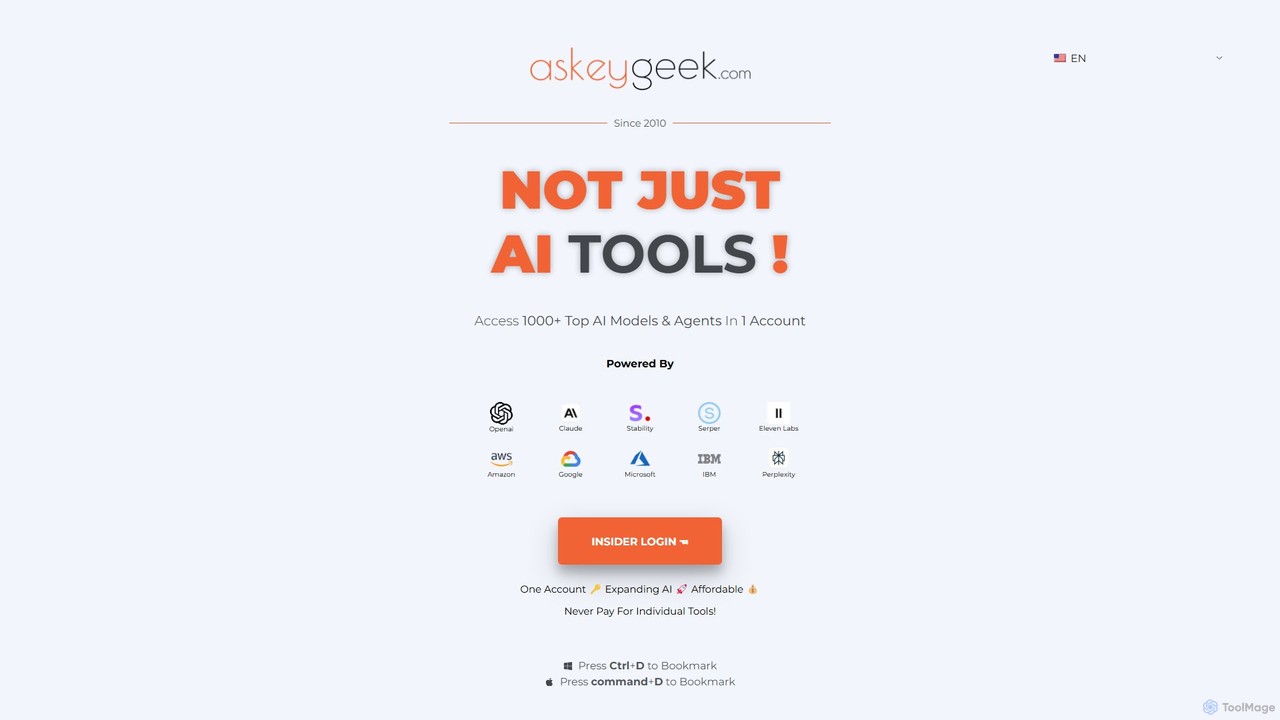
askeygeek
askeygeek is an all-in-one AI productivity platform offering access to over 1000 top AI models (from OpenAI, Claude, Stability, etc.) and 1500+ free web tools through a single, affordable account. It integrates text-to-speech, transcription, content creation, and various developer utilities to streamline workflows for creators, marketers, and developers.
Text To Speech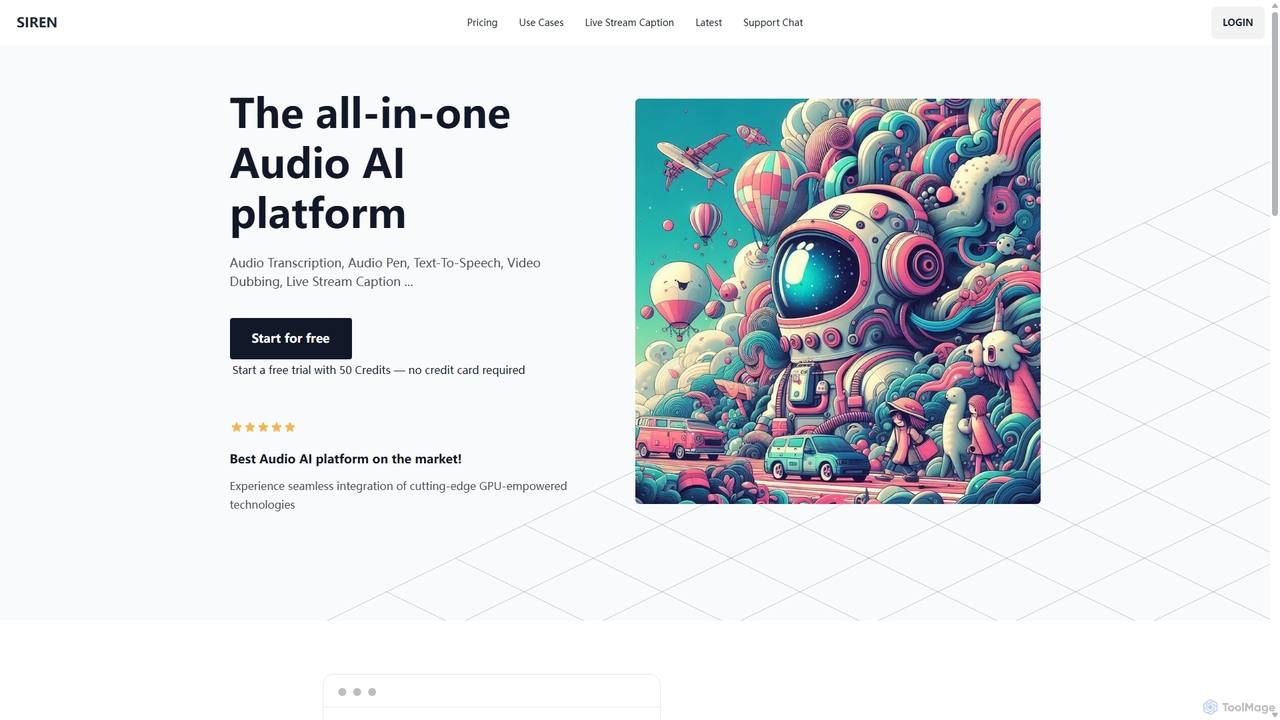
SIREN
SIREN is an all-in-one, GPU-accelerated AI audio platform. It offers high-accuracy audio transcription, natural text-to-speech with 420+ voices, seamless video dubbing in over 100 languages, and real-time live stream captioning. Designed for creators, marketers, and businesses, SIREN simplifies complex audio tasks into a single, efficient workflow.
Text To SpeechWhisperUI Categories
WhisperUI Embed Widget
Copy this embed code to place the badge on your blog, article, or product site and send readers directly to this ToolMage detail page.

Related AI tools
FreeTTS
FreeTTS is a versatile AI-powered audio toolkit offering a suite of free and premium services. It excels in converting text to natural-sounding speech with a wide range of human-like voices. Beyond TTS, it provides high-accuracy speech-to-text transcription, an AI vocal remover, a voice enhancer, and various audio editing tools like a converter, cutter, and joiner. It's an all-in-one solution for content creators, musicians, and anyone needing high-quality audio processing.
Audio Editing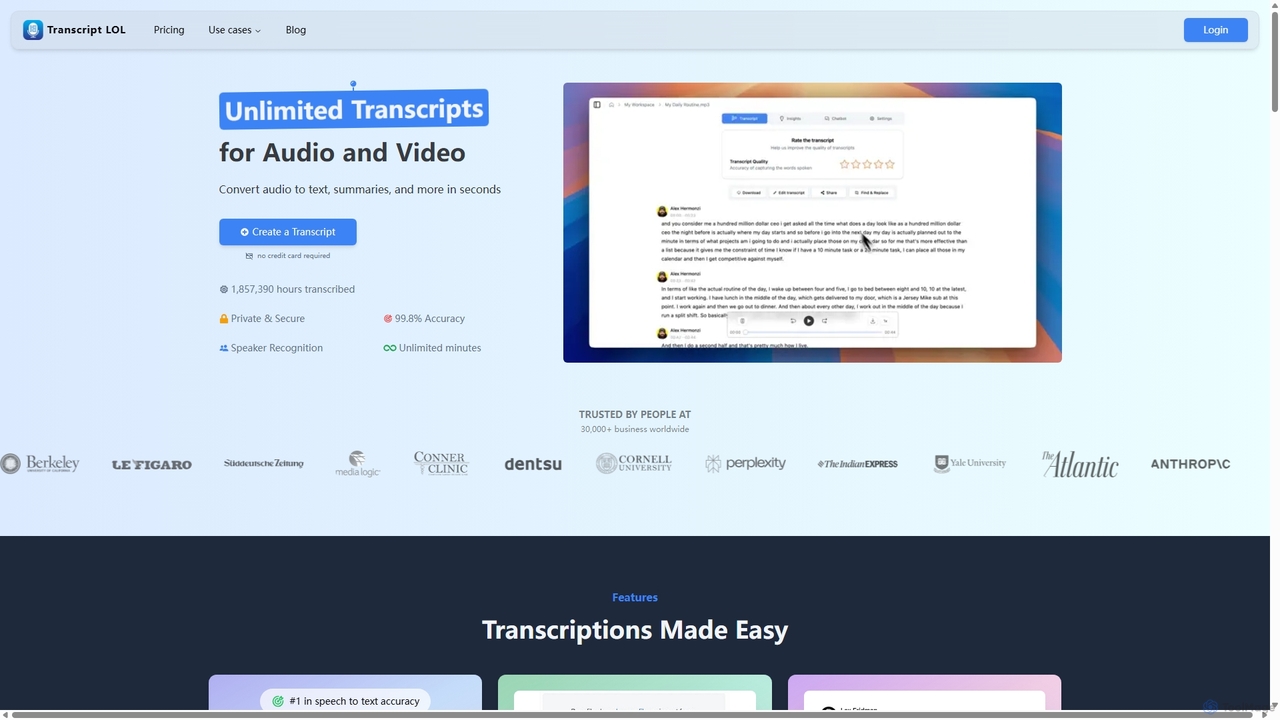
Transcript LOL
Transcript LOL is an AI-powered transcription service that rapidly converts audio and video files into accurate text. It offers unlimited transcriptions, speaker recognition, and advanced AI features to generate summaries, blog posts, social media content, and more, streamlining content creation and analysis workflows.
Speech To Text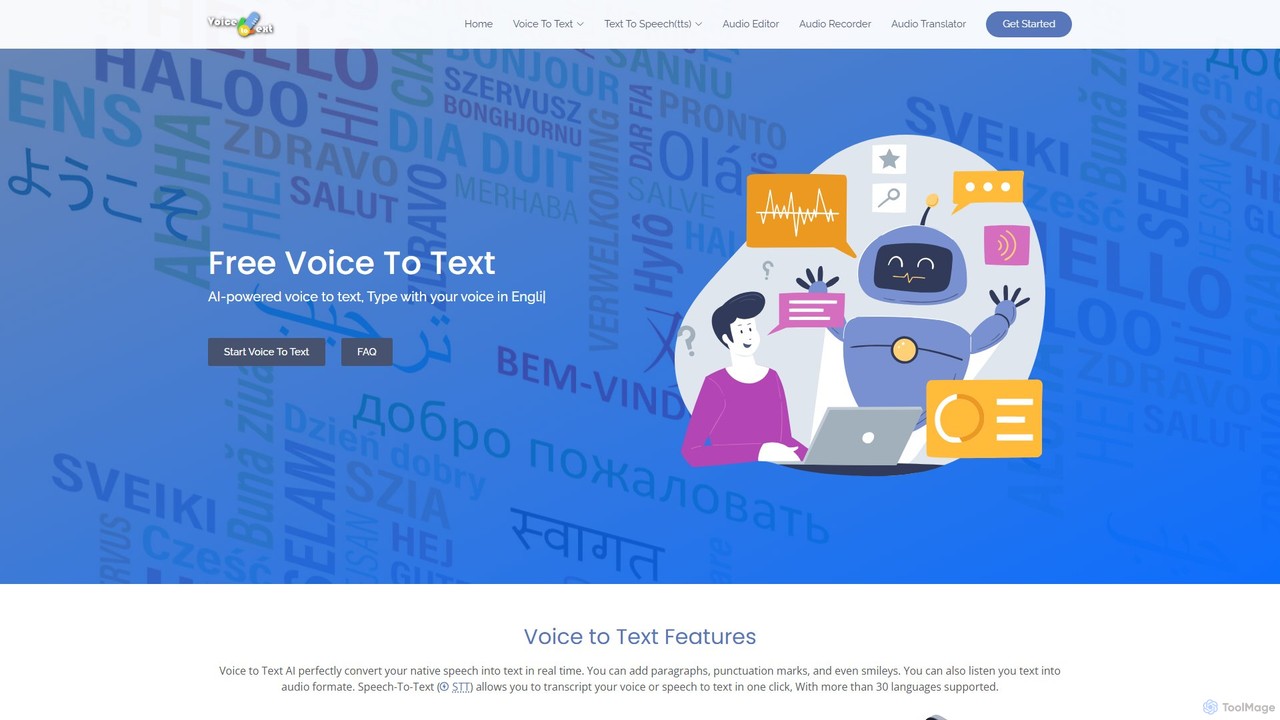
voicetotext.org
voicetotext.org is a free, AI-powered online tool for real-time speech-to-text transcription and text-to-speech conversion. It supports over 30 languages, allowing users to type with their voice, add punctuation, and export text. The service prioritizes privacy by processing all data locally in the browser, with no sign-up or data storage required. It also includes a voice generator to convert text into audio.
Speech To Text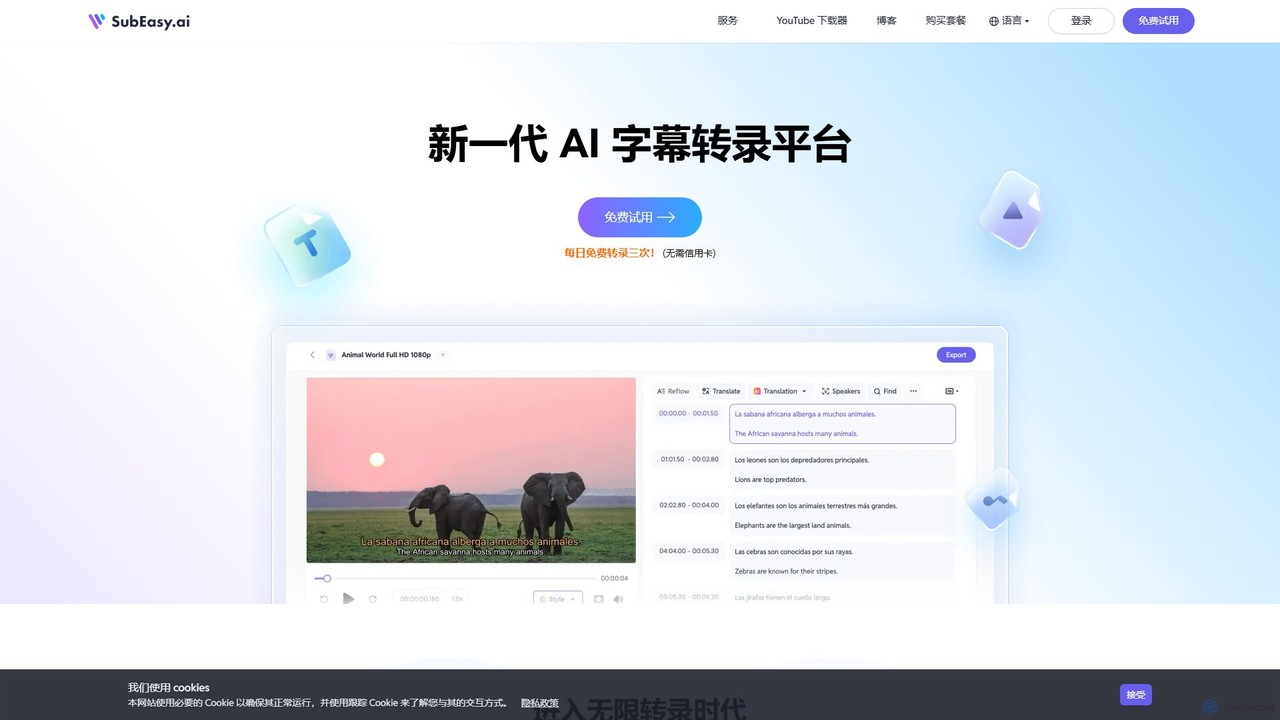
SubEasy
SubEasy is a next-generation AI platform for video and audio transcription, subtitle generation, and translation. Powered by OpenAI's Whisper, it delivers up to 99% accuracy. It supports over 100 languages, offers a unique AI Reflow feature for perfectly timed subtitles, and provides an all-in-one solution from transcription to video export, making it ideal for content creators, educators, and businesses.
Transcription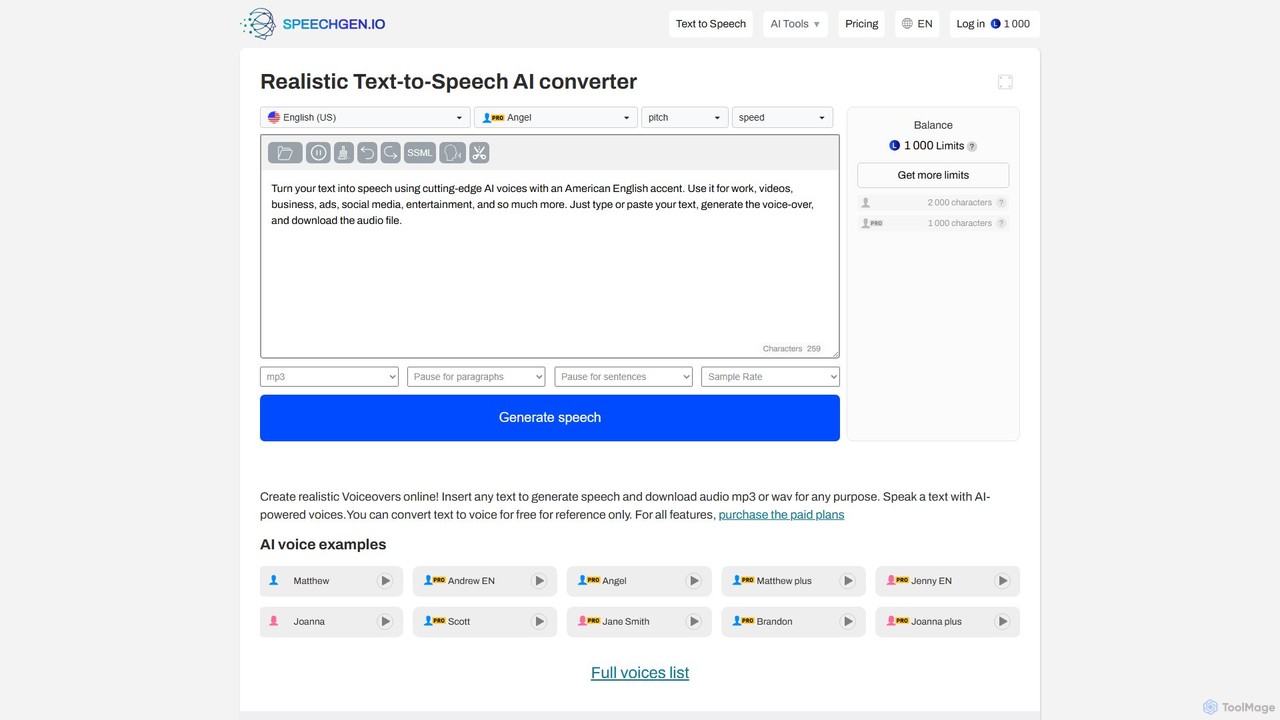
SpeechGen
SpeechGen is a powerful AI tool for generating realistic text-to-speech (TTS) voiceovers and transcribing video/audio files to text. It offers over 1000 natural-sounding voices in 150+ languages, extensive customization options, and a unique pay-as-you-go pricing model. Ideal for content creators, marketers, and developers, it supports commercial use and integrates seamlessly with various platforms.
Text To Speech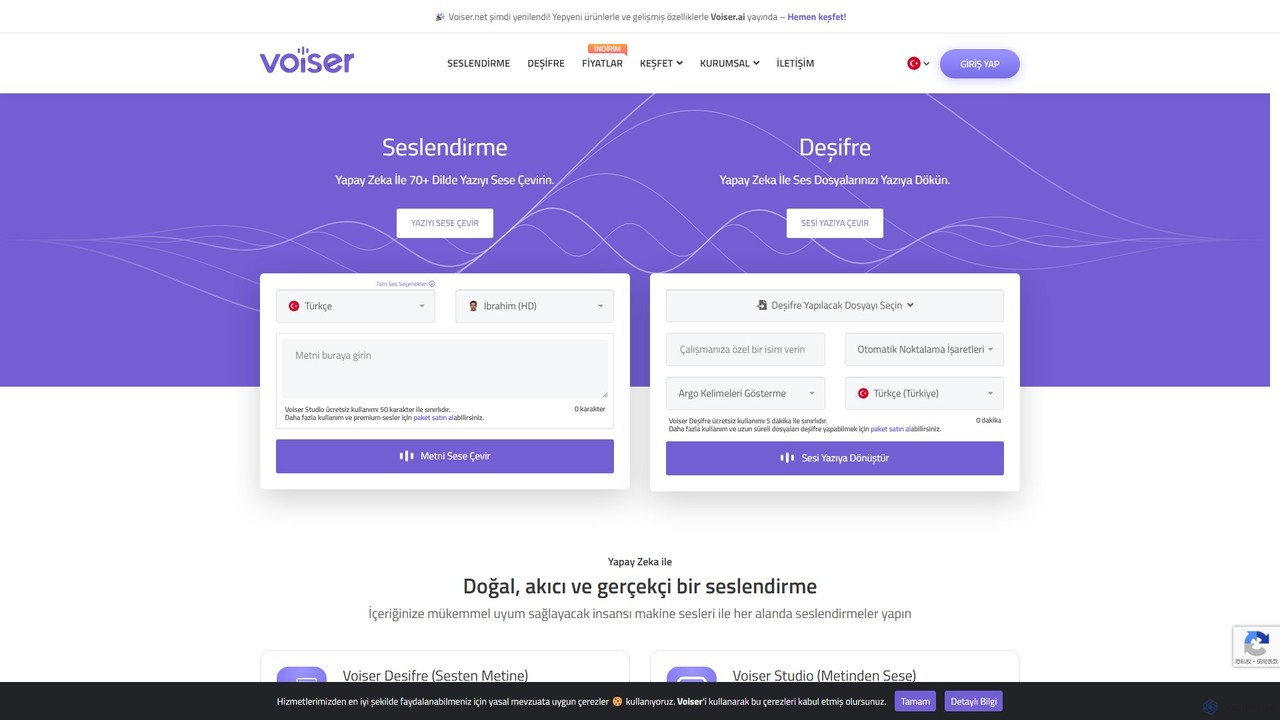
Voiser
Voiser is an advanced AI platform offering high-quality text-to-speech (TTS), accurate speech-to-text (transcription), and innovative voice cloning services. Supporting over 75 languages with 550+ voices, it provides a comprehensive suite of tools for content creators, businesses, and developers, including talking avatars, YouTube dubbing, and API integration.
Text To Speech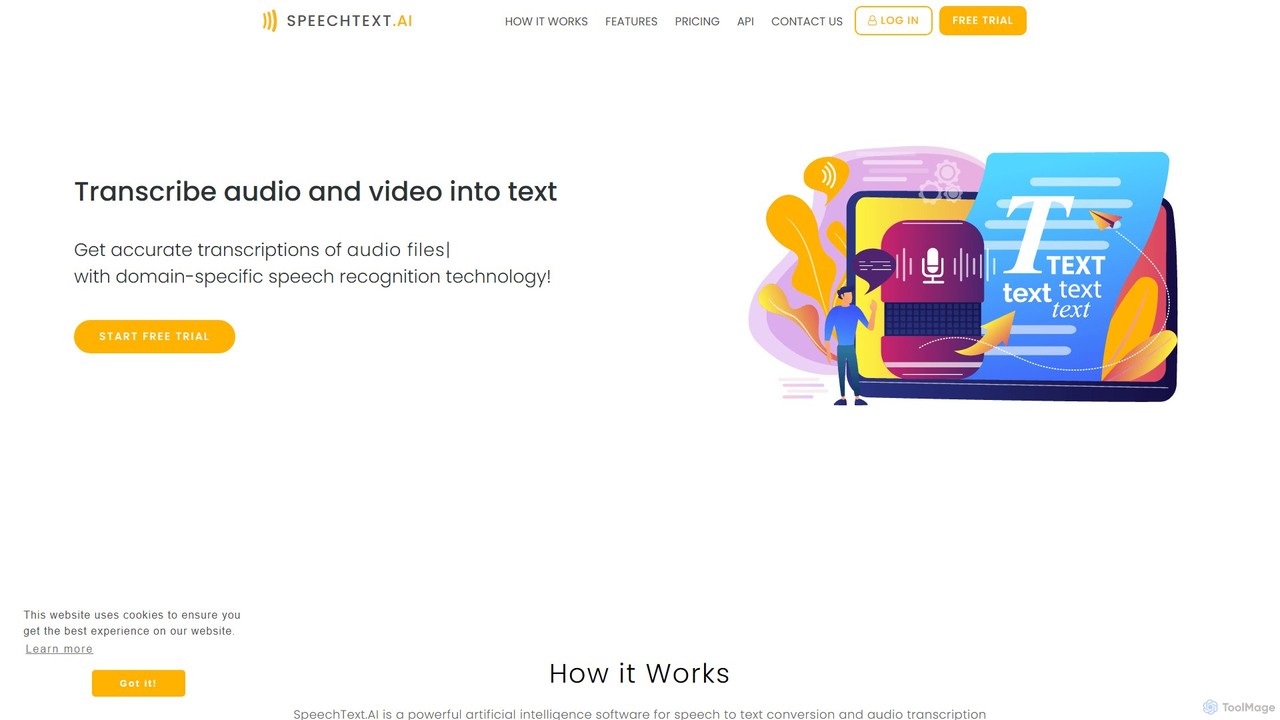
SpeechText.AI
SpeechText.AI is an advanced AI-powered transcription service that automatically converts audio and video files into accurate text. It supports over 30 languages, features speaker identification, and generates subtitles (SRT files). Ideal for content creators, educators, and businesses looking to enhance accessibility and workflow efficiency.
Transcription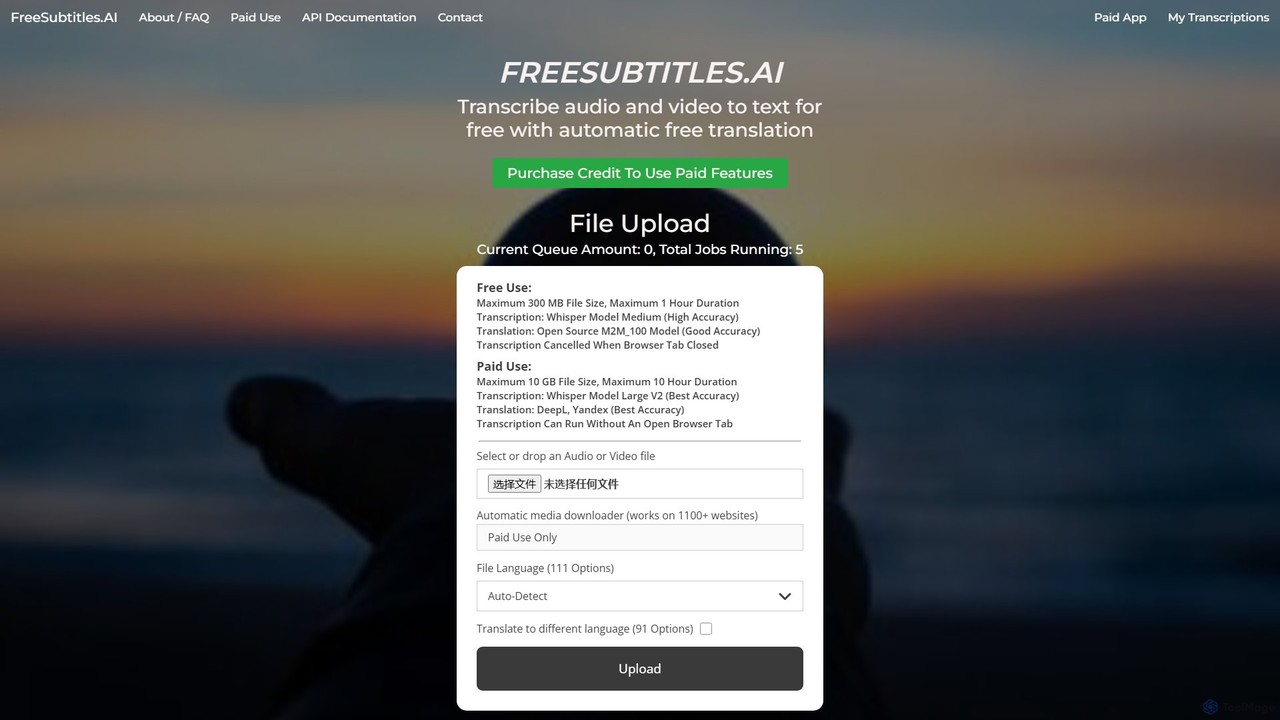
freesubtitles.ai
An AI-powered tool that offers free and paid services for transcribing audio and video into text with high accuracy. It supports over 111 languages for transcription and 91 for translation, utilizing models like OpenAI's Whisper. Paid features include higher limits, API access, and faster processing.
Transcription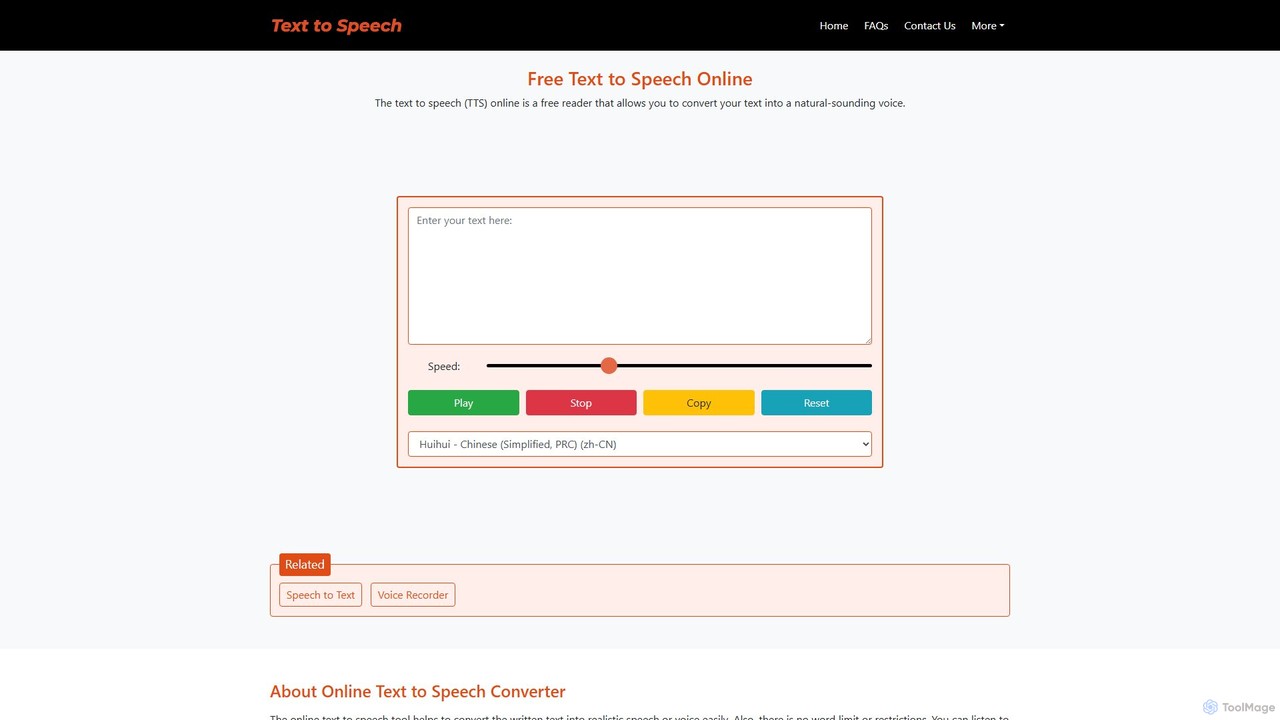
text-speech.net
A versatile and free online tool that provides both Text-to-Speech (TTS) and Speech-to-Text (STT) functionalities. Instantly convert written text into natural-sounding audio or transcribe spoken words into text across a wide range of languages, all without any registration or fees.
Transcription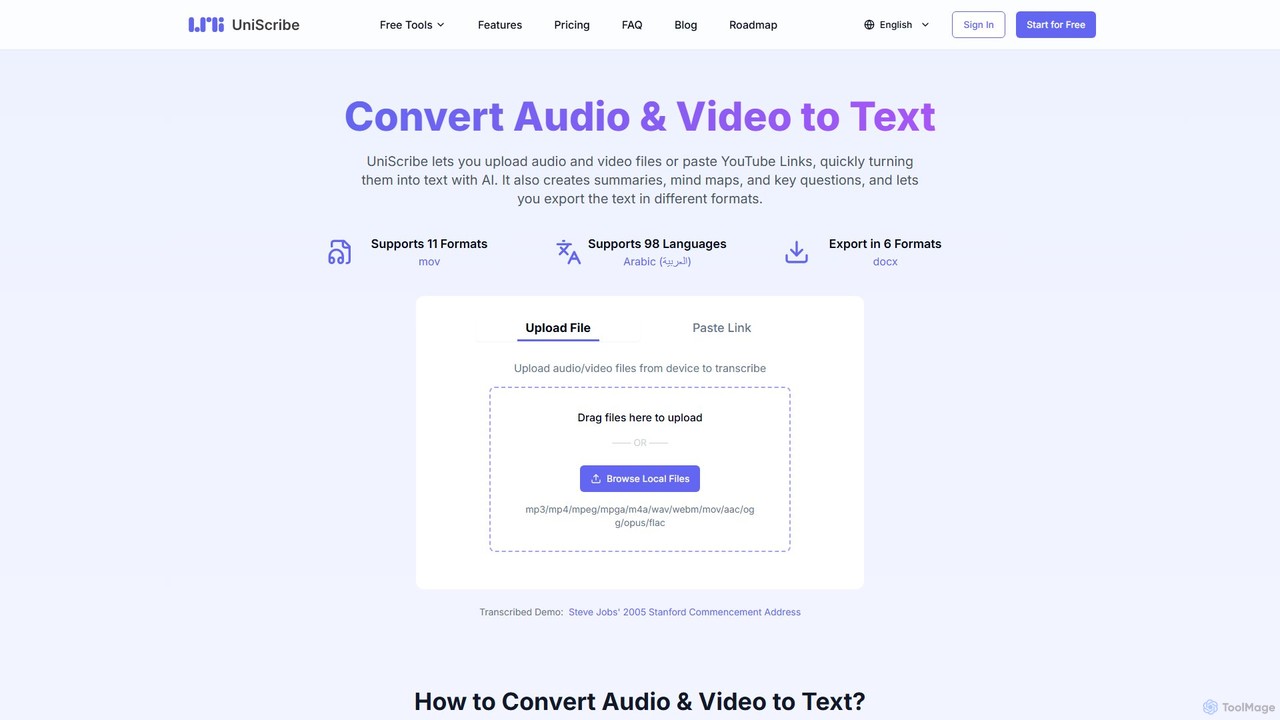
Uniscribe
Uniscribe is an AI-powered transcription service that quickly converts audio and video files into accurate text. It supports 98 languages and various file formats. Beyond simple transcription, Uniscribe automatically generates concise summaries, visual mind maps, and key questions from your content. Users can export transcripts in multiple formats like TXT, SRT, DOCX, and PDF, or share them directly via a link. It's an ideal tool for students, journalists, content creators, and researchers looking to save time and enhance productivity.
Speech To Text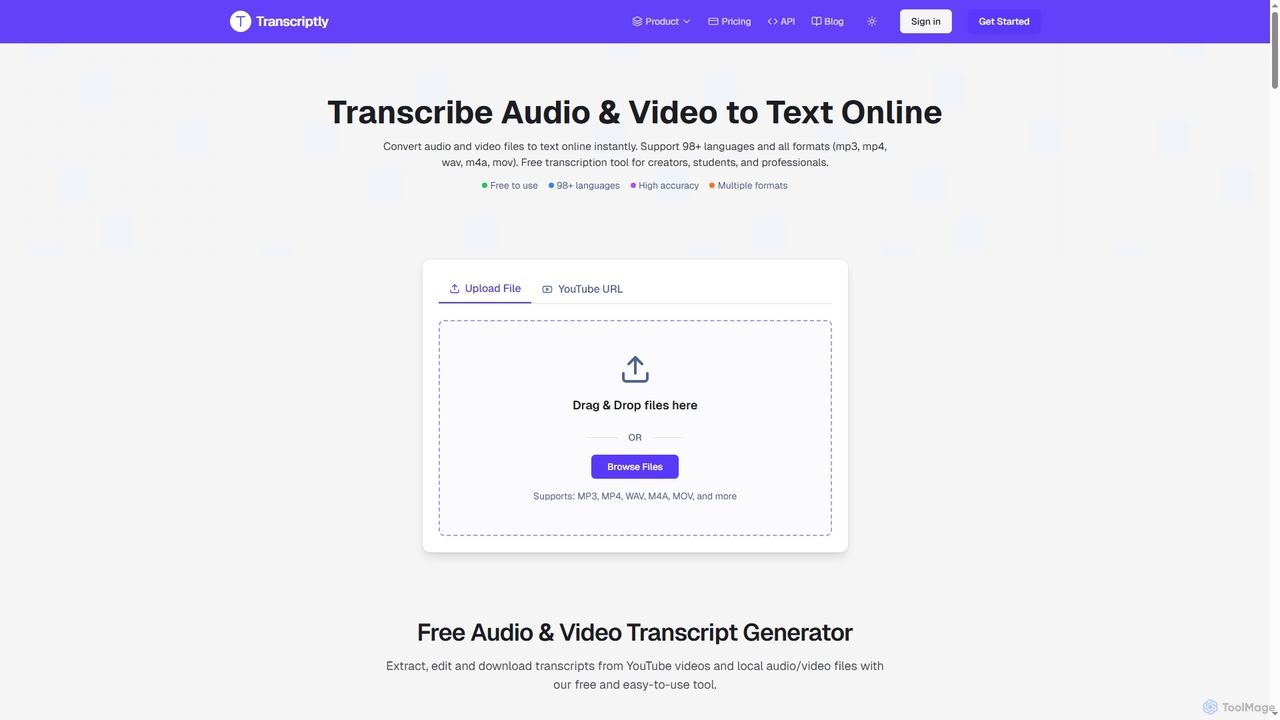
Transcriptly
Transcriptly is an AI-powered online platform that converts audio and video files into accurate text transcripts. Supporting over 98 languages and various formats, it offers fast processing, AI insights, and multiple export options for students, creators, professionals, and businesses.
Market Research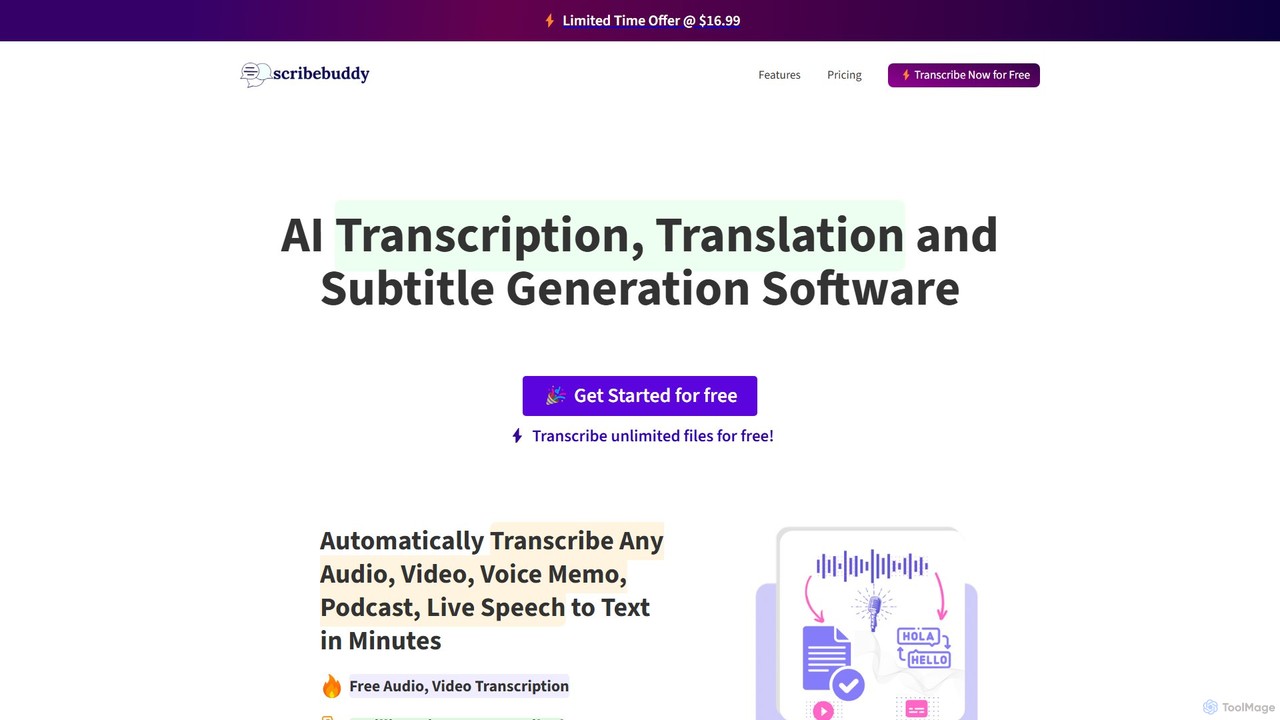
ScribeBuddy
ScribeBuddy is an AI-powered tool offering free, unlimited transcription for audio/video files up to 5 minutes. It supports over 100 languages for transcription and translation, generates accurate subtitles with timestamps, and identifies different speakers. Ideal for content creators, students, and professionals, it provides a fast, accurate, and accessible way to convert speech to text.
Speech To Text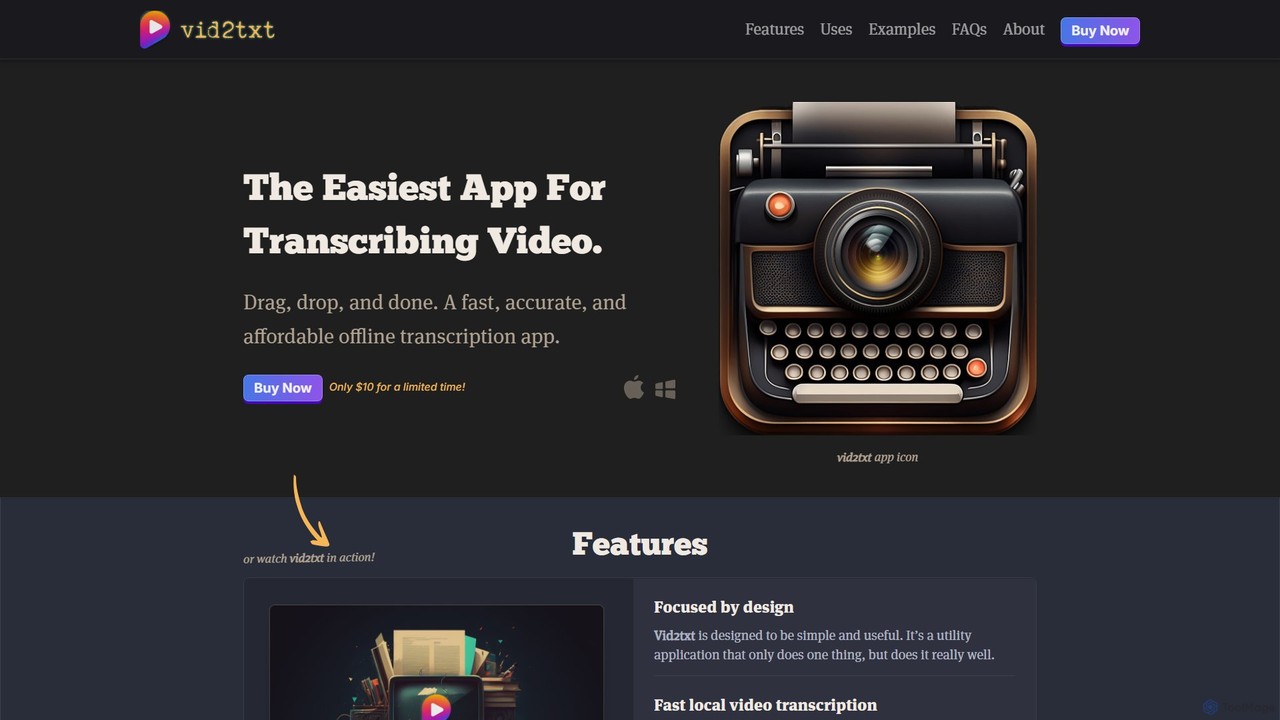
vid2txt
vid2txt is a fast, accurate, and affordable desktop application for transcribing video and audio files. It operates 100% offline, ensuring your data remains private. With a simple drag-and-drop interface, it supports numerous formats and generates .txt, .srt, and .vtt files. It's available for a one-time purchase, offering an anti-subscription model for unlimited transcriptions.
Transcription
Jyek
Jyek is an AI agent platform that understands objectives, creates execution plans, uses tools, and delivers verifiable results for complex, multi-step tasks.
Automation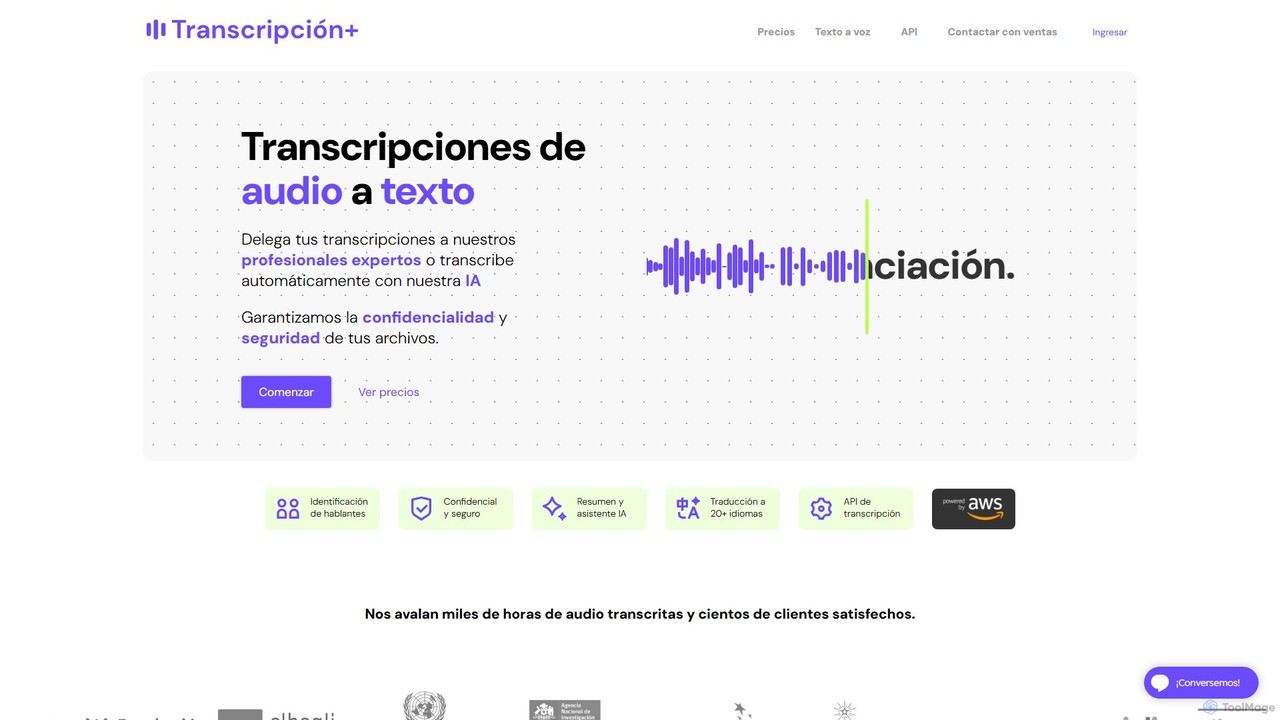
TranscripcionPlus
A professional service combining advanced technology and human expertise for high-accuracy audio-to-text transcription and text-to-voice solutions. Ideal for academics, researchers, and businesses, it guarantees precision, reliability, and contextual understanding for interviews, meetings, and media content.
Speech To Text
WhisperUI Comments (0)
Sign in to comment.
Sign inNo comments yet.