Productivity Best in category 5 results Speech To Text AI Tool

Popular AI tools in the Speech To Text field of Productivity include wisprflow、Whisper API、WhisperUI、Turbo Transcription、MediScoper, etc., helping you quickly improve efficiency.

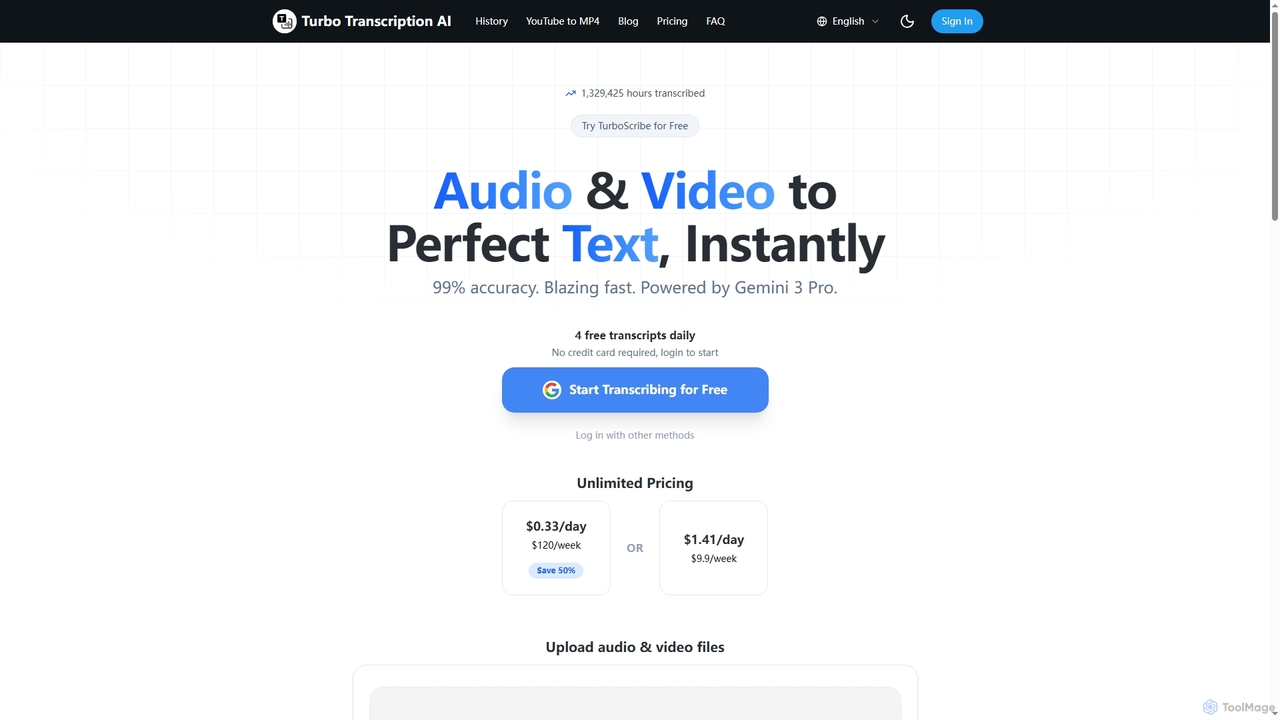
Turbo Transcription

Turbo Transcription

Turbo Transcription is an AI-powered service that rapidly converts audio and video files into highly accurate text. Leveraging …

3.3K
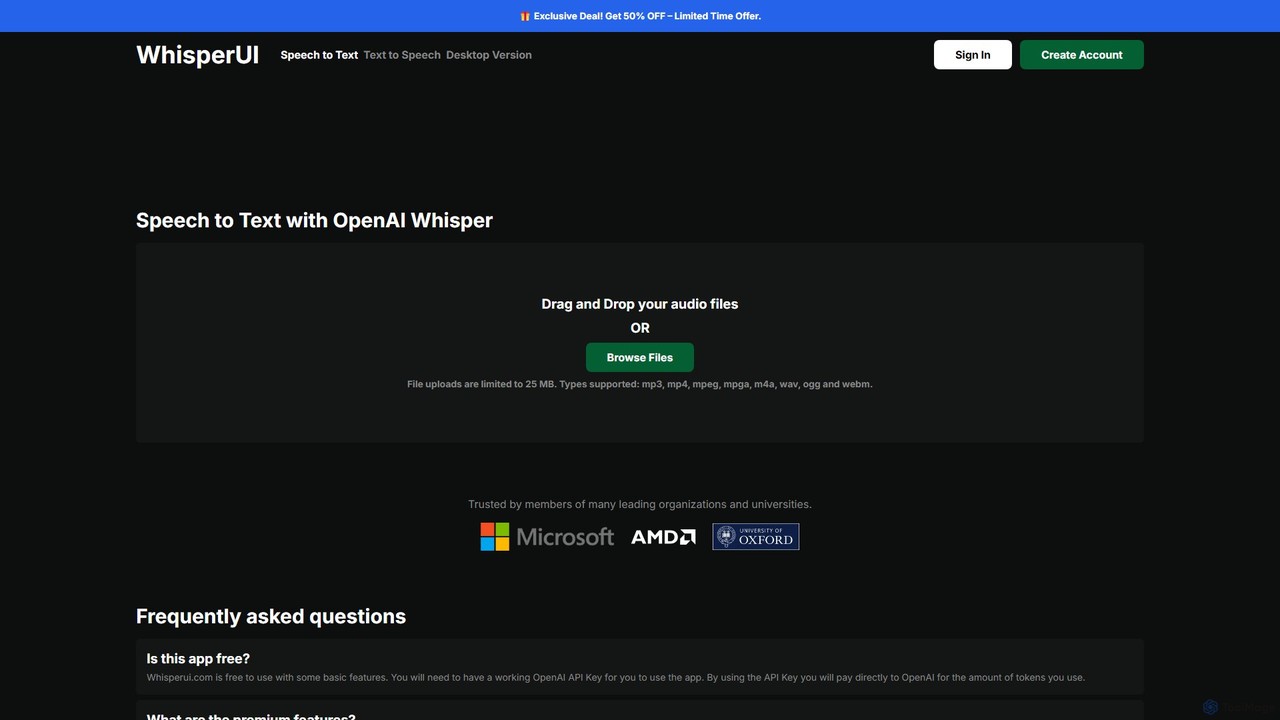
WhisperUI

WhisperUI

WhisperUI is a versatile AI-powered suite for speech-to-text and text-to-speech conversion. It offers a web-based interface using your …

24.8K
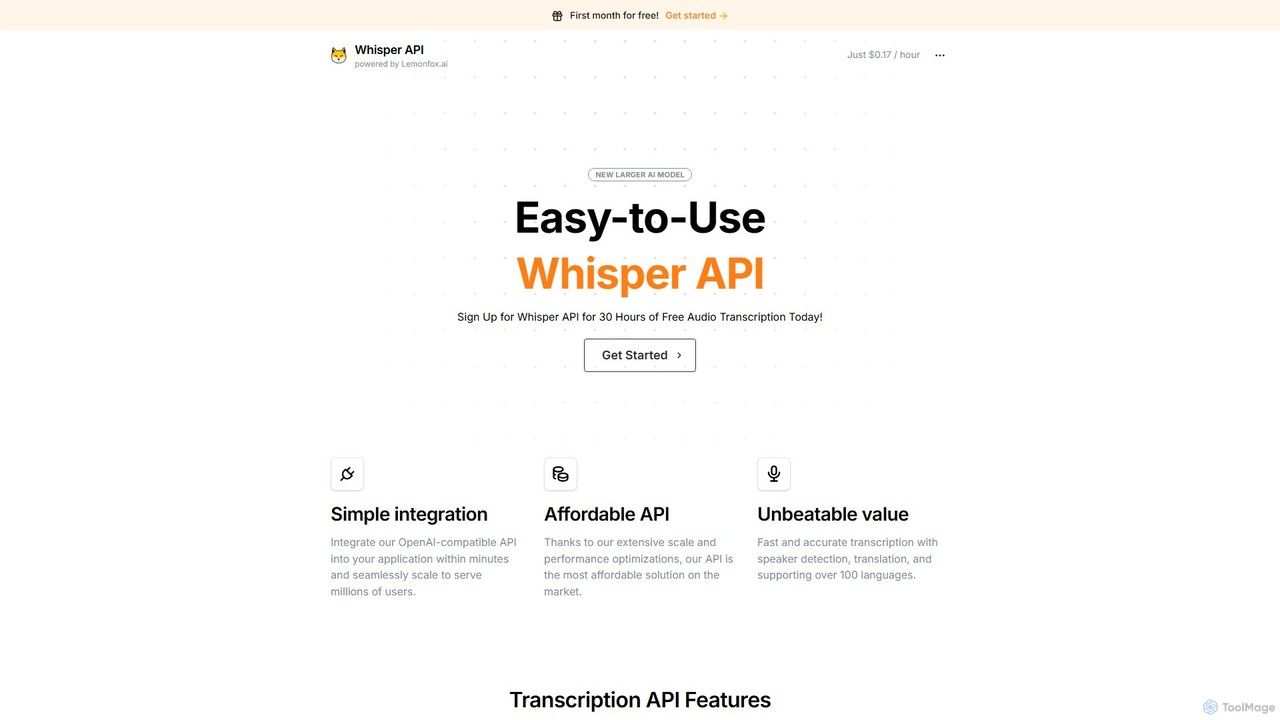
Whisper API

Whisper API

An affordable, developer-focused transcription API powered by OpenAI's Whisper v3. It offers high-accuracy speech-to-text, speaker diarization, translation, and …

38.9K
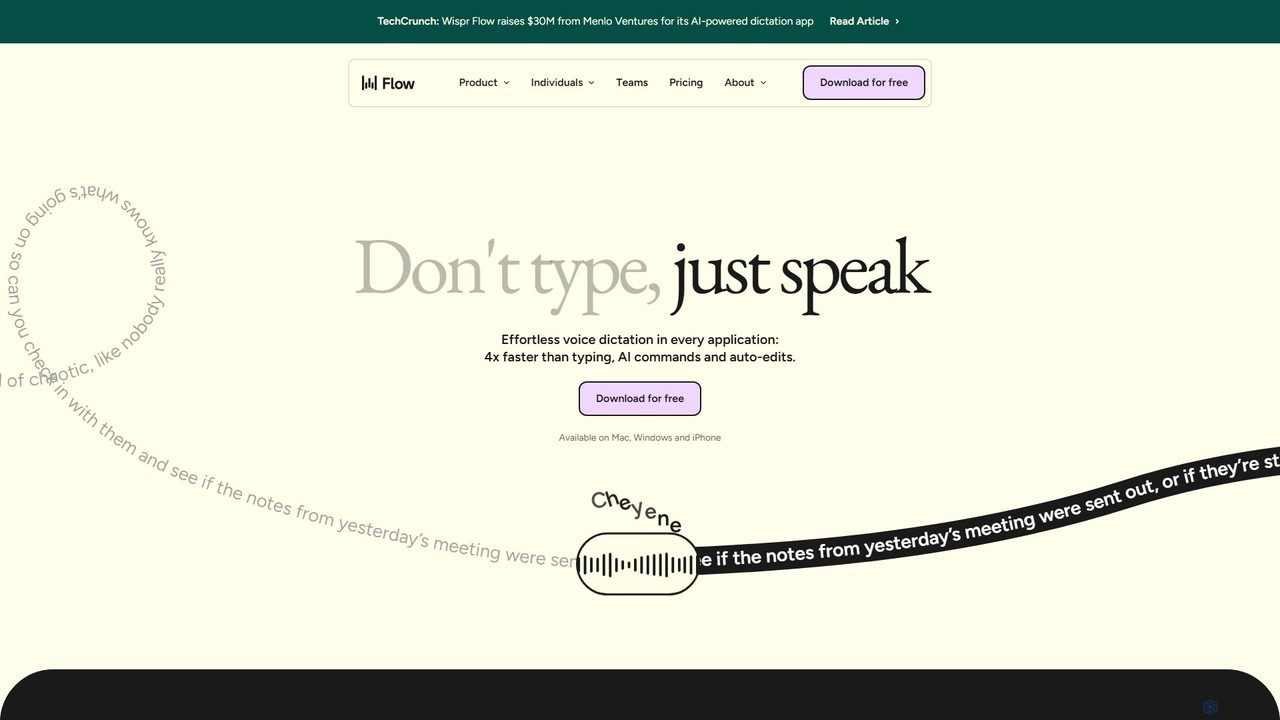
wisprflow

wisprflow

wisprflow is an AI-powered voice dictation application that transcribes speech into text 4x faster than typing. It works …

5.5M
MediScoper

MediScoper

MediScoper is an AI-assisted platform for healthcare professionals, designed to streamline clinical workflows. It offers high-accuracy audio transcription …

3.0K

About Speech To Text

Speech To Text tools are a class of software that automatically convert spoken language from audio or video into written text. They utilize advanced Automatic Speech Recognition (ASR) technology to identify words, punctuation, and sometimes even different speakers. This process significantly accelerates transcription workflows, making vast amounts of audio data searchable and accessible. As a key component of productivity, these tools unlock value from voice data by transforming it into actionable information.

Core Features

  • High-Accuracy Transcription: Converts audio to text with minimal errors, supporting various accents and dialects.
  • Speaker Diarization: Identifies and labels different speakers within a single audio file.
  • Timestamping: Aligns words or phrases with their exact timing in the original audio for easy reference.
  • Custom Vocabulary: Allows users to add specific terms, names, or jargon to improve recognition accuracy.
  • Multi-Language Support: Transcribes audio in numerous languages, often with automatic language detection.

Use Cases

These tools are widely used by journalists for interview transcription, content creators for video subtitling, researchers for analyzing qualitative data, and businesses for documenting meetings and customer calls. They are essential in any field where converting spoken content into text is a frequent task.

How to Choose

When selecting a Speech To Text tool, consider the accuracy rates for your specific domain, the range of supported languages and dialects, integration capabilities with other software (like video editors or CRMs), speaker identification features, and the pricing model (per-minute vs. subscription).

Speech To TextUse Cases

1

Transcribing Interviews for Journalists and Researchers

A journalist conducts a one-hour interview for an article. Instead of spending 4-5 hours manually transcribing the conversation, they upload the audio file to a Speech To Text tool. Within minutes, the software generates a full, time-stamped transcript with speaker labels. This allows the journalist to quickly search for key quotes, verify facts, and structure their story, reducing post-interview administrative work by over 80% and accelerating the publishing cycle.

2

Creating Accessible Subtitles for Video Content

A content creator produces weekly videos for a global audience. To improve accessibility and SEO, they need accurate captions. Using a Speech To Text tool, they automatically generate a time-coded transcript (like an SRT file) from their video's audio track. The creator then only needs to perform a quick review for any specific jargon or names, saving hours compared to typing out subtitles manually. This ensures their content is accessible to deaf or hard-of-hearing viewers and is better indexed by search engines.

3

Documenting and Analyzing Business Meetings

A project team holds a critical brainstorming session over a video call, which is recorded. The project manager uses a Speech To Text service to transcribe the entire meeting. The resulting text document is searchable, allowing anyone to quickly find key decisions, action items assigned to them, and specific discussion points without re-watching the entire recording. This transcript serves as an accurate record, improves accountability, and ensures alignment for team members who couldn't attend.

4

Analyzing Customer Service Calls for Quality Assurance

A call center manager needs to monitor agent performance and identify common customer issues. By integrating a Speech To Text API, all support calls are automatically transcribed. The manager can then use text analysis tools to search for keywords related to complaints, product features, or competitor mentions. This data-driven approach allows for targeted agent training, identification of trends in customer feedback, and proactive improvements to products and services without manually listening to hundreds of hours of calls.

5

Assisting Students with Lecture and Research Notes

A university student records lectures to aid their studies. Using a Speech To Text application, they convert hours of audio into organized text documents. This allows them to easily search for specific topics discussed in class when preparing for exams. For research, they can transcribe audio interviews with experts, making it simple to pull direct quotes and analyze qualitative data for their thesis, significantly improving their study and research efficiency.

6

Enabling Voice Control in Applications and Devices

A software developer is building a smart home application. They integrate a Speech To Text API to enable voice commands. When a user says, "Turn on the living room lights," the API transcribes the speech into text. The application then parses this text command to execute the corresponding action. This provides a hands-free, intuitive user experience and is a core technology behind virtual assistants, in-car systems, and other voice-activated products, enhancing accessibility and convenience.

Speech To TextFrequently Asked Questions