ToolMage
Sign in

Best 11 Note Taking AI tools for Writing

Popular Note Taking AI tools in Writing include Glasp, Speechnotes, Omnibox, voicetotext.org, Kaya, Emdash, Audioscribe, mybrain, NoteGen, and Unifie, helping you work more efficiently.

Omnibox

Omnibox

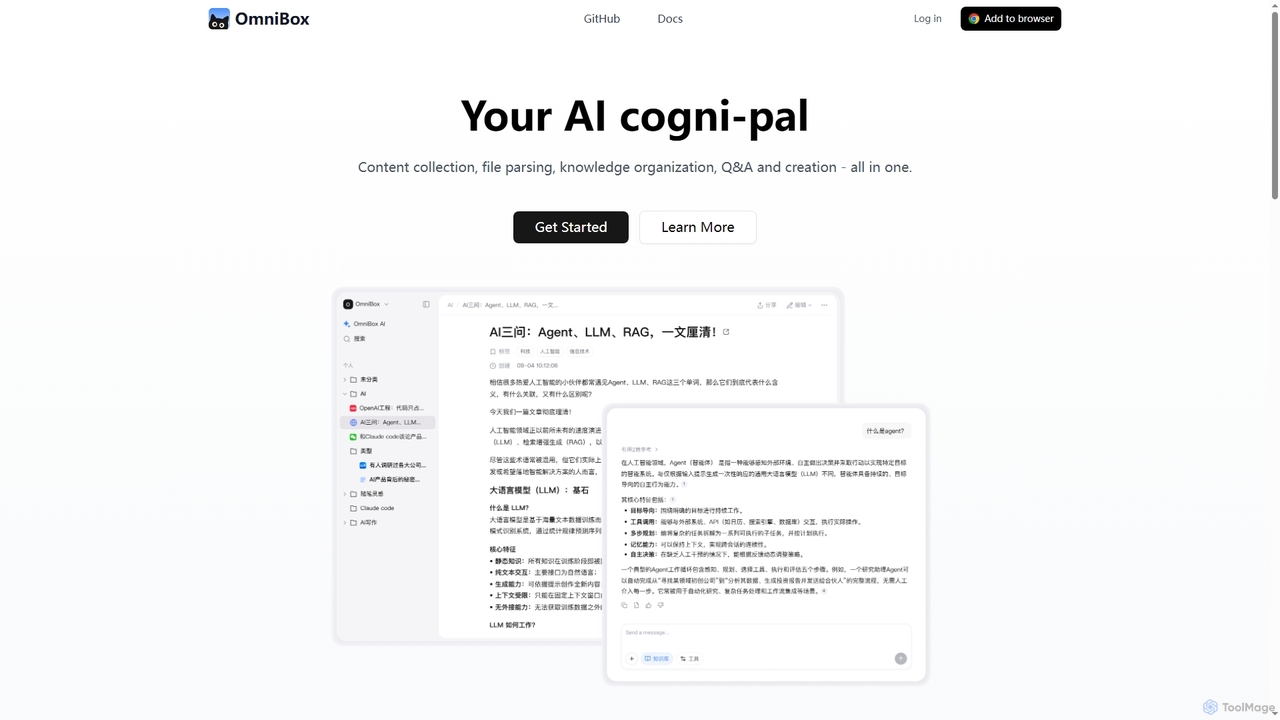
Omnibox is an AI-powered knowledge companion designed to streamline your information workflow. It helps you collect web content and local files, parse them into editable documents, and build a centralized, searchable knowledge base. Ask questions and get traceable answers from your own data.

Knowledge Management
Visits 33.8KFavorites 125Likes 140
Audioscribe
Free

Audioscribe

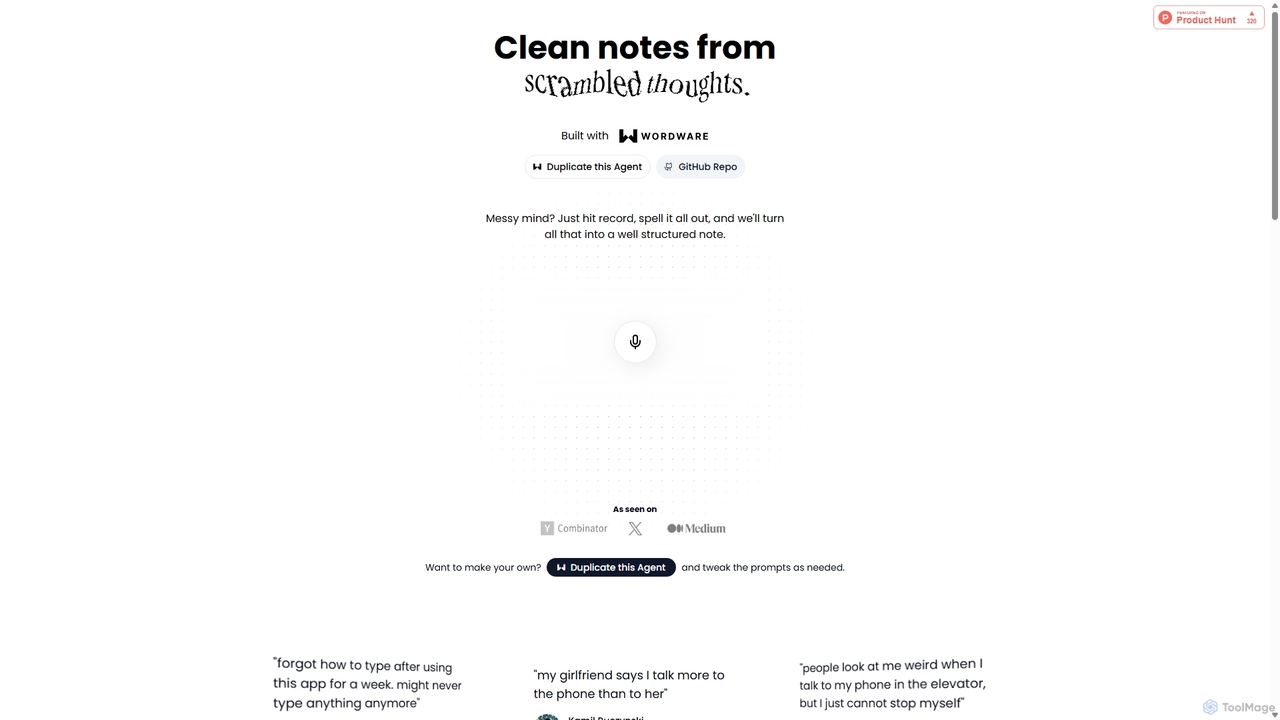
Audioscribe is an AI-powered tool that transforms your messy, spoken thoughts into clean, well-structured notes. Simply record your voice, and the AI will transcribe, organize, and format your ideas into coherent text for project plans, emails, journals, and more, streamlining your workflow and boosting productivity.

Speech To Text
Visits 4.5KFavorites 95Likes 102
Kaya

Kaya

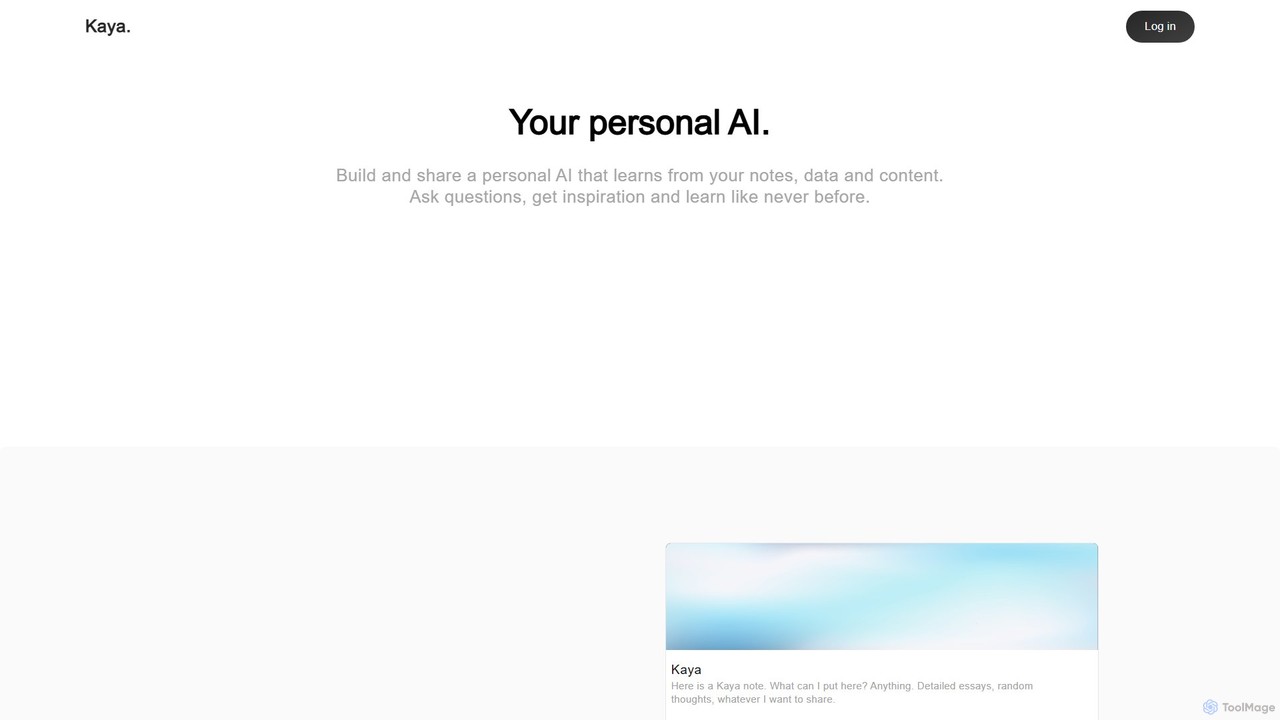
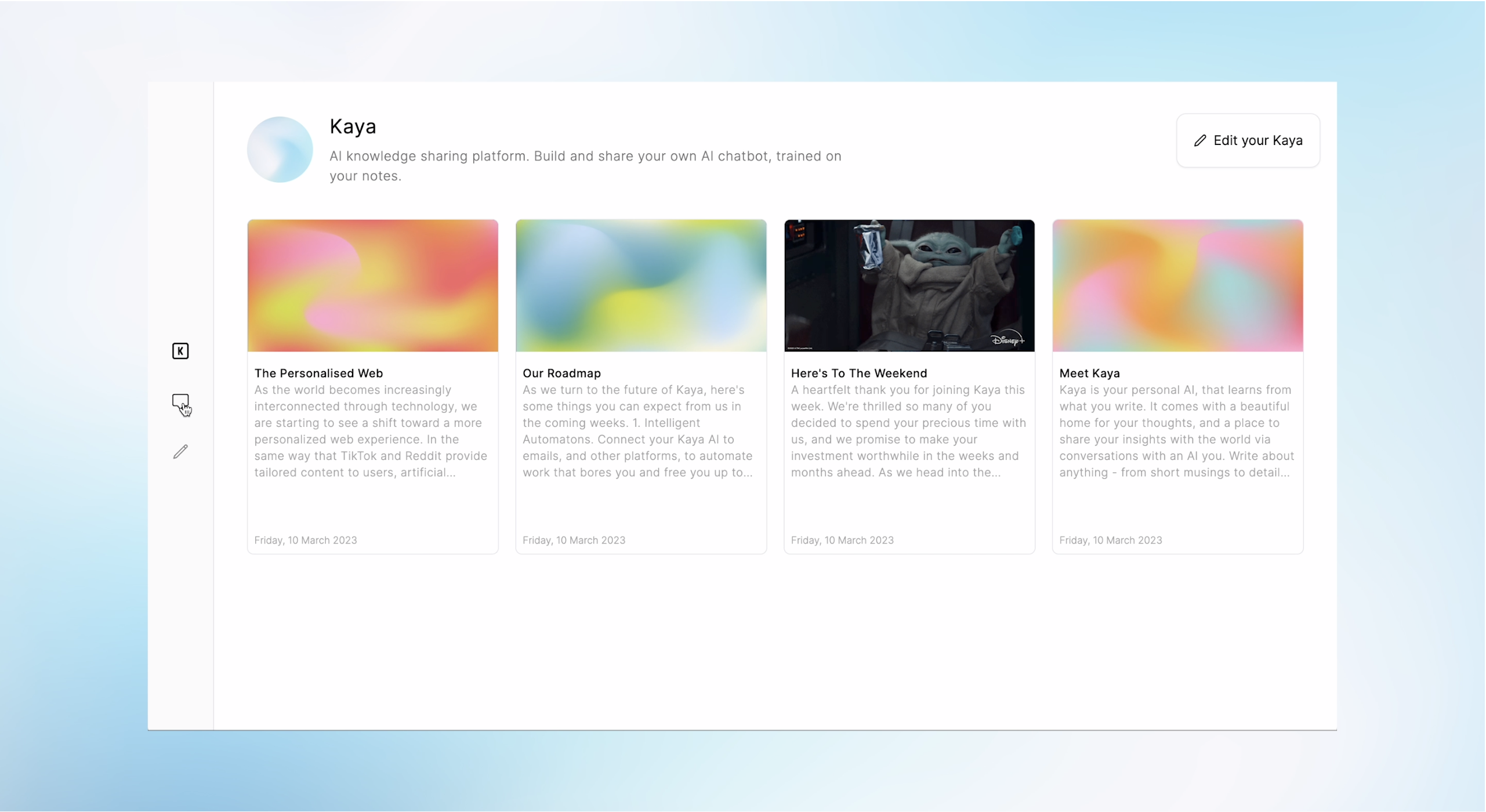
Kaya is a personal AI platform that transforms your notes, data, and content into an interactive, conversational AI. Build a digital version of your mind, ask it questions, gain insights, and share your knowledge in a completely new way.

Personal Assistant
Visits 6KFavorites 87Likes 84
NoteGen
Freemium

NoteGen

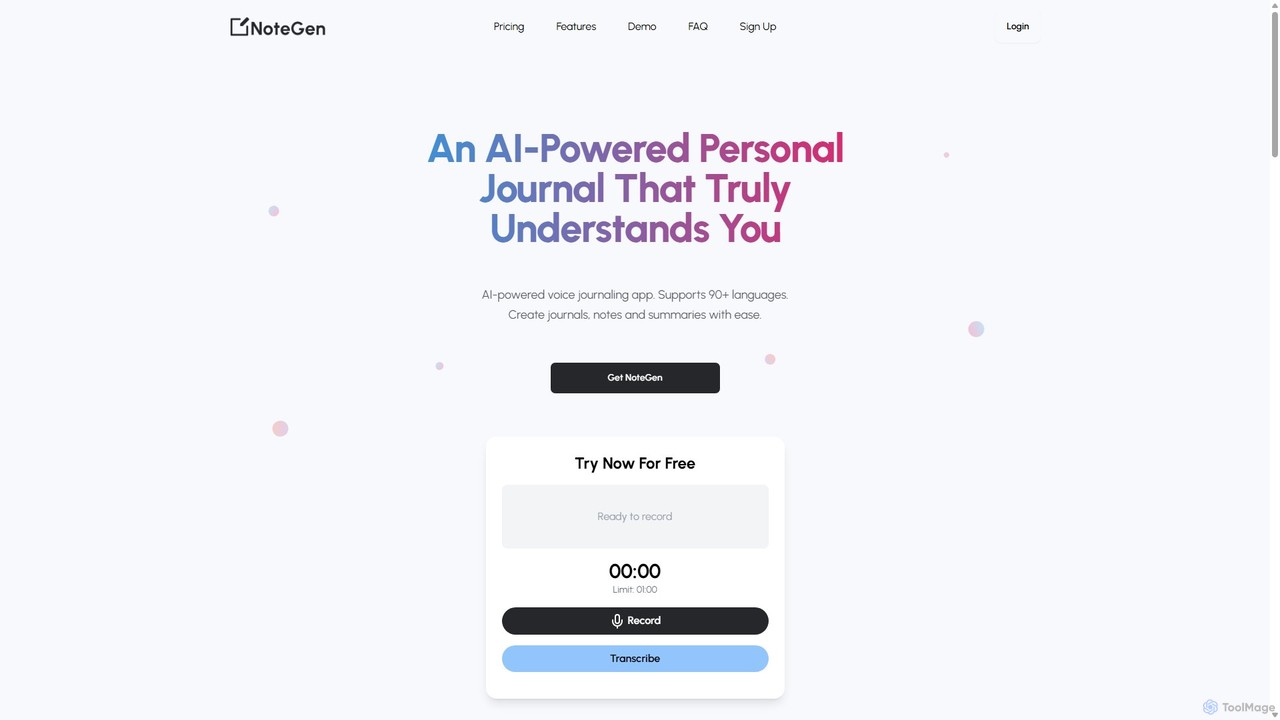
NoteGen is an AI-powered voice journaling and note-taking app that transforms your spoken thoughts into structured, sentiment-annotated text. Simply record your voice or upload an audio file, and NoteGen instantly transcribes it. From there, you can generate organized notes, journal entries, social media posts, summaries, and more. Supporting over 90 languages, it's designed to save you time, boost productivity, and help you capture and understand your ideas effortlessly.

Journaling
Visits 3.6KFavorites 108Likes 109
Speechnotes
Freemium

Speechnotes

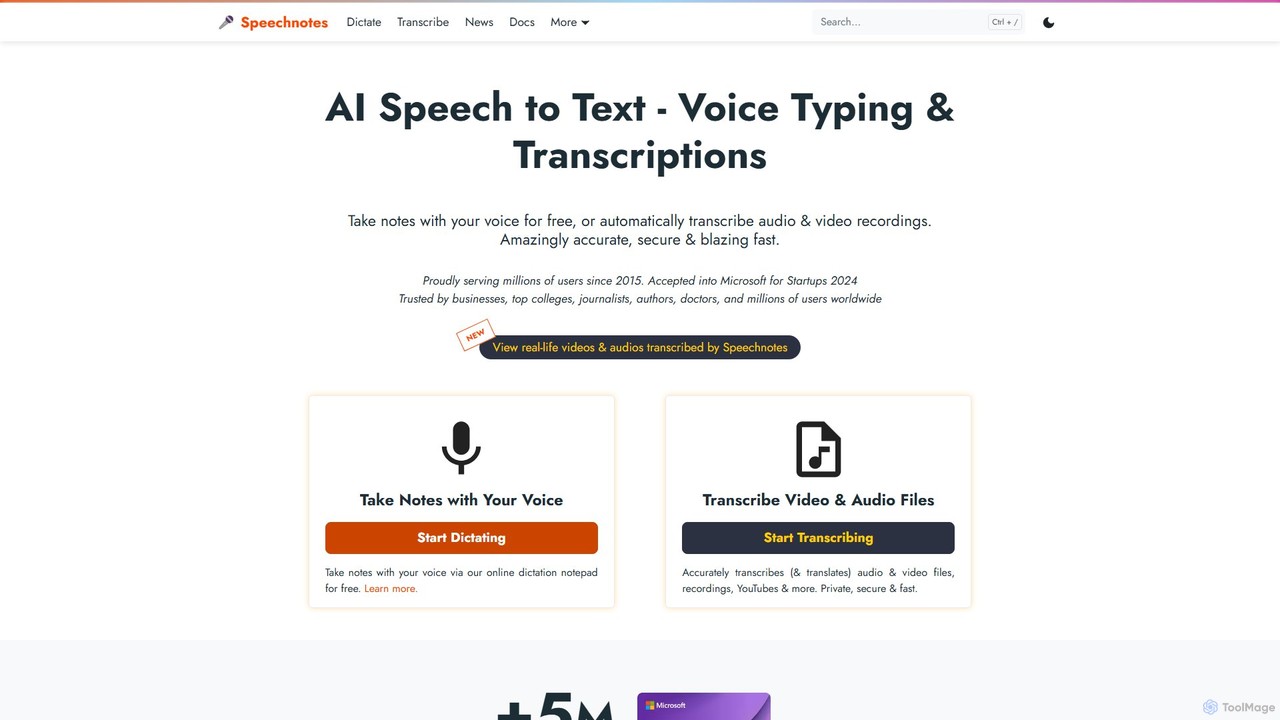
Speechnotes is a powerful and private speech-to-text tool, offering free online voice dictation and a professional, secure automatic transcription service. It supports real-time voice typing, audio/video file transcription, and even features a convenient WhatsApp bot. With a strong emphasis on user privacy and HIPAA compliance for its paid service, Speechnotes is ideal for writers, journalists, students, and professionals.

Speech To Text
Visits 1.1MFavorites 158Likes 149
Unifie
Freemium

Unifie

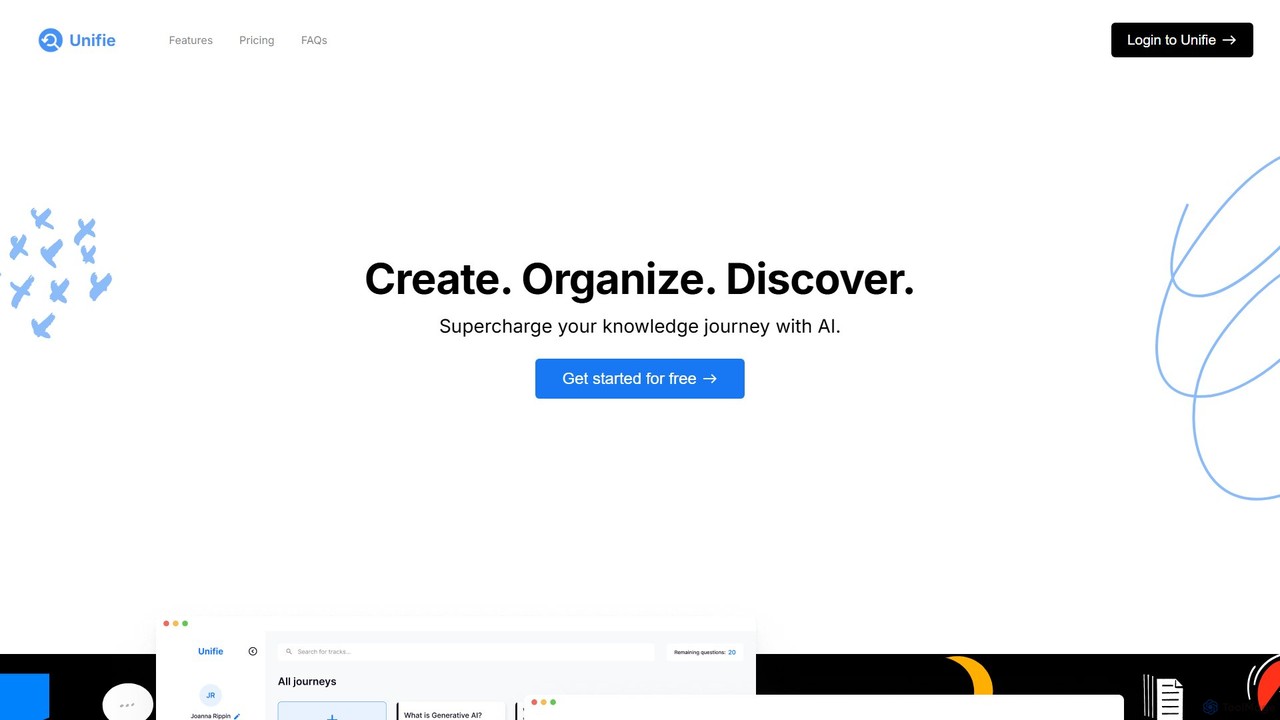
Unifie is an AI-powered knowledge companion designed to streamline your research, learning, and creation process. It helps you create, organize, and discover information by integrating online sources and personal documents, while preserving your train of thought. Capture ideas with text and voice notes, and build a powerful personal knowledge base.

Knowledge Management
Visits 3.3KFavorites 92Likes 86
voicetotext.org
Free

voicetotext.org

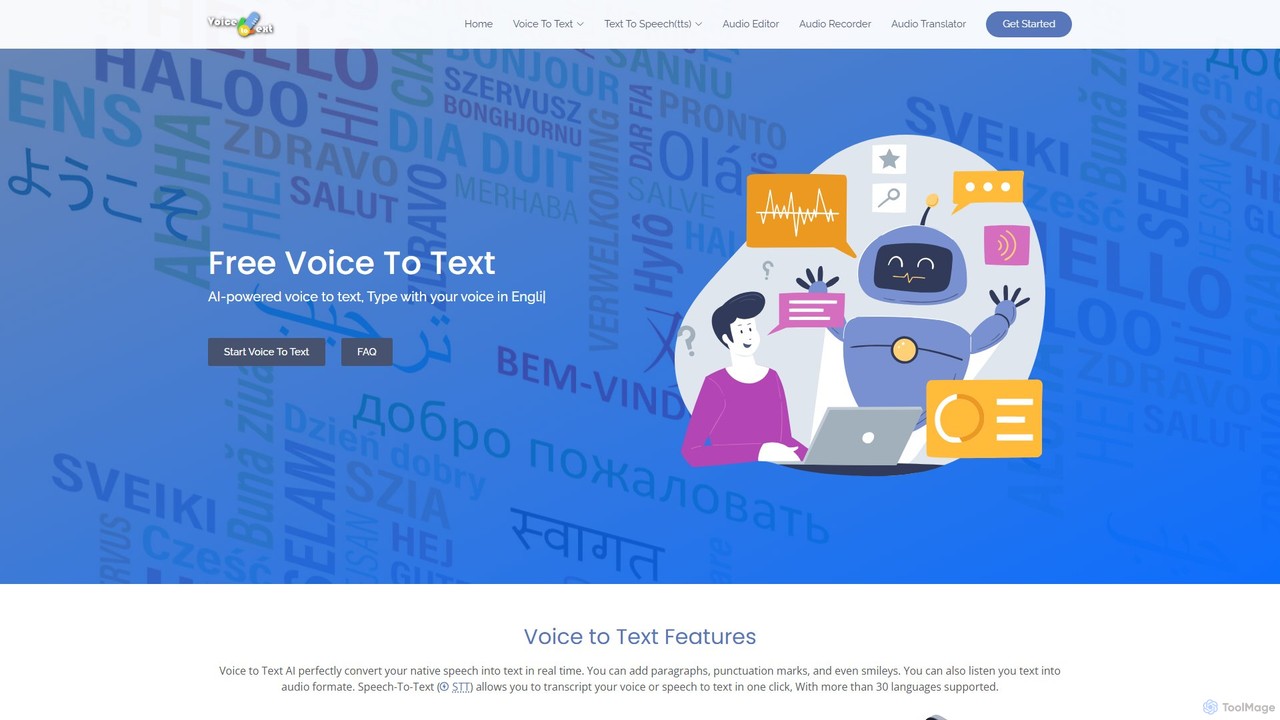
voicetotext.org is a free, AI-powered online tool for real-time speech-to-text transcription and text-to-speech conversion. It supports over 30 languages, allowing users to type with their voice, add punctuation, and export text. The service prioritizes privacy by processing all data locally in the browser, with no sign-up or data storage required. It also includes a voice generator to convert text into audio.

Speech To Text
Visits 7.8KFavorites 120Likes 123
Journalizr
Freemium

Journalizr

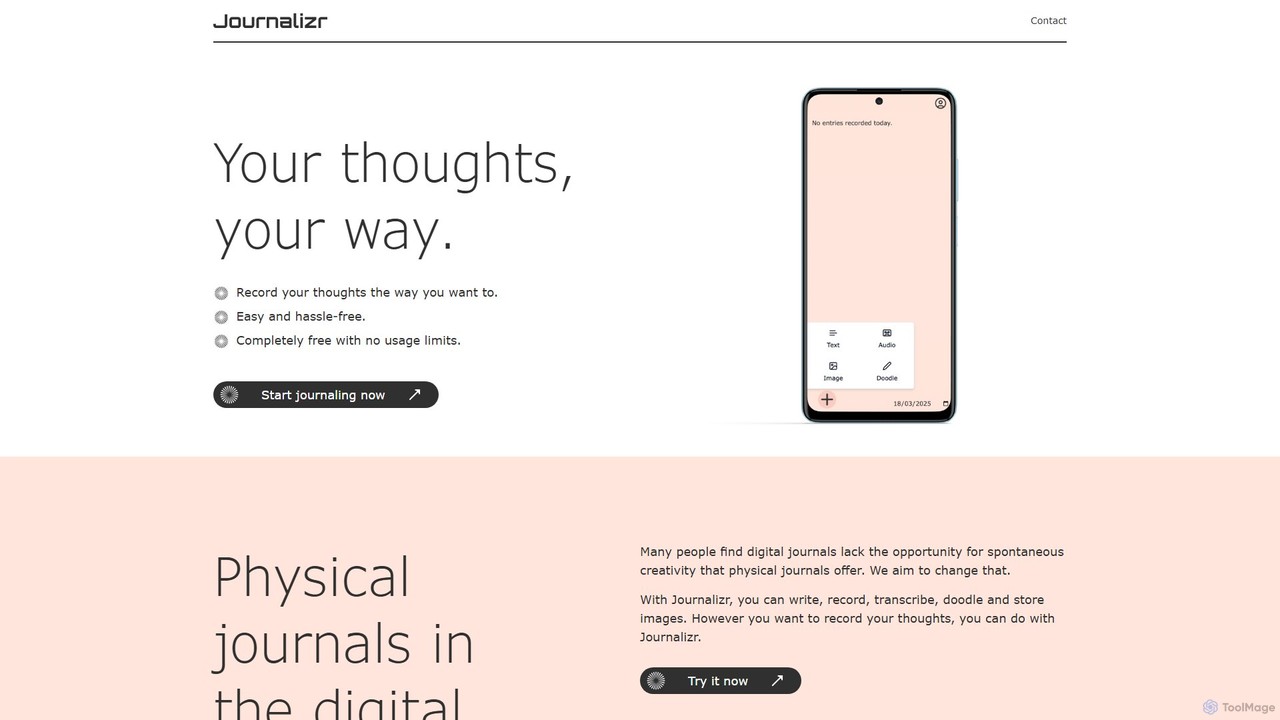
Journalizr is a versatile digital journaling platform that blends the creative freedom of physical journals with modern technology. Capture your thoughts your way through writing, voice recording with AI transcription, doodling, and image uploads. It's designed for spontaneous creativity, making it easy to document ideas, reflections, and memories in a simple, accessible, and secure online space.

Personal Growth
Visits 3.3KFavorites 110Likes 110
Emdash
Free

Emdash

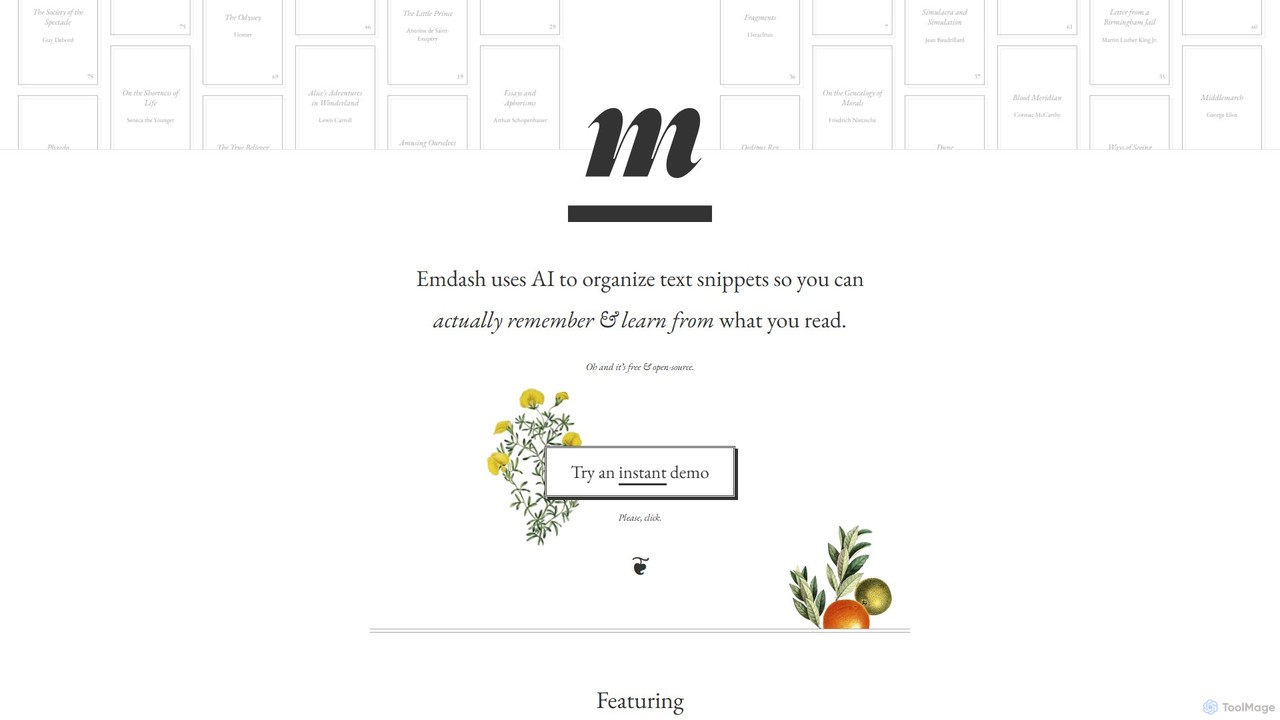
Emdash is a free, open-source AI tool designed for readers to organize, analyze, and learn from their book highlights. It uses on-device AI to find conceptual connections between passages, offers powerful semantic search, and allows users to tag, rate, and annotate their snippets. With flexible import/export options (including Kindle), Emdash helps you turn passive reading into active learning without compromising your privacy.

Research
Visits 4.7KFavorites 115Likes 112
Glasp
Freemium

Glasp

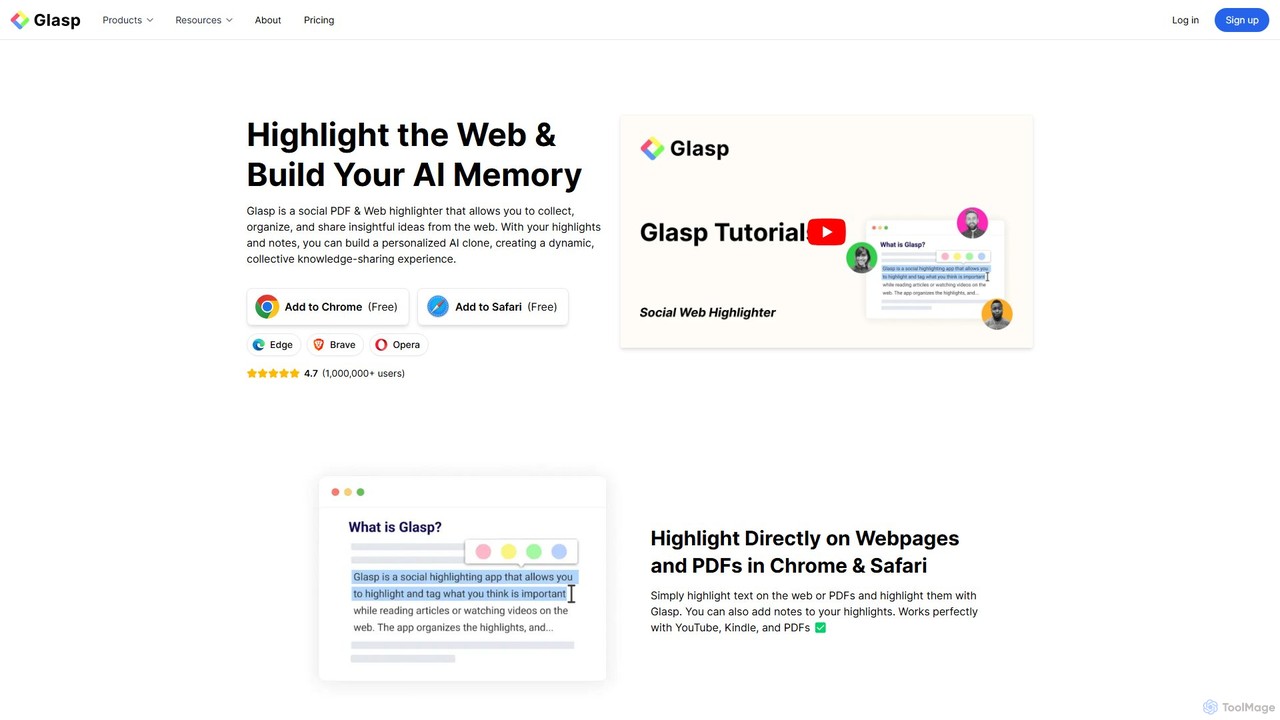
Glasp is a social web and PDF highlighter that helps learners and researchers capture, organize, and share insightful ideas. It uses AI to create a personalized knowledge base from your highlights, offering features like AI-powered summaries, chat with your notes, and seamless integration with popular note-taking apps. It's designed to facilitate public learning and build a collective intelligence.

Web Clipper
Visits 2.8MFavorites 108Likes 112
mybrain
Freemium

mybrain

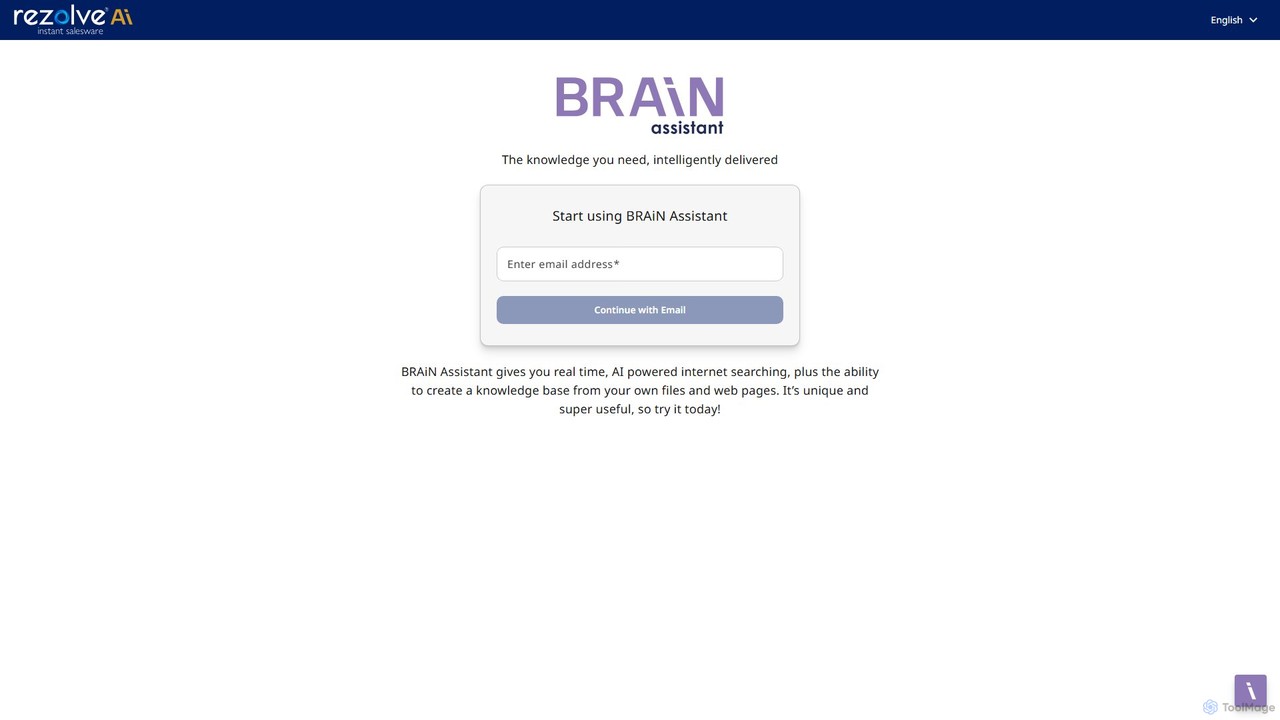
mybrain is an AI-powered personal knowledge management system that acts as your second brain. Capture everything, from notes to web pages, and use the intelligent assistant to organize, summarize, and connect your ideas. Turn scattered information into a structured knowledge base.

Organization
Visits 4KFavorites 130Likes 122

About Note Taking

AI Note Taking tools are applications that use artificial intelligence to intelligently capture, organize, and synthesize information. They leverage technologies like Natural Language Processing (NLP) to automatically transcribe audio, summarize long texts, and identify key concepts. This transforms note-taking from a passive storage activity into an active knowledge-building process. Unlike traditional note apps, these tools act as an intelligent assistant, helping you find connections and extract insights from your collected information.

Core Features

  • Automated Transcription: Instantly convert spoken words from meetings, lectures, or voice memos into searchable text.
  • AI-Powered Summarization: Generate concise summaries of long notes, articles, or transcripts to grasp key points quickly.
  • Semantic Search: Find information based on concepts and meaning, not just exact keyword matches.
  • Intelligent Organization: Automatically tag, categorize, and link related notes to build a connected knowledge base.
  • Action Item Detection: Identify tasks, decisions, and follow-ups mentioned in meeting notes or recordings.

Use Cases

These tools are valuable for professionals who need to document meetings, researchers organizing vast amounts of information, and students capturing lecture content. For instance, a project manager can automatically generate meeting minutes and action items, while a student can get a summary and key topics from a two-hour lecture recording.

How to Choose

When selecting an AI Note Taking tool, consider the quality of its transcription and summarization. Evaluate its integration capabilities with your calendar, cloud storage, and other productivity apps. Also, review the platform's data privacy and security policies, especially regarding how your note content is used. Finally, assess the user interface and whether its organizational structure fits your workflow.

Featured tool rankings

Note Taking use cases

1

Automate Meeting Minutes and Action Items

A project manager records a weekly team sync call using an AI note-taking tool. Immediately after the call, the tool provides a full, speaker-labeled transcript. The AI then generates a concise summary highlighting key decisions and roadblocks. Most importantly, it automatically identifies and lists all action items, assigning them to the correct team members based on the conversation. This process saves the manager over 30 minutes of manual work per meeting and ensures no task is forgotten, improving team accountability and project velocity.

2

Structure Research for Academic Papers

A university student is writing a thesis and uses an AI note-taking tool to manage their research. They upload dozens of PDF research papers, web articles, and interview transcripts. Using semantic search, the student can ask complex questions like "What are the main arguments against this theory?" and the tool finds relevant paragraphs across all documents. The AI also helps identify recurring themes and connects related concepts from different sources, providing a structured overview that greatly accelerates the literature review and outlining process.

3

Transform Brainstorms into Content Outlines

A content creator uses their AI note-taking app to capture ideas on the go via voice notes. After a brainstorming session, they have a collection of unstructured thoughts. The AI tool transcribes all voice notes and automatically groups related ideas into thematic clusters. The creator can then ask the AI to 'create a blog post outline from these clusters.' The tool generates a logical structure with headings and bullet points, turning scattered ideas into a ready-to-write content plan in minutes, overcoming writer's block and streamlining the creation process.

4

Build a Personal Knowledge Management (PKM) System

A lifelong learner aims to build a 'second brain'. They use an AI note-taking tool to clip articles, save book highlights, and jot down thoughts. The AI's key contribution is its ability to create automatic bidirectional links between notes. When they write a new note about 'productivity', the tool automatically surfaces past notes on 'time management' and 'focus techniques'. This creates a self-organizing knowledge graph, allowing the user to discover unexpected connections and deepen their understanding of topics over time without manual linking.

5

Capture and Organize Client Call Details

A sales consultant uses an AI note-taker integrated with their CRM. During a discovery call with a potential client, the tool transcribes the conversation in real-time. After the call, the AI provides a summary that includes the client's main pain points, budget discussions, and key requirements. It also identifies action items, like 'Send proposal by Friday.' With one click, the consultant can push this summary and the action items directly into the client's record in the CRM, ensuring all crucial information is captured accurately and centrally stored for the entire sales team to access.

6

Accelerate Learning from Online Courses

A professional taking an online certification course uses an AI note-taking tool to process video lectures. Instead of manually pausing and typing notes, they let the tool generate a full transcript for each video. They then ask the AI to 'summarize the key concepts from this lecture' and 'create a list of all defined terms.' This allows them to quickly review hours of content in minutes. They can also use semantic search to find specific topics across the entire course, for example, 'find all mentions of risk mitigation strategies,' making exam preparation far more efficient.

Note Taking FAQ

What are AI Note Taking tools?

AI Note Taking tools are advanced applications that go beyond simple text storage. They use artificial intelligence, particularly Natural Language Processing (NLP), to actively help you process information. Key features include automatically transcribing audio, generating summaries of long content, and enabling 'semantic search' to find ideas based on meaning, not just keywords. Essentially, they act as an intelligent partner to help you organize thoughts, capture insights from meetings, and build a connected knowledge base.

How do AI note-taking tools differ from traditional apps like Evernote or OneNote?

The primary difference lies in their function: traditional apps are for passive storage, while AI tools offer active processing.

  • Traditional Apps (e.g., Evernote): Act like digital filing cabinets. You manually create, organize, and search for notes using folders, tags, and keyword search. They store information exactly as you enter it.
  • AI Note Taking Tools: Act as an intelligent assistant. They automatically process your input by transcribing audio, summarizing text, and identifying action items. Their search is often semantic, meaning they understand the context and concepts within your notes, allowing you to find related ideas you didn't explicitly link.
In short, you work *in* a traditional app, but you work *with* an AI note-taking tool.

What are the key features to look for in an AI note-taking tool?

When evaluating an AI note-taking tool, focus on these core features:

  • Transcription Accuracy: How well does it convert speech to text, especially with different accents or background noise?
  • Summarization Quality: Does the AI generate summaries that are concise, relevant, and capture the main points accurately?
  • Search Capabilities: Does it offer semantic search to find concepts, or is it limited to basic keyword matching?
  • Integration: Can it connect with your essential tools like calendars (for meeting notes), cloud storage (for attachments), and project management software (for action items)?
  • Data Privacy: Check the tool's policy on data usage. Is your data encrypted, and do you have control over whether it's used for training AI models?

Who can benefit most from AI Note Taking tools?

While anyone can use them, certain roles benefit significantly. This includes:

  • Project Managers & Team Leads: To automatically capture meeting minutes, decisions, and action items, ensuring clear communication and accountability.
  • Students & Researchers: To transcribe lectures and interviews, summarize academic papers, and organize vast amounts of research material efficiently.
  • Consultants & Sales Professionals: To document client calls, extract key needs and pain points, and seamlessly update CRM systems.
  • Content Creators & Writers: To capture fleeting ideas via voice, organize brainstorms, and generate outlines from unstructured thoughts.
Essentially, anyone who deals with a high volume of information from meetings, research, or creative sessions can leverage these tools to save time and gain deeper insights.

Is my data safe with AI note-taking tools?

Data security is a critical consideration. Reputable AI note-taking tools implement strong security measures, but policies vary. Before choosing a tool, you should always check its privacy policy and terms of service. Look for key features like:

  • End-to-End Encryption: Ensures that only you can access your note content.
  • Data Usage Opt-Out: The ability to prevent the company from using your data to train their AI models.
  • Compliance Certifications: Adherence to standards like SOC 2 or GDPR, which indicate robust security and data handling practices.
  • Data Residency Options: The ability to choose the geographic region where your data is stored.
Prioritizing tools that are transparent about their data practices is essential for protecting your sensitive information.