

NoteGen Overview
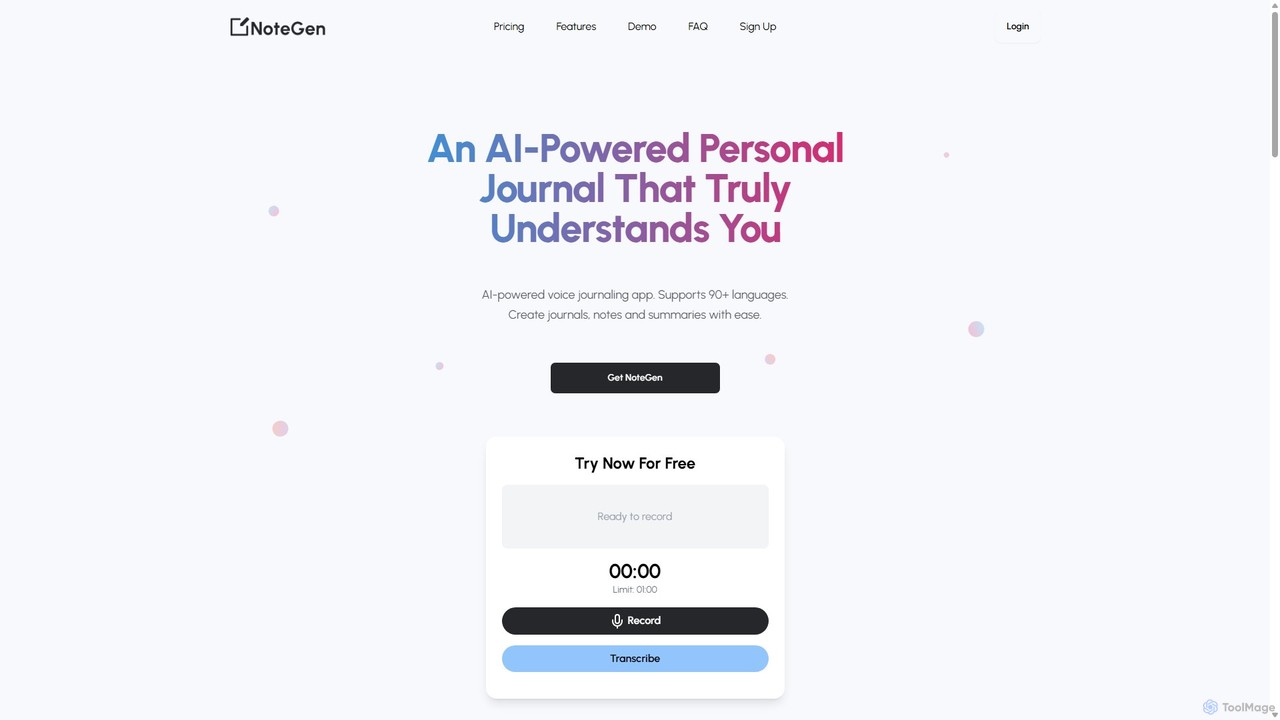
NoteGen is an innovative AI-powered personal journal and productivity tool designed to seamlessly convert your spoken words into structured, insightful text. It acts as your personal assistant, capturing your thoughts, meeting notes, and creative ideas through voice recordings and transforming them into various useful formats. The platform's core strength lies in its ability to not only provide highly accurate transcriptions but also to analyze the sentiment behind the words, offering a deeper layer of understanding of your own thoughts or the tone of a meeting. With support for over 90 languages, NoteGen breaks down language barriers and makes voice-based productivity accessible to a global audience. It's built for anyone looking to save time, enhance their note-taking process, and unlock new levels of personal and professional efficiency.
How to use NoteGen
Using NoteGen is a straightforward, four-step process designed for maximum efficiency:
- Record or Upload: Start by either recording your voice directly on the platform or uploading a pre-existing audio or video file. You can speak naturally, as if you're in a conversation; the AI is trained to understand normal speech patterns. This is perfect for capturing thoughts on the go, recording lectures, or uploading meeting recordings.
- Transcribe in Seconds: Once your audio is submitted, NoteGen's powerful AI gets to work, providing a full transcription in just a few seconds. You can review the text and make any necessary edits to ensure perfect accuracy.
- Generate Your Content: This is where the magic happens. With the transcription ready, you can choose what you want to create. Select from options like a concise summary, a structured journal entry with sentiment analysis, a to-do list with actionable items, a draft for a social media post, or a script for content. The AI intelligently reformats the text for your chosen purpose.
- View and Manage from Dashboard: All your generated content is saved and organized in your personal dashboard. You can access, review, and edit your journal entries, notes, and summaries at any time, creating a searchable and valuable archive of your thoughts and work.
Core Features of NoteGen
- AI-Powered Transcription: Instantly converts voice and audio files into accurate text with high precision.
- Sentiment Analysis: Automatically analyzes the emotional tone of your text, providing annotations that help you understand the underlying feelings in your journal entries or conversations.
- Multi-Format Content Generation: Repurpose a single recording into multiple formats, including summaries, notes, to-do lists, social media posts, blog drafts, and content scripts.
- Support for 90+ Languages: Record and transcribe in a vast array of languages, making it a versatile tool for users worldwide.
- Audio/Video File Upload: Flexibility to work with both live recordings and existing media files from your device.
- Centralized Dashboard: A user-friendly interface to store, organize, and access all your past entries and generated content.
Use Cases for NoteGen
NoteGen is a versatile tool that can be adapted for various needs:
- For Students: Record lectures and instantly generate study notes and summaries, making revision more efficient.
- For Professionals: Transcribe meetings, interviews, or conference calls, and automatically create minutes, action items, or follow-up emails.
- For Content Creators: Brainstorm ideas by talking them out, then generate scripts for videos, podcast outlines, or drafts for blog posts and social media.
- For Personal Journaling: Maintain a voice diary for mental wellness. The sentiment analysis provides unique insights into your emotional patterns over time.
- For Everyday Productivity: Quickly capture fleeting ideas, create to-do lists, or draft messages without having to type, simply by speaking your mind.
Advantages of NoteGen
The primary advantage of NoteGen is its efficiency, claiming to save up to 75% of note-taking time. It streamlines the process from thought to text, eliminating manual typing. The sentiment analysis feature provides a unique value proposition, especially for journaling and self-reflection, that standard transcription services lack. Its ease of use and multi-language support make it highly accessible, while the content repurposing features maximize the value of every single recording.
Pricing and Plans
NoteGen operates on a freemium model with credit-based paid plans. Users can start with a free trial to experience the core features. For more extensive use, NoteGen offers various minute-based packages. The pricing is designed to be flexible, allowing users to purchase credits as needed.
- Free Trial: A 'Try Now For Free' option is available for new users to test the service.
- Neuron Plan: An entry-level paid plan, priced at $5 for 10 minutes of transcription credits.
- Other Packages: Additional packages are available, offering more minutes at varying price points, such as 20, 60, 100, and 400-minute bundles.
All paid plans include access to all core features like note-taking, journaling, social media post generation, and lifetime access to the user dashboard.
NoteGen Alternatives
Audioscribe
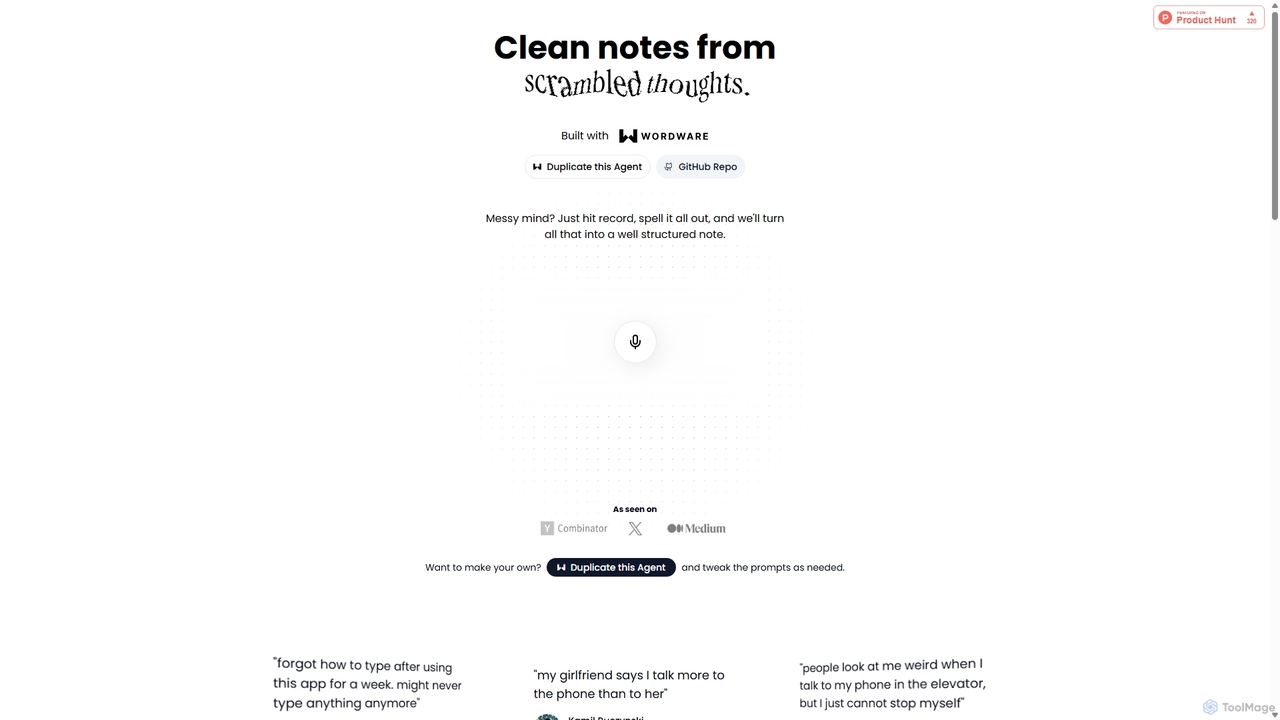
Audioscribe is an AI-powered tool that transforms your messy, spoken thoughts into clean, well-structured notes. Simply record your voice, and the AI will transcribe, organize, and format your ideas into coherent text for project plans, emails, journals, and more, streamlining your workflow and boosting productivity.
Speech To Text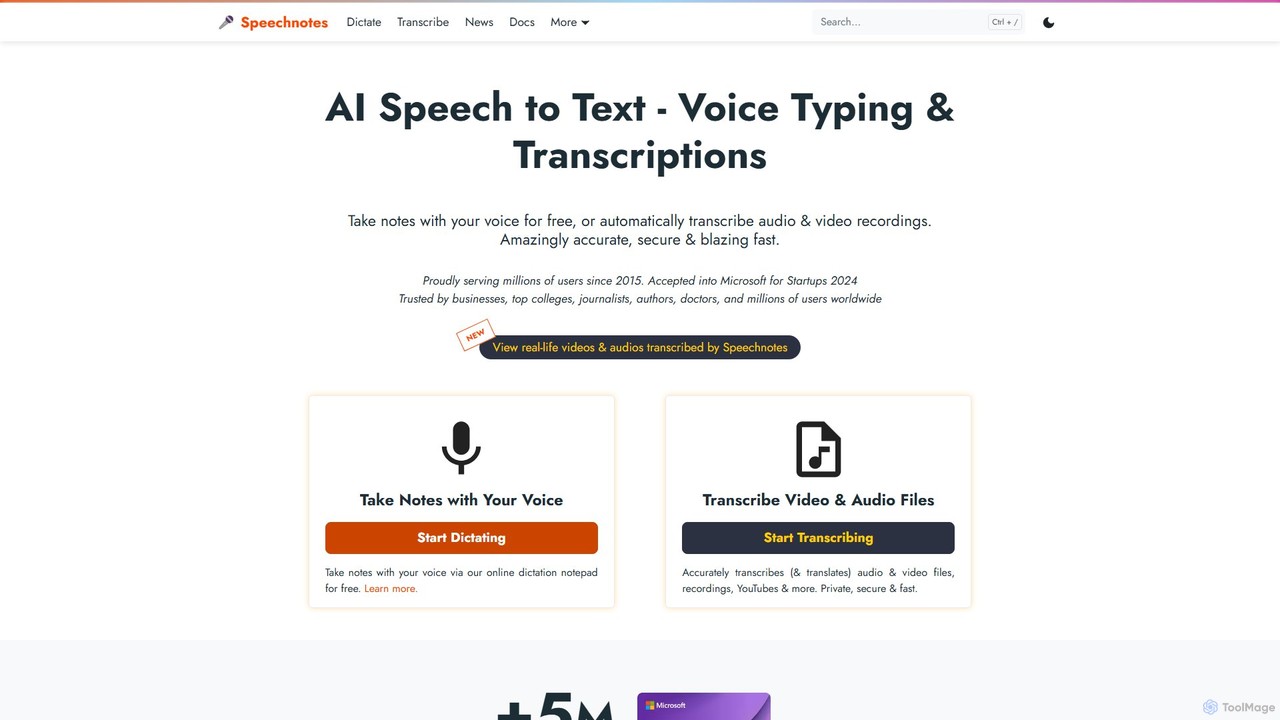
Speechnotes
Speechnotes is a powerful and private speech-to-text tool, offering free online voice dictation and a professional, secure automatic transcription service. It supports real-time voice typing, audio/video file transcription, and even features a convenient WhatsApp bot. With a strong emphasis on user privacy and HIPAA compliance for its paid service, Speechnotes is ideal for writers, journalists, students, and professionals.
Speech To Text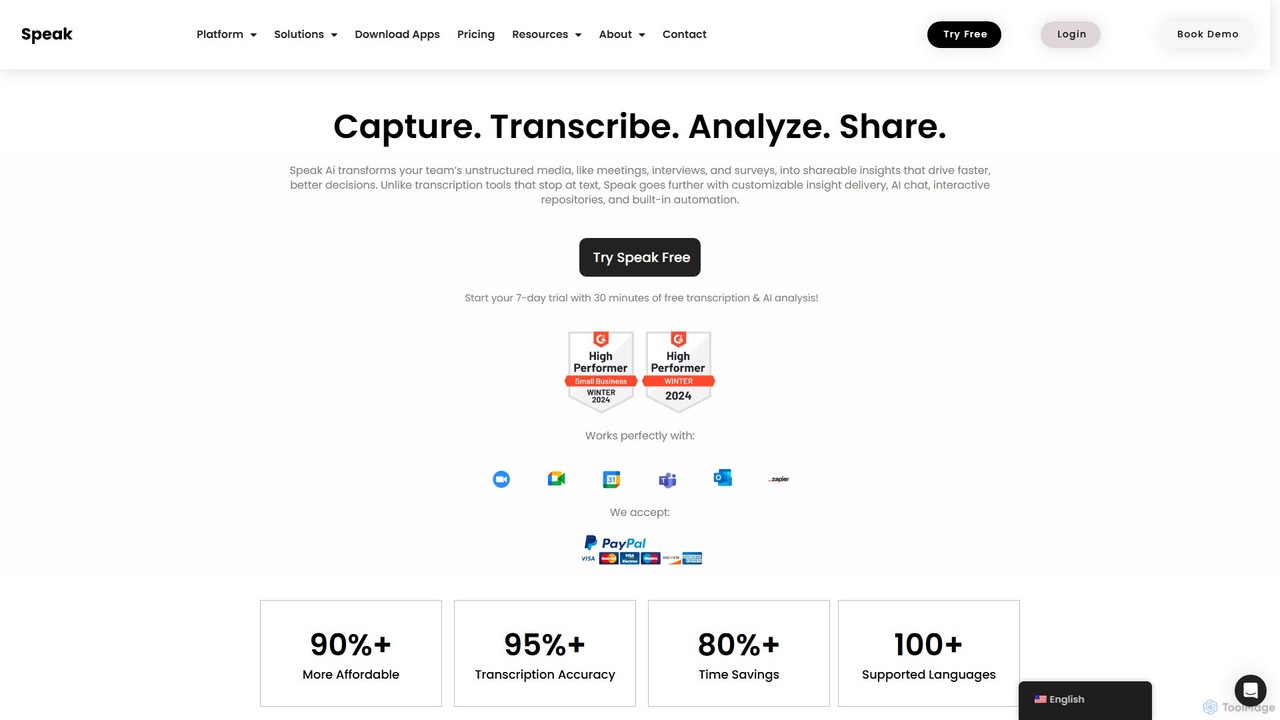
Speak Ai
Speak Ai is an AI-powered platform that transcribes, analyzes, and visualizes audio, video, and text data. It transforms unstructured media from meetings, interviews, and surveys into actionable insights, featuring AI chat, shareable repositories, and powerful automation to facilitate faster, data-driven decision-making for teams and researchers.
Data Analysis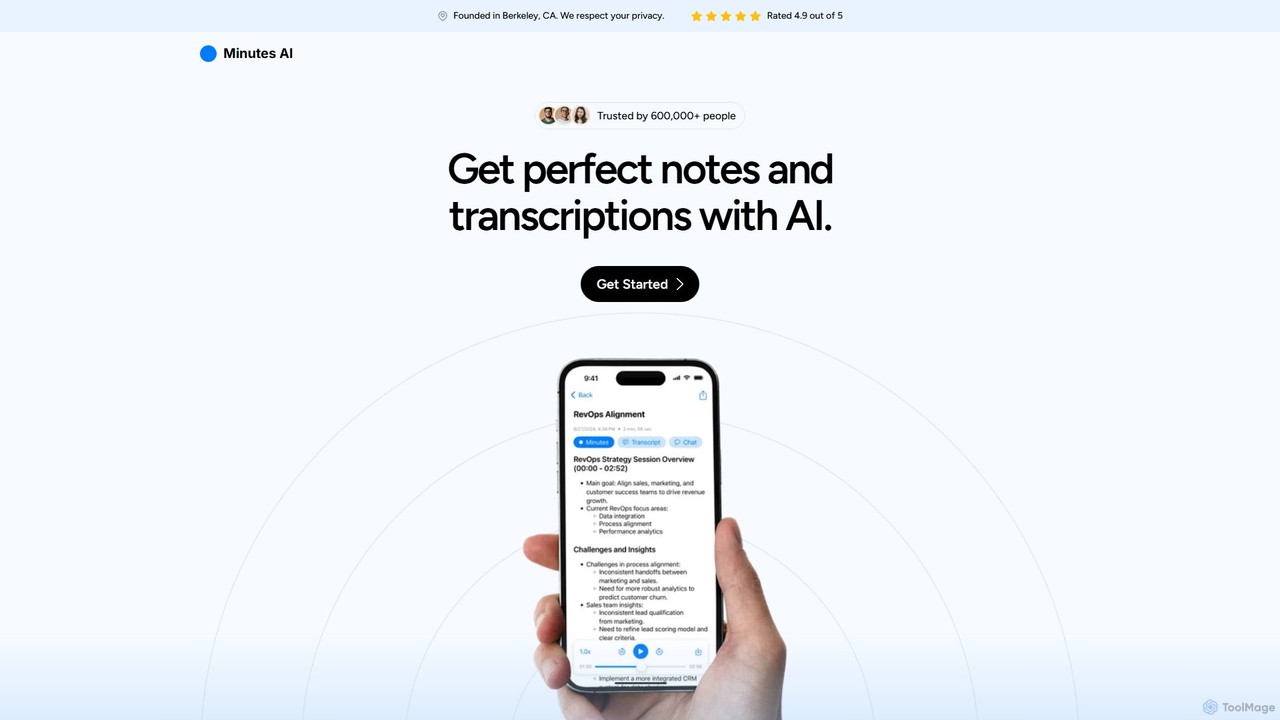
myminutes
myminutes is an AI-powered tool that automates note-taking and transcription from audio. It instantly converts live recordings, audio files, or YouTube videos into beautifully formatted, summarized notes and accurate transcripts, allowing you to focus on the conversation.
Meeting Assistant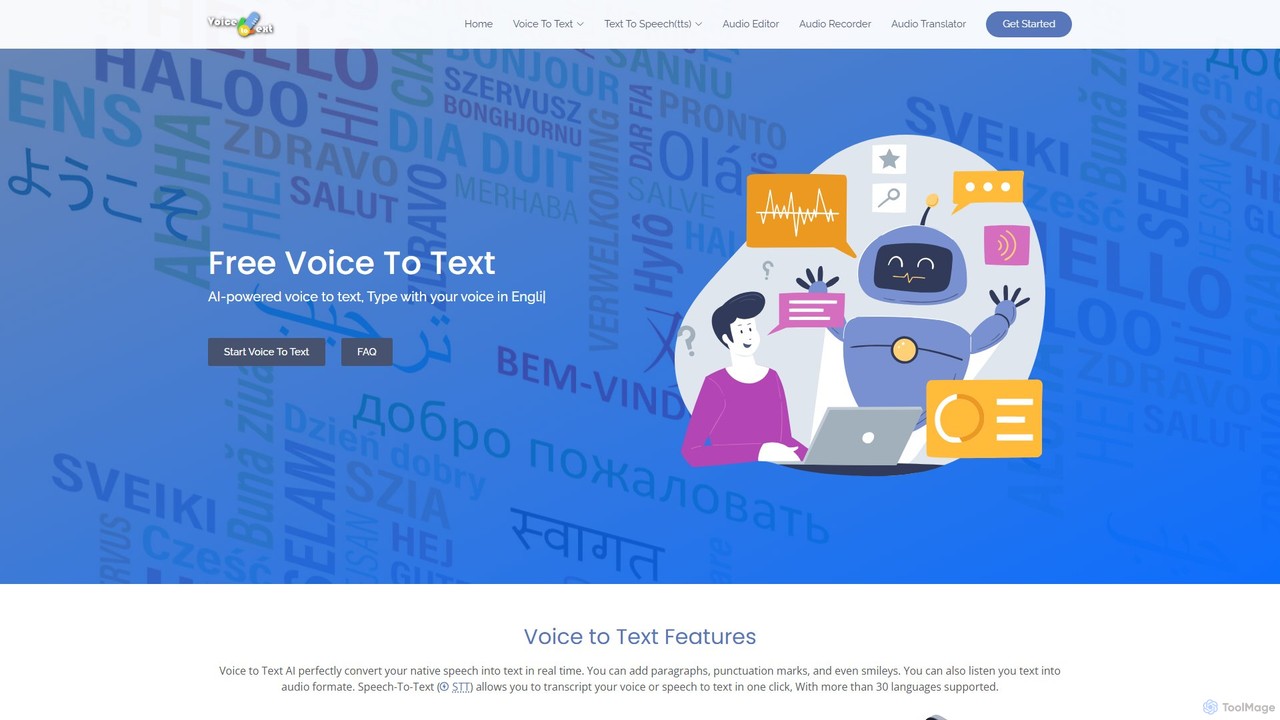
voicetotext.org
voicetotext.org is a free, AI-powered online tool for real-time speech-to-text transcription and text-to-speech conversion. It supports over 30 languages, allowing users to type with their voice, add punctuation, and export text. The service prioritizes privacy by processing all data locally in the browser, with no sign-up or data storage required. It also includes a voice generator to convert text into audio.
Speech To TextNoteGen Categories
NoteGen Embed Widget
Copy this embed code to place the badge on your blog, article, or product site and send readers directly to this ToolMage detail page.

Related AI tools
Audioscribe
Audioscribe is an AI-powered tool that transforms your messy, spoken thoughts into clean, well-structured notes. Simply record your voice, and the AI will transcribe, organize, and format your ideas into coherent text for project plans, emails, journals, and more, streamlining your workflow and boosting productivity.
Speech To TextSpeak Ai
Speak Ai is an AI-powered platform that transcribes, analyzes, and visualizes audio, video, and text data. It transforms unstructured media from meetings, interviews, and surveys into actionable insights, featuring AI chat, shareable repositories, and powerful automation to facilitate faster, data-driven decision-making for teams and researchers.
Data Analysismyminutes
myminutes is an AI-powered tool that automates note-taking and transcription from audio. It instantly converts live recordings, audio files, or YouTube videos into beautifully formatted, summarized notes and accurate transcripts, allowing you to focus on the conversation.
Meeting Assistant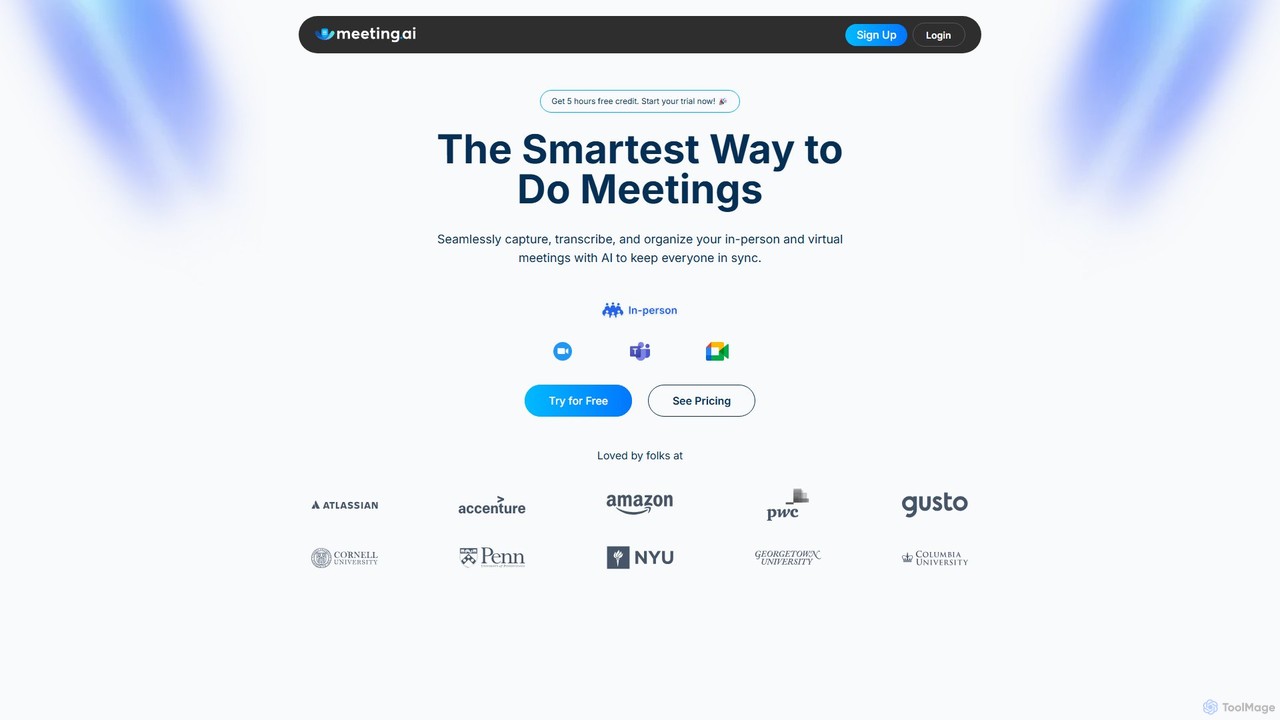
Meeting.ai
Meeting.ai is an AI-powered meeting assistant that seamlessly captures, transcribes, and summarizes your in-person and virtual meetings. It supports over 35 languages, integrates with major platforms like Zoom and Google Meet, and automatically generates organized notes and action items to keep your team synchronized and productive.
Transcription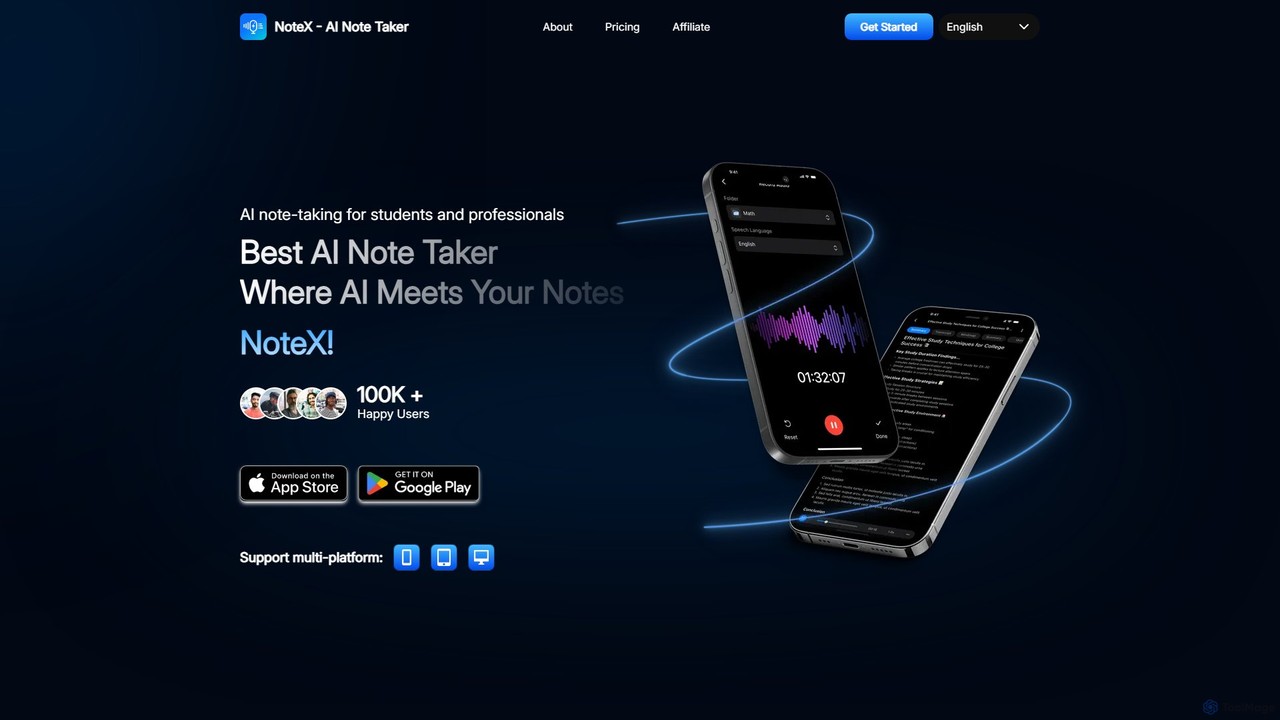
NoteX
NoteX is an AI-powered note-taking application designed for students and professionals. It automatically transcribes audio and video, generates intelligent summaries, and creates mind maps, quizzes, and flashcards from your notes. With cross-device sync and support for over 100 languages, NoteX streamlines information capture, enhances learning, and boosts productivity.
Transcription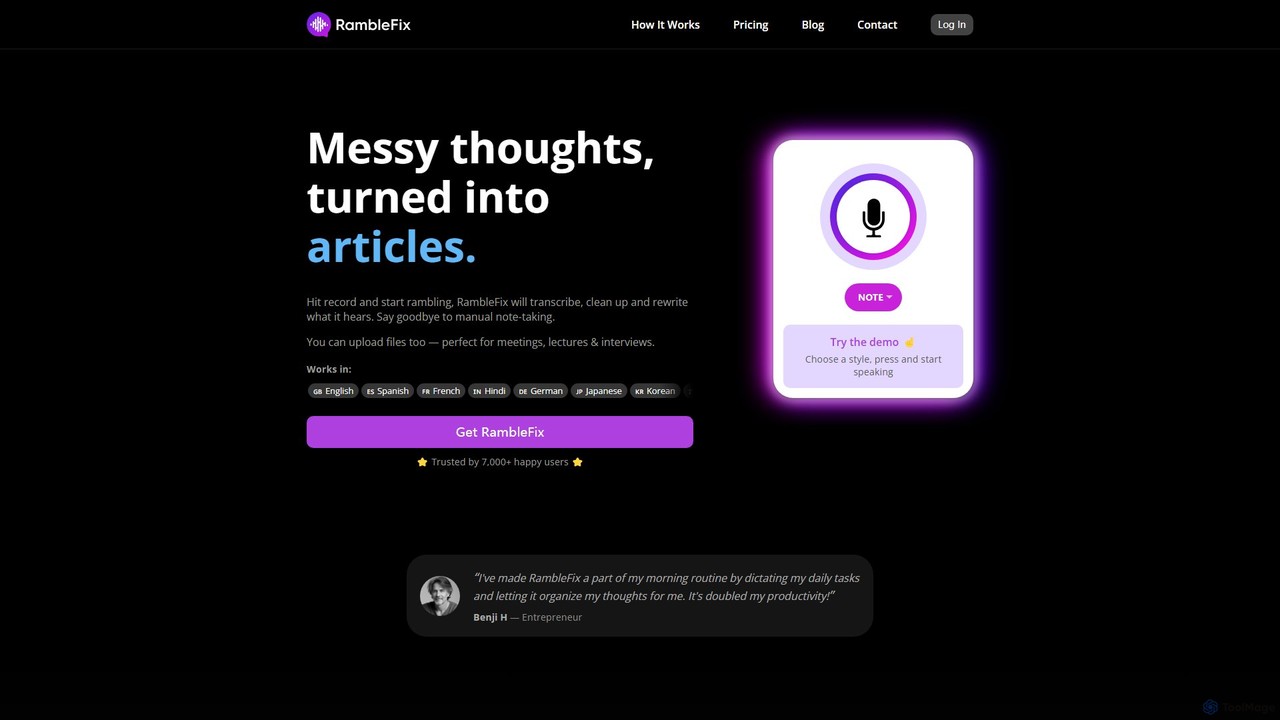
RambleFix
RambleFix is an AI-powered tool that transforms your scattered voice notes and ramblings into structured, polished text. Simply record your thoughts or upload an audio file, and the AI will transcribe, clean up, and rewrite your content into articles, emails, social posts, or organized lists. It supports over 30 languages, making it perfect for boosting productivity, overcoming writer's block, and creating content effortlessly.
Transcription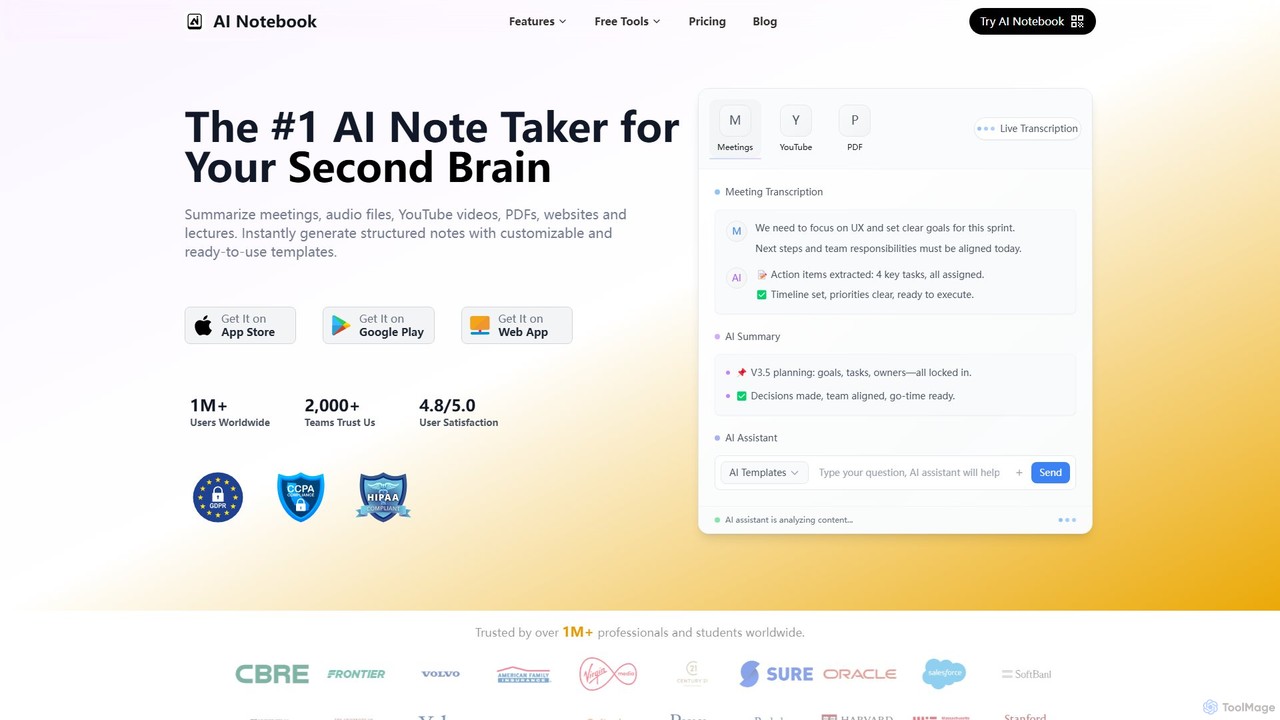
AI Notebook
AI Notebook is an intelligent note-taking and transcription tool that acts as your second brain. It instantly transcribes and summarizes meetings, lectures, audio/video files, YouTube videos, and PDFs. Using AI, it extracts key points, action items, and creates structured notes, boosting productivity for professionals, students, and teams.
Transcription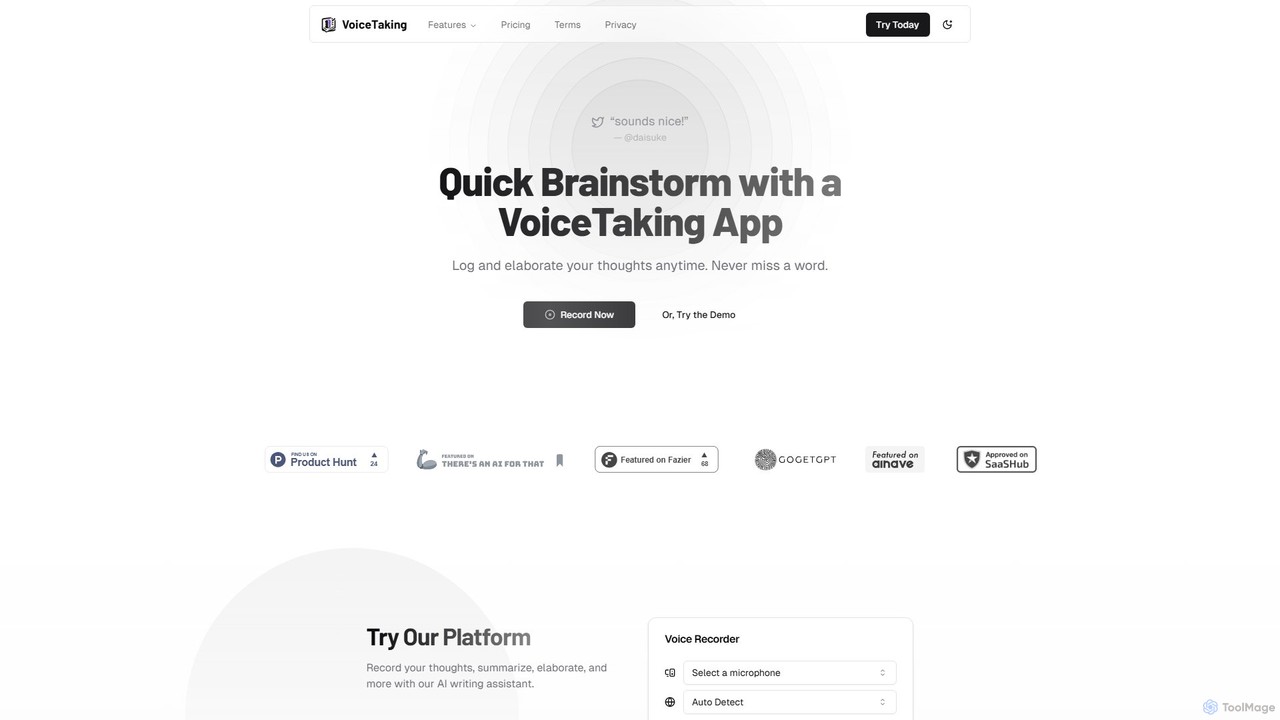
VoiceTaking
VoiceTaking is an AI-powered platform that transforms spoken ideas into structured text. It combines high-accuracy voice transcription with a Notion-like editor and an AI writing assistant, allowing users to record, transcribe, summarize, and elaborate on their thoughts seamlessly. It's designed for quick brainstorming, efficient note-taking, and asynchronous team collaboration.
Transcription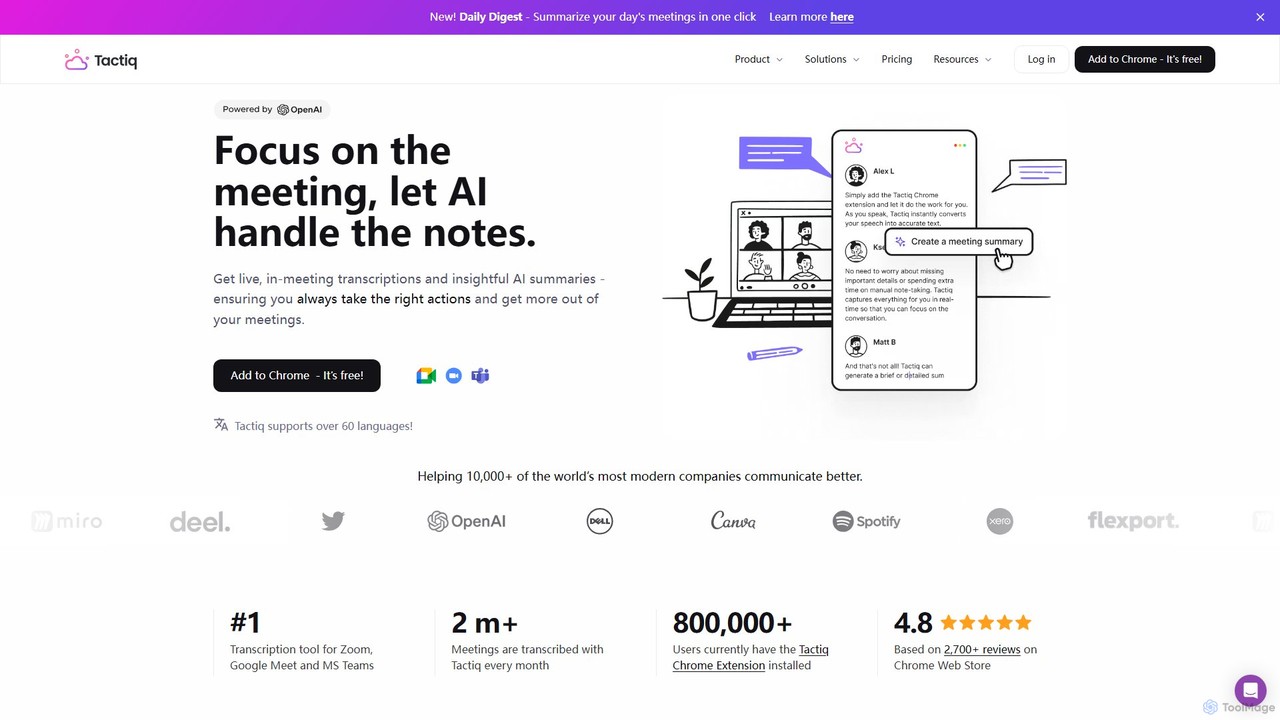
Tactiq
Tactiq is an AI-powered Chrome extension that provides real-time transcription, summaries, and actionable insights for Google Meet, Zoom, and MS Teams meetings. It operates without a bot, ensuring privacy while capturing every detail, identifying speakers, and automating post-meeting tasks like follow-up emails and action items.
Team Collaboration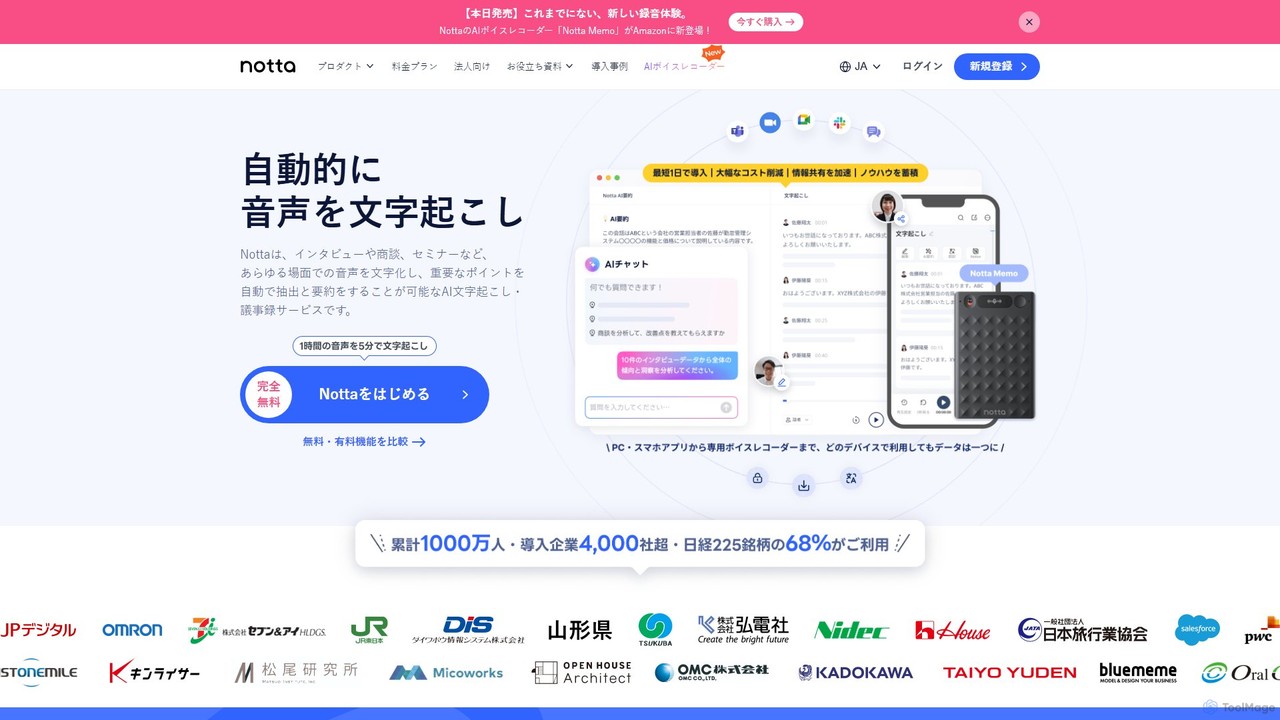
Notta
Notta is an AI-powered transcription service that converts audio and video to text with high accuracy. It offers real-time transcription, AI summaries, speaker identification, and translation in 58 languages, streamlining workflows for meetings, interviews, and lectures.
Speech To Text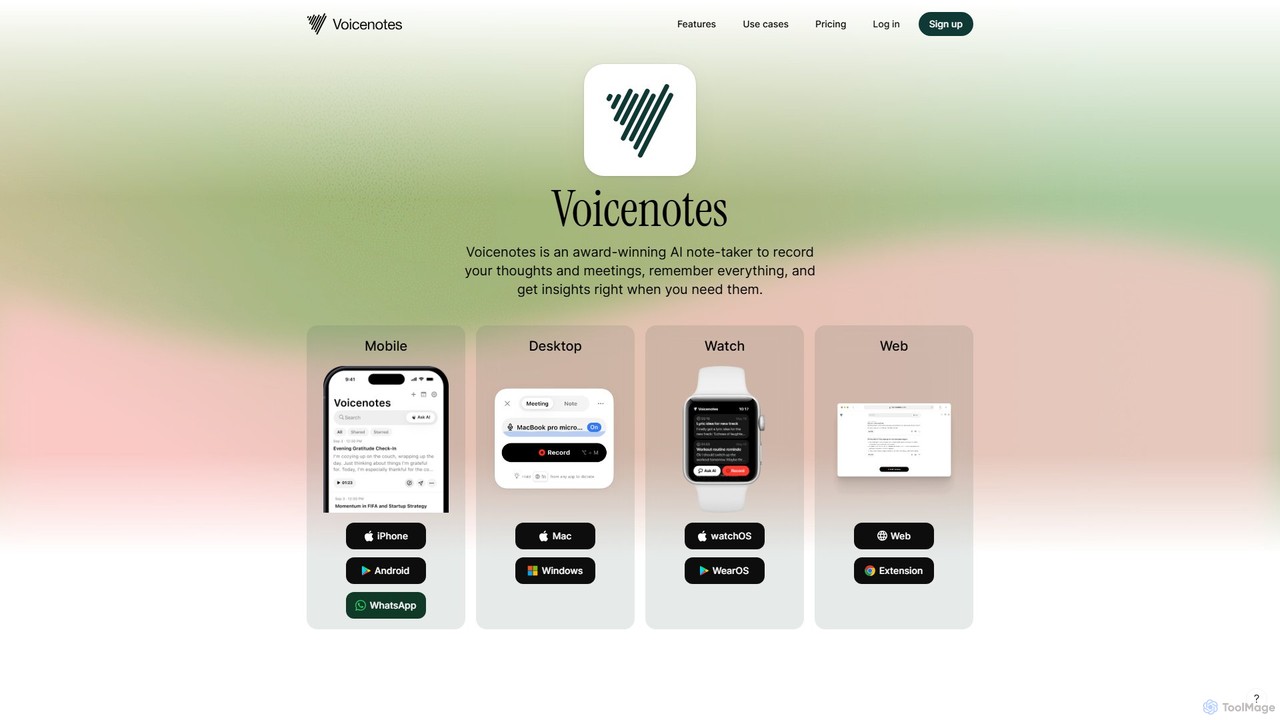
Voicenotes
Voicenotes is an award-winning AI note-taker that records your thoughts and meetings, transcribes them with high accuracy, and turns your voice memos into a searchable second brain. It supports over 100 languages and integrates seamlessly across mobile, desktop, and web platforms, including WhatsApp.
Meeting Assistant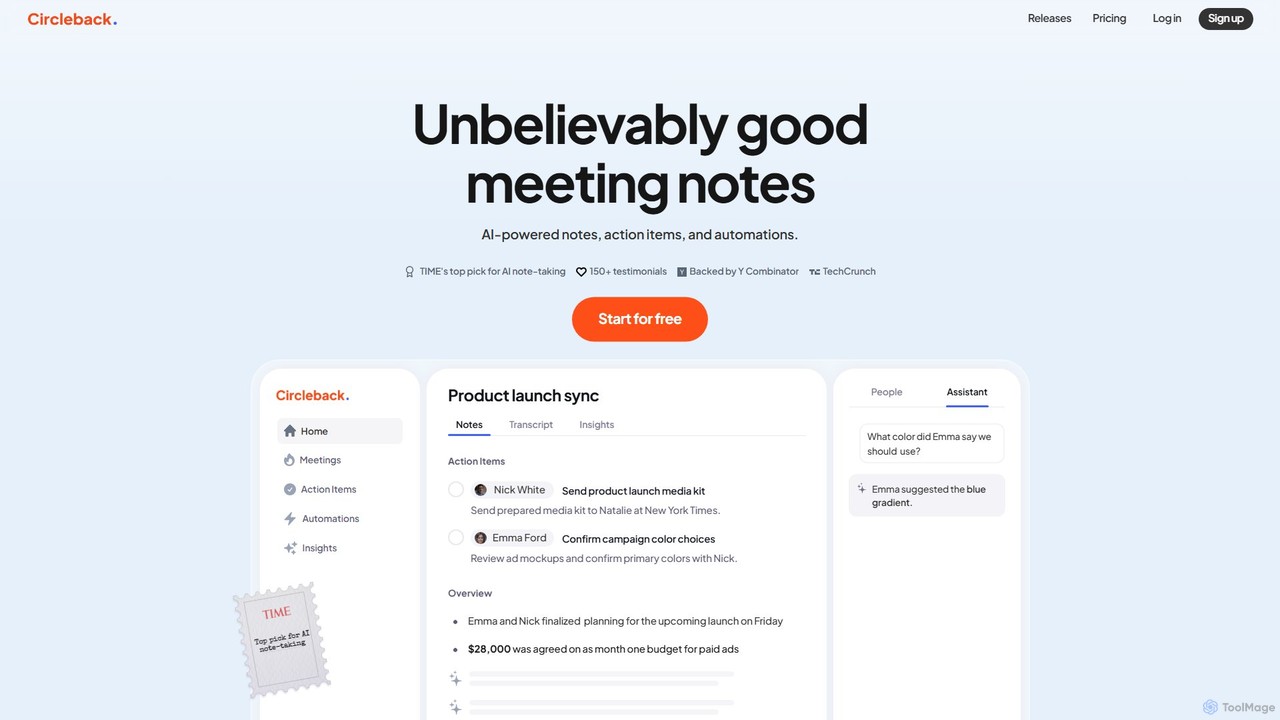
Circleback
Circleback is an AI-powered meeting assistant that automatically generates meticulous notes, assigns action items, and provides accurate transcriptions for both virtual and in-person meetings. It integrates with your favorite apps to automate post-meeting workflows, helping you save time, stay organized, and focus on the conversation.
Workflow
Jyek
Jyek is an AI agent platform that understands objectives, creates execution plans, uses tools, and delivers verifiable results for complex, multi-step tasks.
Automation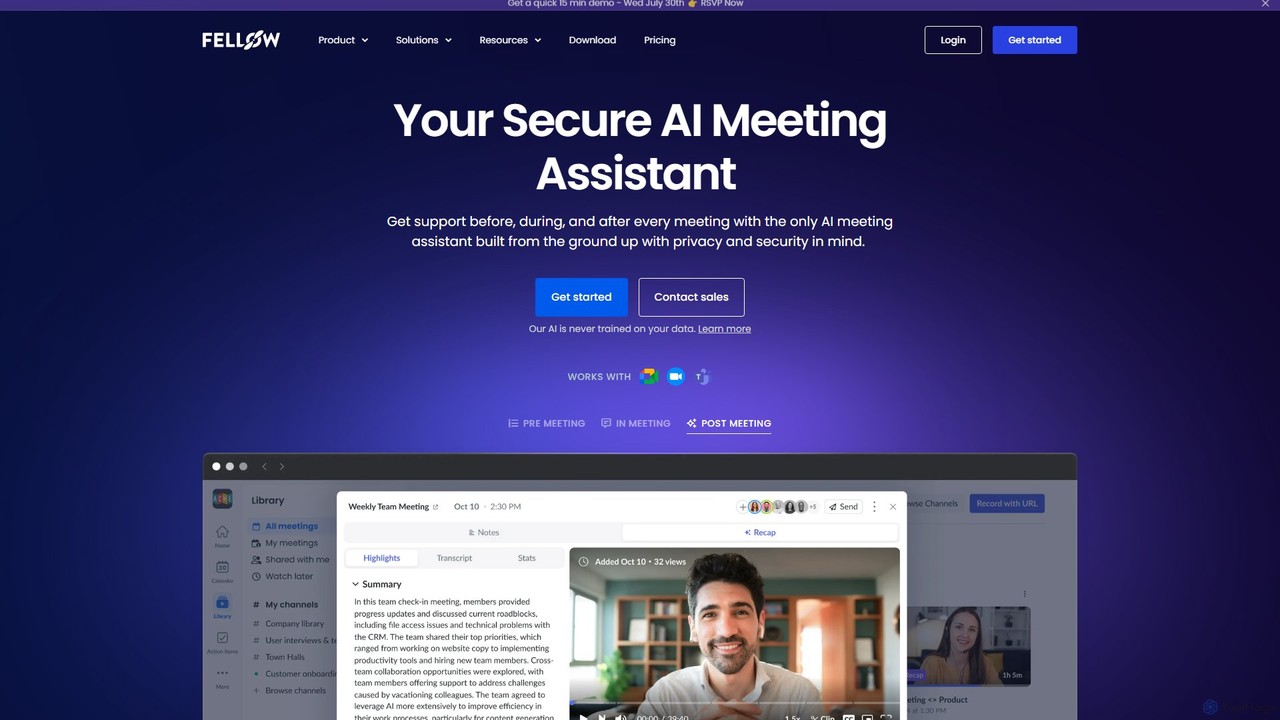
Fellow.app
Fellow.app is a secure AI meeting assistant designed to enhance productivity for the entire meeting lifecycle. It automatically records, transcribes, summarizes, and assigns action items, allowing teams to focus on collaboration. With a strong emphasis on privacy, Fellow ensures your meeting data is always protected.
Team Collaboration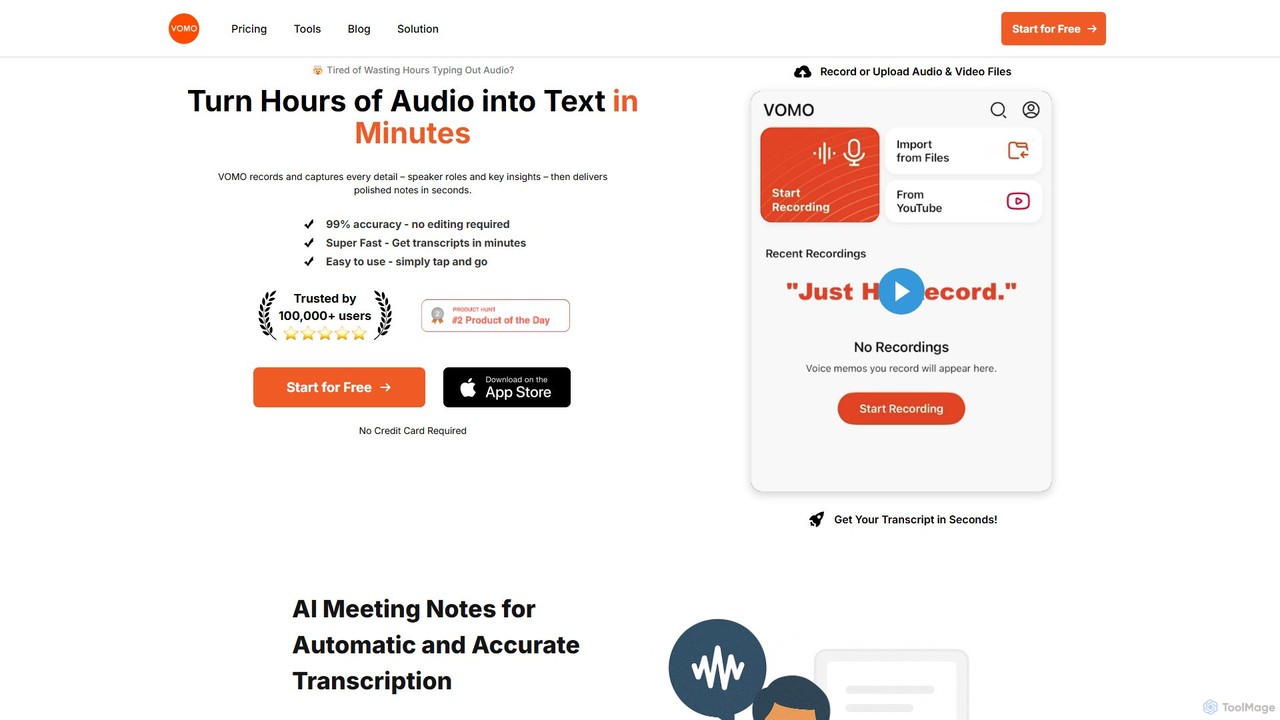
VOMO
VOMO is an AI-powered tool that transcribes audio and video into text in minutes with 99% accuracy. It automatically generates meeting notes, summaries, and identifies speakers, helping users save time and boost productivity. It supports various file uploads, including YouTube links, and offers features like AI-powered Q&A and smart templates.
Speech To Text
NoteGen Comments (0)
Sign in to comment.
Sign inNo comments yet.