
VoiceTaking Overview
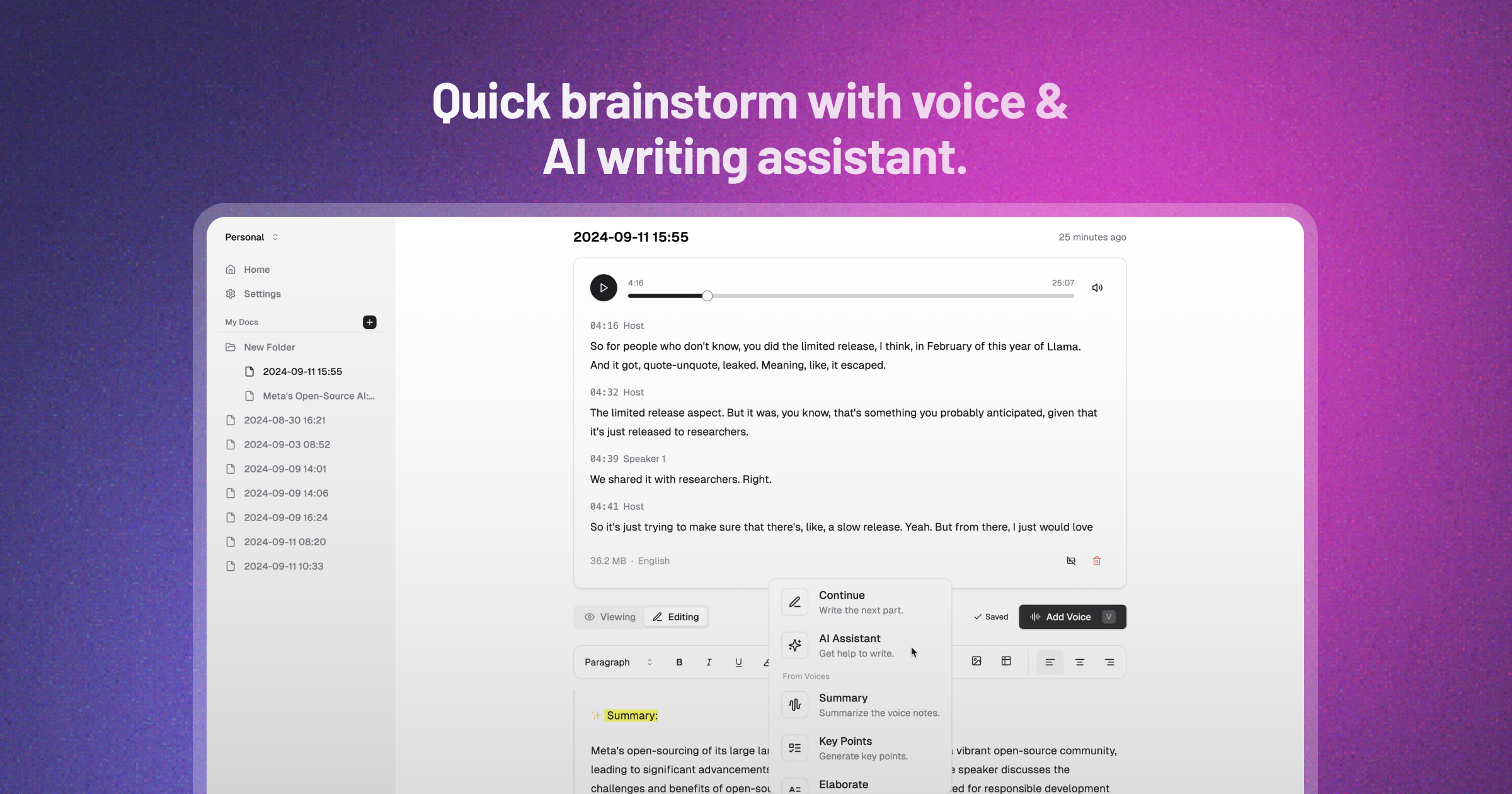
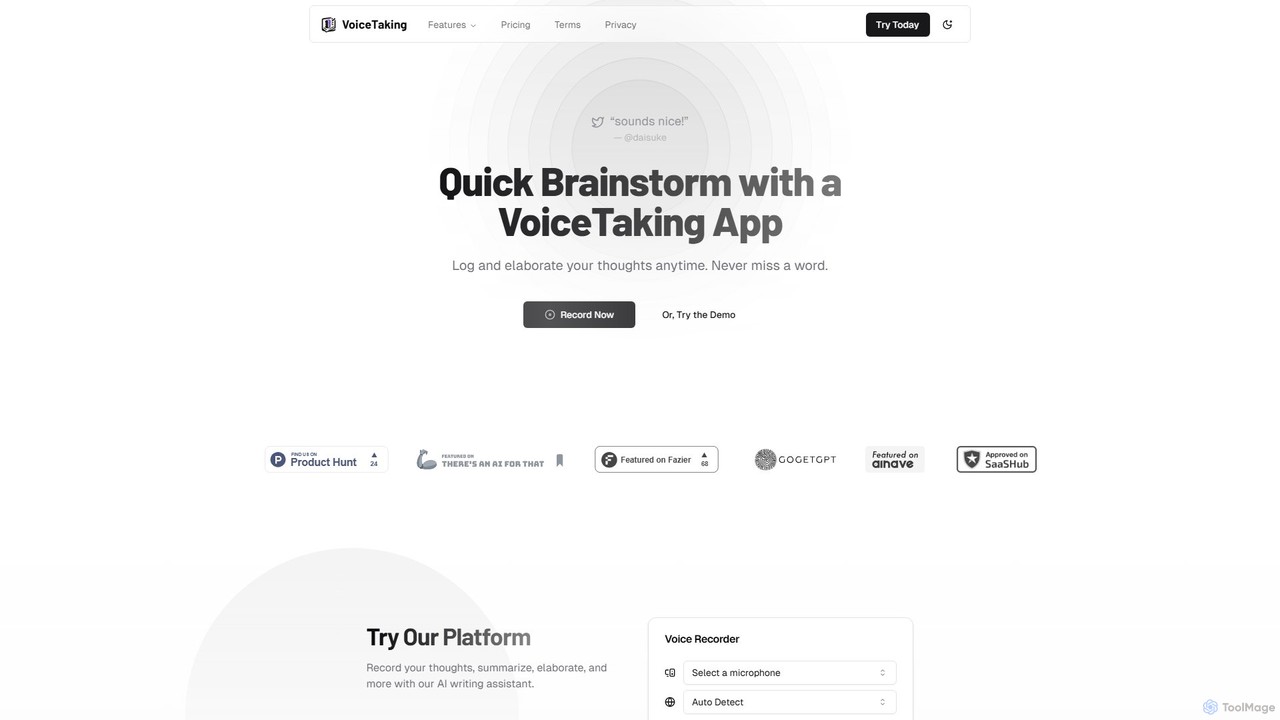
VoiceTaking is a revolutionary AI tool designed to bridge the gap between spoken thoughts and written content. It offers a seamless workflow for capturing ideas, brainstorming, and collaborating by transforming voice notes into editable, structured text. At its core, VoiceTaking is more than just a transcription service; it's an integrated productivity platform that combines a high-fidelity voice recorder, a powerful AI transcription engine, and an intelligent, Notion-like text editor. This unique combination allows users to not only capture their ideas instantly but also to refine, expand, and organize them with the help of an advanced AI writing assistant.
The platform is built for both individual creators and collaborative teams. For individuals, it serves as the perfect tool to capture fleeting moments of inspiration, dump thoughts without the friction of typing, and develop ideas from a simple voice memo into a polished document. For teams, it unlocks a new dimension of asynchronous collaboration, enabling members to share updates, provide feedback, and work on documents together without the need for constant meetings, thus overcoming time zone differences and reducing meeting fatigue.
How to use VoiceTaking
Using VoiceTaking is designed to be intuitive and efficient, integrating directly into your creative and productive workflows. Here’s a simple step-by-step guide:
- Record or Upload: Start by either recording your voice directly on the VoiceTaking platform using its built-in recorder or by uploading a pre-existing audio file. The platform supports various audio formats.
- Automatic AI Transcription: Once your audio is submitted, VoiceTaking's powerful AI engine gets to work, automatically transcribing your speech into text with high accuracy. It can handle different accents and technical jargon effectively.
- Edit and Organize: The transcribed text appears in a clean, Notion-like editor. Here, you can edit the text, correct any minor inaccuracies, and format your document with headings, lists, and other elements.
- Activate the AI Assistant: To enhance your text, simply type '/' or select a portion of the text to activate the AI writing assistant. This will bring up a menu of commands.
- Refine and Elaborate: Use AI commands to summarize long passages, elaborate on a brief point, rephrase sentences for clarity, change the tone, or even translate the text.
- Collaborate and Share: For team projects, you can invite colleagues to your document. They can view, edit, and comment on the text, making it a powerful tool for asynchronous communication and collaborative writing.
Core Features of VoiceTaking
- High-Accuracy AI Transcription: Leverages state-of-the-art speech-to-text technology to provide fast and precise transcriptions of your voice notes and audio files.
- Notion-Like Text Editor: An intuitive and powerful editor that allows you to structure and format your transcribed notes, turning raw text into organized documents.
- Integrated AI Writing Assistant: Go beyond transcription with AI-powered features to summarize, elaborate, rephrase, and improve your written content directly within the editor.
- Asynchronous Team Collaboration: Invite team members to collaborate on documents, share voice notes for stand-ups, and work together efficiently across different time zones.
- Smart Organization with Labels: Use smart labels and a clear folder structure to categorize and easily find your notes, ideas, and projects.
- Direct Recording and Audio Upload: Offers the flexibility to either record thoughts on the fly or upload existing audio files for transcription.
- Multi-LLM Architecture: The platform utilizes multiple Large Language Models, employing auto-model routing to select the best model for each specific task, ensuring optimal quality and performance.
Use Cases for VoiceTaking
VoiceTaking is a versatile tool that can be adapted to numerous professional and personal scenarios:
- Entrepreneurs & Founders: Quickly capture business ideas, brainstorm strategies, and dictate memos to your team while on the move.
- Content Creators & Writers: Dictate first drafts of articles, blog posts, or scripts. Use the AI assistant to overcome writer's block and refine content.
- Students & Researchers: Record lectures or interviews and receive a full transcript. Use the AI summary feature to create concise study notes and identify key themes.
- Project Managers & Teams: Replace time-consuming stand-up meetings with asynchronous voice note updates. Keep a clear, searchable record of all communications.
- Consultants & Coaches: Transcribe client sessions (with permission) to capture key insights and action items, ensuring no detail is missed.
Advantages of VoiceTaking
VoiceTaking offers a significant competitive edge by focusing on a voice-first workflow:
- Speed and Efficiency: Speaking is much faster than typing. Capture your thoughts in full detail without losing momentum.
- Enhanced Focus: Concentrate on your ideas rather than the mechanics of typing. This allows for deeper, more creative thinking.
- Seamless Workflow Integration: The all-in-one platform eliminates the need to switch between different apps for recording, transcribing, and writing.
- Improved Collaboration: Asynchronous voice notes add a human touch to remote communication, making it more personal and effective than text-only updates.
- Never Lose an Idea: The ability to instantly record a thought ensures that valuable insights are never forgotten.
Pricing and Plans
VoiceTaking offers a simple and valuable pricing structure to provide an unfair advantage in productivity.
- Free Tier: A free plan is available to get started without a credit card, allowing users to experience the core functionalities.
- PRO Plan: For users who need more power, the PRO plan is available for $10/month. It includes 30 hours of transcription per month, unlimited notes, unlimited AI assistance, and 24/7 support.
- PRO ANNUAL Plan: For a better value, the PRO ANNUAL plan costs $68/year. It provides all the benefits of the PRO plan at a significant discount, breaking down to less than $6/month.
Subscriptions can be managed and canceled at any time from the user's settings page.
VoiceTaking Alternatives
RambleFix
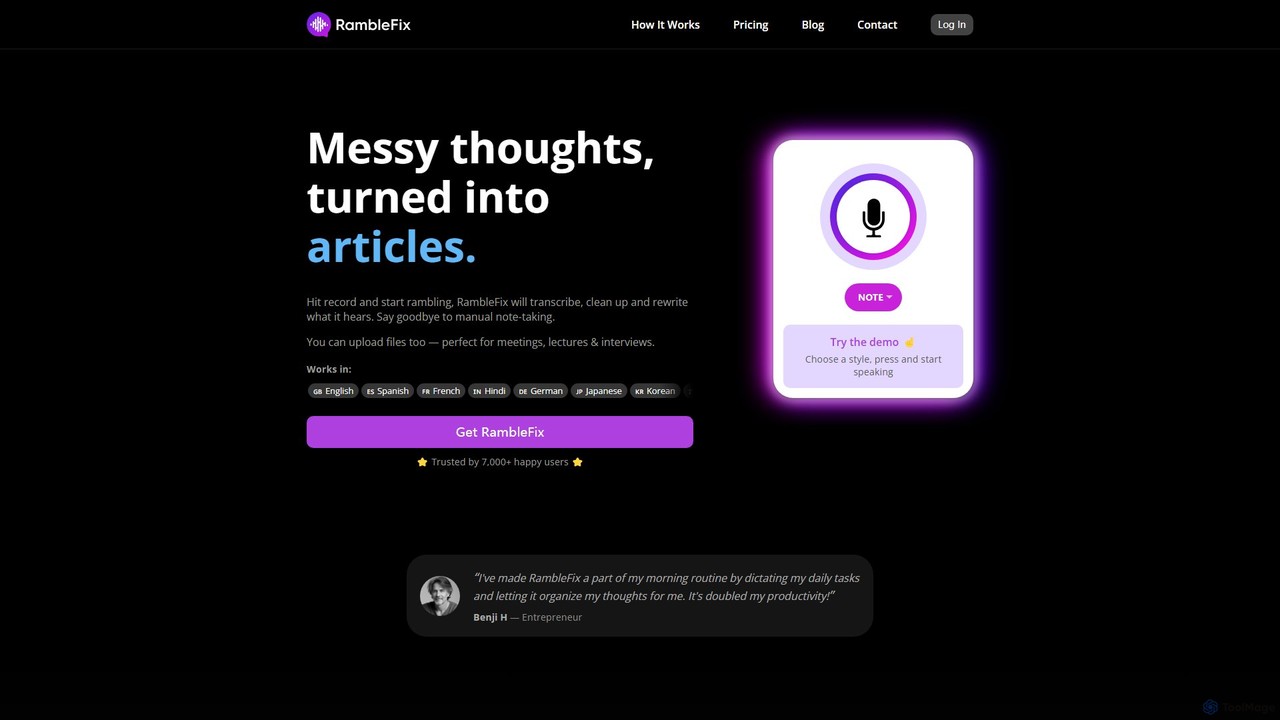
RambleFix is an AI-powered tool that transforms your scattered voice notes and ramblings into structured, polished text. Simply record your thoughts or upload an audio file, and the AI will transcribe, clean up, and rewrite your content into articles, emails, social posts, or organized lists. It supports over 30 languages, making it perfect for boosting productivity, overcoming writer's block, and creating content effortlessly.
Transcription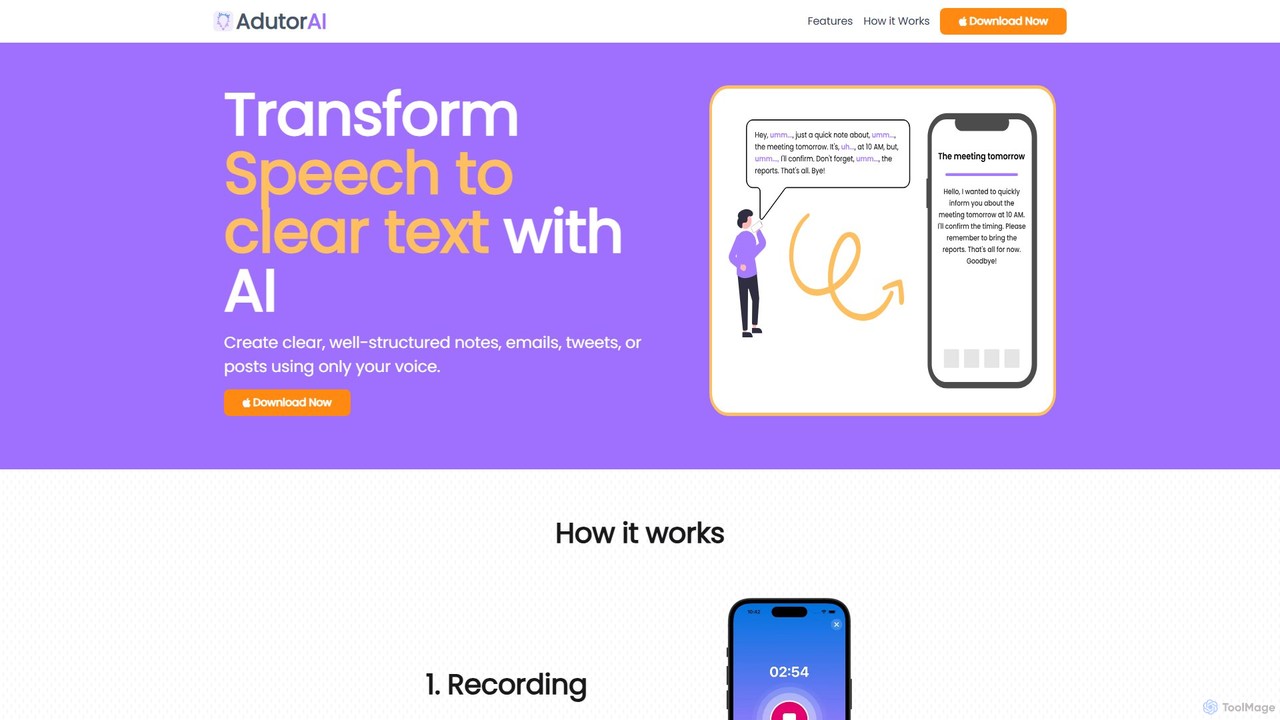
AdutorAI
AdutorAI is an AI-powered application that transforms your speech into clear, well-structured text. Simply record your voice, and the tool will generate organized notes, emails, social media posts, or summaries. It features advanced functions like transcription, summarization, translation, and content restyling, making it a versatile productivity companion.
Transcription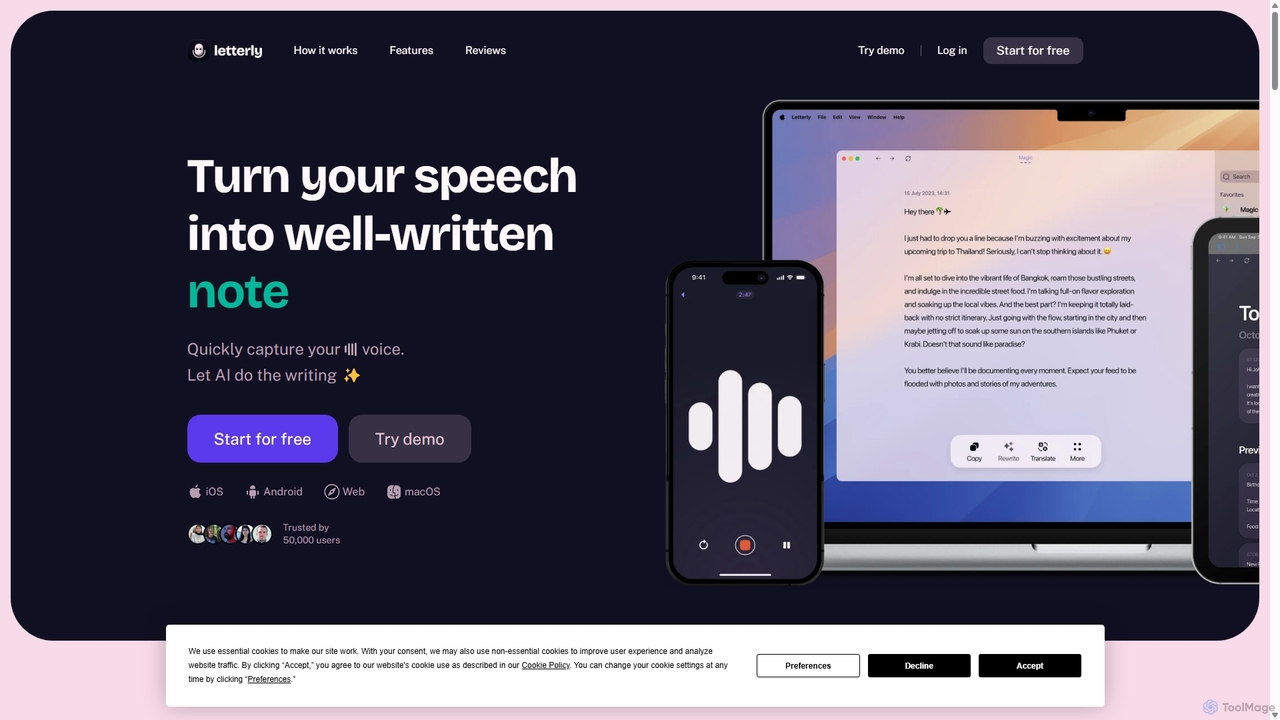
Letterly
Letterly is an AI-powered mobile and desktop app that transforms your spoken words into clear, well-written text. It's more than just transcription; it uses AI to structure, rewrite, and format your voice notes into ready-to-use emails, social media posts, journal entries, to-do lists, and more, supporting over 90 languages.
Transcription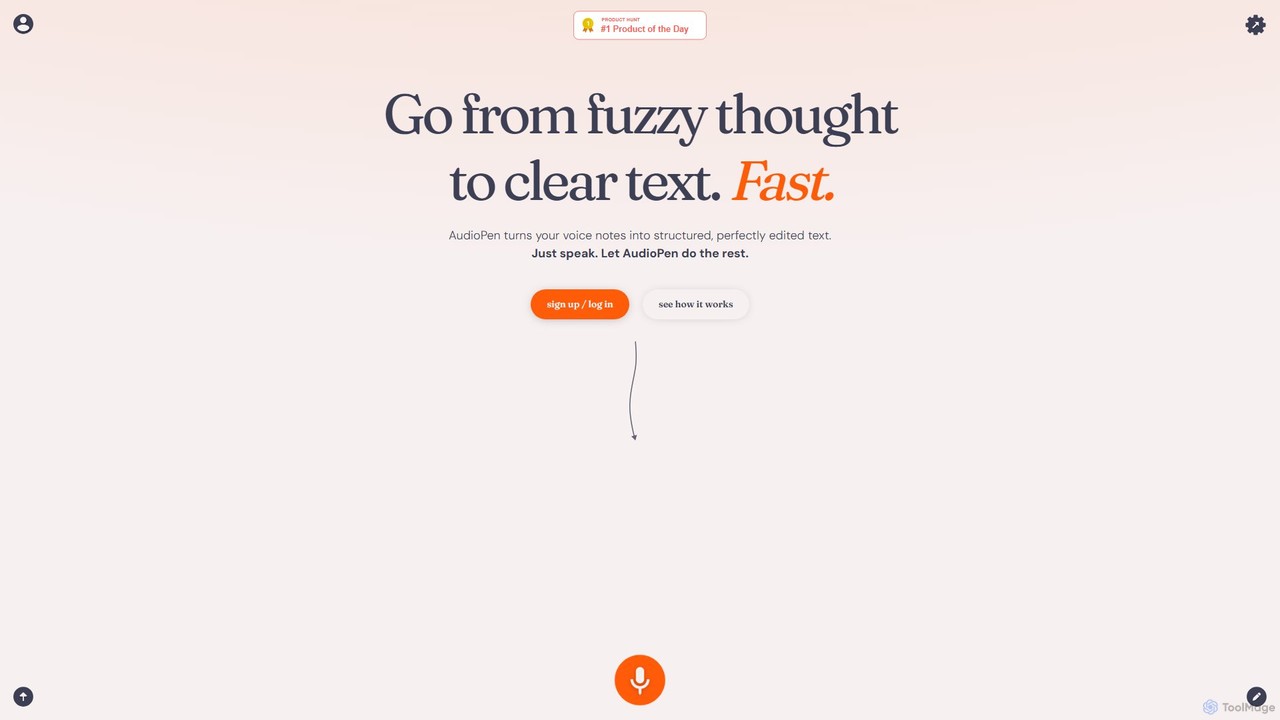
AudioPen
AudioPen is an AI-powered tool that converts unstructured voice notes into clear, well-written text. Simply record your thoughts, and AudioPen will transcribe, summarize, and rewrite them into coherent summaries, blog posts, emails, or lists. It's designed to help you capture ideas on the go without the hassle of typing.
Transcription
AudioNote
AudioNote is an AI-powered tool that transforms your spoken ideas and audio recordings into structured, professional text. It accurately transcribes voice notes and uses AI to summarize, organize, and even rewrite your content. Supporting over 30 languages, it's perfect for capturing fleeting thoughts, drafting content, and boosting productivity without typing.
TranscriptionVoiceTaking Categories
VoiceTaking Embed Widget
Copy this embed code to place the badge on your blog, article, or product site and send readers directly to this ToolMage detail page.

Related AI tools
Audioscribe
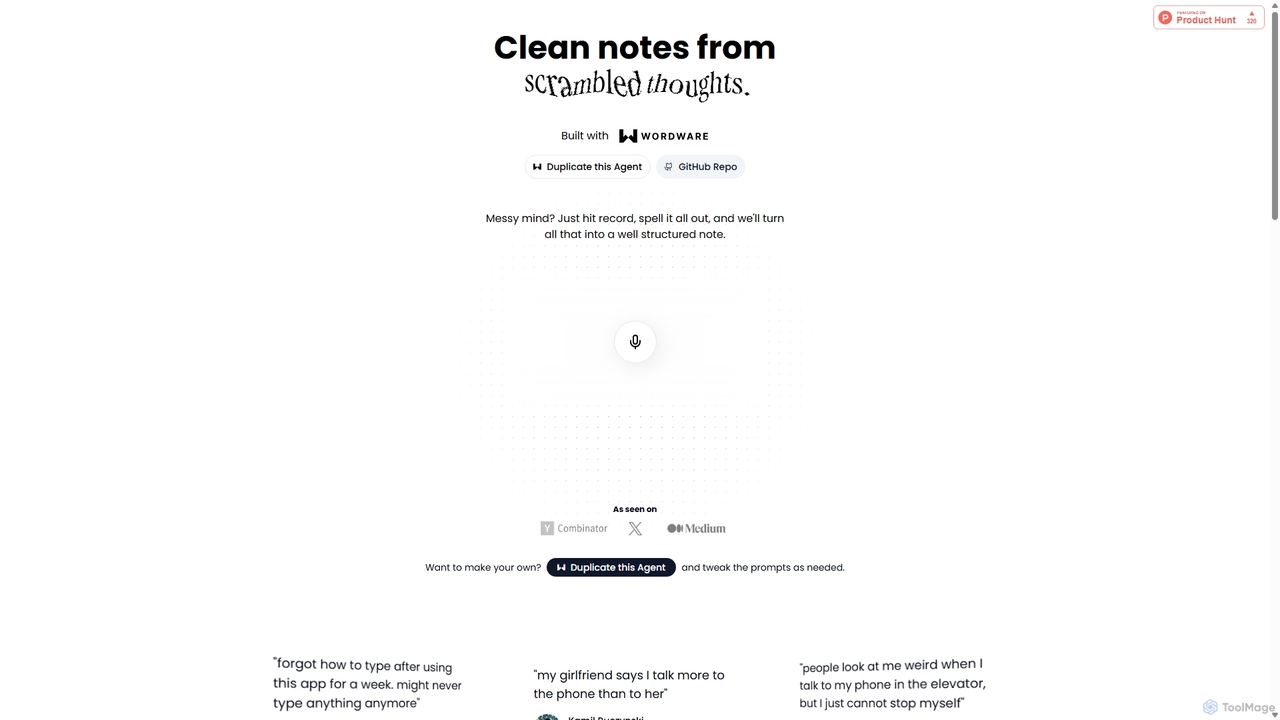
Audioscribe is an AI-powered tool that transforms your messy, spoken thoughts into clean, well-structured notes. Simply record your voice, and the AI will transcribe, organize, and format your ideas into coherent text for project plans, emails, journals, and more, streamlining your workflow and boosting productivity.
Speech To Text
Jyek
Jyek is an AI agent platform that understands objectives, creates execution plans, uses tools, and delivers verifiable results for complex, multi-step tasks.
Automation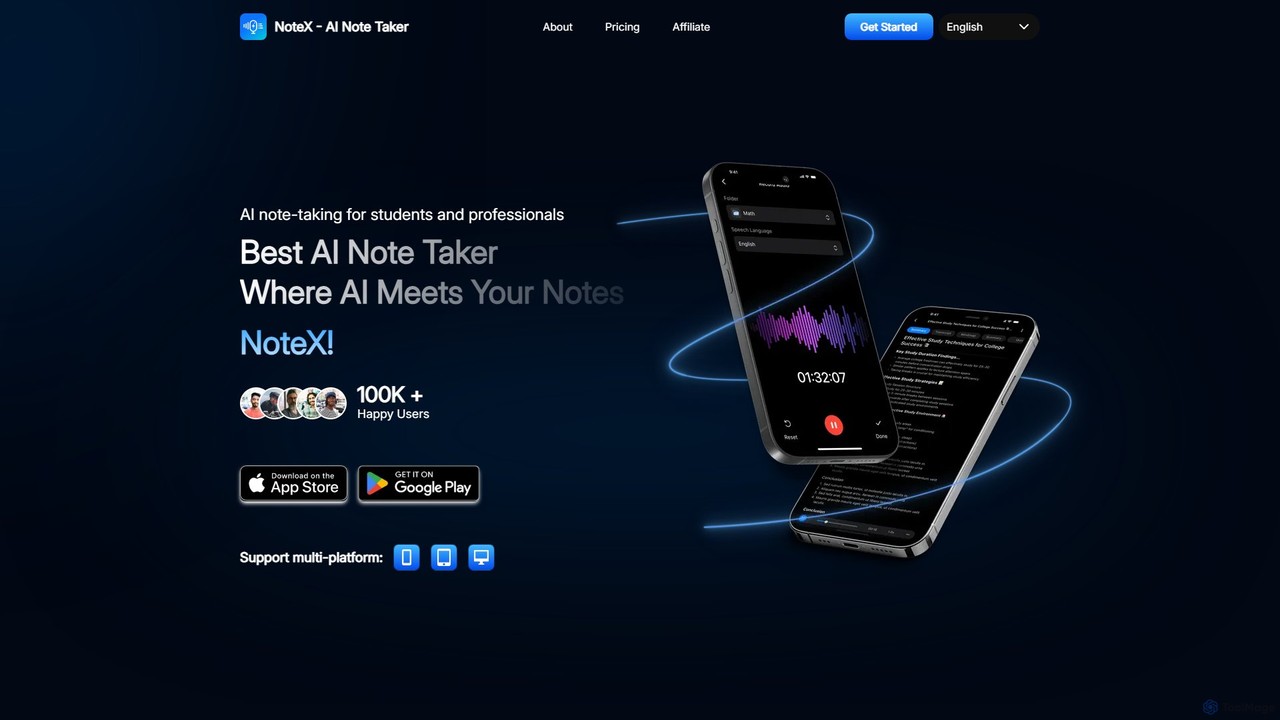
NoteX
NoteX is an AI-powered note-taking application designed for students and professionals. It automatically transcribes audio and video, generates intelligent summaries, and creates mind maps, quizzes, and flashcards from your notes. With cross-device sync and support for over 100 languages, NoteX streamlines information capture, enhances learning, and boosts productivity.
Transcription
jotapp
jotapp is an AI-powered note-taking and writing assistant designed to streamline your workflow. Effortlessly capture ideas, transcribe audio, summarize content, and generate high-quality text, all within a clean, intuitive interface. It's the perfect tool for students, writers, and professionals looking to boost productivity and creativity.
TranscriptionRambleFix
RambleFix is an AI-powered tool that transforms your scattered voice notes and ramblings into structured, polished text. Simply record your thoughts or upload an audio file, and the AI will transcribe, clean up, and rewrite your content into articles, emails, social posts, or organized lists. It supports over 30 languages, making it perfect for boosting productivity, overcoming writer's block, and creating content effortlessly.
TranscriptionAdutorAI
AdutorAI is an AI-powered application that transforms your speech into clear, well-structured text. Simply record your voice, and the tool will generate organized notes, emails, social media posts, or summaries. It features advanced functions like transcription, summarization, translation, and content restyling, making it a versatile productivity companion.
Transcription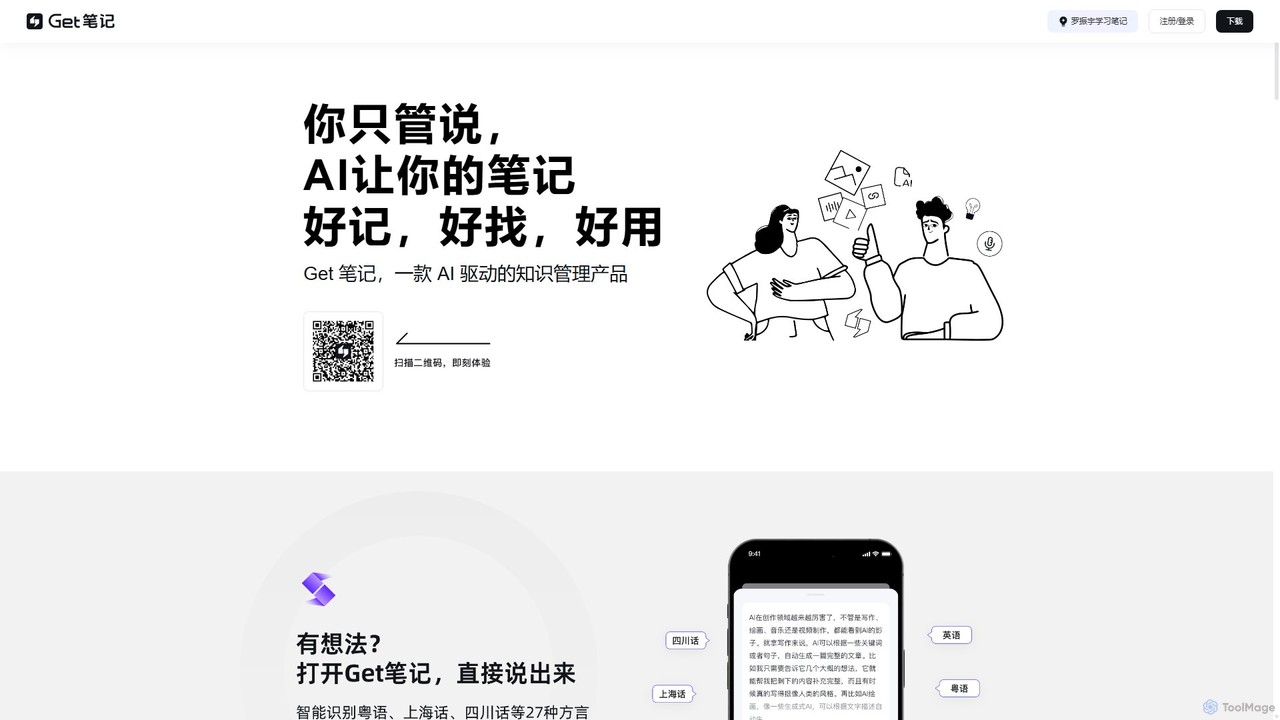
biji
biji is an AI-driven knowledge management app that transforms your spoken ideas into structured, searchable, and usable notes. Just talk, and biji's AI will handle transcription, summarization, and organization, making it effortless to capture and manage your thoughts, meetings, and learnings.
Transcription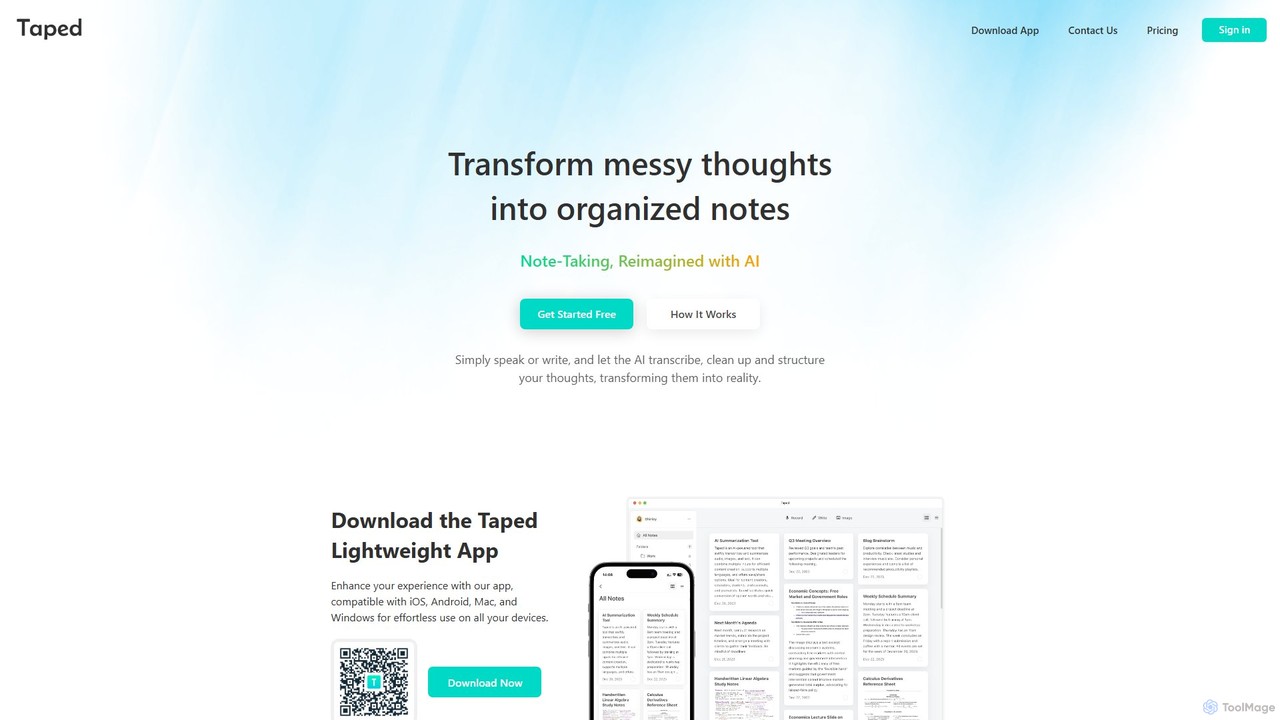
Taped
Taped is an AI-powered note-taking application that transforms your spoken or written thoughts into structured, organized, and summarized notes. It uses advanced AI to transcribe, clean up, and format your ideas, making it easy to capture and act on them across all your devices.
Transcription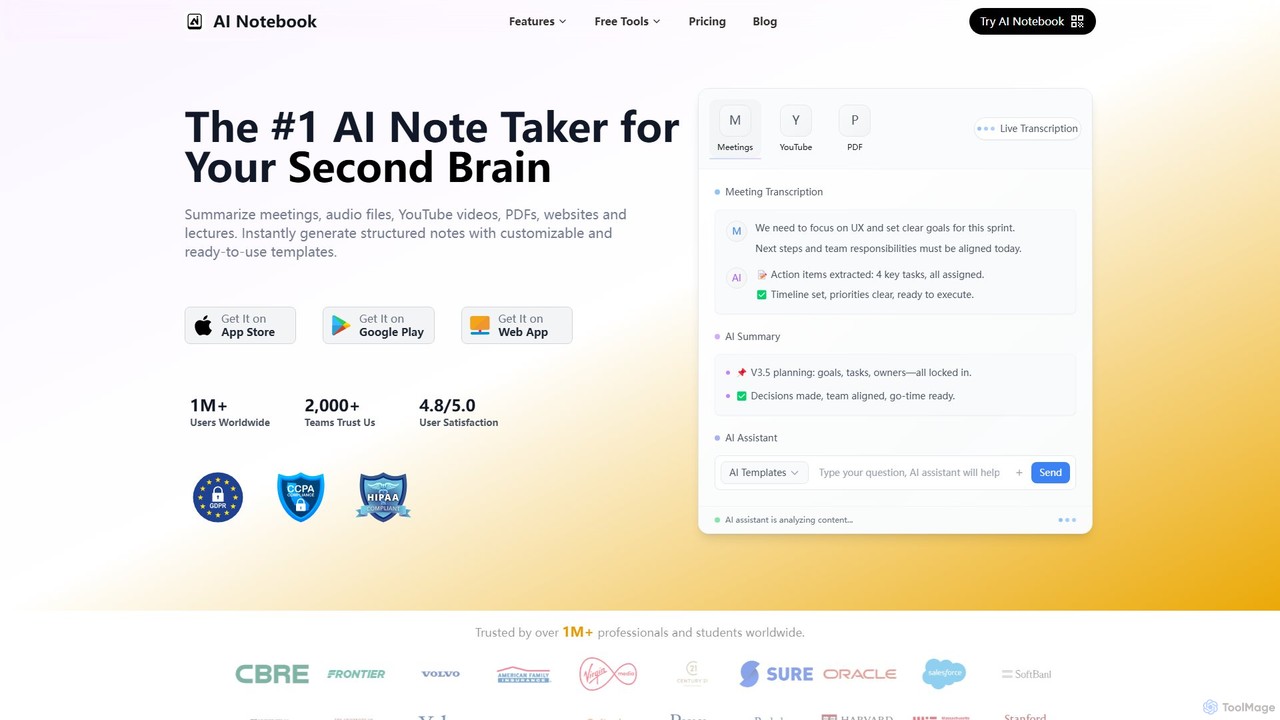
AI Notebook
AI Notebook is an intelligent note-taking and transcription tool that acts as your second brain. It instantly transcribes and summarizes meetings, lectures, audio/video files, YouTube videos, and PDFs. Using AI, it extracts key points, action items, and creates structured notes, boosting productivity for professionals, students, and teams.
Transcription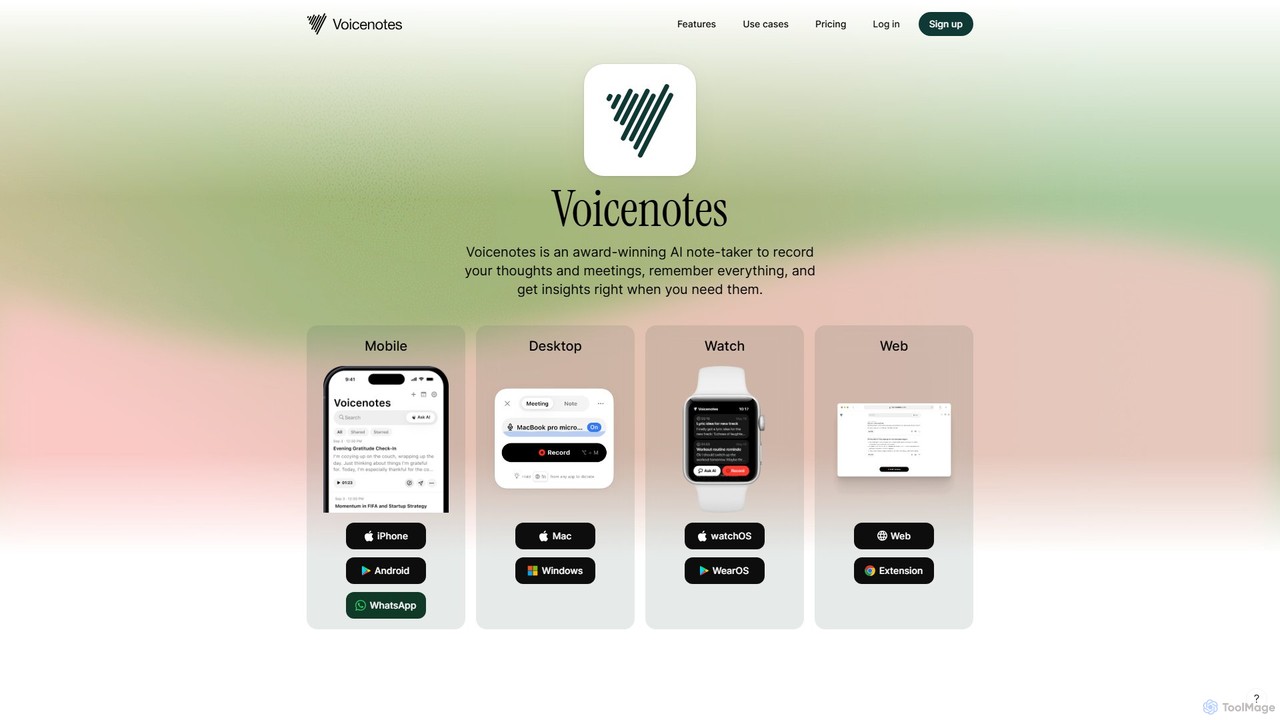
Voicenotes
Voicenotes is an award-winning AI note-taker that records your thoughts and meetings, transcribes them with high accuracy, and turns your voice memos into a searchable second brain. It supports over 100 languages and integrates seamlessly across mobile, desktop, and web platforms, including WhatsApp.
Meeting Assistant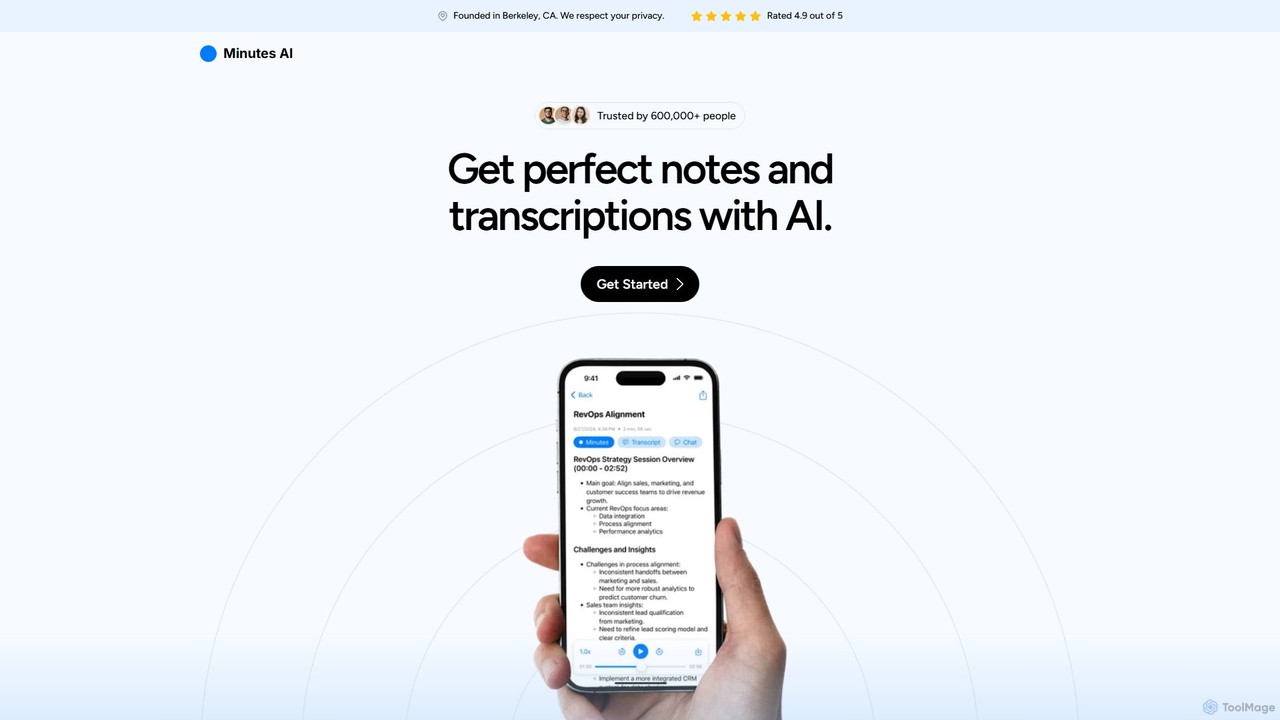
myminutes
myminutes is an AI-powered tool that automates note-taking and transcription from audio. It instantly converts live recordings, audio files, or YouTube videos into beautifully formatted, summarized notes and accurate transcripts, allowing you to focus on the conversation.
Meeting AssistantLetterly
Letterly is an AI-powered mobile and desktop app that transforms your spoken words into clear, well-written text. It's more than just transcription; it uses AI to structure, rewrite, and format your voice notes into ready-to-use emails, social media posts, journal entries, to-do lists, and more, supporting over 90 languages.
TranscriptionAudioPen
AudioPen is an AI-powered tool that converts unstructured voice notes into clear, well-written text. Simply record your thoughts, and AudioPen will transcribe, summarize, and rewrite them into coherent summaries, blog posts, emails, or lists. It's designed to help you capture ideas on the go without the hassle of typing.
TranscriptionAudioNote
AudioNote is an AI-powered tool that transforms your spoken ideas and audio recordings into structured, professional text. It accurately transcribes voice notes and uses AI to summarize, organize, and even rewrite your content. Supporting over 30 languages, it's perfect for capturing fleeting thoughts, drafting content, and boosting productivity without typing.
Transcription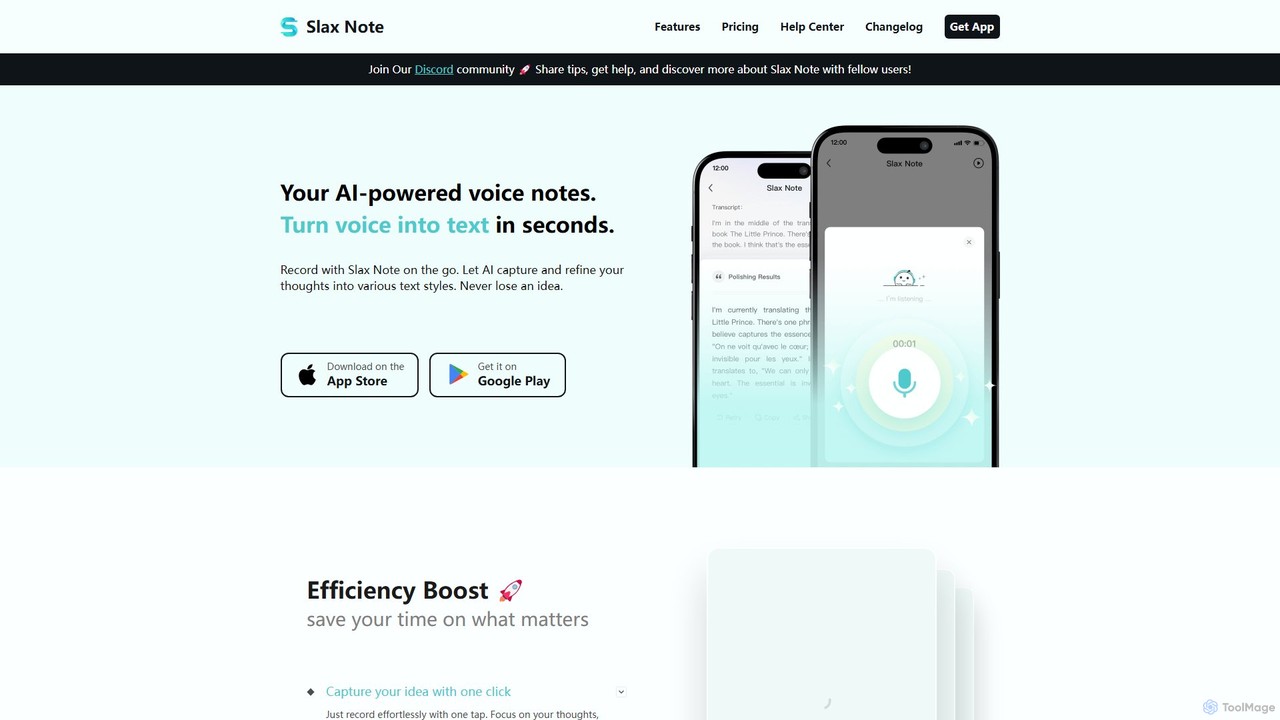
Slax Note
Slax Note is an AI-powered voice notes app that transforms your speech into structured, polished text. Effortlessly capture ideas on the go, and let AI transcribe, summarize, and reformat your thoughts into various styles. Ideal for content creators, professionals, and students to boost productivity.
Transcription
VoiceTaking Comments (0)
Sign in to comment.
Sign inNo comments yet.