

Memo AI Overview
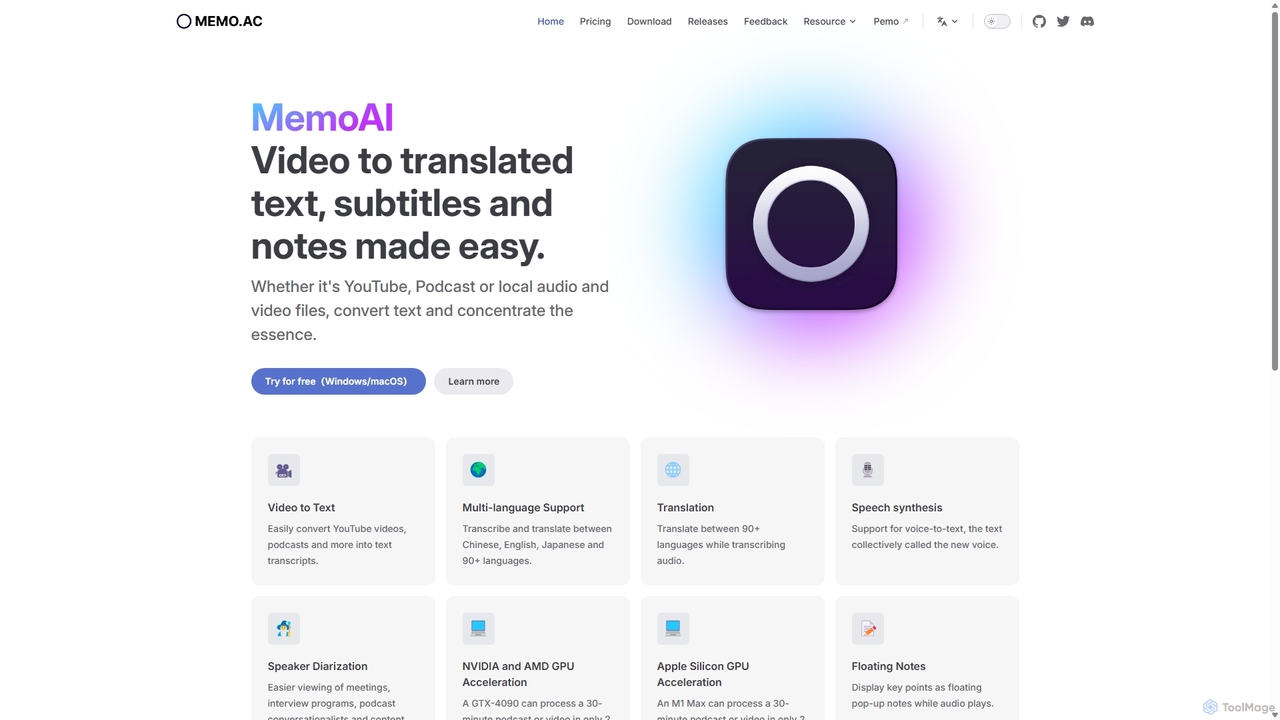
Memo AI is a powerful and secure desktop application designed to streamline the process of converting audio and video content into text. Built with privacy as a core principle, it performs all transcription and processing locally on your device, ensuring your data never leaves your computer. This makes it an ideal tool for professionals handling sensitive information. Whether you're working with YouTube videos, podcasts, lectures, or local media files, Memo AI transforms spoken words into accurate transcripts, translations, and concise summaries with remarkable speed and efficiency.
The application leverages cutting-edge AI models and harnesses the power of your computer's GPU (supporting NVIDIA, AMD, and Apple Silicon) to accelerate processing. A 30-minute audio or video file can be transcribed in as little as two minutes on capable hardware. Its versatility extends to handling a wide range of inputs and outputs, making it an indispensable tool for content creators, journalists, researchers, and students.
How to use Memo AI
Getting started with Memo AI is straightforward. First, download and install the application on your Windows or macOS computer. The user-friendly interface allows you to begin transcribing in just a few clicks:
- Provide Your Media: You can either paste a link from supported platforms like YouTube or Apple Podcasts directly into the app, or you can drag and drop local audio/video files (such as MP4, MP3, AAC, M4A) into the interface.
- Start Transcription: Once the source is loaded, click the transcribe button. Memo AI will process the file locally, generating a text transcript. For online links, ensure your system proxy is enabled in settings if you face connectivity issues.
- Translate and Enhance: After transcription, you can translate the text into over 90 languages. This feature requires you to add your own API key from services like Google, OpenAI, or Microsoft. You can also use features like speaker diarization to distinguish between different speakers in the conversation.
- Summarize and Edit: For long content, use the AI summarization feature (which also requires your own API key) to generate key takeaways. You can edit the transcript directly within the app for accuracy.
- Export Your Work: Finally, export your finished transcript or subtitles in various formats, including SRT and VTT for video editing, Markdown for notes, or directly to Notion for knowledge management.
Core Features of Memo AI
- AI-Powered Transcription: Accurately converts speech from audio and video files into text using advanced AI models.
- Multi-language Support: Transcribes and translates content in over 90 languages, including Chinese, English, and Japanese.
- Offline and Private: All processing is done locally on your device, ensuring 100% data privacy and security.
- GPU Acceleration: Utilizes NVIDIA, AMD, and Apple Silicon GPUs for incredibly fast transcription speeds.
- Speaker Diarization: Automatically identifies and labels different speakers in a conversation, perfect for interviews and meetings.
- Versatile Input Support: Works with links from YouTube, Podcasts, and various local media formats (MP4, MP3, AAC, M4A).
- AI Summarization & Translation: Integrates with major AI services (via user-provided API keys) to provide smart summaries and context-aware translations.
- Multiple Export Options: Export your work as SRT, VTT, Markdown files, or send it directly to Notion.
- Cross-Platform: Available as a native, beautifully designed application for both Windows and macOS.
- Real-time Features: Includes live subtitles that display as audio plays and floating notes to capture key points.
Use Cases for Memo AI
Memo AI is a versatile tool suitable for a wide range of professionals and individuals:
- Content Creators & Podcasters: Quickly generate accurate subtitles for videos to improve accessibility and SEO. Create full transcripts for podcast show notes.
- Journalists & Researchers: Transcribe interviews, focus groups, and lectures to easily search, analyze, and quote information.
- Students & Educators: Convert recorded lectures and online courses into text for easier studying, revision, and creating notes.
- Business Professionals: Transcribe meetings, webinars, and conference calls to create searchable records and share key action items.
- Language Learners: Use transcription and translation features to improve listening and comprehension skills with authentic materials.
Advantages of Memo AI
Memo AI stands out from other transcription services due to several key advantages:
- Ultimate Privacy: The offline-first approach guarantees that your sensitive conversations and proprietary content remain confidential.
- Speed and Efficiency: GPU acceleration dramatically reduces waiting times, boosting productivity for users with tight deadlines.
- Cost-Effectiveness: With a generous free plan and affordable one-time lifetime or annual plans, it offers exceptional value. The 'Bring Your Own Key' model for advanced AI features keeps the base software cost low.
- No Limits on Free Plan: The free version offers unlimited transcription, translation, and voice synthesis, making it highly accessible.
- Control and Customization: Users can customize AI prompts and choose from different AI models to tailor the output to their specific needs.
Pricing and Plans
Memo AI offers a flexible pricing structure to suit different user needs:
- Memo Basic: Free forever. Includes unlimited speech-to-text transcription, subtitle translations, and voice synthesis. It supports GPU acceleration and multiple export formats on an unlimited number of devices.
- Memo Pro: $25.99/year (promotional price). Includes all features of the Basic plan, plus priority email support and activation on 1 device. Ideal for users with a daily productive workflow.
- Memo Believer: $49.99/lifetime (promotional price). A one-time purchase that grants lifetime access to all Pro features, priority support, and exclusive discounts on future products. Supports 1 device.
An educational discount is also available for students and teachers upon verification.
Traffic
Latest traffic
Status
Monthly traffic trend
- 2025-9: 49.4K
- 2026-1: 40.9K
- 2026-2: 48.1K
- 2026-3: 53.8K
- 2026-4: 33.7K
- 2026-5: 36.2K
Geography
Top 5 countries / regions
- 🇹🇼Taiwan30.3%
- 🇺🇸United States26.9%
- 🇭🇰Hong Kong SAR China16.0%
- 🇻🇳Vietnam14.2%
- 🇸🇬Singapore12.6%
Traffic sources
| Source type | Percentage |
|---|---|
Direct | 73.1% |
Referral | 26.9% |
Top keywords
| Keyword | Cost per click |
|---|---|
| memo | $0.88 |
| memo ai | $0.45 |
| memoai | $0.00 |
| support windows ai subtitle for non-english local video? | $0.00 |
| 本地ai工具 视频翻译 | $0.00 |
Memo AI Videos on YouTube

Memo AI Alternatives
TranscribeMe
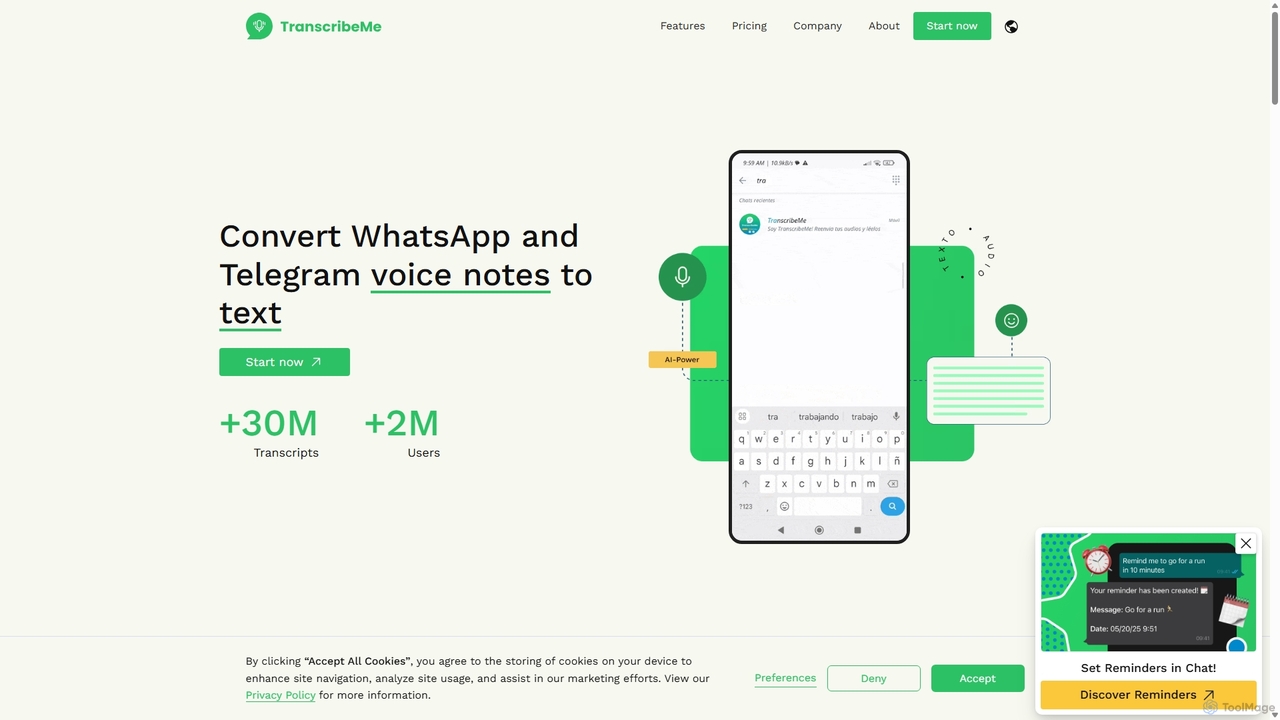
TranscribeMe is an advanced AI-powered transcription service that quickly and accurately converts audio and video files into text. It supports multiple languages, identifies different speakers, and provides an intuitive editor for easy review and correction. Ideal for podcasters, journalists, researchers, and students, TranscribeMe streamlines the process of creating searchable, editable transcripts.
Speech To Text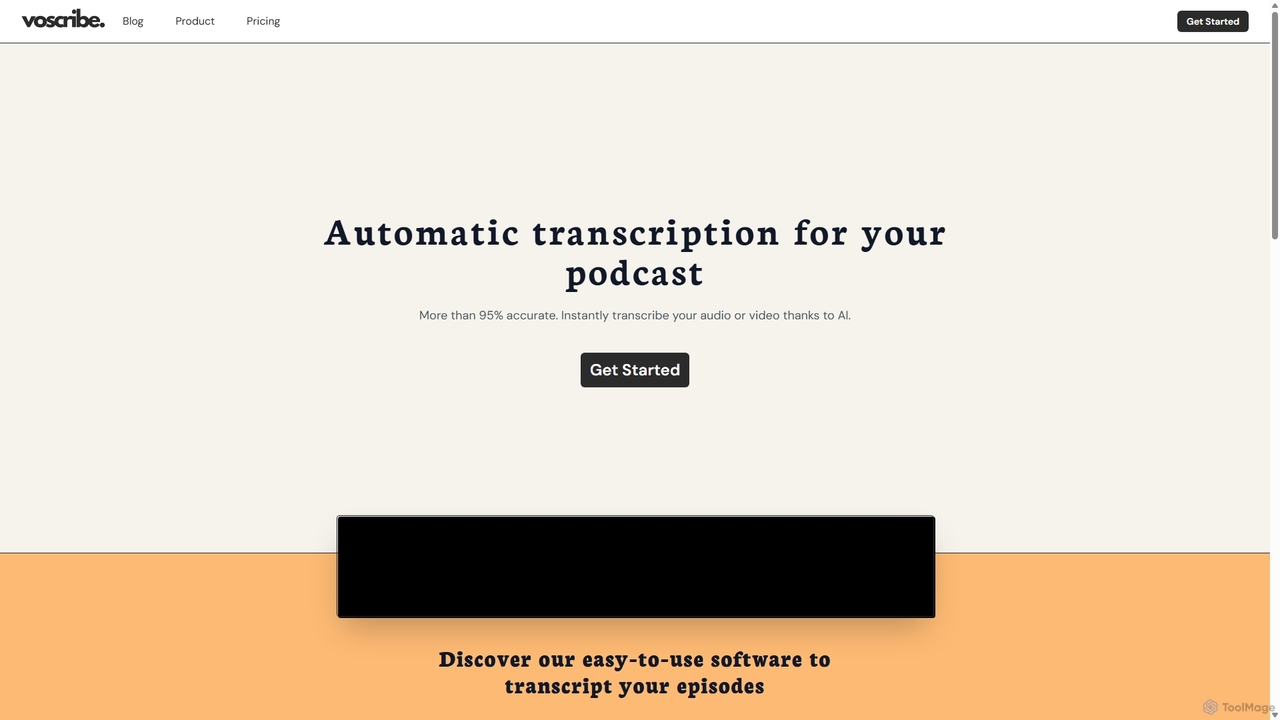
Voscribe
Voscribe is an AI-powered suite for podcasters and video creators, offering highly accurate, fast, and automatic transcription services. It converts audio and video to text in minutes, provides an intuitive editor to sync and edit transcripts, and generates subtitles (SRT) effortlessly. Ideal for content repurposing, enhancing accessibility, and saving valuable production time.
Transcription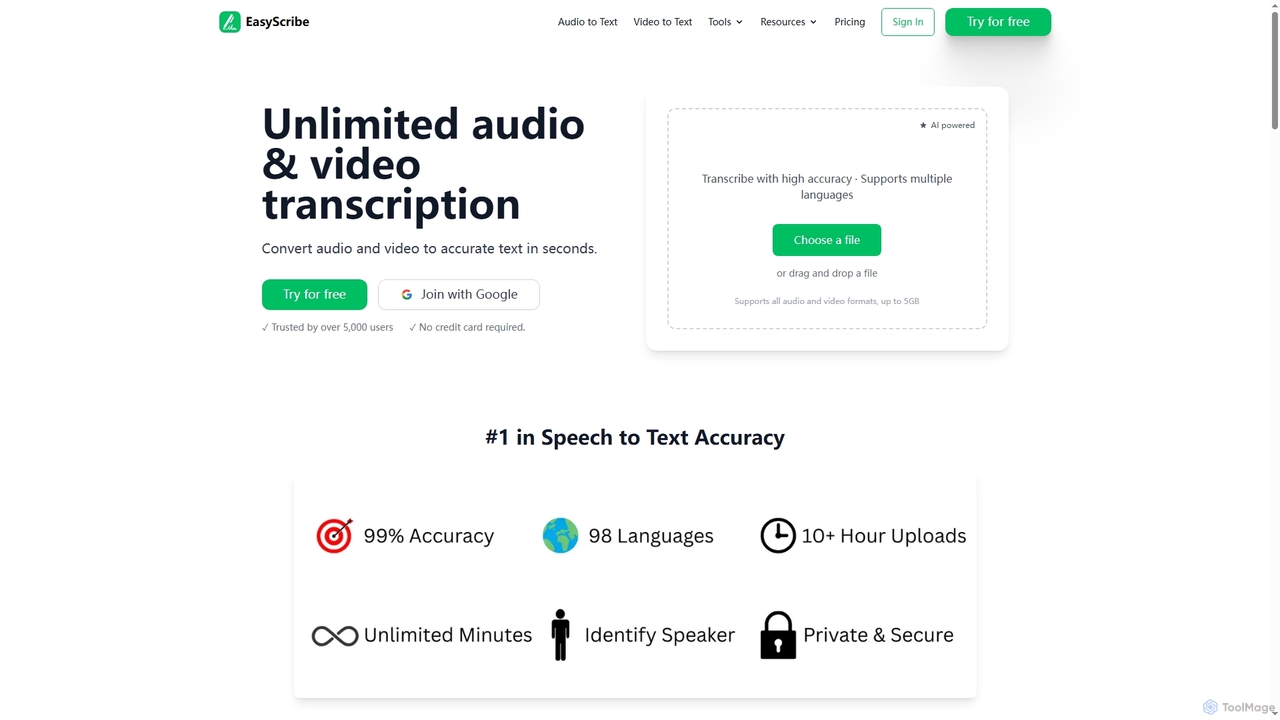
EasyScribe
EasyScribe is an AI-powered transcription tool that converts audio and video files into accurate text in seconds. It supports 98+ languages, offers speaker identification, and allows translation to 134+ languages, making it ideal for global communication and content creation.
Meeting Management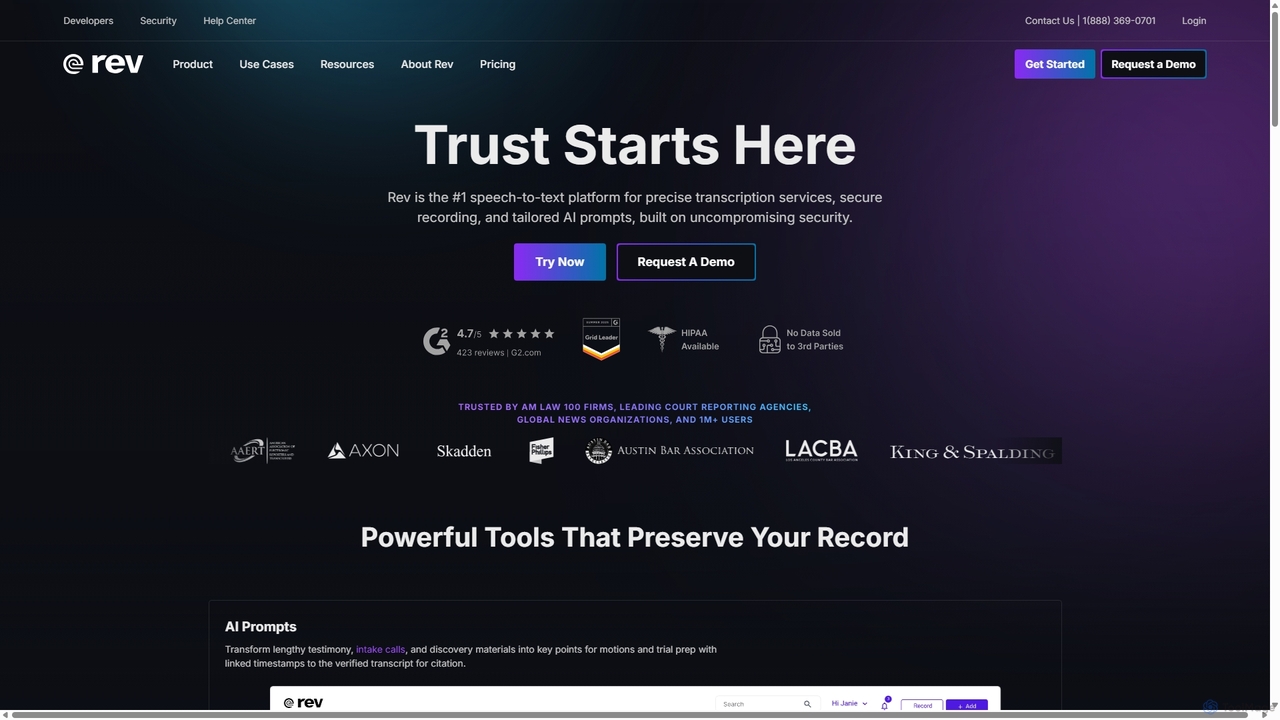
Rev
Rev is a leading speech-to-text platform offering both AI-powered and human-based transcription, captioning, and subtitling services. It's designed for professionals in legal, media, and research, providing industry-leading accuracy (up to 99%+). Rev's suite of AI tools helps users analyze audio/video content to uncover key insights, generate summaries, and streamline workflows, all within a secure and compliant environment.
Speech To Text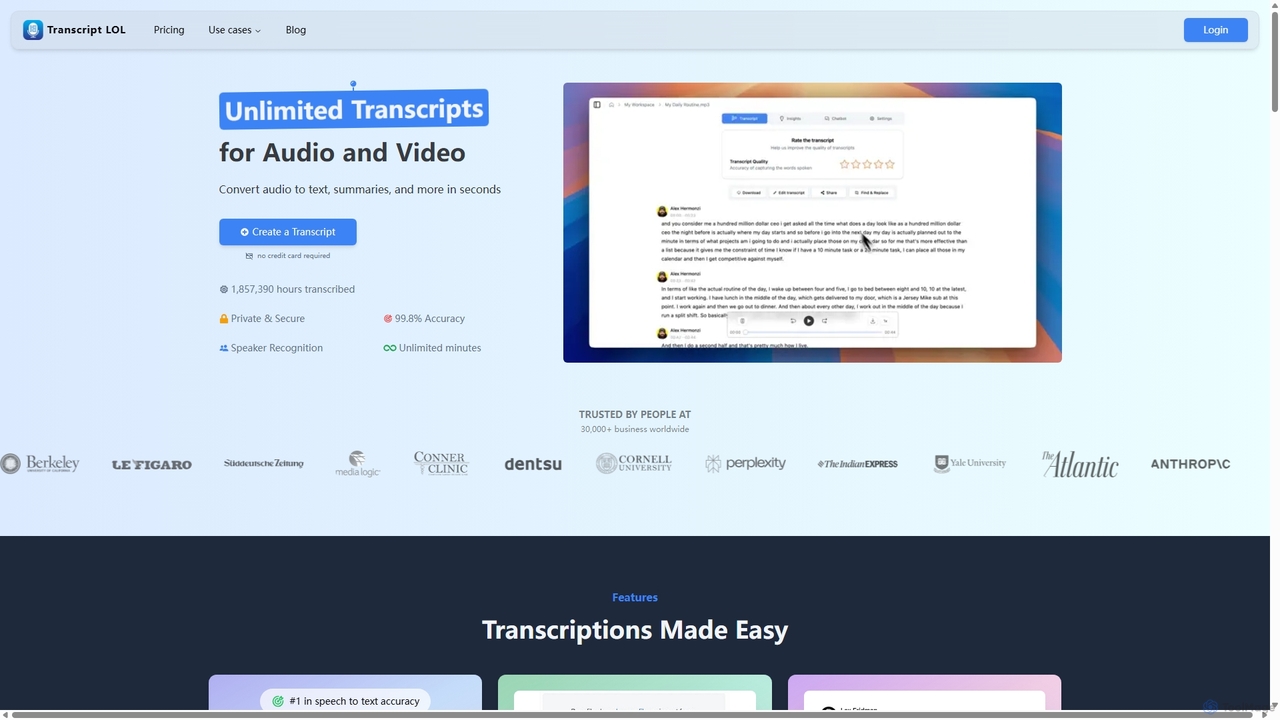
Transcript LOL
Transcript LOL is an AI-powered transcription service that rapidly converts audio and video files into accurate text. It offers unlimited transcriptions, speaker recognition, and advanced AI features to generate summaries, blog posts, social media content, and more, streamlining content creation and analysis workflows.
Speech To TextMemo AI Categories
Memo AI Jobs
Memo AI Embed Widget
Copy this embed code to place the badge on your blog, article, or product site and send readers directly to this ToolMage detail page.

Related AI tools
EasyScribe
EasyScribe is an AI-powered transcription tool that converts audio and video files into accurate text in seconds. It supports 98+ languages, offers speaker identification, and allows translation to 134+ languages, making it ideal for global communication and content creation.
Meeting Management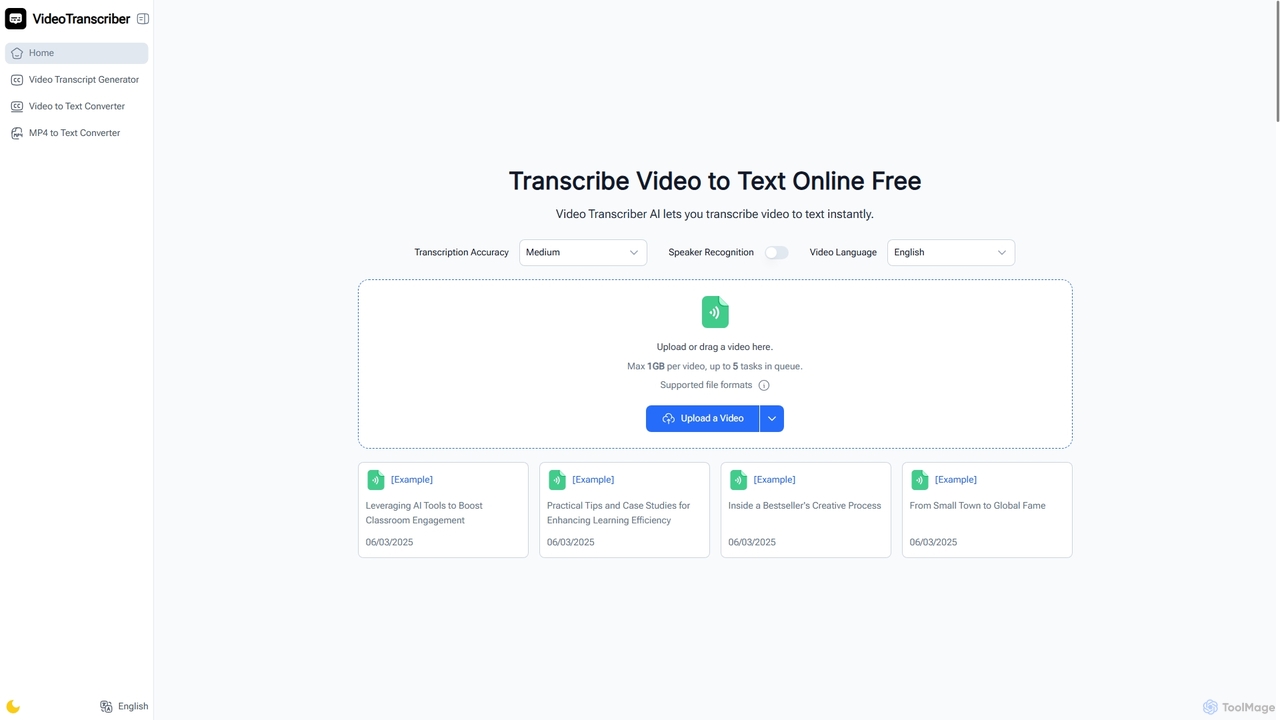
Video Transcriber AI
Video Transcriber AI is a free online tool that instantly converts video content into accurate, readable text. It supports various formats like MP4, YouTube links, and Zoom recordings, making it ideal for students, professionals, and content creators to quickly get transcripts without any sign-up.
Meeting Tools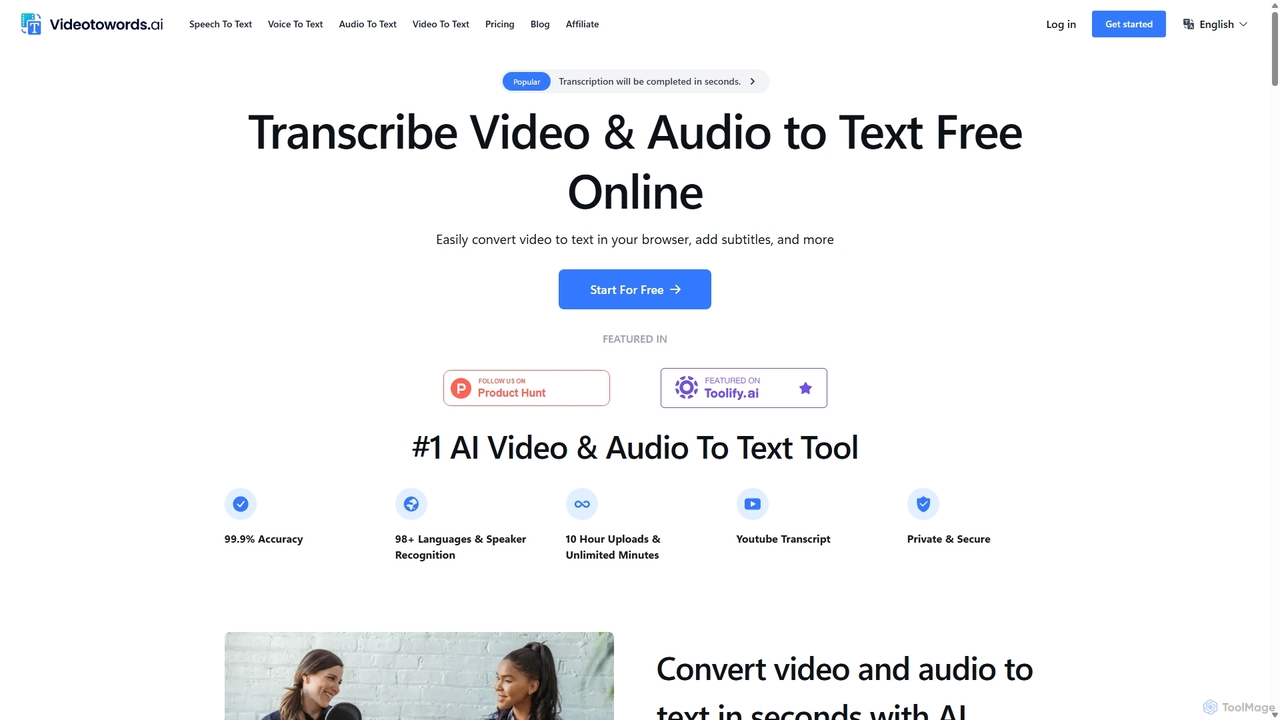
VideoToWords
VideoToWords is an AI-powered transcription tool that accurately converts audio and video files into text in over 98 languages. It offers lightning-fast transcription, speaker recognition, and AI-generated summaries. Ideal for journalists, students, content creators, and researchers, it supports various file formats and provides easy-to-use editing and export options (TXT, DOCX, SRT).
TranscriptionVoscribe
Voscribe is an AI-powered suite for podcasters and video creators, offering highly accurate, fast, and automatic transcription services. It converts audio and video to text in minutes, provides an intuitive editor to sync and edit transcripts, and generates subtitles (SRT) effortlessly. Ideal for content repurposing, enhancing accessibility, and saving valuable production time.
TranscriptionTranscribeMe
TranscribeMe is an advanced AI-powered transcription service that quickly and accurately converts audio and video files into text. It supports multiple languages, identifies different speakers, and provides an intuitive editor for easy review and correction. Ideal for podcasters, journalists, researchers, and students, TranscribeMe streamlines the process of creating searchable, editable transcripts.
Speech To TextRev
Rev is a leading speech-to-text platform offering both AI-powered and human-based transcription, captioning, and subtitling services. It's designed for professionals in legal, media, and research, providing industry-leading accuracy (up to 99%+). Rev's suite of AI tools helps users analyze audio/video content to uncover key insights, generate summaries, and streamline workflows, all within a secure and compliant environment.
Speech To Text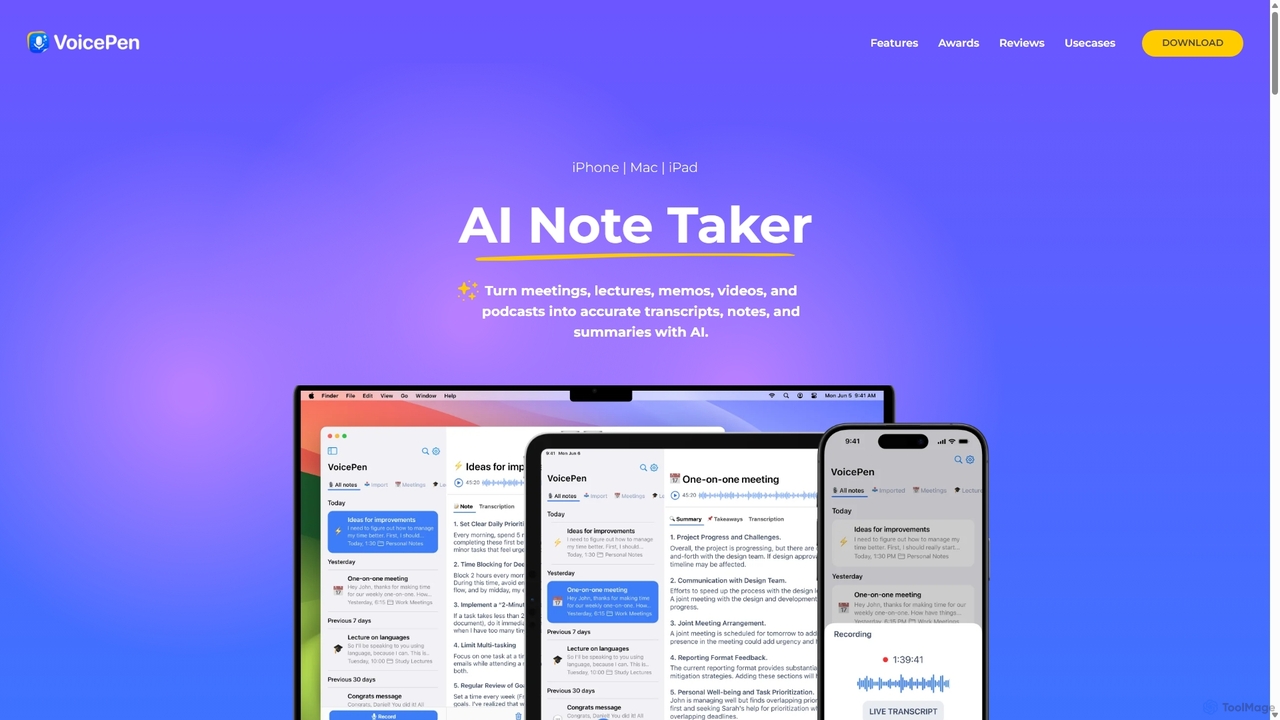
VoicePen
VoicePen is an AI-powered note-taking app for iPhone, Mac, and iPad that transforms meetings, lectures, and any audio/video into accurate transcripts, summaries, and structured notes. It features high-speed transcription, speaker separation, 80+ language support, and over 25 AI rewriting styles to boost your productivity.
Speech To Text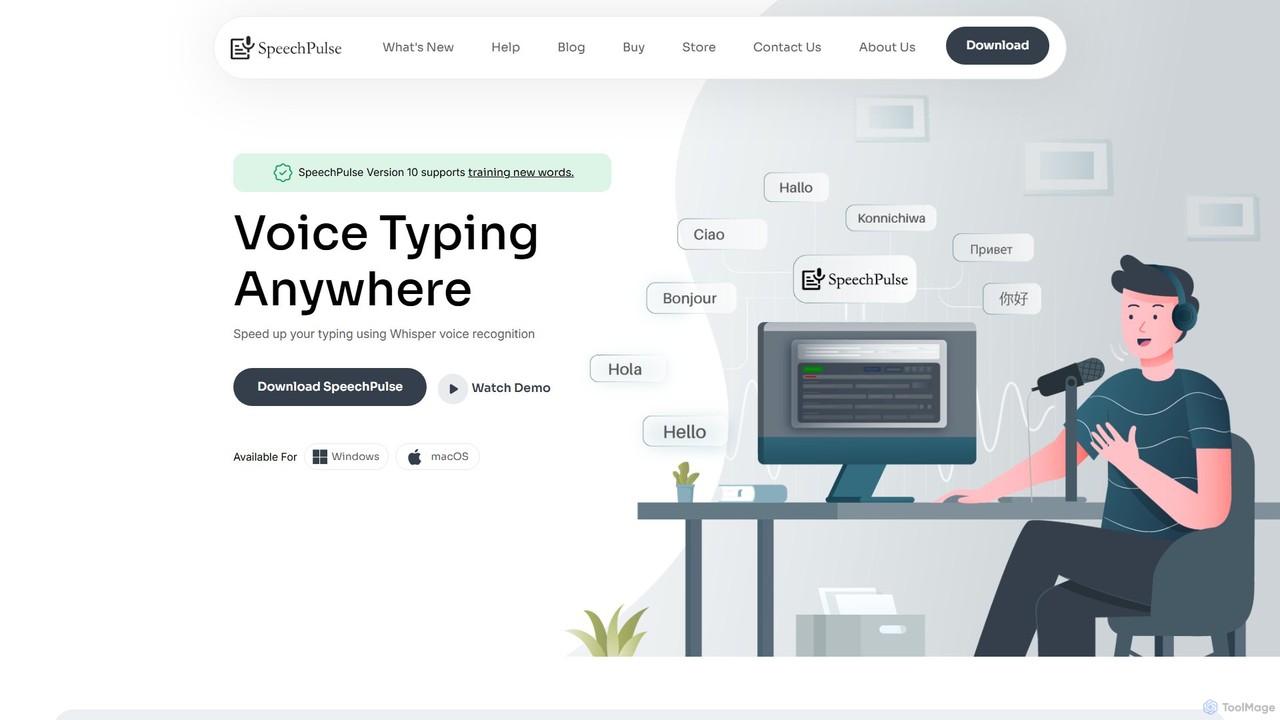
SpeechPulse
SpeechPulse is a powerful offline AI dictation and transcription application for Windows and macOS. It prioritizes user privacy by processing all data locally on your machine. Supporting 99 languages, it offers real-time dictation, audio/video file transcription with speaker diarization, subtitle generation, and AI-powered text enhancement. Ideal for professionals, content creators, and anyone seeking a secure and efficient speech-to-text solution.
Speech To TextTranscript LOL
Transcript LOL is an AI-powered transcription service that rapidly converts audio and video files into accurate text. It offers unlimited transcriptions, speaker recognition, and advanced AI features to generate summaries, blog posts, social media content, and more, streamlining content creation and analysis workflows.
Speech To Text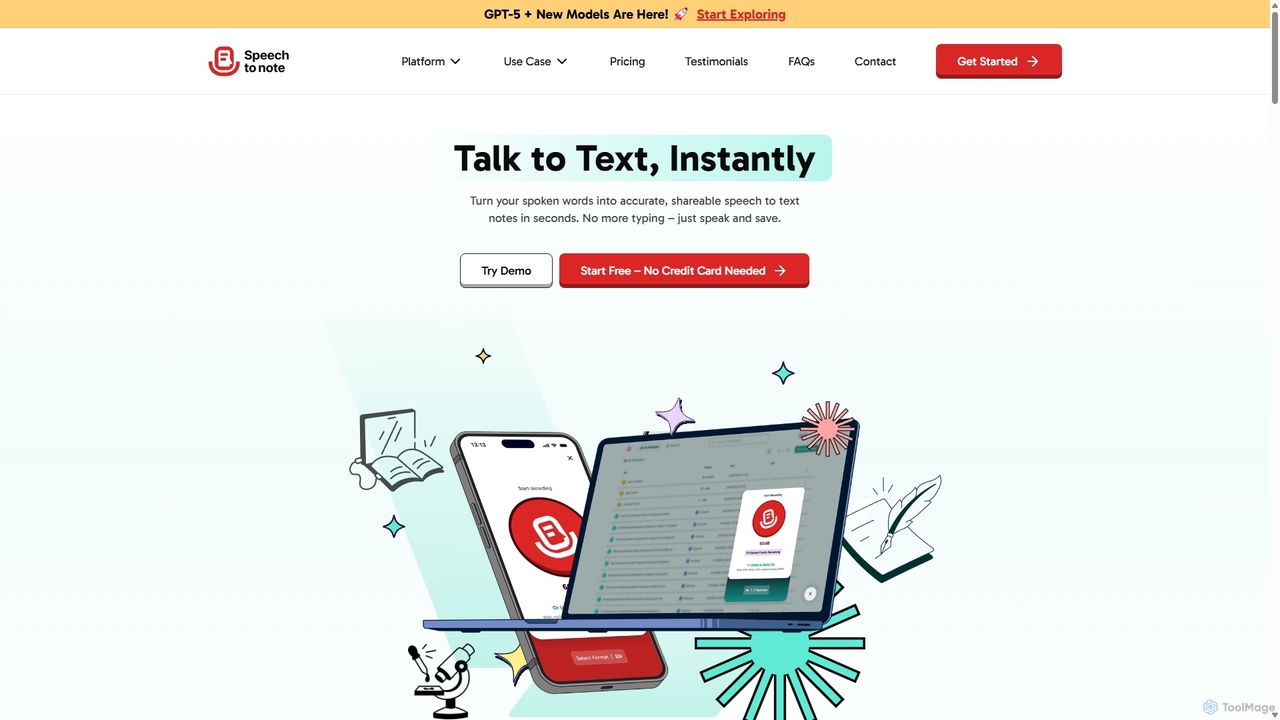
SpeechtoNote
SpeechtoNote is an AI-powered tool that instantly converts spoken words into accurate text notes. It supports over 40 languages and offers 30+ smart note formats, including summaries, emails, and to-do lists. Powered by advanced models like GPT-4o, it's designed for professionals, students, and creators to capture ideas, transcribe meetings, and streamline their workflow effortlessly.
Speech To Text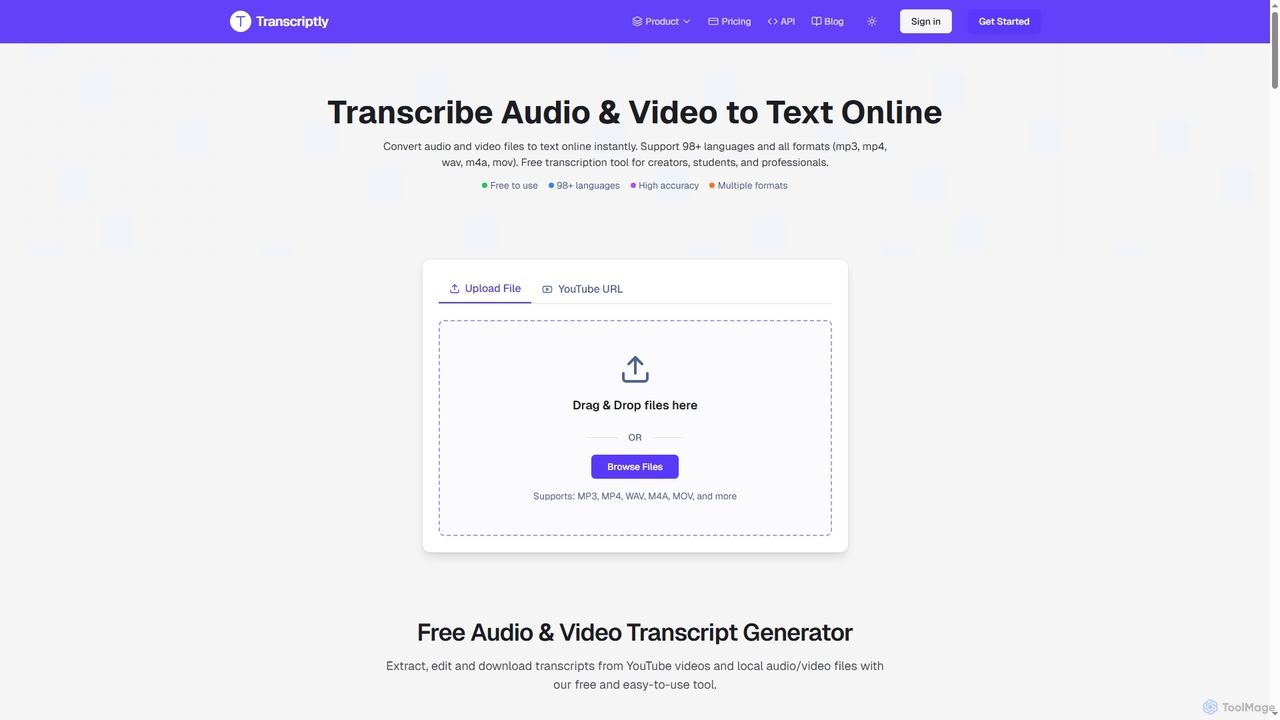
Transcriptly
Transcriptly is an AI-powered online platform that converts audio and video files into accurate text transcripts. Supporting over 98 languages and various formats, it offers fast processing, AI insights, and multiple export options for students, creators, professionals, and businesses.
Market Research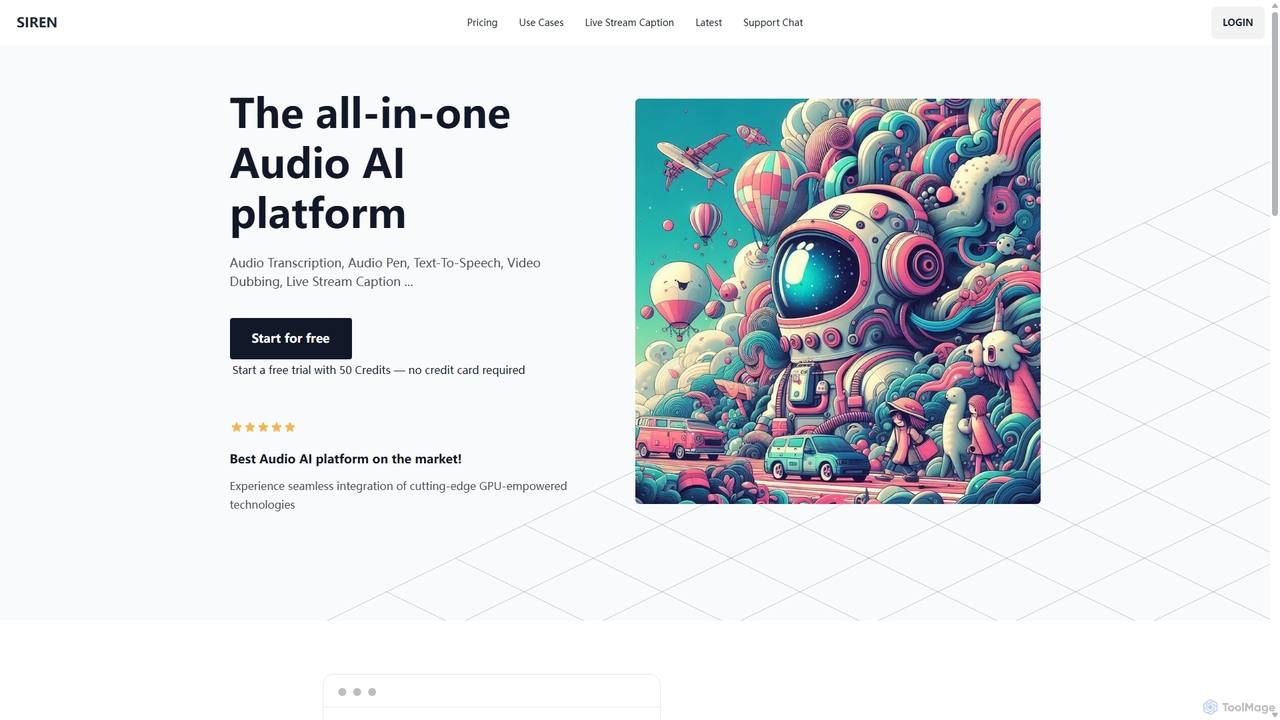
SIREN
SIREN is an all-in-one, GPU-accelerated AI audio platform. It offers high-accuracy audio transcription, natural text-to-speech with 420+ voices, seamless video dubbing in over 100 languages, and real-time live stream captioning. Designed for creators, marketers, and businesses, SIREN simplifies complex audio tasks into a single, efficient workflow.
Text To Speech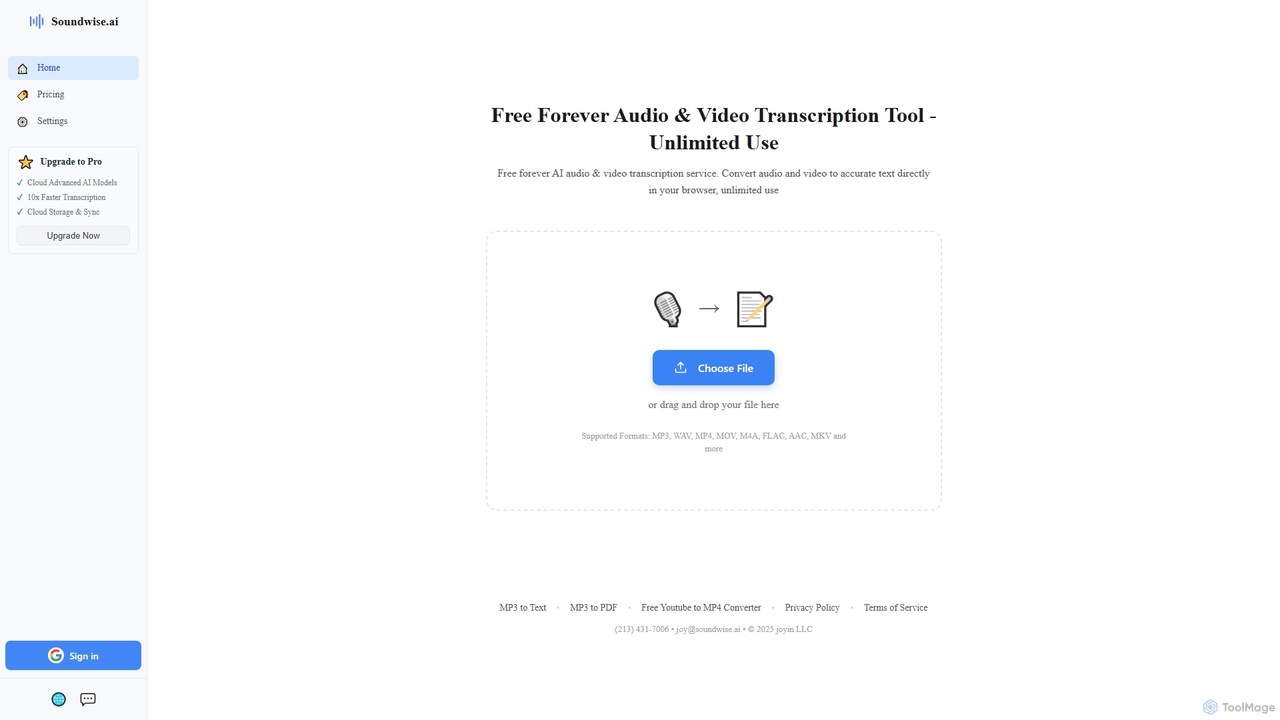
Soundwise
Soundwise is a free-forever AI-powered online tool designed for unlimited audio and video transcription. It accurately converts various media files into text directly within your web browser, offering a convenient solution for anyone needing quick and reliable transcriptions.
Transcription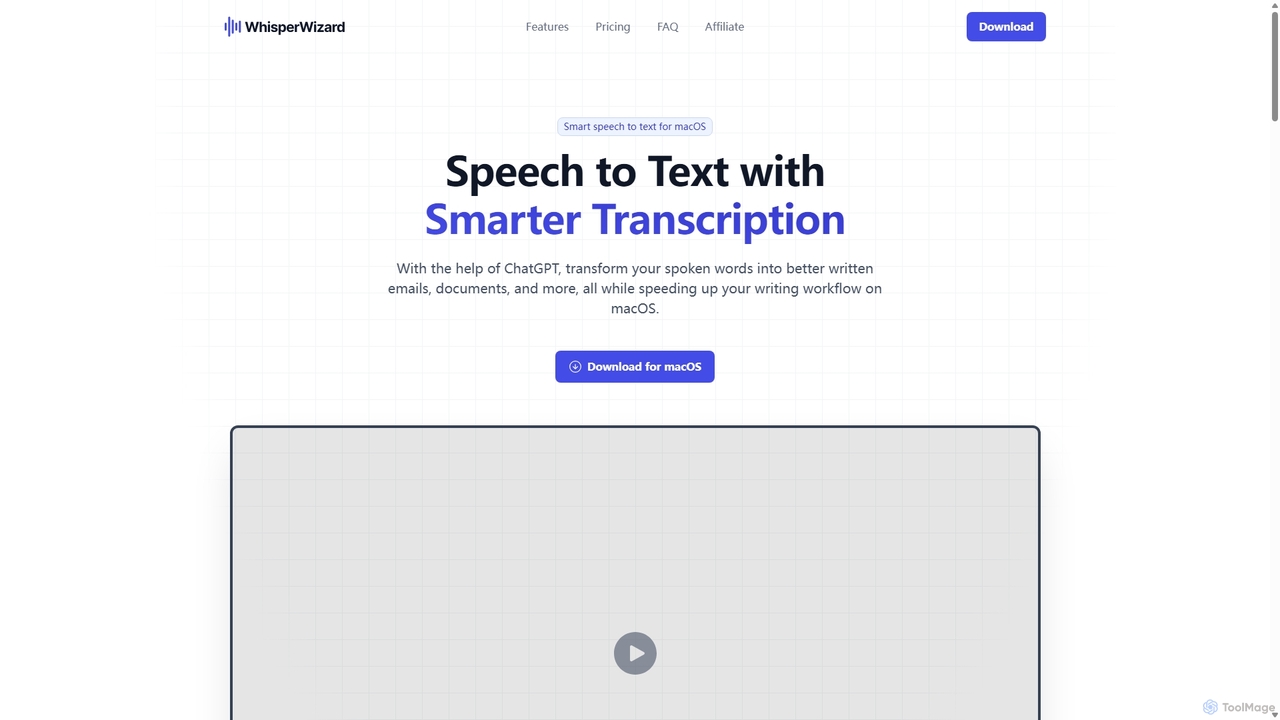
WhisperWizard
WhisperWizard is a powerful macOS application that transforms your speech into text with AI-powered enhancements. Leveraging ChatGPT, it not only transcribes your voice with high accuracy but also refines the output into well-structured emails, documents, and more. Create custom templates and shortcuts to streamline your writing workflow, making it faster and more efficient than ever to capture and perfect your ideas.
Speech To Text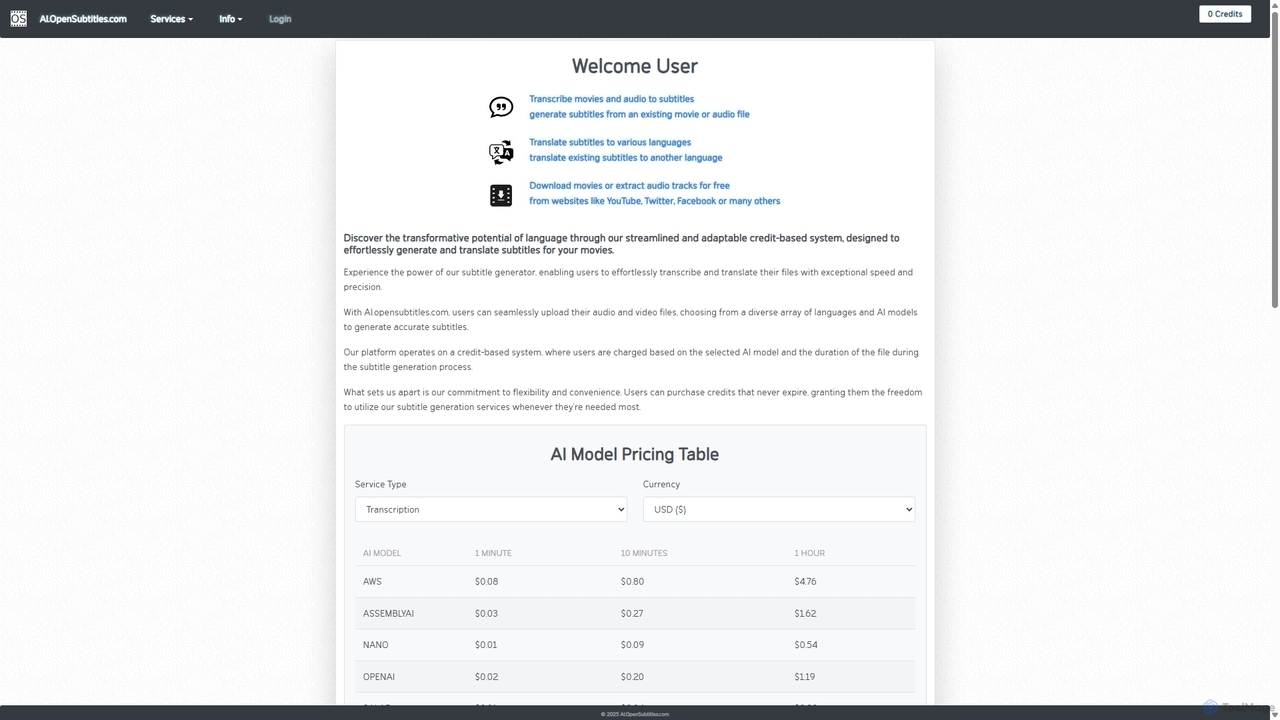
AI.OpenSubtitles.com
AI.OpenSubtitles.com is a powerful platform for AI-driven subtitle generation, transcription, and translation. It allows users to upload video or audio files, choose from various advanced AI models (like AWS, DeepL, OpenAI), and receive accurate subtitles in over 100 languages. Its flexible, credit-based system ensures you only pay for what you use, making it a cost-effective solution for content creators and businesses aiming for a global audience.
Transcription
Memo AI Comments (0)
Sign in to comment.
Sign inNo comments yet.