


anygpt.app Overview
anygpt.app is a revolutionary desktop application designed to supercharge your productivity by bringing the power of large language models (LLMs) directly into any application you use. It acts as a universal AI assistant that lives on your desktop, accessible with a simple keyboard shortcut. Whether you're writing an email, coding in your favorite IDE, browsing the web, or drafting a document, anygpt.app eliminates the need to constantly switch between windows to access AI tools like ChatGPT. It provides a seamless, context-aware bridge to models like GPT-4, Claude, Llama, and more, making AI an integral part of your workflow.
The core philosophy of anygpt.app is to make AI interaction as frictionless as possible. By integrating at the operating system level, it can capture selected text from any application and use it as context for your queries. This allows for incredibly efficient tasks such as rephrasing a sentence, fixing grammar, explaining a code snippet, or summarizing an article without ever leaving your current window. It's built for professionals who value speed and efficiency, including developers, writers, marketers, and researchers.
How to use anygpt.app
Getting started with anygpt.app is straightforward and designed for a quick setup:
- Download and Install: Visit the official website, download the application for your operating system (macOS or Windows), and install it.
- Configure API Keys: Open the application's settings and add your own API keys from AI providers like OpenAI, Anthropic, etc. This ensures your data remains private and you only pay for what you use.
- Set Your Hotkey: Customize the global keyboard shortcut that will be used to activate anygpt.app from anywhere on your system.
- Select and Activate: Highlight any text in any application (e.g., a browser, text editor, or email client).
- Invoke AI: Press your configured hotkey. A clean, minimalist window will pop up with your selected text already included as context.
- Query the AI: Type your request (e.g., "Summarize this," "Translate to Spanish," "Improve this writing") or use a pre-saved custom prompt.
- Get Results: The AI's response appears instantly in the pop-up window, ready to be copied and pasted back into your application.
Core Features of anygpt.app
- System-Wide Access: Use a global hotkey to access AI from any application or text field on your Mac or Windows computer.
- Multi-Model Support: Connect your API keys for various models, including OpenAI's GPT series, Anthropic's Claude, and other popular LLMs. Switch between them easily to find the best one for your task.
- Context-Aware Actions: Automatically uses your selected text as the context for your prompts, enabling fast and relevant AI assistance.
- Custom Prompt Library: Create, save, and manage a library of your own custom prompts for recurring tasks, accelerating your workflow even further.
- Privacy First: The application runs locally on your machine. Your queries and API keys are sent directly to the respective AI providers (like OpenAI) and are never stored on anygpt.app's servers.
- Lightweight and Fast: Designed to be a native, unobtrusive utility that launches instantly and consumes minimal system resources.
- Clipboard Integration: Seamlessly works with your clipboard to input text and output results.
Use Cases for anygpt.app
anygpt.app is versatile and benefits a wide range of users:
- For Developers: Instantly generate boilerplate code, debug errors, explain complex algorithms, or convert code from one language to another, all without leaving the IDE.
- For Writers and Editors: Overcome writer's block, rephrase sentences for better clarity, check grammar and style, or generate creative ideas directly within Google Docs, Scrivener, or any other writing software.
- For Marketers: Draft compelling ad copy, write engaging social media posts, brainstorm campaign ideas, and generate email marketing content on the fly.
- For Students and Researchers: Summarize dense academic papers, explain difficult concepts, translate foreign text, and format citations without juggling multiple tabs.
- For Support Agents: Quickly draft polite and accurate responses to customer inquiries by using templates and AI-powered text expansion.
Advantages of anygpt.app
The primary advantage of anygpt.app is its profound impact on productivity. By integrating AI into the native desktop experience, it saves countless hours lost to context switching. Its flexibility in supporting multiple models allows users to leverage the unique strengths of different AIs. The privacy-first approach is a critical benefit for users handling sensitive information. Furthermore, by using personal API keys, users maintain control over their costs, paying only for their actual usage, which can be more economical than fixed monthly subscriptions for other services.
Pricing and Plans
anygpt.app operates on a freemium model:
- Free Plan: Offers basic functionality, allowing users to connect one AI model and save a limited number of custom prompts. This is a great way to experience the core benefits of the tool.
- Pro Plan: A one-time purchase or a small annual subscription that unlocks the full power of the application. Pro features include support for unlimited AI models, an unlimited custom prompt library, advanced settings, and priority support.
Note: Users are responsible for the costs associated with their own API key usage from providers like OpenAI, Anthropic, etc. anygpt.app is the interface, while the AI processing is billed by the respective model provider.
anygpt.app Alternatives

Omnipilot
Omnipilot is a system-wide AI copilot for macOS, designed to integrate seamlessly into any application. It provides contextual assistance, allowing you to generate text, write code, and automate tasks in any text field, boosting productivity by eliminating the need to switch between apps. Note: Omnipilot has been acquired by and merged into Highlight AI.
Coding Assistant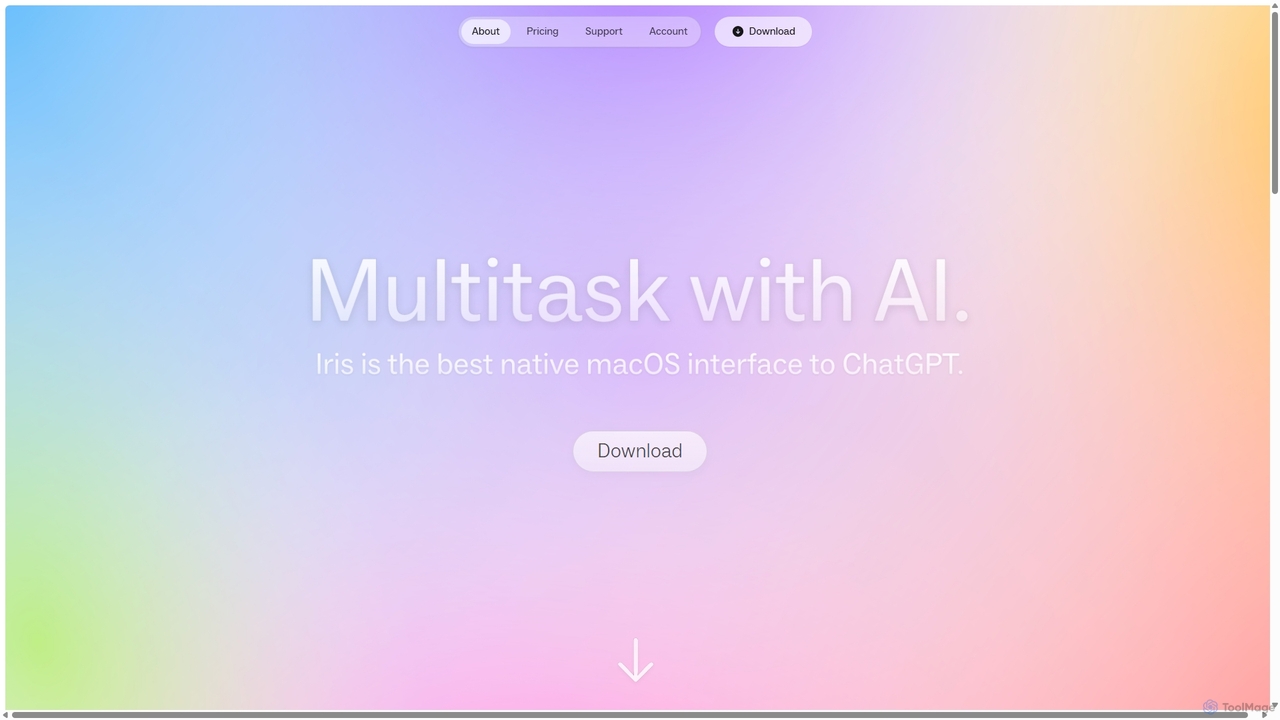
Iris
Iris is a seamless AI assistant for macOS, designed to integrate into your workflow. It provides instant access to top AI models like GPT-4o and Claude 3.5, allowing you to chat, capture your screen for context, and get answers without ever leaving your current application. With intuitive gestures and powerful shortcuts, Iris is there when you need it and invisible when you don't.
Coding Assistant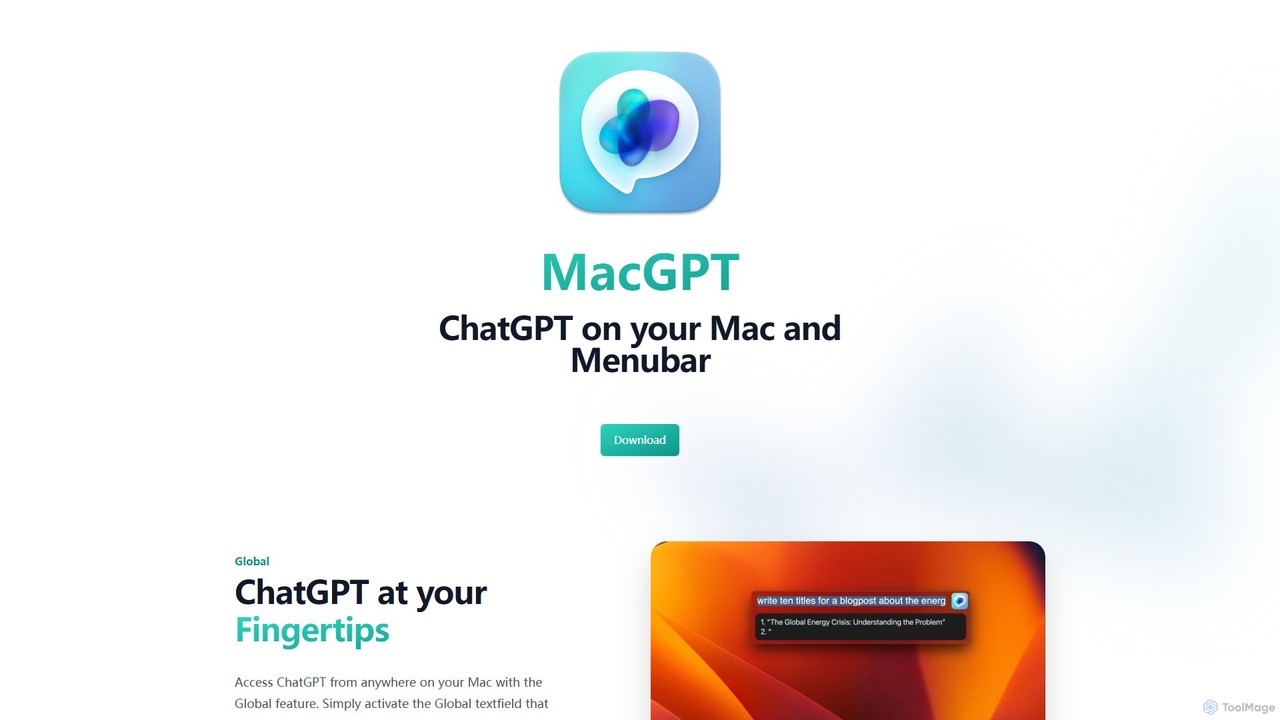
MacGPT
MacGPT brings the power of ChatGPT directly to your macOS desktop. Access OpenAI's models instantly from your menubar, use the Inline feature to write in any application, and switch between a native or web interface for ultimate flexibility and productivity.
Code Assistant
heyalice
heyalice is a personal AI assistant for your desktop (macOS, Windows, Linux) that centralizes top AI models like GPT-4o and Claude 3.5. It enhances productivity through customizable assistants, reusable prompts (Skills), and seamless integration with automation tools like Zapier and Make. Bring your own API keys to control costs and work faster with powerful keyboard shortcuts, all within a privacy-focused, local application.
Code Assistant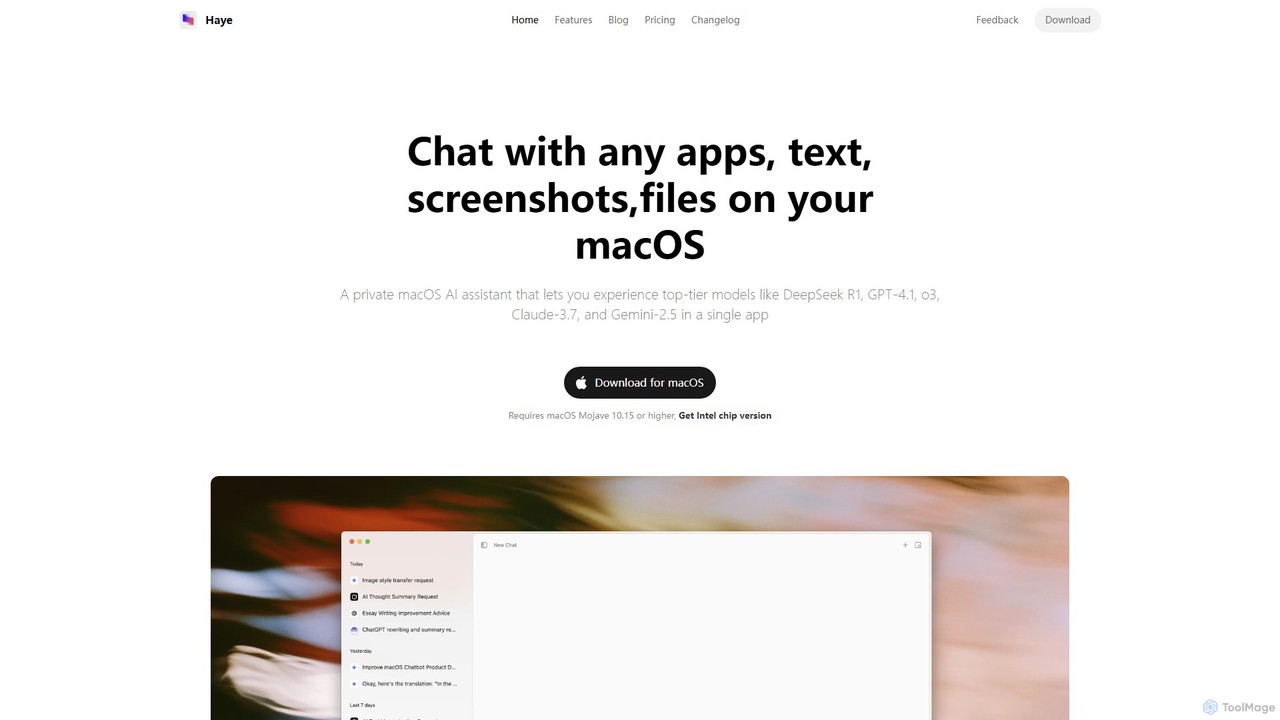
Haye
Haye is a powerful, all-in-one AI chat assistant for macOS, integrating top-tier models like GPT-4.1, Claude-3.7, and Gemini-2.5. It allows users to seamlessly interact with any app, text, screenshot, or file on their desktop, boosting productivity with features like AI search, document chat, and advanced customization.
Code Assistantanygpt.app Categories
anygpt.app Embed Widget
Copy this embed code to place the badge on your blog, article, or product site and send readers directly to this ToolMage detail page.

Related AI tools
MacGPT
MacGPT brings the power of ChatGPT directly to your macOS desktop. Access OpenAI's models instantly from your menubar, use the Inline feature to write in any application, and switch between a native or web interface for ultimate flexibility and productivity.
Code Assistantheyalice
heyalice is a personal AI assistant for your desktop (macOS, Windows, Linux) that centralizes top AI models like GPT-4o and Claude 3.5. It enhances productivity through customizable assistants, reusable prompts (Skills), and seamless integration with automation tools like Zapier and Make. Bring your own API keys to control costs and work faster with powerful keyboard shortcuts, all within a privacy-focused, local application.
Code AssistantHaye
Haye is a powerful, all-in-one AI chat assistant for macOS, integrating top-tier models like GPT-4.1, Claude-3.7, and Gemini-2.5. It allows users to seamlessly interact with any app, text, screenshot, or file on their desktop, boosting productivity with features like AI search, document chat, and advanced customization.
Code Assistant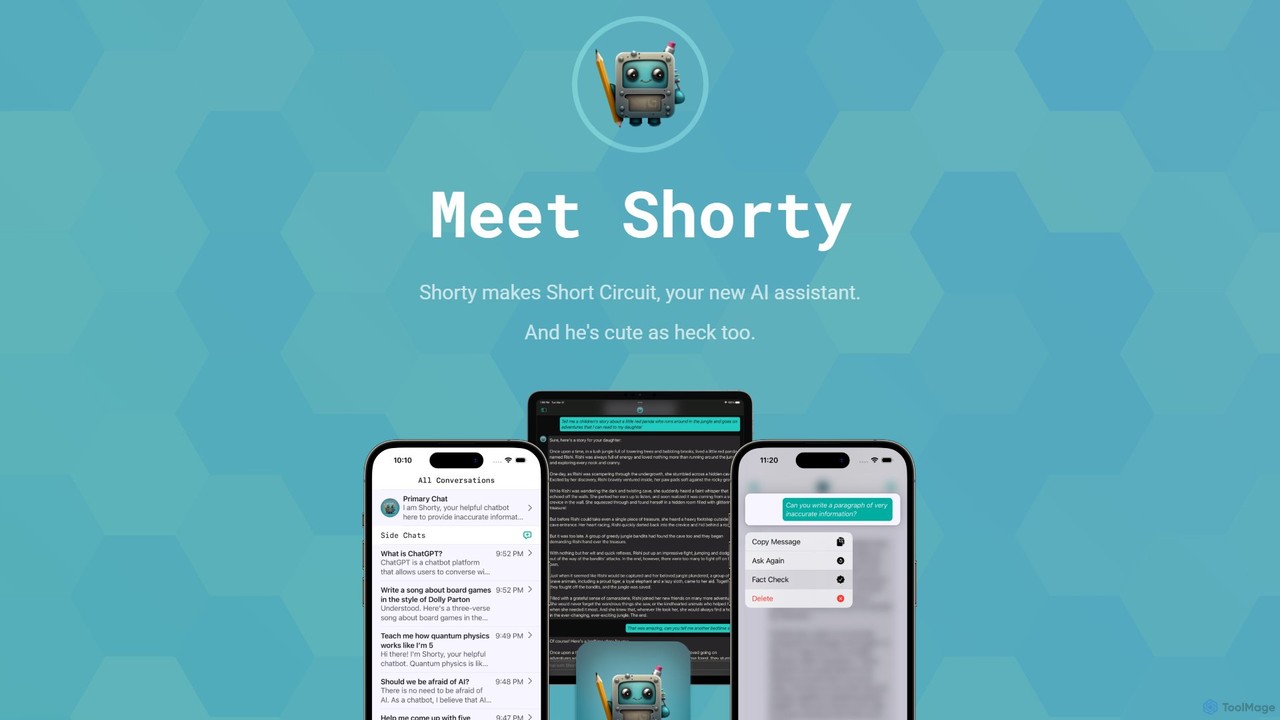
Short Circuit
Short Circuit is a privacy-focused AI assistant for iPhone, iPad, and Mac, powered by ChatGPT & GPT-4. It offers deep integration with the Apple ecosystem, including Siri and Shortcuts. Customize AI personalities for any task, from a math tutor to a code expert. With a strong commitment to privacy and flexible pricing options, including a lifetime unlock with your own API key, Short Circuit provides a premium, secure, and versatile AI experience.
Code Assistant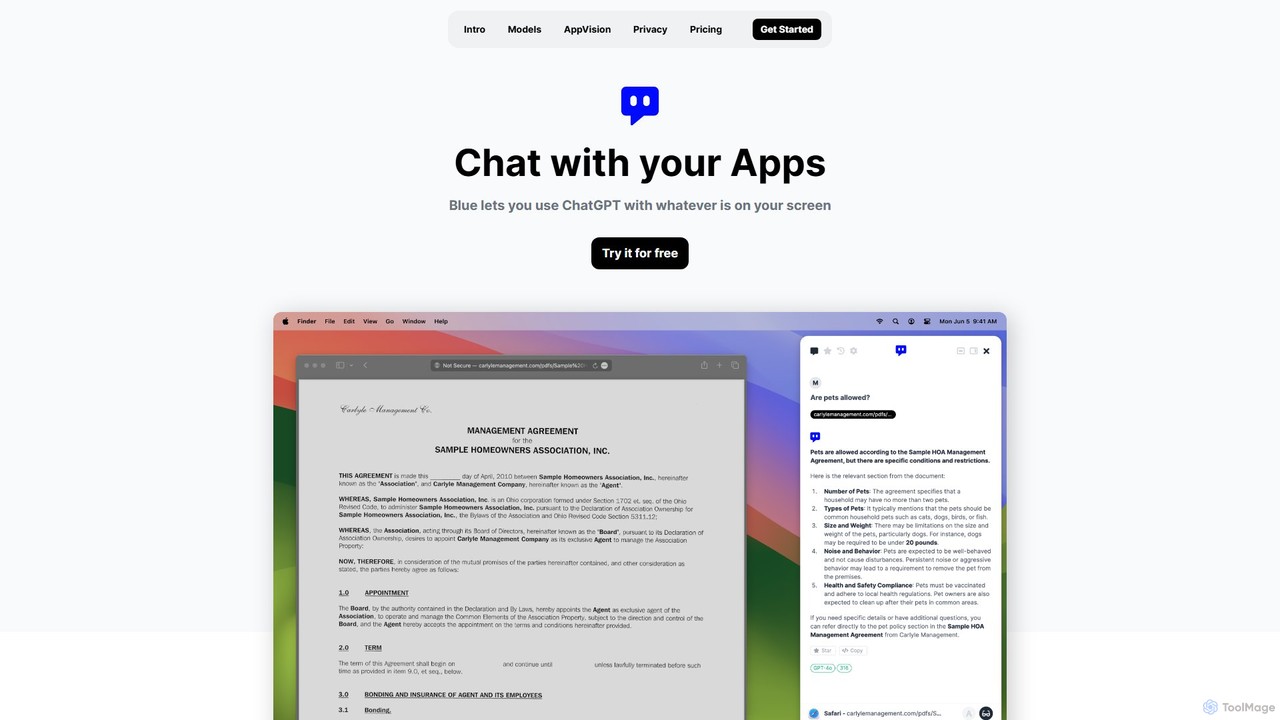
Blue
Blue is a native macOS AI assistant that integrates ChatGPT and other advanced AI models directly into your workflow. Featuring unique screen context awareness (AppVision) and a strong focus on privacy, it allows you to analyze, summarize, or create content in any app with a simple keyboard shortcut, boosting productivity for professionals.
Coding Assistant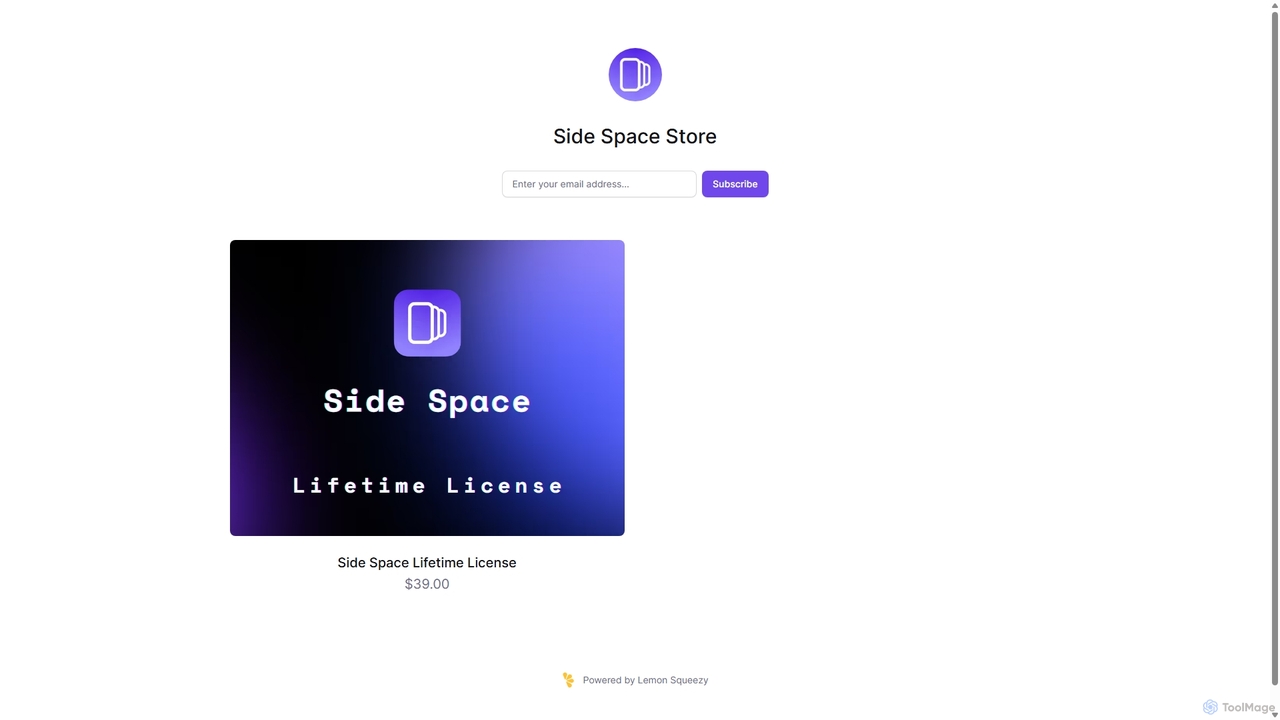
Side Space
Side Space is a powerful AI assistant that integrates seamlessly into your desktop workflow. It operates from a convenient sidebar, providing instant access to AI-powered tools for writing, coding, and general productivity without ever leaving your current application. Enhance your efficiency with contextual actions on selected text and customizable commands.
Code Assistant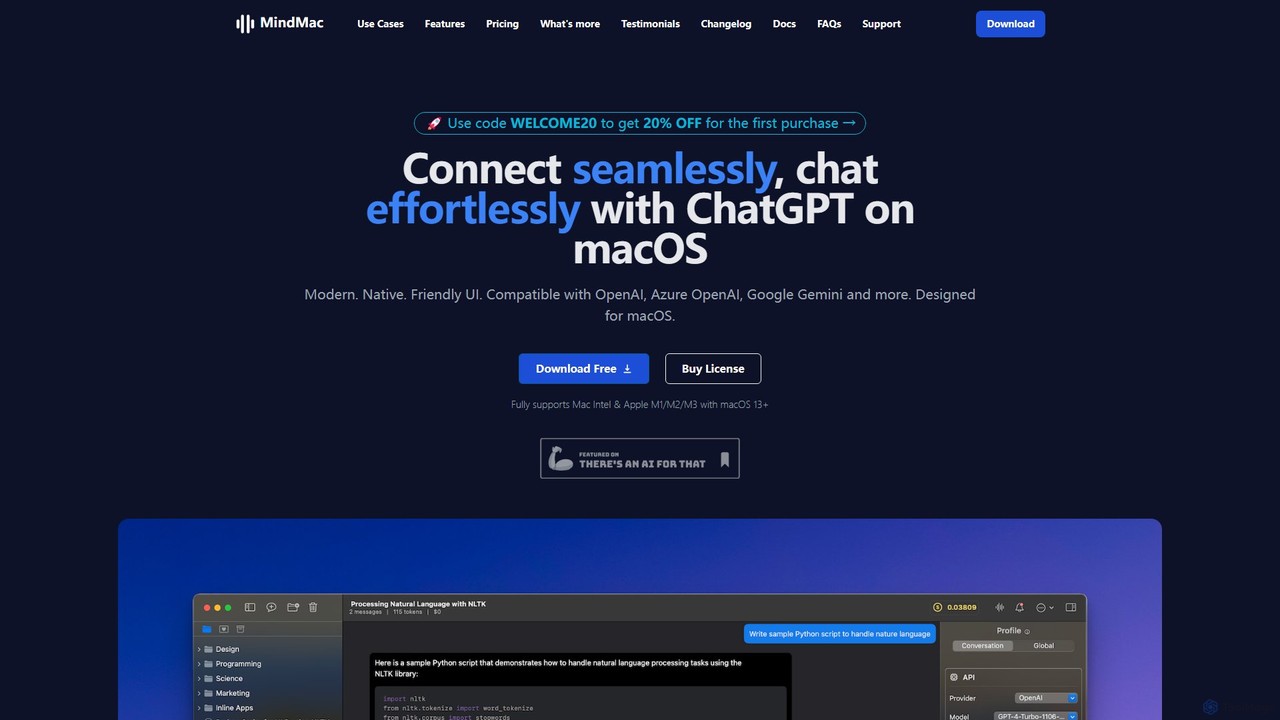
MindMac
MindMac is a powerful, native macOS client that provides a unified interface for interacting with a vast range of AI models, including OpenAI's GPT, Google Gemini, Claude, and local LLMs. It enhances productivity with features like an inline mode for use in any app, a rich prompt library, and extensive customization. It prioritizes privacy and security by storing API keys locally and communicating directly with AI providers.
Macos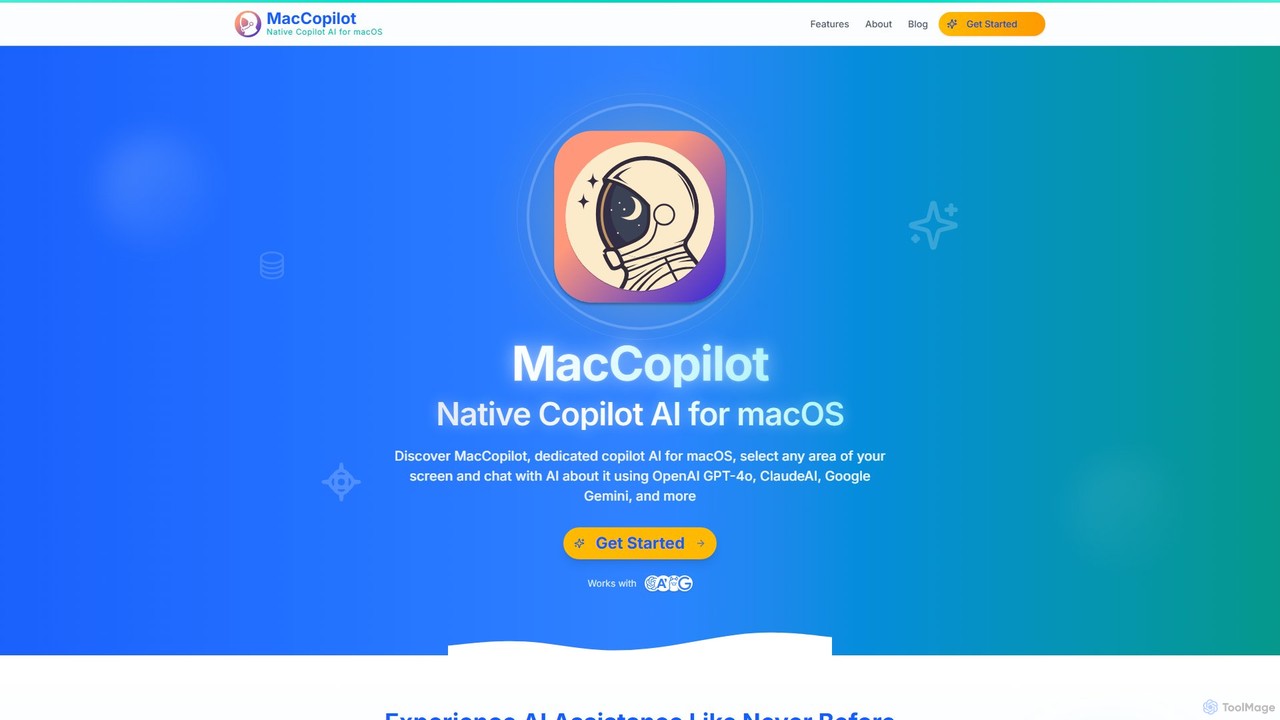
MacCopilot
MacCopilot is a native AI assistant for macOS that revolutionizes productivity. It allows you to select any area of your screen and instantly start a conversation with advanced AI models like GPT-4o, Claude 3.5, and Gemini. Get immediate insights, code explanations, email drafts, and more, without ever leaving your current window. It's a seamless bridge between your screen's content and powerful AI.
Code Assistant
Sider
Sider is a powerful AI copilot integrated into your browser sidebar. It brings ChatGPT, GPT-4, Claude 3, and Gemini to any webpage, allowing you to seamlessly summarize content, enhance your writing, explain complex topics, and chat with documents or videos. It streamlines your workflow by eliminating the need to switch between tabs, boosting your overall productivity and creativity.
Learning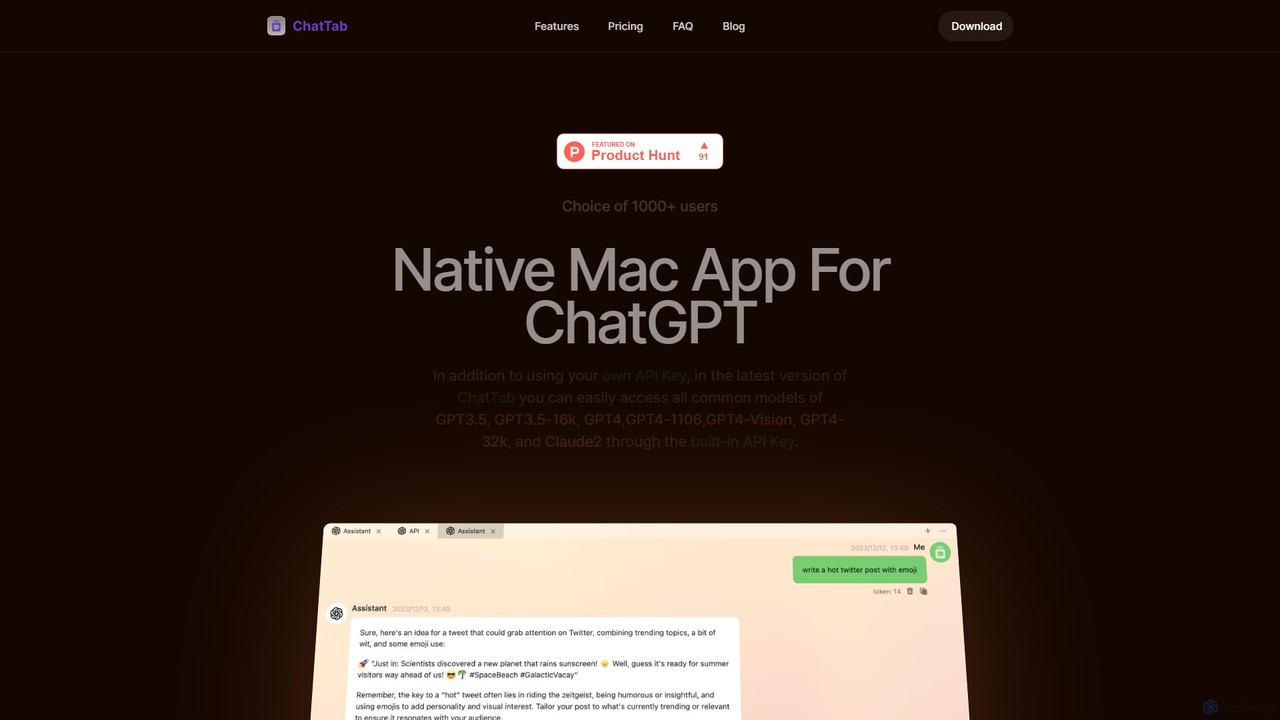
ChatTab
ChatTab is a native macOS desktop application designed to enhance the ChatGPT experience. It offers a fast, lightweight interface with features like multi-tab conversations, shortcut key access, iCloud prompt synchronization, and support for various models including GPT-4 Vision and Claude 2. Users can leverage their own API key or use the built-in one, ensuring a secure and private interaction with advanced AI models directly from their desktop.
Code AssistantOmnipilot
Omnipilot is a system-wide AI copilot for macOS, designed to integrate seamlessly into any application. It provides contextual assistance, allowing you to generate text, write code, and automate tasks in any text field, boosting productivity by eliminating the need to switch between apps. Note: Omnipilot has been acquired by and merged into Highlight AI.
Coding AssistantIris
Iris is a seamless AI assistant for macOS, designed to integrate into your workflow. It provides instant access to top AI models like GPT-4o and Claude 3.5, allowing you to chat, capture your screen for context, and get answers without ever leaving your current application. With intuitive gestures and powerful shortcuts, Iris is there when you need it and invisible when you don't.
Coding Assistant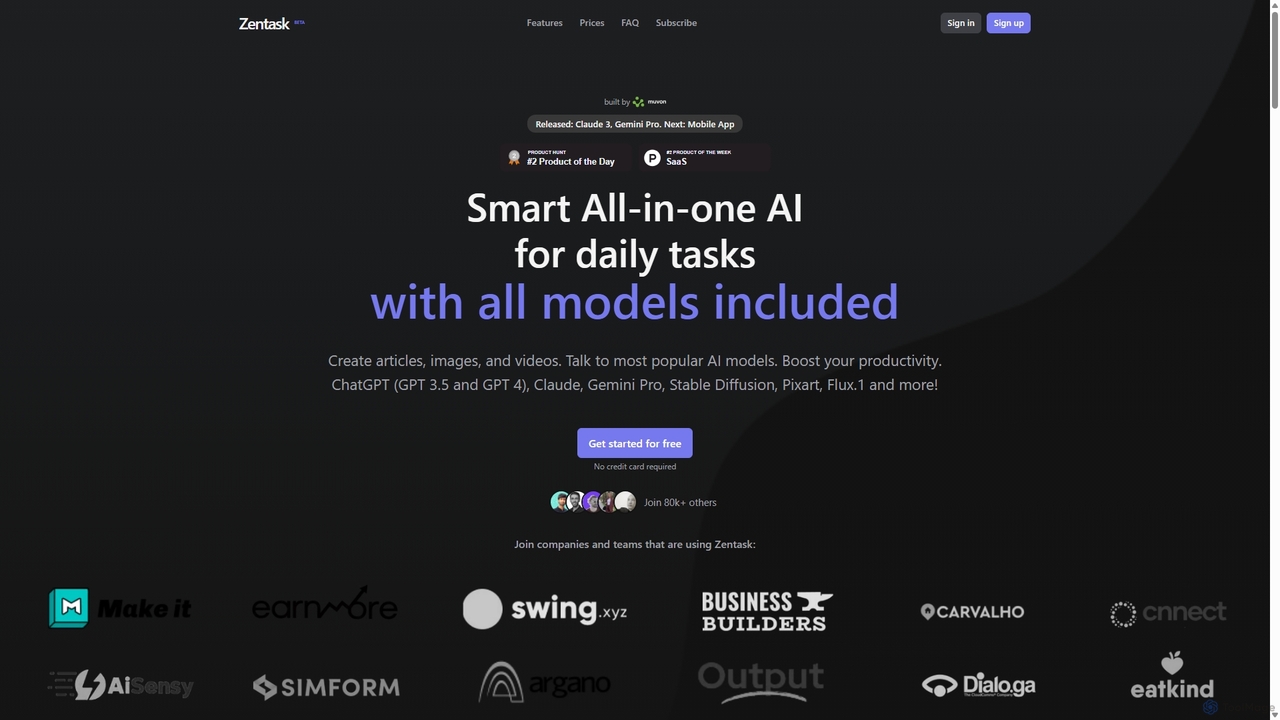
Zentask
Zentask is an all-in-one AI platform that provides access to multiple leading AI models like GPT-4, Claude 3, and Gemini Pro through a single subscription. It's designed to boost productivity by centralizing tools for creating articles, images, videos, and more, making it a cost-effective and efficient solution for daily tasks.
Image Generation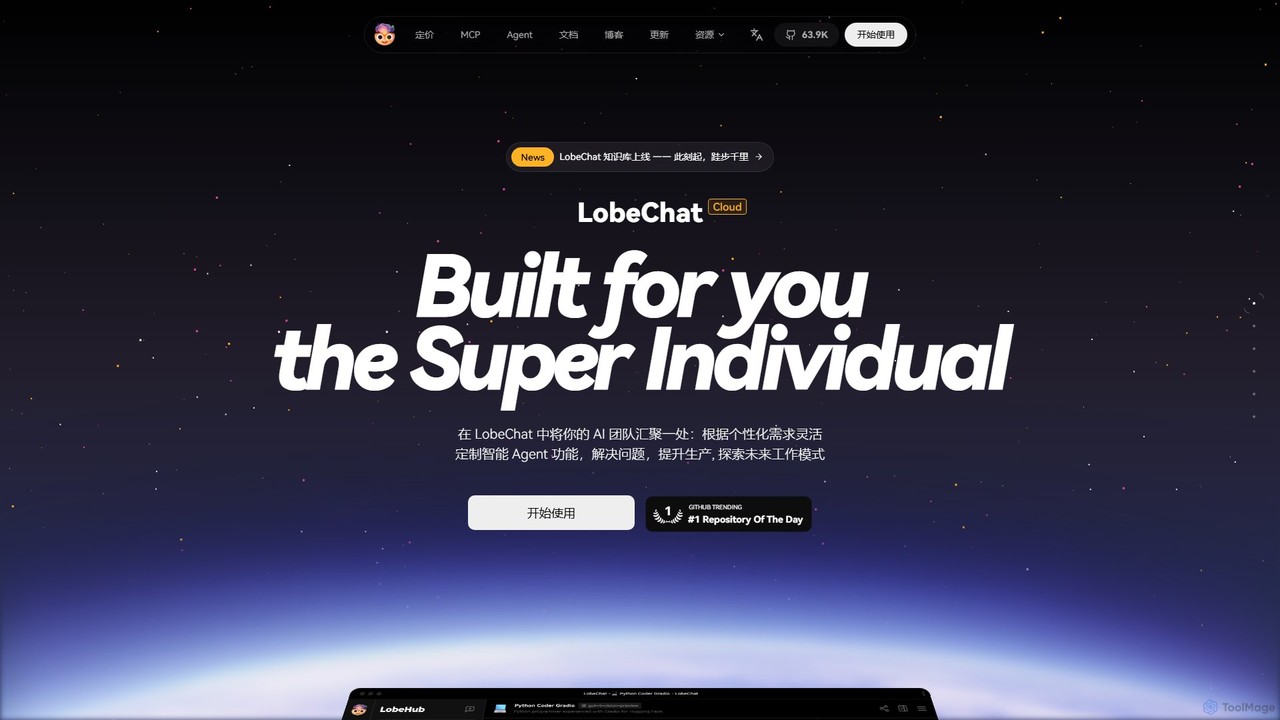
LobeHub
LobeHub is an all-in-one AI platform that allows you to build and manage a personalized team of AI Agents. It offers a superior user experience to standard LLM interfaces like ChatGPT, with support for numerous models, plugins, and multi-modal interactions. Create, share, and use specialized agents for tasks ranging from coding and writing to academic research and daily life, all within a single, intuitive chat interface.
Chatbot Platform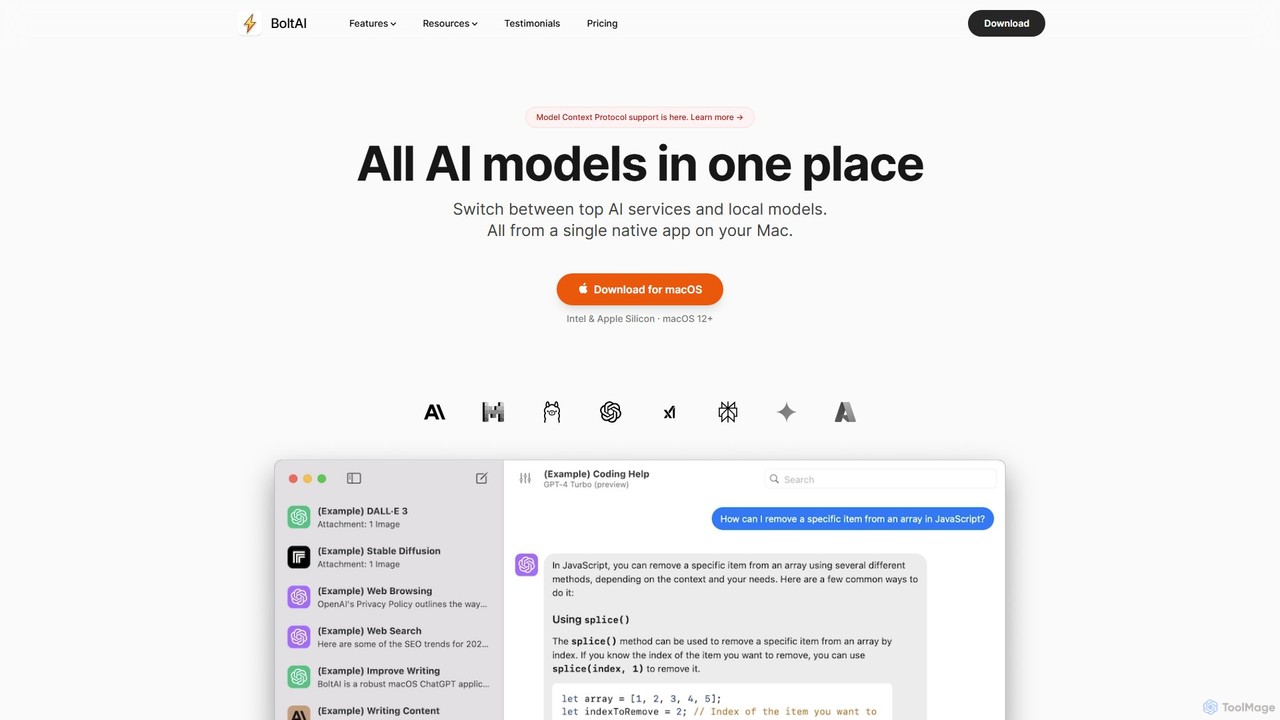
BoltAI
BoltAI is a native, high-performance AI assistant for macOS that integrates multiple AI models like GPT, Claude, and local models directly into your workflow. It offers features like an in-IDE coding assistant, custom AI assistants, a prompt library, and powerful plugins to boost productivity for developers, writers, and professionals.
Coding
anygpt.app Comments (0)
Sign in to comment.
Sign inNo comments yet.