
Chatworm Overview
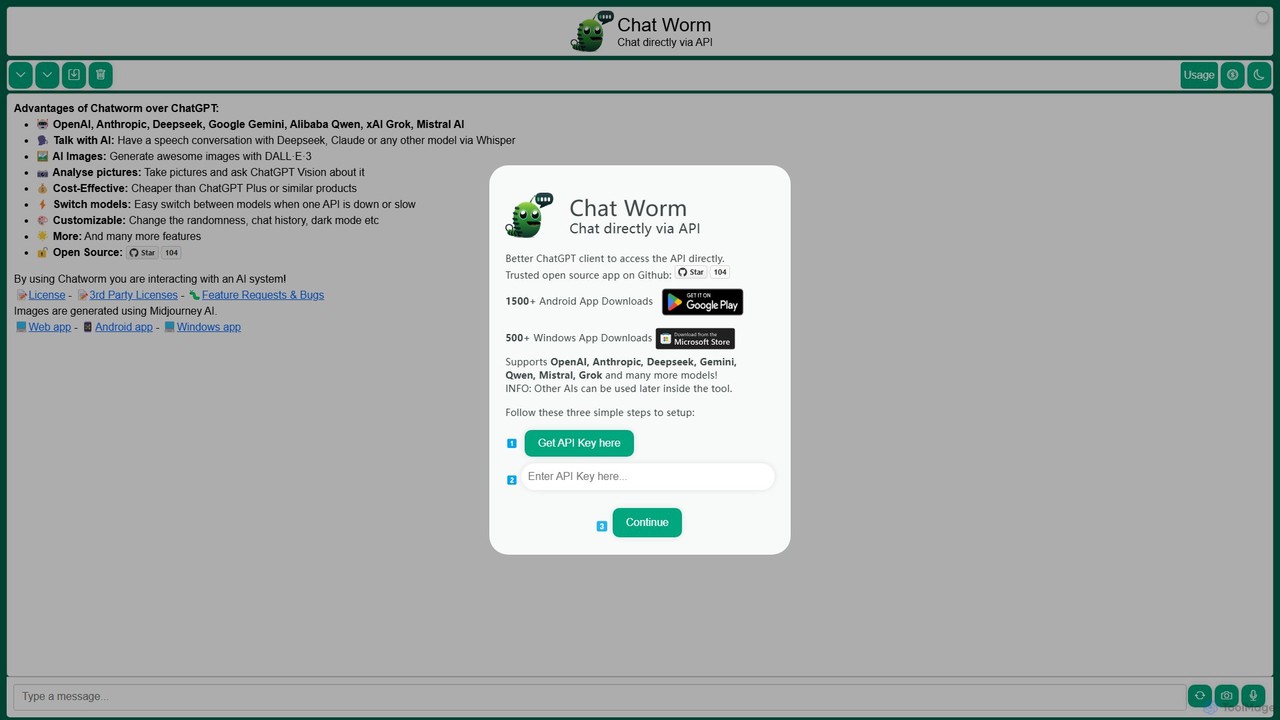
Chatworm is a powerful and flexible open-source AI chat client designed for users who want to harness the capabilities of multiple large language models (LLMs) from a single, unified interface. Positioned as a superior alternative to standard chat interfaces, Chatworm allows you to connect directly to a wide array of AI model APIs, including those from OpenAI, Anthropic, Google, Mistral AI, and more. This "Bring Your Own Key" (BYOK) approach provides ultimate control, flexibility, and cost-effectiveness, as you only pay for what you use directly from the API providers.
The application is built with power users, developers, and AI enthusiasts in mind, offering a rich set of features that go beyond simple text chat. It supports multi-modal interactions, including voice-to-voice conversations powered by Whisper for speech-to-text and a selection of natural-sounding voices for text-to-speech. Furthermore, it integrates DALL·E·3 for high-quality AI image generation and allows users to upload and analyze images with vision-capable models like GPT-4 Vision. Chatworm is available as a web app, a downloadable Windows application, and an Android app, ensuring access across all your devices.
How to use Chatworm
Getting started with Chatworm is a straightforward process designed to get you up and running quickly:
- Choose Your Platform: Access Chatworm via the web app, or download the dedicated application for Windows or Android from the official website.
- Obtain API Keys: To use the AI models, you need to get API keys from the respective providers. Visit the websites of OpenAI, Anthropic, Google (for Gemini), Mistral AI, etc., to create an account and generate your personal API keys.
- Configure the Application: Open Chatworm and navigate to the settings section. Here, you will find fields to enter the API keys for each service you wish to use. Paste your keys into the corresponding inputs.
- Select a Model and Chat: Once your keys are saved, you can select your desired AI model from the dropdown menu on the main chat screen. You can now start typing or use the microphone icon to have a conversation.
- Customize Your Experience: Explore the settings to adjust parameters like 'Randomness' (temperature) and 'Max Tokens' to fine-tune the AI's responses. You can also switch between light and dark modes and manage your chat history.
Core Features of Chatworm
- Multi-Model Integration: Seamlessly switch between top-tier AI models, including OpenAI (GPT-4, GPT-3.5), Anthropic (Claude 3 series), Google (Gemini), Deepseek, Alibaba Qwen, xAI Grok, and Mistral AI.
- Voice-to-Voice Conversations: Engage in natural, spoken conversations with the AI. Chatworm uses OpenAI's Whisper for accurate speech-to-text and offers multiple voice options (Alloy, Echo, Fable, etc.) for text-to-speech responses.
- AI Image Generation: Create stunning visuals directly within the chat interface by leveraging the power of DALL·E·3.
- Image Analysis: Upload images and ask questions about them using vision-enabled models like GPT-4 with Vision, making it a powerful tool for visual understanding.
- Advanced Customization: Tailor the AI's behavior by adjusting parameters like randomness (temperature), max token output, and reasoning effort to suit your specific needs.
- Cross-Platform Availability: Use Chatworm on your preferred device, with dedicated applications for Web, Windows, and Android.
- Open Source and Secure: As an open-source project with a presence on GitHub, Chatworm offers transparency and security. Your API keys and conversations are managed locally on your device.
- Cost-Effective: By using your own API keys, you bypass fixed monthly subscriptions and only pay for the tokens you actually consume, which can be significantly cheaper for many users.
Use Cases for Chatworm
Chatworm is a versatile tool suitable for a wide range of applications:
- Developers: Quickly test and compare the performance, tone, and capabilities of different LLMs for a project without needing to build separate integrations.
- Content Creators: Use one model for brainstorming blog post ideas, switch to another for drafting content, and use DALL·E·3 to generate accompanying images, all in one workflow.
- Researchers: Leverage different models specialized in complex reasoning or data analysis to process information and gather diverse perspectives on a topic.
- Power Users: Create a personalized and highly efficient AI assistant by combining the strengths of various models and customizing their settings for optimal performance.
- Language Learners: Practice conversational skills in different languages by having spoken interactions with the AI, receiving instant feedback.
Advantages of Chatworm
Chatworm offers several key advantages over using individual AI service websites or other clients:
- Flexibility: Never be locked into a single ecosystem. Choose the best AI model for any given task on the fly.
- Resilience: If one provider's API is experiencing downtime or slowness, you can instantly switch to another model and continue your work without interruption.
- Unified Experience: Enjoy a consistent and feature-rich user interface for all your AI interactions, including history, customization, and multi-modal features.
- Cost Control: The BYOK model gives you direct control over your spending, with the potential for significant savings compared to flat-rate subscriptions like ChatGPT Plus.
- Transparency: Being open-source means the community can vet the code, ensuring there are no hidden data collection practices and that your information remains private.
Pricing and Plans
Chatworm itself is a completely free and open-source application. There are no subscription fees, hidden charges, or premium tiers for using the Chatworm software.
The costs associated with using Chatworm are based on the "Bring Your Own Key" (BYOK) model. This means you are responsible for the API usage costs charged by the AI model providers (e.g., OpenAI, Anthropic, Google). You pay these companies directly based on their pay-as-you-go pricing, which is typically measured in the number of tokens processed. This model is highly efficient as you only pay for what you actually use.
Traffic
Latest traffic
Status
Monthly traffic trend
- 2025-9: 1.8K
- 2026-1: 4.7K
- 2026-2: 192
- 2026-3: 234
- 2026-4: 0
- 2026-5: 234
Geography
Top 5 countries / regions
- 🇧🇷Brazil39.0%
- 🇮🇩Indonesia32.6%
- 🇰🇼Kuwait28.4%
Top keywords
| Keyword | Cost per click |
|---|---|
| chatgpt worm | $0.00 |
| chatworm | $0.00 |
| worm ai | $0.00 |
| worm chatgpt | $0.00 |
| worm gpt chat free | $0.00 |
Chatworm Alternatives
Anse
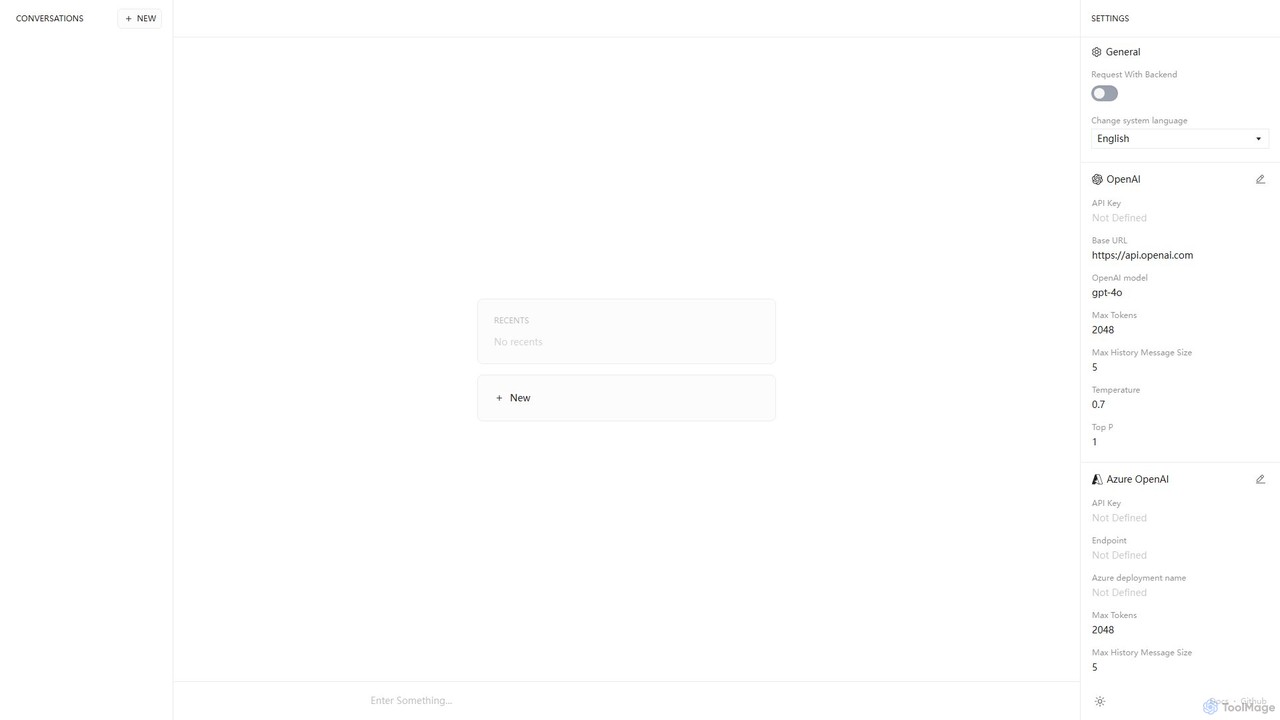
Anse is a free, open-source, and privacy-focused desktop AI client. It provides a unified interface to interact with various large language models from providers like OpenAI, Google, and Azure. By using your own API keys, you maintain full control over your data and costs, while enjoying advanced features and model customization in a sleek, minimalist application.
Ai Client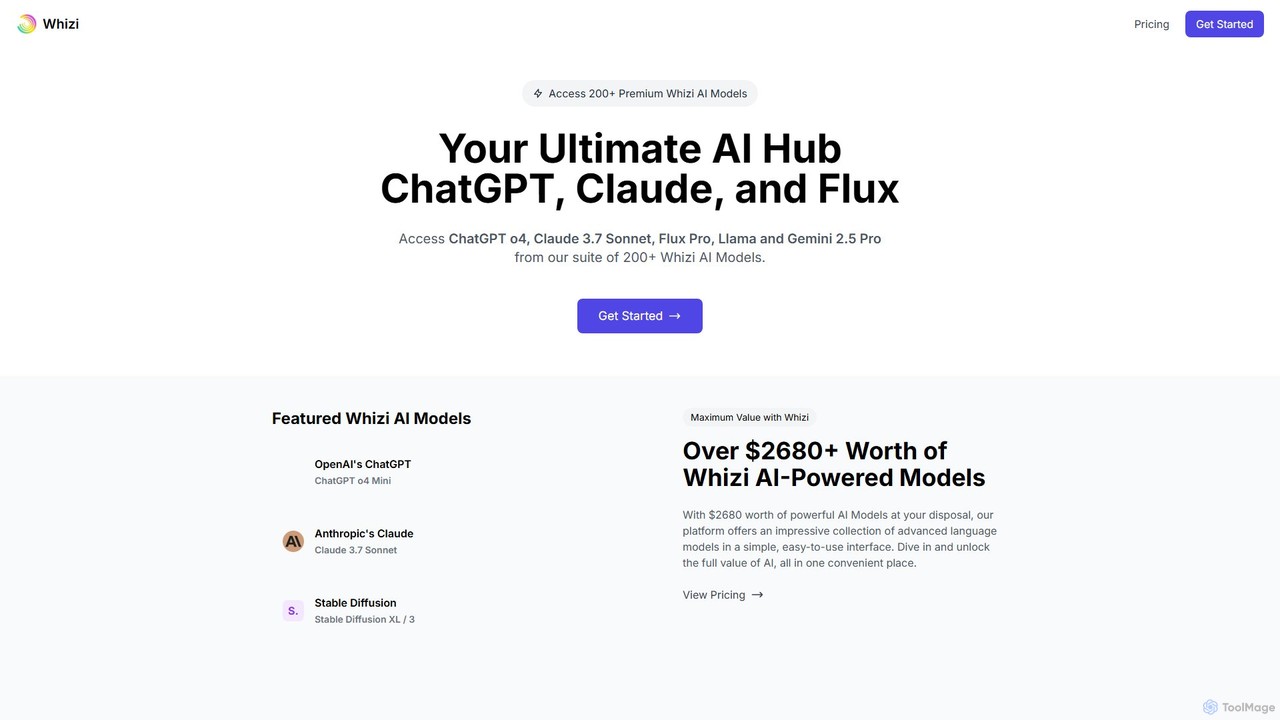
Whizi
Whizi is a unified AI chat platform that provides access to multiple leading language models like GPT, Claude, and Flux through a single interface. It streamlines your workflow by allowing you to switch between models, compare their outputs side-by-side, and find the best AI for any task. Ideal for developers, writers, and marketers seeking efficiency and versatility.
Api
Poe
Poe is an all-in-one AI platform that aggregates leading AI models like GPT-4, Claude 3, and DALL-E 3. It allows users to chat with various AIs, create custom bots, and explore a vast library of community-built bots for diverse tasks, all within a single, seamless interface available on web, desktop, and mobile.
Bot Building
NoFilterGPT
NoFilterGPT is an anonymous, unfiltered, and uncensored AI chat platform. It offers unrestricted conversations, AI image generation, voice chat, and a developer API, prioritizing user privacy with no-logs and encrypted communication. Ideal for users and developers seeking creative freedom beyond typical AI constraints.
Api
Tinfoil
Tinfoil is a confidential AI platform that ensures security, privacy, and verifiability for AI interactions and applications. It uses hardware-enforced privacy (secure enclaves) to protect data, prompts, and models, offering a zero-trust, zero-retention environment. It provides both a private chat interface and a developer-friendly, OpenAI-compatible API.
ApiChatworm Categories
Chatworm Embed Widget
Copy this embed code to place the badge on your blog, article, or product site and send readers directly to this ToolMage detail page.

Related AI tools
Anse
Anse is a free, open-source, and privacy-focused desktop AI client. It provides a unified interface to interact with various large language models from providers like OpenAI, Google, and Azure. By using your own API keys, you maintain full control over your data and costs, while enjoying advanced features and model customization in a sleek, minimalist application.
Ai Client
Backmesh
Backmesh is an open-source Backend as a Service (BaaS) designed for AI applications. It acts as a secure LLM API Gatekeeper, allowing developers to call LLM APIs like OpenAI and Gemini directly from web or mobile apps without exposing private keys. It offers features like JWT authentication, per-user rate limiting, and built-in analytics to manage and monitor API usage effectively.
Api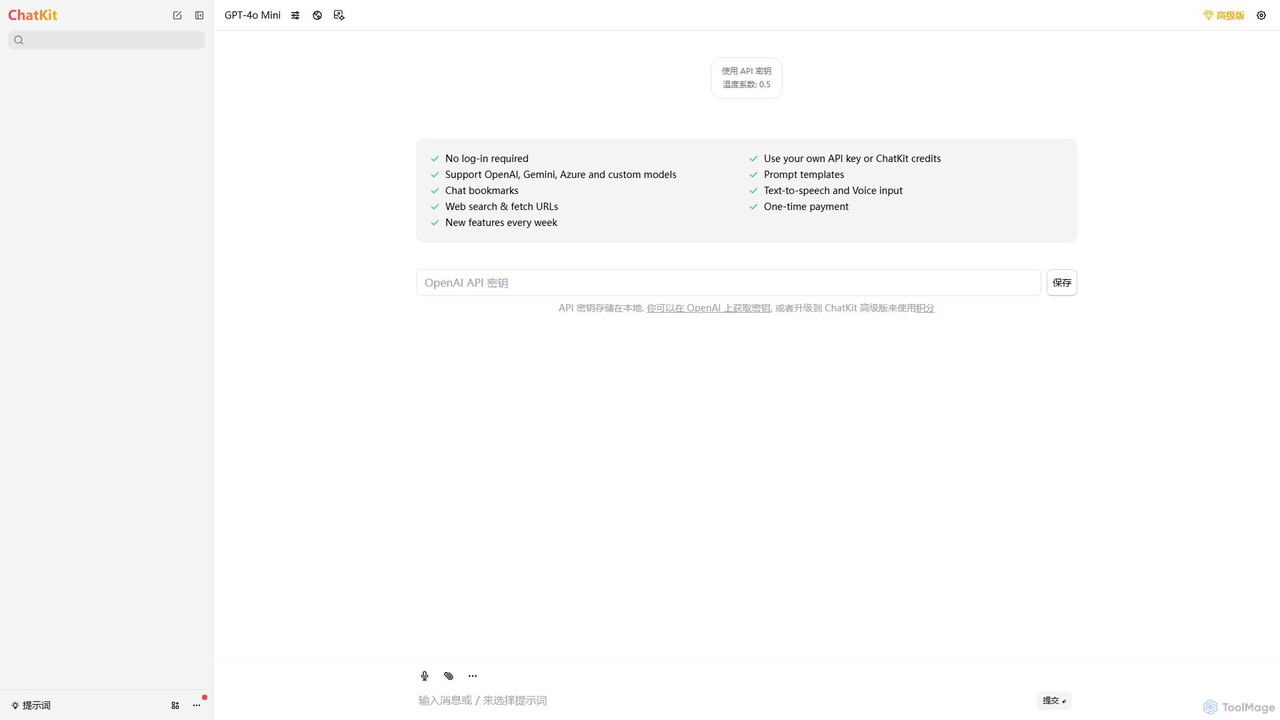
ChatKit
ChatKit is a refined, unified chat interface for top AI models like OpenAI, Gemini, and Azure. It enhances your workflow with features like web search, prompt templates, voice input, and chat bookmarks, all while prioritizing user privacy with local API key storage and no required login.
Api Management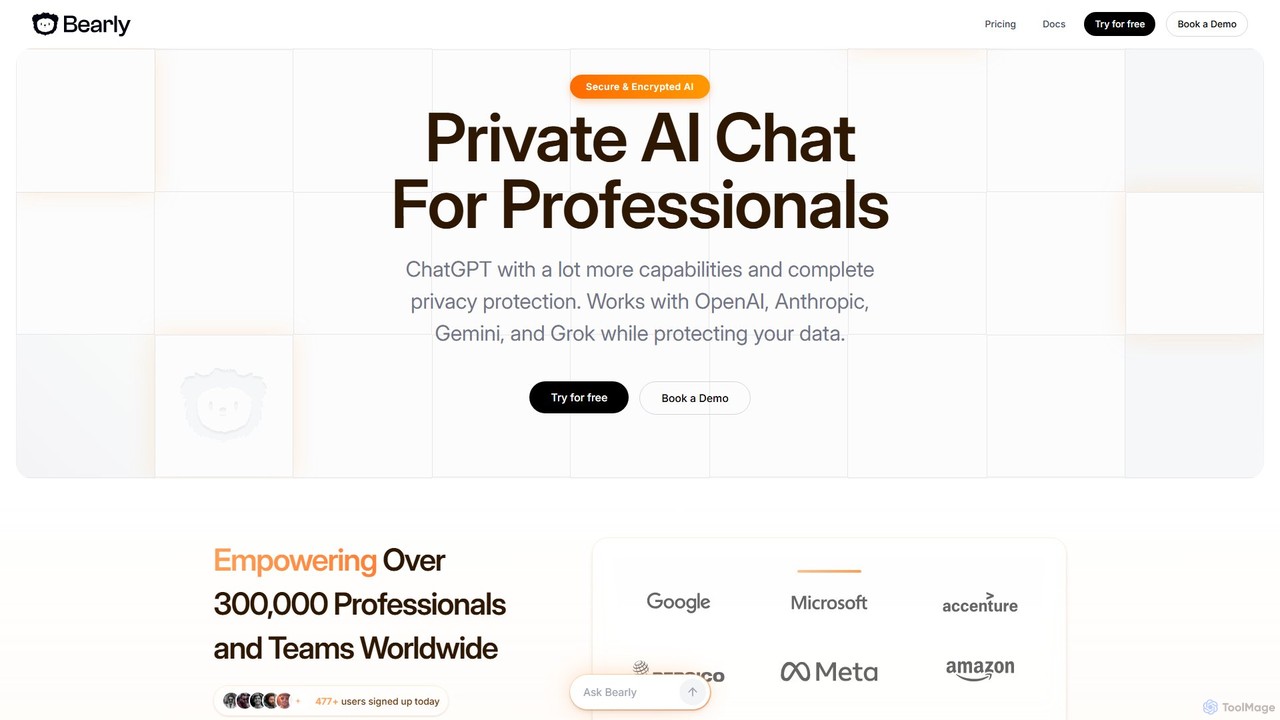
Bearly
Bearly is an all-in-one, private AI platform for professionals and teams. It integrates leading AI models like GPT-4, Claude, Gemini, and Grok into a secure, encrypted environment. Featuring a collaborative canvas, secure code interpreter, image generation, and advanced memory, Bearly prioritizes user privacy with a zero-logging policy and end-to-end encryption, making it a powerful and safe AI workspace.
Code Assistant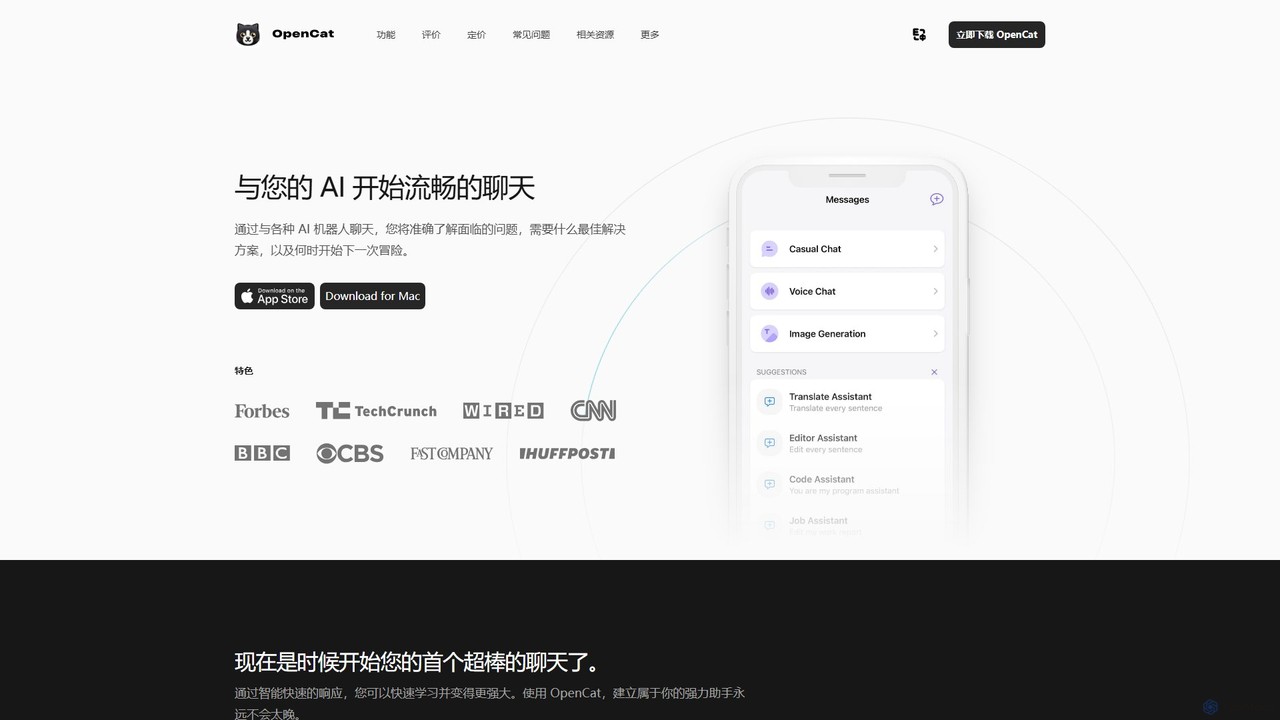
OpenCat
A native, feature-rich AI chat client for Mac, iOS, and iPad. It supports multiple AI models, voice chat, text-to-image, a system-wide keyboard, and Siri integration, offering a seamless AI experience across the Apple ecosystem.
Chatbot Client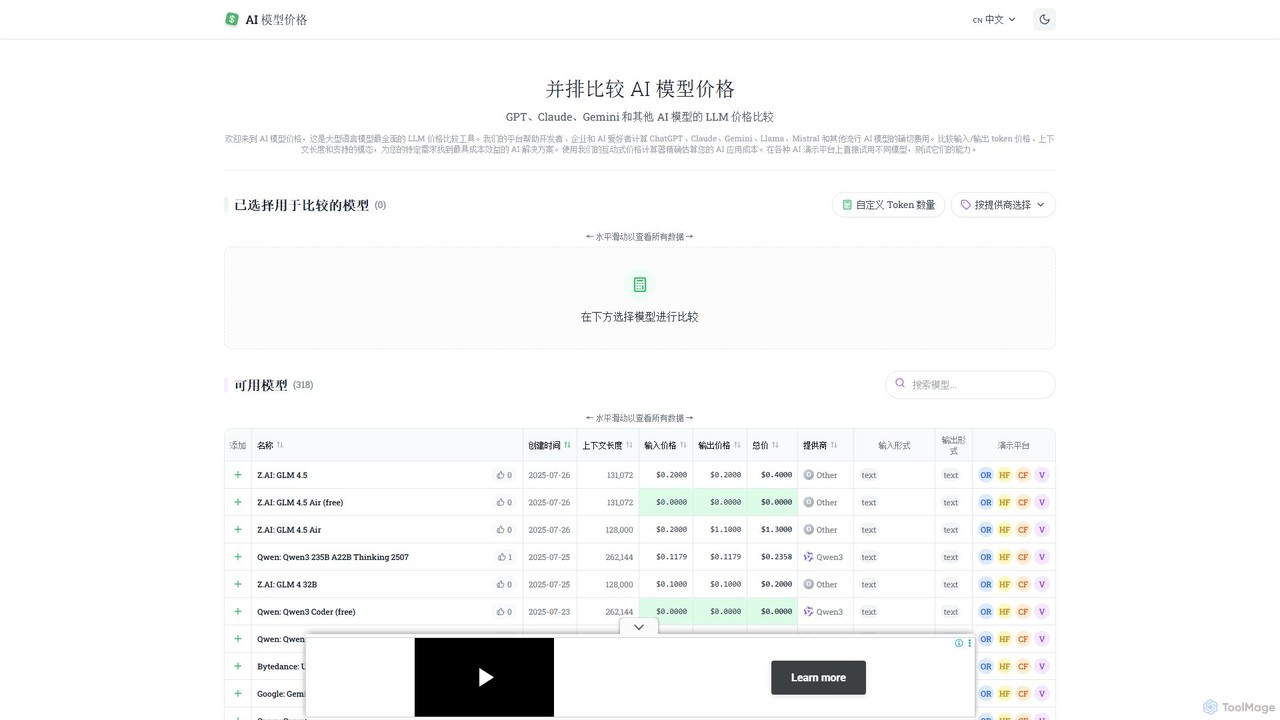
llm_price
llm_price is a comprehensive comparison tool for Large Language Model (LLM) API pricing. It enables developers, businesses, and AI enthusiasts to easily compare the costs of hundreds of models from providers like OpenAI, Google, Anthropic, and Mistral. With an interactive cost calculator and side-by-side analysis of token prices, context lengths, and modalities, it simplifies the process of selecting the most cost-effective AI solution for any project.
Api Management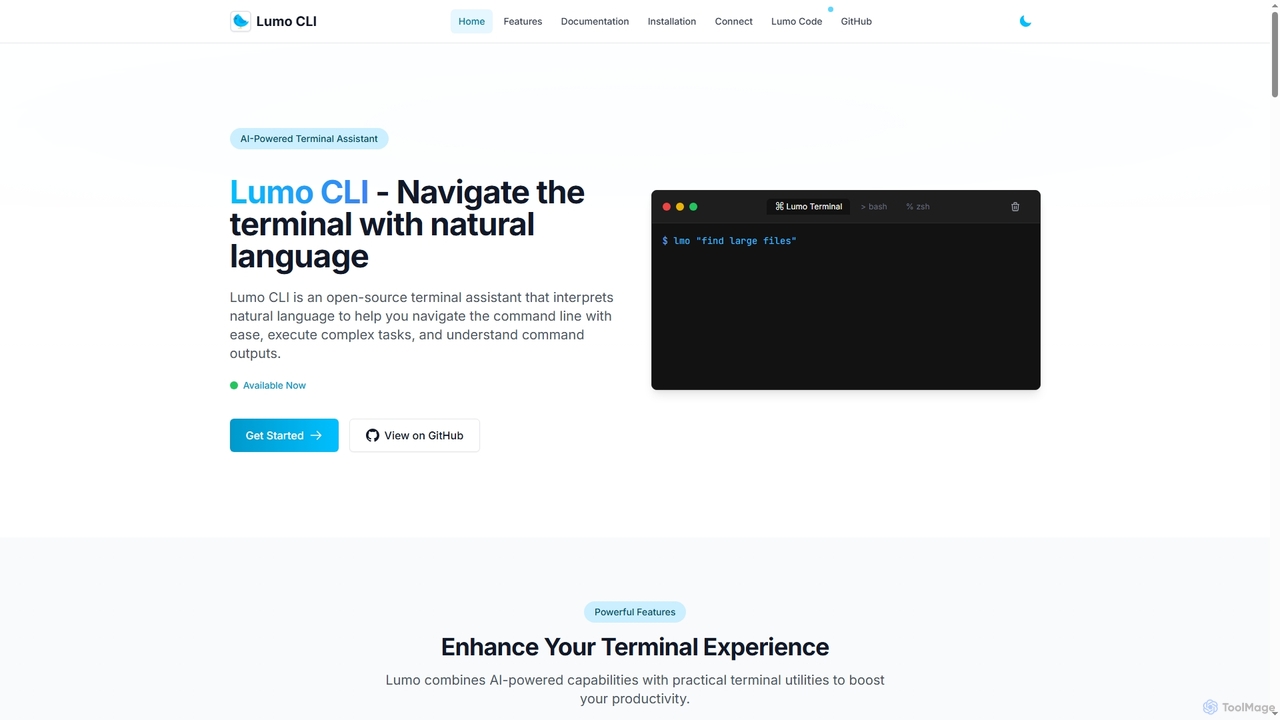
Lumo
Lumo is an open-source, AI-powered terminal assistant that allows users to interact with the command line using natural language. It translates plain English into executable commands, automates complex tasks, monitors system health, and supports multiple AI models including Gemini, OpenAI, and Ollama for local inference.
Code Assistant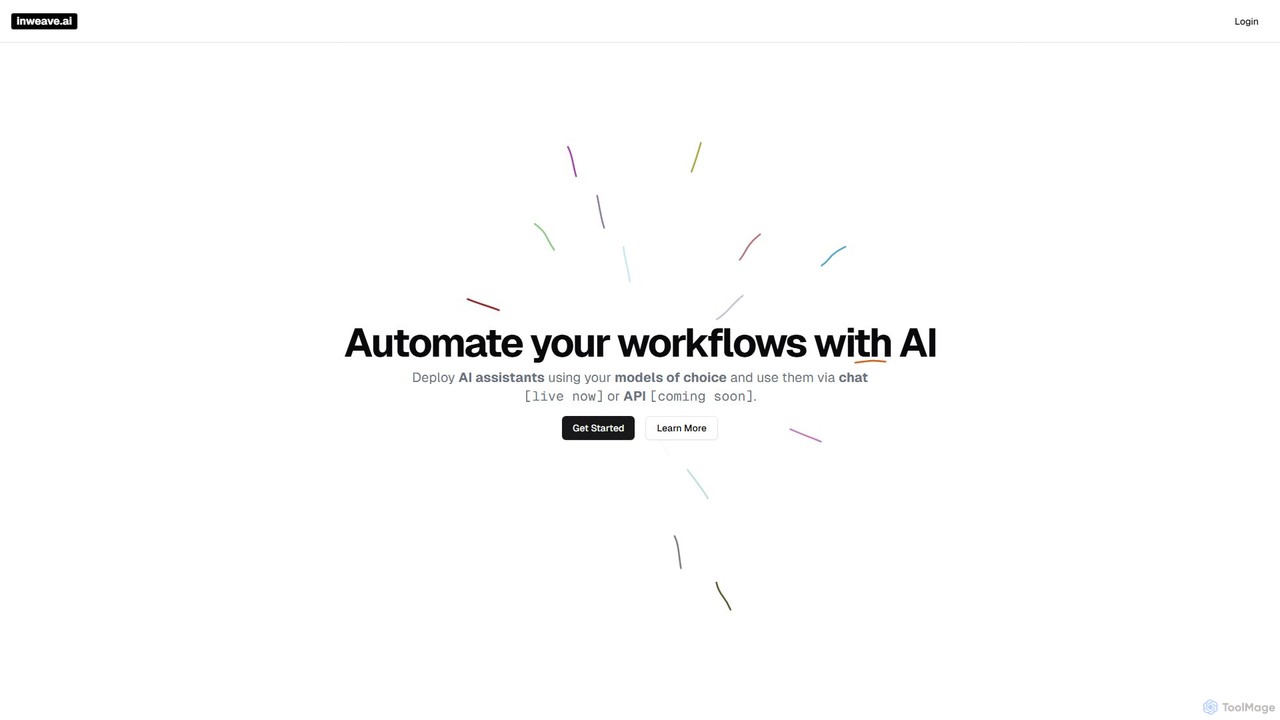
inweave
inweave is an AI integration platform designed for startups and developers, providing a unified interface to deploy and manage AI assistants. It allows users to choose from a wide range of models from top providers like OpenAI, Anthropic, and Groq, automating workflows through a simple chat interface or a powerful API. The platform emphasizes flexibility, scalability, and transparent pay-as-you-go pricing, eliminating vendor lock-in and simplifying AI integration.
Startup Tools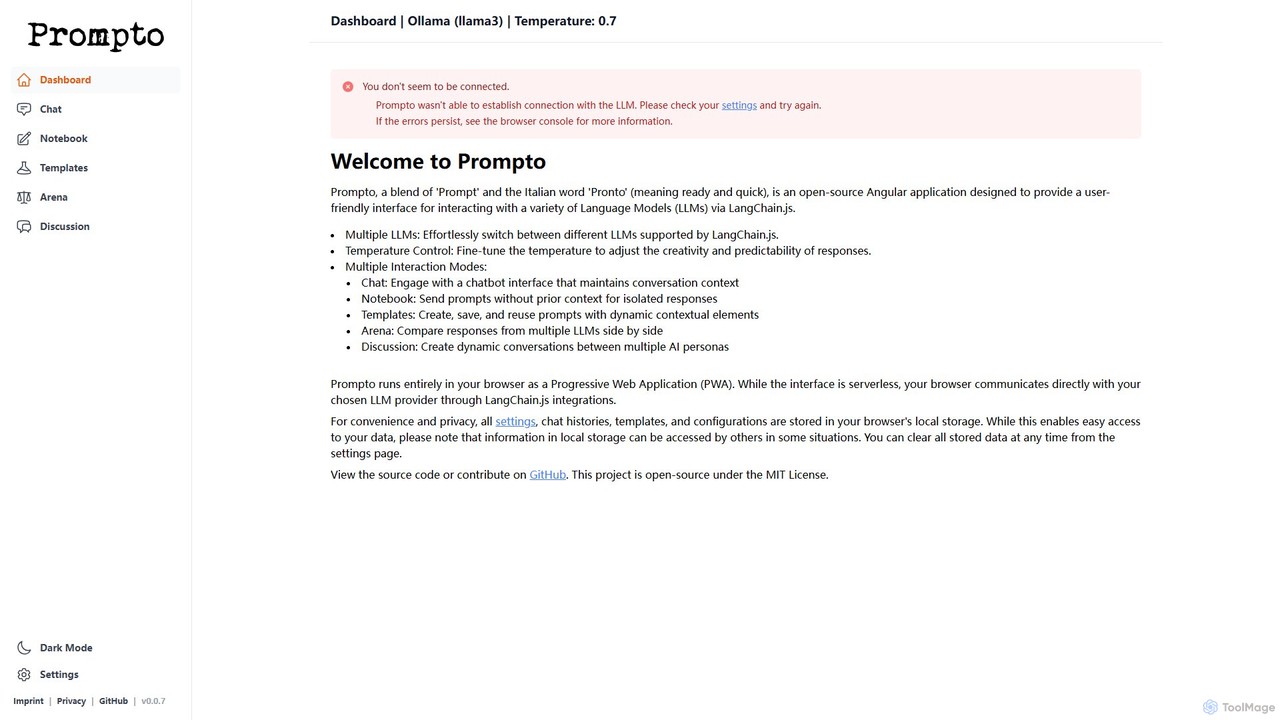
Prompto
Prompto is a free, open-source, browser-based interface for interacting with a wide range of Large Language Models (LLMs). It leverages LangChain.js to connect directly to providers like OpenAI, Anthropic, and local models via Ollama, offering advanced features like a model comparison Arena, prompt templates, and multi-AI discussions, all while prioritizing user privacy by storing data locally.
Model Comparison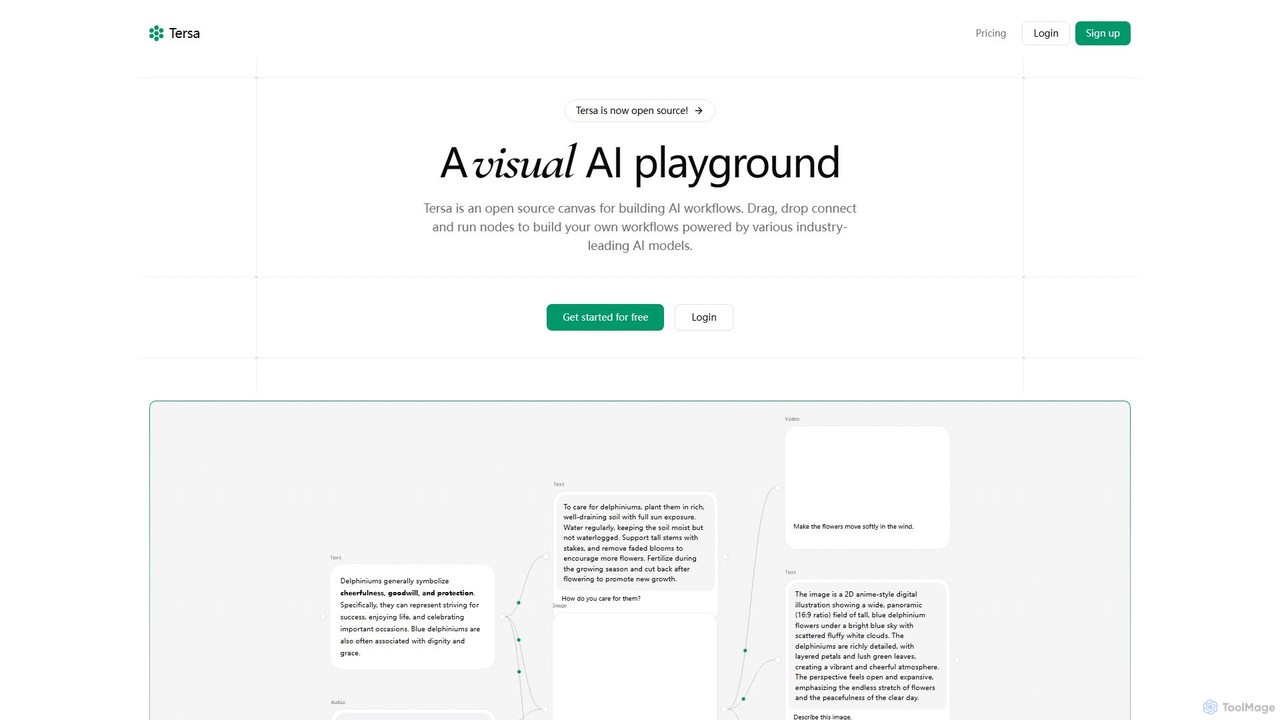
Tersa
Tersa is an open-source visual AI playground for building complex AI workflows. It features a drag-and-drop canvas where users can connect nodes to integrate over 100 AI models from leading providers like OpenAI and Anthropic. It supports multi-modal operations, including text generation, image creation, video synthesis, audio transcription, and code transformation, making it a versatile tool for developers and creators.
Generative Ai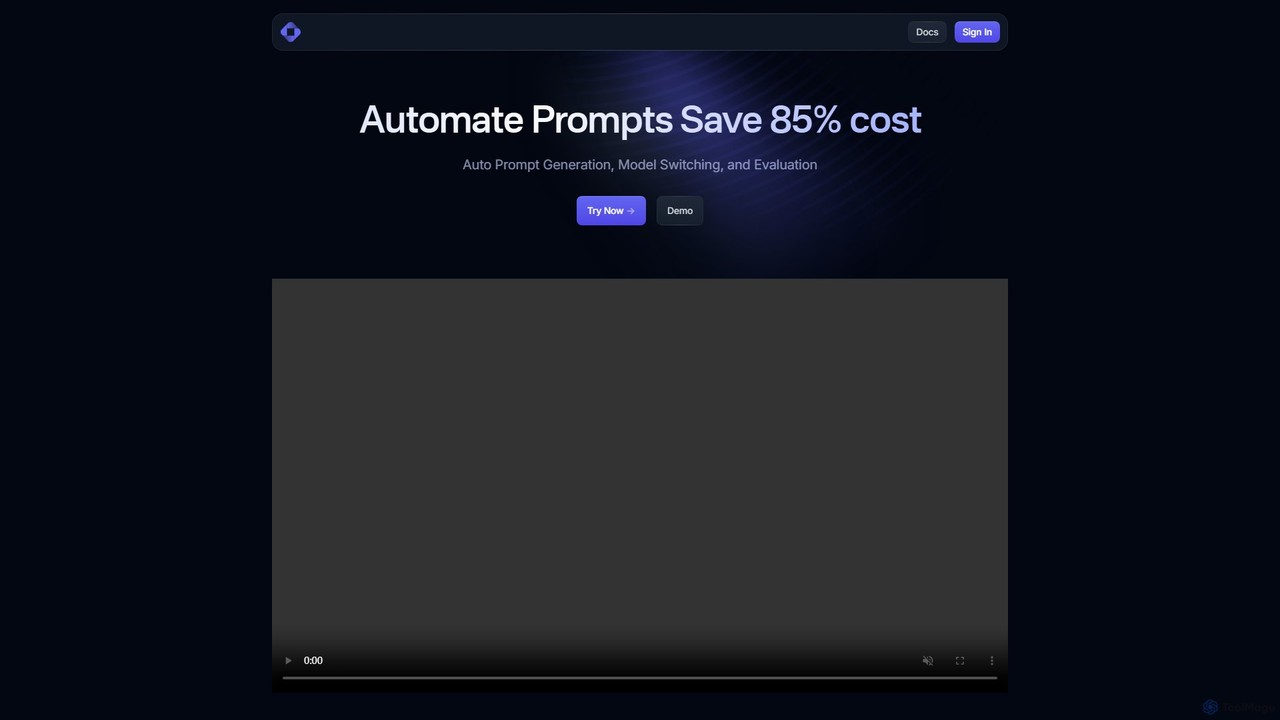
Trainkore
Trainkore is a unified platform for developers to optimize LLM operations. It automates prompt generation, dynamically switches between AI models like GPT-4o and Gemini to reduce costs by up to 85%, and provides a comprehensive observability suite for performance monitoring and debugging. It simplifies integration and enhances AI application development.
Cost Management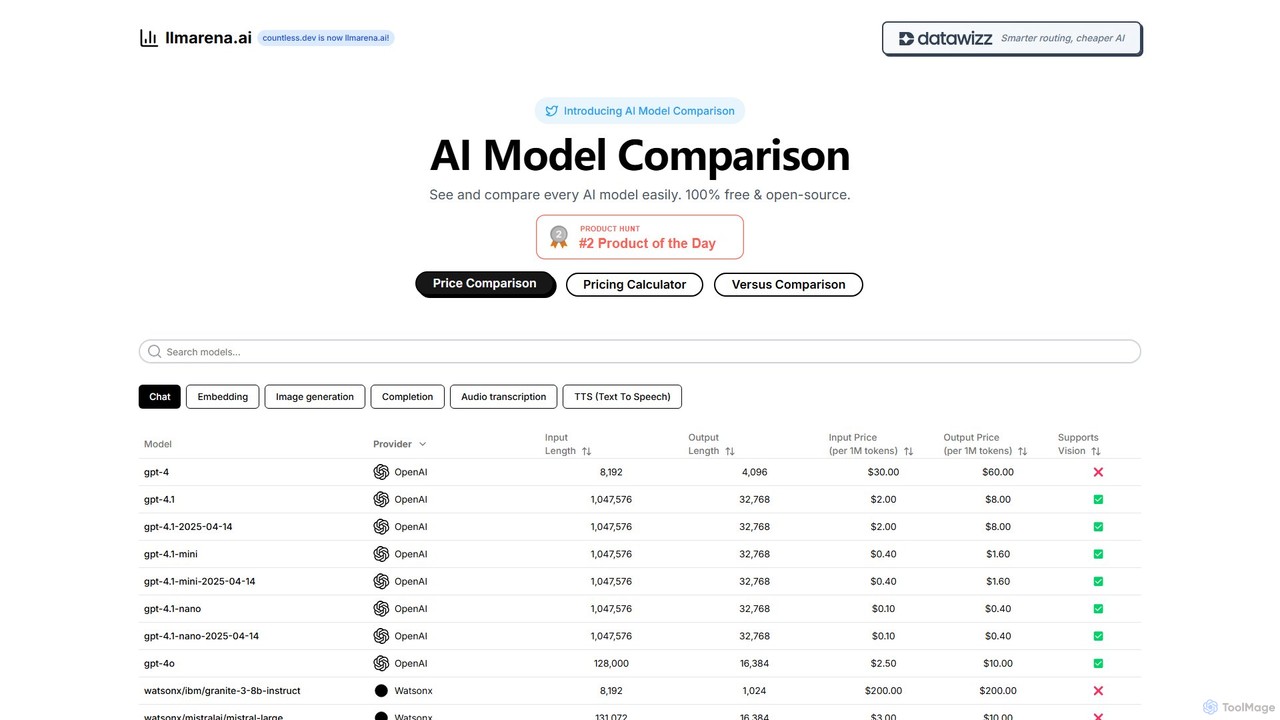
llmarena.ai
llmarena.ai is a free, open-source platform for comparing Large Language Models (LLMs). It provides a comprehensive database of AI models from providers like OpenAI, Google, and Anthropic, allowing users to easily compare pricing, context windows, output lengths, and capabilities such as vision and audio. It's an essential tool for developers and businesses to make informed decisions when selecting the right AI model for their needs.
Api Management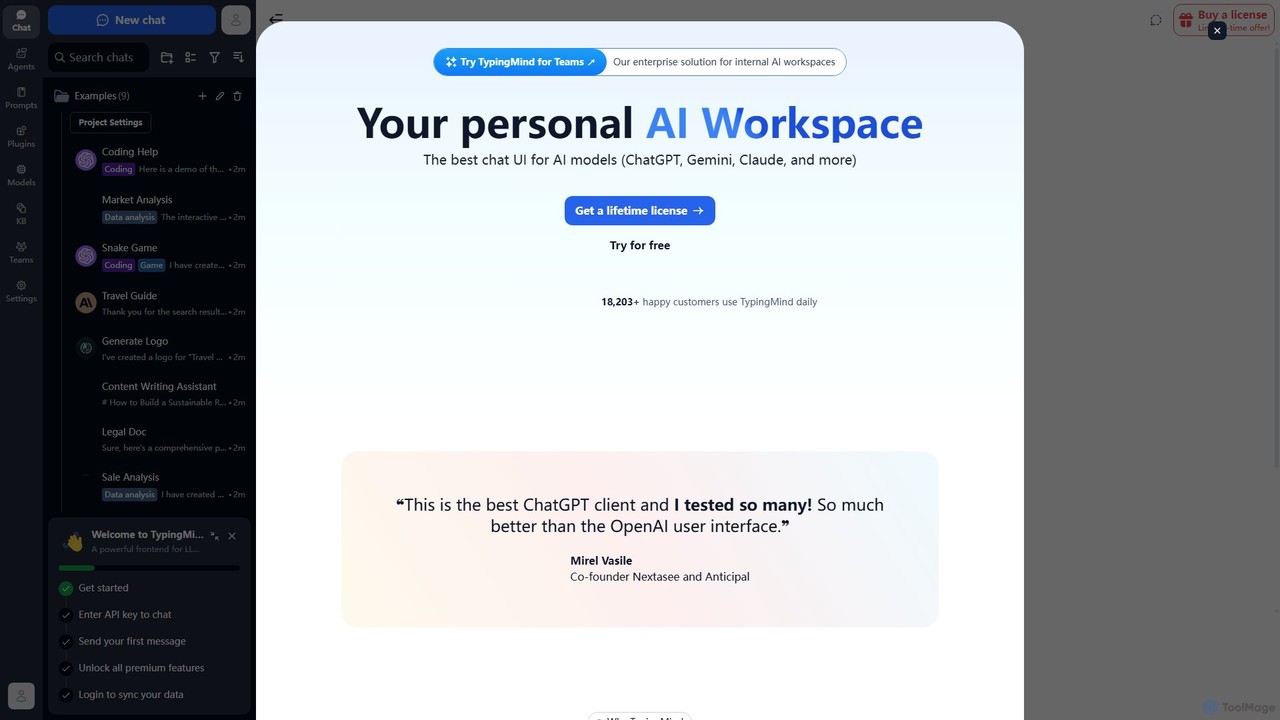
TypingMind
TypingMind is an advanced, privacy-first chat UI for large language models (LLMs) like ChatGPT, Gemini, and Claude. It offers a unified workspace with powerful features, allowing users to bring their own API keys for a one-time fee. Enhance your productivity with custom agents, a rich plugin ecosystem, and advanced chat management tools, all while keeping your data secure on your device.
Api Management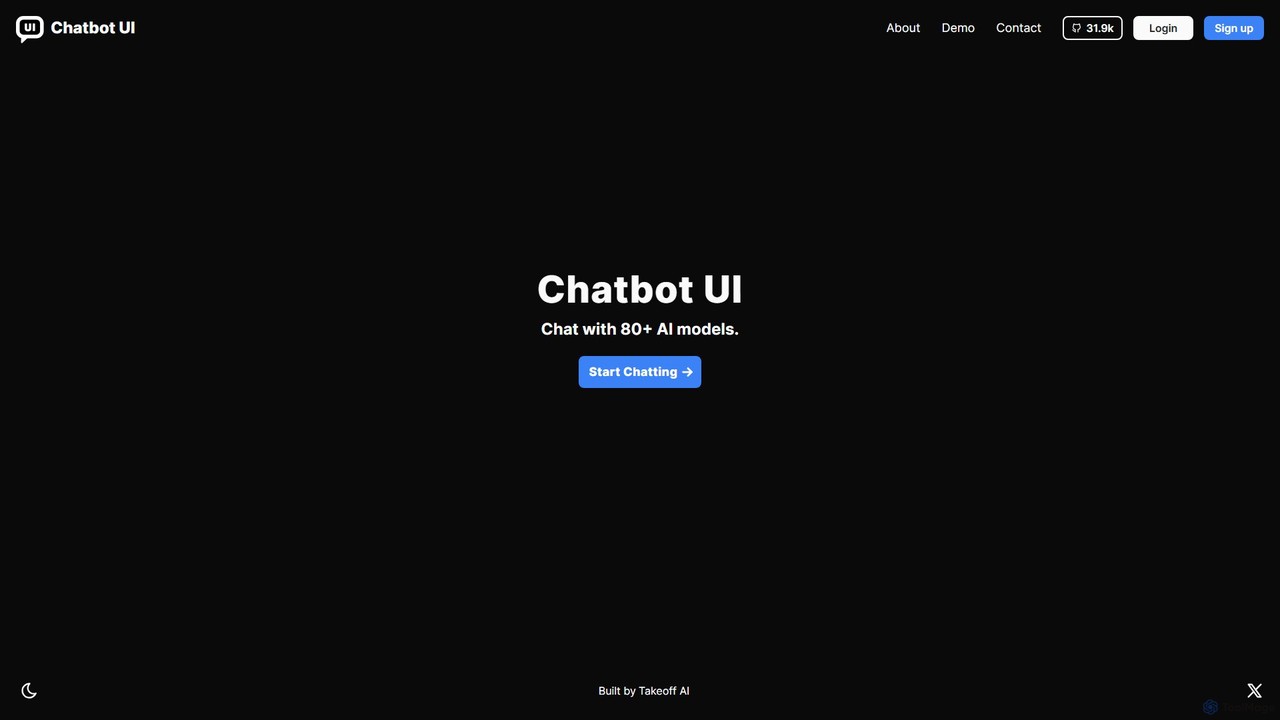
Chatbot UI
Chatbot UI is an open-source chatbot interface that allows you to connect with over 80 AI models, including those from OpenAI, Google, and Anthropic. It offers a self-hostable, customizable alternative to proprietary chat platforms, giving users full control over their data and conversations. Organize chats, create prompts, and seamlessly switch between models in a single, unified workspace.
Api Management
Blend AI
Blend AI is a versatile AI chat platform that provides access to a variety of leading large language models (LLMs) through a single, unified interface. It allows users to switch between models, manage files, and track conversation history, all within a credit-based freemium system.
Model Playground
Chatworm Comments (0)
Sign in to comment.
Sign inNo comments yet.