
Tersa Overview
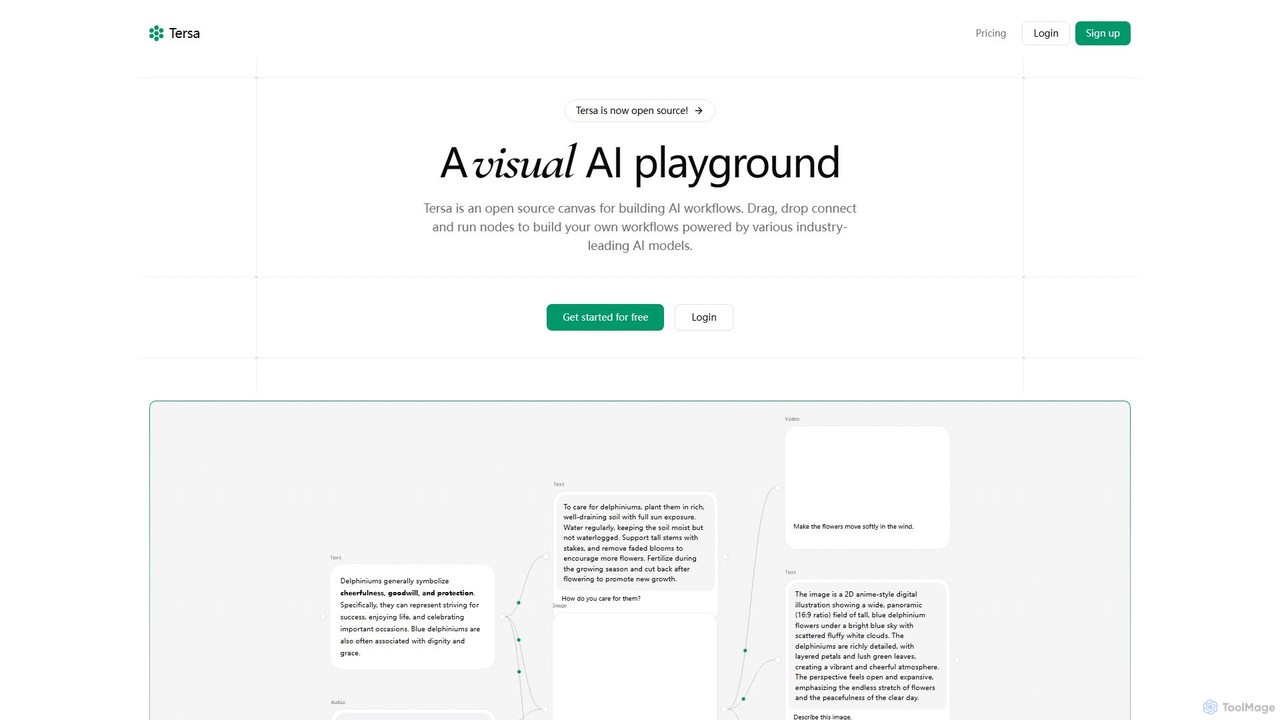
Tersa is a revolutionary open-source platform designed as a visual AI playground. It empowers users to build, test, and deploy complex AI-powered workflows using an intuitive, node-based canvas. By abstracting away the complexity of API integrations and coding, Tersa makes advanced AI technology accessible to developers, creators, and teams of all sizes. The core philosophy is to provide a flexible and powerful environment for experimenting with and combining the capabilities of various industry-leading AI models.
The platform operates on a simple yet powerful drag-and-drop mechanism. Users can create nodes by simply dropping files (like text, images, audio, or code snippets) onto the canvas or by selecting them from a comprehensive menu. These nodes represent inputs, AI models, or processing functions. By connecting these nodes, you can create a logical flow of data, chaining multiple AI operations together to achieve sophisticated results. For instance, you can transcribe an audio file, summarize the resulting text, and then use that summary to generate a relevant image, all within a single, visually clear workflow.
How to use Tersa
Using Tersa is designed to be straightforward and intuitive, even for those new to AI workflow automation. Here’s a typical process:
- Start with an Input: Begin by dragging and dropping a file (e.g., a .txt file, an image, an audio clip) onto the canvas. Tersa will automatically create an input node for it.
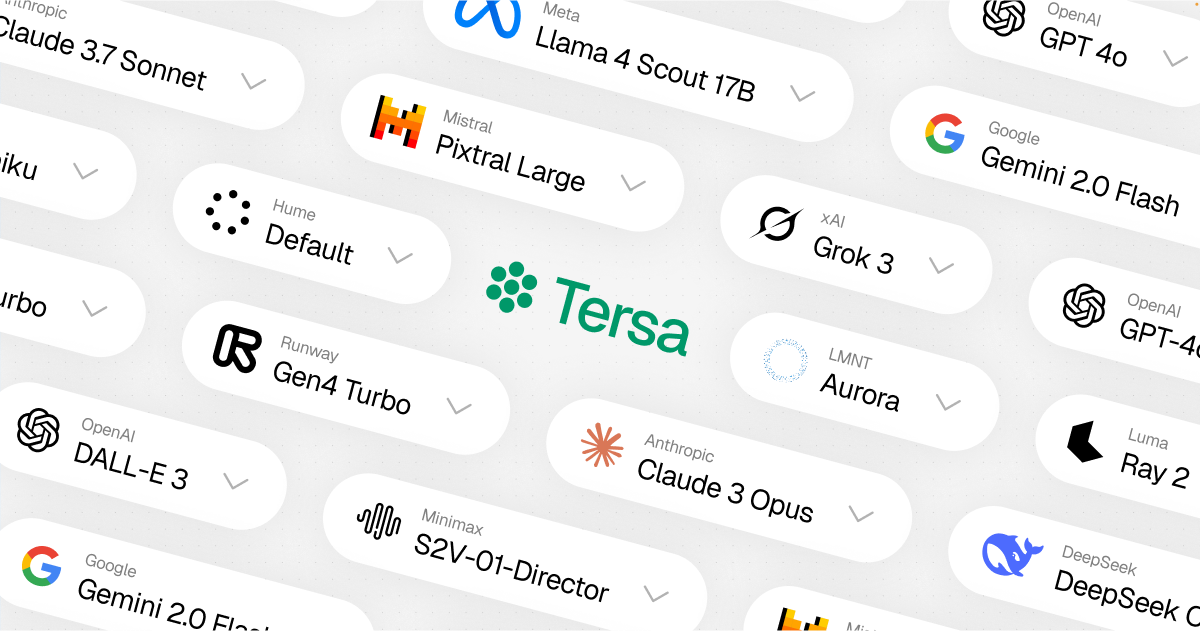
- Select an AI Model: Choose an AI model node from the library. Tersa provides access to over 100 models from providers like OpenAI, Anthropic, Runway, and more. Select the model that best suits your task, such as GPT-4o for text generation or DALL-E 3 for image creation.
- Connect the Nodes: Draw a connection from your input node to the AI model node. This tells the workflow to send the data from the input to the model for processing.
- Chain Operations: For more complex tasks, connect the output of one AI model to the input of another. For example, the text output from an audio transcription node (Whisper) can be fed into a text synthesis node (Claude 3.5 Sonnet) to create a summary.
- Run and Iterate: Execute the workflow to see the results. You can easily modify connections, swap out models, or adjust prompts to fine-tune your output, making it an ideal environment for rapid prototyping and experimentation.
Core Features of Tersa
- Visual Workflow Builder: An intuitive drag-and-drop canvas powered by React Flow that makes building and understanding complex AI pipelines simple.
- Extensive Model Integration: Connect to over 100 models from 27 of the world's top AI providers, including OpenAI (GPT-4o, DALL-E 3), Anthropic (Claude 3.5 Sonnet), Runway (Gen4 Turbo), and more.
- Multi-Modal Capabilities: Seamlessly process and generate various data types, including text, images, audio, video, and code, all within a single integrated workflow.
- Open Source: Tersa is fully open-source, offering transparency, encouraging community contributions, and allowing for unlimited customization.
- File-to-Node Creation: A user-friendly feature where dropping files directly onto the canvas instantly creates the corresponding data nodes.
- Code Transformation: Specialized nodes for analyzing, refactoring, and optimizing code, acting as a powerful assistant for developers.
- Team Collaboration: Upcoming features for Pro users include live collaboration, allowing teams to build and manage workflows together in real-time.
Use Cases for Tersa
Tersa's flexibility allows for a wide range of applications:
- Automated Content Creation: Build a workflow that takes a title as input, generates a full article using GPT-4o, creates a header image with DALL-E 3, and transcribes a related audio commentary with Whisper.
- Developer Assistant: Create a pipeline to refactor code. Input a code file and a text node with instructions (e.g., "Convert this to Python and add comments"), and let an AI model handle the transformation.
- Multimedia Projects: Generate a short video from a text prompt using Runway's Gen4 Turbo, or create an animated video from a static image.
- Data Analysis and Summarization: Chain nodes to transcribe meeting recordings, generate summaries, and extract key action items automatically.
Advantages of Tersa
Tersa offers significant advantages over traditional methods of AI integration:
- Accessibility: Its no-code/low-code visual interface democratizes AI, allowing non-programmers to build powerful applications.
- Flexibility: Mix and match the best models from different providers for each specific task within a single workflow, avoiding vendor lock-in.
- Speed and Efficiency: Rapidly prototype and test complex AI chains without writing extensive boilerplate code for API calls.
- Transparency and Trust: As an open-source tool, users can inspect the code, understand how it works, and contribute to its development.
Pricing and Plans
Tersa offers a simple and transparent pricing model based on credits, with plans suitable for different levels of usage:
- Hobby (Free): Perfect for personal use and testing. Includes 200 credits per month, access to basic AI models, and general support for a single user.
- Pro ($29/month): Designed for professional use or small teams. Includes everything in Hobby, plus 1,600 credits per month, access to all AI models, priority support, and upcoming live collaboration features. A 20% discount is available with yearly billing.
- Enterprise (Custom): For large teams and enterprise use. Offers everything in Pro, plus unlimited credits, custom AI model integration, dedicated support, and custom authentication options. Contact Tersa for a custom quote.
Tersa Alternatives
FireCMS
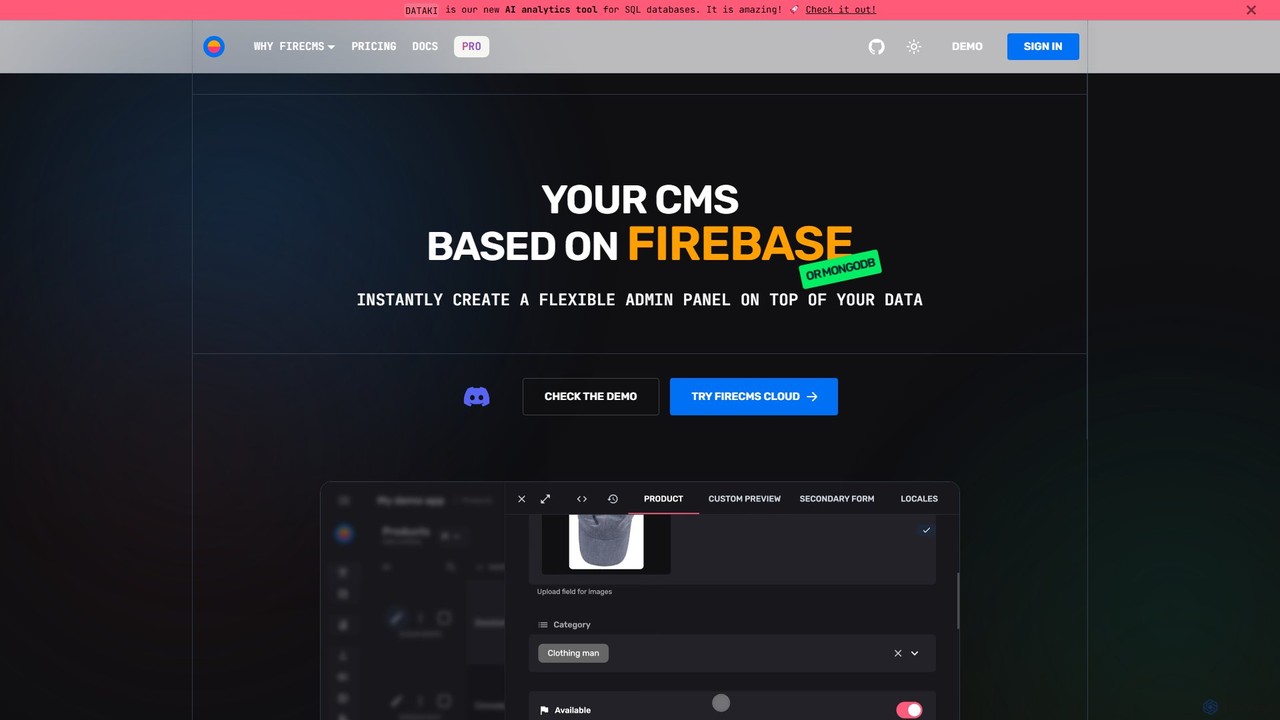
FireCMS is an open-source, headless CMS and admin panel builder for Firebase and MongoDB. It enables developers and startups to instantly create flexible, powerful back-office applications with an intuitive, Airtable-like interface. Featuring AI-powered data queries, automatic schema detection, extensive customization with React, and a rich content editor, FireCMS streamlines development and content management, offering both cloud and self-hosted solutions.
Content Management System
Everyprompt
Everyprompt is an advanced playground and development environment for large language models like GPT-3. It enables users to test, build, and deploy AI-driven APIs seamlessly, streamlining the entire workflow from experimentation to production with integrated CI/CD.
Api & Integration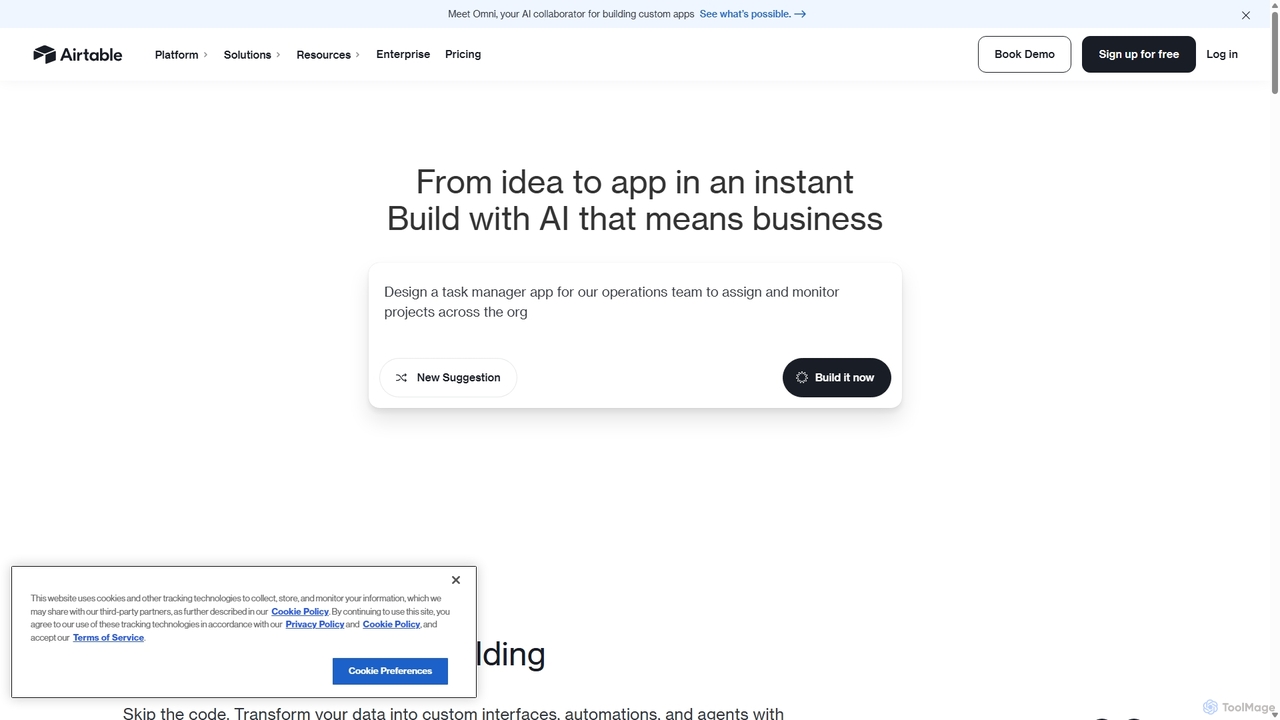
Airtable
Airtable is an AI-native app building platform for enterprises, combining the flexibility of a spreadsheet with the power of a database. It enables teams to create custom applications, automate complex workflows, and deploy intelligent AI agents without writing code, transforming critical data into actionable insights and streamlined operations.
Project Management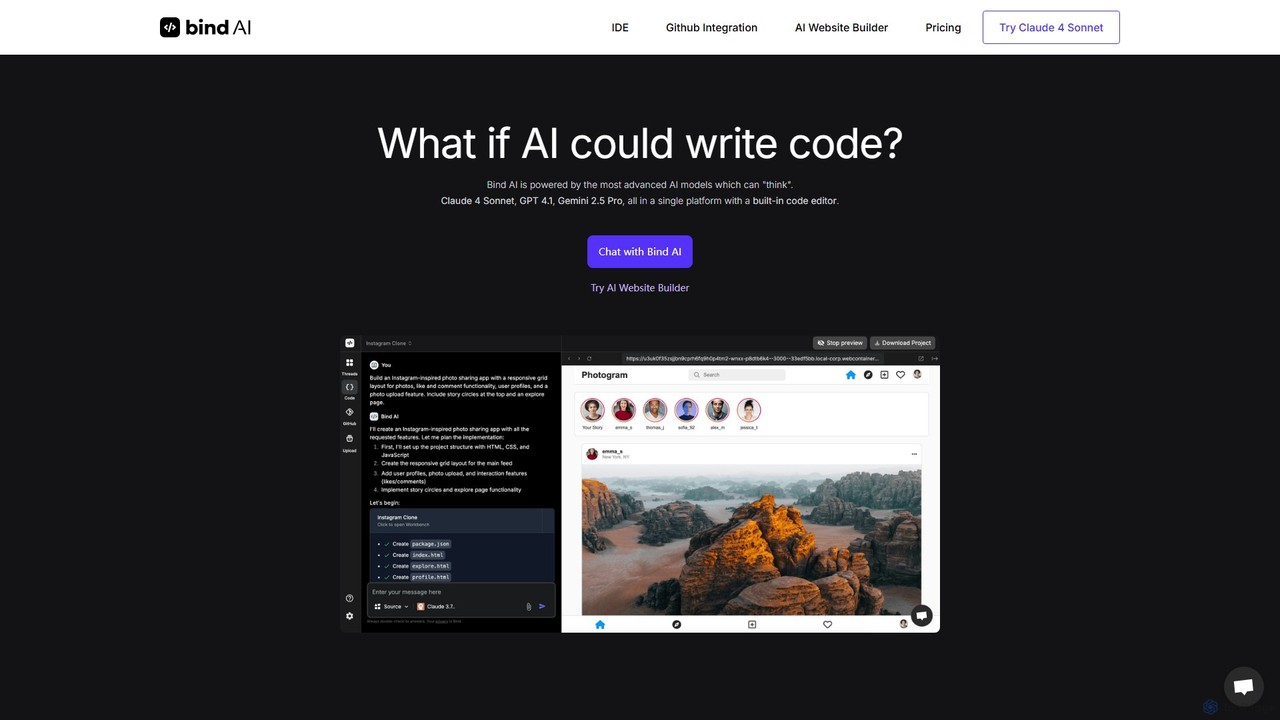
Bind AI
Bind AI is an AI-powered IDE and Copilot that enables developers and founders to build full-stack web applications, landing pages, and WordPress plugins using simple text prompts. It integrates multiple advanced AI models, supports over 15 programming languages, and offers features like GitHub sync and project hosting to accelerate the development process from idea to deployment.
Code Assistant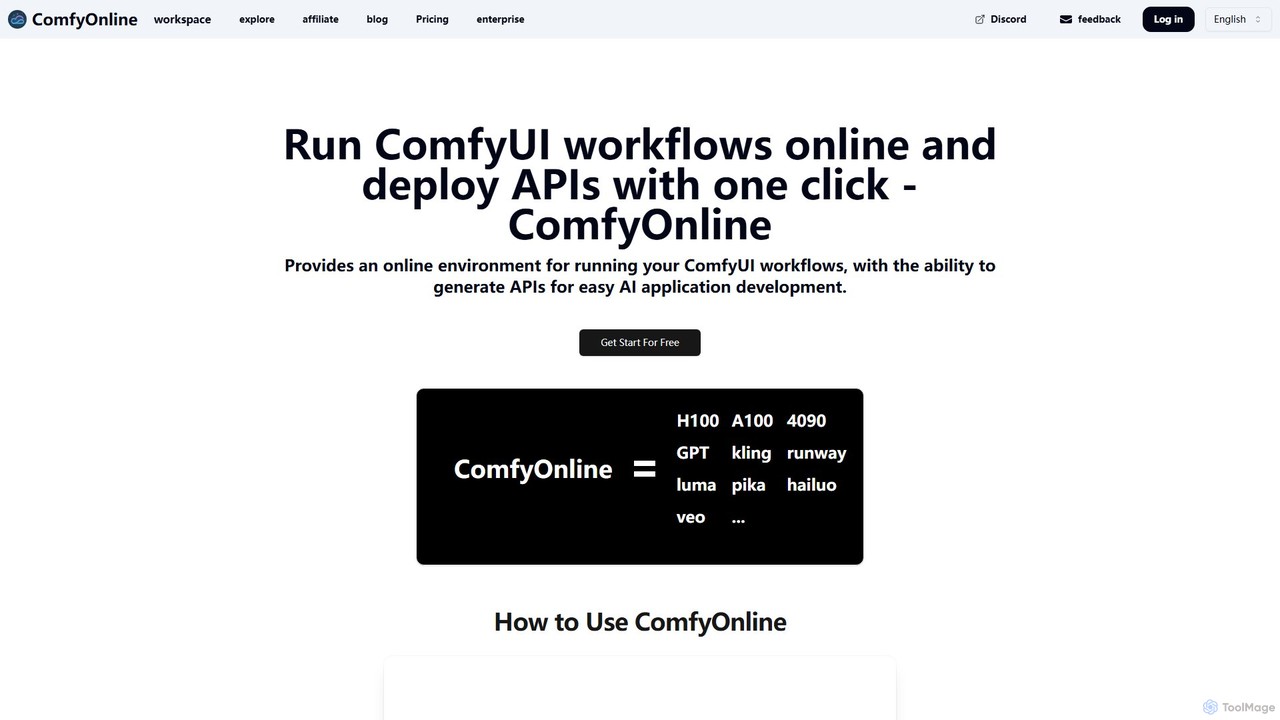
ComfyOnline
A cloud-based platform for running ComfyUI workflows online without expensive hardware. It offers a serverless environment, one-click API deployment for AI applications, and pay-as-you-go access to high-performance GPUs like H100 and A100. It simplifies the entire process from workflow creation to scalable deployment.
Api & InfrastructureTersa Categories
Tersa Embed Widget
Copy this embed code to place the badge on your blog, article, or product site and send readers directly to this ToolMage detail page.

Related AI tools

ManagePrompt
A developer platform to rapidly build, deploy, and manage AI-powered applications. ManagePrompt handles backend complexities like multi-model integration, testing, security, and scaling, allowing you to launch in minutes, not months.
Model Integration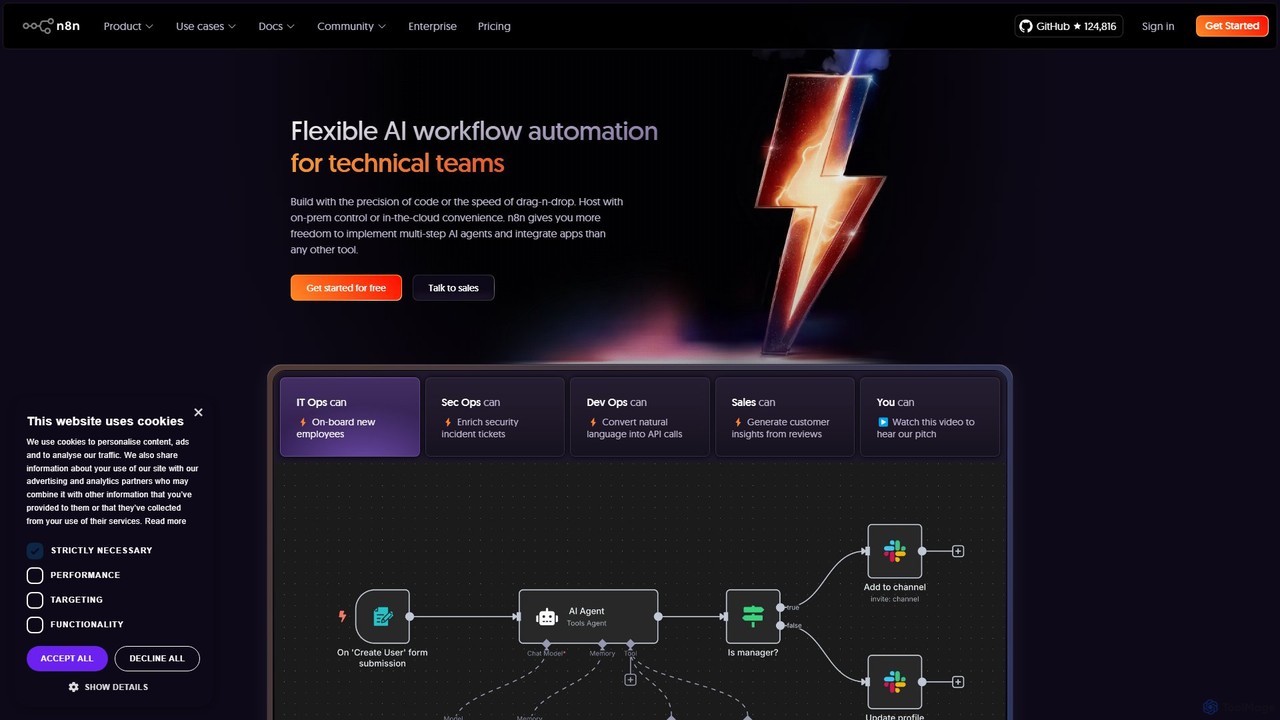
n8n
n8n is a source-available, node-based workflow automation platform designed for both technical and non-technical users. It enables you to connect hundreds of applications and services, including powerful AI models, to automate complex tasks and processes. With options for both cloud hosting and self-hosting, n8n offers unparalleled flexibility, control, and scalability for building everything from simple data syncs to sophisticated AI agents.
Crm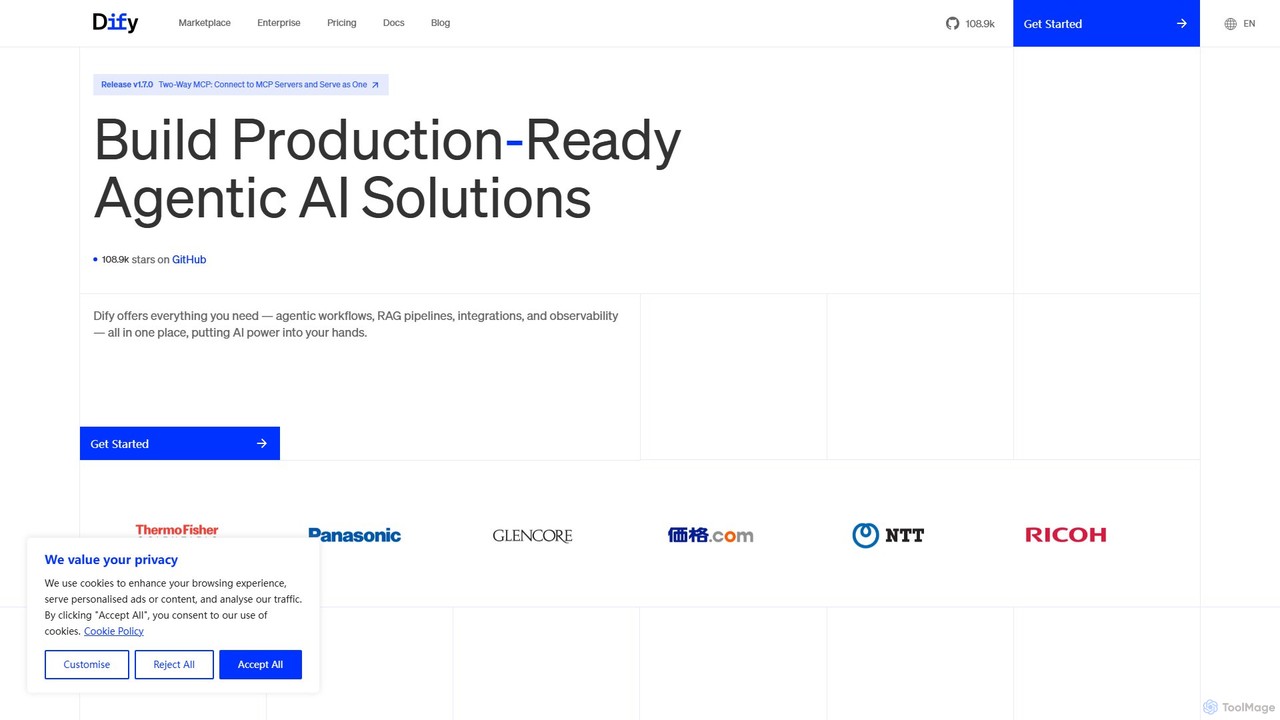
Dify
Dify is an open-source, low-code AI development platform for building and operating production-ready generative AI applications. It enables the creation of AI agents and workflows powered by RAG pipelines, extensive model support, and full observability, simplifying the entire development lifecycle from idea to deployment.
Ai Agent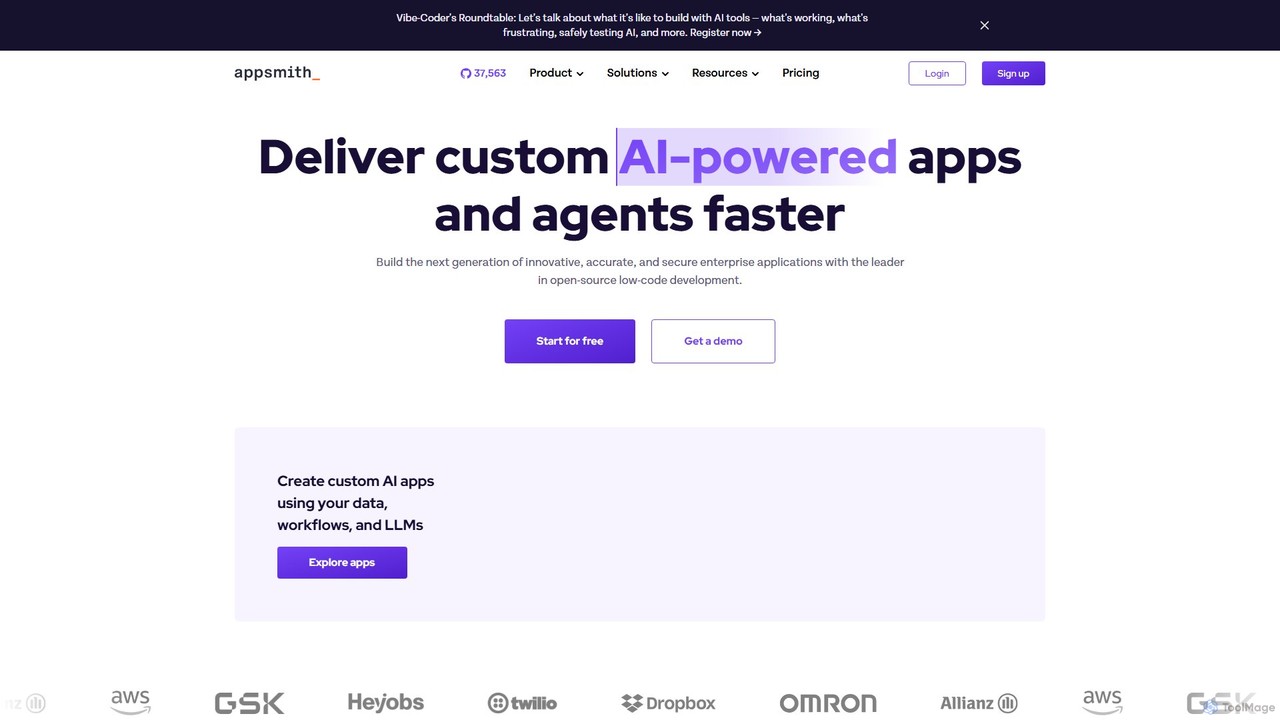
Appsmith
Appsmith is an open-source, low-code platform designed for developers to build, ship, and maintain internal tools, dashboards, and AI-powered applications rapidly. It connects to any data source, allows UI building via drag-and-drop or natural language, and offers full customization with JavaScript, empowering teams to create secure, scalable enterprise-grade applications with unprecedented speed.
Internal Tools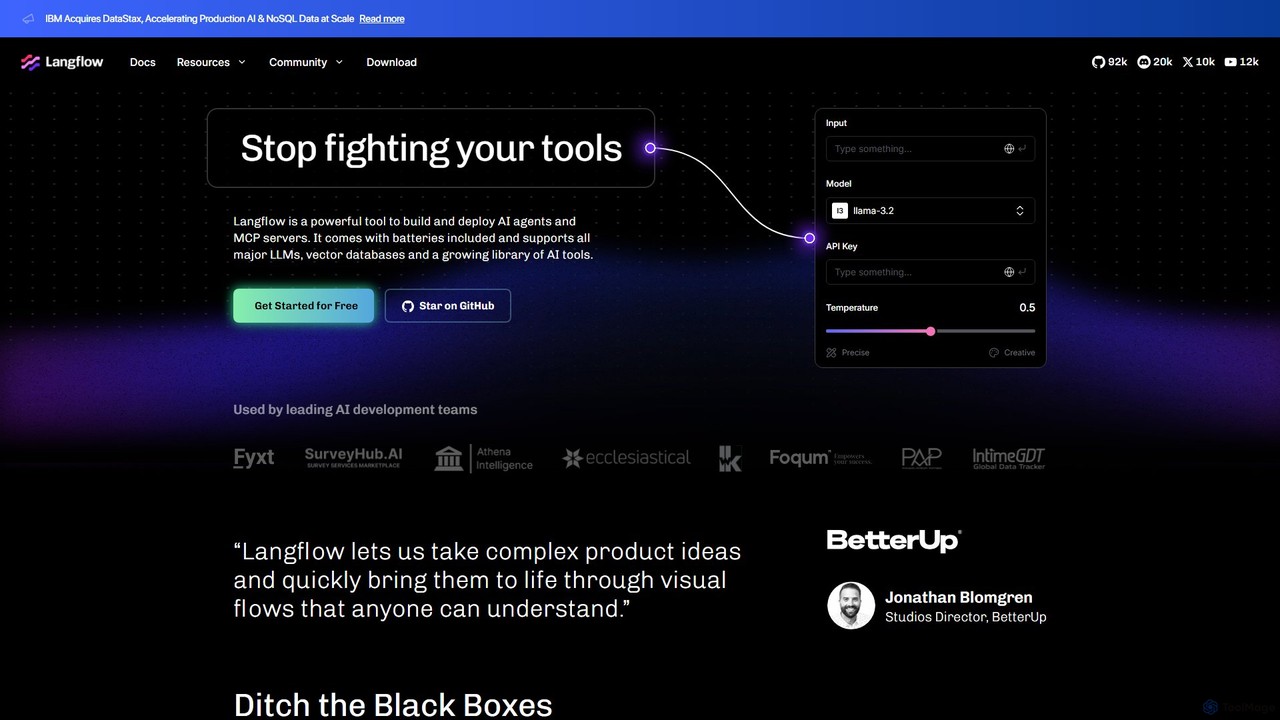
Langflow
Langflow is an open-source, visual UI for building and deploying AI applications. It features a drag-and-drop interface to chain LLMs, agents, and tools, enabling rapid prototyping and deployment of complex workflows like RAG and multi-agent systems. It supports extensive integrations and offers both self-hosted and cloud options.
Low Code No Code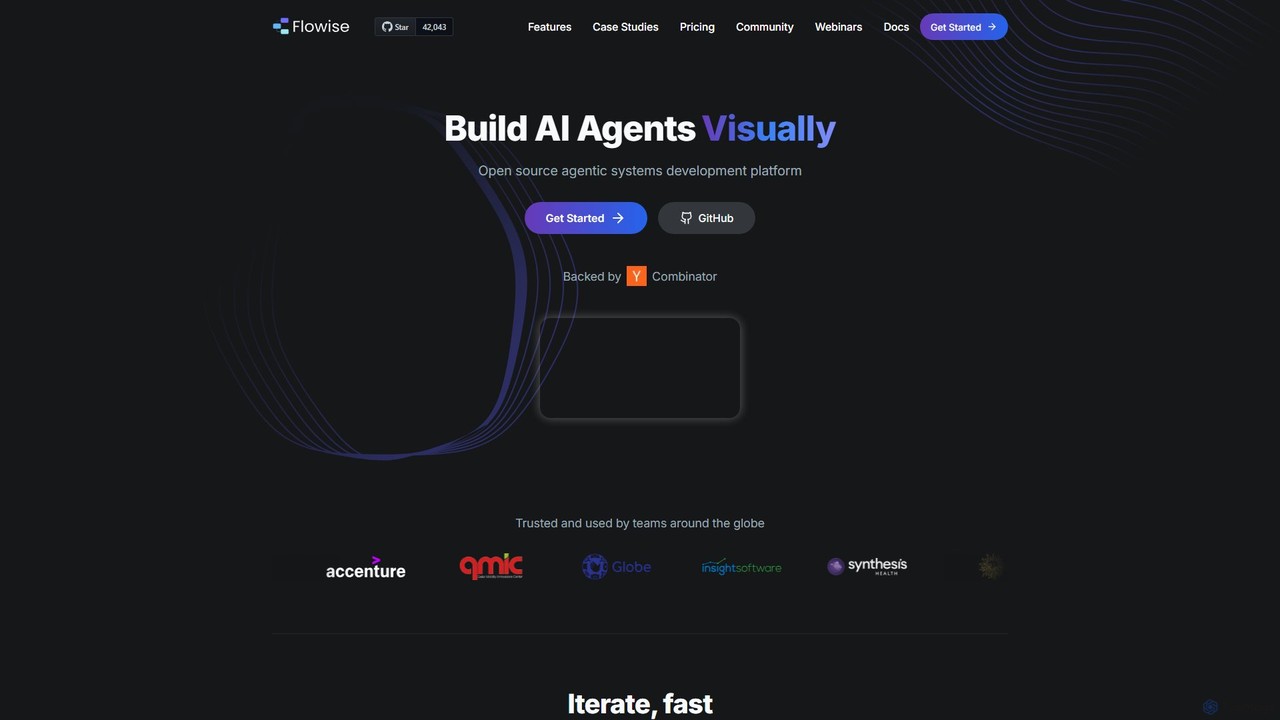
Flowise
Flowise is an open-source, low-code platform for visually building customized AI agents and applications. Using a drag-and-drop interface, developers and teams can rapidly prototype and deploy complex systems, from RAG-powered chatbots to multi-agent workflows. It supports over 100 LLMs, various data sources, and offers enterprise-grade features for scalable deployment.
Model Deployment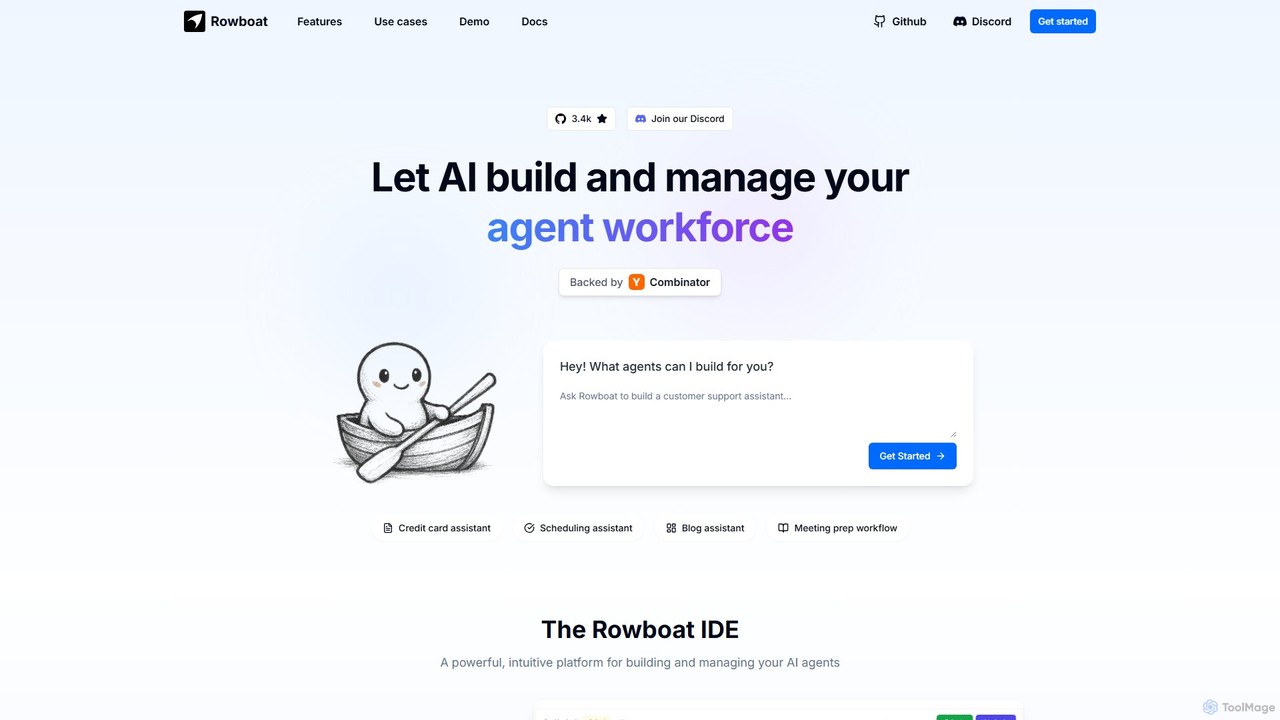
Rowboat
Rowboat is a powerful, AI-powered IDE for building, managing, and deploying complex multi-agent systems. Backed by Y Combinator, it allows users to describe workflows in plain English, and its AI copilot automatically generates the entire agent graph, including roles, prompts, and tool integrations. It's designed to simplify the creation of robust, real-world AI agents for productivity, e-commerce, support, and more, with features like open-source flexibility and support for over 100 LLMs.
Agent Builder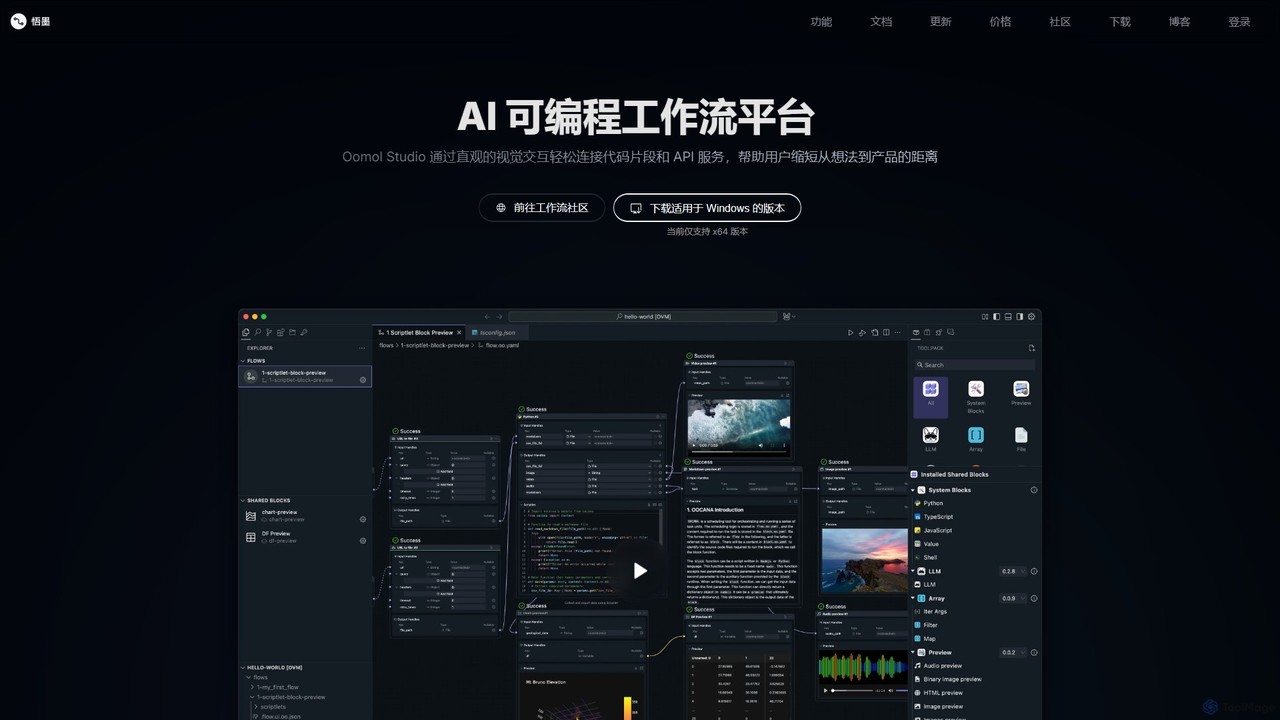
Oomol
Oomol is an AI-programmable workflow platform that allows users to visually connect code snippets and APIs. It combines a drag-and-drop interface with a professional code editor, enabling rapid development and automation of tasks in data science, multimedia processing, and more, all within a unified, containerized environment.
Low Code No Code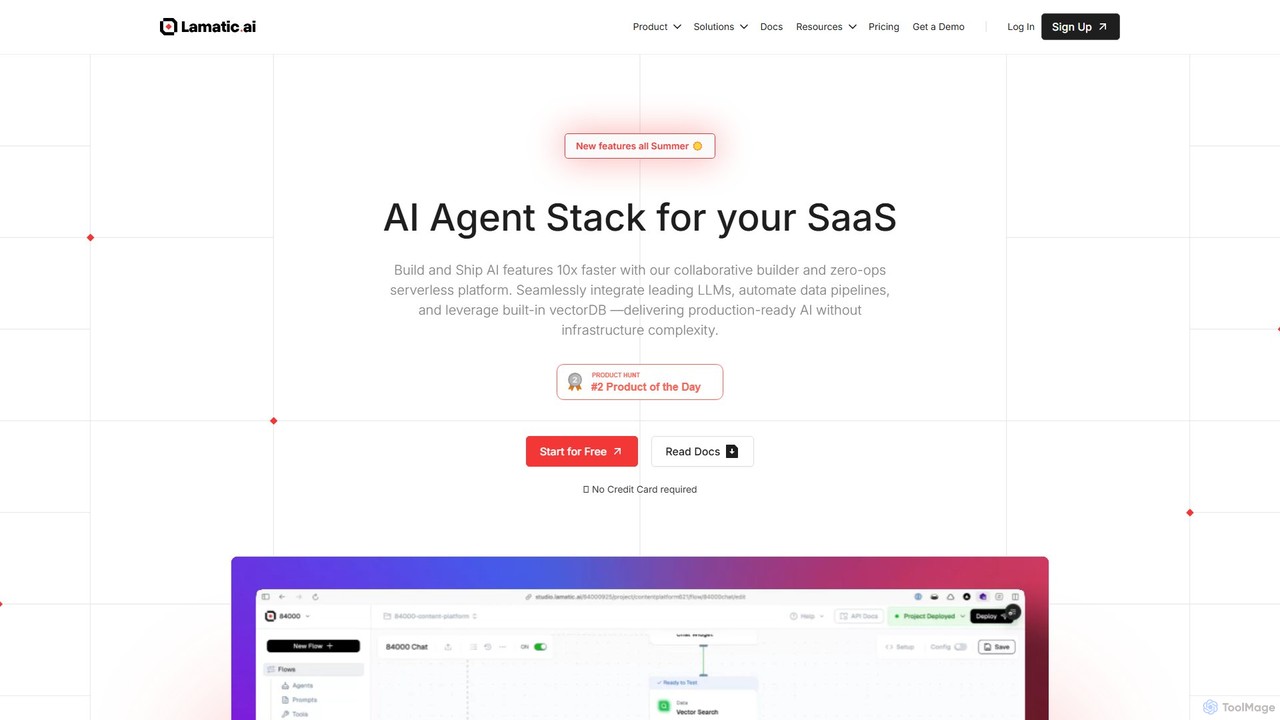
Lamatic.ai
Lamatic.ai is a comprehensive platform designed for engineering teams to build, connect, and deploy AI agents on both cloud and edge environments. It features a visual flow builder, pre-built templates, and seamless one-click integrations to accelerate the development of agentic AI systems, from chatbots to image generators.
Ai Agent Development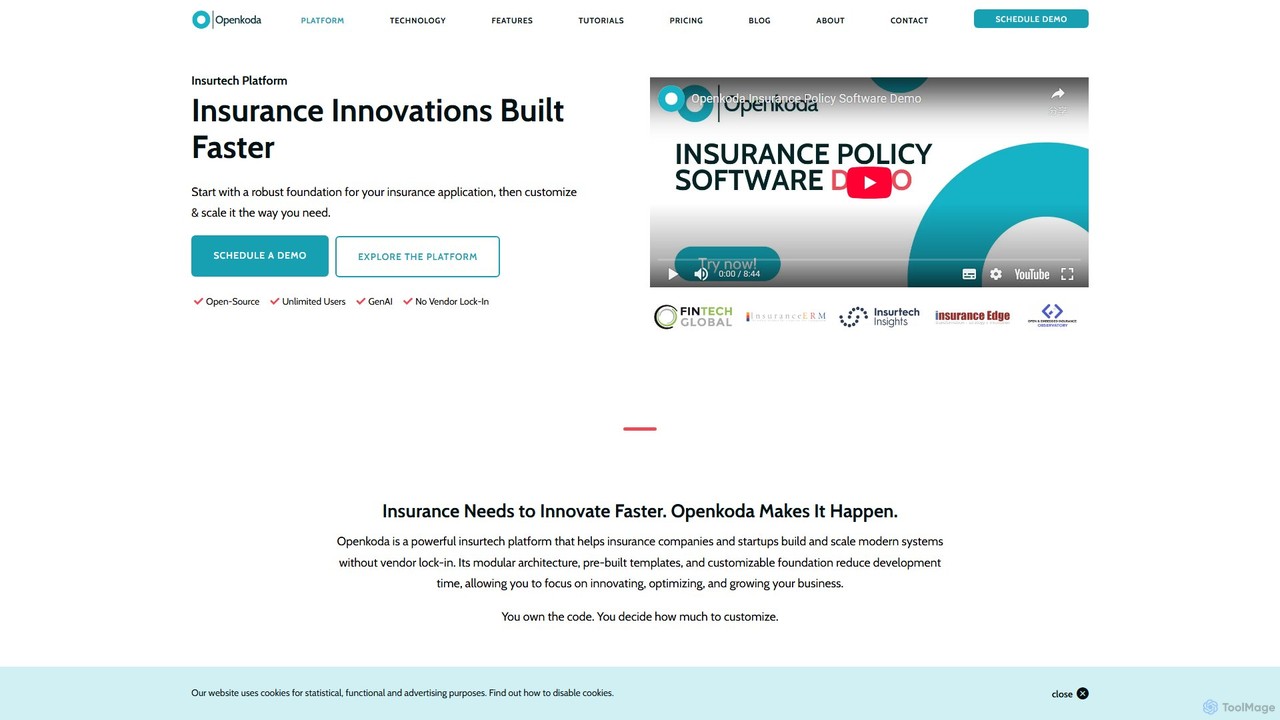
Openkoda
Openkoda is an open-source, low-code insurtech platform designed to help insurance companies and startups build, scale, and modernize applications faster. It offers pre-built templates, GenAI capabilities, and full code ownership to eliminate vendor lock-in and accelerate innovation.
Enterprise Solutions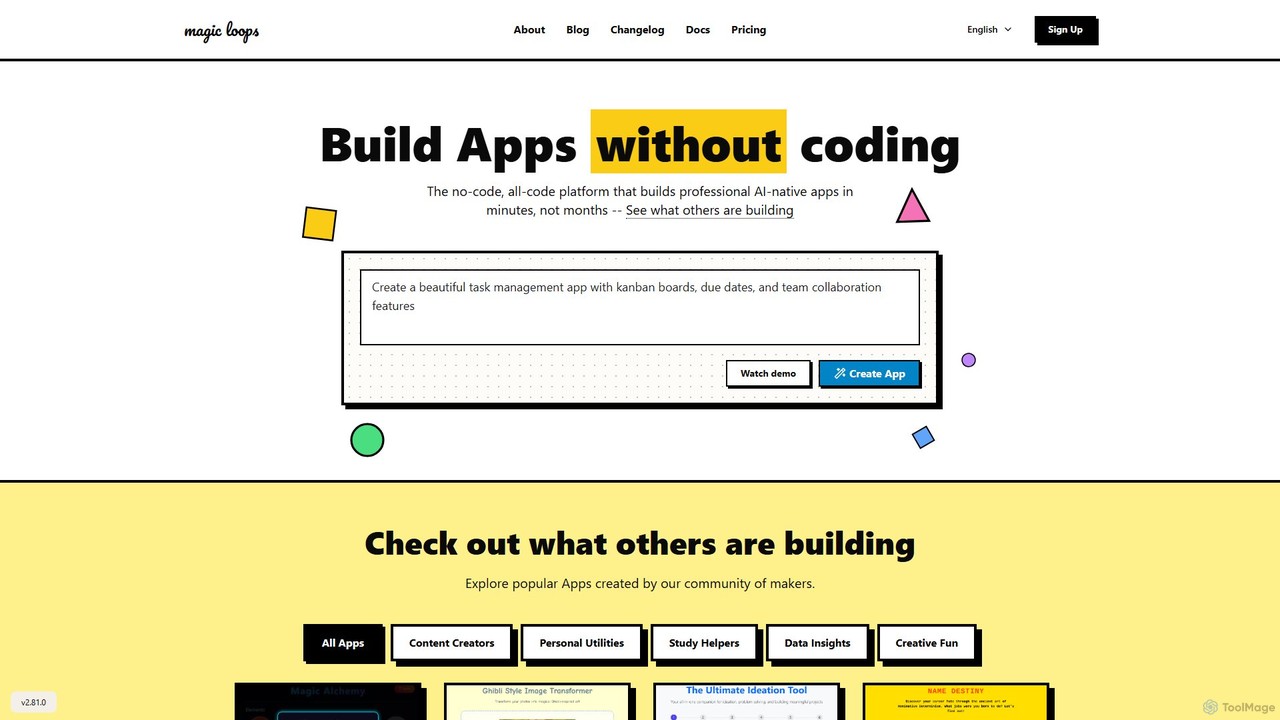
Magic Loops
Magic Loops is a no-code/low-code platform that empowers you to build professional, AI-native applications in minutes. Simply describe your idea in plain English, and Magic Loops generates the underlying workflow and user interface. It's perfect for creators, developers, and businesses looking to rapidly prototype and deploy AI-powered tools, automations, and utilities without extensive coding.
Builders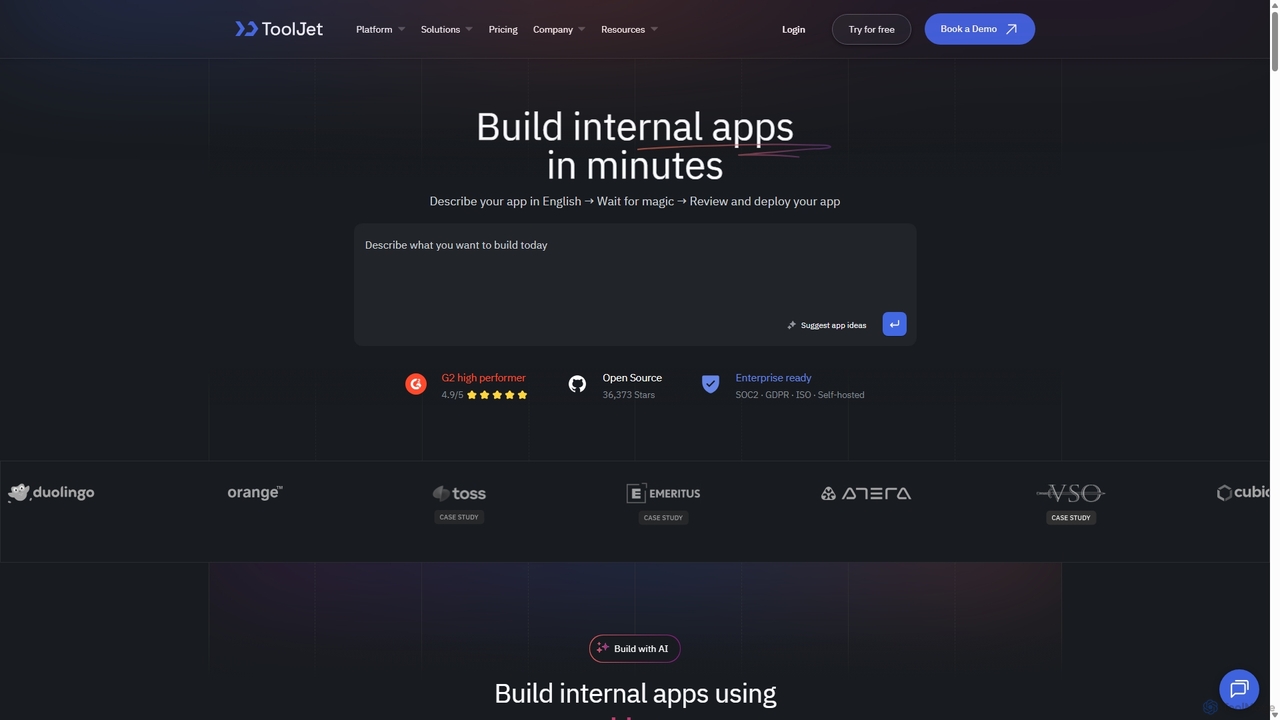
ToolJet
ToolJet is an AI-native, open-source low-code platform for developers to build and deploy internal tools rapidly. It integrates with numerous datasources, APIs, and AI models, allowing users to create complex applications using natural language prompts, a visual builder, and custom code.
Internal ToolsFireCMS
FireCMS is an open-source, headless CMS and admin panel builder for Firebase and MongoDB. It enables developers and startups to instantly create flexible, powerful back-office applications with an intuitive, Airtable-like interface. Featuring AI-powered data queries, automatic schema detection, extensive customization with React, and a rich content editor, FireCMS streamlines development and content management, offering both cloud and self-hosted solutions.
Content Management System
Jyek
Jyek is an AI agent platform that understands objectives, creates execution plans, uses tools, and delivers verifiable results for complex, multi-step tasks.
AutomationEveryprompt
Everyprompt is an advanced playground and development environment for large language models like GPT-3. It enables users to test, build, and deploy AI-driven APIs seamlessly, streamlining the entire workflow from experimentation to production with integrated CI/CD.
Api & Integration
Tersa Comments (0)
Sign in to comment.
Sign inNo comments yet.