

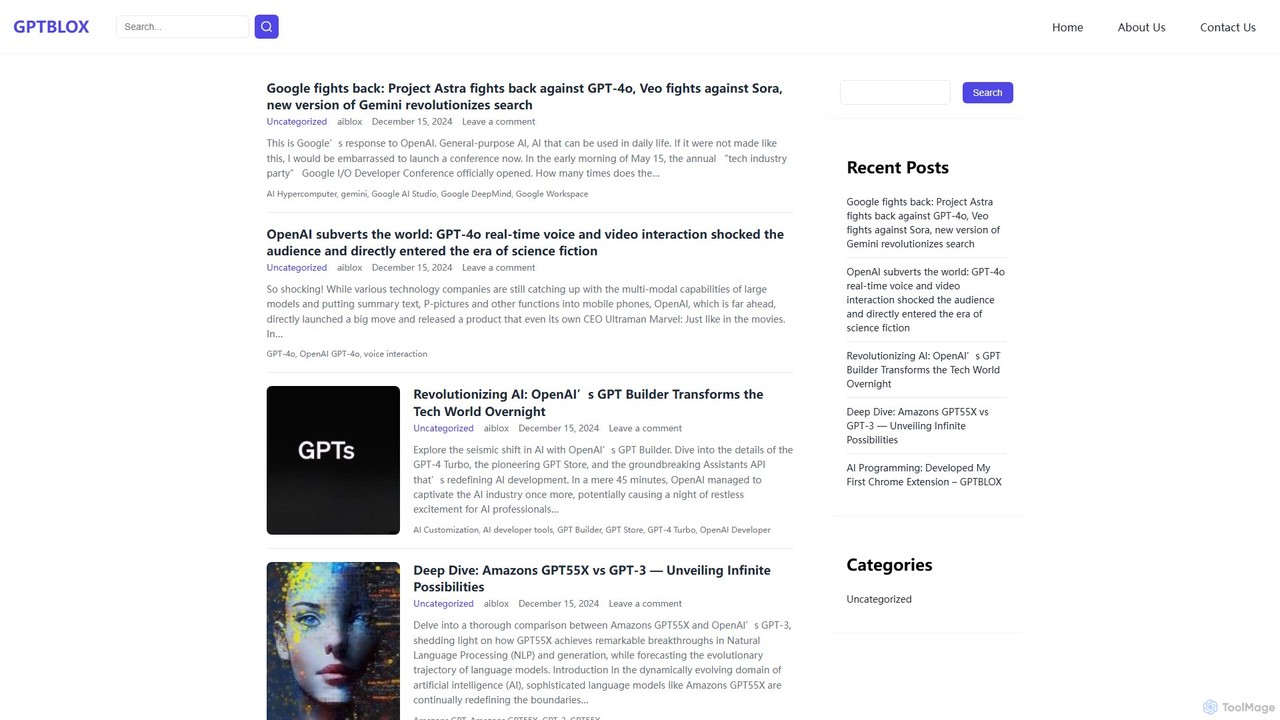
GPTBLOX Overview
GPTBLOX is a dedicated platform designed to enhance the productivity and workflow of ChatGPT users. At its core, GPTBLOX offers a powerful Chrome extension, "ChatGPT Save Data," which serves as an essential tool for anyone who relies on ChatGPT for creative, technical, or professional tasks. The platform's mission is to empower users by providing simple yet effective tools to harness the full potential of artificial intelligence. It specifically caters to a diverse audience, including copywriting professionals, marketing experts, WordPress developers, and general ChatGPT enthusiasts who need a reliable way to manage their AI interactions.
The primary challenge many ChatGPT users face is the ephemeral nature of conversations or the cumbersome process of saving important information. GPTBLOX directly addresses this by allowing users to preserve their entire chat history with a single click. This ensures that valuable ideas, code snippets, marketing copy, research findings, and detailed explanations are securely archived and readily accessible for future use, preventing data loss and saving significant time.
How to use GPTBLOX
Using the GPTBLOX Chrome extension is a straightforward process designed for maximum convenience:
- Installation: Navigate to the Chrome Web Store, search for "ChatGPT Save Data" by GPTBLOX, and click "Add to Chrome" to install the extension.
- Engage with ChatGPT: Open the ChatGPT website and start a conversation as you normally would. Generate text, code, or any other content you need.
- Save Conversation: Once your conversation is complete or you've reached a point you want to save, activate the GPTBLOX extension. You will see options to save the chat.
- Choose Format: Select your preferred export format from the available options: HTML (to preserve the original chat layout and formatting), PDF (for professional documents and easy sharing), TXT (for plain text that can be easily edited or imported into other applications), or PNG (for creating a quick image snapshot of the conversation).
- Download and Access: The conversation will be downloaded to your computer as a file in the chosen format. You can then store it locally, share it with colleagues, or import it into your knowledge base or project management tools.
Core Features of GPTBLOX
- Multi-Format Export: Save your ChatGPT conversations in four versatile formats (HTML, TXT, PDF, PNG), providing flexibility for different needs, from documentation to quick sharing.
- One-Click Saving: An intuitive interface that allows you to save entire conversations with a single click, eliminating the need for manual copy-pasting.
- Data Preservation: Securely archives your valuable AI-generated content on your local device, ensuring you have permanent, offline access and control over your data.
- Workflow Integration: Seamlessly integrates with your browser, enhancing your existing ChatGPT workflow without being intrusive.
- Content Management: Helps users organize their AI interactions, making it easier to reference past conversations for ongoing projects or research.
Use Cases for GPTBLOX
GPTBLOX is a versatile tool that benefits a wide range of professionals and individuals:
- Copywriters and Marketers: Save different versions of ad copy, blog post drafts, and marketing strategies. Archive brainstorming sessions and A/B testing ideas generated with ChatGPT.
- Developers and Programmers: Keep a record of complex coding solutions, debugging sessions, and API documentation explanations. Save useful code snippets for a personal library.
- Students and Researchers: Archive research, summaries of academic papers, and study notes. Compile information for essays and reports in an organized manner.
- Business Professionals: Save meeting preparation notes, draft emails, and create reports. Share insights from AI conversations with team members easily.
Advantages of GPTBLOX
The primary advantage of GPTBLOX is its simplicity and effectiveness in solving a common problem. It enhances productivity by streamlining the process of capturing and organizing information from ChatGPT. By offering multiple export formats, it caters to diverse user requirements. Storing data locally gives users full ownership and offline access, which is a significant benefit for privacy and convenience. The tool is designed to be non-intrusive, working in the background until you need it, thus providing a smooth user experience.
Pricing and Plans
The website does not provide explicit pricing information for the "ChatGPT Save Data" Chrome extension. Typically, browser extensions with this type of functionality are offered for free, potentially as a way to introduce users to the broader GPTBLOX ecosystem, which may include future premium products or services. Users are advised to check the official Chrome Web Store listing for the most up-to-date information on any potential costs.
GPTBLOX Alternatives
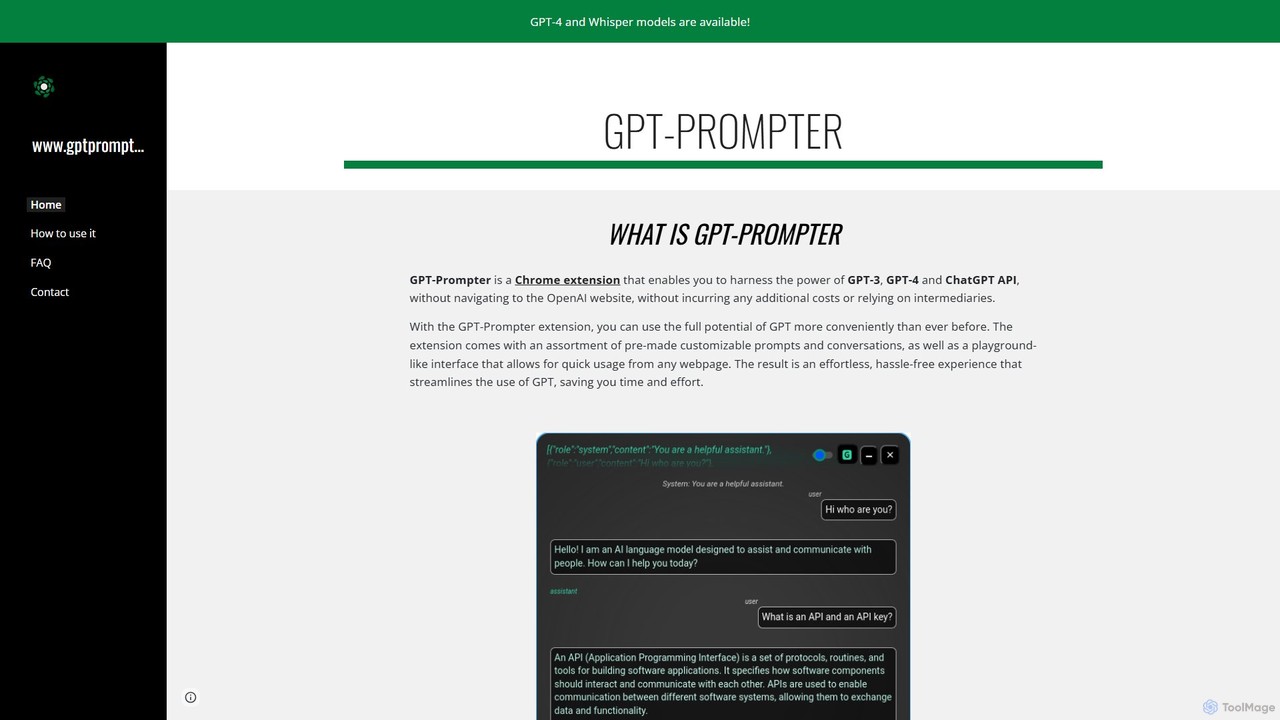
GPT-Prompter
GPT-Prompter is a powerful Chrome extension that integrates GPT-3, GPT-4, and ChatGPT directly into your browser. It allows you to use OpenAI's models on any webpage without visiting the OpenAI site. Create, manage, and execute custom prompts via a right-click context menu or a playground-style interface. It streamlines your workflow by bringing AI assistance to your fingertips, complete with features like Whisper API transcription and detailed usage history.
Api Management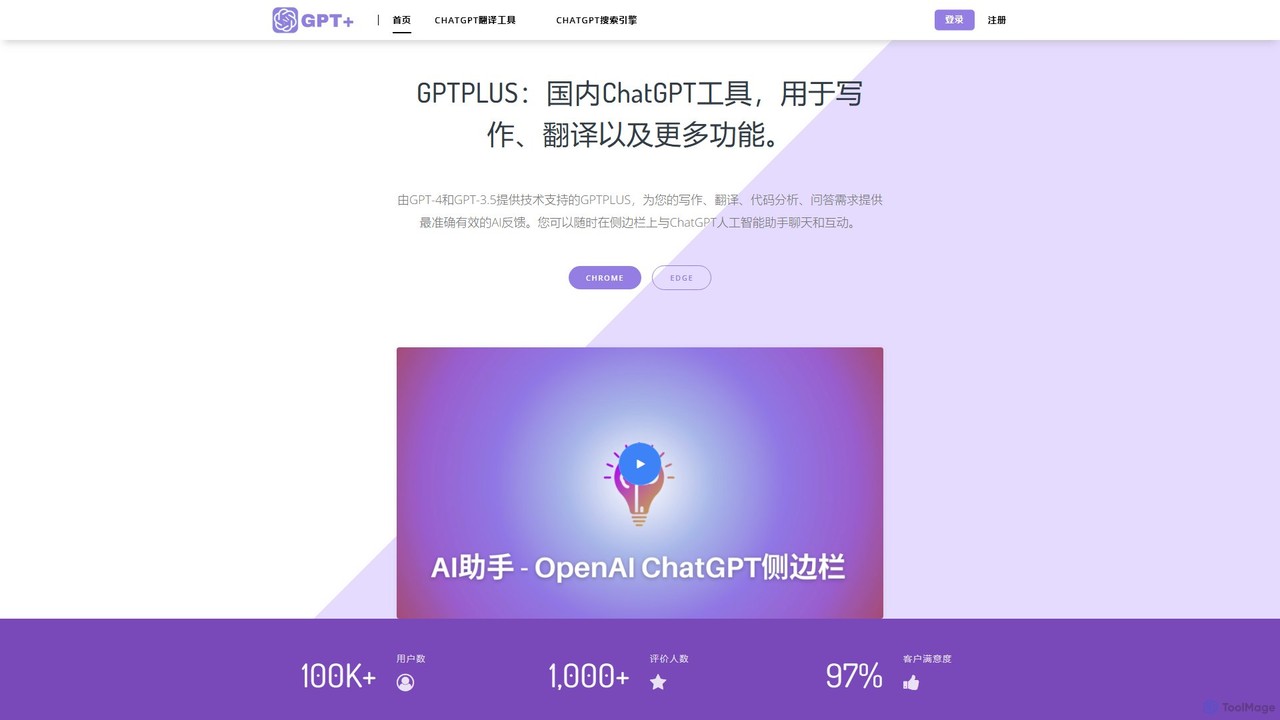
GPTPLUS
GPTPLUS is a powerful browser extension that integrates ChatGPT as a convenient sidebar. It offers one-click text processing, a rich library of prompt templates, and advanced AI assistance for writing, translation, and research directly within your browser, boosting productivity and streamlining your workflow.
Browser Extensions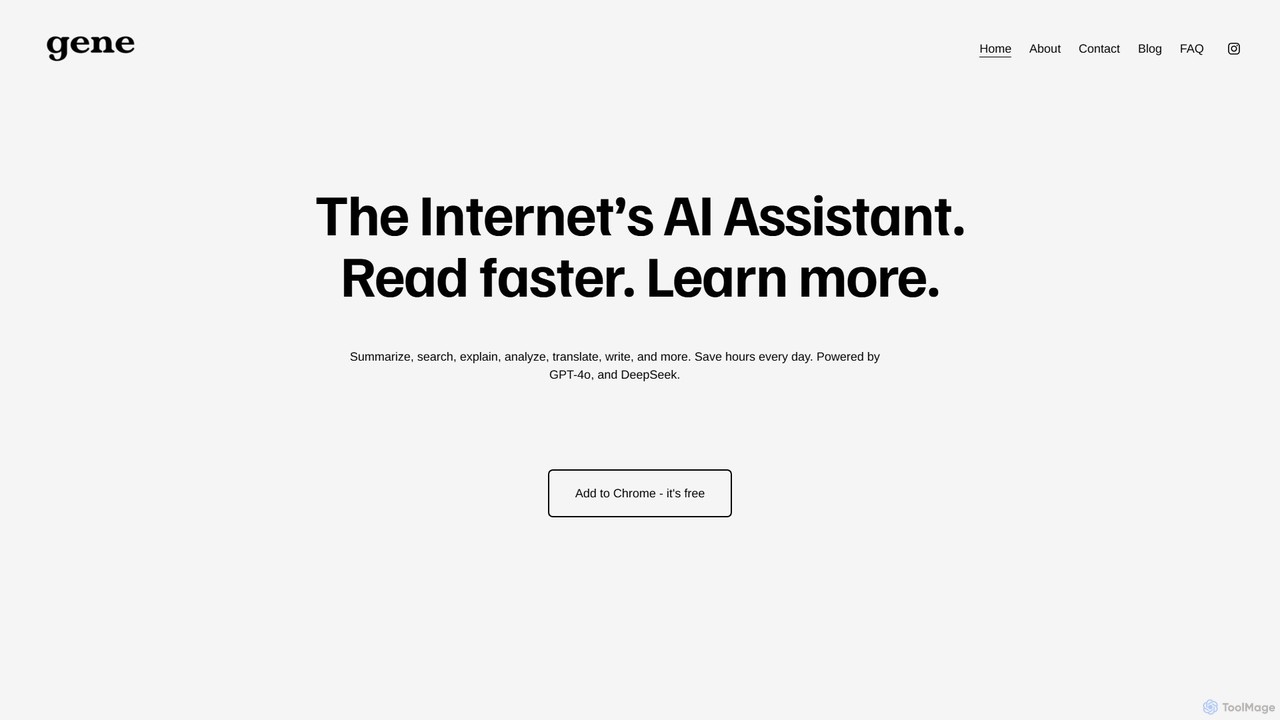
Ask Gene
Ask Gene is a free AI-powered Chrome extension that acts as your personal internet assistant. Powered by GPT-4o and DeepSeek, it allows you to summarize webpages and PDFs, chat with AI without leaving your tab, explain complex text, translate, and assist with writing, all seamlessly integrated into your browser.
Research
360 Bangong
360 Bangong is an all-in-one AI-powered office and creative suite developed by 360. It integrates a vast array of tools for writing, image generation and editing, video creation, PDF conversion, and design, aiming to significantly boost productivity for professionals, students, and content creators.
Image Generator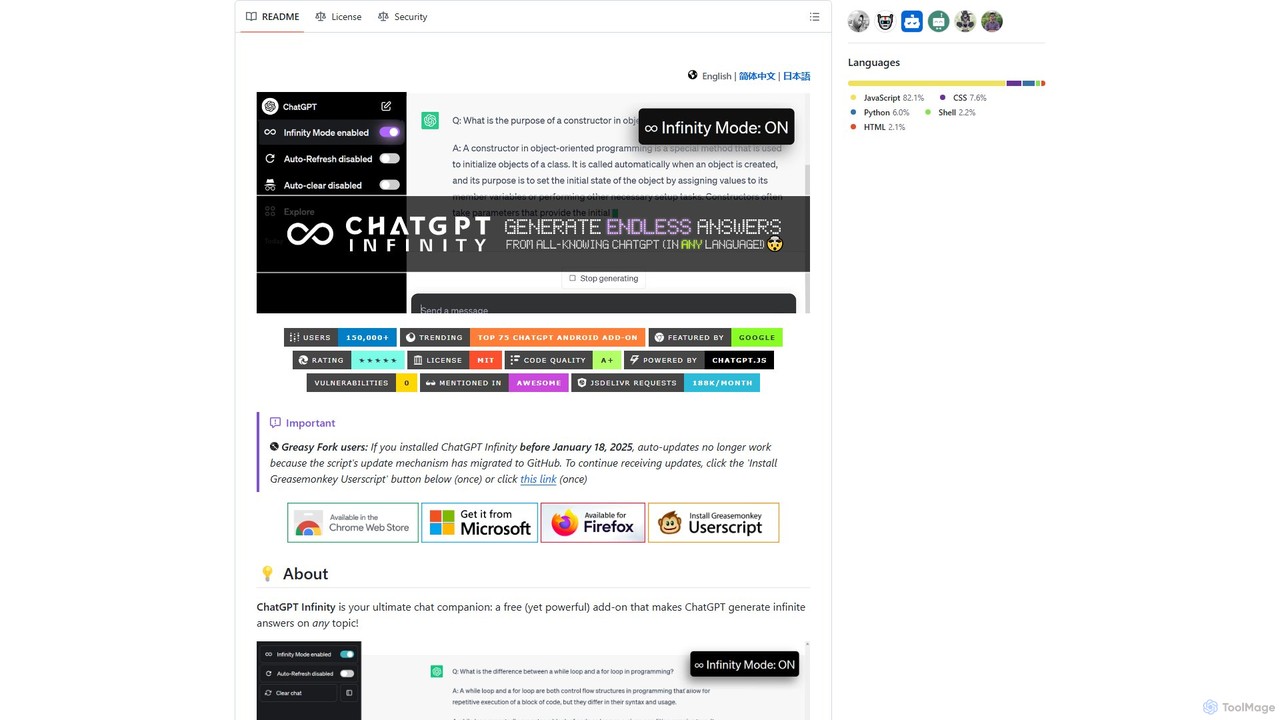
chatgpt-infinity
ChatGPT Infinity is a powerful browser extension that enables ChatGPT to generate endless, continuous answers on any topic you choose. It offers features like customizable topics, multilingual output, adjustable response speed, and auto-scrolling for a seamless, in-depth exploration experience. Ideal for researchers, writers, and learners.
ResearchGPTBLOX Categories
GPTBLOX Embed Widget
Copy this embed code to place the badge on your blog, article, or product site and send readers directly to this ToolMage detail page.

Related AI tools
GPT-Prompter
GPT-Prompter is a powerful Chrome extension that integrates GPT-3, GPT-4, and ChatGPT directly into your browser. It allows you to use OpenAI's models on any webpage without visiting the OpenAI site. Create, manage, and execute custom prompts via a right-click context menu or a playground-style interface. It streamlines your workflow by bringing AI assistance to your fingertips, complete with features like Whisper API transcription and detailed usage history.
Api Management
Promptmatic
Promptmatic is a powerful Google Chrome extension for ChatGPT, designed to enhance your AI interactions. It features a massive library of over 2900 prompts, a smart prompt editor, a GPT bookmark manager, and extensive customization options for roles, styles, and tones. It streamlines your workflow, making you more productive and efficient when using ChatGPT for professional tasks.
Chrome Extensions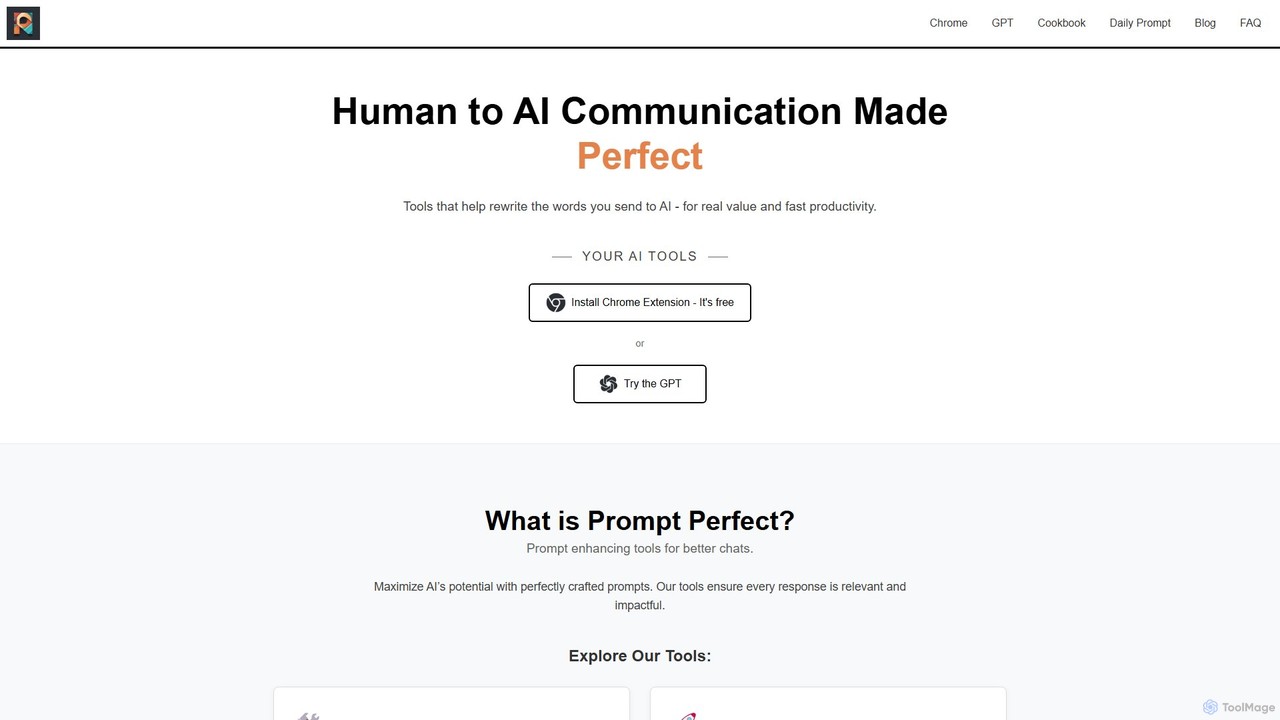
Prompt Perfect
Prompt Perfect is an AI-powered suite, featuring a Chrome Extension and a GPT, designed to optimize your prompts for superior results across major AI platforms like ChatGPT, Gemini, and Claude. It refines, enhances, and manages your prompts to unlock more precise, creative, and effective AI-generated content, boosting productivity for writers, researchers, and professionals.
Research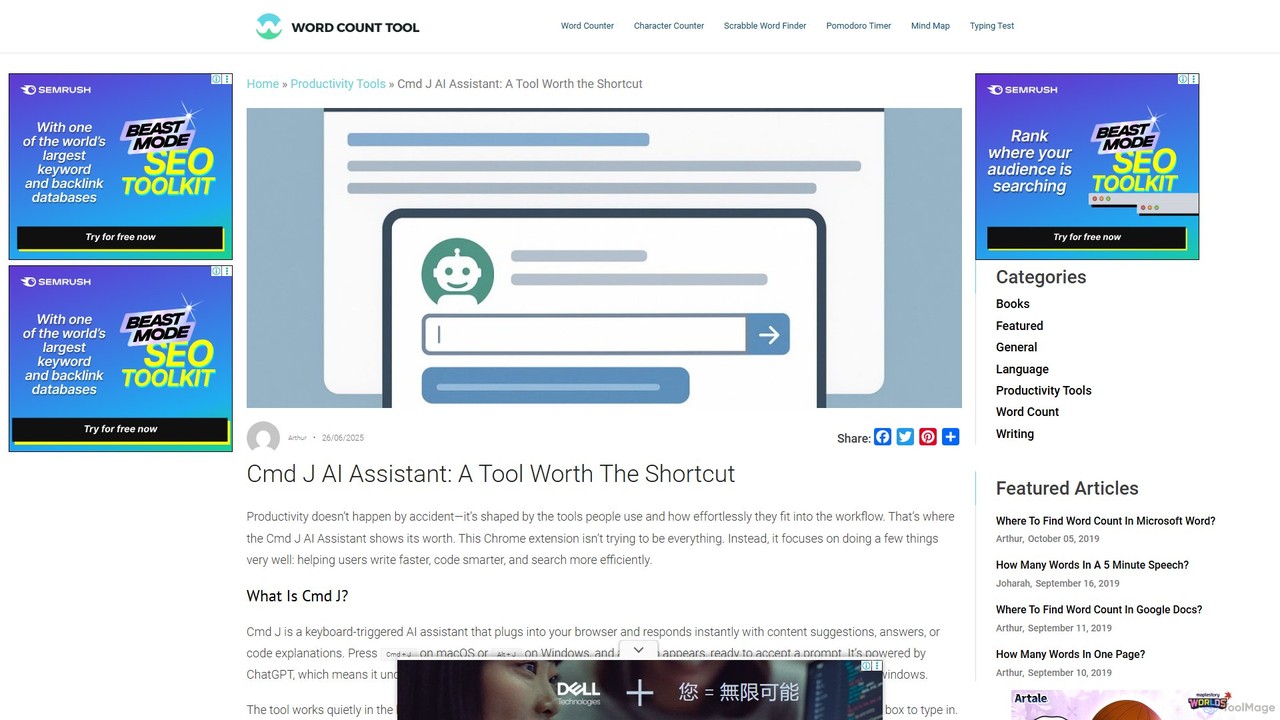
Cmd J AI Assistant
Cmd J is a keyboard-activated AI assistant, available as a Chrome extension, designed to boost productivity. Powered by ChatGPT, it provides instant help with writing, coding, and research directly in your browser. Simply press a shortcut (Cmd+J or Alt+J) to summon the AI, eliminating the need to switch tabs or open new applications, and seamlessly integrating into any workflow.
Chrome Extensions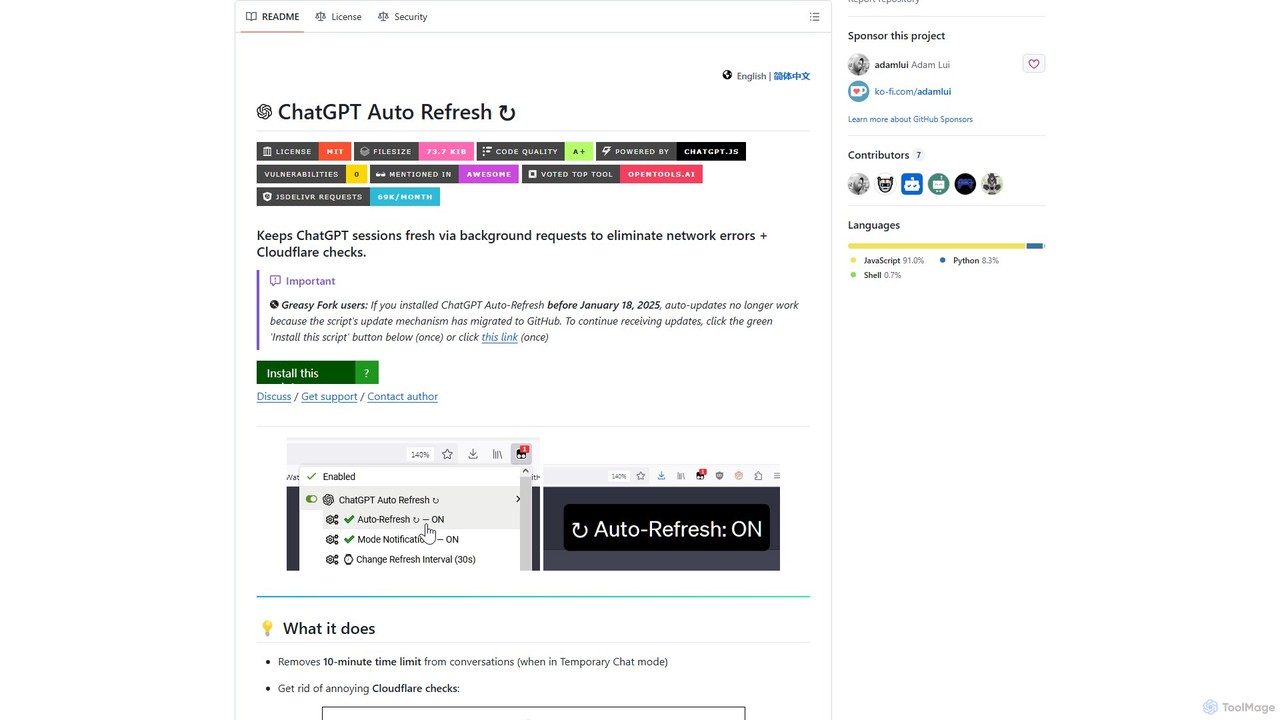
ChatGPT Auto Refresh
ChatGPT Auto Refresh is a free userscript that keeps your ChatGPT sessions active. It prevents timeouts, network errors, and annoying Cloudflare checks by automatically refreshing the session in the background, ensuring a smooth and uninterrupted chat experience.
Chat Assistant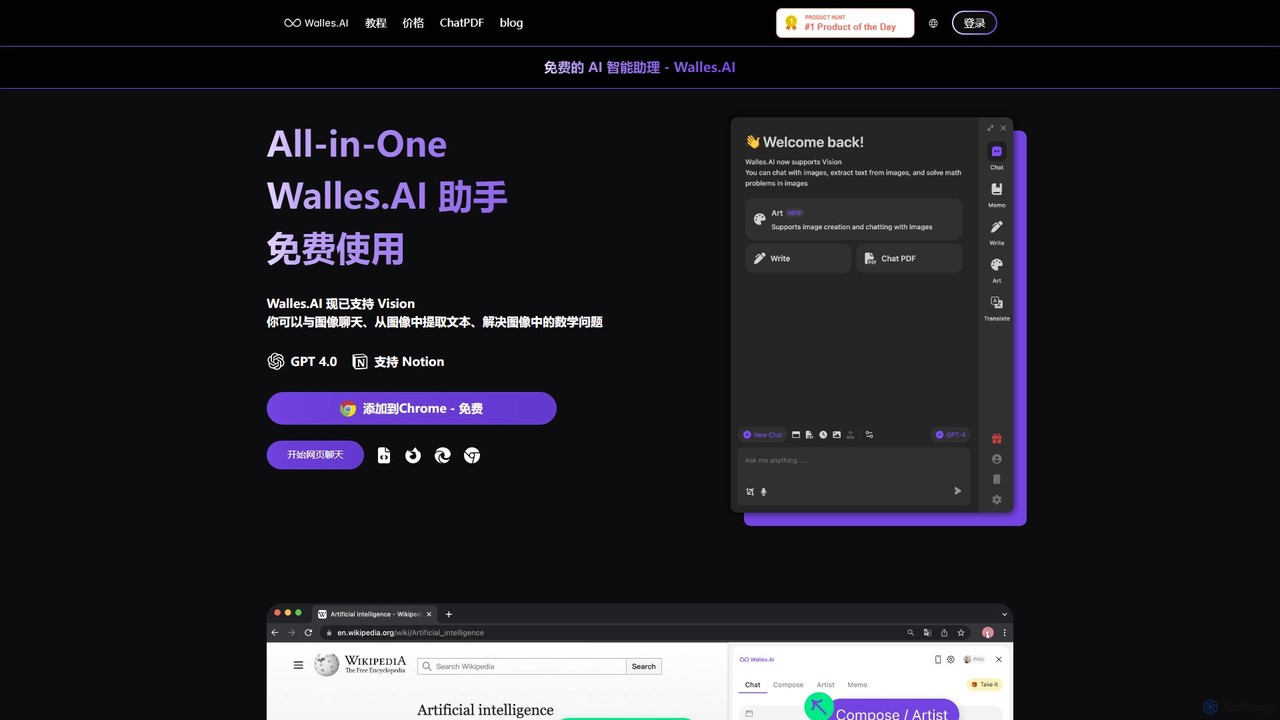
Walles.AI
Walles.AI is an all-in-one AI assistant integrated as a Chrome extension. Powered by GPT-4, it allows you to chat with webpages, PDFs, YouTube videos, and even images. Boost your productivity with instant summarization, translation, text analysis, and seamless integration with Notion.
Study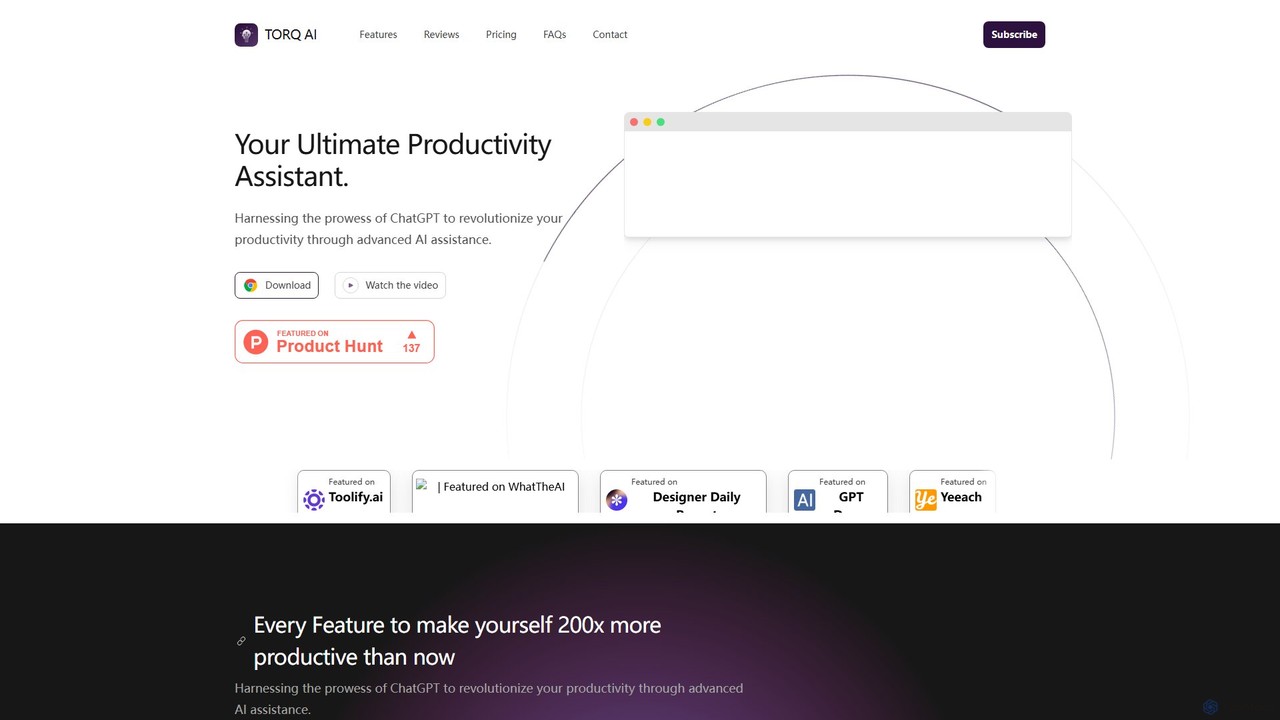
Torq
Torq is an AI-powered Chrome extension that supercharges your productivity. Leveraging ChatGPT, it offers one-click email generation, instant text summarization and translation, and integrates AI responses directly into your Google search results, streamlining your daily workflow.
Browser Extension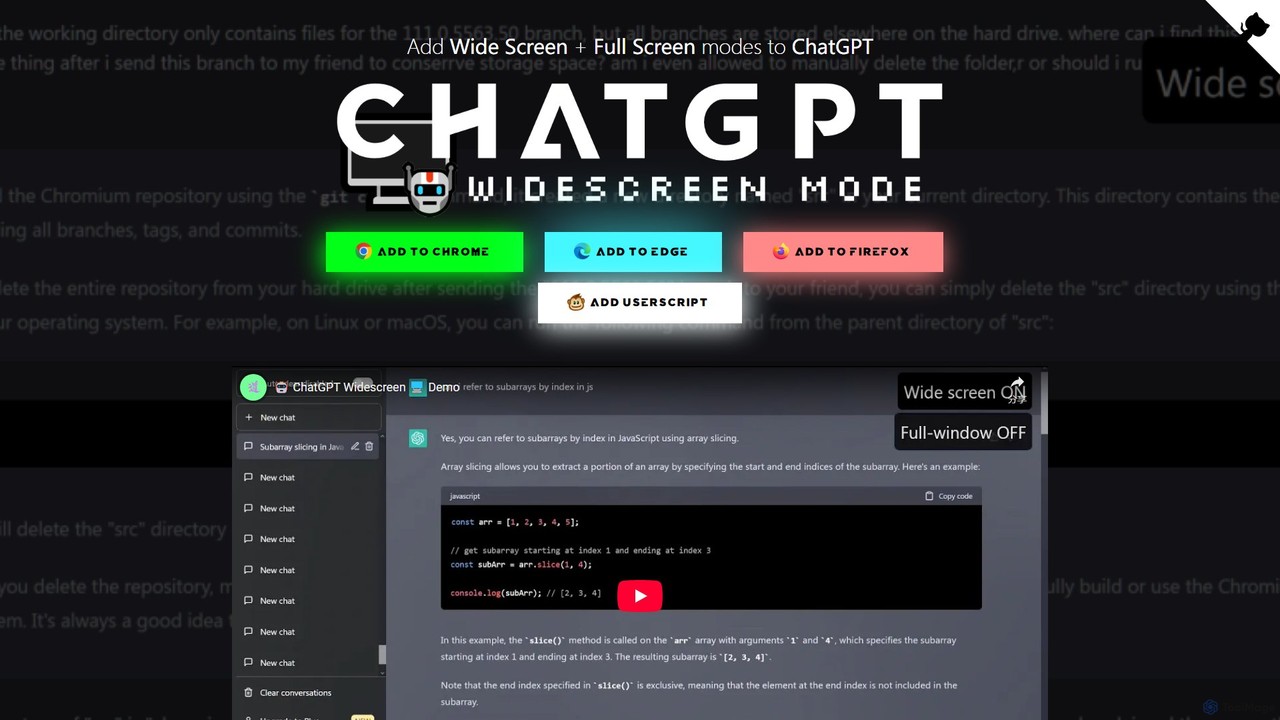
ChatGPT Widescreen Mode
A free browser extension that adds Widescreen and Fullscreen modes to the ChatGPT interface. It enhances readability and productivity by utilizing your entire screen space, perfect for viewing code, writing long texts, and analyzing data.
Code Assistant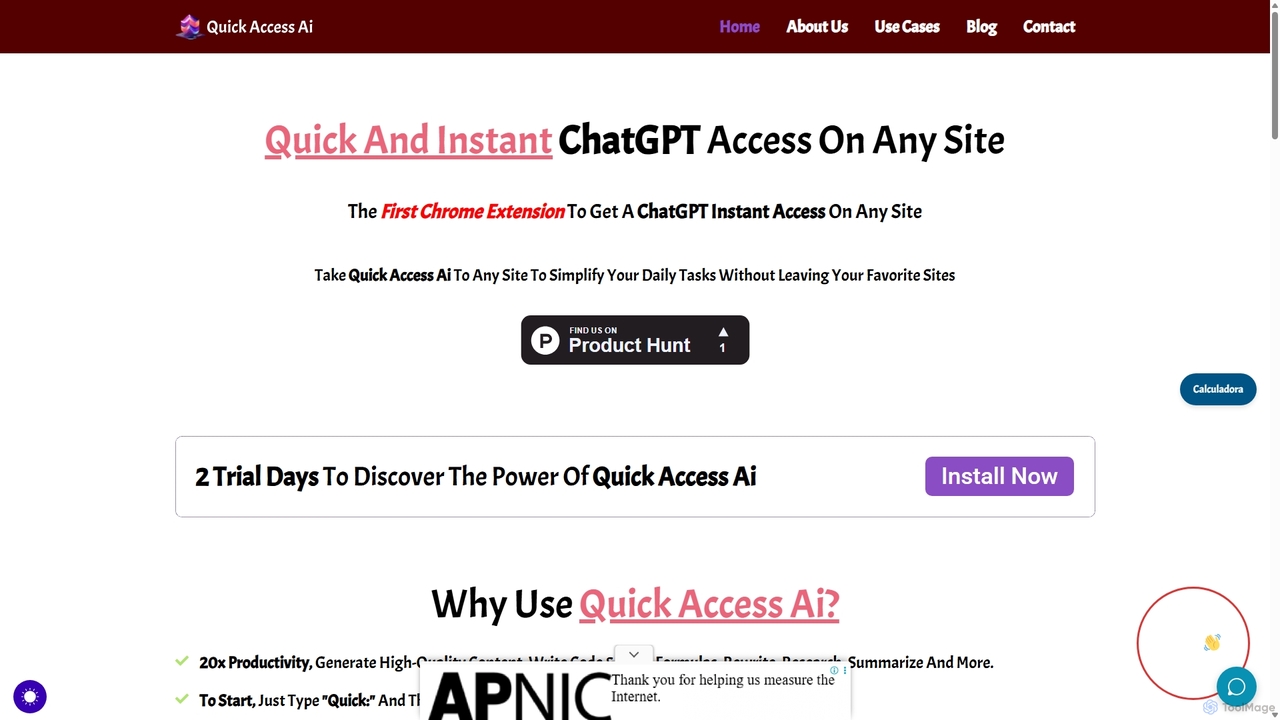
Quick Access Ai
Quick Access Ai is a Chrome extension that provides instant access to ChatGPT on any website. By simply typing a command, users can generate content, write code, summarize text, and perform research without switching tabs. It aims to boost productivity by integrating AI assistance directly into your existing workflow, making daily tasks faster and more efficient.
Code Assistant
chatgpt2pdf
A Chrome extension that allows you to save and export your ChatGPT conversations as high-quality PDF files with a single click. Easily archive, share, and document your AI interactions for professional, academic, or personal use.
Chrome Extensions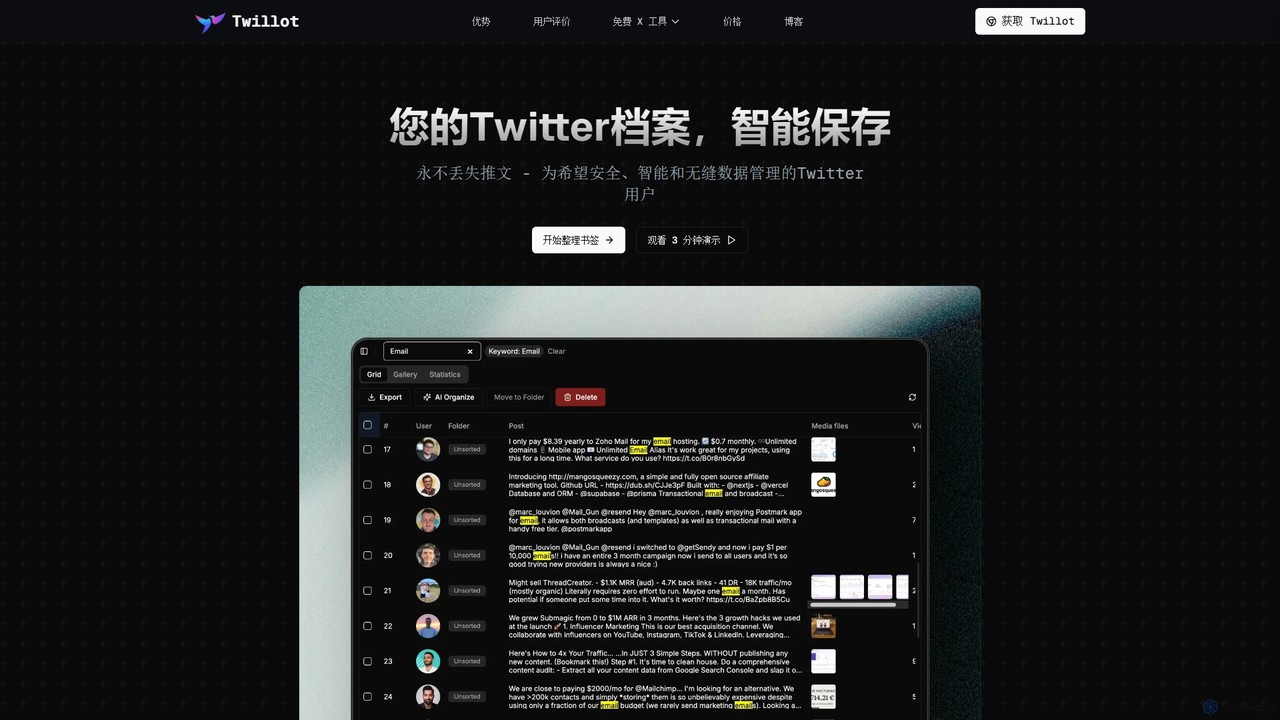
Twillot
Twillot is an AI-powered browser extension for Twitter/X, designed to intelligently save, manage, and search your entire Twitter archive. It helps you organize bookmarks, tweets, likes, and media locally, ensuring privacy and providing powerful tools for data export and analysis.
Archiving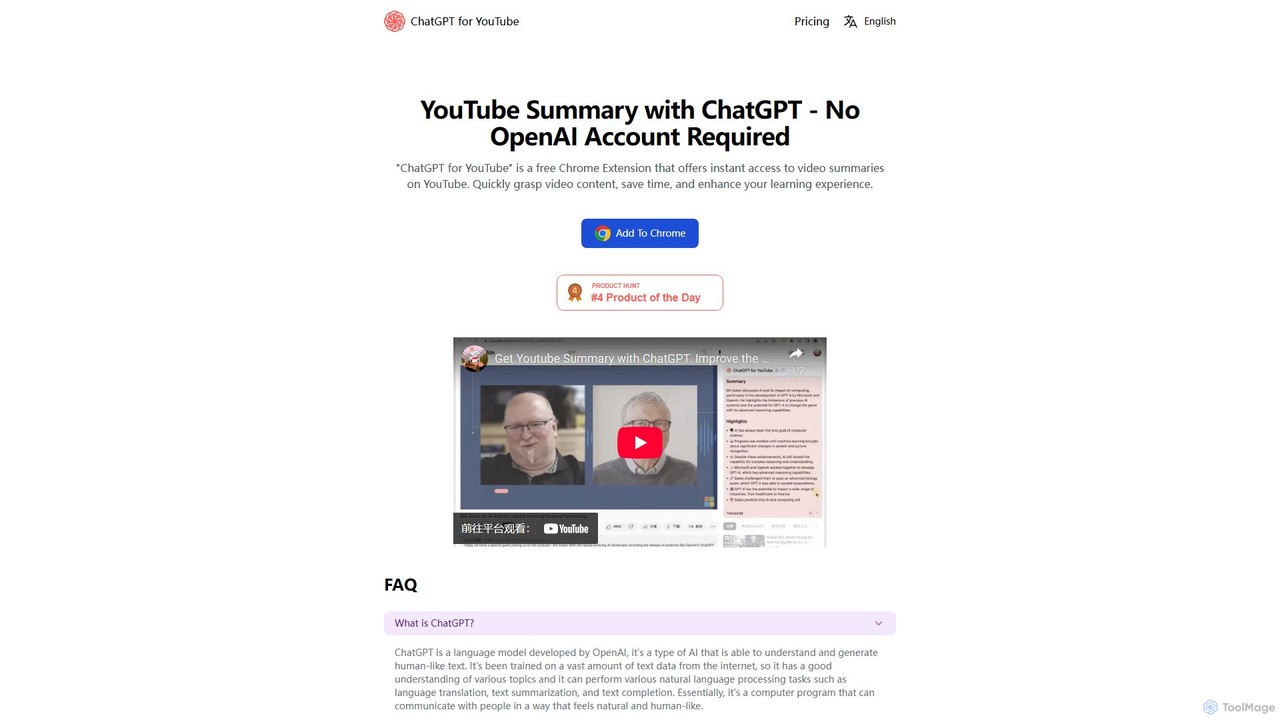
ChatGPT for YouTube
ChatGPT for YouTube is a free Chrome extension that provides AI-powered summaries of YouTube videos. Instantly grasp the core content of any video, save significant time, and improve your learning efficiency. No OpenAI or ChatGPT account is required to start summarizing.
Learning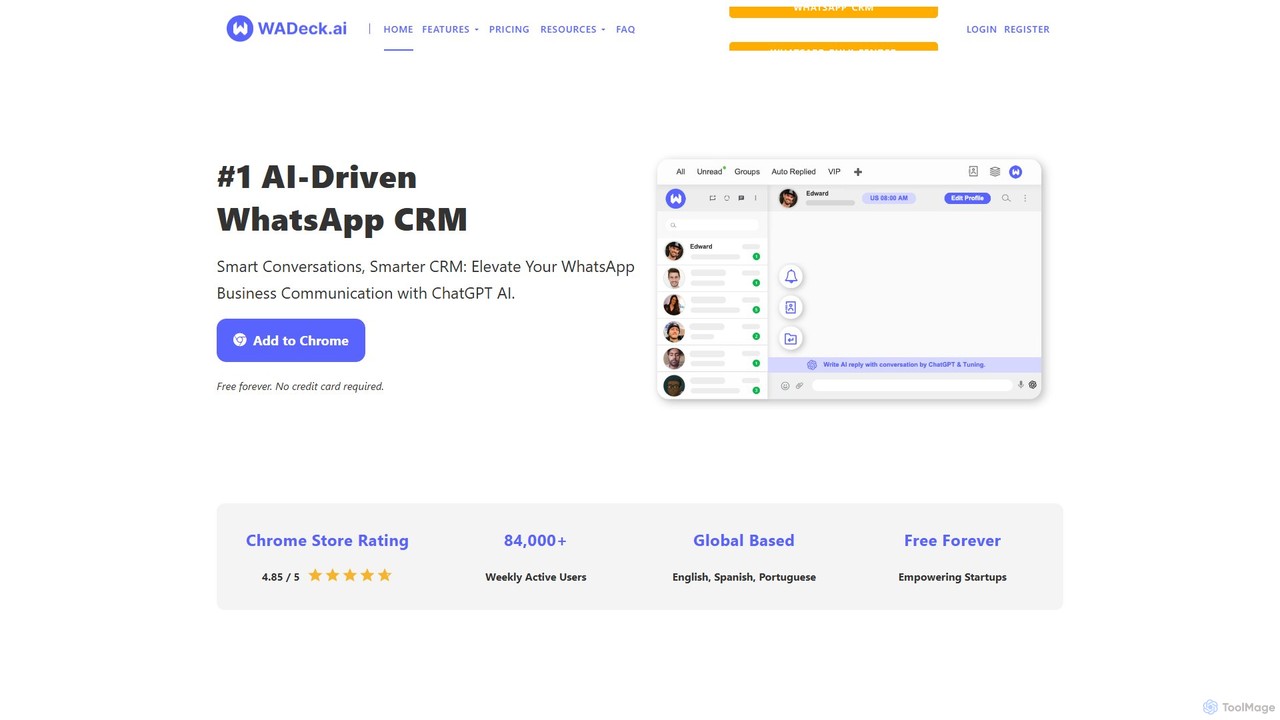
WADeck
WADeck is an AI-driven WhatsApp CRM designed as a Chrome extension. It leverages ChatGPT to enhance business communication by providing smart replies, chat summarization, and marketing message optimization. It helps users organize chats with custom tabs, send personalized broadcast messages, and automate conversations.
Chatbot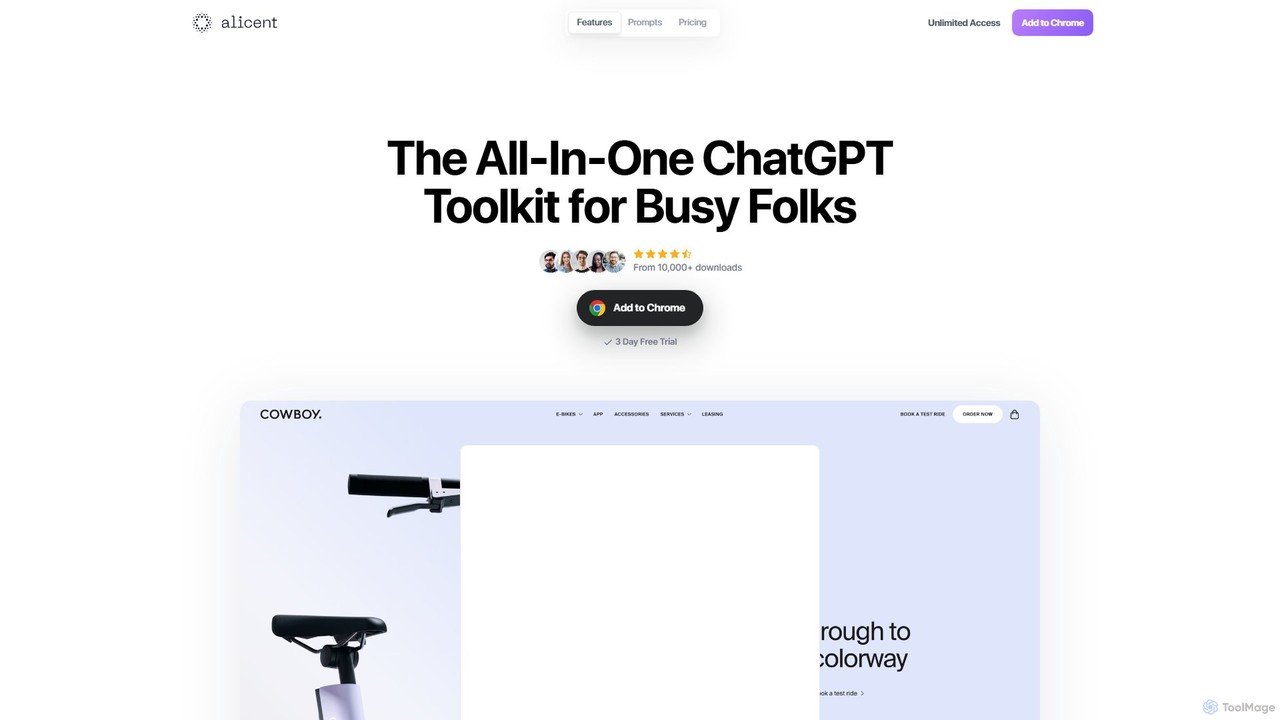
Alicent
Alicent is an all-in-one ChatGPT toolkit, designed as a Chrome extension for busy professionals. It supercharges your workflow by combining the context of any webpage with a library of over 250 expert-crafted prompts. Instantly generate high-quality marketing copy, SEO audits, social media content, and more, tailored to your brand's voice and style, saving you hours of time and effort.
Ad Copy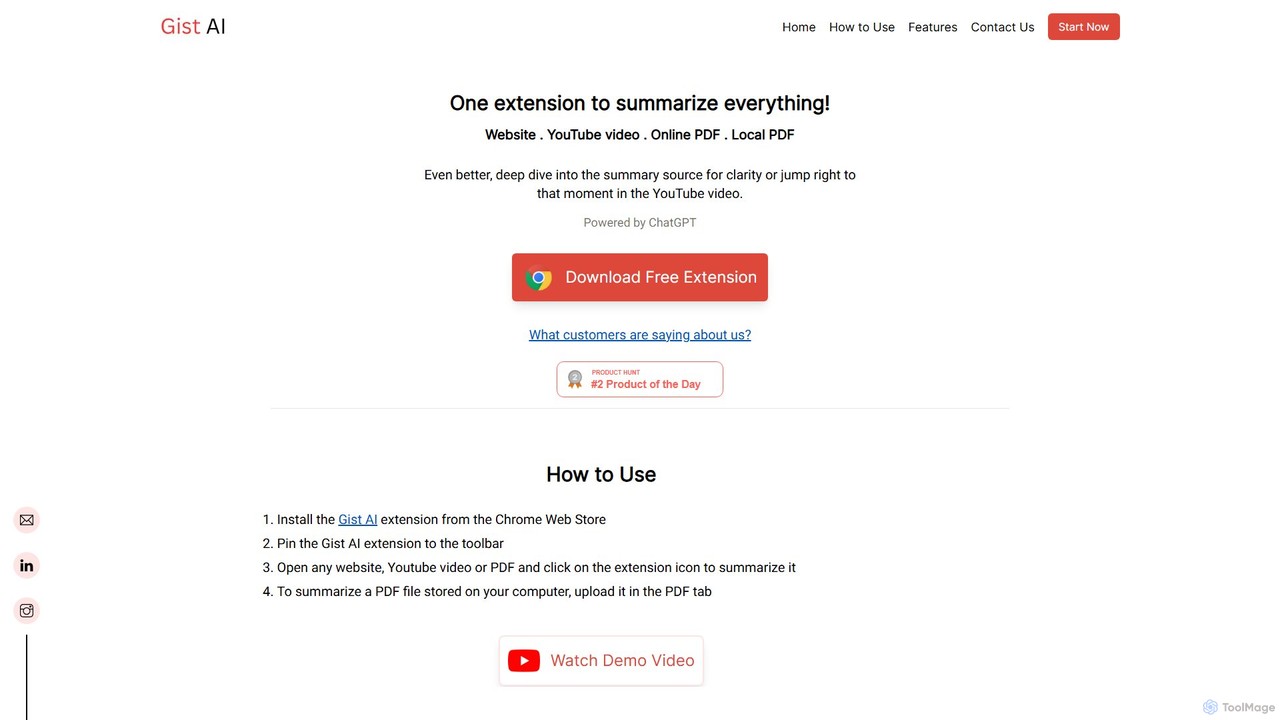
Gist AI
Gist AI is a free, ChatGPT-powered Chrome extension that instantly summarizes websites, YouTube videos, and both online and local PDFs. It helps you save time, improve comprehension, and quickly access the most important information from long-form content with a single click.
Chrome Extensions
GPTBLOX Comments (0)
Sign in to comment.
Sign inNo comments yet.