


chatgpt2pdf Overview
chatgpt2pdf is a powerful and user-friendly Chrome extension designed to bridge the gap between your insightful conversations with ChatGPT and the need for permanent, shareable records. In an era where AI-driven dialogues are a source of creativity, problem-solving, and knowledge, this tool provides a seamless one-click solution to convert your entire chat history into a professionally formatted PDF document. It eliminates the tedious process of manual copy-pasting, ensuring that the structure, formatting, and context of your conversation are perfectly preserved. Whether you're a student, developer, writer, or professional, chatgpt2pdf empowers you to manage, archive, and share your AI-generated content with unparalleled ease and efficiency.
How to use chatgpt2pdf
Using chatgpt2pdf is designed to be an intuitive and straightforward process. Follow these simple steps to get started:
- Installation: Navigate to the Chrome Web Store and search for 'chatgpt2pdf'. Click 'Add to Chrome' to install the extension. A small icon will appear in your browser's toolbar.
- Open ChatGPT: Go to the ChatGPT website and open the conversation you wish to export.
- Export: Look for the 'Export PDF' button or icon added by the extension to the ChatGPT interface. It is typically located near the conversation controls.
- One-Click Conversion: Simply click the 'Export PDF' button. The extension will automatically process the entire conversation, format it, and prepare it for download.
- Download: Your browser's download prompt will appear with the generated PDF file. Save it to your desired location on your computer.
Core Features of chatgpt2pdf
- One-Click Export: Convert and download entire ChatGPT conversations into a PDF file with a single click, saving significant time and effort.
- High-Quality Formatting: The tool preserves the original chat layout, including code blocks, lists, bold text, and other formatting, ensuring the PDF is readable and professional.
- No Conversation Length Limit: Export both short and extensive conversations without any restrictions, making it ideal for in-depth projects and research.
- Lightweight and Fast: As a browser extension, it runs efficiently without slowing down your computer or browser performance.
- Privacy-Focused: The conversion process happens locally in your browser, ensuring the content of your conversations remains private and secure.
Use Cases for chatgpt2pdf
The versatility of chatgpt2pdf makes it valuable for a wide range of users:
- Students and Researchers: Archive research discussions, save tutoring sessions, and compile notes from AI-assisted learning for easy review and citation.
- Developers and Programmers: Document debugging sessions, save complex code snippets and solutions generated by ChatGPT for future reference or team sharing.
- Writers and Content Creators: Keep a record of brainstorming sessions, story ideas, and content drafts. Share polished drafts with collaborators or editors.
- Business Professionals: Create documentation from AI-generated reports, meeting summaries, or marketing copy. Archive important business-related queries and solutions for compliance or record-keeping.
- Personal Use: Save creative poems, travel plans, recipes, or any other useful information generated in your personal chats with the AI.
Advantages of chatgpt2pdf
chatgpt2pdf offers a distinct advantage over manual methods. It ensures efficiency by automating the export process. The output is a professional, universally compatible PDF that is easy to share and print. It provides a reliable method for archiving important information, creating a searchable and organized library of your most valuable AI interactions. Its simplicity makes it accessible to everyone, regardless of technical skill.
Pricing and Plans
chatgpt2pdf offers simple and affordable pricing for everyone, with significant early-bird discounts.
- Monthly Plan: $1.19 per month (Originally $19.98)
- Yearly Plan: $9.99 per year (Originally $59.98)
- Permanent Plan: $19.99 for lifetime access (Originally $79.98)
These plans provide full access to the tool's features, allowing you to take control of your ChatGPT data and unlock limitless possibilities for managing your creativity and knowledge.
chatgpt2pdf Alternatives
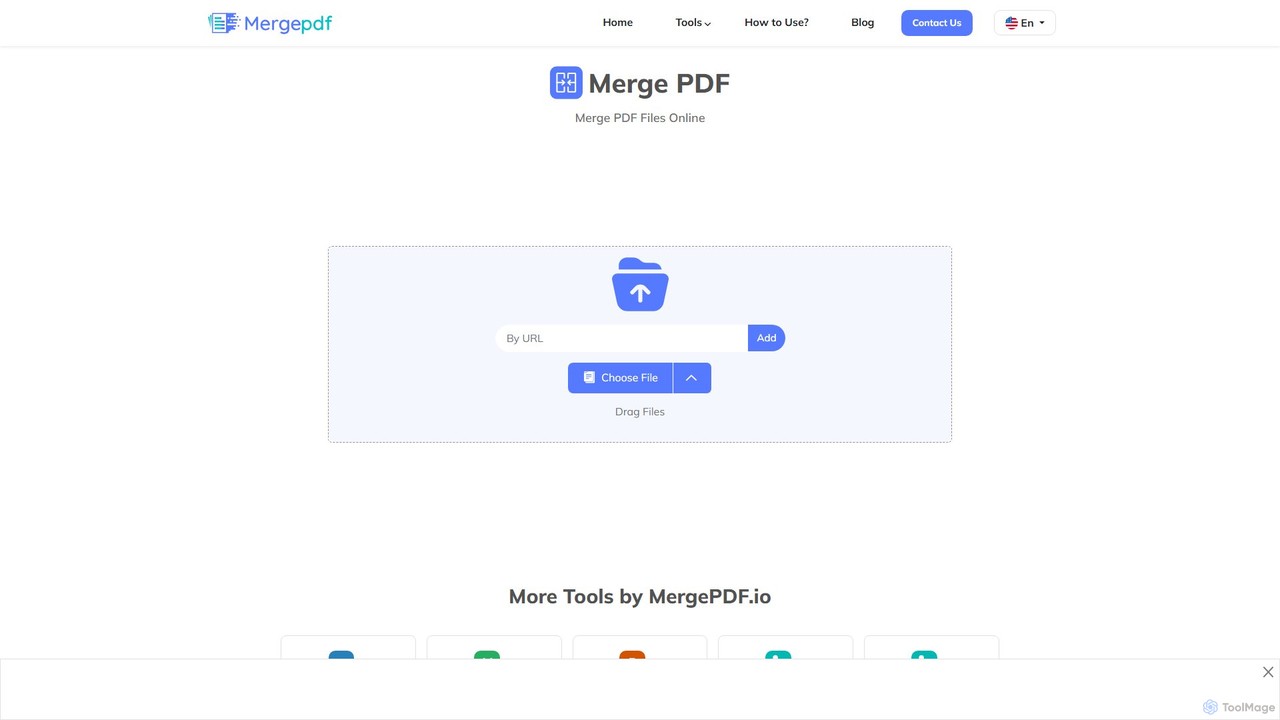
mergepdf
mergepdf is a free, secure, and user-friendly online tool for combining multiple PDF files into a single document. It works on any device without registration, preserving original quality and layout. Users can easily upload, reorder, and merge files with no limitations on size or number.
Office Tools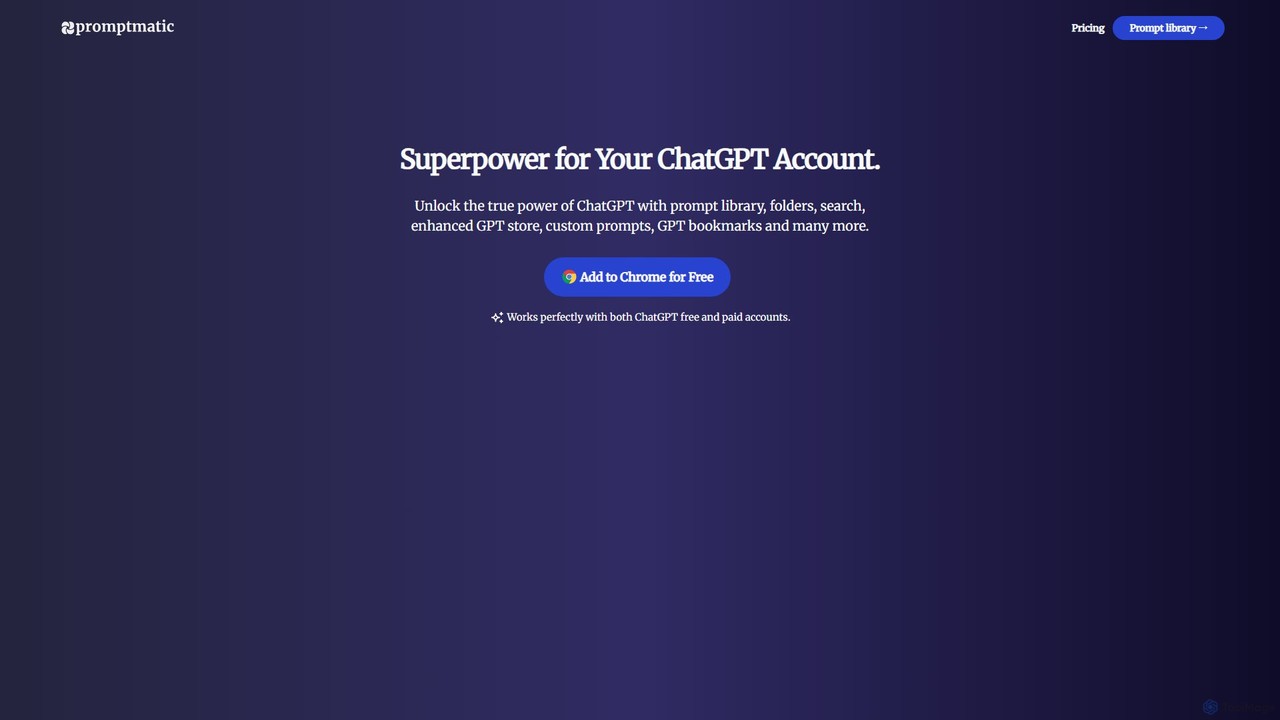
Promptmatic
Promptmatic is a powerful Google Chrome extension for ChatGPT, designed to enhance your AI interactions. It features a massive library of over 2900 prompts, a smart prompt editor, a GPT bookmark manager, and extensive customization options for roles, styles, and tones. It streamlines your workflow, making you more productive and efficient when using ChatGPT for professional tasks.
Chrome Extensions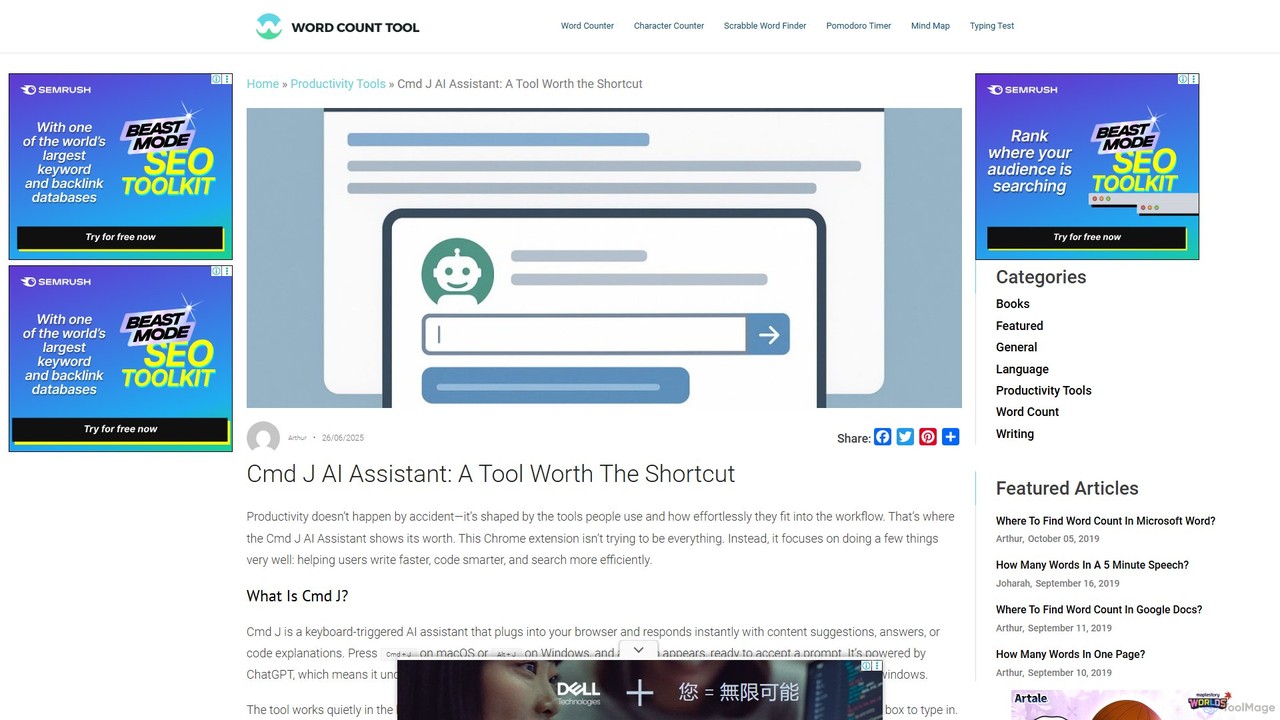
Cmd J AI Assistant
Cmd J is a keyboard-activated AI assistant, available as a Chrome extension, designed to boost productivity. Powered by ChatGPT, it provides instant help with writing, coding, and research directly in your browser. Simply press a shortcut (Cmd+J or Alt+J) to summon the AI, eliminating the need to switch tabs or open new applications, and seamlessly integrating into any workflow.
Chrome Extensions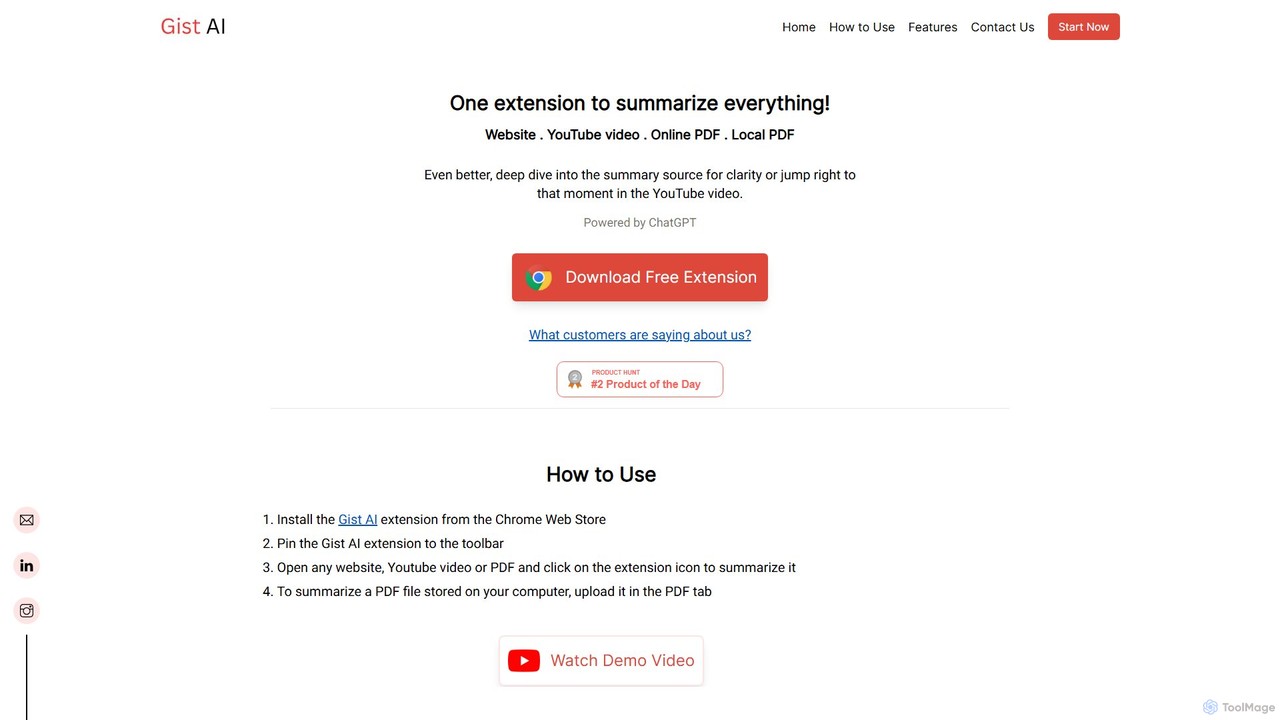
Gist AI
Gist AI is a free, ChatGPT-powered Chrome extension that instantly summarizes websites, YouTube videos, and both online and local PDFs. It helps you save time, improve comprehension, and quickly access the most important information from long-form content with a single click.
Chrome Extensions
GPT SmartKit
Supercharge your ChatGPT experience with GPT SmartKit, a powerful Chrome extension. It offers custom themes, an extensive prompt library, auto-prompting capabilities, and advanced conversation management to enhance your productivity and creativity.
Promptingchatgpt2pdf Categories
chatgpt2pdf Embed Widget
Copy this embed code to place the badge on your blog, article, or product site and send readers directly to this ToolMage detail page.

Related AI tools
Promptmatic
Promptmatic is a powerful Google Chrome extension for ChatGPT, designed to enhance your AI interactions. It features a massive library of over 2900 prompts, a smart prompt editor, a GPT bookmark manager, and extensive customization options for roles, styles, and tones. It streamlines your workflow, making you more productive and efficient when using ChatGPT for professional tasks.
Chrome ExtensionsCmd J AI Assistant
Cmd J is a keyboard-activated AI assistant, available as a Chrome extension, designed to boost productivity. Powered by ChatGPT, it provides instant help with writing, coding, and research directly in your browser. Simply press a shortcut (Cmd+J or Alt+J) to summon the AI, eliminating the need to switch tabs or open new applications, and seamlessly integrating into any workflow.
Chrome ExtensionsGist AI
Gist AI is a free, ChatGPT-powered Chrome extension that instantly summarizes websites, YouTube videos, and both online and local PDFs. It helps you save time, improve comprehension, and quickly access the most important information from long-form content with a single click.
Chrome ExtensionsGPT SmartKit
Supercharge your ChatGPT experience with GPT SmartKit, a powerful Chrome extension. It offers custom themes, an extensive prompt library, auto-prompting capabilities, and advanced conversation management to enhance your productivity and creativity.
Prompting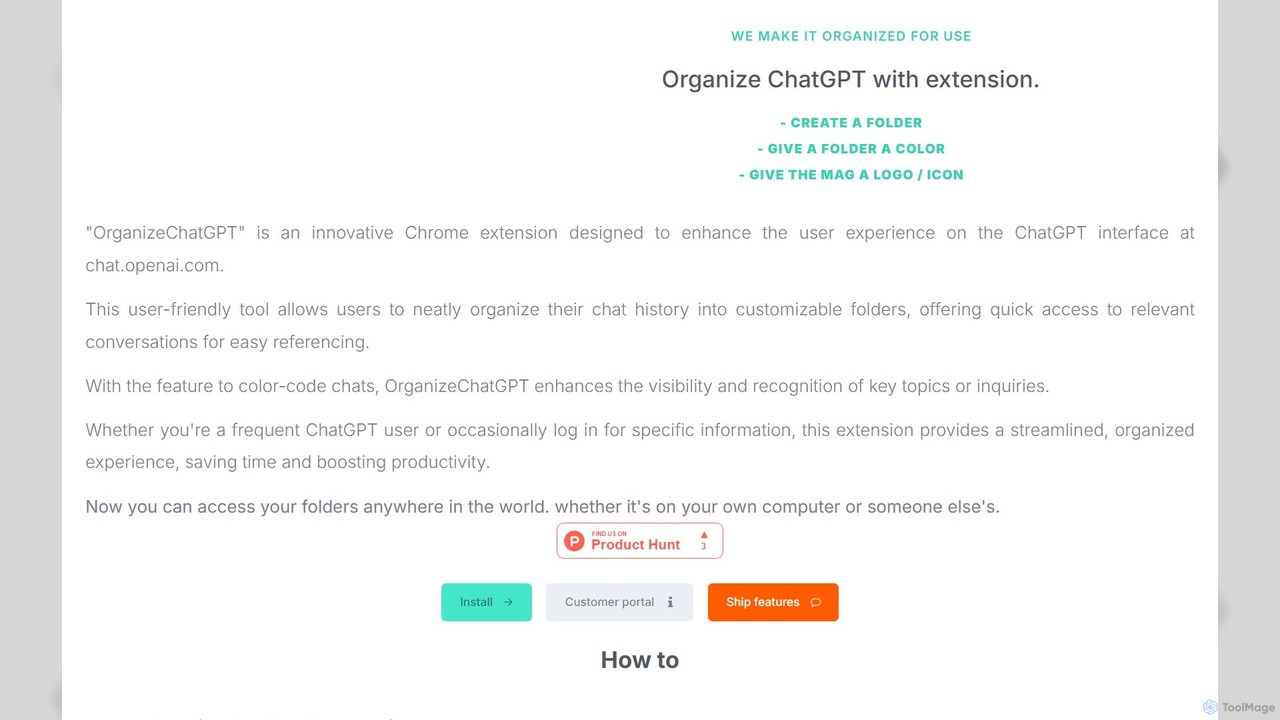
OrganizeChatgpt
OrganizeChatgpt is a powerful Chrome extension that supercharges your ChatGPT experience. It allows you to neatly organize your conversations into customizable, color-coded folders with icons. Pin important chats, use bulk actions, and search your history with ease. A freemium tool designed to boost your productivity and streamline your workflow by transforming your chaotic chat history into a structured, accessible library.
Organization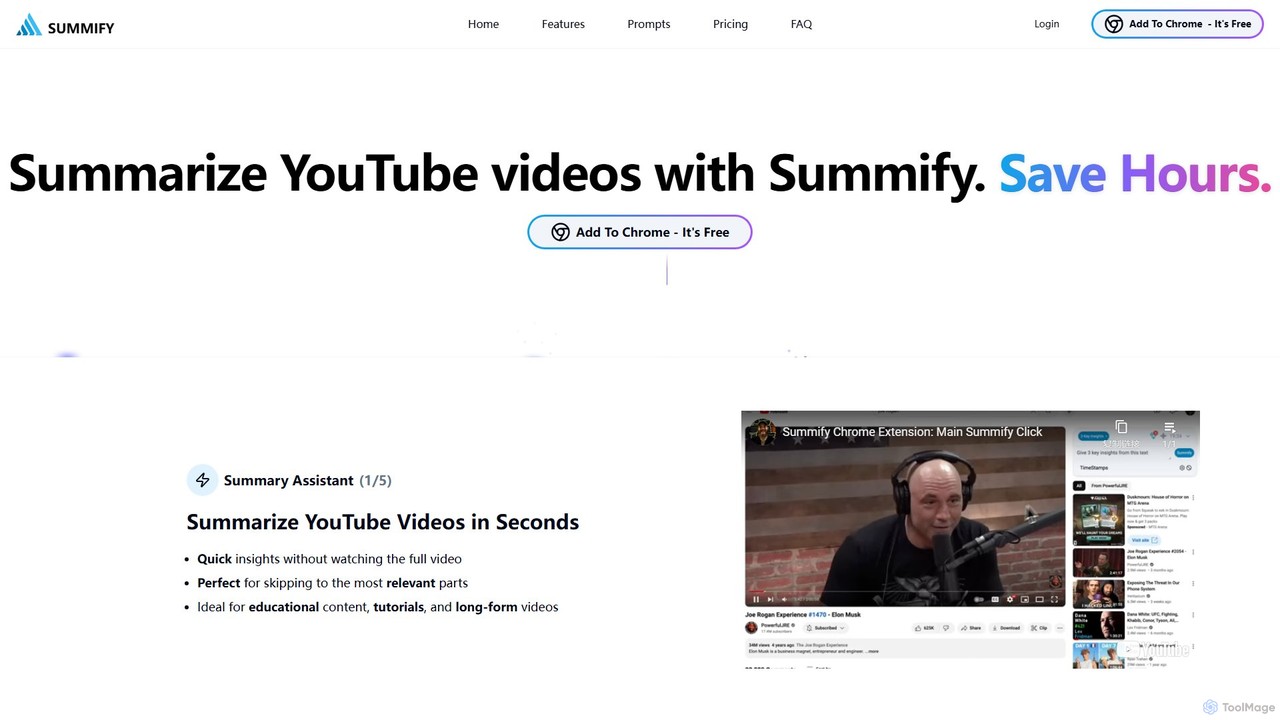
SummifyAI
SummifyAI is a powerful Chrome extension that uses AI to summarize YouTube videos in seconds. It helps users save time by providing quick insights, summarizing specific timestamps, and allowing custom questions about the video content. Ideal for students, professionals, and researchers, it transforms videos into a searchable knowledge base.
Chrome Extensions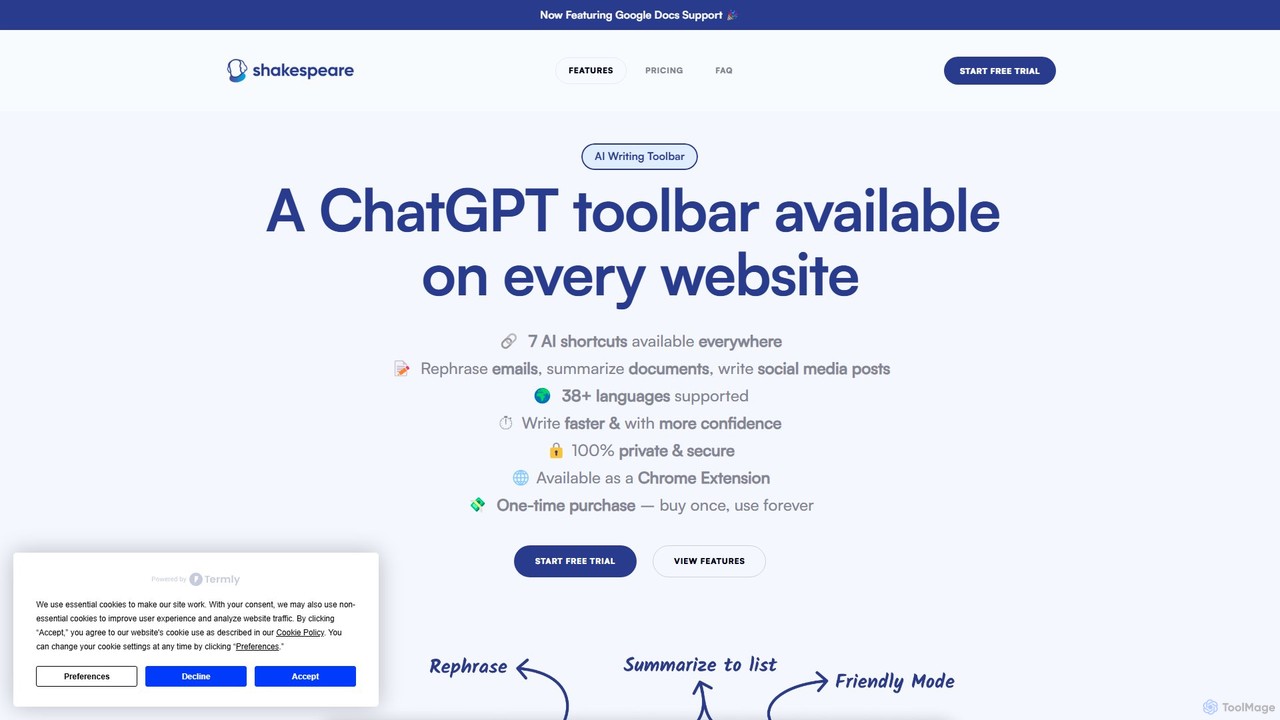
Shakespeare Toolbar
Shakespeare Toolbar is a ChatGPT-powered Chrome extension that integrates AI writing assistance directly into your browser. Work seamlessly on any website, including Google Docs, to rephrase, summarize, simplify text, and generate content without switching tabs. It's designed for writers, marketers, and professionals to enhance productivity and communication.
Chrome Extensions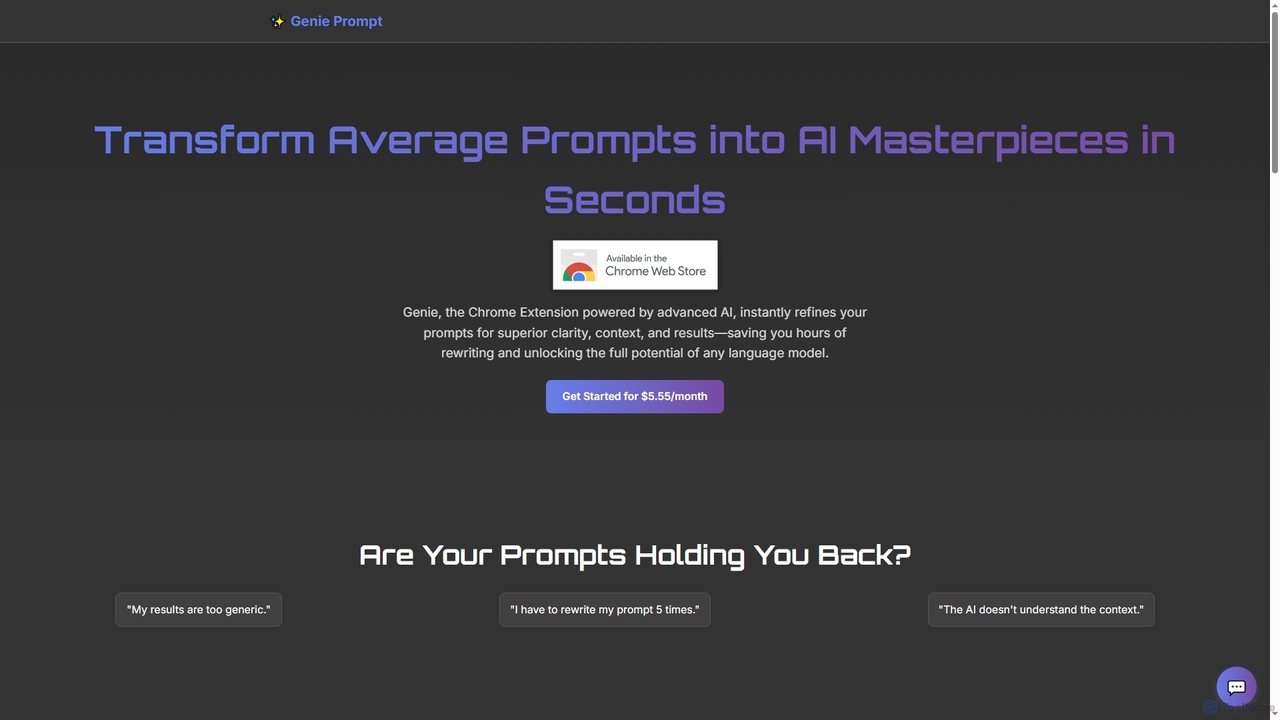
Genie Prompt
Genie Prompt is a Chrome extension powered by Google's Gemini AI that instantly refines your selected text into superior prompts. It enhances clarity, context, and structure to help you get better, more consistent results from any AI language model, saving you time and effort.
Writing Assistant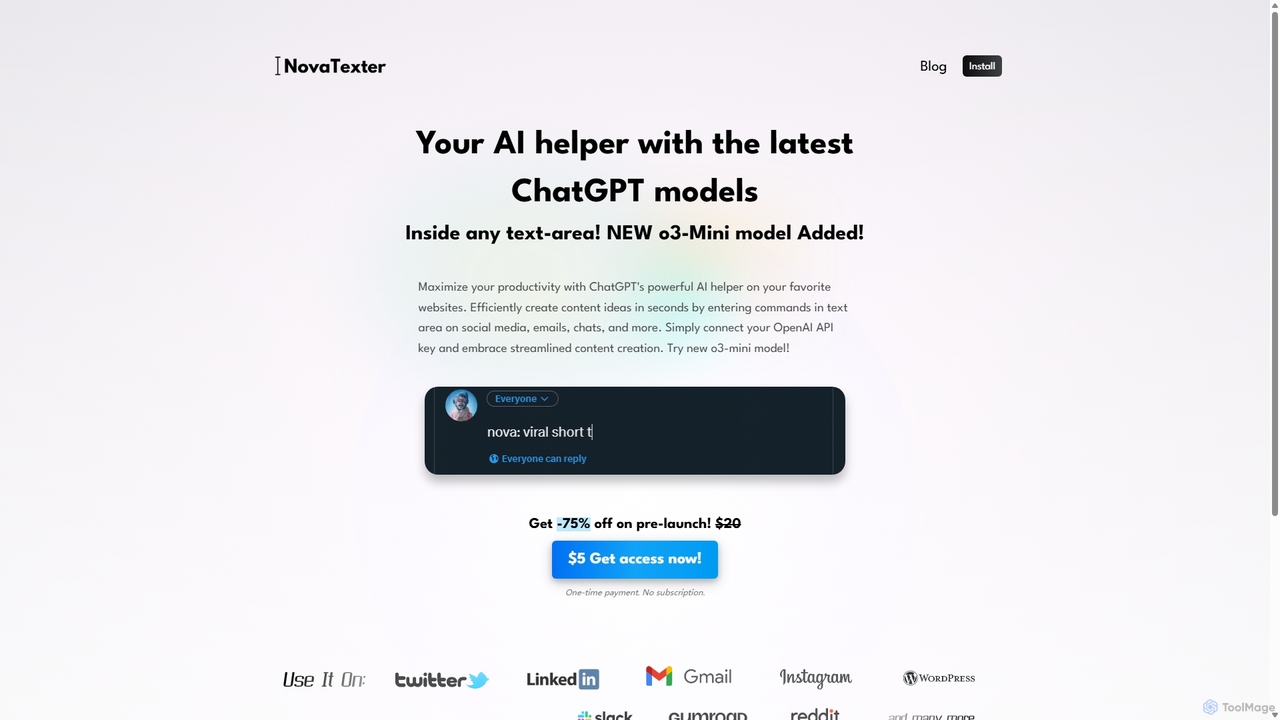
NovaTexter
NovaTexter is an AI-powered browser extension that integrates ChatGPT models directly into your workflow. It allows you to generate content, ideas, and responses on any website by simply typing commands in a text area. Connect your OpenAI API key for a seamless, productive content creation experience with a single one-time payment.
Chrome Extensions
Recap
Recap is a free, open-source Chrome extension that uses ChatGPT to intelligently summarize web content. Its unique "Smart Split" feature breaks down long articles into manageable passages, allowing users to summarize entire pages, specific sections, or selected text with high precision.
Chrome Extensions
GPTBLOX
GPTBLOX is a productivity platform centered around its flagship Chrome extension, "ChatGPT Save Data." It enables users to easily save, manage, and export their ChatGPT conversations in multiple formats like PDF, TXT, HTML, and PNG. Designed for writers, developers, marketers, and students, it streamlines workflow and ensures valuable AI-generated insights are never lost.
Browser Extensions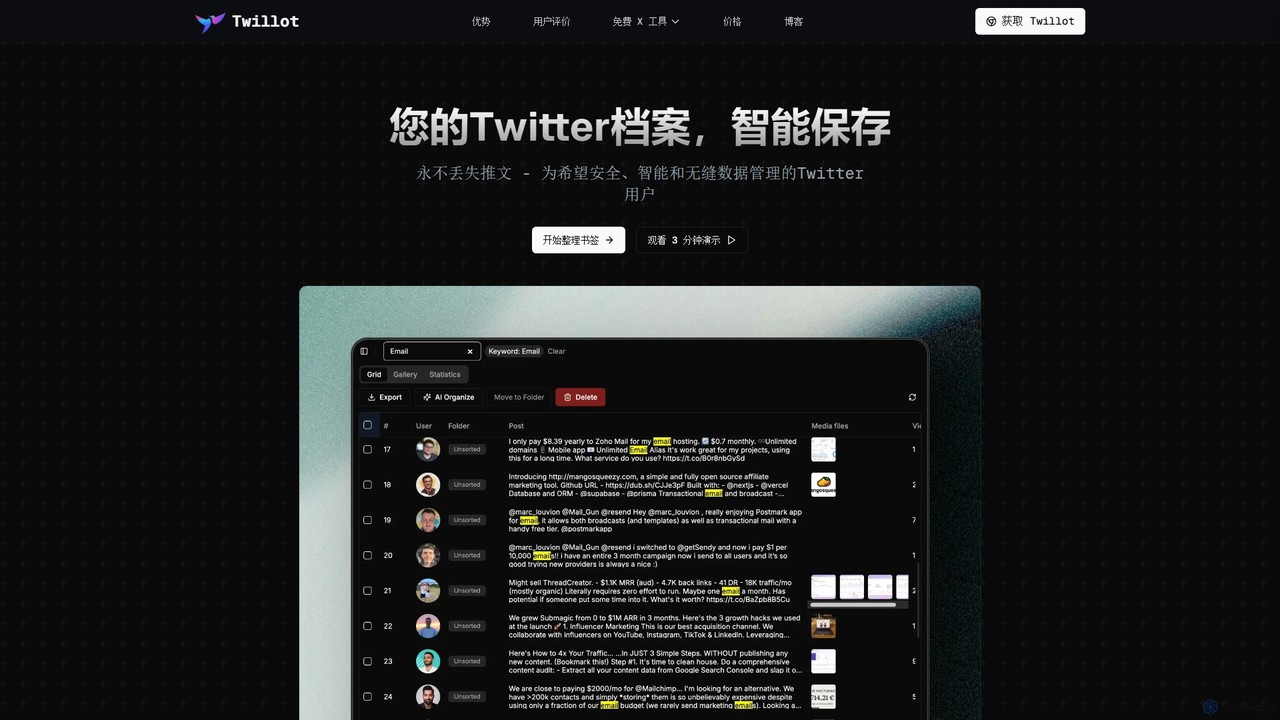
Twillot
Twillot is an AI-powered browser extension for Twitter/X, designed to intelligently save, manage, and search your entire Twitter archive. It helps you organize bookmarks, tweets, likes, and media locally, ensuring privacy and providing powerful tools for data export and analysis.
Archiving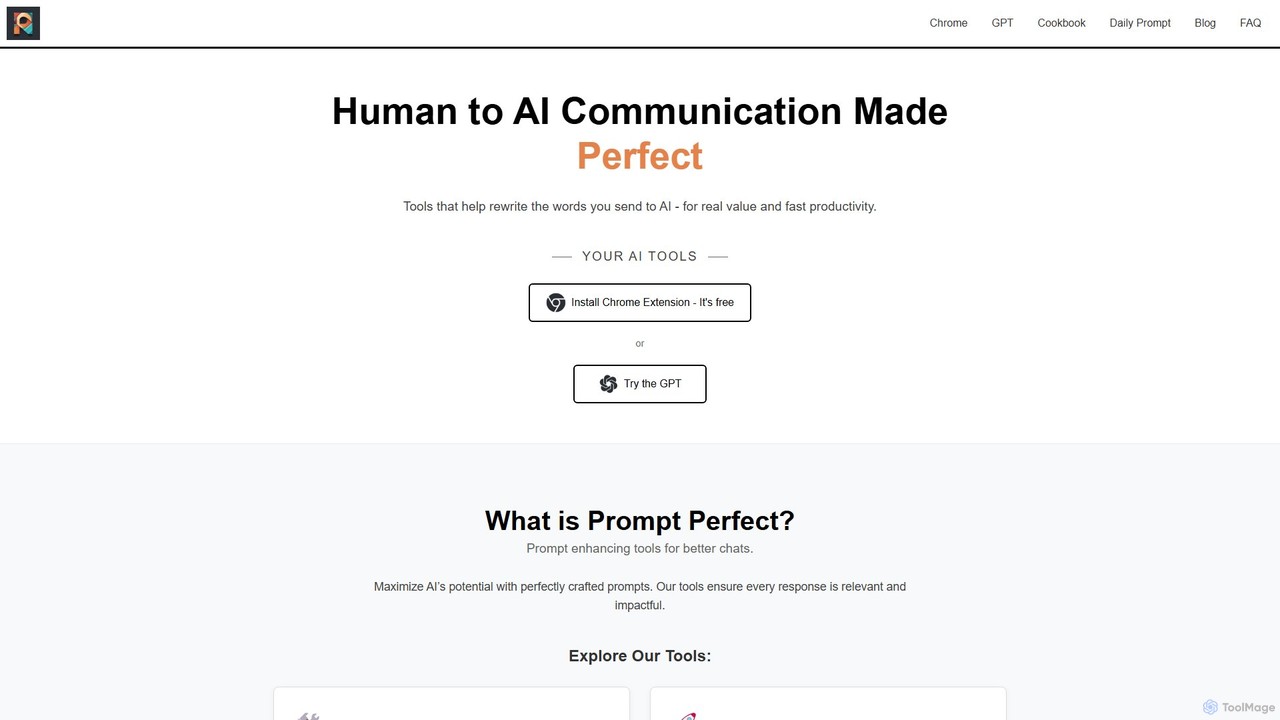
Prompt Perfect
Prompt Perfect is an AI-powered suite, featuring a Chrome Extension and a GPT, designed to optimize your prompts for superior results across major AI platforms like ChatGPT, Gemini, and Claude. It refines, enhances, and manages your prompts to unlock more precise, creative, and effective AI-generated content, boosting productivity for writers, researchers, and professionals.
Research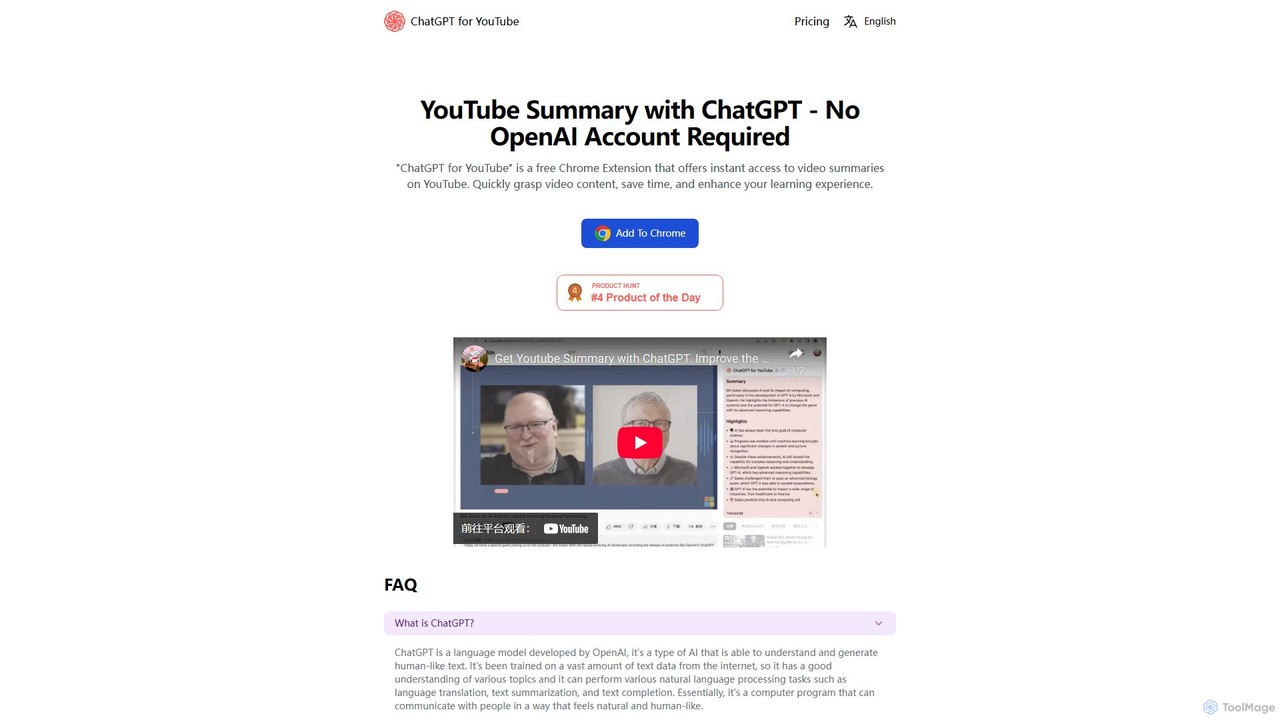
ChatGPT for YouTube
ChatGPT for YouTube is a free Chrome extension that provides AI-powered summaries of YouTube videos. Instantly grasp the core content of any video, save significant time, and improve your learning efficiency. No OpenAI or ChatGPT account is required to start summarizing.
Learning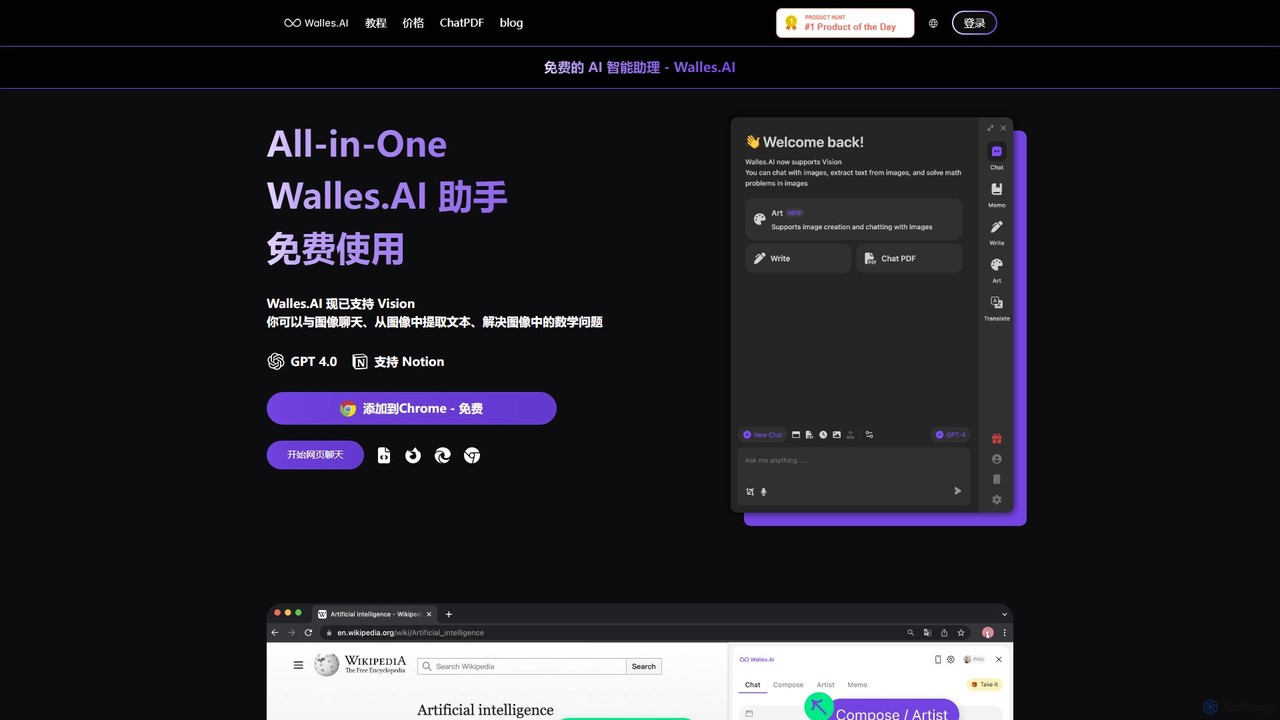
Walles.AI
Walles.AI is an all-in-one AI assistant integrated as a Chrome extension. Powered by GPT-4, it allows you to chat with webpages, PDFs, YouTube videos, and even images. Boost your productivity with instant summarization, translation, text analysis, and seamless integration with Notion.
Study
chatgpt2pdf Comments (0)
Sign in to comment.
Sign inNo comments yet.