ToolMage
Sign in

Best 1 Organization AI tools for Ai Helpers

Popular Organization AI tools in Ai Helpers include OrganizeChatgpt, helping you work more efficiently.

OrganizeChatgpt
Freemium

OrganizeChatgpt

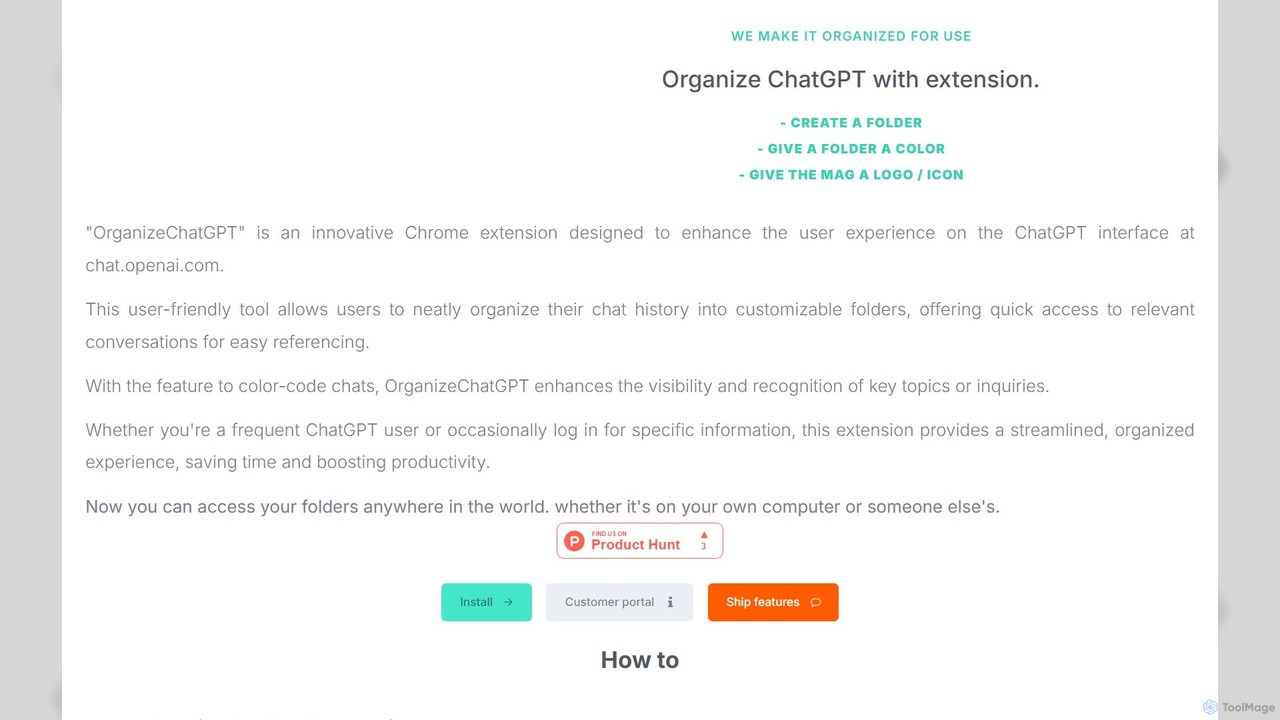
OrganizeChatgpt is a powerful Chrome extension that supercharges your ChatGPT experience. It allows you to neatly organize your conversations into customizable, color-coded folders with icons. Pin important chats, use bulk actions, and search your history with ease. A freemium tool designed to boost your productivity and streamline your workflow by transforming your chaotic chat history into a structured, accessible library.

Organization
Visits 7.6KFavorites 138Likes 130

About Organization

AI Organization tools are a specialized class of AI assistants designed to automatically structure, categorize, and manage digital information and tasks. They leverage machine learning algorithms to understand context, identify patterns, and automate the process of sorting files, prioritizing to-do lists, and scheduling events. These tools are invaluable for individuals and teams looking to reduce manual administrative work and bring order to complex digital environments. Their primary function is to create a clear, accessible system for your data and workflows.

Core Features

  • Intelligent Categorization: Automatically analyzes and sorts files, emails, and notes using content-based tags and folders.
  • Dynamic Task Prioritization: Ranks tasks based on urgency, importance, and dependencies to suggest optimal workflows.
  • Automated Scheduling: Intelligently finds and books meeting times that work for all participants, avoiding conflicts.
  • Information Synthesis: Gathers and consolidates related information from various sources into unified summaries or project views.

Applicable Scenarios

These tools are widely used by project managers for automating task assignments, researchers for organizing academic papers, and freelancers for managing client assets. In a corporate setting, they help teams maintain clean shared drives and streamline information retrieval, reducing the time spent searching for information.

Selection Criteria

When selecting an AI Organization tool, consider its integration capabilities with your existing apps (e.g., email, cloud storage). Evaluate the sophistication of its AI-driven prioritization and categorization features. Also, assess the user interface's simplicity and the platform's security protocols for handling sensitive data.

Organization use cases

1

Automated Project Asset Management

For project managers handling numerous files, an AI Organization tool automatically scans new documents, images, and reports uploaded to a shared drive. It reads the content, assigns relevant project tags (e.g., 'Q3-Marketing-Campaign,' 'Client-Feedback'), and moves them to the correct folders. This eliminates hours of manual filing and ensures team members can always find the latest assets instantly.

2

Intelligent To-Do List Prioritization

A busy professional uses an AI Organization tool to manage their daily tasks. Instead of a static list, the AI analyzes each task's deadline, estimated effort, and relationship to calendar events. It then dynamically re-orders the list throughout the day, suggesting which task to tackle next to maximize productivity and ensure critical deadlines are met without constant manual re-evaluation.

3

Streamlining Academic Research

Researchers and students collect dozens of articles, notes, and web clippings. An AI Organization tool can automatically read these documents, extract key themes, and group them by topic or research question. It creates a structured knowledge base, making it easy to find connections between sources and synthesize information for writing papers or literature reviews.

4

Managing Freelance Client Workflows

A freelancer juggling multiple clients connects their email and cloud storage to an AI Organization tool. The tool automatically creates a separate workspace for each client, filing contracts, invoices, and project deliverables into the appropriate client folder. It also flags emails that require a response, helping the freelancer stay on top of communications and administrative tasks.

5

Personal Digital Decluttering

For personal use, an individual can use an AI Organization tool to manage their digital life. It can automatically sort photos into albums based on content and location, file digital receipts for tax purposes, and organize personal documents like warranties and manuals. This transforms a chaotic collection of files into a searchable and well-structured personal archive.

6

Organizing Sales Leads and Notes

A sales representative uses an AI Organization tool integrated with their CRM. After a client call, the tool can transcribe the audio, summarize key action items, and automatically tag the contact with relevant topics discussed (e.g., 'interested-in-product-X,' 'follow-up-in-Q4'). This ensures all client interactions are logged and organized without manual data entry.

Organization FAQ

What are AI Organization tools?

AI Organization tools are applications that use artificial intelligence to automatically sort, categorize, and manage digital information and tasks. Unlike simple folders or lists, they actively understand the content of your files and the context of your work to create order. Key features include intelligent file tagging, task prioritization, and automated scheduling.

How do I choose the right AI Organization tool?

To choose the right tool, consider these factors:

  • Integrations: Ensure it connects seamlessly with your essential apps like email, calendar, and cloud storage.
  • AI Capabilities: Evaluate how well it automates categorization and prioritization for your specific needs.
  • User Interface: The tool should be intuitive and make information easy to find, not add another layer of complexity.
  • Security: Verify its data protection and privacy policies, especially if you're organizing sensitive information.

What's the difference between AI Organization tools and standard project management software?

Standard project management software (like Trello or Asana) requires users to manually create tasks, set deadlines, and organize files. AI Organization tools automate much of this process. They can, for example, automatically create a task from an email, suggest a priority level, and file related attachments without user intervention, focusing on reducing the administrative burden of staying organized.

What are the key features of AI Organization tools?

Most AI Organization tools offer a combination of features:

  • Automated Tagging & Filing: They analyze content to sort documents, emails, and notes into the correct categories.
  • Smart Task Management: They prioritize tasks based on urgency, dependencies, and user-defined goals.
  • Intelligent Scheduling: They can coordinate calendars to find the best meeting times for groups.
  • Information Synthesis: They can group related notes and files to provide a consolidated view of a project or topic.

Who can benefit from using AI Organization tools?

Anyone feeling overwhelmed by digital clutter can benefit. This includes project managers tracking multiple assets, researchers managing vast amounts of information, freelancers juggling clients, and individuals looking to organize their personal digital lives. They are particularly useful for roles that involve a high volume of information processing and administrative tasks.