
OrganizeChatgpt Overview
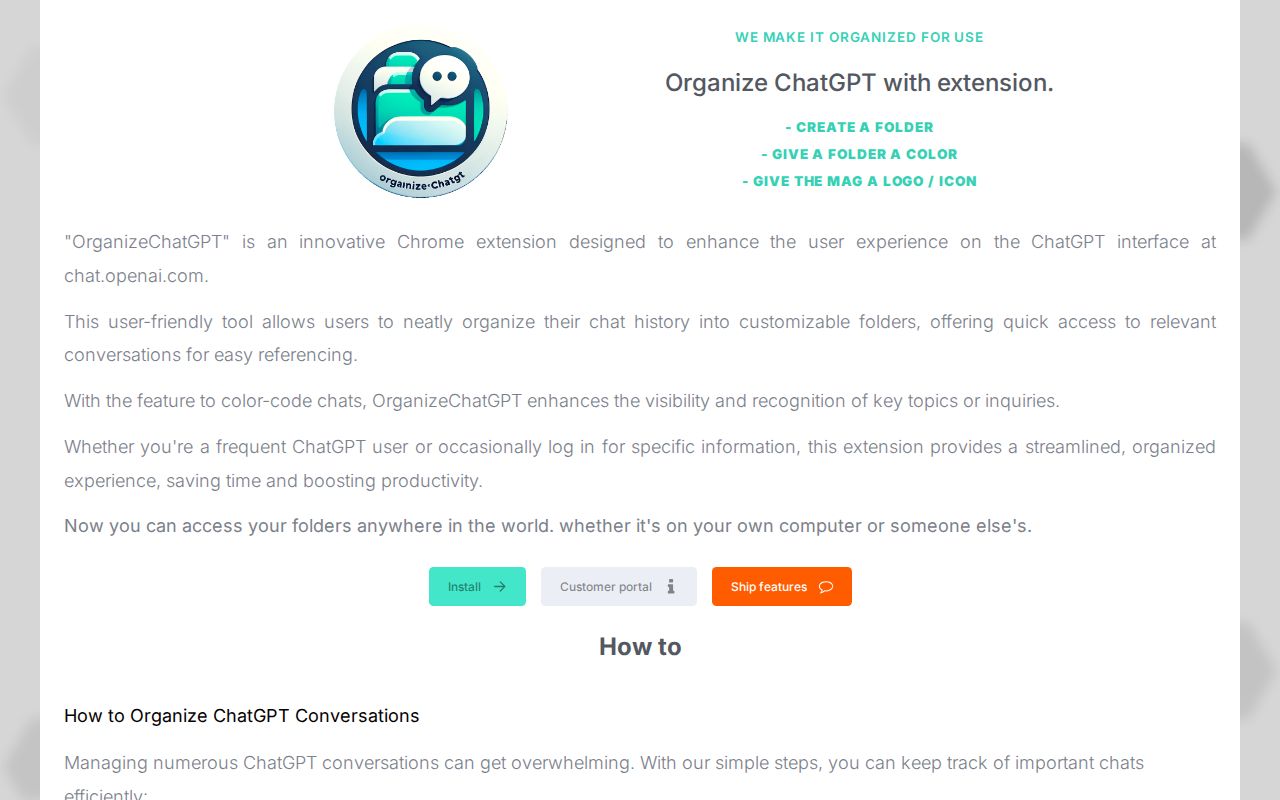
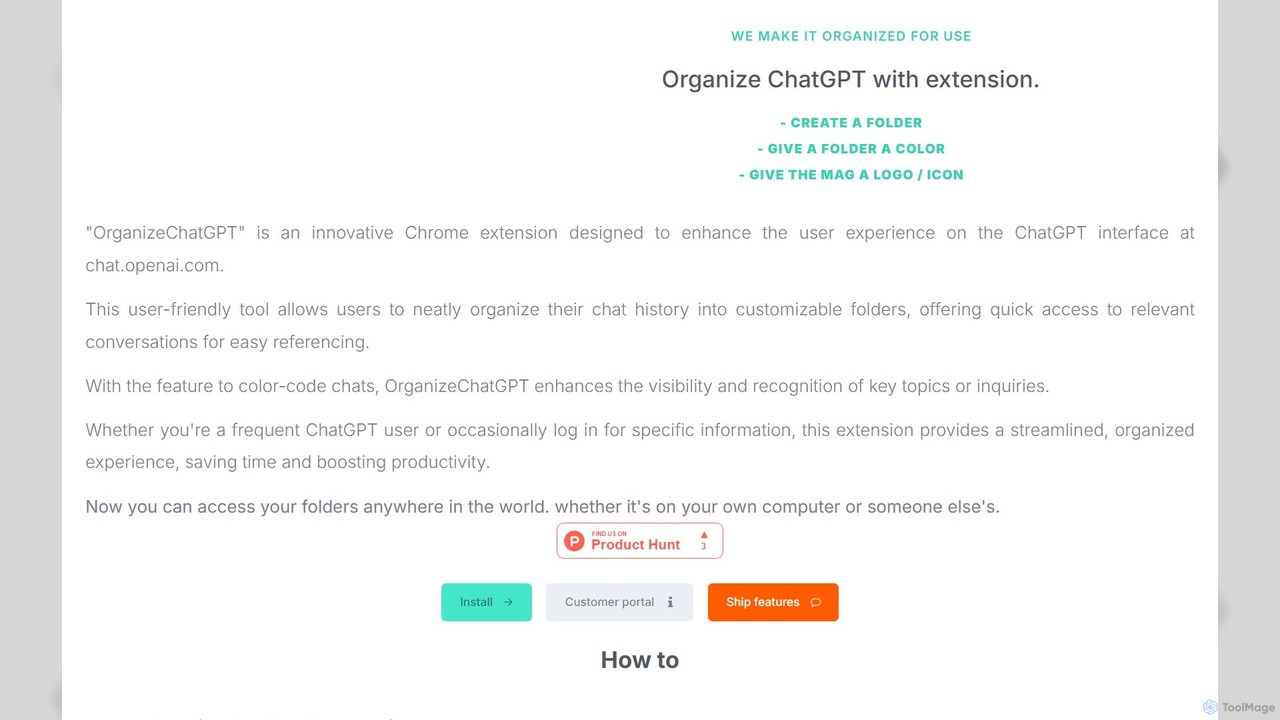
OrganizeChatgpt is an innovative and user-friendly Chrome extension specifically designed to enhance the user experience on the ChatGPT interface (chat.openai.com). For frequent users of ChatGPT, the default linear chat history can quickly become cluttered and difficult to navigate. This tool addresses that pain point directly by introducing a robust folder management system, allowing you to bring order and structure to your conversations. Whether you're a developer managing code snippets, a writer organizing story ideas, or a student categorizing research, OrganizeChatgpt transforms your chat interface into a highly efficient and personalized workspace.
The extension seamlessly integrates into the ChatGPT UI, providing an intuitive panel where you can create, color-code, and manage folders. This visual organization makes it incredibly easy to locate specific conversations, saving you valuable time and mental energy. You no longer need to endlessly scroll or rely on memory to find a past discussion. With added features like pinning important chats and bulk actions, managing your growing library of AI interactions becomes effortless.
How to use OrganizeChatgpt
Getting started with OrganizeChatgpt is simple and straightforward. Follow these steps to bring order to your ChatGPT conversations:
- Installation: First, install the OrganizeChatgpt extension from the Google Chrome Web Store. Once added, it will automatically activate when you visit chat.openai.com.
- Create Folders: On the ChatGPT interface, you will see a new panel for organization. Click the 'Create Folder' button to start categorizing your chats. You can create folders for different projects, topics, clients, or any system that works for you.
- Organize Chats: Simply drag and drop your existing conversations from the history panel into the folders you've created. You can also select multiple chats at once to move them in bulk, or use the right-click context menu on a chat to add it to a specific folder.
- Customize Folders: Right-click on a folder to edit its name, assign a distinct color for easy visual recognition, or add a unique icon/logo to make it stand out.
- Pin Important Chats: For conversations you need to access frequently, use the 'Pin' feature. This keeps them at the top of your list for quick access, regardless of which folder they are in.
- Search and Filter: Use the built-in search functionality to quickly find any chat across all your folders, saving you from manual searching.
- Sync Across Devices (Paid): To use your organized folder structure on multiple computers, you can opt for the one-time purchase. This will sync your settings, allowing you to access your organized workspace from anywhere.
Core Features of OrganizeChatgpt
- Advanced Folder Management: Create an unlimited number of folders and sub-folders to structure your chat history logically.
- Color-Coding and Icons: Assign unique colors and icons to folders for enhanced visual organization and faster navigation.
- Pin Conversations: Keep critical or frequently used chats at your fingertips by pinning them to the top.
- Bulk Actions: Select and move multiple conversations into a folder simultaneously, streamlining the organization process.
- Intuitive Drag & Drop Interface: Easily organize chats by dragging them into your desired folders.
- Right-Click Context Menu: A convenient menu (accessible in the bottom right corner) allows for quick actions like editing, deleting, or adding chats to folders.
- Cloud Sync: A premium feature that allows you to access and sync your organized folder structure across multiple computers with a one-time payment.
- Search and Filter: A powerful search function to quickly locate specific conversations within your organized structure.
Use Cases for OrganizeChatgpt
OrganizeChatgpt is versatile and benefits a wide range of users:
- Developers: Organize chats by programming language (Python, JavaScript), specific projects, bug-fixing sessions, or code generation prompts.
- Writers & Content Creators: Create folders for different articles, blog posts, brainstorming sessions, script drafts, or social media content ideas.
- Students & Researchers: Group conversations by academic subject, research paper, literature review, or specific assignments to keep study materials organized.
- Marketers: Separate chats for different marketing campaigns, SEO keyword research, ad copy variations, and competitor analysis.
- Business Professionals: Manage conversations related to different clients, internal projects, meeting preparations, and email drafts.
Advantages of OrganizeChatgpt
The primary advantage of OrganizeChatgpt is the significant boost in productivity and efficiency. By transforming a chaotic list of chats into a structured library, it saves time and reduces cognitive load. The visual cues from colors and icons make navigation intuitive. The freemium model is a major plus, offering core organizational features for free, with an affordable one-time payment for the powerful cross-device sync feature. This makes it an accessible tool for everyone, from casual users to power users who work on multiple machines.
Pricing and Plans
OrganizeChatgpt operates on a simple and transparent freemium model:
- Free Plan: This plan is completely free to use and includes all the core organizational features: creating folders, color-coding, pinning chats, and bulk actions. This is ideal for users who primarily use ChatGPT on a single computer.
- Lifetime Plan: For users who want to access their organized folder structure on multiple computers, there is a one-time payment of €29.95. This purchase grants you lifetime access to the cloud sync feature, ensuring your organized workspace is available wherever you log in. There are no recurring subscriptions.
Traffic
Latest traffic
Status
Monthly traffic trend
- 2025-9: 5.1K
- 2026-1: 4.1K
- 2026-2: 2.3K
- 2026-3: 2.4K
- 2026-4: 2.7K
- 2026-5: 2.2K
Geography
Top 5 countries / regions
- 🇺🇸United States52.4%
- 🇬🇧United Kingdom21.3%
- 🇧🇷Brazil14.4%
- 🇮🇳India11.9%
Top keywords
| Keyword | Cost per click |
|---|---|
| chatgpt chrome extension | $1.94 |
| chatgpt extension | $1.04 |
| chatgpt extension chrome | $2.85 |
| chatgpt organizer extension | $0.00 |
| organizechatgpt | $0.00 |
OrganizeChatgpt Alternatives
MemSync
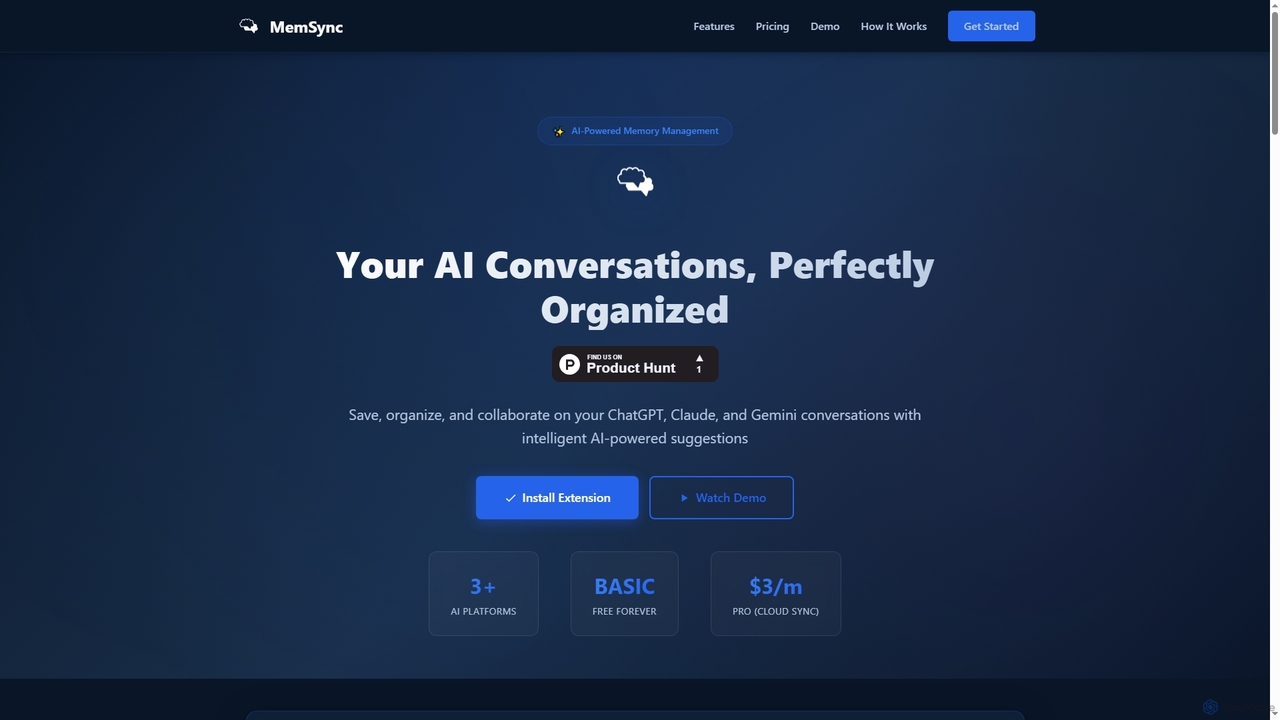
MemSync is an AI-powered browser extension designed to effortlessly save, organize, and collaborate on your AI conversations from platforms like ChatGPT, Claude, and Gemini. It offers smart memory saving, AI-driven organization suggestions, and seamless cloud synchronization.
Conversation Tools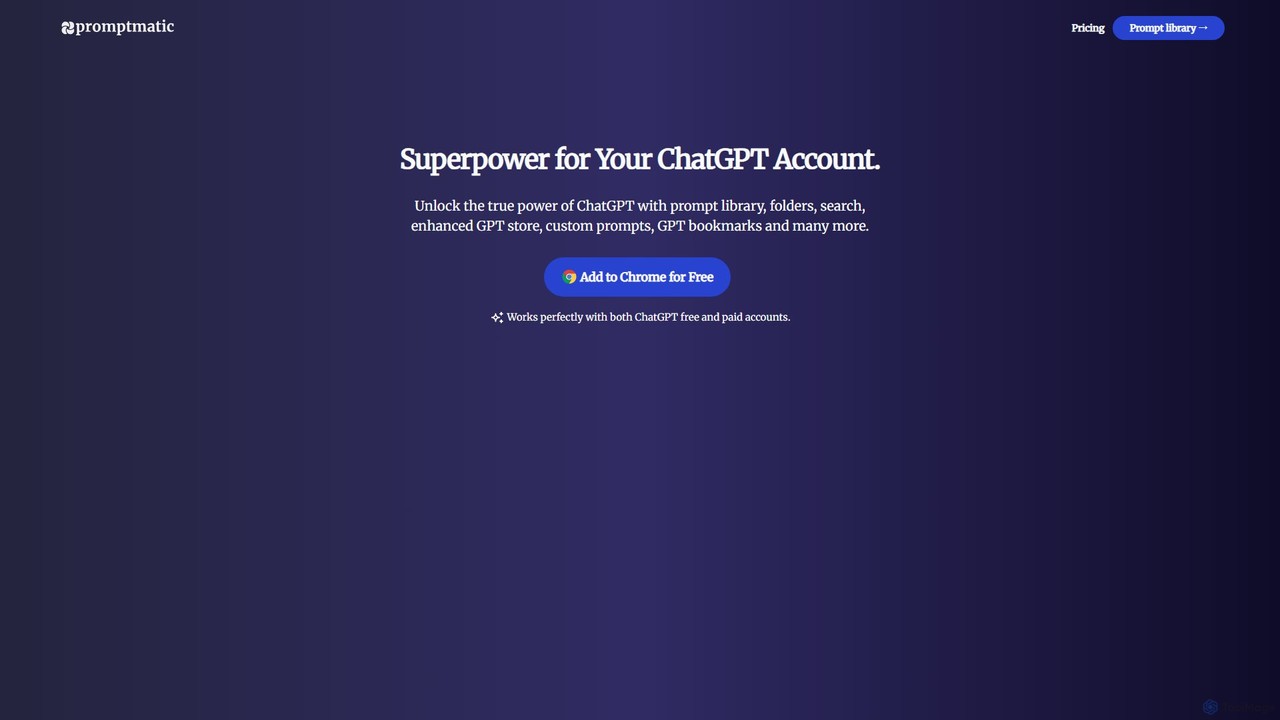
Promptmatic
Promptmatic is a powerful Google Chrome extension for ChatGPT, designed to enhance your AI interactions. It features a massive library of over 2900 prompts, a smart prompt editor, a GPT bookmark manager, and extensive customization options for roles, styles, and tones. It streamlines your workflow, making you more productive and efficient when using ChatGPT for professional tasks.
Chrome Extensions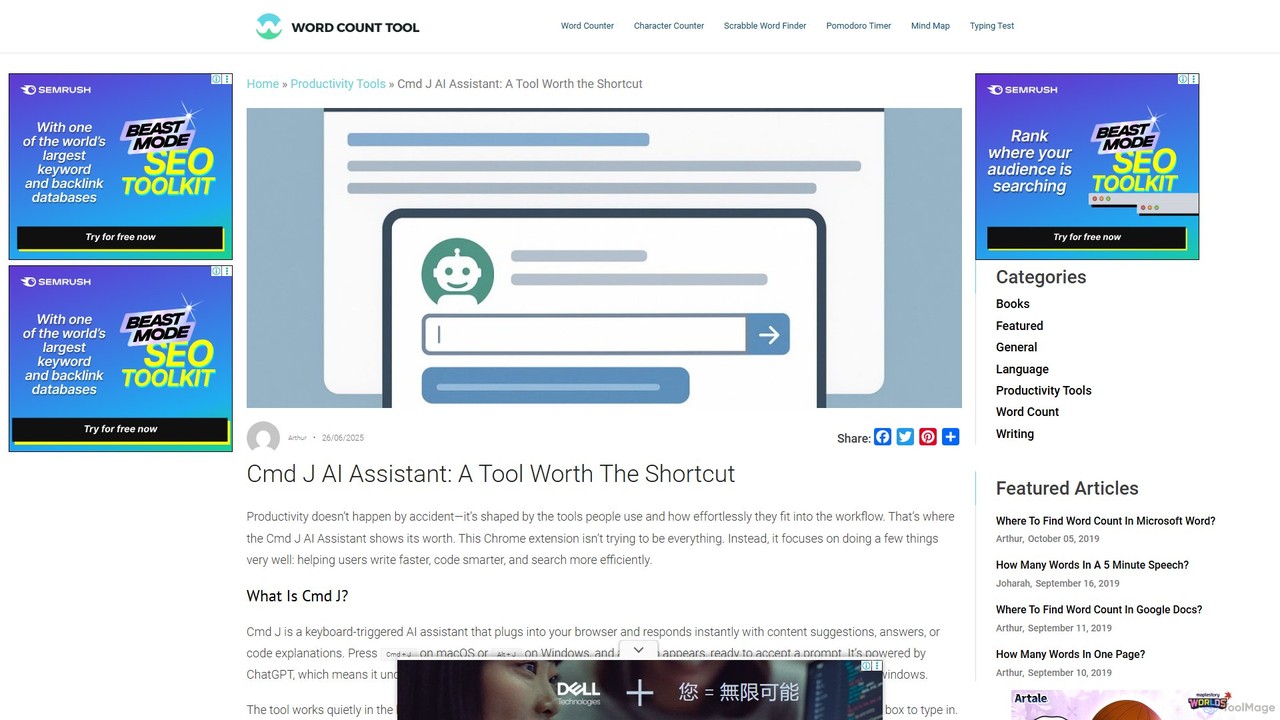
Cmd J AI Assistant
Cmd J is a keyboard-activated AI assistant, available as a Chrome extension, designed to boost productivity. Powered by ChatGPT, it provides instant help with writing, coding, and research directly in your browser. Simply press a shortcut (Cmd+J or Alt+J) to summon the AI, eliminating the need to switch tabs or open new applications, and seamlessly integrating into any workflow.
Chrome Extensions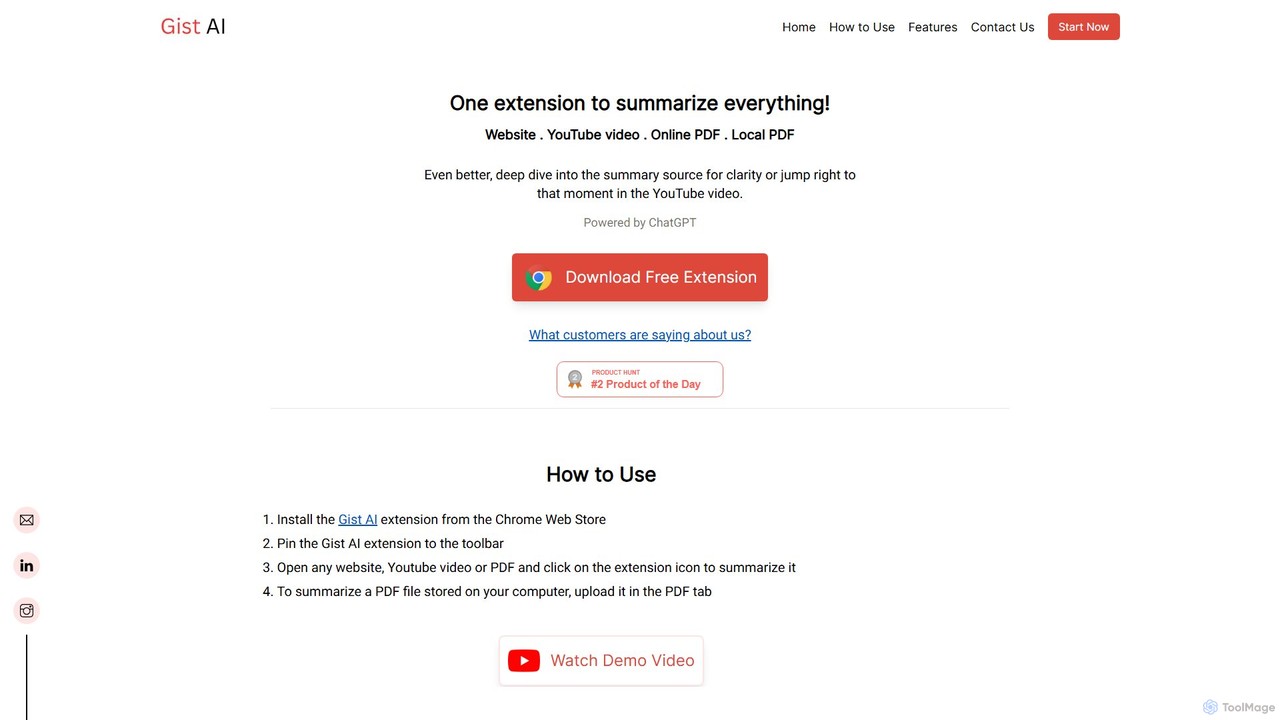
Gist AI
Gist AI is a free, ChatGPT-powered Chrome extension that instantly summarizes websites, YouTube videos, and both online and local PDFs. It helps you save time, improve comprehension, and quickly access the most important information from long-form content with a single click.
Chrome Extensions
GPT SmartKit
Supercharge your ChatGPT experience with GPT SmartKit, a powerful Chrome extension. It offers custom themes, an extensive prompt library, auto-prompting capabilities, and advanced conversation management to enhance your productivity and creativity.
PromptingOrganizeChatgpt Categories
OrganizeChatgpt Embed Widget
Copy this embed code to place the badge on your blog, article, or product site and send readers directly to this ToolMage detail page.

Related AI tools
MemSync
MemSync is an AI-powered browser extension designed to effortlessly save, organize, and collaborate on your AI conversations from platforms like ChatGPT, Claude, and Gemini. It offers smart memory saving, AI-driven organization suggestions, and seamless cloud synchronization.
Conversation Tools
Memdex
A Chrome extension that saves your AI conversations from ChatGPT, Claude, and Gemini, automatically suggesting relevant context in new chats to enhance productivity.
Workflow AutomationPromptmatic
Promptmatic is a powerful Google Chrome extension for ChatGPT, designed to enhance your AI interactions. It features a massive library of over 2900 prompts, a smart prompt editor, a GPT bookmark manager, and extensive customization options for roles, styles, and tones. It streamlines your workflow, making you more productive and efficient when using ChatGPT for professional tasks.
Chrome ExtensionsCmd J AI Assistant
Cmd J is a keyboard-activated AI assistant, available as a Chrome extension, designed to boost productivity. Powered by ChatGPT, it provides instant help with writing, coding, and research directly in your browser. Simply press a shortcut (Cmd+J or Alt+J) to summon the AI, eliminating the need to switch tabs or open new applications, and seamlessly integrating into any workflow.
Chrome ExtensionsGist AI
Gist AI is a free, ChatGPT-powered Chrome extension that instantly summarizes websites, YouTube videos, and both online and local PDFs. It helps you save time, improve comprehension, and quickly access the most important information from long-form content with a single click.
Chrome ExtensionsGPT SmartKit
Supercharge your ChatGPT experience with GPT SmartKit, a powerful Chrome extension. It offers custom themes, an extensive prompt library, auto-prompting capabilities, and advanced conversation management to enhance your productivity and creativity.
Prompting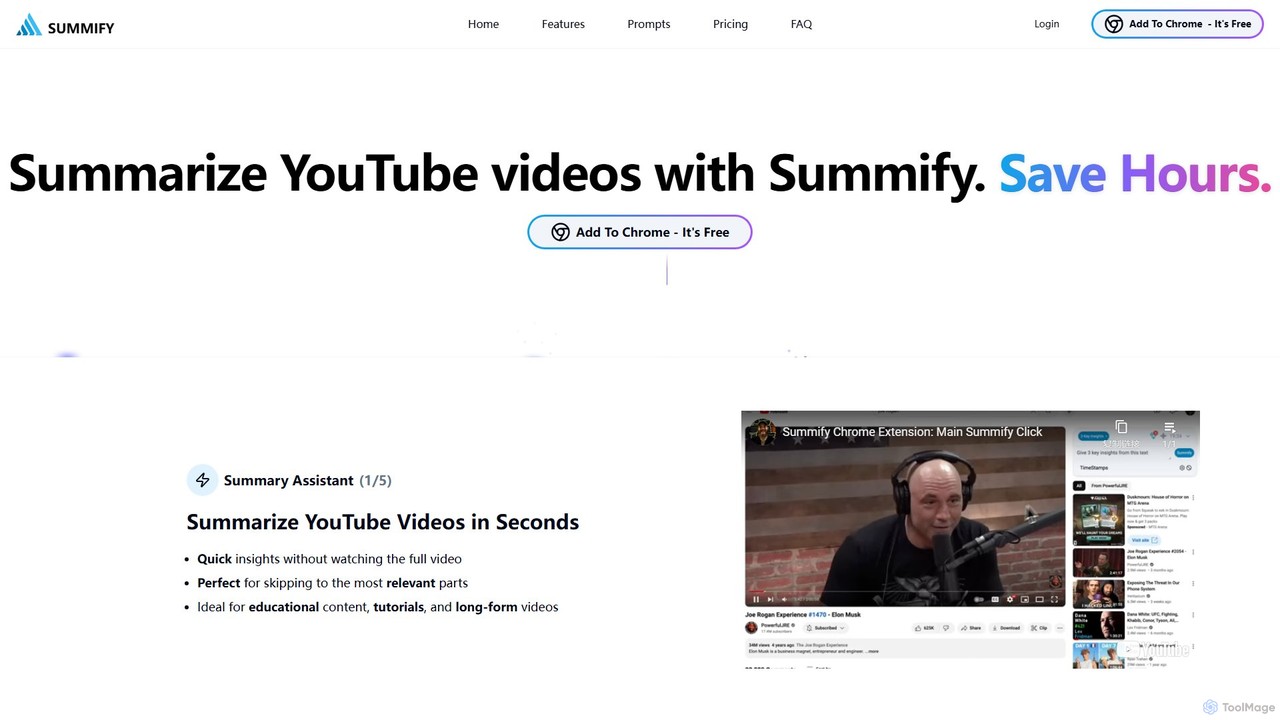
SummifyAI
SummifyAI is a powerful Chrome extension that uses AI to summarize YouTube videos in seconds. It helps users save time by providing quick insights, summarizing specific timestamps, and allowing custom questions about the video content. Ideal for students, professionals, and researchers, it transforms videos into a searchable knowledge base.
Chrome Extensions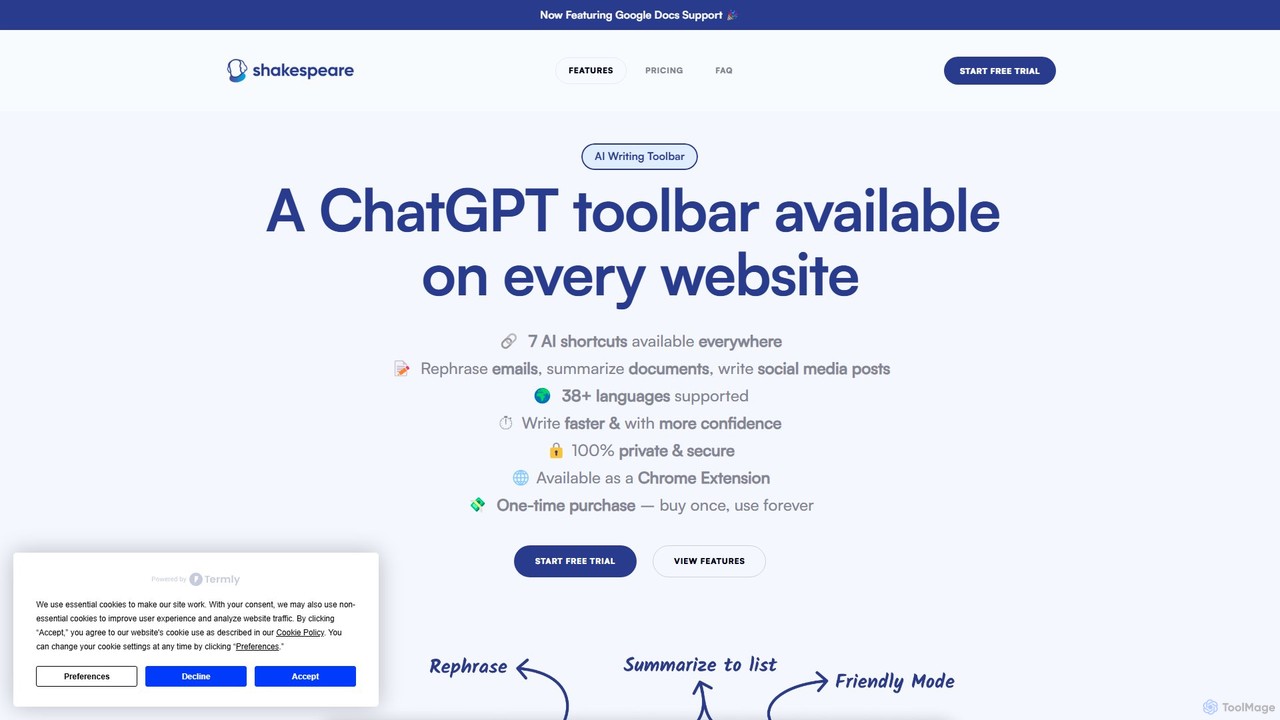
Shakespeare Toolbar
Shakespeare Toolbar is a ChatGPT-powered Chrome extension that integrates AI writing assistance directly into your browser. Work seamlessly on any website, including Google Docs, to rephrase, summarize, simplify text, and generate content without switching tabs. It's designed for writers, marketers, and professionals to enhance productivity and communication.
Chrome Extensions
Sideindexer
Sideindexer is a powerful Chrome extension designed to revolutionize how you navigate and manage your AI conversations on platforms like ChatGPT, Gemini, and Claude. It provides instant indexing, persistent highlights, and advanced search capabilities, transforming lengthy AI chats into easily navigable knowledge bases.
Ai Tools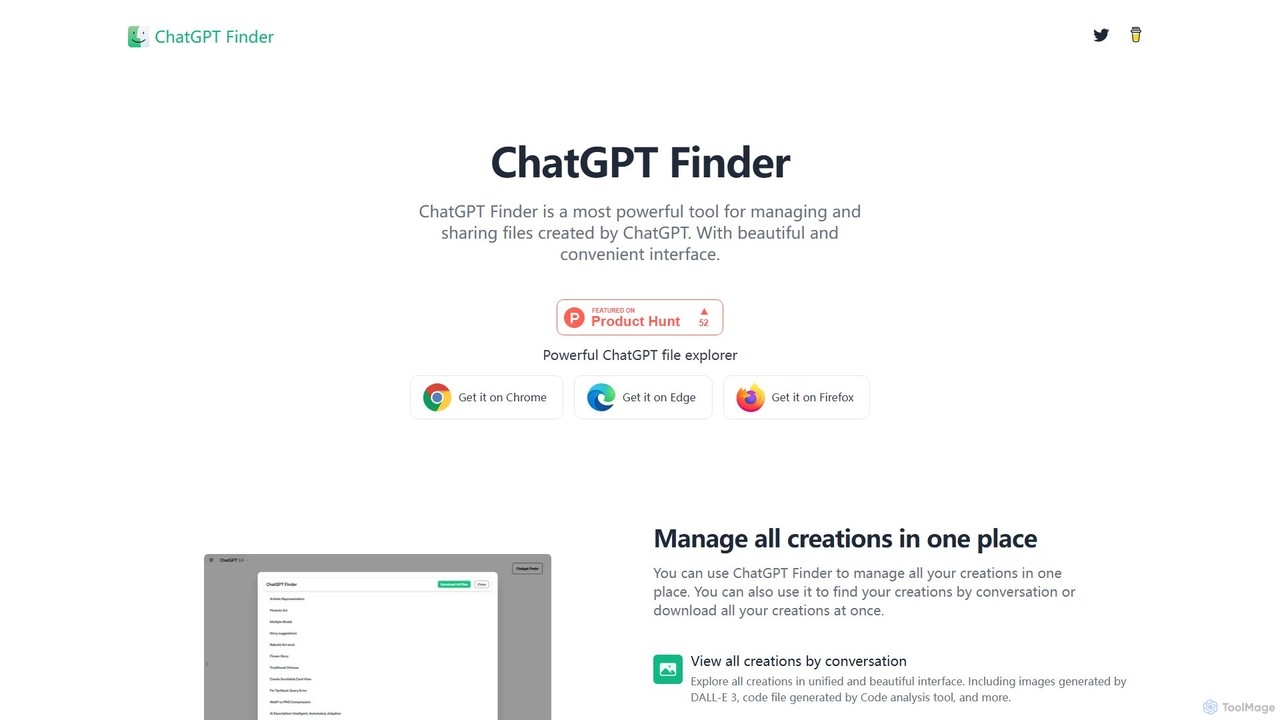
ChatGPT Finder
ChatGPT Finder is a powerful browser extension for Chrome, Edge, and Firefox that allows you to efficiently manage, organize, and download all your creations from ChatGPT. It provides a unified interface to explore files, DALL-E 3 images, and prompts by conversation, enabling batch downloads and easy sharing directly within the ChatGPT environment.
Utilities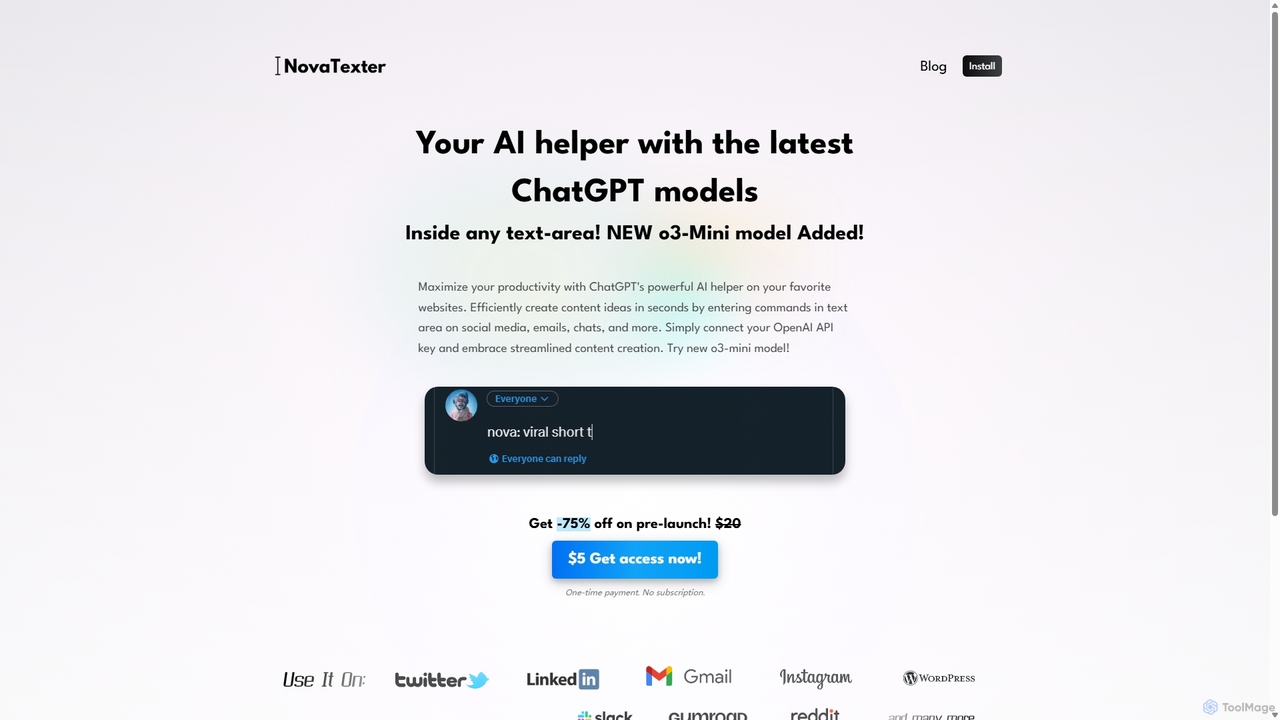
NovaTexter
NovaTexter is an AI-powered browser extension that integrates ChatGPT models directly into your workflow. It allows you to generate content, ideas, and responses on any website by simply typing commands in a text area. Connect your OpenAI API key for a seamless, productive content creation experience with a single one-time payment.
Chrome Extensions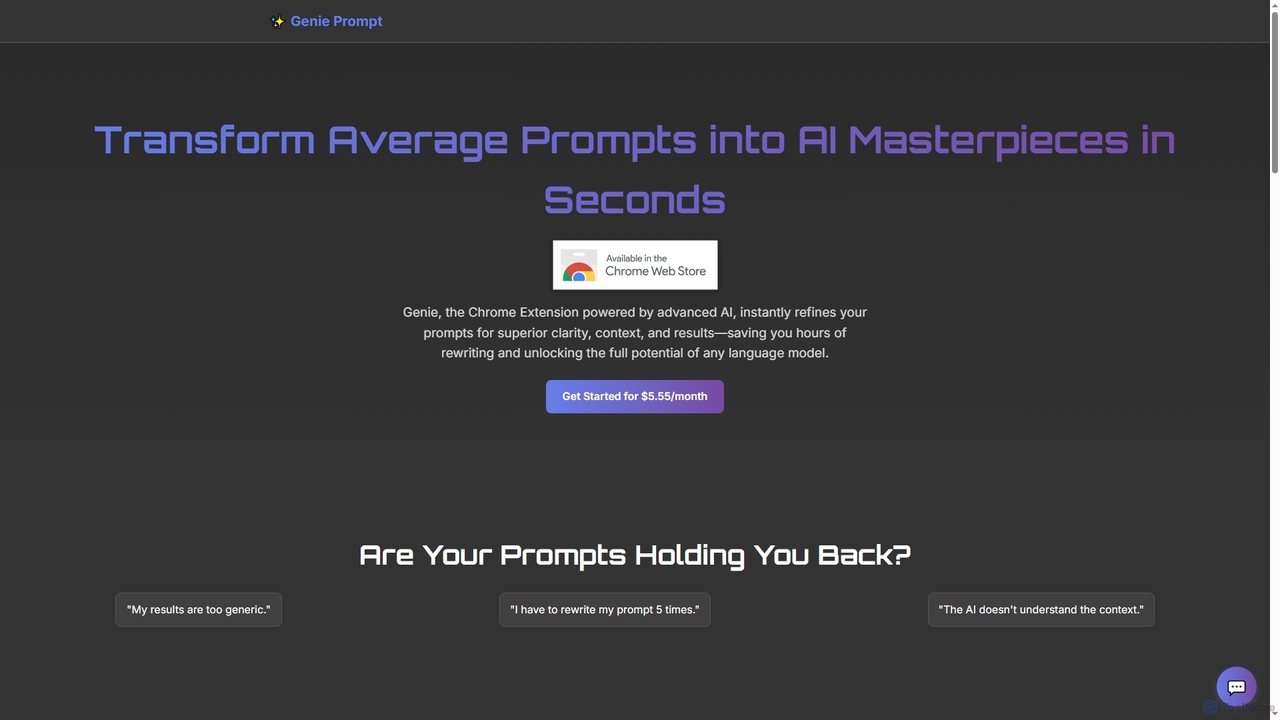
Genie Prompt
Genie Prompt is a Chrome extension powered by Google's Gemini AI that instantly refines your selected text into superior prompts. It enhances clarity, context, and structure to help you get better, more consistent results from any AI language model, saving you time and effort.
Writing Assistant
chatgpt2pdf
A Chrome extension that allows you to save and export your ChatGPT conversations as high-quality PDF files with a single click. Easily archive, share, and document your AI interactions for professional, academic, or personal use.
Chrome Extensions
Recap
Recap is a free, open-source Chrome extension that uses ChatGPT to intelligently summarize web content. Its unique "Smart Split" feature breaks down long articles into manageable passages, allowing users to summarize entire pages, specific sections, or selected text with high precision.
Chrome Extensions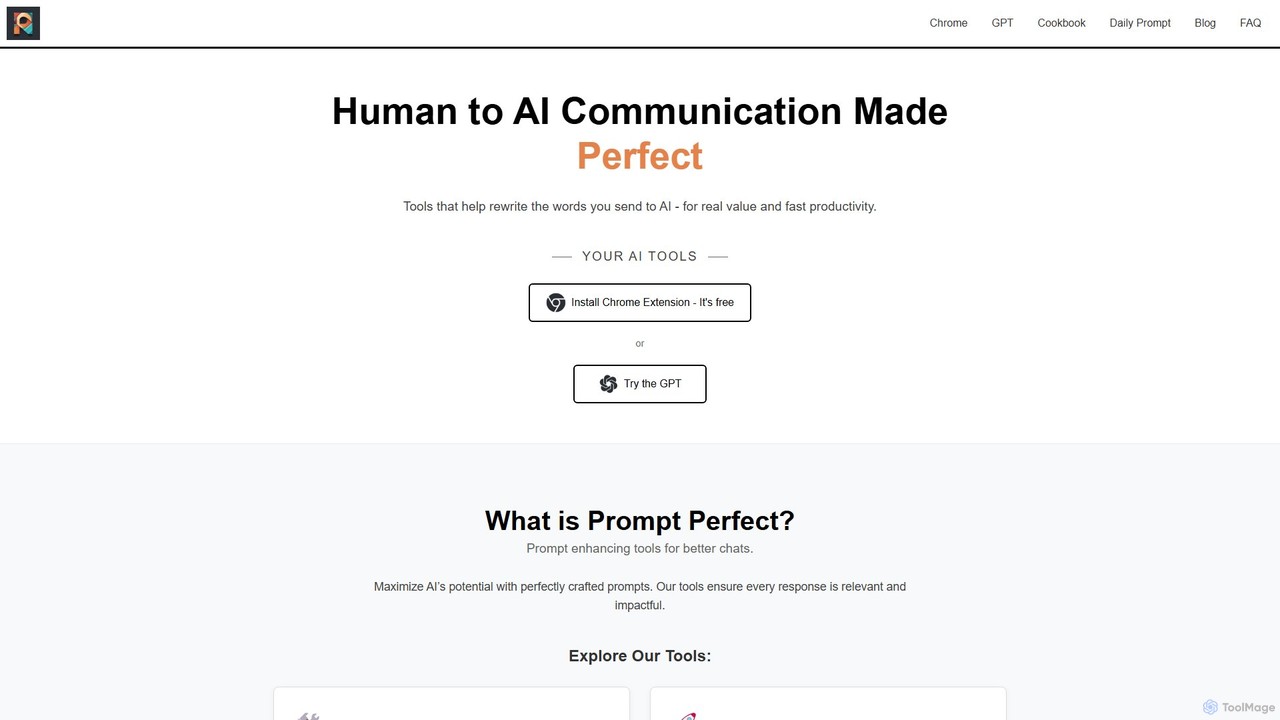
Prompt Perfect
Prompt Perfect is an AI-powered suite, featuring a Chrome Extension and a GPT, designed to optimize your prompts for superior results across major AI platforms like ChatGPT, Gemini, and Claude. It refines, enhances, and manages your prompts to unlock more precise, creative, and effective AI-generated content, boosting productivity for writers, researchers, and professionals.
Research
OrganizeChatgpt Comments (0)
Sign in to comment.
Sign inNo comments yet.