

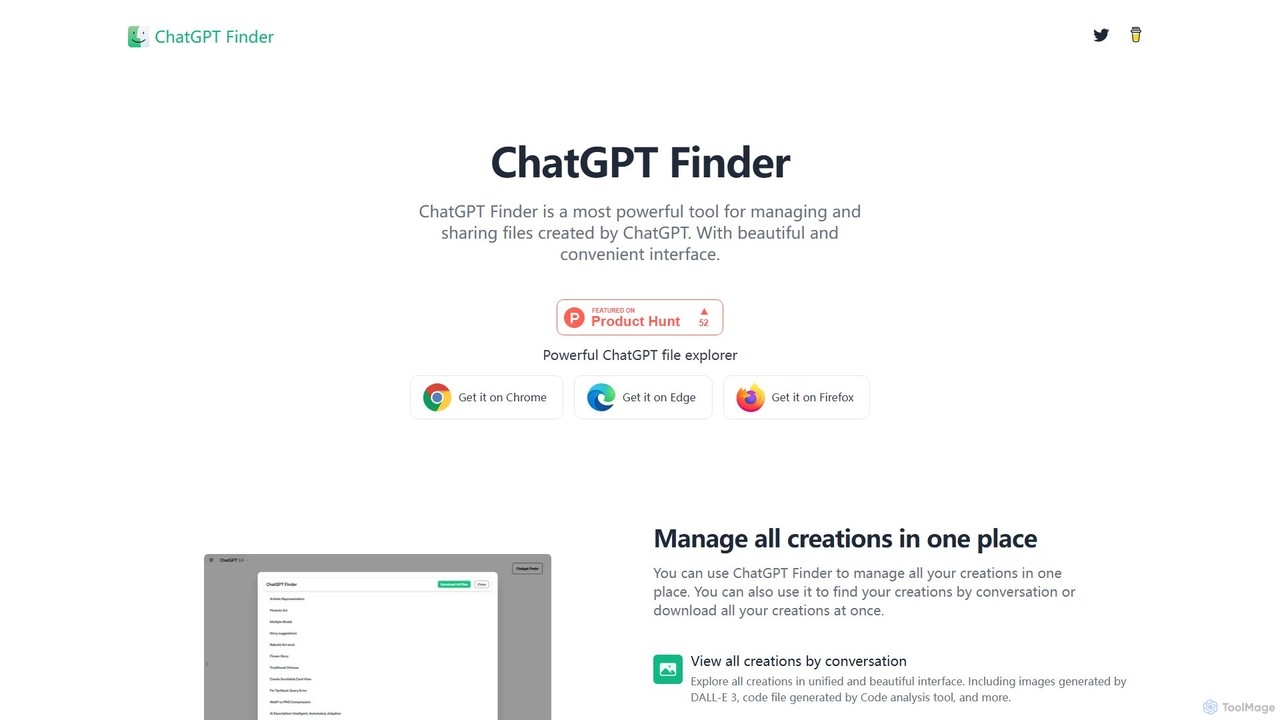
ChatGPT Finder Overview
ChatGPT Finder is an essential browser extension designed to revolutionize how users interact with their ChatGPT creations. As generative AI becomes more integrated into daily workflows, managing the vast amount of content—from text and code to intricate DALL-E 3 images—can become a significant challenge. ChatGPT Finder addresses this by providing a powerful, centralized file explorer directly within the ChatGPT interface. It acts as a magic wand for your digital creations, transforming a cluttered history into an organized, accessible, and shareable library.
The tool seamlessly integrates into your browser (supporting Chrome, Edge, and Firefox), adding a beautiful and convenient layer of functionality without disrupting your natural workflow. With ChatGPT Finder, you no longer need to manually sift through conversations to find a specific file or image. Instead, you can view all your generated assets in a unified, visually appealing interface, neatly organized by conversation. This includes code files from the Code Interpreter (Advanced Data Analysis), documents, and a dedicated explorer for DALL-E 3 images and their corresponding prompts.
How to use ChatGPT Finder
Using ChatGPT Finder is straightforward and designed for immediate productivity gains. Here’s a simple guide to get started:
- Installation: Visit the official ChatGPT Finder website and choose the extension for your preferred browser (Google Chrome, Microsoft Edge, or Mozilla Firefox). Click the 'Get it on...' button to be redirected to the respective browser's web store and complete the installation.
- Access Your Creations: Once installed, simply navigate to the ChatGPT website (chat.openai.com). The extension automatically activates, enhancing the native interface with its management features. You will notice new UI elements that grant you access to the file explorer.
- Manage and Explore: Use the new interface to browse all your creations. You can filter and view them by conversation, making it easy to locate specific items. The DALL-E 3 gallery allows you to see all your generated images alongside the exact prompts used to create them.
- Download Files: To download, you have multiple options. You can download all creations from your entire history at once, download all files associated with a single conversation, or select and download specific files individually.
- Manage Prompts: In the DALL-E 3 prompt explorer, you can easily copy a single prompt with one click or download a complete list of all prompts from a session for your records or for sharing.
- Background Operation: Initiate multiple download tasks, and they will run seamlessly in the background, allowing you to continue your work in ChatGPT without interruption.
Core Features of ChatGPT Finder
- Unified File Explorer: Manage all ChatGPT-generated files, including DALL-E 3 images, code snippets, and documents, in a single, organized interface.
- Conversation-Based Organization: All creations are automatically grouped by their parent conversation, making it intuitive to find related assets.
- DALL-E 3 Prompt Management: A dedicated explorer for DALL-E 3 creations that displays both the image and the original, unaltered prompt used to generate it. Users can copy individual prompts or download all of them at once.
- Powerful Download Options: Offers flexible downloading capabilities, including downloading all creations, downloading by conversation, or downloading specific, individual files.
- Seamless Browser Integration: Works as a lightweight extension for Chrome, Edge, and Firefox, integrating directly into the ChatGPT UI for a native-like experience.
- Background Task Processing: Multiple download tasks can run simultaneously in the background, ensuring a fast and non-disruptive user experience.
Use Cases for ChatGPT Finder
ChatGPT Finder is a versatile tool for a wide range of users:
- Digital Artists and Designers: Easily manage and archive hundreds of DALL-E 3 image variations and their prompts. Quickly find the best results and reuse or refine prompts for future projects.
- Developers and Programmers: Organize and download code snippets, scripts, and configuration files generated by ChatGPT's data analysis tool across different problem-solving sessions.
- Content Creators and Writers: Keep track of different drafts, research summaries, and creative text generated in various conversations. Download entire conversations for easy archiving or repurposing.
- Researchers and Students: Compile and download all data, analyses, and summaries from lengthy research sessions with ChatGPT, ensuring no information is lost.
Advantages of ChatGPT Finder
The primary advantage of ChatGPT Finder is the significant boost in productivity and organization it offers. By centralizing file management, it saves users valuable time that would otherwise be spent searching through conversation histories. The ability to view and copy DALL-E 3 prompts encourages learning and creativity, while the powerful batch download features streamline the process of archiving or sharing work. Its seamless integration and background processing ensure a smooth, uninterrupted workflow, making it an indispensable utility for any serious ChatGPT user.
Pricing and Plans
ChatGPT Finder is currently available as a free browser extension. There are no subscription fees or hidden costs mentioned on the official website, making its powerful features accessible to all users. For the most up-to-date information, users should refer to the official website or the respective browser extension stores.
ChatGPT Finder Alternatives
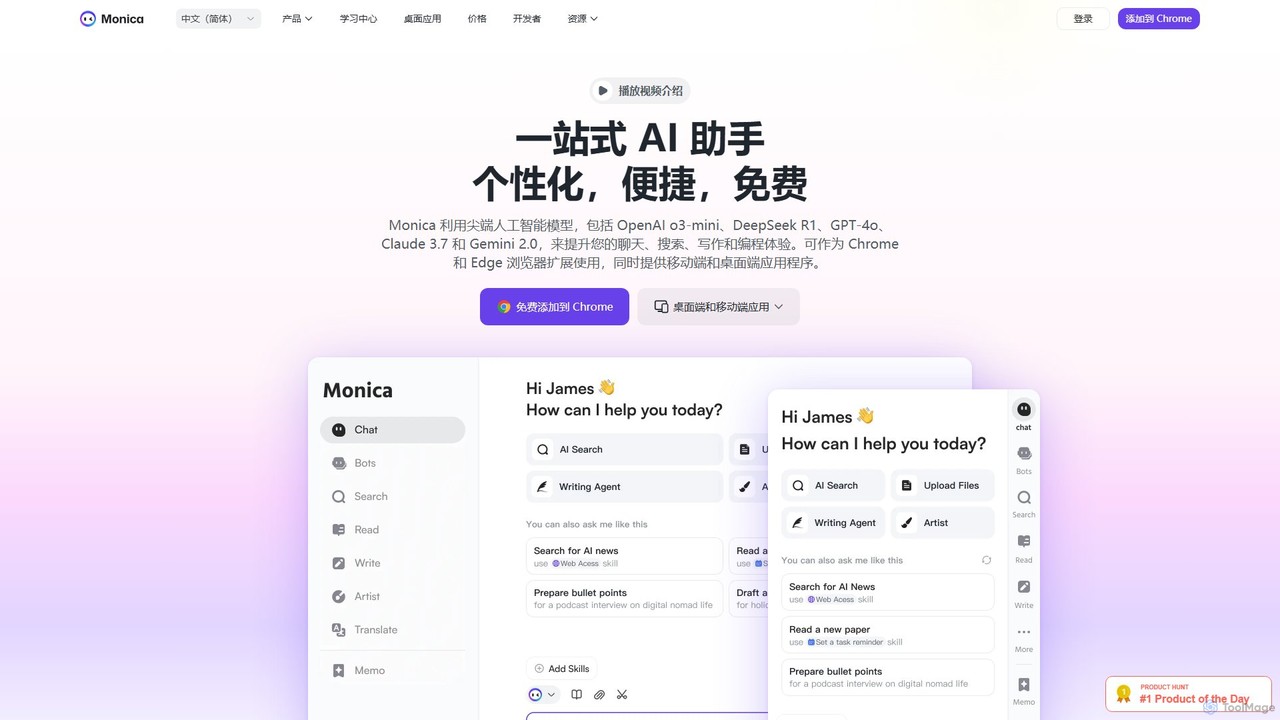
Monica
Monica is an all-in-one AI assistant powered by leading models like GPT-4o, Claude 3.7, and Gemini 1.5. It integrates seamlessly into your workflow as a browser extension, desktop, and mobile app, offering features for chat, search, writing, translation, and image creation to boost productivity.
Chrome Extensions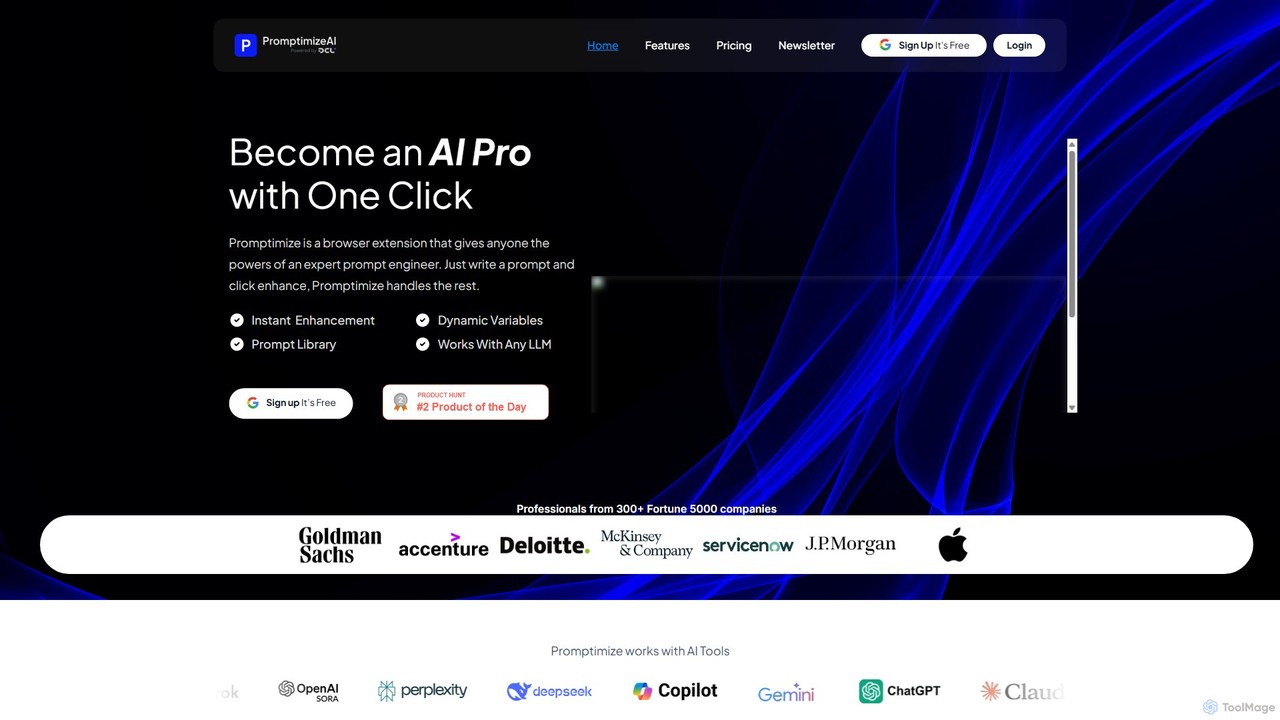
Promptimize AI
Promptimize AI is a browser extension that acts as a 'Grammarly for prompts.' It enhances your AI prompts with a single click, transforming simple queries into detailed, effective instructions for any LLM like ChatGPT, Gemini, or Claude. It helps users get better, more accurate, and on-brand AI-generated content, boosting productivity without needing expert prompt engineering skills.
Chrome Extensions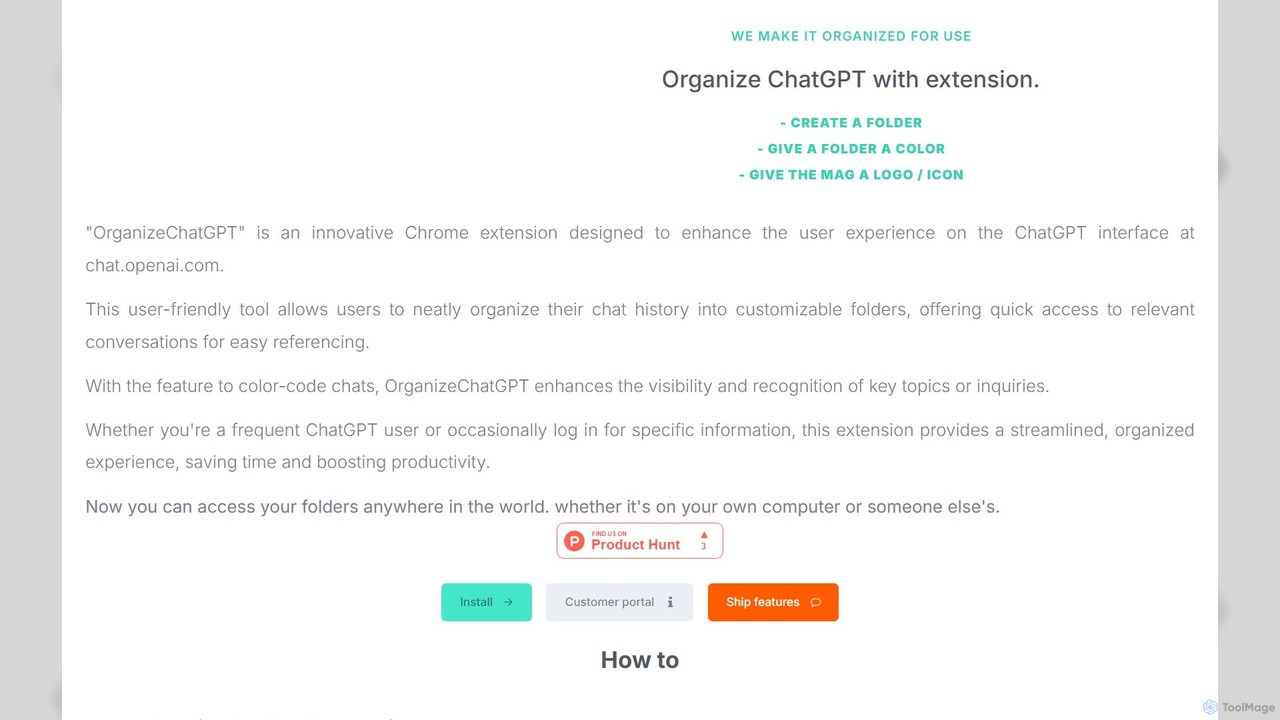
OrganizeChatgpt
OrganizeChatgpt is a powerful Chrome extension that supercharges your ChatGPT experience. It allows you to neatly organize your conversations into customizable, color-coded folders with icons. Pin important chats, use bulk actions, and search your history with ease. A freemium tool designed to boost your productivity and streamline your workflow by transforming your chaotic chat history into a structured, accessible library.
Organization
Share by ChatGPT
Share by ChatGPT is a powerful browser extension that leverages ChatGPT to instantly summarize any webpage. It's designed for content creators, marketers, and busy professionals who need to quickly grasp and share key information. With one click, generate concise, accurate summaries ready for posting on social media platforms, saving you valuable time and effort in your content curation workflow.
Chrome Extensions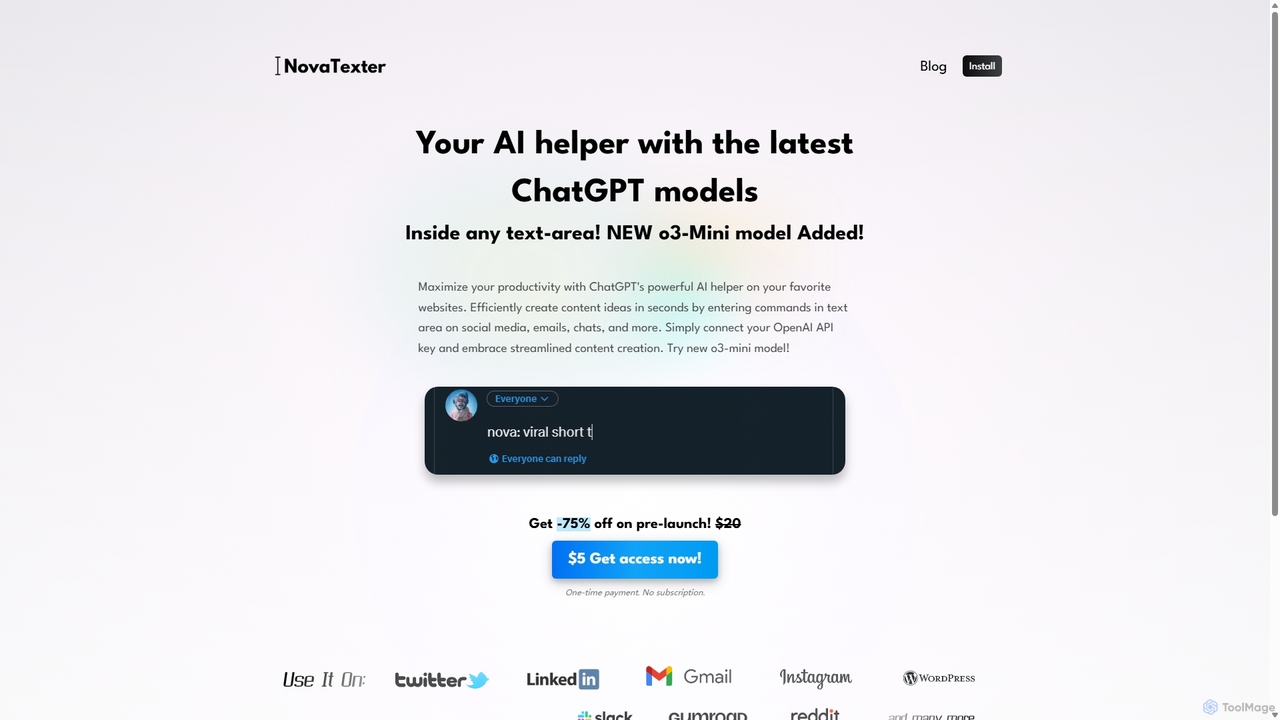
NovaTexter
NovaTexter is an AI-powered browser extension that integrates ChatGPT models directly into your workflow. It allows you to generate content, ideas, and responses on any website by simply typing commands in a text area. Connect your OpenAI API key for a seamless, productive content creation experience with a single one-time payment.
Chrome ExtensionsChatGPT Finder Categories
ChatGPT Finder Embed Widget
Copy this embed code to place the badge on your blog, article, or product site and send readers directly to this ToolMage detail page.

Related AI tools
Prompt Dress
Prompt Dress is a powerful browser extension designed to manage, organize, and quickly access all your AI prompts. It acts as a central library, eliminating scattered text files and streamlining your workflow with AI models. Ideal for marketers, developers, writers, and anyone who frequently uses AI.
Workflow AutomationMonica
Monica is an all-in-one AI assistant powered by leading models like GPT-4o, Claude 3.7, and Gemini 1.5. It integrates seamlessly into your workflow as a browser extension, desktop, and mobile app, offering features for chat, search, writing, translation, and image creation to boost productivity.
Chrome ExtensionsPromptimize AI
Promptimize AI is a browser extension that acts as a 'Grammarly for prompts.' It enhances your AI prompts with a single click, transforming simple queries into detailed, effective instructions for any LLM like ChatGPT, Gemini, or Claude. It helps users get better, more accurate, and on-brand AI-generated content, boosting productivity without needing expert prompt engineering skills.
Chrome ExtensionsOrganizeChatgpt
OrganizeChatgpt is a powerful Chrome extension that supercharges your ChatGPT experience. It allows you to neatly organize your conversations into customizable, color-coded folders with icons. Pin important chats, use bulk actions, and search your history with ease. A freemium tool designed to boost your productivity and streamline your workflow by transforming your chaotic chat history into a structured, accessible library.
OrganizationShare by ChatGPT
Share by ChatGPT is a powerful browser extension that leverages ChatGPT to instantly summarize any webpage. It's designed for content creators, marketers, and busy professionals who need to quickly grasp and share key information. With one click, generate concise, accurate summaries ready for posting on social media platforms, saving you valuable time and effort in your content curation workflow.
Chrome ExtensionsNovaTexter
NovaTexter is an AI-powered browser extension that integrates ChatGPT models directly into your workflow. It allows you to generate content, ideas, and responses on any website by simply typing commands in a text area. Connect your OpenAI API key for a seamless, productive content creation experience with a single one-time payment.
Chrome Extensions
Recap
Recap is a free, open-source Chrome extension that uses ChatGPT to intelligently summarize web content. Its unique "Smart Split" feature breaks down long articles into manageable passages, allowing users to summarize entire pages, specific sections, or selected text with high precision.
Chrome Extensions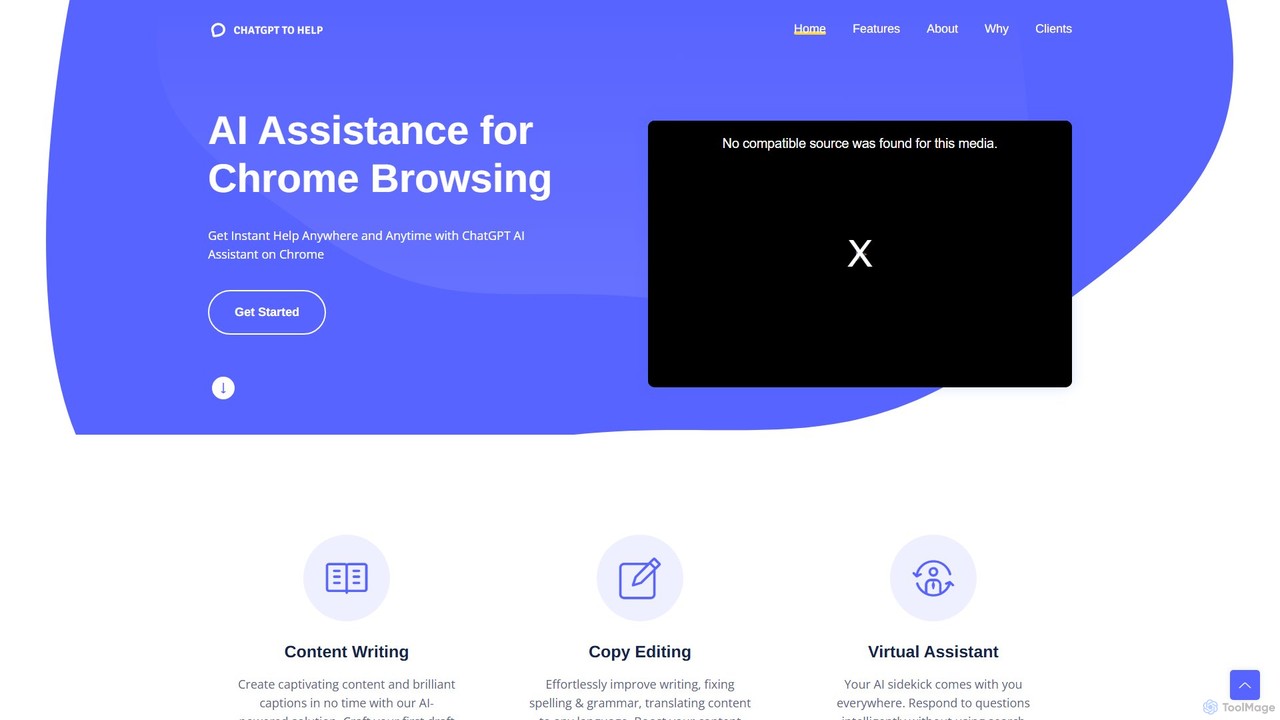
ChatGPT To Help
ChatGPT To Help is a powerful browser extension that integrates AI writing assistance directly into your workflow. Generate, rewrite, and summarize content on any website, saving time and boosting productivity for marketers, writers, and professionals.
Chrome Extensions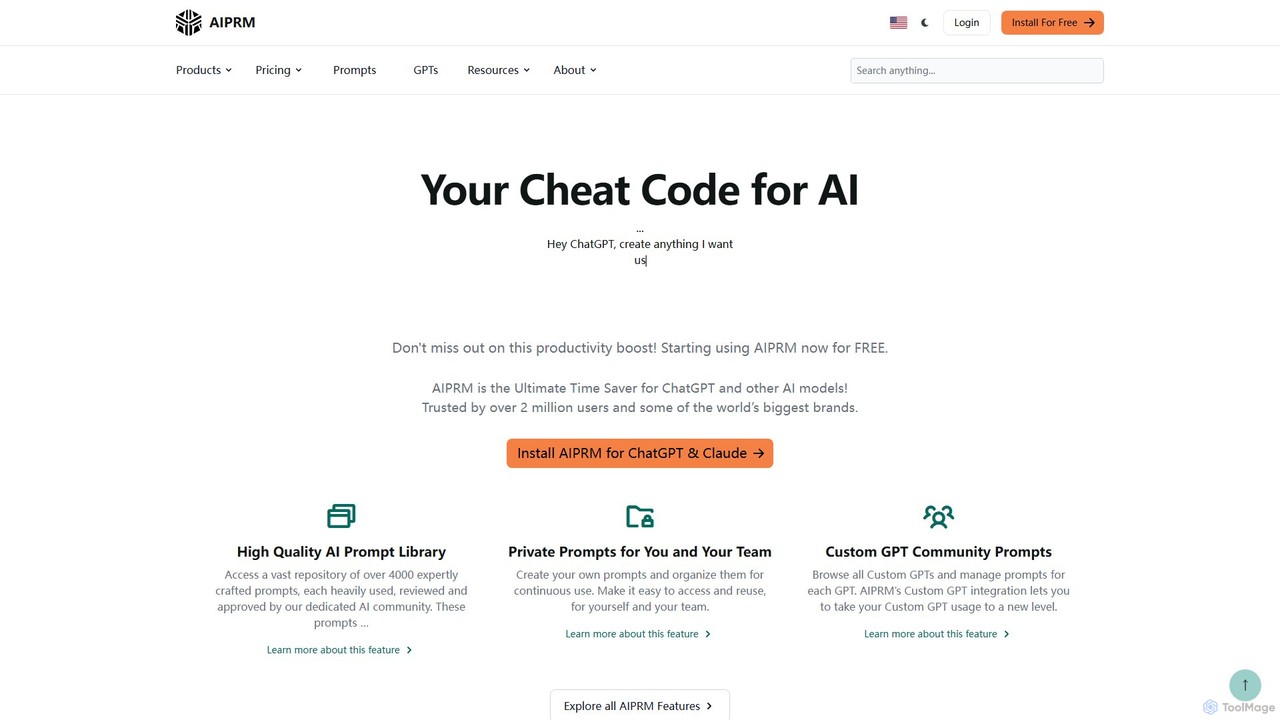
AIPRM
AIPRM is a browser extension for ChatGPT, Claude, and other AIs, offering a massive library of over 4,500 community-vetted prompts. It streamlines content creation, SEO, and marketing tasks by providing one-click access to expert-level prompts, custom prompt management for teams, and powerful productivity features. Boost your efficiency and unlock the full potential of generative AI without needing to be a prompt engineering expert.
Code Assistant
HARPA AI
HARPA AI is an all-in-one AI browser agent that integrates ChatGPT, Claude, Gemini, and more directly into your browser. It automates web tasks, summarizes content, drafts emails, extracts data, and enhances productivity with over 100 pre-built, page-aware commands. It functions as a versatile copilot for browsing, research, and automation.
Automation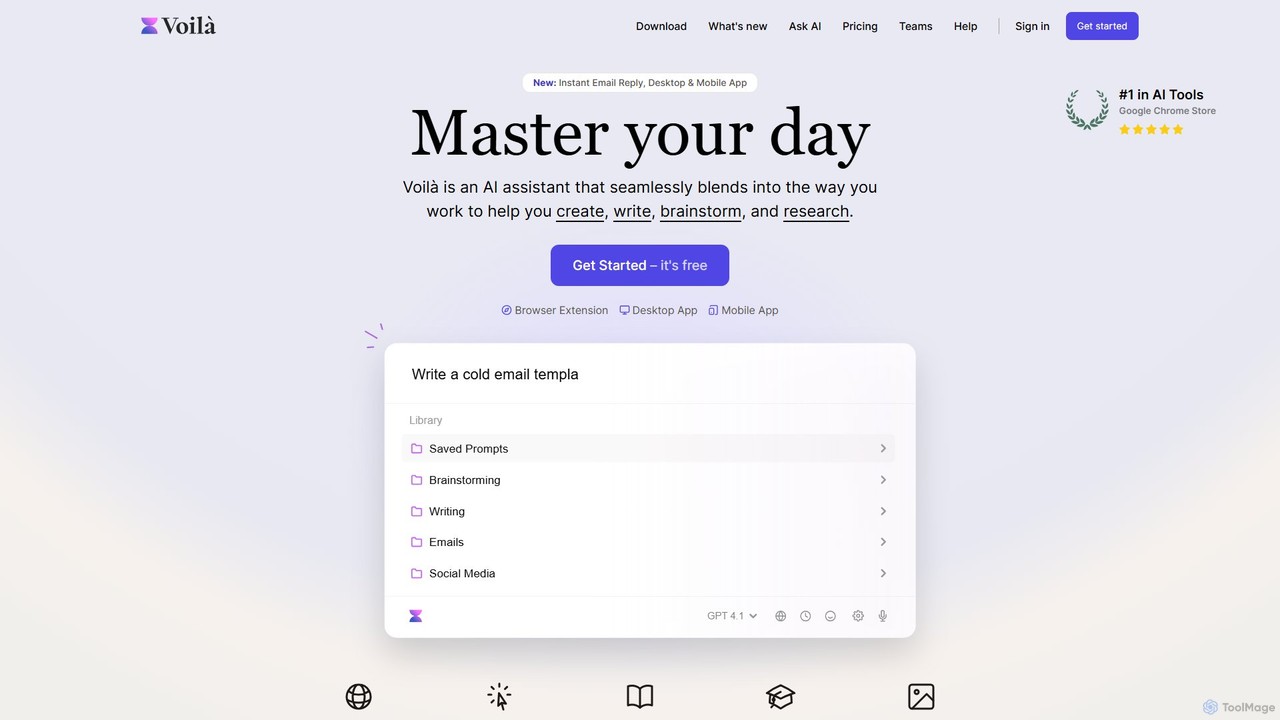
Voilà
Voilà is an all-in-one AI assistant designed to maximize productivity. It functions as a browser extension, desktop, and mobile app, seamlessly integrating into your workflow to help with writing, brainstorming, research, and content creation. It works on any website or app, understanding the context to provide relevant assistance.
Content Creation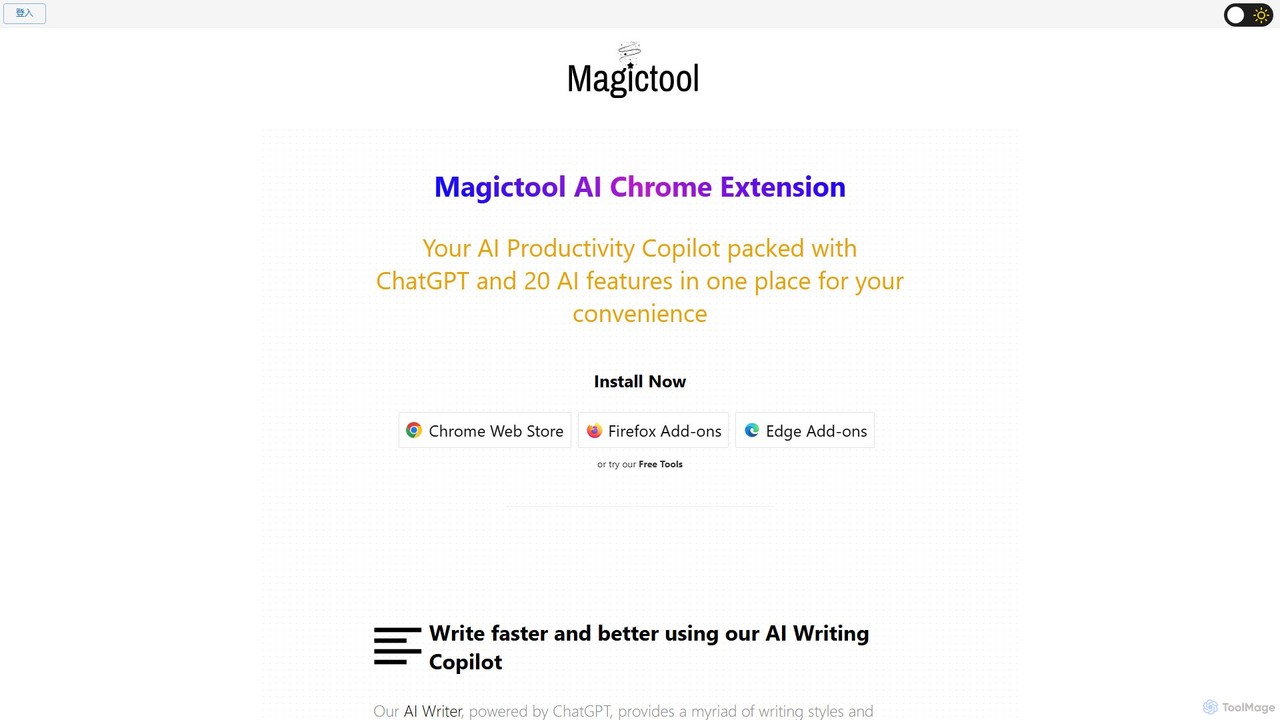
Magic Tool AI
Magic Tool AI is an all-in-one productivity browser extension that integrates ChatGPT and over 20 AI features. It acts as your personal copilot, helping you write better and faster, summarize YouTube videos and articles, chat with PDFs, scrape web data, generate images, and much more, all within your browser.
Browser Extension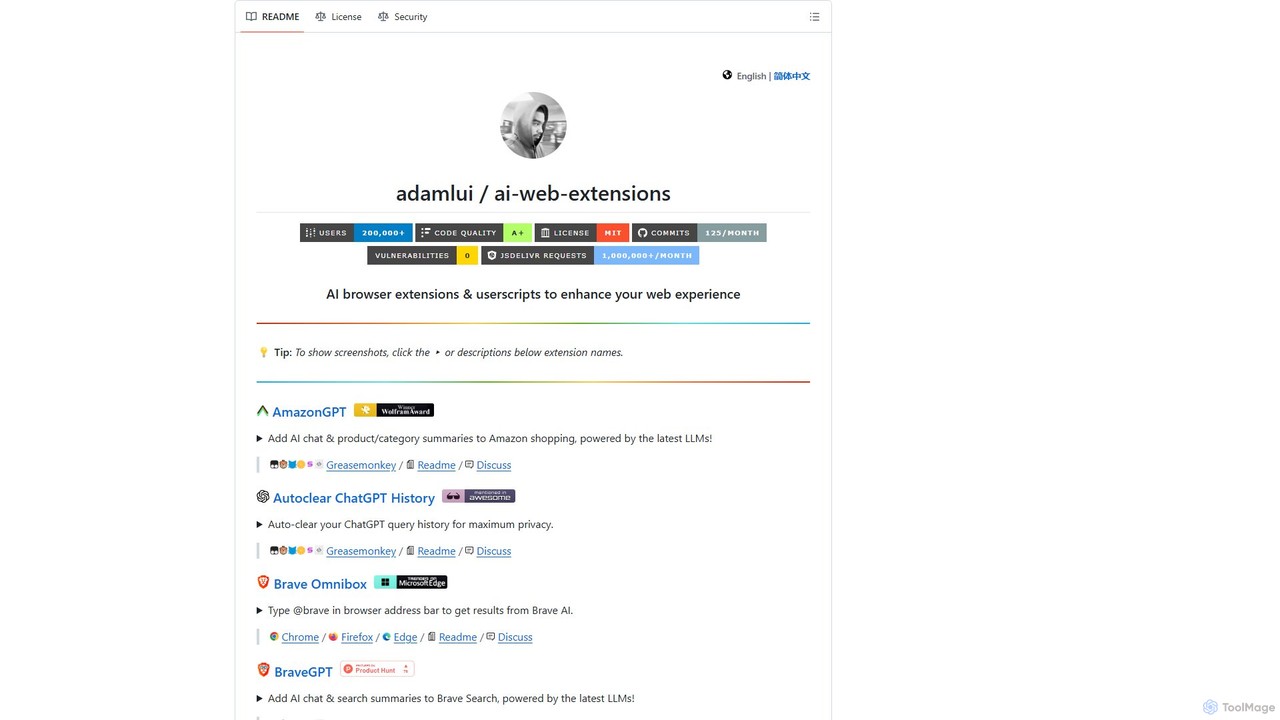
ChatGPT EVO
ChatGPT EVO is a powerful suite of open-source browser extensions and userscripts designed to augment your web experience. It seamlessly integrates AI functionalities from models like ChatGPT into your daily browsing, including search engines, e-commerce sites, and the browser's address bar, boosting productivity and providing instant information.
Code Assistant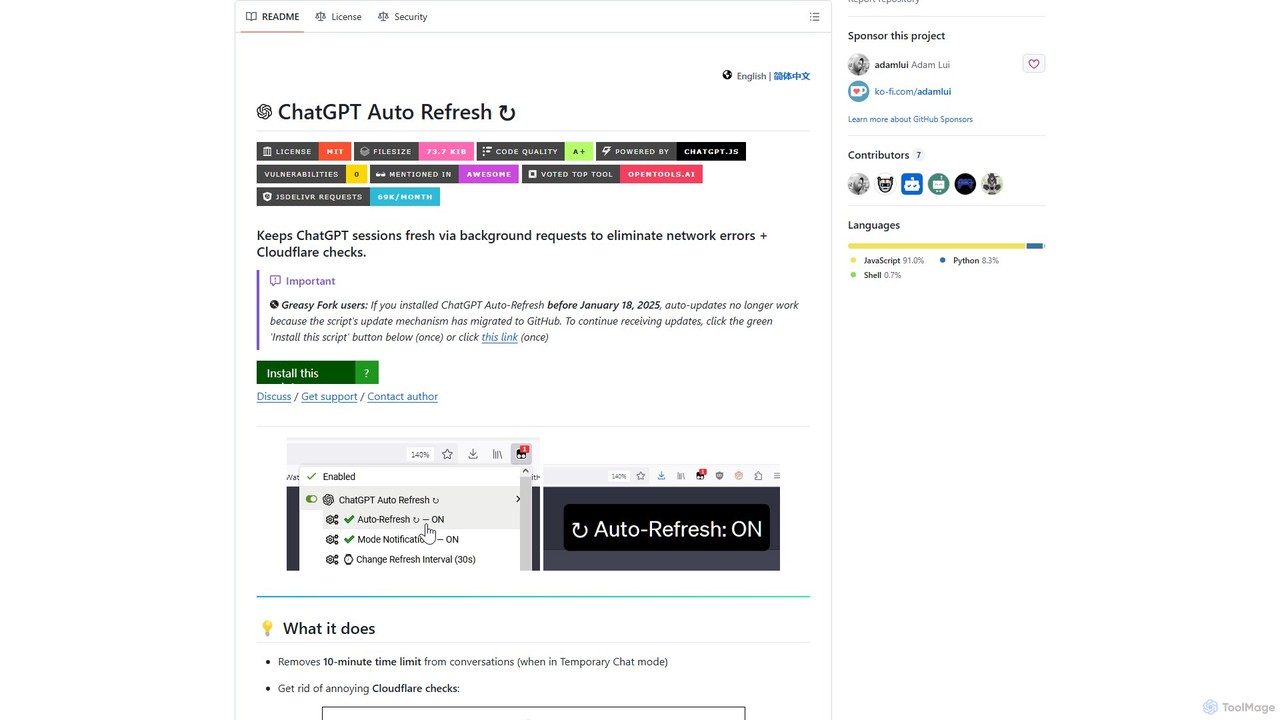
ChatGPT Auto Refresh
ChatGPT Auto Refresh is a free userscript that keeps your ChatGPT sessions active. It prevents timeouts, network errors, and annoying Cloudflare checks by automatically refreshing the session in the background, ensuring a smooth and uninterrupted chat experience.
Chat Assistant
duckduckgpt
A free, open-source browser extension that enhances DuckDuckGo search with AI-powered chat and summaries. It integrates seamlessly, providing instant answers and concise summaries from the latest LLMs like GPT-4o, right alongside your search results.
Browser Extension
ChatGPT Finder Comments (0)
Sign in to comment.
Sign inNo comments yet.