
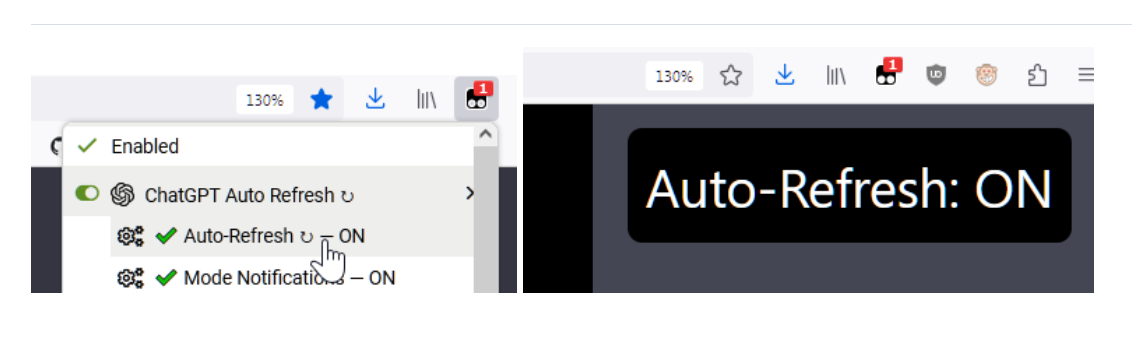
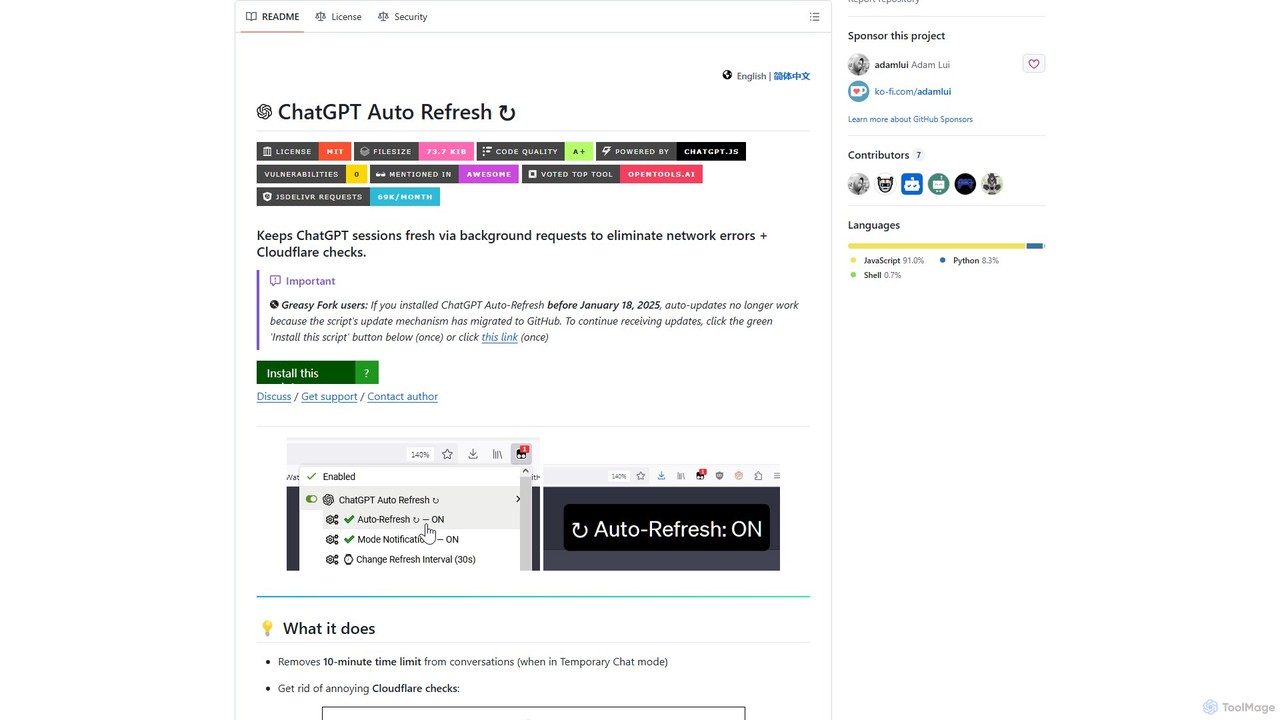
ChatGPT Auto Refresh Overview
ChatGPT Auto Refresh is a powerful yet lightweight userscript designed to enhance your experience with OpenAI's ChatGPT. It addresses a common frustration for frequent users: session timeouts. By intelligently keeping your ChatGPT sessions active, this tool eliminates the disruptive 10-minute time limit in Temporary Chat mode, frequent network errors, and the need to constantly pass Cloudflare security checks. This ensures a seamless, uninterrupted workflow, whether you're drafting long-form content, debugging code, or engaging in extended research sessions. The script operates discreetly in the background, even when the ChatGPT tab is not active, saving you time and preventing the loss of your conversational context due to inactivity.
How to use ChatGPT Auto Refresh
Getting started with ChatGPT Auto Refresh is a simple, two-step process. As it's a userscript, you first need a userscript manager for your browser.
- Install a Userscript Manager: Choose a manager compatible with your browser. Popular options include:
- Tampermonkey: Available for Chrome, Firefox, Edge, Safari, and Opera.
- Violentmonkey: A popular open-source option for Chrome, Firefox, and Edge.
- ScriptCat: A modern manager for Chrome, Firefox, and Edge.
- Install the Script: Once the manager is installed, navigate to the official ChatGPT Auto Refresh installation page (typically on Greasy Fork or directly from the GitHub repository). Click the "Install this script" button. Your userscript manager will automatically detect it and prompt you to confirm the installation. After confirming, the script is active.
- Enjoy Uninterrupted Chats: Simply visit chatgpt.com. The script will run automatically in the background, keeping your session alive without any further action required from you.
Core Features of ChatGPT Auto Refresh
- Session Persistence: The primary function is to automatically send background requests at regular intervals, preventing your ChatGPT session from expiring due to inactivity.
- Eliminates Timeouts and Errors: Say goodbye to the "Network Error" messages and the 10-minute time limit in Temporary Chat mode that interrupt your flow. The script also helps in bypassing repetitive Cloudflare verification checks.
- Background Operation: The tool works efficiently even when the ChatGPT tab is in the background, allowing you to multitask without worrying about your session being disconnected.
- Lightweight and Efficient: Built with minimal code, it consumes very little memory and system resources, ensuring it doesn't slow down your browser or computer.
- Safe and Secure: The script is open-source and focuses solely on keeping the session alive. It does not send any unnecessary or sensitive account-related information, prioritizing user privacy and security.
- Broad Compatibility: It is compatible with all major desktop browsers that support userscript managers, including Google Chrome, Mozilla Firefox, Microsoft Edge, Opera, and Brave.
Use Cases for ChatGPT Auto Refresh
This tool is invaluable for anyone who uses ChatGPT for extended periods. Here are some common scenarios:
- Content Creators and Writers: When drafting articles, stories, or reports, you can leave ChatGPT open for inspiration or editing without losing your place.
- Developers and Programmers: While coding, you can keep a ChatGPT tab open to ask for debugging help, code snippets, or explanations without the session resetting every time you switch back.
- Students and Researchers: During long study or research sessions, the tool ensures continuous access to ChatGPT for asking questions, summarizing text, and exploring complex topics.
- General Productivity: For anyone using ChatGPT as a brainstorming partner or a virtual assistant throughout the day, this script removes the friction of having to constantly refresh or log back in.
Advantages of ChatGPT Auto Refresh
The main advantage of using ChatGPT Auto Refresh is the significant boost in productivity and user experience. It transforms ChatGPT from a tool that requires constant attention to a reliable, always-on assistant. By removing interruptions, it allows for deeper focus and a more natural, continuous conversational flow. Its lightweight nature means it provides these benefits without any performance penalty. Being free and open-source, it's an accessible solution for everyone, built on the trusted `chatgpt.js` library, ensuring reliability and a commitment to user safety.
Pricing and Plans
ChatGPT Auto Refresh is completely free to use. It is an open-source project developed by Adam Lui and contributors, available as a userscript. There are no paid plans, subscriptions, or hidden costs. You can install and use it without any charge.
ChatGPT Auto Refresh Alternatives
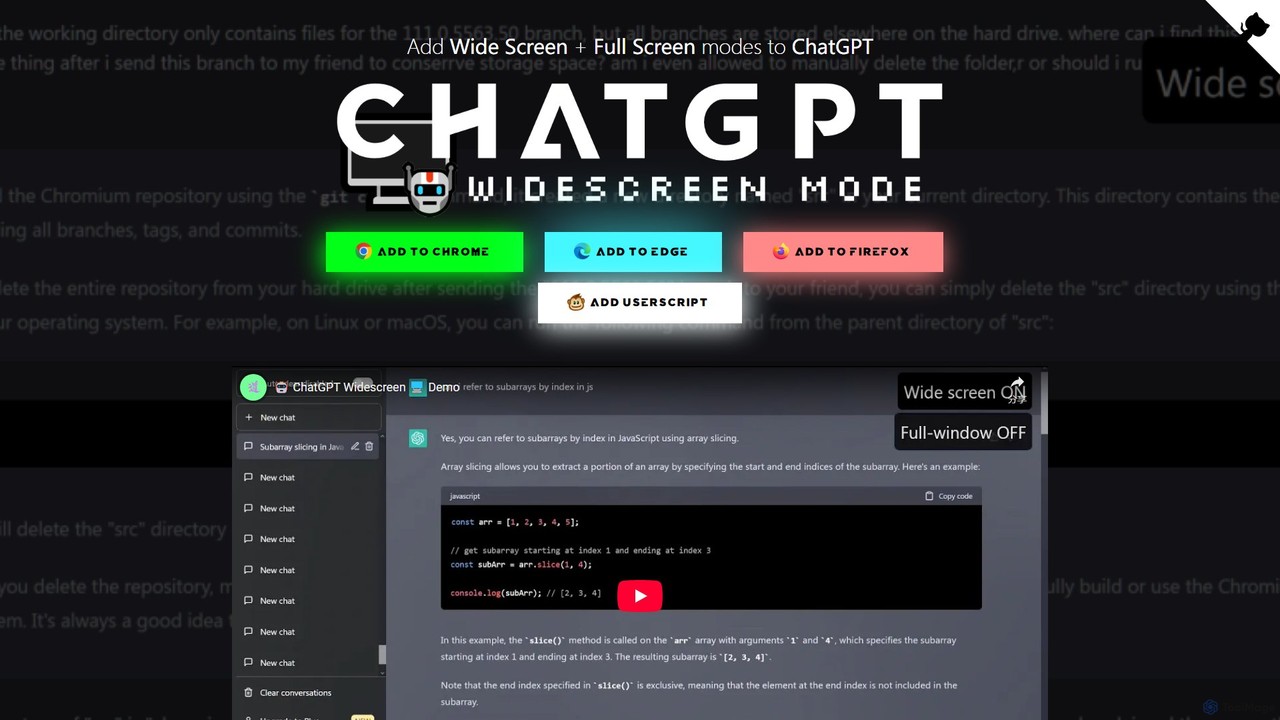
ChatGPT Widescreen Mode
A free browser extension that adds Widescreen and Fullscreen modes to the ChatGPT interface. It enhances readability and productivity by utilizing your entire screen space, perfect for viewing code, writing long texts, and analyzing data.
Code Assistant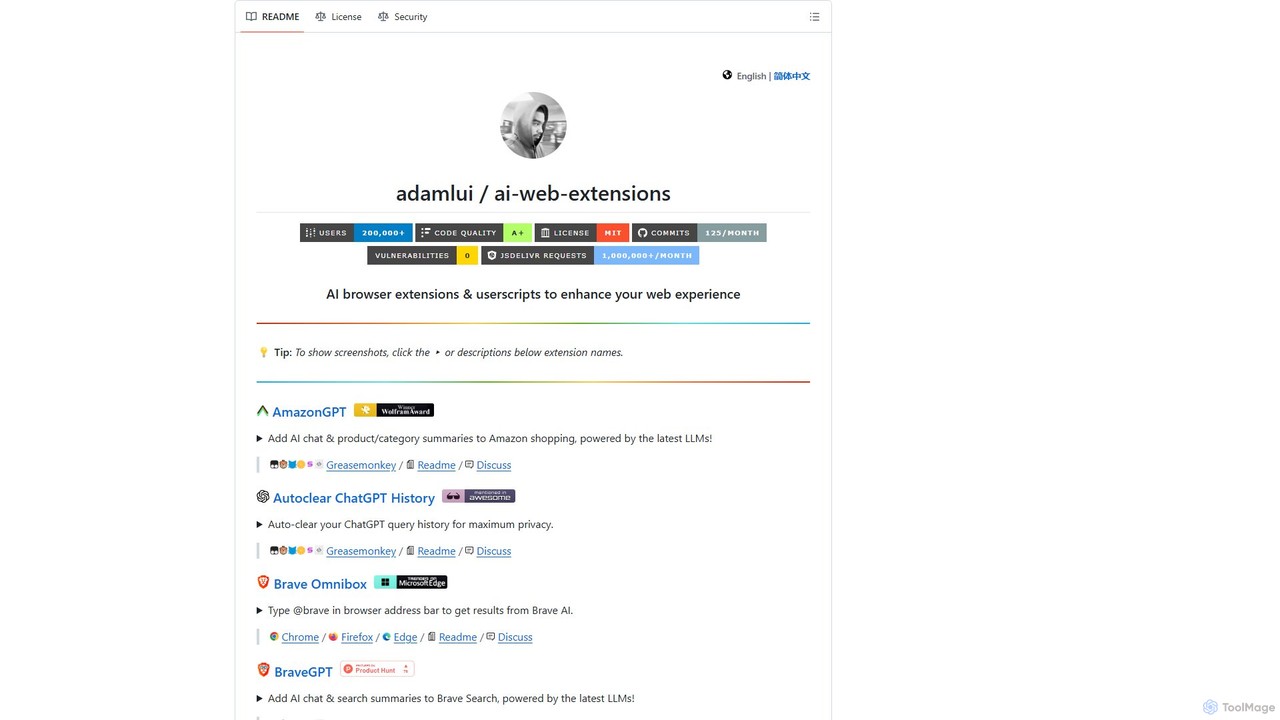
ChatGPT EVO
ChatGPT EVO is a powerful suite of open-source browser extensions and userscripts designed to augment your web experience. It seamlessly integrates AI functionalities from models like ChatGPT into your daily browsing, including search engines, e-commerce sites, and the browser's address bar, boosting productivity and providing instant information.
Code Assistant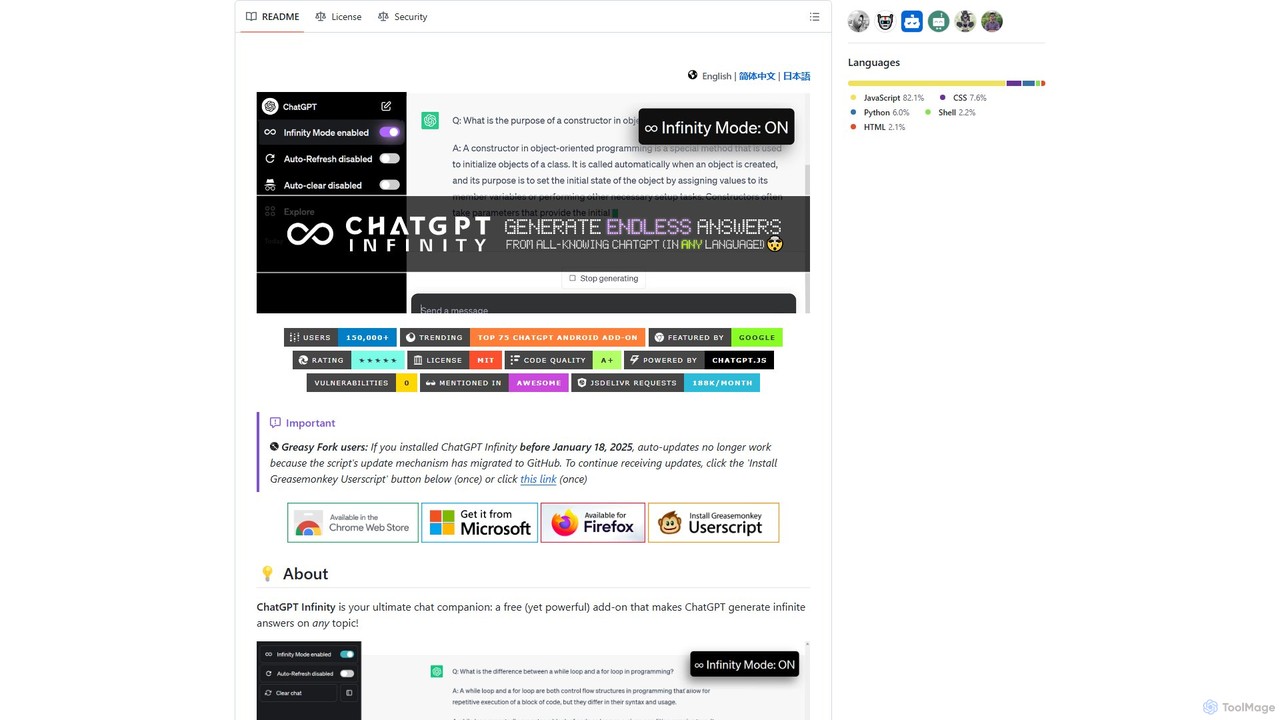
chatgpt-infinity
ChatGPT Infinity is a powerful browser extension that enables ChatGPT to generate endless, continuous answers on any topic you choose. It offers features like customizable topics, multilingual output, adjustable response speed, and auto-scrolling for a seamless, in-depth exploration experience. Ideal for researchers, writers, and learners.
Research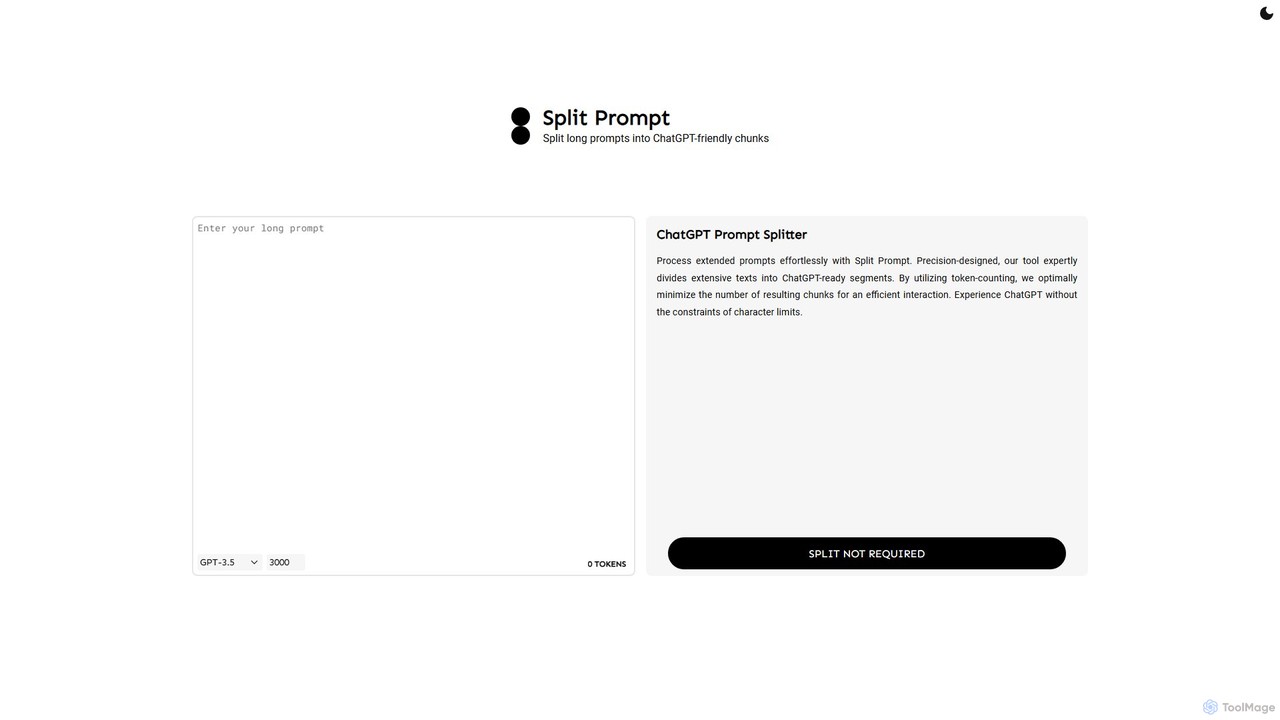
Split Prompt
A free web tool that intelligently splits long text or prompts into smaller, manageable chunks optimized for ChatGPT and other LLMs. It uses token-counting to bypass character limits, ensuring efficient and seamless interaction with AI models.
Utilities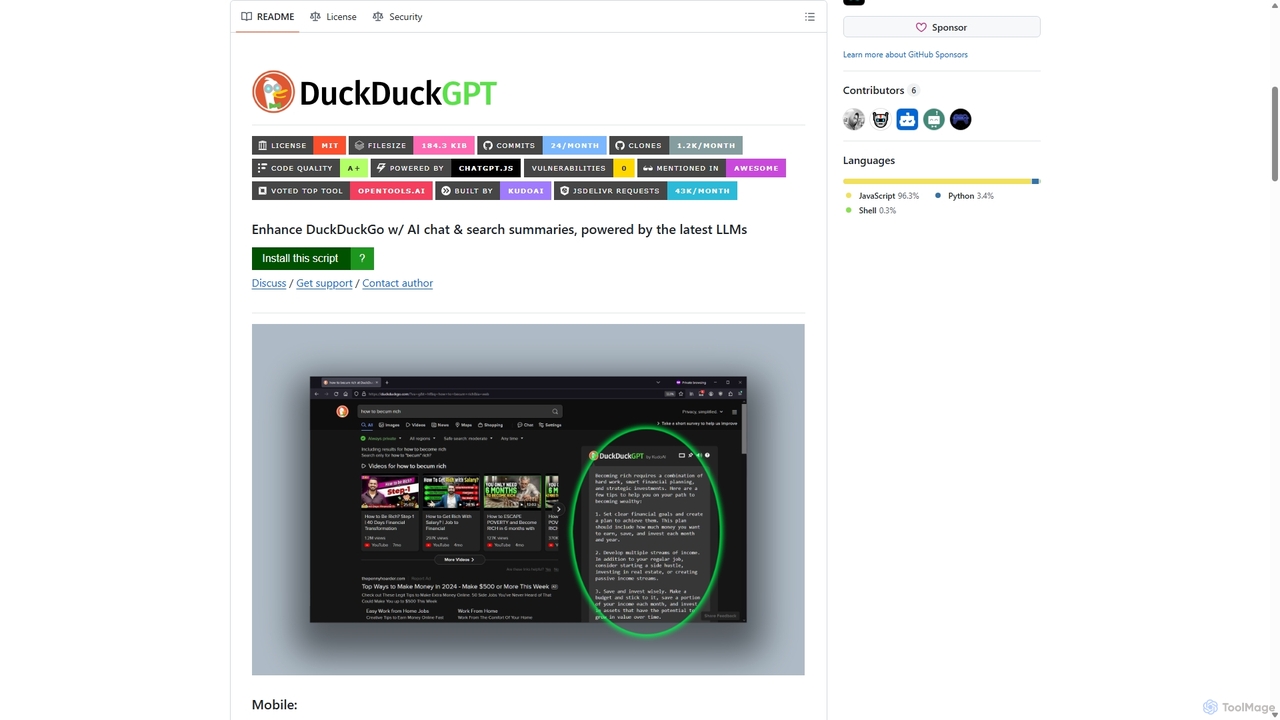
Duckduckgpt
A powerful browser extension that supercharges the DuckDuckGo search engine with AI chat and search summaries. It seamlessly integrates responses from the latest LLMs like GPT-4o directly into your search results, providing instant, intelligent answers while maintaining your privacy.
Browser ExtensionsChatGPT Auto Refresh Categories
ChatGPT Auto Refresh Embed Widget
Copy this embed code to place the badge on your blog, article, or product site and send readers directly to this ToolMage detail page.

Related AI tools
ChatGPT Widescreen Mode
A free browser extension that adds Widescreen and Fullscreen modes to the ChatGPT interface. It enhances readability and productivity by utilizing your entire screen space, perfect for viewing code, writing long texts, and analyzing data.
Code Assistant
duckduckgpt
A free, open-source browser extension that enhances DuckDuckGo search with AI-powered chat and summaries. It integrates seamlessly, providing instant answers and concise summaries from the latest LLMs like GPT-4o, right alongside your search results.
Browser Extension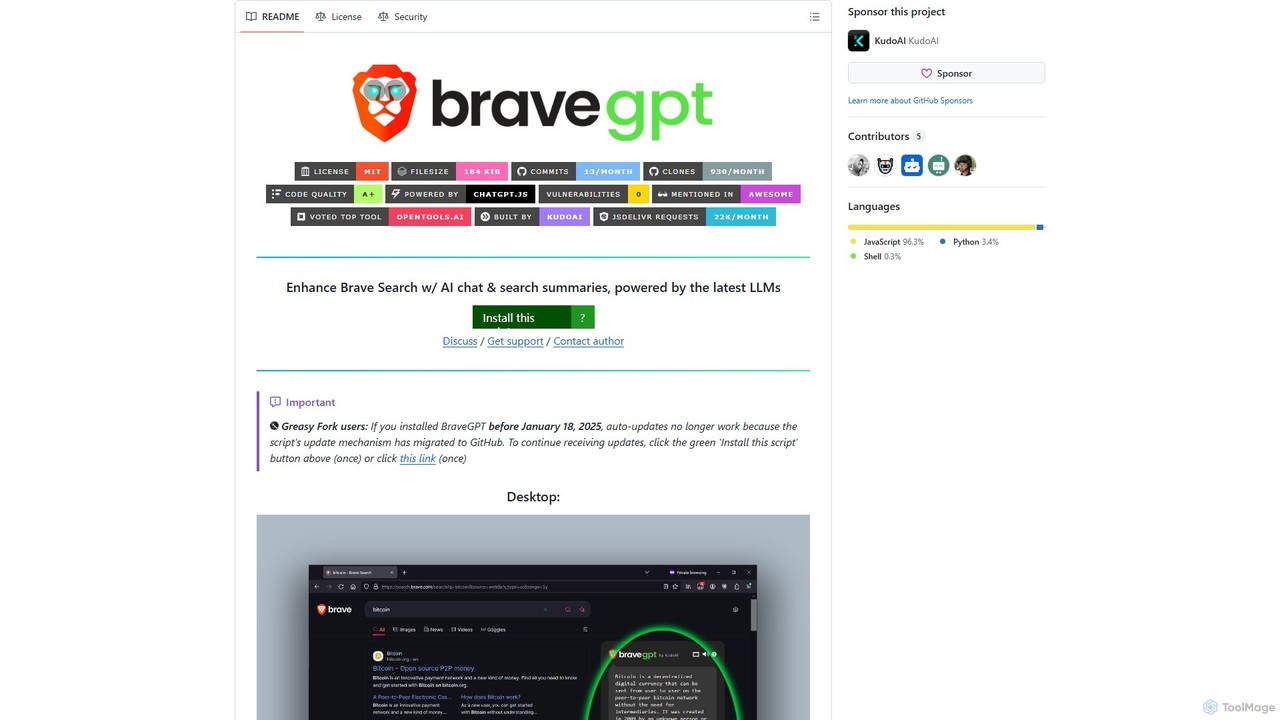
bravegpt
A powerful userscript that enhances Brave Search with AI chat and search summaries, powered by the latest LLMs like GPT-4o. Get instant answers and engage in conversations directly on your search results page.
Chrome Extensions
typegpt
typegpt is a lightweight browser extension that integrates ChatGPT into any text box on the internet. Use simple commands to generate, translate, or code directly in your workflow, using your own API key for maximum cost-efficiency and control.
Code AssistantChatGPT EVO
ChatGPT EVO is a powerful suite of open-source browser extensions and userscripts designed to augment your web experience. It seamlessly integrates AI functionalities from models like ChatGPT into your daily browsing, including search engines, e-commerce sites, and the browser's address bar, boosting productivity and providing instant information.
Code Assistantchatgpt-infinity
ChatGPT Infinity is a powerful browser extension that enables ChatGPT to generate endless, continuous answers on any topic you choose. It offers features like customizable topics, multilingual output, adjustable response speed, and auto-scrolling for a seamless, in-depth exploration experience. Ideal for researchers, writers, and learners.
ResearchSplit Prompt
A free web tool that intelligently splits long text or prompts into smaller, manageable chunks optimized for ChatGPT and other LLMs. It uses token-counting to bypass character limits, ensuring efficient and seamless interaction with AI models.
UtilitiesDuckduckgpt
A powerful browser extension that supercharges the DuckDuckGo search engine with AI chat and search summaries. It seamlessly integrates responses from the latest LLMs like GPT-4o directly into your search results, providing instant, intelligent answers while maintaining your privacy.
Browser Extensions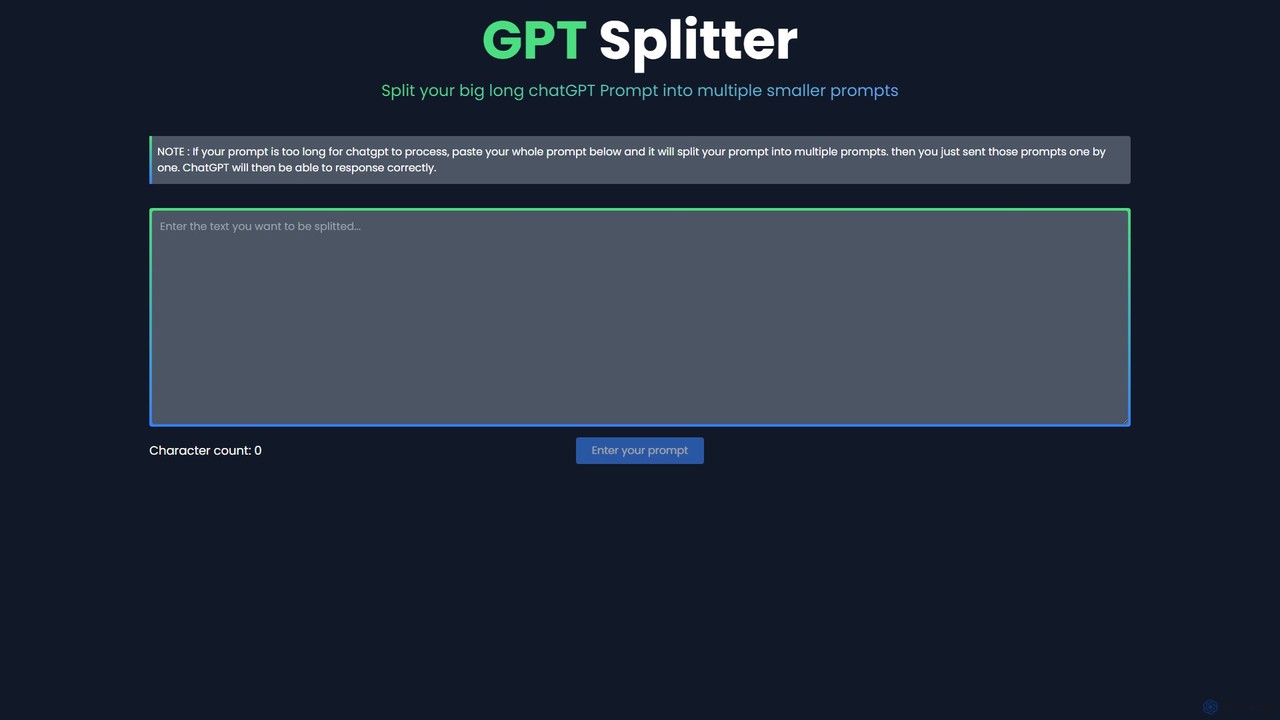
GPT Splitter
A free web-based tool that automatically splits long text or prompts into smaller, manageable chunks to overcome the character limits of large language models like ChatGPT, ensuring complete context and better AI responses.
Utilities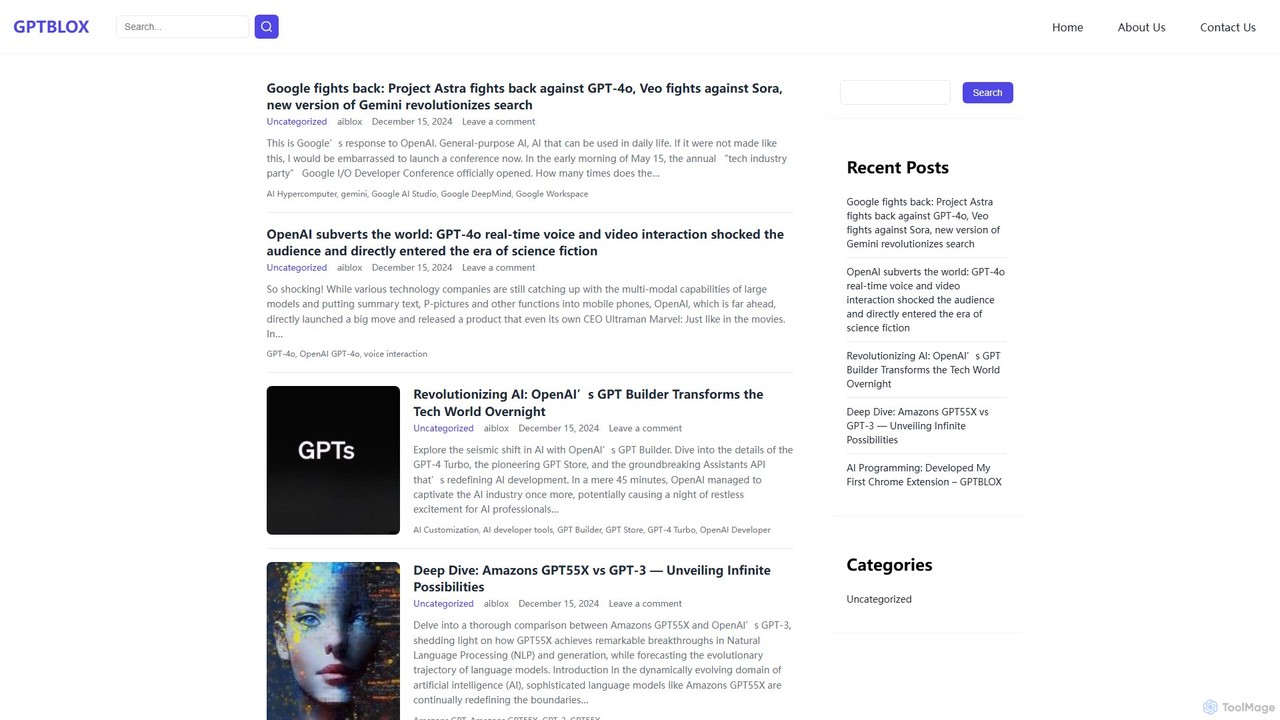
GPTBLOX
GPTBLOX is a productivity platform centered around its flagship Chrome extension, "ChatGPT Save Data." It enables users to easily save, manage, and export their ChatGPT conversations in multiple formats like PDF, TXT, HTML, and PNG. Designed for writers, developers, marketers, and students, it streamlines workflow and ensures valuable AI-generated insights are never lost.
Browser Extensions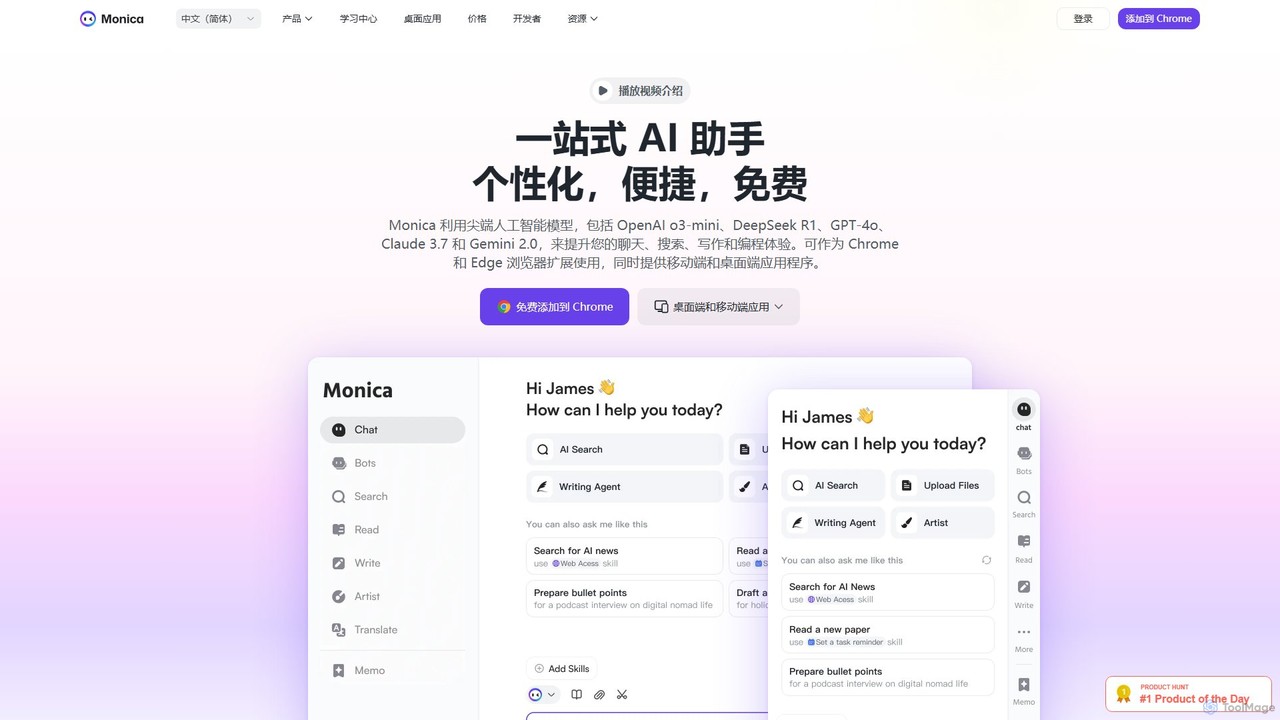
Monica
Monica is an all-in-one AI assistant powered by leading models like GPT-4o, Claude 3.7, and Gemini 1.5. It integrates seamlessly into your workflow as a browser extension, desktop, and mobile app, offering features for chat, search, writing, translation, and image creation to boost productivity.
Chrome Extensions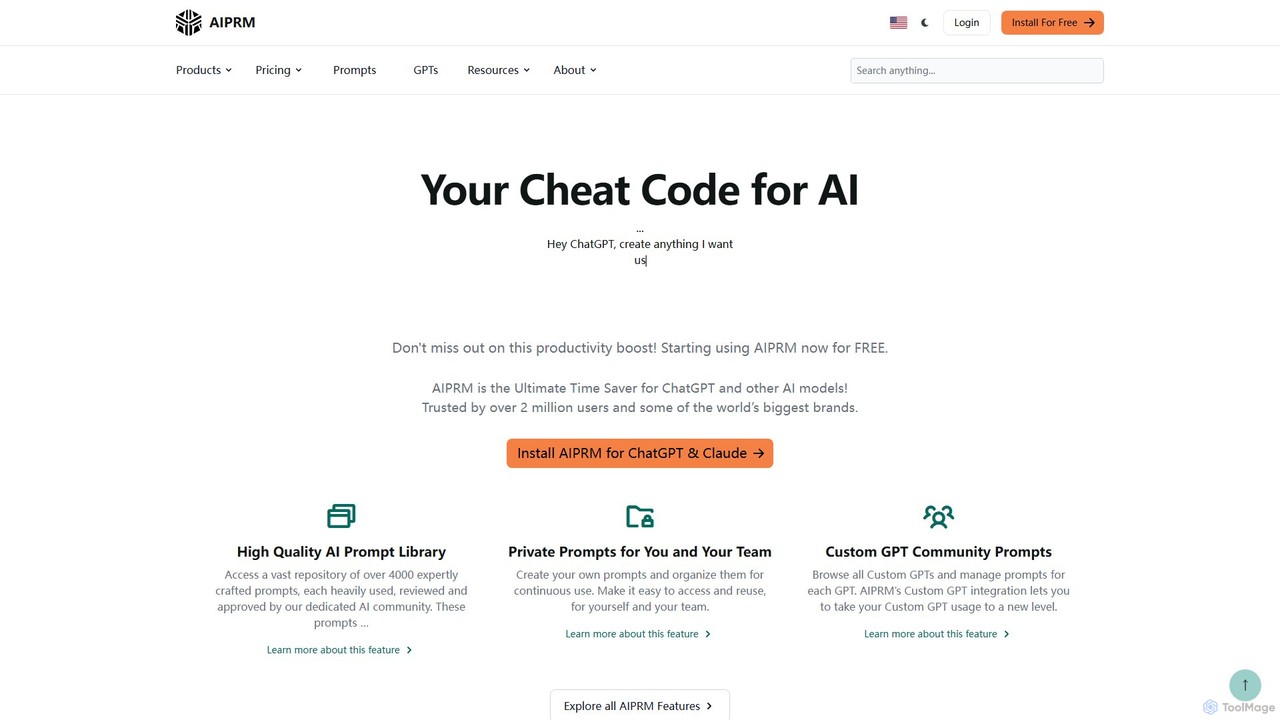
AIPRM
AIPRM is a browser extension for ChatGPT, Claude, and other AIs, offering a massive library of over 4,500 community-vetted prompts. It streamlines content creation, SEO, and marketing tasks by providing one-click access to expert-level prompts, custom prompt management for teams, and powerful productivity features. Boost your efficiency and unlock the full potential of generative AI without needing to be a prompt engineering expert.
Code Assistant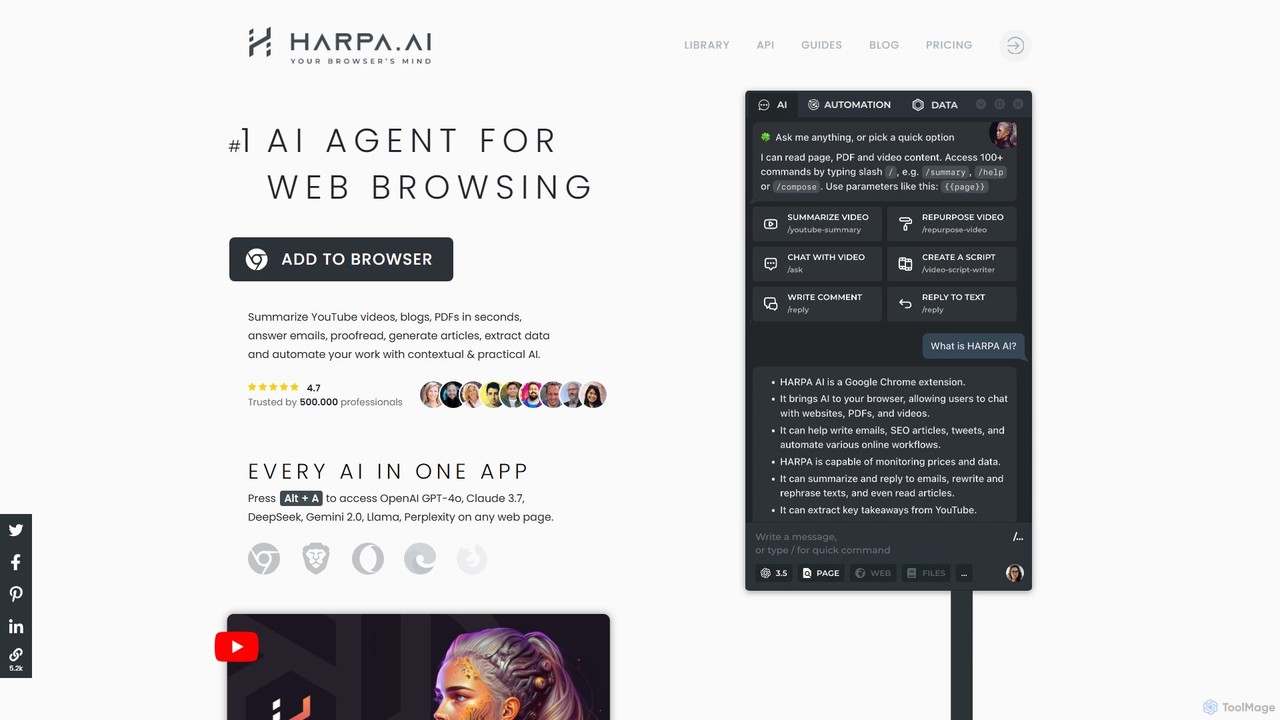
HARPA AI
HARPA AI is an all-in-one AI browser agent that integrates ChatGPT, Claude, Gemini, and more directly into your browser. It automates web tasks, summarizes content, drafts emails, extracts data, and enhances productivity with over 100 pre-built, page-aware commands. It functions as a versatile copilot for browsing, research, and automation.
Automation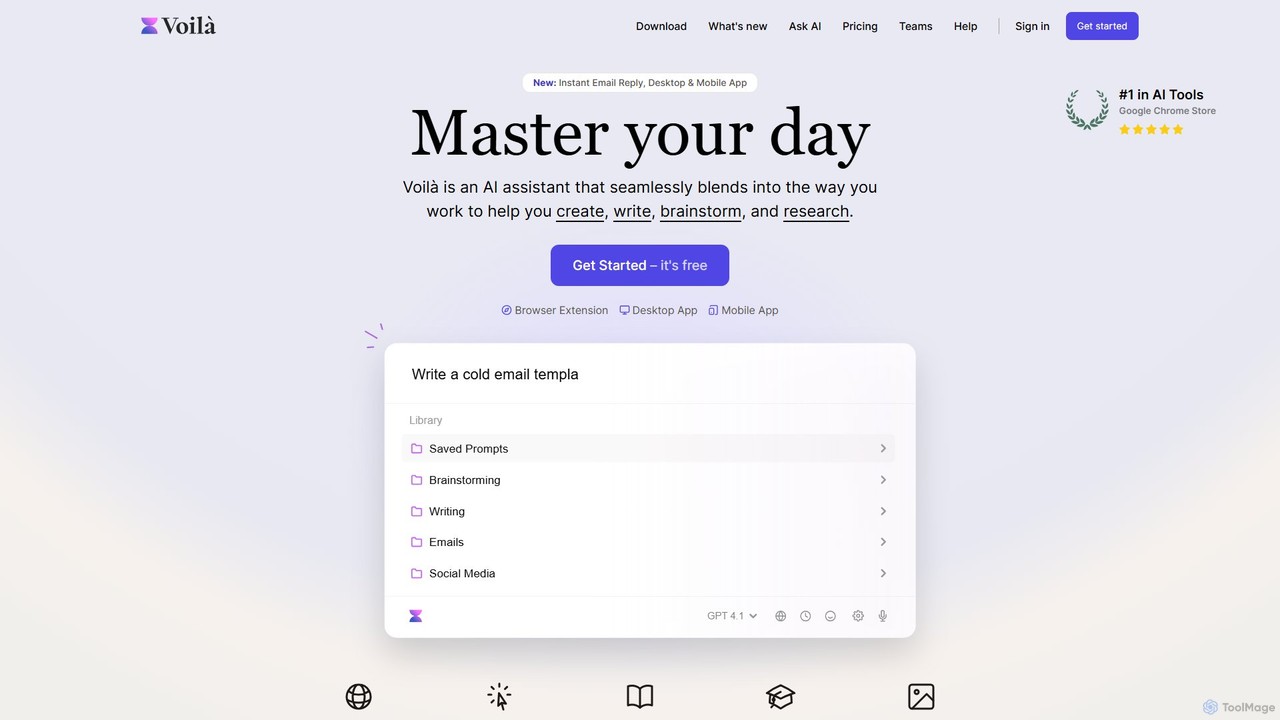
Voilà
Voilà is an all-in-one AI assistant designed to maximize productivity. It functions as a browser extension, desktop, and mobile app, seamlessly integrating into your workflow to help with writing, brainstorming, research, and content creation. It works on any website or app, understanding the context to provide relevant assistance.
Content Creation
NopeCHA
NopeCHA is an AI-powered CAPTCHA solver that automates the process of bypassing human verification tests. Available as a browser extension and a developer API, it offers a fast, affordable, and undetectable solution for various CAPTCHA types, including reCAPTCHA, FunCAPTCHA, and Cloudflare Turnstile.
Utilities
ChatGPT Auto Refresh Comments (0)
Sign in to comment.
Sign inNo comments yet.