

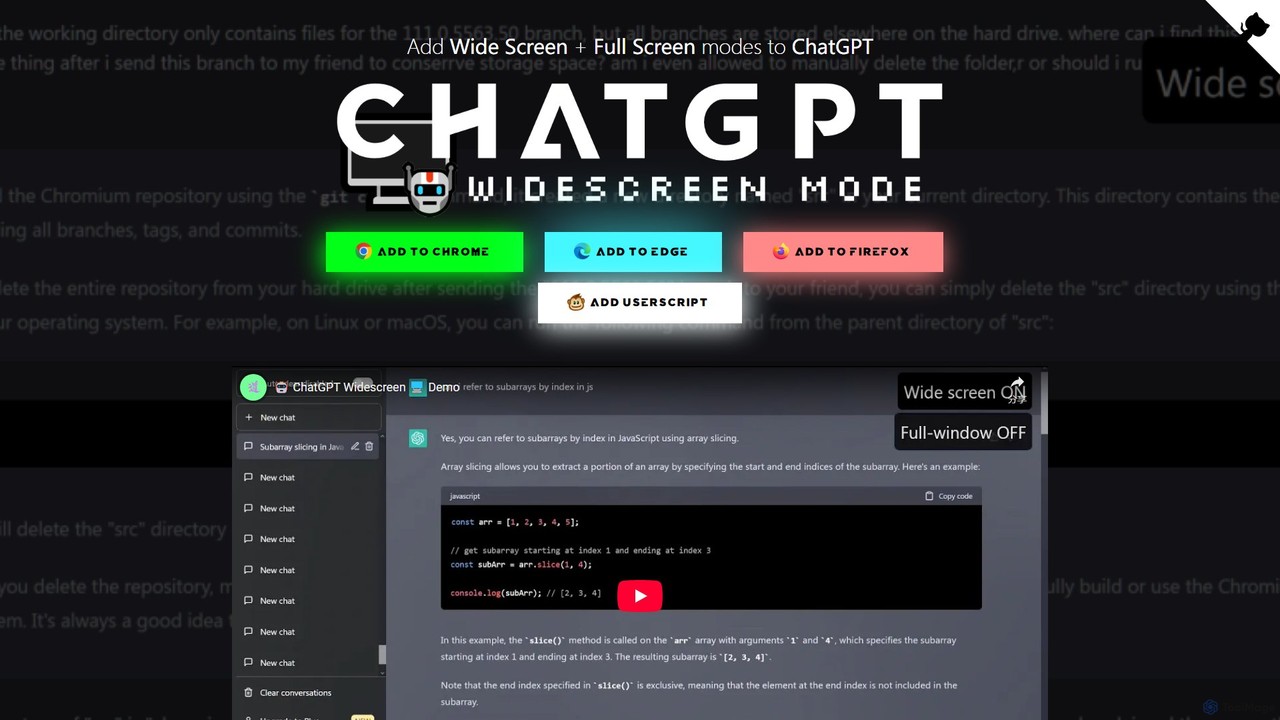
ChatGPT Widescreen Mode Overview
ChatGPT Widescreen Mode is a simple yet powerful browser extension designed to significantly enhance your interaction with the ChatGPT interface. Many users, especially those with wide or ultra-wide monitors, find the default fixed-width layout of ChatGPT to be restrictive. It leaves large amounts of unused screen space on either side, forcing users to constantly scroll horizontally when dealing with long lines of code, data tables, or extensive text. This extension elegantly solves this problem by adding two new display modes: Widescreen and Fullscreen. By allowing the chat interface to utilize the full width of your screen, it transforms the user experience, making it more productive, readable, and immersive. It's an essential utility for developers, writers, researchers, and anyone looking to optimize their ChatGPT workflow.
How to use ChatGPT Widescreen Mode
Getting started with ChatGPT Widescreen Mode is incredibly simple and takes less than a minute. As a browser extension, it integrates seamlessly into your daily workflow. Here’s how to install and use it:
- Find the Extension: Open your browser's extension marketplace (e.g., Chrome Web Store, Firefox Add-ons).
- Search: Use the search bar to look for "ChatGPT Widescreen Mode".
- Install: Click the "Add to Browser" or "Install" button on the extension's page. A small icon may appear in your browser's toolbar.
- Activate: Navigate to the ChatGPT website (chat.openai.com). The extension will automatically activate. You will notice new toggle buttons appearing on the interface, typically near the top or on the sidebar.
- Switch Modes: Simply click the 'Widescreen' or 'Fullscreen' button to instantly expand the chat view. You can toggle back to the default view at any time.
Core Features of ChatGPT Widescreen Mode
- Widescreen Mode: This mode expands the chat container to fit the width of your browser window, eliminating horizontal scrolling for long lines of text and code.
- Fullscreen Mode: For maximum focus, this mode expands the interface to fill your entire screen, hiding browser tabs and other distractions for a truly immersive experience.
- Easy Toggle Control: The extension adds intuitive on-screen buttons to switch between default, widescreen, and fullscreen views with a single click.
- Lightweight and Efficient: Built to be minimal and non-intrusive, the extension has a negligible impact on browser performance. It only activates on the ChatGPT domain.
- Seamless Integration: It works flawlessly with the existing ChatGPT UI, preserving the original look and feel while enhancing its layout.
Use Cases for ChatGPT Widescreen Mode
This tool is beneficial for a wide range of users who want to make the most of their screen real estate:
- Developers and Programmers: View, debug, and analyze long code blocks without the frustrating need to scroll side-to-side. This makes code review and pair programming sessions more efficient.
- Writers and Content Creators: Draft, edit, and review long-form articles, scripts, or essays in a more comfortable, expansive layout that resembles a traditional word processor.
- Researchers and Analysts: Easily view and compare large datasets, tables, or detailed analytical responses generated by ChatGPT without information being cut off.
- Students and Educators: Use the expanded view for studying complex topics, taking detailed notes, or preparing lesson plans in a clearer, more organized format.
Advantages of ChatGPT Widescreen Mode
The primary advantage is a vastly improved user experience. Key benefits include:
- Enhanced Readability: By preventing awkward line wraps and horizontal scrolling, text and code become much easier to read and comprehend.
- Increased Productivity: See more information at a glance, reducing the time spent on scrolling and navigating the interface. This allows you to focus on the conversation and your tasks.
- Optimal Use of Modern Displays: Makes perfect use of the space on modern widescreen and ultra-wide monitors, which is often wasted by websites with fixed-width designs.
- Distraction-Free Environment: The fullscreen mode is excellent for deep work sessions, helping you concentrate solely on your interaction with ChatGPT.
- Completely Free: The extension is offered at no cost, providing a significant quality-of-life improvement without any investment.
Pricing and Plans
ChatGPT Widescreen Mode is a completely free tool. It is available as a free browser extension. There are no subscriptions, no hidden fees, and no premium versions. It is a community-driven project aimed at improving the usability of ChatGPT for everyone.
Traffic
Latest traffic
Status
Monthly traffic trend
- 2026-1: 0
- 2026-2: 0
- 2026-3: 1.6K
- 2026-4: 1.2K
- 2026-5: 660
Top keywords
| Keyword | Cost per click |
|---|---|
| chat 1920x1080 | $0.00 |
| chatgpt fullscreen | $0.00 |
| gpt widescreen mode | $0.00 |
| how to do full screen in chatgpt | $0.00 |
| is there a way to make chatgpt viewing window bigger | $0.00 |
ChatGPT Widescreen Mode Alternatives
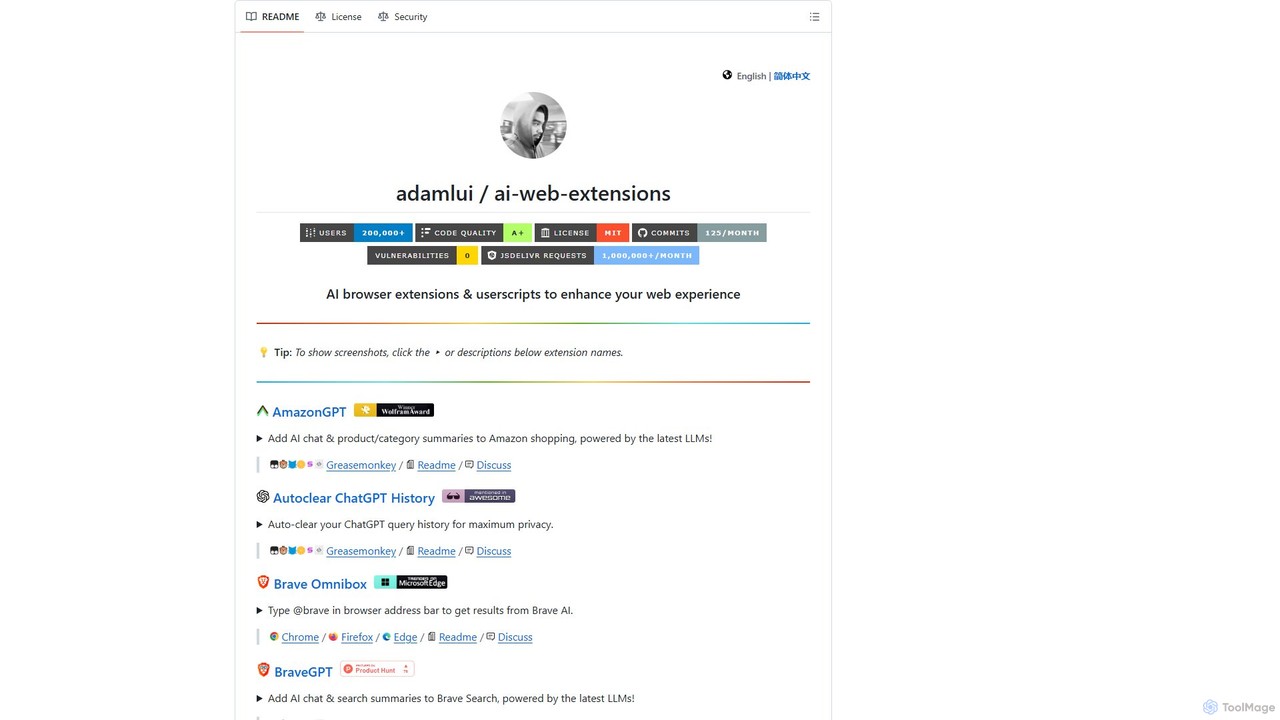
ChatGPT EVO
ChatGPT EVO is a powerful suite of open-source browser extensions and userscripts designed to augment your web experience. It seamlessly integrates AI functionalities from models like ChatGPT into your daily browsing, including search engines, e-commerce sites, and the browser's address bar, boosting productivity and providing instant information.
Code Assistant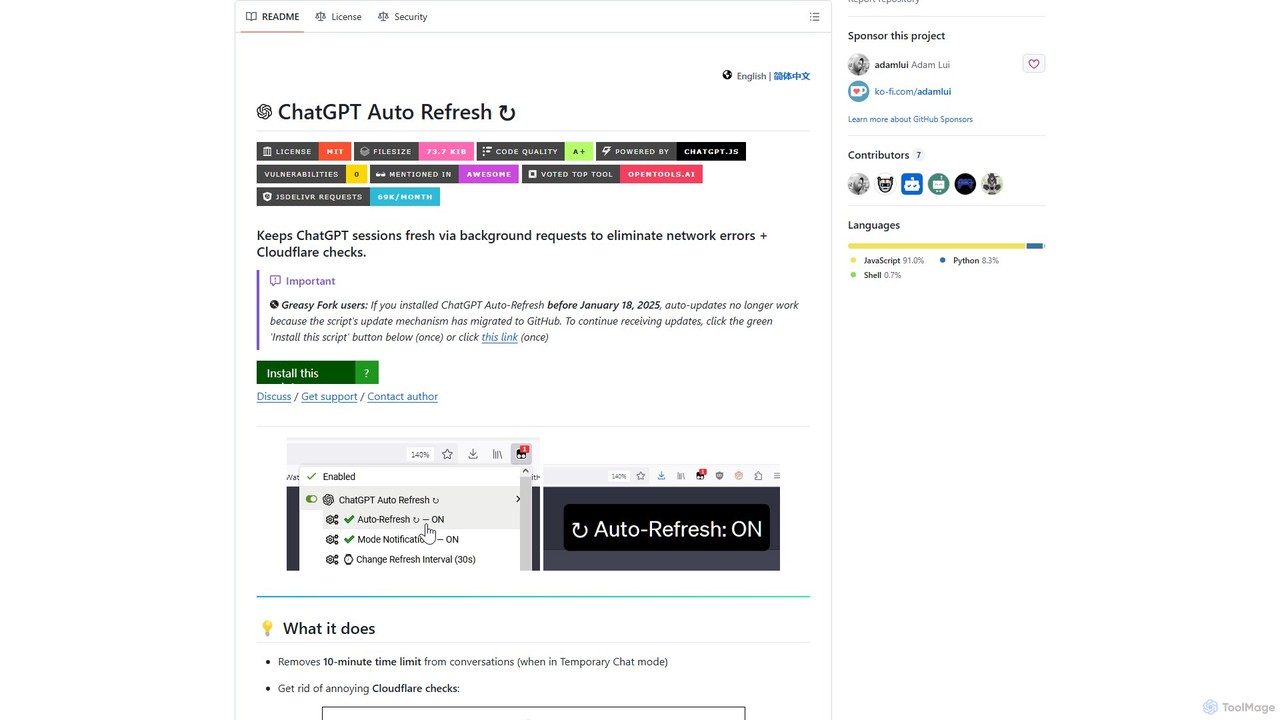
ChatGPT Auto Refresh
ChatGPT Auto Refresh is a free userscript that keeps your ChatGPT sessions active. It prevents timeouts, network errors, and annoying Cloudflare checks by automatically refreshing the session in the background, ensuring a smooth and uninterrupted chat experience.
Chat Assistant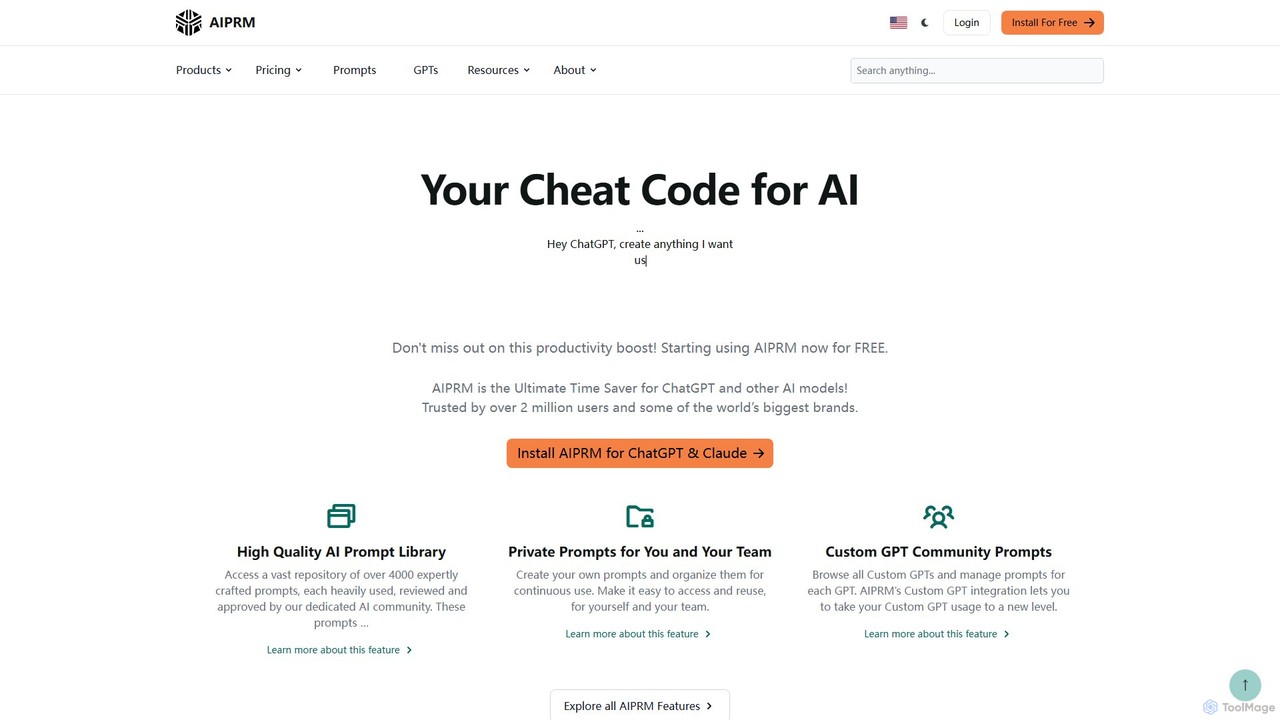
AIPRM
AIPRM is a browser extension for ChatGPT, Claude, and other AIs, offering a massive library of over 4,500 community-vetted prompts. It streamlines content creation, SEO, and marketing tasks by providing one-click access to expert-level prompts, custom prompt management for teams, and powerful productivity features. Boost your efficiency and unlock the full potential of generative AI without needing to be a prompt engineering expert.
Code Assistant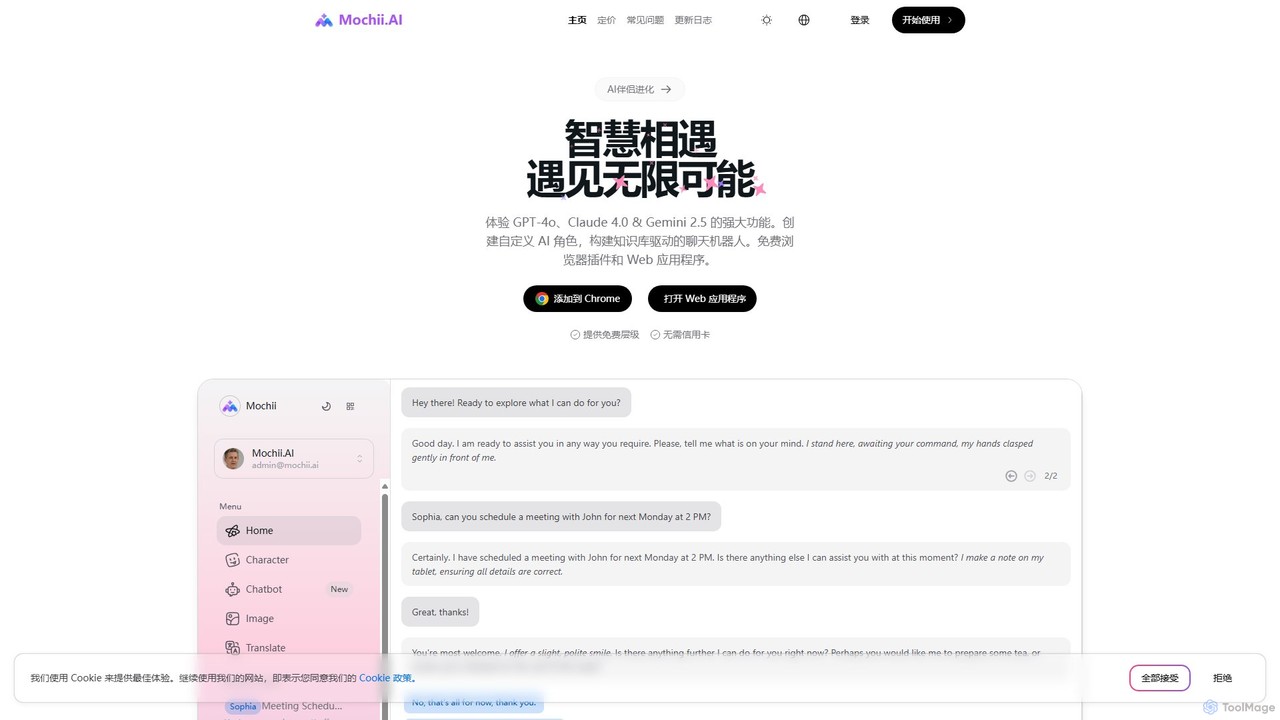
Mochii
Mochii is an all-in-one AI assistant that integrates leading models like GPT-4o, Claude, and Gemini into a seamless browser extension and web app. It enhances productivity by offering features like document analysis, web browsing, AI chatbot building, and customizable AI roles. A generous free tier provides access to advanced AI capabilities for everyone.
Productivity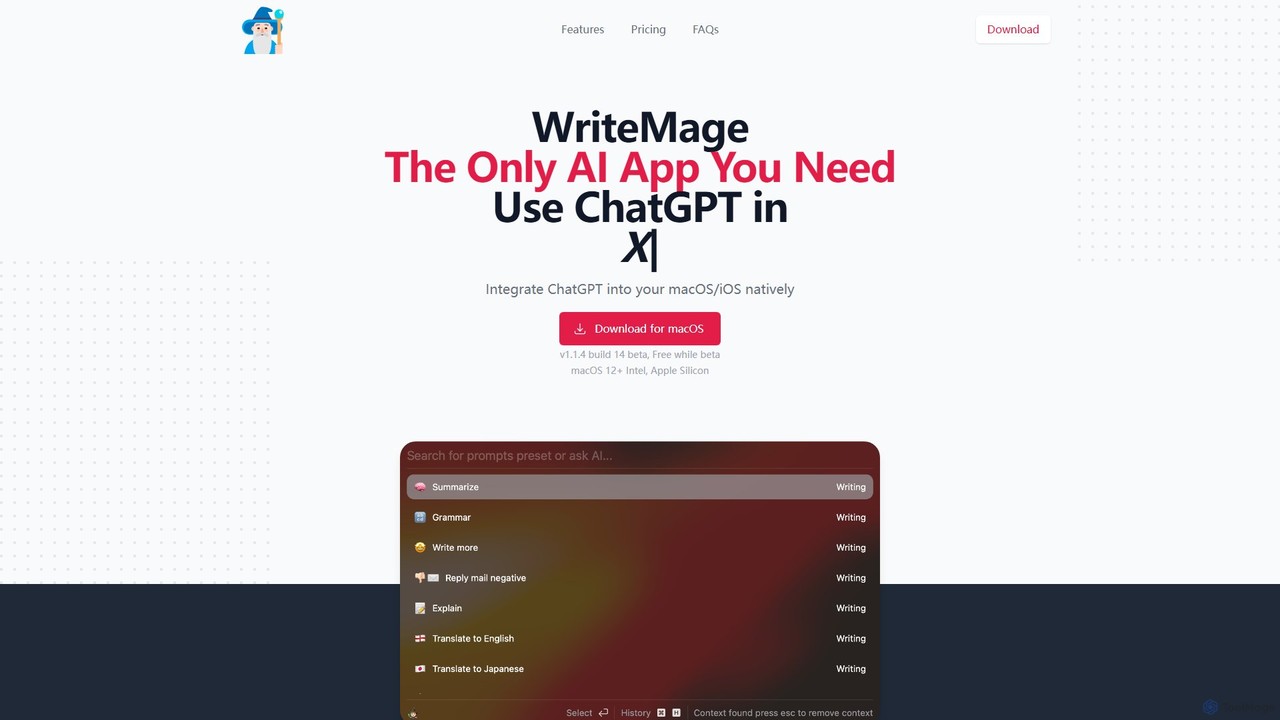
WriteMage
WriteMage is a native AI assistant for macOS and iOS, integrating ChatGPT seamlessly into any application. It functions like a system-wide utility, allowing you to write, code, and create content with context-aware AI without ever leaving your current app. It features a customizable prompt editor, local chat history, and flexible pricing plans.
Code AssistantChatGPT Widescreen Mode Categories
ChatGPT Widescreen Mode Embed Widget
Copy this embed code to place the badge on your blog, article, or product site and send readers directly to this ToolMage detail page.

Related AI tools
ChatGPT Auto Refresh
ChatGPT Auto Refresh is a free userscript that keeps your ChatGPT sessions active. It prevents timeouts, network errors, and annoying Cloudflare checks by automatically refreshing the session in the background, ensuring a smooth and uninterrupted chat experience.
Chat AssistantChatGPT EVO
ChatGPT EVO is a powerful suite of open-source browser extensions and userscripts designed to augment your web experience. It seamlessly integrates AI functionalities from models like ChatGPT into your daily browsing, including search engines, e-commerce sites, and the browser's address bar, boosting productivity and providing instant information.
Code AssistantAIPRM
AIPRM is a browser extension for ChatGPT, Claude, and other AIs, offering a massive library of over 4,500 community-vetted prompts. It streamlines content creation, SEO, and marketing tasks by providing one-click access to expert-level prompts, custom prompt management for teams, and powerful productivity features. Boost your efficiency and unlock the full potential of generative AI without needing to be a prompt engineering expert.
Code AssistantMochii
Mochii is an all-in-one AI assistant that integrates leading models like GPT-4o, Claude, and Gemini into a seamless browser extension and web app. It enhances productivity by offering features like document analysis, web browsing, AI chatbot building, and customizable AI roles. A generous free tier provides access to advanced AI capabilities for everyone.
ProductivityWriteMage
WriteMage is a native AI assistant for macOS and iOS, integrating ChatGPT seamlessly into any application. It functions like a system-wide utility, allowing you to write, code, and create content with context-aware AI without ever leaving your current app. It features a customizable prompt editor, local chat history, and flexible pricing plans.
Code Assistant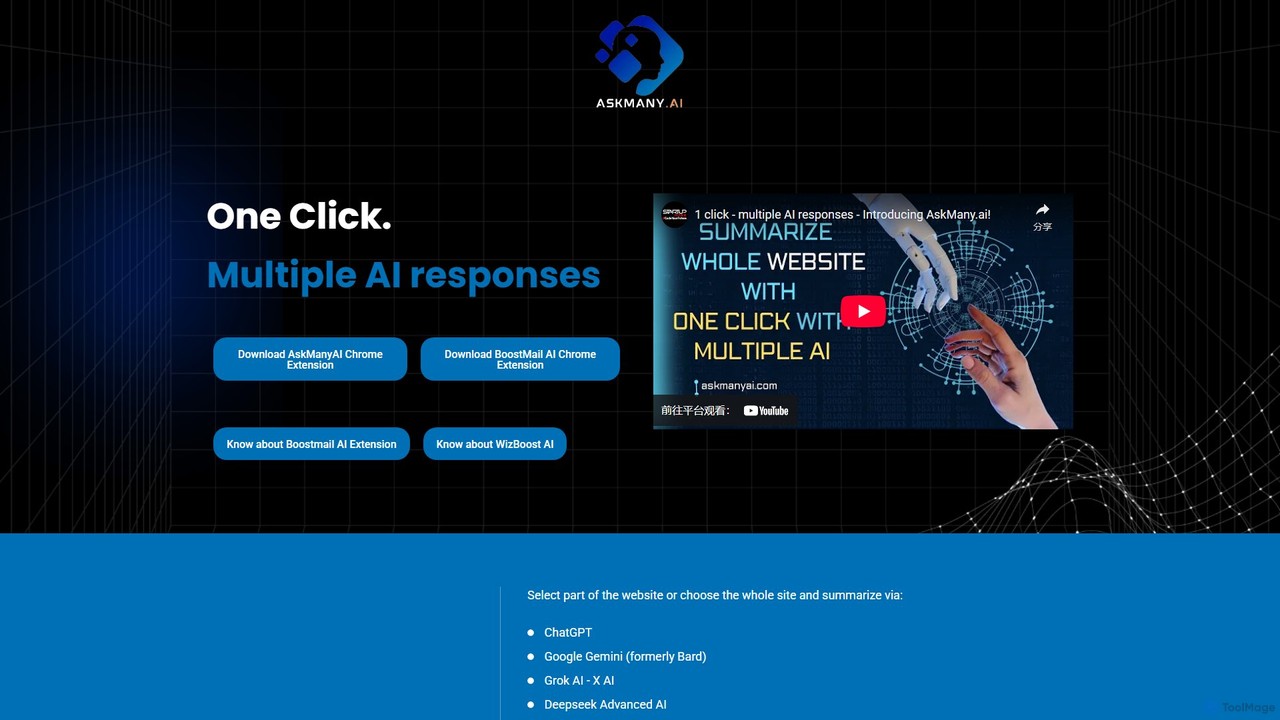
Askmany
Askmany is a powerful Chrome extension that allows you to query multiple AI models like ChatGPT, Gemini, and Grok with a single click. Instantly summarize web pages, compare AI responses for accuracy, and boost your productivity. It also offers specialized email AI assistants, BoostMailAI for Gmail and WizBoostAI for MailWizz, to enhance your email marketing campaigns.
Code Assistant
typegpt
typegpt is a lightweight browser extension that integrates ChatGPT into any text box on the internet. Use simple commands to generate, translate, or code directly in your workflow, using your own API key for maximum cost-efficiency and control.
Code Assistant
ChatGPT Phantom
ChatGPT Phantom is a free, all-in-one browser extension that enhances your productivity by integrating ChatGPT, Google Bard, and Bing Chat. It provides real-time web access for up-to-date information, helping you generate high-quality content like articles, YouTube scripts, code, and summaries effortlessly. It's designed for copywriters, creators, and developers who need a powerful and private AI copilot.
Search Assistant
GPTBLOX
GPTBLOX is a productivity platform centered around its flagship Chrome extension, "ChatGPT Save Data." It enables users to easily save, manage, and export their ChatGPT conversations in multiple formats like PDF, TXT, HTML, and PNG. Designed for writers, developers, marketers, and students, it streamlines workflow and ensures valuable AI-generated insights are never lost.
Browser Extensions
Monica
Monica is an all-in-one AI assistant powered by leading models like GPT-4o, Claude 3.7, and Gemini 1.5. It integrates seamlessly into your workflow as a browser extension, desktop, and mobile app, offering features for chat, search, writing, translation, and image creation to boost productivity.
Chrome Extensions
HARPA AI
HARPA AI is an all-in-one AI browser agent that integrates ChatGPT, Claude, Gemini, and more directly into your browser. It automates web tasks, summarizes content, drafts emails, extracts data, and enhances productivity with over 100 pre-built, page-aware commands. It functions as a versatile copilot for browsing, research, and automation.
Automation
Voilà
Voilà is an all-in-one AI assistant designed to maximize productivity. It functions as a browser extension, desktop, and mobile app, seamlessly integrating into your workflow to help with writing, brainstorming, research, and content creation. It works on any website or app, understanding the context to provide relevant assistance.
Content Creation
NopeCHA
NopeCHA is an AI-powered CAPTCHA solver that automates the process of bypassing human verification tests. Available as a browser extension and a developer API, it offers a fast, affordable, and undetectable solution for various CAPTCHA types, including reCAPTCHA, FunCAPTCHA, and Cloudflare Turnstile.
Utilities
Magic Tool AI
Magic Tool AI is an all-in-one productivity browser extension that integrates ChatGPT and over 20 AI features. It acts as your personal copilot, helping you write better and faster, summarize YouTube videos and articles, chat with PDFs, scrape web data, generate images, and much more, all within your browser.
Browser Extension
n8nChat
n8nChat is an AI-powered browser extension for Chrome and Firefox that accelerates n8n workflow creation. Describe your desired automation in natural language, and the AI will build, edit, debug, and optimize your workflows. It even generates custom JavaScript for Code nodes, making powerful automation accessible to everyone.
Ai Assistant
ChatGPT Widescreen Mode Comments (0)
Sign in to comment.
Sign inNo comments yet.