

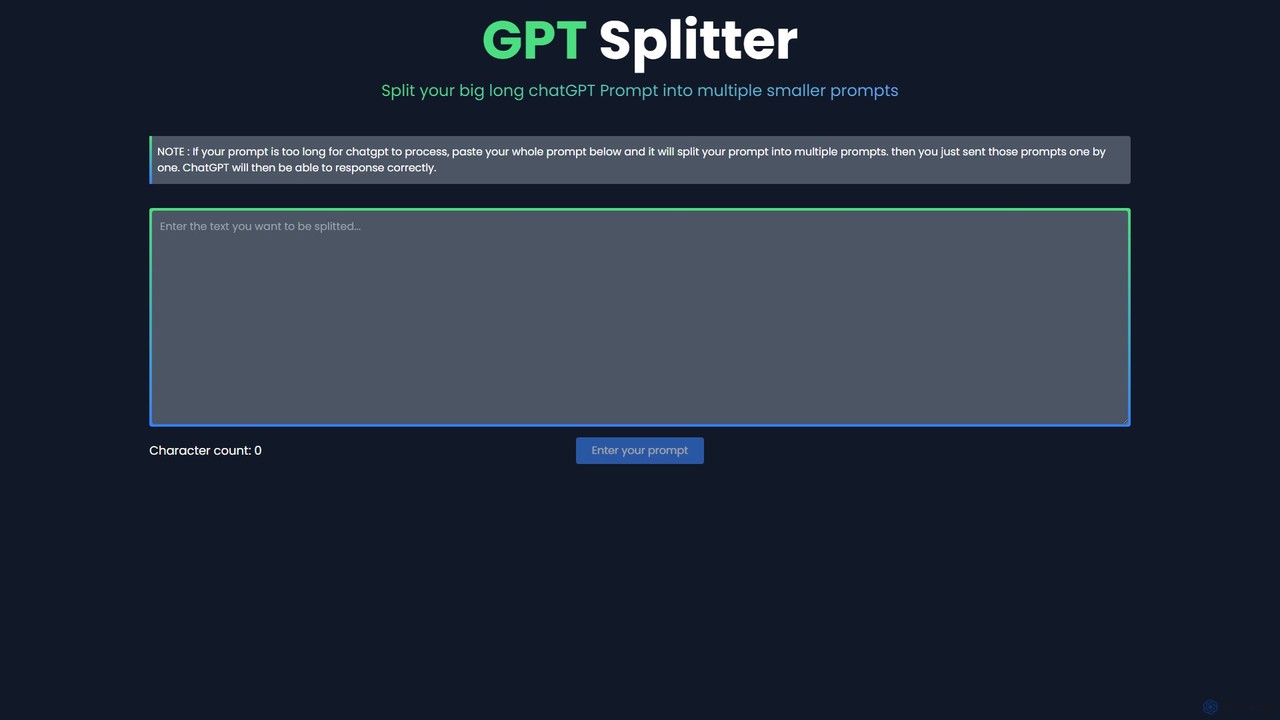
GPT Splitter Overview
GPT Splitter is a simple yet indispensable online utility designed to solve a common problem faced by users of large language models (LLMs) like ChatGPT: the input character or token limit. Often, users need to process long documents, detailed instructions, or large blocks of code that exceed the model's context window. When this happens, the input is truncated, leading to incomplete analysis, incorrect answers, or error messages. GPT Splitter elegantly addresses this by breaking down any large piece of text into a series of smaller, numbered prompts that can be fed to the AI sequentially.
This tool is built for efficiency and ease of use. It requires no registration, no downloads, and no technical expertise. Users simply paste their text, and the tool instantly provides the segmented prompts. By ensuring the entire context is delivered to the LLM, GPT Splitter empowers users to tackle more complex and large-scale tasks, from summarizing lengthy reports to debugging extensive codebases, thereby unlocking the full potential of conversational AI.
How to use GPT Splitter
Using GPT Splitter is a straightforward, three-step process designed for maximum efficiency:
- Paste Your Text: Navigate to the GPT Splitter website. Copy the entire long prompt, document, or piece of code you want to process and paste it into the main input text area on the page.
- Split the Text: The tool will automatically process the text and divide it into smaller, sequentially numbered chunks. These chunks are carefully sized to fit comfortably within the typical input limits of popular LLMs.
- Submit to the AI Sequentially: Copy the first chunk (e.g., "Part 1/N") and paste it into your chat with the AI. It is highly recommended to add an instruction like, "This is the first part of a longer text. Please wait for all parts before you respond." Send each subsequent part one by one. After sending the final part, you can give your main instruction, such as "Now, please summarize the entire text I've provided." This method ensures the AI assembles the full context before generating its final output.
Core Features of GPT Splitter
- Automatic Text Segmentation: Intelligently divides long text into optimized, smaller prompts based on character count.
- Sequential Numbering: Automatically numbers each chunk (e.g., Part 1/5, Part 2/5), making it easy to keep track and submit them in the correct order.
- Zero-Configuration Interface: A simple, clean web interface that requires no setup, login, or installation. It's a pure copy-paste-copy solution.
- Universal Compatibility: The output is plain text, making it compatible with virtually any LLM or chatbot, including ChatGPT, Claude, Gemini, and others.
- Instant Processing: The splitting process is performed instantly in the browser, with no server-side waiting time.
Use Cases for GPT Splitter
GPT Splitter is valuable for a wide range of users and tasks:
- Researchers and Students: Feeding long academic papers, research articles, or book chapters for summarization, analysis, or extracting key information.
- Developers and Programmers: Submitting large code files or complex error logs for debugging, refactoring, documentation, or explanation.
- Writers and Content Creators: Inputting entire articles or story chapters for stylistic feedback, proofreading, or creative continuation.
- Business Professionals: Analyzing long business reports, legal documents, or meeting transcripts to extract action items, summaries, or insights.
- Legal Professionals: Breaking down lengthy contracts or case files for review and analysis by an AI assistant.
Advantages of GPT Splitter
The primary advantage of GPT Splitter is its ability to bypass the inherent limitations of LLMs. This leads to several key benefits:
- Enhanced Response Quality: By providing the full, unabridged context, the AI can generate far more accurate, relevant, and coherent responses.
- Increased Productivity: Eliminates the manual, time-consuming, and error-prone task of splitting text yourself.
- Context Integrity: Ensures no critical information is lost due to input truncation, which is vital for detailed analysis and complex instructions.
- Completely Free: The tool is offered at no cost, making powerful prompt engineering accessible to everyone.
- Simplicity and Accessibility: Its web-based nature and intuitive design mean anyone can use it instantly without a learning curve.
Pricing and Plans
GPT Splitter is a completely free tool. There are no subscription plans, hidden fees, or usage limits mentioned on the website. It is designed as a public utility for the AI community, allowing anyone to use it as much as they need without any cost.
GPT Splitter Alternatives
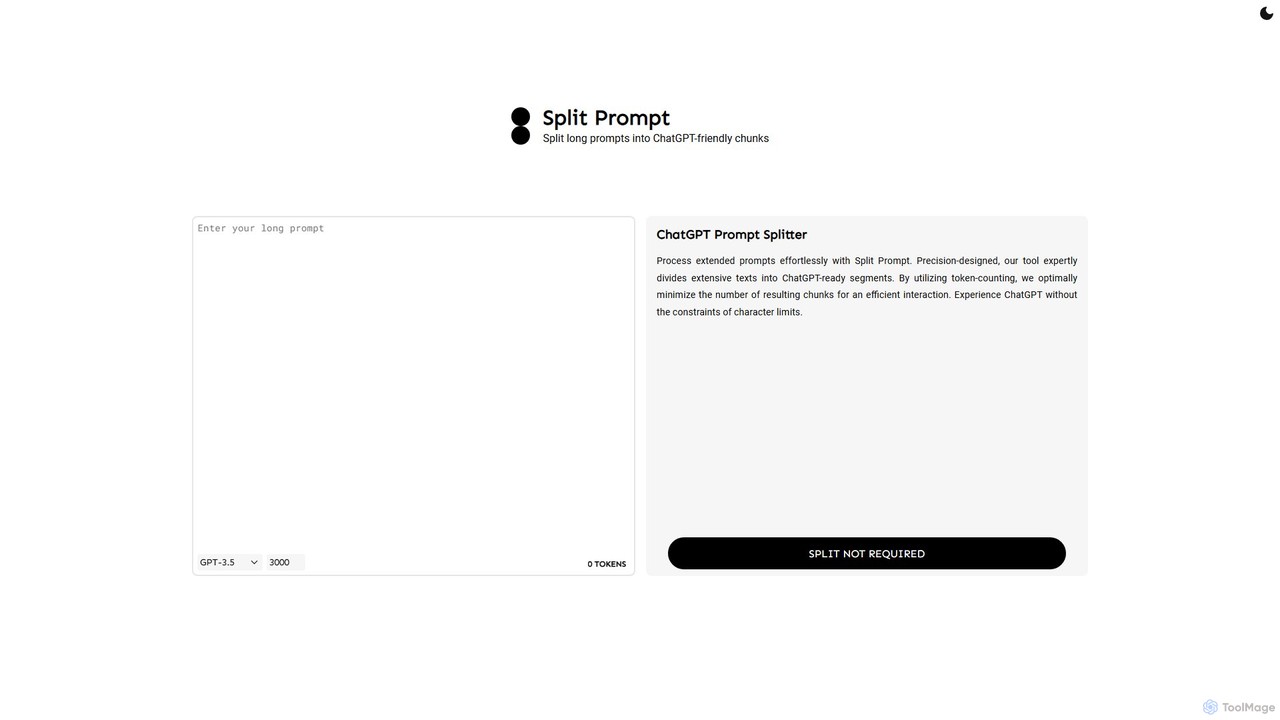
Split Prompt
A free web tool that intelligently splits long text or prompts into smaller, manageable chunks optimized for ChatGPT and other LLMs. It uses token-counting to bypass character limits, ensuring efficient and seamless interaction with AI models.
Utilities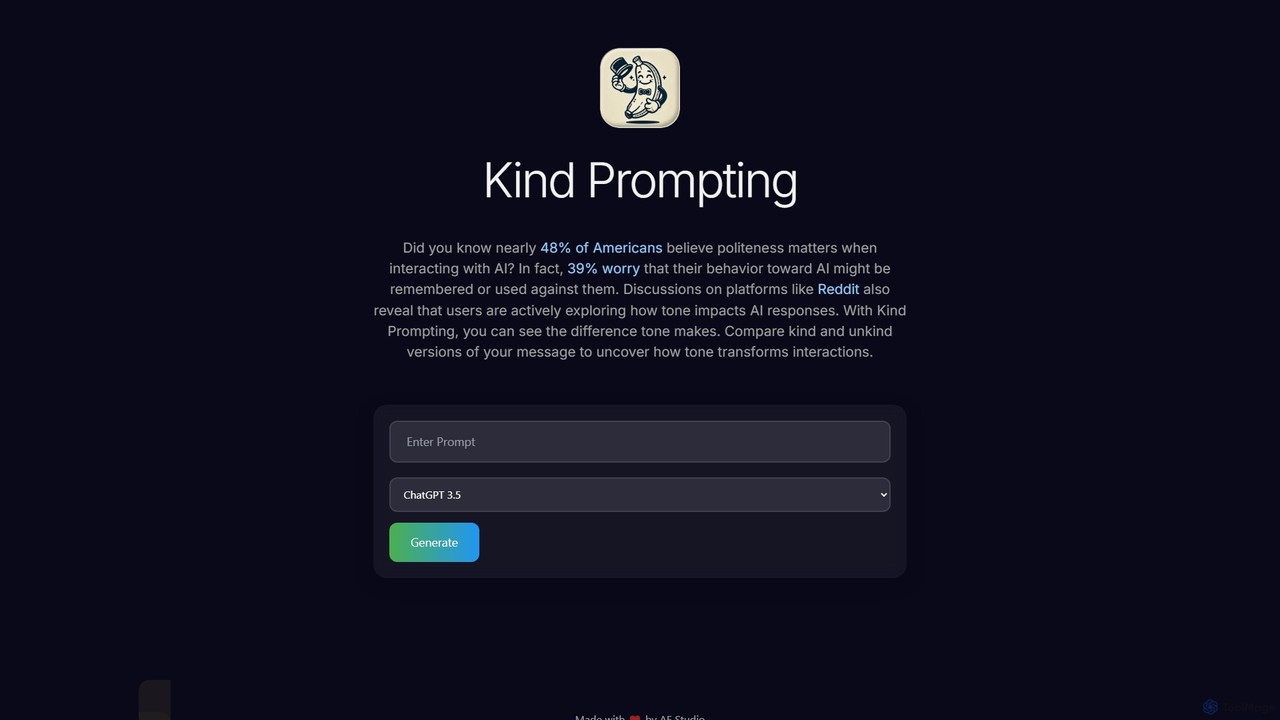
Kind Prompting
Kind Prompting is a free online tool demonstrating how politeness affects AI responses. Input a prompt, and the tool generates 'kind' and 'unkind' versions, sending them to models like ChatGPT-3.5 and 4.0. It displays results side-by-side for clear comparison, helping users master prompt engineering and improve their communication with AI for better, more consistent outcomes. It's an excellent educational resource for anyone interacting with large language models.
Research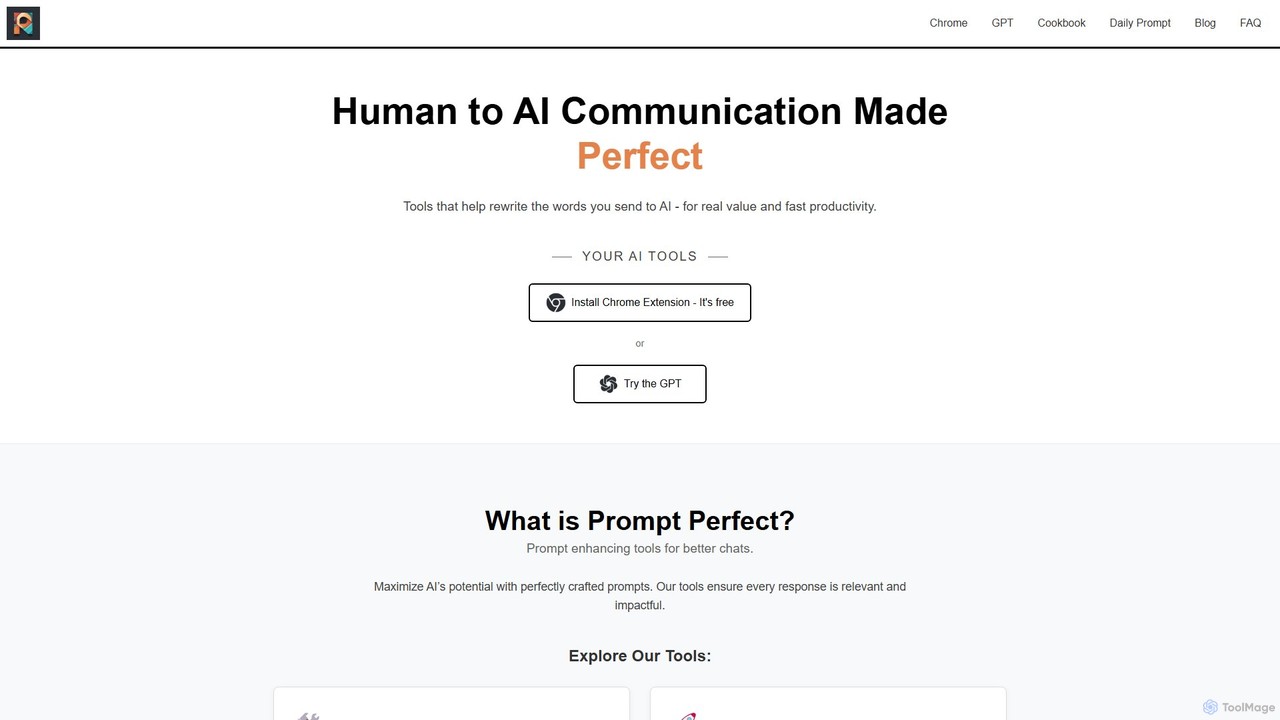
Prompt Perfect
Prompt Perfect is an AI-powered suite, featuring a Chrome Extension and a GPT, designed to optimize your prompts for superior results across major AI platforms like ChatGPT, Gemini, and Claude. It refines, enhances, and manages your prompts to unlock more precise, creative, and effective AI-generated content, boosting productivity for writers, researchers, and professionals.
Research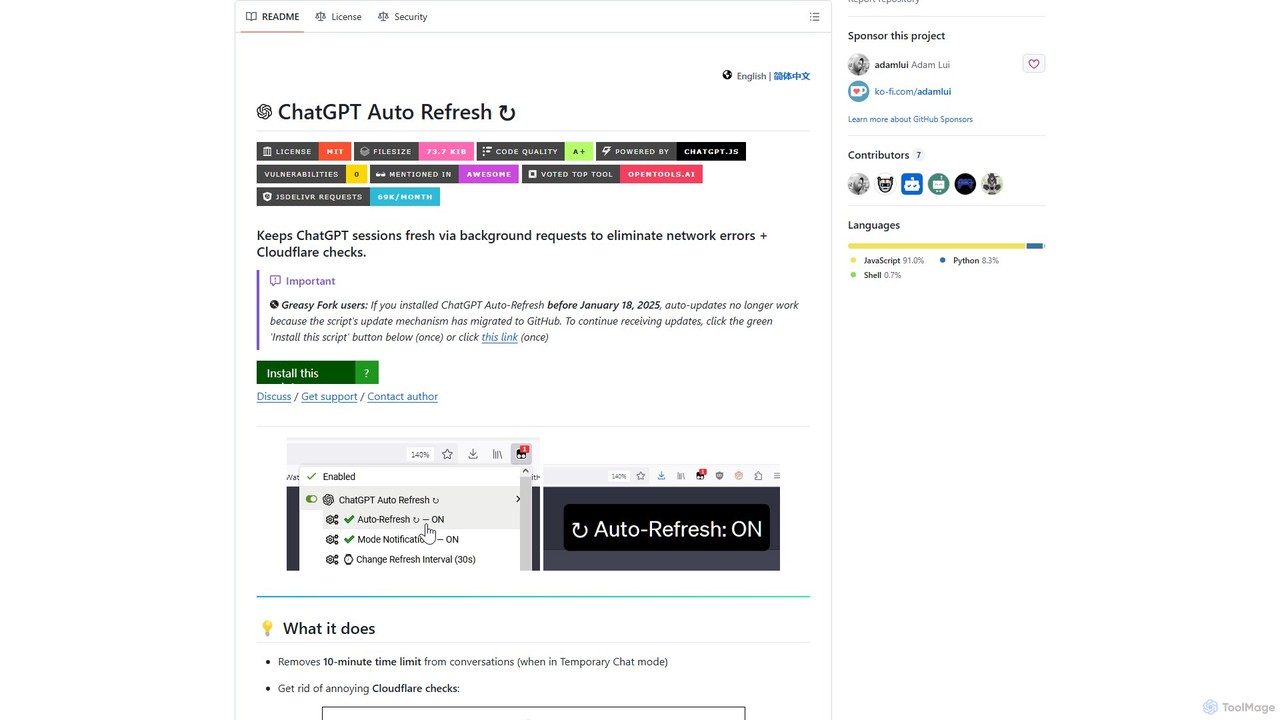
ChatGPT Auto Refresh
ChatGPT Auto Refresh is a free userscript that keeps your ChatGPT sessions active. It prevents timeouts, network errors, and annoying Cloudflare checks by automatically refreshing the session in the background, ensuring a smooth and uninterrupted chat experience.
Chat Assistant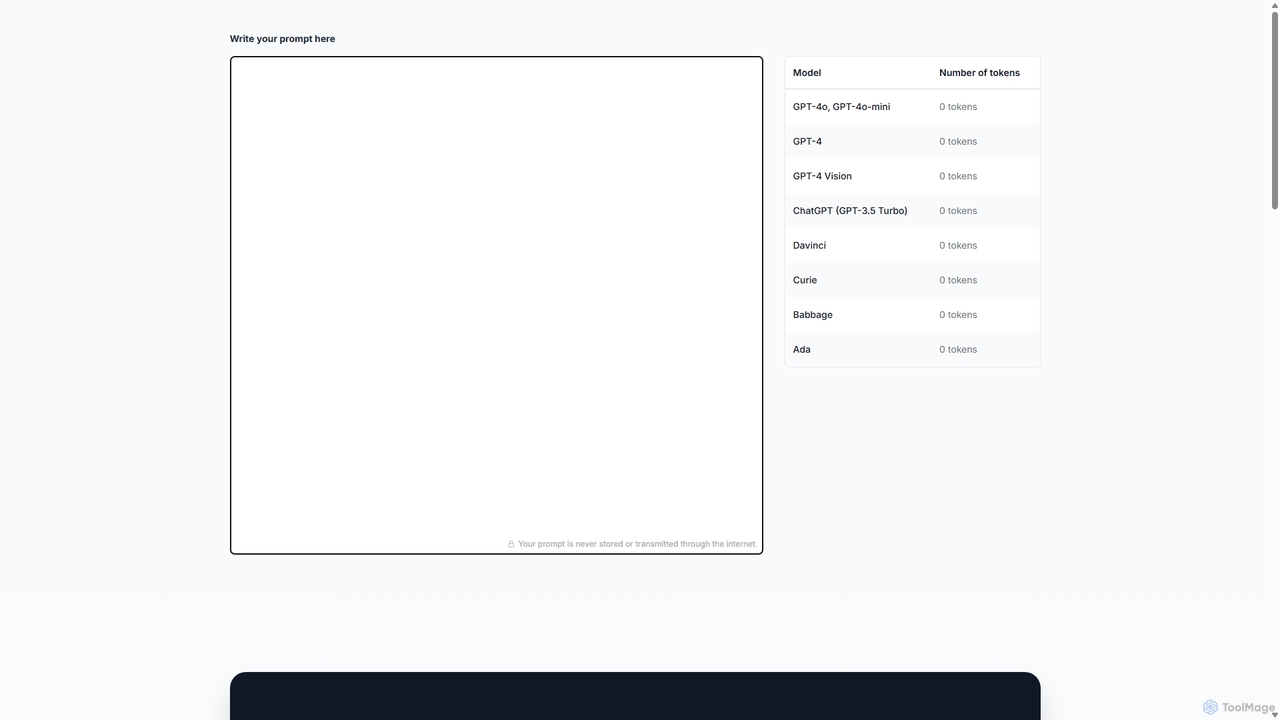
Prompttokencounter
A free, online tool for developers and prompt engineers to accurately count tokens for various OpenAI models like GPT-4o, GPT-4, and GPT-3.5. It helps manage prompt length to stay within model limits, control API costs, and optimize interactions with LLMs. The tool operates entirely in your browser, ensuring your prompts remain private and are never transmitted over the internet.
TextGPT Splitter Categories
GPT Splitter Embed Widget
Copy this embed code to place the badge on your blog, article, or product site and send readers directly to this ToolMage detail page.

Related AI tools
Split Prompt
A free web tool that intelligently splits long text or prompts into smaller, manageable chunks optimized for ChatGPT and other LLMs. It uses token-counting to bypass character limits, ensuring efficient and seamless interaction with AI models.
Utilities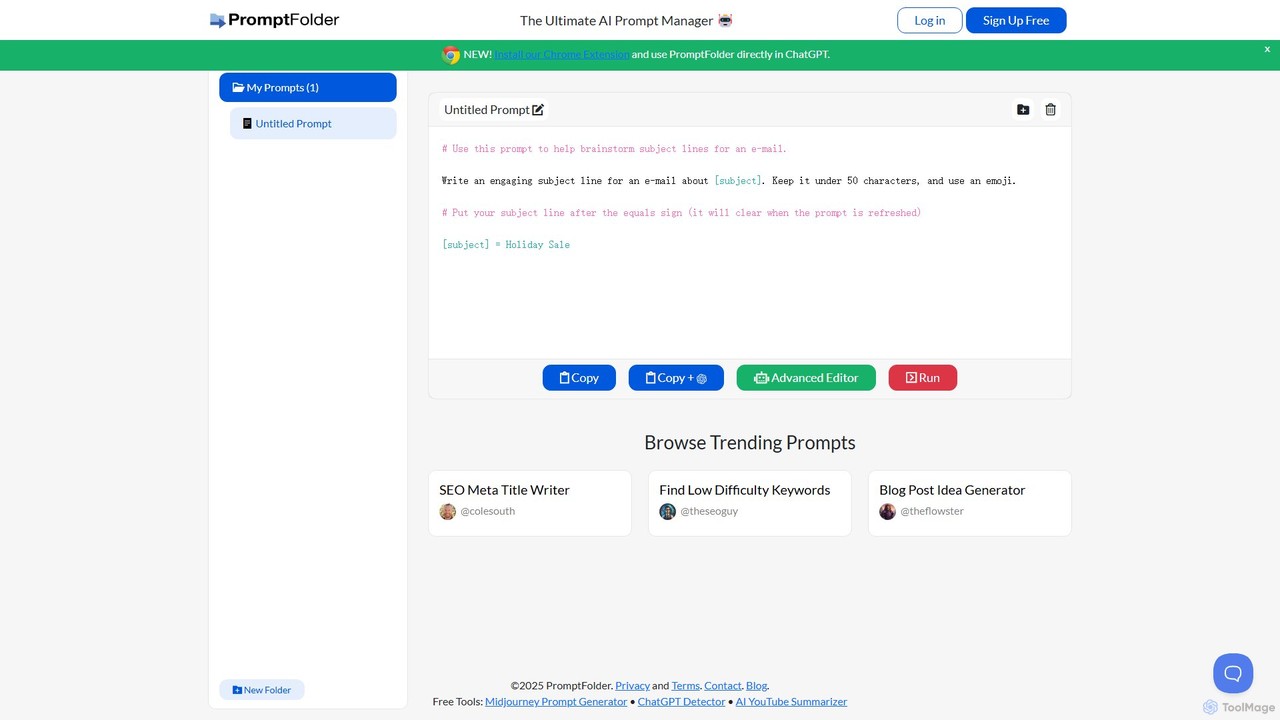
PromptFolder
PromptFolder is a powerful AI prompt manager for ChatGPT, Midjourney, and other AI tools. It allows you to save, organize, and reuse your best prompts with features like folders, variables, and a dedicated Midjourney prompt builder. With its Chrome extension, you can access your entire prompt library directly within the ChatGPT interface, streamlining your workflow and boosting productivity.
Image Generation
AnyModel
AnyModel is an all-in-one platform that allows you to access, compare, and utilize over 50 of the world's leading AI models with a single account. Send prompts to multiple text and image models simultaneously, view results side-by-side, and gain AI-powered insights to enhance accuracy and creativity. Eliminate the need for multiple subscriptions and API keys, saving time and money while achieving superior results.
Model Playground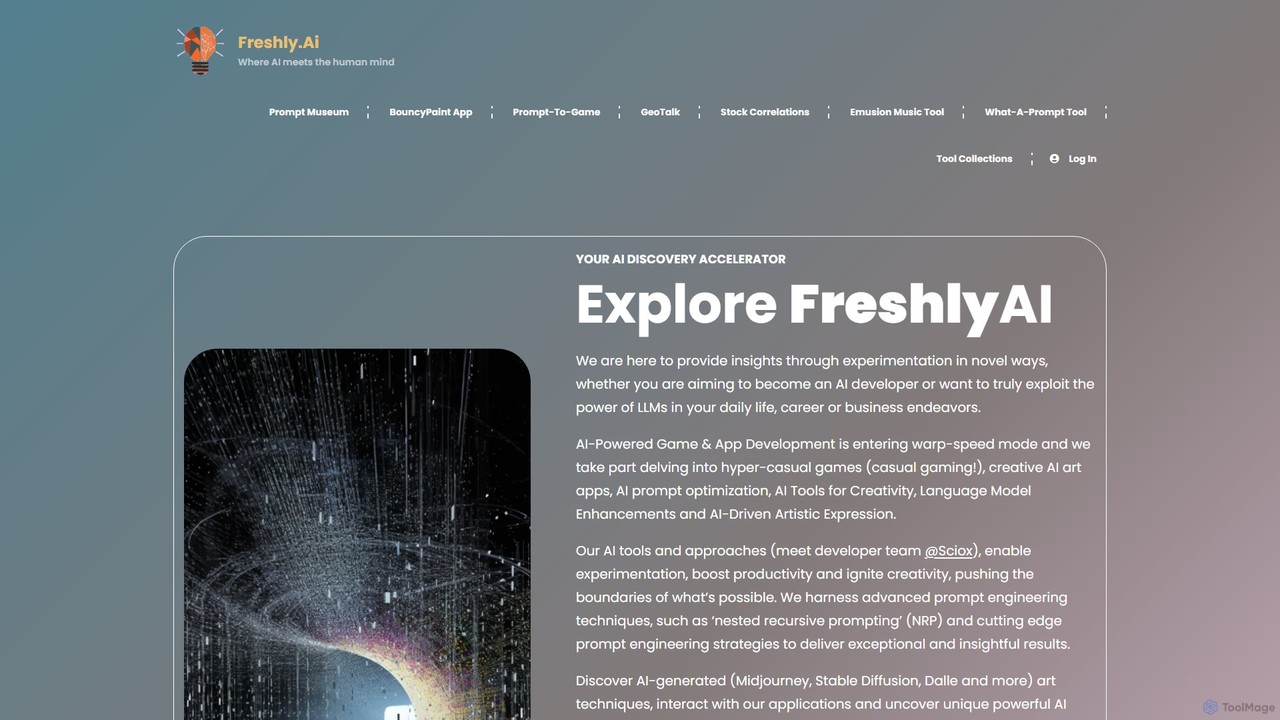
Freshly.ai
Freshly.ai is an AI discovery accelerator and learning hub specializing in advanced LLM prompt engineering. It offers a 'Prompt Museum' with expertly curated, NRP-optimized prompts, in-depth articles on AI techniques, and tools to enhance creativity and productivity for developers, professionals, and enthusiasts.
Prompt Engineering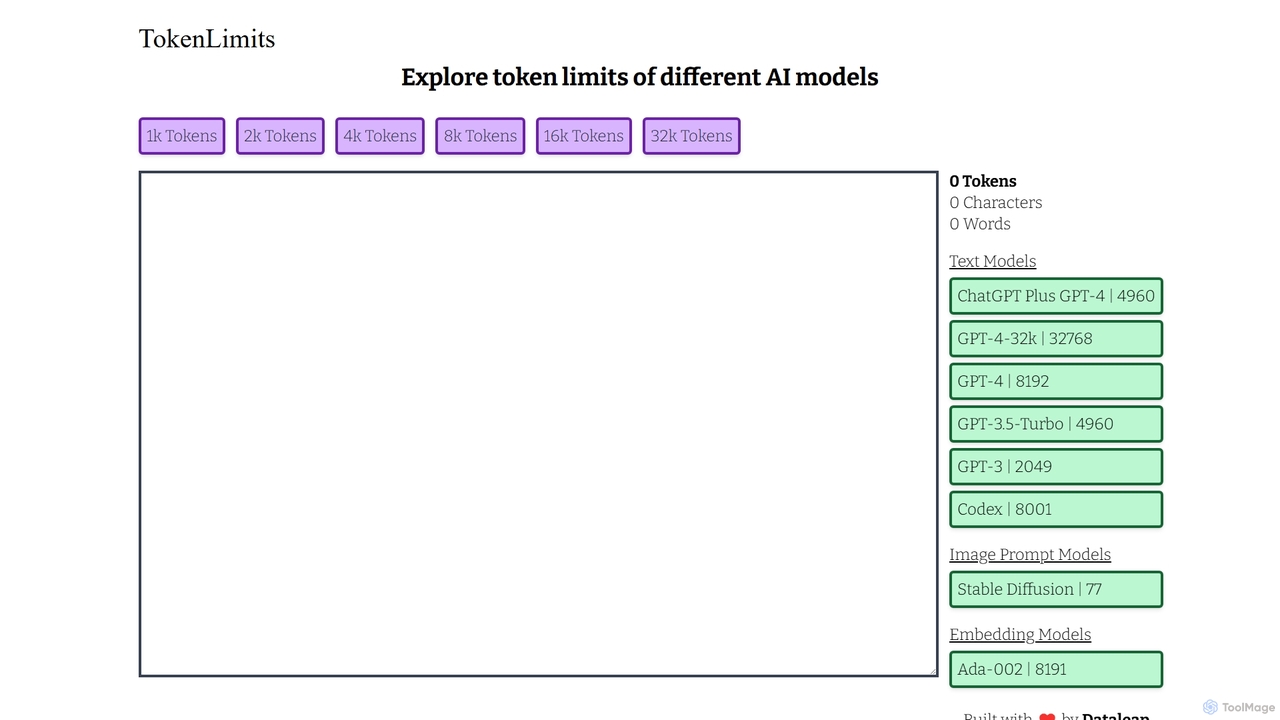
TokenLimits
A free, quick-reference web tool for developers, researchers, and AI enthusiasts to check the token limits of popular AI models. It provides a centralized, up-to-date database for text, image, and embedding models, simplifying workflow and development.
Api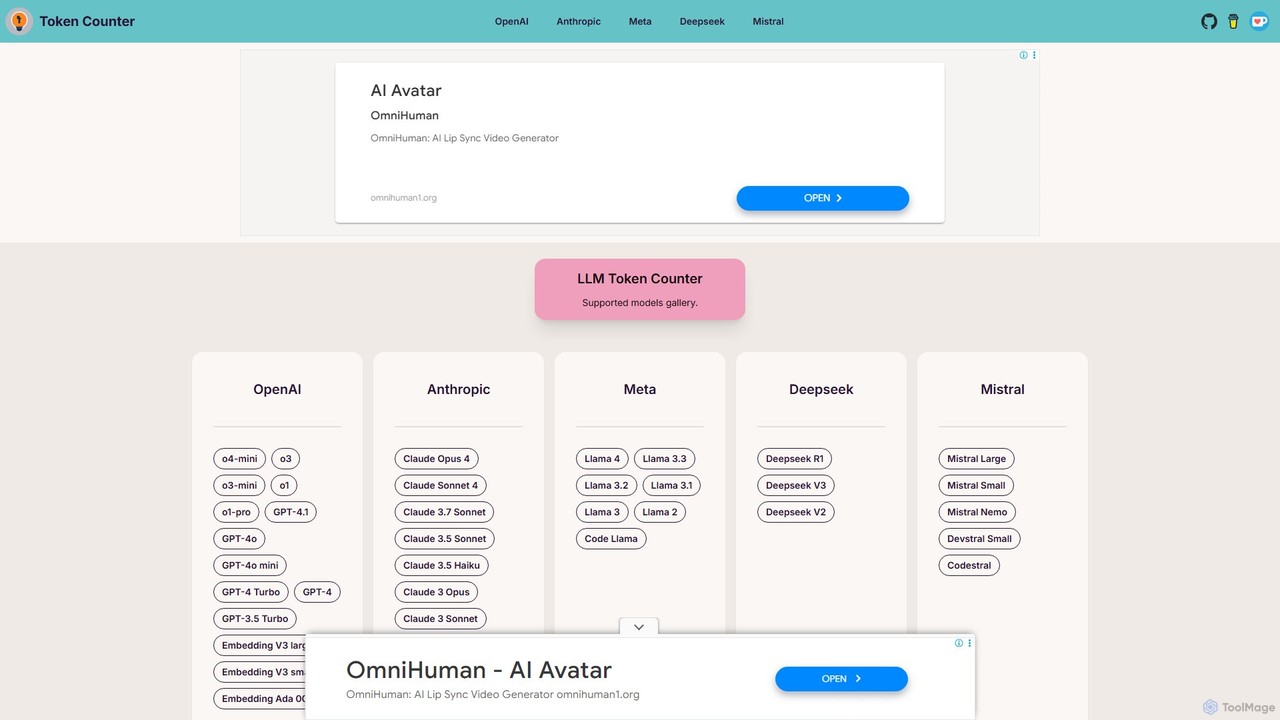
token_counter
A free, privacy-focused online tool for accurately calculating text token counts for a wide range of Large Language Models (LLMs). It supports popular models from OpenAI, Anthropic, Meta, Mistral, and more. By performing all calculations directly in your browser, it ensures your prompts remain confidential. This is an essential utility for developers, writers, and researchers to manage LLM context windows, prevent errors, and optimize API usage without compromising data security.
Api Utilities
Jyek
Jyek is an AI agent platform that understands objectives, creates execution plans, uses tools, and delivers verifiable results for complex, multi-step tasks.
AutomationKind Prompting
Kind Prompting is a free online tool demonstrating how politeness affects AI responses. Input a prompt, and the tool generates 'kind' and 'unkind' versions, sending them to models like ChatGPT-3.5 and 4.0. It displays results side-by-side for clear comparison, helping users master prompt engineering and improve their communication with AI for better, more consistent outcomes. It's an excellent educational resource for anyone interacting with large language models.
ResearchPrompt Perfect
Prompt Perfect is an AI-powered suite, featuring a Chrome Extension and a GPT, designed to optimize your prompts for superior results across major AI platforms like ChatGPT, Gemini, and Claude. It refines, enhances, and manages your prompts to unlock more precise, creative, and effective AI-generated content, boosting productivity for writers, researchers, and professionals.
ResearchChatGPT Auto Refresh
ChatGPT Auto Refresh is a free userscript that keeps your ChatGPT sessions active. It prevents timeouts, network errors, and annoying Cloudflare checks by automatically refreshing the session in the background, ensuring a smooth and uninterrupted chat experience.
Chat AssistantPrompttokencounter
A free, online tool for developers and prompt engineers to accurately count tokens for various OpenAI models like GPT-4o, GPT-4, and GPT-3.5. It helps manage prompt length to stay within model limits, control API costs, and optimize interactions with LLMs. The tool operates entirely in your browser, ensuring your prompts remain private and are never transmitted over the internet.
Text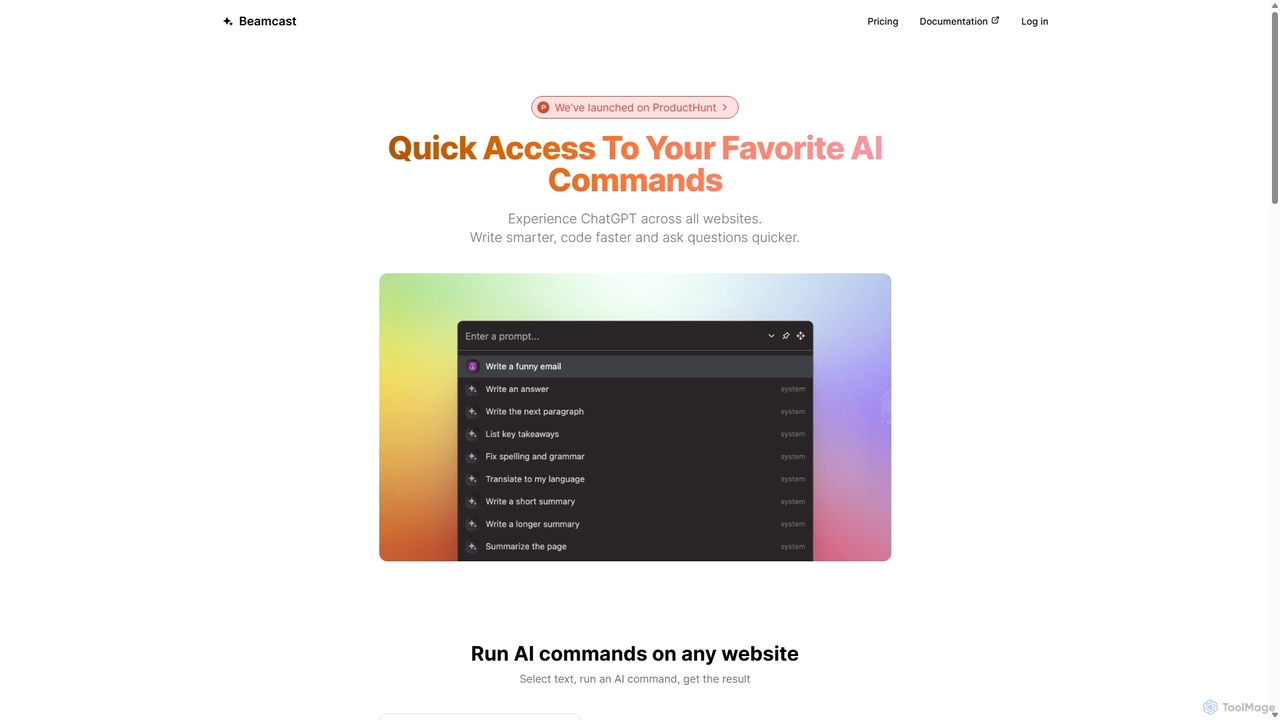
Beamcast
A browser extension that puts ChatGPT and Gemini at your fingertips. Select text on any website to run built-in or custom AI commands for writing, coding, and quick answers, streamlining your workflow and boosting productivity without ever leaving the page.
Search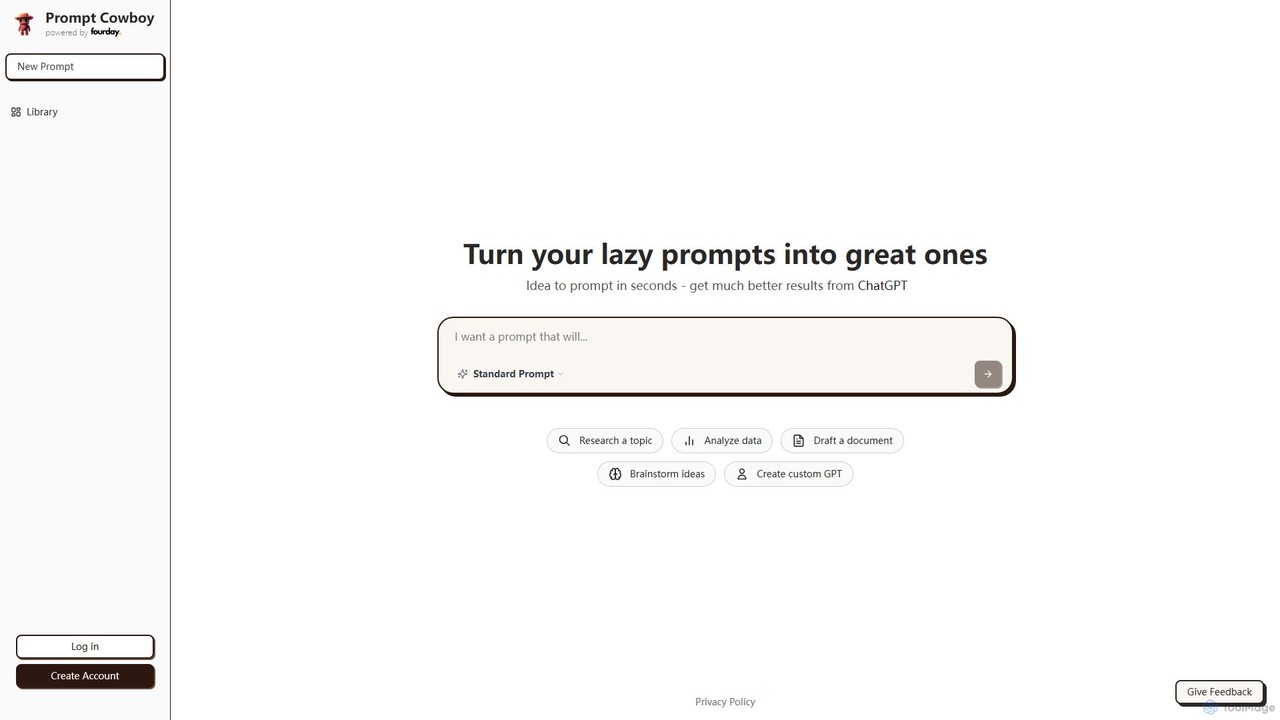
Prompt Cowboy
Prompt Cowboy is an AI-powered prompt generator that transforms simple ideas into highly effective, structured prompts for models like ChatGPT, OpenAI o3, and VEO-3. It offers specialized templates for various tasks, including reasoning, deep research, and custom GPT creation, helping users achieve significantly better results from their AI interactions.
Ai Integration
promptbetter.ai
An AI-powered prompt engineering platform designed to help users create, refine, and optimize prompts for large language models (LLMs). It enhances prompt clarity, context, and structure to generate superior, more accurate, and consistent AI outputs for various tasks.
Code Assistant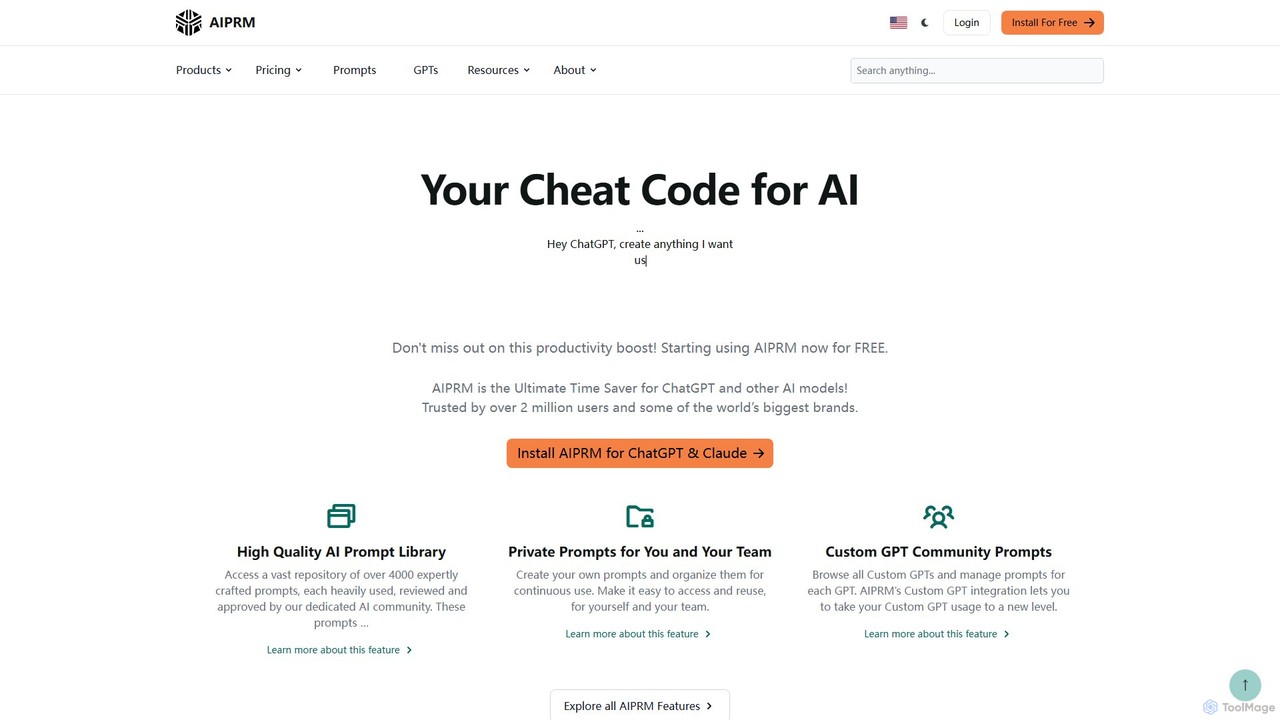
AIPRM
AIPRM is a browser extension for ChatGPT, Claude, and other AIs, offering a massive library of over 4,500 community-vetted prompts. It streamlines content creation, SEO, and marketing tasks by providing one-click access to expert-level prompts, custom prompt management for teams, and powerful productivity features. Boost your efficiency and unlock the full potential of generative AI without needing to be a prompt engineering expert.
Code Assistant
GPT Splitter Comments (0)
Sign in to comment.
Sign inNo comments yet.