ToolMage
Sign in

Best 14 Prompting AI tools for Productivity

Popular Prompting AI tools in Productivity include FlowGPT, Prompttokencounter, Oksuro, Split Prompt, SoraPrompting, pheeds, dreamspace.art, Prompt.fun, gptlab, and ChatSuggest, helping you work more efficiently.

FlowGPT
Freemium

FlowGPT

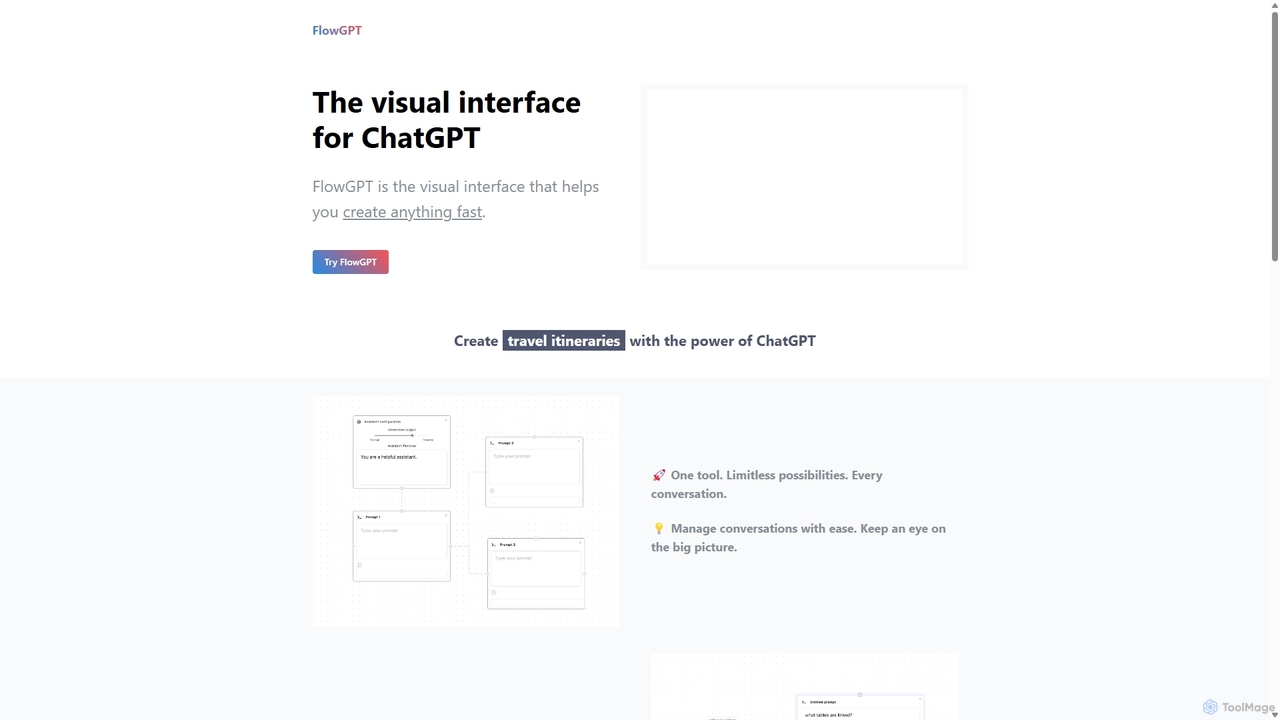
FlowGPT is a visual interface for ChatGPT that allows users to create, manage, and visualize complex AI conversations using a node-based, flowchart-style canvas. It enhances prompt engineering, content creation, and data analysis by enabling multi-threaded dialogues, document uploads, and collaborative workflows. Ideal for marketers, writers, and developers looking to unlock the full potential of AI.

Workflow Automation
Visits 28KFavorites 123Likes 116
Prompt.fun
Paid

Prompt.fun

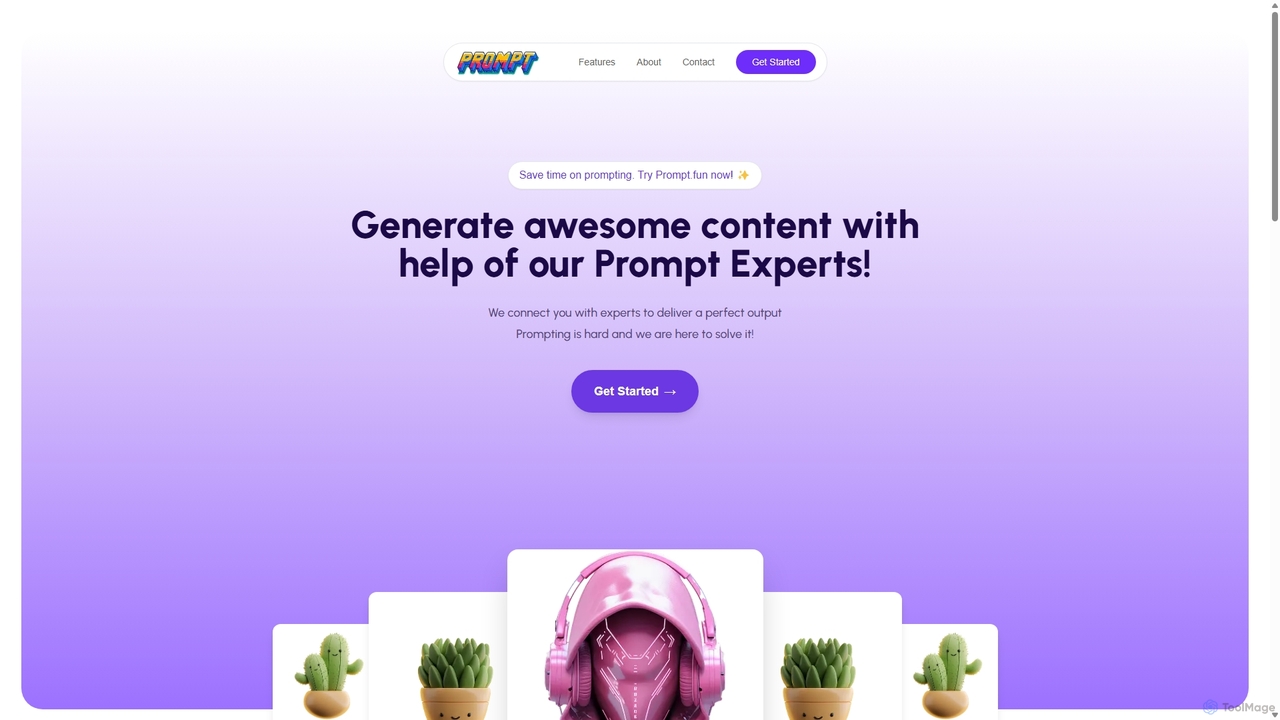
Prompt.fun is a unique platform connecting users with professional prompt engineering experts. Save time and achieve superior AI-generated content by collaborating in real-time with specialists. Whether for art, writing, or code, get perfectly crafted prompts tailored to your specific needs and unlock the full potential of any AI tool.

Learning
Visits 4.2KFavorites 126Likes 116
Prompttokencounter
Free

Prompttokencounter

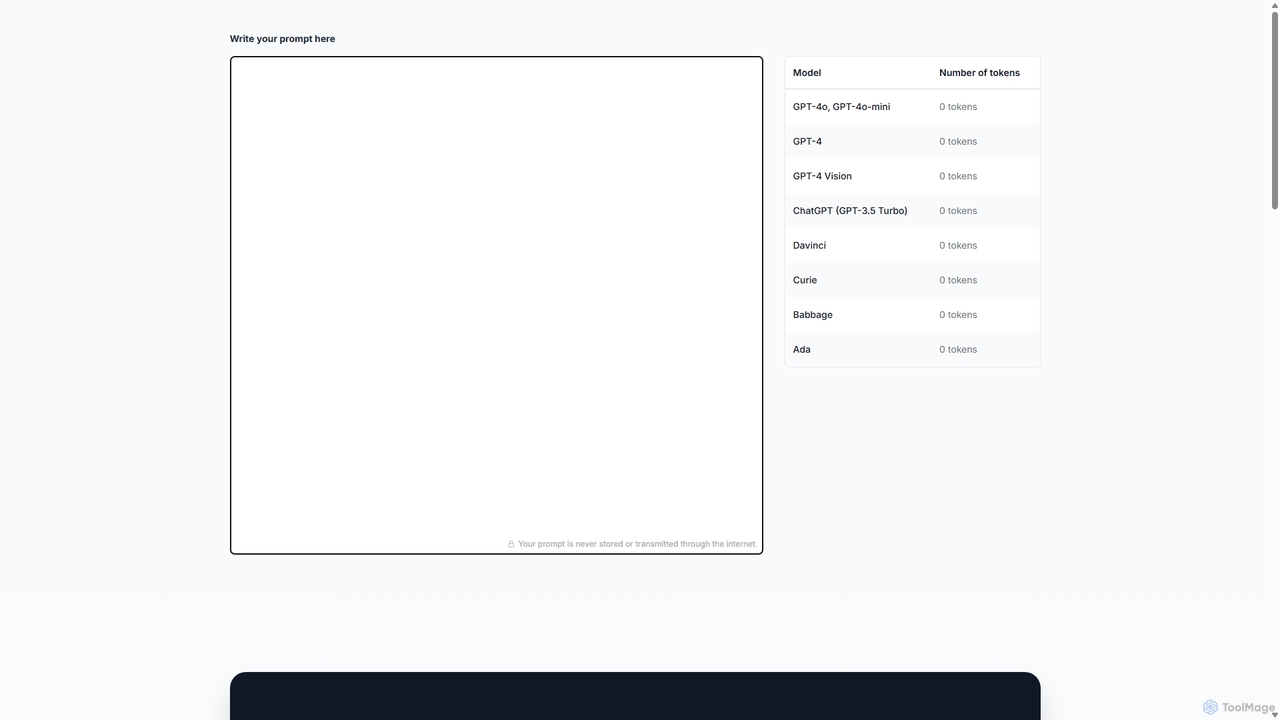
A free, online tool for developers and prompt engineers to accurately count tokens for various OpenAI models like GPT-4o, GPT-4, and GPT-3.5. It helps manage prompt length to stay within model limits, control API costs, and optimize interactions with LLMs. The tool operates entirely in your browser, ensuring your prompts remain private and are never transmitted over the internet.

Text
Visits 14.3KFavorites 131Likes 117
SoraPrompting
Free

SoraPrompting

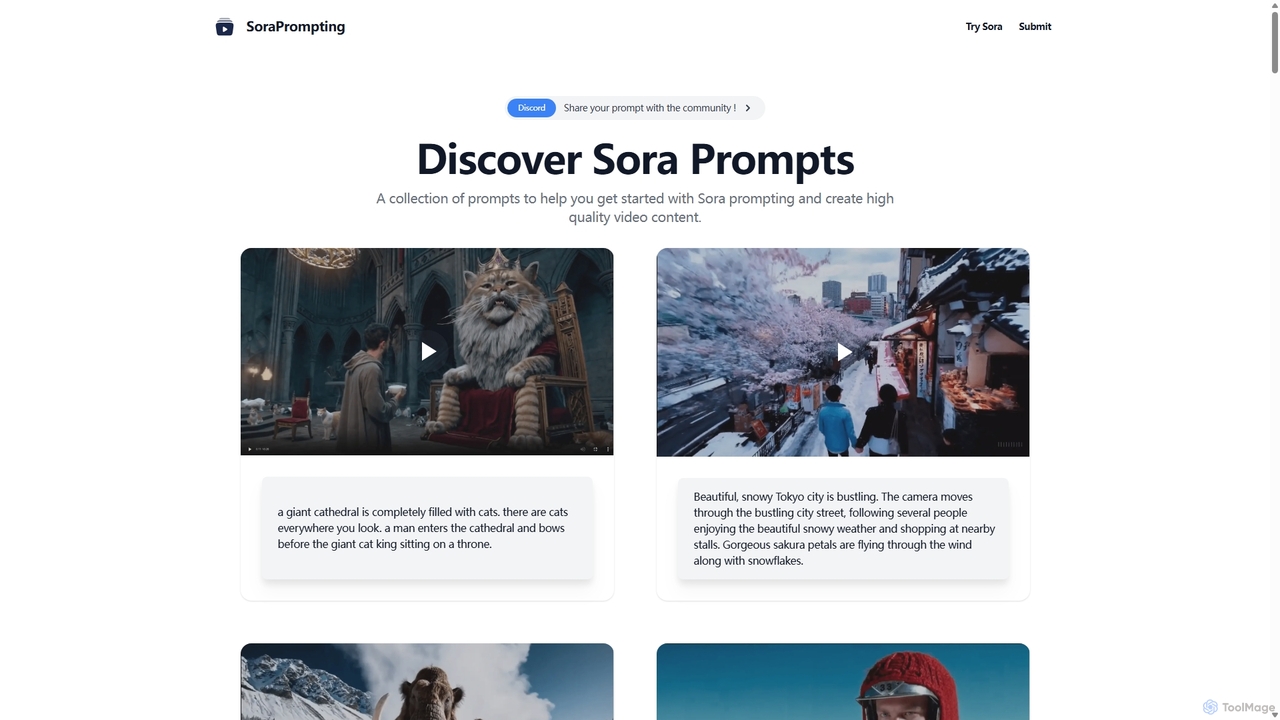
SoraPrompting is a community-driven platform offering a curated collection of high-quality prompts for OpenAI's Sora text-to-video model. It serves as an inspiration hub and resource for video content creators, filmmakers, and artists to master Sora prompting and generate stunning AI videos.

Prompting
Visits 6.2KFavorites 125Likes 120
Split Prompt
Free

Split Prompt

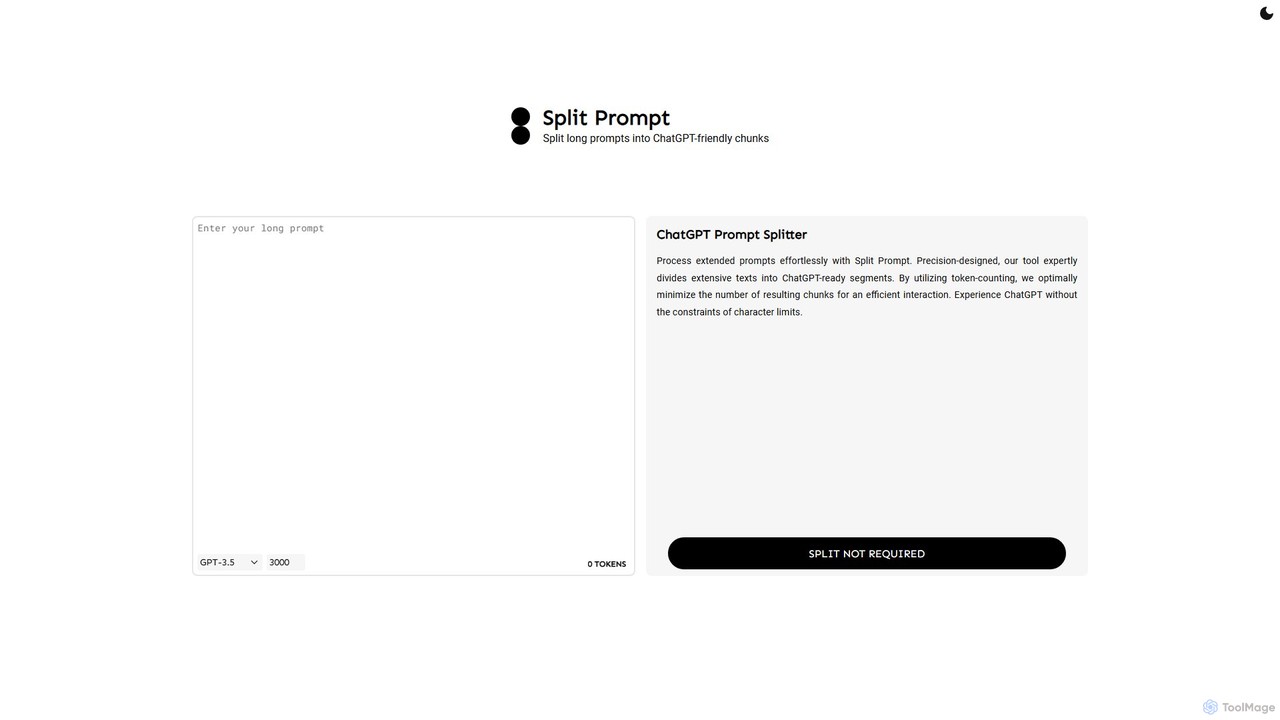
A free web tool that intelligently splits long text or prompts into smaller, manageable chunks optimized for ChatGPT and other LLMs. It uses token-counting to bypass character limits, ensuring efficient and seamless interaction with AI models.

Utilities
Visits 6.3KFavorites 131Likes 143
dreamspace.art
Freemium

dreamspace.art

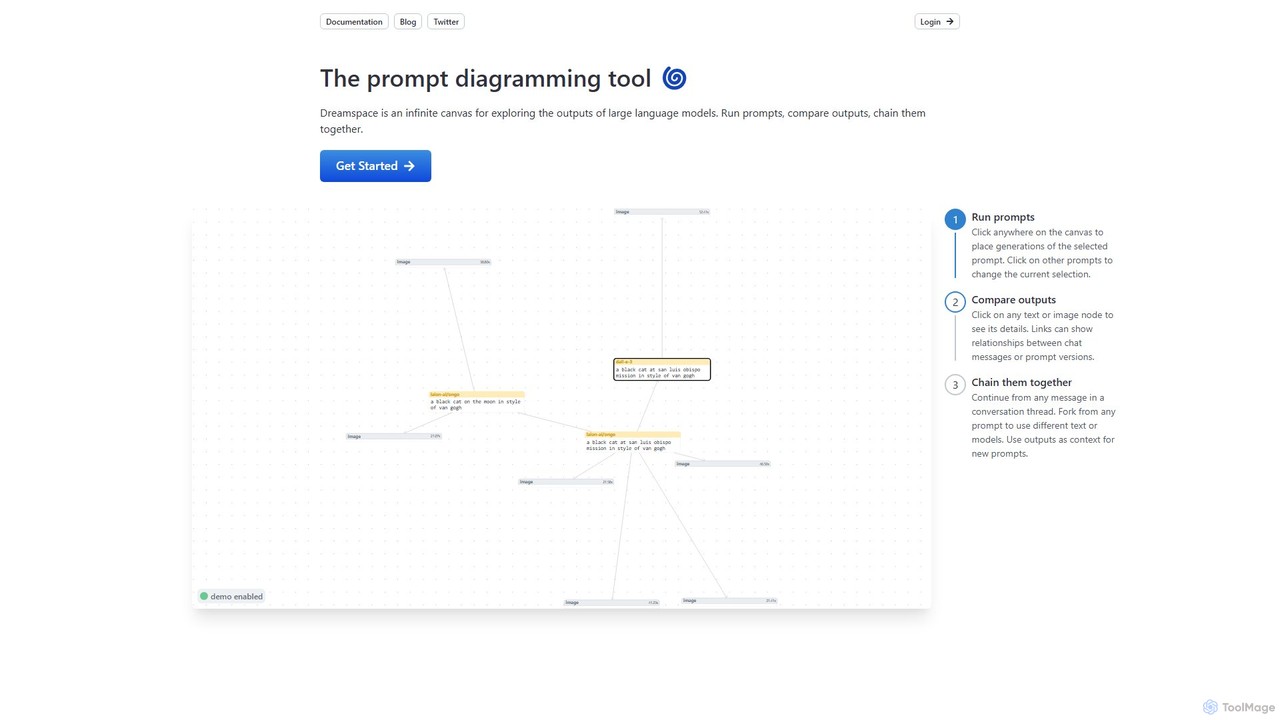
Dreamspace is a visual prompt diagramming tool with an infinite canvas, designed for exploring, comparing, and chaining outputs from large language models. It allows users to visually organize prompt experiments, connect to various AI models like OpenAI and Claude, and build complex workflows in a node-based interface.

Experimentation
Visits 4.8KFavorites 122Likes 112
Thinking-Claude
Free

Thinking-Claude

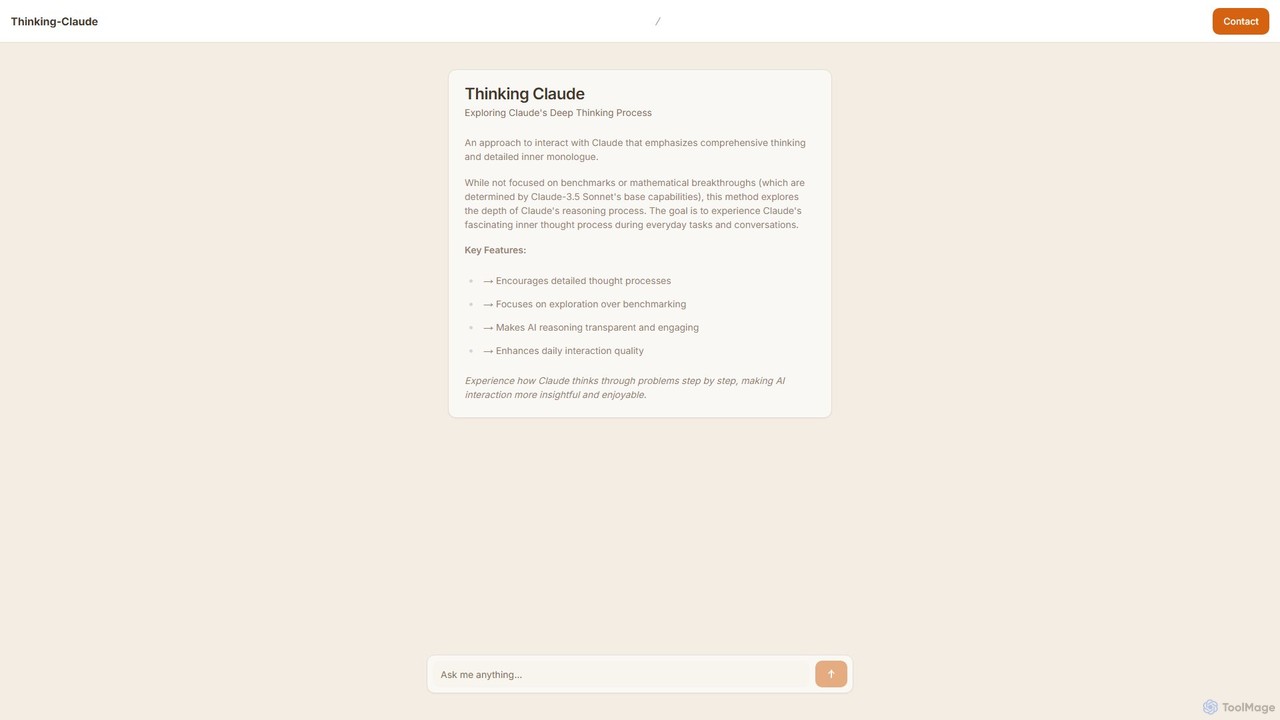
Thinking-Claude is a unique AI interaction tool that reveals the detailed inner thought process of Anthropic's Claude model. It's designed for users who want to understand *how* an AI thinks, not just what it outputs. By making the AI's reasoning transparent, it enhances learning, creativity, and trust in AI-powered conversations for everyday tasks.

Model Interaction
Visits 4KFavorites 106Likes 104
gptlab
Free

gptlab

An intuitive web-based playground for experimenting with and comparing various large language models. Fine-tune parameters, test prompts, and analyze outputs from models like GPT, Claude, and Gemini in a user-friendly interface. Ideal for prompt engineers, developers, and content creators.

Prototyping
Visits 4.1KFavorites 121Likes 148
getairim
Freemium

getairim

getairim is a powerful browser extension that provides a vast, curated library of high-quality prompts for generative AI models like ChatGPT and Midjourney. It streamlines your workflow, helping you generate superior content, code, and images with expertly crafted prompts.

Code Assistant
Visits 4KFavorites 121Likes 142
Oksuro
Freemium

Oksuro

Oksuro is a platform offering a vast library of high-quality AI-generated stock images. It uniquely provides the detailed prompts and settings used for each image, allowing users to recreate, learn from, and customize stunning visuals using models like Stable Diffusion.

Image Generation
Visits 10.1KFavorites 118Likes 118
pheeds
Freemium

pheeds

Pheeds is a comprehensive toolkit and resource hub for AI-powered content creation. It offers extensive prompt libraries for Midjourney and ChatGPT, curated SEO tools, text processing utilities, and a vast collection of public domain resources to enhance creativity and productivity for marketers, writers, and artists.

Seo
Visits 5KFavorites 103Likes 96
Kind Prompting
Free

Kind Prompting

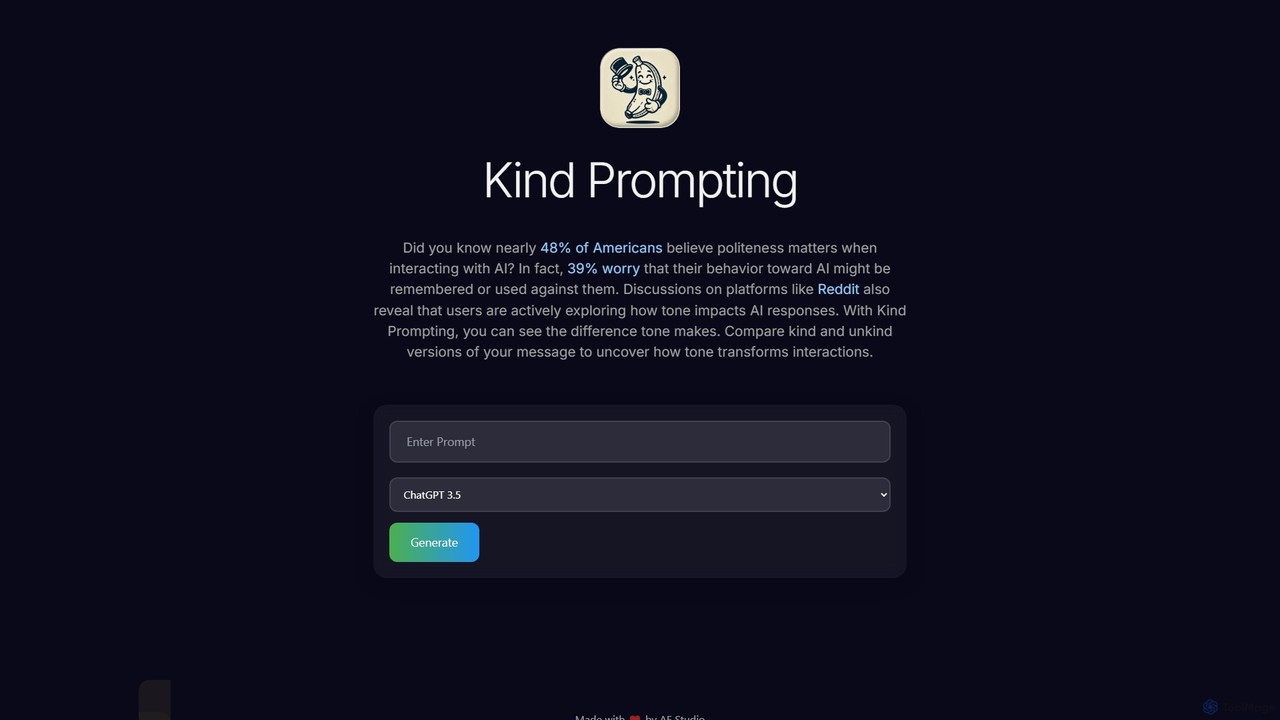
Kind Prompting is a free online tool demonstrating how politeness affects AI responses. Input a prompt, and the tool generates 'kind' and 'unkind' versions, sending them to models like ChatGPT-3.5 and 4.0. It displays results side-by-side for clear comparison, helping users master prompt engineering and improve their communication with AI for better, more consistent outcomes. It's an excellent educational resource for anyone interacting with large language models.

Research
Visits 4KFavorites 116Likes 124
GPT Splitter
Free

GPT Splitter

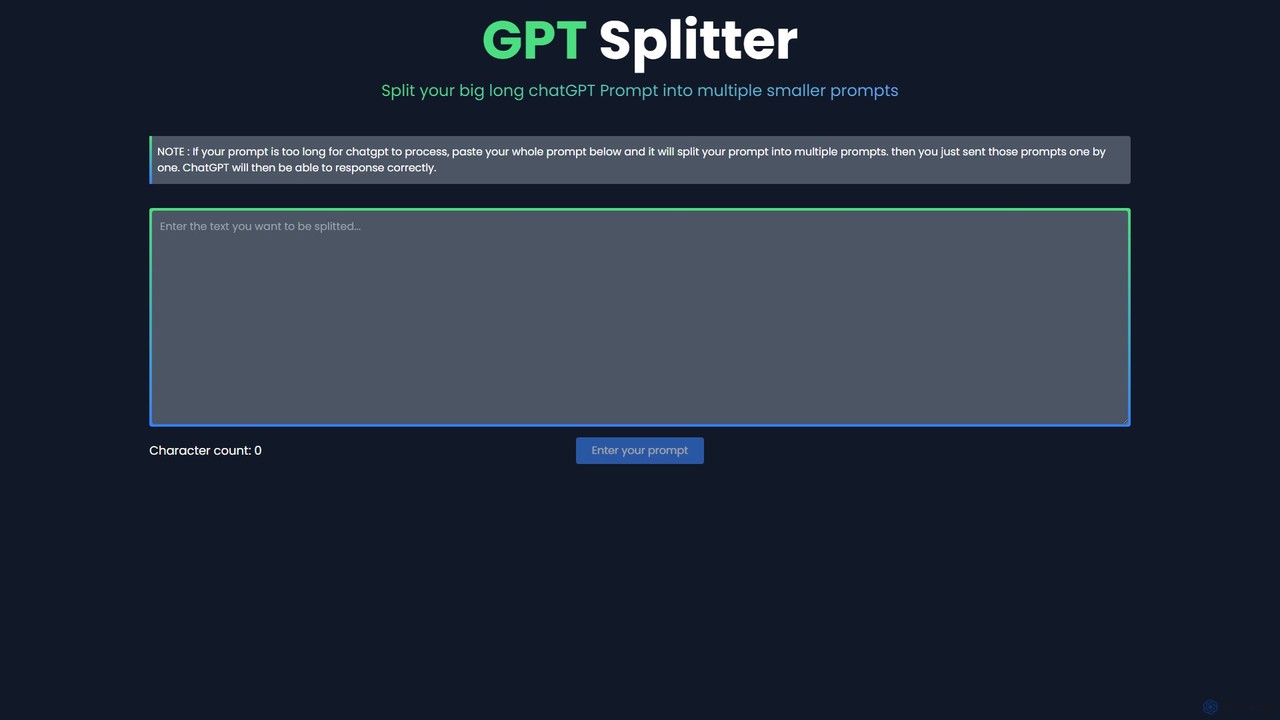
A free web-based tool that automatically splits long text or prompts into smaller, manageable chunks to overcome the character limits of large language models like ChatGPT, ensuring complete context and better AI responses.

Utilities
Visits 4KFavorites 119Likes 121
ChatSuggest
Freemium

ChatSuggest

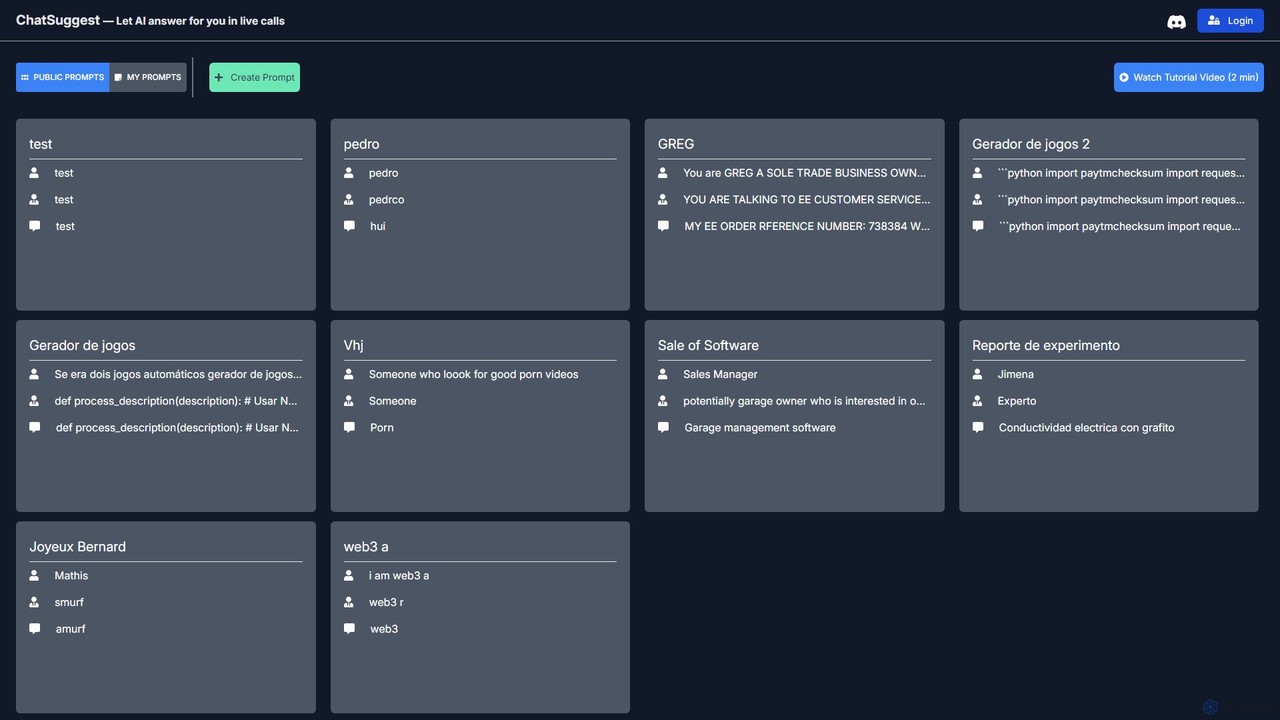
ChatSuggest is a community-driven platform for discovering, creating, and sharing high-quality AI prompts. It offers a vast library of public prompts for various tasks, from creative writing to code generation, helping users enhance their interactions with large language models and achieve better results.

Code Assistant
Visits 4KFavorites 120Likes 106

About Prompting

Prompting tools are specialized applications designed to help users create, manage, and optimize text-based instructions for generative AI models. These platforms provide a structured environment with features like templates, variable management, and version control, moving beyond simple text editors. They enable users to craft more precise, effective, and repeatable prompts, which directly improves the quality and consistency of AI-generated content or code. For professionals in productivity-focused roles, these tools are essential for transforming creative ideas into reliable AI outputs efficiently.

Core Features

  • Prompt Templates: Create reusable prompt structures with placeholders for dynamic content insertion.
  • Version Control: Track changes to prompts, compare different versions, and analyze their respective outputs.
  • Prompt Library: Organize, search, and share a centralized collection of prompts for team collaboration.
  • Multi-Model Testing: Test a single prompt across various AI models (e.g., GPT-4, Claude 3) to compare performance.
  • Performance Analytics: Evaluate prompt effectiveness by analyzing metrics like response quality, latency, or cost.

Use Cases

Prompting tools are widely used by developers building AI-powered applications, marketing teams striving for brand consistency in generated content, and customer support managers creating standardized response templates. They are also valuable for researchers systematically testing model behaviors and for content creators looking to streamline their creative workflows.

How to Choose

When selecting a Prompting tool, consider its compatibility with the AI models you use. Evaluate its collaboration features, such as team libraries and access controls. Assess whether you need a simple template manager or a comprehensive IDE with advanced testing and analytics. Finally, check for integration capabilities with your existing development environments or content management systems.

Featured tool rankings

Prompting use cases

1

Standardize Marketing Copy Generation

A marketing team uses a prompting tool to create and manage a library of approved prompts for generating social media posts, ad copy, and product descriptions. By using templates with variables for product names, target audiences, and key features, they ensure all AI-generated content maintains a consistent brand voice and tone. This process reduces the time spent on content creation by over 50% and eliminates inconsistencies that could arise from different team members writing their own prompts from scratch.

2

Develop and Test Prompts for AI Applications

A software developer is building an AI-powered feature that summarizes legal documents. They use a prompting tool as an IDE to write, test, and version control their prompts. The tool allows them to create a test suite with dozens of sample documents and compare the outputs from different prompt versions side-by-side. This systematic approach helps them identify the most robust prompt that handles edge cases correctly, leading to a more reliable and accurate application feature before deployment.

3

Optimize Customer Support Response Templates

A customer support manager creates a series of prompt templates for handling common issues like refunds, technical troubleshooting, and account inquiries. Support agents can select a template and fill in variables such as customer name and ticket number. The AI then generates a detailed, empathetic, and technically accurate response. The manager can analyze which prompts lead to the highest customer satisfaction scores and refine them over time, ensuring continuous improvement in support quality and reducing agent training time.

4

Manage Complex Prompts for AI Art Generation

A digital artist uses a prompting tool to construct and organize intricate prompts for image generation models like Midjourney or Stable Diffusion. The tool allows them to break down prompts into components (e.g., subject, style, lighting, camera angle) and save them as reusable snippets. They can easily mix and match these components and use variables to experiment with different parameters, such as weights or artist styles. This structured approach streamlines their creative process, enabling faster iteration and the management of hundreds of prompt variations for a single project.

5

Systematic Research on LLM Behavior

A university researcher is studying biases in large language models. They use a prompting tool to design a large-scale experiment, creating a base prompt and then programmatically generating thousands of variations by swapping out variables like names, locations, and professions. The tool's integration with AI model APIs allows them to automatically run all prompt variations and collect the outputs. This automates a previously manual and time-consuming process, enabling more comprehensive and statistically significant research into model behavior.

6

Create Personalized Educational Content

An online course creator uses a prompting tool to generate customized learning materials. They design a master prompt template for creating practice questions, explanations, and summaries. By inputting variables for the subject (e.g., 'Algebra'), topic (e.g., 'Quadratic Equations'), and difficulty level ('Beginner'), they can instantly generate a wide range of tailored content. This allows them to efficiently build a large bank of educational resources that can be adapted to individual student needs, enhancing the learning experience without manually writing each piece of content.

Prompting FAQ

What are Prompting tools?

Prompting tools are specialized software applications designed to help users write, manage, test, and optimize prompts for generative AI models. Unlike a standard text editor, they provide features specifically for prompt engineering, such as version control, prompt templates with variables, performance analytics, and the ability to test prompts across multiple AI models simultaneously. Their main purpose is to improve the quality, consistency, and efficiency of interactions with AI.

How do I choose the right Prompting tool?

To choose the right tool, consider these factors:

  • Model Support: Ensure it connects to the AI models you use (e.g., OpenAI, Anthropic, Google Gemini, Midjourney).
  • Collaboration Needs: If you work in a team, look for features like shared libraries, user roles, and commenting.
  • Use Case Complexity: For simple tasks, a basic template manager may suffice. For developing AI applications, you might need an advanced IDE with debugging, testing, and analytics.
  • Integration: Check if it can integrate with your existing workflow, such as through a VS Code extension, API, or other software connectors.
What's the difference between a text editor and a Prompting tool?

A text editor (like Notepad or VS Code) is a general-purpose tool for writing any kind of text or code. A Prompting tool is a specialized environment built specifically for interacting with AI. While you can write a prompt in a text editor, a prompting tool offers additional, crucial features like:

  • Direct integration with AI model APIs for instant testing.
  • Side-by-side comparison of outputs from different prompts or models.
  • Management of prompt versions and templates.
  • Collaboration features for teams to share and refine prompts.

Essentially, a prompting tool is an IDE (Integrated Development Environment) for prompt engineering, designed to enhance productivity and output quality.

Who should use Prompting tools?

Prompting tools are beneficial for anyone who frequently uses generative AI and needs to ensure high-quality, consistent, and efficient results. Key user groups include:

  • Developers: For building and testing prompts that power AI features in applications.
  • Marketers & Content Creators: For maintaining brand voice and scaling content production.
  • Customer Support Teams: For creating standardized and effective response templates.
  • Researchers: For systematically studying the behavior of AI models.
  • Power Users: Individuals who want to organize their personal library of prompts and streamline their creative or analytical workflows.
Why is Prompt Engineering important for productivity?

Prompt engineering is crucial for productivity because the quality of a prompt directly determines the quality of the AI's output. A well-crafted prompt saves time by reducing the number of attempts needed to get a desired result. It minimizes the need for extensive editing and rework. For teams, using managed prompts ensures consistency and adherence to standards, which streamlines workflows and improves the reliability of AI-powered processes. Ultimately, effective prompt engineering transforms AI from a novelty into a dependable and efficient productivity tool.