

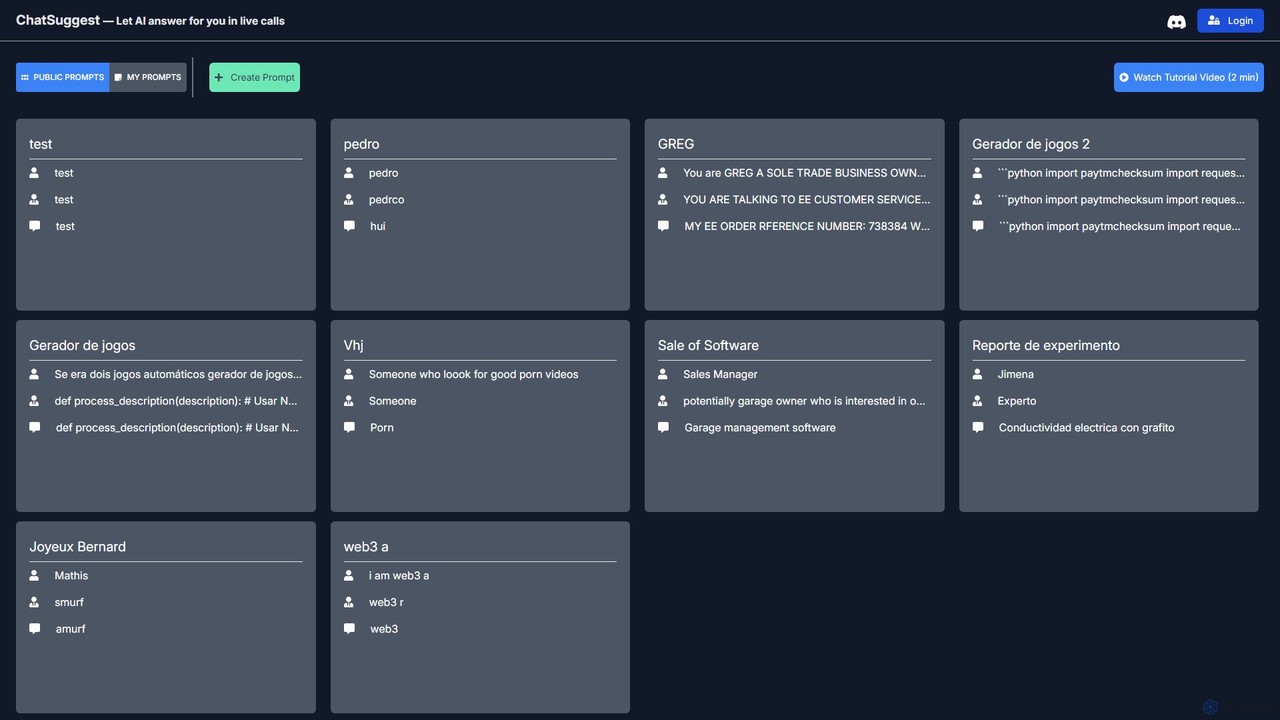
ChatSuggest Overview
ChatSuggest is a dynamic and collaborative platform designed to serve as a central hub for AI prompt engineering. It empowers users by providing a vast, community-curated library of prompts for a wide array of large language models (LLMs). The core mission of ChatSuggest is to help users, from beginners to expert prompt engineers, unlock the full potential of AI by providing them with effective, tested, and creative prompts. Instead of starting from a blank slate, users can browse through thousands of public prompts, saving time and gaining inspiration for their own projects.
The platform is built on the principle of community and knowledge sharing. Users can not only find prompts for tasks like content creation, software development, marketing strategy, and academic research, but they can also contribute their own successful prompts to the public library. This collaborative ecosystem ensures that the collection of prompts is constantly growing, evolving, and improving in quality, reflecting the latest techniques in prompt engineering.
How to use ChatSuggest
Using ChatSuggest is a straightforward process designed for efficiency and ease of use:
- Discover Prompts: Start by exploring the 'Public Prompts' library. You can use the search bar to look for specific keywords or browse through categories to find prompts relevant to your needs.
- Select and Adapt: Once you find a prompt you like, you can simply copy it. Most prompts are designed to be easily adaptable, allowing you to tweak variables or instructions to perfectly fit your specific context.
- Create Your Own: Click on 'Create Prompt' to open the prompt editor. Here, you can write your own detailed prompts, defining roles, context, constraints, and desired output formats. This is perfect for crafting unique instructions for complex tasks.
- Manage Your Library: The 'My Prompts' section acts as your personal, private repository. Save your most-used or most effective prompts here for quick access and reuse, ensuring consistency in your AI-generated content.
- Contribute to the Community: If you've crafted a particularly effective prompt, you can choose to make it public, sharing your knowledge with the community and helping others achieve better results.
Core Features of ChatSuggest
- Extensive Public Prompt Library: A vast and growing collection of prompts for diverse applications, including coding, writing, marketing, education, and more.
- Intuitive Prompt Editor: A user-friendly interface for creating, editing, and formatting your own custom prompts with ease.
- Personal Prompt Management: A dedicated private dashboard ('My Prompts') to save, organize, and manage your personal collection of prompts.
- Community-Driven Platform: The ability to share your prompts and benefit from the collective intelligence of a global community of AI users.
- Advanced Search and Filtering: Quickly find the exact prompts you need with powerful search functionality and categorization.
- Multi-language Support: The platform supports and hosts prompts in multiple languages, catering to a global user base.
Use Cases for ChatSuggest
ChatSuggest is a versatile tool applicable across numerous fields:
- Content Creators: Find prompts for generating blog post ideas, writing articles, creating social media captions, and drafting video scripts.
- Developers & Programmers: Access prompts for generating code snippets in various languages, debugging, writing documentation, and explaining complex algorithms.
- Marketers: Use prompts to brainstorm marketing campaigns, write compelling ad copy, create customer personas, and draft email newsletters.
- Students & Academics: Leverage prompts to summarize research papers, explain difficult concepts, generate study guides, and formulate research questions.
- Business Professionals: Create prompts for drafting business plans, preparing meeting agendas, analyzing data, and simulating customer service interactions.
Advantages of ChatSuggest
Using ChatSuggest provides several key benefits:
- Enhanced AI Output Quality: Well-structured prompts lead to more accurate, relevant, and creative responses from AI models.
- Significant Time Savings: Eliminates the need to engineer prompts from scratch. Find a proven template and adapt it in seconds.
- Learning and Inspiration: By studying prompts from experienced users, you can learn advanced prompt engineering techniques and discover new ways to interact with AI.
- Improved Consistency: Reusing saved prompts from your personal library ensures a consistent tone, style, and format across all your work.
- Access to Collective Wisdom: Tap into a community's shared knowledge to overcome creative blocks and find solutions for complex problems.
Pricing and Plans
ChatSuggest appears to operate on a freemium model. The core functionalities, including browsing the public library and creating and managing a personal set of prompts, are available for free. This allows anyone to get started and benefit from the platform immediately. While not explicitly detailed on the site, there may be future premium plans for power users, teams, or businesses that could include features like advanced collaboration, larger private storage, or API access.
ChatSuggest Alternatives
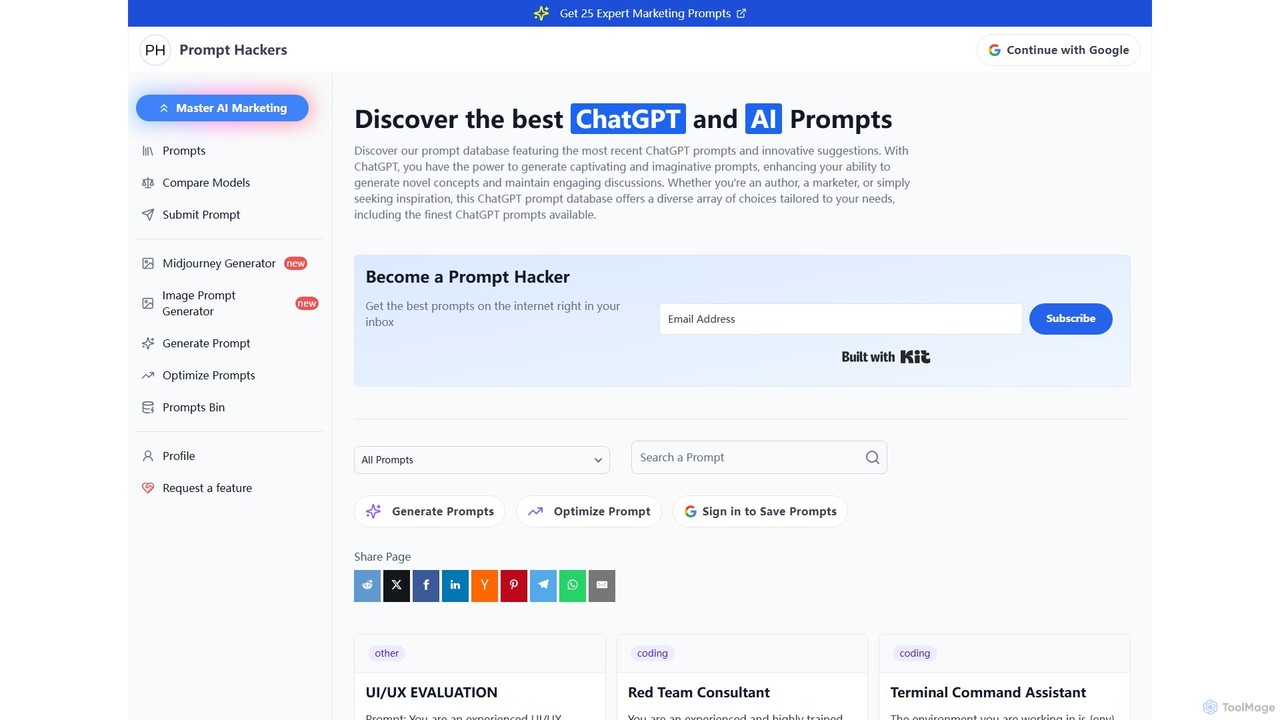
Prompt Hackers
A comprehensive platform and community for discovering, creating, and sharing high-quality AI prompts. Access a vast database for models like ChatGPT, Midjourney, and Claude, and use tools to generate, optimize, and share your own prompts for various tasks.
Prompt Engineering
promptstart
promptstart is an advanced AI prompt engineering platform designed to help users create, manage, and optimize prompts for various AI models. It features a vast library of pre-built prompts, an intelligent prompt builder, and an AI-powered optimizer to enhance the quality and efficiency of AI-generated content and code.
Code Assistant
promptbetter.ai
An AI-powered prompt engineering platform designed to help users create, refine, and optimize prompts for large language models (LLMs). It enhances prompt clarity, context, and structure to generate superior, more accurate, and consistent AI outputs for various tasks.
Code Assistant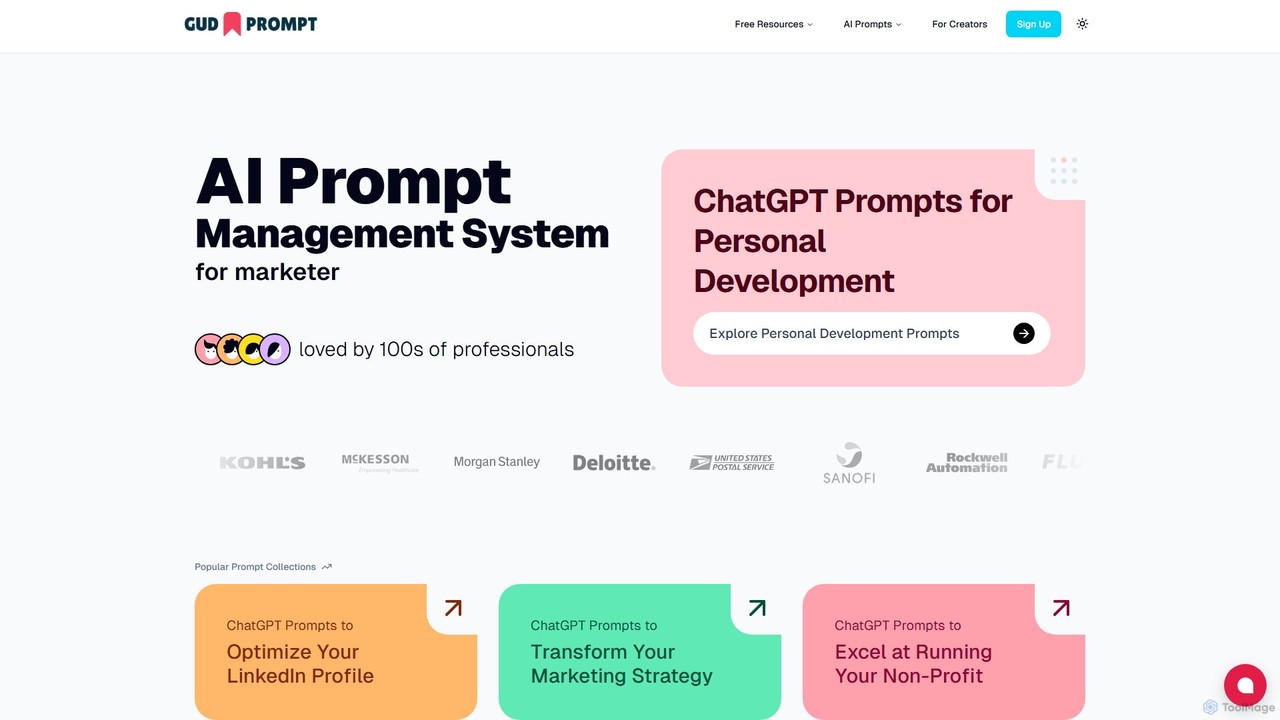
Gud Prompt
Gud Prompt is an efficient AI prompt management system for professionals, teams, and creators. It allows you to discover, save, organize, share, and monetize your AI prompts for platforms like ChatGPT and Claude. Featuring a powerful Chrome extension, it streamlines your AI workflow by making your best prompts accessible anywhere.
Code Assistant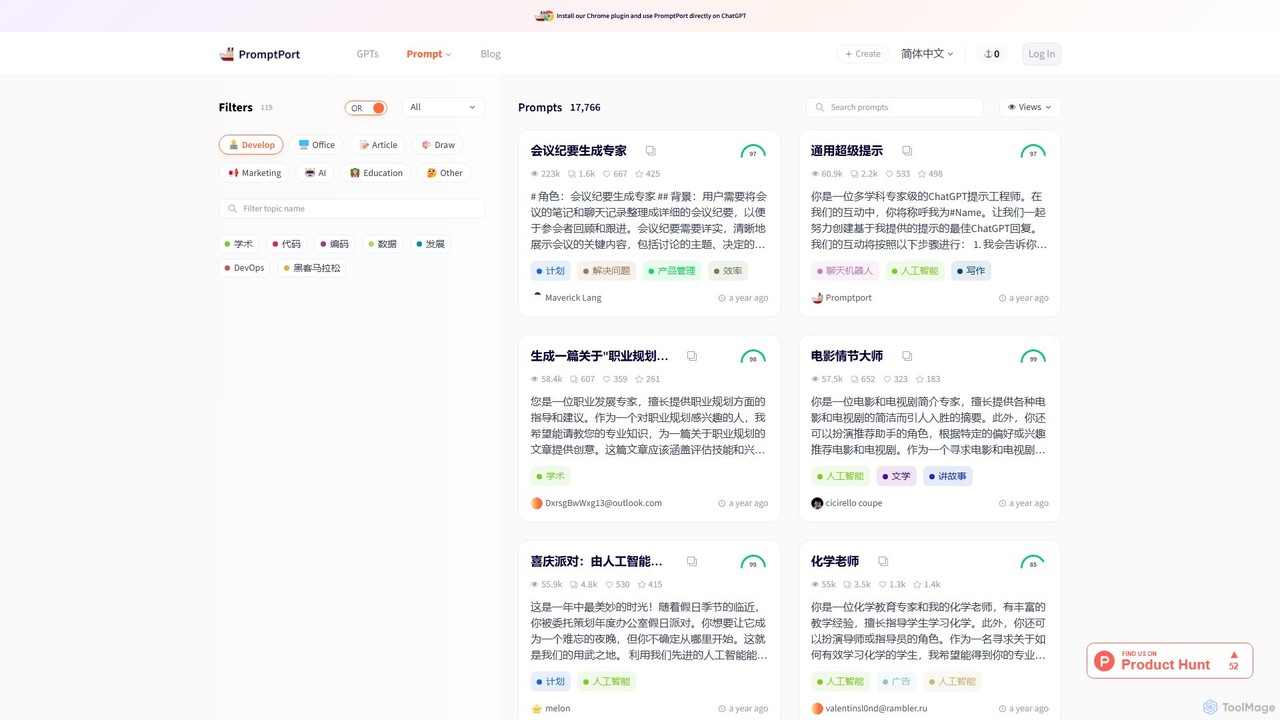
PromptPort
PromptPort is a vast, community-driven library of high-quality AI prompts for models like ChatGPT. Discover, share, and utilize expertly crafted prompts across categories like development, marketing, and writing to enhance your creativity and productivity. Includes a Chrome extension for seamless integration.
CodingChatSuggest Categories
ChatSuggest Embed Widget
Copy this embed code to place the badge on your blog, article, or product site and send readers directly to this ToolMage detail page.

Related AI tools

promptscaper
promptscaper is an advanced AI prompt engineering platform designed to help users discover, create, manage, and optimize high-quality prompts. It serves as a central hub for developers, marketers, and creators to enhance their interactions with AI models like GPT and Midjourney, improving output quality and workflow efficiency.
Image GenerationPrompt Hackers
A comprehensive platform and community for discovering, creating, and sharing high-quality AI prompts. Access a vast database for models like ChatGPT, Midjourney, and Claude, and use tools to generate, optimize, and share your own prompts for various tasks.
Prompt Engineering
promptmasters.club
A premier marketplace and community hub for AI prompt engineering. Discover, buy, sell, and master high-quality prompts for various AI models like ChatGPT, Midjourney, and DALL-E to enhance your creative and professional projects.
Learning
Prompt.cafe
Prompt.cafe is a curated collection of high-quality prompts and advanced tools designed for AI builders, developers, and creators. It simplifies the process of finding, customizing, and deploying effective prompts for various AI models, accelerating the development of AI-powered applications and content.
Image Generation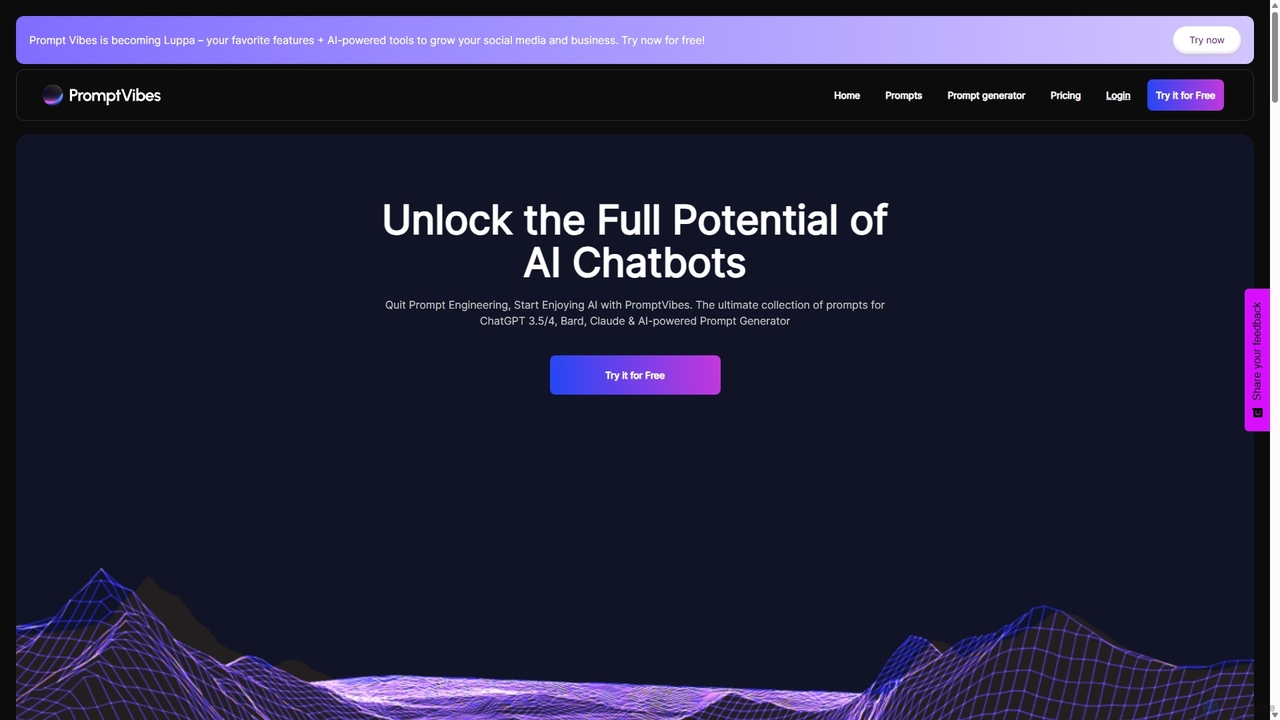
PromptVibes
PromptVibes is an AI-powered platform featuring a sophisticated prompt generator and a vast library of over 500 pre-made prompts. It's designed to eliminate the complexities of prompt engineering, enabling users to get precise, relevant, and creative responses from AI chatbots like ChatGPT, Claude, and Bard. The tool caters to various fields including writing, marketing, business, and productivity, offering both free and premium plans to suit different user needs.
Strategypromptstart
promptstart is an advanced AI prompt engineering platform designed to help users create, manage, and optimize prompts for various AI models. It features a vast library of pre-built prompts, an intelligent prompt builder, and an AI-powered optimizer to enhance the quality and efficiency of AI-generated content and code.
Code Assistantpromptbetter.ai
An AI-powered prompt engineering platform designed to help users create, refine, and optimize prompts for large language models (LLMs). It enhances prompt clarity, context, and structure to generate superior, more accurate, and consistent AI outputs for various tasks.
Code AssistantPromptPort
PromptPort is a vast, community-driven library of high-quality AI prompts for models like ChatGPT. Discover, share, and utilize expertly crafted prompts across categories like development, marketing, and writing to enhance your creativity and productivity. Includes a Chrome extension for seamless integration.
Coding
Jyek
Jyek is an AI agent platform that understands objectives, creates execution plans, uses tools, and delivers verifiable results for complex, multi-step tasks.
Automation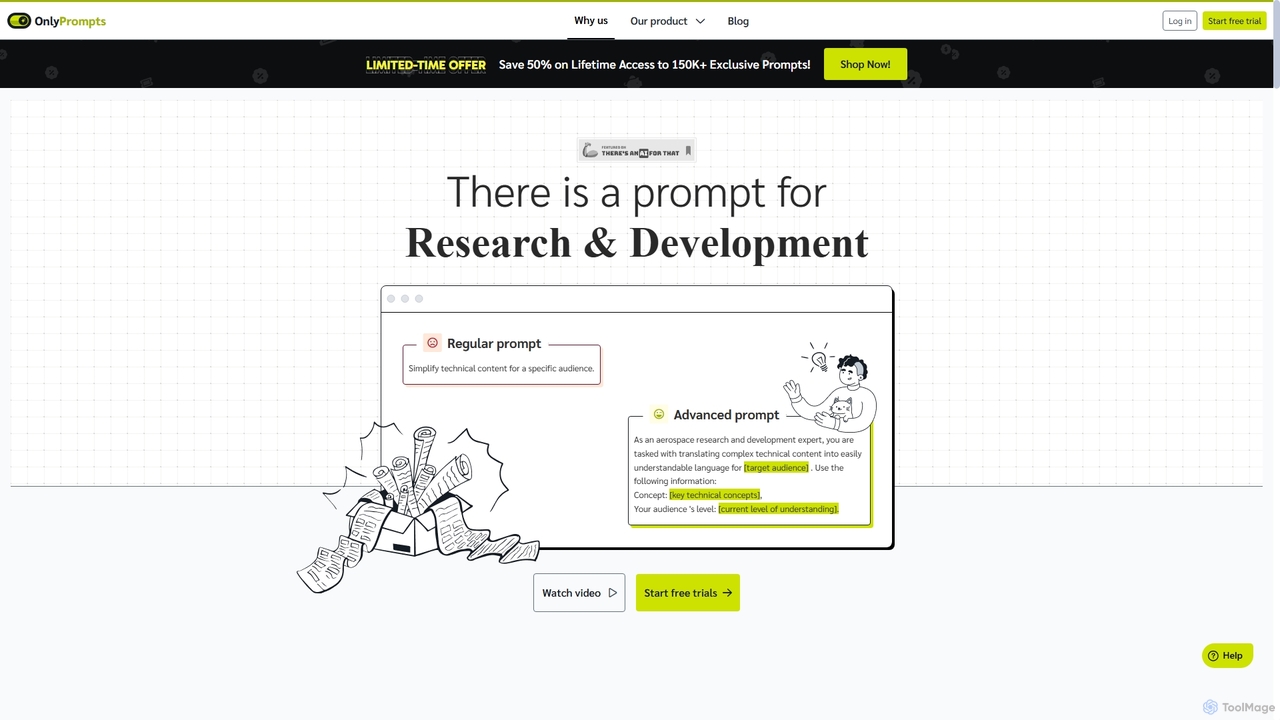
OnlyPrompts
OnlyPrompts is the ultimate AI prompt library, offering over 150,000 expertly crafted prompts for 37,000+ tasks. It features an integrated AI assistant compatible with GPT-4 and Claude 3, side-by-side prompt testing, and customizable templates. Designed for professionals in marketing, HR, finance, and more, it streamlines workflows, enhances productivity, and elevates the quality of AI-generated content.
Operations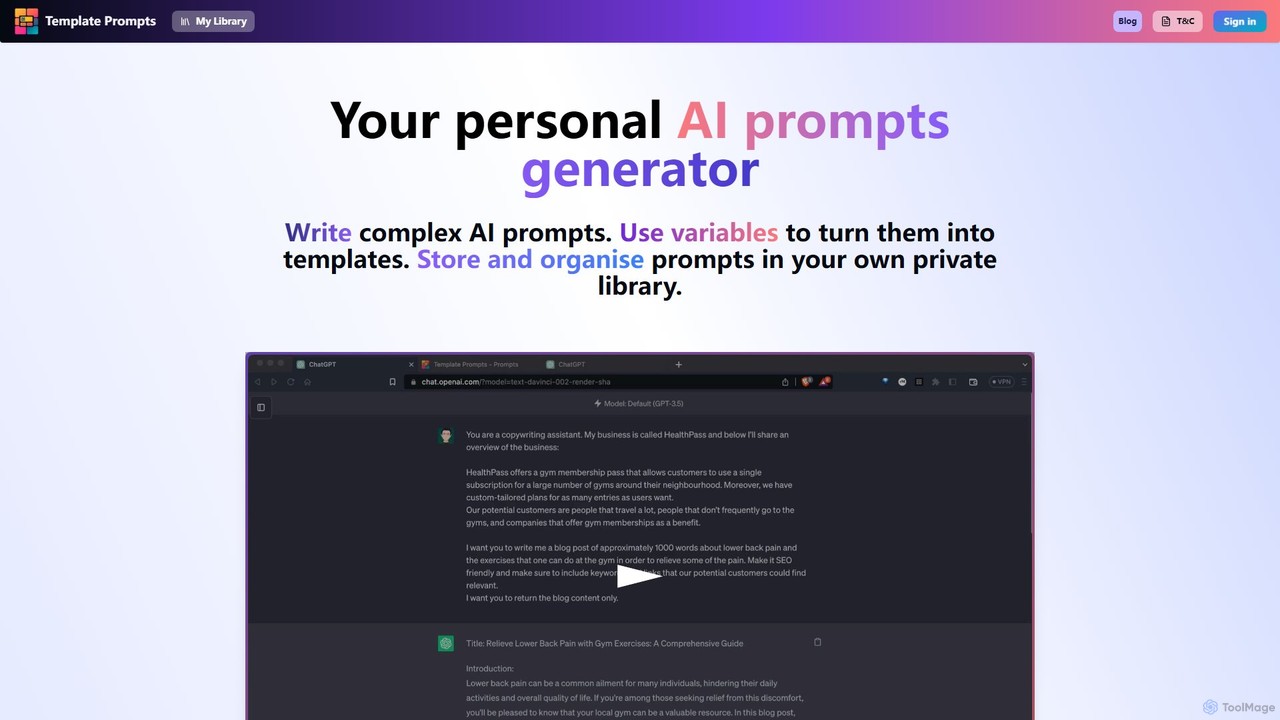
Template Prompts
Template Prompts is a personal AI prompt generator and private library. It allows users to write complex AI prompts, turn them into reusable templates with variables, and organize them efficiently. Store, tag, and manage all your prompts for various AI tools like ChatGPT and Midjourney in one secure, easily accessible place to enhance productivity and improve the quality of AI-generated content.
Content Creation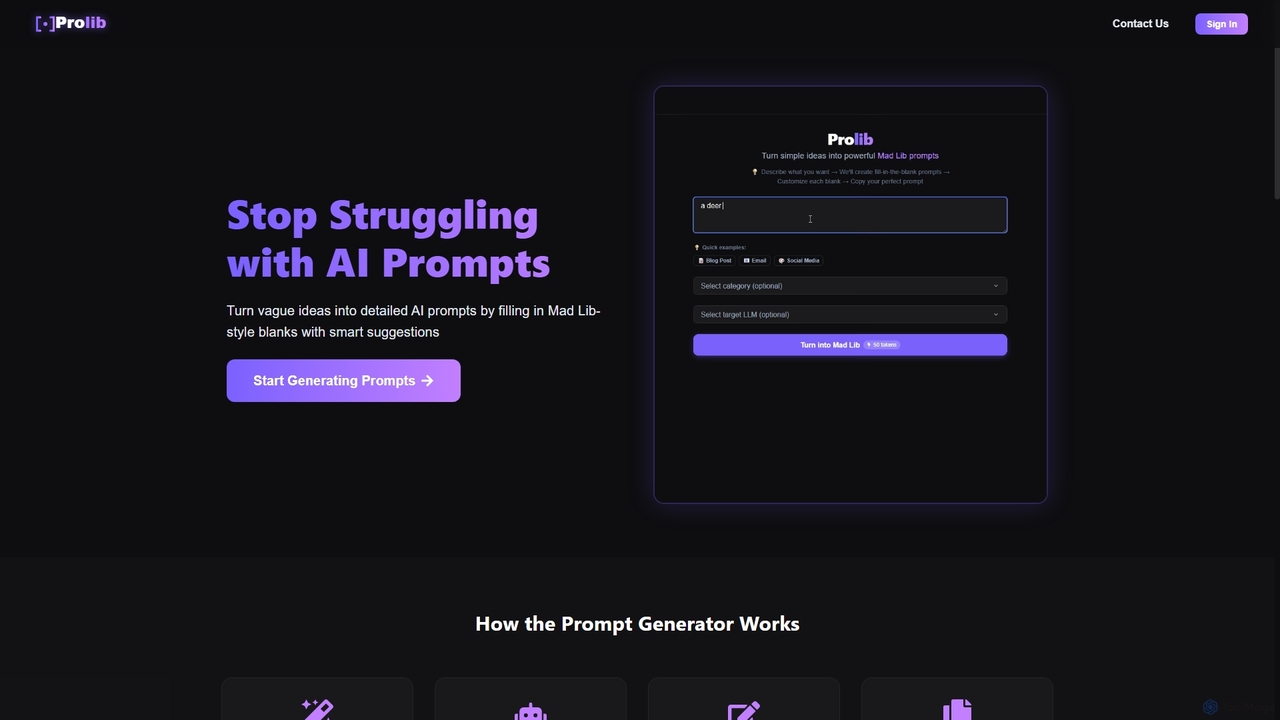
Prolib
Prolib is an AI prompt generator that transforms simple ideas into detailed, structured prompts for models like ChatGPT, Claude, and Gemini. Using a 'Mad Lib-style' fill-in-the-blanks system with smart suggestions, it helps creators, businesses, and students craft effective prompts quickly and easily.
Content Creation
PromptWave AI
PromptWave AI is a community-driven platform for discovering, saving, organizing, and sharing high-quality AI prompts. It serves as a central library for users to enhance their productivity and creativity across various AI models like ChatGPT, Midjourney, and DALL-E.
Collaboration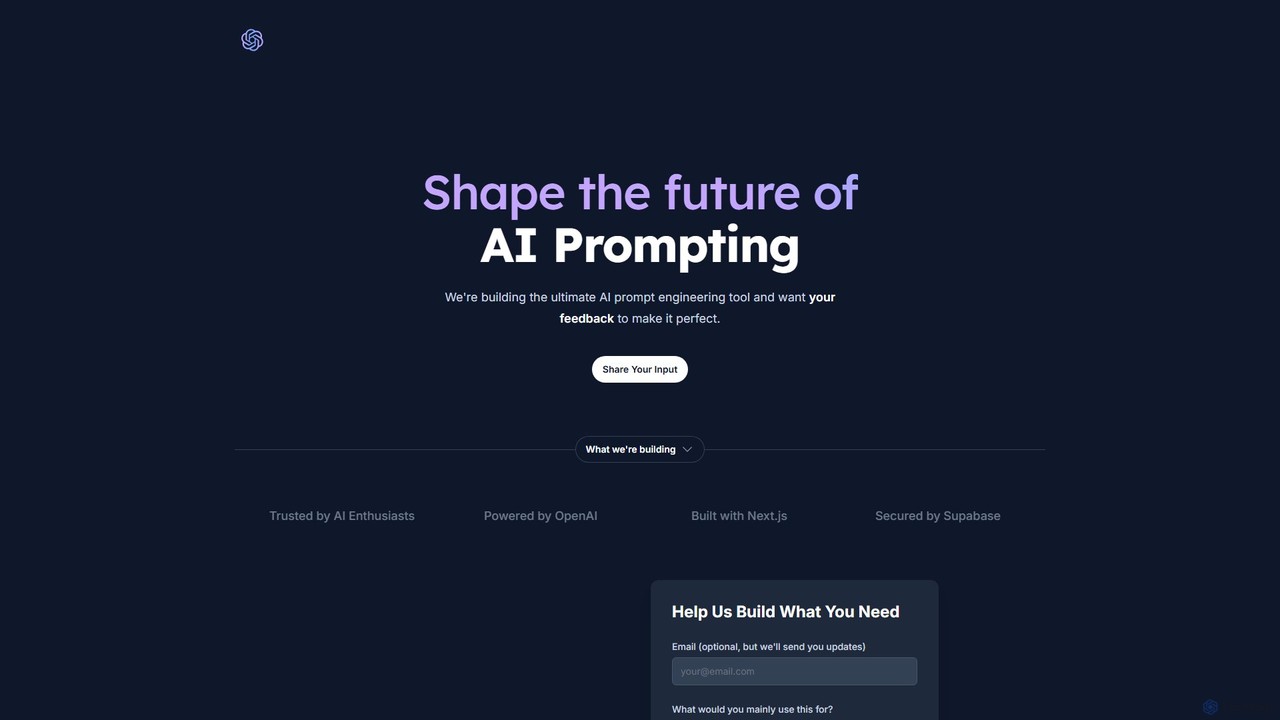
Promptify
Promptify is an all-in-one AI platform designed to enhance creativity and productivity. It offers a vast library of prompt templates, an intuitive Prompt Builder for custom needs, powerful GPTs for workflow automation, and a seamless Chrome extension for on-the-go assistance with models like ChatGPT and Claude.
Workflow Automation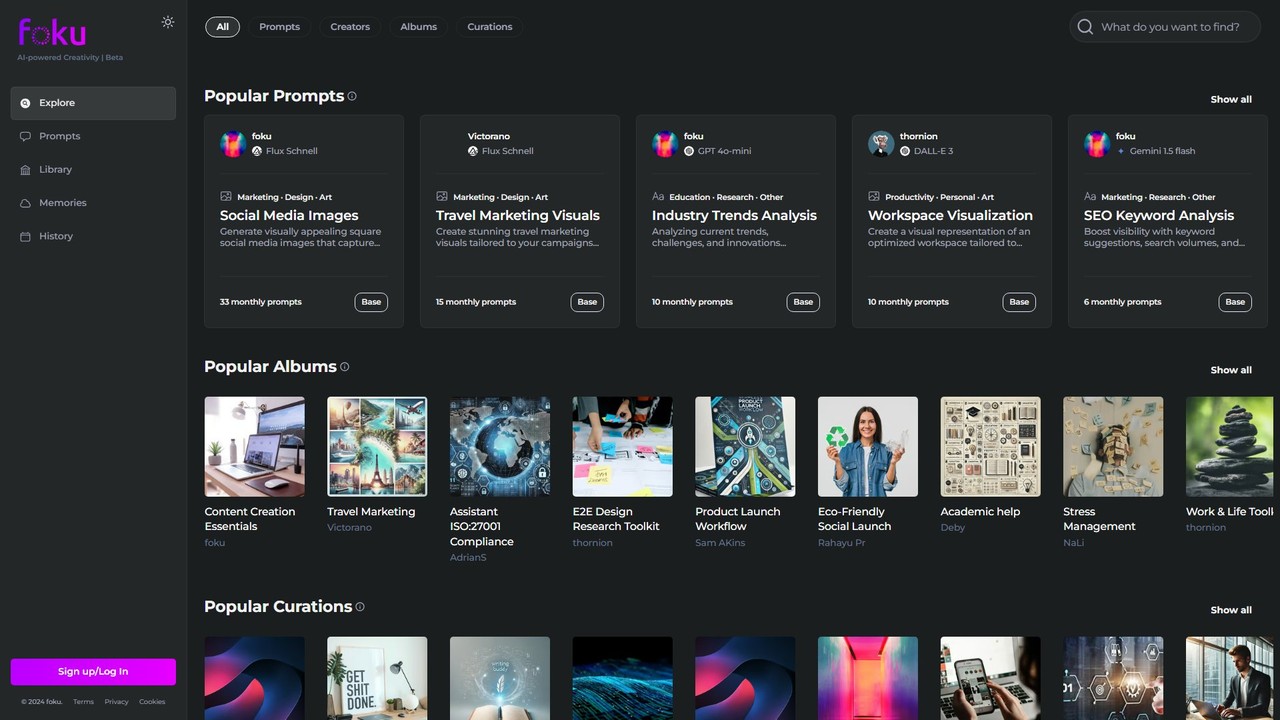
foku
foku is a collaborative AI prompt marketplace and community hub. It allows users to discover, share, and utilize high-quality prompts for various AI models like GPT-4o, DALL-E 3, and Gemini, empowering creativity and productivity across marketing, design, art, and more.
Content Creation
ChatSuggest Comments (0)
Sign in to comment.
Sign inNo comments yet.