Community Best in category 1 results Collaboration AI Tool

Popular AI tools in the Collaboration field of Community include PromptWave AI, etc., helping you quickly improve efficiency.

Free
PromptWave AI

PromptWave AI

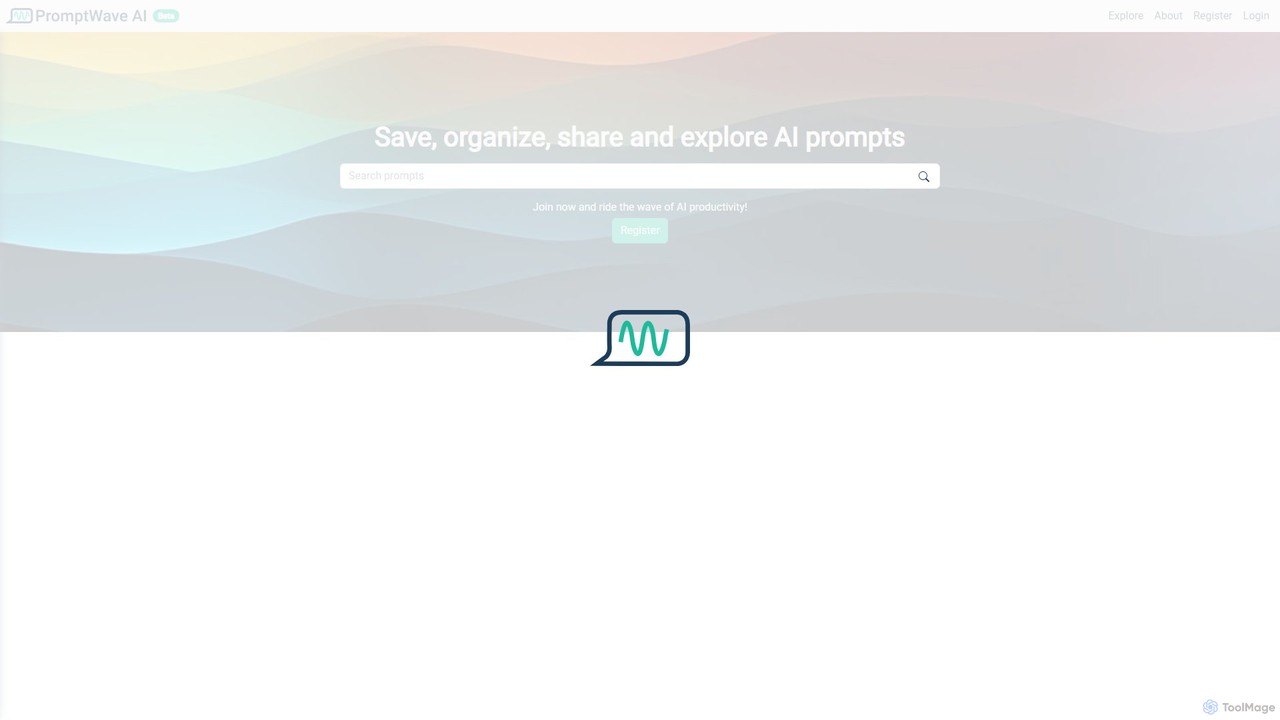
PromptWave AI is a community-driven platform for discovering, saving, organizing, and sharing high-quality AI prompts. It serves as …

3.5K

About Collaboration

AI Collaboration tools are platforms that leverage artificial intelligence to enhance teamwork, streamline communication, and automate administrative tasks within a shared digital workspace. These tools often use natural language processing (NLP) and machine learning to summarize meetings, assign tasks intelligently, and organize information. Their primary value lies in reducing manual coordination, providing data-driven insights into team productivity, and fostering a more efficient, connected work environment. This makes them a crucial component for building highly effective teams and communities.

Core Features

  • Intelligent Task Management: Automatically suggests task assignments, sets priorities based on project goals, and predicts potential bottlenecks.
  • AI-Powered Meeting Assistance: Provides real-time transcription, generates concise summaries with action items, and analyzes discussion sentiment.
  • Smart Document Collaboration: Offers AI-assisted writing, version control with intelligent merging, and semantic search to quickly find information within documents.
  • Predictive Analytics: Analyzes team workflows and communication patterns to offer insights for improving productivity and collaboration.
  • Automated Workflows: Connects different apps and automates routine processes, such as updating project status or notifying team members.

Use Cases

These tools are widely used by software development teams for agile project management, marketing agencies for coordinating campaigns, and remote-first companies for maintaining alignment across distributed teams. They are also valuable for research institutions and educational groups managing complex projects with multiple contributors.

How to Choose

When selecting an AI Collaboration tool, consider its integration capabilities with your existing software stack (e.g., Slack, Jira, Google Workspace). Evaluate the depth and practicality of its AI features—does it solve a real problem for your team? Also, assess the user interface's intuitiveness, the platform's security protocols for protecting sensitive data, and the scalability of its pricing model.

CollaborationUse Cases

1

Streamline Agile Sprints for Development Teams

A software development team uses an AI collaboration tool to manage their two-week sprints. The AI automatically transcribes and summarizes daily stand-up meetings, identifying action items and blockers. It then suggests task assignments for new user stories based on individual developers' past performance and current workload. This process reduces the scrum master's administrative overhead by over 30% and helps the team identify potential delays earlier, ensuring a smoother development cycle and more predictable release schedules.

2

Coordinate Multi-channel Marketing Campaigns

A marketing team plans a product launch across social media, email, and content marketing channels. The AI collaboration platform helps by creating a unified project timeline with automated dependencies. When a blog post is marked as complete, it automatically triggers a task for the social media manager to create promotional posts. The AI also analyzes past campaign data to suggest optimal posting times and content themes, improving team coordination and increasing campaign engagement by an estimated 15%.

3

Enhance Asynchronous Work for Remote Teams

A globally distributed company relies on an AI collaboration tool to bridge time zone differences. After a team meeting that only some members could attend live, the AI generates a detailed transcript, a concise summary, and a list of action items with assigned owners. Team members in different time zones can quickly catch up without watching the full recording. The tool's AI-powered search also allows anyone to instantly find specific decisions or discussions from past meetings, ensuring everyone stays aligned regardless of their location.

4

Automate Client Project Reporting

A design agency uses an AI collaboration platform to manage projects for multiple clients. The tool automatically tracks time spent on tasks, monitors project progress against deadlines, and compiles this data into a weekly summary report. The AI can draft a client-facing update email highlighting key achievements, upcoming milestones, and any potential risks. This automation saves project managers several hours each week and provides clients with consistent, transparent, and data-driven progress updates.

5

Facilitate Collaborative Research and Writing

An academic research team uses an AI collaboration tool to co-author a paper. The platform provides a shared workspace where all members can edit the document in real-time. Its AI features help by suggesting relevant citations from a connected library, checking for grammatical errors and stylistic inconsistencies, and generating summaries of different sections. This streamlines the writing process, ensures a consistent voice throughout the paper, and significantly reduces the time spent on manual proofreading and reference management.

6

Improve Onboarding for New Team Members

A rapidly growing company uses its AI collaboration platform to streamline the onboarding process. A new hire is added to a dedicated onboarding workspace where an AI assistant guides them through initial tasks, answers common questions by searching the company's knowledge base, and introduces them to key team members. The platform's AI also summarizes relevant past project discussions to give the new hire context quickly. This structured, AI-guided approach reduces the time senior members spend on training and helps new employees become productive faster.

CollaborationFrequently Asked Questions