
ToolMage
Sign in

Best 1 Ai Helpers AI tools

Popular Ai Helpers AI tools include OrganizeChatgpt, helping you work more efficiently.

OrganizeChatgpt
Freemium

OrganizeChatgpt

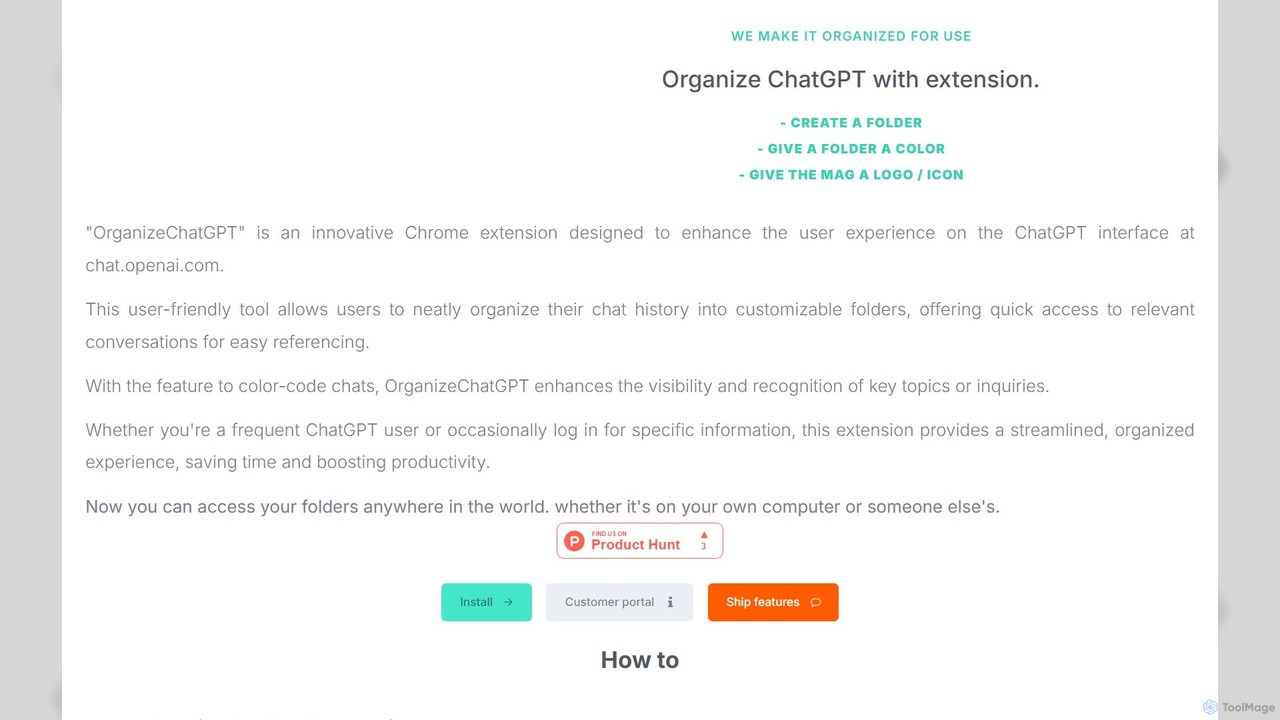
OrganizeChatgpt is a powerful Chrome extension that supercharges your ChatGPT experience. It allows you to neatly organize your conversations into customizable, color-coded folders with icons. Pin important chats, use bulk actions, and search your history with ease. A freemium tool designed to boost your productivity and streamline your workflow by transforming your chaotic chat history into a structured, accessible library.

Organization
Visits 6.4KFavorites 123Likes 118

About Ai Helpers

Ai Helpers are AI-powered tools designed to assist users across a wide range of tasks, enhancing productivity and streamlining workflows. Leveraging advanced machine learning and natural language processing, these tools can automate routine operations, generate content, analyze data, and provide personalized insights. They serve as versatile digital assistants, enabling individuals and businesses to achieve more efficient and intelligent outcomes in their daily operations.

Core Features

  • Content Generation: Automatically drafts text, emails, reports, and creative content based on prompts.
  • Information Summarization: Condenses long documents, articles, or conversations into key points.
  • Data Analysis & Insights: Processes complex datasets to identify trends, patterns, and actionable recommendations.
  • Task Automation: Automates repetitive administrative tasks, scheduling, and data entry.
  • Personalized Assistance: Offers tailored suggestions, recommendations, and support based on user preferences and context.

Use Cases

Ai Helpers are invaluable across various sectors, from individual productivity to large-scale enterprise operations. Content creators use them to overcome writer's block and generate diverse drafts quickly. Business analysts leverage them to rapidly extract insights from market research and financial reports. Project managers utilize them for automating meeting summaries and tracking progress, significantly reducing manual effort and improving decision-making speed.

How to Choose

When selecting an Ai Helper, consider its core functionalities and how well they align with your primary needs, such as content creation, data processing, or task automation. Evaluate its integration capabilities with your existing software ecosystem to ensure seamless workflow. Assess the user interface for ease of use and customization options, as well as the provider's data privacy policies and pricing structure to find a solution that offers both value and security.

Featured tool rankings

Ai Helpers use cases

1

Drafting Marketing Copy for Social Media

A marketing specialist needs to create engaging social media posts daily across multiple platforms. Using an Ai Helper, they input product details and target audience, and the tool generates several creative copy variations, including hashtags and emojis. This process saves hours of brainstorming and writing, allowing the specialist to focus on strategy and campaign optimization, significantly increasing content output.

2

Summarizing Extensive Research Papers

A researcher or student needs to quickly grasp the core arguments of numerous academic papers. An Ai Helper can process these lengthy documents, extracting key findings, methodologies, and conclusions into concise summaries. This enables rapid information absorption, helps in identifying relevant sources faster, and accelerates the literature review process, making research more efficient.

3

Automating Customer Service Email Responses

Customer support teams often face a high volume of repetitive inquiries. An Ai Helper can analyze incoming customer emails, identify common questions, and draft personalized, accurate responses based on a knowledge base. This reduces response times, frees up agents to handle complex issues, and ensures consistent communication quality, leading to improved customer satisfaction.

4

Generating Code Snippets and Debugging Assistance

Software developers frequently encounter repetitive coding tasks or need help debugging complex issues. An Ai Helper can generate boilerplate code, suggest syntax corrections, or even explain error messages and propose solutions. This accelerates development cycles, reduces coding errors, and allows developers to focus on more innovative problem-solving rather than routine coding.

5

Personalizing Learning Paths and Content Curation

An individual learner wants to acquire new skills efficiently. An Ai Helper can assess their current knowledge, learning style, and goals to curate relevant educational content, suggest personalized learning paths, and even generate practice questions. This tailored approach optimizes the learning experience, making it more engaging and effective than generic courses.

6

Analyzing Business Reports for Key Insights

Business leaders and analysts need to quickly extract actionable insights from large, complex business reports, such as sales data or market trends. An Ai Helper can process these reports, identify critical metrics, highlight anomalies, and present findings in an easily digestible format. This supports faster, data-driven decision-making and helps in identifying opportunities or risks more effectively.

Ai Helpers FAQ

What are Ai Helpers?

Ai Helpers are versatile artificial intelligence tools designed to assist users with a broad spectrum of tasks, from content creation to data analysis. They leverage technologies like natural language processing (NLP) and machine learning to understand user intent, process information, and generate relevant outputs. Their core purpose is to augment human capabilities, automate routine work, and provide intelligent support, making various professional and personal tasks more efficient and effective.

How do Ai Helpers enhance productivity?

Ai Helpers significantly boost productivity by automating time-consuming, repetitive tasks such as drafting emails, summarizing documents, or generating basic code. They can process vast amounts of information much faster than humans, providing quick insights and reducing the cognitive load on users. By handling the mundane, these tools free up human workers to focus on more creative, strategic, and complex problem-solving, ultimately leading to higher output and better quality work.

What are the main benefits of using Ai Helpers?

The main benefits of using Ai Helpers include increased efficiency through automation, improved decision-making with data-driven insights, and enhanced creativity by overcoming common blocks like writer's block. They also offer personalized assistance, reduce human error in repetitive tasks, and provide scalability for operations that require processing large volumes of information or content. Ultimately, they empower users to achieve more with less effort.

How do Ai Helpers differ from specialized AI tools like image generators?

Ai Helpers are generally broad-purpose tools designed to assist across various tasks, often involving text, data, or general automation. They focus on augmenting human capabilities in diverse domains. In contrast, specialized AI tools, like AI image generators or video editors, are built for a very specific function within a particular domain. While an Ai Helper might draft a marketing email, an AI image generator would create the accompanying visual, highlighting their distinct, yet sometimes complementary, roles.

What should I consider regarding data privacy when using Ai Helpers?

When using Ai Helpers, especially those handling sensitive information, data privacy is a critical consideration. You should carefully review the provider's privacy policy to understand how your data is collected, stored, processed, and shared. Look for tools that offer robust encryption, adhere to relevant data protection regulations (like GDPR or CCPA), and provide clear options for data retention and deletion. Prioritizing tools with strong privacy commitments helps protect your confidential information.