
mergepdf Overview
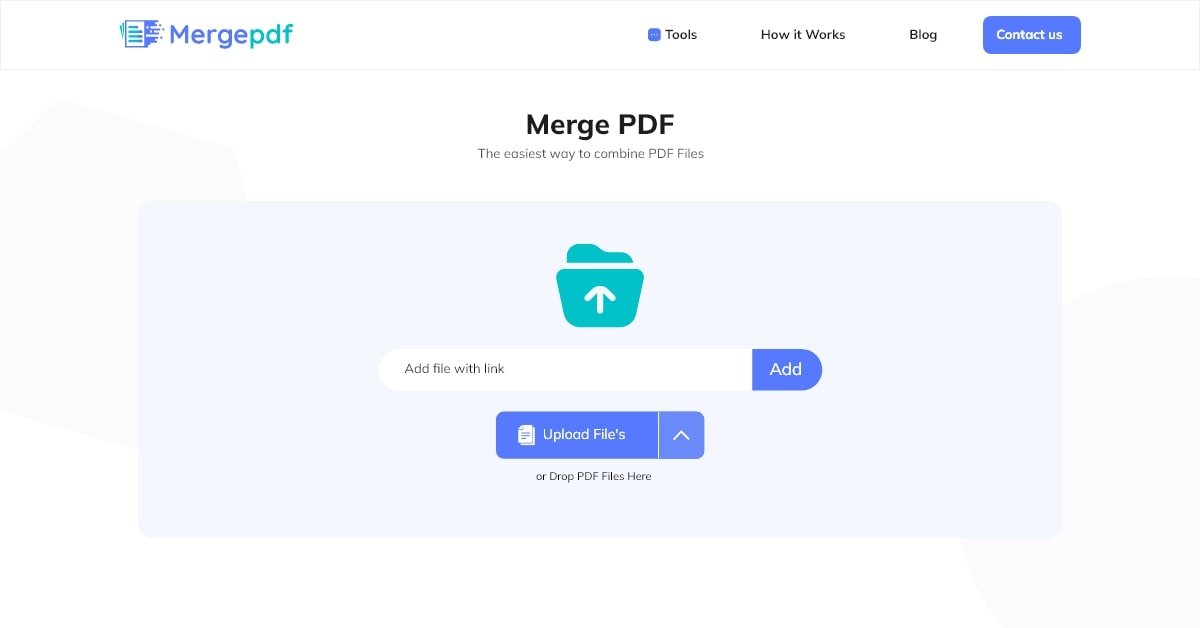
mergepdf is a powerful and efficient online utility designed to simplify the process of combining multiple PDF files into a single, organized document. As a completely free and web-based tool, it offers a seamless experience for users across all platforms, including desktops, mobiles, and tablets, without the need for any software installation or registration. Its core mission is to provide a fast, secure, and straightforward solution for document management tasks.
The platform prioritizes user data security and privacy. All uploaded files are protected using robust security measures, and the system is designed to automatically delete all files from its servers immediately after the user downloads the merged document. This ensures that confidential or sensitive information remains private. Furthermore, mergepdf guarantees that the merging process does not compromise the quality of the original documents; all text, images, and formatting are preserved in the final output.
How to use mergepdf
The tool is designed with an intuitive, user-friendly interface, making the PDF merging process accessible to everyone in just a few simple steps:
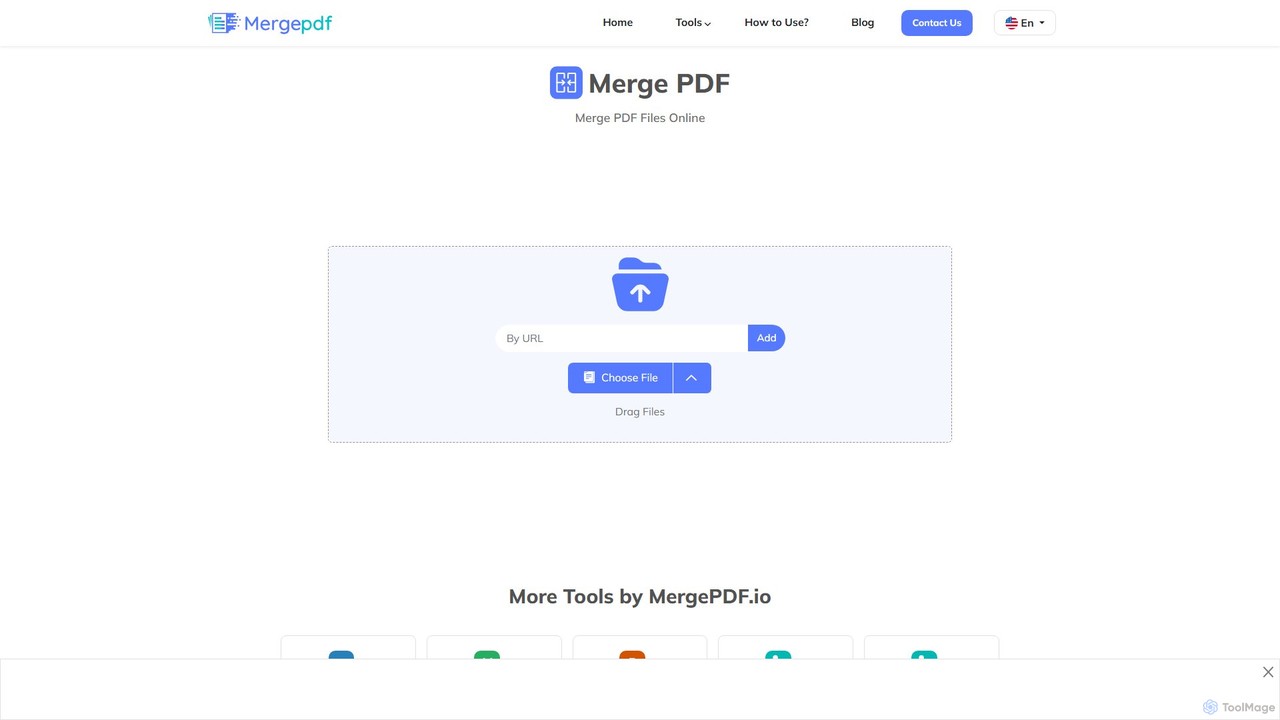
- Upload Files: Navigate to the mergepdf.io website. You can either click the 'Upload' button to select PDF files from your device or simply drag and drop them directly onto the webpage.
- Organize and Reorder: Once uploaded, the files will appear as thumbnails. You can easily rearrange them into your desired order by clicking and dragging each file to its correct position. This pre-merge organization ensures the final document has the right flow.
- Merge Files: After arranging the files, click the prominent “Merge Files” button. The tool's high-speed engine will begin processing and combining your documents.
- Download: The entire process typically takes less than a minute. Once completed, a download link for the newly created single PDF file will be provided. Click it to save the document to your device.
Core Features of mergepdf
- Unlimited Merging: There are no restrictions on the number of PDF files you can merge or their total size. This makes it ideal for both small tasks and large-scale document consolidation.
- High-Quality Output: The tool ensures that the original quality, resolution, and formatting of your PDFs are maintained, preventing any loss of data or visual fidelity.
- Complete Security: mergepdf employs advanced security protocols and automatically deletes all user files from its servers post-download, guaranteeing the privacy of your information.
- Cross-Platform Compatibility: Being a web-based service, it works flawlessly on any operating system (Windows, macOS, Linux) and device (desktop, smartphone, tablet) with a modern web browser.
- Intuitive Drag-and-Drop Interface: The simple and visual interface allows for easy uploading and reordering of files, making the tool accessible even for non-technical users.
- Fast and Efficient: The merging process is optimized for speed, allowing users to combine their documents in a matter of seconds.
Use Cases for mergepdf
mergepdf is a versatile tool that caters to a wide range of users:
- Students and Academics: Combine research papers, lecture notes, assignments, and excerpts from different books into a single study guide or submission document.
- Business Professionals: Merge multiple reports, financial statements, invoices, or presentation slides into one comprehensive file for easy sharing and archiving.
- Legal and Administrative Staff: Compile various legal documents, contracts, case files, and evidence into a single, organized PDF for court submissions or internal review.
- Personal Document Management: Organize scanned receipts, bank statements, personal IDs, and other important documents into one secure file for easy access and storage.
Advantages of mergepdf
The primary advantage of mergepdf lies in its combination of simplicity, power, and cost-effectiveness. It eliminates the need for expensive, complex software like Adobe Acrobat for a common task. Its accessibility across all devices means you can manage your documents on the go. The commitment to security and the absence of any limits on use make it a reliable and highly practical tool for anyone who regularly works with PDF files.
Pricing and Plans
mergepdf is 100% free to use. There are no subscription fees, hidden charges, or registration requirements. All features, including unlimited file merging and high-quality processing, are available to all users at no cost, making it an accessible solution for everyone.
Traffic
Latest traffic
Status
Monthly traffic trend
- 2025-9: 24.0K
- 2026-1: 32.9K
- 2026-2: 21.9K
- 2026-3: 20.3K
- 2026-4: 19.4K
- 2026-5: 23.2K
Geography
Top 5 countries / regions
- 🇺🇸United States41.5%
- 🇨🇦Canada20.4%
- 🇮🇳India17.3%
- 🇦🇺Australia11.9%
- 🇫🇷France8.8%
Top keywords
| Keyword | Cost per click |
|---|---|
| free pdg merger no sign up | $0.00 |
| merge pdf | $0.17 |
| merge pdf files | $0.26 |
| pdf combiner | $0.35 |
| pds combiner | $0.50 |
mergepdf Alternatives

chatgpt2pdf
A Chrome extension that allows you to save and export your ChatGPT conversations as high-quality PDF files with a single click. Easily archive, share, and document your AI interactions for professional, academic, or personal use.
Chrome Extensions
Magic Documents
Magic Documents is a secure, AI-powered solution that transforms chaotic document management. It automatically organizes, renames, summarizes, and extracts key data from any document, saving professionals significant time and reducing errors. Ideal for legal, financial, and business teams, it streamlines workflows and enhances collaboration with enterprise-grade security.
Data Extraction
Dropbox
Dropbox is a modern workspace designed to reduce busywork, bringing your files, cloud content, and web shortcuts together in one place. It offers secure cloud storage, file synchronization, large file transfer, e-signatures, and AI-powered universal search to help you and your team stay organized, focused, and in sync.
Collaboration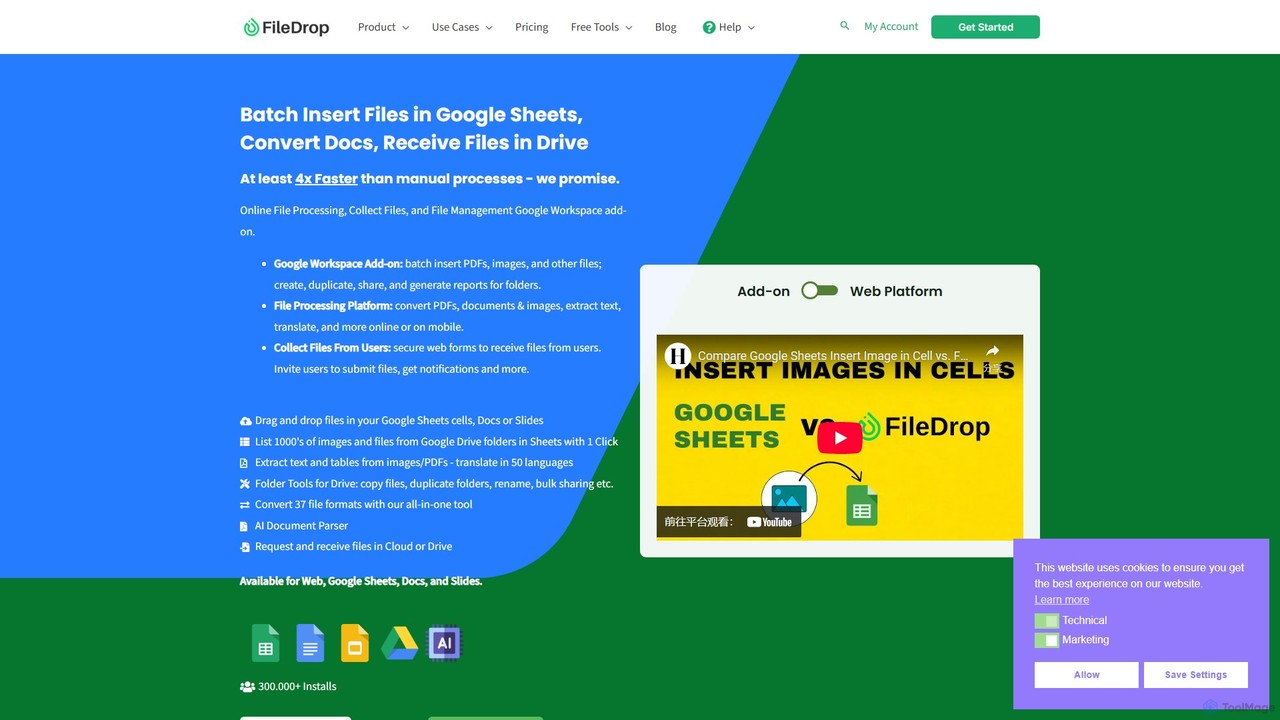
FileDrop
FileDrop is a productivity suite for Google Workspace and a web platform that streamlines file management. It enables batch insertion of files into Google Sheets & Docs, offers a powerful file converter for 37+ formats, extracts text with AI-powered OCR, and provides secure file collection forms.
Data Extraction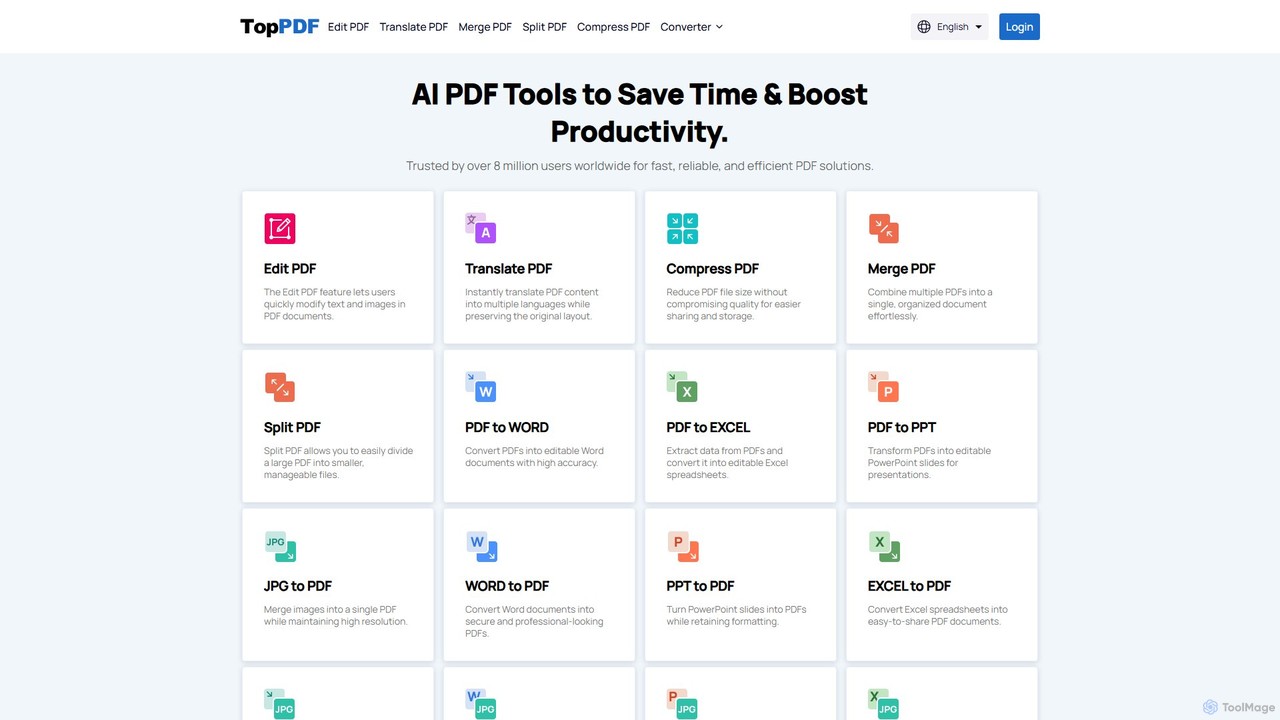
TopPDF
TopPDF is an all-in-one, AI-powered online platform offering a comprehensive suite of tools to edit, convert, translate, merge, split, and compress PDF files. It's designed to enhance productivity by simplifying document workflows for users worldwide.
File Conversionmergepdf Categories
mergepdf Embed Widget
Copy this embed code to place the badge on your blog, article, or product site and send readers directly to this ToolMage detail page.

Related AI tools
Magic Documents
Magic Documents is a secure, AI-powered solution that transforms chaotic document management. It automatically organizes, renames, summarizes, and extracts key data from any document, saving professionals significant time and reducing errors. Ideal for legal, financial, and business teams, it streamlines workflows and enhances collaboration with enterprise-grade security.
Data Extraction
Riffo
Riffo is an AI-powered file management tool for Mac that automatically renames and organizes your files. It intelligently analyzes file content, including text in images and documents, to generate descriptive names and sort them into relevant subfolders, transforming a cluttered desktop into an organized digital workspace.
Workflow
Dokkio
Dokkio is an AI-powered platform that unifies all your files from various cloud services like Google Drive, Dropbox, and Slack. It intelligently finds, organizes, and helps you understand your content, transforming scattered files into a centralized, searchable knowledge base for enhanced productivity and team collaboration.
TeamworkDropbox
Dropbox is a modern workspace designed to reduce busywork, bringing your files, cloud content, and web shortcuts together in one place. It offers secure cloud storage, file synchronization, large file transfer, e-signatures, and AI-powered universal search to help you and your team stay organized, focused, and in sync.
CollaborationFileDrop
FileDrop is a productivity suite for Google Workspace and a web platform that streamlines file management. It enables batch insertion of files into Google Sheets & Docs, offers a powerful file converter for 37+ formats, extracts text with AI-powered OCR, and provides secure file collection forms.
Data ExtractionTopPDF
TopPDF is an all-in-one, AI-powered online platform offering a comprehensive suite of tools to edit, convert, translate, merge, split, and compress PDF files. It's designed to enhance productivity by simplifying document workflows for users worldwide.
File Conversion
Docamine
Docamine is an AI-powered tool that automates the process of filling out documents and forms. Simply upload a PDF or image, and the AI will identify fields, autofill information from your saved profiles or reference documents, and allow you to add a digital signature.
Forms Automation
Docseditor
Docseditor is a comprehensive, free online document toolkit for all your PDF needs. It allows users to effortlessly edit, convert, merge, split, compress, sign, and manage PDF files directly in their browser without any installation.
Document Management
mega
mega is an intelligent cloud storage and digital asset management platform. It uses powerful AI to automatically organize, tag, and search your files, transforming how you manage your digital life. Securely store, share, and collaborate with AI-driven features that streamline workflows and help you find what you need instantly.
Digital Asset Management
Jyek
Jyek is an AI agent platform that understands objectives, creates execution plans, uses tools, and delivers verifiable results for complex, multi-step tasks.
Automation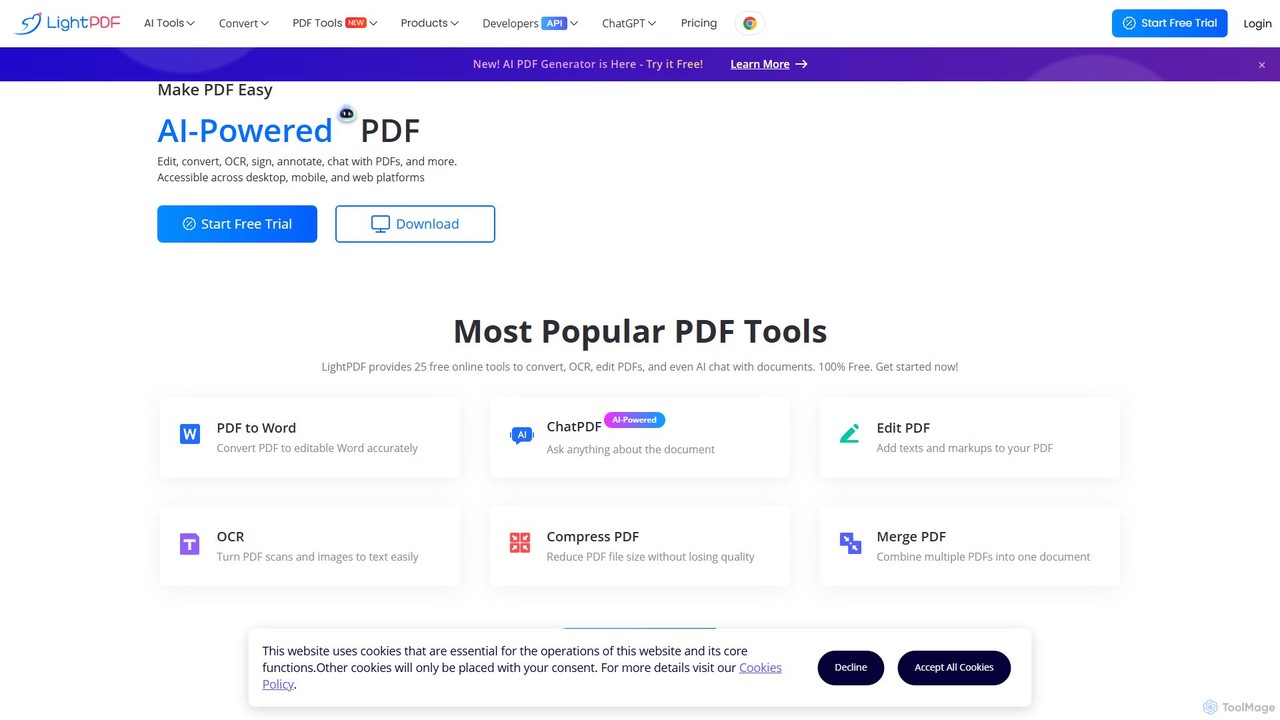
LightPDF
LightPDF is an AI-powered, all-in-one PDF solution designed to simplify document workflows. It allows users to chat with documents, get instant summaries, and ask questions. Beyond its AI capabilities, it offers a comprehensive suite of tools for editing, converting, merging, signing, and performing OCR on PDF files. Available on web, desktop, and mobile, LightPDF makes managing documents efficient and intuitive for students, professionals, and businesses alike.
Chat With Your Docs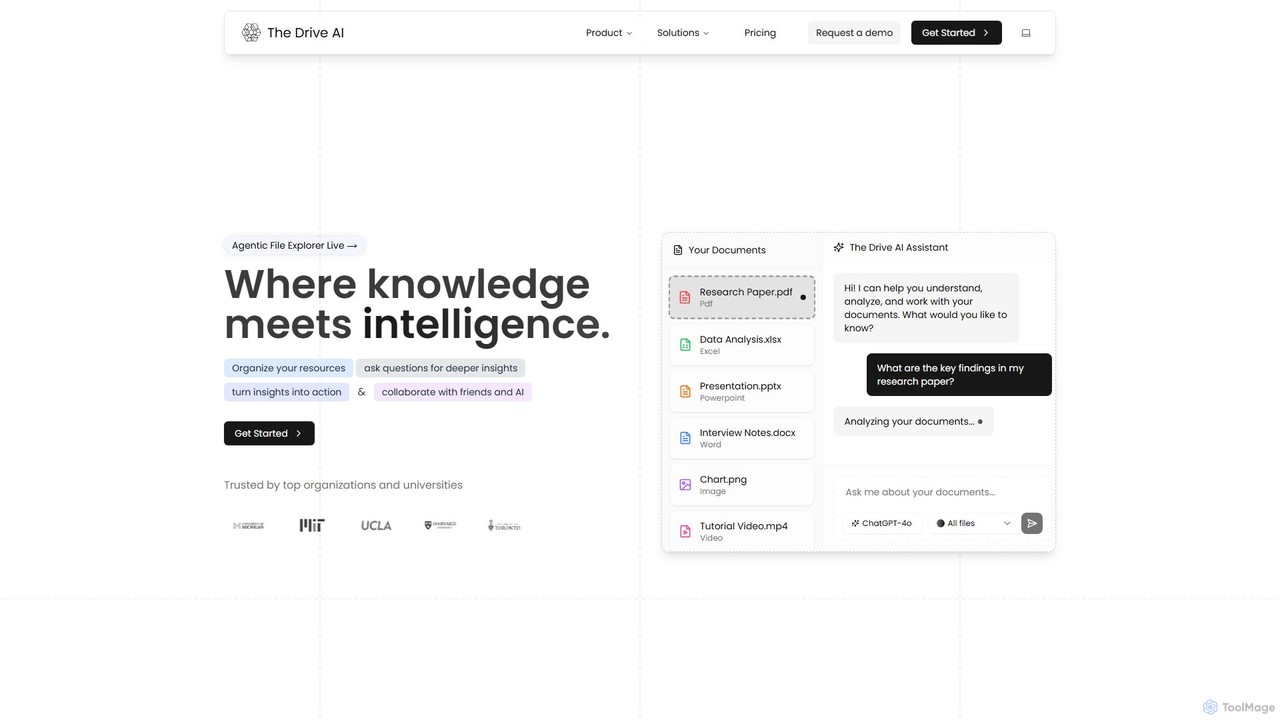
The Drive AI
The Drive AI is an all-in-one AI-powered workspace that combines file management, document analysis, team collaboration, and content creation. Upload any file type, ask questions to get instant insights with cited sources, and collaborate with your team in real-time. It's designed to replace multiple tools, streamlining your workflow and boosting productivity for individuals and teams across various industries.
Analysis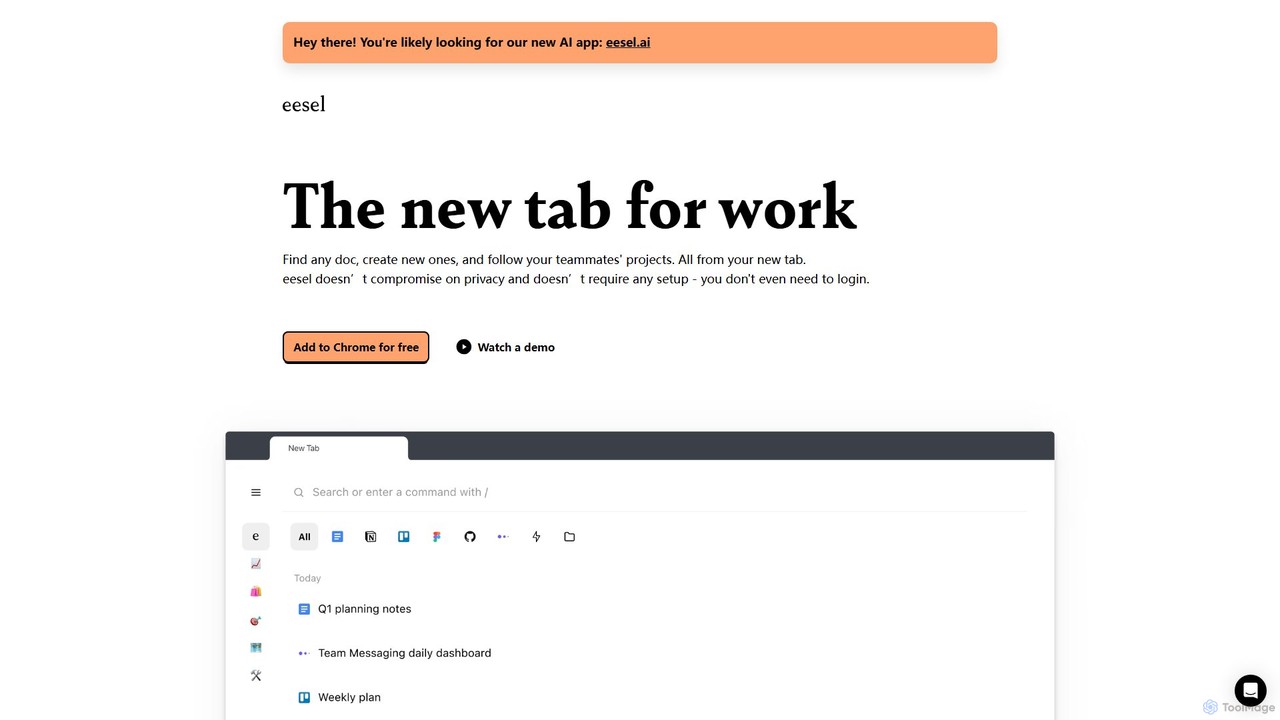
eesel
eesel is a smart browser extension that transforms your new tab into a productivity hub. It automatically organizes your work from all your apps (Google Docs, Notion, Figma, etc.), making every document instantly searchable. With a strong focus on privacy, eesel works locally on your computer, requires no setup, and helps you and your team stay organized and in sync without effort.
New Tab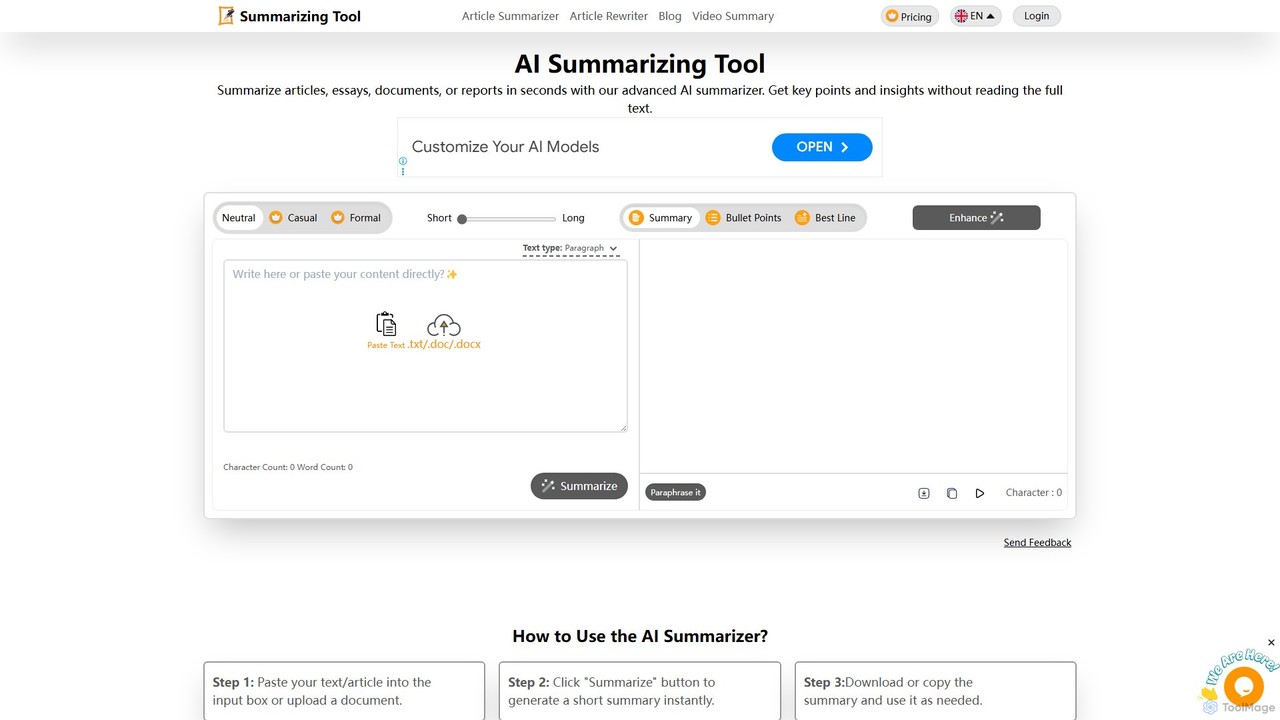
summarizingtool
summarizingtool is a free, AI-powered online tool that instantly condenses long articles, essays, documents, and reports into concise summaries. It supports multiple languages and file formats, offering various summary modes like paragraphs, bullet points, or the single best line. Ideal for students, writers, and professionals, it helps save time, boost productivity, and quickly grasp key information from any text.
Study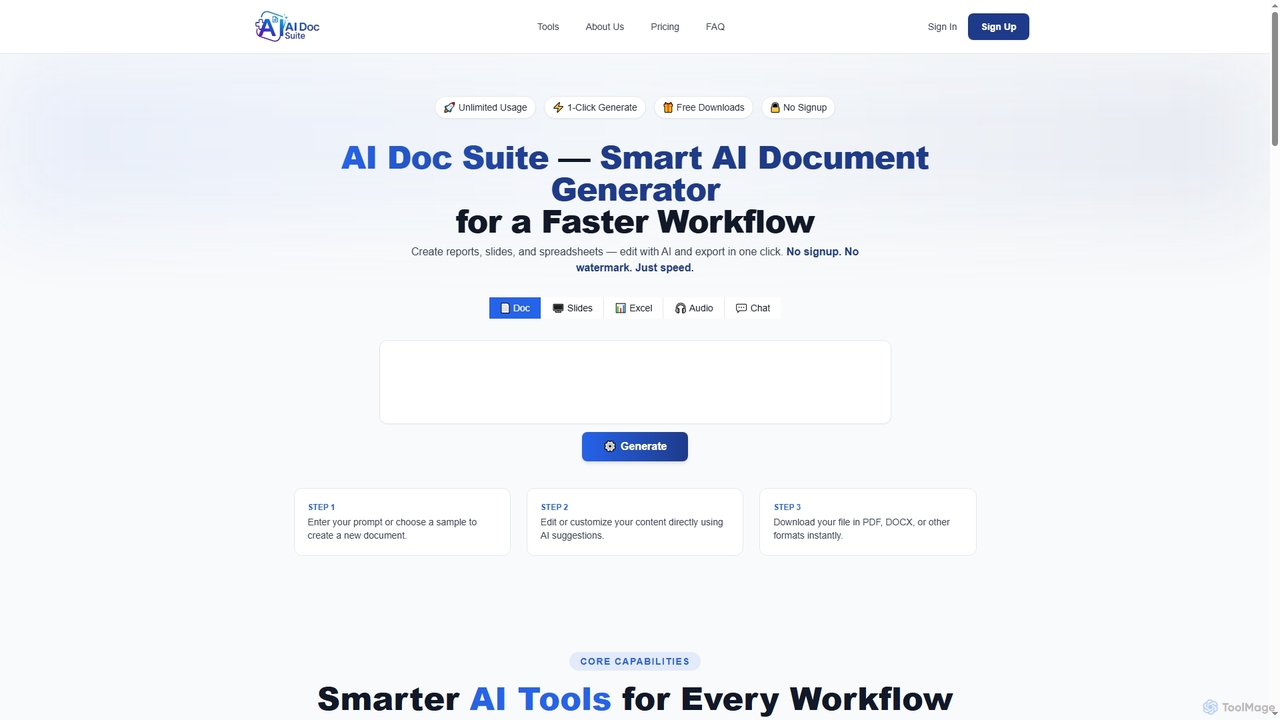
AI Doc Suite
AI Doc Suite is an advanced, browser-based AI workspace for creating, editing, and converting professional documents, slides, spreadsheets, audio, images, and videos. It streamlines content generation with intelligent automation and customizable templates, offering a comprehensive solution for various creative and business needs.
Document Sharing
mergepdf Comments (0)
Sign in to comment.
Sign inNo comments yet.