

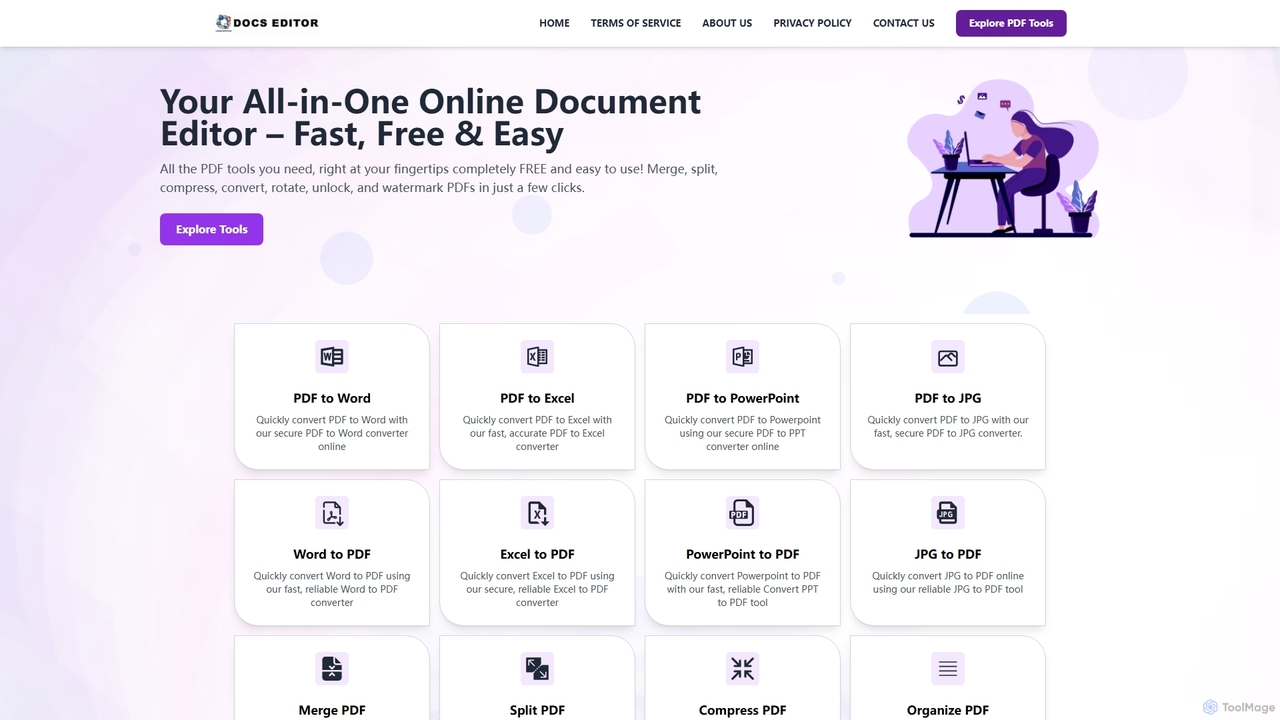
Docseditor Overview
Docseditor is an all-in-one, web-based platform designed to simplify document management. It provides a complete suite of free tools for editing, converting, and managing PDF files quickly and securely. With a user-friendly interface, users can handle various document tasks like converting PDFs to editable formats such as Word, Excel, and PowerPoint, merging multiple files into one, or compressing large documents without compromising quality. The service is accessible from any device and requires no software installation, making it a convenient solution for students, professionals, and businesses.
How to use Docseditor
Using Docseditor is straightforward and involves a simple three-step process. First, navigate to the specific tool you need on the website. Second, upload your document by clicking to select a file or by using the drag-and-drop feature. Finally, the tool will process your file instantly, and you can download the finished document directly to your device.
Core Features of Docseditor
- Comprehensive PDF Conversion: Convert PDFs to and from various formats, including Word, Excel, PowerPoint, and JPG, while preserving original formatting.
- Advanced PDF Editing: Edit PDF text, sign documents electronically, redact sensitive information, add watermarks, and password-protect files.
- Document Management Tools: Merge multiple PDFs into a single file, split a large PDF into smaller ones, compress files to reduce size, and organize or remove pages.
- OCR for Scanned Documents: Integrated Optical Character Recognition (OCR) technology extracts text from scanned PDFs, making them editable and searchable.
- Secure and Private: All file processing is done over encrypted connections, and documents are automatically deleted from servers after processing to ensure user privacy.
- Cross-Platform Accessibility: As a fully web-based tool, Docseditor works on any operating system (Windows, Mac, Linux) and device with a browser, requiring no installation.
Use Cases for Docseditor
Docseditor is versatile and serves various professional and personal needs. Financial analysts can extract data from PDF invoices or reports into Excel for analysis. Researchers can convert academic papers into editable Word documents. Business administrators can manage contracts by merging, signing, and protecting them. Students can compile research materials or convert lecture slides for easier studying. Essentially, anyone who needs to quickly modify or manage a PDF file can benefit from this tool.
Advantages of Docseditor
The primary advantage of Docseditor is that it is completely free and unlimited, with no subscriptions or hidden fees. Its web-based nature ensures accessibility from anywhere without the need for software installation. The platform prioritizes speed and security, offering instant processing and automatic file deletion. The inclusion of advanced features like OCR for scanned documents further enhances its utility, making it a powerful and reliable solution for everyday document tasks.
Docseditor FAQ
Docseditor Alternatives
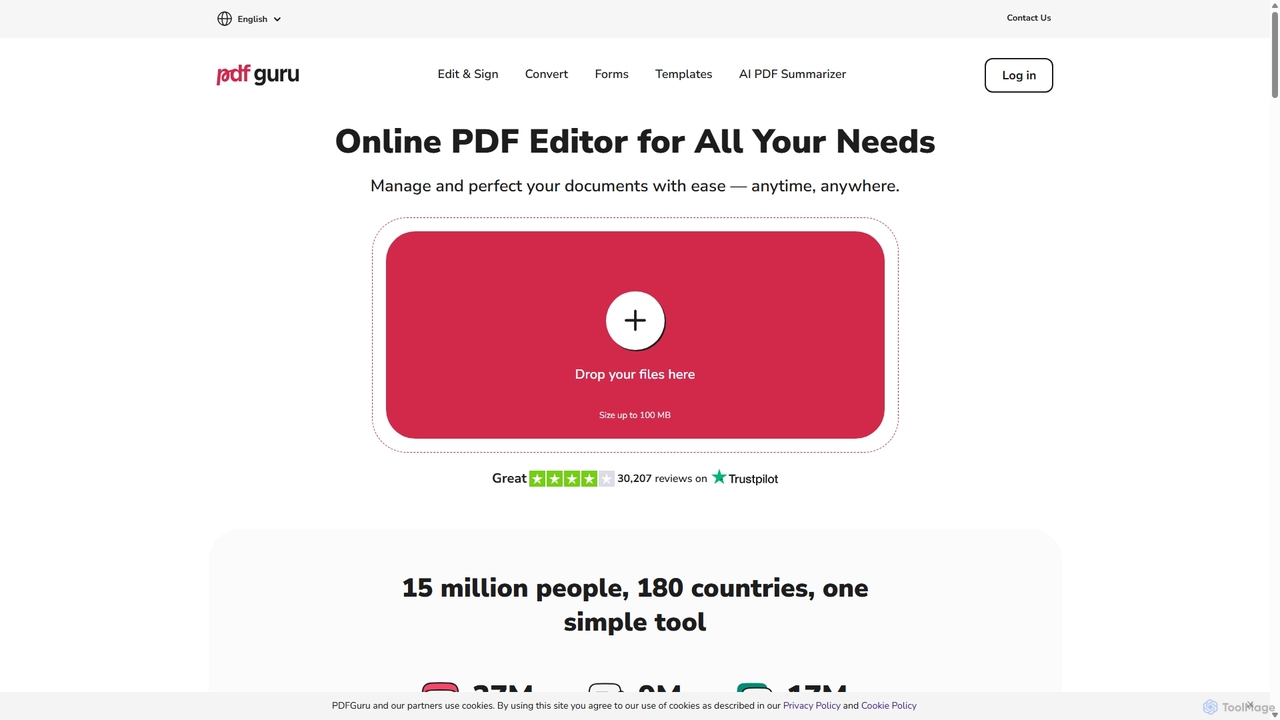
PDFflex
PDFflex is a comprehensive, all-in-one online platform for managing PDF documents. It allows users to edit, convert, merge, split, and sign PDFs with ease. Featuring an intuitive interface and robust security, PDFflex also incorporates AI-powered tools like OCR for scanned documents and summarizers for long texts. It supports a vast range of file formats, making it a versatile solution for both personal and professional use, accessible from any browser without installation.
Summarizer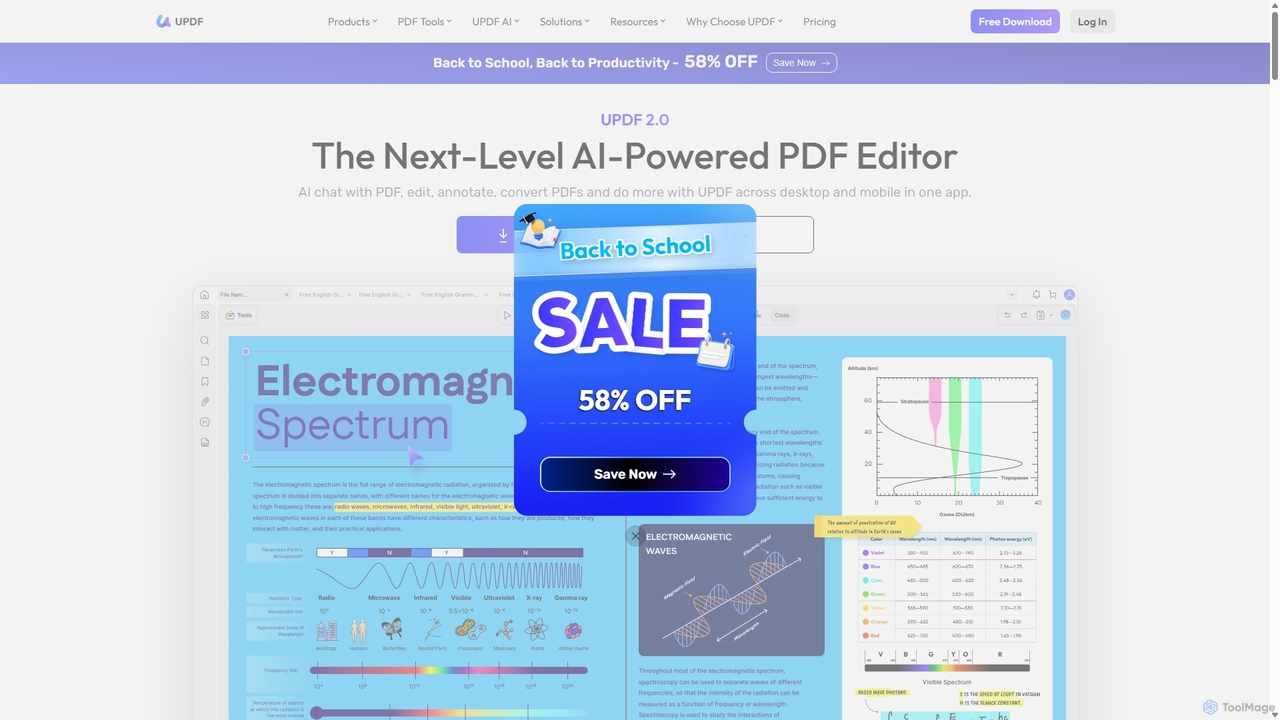
UPDF
UPDF is an AI-integrated, all-in-one PDF editor that allows users to edit, annotate, convert, summarize, translate, and chat with PDF documents. It offers a seamless experience across Windows, macOS, iOS, and Android, boosting productivity for individuals, students, and businesses.
Document Analysis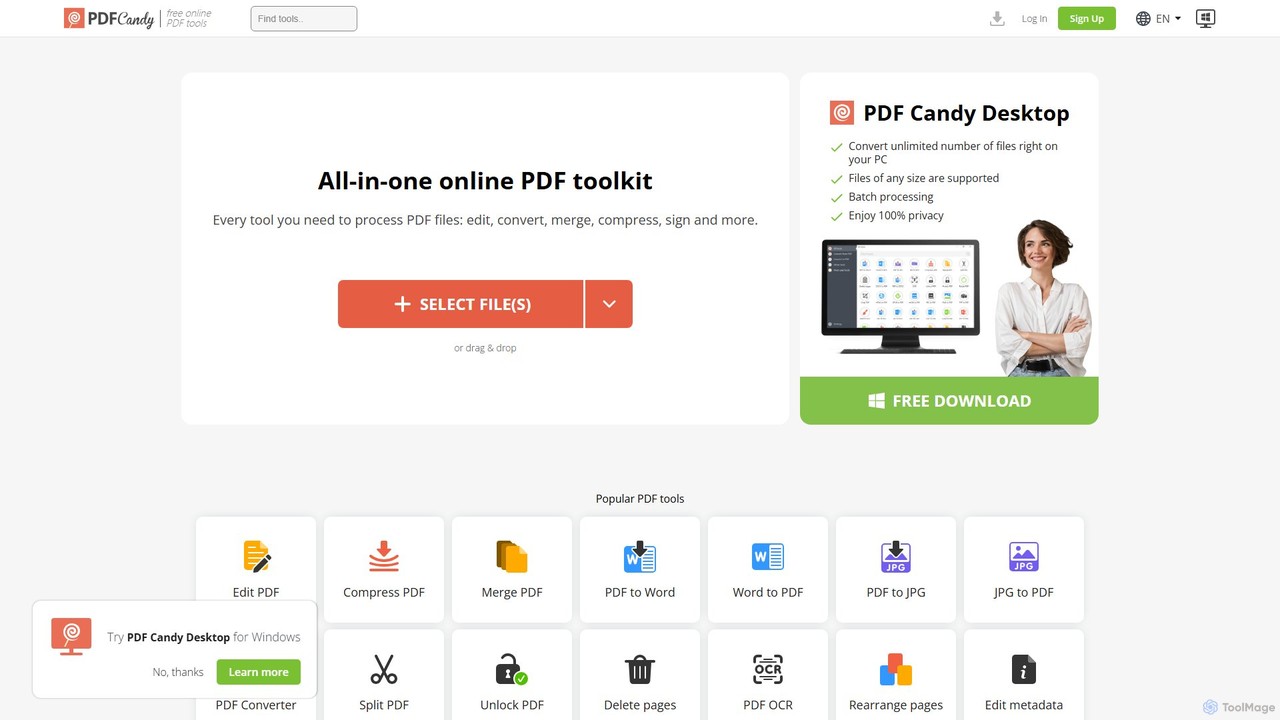
PDF Candy
PDF Candy is a comprehensive all-in-one online and desktop toolkit offering over 90 free tools to manage PDF files. Users can easily edit, convert from and to various formats, merge, compress, sign, unlock, and perform OCR on documents. It provides a user-friendly interface for both casual and professional use, ensuring high-quality results for all your PDF needs.
File Conversion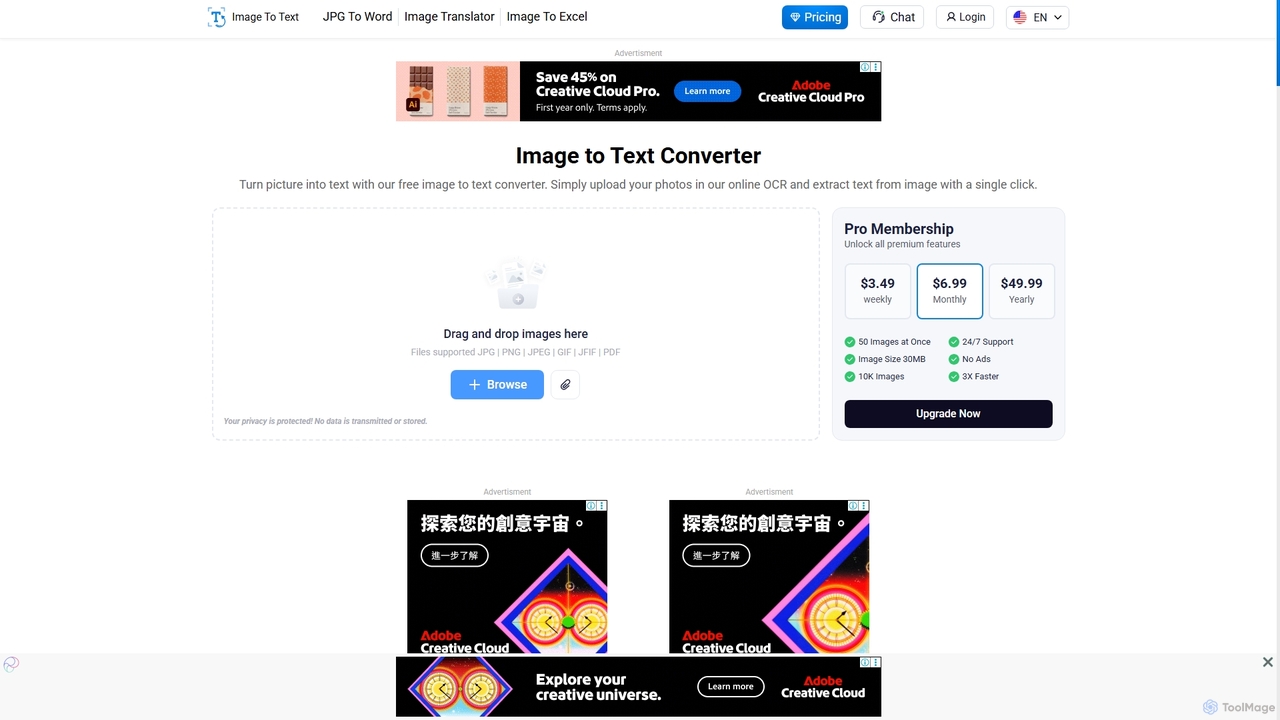
Imagetotext.io
A powerful online OCR tool that accurately converts images into editable text. It supports various formats, multiple languages, and even extracts text from low-resolution images and mathematical equations. Ideal for students, professionals, and anyone needing to digitize documents quickly and for free.
Study Tools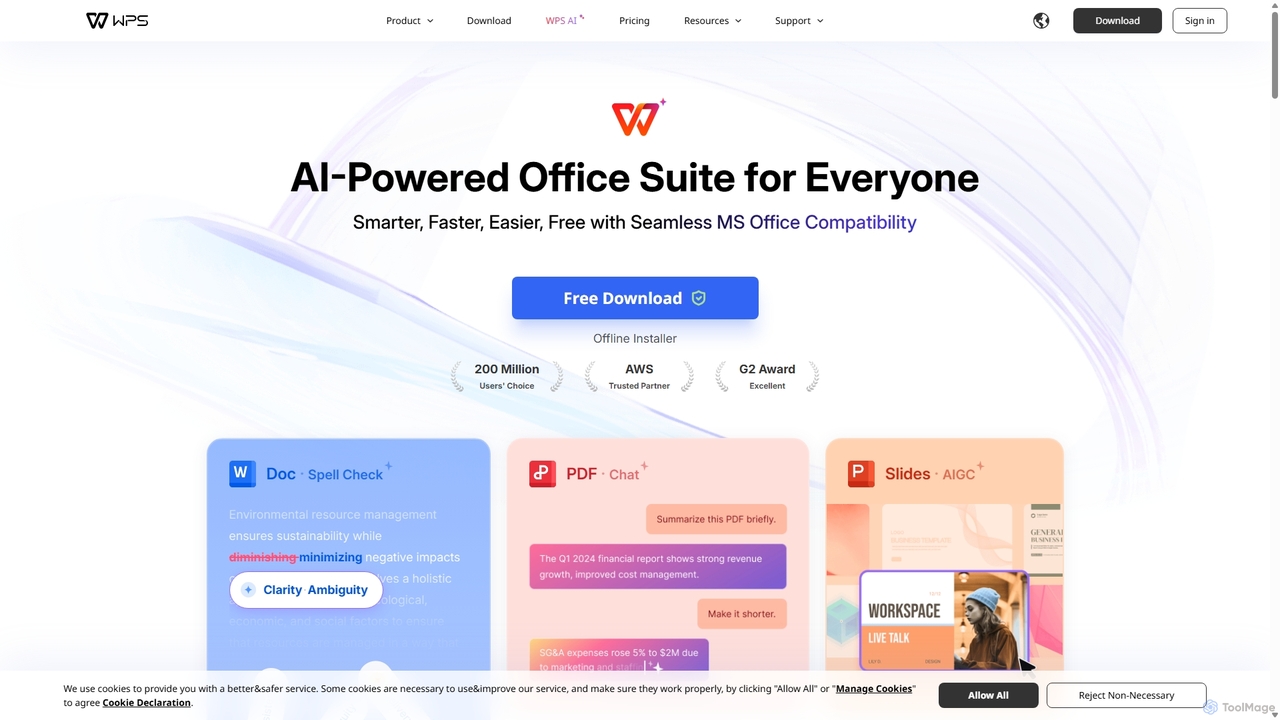
WPS Office
WPS Office is an AI-powered, all-in-one office suite offering a free and lightweight alternative to Microsoft Office. It integrates Writer, Spreadsheet, Presentation, and PDF tools with advanced AI features like content generation, spell checking, PDF summarization, and one-click presentation creation. With seamless MS Office compatibility and cross-platform support, it boosts productivity for individuals and teams.
Presentation GeneratorDocseditor Categories
Docseditor Jobs
Docseditor Embed Widget
Copy this embed code to place the badge on your blog, article, or product site and send readers directly to this ToolMage detail page.

Related AI tools
PDFflex
PDFflex is a comprehensive, all-in-one online platform for managing PDF documents. It allows users to edit, convert, merge, split, and sign PDFs with ease. Featuring an intuitive interface and robust security, PDFflex also incorporates AI-powered tools like OCR for scanned documents and summarizers for long texts. It supports a vast range of file formats, making it a versatile solution for both personal and professional use, accessible from any browser without installation.
SummarizerPDF Candy
PDF Candy is a comprehensive all-in-one online and desktop toolkit offering over 90 free tools to manage PDF files. Users can easily edit, convert from and to various formats, merge, compress, sign, unlock, and perform OCR on documents. It provides a user-friendly interface for both casual and professional use, ensuring high-quality results for all your PDF needs.
File ConversionUPDF
UPDF is an AI-integrated, all-in-one PDF editor that allows users to edit, annotate, convert, summarize, translate, and chat with PDF documents. It offers a seamless experience across Windows, macOS, iOS, and Android, boosting productivity for individuals, students, and businesses.
Document Analysis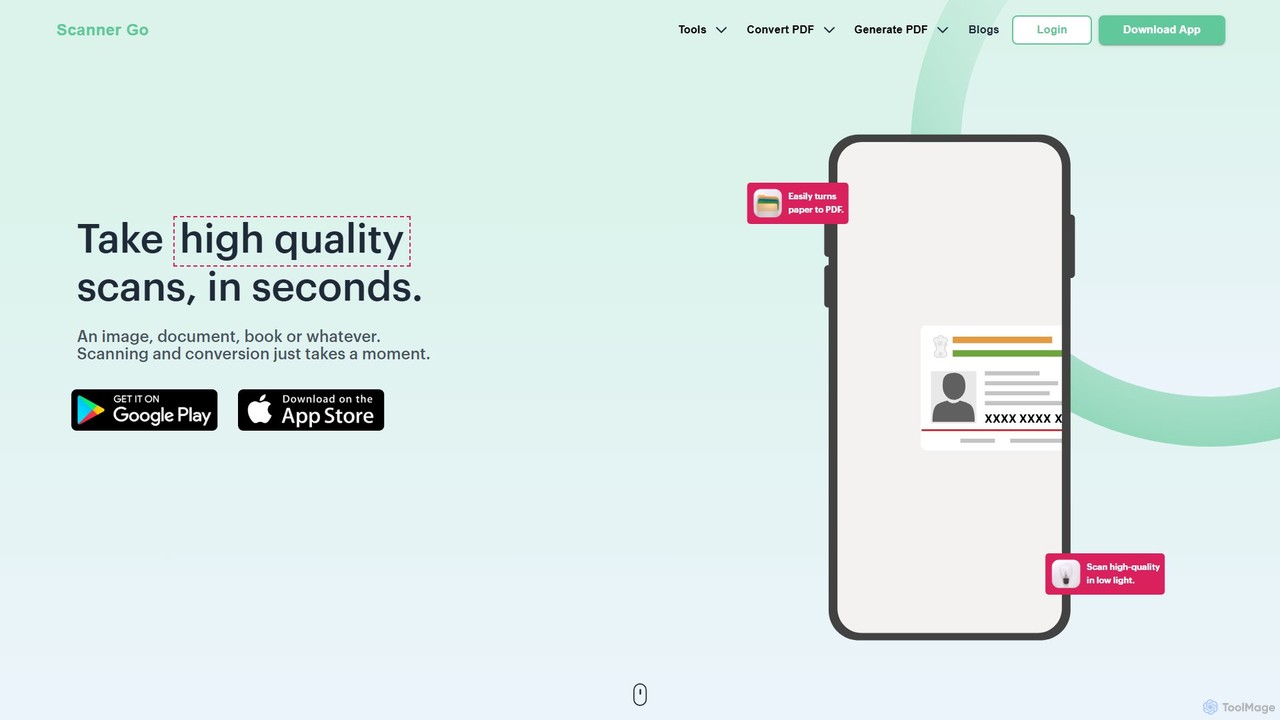
ScannerGo
ScannerGo is an all-in-one productivity tool that combines a powerful mobile document scanner with a comprehensive suite of online PDF utilities. Easily scan, convert, edit, merge, split, and secure your documents on any device, enhanced with OCR technology to extract text from images and PDFs.
File Conversion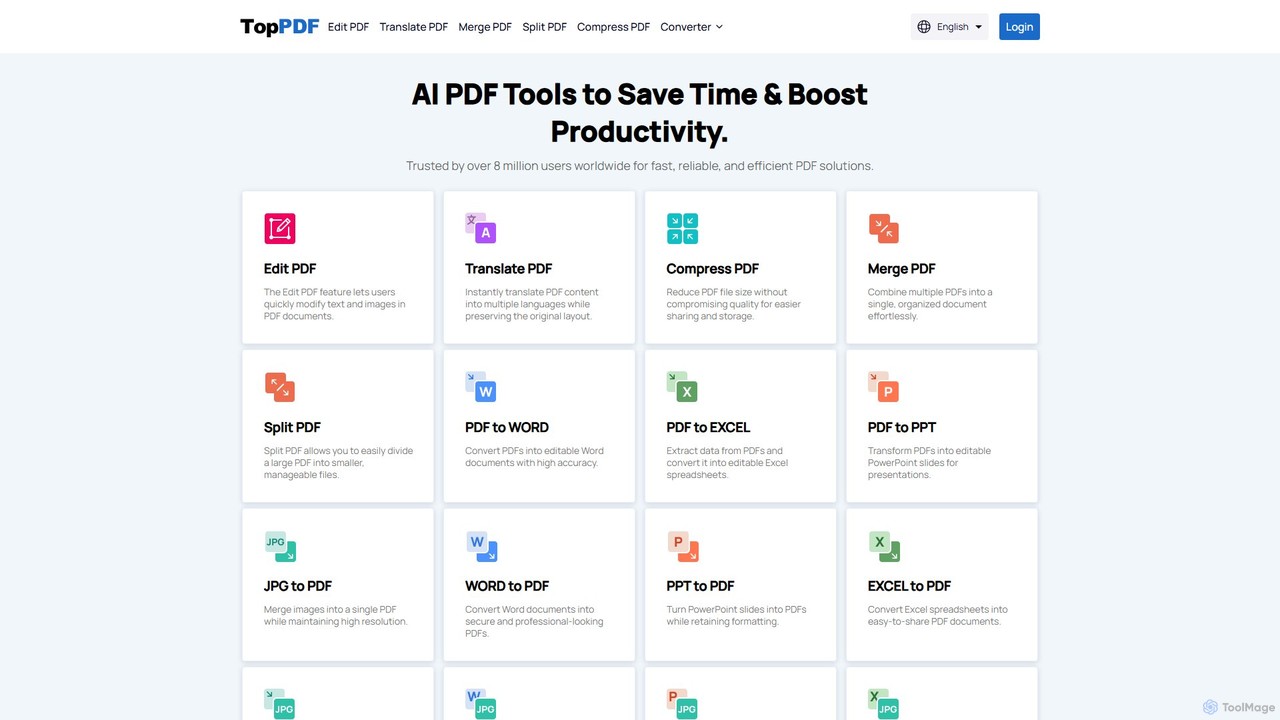
TopPDF
TopPDF is an all-in-one, AI-powered online platform offering a comprehensive suite of tools to edit, convert, translate, merge, split, and compress PDF files. It's designed to enhance productivity by simplifying document workflows for users worldwide.
File Conversion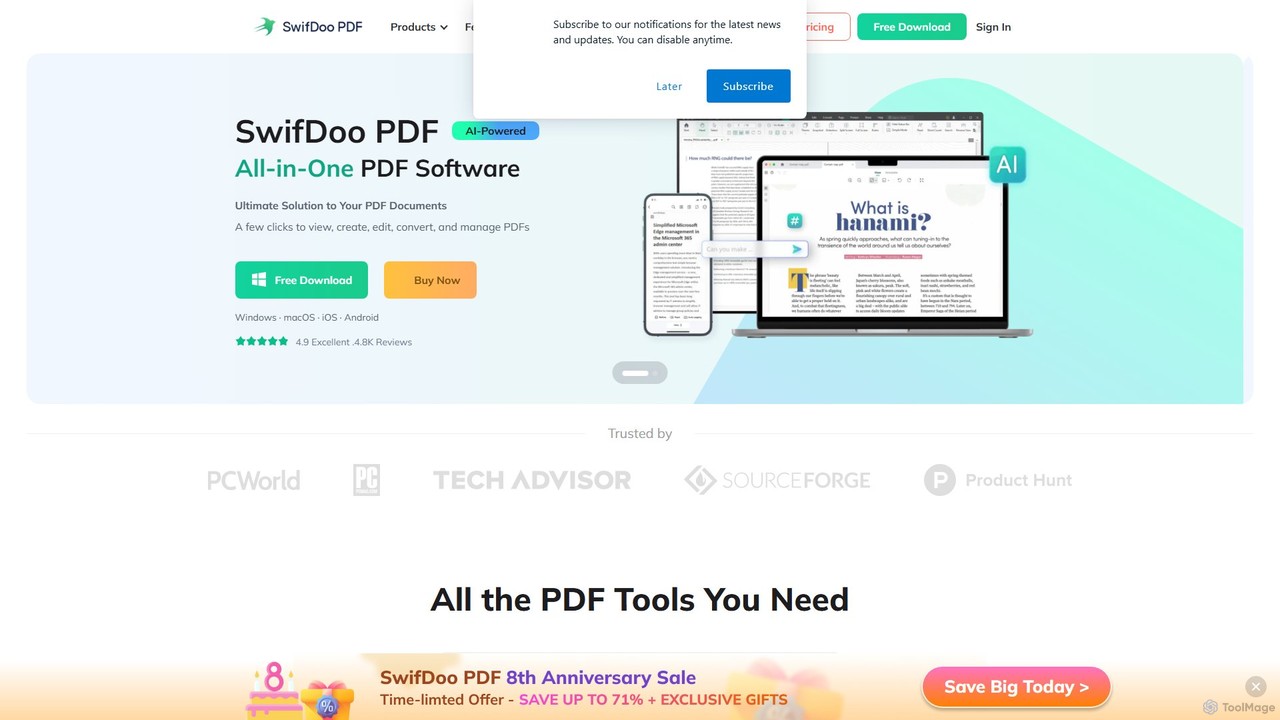
SwifDoo PDF
SwifDoo PDF is an all-in-one, AI-powered PDF software for effortless document management. It allows users to create, edit, convert, merge, compress, and sign PDF files. With integrated AI features, you can summarize, translate, proofread, and chat with your documents. Available on Windows, macOS, iOS, and Android, it offers a lightweight yet powerful solution for both individual and business users.
Document Signing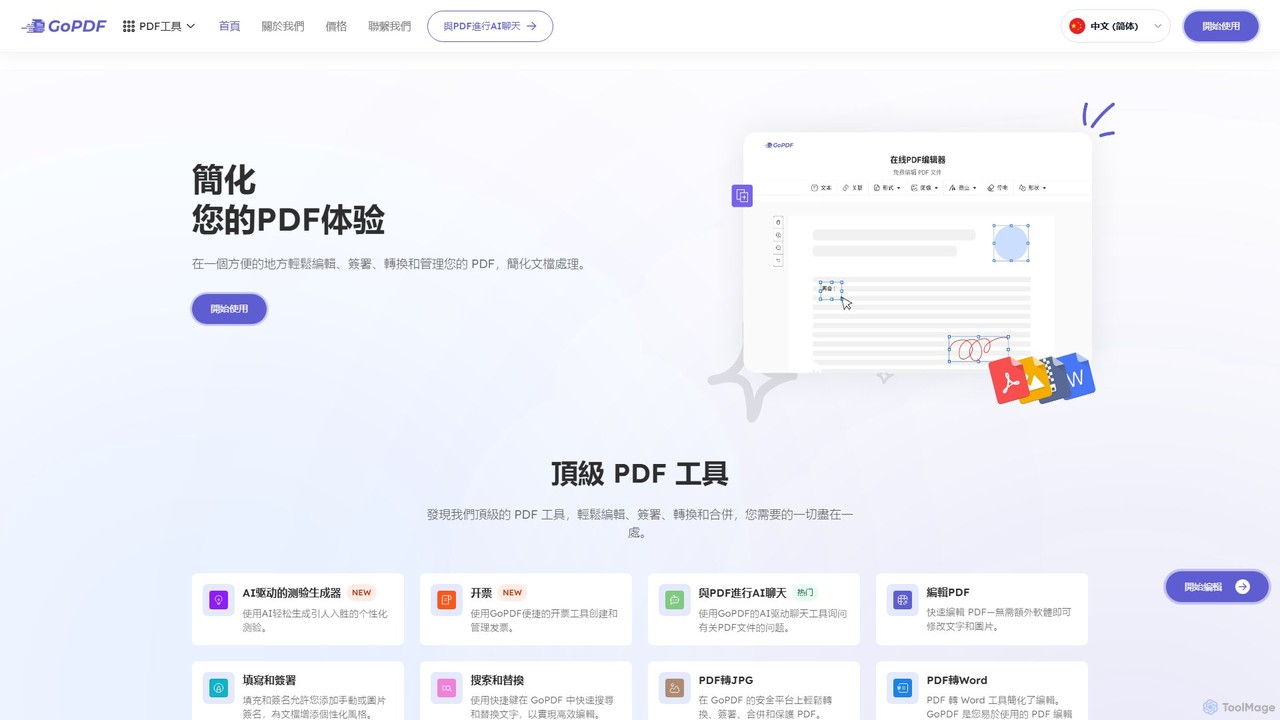
GoPDF
GoPDF is an AI-powered, all-in-one online PDF solution. It allows users to easily edit, convert, sign, merge, compress, and interact with PDF documents through an intuitive web interface and mobile app. AI features enable users to chat with their documents for quick summaries and answers.
Chat With Document
UPDF AI
UPDF AI is a powerful AI assistant integrated into the UPDF editor, designed to revolutionize how you interact with PDF documents. It allows you to chat with your PDFs, get instant summaries, translate entire documents or selected text, explain complex data, and even convert dense content into visual mind maps. Available on Windows, macOS, iOS, Android, and the web, it streamlines workflows for students, researchers, and professionals by making document comprehension and analysis faster and more efficient.
ResearchWPS Office
WPS Office is an AI-powered, all-in-one office suite offering a free and lightweight alternative to Microsoft Office. It integrates Writer, Spreadsheet, Presentation, and PDF tools with advanced AI features like content generation, spell checking, PDF summarization, and one-click presentation creation. With seamless MS Office compatibility and cross-platform support, it boosts productivity for individuals and teams.
Presentation Generator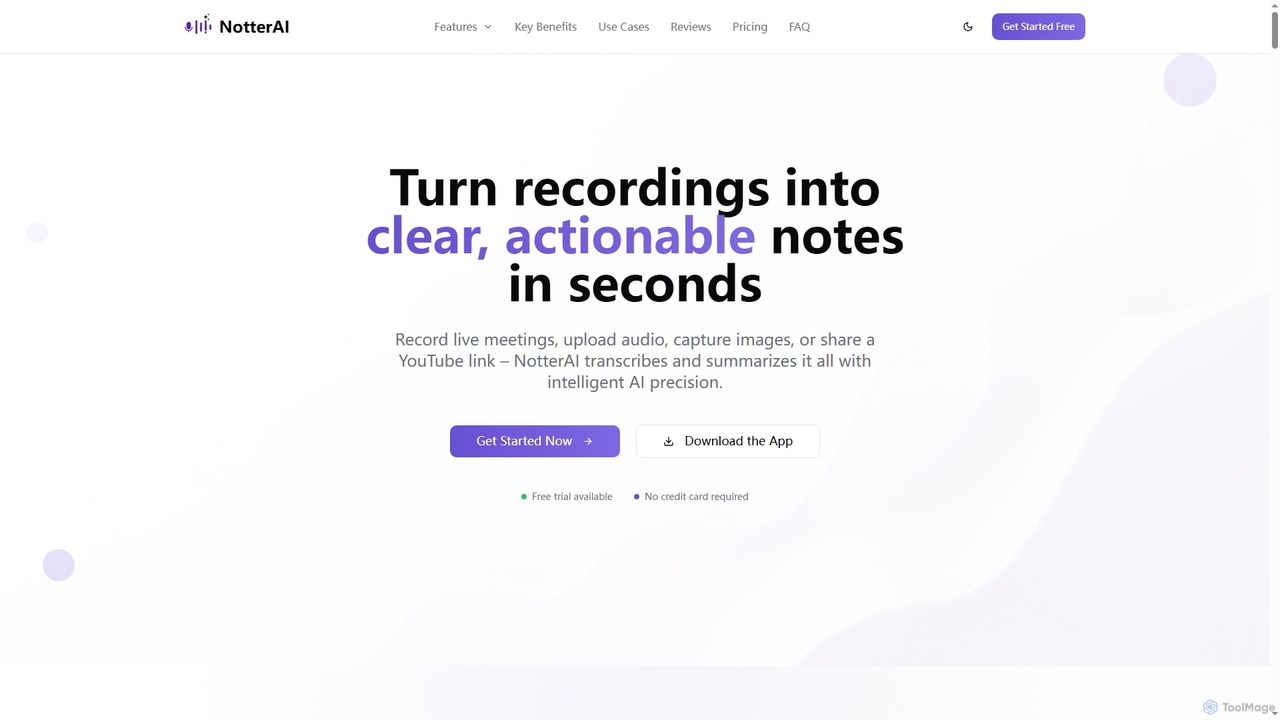
Notterai
Notterai is an AI-powered note-taker that transforms recordings, audio files, images, PDFs, and even YouTube videos into clear, actionable notes. It offers real-time transcription, intelligent summaries, and multi-language support to boost productivity for students, professionals, and creators.
Study ToolsImagetotext.io
A powerful online OCR tool that accurately converts images into editable text. It supports various formats, multiple languages, and even extracts text from low-resolution images and mathematical equations. Ideal for students, professionals, and anyone needing to digitize documents quickly and for free.
Study Tools
GPT Workspace
GPT Workspace integrates AI-powered features directly into Google Workspace applications like Docs, Sheets, Slides, and Gmail. It enhances productivity by automating content creation, data analysis, email drafting, and document editing, allowing users to leverage the power of models like GPT-4o seamlessly within their existing workflow.
Document Management
PDF Interact
PDF Interact is an AI-powered chat assistant that transforms how you engage with your documents. Simply upload a PDF and ask questions in natural language to get instant answers, summaries, and key insights. Ideal for students, researchers, and professionals looking to save time and analyze complex information efficiently.
Data Analysis
Adobe
Adobe is the industry-leading suite of creative, marketing, and document management software, supercharged with powerful generative AI. Featuring tools like Photoshop, Premiere Pro, and Acrobat, integrated with Adobe Firefly AI, it empowers creators, businesses, and individuals to bring any idea to life, from stunning visuals and cinematic videos to intelligent, interactive documents.
Graphic Design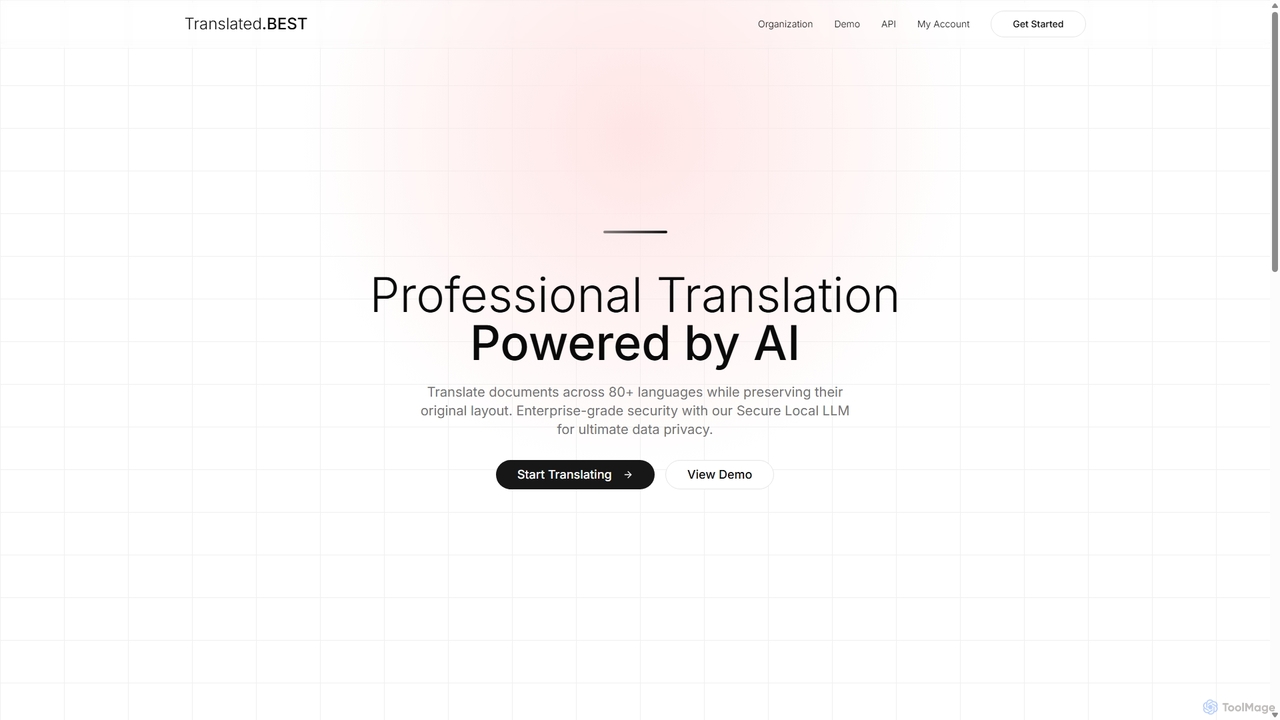
Translated.best
An AI-powered document translation service that translates over 30 file formats across 80+ languages while perfectly preserving the original layout. It offers multiple AI models, enterprise-grade security, and OCR for scanned documents, ensuring fast, accurate, and secure translations for professional use.
Document Management
Docseditor Comments (0)
Sign in to comment.
Sign inNo comments yet.