
SwifDoo PDF Overview
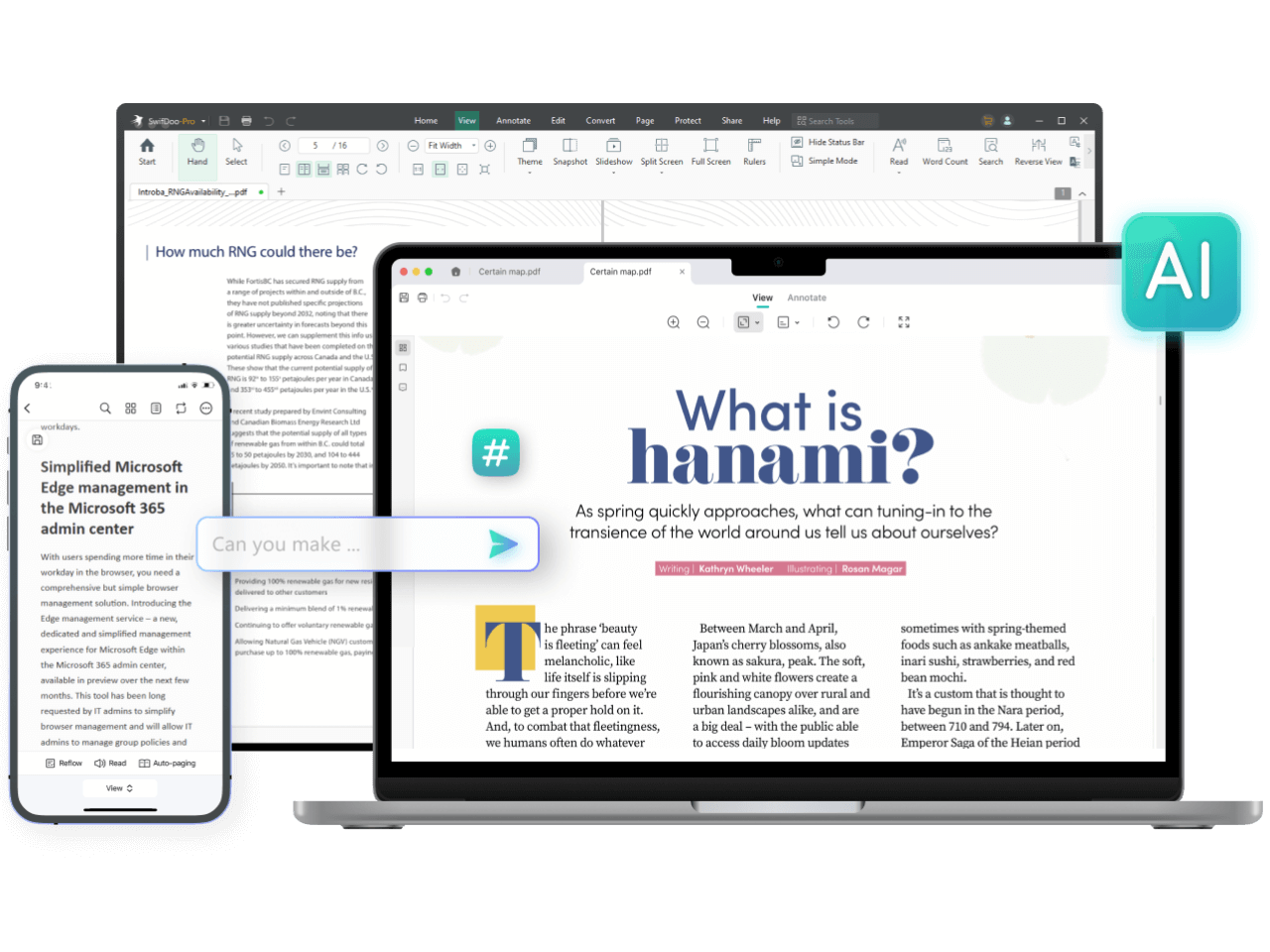
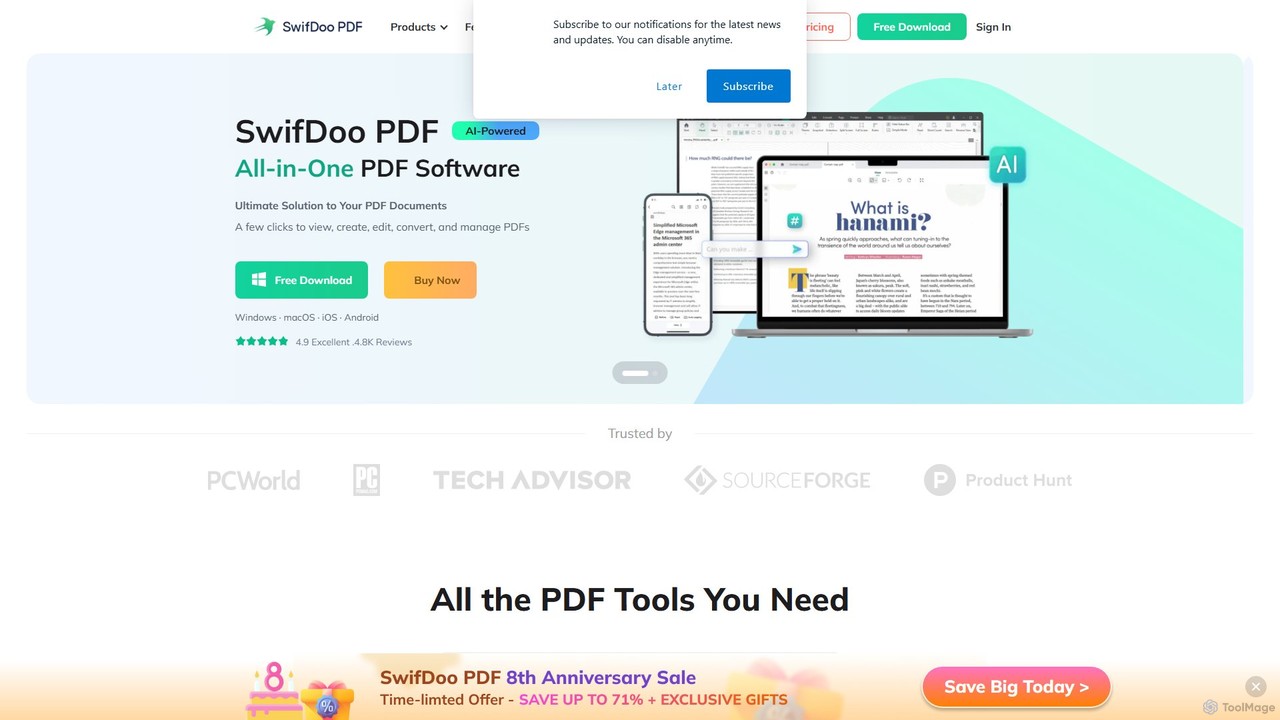
SwifDoo PDF is a comprehensive and lightweight software designed to be the ultimate solution for all your PDF needs. It integrates powerful AI capabilities to streamline document processing, making it an indispensable tool for modern workflows. Available across multiple platforms including Windows, Mac, iOS, Android, and a web version, SwifDoo PDF ensures you stay productive wherever you are. Its intuitive, Microsoft Office-like interface makes it easy for users to navigate and utilize its extensive feature set without a steep learning curve.
How to use SwifDoo PDF
Getting started with SwifDoo PDF is straightforward, allowing you to manage your documents efficiently:
- Installation & Setup: Download the appropriate version for your device (Windows, Mac, iOS, Android) from the official website. The installation is quick due to its small file size.
- Creating PDFs: You can create a PDF from scratch using a blank page, from existing files (like Word, Excel, images), or directly from a connected scanner. The software also supports batch creation to convert multiple files to PDF at once.
- Editing PDFs: Open any PDF file and use the 'Edit' tab. This allows you to add or delete text, change font styles and colors, insert images, and add or remove hyperlinks. A White-out feature is also available to redact sensitive information.
- Using AI Features: Access the 'SwifDoo AI' panel to unlock advanced capabilities. Ask the AI to summarize lengthy documents, translate text into different languages, proofread for grammatical errors, rewrite sections for better clarity, or simply chat with your PDF to ask questions and get instant explanations about the content.
- Converting Files: Navigate to the 'Convert' tab to transform your PDFs. You can convert PDFs to and from formats like Word, Excel, PowerPoint, JPG, PNG, or even CAD (DWG/DXF), all while preserving the original formatting. The built-in OCR technology can turn scanned, image-only PDFs into fully editable and searchable documents.
- Signing Documents: Use the E-signature feature to create a legally-binding signature. You can handwrite it, type it as text, or upload an image of your signature. Apply it to any PDF document with just a few clicks.
- Managing Pages & Security: Organize your documents by merging multiple PDFs into one, splitting a large PDF into smaller files, or compressing files to reduce their size. You can also enhance security by adding watermarks or protecting your files with passwords.
Core Features of SwifDoo PDF
- SwifDoo AI: Automatically summarize, translate, proofread, rewrite, and explain PDF content. Chat with your documents to extract key insights and answers.
- Powerful PDF Editor: Edit PDF text, images, and links as easily as in a Word document. Crop pages, add backgrounds, and white-out content.
- Fast PDF Converter: Convert PDFs to and from Microsoft Office formats (Word, Excel, PowerPoint), images (JPG, PNG, TIFF), CAD (DWG, DXF), HTML, and more.
- OCR Technology: Recognize text within scanned PDFs and images, making them editable and searchable.
- E-signature Maker: Create and add legally-binding electronic and digital signatures to your documents.
- PDF Compressor: Reduce PDF file size with three different compression levels to optimize for sharing and storage.
- PDF Merger & Splitter: Combine multiple PDFs into a single file or split one PDF into several documents or pages.
- Secure & Reliable: Protect your documents with two-level password protection, permissions, and watermarks.
- Cross-Platform Availability: Use SwifDoo PDF on Windows, macOS, iOS, Android, and the Web, syncing your work across devices.
Use Cases for SwifDoo PDF
SwifDoo PDF is versatile and caters to a wide range of users:
- Students & Researchers: Quickly summarize long research papers and academic articles with AI to grasp key points. Translate foreign language documents for study.
- Business Professionals: Edit reports, add comments for colleagues, sign contracts and agreements electronically, and protect sensitive business documents with passwords.
- Office Administration: Convert various file formats into standardized PDFs for archiving. Merge multiple reports into a single document. Compress large files to send via email.
- Legal & Finance: Redact sensitive information using the white-out tool, add legally-binding e-signatures to legal forms, and archive case files securely.
- General Users: Convert scanned receipts or paper documents into searchable PDFs using OCR. Edit a downloaded PDF form to fill it out.
Advantages of SwifDoo PDF
SwifDoo PDF stands out for several reasons:
- Lightweight & Fast: Occupies only 30 MB of disk space, ensuring a quick download and fast operation. It opens and processes files with remarkable speed.
- Intuitive Interface: Features a Microsoft Office-like design that is familiar and easy to navigate, reducing the learning curve.
- Comprehensive Feature Set: An all-in-one tool that covers almost every PDF-related task, from basic viewing and editing to advanced AI analysis and conversion.
- High Security: Guarantees document safety with password encryption, differentiated permissions, and legally binding e-signatures.
- Affordable Pricing: Offers a competitive pricing structure, including a perpetual license option, providing great value compared to other PDF software.
Pricing and Plans
SwifDoo PDF offers a flexible pricing model to suit different needs:
- Free Plan: Includes a 7-day free trial of all Pro features. After the trial, the free version offers basic viewing and annotation but has limitations on advanced features, such as a cap on AI questions (10/month), total files processed (3/month), and file size (10 MB).
- Pro Plans (Paid): Unlock all features, including unlimited file processing, unlimited AI chat questions (up to 100 pages/file, 1 GB/file), and full editing, conversion, and security capabilities. Plans are available for single-platform (Windows) or cross-platform use.
- Quarterly Plan: ~$16/month (billed quarterly).
- 2-Year Plan: A cost-effective long-term option (e.g., ~$2.88/month, billed every 2 years).
- Perpetual Plan: A one-time fee (e.g., ~$96.75) for lifetime access and free upgrades on one PC.
All paid plans include free upgrades and technical support. Discounts are available for students, non-profits, and educational users.
Traffic
Latest traffic
Status
Monthly traffic trend
- 2025-9: 448.5K
- 2026-1: 348.1K
- 2026-2: 225.2K
- 2026-3: 226.6K
- 2026-4: 202.3K
- 2026-5: 242.0K
Geography
Top 5 countries / regions
- 🇺🇸United States32.2%
- 🇮🇳India23.9%
- 🇮🇩Indonesia16.0%
- 🇩🇪Germany15.2%
- 🇲🇽Mexico12.8%
Traffic sources
| Source type | Percentage |
|---|---|
Direct | 85.0% |
Referral | 12.5% |
Email | 2.5% |
Top keywords
| Keyword | Cost per click |
|---|---|
| dwg to pdf | $0.23 |
| merge png files free | $0.00 |
| swifdoo | $1.86 |
| swifdoo pdf | $0.12 |
| what is isbn code and can we download pdfs from isbn codes? | $0.00 |
SwifDoo PDF Videos on YouTube

Ribby Trivia

Education28 Sabin

Seen Through a Lens

Ribby Trivia
SwifDoo PDF Alternatives
GoPDF
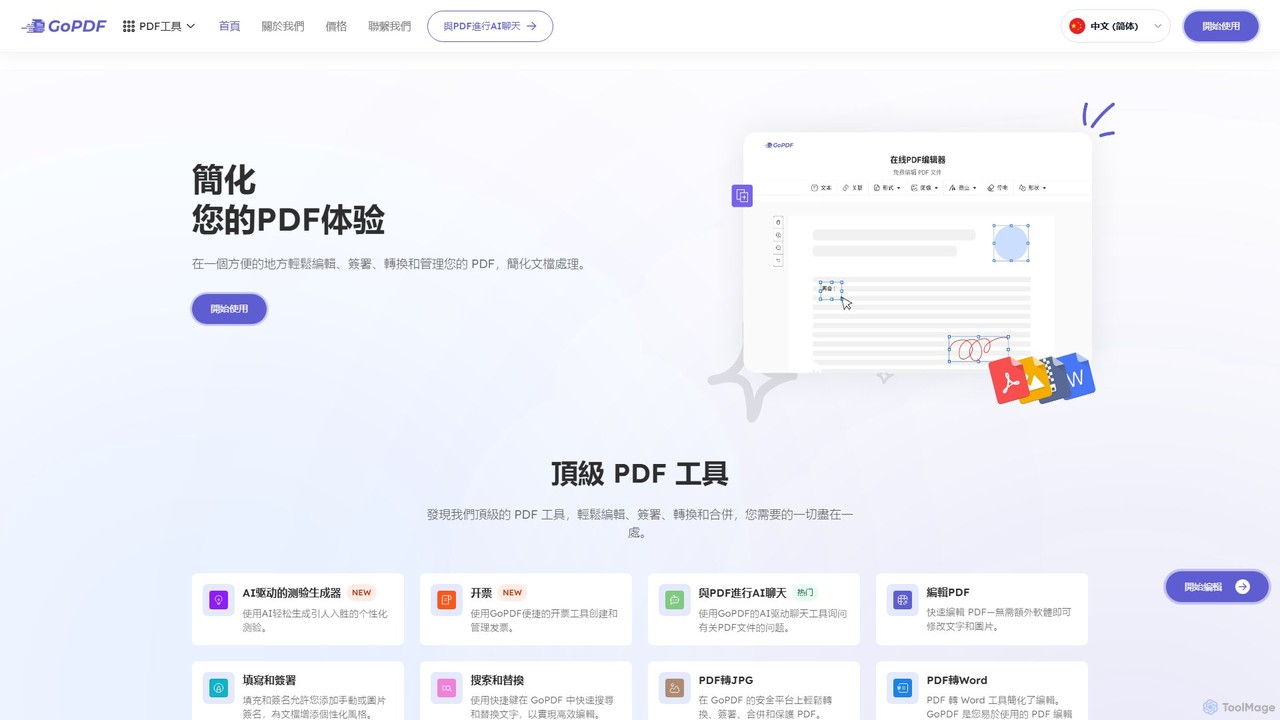
GoPDF is an AI-powered, all-in-one online PDF solution. It allows users to easily edit, convert, sign, merge, compress, and interact with PDF documents through an intuitive web interface and mobile app. AI features enable users to chat with their documents for quick summaries and answers.
Chat With Document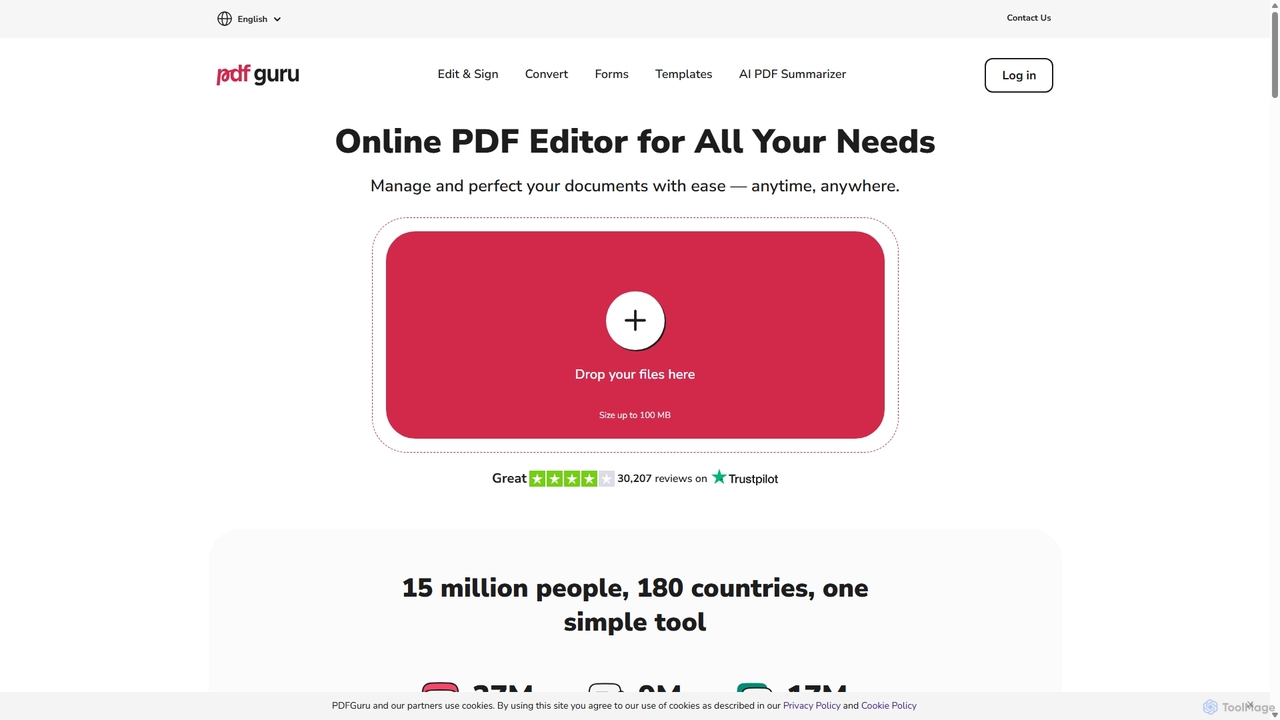
PDFflex
PDFflex is a comprehensive, all-in-one online platform for managing PDF documents. It allows users to edit, convert, merge, split, and sign PDFs with ease. Featuring an intuitive interface and robust security, PDFflex also incorporates AI-powered tools like OCR for scanned documents and summarizers for long texts. It supports a vast range of file formats, making it a versatile solution for both personal and professional use, accessible from any browser without installation.
Summarizer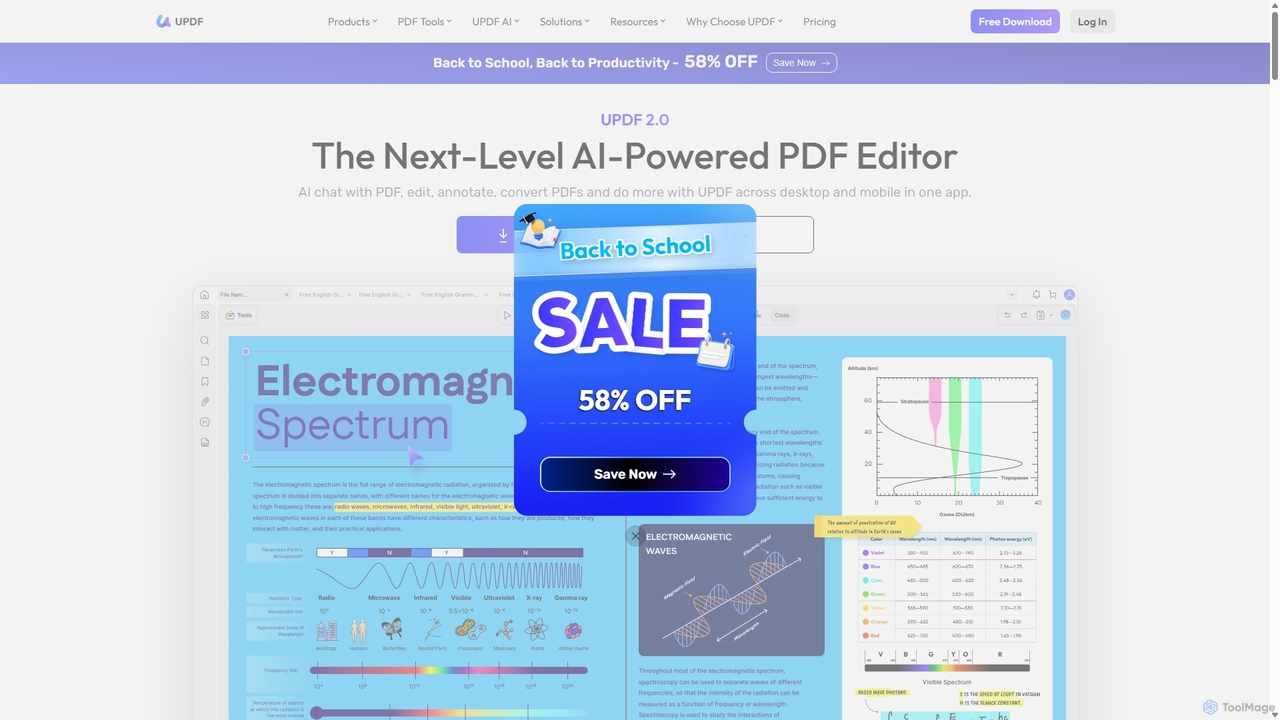
UPDF
UPDF is an AI-integrated, all-in-one PDF editor that allows users to edit, annotate, convert, summarize, translate, and chat with PDF documents. It offers a seamless experience across Windows, macOS, iOS, and Android, boosting productivity for individuals, students, and businesses.
Document Analysis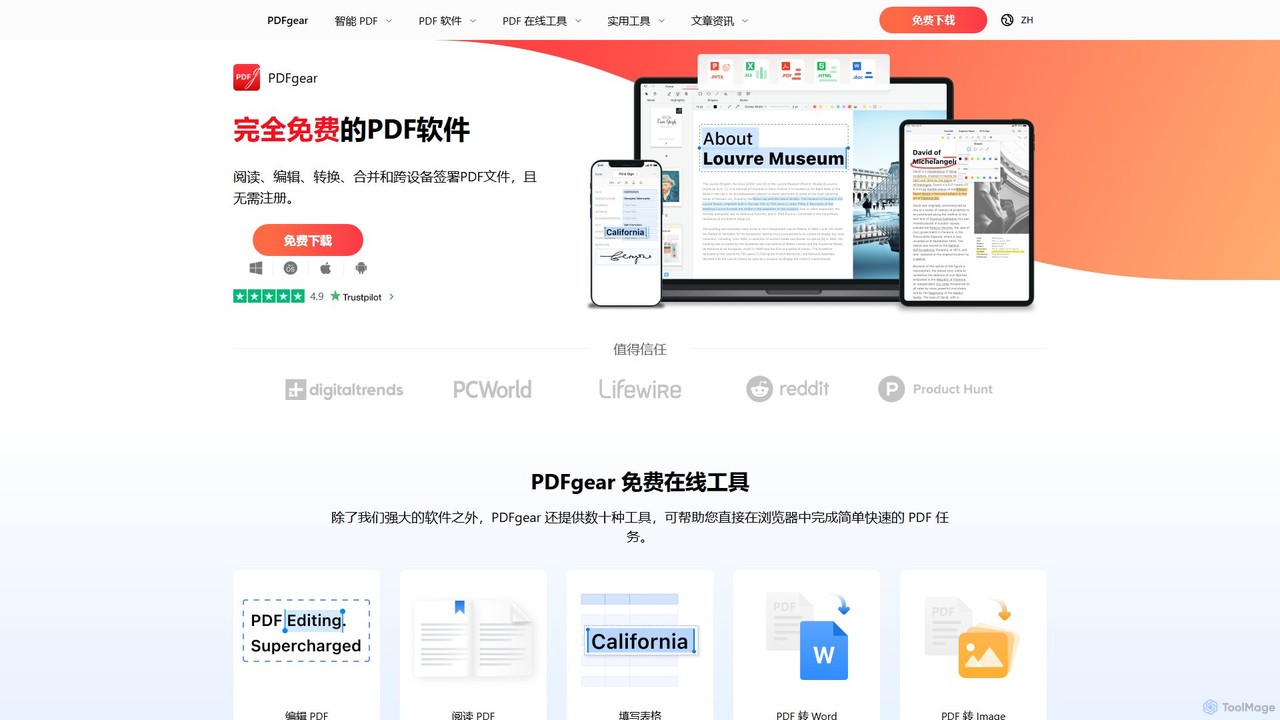
PDFgear
PDFgear is a completely free, AI-powered PDF editor and management suite. It integrates a ChatGPT-based Copilot to chat with, summarize, and analyze your documents. It offers comprehensive features like editing, converting, OCR, and signing across all platforms (Windows, macOS, iOS, Android) and online.
Document Analysis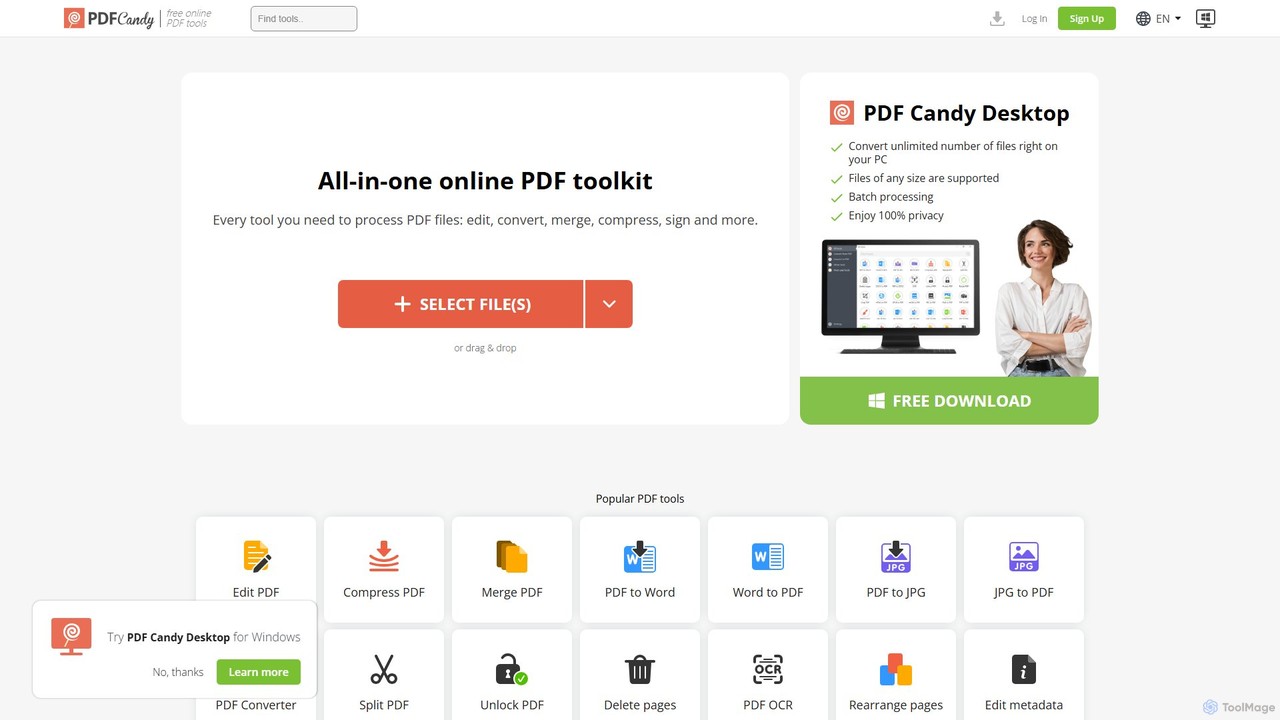
PDF Candy
PDF Candy is a comprehensive all-in-one online and desktop toolkit offering over 90 free tools to manage PDF files. Users can easily edit, convert from and to various formats, merge, compress, sign, unlock, and perform OCR on documents. It provides a user-friendly interface for both casual and professional use, ensuring high-quality results for all your PDF needs.
File ConversionSwifDoo PDF Categories
SwifDoo PDF Embed Widget
Copy this embed code to place the badge on your blog, article, or product site and send readers directly to this ToolMage detail page.

Related AI tools
GoPDF
GoPDF is an AI-powered, all-in-one online PDF solution. It allows users to easily edit, convert, sign, merge, compress, and interact with PDF documents through an intuitive web interface and mobile app. AI features enable users to chat with their documents for quick summaries and answers.
Chat With DocumentPDFflex
PDFflex is a comprehensive, all-in-one online platform for managing PDF documents. It allows users to edit, convert, merge, split, and sign PDFs with ease. Featuring an intuitive interface and robust security, PDFflex also incorporates AI-powered tools like OCR for scanned documents and summarizers for long texts. It supports a vast range of file formats, making it a versatile solution for both personal and professional use, accessible from any browser without installation.
SummarizerUPDF
UPDF is an AI-integrated, all-in-one PDF editor that allows users to edit, annotate, convert, summarize, translate, and chat with PDF documents. It offers a seamless experience across Windows, macOS, iOS, and Android, boosting productivity for individuals, students, and businesses.
Document AnalysisPDFgear
PDFgear is a completely free, AI-powered PDF editor and management suite. It integrates a ChatGPT-based Copilot to chat with, summarize, and analyze your documents. It offers comprehensive features like editing, converting, OCR, and signing across all platforms (Windows, macOS, iOS, Android) and online.
Document AnalysisPDF Candy
PDF Candy is a comprehensive all-in-one online and desktop toolkit offering over 90 free tools to manage PDF files. Users can easily edit, convert from and to various formats, merge, compress, sign, unlock, and perform OCR on documents. It provides a user-friendly interface for both casual and professional use, ensuring high-quality results for all your PDF needs.
File Conversion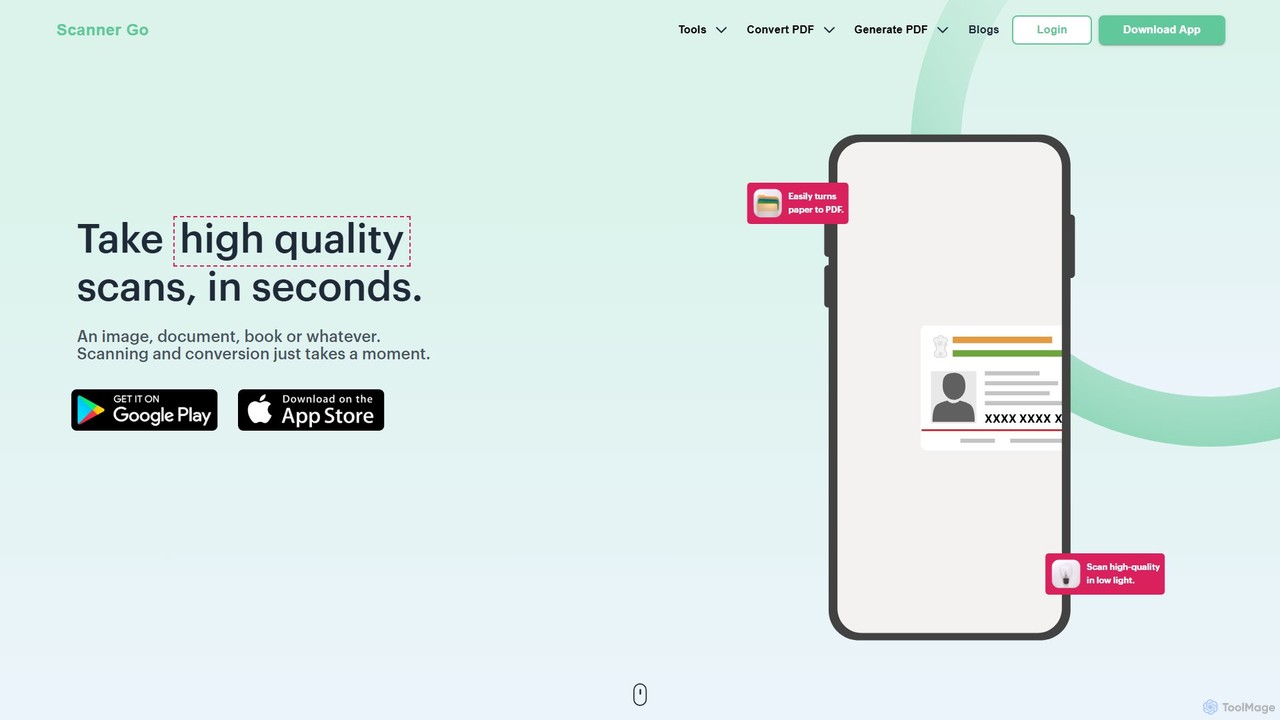
ScannerGo
ScannerGo is an all-in-one productivity tool that combines a powerful mobile document scanner with a comprehensive suite of online PDF utilities. Easily scan, convert, edit, merge, split, and secure your documents on any device, enhanced with OCR technology to extract text from images and PDFs.
File Conversion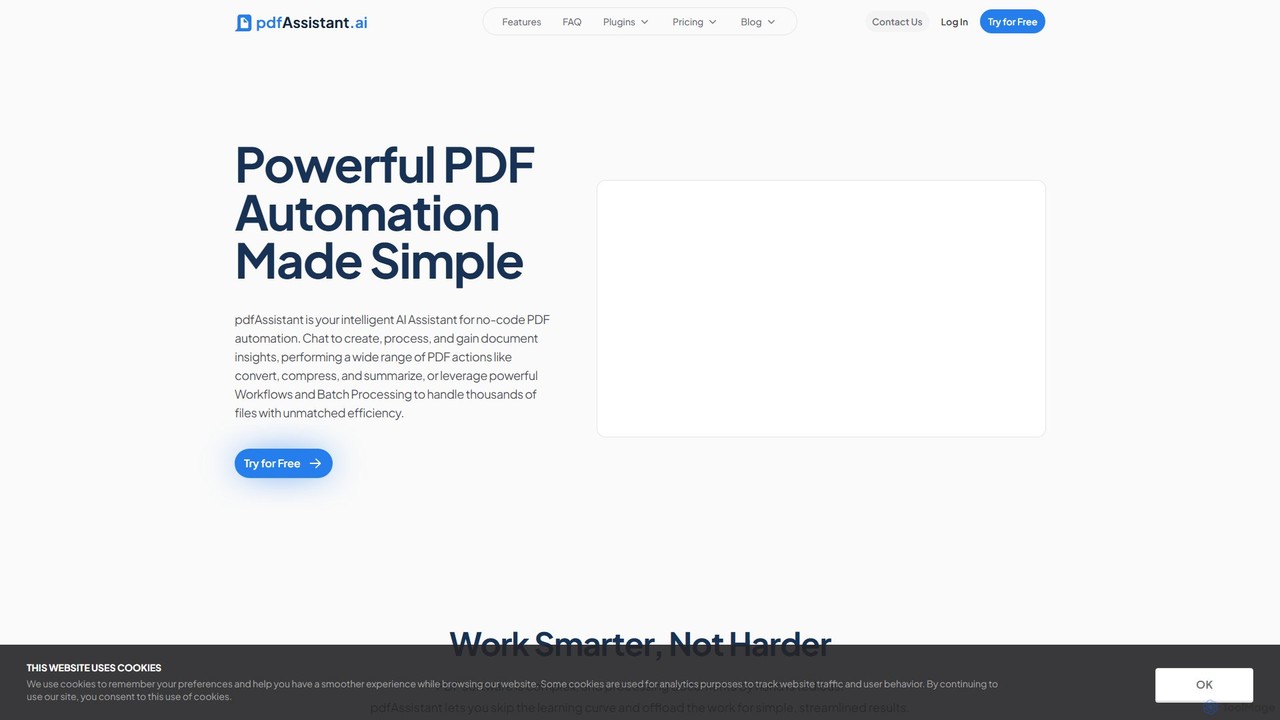
pdfAssistant.ai
pdfAssistant.ai is an intelligent, no-code platform for PDF automation. Use its intuitive chat interface to create, convert, compress, summarize, and manage PDFs with simple natural language commands. Automate complex, multi-step tasks with Workflows and process thousands of files efficiently using Batch Processing.
Automation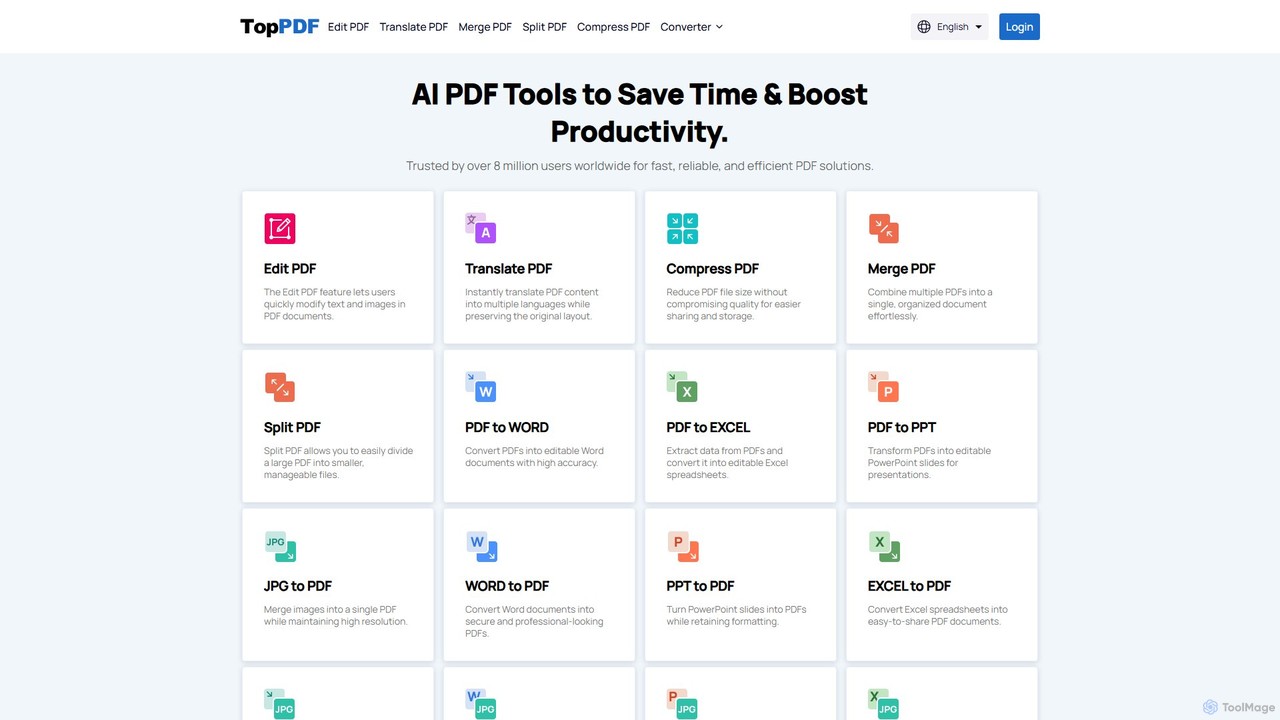
TopPDF
TopPDF is an all-in-one, AI-powered online platform offering a comprehensive suite of tools to edit, convert, translate, merge, split, and compress PDF files. It's designed to enhance productivity by simplifying document workflows for users worldwide.
File Conversion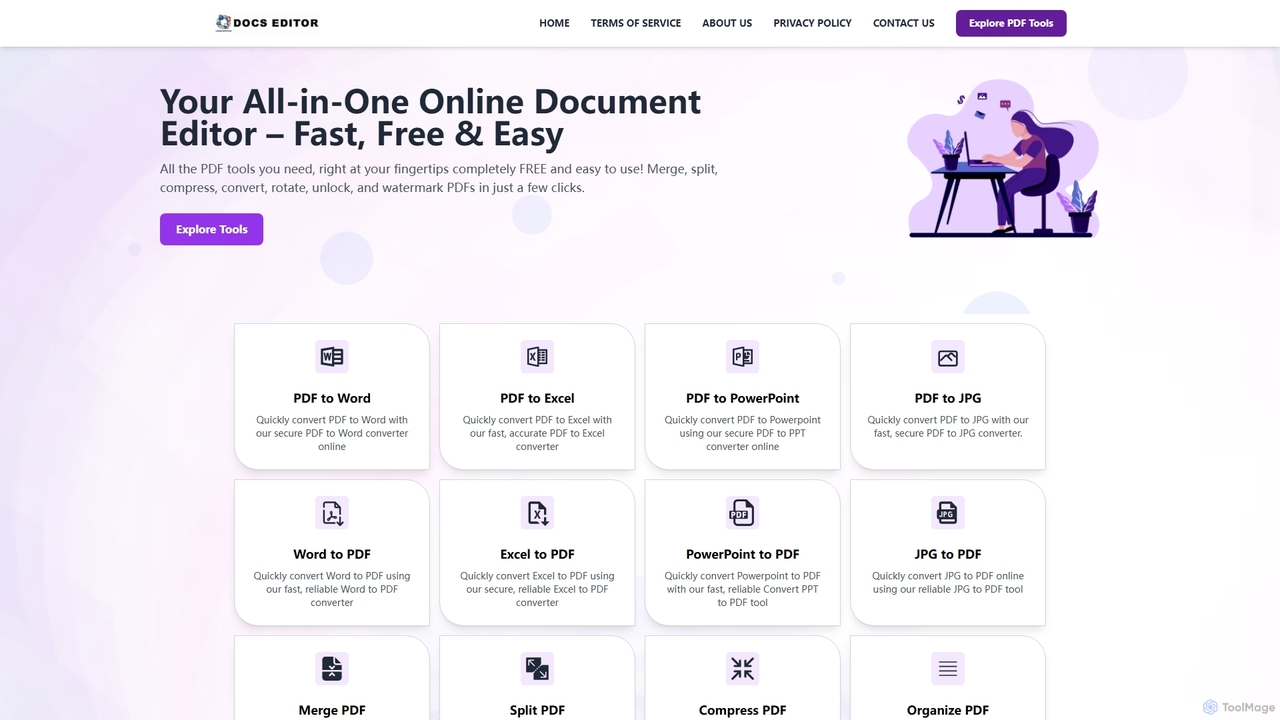
Docseditor
Docseditor is a comprehensive, free online document toolkit for all your PDF needs. It allows users to effortlessly edit, convert, merge, split, compress, sign, and manage PDF files directly in their browser without any installation.
Document Management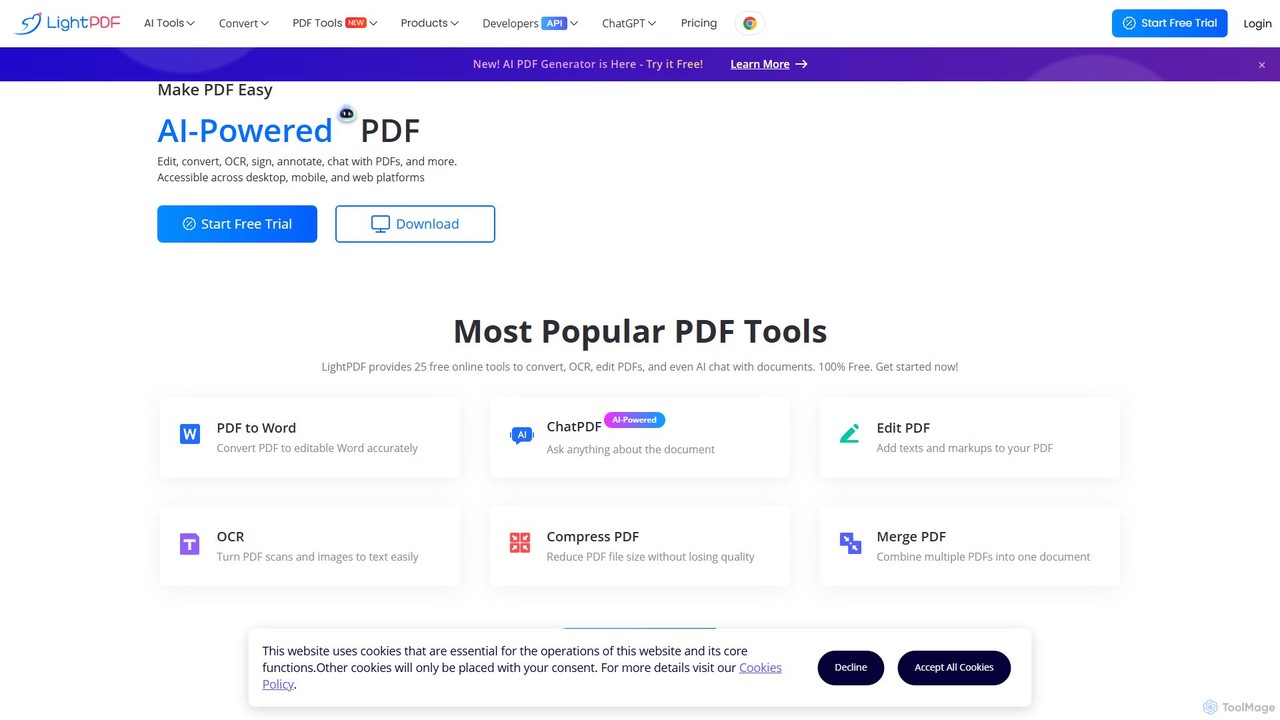
LightPDF
LightPDF is an AI-powered, all-in-one PDF solution designed to simplify document workflows. It allows users to chat with documents, get instant summaries, and ask questions. Beyond its AI capabilities, it offers a comprehensive suite of tools for editing, converting, merging, signing, and performing OCR on PDF files. Available on web, desktop, and mobile, LightPDF makes managing documents efficient and intuitive for students, professionals, and businesses alike.
Chat With Your Docs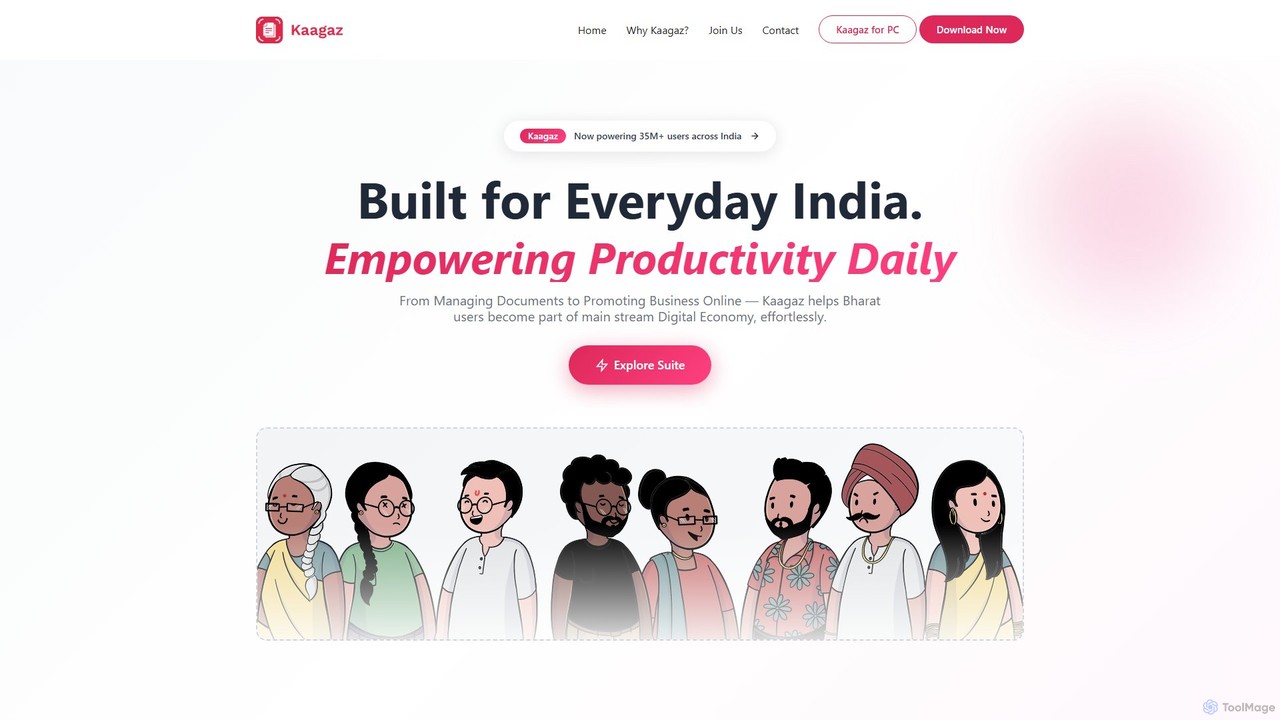
Kaagaz
Kaagaz is an all-in-one, mobile-first productivity suite featuring an AI-powered PDF scanner, editor, poster maker, and resume builder. Designed for modern users, it simplifies document management, creative design, and job applications, offering a powerful alternative to traditional desktop software and tools like CamScanner.
Graphics
pdftopdf.ai
pdftopdf.ai is an AI-powered online tool designed to optimize, enhance, and transform PDF files. It uses artificial intelligence for advanced functions like high-fidelity OCR to make scanned documents searchable, intelligent compression to reduce file size without quality loss, and PDF repair. It's a comprehensive solution for managing and improving your PDF documents efficiently.
File Conversion
Tenorshare AI
Tenorshare AI is an all-in-one AI-powered suite designed to enhance productivity. It features an advanced AI text humanizer to bypass AI detectors, a comprehensive set of free online PDF tools (edit, merge, OCR, sign), an AI PDF summarizer, and content generators for writing and presentations. It offers a secure, fast, and user-friendly experience for students, professionals, and content creators.
Content Creation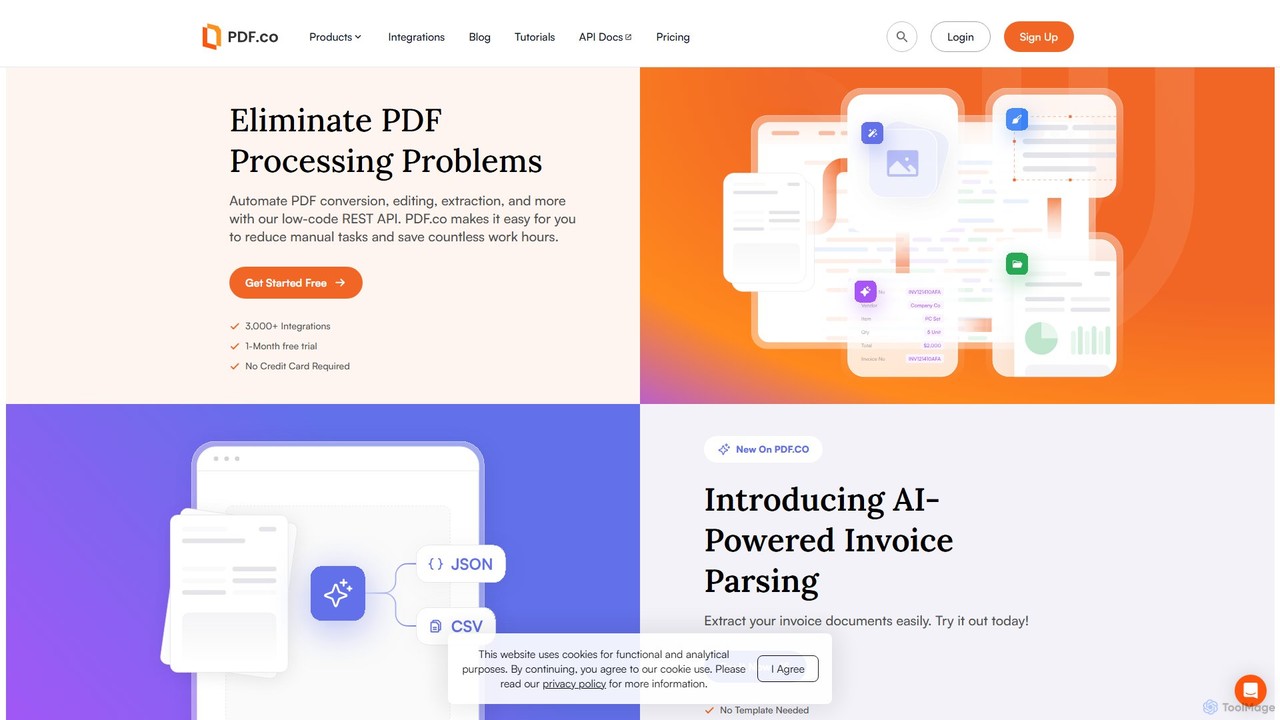
PDF.co
PDF.co is a powerful REST API platform for developers and businesses to automate all PDF-related tasks. It enables PDF data extraction, editing, conversion, creation, and form filling. Featuring AI-powered invoice parsing and seamless integration with over 3,000 platforms like Zapier and Make, it helps eliminate manual work and streamline document workflows.
Automation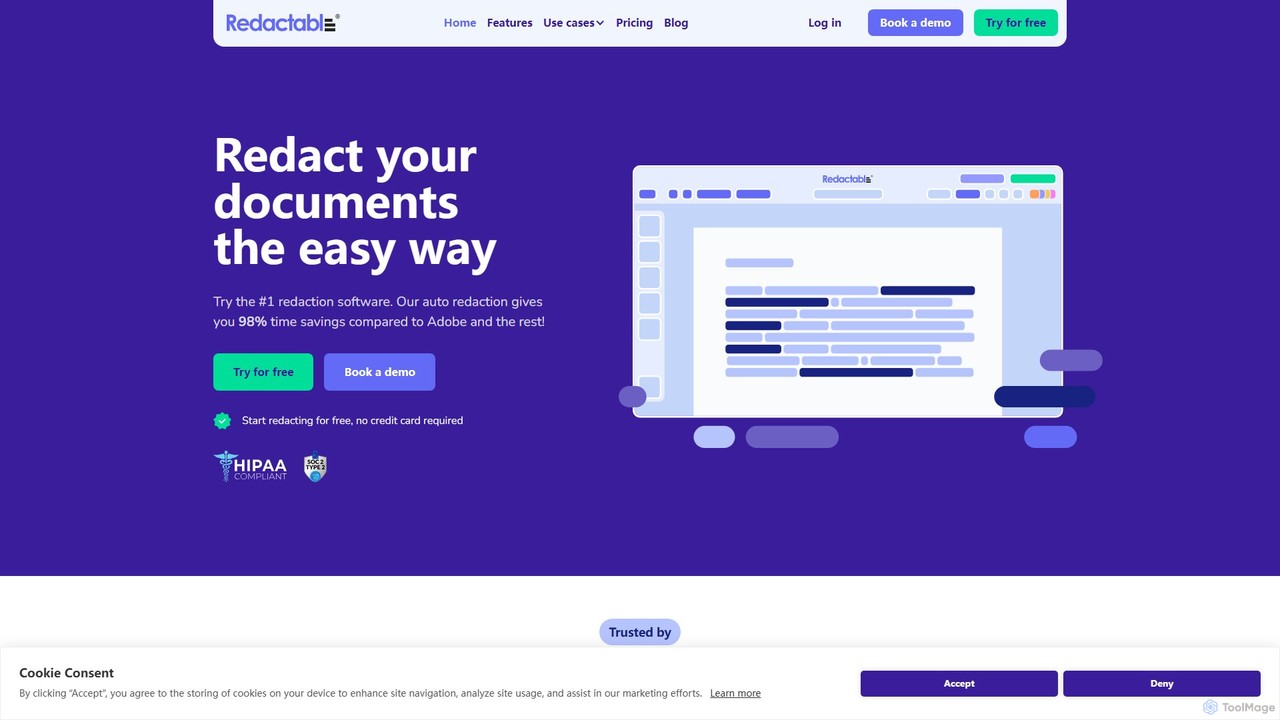
Redactable
Redactable is an AI-powered, web-based platform for automated document redaction. It helps users securely and permanently remove sensitive information from documents, including scanned files via OCR. Designed for legal, finance, healthcare, and government sectors, it streamlines workflows, ensures compliance (like GDPR & HIPAA), and saves up to 98% of redaction time with features like real-time collaboration and automatic audit trails.
Compliance
SwifDoo PDF Comments (0)
Sign in to comment.
Sign inNo comments yet.