
PDF Candy Overview
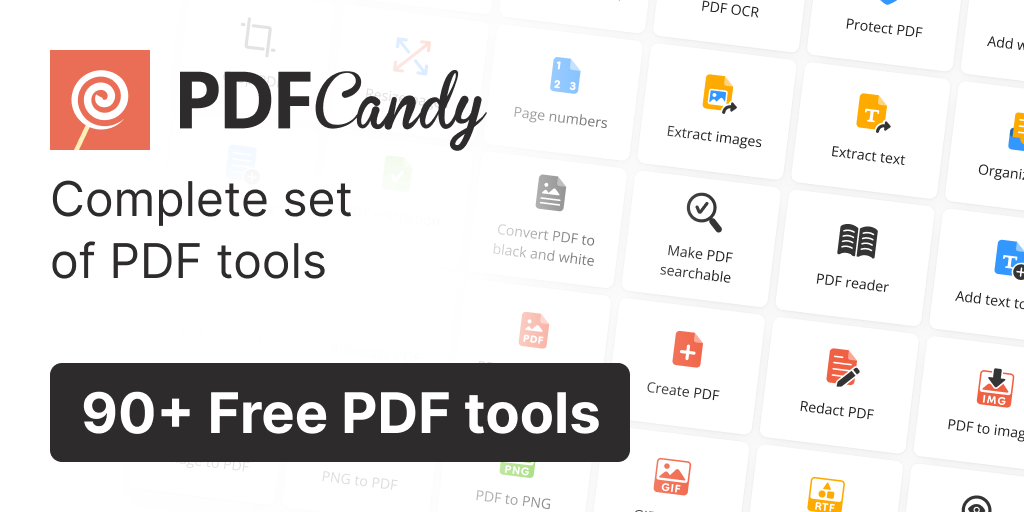
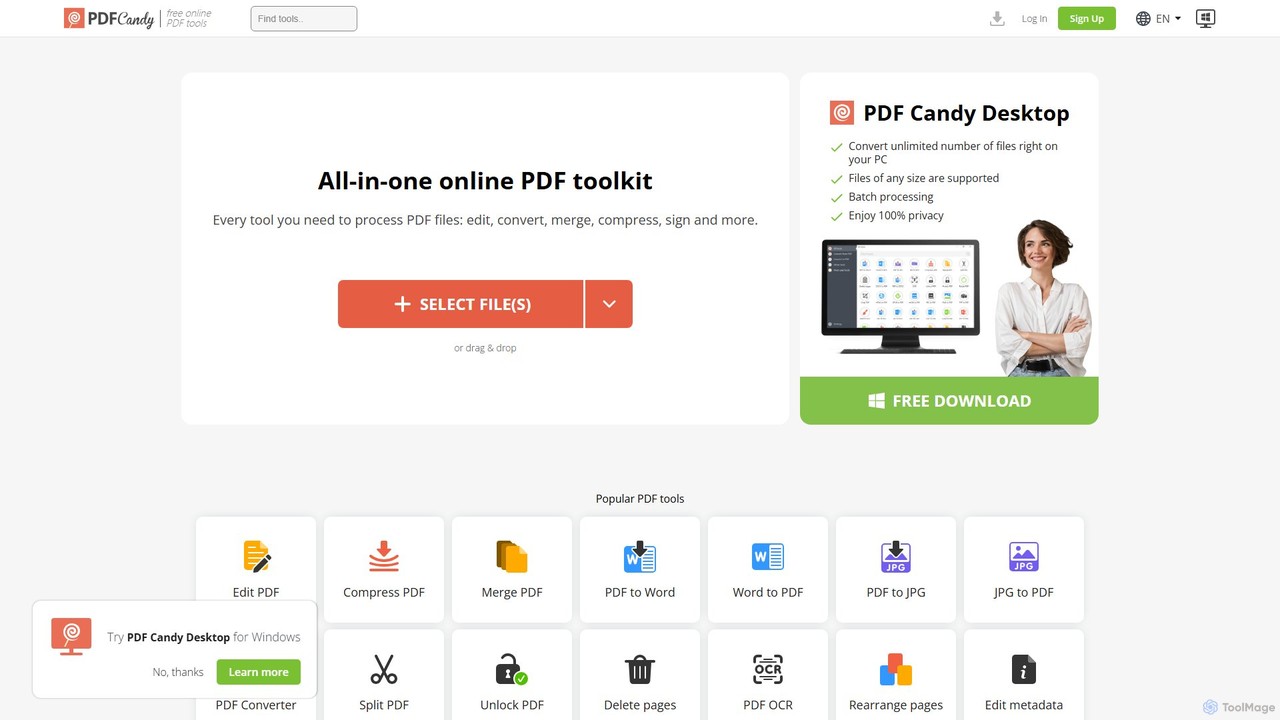
PDF Candy is a powerful and versatile all-in-one PDF toolkit designed to handle virtually any task related to PDF documents. Available as both a web-based service and a desktop application, it offers a staggering collection of over 90 tools, making it one of the most comprehensive solutions on the market. Since its launch in 2016, it has processed over 7 billion files, earning the trust of millions of users worldwide. Whether you need to convert, edit, merge, compress, or secure your files, PDF Candy provides a reliable, intuitive, and efficient platform for individuals, students, and business professionals alike.
How to use PDF Candy
The platform is designed for simplicity and ease of use, requiring no technical expertise. The typical workflow is straightforward:
- Select a Tool: Navigate to the PDF Candy website and choose the specific tool you need from the extensive list, such as 'PDF to Word' or 'Merge PDF'.
- Upload Your File(s): You can upload your document by clicking the 'SELECT FILE(S)' button or by simply dragging and dropping the file onto the designated area in your browser.
- Process and Download: The tool automatically processes your file. Once complete, a download link for the resulting file will be provided. The entire process is quick and seamless.
For the desktop version, users can work offline, process files in batches, and handle documents of any size with enhanced privacy.
Core Features of PDF Candy
- Extensive File Conversion: Convert PDFs to a wide range of editable formats like Word, Excel, and PPTX, and convert various file types (Word, JPG, PNG, EPUB, MOBI, HTML, AI, etc.) into high-quality PDFs.
- Advanced PDF Editing: Directly edit text and objects within your PDF documents, add customizable watermarks, insert headers and footers, and modify file metadata.
- Document Organization: Effortlessly merge multiple PDF files into a single document, split large PDFs into smaller files, delete or rearrange pages, and crop or rotate pages to the correct orientation.
- File Optimization: Significantly reduce PDF file sizes with a powerful compression engine, minimizing quality loss. Flatten PDFs to convert annotations and form fields into a non-editable part of the document.
- Security and Signing: Protect sensitive documents by adding a password. Remove password protection from PDFs (if you own the password). Add legally binding electronic signatures to contracts and forms.
- Data Extraction with OCR: Utilize advanced Optical Character Recognition (OCR) technology to recognize and extract text from scanned PDFs and images, turning them into searchable and editable content. You can also extract text or images separately from any PDF.
- Desktop Version: A dedicated offline application for Windows that offers batch processing, no file size limits, and 100% privacy, as all processing is done locally on your PC.
Use Cases for PDF Candy
For Business Professionals: Convert reports from Word to PDF for secure distribution, digitally sign contracts, protect confidential information with passwords, and use OCR to extract data from scanned invoices and receipts.
For Students and Educators: Merge multiple research articles into a single PDF for study, compress large e-books for easy sharing, convert lecture slides (PPTX) to PDF, and make scanned notes and textbook pages searchable with OCR.
For Designers and Creatives: Convert vector designs (e.g., Adobe Illustrator files) to PDF for client previews, extract high-quality images from PDF catalogs, and create portfolios by merging different file types into one cohesive document.
For Personal Use: Fill out and sign application forms online, unlock old password-protected personal documents, convert web articles to PDF for offline reading, and manage digital bills and statements.
Advantages of PDF Candy
- Unmatched Versatility: With over 90 tools, it covers nearly every possible PDF-related need.
- Cross-Platform Accessibility: Use it online in any browser or download the desktop app for offline power-user features.
- User-Friendly Interface: The clean, intuitive design makes complex tasks simple for everyone.
- High-Quality Output: Conversions and edits are performed while preserving the original document's layout, formatting, and quality.
- Privacy-Focused Options: The desktop app ensures complete privacy by processing files locally.
- Generous Freemium Model: A robust set of tools is available for free, with affordable plans for those needing more power and fewer limits.
Pricing and Plans
PDF Candy offers a flexible pricing structure to suit different needs:
- Free Plan: Access to all tools with some limitations, such as a limit of one task per hour.
- Web Monthly: For $6/month, this plan offers unlimited web access, no hourly limits, processing for files up to 500 MB, and high-priority task queuing.
- Desktop + Web Yearly: At $48/year ($4/month), this plan includes all premium web features, the full PDF Candy Desktop application, and bonus access to Video Candy and Image Candy web services.
- Desktop + Web Lifetime: A one-time payment of $99 provides lifetime access to all premium features on both web and desktop platforms.
All paid plans are backed by a 30-day money-back guarantee and processed via the secure Paddle payment provider.
Traffic
Latest traffic
Status
Monthly traffic trend
- 2025-9: 2.6M
- 2026-1: 2.5M
- 2026-2: 2.3M
- 2026-3: 2.5M
- 2026-4: 2.4M
- 2026-5: 2.5M
Geography
Top 5 countries / regions
- 🇷🇺Russia59.2%
- 🇮🇳India17.8%
- 🇺🇸United States8.8%
- 🇹🇭Thailand7.8%
- 🇯🇵Japan6.3%
Traffic sources
| Source type | Percentage |
|---|---|
Direct | 85.1% |
Referral | 13.0% |
Email | 1.9% |
Top keywords
| Keyword | Cost per click |
|---|---|
| pdf candy | $0.44 |
| zip to pdf | $0.19 |
| объединить пдф | $0.17 |
| пдф в ворд | $0.12 |
| редактировать пдф онлайн бесплатно | $0.26 |
PDF Candy Alternatives
PDFflex
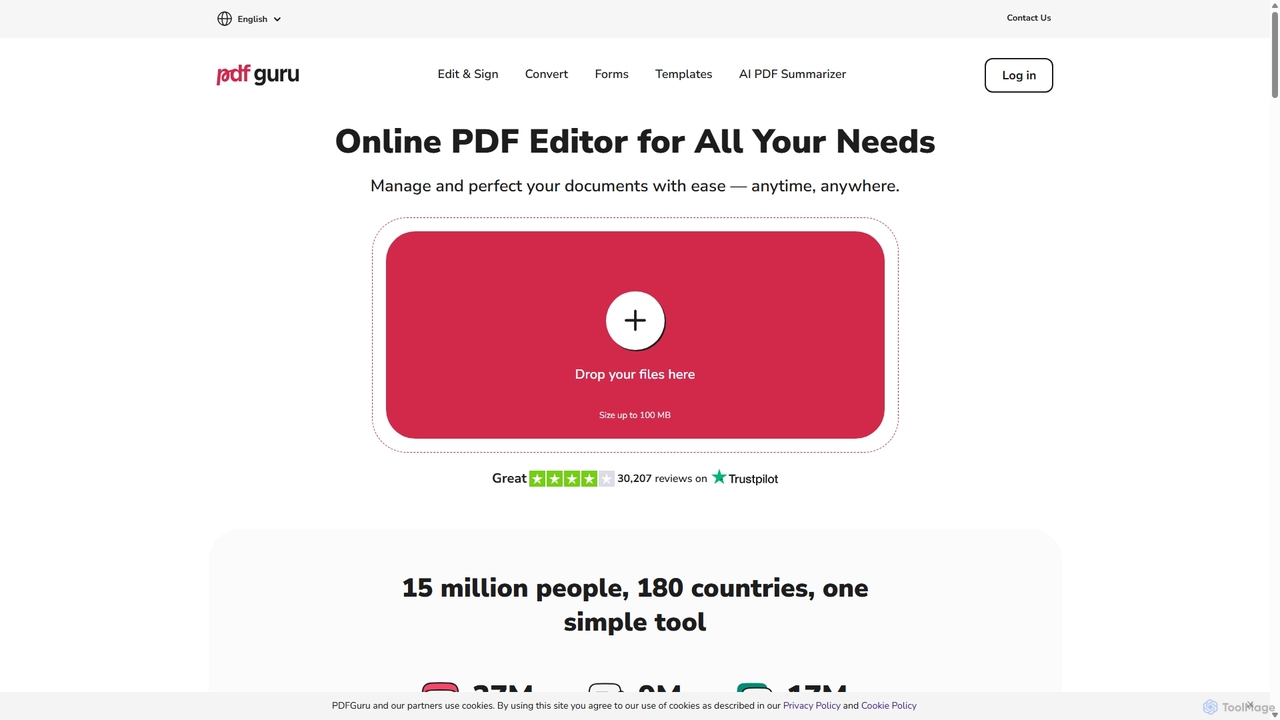
PDFflex is a comprehensive, all-in-one online platform for managing PDF documents. It allows users to edit, convert, merge, split, and sign PDFs with ease. Featuring an intuitive interface and robust security, PDFflex also incorporates AI-powered tools like OCR for scanned documents and summarizers for long texts. It supports a vast range of file formats, making it a versatile solution for both personal and professional use, accessible from any browser without installation.
Summarizer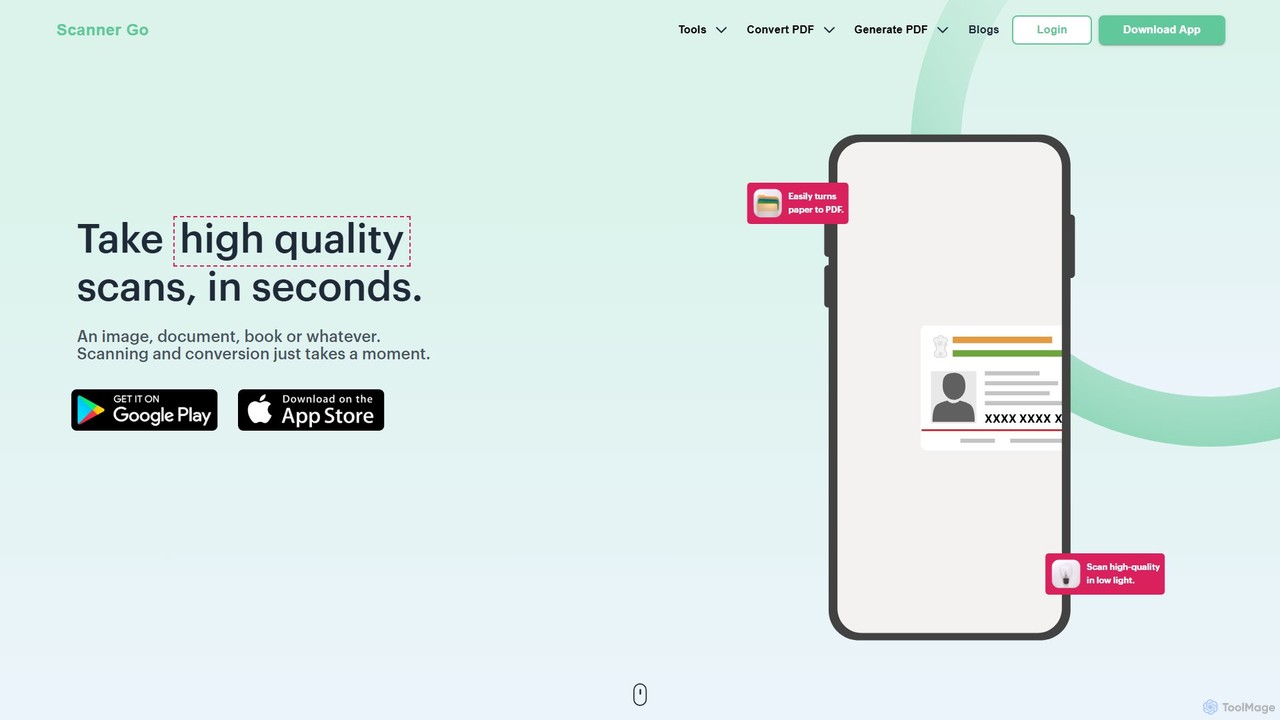
ScannerGo
ScannerGo is an all-in-one productivity tool that combines a powerful mobile document scanner with a comprehensive suite of online PDF utilities. Easily scan, convert, edit, merge, split, and secure your documents on any device, enhanced with OCR technology to extract text from images and PDFs.
File Conversion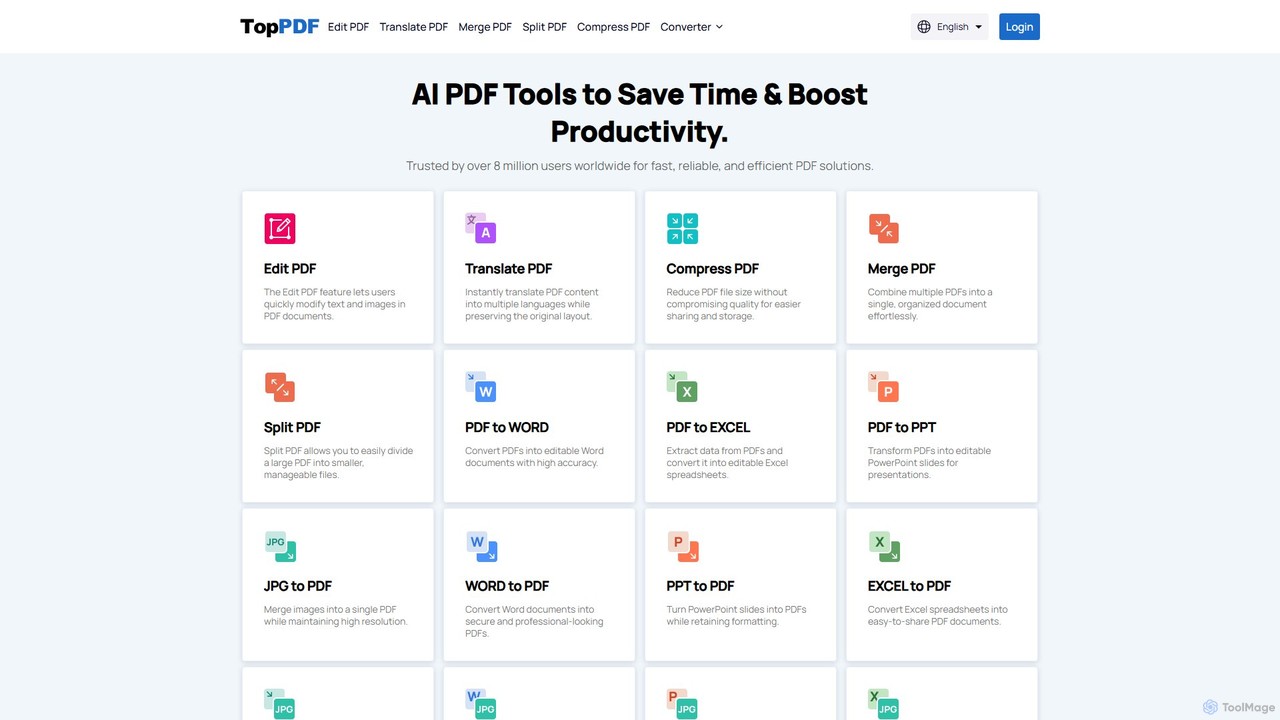
TopPDF
TopPDF is an all-in-one, AI-powered online platform offering a comprehensive suite of tools to edit, convert, translate, merge, split, and compress PDF files. It's designed to enhance productivity by simplifying document workflows for users worldwide.
File Conversion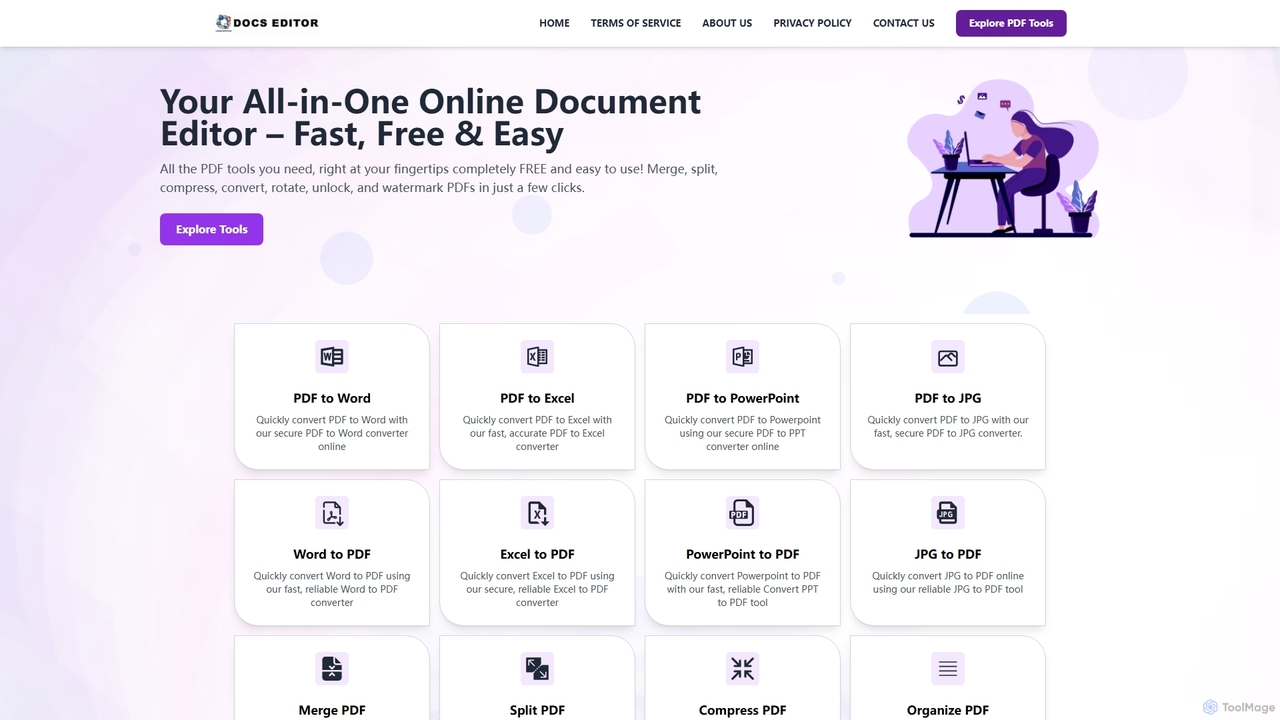
Docseditor
Docseditor is a comprehensive, free online document toolkit for all your PDF needs. It allows users to effortlessly edit, convert, merge, split, compress, sign, and manage PDF files directly in their browser without any installation.
Document Management
pdftopdf.ai
pdftopdf.ai is an AI-powered online tool designed to optimize, enhance, and transform PDF files. It uses artificial intelligence for advanced functions like high-fidelity OCR to make scanned documents searchable, intelligent compression to reduce file size without quality loss, and PDF repair. It's a comprehensive solution for managing and improving your PDF documents efficiently.
File ConversionPDF Candy Categories
PDF Candy Embed Widget
Copy this embed code to place the badge on your blog, article, or product site and send readers directly to this ToolMage detail page.

Related AI tools
Docseditor
Docseditor is a comprehensive, free online document toolkit for all your PDF needs. It allows users to effortlessly edit, convert, merge, split, compress, sign, and manage PDF files directly in their browser without any installation.
Document ManagementPDFflex
PDFflex is a comprehensive, all-in-one online platform for managing PDF documents. It allows users to edit, convert, merge, split, and sign PDFs with ease. Featuring an intuitive interface and robust security, PDFflex also incorporates AI-powered tools like OCR for scanned documents and summarizers for long texts. It supports a vast range of file formats, making it a versatile solution for both personal and professional use, accessible from any browser without installation.
SummarizerScannerGo
ScannerGo is an all-in-one productivity tool that combines a powerful mobile document scanner with a comprehensive suite of online PDF utilities. Easily scan, convert, edit, merge, split, and secure your documents on any device, enhanced with OCR technology to extract text from images and PDFs.
File ConversionTopPDF
TopPDF is an all-in-one, AI-powered online platform offering a comprehensive suite of tools to edit, convert, translate, merge, split, and compress PDF files. It's designed to enhance productivity by simplifying document workflows for users worldwide.
File Conversion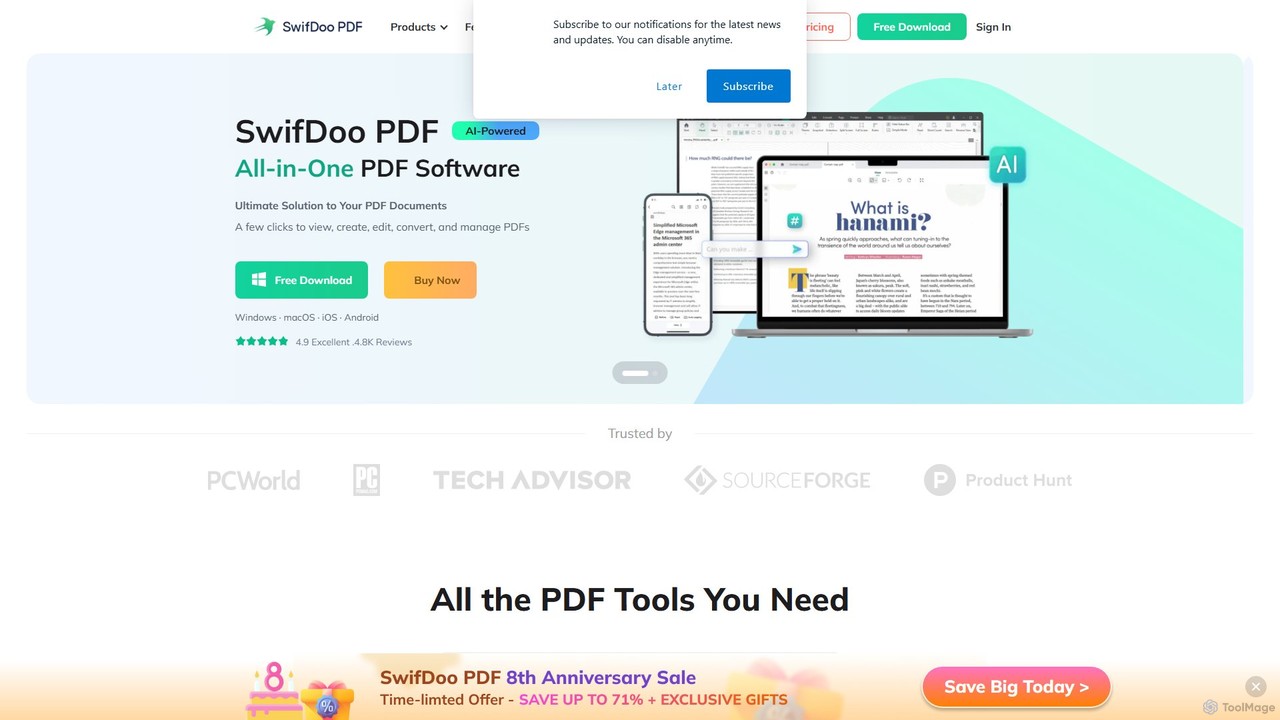
SwifDoo PDF
SwifDoo PDF is an all-in-one, AI-powered PDF software for effortless document management. It allows users to create, edit, convert, merge, compress, and sign PDF files. With integrated AI features, you can summarize, translate, proofread, and chat with your documents. Available on Windows, macOS, iOS, and Android, it offers a lightweight yet powerful solution for both individual and business users.
Document Signing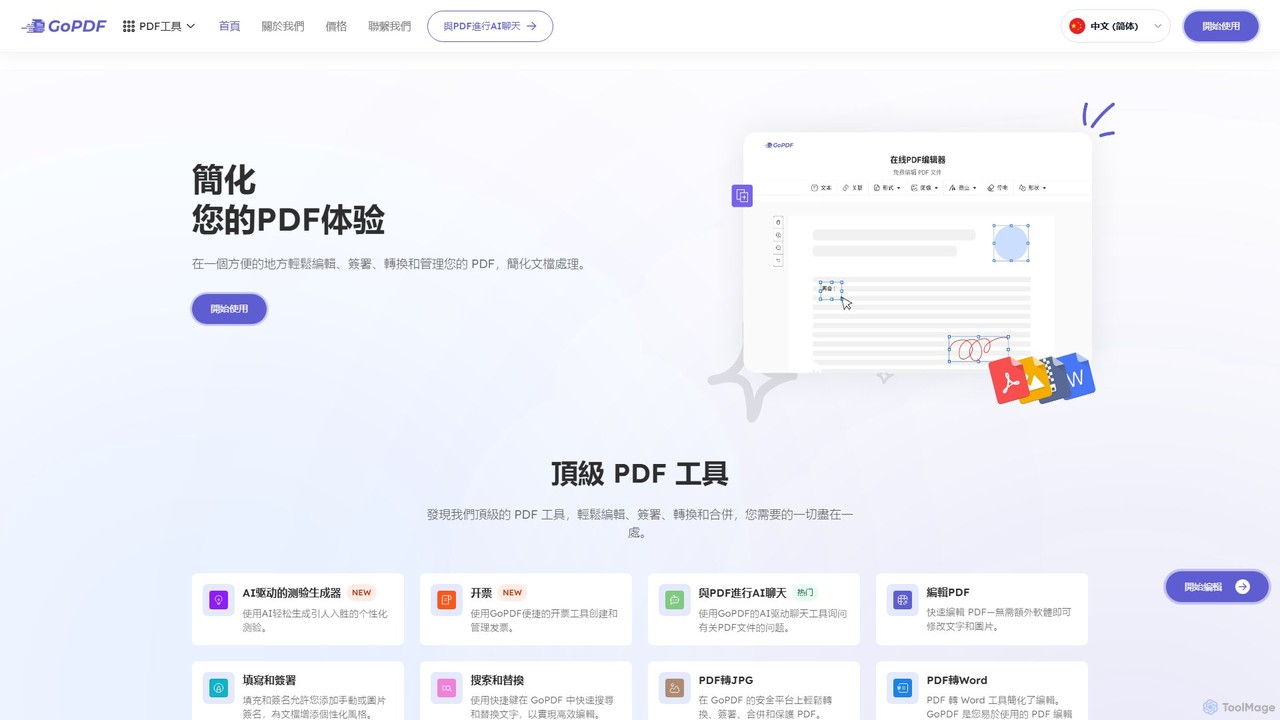
GoPDF
GoPDF is an AI-powered, all-in-one online PDF solution. It allows users to easily edit, convert, sign, merge, compress, and interact with PDF documents through an intuitive web interface and mobile app. AI features enable users to chat with their documents for quick summaries and answers.
Chat With Documentpdftopdf.ai
pdftopdf.ai is an AI-powered online tool designed to optimize, enhance, and transform PDF files. It uses artificial intelligence for advanced functions like high-fidelity OCR to make scanned documents searchable, intelligent compression to reduce file size without quality loss, and PDF repair. It's a comprehensive solution for managing and improving your PDF documents efficiently.
File Conversion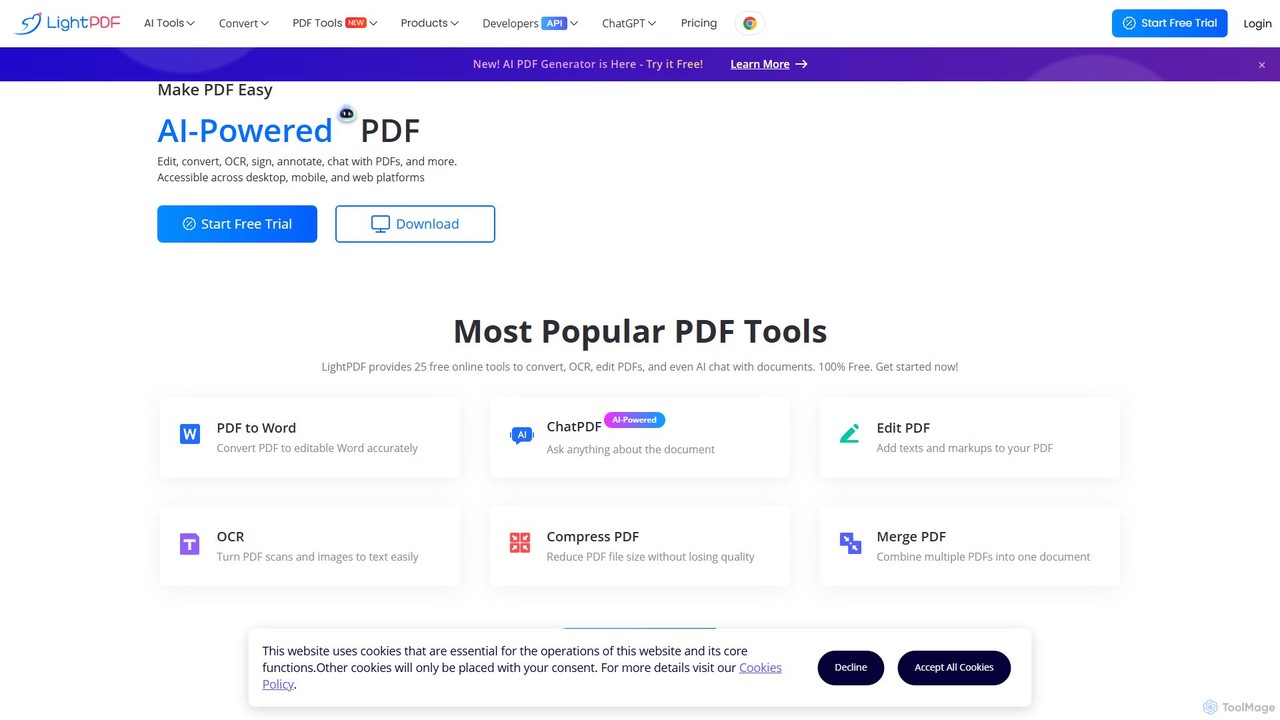
LightPDF
LightPDF is an AI-powered, all-in-one PDF solution designed to simplify document workflows. It allows users to chat with documents, get instant summaries, and ask questions. Beyond its AI capabilities, it offers a comprehensive suite of tools for editing, converting, merging, signing, and performing OCR on PDF files. Available on web, desktop, and mobile, LightPDF makes managing documents efficient and intuitive for students, professionals, and businesses alike.
Chat With Your Docs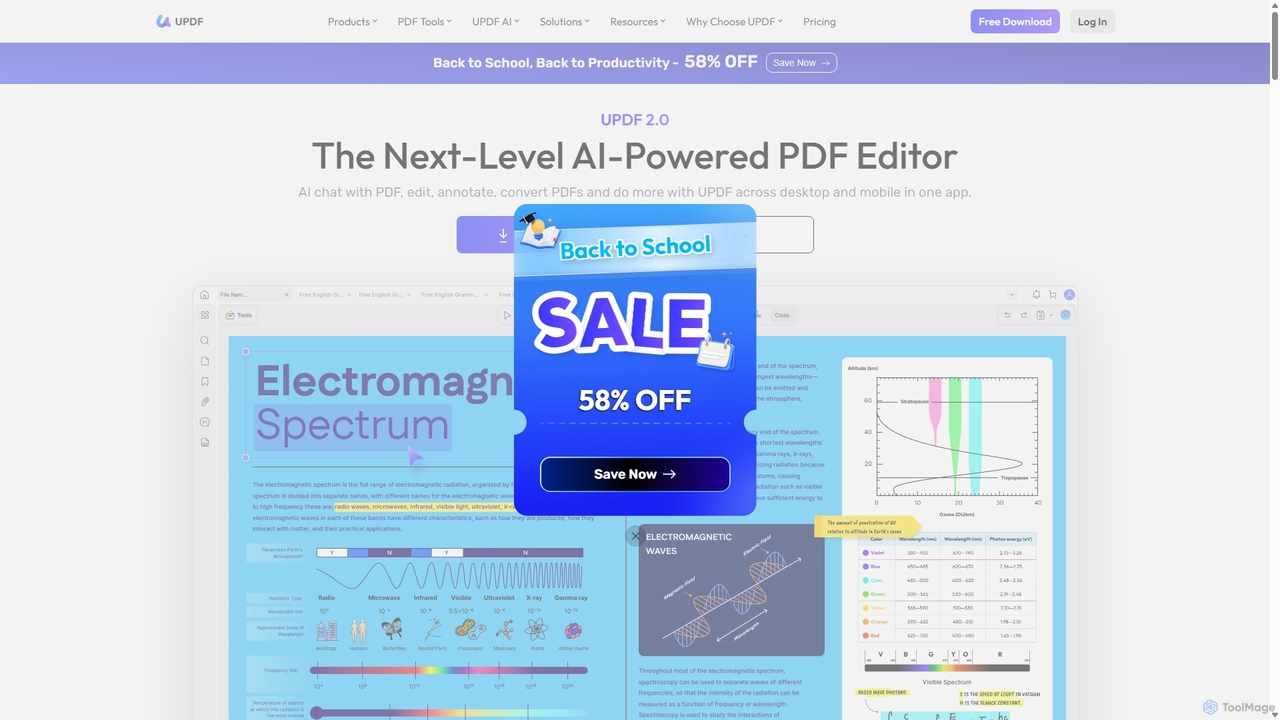
UPDF
UPDF is an AI-integrated, all-in-one PDF editor that allows users to edit, annotate, convert, summarize, translate, and chat with PDF documents. It offers a seamless experience across Windows, macOS, iOS, and Android, boosting productivity for individuals, students, and businesses.
Document Analysis
Jyek
Jyek is an AI agent platform that understands objectives, creates execution plans, uses tools, and delivers verifiable results for complex, multi-step tasks.
Automation
pdfAssistant.ai
pdfAssistant.ai is an intelligent, no-code platform for PDF automation. Use its intuitive chat interface to create, convert, compress, summarize, and manage PDFs with simple natural language commands. Automate complex, multi-step tasks with Workflows and process thousands of files efficiently using Batch Processing.
Automation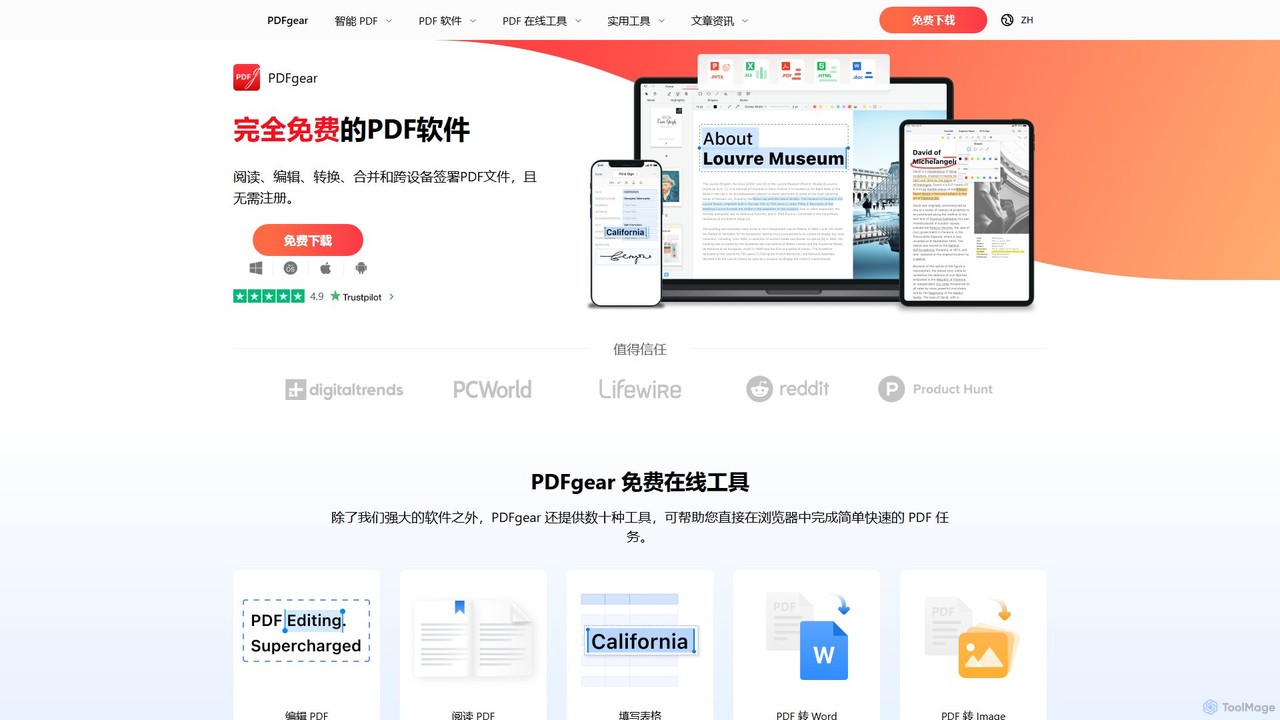
PDFgear
PDFgear is a completely free, AI-powered PDF editor and management suite. It integrates a ChatGPT-based Copilot to chat with, summarize, and analyze your documents. It offers comprehensive features like editing, converting, OCR, and signing across all platforms (Windows, macOS, iOS, Android) and online.
Document Analysis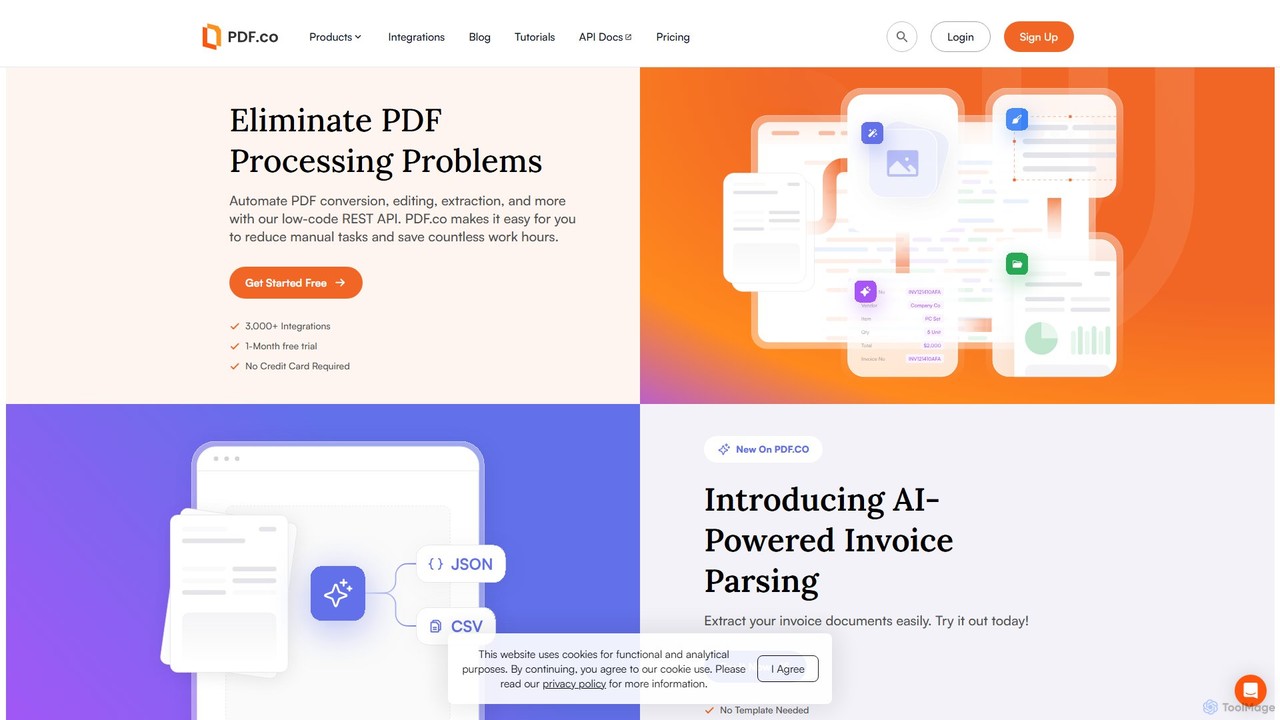
PDF.co
PDF.co is a powerful REST API platform for developers and businesses to automate all PDF-related tasks. It enables PDF data extraction, editing, conversion, creation, and form filling. Featuring AI-powered invoice parsing and seamless integration with over 3,000 platforms like Zapier and Make, it helps eliminate manual work and streamline document workflows.
Automation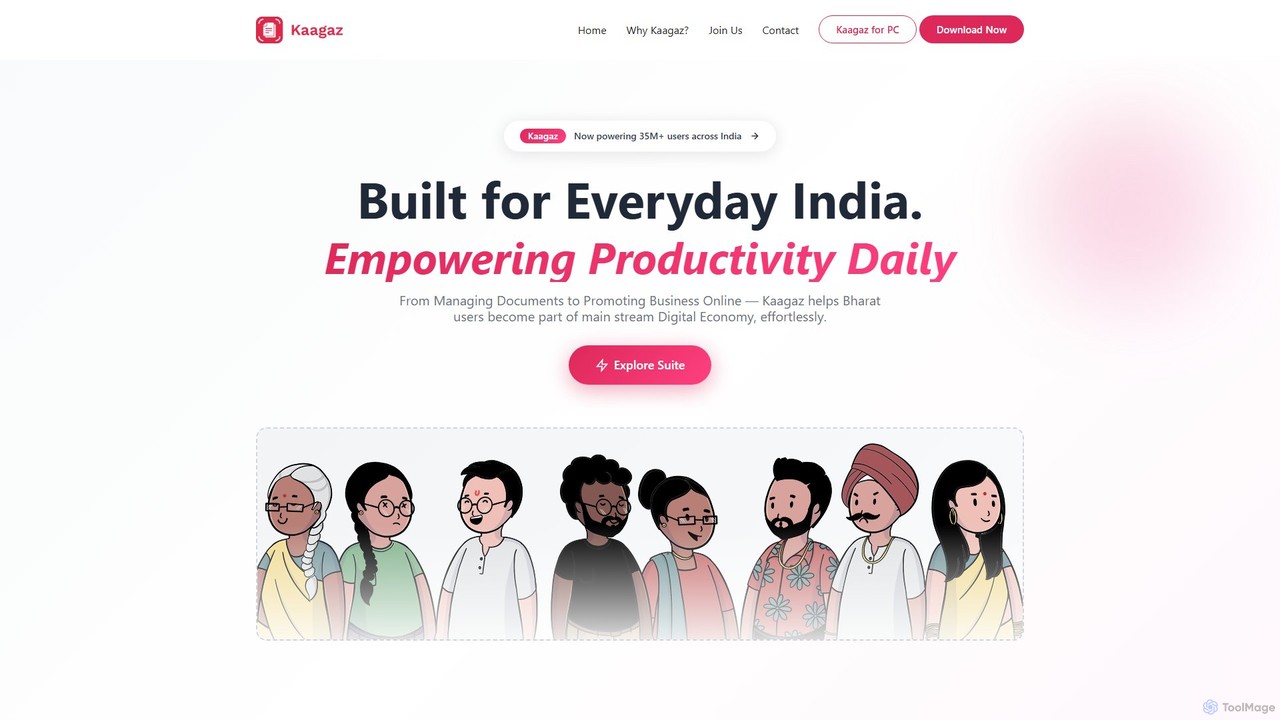
Kaagaz
Kaagaz is an all-in-one, mobile-first productivity suite featuring an AI-powered PDF scanner, editor, poster maker, and resume builder. Designed for modern users, it simplifies document management, creative design, and job applications, offering a powerful alternative to traditional desktop software and tools like CamScanner.
Graphics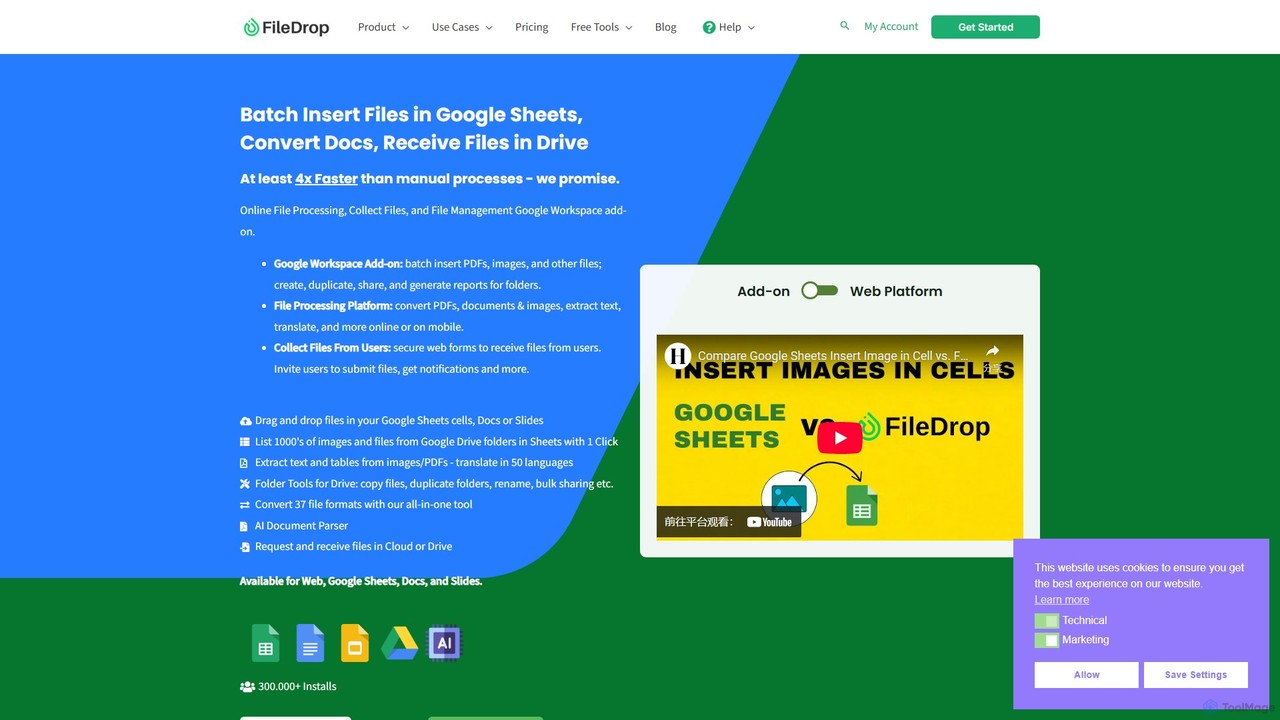
FileDrop
FileDrop is a productivity suite for Google Workspace and a web platform that streamlines file management. It enables batch insertion of files into Google Sheets & Docs, offers a powerful file converter for 37+ formats, extracts text with AI-powered OCR, and provides secure file collection forms.
Data Extraction
PDF Candy Comments (0)
Sign in to comment.
Sign inNo comments yet.