ToolMage
Sign in

Best 1 Pdf Tools for Utilities

Popular Pdf Tools in Utilities include PDF Candy, helping you work more efficiently.

PDF Candy
Freemium

PDF Candy

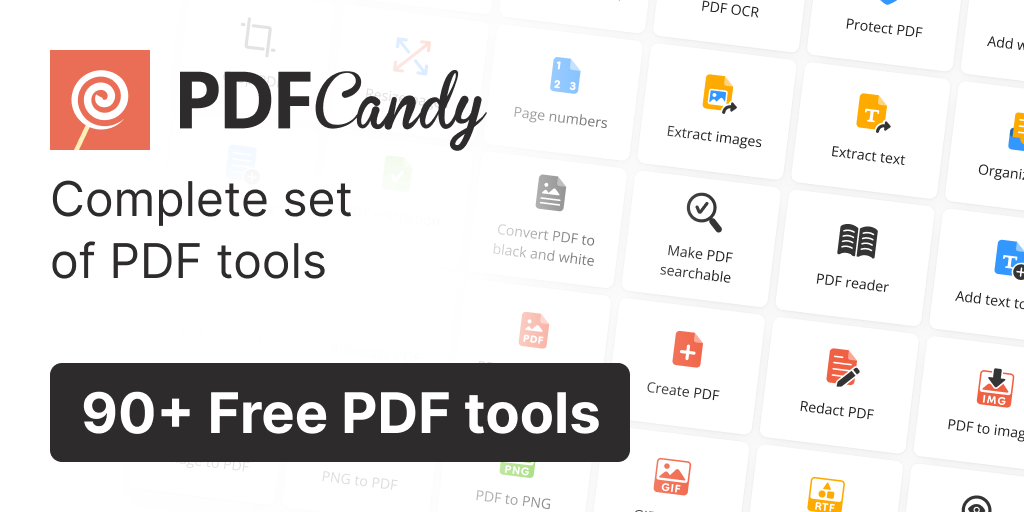
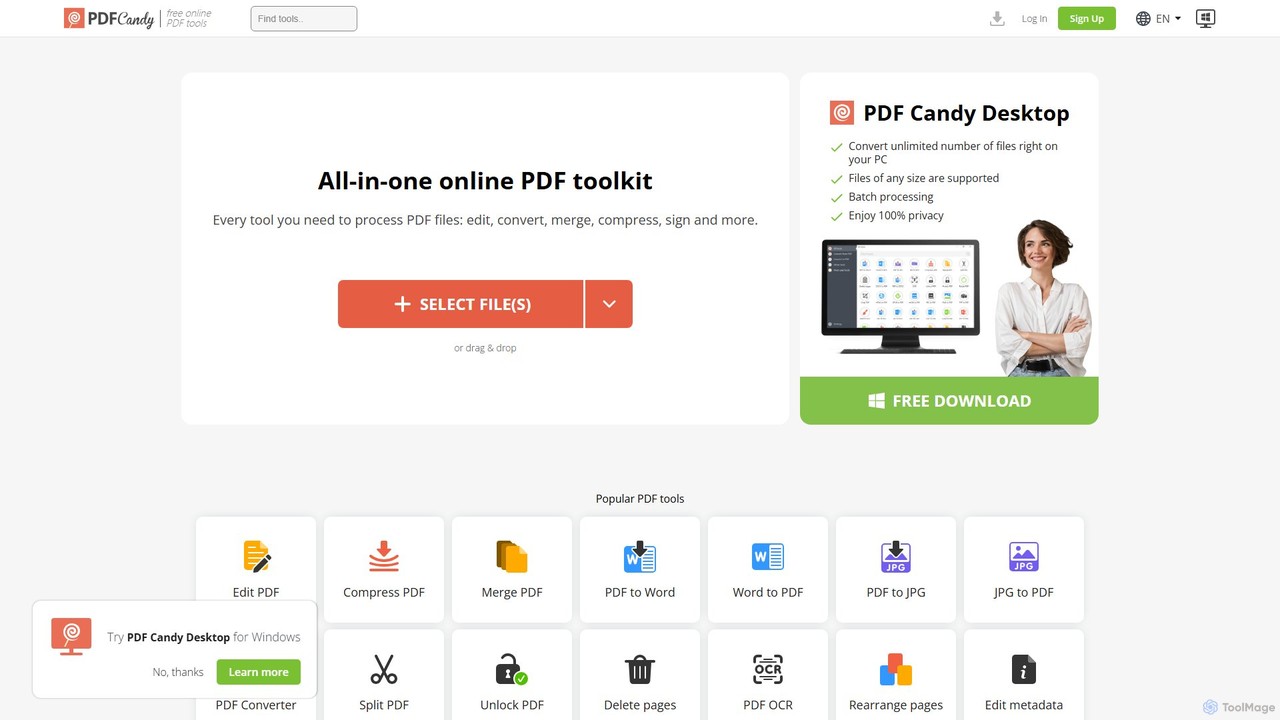
PDF Candy is a comprehensive all-in-one online and desktop toolkit offering over 90 free tools to manage PDF files. Users can easily edit, convert from and to various formats, merge, compress, sign, unlock, and perform OCR on documents. It provides a user-friendly interface for both casual and professional use, ensuring high-quality results for all your PDF needs.

File Conversion
Visits 2.5MFavorites 137Likes 112

About Pdf Tools

Pdf Tools are AI-powered utilities designed to intelligently process, manage, and transform PDF documents. Leveraging advanced machine learning, these tools automate complex tasks like data extraction, summarization, and conversion, significantly enhancing document workflow efficiency. They are essential for professionals seeking to streamline their digital document management within the broader category of practical utilities.

Core Features

  • Intelligent Data Extraction: Automatically identifies and extracts specific data points, tables, and fields from unstructured PDF content.
  • AI Summarization: Generates concise summaries of lengthy PDF documents, highlighting key information and insights.
  • Advanced OCR & Search: Converts scanned PDFs into editable and searchable text with high accuracy, even for complex layouts.
  • Smart Document Comparison: Automatically detects and highlights differences between two versions of a PDF document.
  • Automated Conversion: Converts PDFs to various formats (e.g., Word, Excel, PowerPoint) while preserving layout and formatting using AI.

Applicable Scenarios

Legal professionals utilize Pdf Tools for rapid contract analysis and clause extraction. Financial analysts employ them to extract critical data from reports for compliance and auditing. Educators and students use these tools for summarizing research papers and converting academic materials efficiently.

How to Choose

When selecting Pdf Tools, consider the accuracy of AI-driven features like OCR and data extraction. Evaluate integration capabilities with existing document management systems and cloud storage. Assess the level of security for sensitive documents and the tool's scalability to handle varying volumes. Finally, compare pricing models and ensure the user interface is intuitive and easy to navigate.

Featured tool rankings

Pdf Tools use cases

1

Automated Legal Contract Review

Legal professionals can leverage AI Pdf Tools to rapidly review extensive legal contracts. By uploading documents, the tool automatically identifies and extracts key clauses, obligations, and relevant dates, and can even summarize complex sections. This significantly reduces manual review time, allowing legal teams to process hundreds of pages in minutes, ensuring compliance and mitigating risks more efficiently.

2

Financial Report Data Extraction for Analysis

Financial analysts frequently deal with numerous PDF reports containing critical financial data. AI Pdf Tools enable them to automatically extract specific figures, tables, and key performance indicators (KPIs) from these documents into structured formats like Excel. This automation accelerates data aggregation for quarterly reports, budget analysis, and auditing processes, saving hours of manual data entry and reducing errors.

3

Academic Research Paper Summarization

Researchers and students often need to review vast amounts of academic literature. AI Pdf Tools can quickly summarize lengthy research papers, articles, and textbooks, extracting the main arguments, methodologies, and conclusions. This helps users grasp core concepts faster, identify relevant studies, and prioritize reading, significantly boosting productivity in academic pursuits.

4

Automated Invoice and Receipt Processing

Businesses, especially in accounting and finance departments, handle countless invoices and receipts in PDF format. AI Pdf Tools can automate the extraction of vendor names, amounts, dates, and itemized lists from these documents. This data can then be seamlessly integrated into accounting software, streamlining expense tracking, reconciliation, and reducing the manual effort involved in financial record-keeping.

5

Content Repurposing and Multi-format Conversion

Content creators and marketers often need to repurpose existing PDF content for different platforms. AI Pdf Tools excel at converting PDFs into editable Word documents, presentations, or even web-friendly HTML, while intelligently preserving complex layouts, images, and fonts. This capability saves significant time in content adaptation, allowing for efficient distribution across various digital channels without manual reformatting.

6

Enhanced Accessibility for Scanned Documents

Many organizations deal with legacy scanned documents that are inaccessible to screen readers or difficult to search. AI Pdf Tools, with their advanced OCR capabilities, can transform these image-based PDFs into fully searchable and accessible text documents. This ensures compliance with accessibility standards, improves information retrieval for employees, and makes historical archives more usable for everyone, including those with visual impairments.

Pdf Tools FAQ

What are AI Pdf Tools?

AI Pdf Tools are software applications that leverage artificial intelligence, particularly machine learning and natural language processing, to enhance the processing, management, and interaction with PDF documents. Unlike traditional PDF editors, they go beyond basic editing to offer intelligent features like automated data extraction, content summarization, advanced OCR, and smart document comparison, making document workflows more efficient and accurate.

How do AI Pdf Tools differ from traditional PDF editors?

Traditional PDF editors primarily focus on manual editing, annotation, form filling, and basic conversion. AI Pdf Tools, however, integrate machine learning to automate complex, cognitive tasks. They can understand document context, extract structured data from unstructured text, summarize content, perform smart comparisons, and enhance OCR accuracy, offering deeper insights and significantly reducing manual effort beyond what a standard editor can do.

What are the key benefits of using AI Pdf Tools?

The primary benefits of AI Pdf Tools include significant time savings through automation of repetitive tasks like data entry and summarization. They enhance accuracy by minimizing human error in data extraction and document comparison. Furthermore, these tools improve productivity by allowing users to process large volumes of documents quickly, gain deeper insights from content, and ensure better compliance with data management policies, ultimately leading to more efficient workflows.

Who can benefit most from using AI Pdf Tools?

A wide range of professionals can benefit significantly. This includes legal professionals for contract analysis, financial analysts for report processing, researchers and students for academic literature review, and administrative staff for general document management. Businesses of all sizes, especially those dealing with large volumes of PDF documents, can leverage these tools to enhance operational efficiency, reduce costs, and improve data accuracy across various departments.

What should I consider when choosing an AI Pdf Tool?

When selecting an AI Pdf Tool, prioritize the accuracy of its AI features, especially OCR and data extraction, as this directly impacts reliability. Consider its integration capabilities with your existing software ecosystem (e.g., cloud storage, CRM, accounting systems). Evaluate the security measures for sensitive data, the tool's scalability for future needs, and its pricing model. Finally, an intuitive user interface and responsive customer support are crucial for a smooth user experience.