

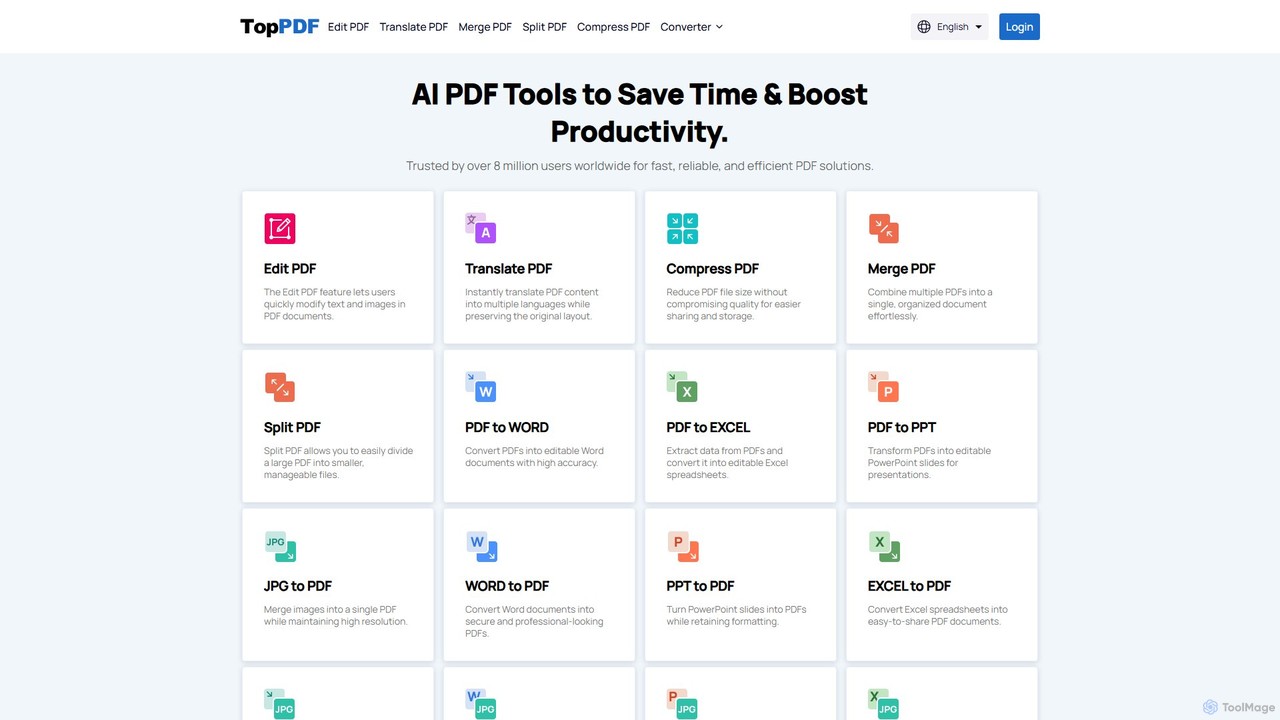
TopPDF Overview
TopPDF is a versatile and powerful online AI tool designed to streamline all your PDF-related tasks. Trusted by over 8 million users, it provides a comprehensive suite of features that save time and significantly boost productivity. Whether you are a student, a professional, or a casual user, TopPDF offers an accessible, high-quality, and browser-based solution for managing your documents without the need for cumbersome software installations.
The platform's vision is to make any PDF task simple and efficient. From basic editing and conversion to advanced AI-powered translation and text enhancement, TopPDF consolidates dozens of tools into one user-friendly interface. It emphasizes speed, accuracy, and data privacy, ensuring that your files are processed quickly while maintaining the integrity of the original layout and formatting.
How to use TopPDF
Using TopPDF is designed to be a straightforward and intuitive process, requiring just a few simple steps:
- Select a Tool: Navigate to the TopPDF homepage and choose the specific function you need, such as 'Edit PDF', 'Translate PDF', or 'PDF to WORD'.
- Upload Your File: Drag and drop your file directly onto the webpage, or click the 'Upload' button to select a file from your computer. TopPDF also supports importing files directly from Google Drive.
- Process the File: The tool will automatically begin processing your document. For tasks like translation or conversion, you may need to select the desired output language or format.
- Download the Result: Once the processing is complete, a download link for your new file will be provided. You can save the file directly to your device. The platform prioritizes privacy and does not store your files after the session.
Core Features of TopPDF
- AI-Powered PDF Translation: Instantly translate PDF documents into over 200 languages. This feature uses advanced AI to maintain the original document's layout, formatting, and images, making it ideal for research papers and international business documents.
- Comprehensive Conversion Suite: Convert files to and from PDF with high accuracy. This includes PDF to Word, Excel, PPT, and JPG, as well as Word, Excel, PPT, JPG, and EPUB to PDF.
- Online PDF Editor: Quickly modify text and images directly within your PDF files. This feature provides a simple way to make corrections or updates without converting the file to another format first.
- Efficient PDF Management: Includes essential tools like Compress PDF to reduce file size without quality loss, Merge PDF to combine multiple documents into one, and Split PDF to extract specific pages or divide a large file into smaller parts.
- Advanced OCR Technology: The integrated Optical Character Recognition (OCR) feature excels at extracting editable text from scanned PDFs and images, turning non-editable documents into fully searchable and modifiable files.
- AI Writing Assistants: Enhance your text with an AI-powered Grammar Checker for identifying errors in multiple languages and a Paraphrasing Tool to rephrase sentences for better clarity and originality.
Use Cases for TopPDF
TopPDF is a valuable asset for a wide range of users:
- Business Professionals: Convert financial reports from PDF to Excel for analysis, transform marketing materials into editable PowerPoint presentations, edit contracts on the fly, and compress large files for easy emailing.
- Students & Researchers: Translate academic papers while preserving layout, convert lecture notes from PDF to Word for easier annotation, and merge multiple research articles into a single document for literature reviews.
- General Users: Combine multiple scanned receipts or images into a single PDF, split large user manuals into manageable chapters, and quickly convert documents for sharing with others.
Advantages of TopPDF
TopPDF stands out due to its combination of power and simplicity:
- All-in-One Convenience: Offers a complete set of tools, eliminating the need for multiple separate applications for different PDF tasks.
- High-Quality Results: Preserves the original formatting, layout, and data integrity across all operations, ensuring professional-quality output.
- User-Friendly Interface: The intuitive, web-based platform is accessible to users of all technical levels without any software installation.
- Speed and Efficiency: Fast processing times help users complete their tasks quickly and efficiently.
- Privacy-Focused: The platform respects user privacy by not saving files on its servers, ensuring data security.
Pricing and Plans
TopPDF operates on a freemium model. Users can access many core features for free, which is ideal for occasional tasks. These free services may have limitations on file size or the number of daily uses. For professionals, businesses, and power users requiring more robust capabilities, TopPDF offers premium subscription plans. These paid plans typically unlock unlimited access, support for larger files, batch processing, higher-priority processing, and access to all advanced features, providing a scalable solution for every need.
Traffic
Latest traffic
Status
Monthly traffic trend
- 2025-9: 1.3M
- 2026-1: 178.7K
- 2026-2: 147.0K
- 2026-3: 59.9K
- 2026-4: 7.0K
- 2026-5: 4.3K
Geography
Top 5 countries / regions
- 🇮🇩Indonesia29.6%
- 🇺🇸United States21.5%
- 🇮🇹Italy20.7%
- 🇪🇸Spain14.8%
- 🇫🇷France13.3%
Top keywords
| Keyword | Cost per click |
|---|---|
| toppdf word to pdf | $0.00 |
| translate pdf | $0.31 |
| translate pdf free | $0.51 |
| traslate pdf | $0.05 |
| unmerge pdf | $0.22 |
TopPDF Alternatives
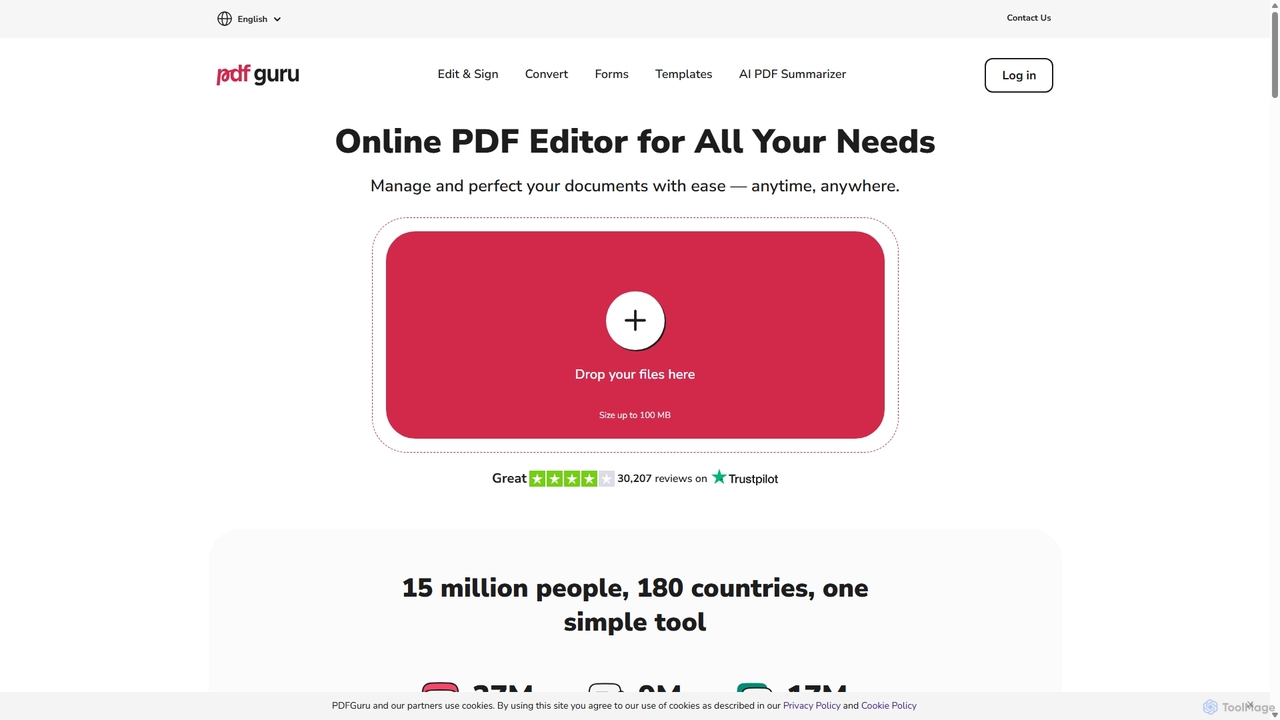
PDFflex
PDFflex is a comprehensive, all-in-one online platform for managing PDF documents. It allows users to edit, convert, merge, split, and sign PDFs with ease. Featuring an intuitive interface and robust security, PDFflex also incorporates AI-powered tools like OCR for scanned documents and summarizers for long texts. It supports a vast range of file formats, making it a versatile solution for both personal and professional use, accessible from any browser without installation.
Summarizer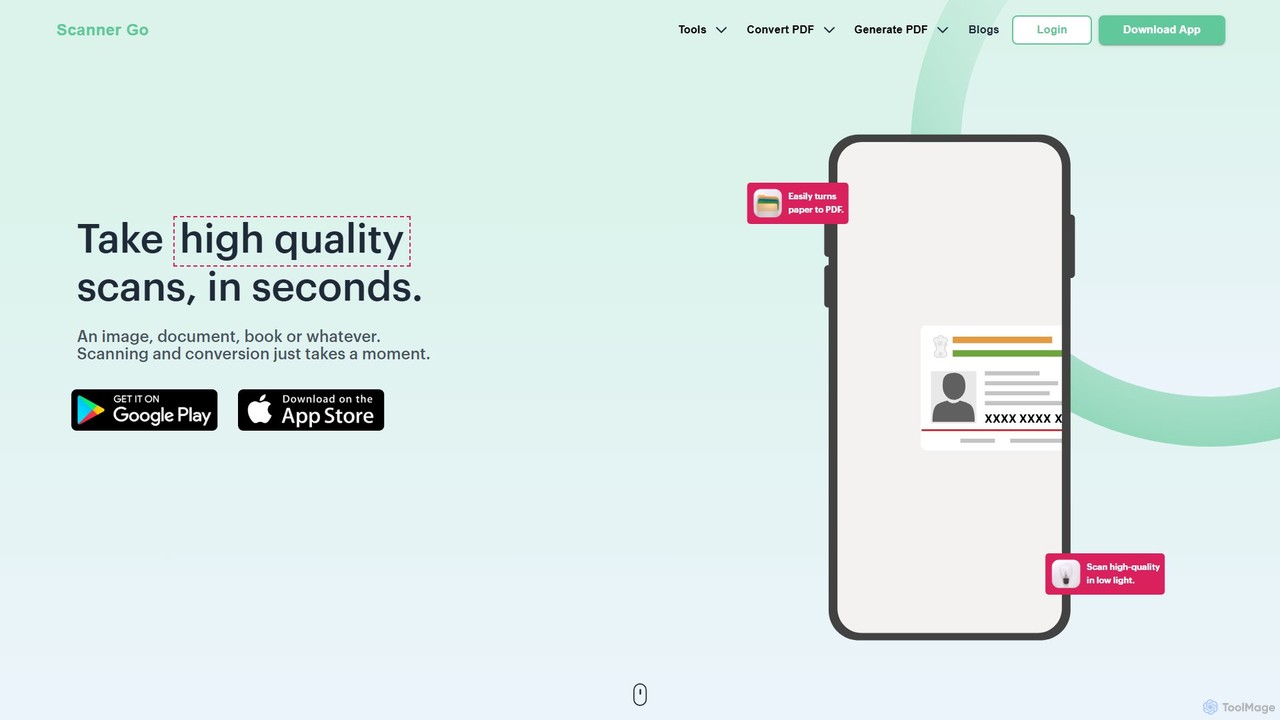
ScannerGo
ScannerGo is an all-in-one productivity tool that combines a powerful mobile document scanner with a comprehensive suite of online PDF utilities. Easily scan, convert, edit, merge, split, and secure your documents on any device, enhanced with OCR technology to extract text from images and PDFs.
File Conversion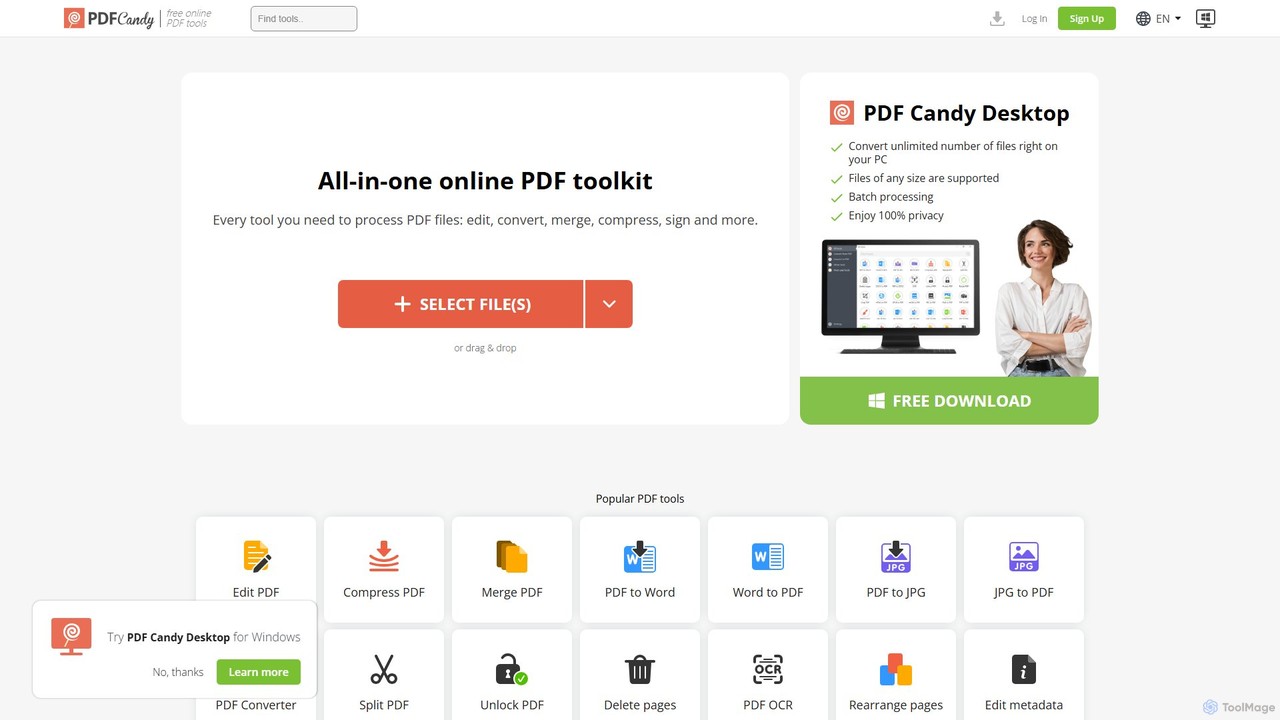
PDF Candy
PDF Candy is a comprehensive all-in-one online and desktop toolkit offering over 90 free tools to manage PDF files. Users can easily edit, convert from and to various formats, merge, compress, sign, unlock, and perform OCR on documents. It provides a user-friendly interface for both casual and professional use, ensuring high-quality results for all your PDF needs.
File Conversion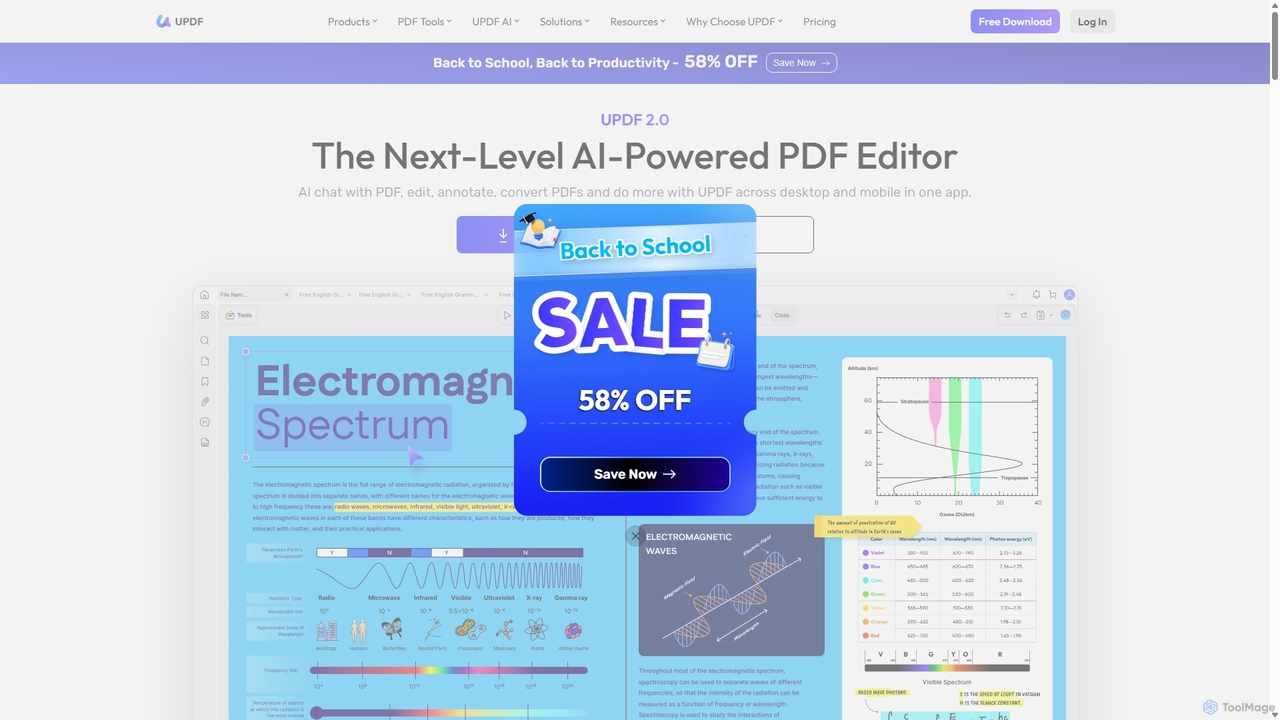
UPDF
UPDF is an AI-integrated, all-in-one PDF editor that allows users to edit, annotate, convert, summarize, translate, and chat with PDF documents. It offers a seamless experience across Windows, macOS, iOS, and Android, boosting productivity for individuals, students, and businesses.
Document Analysis
pdftopdf.ai
pdftopdf.ai is an AI-powered online tool designed to optimize, enhance, and transform PDF files. It uses artificial intelligence for advanced functions like high-fidelity OCR to make scanned documents searchable, intelligent compression to reduce file size without quality loss, and PDF repair. It's a comprehensive solution for managing and improving your PDF documents efficiently.
File ConversionTopPDF Categories
TopPDF Embed Widget
Copy this embed code to place the badge on your blog, article, or product site and send readers directly to this ToolMage detail page.

Related AI tools
PDFflex
PDFflex is a comprehensive, all-in-one online platform for managing PDF documents. It allows users to edit, convert, merge, split, and sign PDFs with ease. Featuring an intuitive interface and robust security, PDFflex also incorporates AI-powered tools like OCR for scanned documents and summarizers for long texts. It supports a vast range of file formats, making it a versatile solution for both personal and professional use, accessible from any browser without installation.
SummarizerScannerGo
ScannerGo is an all-in-one productivity tool that combines a powerful mobile document scanner with a comprehensive suite of online PDF utilities. Easily scan, convert, edit, merge, split, and secure your documents on any device, enhanced with OCR technology to extract text from images and PDFs.
File Conversion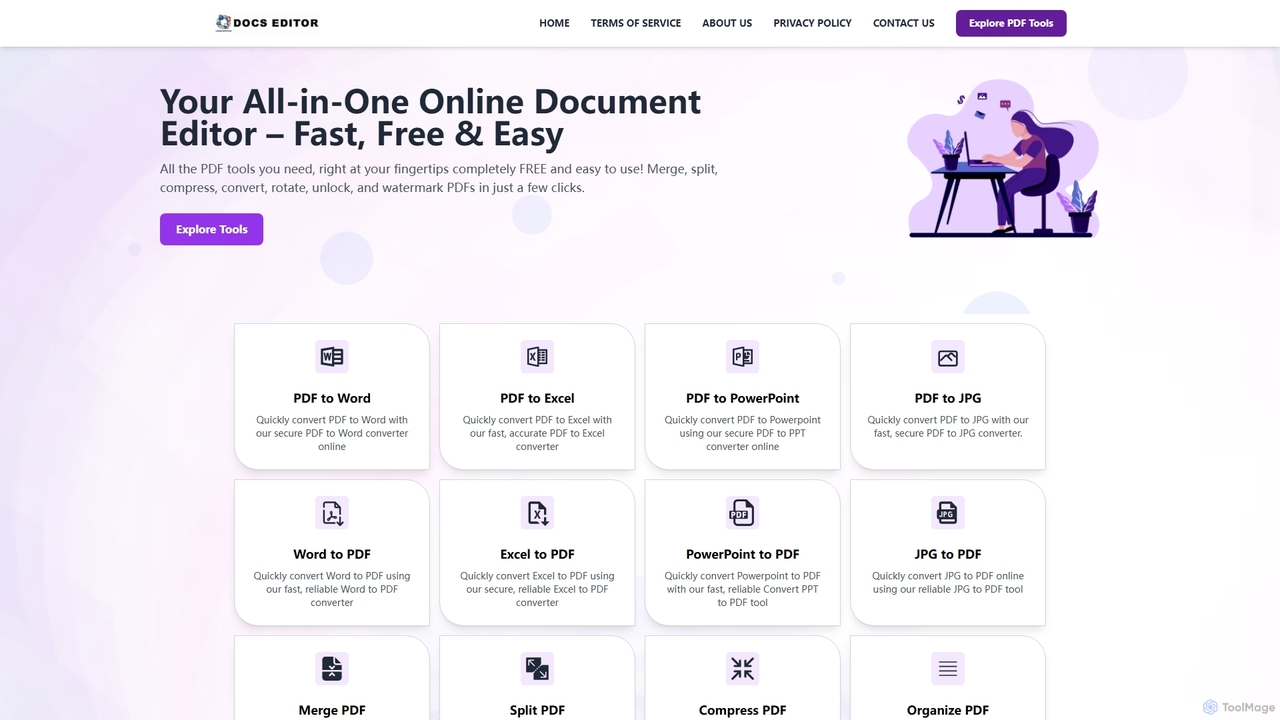
Docseditor
Docseditor is a comprehensive, free online document toolkit for all your PDF needs. It allows users to effortlessly edit, convert, merge, split, compress, sign, and manage PDF files directly in their browser without any installation.
Document ManagementPDF Candy
PDF Candy is a comprehensive all-in-one online and desktop toolkit offering over 90 free tools to manage PDF files. Users can easily edit, convert from and to various formats, merge, compress, sign, unlock, and perform OCR on documents. It provides a user-friendly interface for both casual and professional use, ensuring high-quality results for all your PDF needs.
File Conversion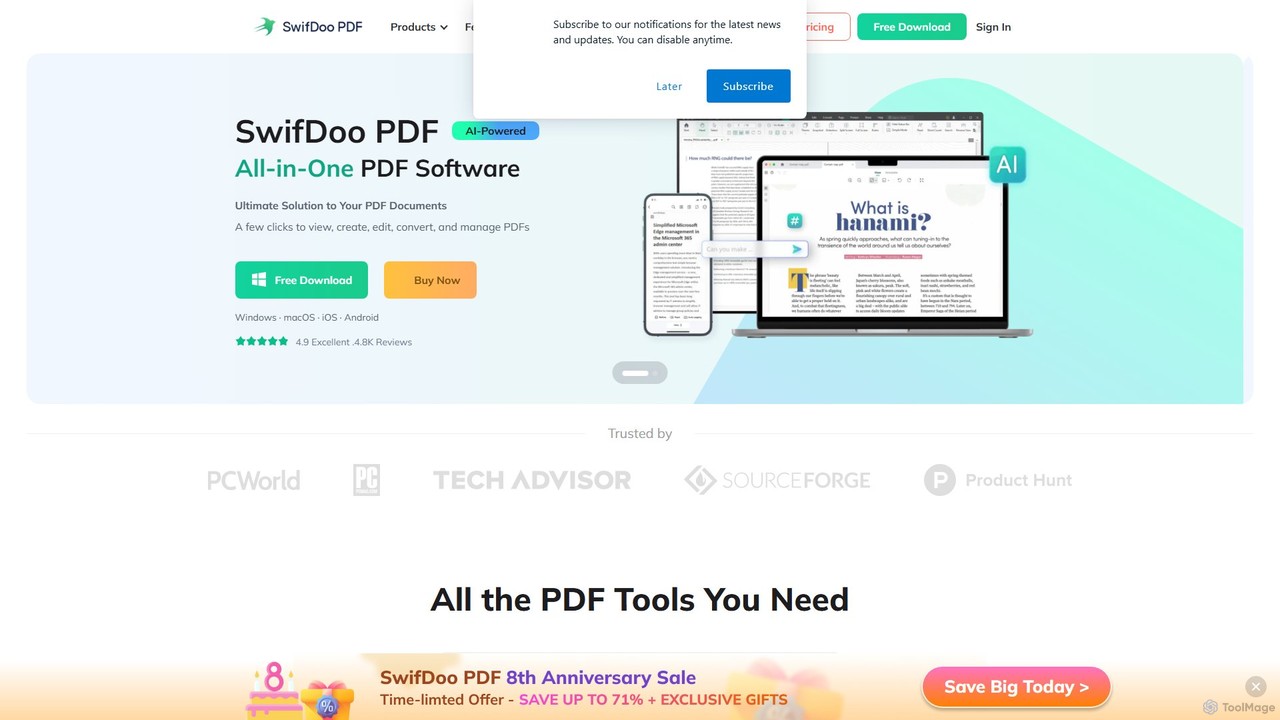
SwifDoo PDF
SwifDoo PDF is an all-in-one, AI-powered PDF software for effortless document management. It allows users to create, edit, convert, merge, compress, and sign PDF files. With integrated AI features, you can summarize, translate, proofread, and chat with your documents. Available on Windows, macOS, iOS, and Android, it offers a lightweight yet powerful solution for both individual and business users.
Document Signing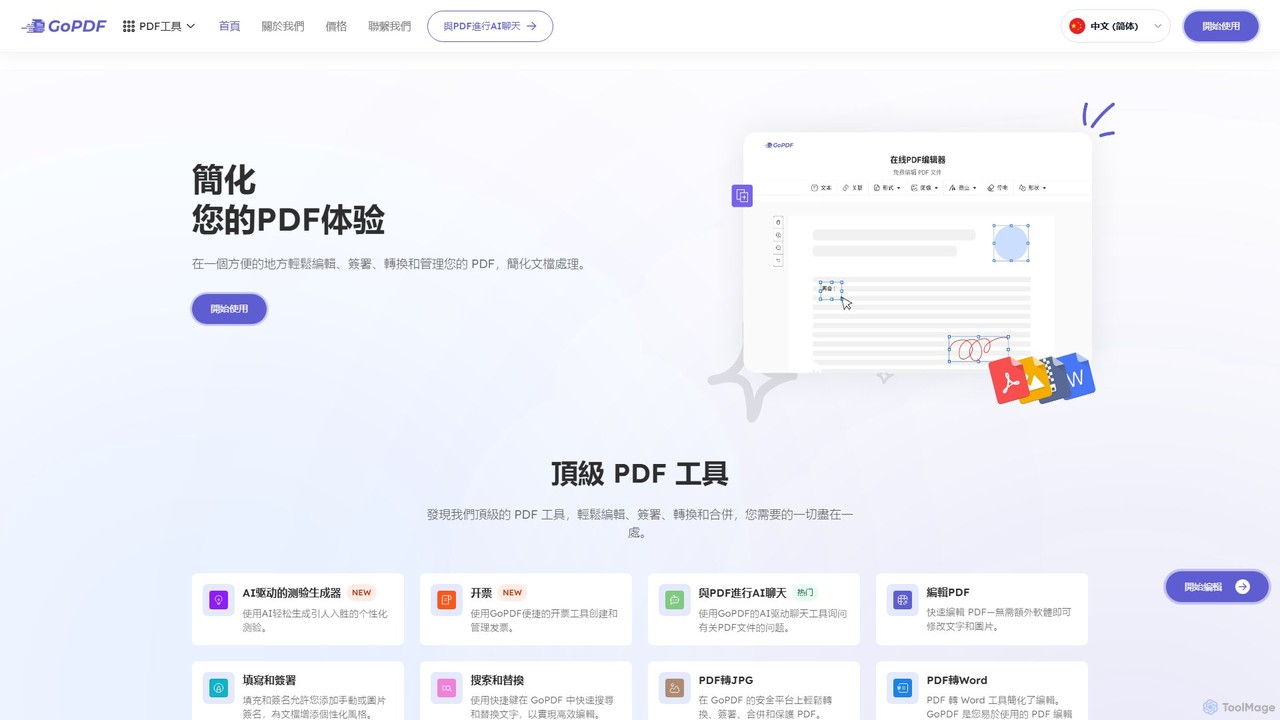
GoPDF
GoPDF is an AI-powered, all-in-one online PDF solution. It allows users to easily edit, convert, sign, merge, compress, and interact with PDF documents through an intuitive web interface and mobile app. AI features enable users to chat with their documents for quick summaries and answers.
Chat With Document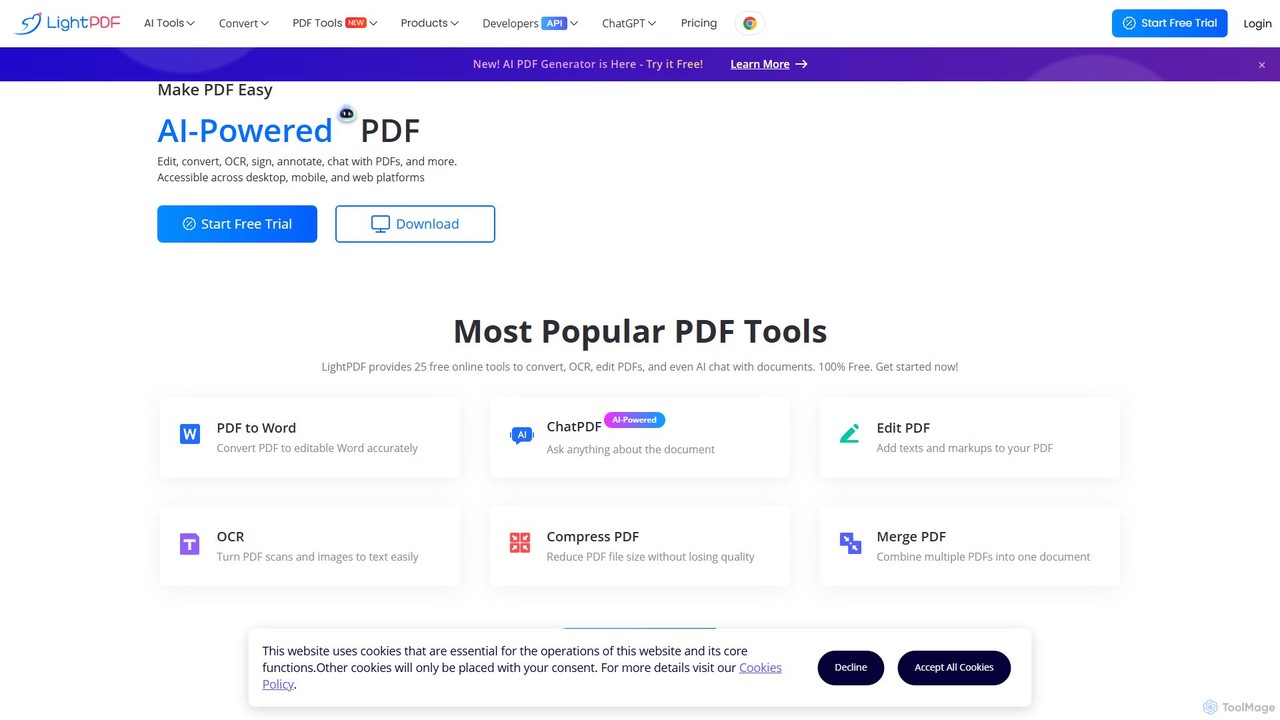
LightPDF
LightPDF is an AI-powered, all-in-one PDF solution designed to simplify document workflows. It allows users to chat with documents, get instant summaries, and ask questions. Beyond its AI capabilities, it offers a comprehensive suite of tools for editing, converting, merging, signing, and performing OCR on PDF files. Available on web, desktop, and mobile, LightPDF makes managing documents efficient and intuitive for students, professionals, and businesses alike.
Chat With Your DocsUPDF
UPDF is an AI-integrated, all-in-one PDF editor that allows users to edit, annotate, convert, summarize, translate, and chat with PDF documents. It offers a seamless experience across Windows, macOS, iOS, and Android, boosting productivity for individuals, students, and businesses.
Document Analysispdftopdf.ai
pdftopdf.ai is an AI-powered online tool designed to optimize, enhance, and transform PDF files. It uses artificial intelligence for advanced functions like high-fidelity OCR to make scanned documents searchable, intelligent compression to reduce file size without quality loss, and PDF repair. It's a comprehensive solution for managing and improving your PDF documents efficiently.
File Conversion
Tenorshare AI
Tenorshare AI is an all-in-one AI-powered suite designed to enhance productivity. It features an advanced AI text humanizer to bypass AI detectors, a comprehensive set of free online PDF tools (edit, merge, OCR, sign), an AI PDF summarizer, and content generators for writing and presentations. It offers a secure, fast, and user-friendly experience for students, professionals, and content creators.
Content Creation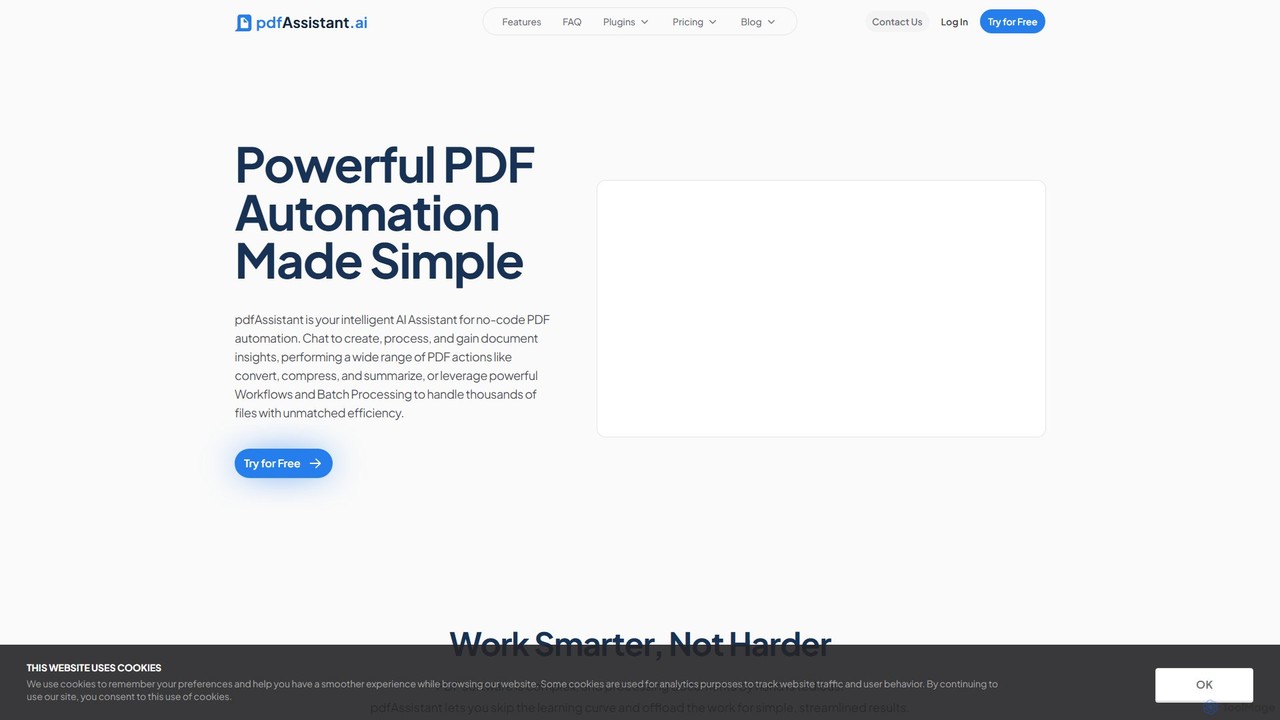
pdfAssistant.ai
pdfAssistant.ai is an intelligent, no-code platform for PDF automation. Use its intuitive chat interface to create, convert, compress, summarize, and manage PDFs with simple natural language commands. Automate complex, multi-step tasks with Workflows and process thousands of files efficiently using Batch Processing.
Automation
UPDF AI
UPDF AI is a powerful AI assistant integrated into the UPDF editor, designed to revolutionize how you interact with PDF documents. It allows you to chat with your PDFs, get instant summaries, translate entire documents or selected text, explain complex data, and even convert dense content into visual mind maps. Available on Windows, macOS, iOS, Android, and the web, it streamlines workflows for students, researchers, and professionals by making document comprehension and analysis faster and more efficient.
Research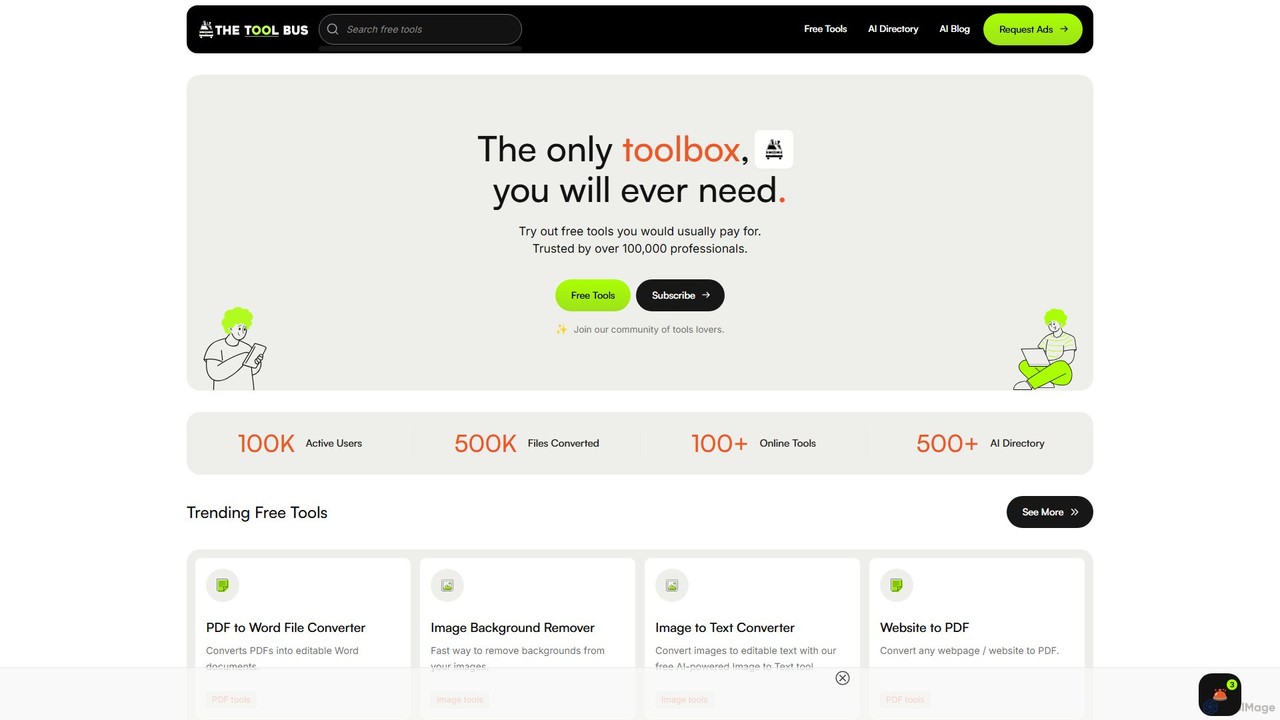
TheToolBus.ai
TheToolBus.ai is a comprehensive, free-to-use online platform offering a suite of AI-powered tools. It features PDF and image converters, an AI cover letter writer, a QR code generator, and more. It also serves as a resource hub with an extensive AI tool directory and an insightful blog on AI trends and tutorials.
Image Editing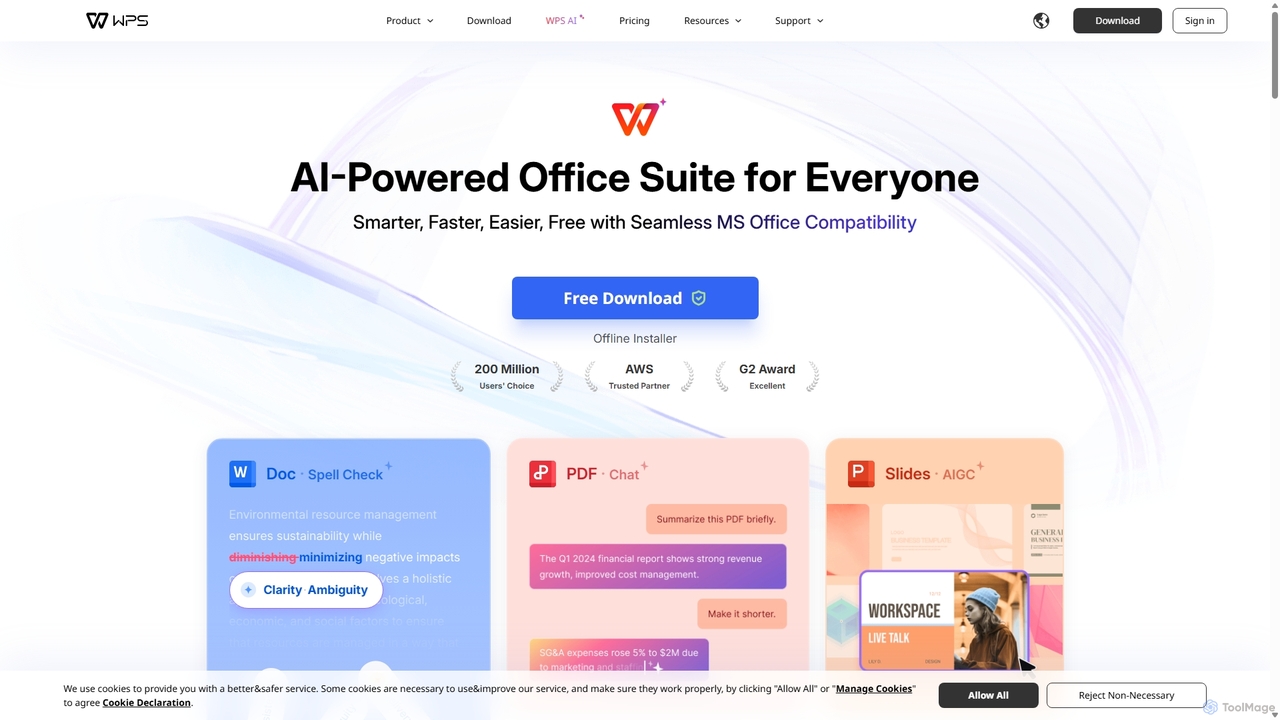
WPS Office
WPS Office is an AI-powered, all-in-one office suite offering a free and lightweight alternative to Microsoft Office. It integrates Writer, Spreadsheet, Presentation, and PDF tools with advanced AI features like content generation, spell checking, PDF summarization, and one-click presentation creation. With seamless MS Office compatibility and cross-platform support, it boosts productivity for individuals and teams.
Presentation Generator
TeraBox
TeraBox is a comprehensive cloud storage solution offering a generous 1TB of free space. It integrates a powerful suite of AI tools for enhanced productivity, including a document scanner, essay writer, and slideshow maker. With a focus on security and cross-platform accessibility, TeraBox allows users to store, back up, share, and manage their files effortlessly, while also providing opportunities to monetize content through its referral program.
Presentation Maker
TopPDF Comments (0)
Sign in to comment.
Sign inNo comments yet.