
pdfAssistant.ai Overview
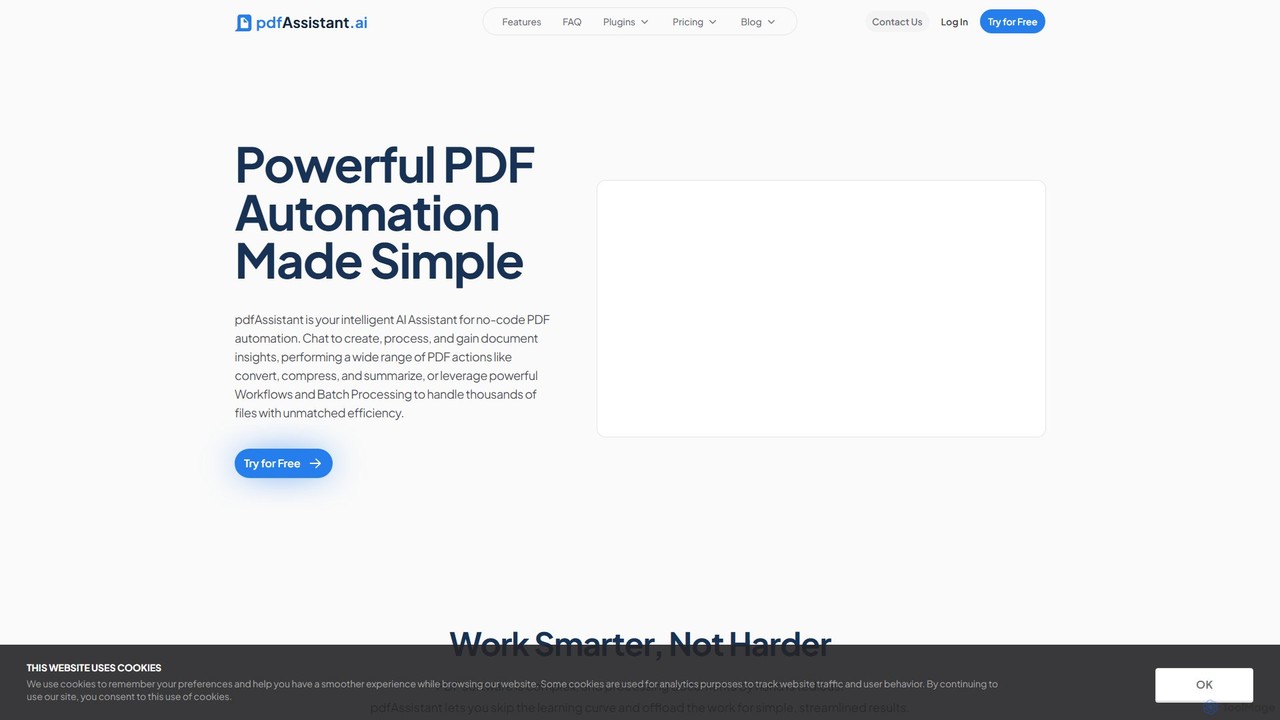
pdfAssistant.ai is a powerful, AI-driven platform designed to simplify and automate all your PDF-related tasks. It replaces complex software and tedious manual processes with an intelligent, conversational assistant. By using simple, natural language commands in a chat interface, users can effortlessly create, process, and gain insights from their documents. The platform is built for everyone, from individuals handling occasional documents to businesses managing high-volume, critical files, offering a streamlined and efficient experience without a steep learning curve.
The service operates in three powerful modes to tackle any document challenge: Chat, Workflows, and Batch Processing. The Chat mode allows for instant interaction, where you can delegate tasks like summarizing, converting, or securing a PDF. Workflows enable you to automate multi-step processes by building custom, reusable sequences for your most common tasks. For large-scale operations, Batch Processing lets you apply these saved Workflows to hundreds or thousands of files at once, delivering unmatched efficiency.
How to use pdfAssistant.ai
Getting started with pdfAssistant.ai is designed to be intuitive and straightforward. There's no software to install; the entire platform is accessible online.
- Sign Up for Free: Create an account with just your email to get started on the free Starter plan, which includes monthly credits.
- Choose Your Mode:
- Chat: For quick, one-off tasks, simply open the chat window. Type your command in natural language, such as "Convert this PDF to a Word doc," "Summarize the last 5 pages," or "Add a watermark that says 'Confidential'." The AI assistant will guide you through the process and deliver the result.
- Workflows: For repetitive tasks, navigate to the Workflows section. Build a custom sequence of actions (e.g., Compress > Add Watermark > Secure with Password). Save this workflow for future use.
- Batch Processing: To process many files, select a saved Workflow and upload all the documents you need to process. The platform will apply the automated steps to every file in the batch. - Generate New Documents: You can also create PDFs from scratch. Simply describe the content you need, like "Generate a PDF report about Q3 sales performance," or paste your own text. The AI will generate and format the content into a professional PDF.
- Download and Manage: Once your task is complete, pdfAssistant.ai provides a secure download link. Files are stored for 24 hours for your convenience and then permanently deleted to ensure your privacy.
Core Features of pdfAssistant.ai
- AI-Powered Chat: Interact with your documents using natural language to summarize, get answers, and perform actions.
- Document Generation: Create new PDF documents from scratch using AI-generated or user-supplied content.
- Comprehensive Conversion: Convert files between various formats, including PDF to Word, PNG to PDF, and convert PDF color profiles (e.g., to PDF/X for print).
- PDF Editing & Management: Merge multiple files, split PDFs into individual pages, add watermarks, images, or attachments.
- Optimization: Compress PDF files to reduce their size without significant quality loss.
- Security: Secure PDFs with passwords and set restrictions to prevent printing, copying, or editing.
- Data Extraction: Utilize OCR (Optical Character Recognition) to extract text from scanned documents and images. Extract metadata and form data.
- Automation: Build custom Workflows for multi-step processes and apply them to large batches of files.
- Translation: Translate the text within documents into different languages.
Use Cases for pdfAssistant.ai
pdfAssistant.ai is versatile and can be applied across numerous industries:
- Business & Finance: Automate the generation of financial reports, create personalized invoices, and summarize long business proposals.
- Legal: Quickly draft standardized documents like NDAs, merge case files, and redact sensitive information.
- Education: Create custom lesson plans and study guides, generate certificates, and compile research papers.
- Marketing & Sales: Produce personalized marketing collateral, convert presentations to PDFs, and create tailored sales proposals.
- Healthcare: Streamline patient communications by generating consent forms, information pamphlets, and standardized health reports.
- Real Estate: Quickly create property listings, open house flyers, and basic lease agreements in PDF format.
Advantages of pdfAssistant.ai
The primary advantage is its simplicity and efficiency. The intuitive chat-based interface eliminates the learning curve associated with traditional PDF software. Its no-code approach to automation empowers all users, regardless of technical skill, to build powerful workflows. The platform is secure, with a clear privacy policy stating that user data is not used for AI model training and files are deleted after 24 hours. By combining numerous tools into one service, it offers a cost-effective and comprehensive solution for all document processing needs.
Pricing and Plans
pdfAssistant.ai operates on a freemium model with plans based on monthly credits, which are used for AI messages, document processes, and workflow edits.
- Starter: Free. Includes 200 monthly credits, perfect for occasional use.
- Plus: $11.99/month ($9.59/month billed annually). Includes 2,000 monthly credits for frequent users.
- Pro: $39.99/month ($31.99/month billed annually). Includes 8,000 monthly credits, ideal for professionals with higher volume needs and access to Batch Processing.
- Enterprise: $143.99/month ($115.19/month billed annually). Includes 32,000 monthly credits for extensive, high-volume document processing.
Extra credits can be purchased if needed. All paid plans include unlimited access to Plugins.
Traffic
Latest traffic
Status
Monthly traffic trend
- 2025-9: 40.3K
- 2026-1: 45.4K
- 2026-2: 39.5K
- 2026-3: 52.9K
- 2026-4: 63.0K
- 2026-5: 52.7K
Geography
Top 5 countries / regions
- 🇮🇳India26.2%
- 🇻🇳Vietnam22.1%
- 🇺🇸United States20.0%
- 🇬🇧United Kingdom18.0%
- 🇧🇷Brazil13.6%
Traffic sources
| Source type | Percentage |
|---|---|
Direct | 100.0% |
Top keywords
| Keyword | Cost per click |
|---|---|
| ai pdf maker | $0.52 |
| ai that can create pdf documents | $0.00 |
| best pdf creator ai | $0.00 |
| how to find the author of a pdf file | $0.00 |
| which ai chatbots can create pdf files | $0.00 |
pdfAssistant.ai Alternatives
PDF.co
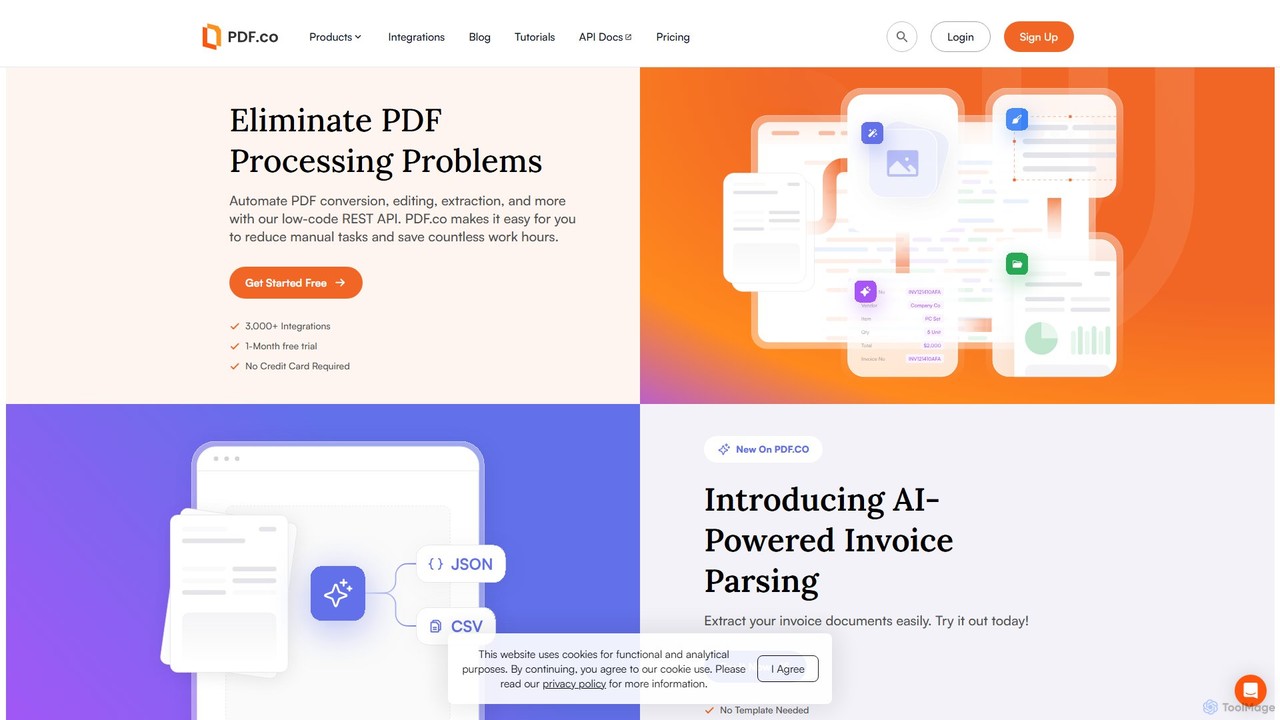
PDF.co is a powerful REST API platform for developers and businesses to automate all PDF-related tasks. It enables PDF data extraction, editing, conversion, creation, and form filling. Featuring AI-powered invoice parsing and seamless integration with over 3,000 platforms like Zapier and Make, it helps eliminate manual work and streamline document workflows.
Automation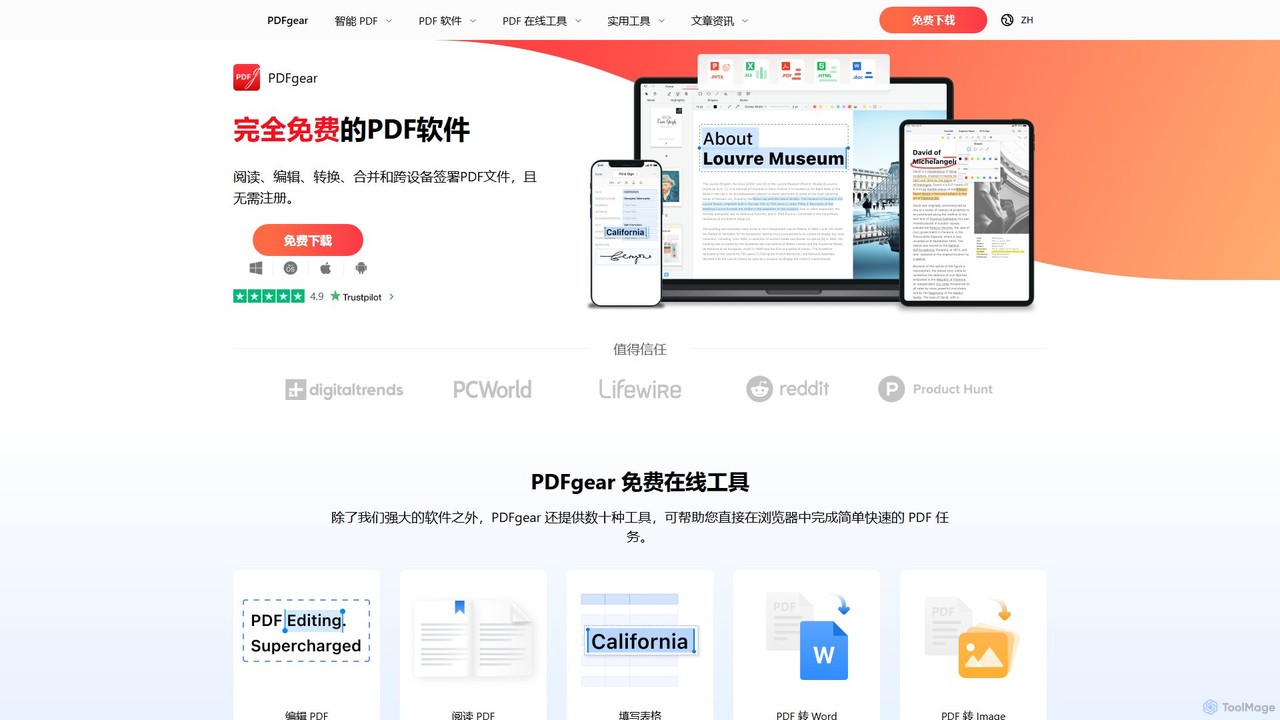
PDFgear
PDFgear is a completely free, AI-powered PDF editor and management suite. It integrates a ChatGPT-based Copilot to chat with, summarize, and analyze your documents. It offers comprehensive features like editing, converting, OCR, and signing across all platforms (Windows, macOS, iOS, Android) and online.
Document Analysis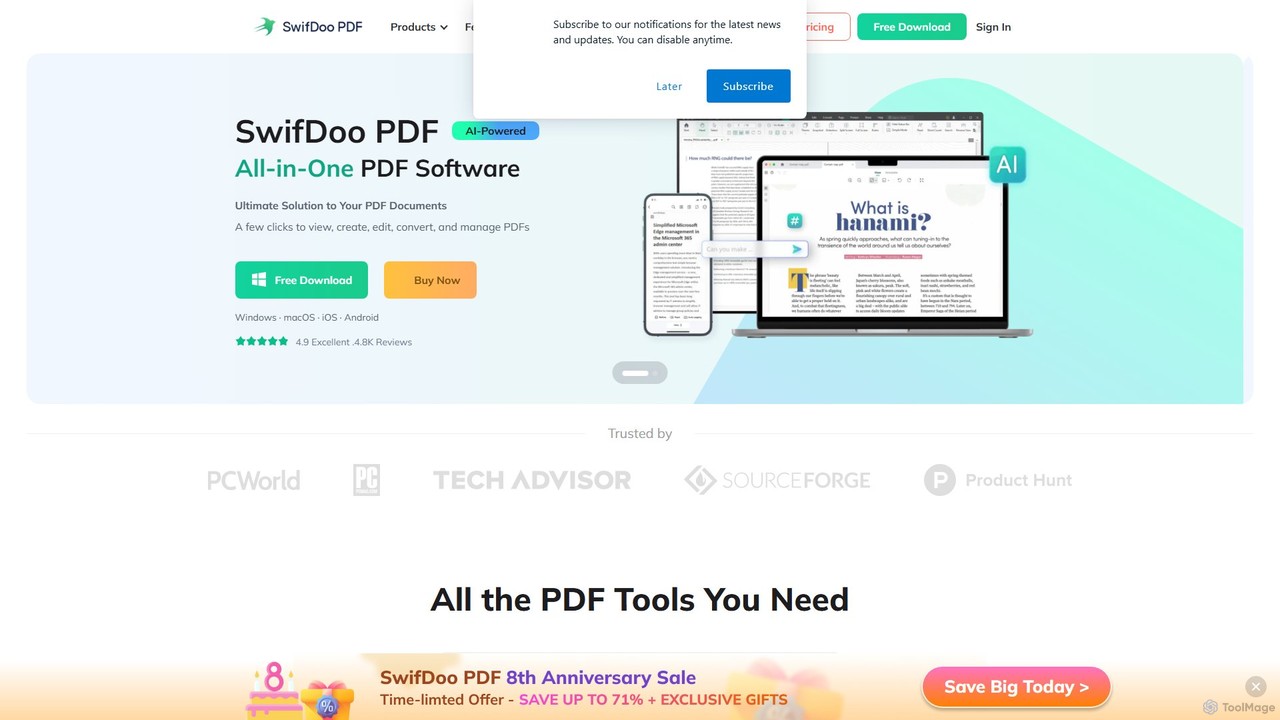
SwifDoo PDF
SwifDoo PDF is an all-in-one, AI-powered PDF software for effortless document management. It allows users to create, edit, convert, merge, compress, and sign PDF files. With integrated AI features, you can summarize, translate, proofread, and chat with your documents. Available on Windows, macOS, iOS, and Android, it offers a lightweight yet powerful solution for both individual and business users.
Document Signing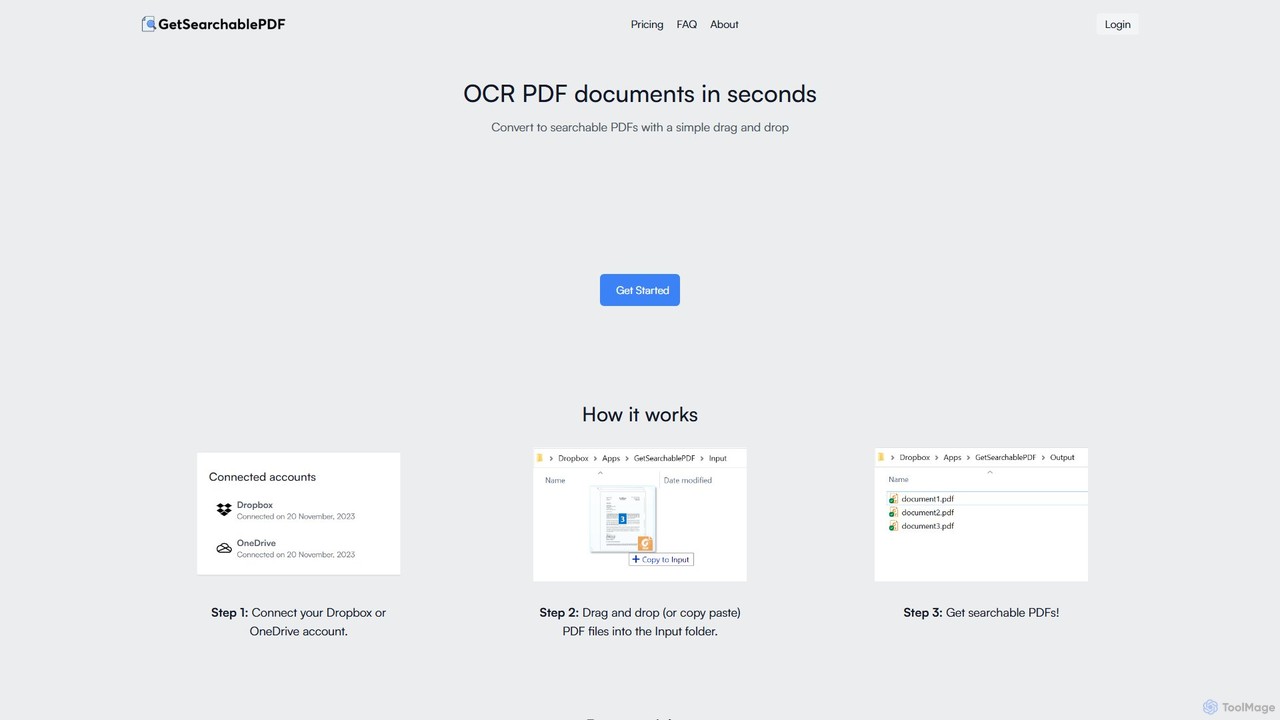
GetSearchablePDF
GetSearchablePDF is an AI-powered OCR tool that effortlessly converts scanned documents, images, and even handwritten notes into fully searchable and indexable PDFs. By integrating with Dropbox or OneDrive, it automates the conversion process through a simple drag-and-drop workflow, ensuring high accuracy and top-tier security for all your files.
Automation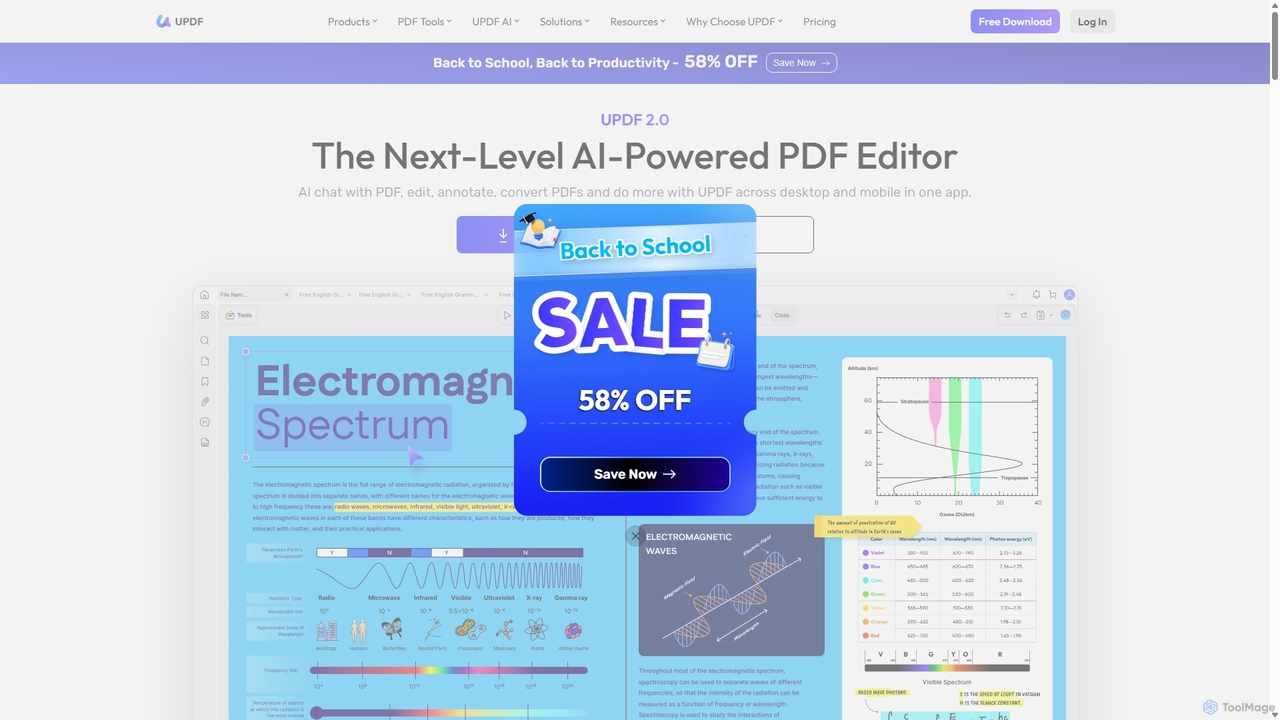
UPDF
UPDF is an AI-integrated, all-in-one PDF editor that allows users to edit, annotate, convert, summarize, translate, and chat with PDF documents. It offers a seamless experience across Windows, macOS, iOS, and Android, boosting productivity for individuals, students, and businesses.
Document AnalysispdfAssistant.ai Categories
pdfAssistant.ai Embed Widget
Copy this embed code to place the badge on your blog, article, or product site and send readers directly to this ToolMage detail page.

Related AI tools
PDFgear
PDFgear is a completely free, AI-powered PDF editor and management suite. It integrates a ChatGPT-based Copilot to chat with, summarize, and analyze your documents. It offers comprehensive features like editing, converting, OCR, and signing across all platforms (Windows, macOS, iOS, Android) and online.
Document AnalysisSwifDoo PDF
SwifDoo PDF is an all-in-one, AI-powered PDF software for effortless document management. It allows users to create, edit, convert, merge, compress, and sign PDF files. With integrated AI features, you can summarize, translate, proofread, and chat with your documents. Available on Windows, macOS, iOS, and Android, it offers a lightweight yet powerful solution for both individual and business users.
Document SigningPDF.co
PDF.co is a powerful REST API platform for developers and businesses to automate all PDF-related tasks. It enables PDF data extraction, editing, conversion, creation, and form filling. Featuring AI-powered invoice parsing and seamless integration with over 3,000 platforms like Zapier and Make, it helps eliminate manual work and streamline document workflows.
AutomationUPDF
UPDF is an AI-integrated, all-in-one PDF editor that allows users to edit, annotate, convert, summarize, translate, and chat with PDF documents. It offers a seamless experience across Windows, macOS, iOS, and Android, boosting productivity for individuals, students, and businesses.
Document Analysis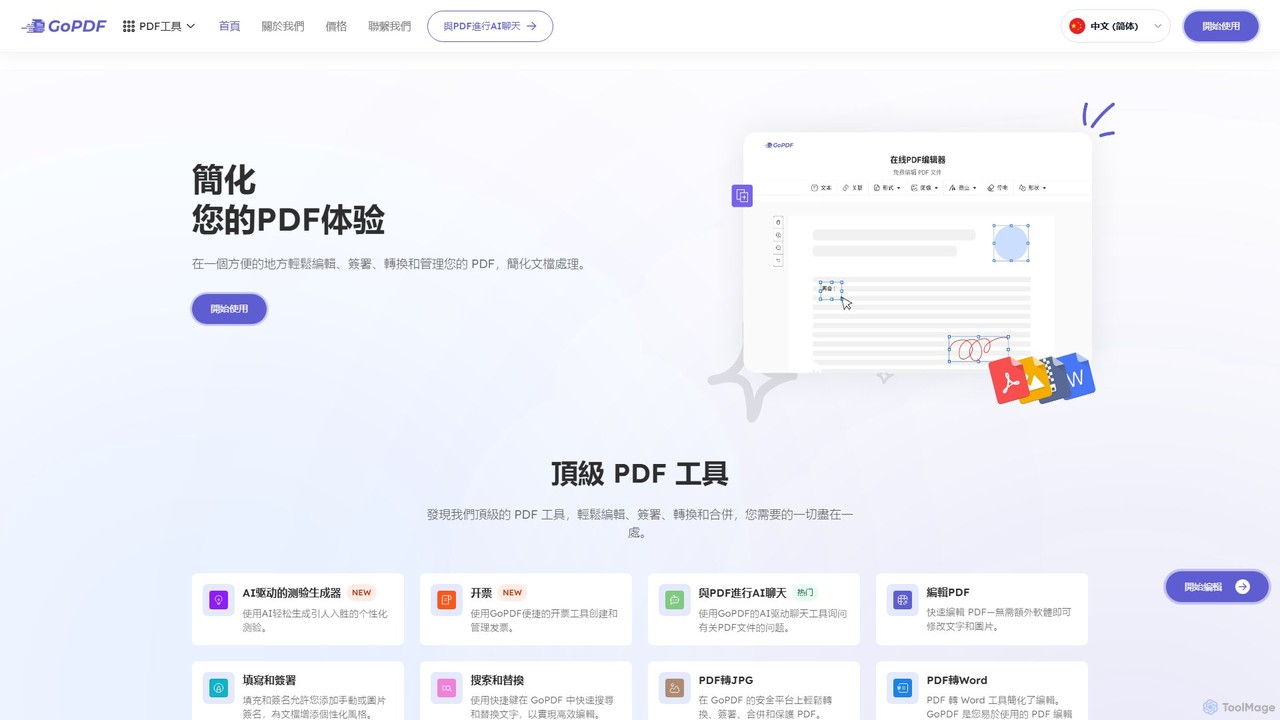
GoPDF
GoPDF is an AI-powered, all-in-one online PDF solution. It allows users to easily edit, convert, sign, merge, compress, and interact with PDF documents through an intuitive web interface and mobile app. AI features enable users to chat with their documents for quick summaries and answers.
Chat With Document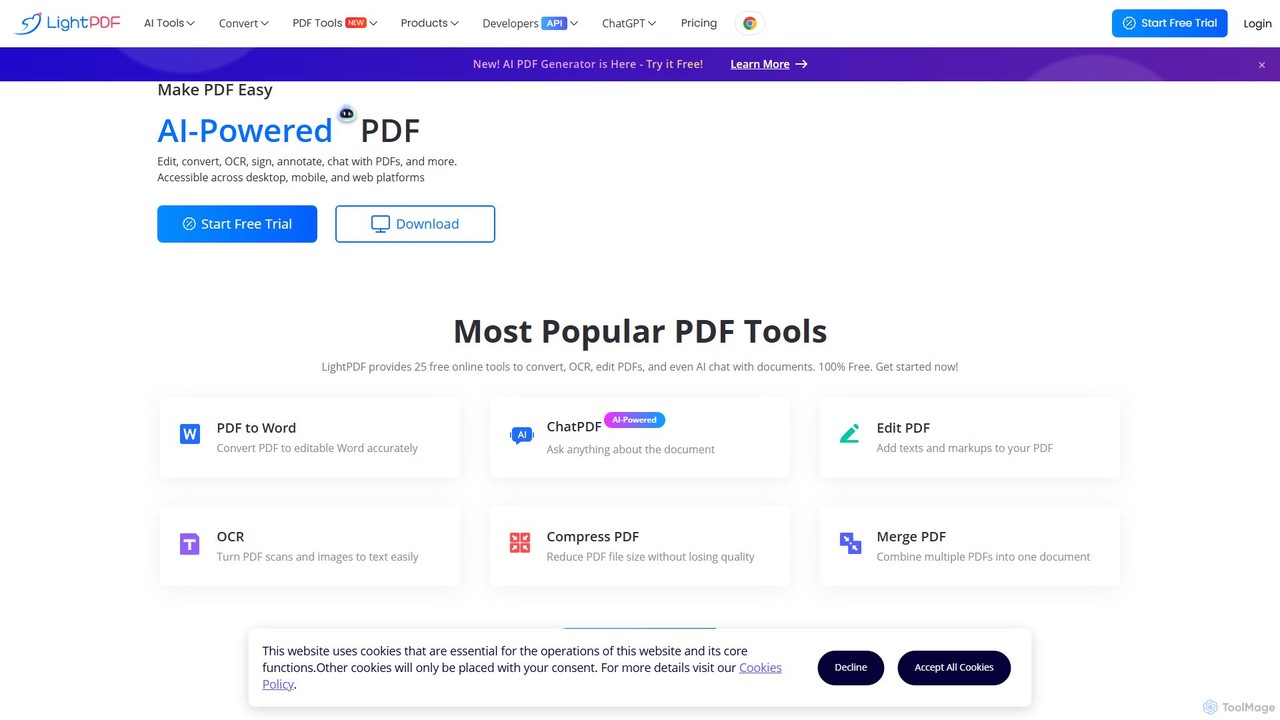
LightPDF
LightPDF is an AI-powered, all-in-one PDF solution designed to simplify document workflows. It allows users to chat with documents, get instant summaries, and ask questions. Beyond its AI capabilities, it offers a comprehensive suite of tools for editing, converting, merging, signing, and performing OCR on PDF files. Available on web, desktop, and mobile, LightPDF makes managing documents efficient and intuitive for students, professionals, and businesses alike.
Chat With Your Docs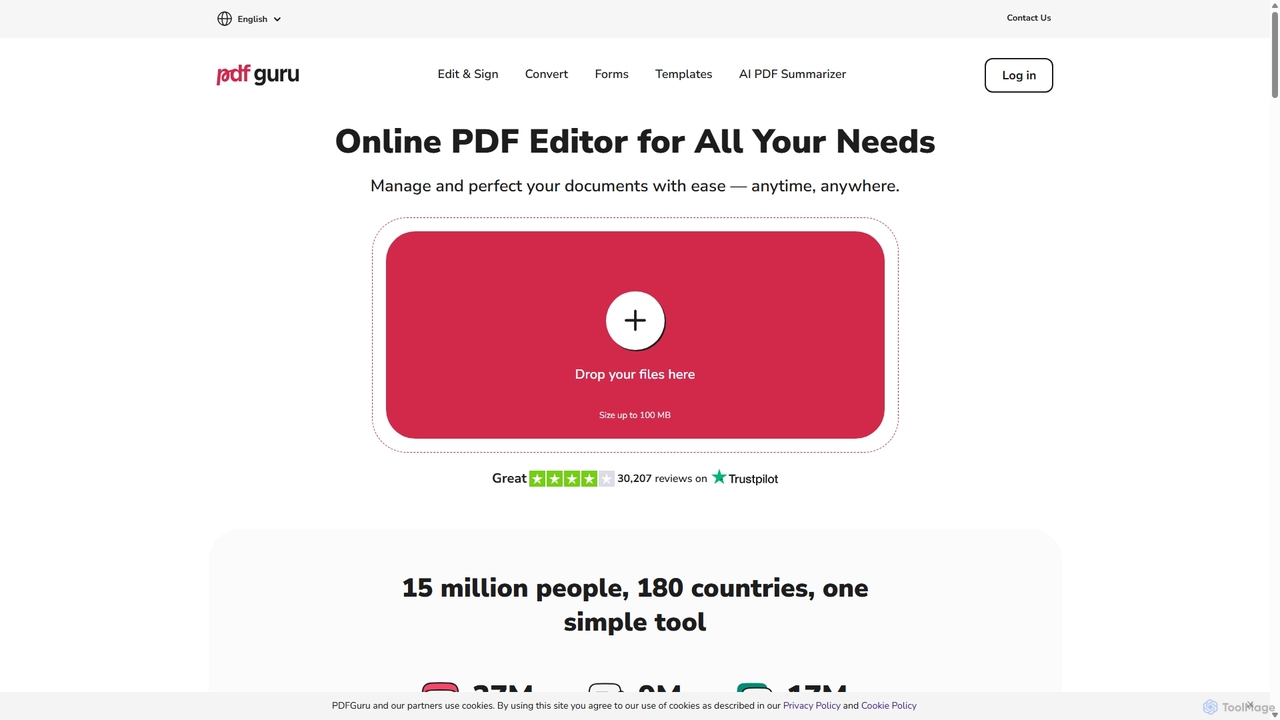
PDFflex
PDFflex is a comprehensive, all-in-one online platform for managing PDF documents. It allows users to edit, convert, merge, split, and sign PDFs with ease. Featuring an intuitive interface and robust security, PDFflex also incorporates AI-powered tools like OCR for scanned documents and summarizers for long texts. It supports a vast range of file formats, making it a versatile solution for both personal and professional use, accessible from any browser without installation.
Summarizer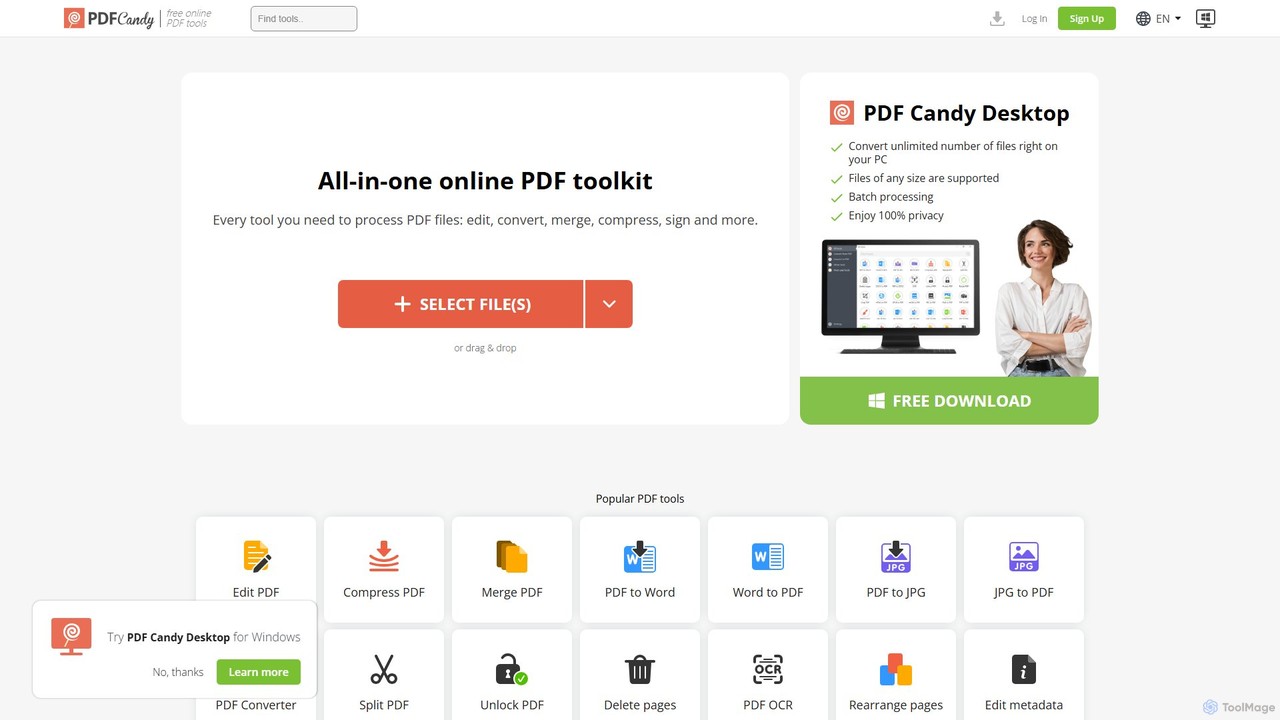
PDF Candy
PDF Candy is a comprehensive all-in-one online and desktop toolkit offering over 90 free tools to manage PDF files. Users can easily edit, convert from and to various formats, merge, compress, sign, unlock, and perform OCR on documents. It provides a user-friendly interface for both casual and professional use, ensuring high-quality results for all your PDF needs.
File Conversion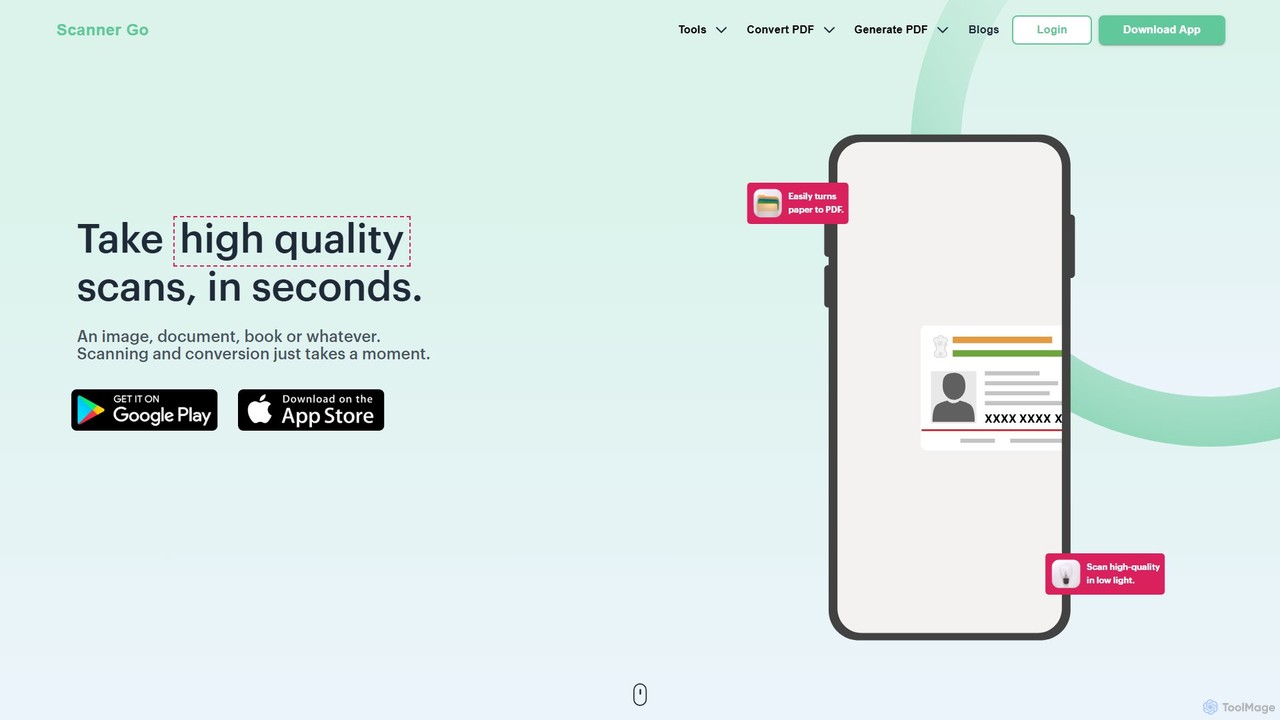
ScannerGo
ScannerGo is an all-in-one productivity tool that combines a powerful mobile document scanner with a comprehensive suite of online PDF utilities. Easily scan, convert, edit, merge, split, and secure your documents on any device, enhanced with OCR technology to extract text from images and PDFs.
File Conversion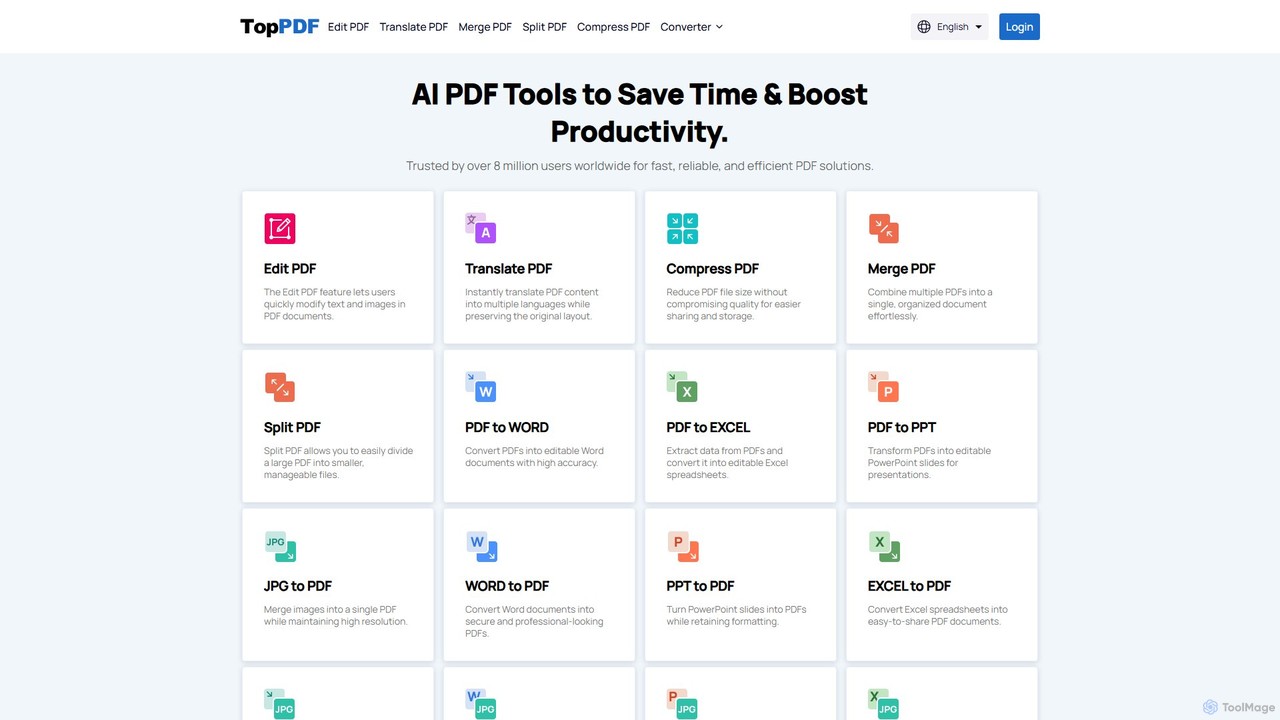
TopPDF
TopPDF is an all-in-one, AI-powered online platform offering a comprehensive suite of tools to edit, convert, translate, merge, split, and compress PDF files. It's designed to enhance productivity by simplifying document workflows for users worldwide.
File Conversion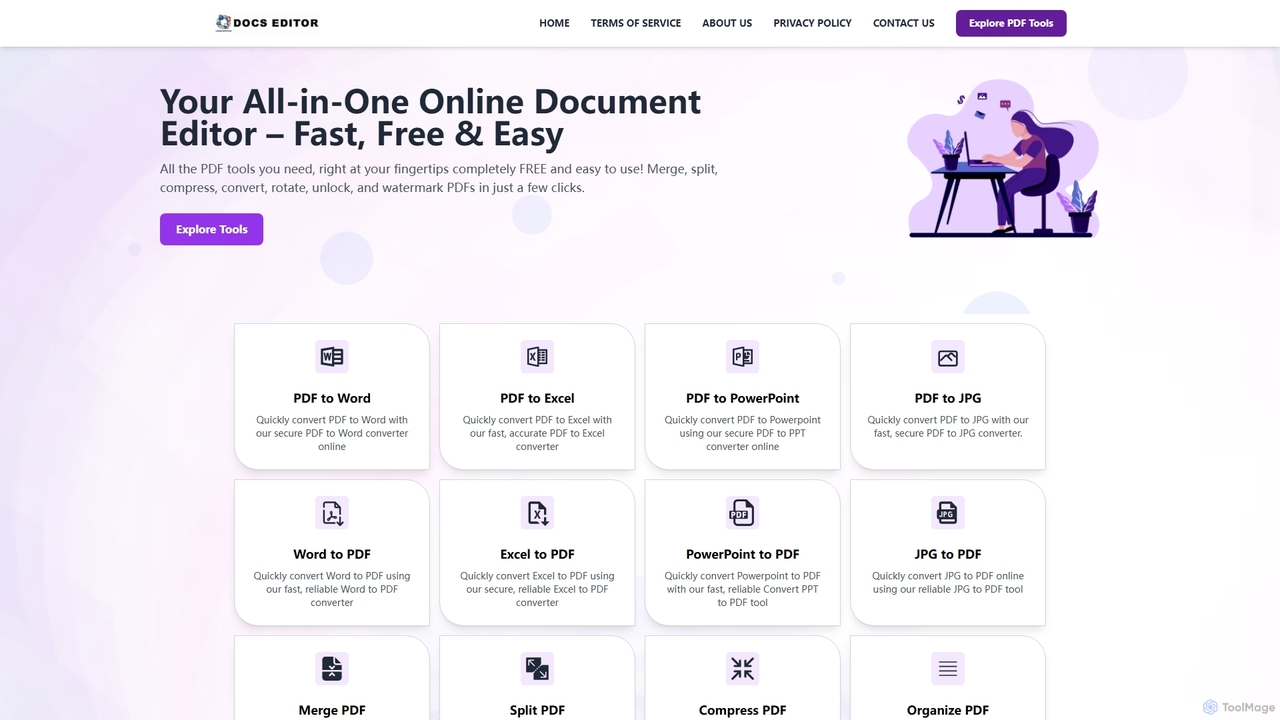
Docseditor
Docseditor is a comprehensive, free online document toolkit for all your PDF needs. It allows users to effortlessly edit, convert, merge, split, compress, sign, and manage PDF files directly in their browser without any installation.
Document Management
UPDF AI
UPDF AI is a powerful AI assistant integrated into the UPDF editor, designed to revolutionize how you interact with PDF documents. It allows you to chat with your PDFs, get instant summaries, translate entire documents or selected text, explain complex data, and even convert dense content into visual mind maps. Available on Windows, macOS, iOS, Android, and the web, it streamlines workflows for students, researchers, and professionals by making document comprehension and analysis faster and more efficient.
Research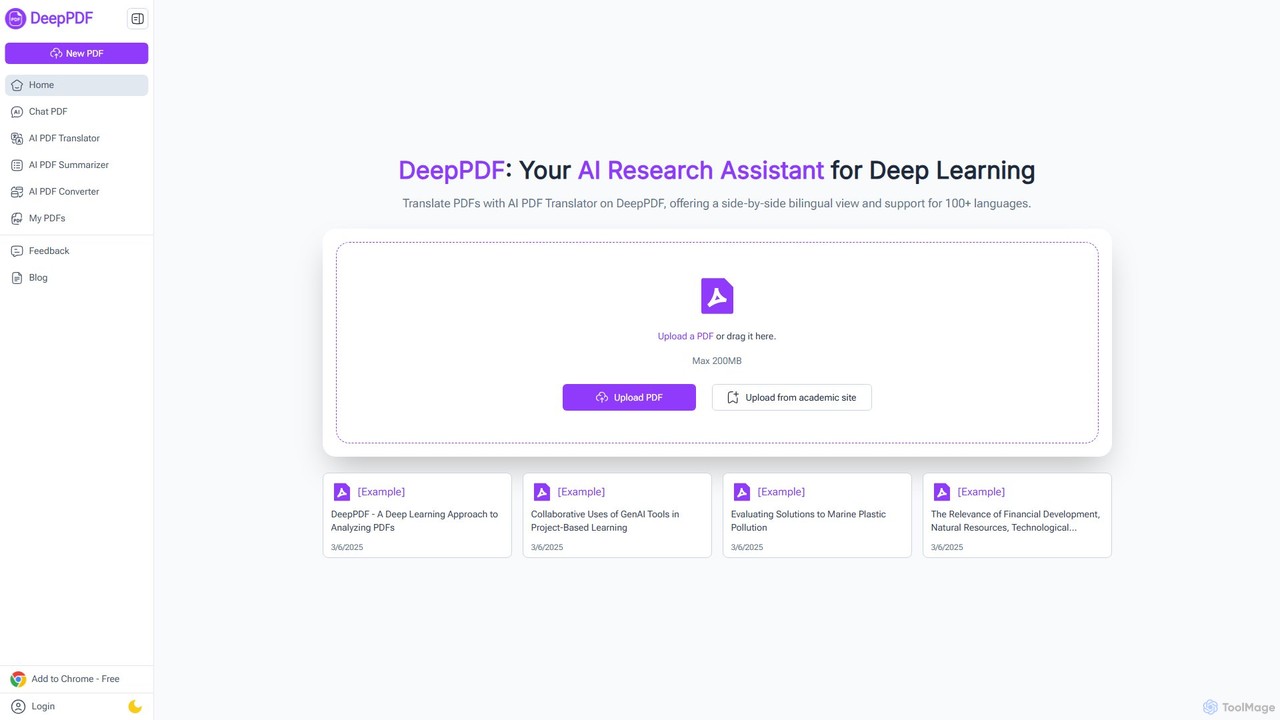
DeepPDF
DeepPDF is an AI-powered research assistant for deep interaction with PDF documents. It allows users to chat with their PDFs, get instant summaries, translate content into over 100 languages with a side-by-side view, and convert files. Featuring OCR, image analysis, and academic search integration, it's designed to enhance productivity for students, researchers, and professionals by making complex documents easy to understand and manage.
Document Management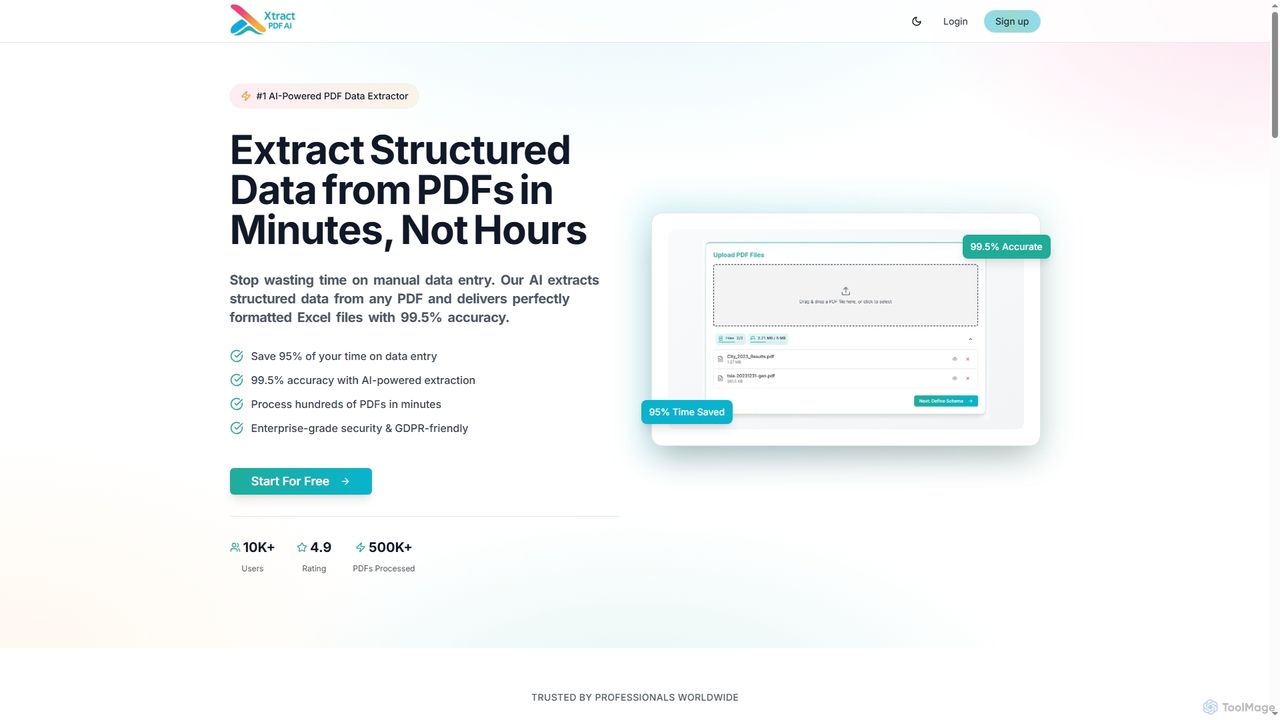
Xtractpdfai
Xtractpdfai is an AI-powered tool designed to extract structured data from PDF documents and convert them into perfectly formatted Excel, CSV, or JSON files. It boasts 99.5% accuracy and significantly reduces manual data entry time, making document processing efficient and secure for professionals.
Data AutomationGetSearchablePDF
GetSearchablePDF is an AI-powered OCR tool that effortlessly converts scanned documents, images, and even handwritten notes into fully searchable and indexable PDFs. By integrating with Dropbox or OneDrive, it automates the conversion process through a simple drag-and-drop workflow, ensuring high accuracy and top-tier security for all your files.
Automation
pdfAssistant.ai Comments (0)
Sign in to comment.
Sign inNo comments yet.