

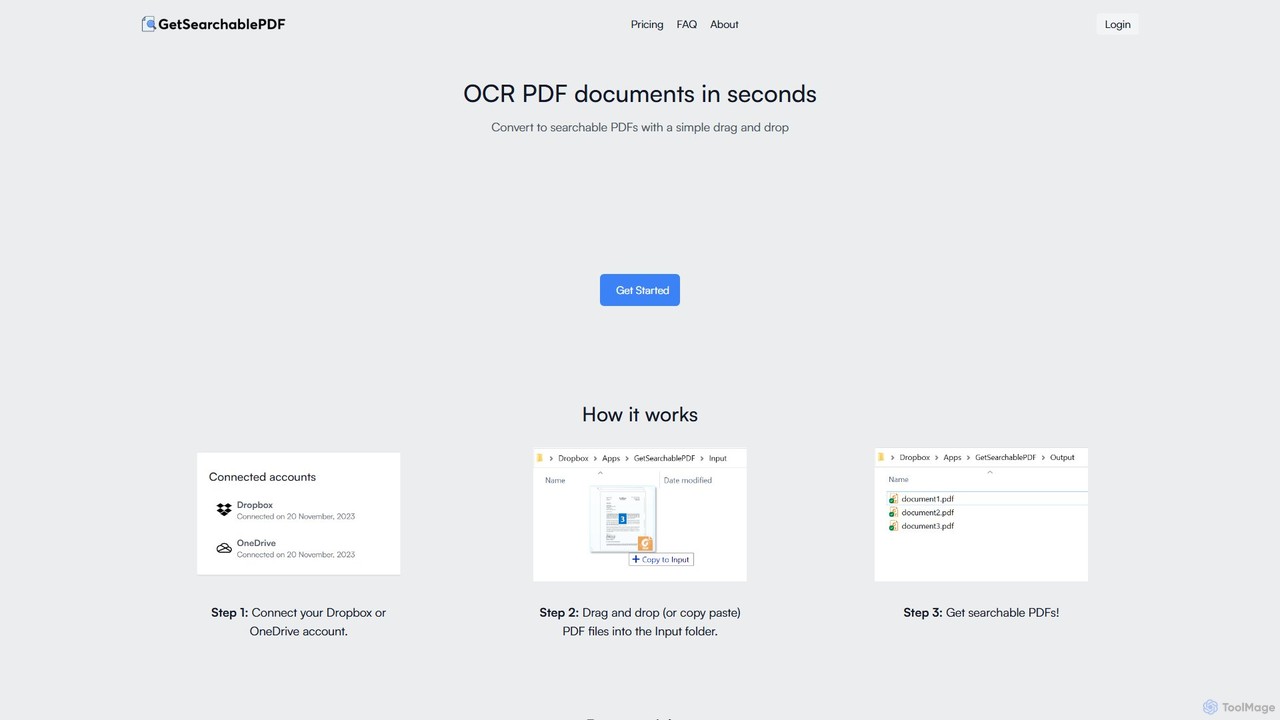
GetSearchablePDF Overview
GetSearchablePDF is a specialized online service designed to solve a common yet critical problem: making non-searchable documents accessible and useful. Many organizations and individuals possess vast archives of scanned PDFs, photos of documents, or screenshots that are essentially 'dead' data—impossible to search, copy text from, or index. GetSearchablePDF uses advanced Optical Character Recognition (OCR) technology, powered by AI, to breathe life into these files, transforming them into fully searchable PDFs in seconds.
The platform is built on the principles of simplicity, security, and efficiency. It eliminates the need for complex software installation by integrating directly with popular cloud storage services like Dropbox and OneDrive. This creates a seamless, automated workflow where users can process documents without ever leaving their familiar cloud environment. The service is not just for typed text; its robust OCR engine can also recognize and convert handwritten notes, making it a versatile tool for a wide range of applications.
How to use GetSearchablePDF
The process is designed to be incredibly straightforward and requires minimal technical expertise. It operates on a simple three-step model:
- Connect Your Cloud Storage: The first step is to sign up and connect your Dropbox or OneDrive account to the GetSearchablePDF service. This is a one-time setup that grants the application restricted access only to its designated app folder, ensuring the privacy of your other files.
- Drag and Drop Files: Once connected, a dedicated 'Input' folder is created in your cloud storage. To convert a file, you simply drag and drop (or copy and paste) any non-searchable PDF, image file (JPG, PNG), or photo of a document into this folder.
- Get Searchable PDFs: The service automatically detects the new file, processes it using its high-accuracy OCR engine, and places the newly converted, fully searchable PDF into an 'Output' folder in your cloud drive. The entire process is typically completed within minutes.
Core Features of GetSearchablePDF
- Best-in-Class OCR Accuracy: Leverages state-of-the-art AI models to ensure the highest possible accuracy in text recognition from various sources, including low-quality scans and complex layouts.
- Handwriting Support: Goes beyond standard OCR by accurately recognizing and converting handwritten text into searchable digital text, ideal for digitizing notes, forms, and historical documents.
- Seamless Cloud Integration: Natively integrates with Dropbox and OneDrive, creating an automated 'hot folder' workflow that simplifies the conversion process.
- Robust Security: Prioritizes data protection with end-to-end encryption (TLS in transit, AES-256 at rest). All files are automatically deleted from the servers 10 minutes after processing. Your files are never used to train AI models.
- On-Premise Deployment: For organizations with strict data policies, GetSearchablePDF offers an on-premise or private cloud deployment option, allowing processing to occur entirely within your own infrastructure.
- Consulting Services: The team also offers expert consulting for custom document processing needs, including data extraction, document classification, and automated redaction.
Use Cases for GetSearchablePDF
This tool is valuable for a diverse range of users and industries:
- Legal Professionals: Quickly convert scanned case files, evidence documents, and legal briefs into searchable archives for easy reference and e-discovery.
- Researchers and Academics: Digitize historical archives, research papers, and handwritten field notes, making decades of information instantly searchable.
- Businesses and Enterprises: Process scanned invoices, contracts, receipts, and HR documents, integrating them into digital workflows and document management systems.
- Students: Convert photos of lecture notes, textbook pages, and handouts into searchable study materials.
- Archivists and Librarians: Make vast collections of scanned books, manuscripts, and periodicals accessible to a wider audience through digital search.
Advantages of GetSearchablePDF
The primary advantage is its effortless automation. By linking to cloud storage, it transforms a manual task into a background process. Its commitment to security, including the auto-deletion of files and the promise not to use data for training, provides peace of mind. Furthermore, the high accuracy, especially with handwriting, sets it apart from more basic OCR tools. The flexibility of offering both a simple cloud service and a full on-premise solution makes it scalable for everyone from individual users to large enterprises.
Pricing and Plans
GetSearchablePDF operates on a freemium, credit-based model. Each page processed counts as one credit.
- Free Trial: New users receive 10 free credits upon signing up to test the service.
- STARTER: $9 per month for 150 credits.
- PROFESSIONal: $35 per month for 800 credits.
- BUSINESS: $70 per month for 2800 credits.
- Enterprise: Custom plans and on-premise solutions are available for users who need more than 2800 credits per month. Contact them for a quote.
Traffic
Latest traffic
Status
Monthly traffic trend
- 2025-9: 2.4K
- 2026-1: 412
- 2026-2: 0
- 2026-3: 418
- 2026-4: 2.3K
- 2026-5: 2.8K
Geography
Top 5 countries / regions
- 🇻🇳Vietnam57.0%
- 🇺🇸United States40.9%
- 🇮🇹Italy2.1%
Top keywords
| Keyword | Cost per click |
|---|---|
| get this pdf | $0.00 |
| pdf searchable | $0.79 |
| readable pdf | $0.07 |
| searchable | $9.06 |
| searchable pdf | $0.51 |
GetSearchablePDF Alternatives
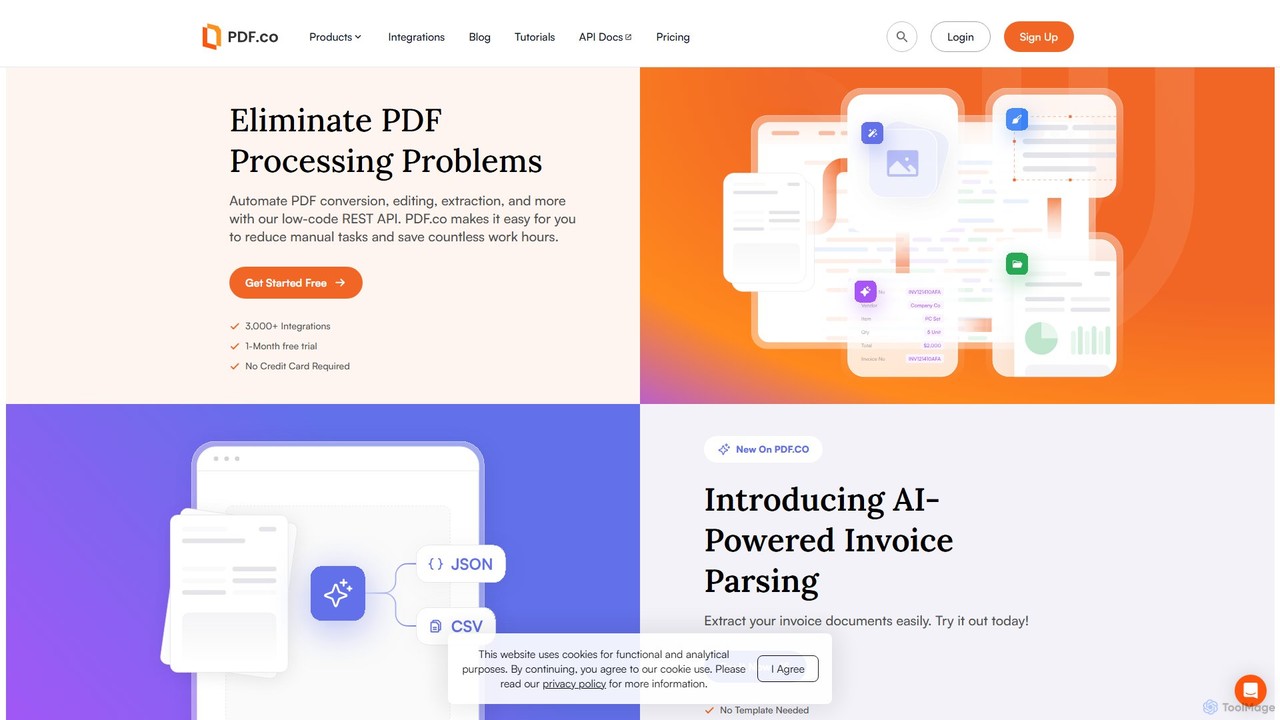
PDF.co
PDF.co is a powerful REST API platform for developers and businesses to automate all PDF-related tasks. It enables PDF data extraction, editing, conversion, creation, and form filling. Featuring AI-powered invoice parsing and seamless integration with over 3,000 platforms like Zapier and Make, it helps eliminate manual work and streamline document workflows.
Automation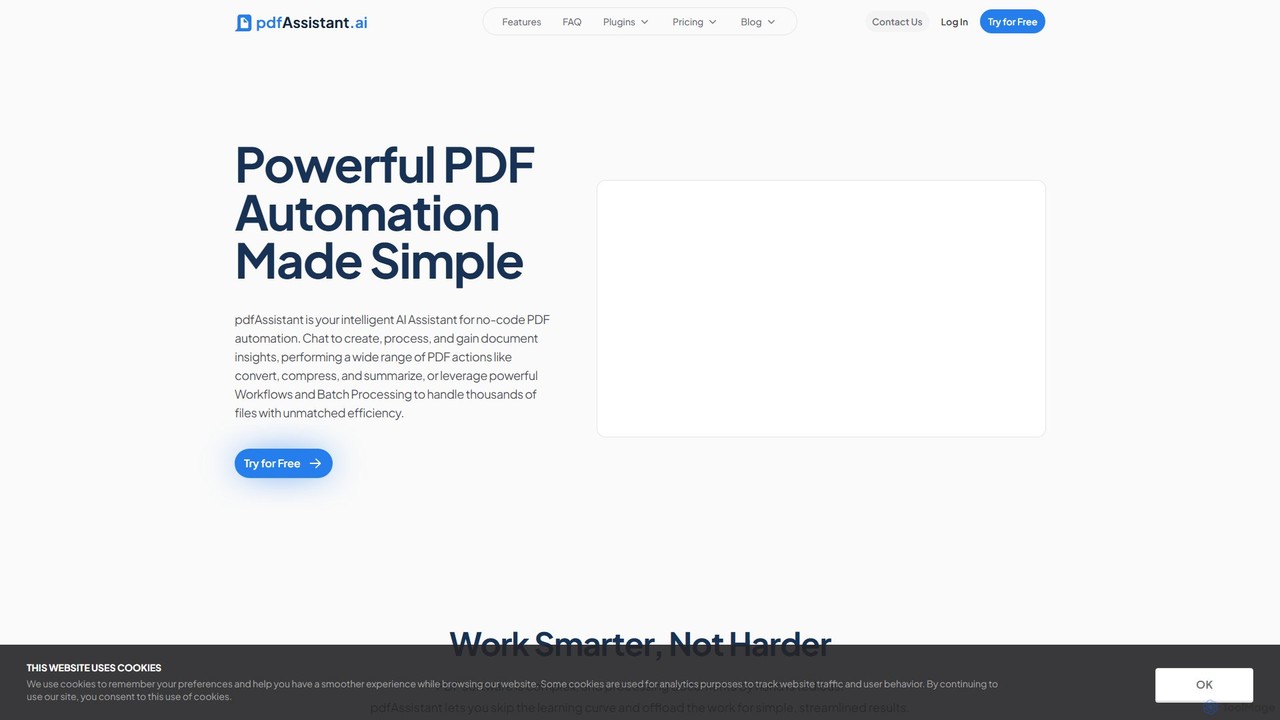
pdfAssistant.ai
pdfAssistant.ai is an intelligent, no-code platform for PDF automation. Use its intuitive chat interface to create, convert, compress, summarize, and manage PDFs with simple natural language commands. Automate complex, multi-step tasks with Workflows and process thousands of files efficiently using Batch Processing.
Automation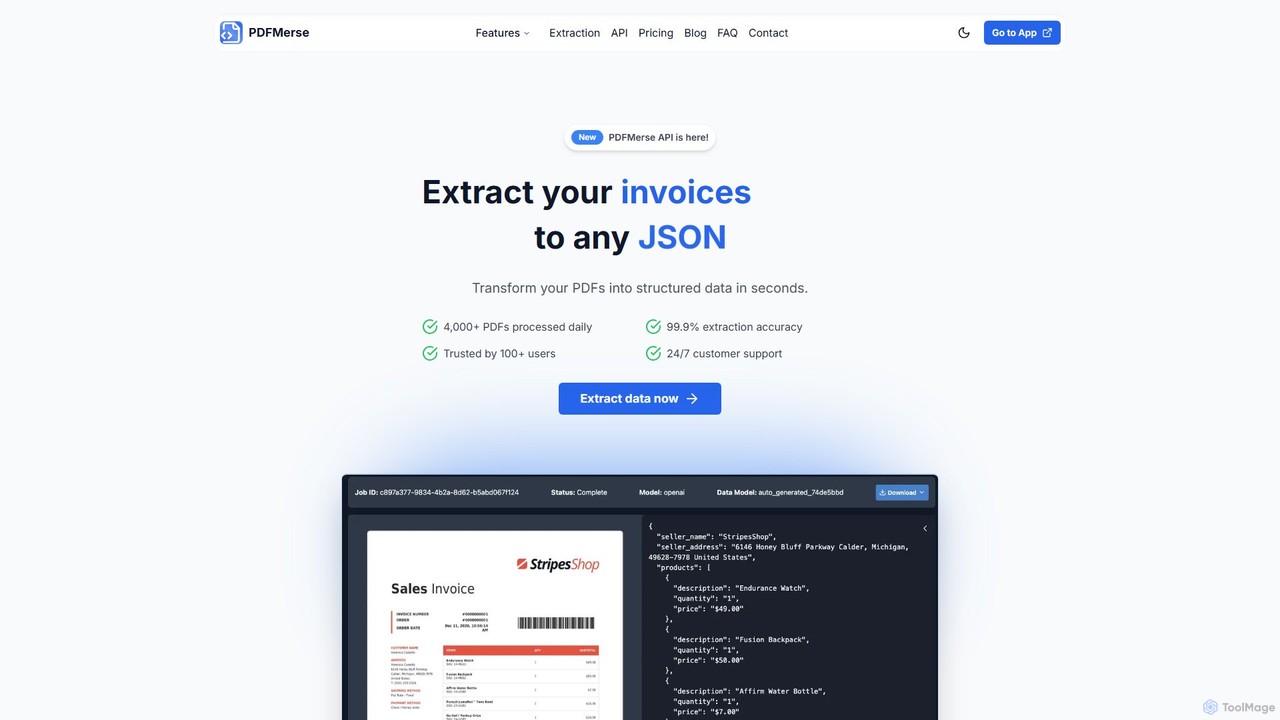
pdfmerse
pdfmerse is an AI-powered data extractor that automates the process of capturing information from any PDF document. It intelligently converts unstructured PDF data into structured formats like JSON and text. Ideal for businesses and individuals looking to streamline document processing, reduce manual data entry, and improve workflow efficiency with high accuracy.
Automation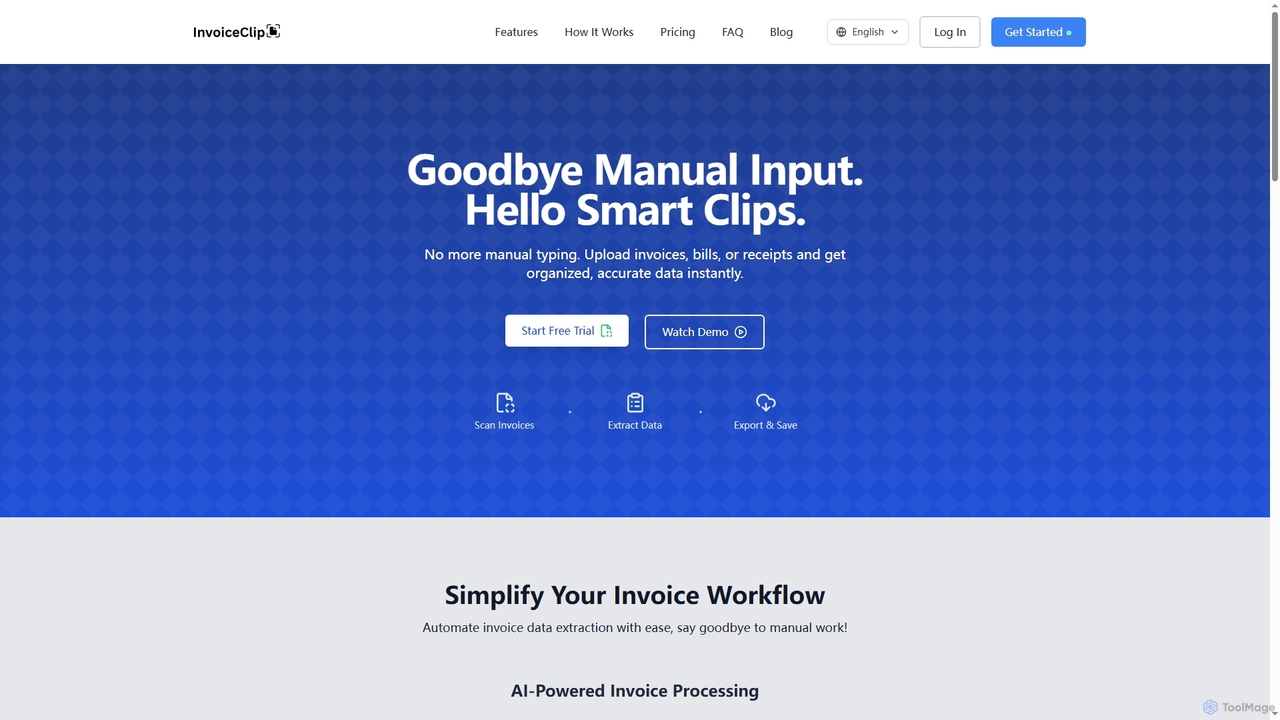
InvoiceClip
InvoiceClip is an AI-powered invoice and receipt scanner app designed to automate data extraction, categorization, and organization for businesses. It eliminates manual data entry by instantly converting uploaded documents into accurate, structured data, streamlining financial workflows.
Invoice Processing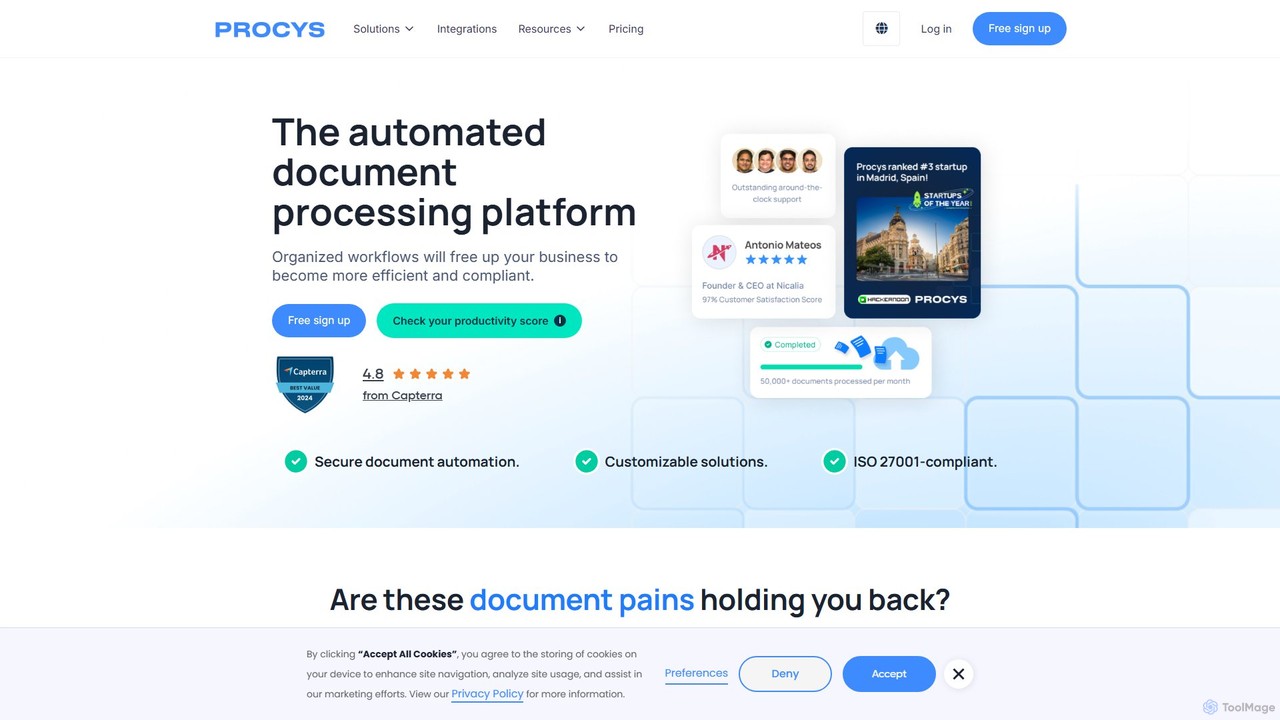
Procys
Procys is an AI-powered document processing platform designed to automate data extraction and streamline workflows. It efficiently handles invoices, purchase orders, and other business documents, reducing manual tasks, minimizing errors, and ensuring compliance. With robust integrations and customizable solutions, Procys helps businesses save time and improve operational efficiency.
AutomationGetSearchablePDF Categories
GetSearchablePDF Embed Widget
Copy this embed code to place the badge on your blog, article, or product site and send readers directly to this ToolMage detail page.

Related AI tools
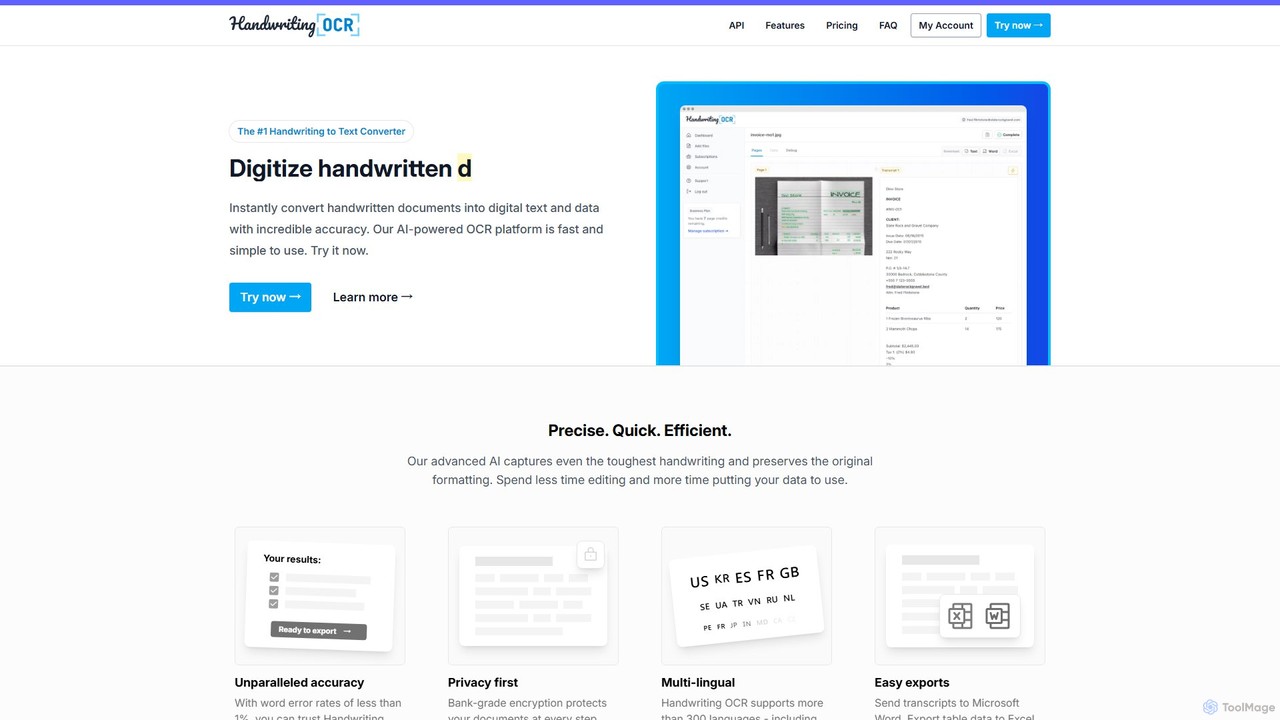
Handwriting OCR
Handwriting OCR is an AI-powered platform that instantly converts handwritten and printed documents into editable digital text with incredible accuracy. It supports over 300 languages, various file formats (PDF, JPG, PNG), and exports to Word, Excel, and plain text. Designed for businesses, researchers, and individuals, it prioritizes security with bank-grade encryption and a strict no-data-training policy.
Data Entry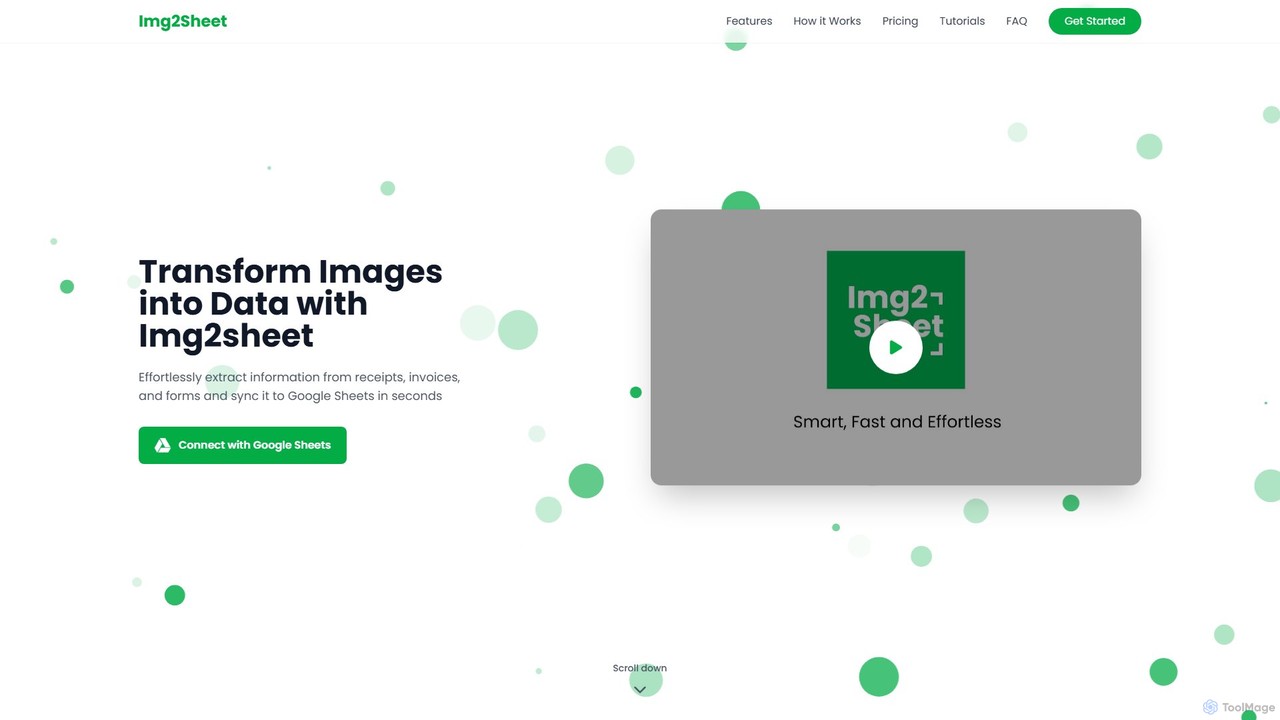
Img2Sheet
Img2Sheet is an AI-powered tool that automates data extraction from images like receipts, invoices, and forms, syncing the information directly into Google Sheets. It eliminates manual data entry, saves time, and increases accuracy with a simple, pay-per-use model.
Extraction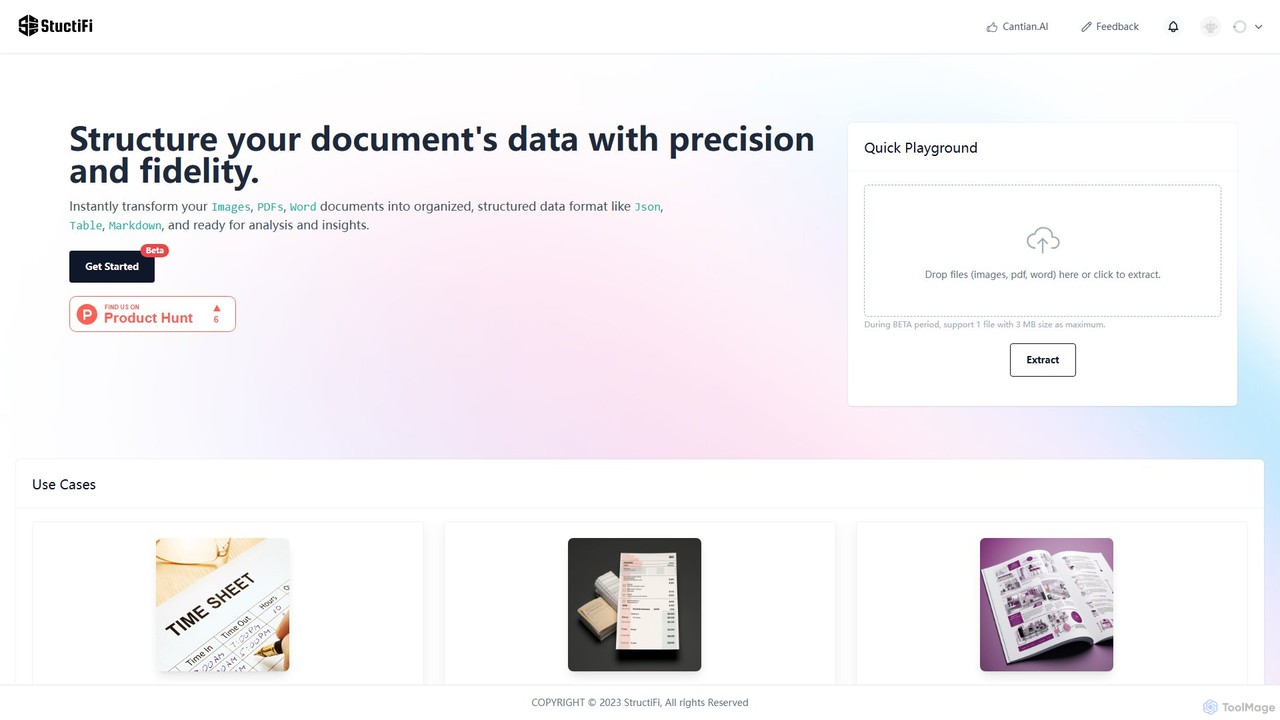
StructiFi
StructiFi is an AI-powered platform for Optical Character Recognition (OCR) and data extraction. It instantly transforms unstructured documents like images, PDFs, and Word files into organized, structured data formats such as JSON, Table, and Markdown, ready for analysis and integration.
Document ManagementPDF.co
PDF.co is a powerful REST API platform for developers and businesses to automate all PDF-related tasks. It enables PDF data extraction, editing, conversion, creation, and form filling. Featuring AI-powered invoice parsing and seamless integration with over 3,000 platforms like Zapier and Make, it helps eliminate manual work and streamline document workflows.
AutomationpdfAssistant.ai
pdfAssistant.ai is an intelligent, no-code platform for PDF automation. Use its intuitive chat interface to create, convert, compress, summarize, and manage PDFs with simple natural language commands. Automate complex, multi-step tasks with Workflows and process thousands of files efficiently using Batch Processing.
Automationpdfmerse
pdfmerse is an AI-powered data extractor that automates the process of capturing information from any PDF document. It intelligently converts unstructured PDF data into structured formats like JSON and text. Ideal for businesses and individuals looking to streamline document processing, reduce manual data entry, and improve workflow efficiency with high accuracy.
AutomationInvoiceClip
InvoiceClip is an AI-powered invoice and receipt scanner app designed to automate data extraction, categorization, and organization for businesses. It eliminates manual data entry by instantly converting uploaded documents into accurate, structured data, streamlining financial workflows.
Invoice Processing
PDFflex
PDFflex is a comprehensive, all-in-one online platform for managing PDF documents. It allows users to edit, convert, merge, split, and sign PDFs with ease. Featuring an intuitive interface and robust security, PDFflex also incorporates AI-powered tools like OCR for scanned documents and summarizers for long texts. It supports a vast range of file formats, making it a versatile solution for both personal and professional use, accessible from any browser without installation.
Summarizer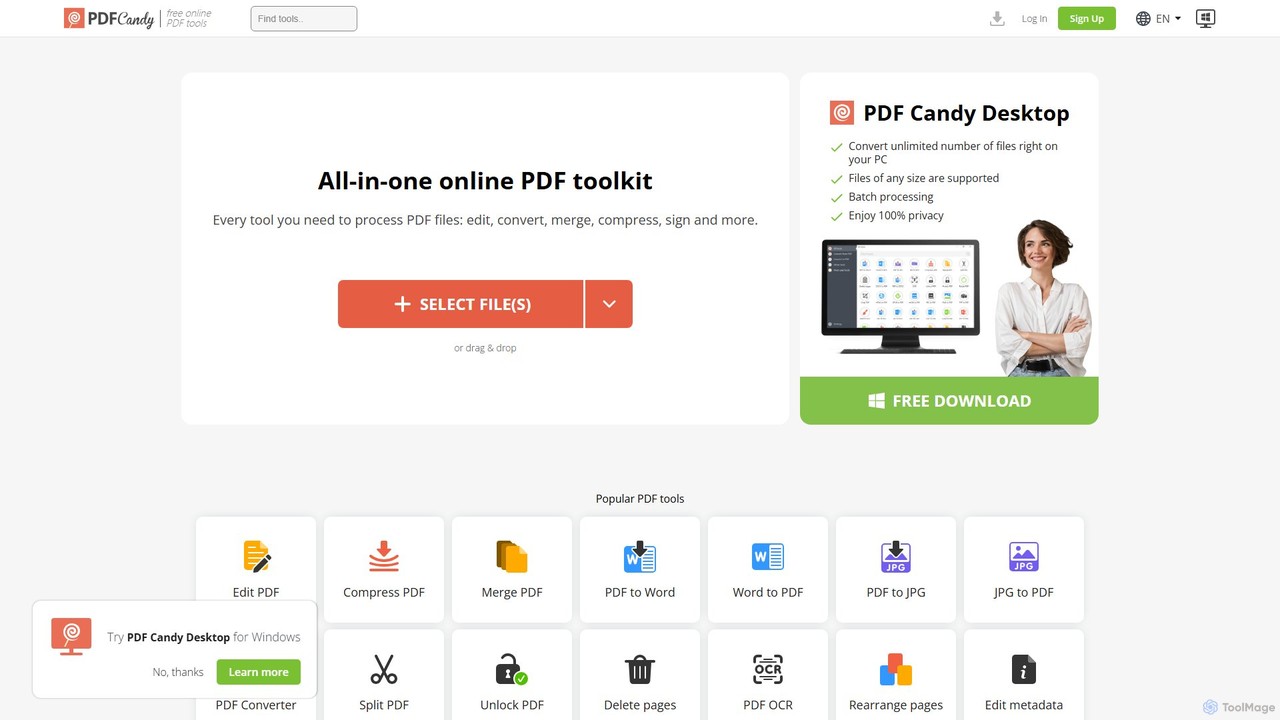
PDF Candy
PDF Candy is a comprehensive all-in-one online and desktop toolkit offering over 90 free tools to manage PDF files. Users can easily edit, convert from and to various formats, merge, compress, sign, unlock, and perform OCR on documents. It provides a user-friendly interface for both casual and professional use, ensuring high-quality results for all your PDF needs.
File Conversion
Jyek
Jyek is an AI agent platform that understands objectives, creates execution plans, uses tools, and delivers verifiable results for complex, multi-step tasks.
Automation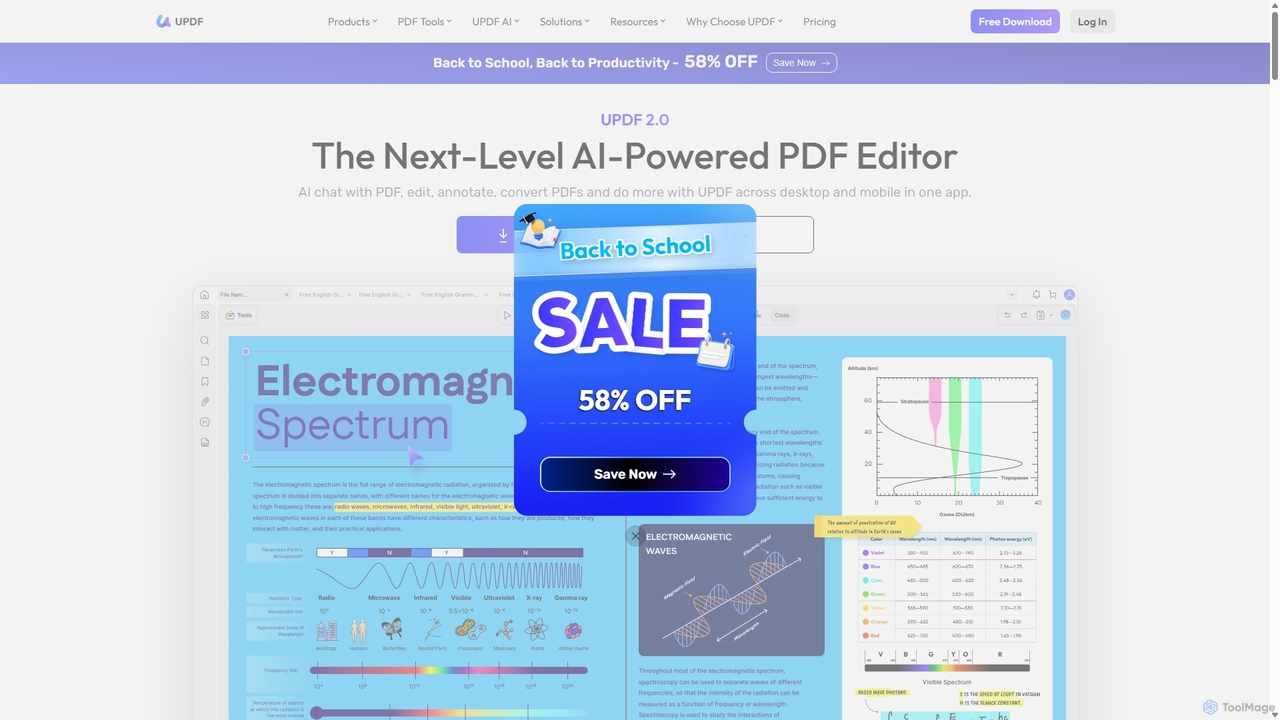
UPDF
UPDF is an AI-integrated, all-in-one PDF editor that allows users to edit, annotate, convert, summarize, translate, and chat with PDF documents. It offers a seamless experience across Windows, macOS, iOS, and Android, boosting productivity for individuals, students, and businesses.
Document Analysis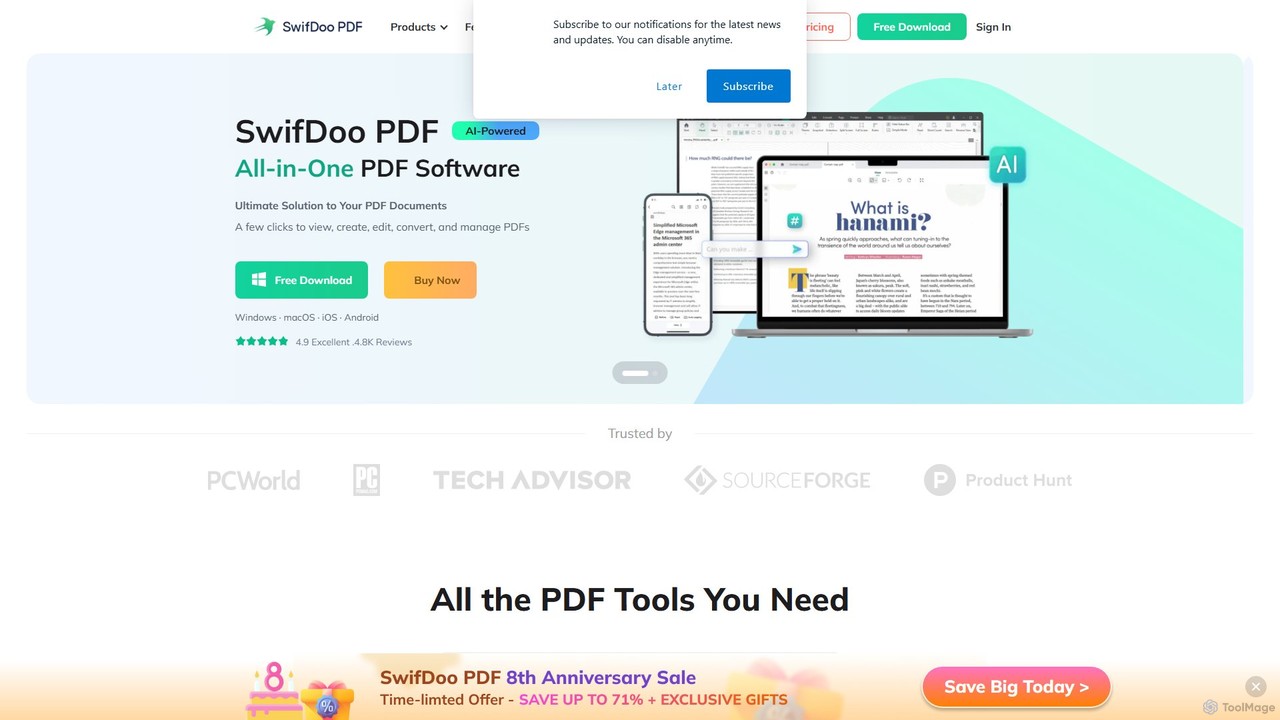
SwifDoo PDF
SwifDoo PDF is an all-in-one, AI-powered PDF software for effortless document management. It allows users to create, edit, convert, merge, compress, and sign PDF files. With integrated AI features, you can summarize, translate, proofread, and chat with your documents. Available on Windows, macOS, iOS, and Android, it offers a lightweight yet powerful solution for both individual and business users.
Document Signing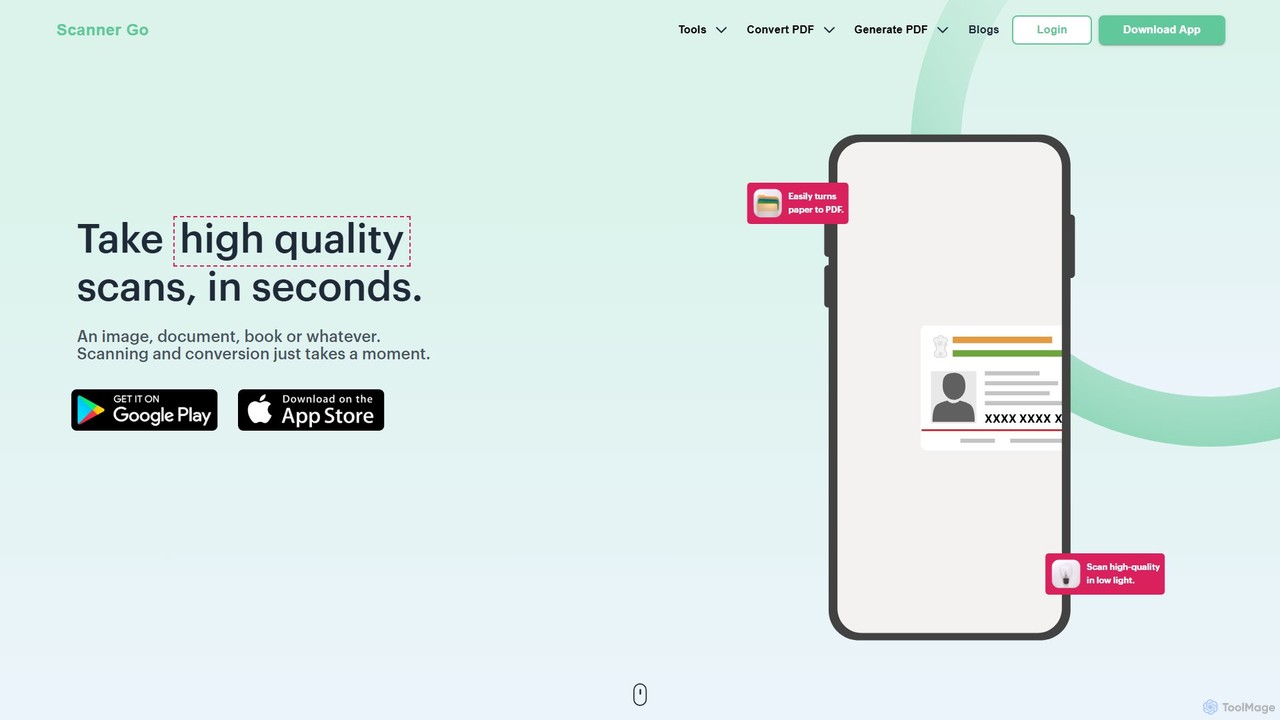
ScannerGo
ScannerGo is an all-in-one productivity tool that combines a powerful mobile document scanner with a comprehensive suite of online PDF utilities. Easily scan, convert, edit, merge, split, and secure your documents on any device, enhanced with OCR technology to extract text from images and PDFs.
File Conversion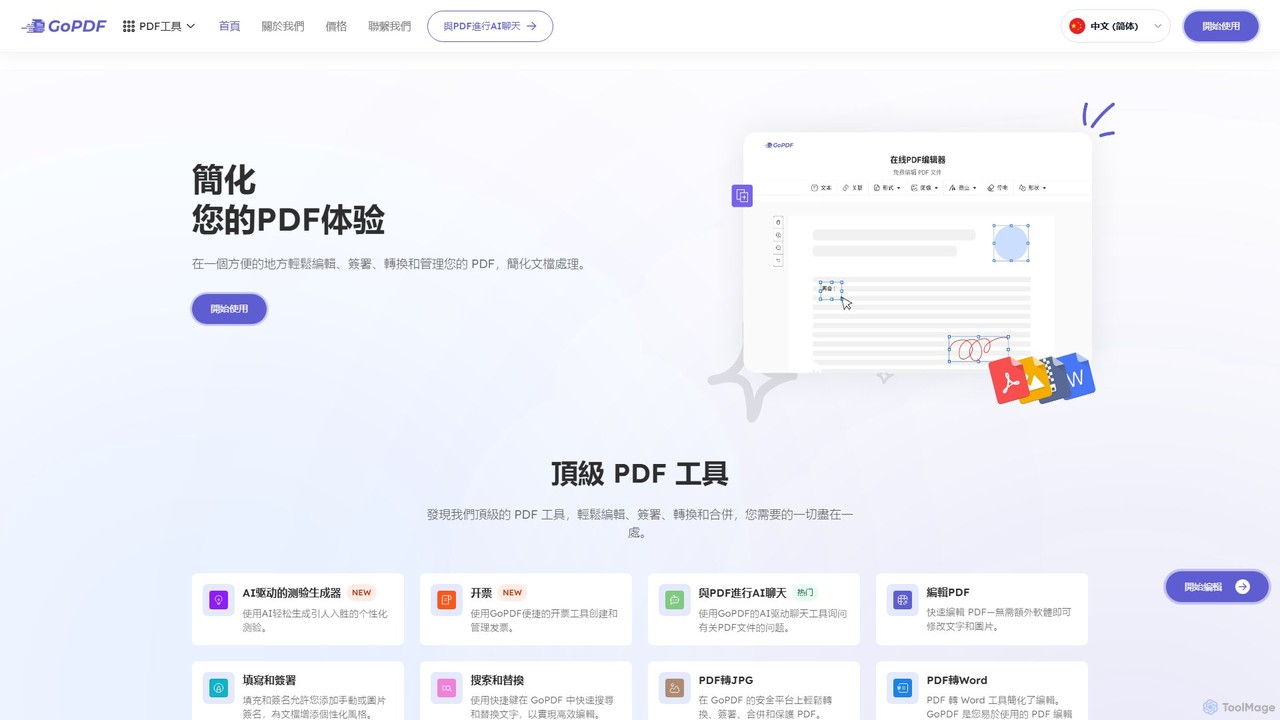
GoPDF
GoPDF is an AI-powered, all-in-one online PDF solution. It allows users to easily edit, convert, sign, merge, compress, and interact with PDF documents through an intuitive web interface and mobile app. AI features enable users to chat with their documents for quick summaries and answers.
Chat With Document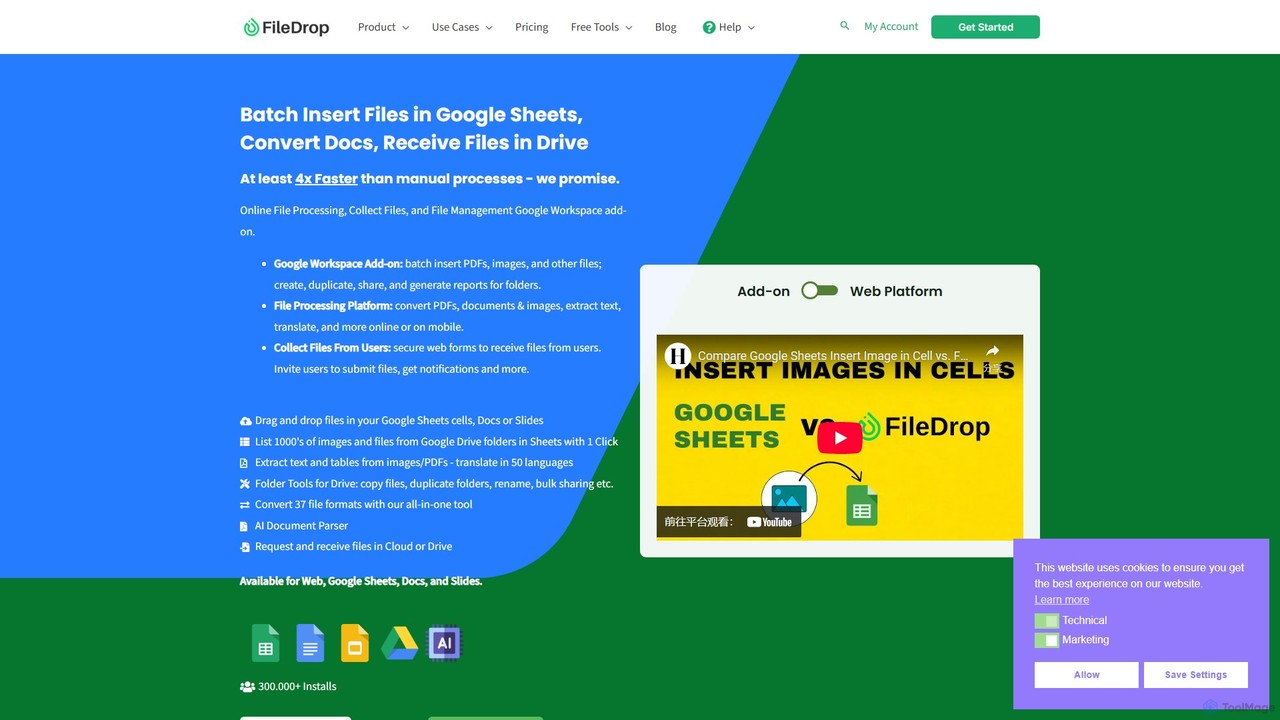
FileDrop
FileDrop is a productivity suite for Google Workspace and a web platform that streamlines file management. It enables batch insertion of files into Google Sheets & Docs, offers a powerful file converter for 37+ formats, extracts text with AI-powered OCR, and provides secure file collection forms.
Data Extraction
GetSearchablePDF Comments (0)
Sign in to comment.
Sign inNo comments yet.