
InvoiceClip
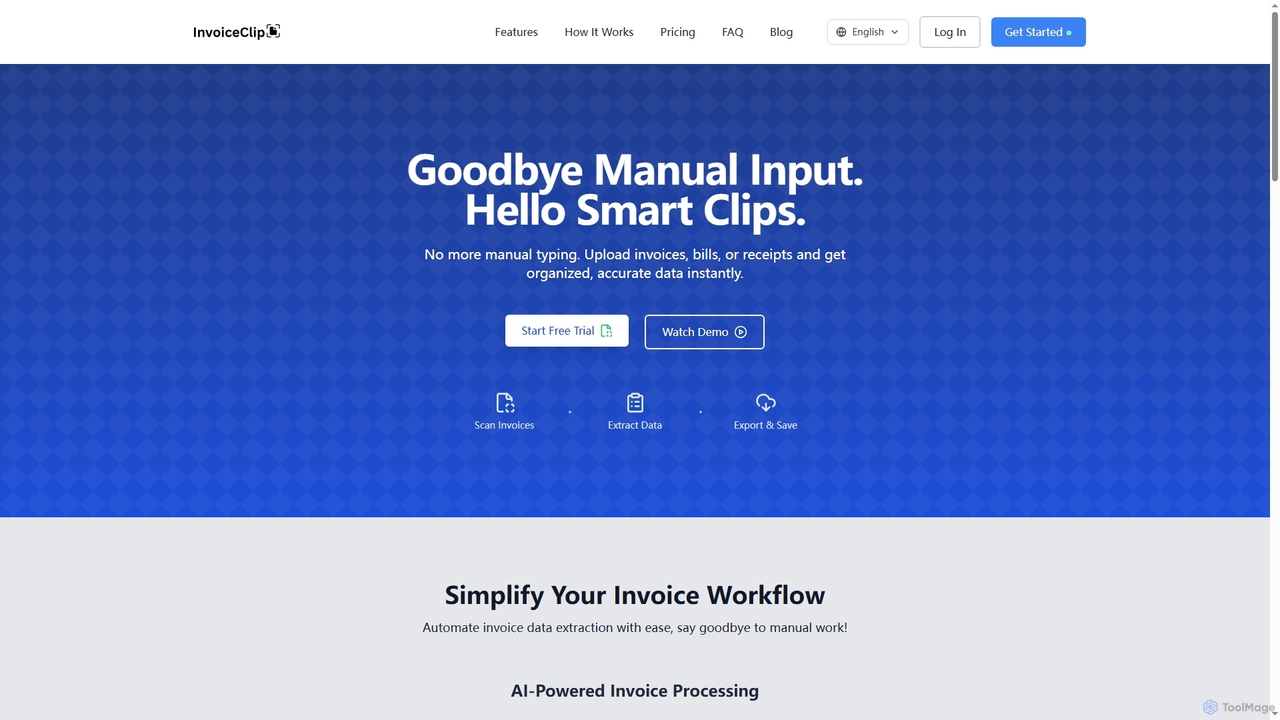
InvoiceClip is an AI-powered invoice and receipt scanner app designed to automate data extraction, categorization, and organization for …
InvoiceClip is an AI-powered invoice and receipt scanner app designed to automate data extraction, categorization, and organization for businesses. It eliminates manual data entry by instantly converting uploaded documents into accurate, structured data, streamlining financial workflows.
About Invoice Processing
AI Invoice Processing tools are a specialized category of accounting software that automates the extraction and processing of data from invoices. Using technologies like Optical Character Recognition (OCR) and machine learning, these tools accurately capture key information such as vendor details, invoice numbers, amounts, and line items, eliminating manual data entry. This automation significantly reduces processing time, minimizes human error, and accelerates the entire accounts payable cycle. They often integrate directly with existing accounting systems, providing a seamless workflow from invoice receipt to payment approval.
Core Features
- Automated Data Extraction: Uses AI-powered OCR to accurately capture data from various invoice formats, including PDFs, images, and emails.
- Data Validation & Matching: Automatically cross-references invoice data with purchase orders (PO) and vendor records to ensure accuracy and prevent fraud.
- Approval Workflow Automation: Routes invoices to the correct personnel for review and approval based on customizable, predefined rules.
- Accounting System Integration: Syncs processed invoice data directly with ERPs and accounting software like QuickBooks, Xero, or SAP.
Applicable Scenarios
These tools are ideal for businesses of all sizes seeking to streamline their accounts payable process. Small businesses use them to manage a growing volume of supplier invoices without hiring more staff. Large enterprises deploy them to centralize global AP departments, enforce spending policies, and improve financial controls. Accounting firms also leverage these tools to efficiently process invoices for multiple clients.
Selection Criteria
When choosing an AI Invoice Processing tool, evaluate its data extraction accuracy across different invoice layouts. Check its integration capabilities to ensure it connects seamlessly with your current accounting or ERP system. Assess the flexibility of its workflow customization to match your business's approval processes. Finally, consider the pricing model—whether it's per-invoice, subscription-based, or tiered—to find the best fit for your invoice volume.
Invoice ProcessingUse Cases
Automating Accounts Payable for Small Businesses
A small business owner or bookkeeper often spends hours each week manually entering data from supplier invoices into their accounting software. This process is tedious and prone to costly errors. By implementing an AI Invoice Processing tool, they can set up a dedicated email address where suppliers send invoices. The tool automatically fetches these invoices, extracts all relevant data like amount, due date, and vendor, and creates a draft bill in their accounting system, such as QuickBooks or Xero. This reduces data entry time by over 90%, ensures bills are paid on time, and provides a clear, searchable digital audit trail for all expenses.
Streamlining Multi-Client Processing for Accounting Firms
An accounting firm managing the books for dozens of clients faces the challenge of handling a high volume of invoices with varying formats and from different sources. Manually processing this is inefficient and scales poorly. An AI Invoice Processing platform allows the firm to create a centralized dashboard for all clients. Each client gets a unique email-in address or portal. The AI automatically sorts incoming invoices, applies client-specific coding rules, extracts data, and syncs it to the correct client's file in accounting software. This standardization boosts the firm's efficiency, reduces errors, and allows accountants to focus on higher-value advisory services instead of data entry.
Enforcing Procurement Policies with Three-Way Matching
In a large enterprise, the Accounts Payable department must ensure every invoice is legitimate and accurate before payment. This often involves a three-way matching process: comparing the invoice against its corresponding purchase order (PO) and goods receipt note (GRN). Manually, this is a meticulous and slow task. An AI Invoice Processing tool automates this by extracting key data from all three documents. It automatically flags discrepancies in quantities, prices, or item descriptions. This system prevents overpayments, detects potential fraud, and ensures that the company only pays for goods and services it actually ordered and received, enforcing procurement policies with high accuracy.
Automating Employee Expense Reimbursements
Finance teams often struggle with processing employee expense claims, which come in as a pile of receipts and invoices. An AI tool simplifies this for everyone. An employee on a business trip can simply snap a photo of a meal receipt or taxi invoice with their phone. The AI app instantly extracts the vendor, date, and total amount, automatically categorizes the expense (e.g., 'Meals', 'Transport'), and submits it for approval. The manager receives a notification and can approve it with one click. This creates a paperless, real-time expense reporting system that accelerates reimbursements and gives the company instant visibility into employee spending.
Extracting Line-Item Details for Inventory Management
For businesses in retail or manufacturing, tracking individual products is as important as tracking total invoice amounts. An operations manager needs to know the exact quantity and cost of each item received. Advanced AI Invoice Processing tools can be configured for line-item extraction. When a supplier invoice arrives, the tool doesn't just capture the total; it reads each line, identifying product codes, descriptions, quantities, and unit prices. This detailed data can then be automatically synced with an inventory management or ERP system, ensuring stock levels are always accurate and providing precise data for cost of goods sold (COGS) calculations.
Managing International Invoices with Multi-Currency Support
A global company's finance controller deals with invoices from suppliers worldwide, in various languages and currencies. Manually converting currencies and understanding foreign tax rules is complex and risky. An AI Invoice Processing tool with multi-currency and multi-language capabilities is essential. The system can automatically recognize the language on an invoice, extract the data, and convert the total amount to the company's base currency using real-time exchange rates. It can also be configured to apply the correct regional tax codes. This simplifies global accounts payable, reduces currency conversion errors, and ensures better financial reporting and compliance across different jurisdictions.