

Handwriting OCR Overview
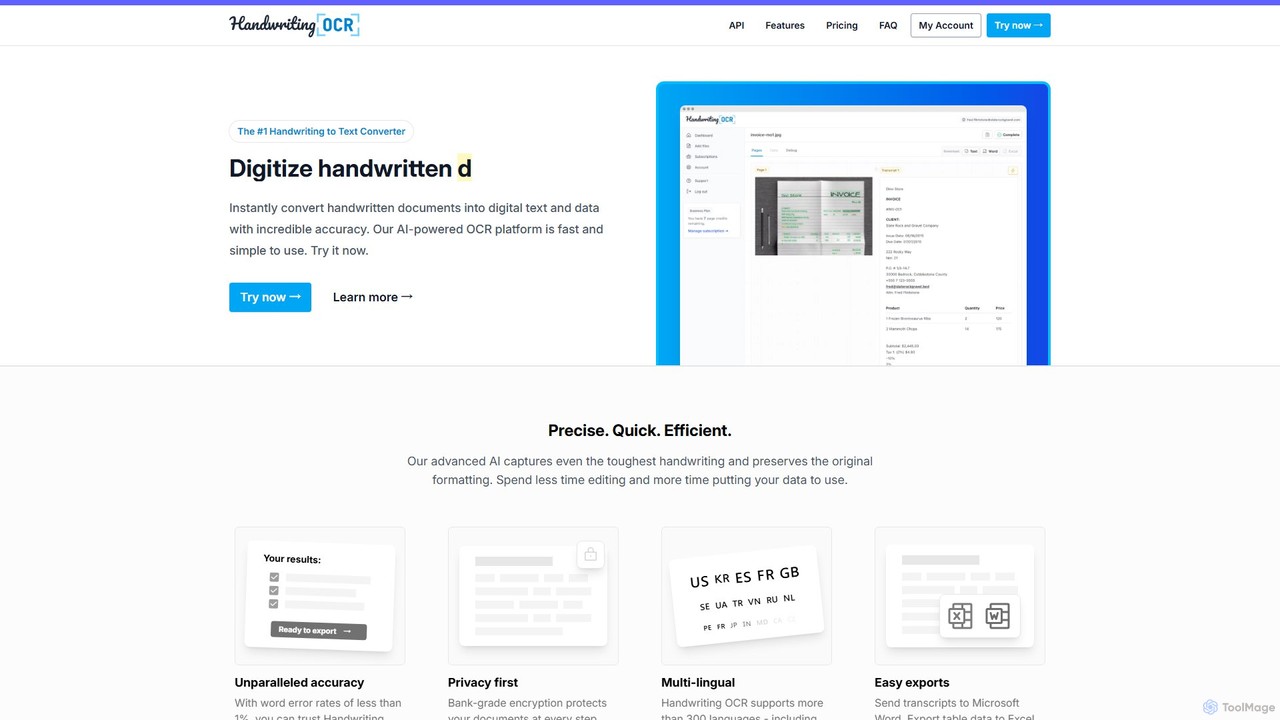
Handwriting OCR is a leading document automation service specializing in digitizing documents containing both handwritten and printed text. Leveraging advanced AI and machine learning, the platform achieves an exceptionally low word error rate of less than 1%, ensuring highly accurate transcriptions. It is designed to be fast, efficient, and user-friendly, allowing users to transform paper documents, scanned images, and PDFs into searchable, editable digital formats like Microsoft Word, Excel, and plain text. The service is built with a privacy-first approach, employing bank-grade encryption for data in transit and at rest, and guarantees that user data is never used for model training. It is also fully compliant with HIPAA and GDPR regulations.
How to use Handwriting OCR
Using Handwriting OCR is a straightforward process designed for maximum efficiency. First, you upload your document to the secure cloud dashboard. The platform supports a wide range of file formats, including PDF, JPG, PNG, GIF, HEIC, and TIFF. You can simply drag and drop your file or select it from your device. For multi-page documents, PDF is recommended. After uploading, you select your desired output format. For text-based documents, you can choose Microsoft Word (DOCX) or plain text (TXT). For documents containing tables, you can export directly to Microsoft Excel (XLSX) or CSV. Once you've made your selection, click the "Convert" button. The AI-powered engine processes the document in seconds, and your digital file is ready for download. For developers, all these functionalities are also accessible via a comprehensive API.
Core Features of Handwriting OCR
- High-Accuracy OCR: Utilizes advanced AI to recognize even challenging handwriting and cursive with a word error rate of less than 1%. It also excels at reading printed text.
- Multi-Language Support: Supports over 300 languages and various scripts, including Latin-based, Cyrillic, Arabic, and Asian languages.
- Versatile File Handling: Accepts multiple input formats like PDF, JPG, PNG, GIF, HEIC, and TIFF.
- Flexible Export Options: Convert documents into editable Microsoft Word (DOCX), structured Microsoft Excel (XLSX), versatile CSV, and plain text (Markdown/TXT).
- Table and Data Extraction: Intelligently identifies and extracts tabular data, preserving the structure of rows and columns for seamless import into spreadsheets like Excel or Google Sheets.
- Enterprise-Grade Security: Features bank-grade encryption, is HIPAA and GDPR compliant, and never shares or trains its AI models on customer data.
- Developer API: Offers a comprehensive API for integrating the OCR capabilities directly into custom applications and workflows.
- Batch Processing: Allows for the processing of thousands of documents simultaneously, saving significant time on large-scale projects.
Use Cases for Handwriting OCR
Handwriting OCR is a versatile tool for various professional and personal needs. For Business Operations, it automates the processing of handwritten forms, timesheets, invoices, and customer records, saving hours of manual data entry. Teachers and Professors can use it to grade handwritten assignments and digitize research notes, making student work searchable and accessible. Historical Researchers and Genealogists can transform old documents, census records, letters, and diaries into searchable digital archives, preserving history. For Personal Use, it's perfect for digitizing journals, letters, and notebooks, creating a searchable personal archive while retaining the original layout. Data Analysts can extract structured data from PDF reports into Excel or CSV for modeling and visualization.
Advantages of Handwriting OCR
The primary advantage of Handwriting OCR is its combination of unparalleled accuracy and robust security. The specialized AI model ensures that even messy or old handwriting is converted reliably, minimizing the need for manual corrections. Its commitment to privacy, demonstrated by its HIPAA/GDPR compliance and policy of not training on user data, makes it a trustworthy choice for handling sensitive information. The tool's speed and efficiency dramatically reduce the time spent on manual transcription. Furthermore, its support for a vast number of languages, file formats, and export options, along with a powerful API, makes it an extremely flexible and scalable solution for any digitization need.
Pricing and Plans
Handwriting OCR offers a range of plans to suit different needs, with discounts available for annual subscriptions.
Pay as you go: $15 for 100 pages ($0.15 per page). Credits are valid for 1 year. Includes AI-enhanced formatting, export to Markdown and Word, and API access.
Starter: $19/month for 250 credits/month, then $0.08 per page. Includes all features of the pay-as-you-go plan.
Business: $59/month for 1000 credits/month, then $0.06 per page. Adds export to Microsoft Excel and custom extractors.
Enterprise: $499/month for 10,000 credits/month, then $0.05 per page. Adds custom prompts and support for higher volumes.
Custom plans are available for high-volume clients, offering options for offline deployment and tailored solutions. A free trial is available to test the service.
Traffic
Latest traffic
Status
Monthly traffic trend
- 2025-9: 48.3K
- 2026-1: 62.9K
- 2026-2: 44.2K
- 2026-3: 37.9K
- 2026-4: 35.2K
- 2026-5: 32.3K
Geography
Top 5 countries / regions
- 🇺🇸United States34.9%
- 🇮🇳India19.0%
- 🇪🇸Spain18.0%
- 🇬🇧United Kingdom17.9%
- 🇳🇬Nigeria10.3%
Traffic sources
| Source type | Percentage |
|---|---|
Direct | 73.8% |
Referral | 22.8% |
Email | 3.4% |
Top keywords
| Keyword | Cost per click |
|---|---|
| best hnadwriting ocrs free | $0.00 |
| free handwriting to text ipad app | $0.00 |
| handwriting ocr | $3.56 |
| hand written ocr | $0.00 |
| transkibus alternatives | $0.00 |
Handwriting OCR Alternatives
Doc2X
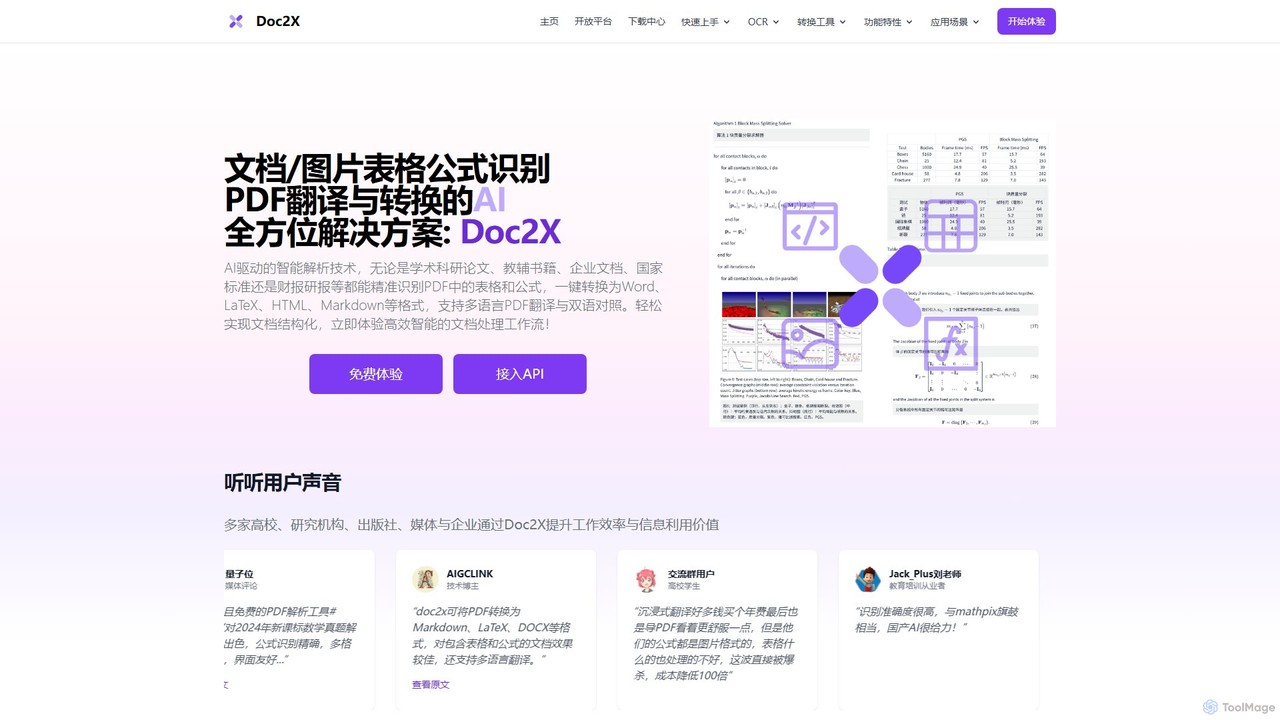
Doc2X is an AI-powered document intelligence platform for recognizing and converting formulas, tables, and text from PDFs and images into editable formats like Word, LaTeX, and Markdown. It features advanced translation, ChatPDF, and a powerful API for academic and professional workflows.
Api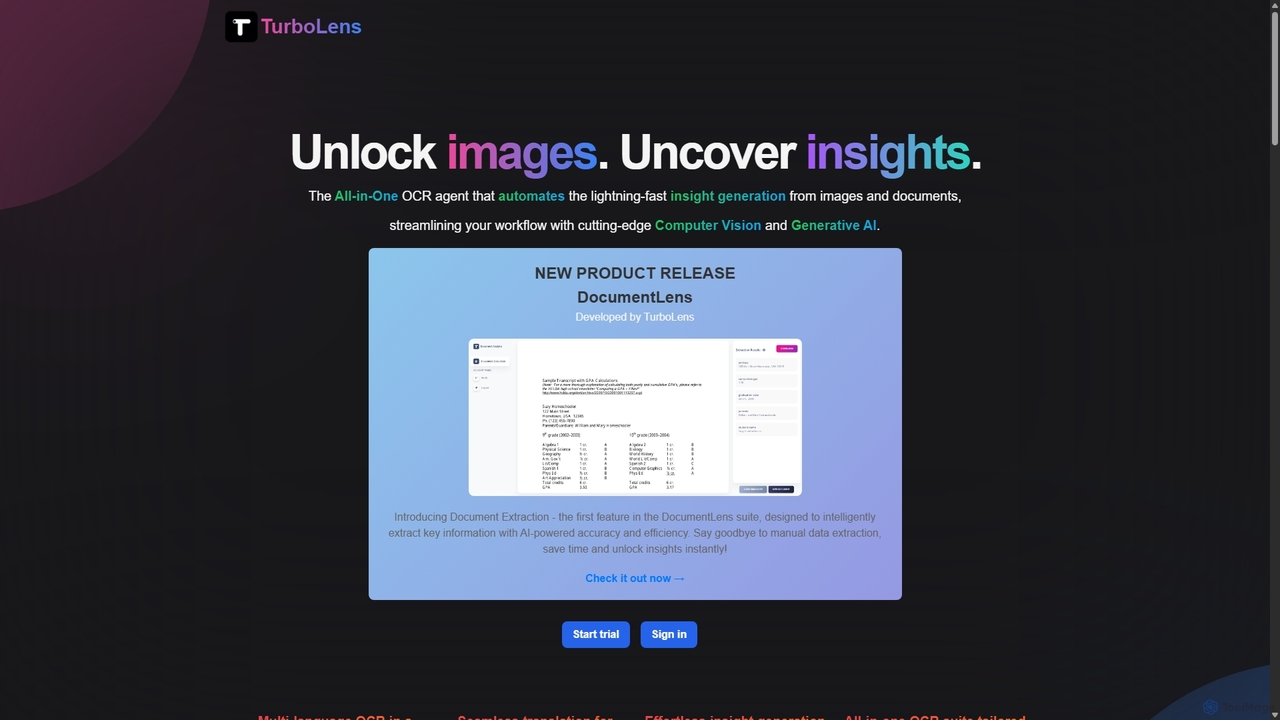
TurboLens
TurboLens is an all-in-one AI-powered OCR agent that automates insight generation from images and documents. It leverages Computer Vision and Generative AI to extract text, handwritten notes, tables, and math formulas, offering in-image translation and customizable workflows to streamline data processing.
Workflow Automation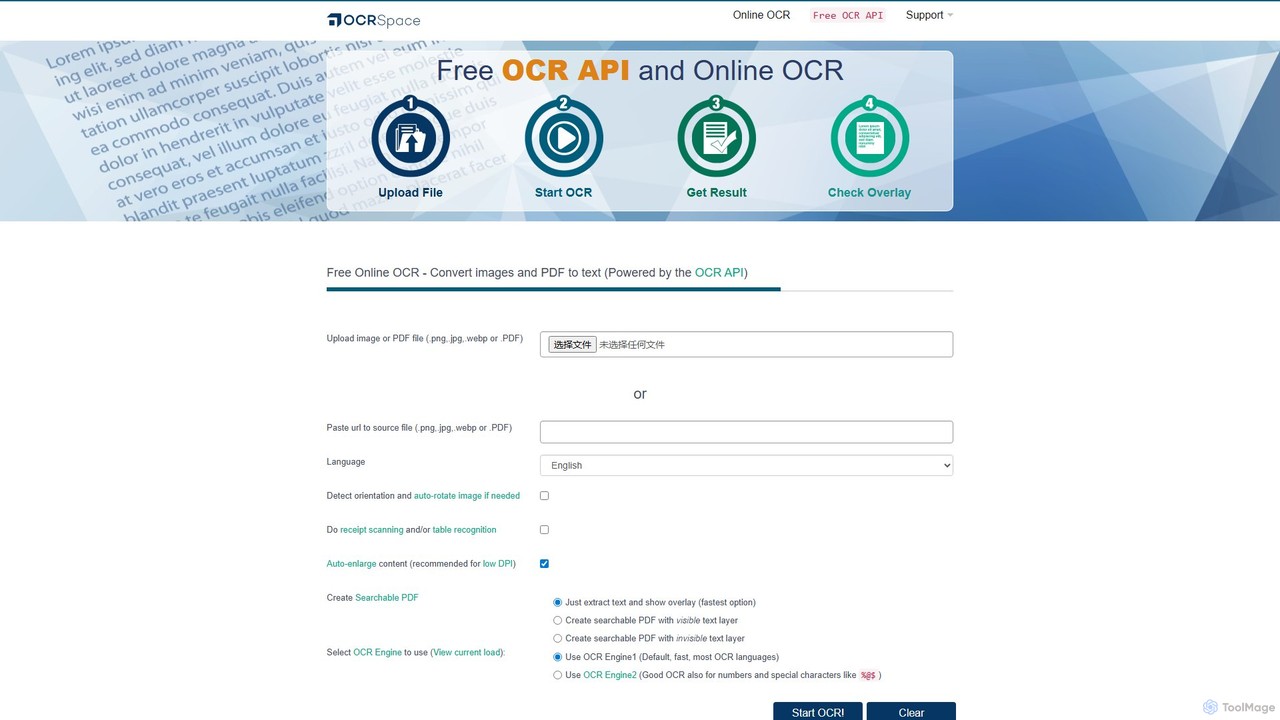
OCR.space
A powerful and free online OCR service and API that converts images and PDFs into editable text. It supports over 25 languages, creates searchable PDFs, and offers multiple OCR engines for optimal accuracy. Ideal for both individual use and developer integration, with a strong focus on privacy.
Data Extraction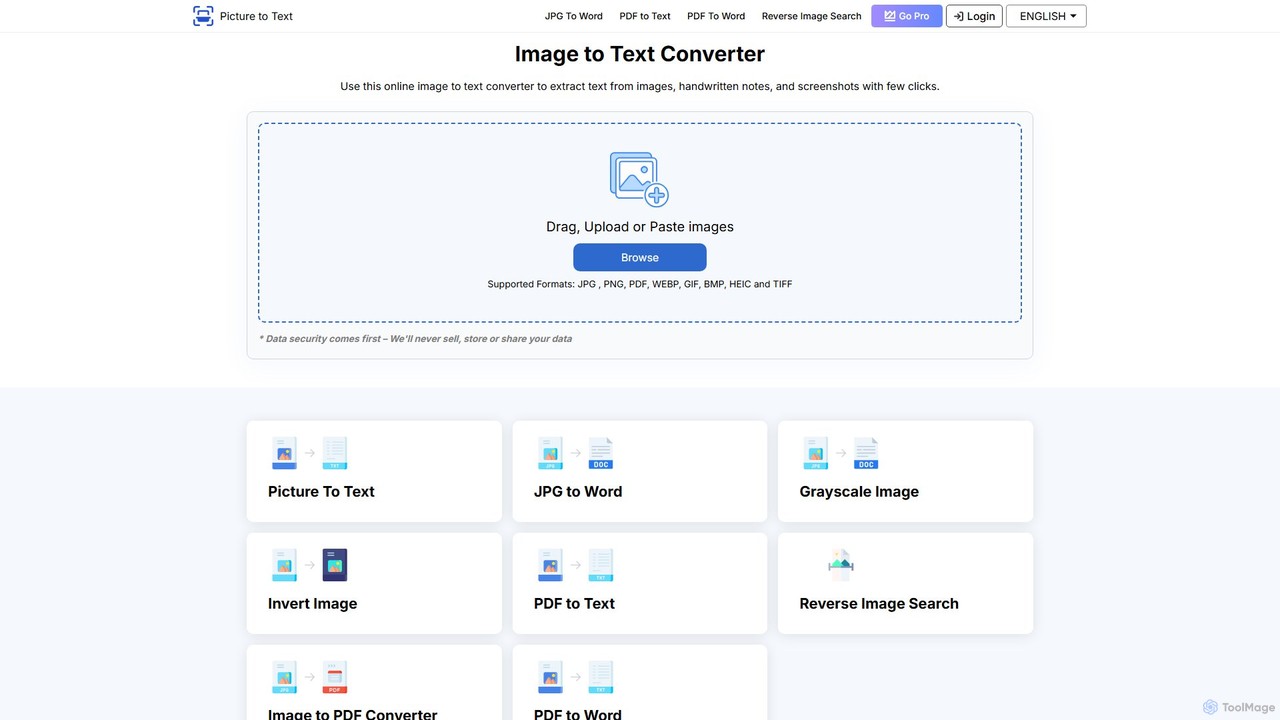
picturetotext
An AI-powered OCR tool that accurately converts images into editable text. It supports various formats, batch processing, and over 20 languages. Ideal for digitizing documents, automating data entry, and improving study efficiency with a user-friendly interface and a focus on data privacy.
Data Entry
olocr
olocr is a free, privacy-focused AI OCR tool that extracts text from images and PDFs directly in your browser. It supports over 70 languages, batch processing, and can create searchable PDFs without uploading your files, ensuring complete data security.
ExtractionHandwriting OCR Categories
Handwriting OCR Embed Widget
Copy this embed code to place the badge on your blog, article, or product site and send readers directly to this ToolMage detail page.

Related AI tools
TurboLens
TurboLens is an all-in-one AI-powered OCR agent that automates insight generation from images and documents. It leverages Computer Vision and Generative AI to extract text, handwritten notes, tables, and math formulas, offering in-image translation and customizable workflows to streamline data processing.
Workflow AutomationOCR.space
A powerful and free online OCR service and API that converts images and PDFs into editable text. It supports over 25 languages, creates searchable PDFs, and offers multiple OCR engines for optimal accuracy. Ideal for both individual use and developer integration, with a strong focus on privacy.
Data Extractionpicturetotext
An AI-powered OCR tool that accurately converts images into editable text. It supports various formats, batch processing, and over 20 languages. Ideal for digitizing documents, automating data entry, and improving study efficiency with a user-friendly interface and a focus on data privacy.
Data Entryolocr
olocr is a free, privacy-focused AI OCR tool that extracts text from images and PDFs directly in your browser. It supports over 70 languages, batch processing, and can create searchable PDFs without uploading your files, ensuring complete data security.
Extraction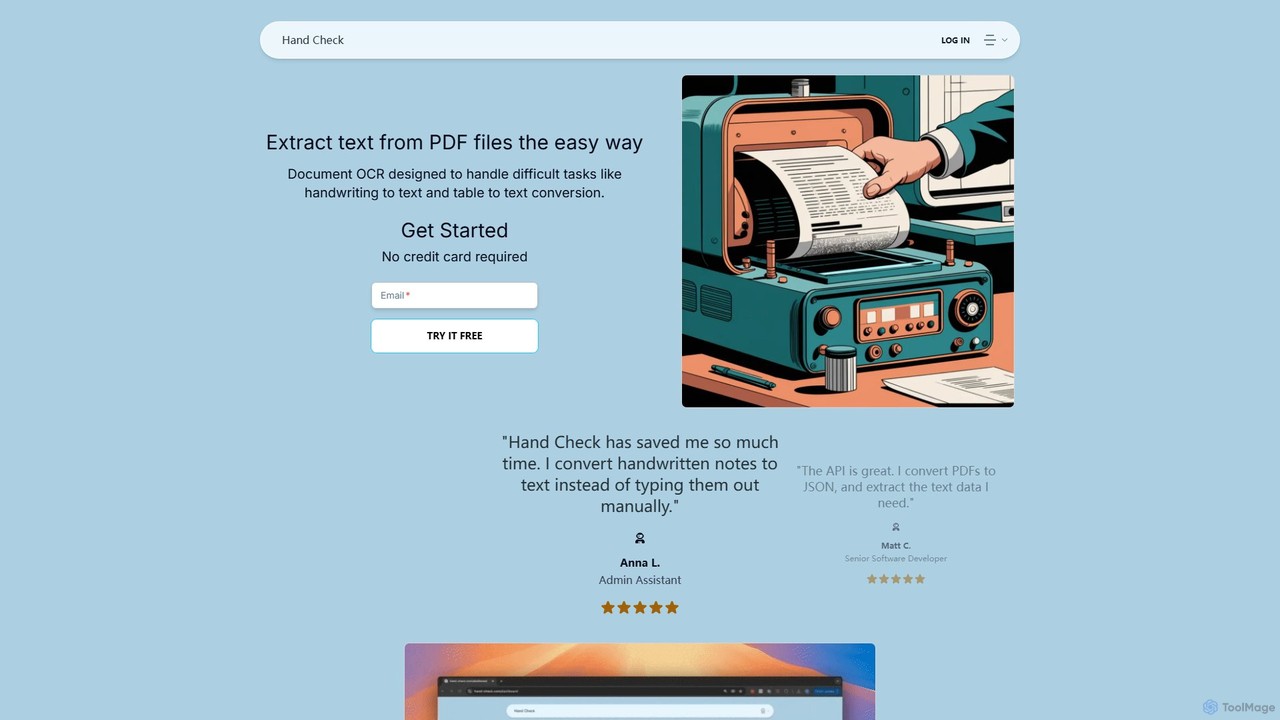
hand_check
hand_check is an advanced OCR tool that uses machine learning to extract text from PDFs and images. It specializes in converting complex documents, including handwritten notes and tables, into editable text or structured JSON data. With a user-friendly interface and a powerful API for developers, it's ideal for individuals, developers, and enterprises looking to automate document processing and data extraction.
Data Extraction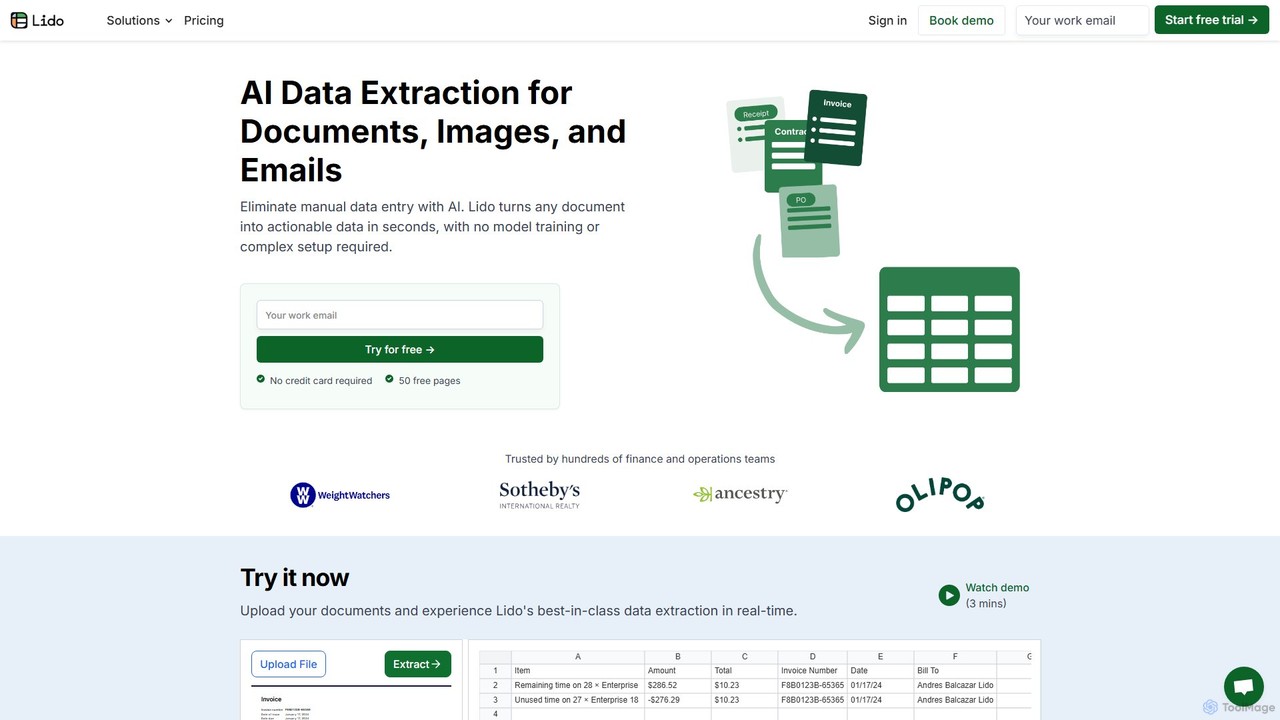
Lido
Lido is an AI-powered data extraction tool that automates the process of pulling information from any document, including PDFs, invoices, and images, into structured formats like Excel and CSV. It's template-free, fast, and designed for finance and operations teams to eliminate manual data entry and save significant time.
Document Management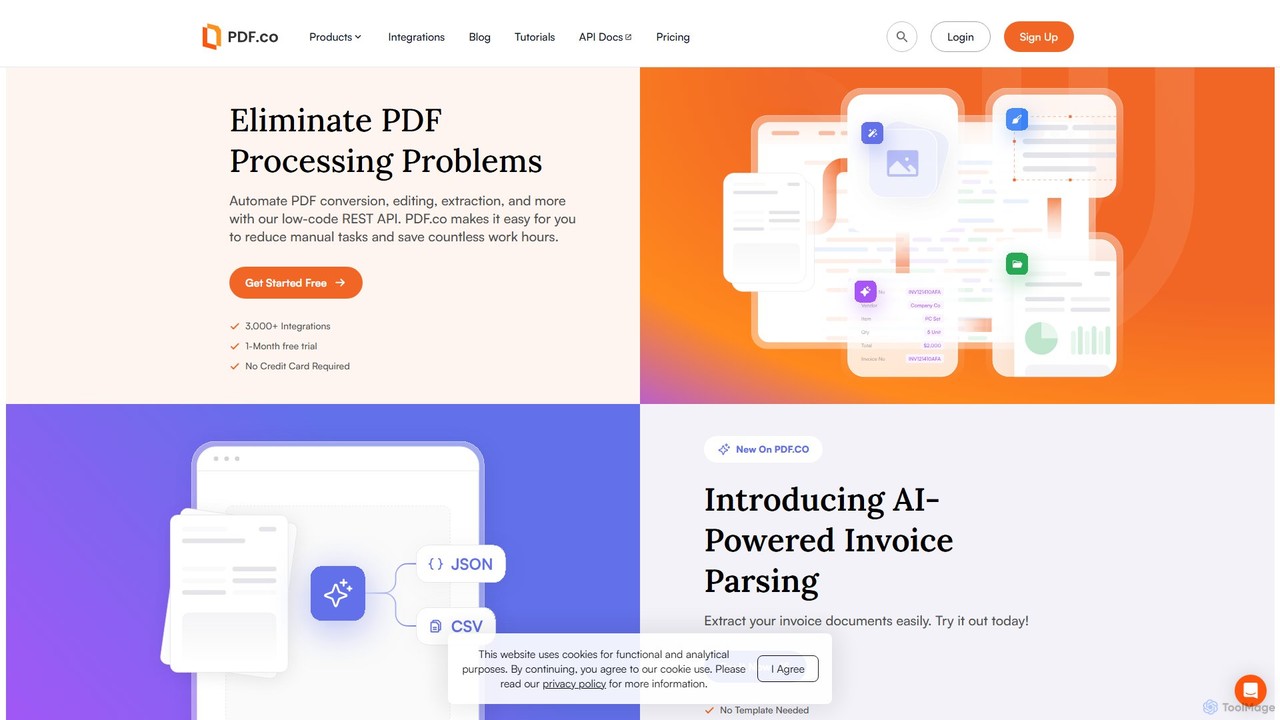
PDF.co
PDF.co is a powerful REST API platform for developers and businesses to automate all PDF-related tasks. It enables PDF data extraction, editing, conversion, creation, and form filling. Featuring AI-powered invoice parsing and seamless integration with over 3,000 platforms like Zapier and Make, it helps eliminate manual work and streamline document workflows.
Automation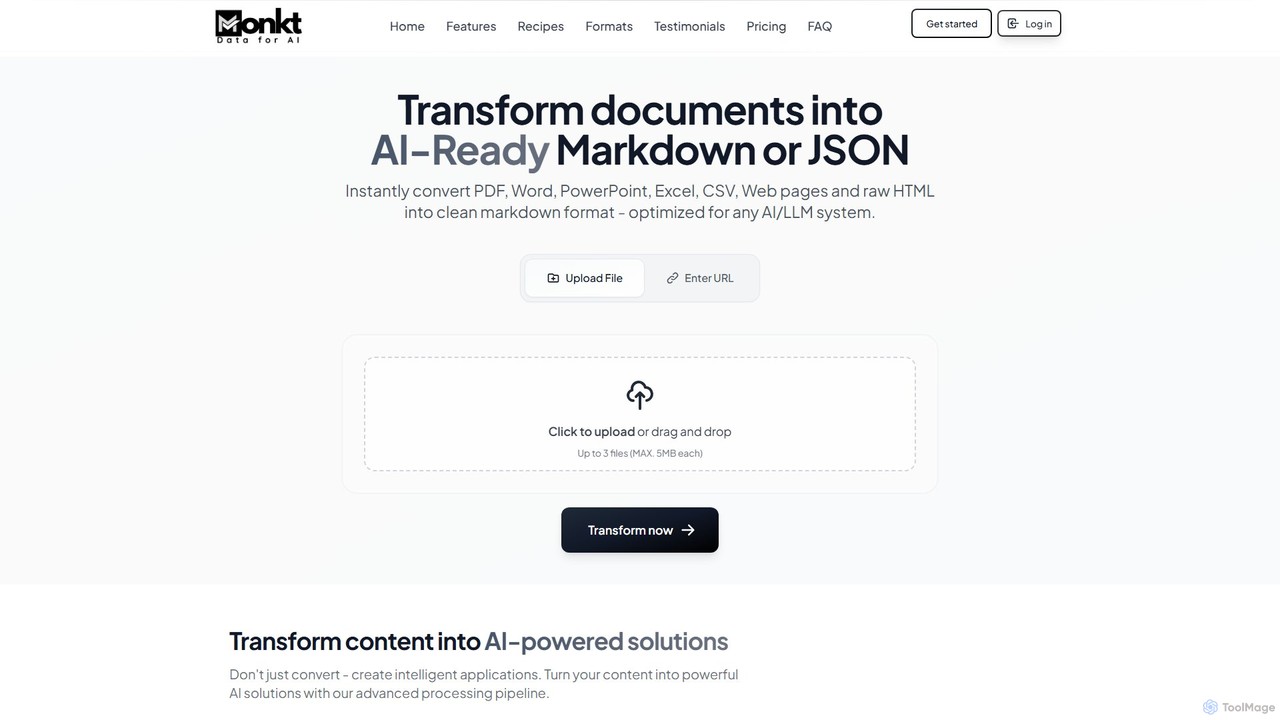
Monkt
Monkt is an AI-powered platform that transforms documents and websites into clean, AI-ready Markdown or structured JSON. It supports various formats like PDF, Word, and Excel, offering features like OCR, batch processing, and a REST API for automating data extraction and preparing datasets for LLM training.
Data Extraction
Jyek
Jyek is an AI agent platform that understands objectives, creates execution plans, uses tools, and delivers verifiable results for complex, multi-step tasks.
Automation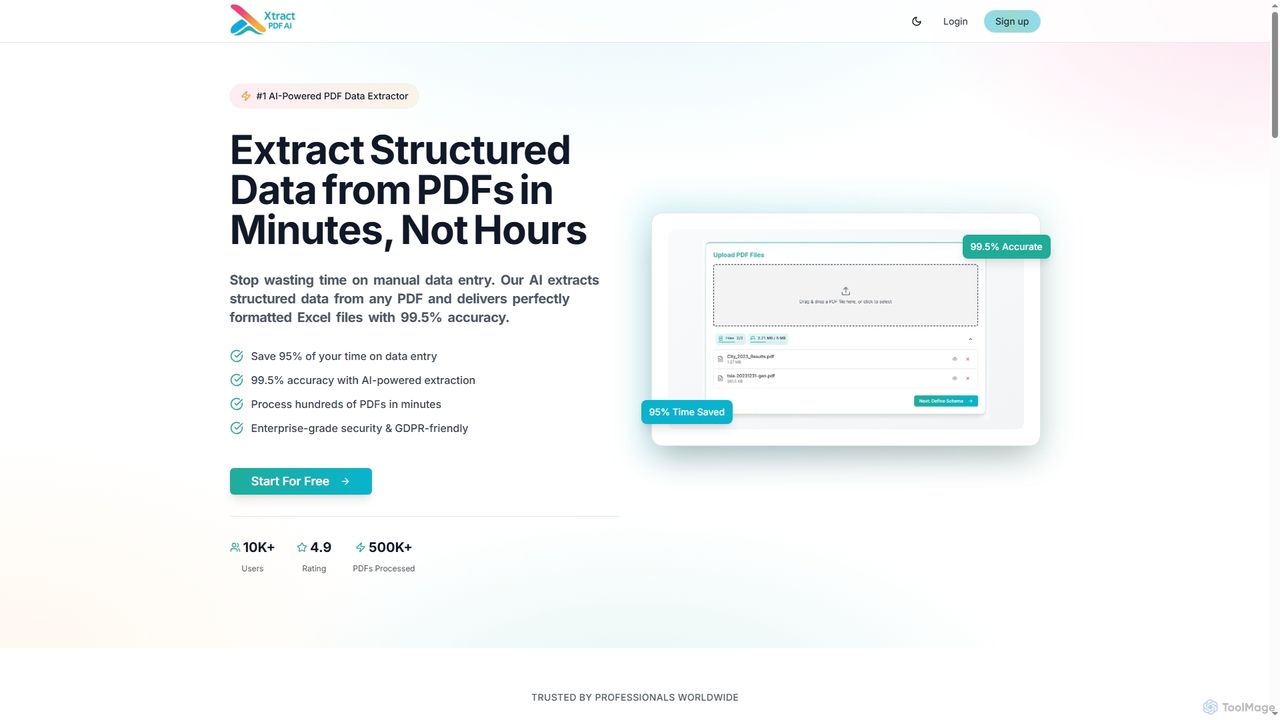
Xtractpdfai
Xtractpdfai is an AI-powered tool designed to extract structured data from PDF documents and convert them into perfectly formatted Excel, CSV, or JSON files. It boasts 99.5% accuracy and significantly reduces manual data entry time, making document processing efficient and secure for professionals.
Data Automation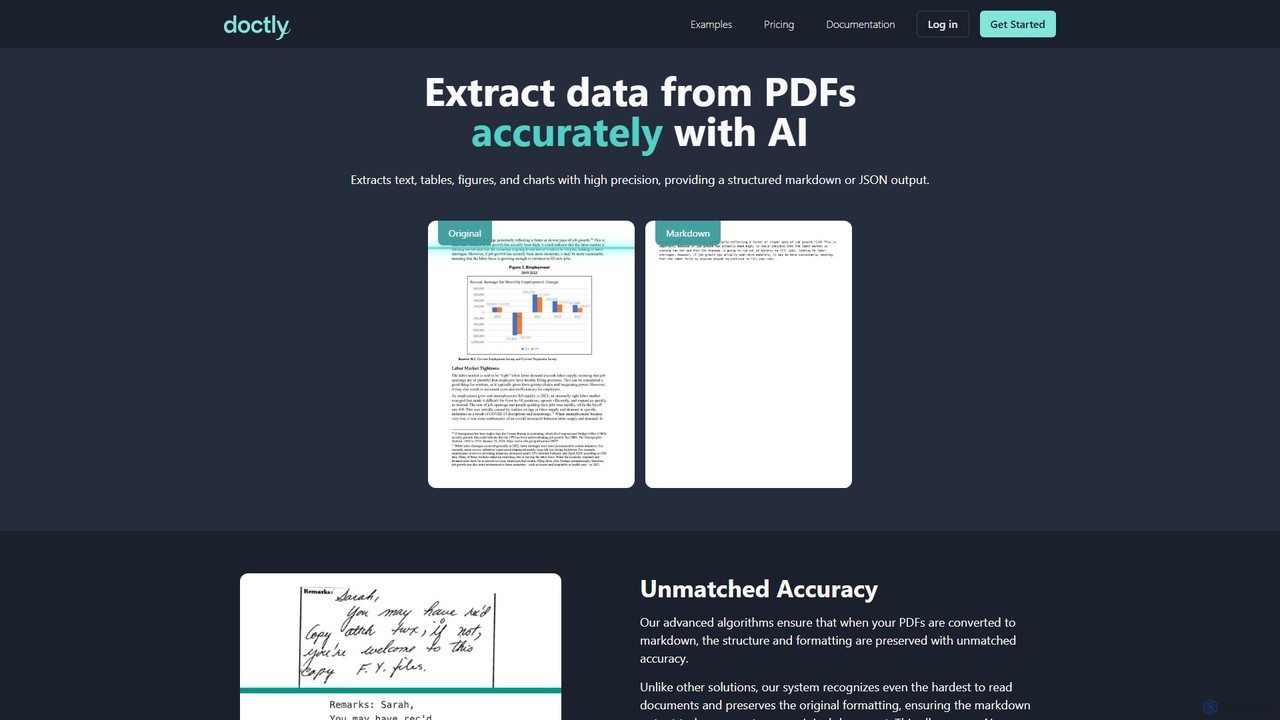
Doctly
Doctly is an AI-powered tool that accurately extracts data from PDFs and other documents. It converts text, tables, figures, and charts into structured Markdown or JSON, preserving original formatting. With a simple API and high precision, it's designed for developers and businesses to automate document processing workflows.
Data Extraction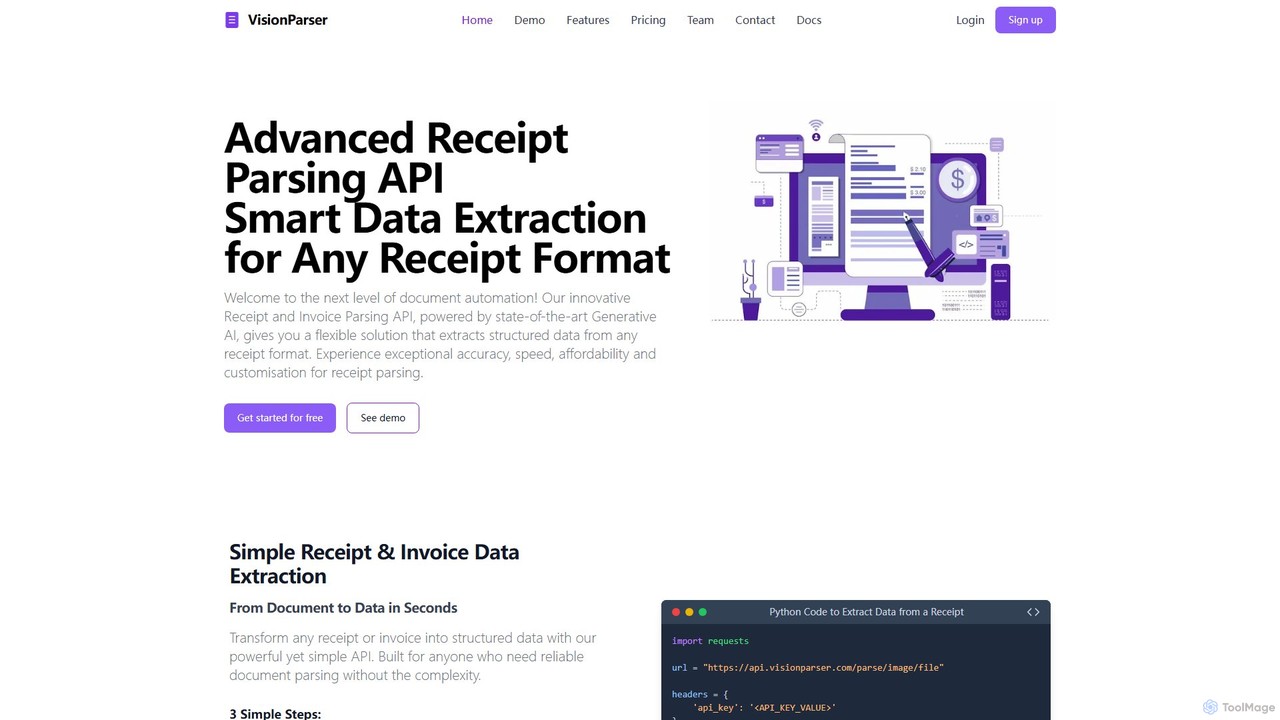
VisionParser
VisionParser is an advanced API powered by Generative AI for high-accuracy receipt and invoice parsing. It transforms any document format, including digital and physical copies, into structured JSON data in seconds. Designed for developers and businesses, it offers customizable, affordable, and scalable solutions for automating expense management, accounting, and data analytics.
Api
GPTOCR
GPTOCR is an AI-powered data extraction tool that transforms documents, such as PDFs, into structured JSON files. It automates manual data entry, reduces human error, and streamlines workflows, enabling teams to focus on higher-value tasks by providing accurate, ready-to-use data.
Data Extraction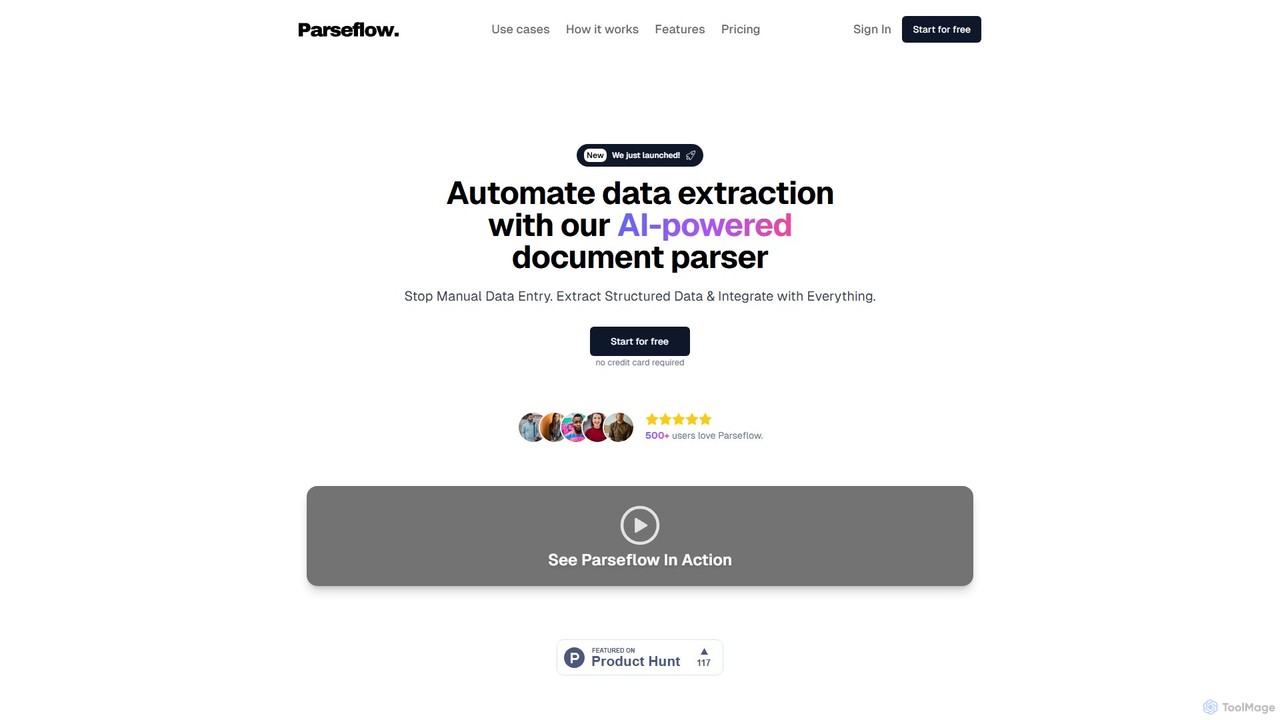
Parseflow
Parseflow is an AI-powered platform for automated data extraction from various documents like invoices, receipts, contracts, and resumes. It uses advanced OCR and NLP to parse structured and unstructured data, helping businesses streamline workflows, reduce manual entry, and lower operational costs.
Data Extraction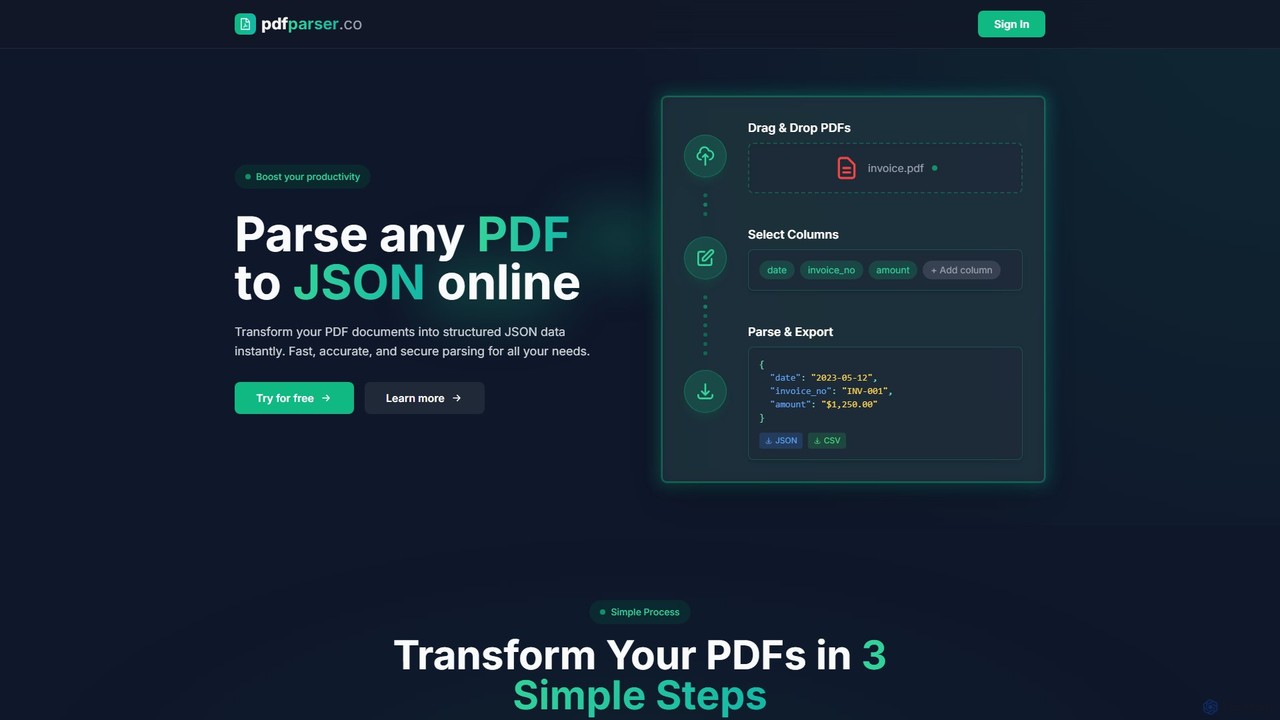
pdfparser
An AI-powered API service designed for developers and businesses to effortlessly parse PDF documents. It extracts text, tables, and structured data from any PDF, including scanned files, and returns clean, machine-readable JSON output, automating data extraction workflows.
Automation
Handwriting OCR Comments (0)
Sign in to comment.
Sign inNo comments yet.