
picturetotext Overview
picturetotext is an advanced online Optical Character Recognition (OCR) tool designed to effortlessly convert images into editable and searchable text. Leveraging state-of-the-art AI technology, it provides highly accurate text extraction from a wide range of image sources, including scanned documents, photographs, handwritten notes, and even low-resolution or blurry pictures. This tool is built to enhance productivity for students, professionals, and anyone needing to digitize physical text, eliminating the tedious process of manual transcription.
The platform stands out for its simplicity and power. It supports an extensive array of image formats and can recognize text in over 20 languages, making it a versatile solution for a global user base. With a strong commitment to user privacy, picturetotext ensures that all uploaded files and extracted data are automatically deleted after processing, providing a secure and reliable experience.
How to use picturetotext
The conversion process is designed to be quick and intuitive, requiring no technical expertise. Users can extract text in three simple steps:
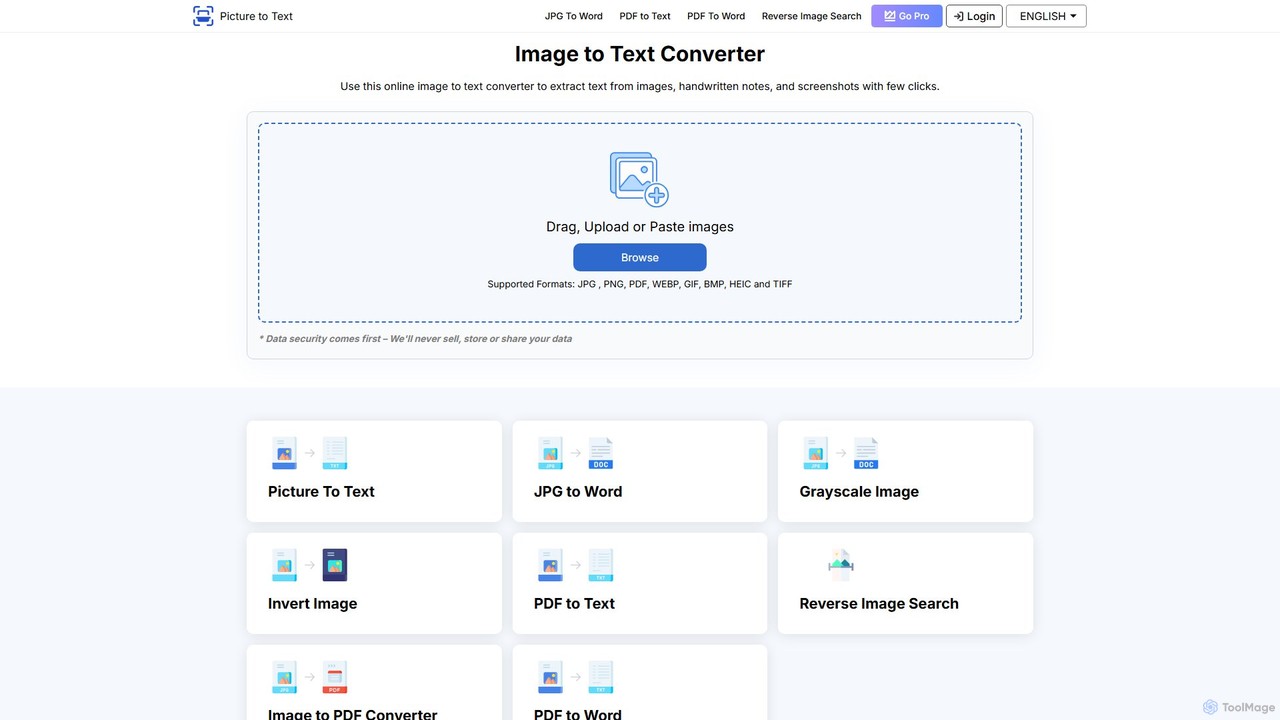
- Upload Images: Drag and drop your image files (like JPG, PNG, WEBP, etc.) onto the platform or select them from your device. The tool allows for batch uploads to process multiple files simultaneously.
- Convert: With a single click on the 'Convert' button, the AI-powered OCR engine analyzes the images and extracts all recognizable text.
- Download or Copy: Once the extraction is complete, the text appears in an editable format. You can then copy it to your clipboard or download it as a .TXT file for easy saving, sharing, and editing.
Core Features of picturetotext
- AI-Based Text Extraction: Utilizes advanced AI algorithms for highly accurate text recognition, even from low-quality images, complex layouts, and handwritten notes.
- Multiple Image Format Support: Compatible with a vast range of formats, including JPG, PNG, JPEG, GIF, TIFF, BMP, WEBP, HEIF, and HEIC.
- Batch Image Processing: Free users can convert up to 3 images at once, while premium users can process up to 50 images in a single batch, significantly saving time.
- Multi-lingual Support: Recognizes and extracts text from over 20 languages, including English, Spanish, French, German, Chinese, Japanese, Korean, Arabic, and more.
- Data Security and Privacy: Guarantees user privacy by not storing any images or extracted text. All data is automatically deleted from the servers post-conversion.
- User-Friendly Interface: A clean and simple interface that makes the image-to-text conversion process straightforward for all users.
- Fast Processing Speed: Delivers rapid conversions, turning multiple images into text within seconds to boost productivity.
Use Cases for picturetotext
picturetotext is a versatile tool with applications across various fields:
- Education: Students can digitize handwritten lecture notes, textbook pages, and research articles to create searchable study materials.
- Business: Professionals can automate data entry by extracting information from invoices, receipts, contracts, and business cards, streamlining workflows.
- Archiving: Libraries and organizations can convert old books, manuscripts, and historical documents into digital, searchable archives.
- Content Creation: Writers and researchers can quickly extract quotes and information from image-based sources for their work.
- Accessibility: Assists visually impaired individuals by converting printed text into digital formats that can be read by screen readers.
Advantages of picturetotext
The primary advantage of picturetotext is its combination of high accuracy, speed, and ease of use. The AI-driven OCR engine minimizes errors that are common in manual transcription. Its batch processing capability offers a significant productivity boost for users dealing with large volumes of documents. Furthermore, its multi-language support makes it a globally accessible tool, and the strong emphasis on data privacy provides peace of mind for users handling sensitive information. The freemium model makes it accessible to everyone, with powerful features available for free.
Pricing and Plans
picturetotext operates on a freemium model, offering both free and premium plans:
- Free Plan: Allows users to perform unlimited single image-to-text conversions and batch processing for up to 3 images at a time. This plan is available without registration.
- Premium Plans: For more advanced needs, premium subscriptions offer features like batch processing for up to 50 images, higher priority processing, and access to additional OCR features. The platform offers flexible plans (e.g., weekly, monthly, yearly) to suit different user needs. While a free trial is not offered, a low-cost weekly plan is available for testing premium features.
- Custom Plans: For enterprise-level requirements or specific needs like API access, custom plans can be arranged by contacting their support team.
Traffic
Latest traffic
Status
Monthly traffic trend
- 2025-9: 170.2K
- 2026-1: 77.4K
- 2026-2: 35.3K
- 2026-3: 25.9K
- 2026-4: 19.0K
- 2026-5: 9.8K
Geography
Top 5 countries / regions
- 🇵🇭Philippines48.1%
- 🇮🇳India21.0%
- 🇰🇭Cambodia12.9%
- 🇻🇳Vietnam9.5%
- 🇿🇦South Africa8.5%
Traffic sources
| Source type | Percentage |
|---|---|
Direct | 95.4% |
Referral | 2.9% |
Email | 1.6% |
Top keywords
| Keyword | Cost per click |
|---|---|
| image to text | $0.52 |
| image to text converter | $0.42 |
| photo to text | $0.40 |
| picture to text free online | $0.00 |
| 图片转word | $0.00 |
picturetotext Alternatives
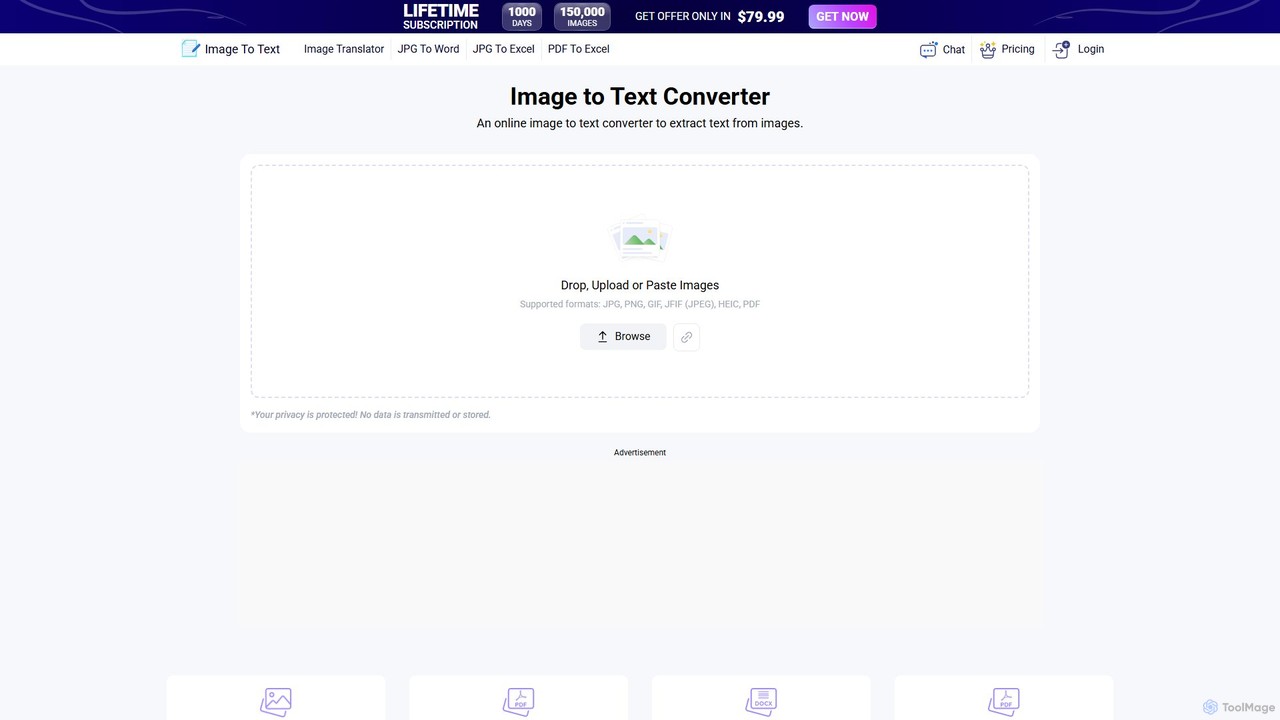
Image to Text
A free, AI-powered online OCR tool that accurately extracts text from images. It supports numerous languages and image formats without requiring registration. Easily convert images, documents, and notes into editable text, download as a .txt file, or copy to your clipboard.
Note Taking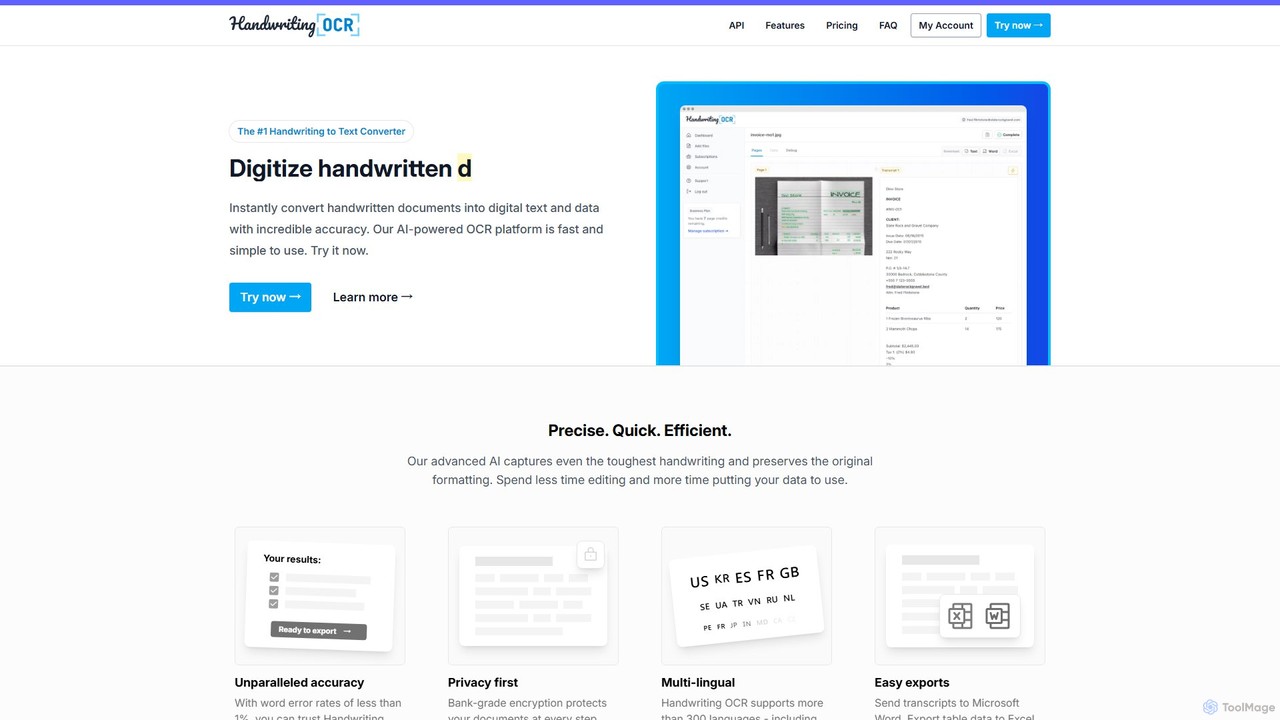
Handwriting OCR
Handwriting OCR is an AI-powered platform that instantly converts handwritten and printed documents into editable digital text with incredible accuracy. It supports over 300 languages, various file formats (PDF, JPG, PNG), and exports to Word, Excel, and plain text. Designed for businesses, researchers, and individuals, it prioritizes security with bank-grade encryption and a strict no-data-training policy.
Data Entry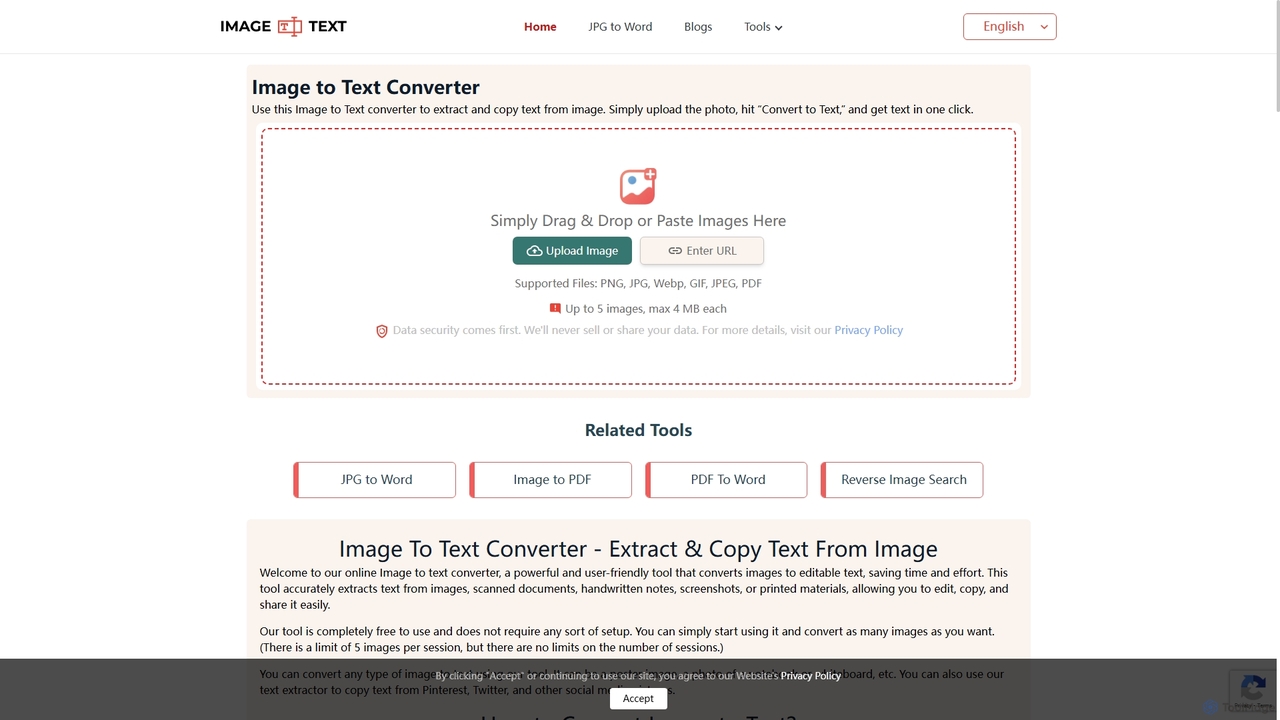
Imagetotext.me
A free online OCR tool that accurately extracts text from images, scanned documents, and handwritten notes. It supports multiple languages and file formats, and includes additional converters for JPG to Word and Image to PDF, all without requiring registration.
Study Tools
ScantextAI
ScantextAI is a free, web-based OCR tool that instantly converts images into editable text. It supports over 50 languages and various image formats, allowing users to export text to PDF or Word (DOCX) files. With a strong focus on privacy, it processes files locally on your device, ensuring your data remains secure. No registration is required, making it a quick and efficient solution for students, professionals, and anyone needing to digitize documents.
Ocr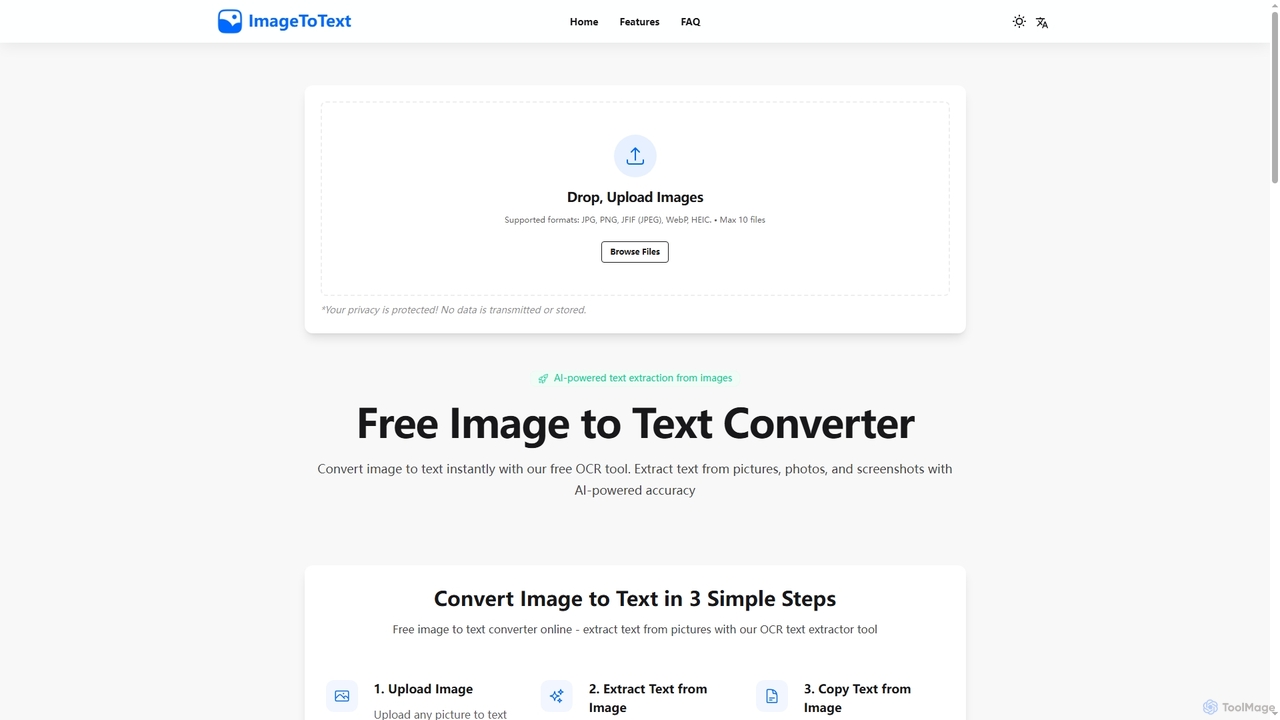
Imagetotext
A free, AI-powered online OCR tool that instantly converts images to text. It accurately extracts text from various formats like JPG, PNG, and even handwritten notes, ensuring user privacy with end-to-end encryption and no data storage.
Digitizationpicturetotext Categories
picturetotext Embed Widget
Copy this embed code to place the badge on your blog, article, or product site and send readers directly to this ToolMage detail page.

Related AI tools
Imagetotext.me
A free online OCR tool that accurately extracts text from images, scanned documents, and handwritten notes. It supports multiple languages and file formats, and includes additional converters for JPG to Word and Image to PDF, all without requiring registration.
Study ToolsScantextAI
ScantextAI is a free, web-based OCR tool that instantly converts images into editable text. It supports over 50 languages and various image formats, allowing users to export text to PDF or Word (DOCX) files. With a strong focus on privacy, it processes files locally on your device, ensuring your data remains secure. No registration is required, making it a quick and efficient solution for students, professionals, and anyone needing to digitize documents.
OcrImagetotext
A free, AI-powered online OCR tool that instantly converts images to text. It accurately extracts text from various formats like JPG, PNG, and even handwritten notes, ensuring user privacy with end-to-end encryption and no data storage.
DigitizationImage to Text
A free, AI-powered online OCR tool that accurately extracts text from images. It supports numerous languages and image formats without requiring registration. Easily convert images, documents, and notes into editable text, download as a .txt file, or copy to your clipboard.
Note TakingHandwriting OCR
Handwriting OCR is an AI-powered platform that instantly converts handwritten and printed documents into editable digital text with incredible accuracy. It supports over 300 languages, various file formats (PDF, JPG, PNG), and exports to Word, Excel, and plain text. Designed for businesses, researchers, and individuals, it prioritizes security with bank-grade encryption and a strict no-data-training policy.
Data Entry
Jyek
Jyek is an AI agent platform that understands objectives, creates execution plans, uses tools, and delivers verifiable results for complex, multi-step tasks.
Automation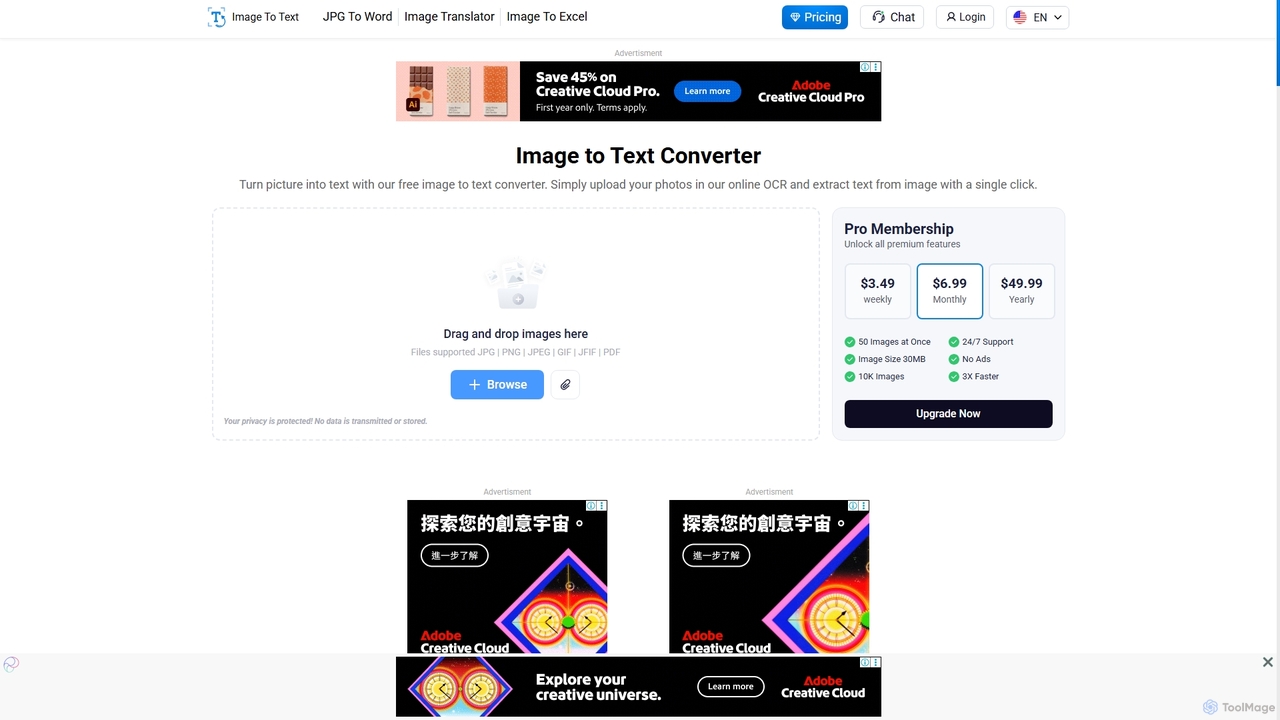
Imagetotext.io
A powerful online OCR tool that accurately converts images into editable text. It supports various formats, multiple languages, and even extracts text from low-resolution images and mathematical equations. Ideal for students, professionals, and anyone needing to digitize documents quickly and for free.
Study Tools
imgtotext.net
An advanced online OCR tool that accurately extracts text from images and PDF documents. It supports batch processing, multiple languages, and various file formats. It also offers a built-in translation feature, making it a versatile solution for digitizing and processing text-based content for free.
Optical Character Recognition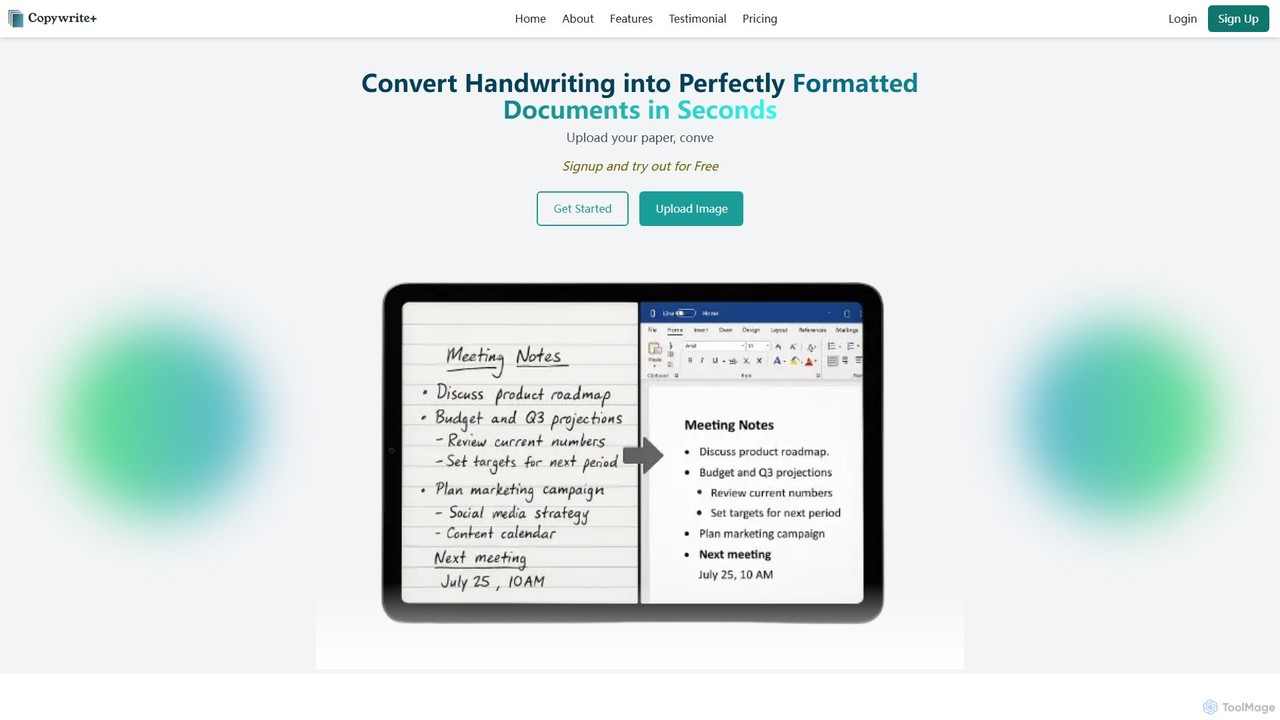
Copywritee
Copywritee is an AI-powered platform that converts handwritten notes, tables, and documents into perfectly formatted, editable digital text with 99% accuracy. It's more than a converter; it's a complete cloud-based document management ecosystem with an intuitive editor, spreadsheet support, and seamless collaboration features.
Data Entry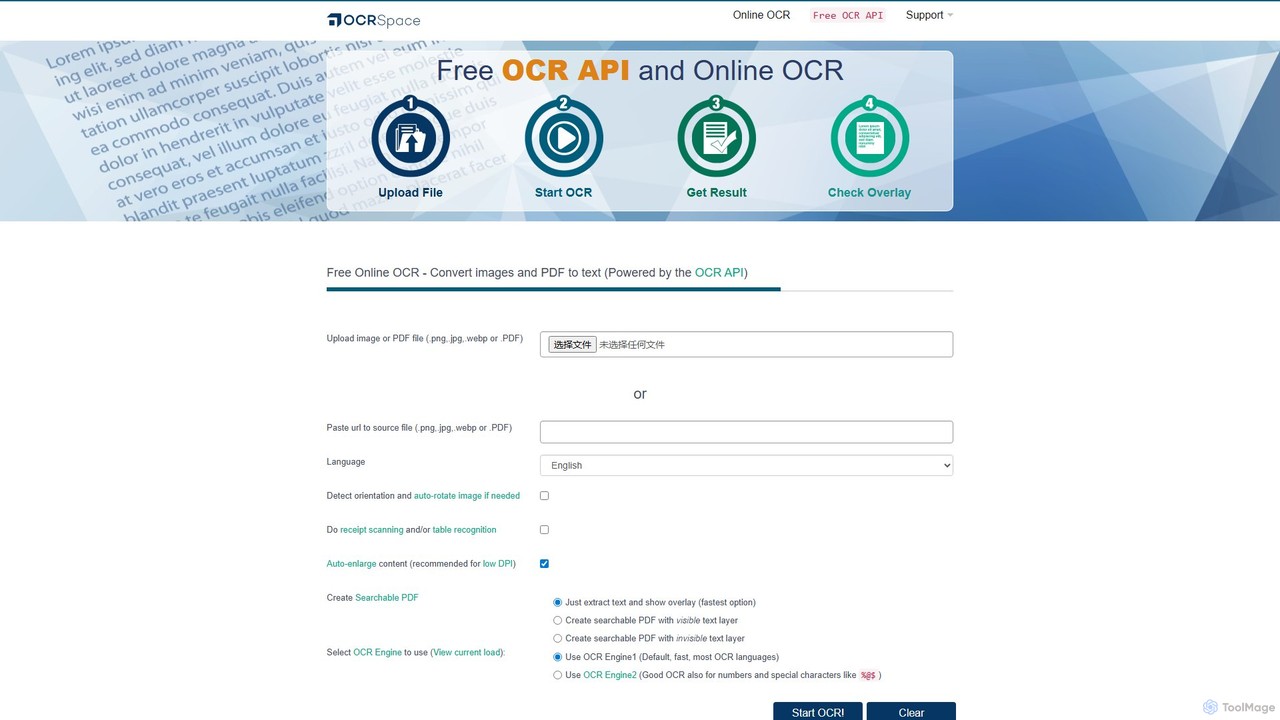
OCR.space
A powerful and free online OCR service and API that converts images and PDFs into editable text. It supports over 25 languages, creates searchable PDFs, and offers multiple OCR engines for optimal accuracy. Ideal for both individual use and developer integration, with a strong focus on privacy.
Data Extraction
olocr
olocr is a free, privacy-focused AI OCR tool that extracts text from images and PDFs directly in your browser. It supports over 70 languages, batch processing, and can create searchable PDFs without uploading your files, ensuring complete data security.
Extraction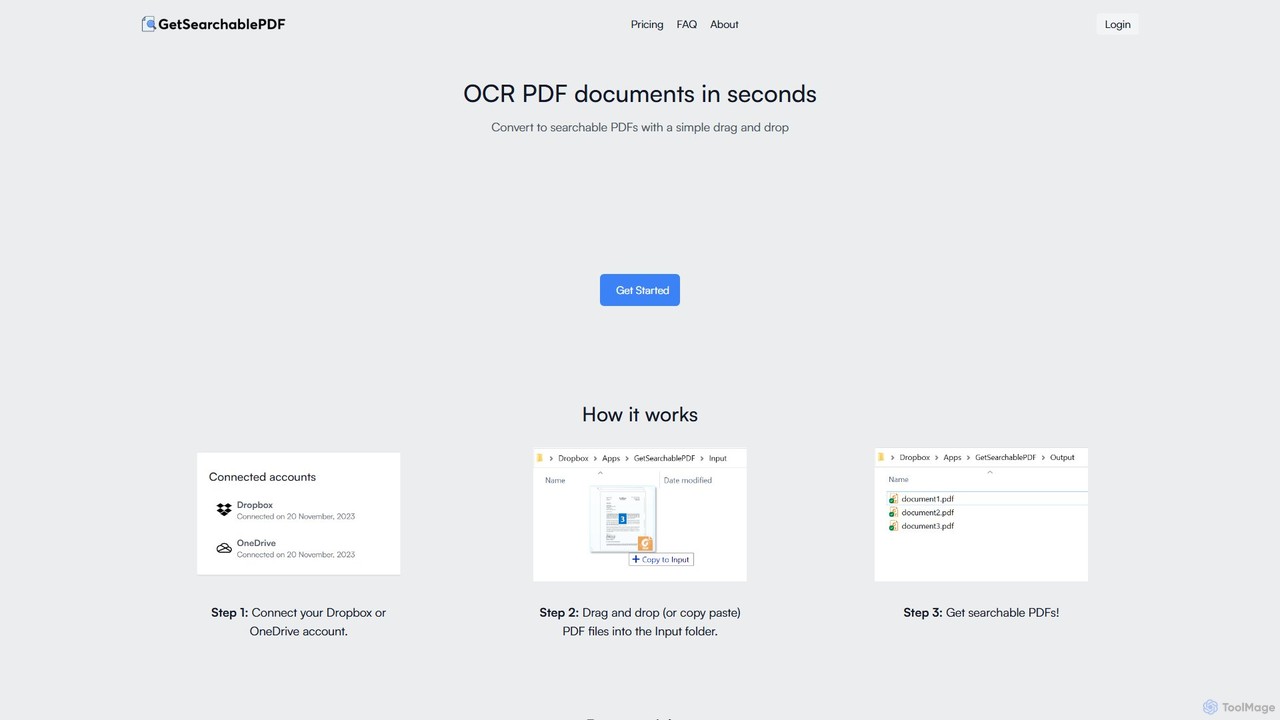
GetSearchablePDF
GetSearchablePDF is an AI-powered OCR tool that effortlessly converts scanned documents, images, and even handwritten notes into fully searchable and indexable PDFs. By integrating with Dropbox or OneDrive, it automates the conversion process through a simple drag-and-drop workflow, ensuring high accuracy and top-tier security for all your files.
Automation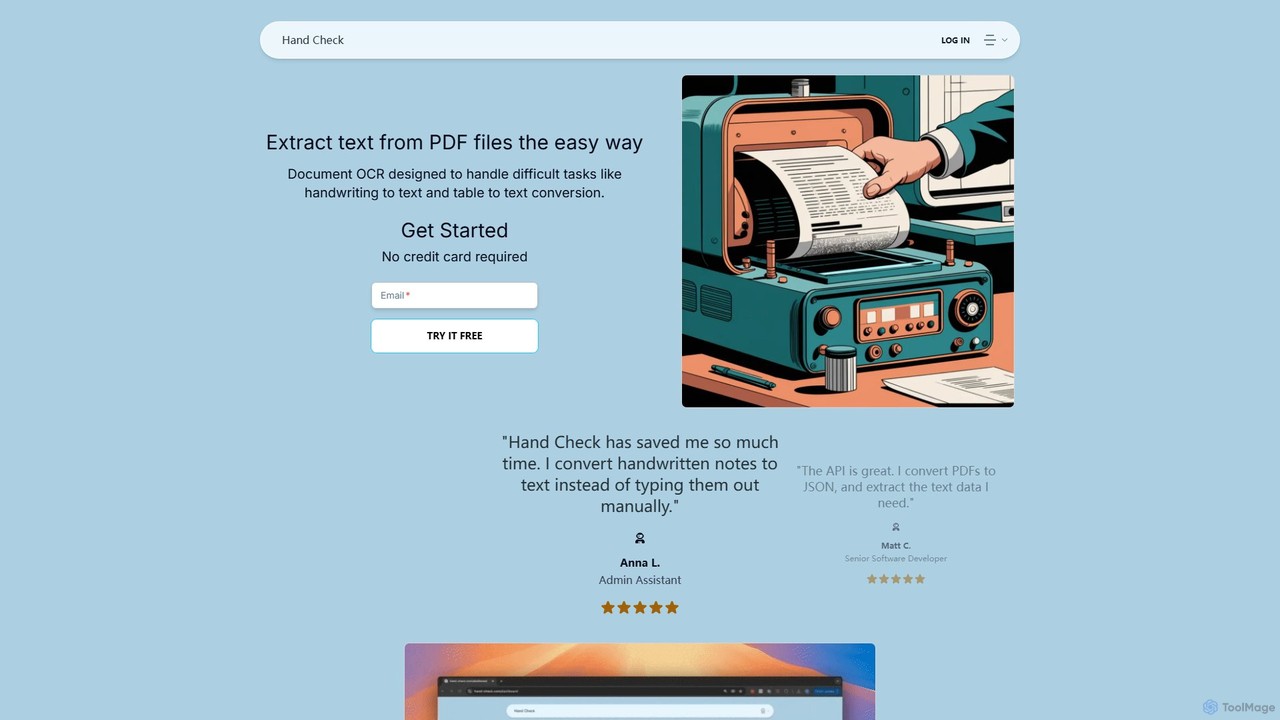
hand_check
hand_check is an advanced OCR tool that uses machine learning to extract text from PDFs and images. It specializes in converting complex documents, including handwritten notes and tables, into editable text or structured JSON data. With a user-friendly interface and a powerful API for developers, it's ideal for individuals, developers, and enterprises looking to automate document processing and data extraction.
Data Extraction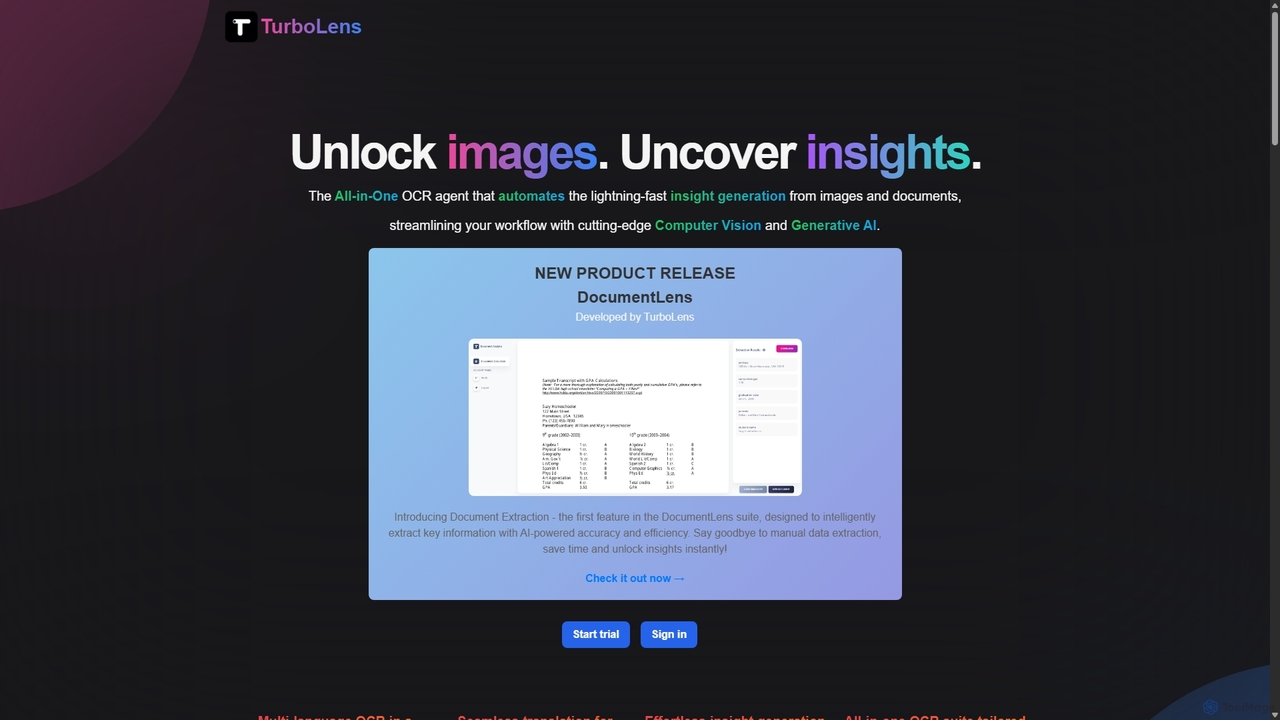
TurboLens
TurboLens is an all-in-one AI-powered OCR agent that automates insight generation from images and documents. It leverages Computer Vision and Generative AI to extract text, handwritten notes, tables, and math formulas, offering in-image translation and customizable workflows to streamline data processing.
Workflow Automation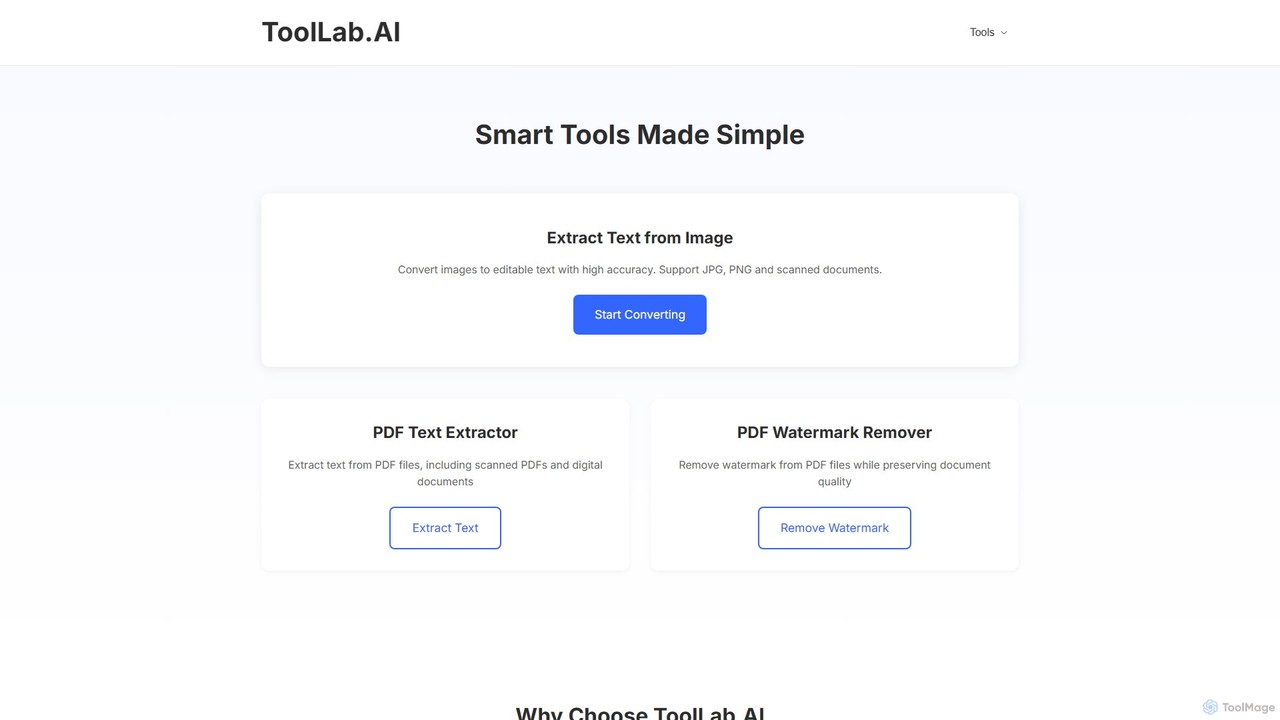
ToolLab.AI
ToolLab.AI offers a suite of free, AI-powered online tools for simple and efficient document processing. It specializes in high-accuracy text extraction from images (OCR) and PDFs, as well as PDF watermark removal. Designed for speed and security, it provides instant results with a user-friendly interface.
Document Processing
picturetotext Comments (0)
Sign in to comment.
Sign inNo comments yet.