

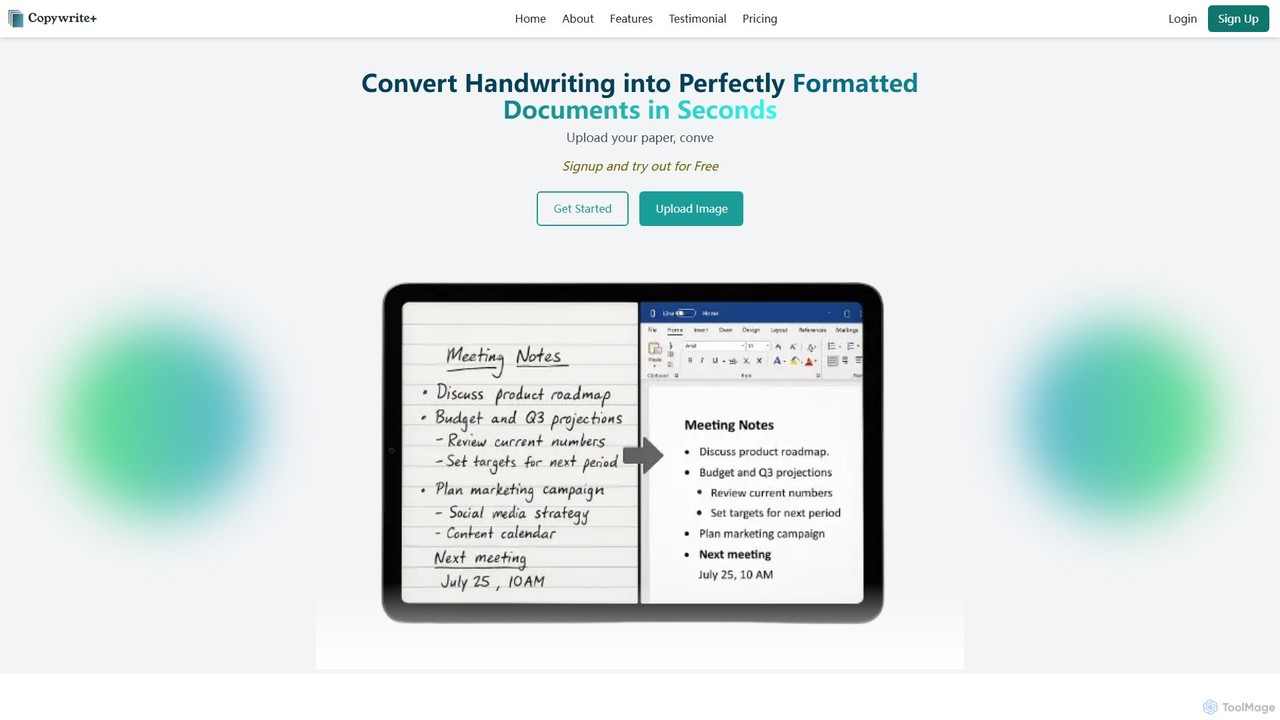
Copywritee Overview
Copywritee is a revolutionary AI tool designed to transform the way you interact with handwritten information. It goes beyond simple handwriting recognition to offer a complete document management ecosystem. With Copywritee, you can convert any handwritten note, paper, or scanned document into a perfectly formatted, fully editable digital document in seconds. This platform is engineered for professionals, students, and anyone who needs to bridge the gap between physical notes and digital workflows, boasting an impressive 99% accuracy rate for both Optical Character Recognition (OCR) and Intelligent Character Recognition (ICR).
The platform's core strength lies in its ability to not just extract text, but also to understand and preserve the original document's structure. This includes complex layouts, tables, colors, and formatting, ensuring that the digital version is a faithful and functional replica of the original. This makes it an indispensable tool for digitizing everything from research notes and legal documents to business meeting minutes and financial tables.
How to use Copywritee
Using Copywritee is a straightforward, three-step process designed for maximum efficiency and ease of use:
- Upload: Begin by selecting an image of your handwritten notes, a scanned document, or a paper you wish to convert. You can upload files directly from your computer to the platform.
- AI Processing: Once uploaded, Copywritee's powerful AI engine gets to work. It meticulously analyzes the document, extracts the text, recognizes tables and layouts, and intelligently reconstructs it into an editable format within its powerful document editor.
- Edit & Download: The converted document appears in Copywritee's intuitive, MS Word-like editor. Here, you can make any necessary adjustments, customize formatting, and then export the final document in over 20 different formats, including DOCX, PDF, XLSX, HTML, and more.
Core Features of Copywritee
- High-Precision OCR & ICR: Achieves up to 99% accuracy in converting handwritten notes and printed text into digital formats.
- Format Preservation: Intelligently maintains the original formatting, including tables, colors, layouts, and document structure.
- Familiar Editing Interface: Features an intuitive, cloud-based editor that mirrors the experience of using MS Word, requiring no learning curve.
- Advanced Spreadsheet Support: Converts handwritten tables directly into perfectly formatted digital spreadsheets with an Excel-like interface for easy editing and data manipulation.
- Cloud Document Management: A complete system for creating folders, organizing files, and accessing your documents securely from anywhere, at any time.
- Versatile Export Options: Supports exporting documents to over 20 formats, including DOCX, PDF, XLSX, HTML, and ODT.
- Seamless Collaboration: Allows users to share documents with team members for real-time collaboration and editing.
- Batch Processing: Enterprise plans offer the ability to upload and convert multiple handwritten pages or even an entire book at once.
Use Cases for Copywritee
Copywritee is trusted by professionals across various fields to streamline their workflows:
- Researchers and Academics: Dr. Michael Chen, a research scientist, uses it to ensure no insight from his valuable handwritten notes is lost during digitization.
- Legal Professionals: For legal consultants like Mia Rodriguez, the accuracy and preservation of formatting in legal documents are crucial, and Copywritee exceeds these expectations.
- Marketing and Business Teams: Marketing Director Sarah Thompson notes that Copywritee has revolutionized her team's documentation management, reducing tasks that took hours to mere minutes.
- Students: An ideal tool for converting lecture notes and study materials into searchable, editable, and organized digital files.
Advantages of Copywritee
Copywritee stands out from other tools by offering a holistic solution. Its primary advantage is the combination of high-accuracy conversion with a full-featured document management system. Unlike basic converters, it preserves complex structures like tables and layouts, saving users countless hours of reformatting. The cloud-based ecosystem with its familiar editor, collaboration features, and extensive export options makes it a one-stop shop for turning physical paperwork into digital assets, boosting productivity and ensuring no data is lost in translation.
Pricing and Plans
Copywritee offers a flexible pricing structure to suit different needs:
- Free Plan ($0/month): Includes high-accuracy conversion for up to 50 pages, management of up to 50 documents, and single-image-at-a-time uploads.
- Pro Plan ($25/month): The most popular choice, offering everything in the Free plan plus conversion of up to 500 pages, 200 documents, multi-format export, workflow automation, and transcribing up to 4 images at a time.
- Enterprise Suite ($85/month): For heavy users, this plan includes all Pro features plus conversion of up to 2,000 pages, 1,000 documents, batch uploads, and continuous conversion for entire books.
Copywritee Alternatives
Note This Down
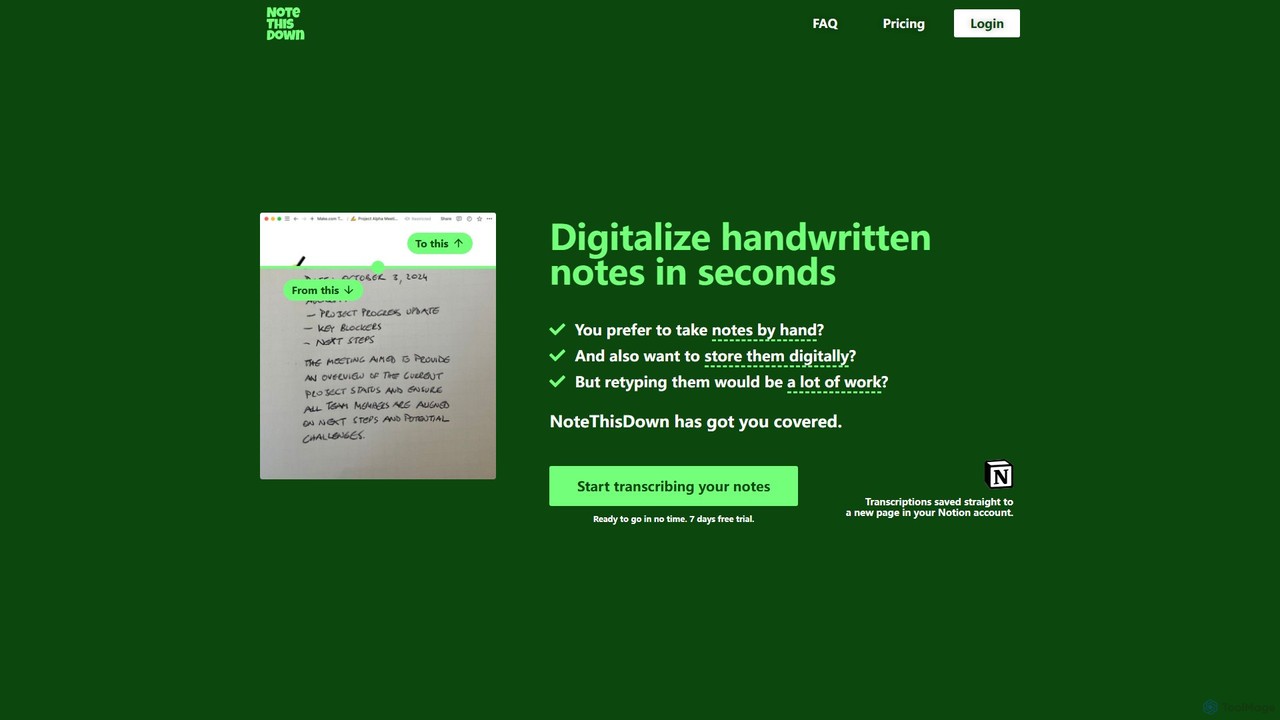
Note This Down is an AI-powered tool that specializes in transcribing handwritten notes into editable digital text. Simply upload photos of your notes, and the tool accurately converts them, saving the transcription directly to your Notion account for seamless organization and access.
Student Tools
ScantextAI
ScantextAI is a free, web-based OCR tool that instantly converts images into editable text. It supports over 50 languages and various image formats, allowing users to export text to PDF or Word (DOCX) files. With a strong focus on privacy, it processes files locally on your device, ensuring your data remains secure. No registration is required, making it a quick and efficient solution for students, professionals, and anyone needing to digitize documents.
Ocr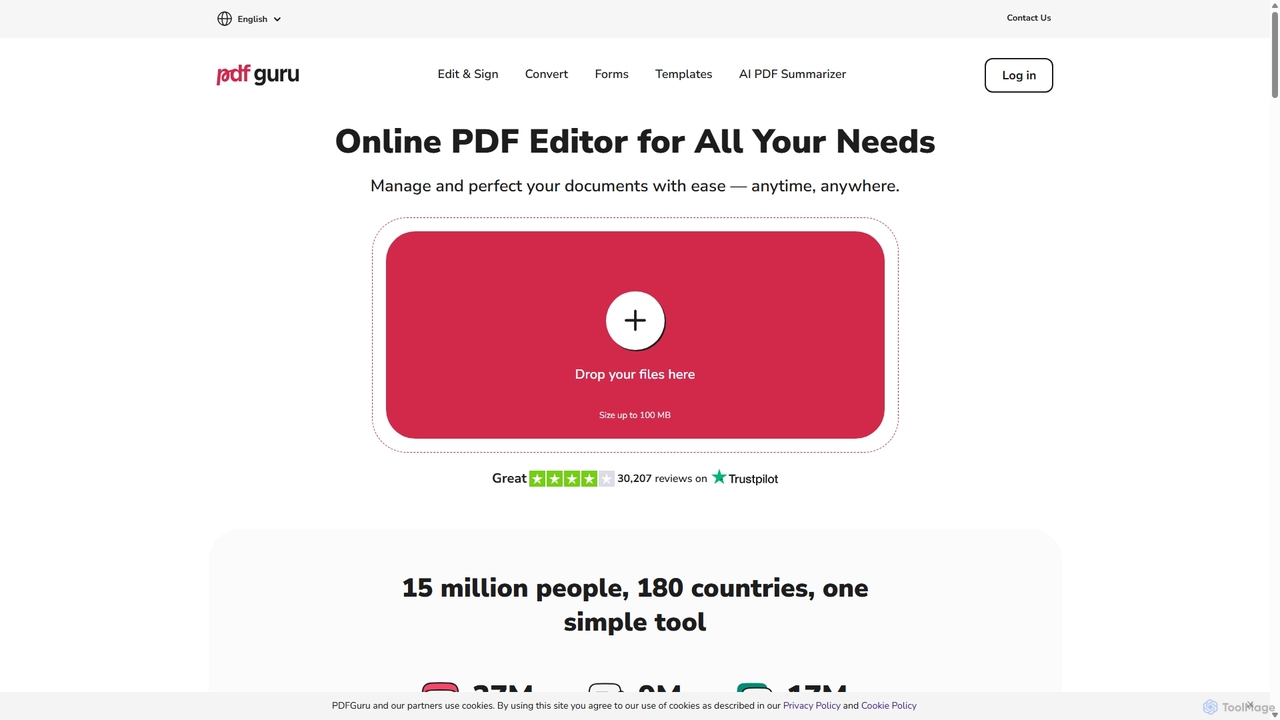
PDFflex
PDFflex is a comprehensive, all-in-one online platform for managing PDF documents. It allows users to edit, convert, merge, split, and sign PDFs with ease. Featuring an intuitive interface and robust security, PDFflex also incorporates AI-powered tools like OCR for scanned documents and summarizers for long texts. It supports a vast range of file formats, making it a versatile solution for both personal and professional use, accessible from any browser without installation.
Summarizer
PDF Candy
PDF Candy is a comprehensive all-in-one online and desktop toolkit offering over 90 free tools to manage PDF files. Users can easily edit, convert from and to various formats, merge, compress, sign, unlock, and perform OCR on documents. It provides a user-friendly interface for both casual and professional use, ensuring high-quality results for all your PDF needs.
File Conversion
UPDF
UPDF is an AI-integrated, all-in-one PDF editor that allows users to edit, annotate, convert, summarize, translate, and chat with PDF documents. It offers a seamless experience across Windows, macOS, iOS, and Android, boosting productivity for individuals, students, and businesses.
Document AnalysisCopywritee Categories
Copywritee Embed Widget
Copy this embed code to place the badge on your blog, article, or product site and send readers directly to this ToolMage detail page.

Related AI tools
Note This Down
Note This Down is an AI-powered tool that specializes in transcribing handwritten notes into editable digital text. Simply upload photos of your notes, and the tool accurately converts them, saving the transcription directly to your Notion account for seamless organization and access.
Student ToolsScantextAI
ScantextAI is a free, web-based OCR tool that instantly converts images into editable text. It supports over 50 languages and various image formats, allowing users to export text to PDF or Word (DOCX) files. With a strong focus on privacy, it processes files locally on your device, ensuring your data remains secure. No registration is required, making it a quick and efficient solution for students, professionals, and anyone needing to digitize documents.
Ocr
Jyek
Jyek is an AI agent platform that understands objectives, creates execution plans, uses tools, and delivers verifiable results for complex, multi-step tasks.
AutomationPDFflex
PDFflex is a comprehensive, all-in-one online platform for managing PDF documents. It allows users to edit, convert, merge, split, and sign PDFs with ease. Featuring an intuitive interface and robust security, PDFflex also incorporates AI-powered tools like OCR for scanned documents and summarizers for long texts. It supports a vast range of file formats, making it a versatile solution for both personal and professional use, accessible from any browser without installation.
SummarizerPDF Candy
PDF Candy is a comprehensive all-in-one online and desktop toolkit offering over 90 free tools to manage PDF files. Users can easily edit, convert from and to various formats, merge, compress, sign, unlock, and perform OCR on documents. It provides a user-friendly interface for both casual and professional use, ensuring high-quality results for all your PDF needs.
File ConversionUPDF
UPDF is an AI-integrated, all-in-one PDF editor that allows users to edit, annotate, convert, summarize, translate, and chat with PDF documents. It offers a seamless experience across Windows, macOS, iOS, and Android, boosting productivity for individuals, students, and businesses.
Document Analysis
SwifDoo PDF
SwifDoo PDF is an all-in-one, AI-powered PDF software for effortless document management. It allows users to create, edit, convert, merge, compress, and sign PDF files. With integrated AI features, you can summarize, translate, proofread, and chat with your documents. Available on Windows, macOS, iOS, and Android, it offers a lightweight yet powerful solution for both individual and business users.
Document Signing
ScannerGo
ScannerGo is an all-in-one productivity tool that combines a powerful mobile document scanner with a comprehensive suite of online PDF utilities. Easily scan, convert, edit, merge, split, and secure your documents on any device, enhanced with OCR technology to extract text from images and PDFs.
File Conversion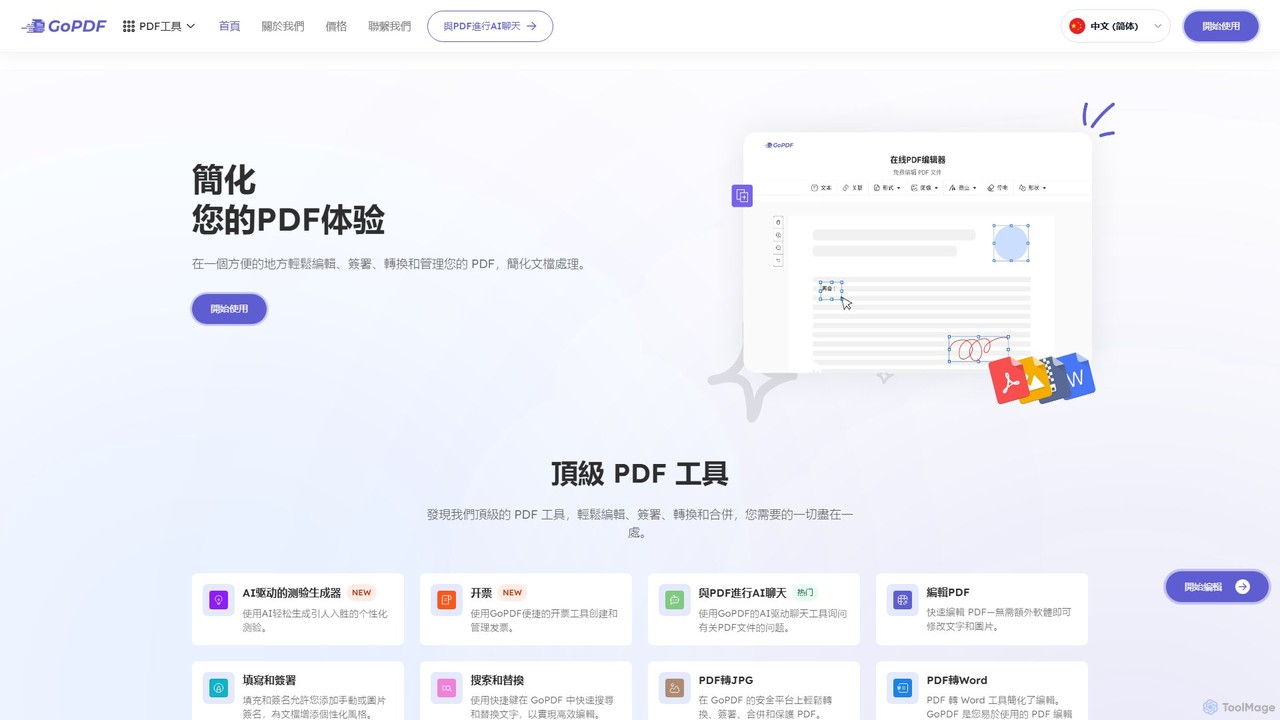
GoPDF
GoPDF is an AI-powered, all-in-one online PDF solution. It allows users to easily edit, convert, sign, merge, compress, and interact with PDF documents through an intuitive web interface and mobile app. AI features enable users to chat with their documents for quick summaries and answers.
Chat With Document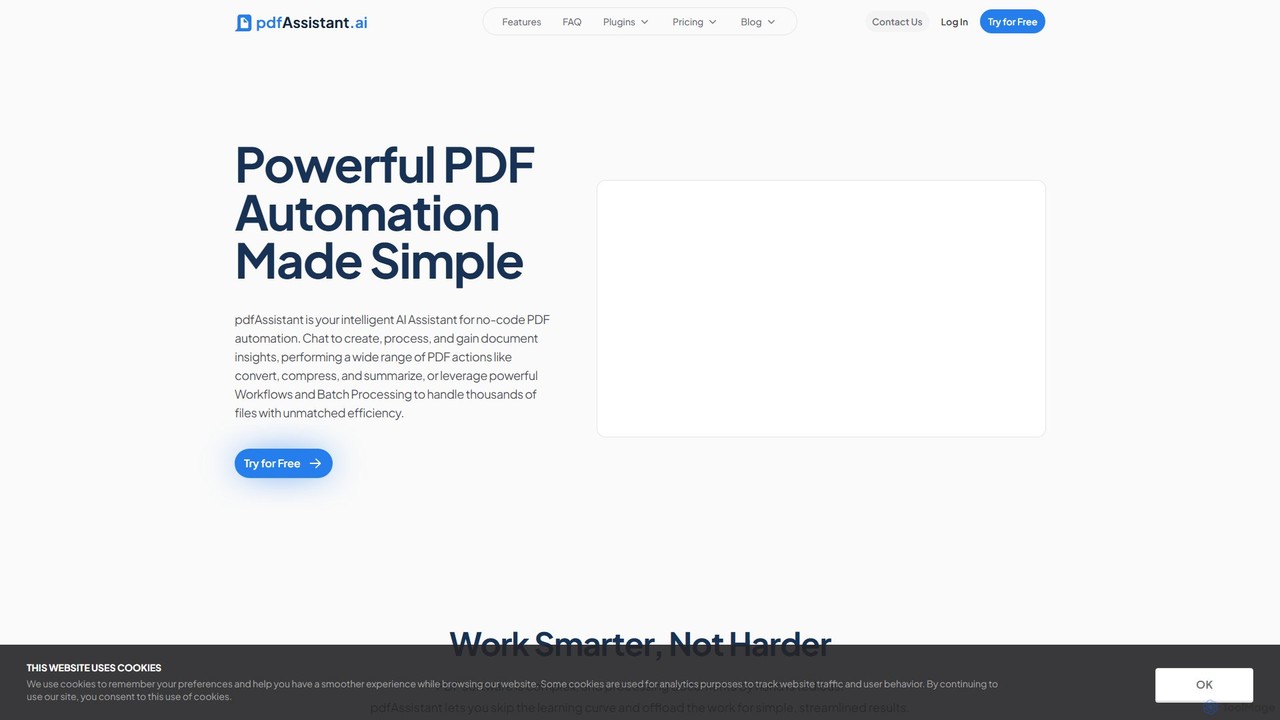
pdfAssistant.ai
pdfAssistant.ai is an intelligent, no-code platform for PDF automation. Use its intuitive chat interface to create, convert, compress, summarize, and manage PDFs with simple natural language commands. Automate complex, multi-step tasks with Workflows and process thousands of files efficiently using Batch Processing.
Automation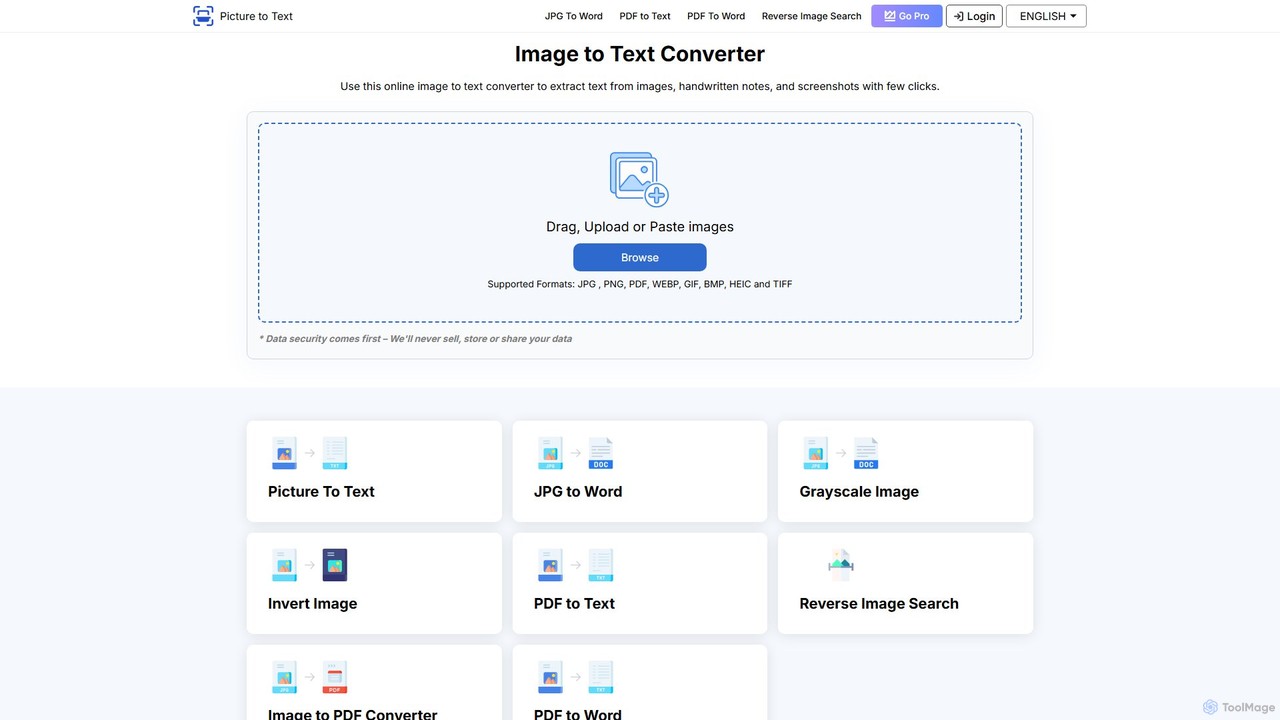
picturetotext
An AI-powered OCR tool that accurately converts images into editable text. It supports various formats, batch processing, and over 20 languages. Ideal for digitizing documents, automating data entry, and improving study efficiency with a user-friendly interface and a focus on data privacy.
Data Entry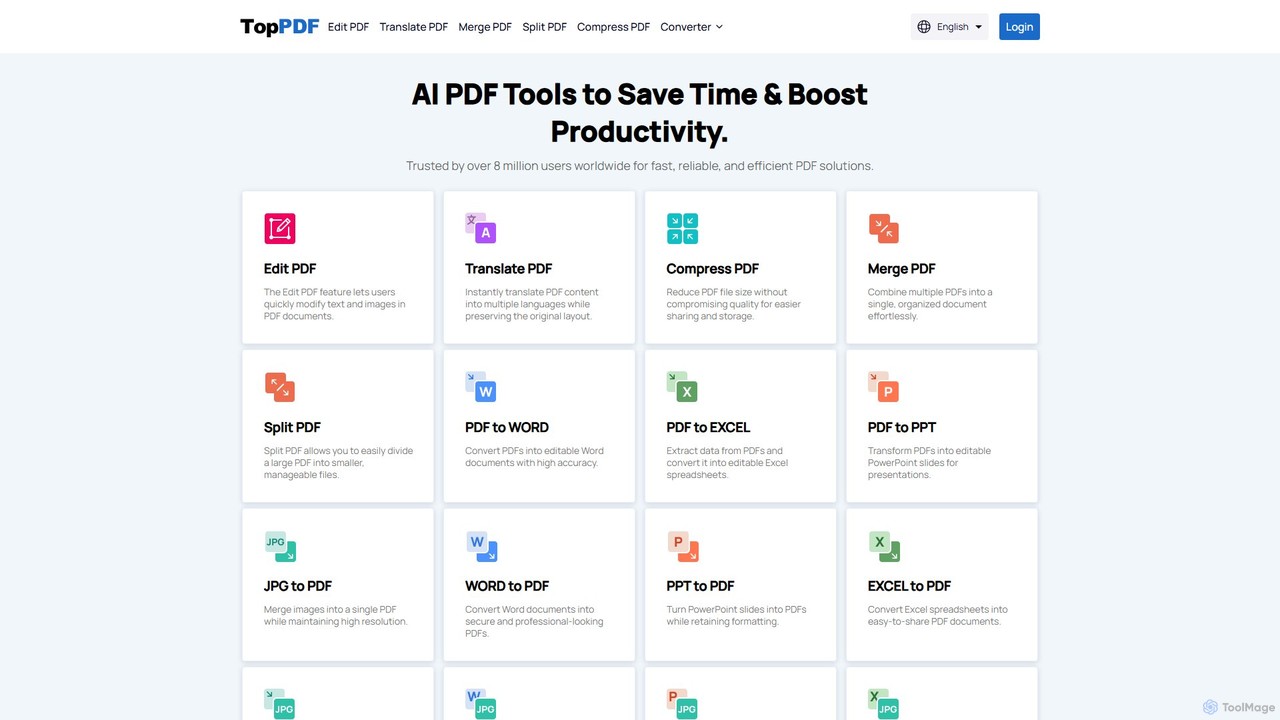
TopPDF
TopPDF is an all-in-one, AI-powered online platform offering a comprehensive suite of tools to edit, convert, translate, merge, split, and compress PDF files. It's designed to enhance productivity by simplifying document workflows for users worldwide.
File Conversion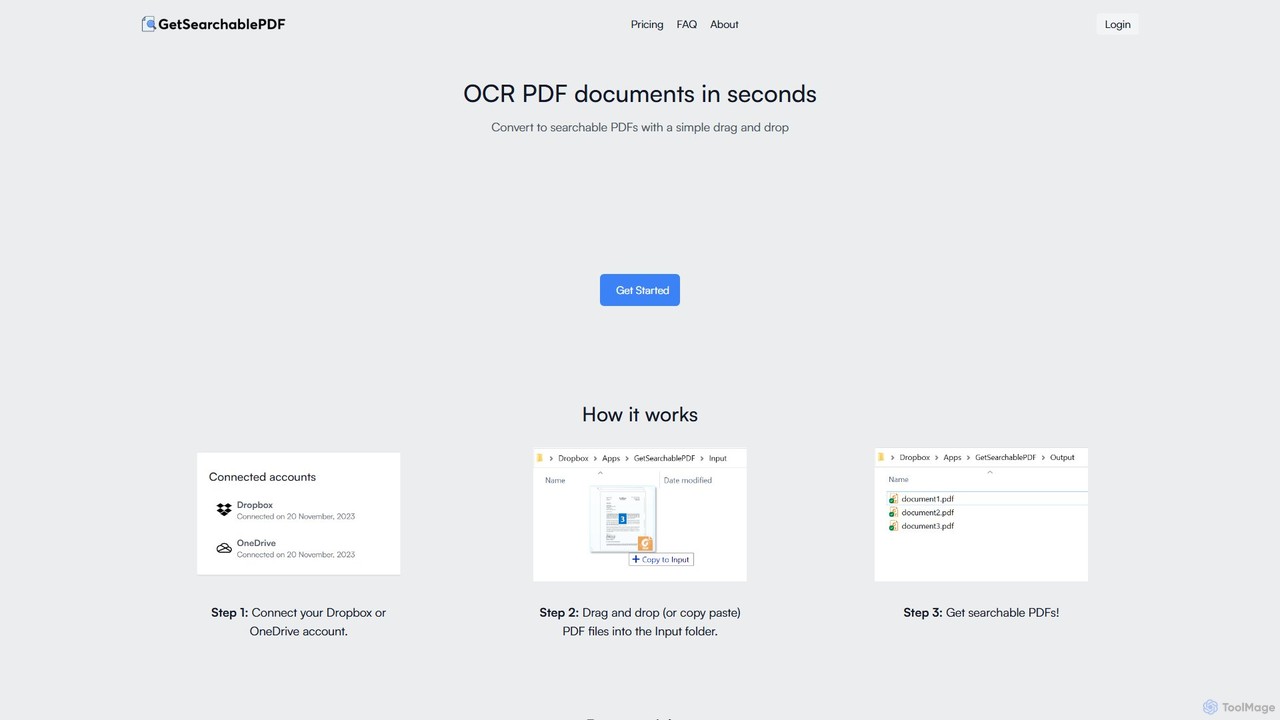
GetSearchablePDF
GetSearchablePDF is an AI-powered OCR tool that effortlessly converts scanned documents, images, and even handwritten notes into fully searchable and indexable PDFs. By integrating with Dropbox or OneDrive, it automates the conversion process through a simple drag-and-drop workflow, ensuring high accuracy and top-tier security for all your files.
Automation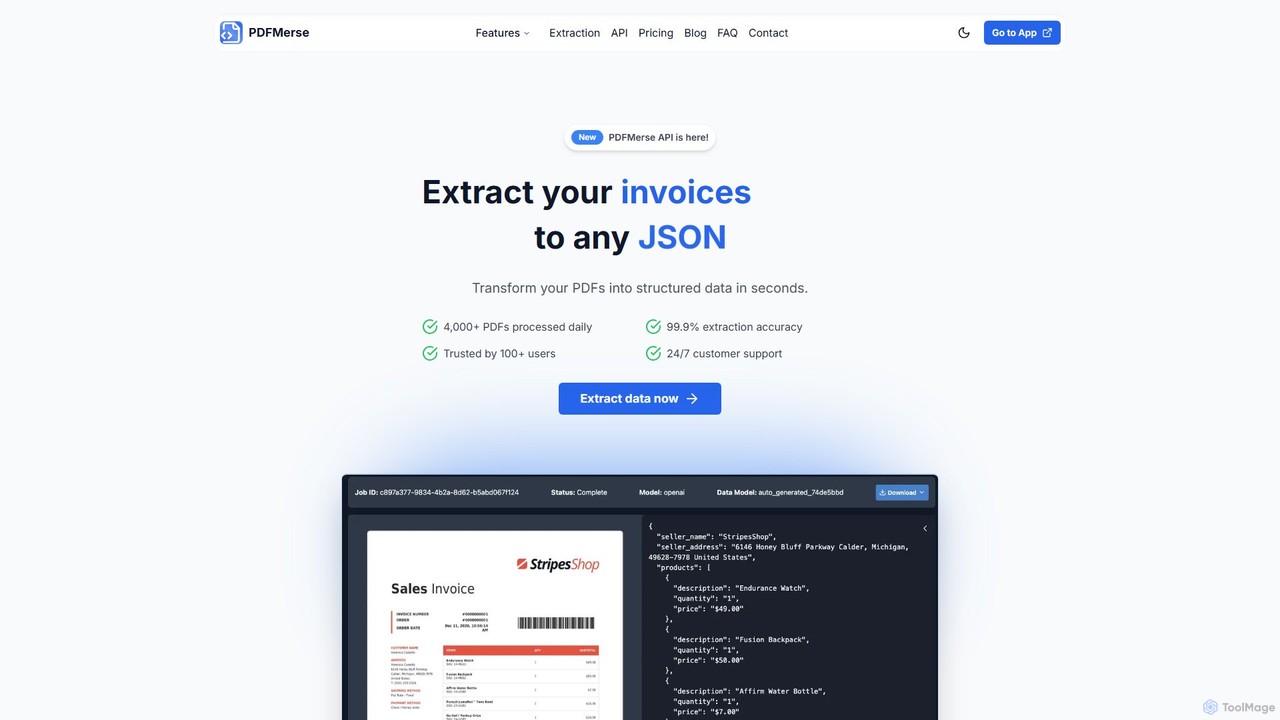
pdfmerse
pdfmerse is an AI-powered data extractor that automates the process of capturing information from any PDF document. It intelligently converts unstructured PDF data into structured formats like JSON and text. Ideal for businesses and individuals looking to streamline document processing, reduce manual data entry, and improve workflow efficiency with high accuracy.
Automation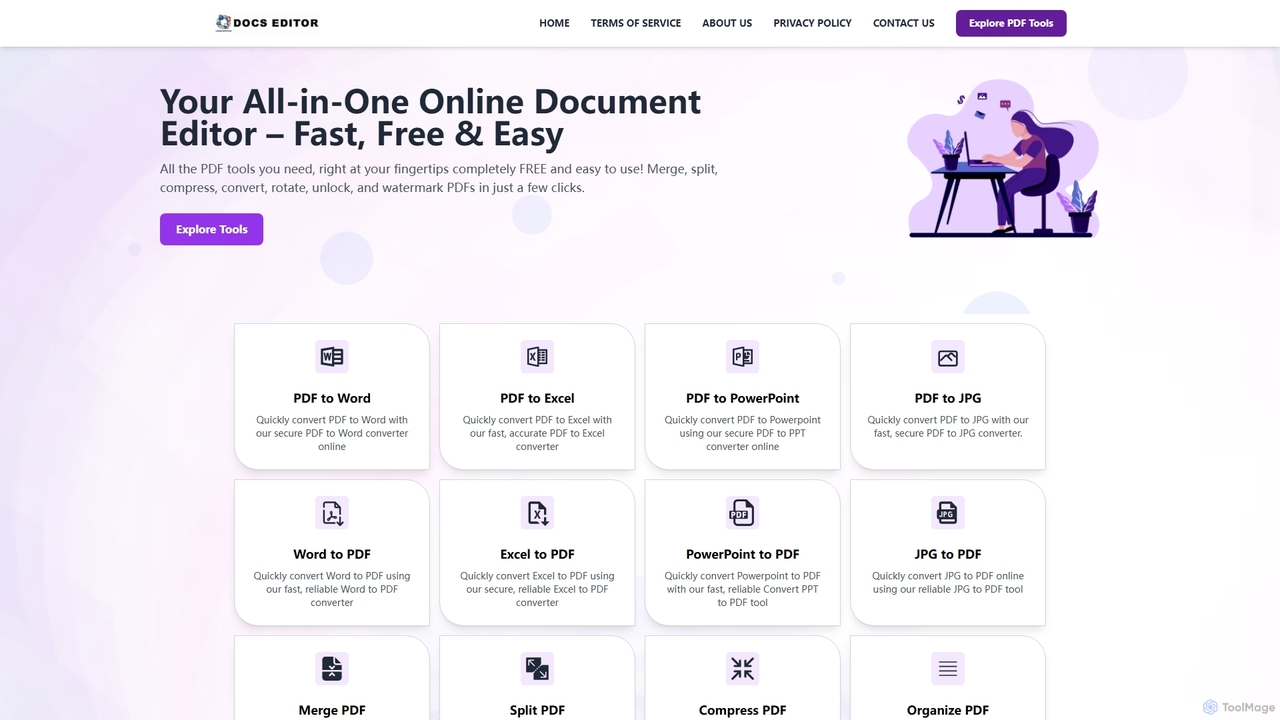
Docseditor
Docseditor is a comprehensive, free online document toolkit for all your PDF needs. It allows users to effortlessly edit, convert, merge, split, compress, sign, and manage PDF files directly in their browser without any installation.
Document Management
Copywritee Comments (0)
Sign in to comment.
Sign inNo comments yet.