

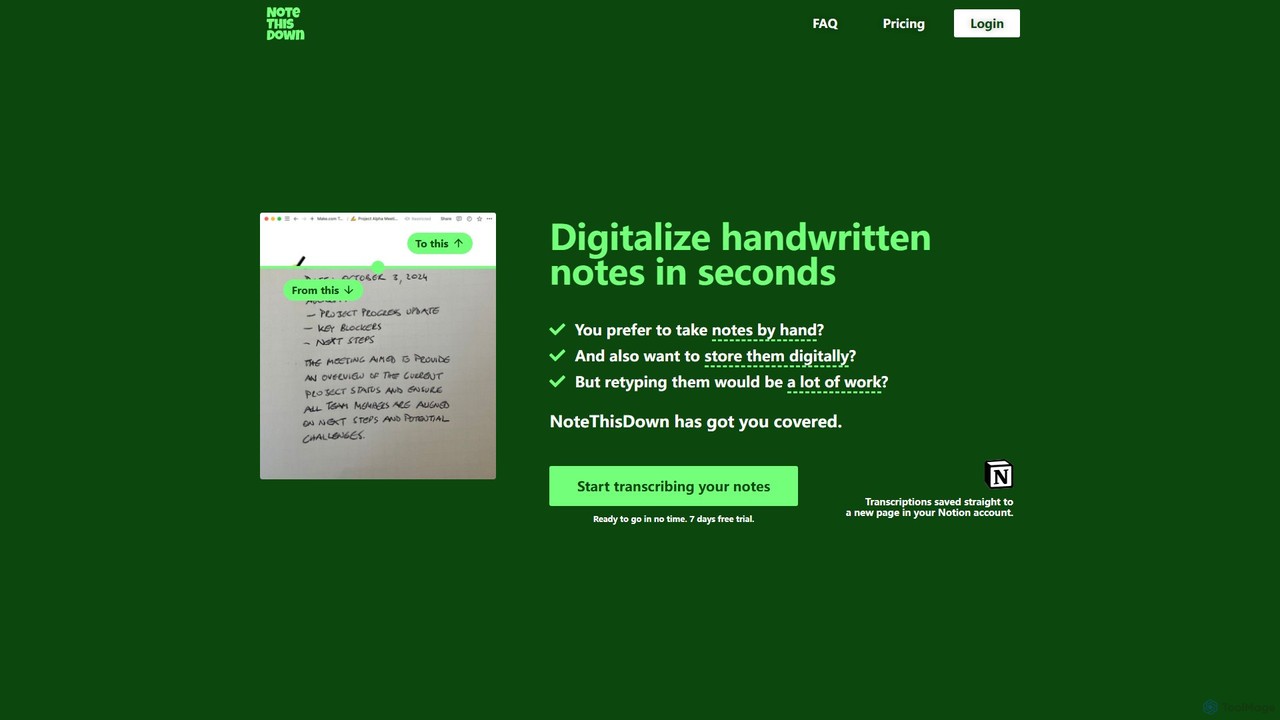
Note This Down Overview
Note This Down is a specialized AI-powered service designed to bridge the gap between traditional handwriting and modern digital workflows. For those who prefer the tactile experience of pen and paper but require the efficiency and searchability of digital notes, this tool offers a perfect solution. It leverages advanced Optical Character Recognition (OCR) technology, specifically trained to interpret a wide variety of handwriting styles with high accuracy, converting your physical notes into structured, editable text in seconds.
The core value of Note This Down lies in its simplicity and deep integration with Notion, a popular all-in-one workspace. Instead of manually retyping pages of notes, users can effortlessly digitize their thoughts, meeting minutes, lecture notes, or creative ideas, making them instantly searchable, shareable, and editable within their existing digital environment.
How to use Note This Down
The process is designed to be quick and intuitive, requiring just a few simple steps to transform your physical notes into digital assets:
- Connect your Notion account: A secure, one-time setup process guides you through linking your Notion workspace. You select a parent page where all your future transcriptions will be saved.
- Upload photos of your notes: Take clear pictures of your handwritten pages and upload them directly to the platform. The system is designed to handle multiple images.
- Enter a page title: Give your new Notion page a relevant title for easy identification and organization.
- Transcribe & save: With a single click, the AI gets to work. Within moments, a new page is created in your designated Notion location, containing the fully transcribed, editable text from your photos.
Core Features of Note This Down
- High-Accuracy Handwriting Recognition: Utilizes a specialized AI model that excels at converting various and even complex handwriting styles into clean digital text, minimizing errors and correction time.
- Seamless Notion Integration: Connects directly to your Notion account, automatically creating new pages for each transcription. This eliminates the need for copy-pasting and maintains your organizational structure.
- Simple and Fast Workflow: The entire process, from uploading a photo to having a new Notion page, is streamlined for maximum efficiency, saving you significant time and effort.
- User-Friendly and Distraction-Free Interface: The platform is intentionally minimalistic, focusing solely on its core function without unnecessary features, providing a straightforward user experience.
- Privacy-Focused: Ensures a secure connection to your Notion account and handles your data with privacy as a priority.
Use Cases for Note This Down
Note This Down is ideal for a wide range of users who value the practice of handwriting:
- Students: Digitize lecture notes, study guides, and research to make them searchable for exams and easily integrated with other digital study materials.
- Professionals: Convert handwritten meeting minutes, action items, and brainstorming sessions into shareable and archivable documents in Notion.
- Writers and Creatives: Capture inspiration, outlines, and drafts written on the go and seamlessly move them into a digital editing environment for further development.
- Researchers: Transcribe field notes, interview responses, and observational data from notebooks into a structured digital format for analysis.
Advantages of Note This Down
Compared to broader productivity suites like Evernote or OneNote, Note This Down offers distinct advantages for its specific purpose. Its primary strength is its specialization. The AI is fine-tuned exclusively for handwriting transcription, often resulting in higher accuracy than the general-purpose OCR features in larger apps. Its minimalist design prevents feature bloat, offering a faster, more focused solution. The direct-to-Notion workflow is a powerful advantage for the millions of users who rely on Notion as their central hub for knowledge and project management.
Pricing and Plans
Note This Down operates on a freemium model, allowing users to test the service before committing.
- Free Trial: New users can start with a 7-day free trial to experience the full capabilities of the tool and transcribe a limited number of notes.
- Paid Plans: After the trial, users can subscribe to a paid plan to unlock unlimited transcriptions and access ongoing support. The pricing is designed to be cost-effective, providing a high-value solution for individuals and teams.
For the most current pricing information, please visit the official Note This Down website.
Note This Down Alternatives
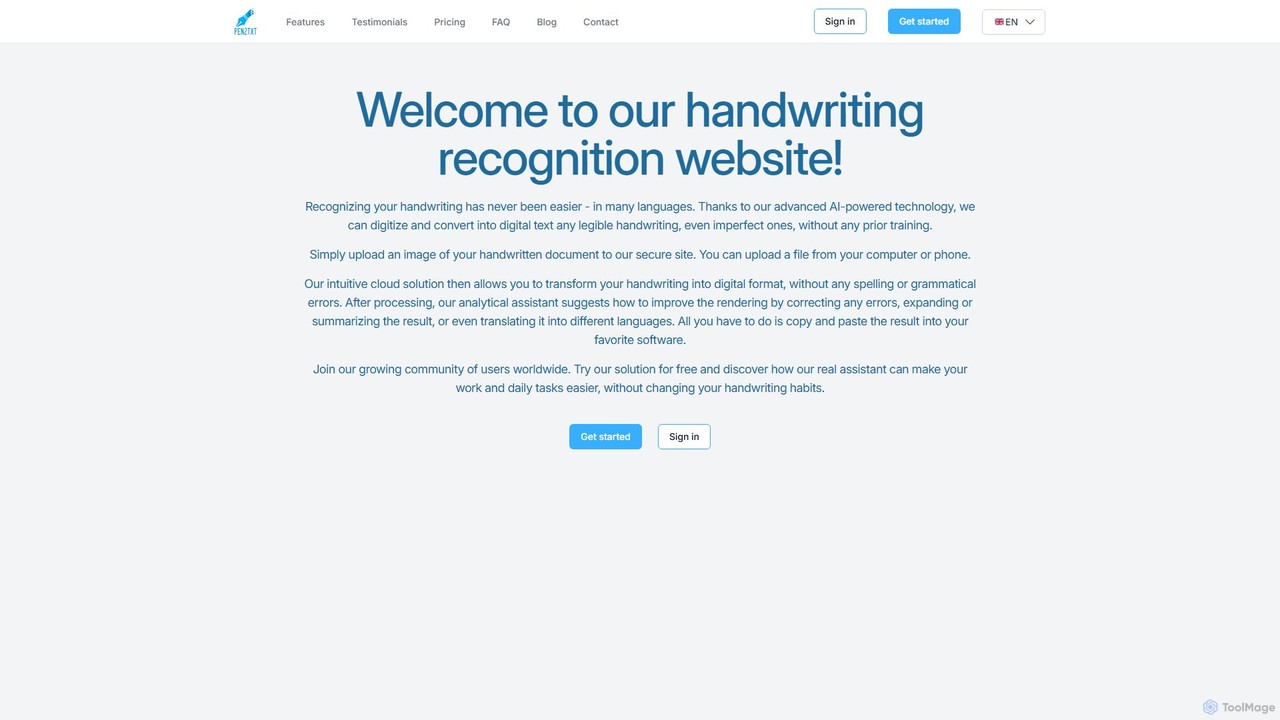
pen2txt
Pen2txt is an AI-powered handwriting recognition (HTR) tool that effortlessly converts handwritten notes into editable, searchable digital text. It supports various languages and handwriting styles, including imperfect and cursive scripts. With its intuitive interface and advanced analytical assistant, you can digitize, correct, summarize, and even translate your notes, bridging the gap between analog writing and digital efficiency.
Student Tools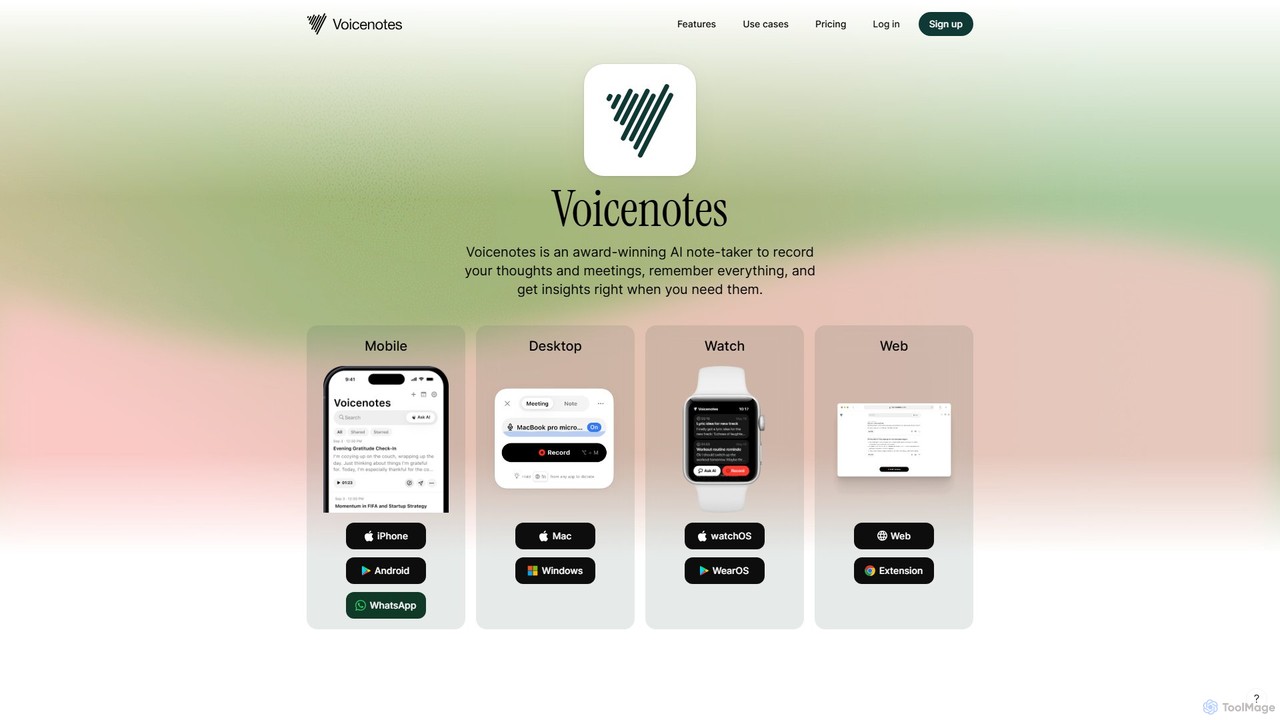
Voicenotes
Voicenotes is an award-winning AI note-taker that records your thoughts and meetings, transcribes them with high accuracy, and turns your voice memos into a searchable second brain. It supports over 100 languages and integrates seamlessly across mobile, desktop, and web platforms, including WhatsApp.
Meeting Assistant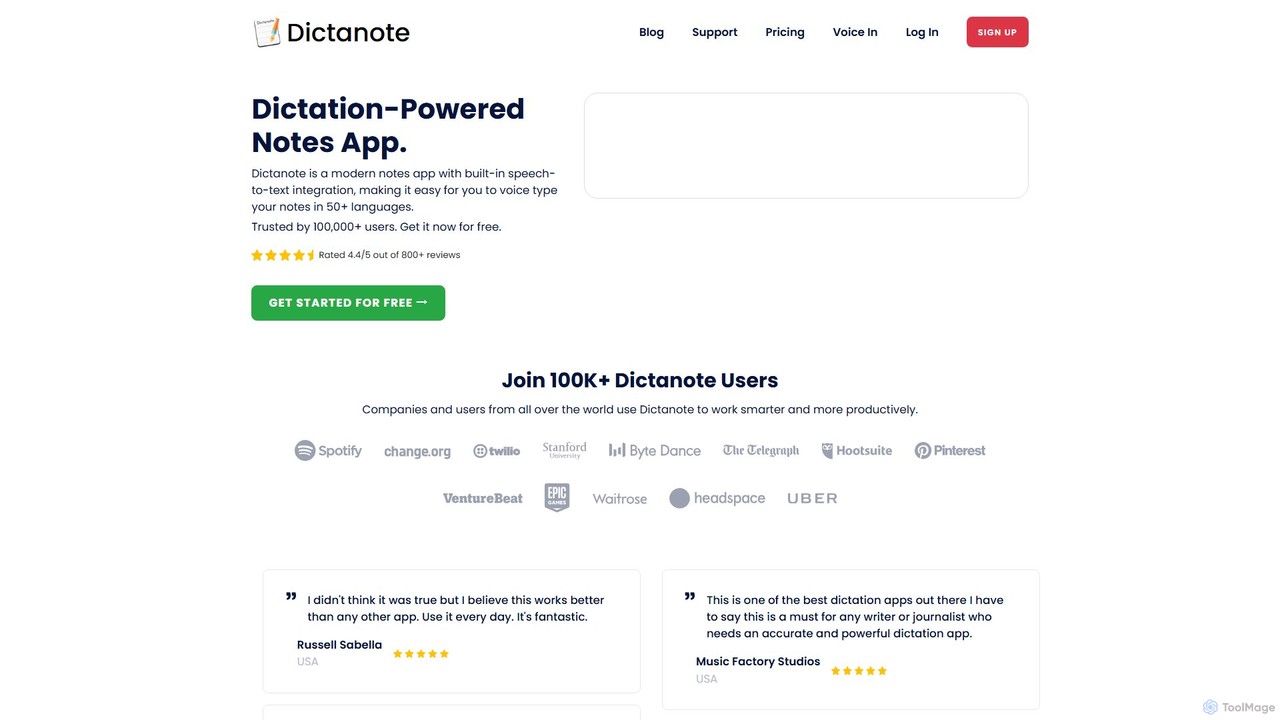
Dictanote
Dictanote is an AI-powered note-taking and transcription tool that converts your voice into text with high accuracy. It features a smart note editor, a Chrome extension for dictation on any site, and an AI assistant, AudioScribe, to summarize and rewrite your voice notes.
Speech To Text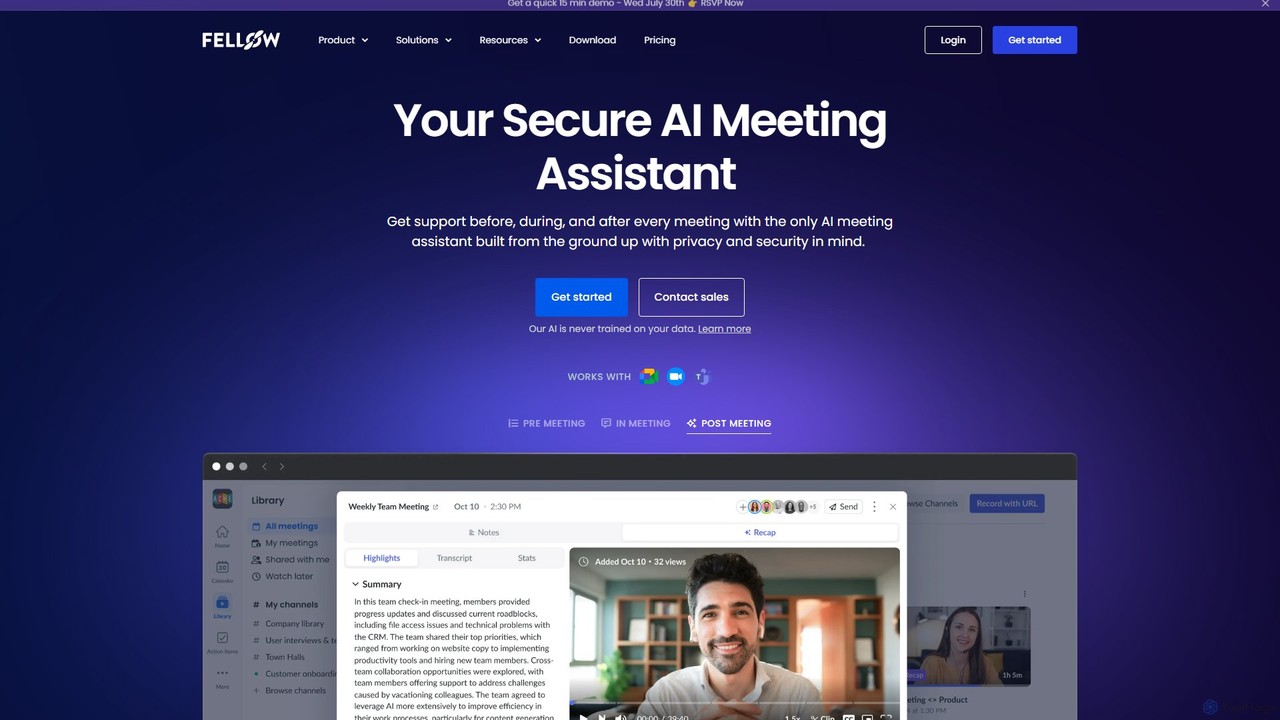
Fellow.app
Fellow.app is a secure AI meeting assistant designed to enhance productivity for the entire meeting lifecycle. It automatically records, transcribes, summarizes, and assigns action items, allowing teams to focus on collaboration. With a strong emphasis on privacy, Fellow ensures your meeting data is always protected.
Team Collaboration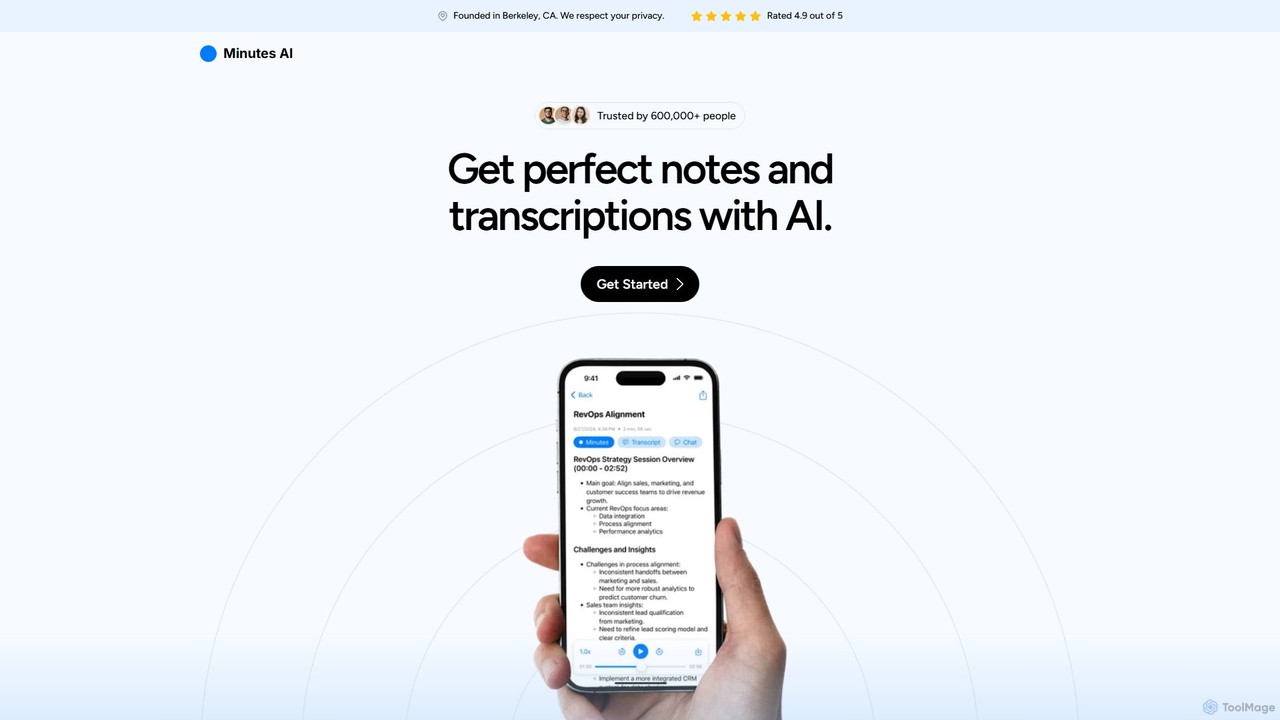
myminutes
myminutes is an AI-powered tool that automates note-taking and transcription from audio. It instantly converts live recordings, audio files, or YouTube videos into beautifully formatted, summarized notes and accurate transcripts, allowing you to focus on the conversation.
Meeting AssistantNote This Down Categories
Note This Down Embed Widget
Copy this embed code to place the badge on your blog, article, or product site and send readers directly to this ToolMage detail page.

Related AI tools
pen2txt
Pen2txt is an AI-powered handwriting recognition (HTR) tool that effortlessly converts handwritten notes into editable, searchable digital text. It supports various languages and handwriting styles, including imperfect and cursive scripts. With its intuitive interface and advanced analytical assistant, you can digitize, correct, summarize, and even translate your notes, bridging the gap between analog writing and digital efficiency.
Student Tools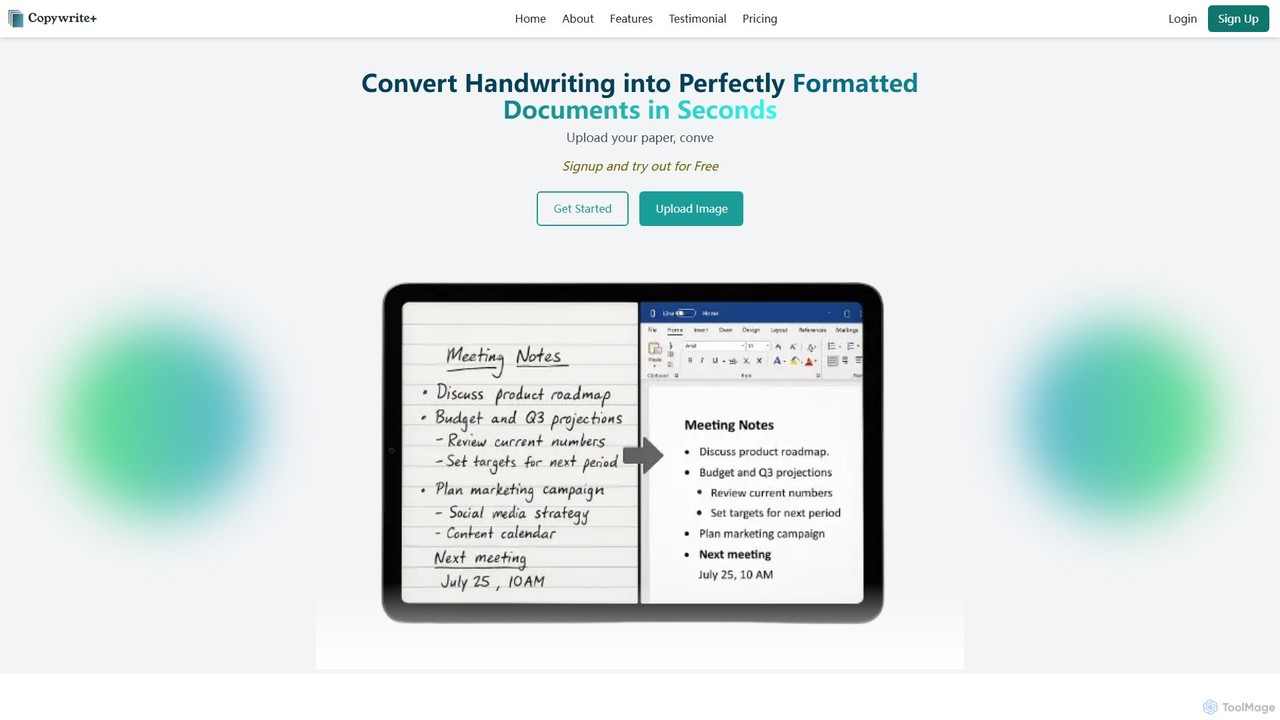
Copywritee
Copywritee is an AI-powered platform that converts handwritten notes, tables, and documents into perfectly formatted, editable digital text with 99% accuracy. It's more than a converter; it's a complete cloud-based document management ecosystem with an intuitive editor, spreadsheet support, and seamless collaboration features.
Data Entry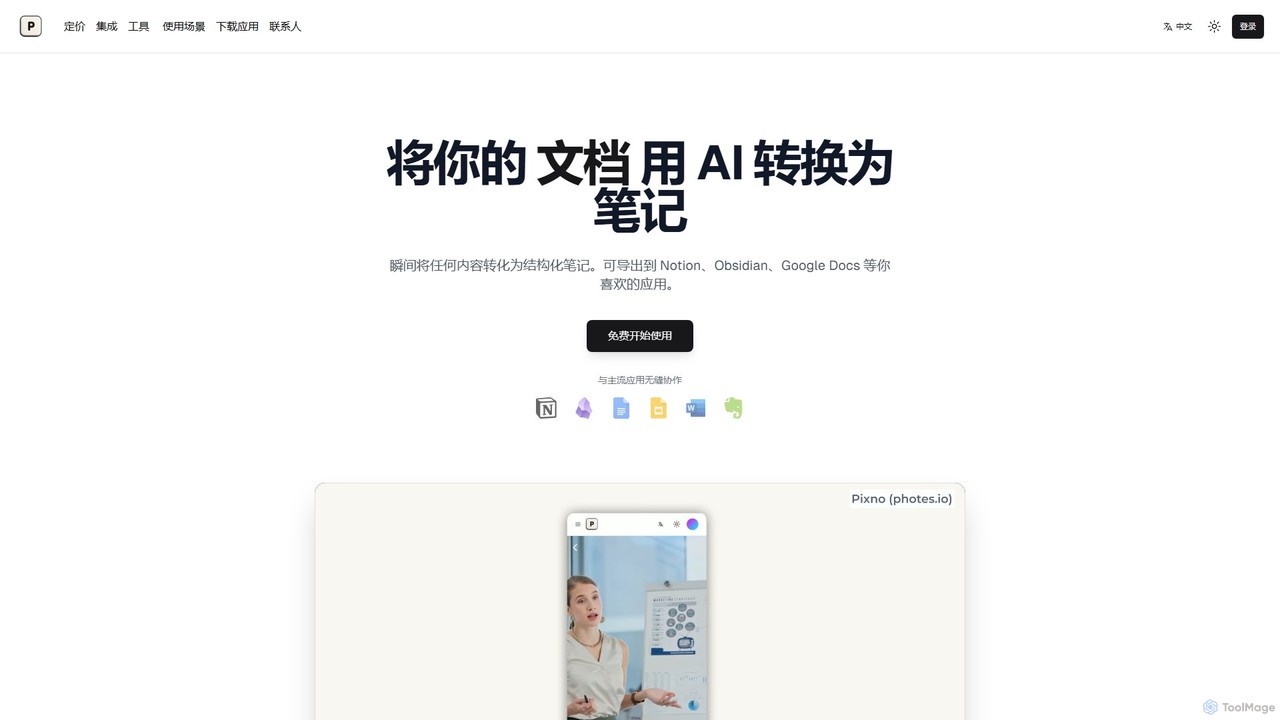
Photes
Photes (also known as Pixno) is an AI-powered note-taking assistant that instantly converts photos, documents, and audio into structured, editable notes. Leveraging GPT-4 Vision, it goes beyond simple OCR to understand context, charts, and handwriting. It seamlessly integrates with popular apps like Notion, Obsidian, and Google Docs, enhancing productivity for students, professionals, and anyone looking to digitize information effortlessly.
Transcription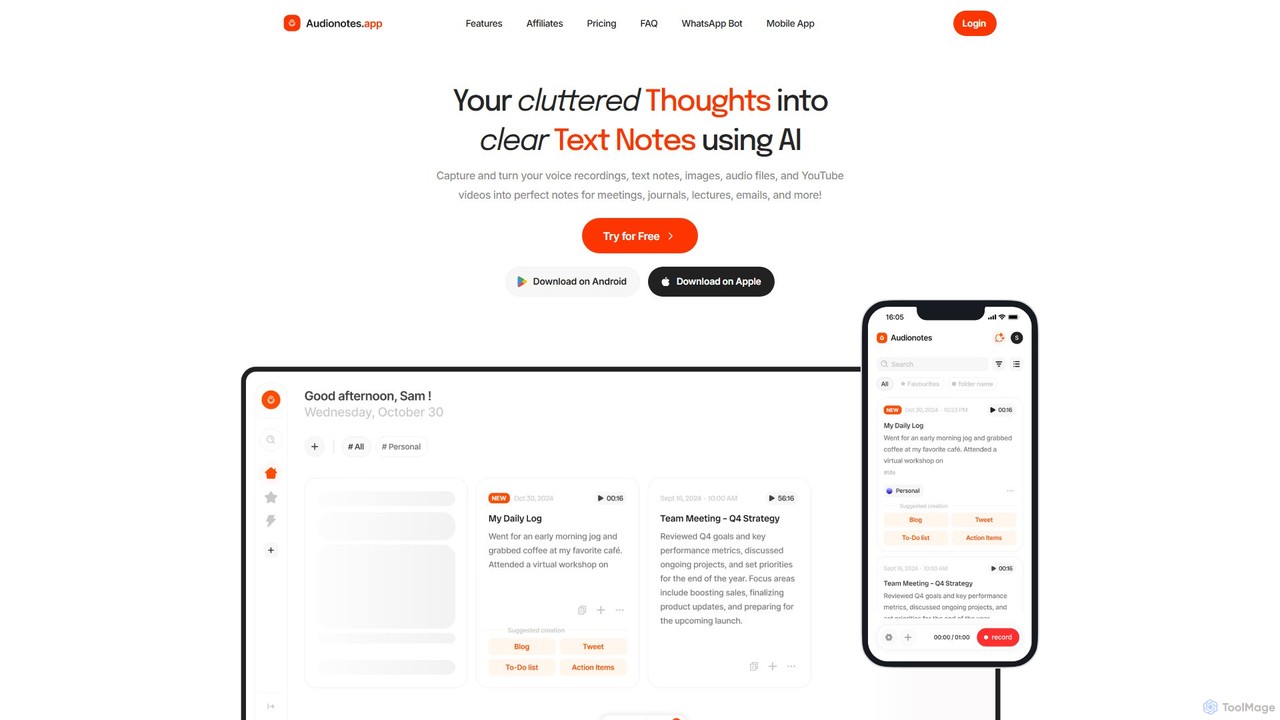
Audionotes.app
Audionotes.app is an AI-powered assistant that transforms your voice notes, text, images, audio/video files, and YouTube videos into clear, structured text. It's designed for professionals, students, and creators to capture ideas, transcribe meetings, summarize lectures, and generate content effortlessly across multiple platforms.
TranscriptionVoicenotes
Voicenotes is an award-winning AI note-taker that records your thoughts and meetings, transcribes them with high accuracy, and turns your voice memos into a searchable second brain. It supports over 100 languages and integrates seamlessly across mobile, desktop, and web platforms, including WhatsApp.
Meeting AssistantDictanote
Dictanote is an AI-powered note-taking and transcription tool that converts your voice into text with high accuracy. It features a smart note editor, a Chrome extension for dictation on any site, and an AI assistant, AudioScribe, to summarize and rewrite your voice notes.
Speech To TextFellow.app
Fellow.app is a secure AI meeting assistant designed to enhance productivity for the entire meeting lifecycle. It automatically records, transcribes, summarizes, and assigns action items, allowing teams to focus on collaboration. With a strong emphasis on privacy, Fellow ensures your meeting data is always protected.
Team Collaborationmyminutes
myminutes is an AI-powered tool that automates note-taking and transcription from audio. It instantly converts live recordings, audio files, or YouTube videos into beautifully formatted, summarized notes and accurate transcripts, allowing you to focus on the conversation.
Meeting Assistant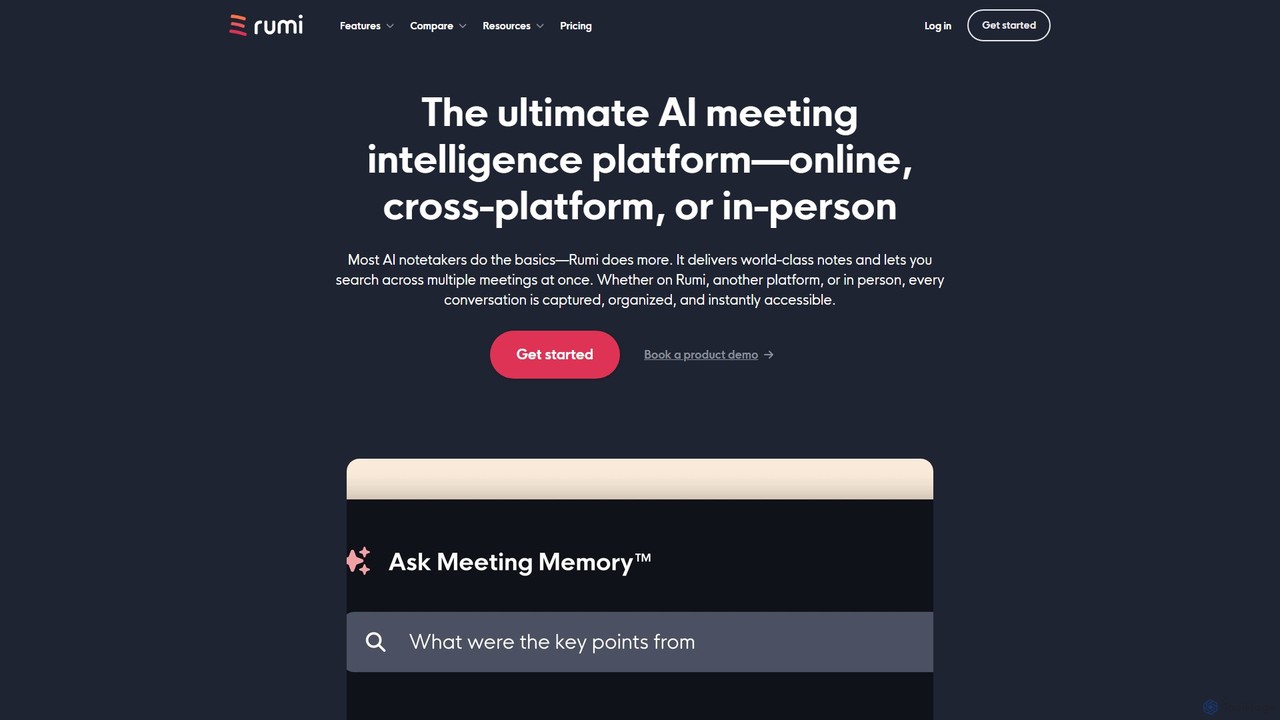
Rumi.ai
Rumi.ai is an all-in-one AI meeting intelligence platform that replaces traditional video conferencing tools. It provides world-class AI notes, summaries, and action items. Its standout feature, Meeting Memory™, allows you to search across all your team's past conversations, turning institutional knowledge into an instantly accessible and actionable resource.
Team Collaboration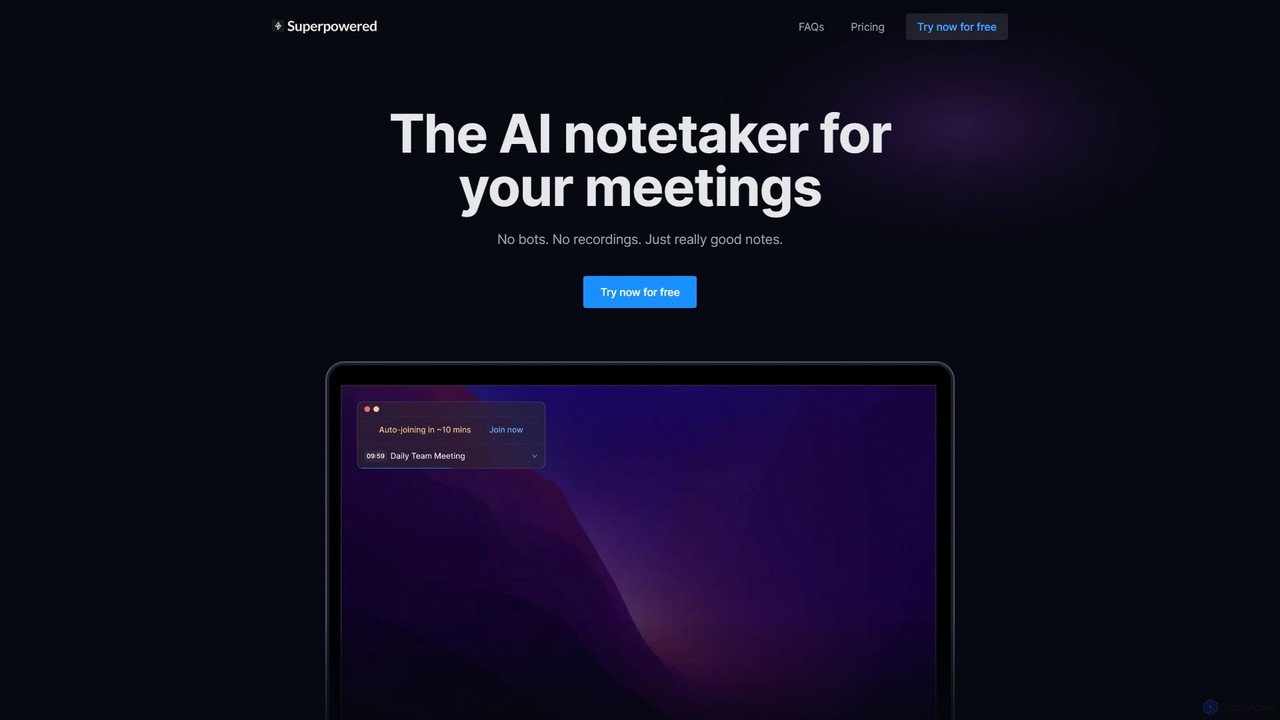
Superpowered
Superpowered is an AI meeting assistant that generates high-quality notes, summaries, and action items without using bots or recordings. It works seamlessly with all meeting platforms by transcribing device audio in real-time, ensuring privacy and security. It integrates with your calendar and workflow tools to boost productivity.
Meeting Assistant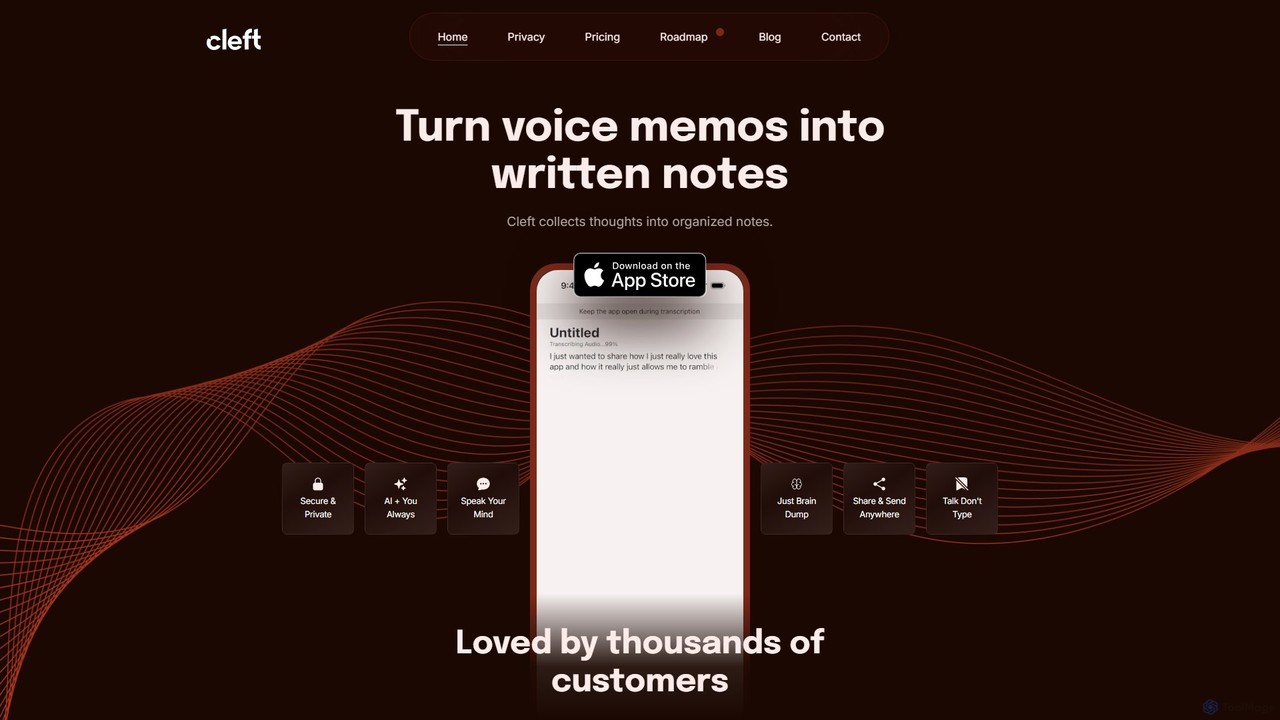
Cleft Notes
Cleft Notes is an AI-powered voice scribe that transforms your spoken thoughts into organized, summarized, and structured written notes. Available on iPhone, iPad, and Mac, it's designed to capture ideas effortlessly, making it ideal for professionals, creatives, and neurodivergent individuals. Just talk, and Cleft turns your ramblings into coherent text, checklists, and outlines.
Voice Recording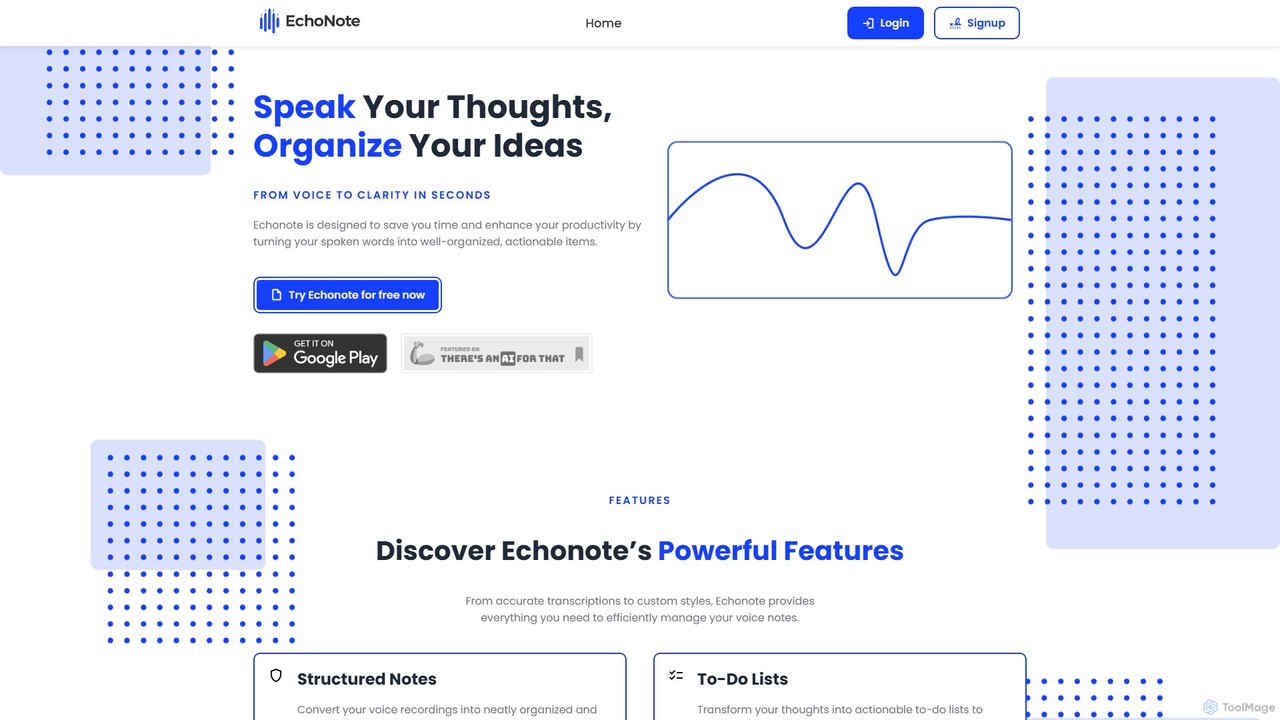
EchoNote
EchoNote is an AI-powered tool that transforms your voice recordings into structured notes, actionable to-do lists, and custom-formatted text. It supports over 50 languages and syncs across web, iOS, and Android to boost your productivity and organize your ideas effortlessly.
Speech To Text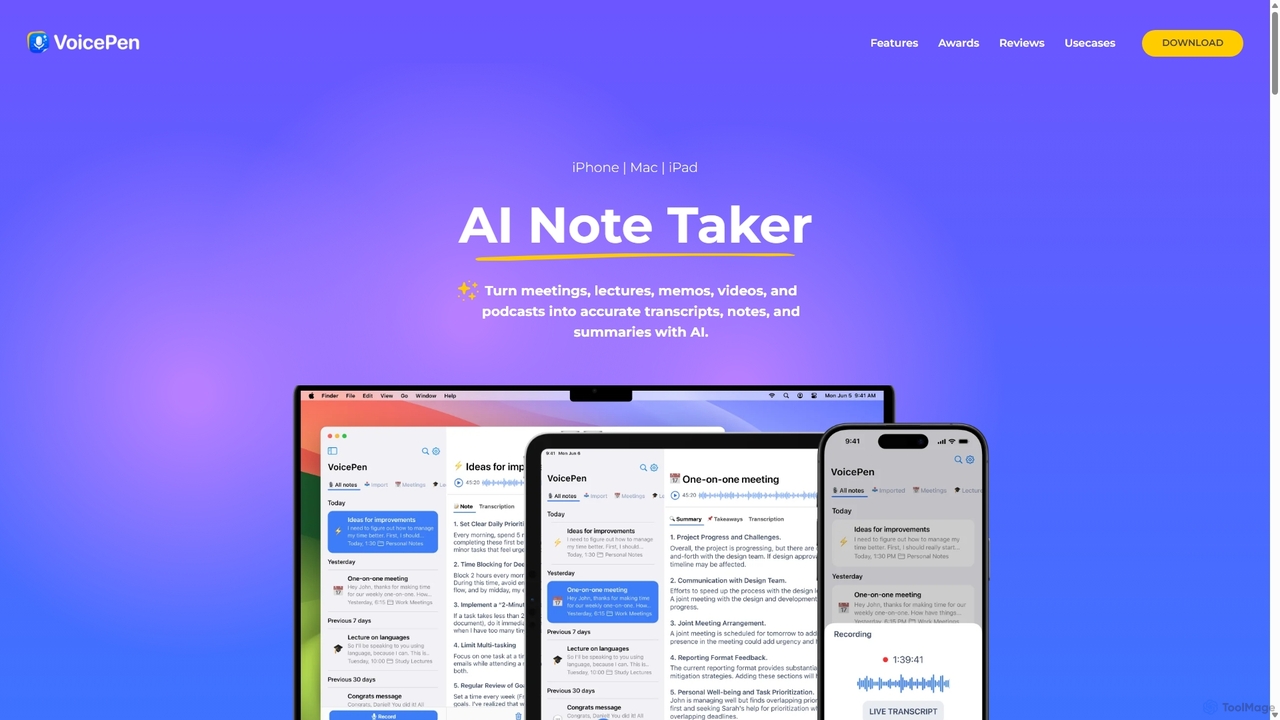
VoicePen
VoicePen is an AI-powered note-taking app for iPhone, Mac, and iPad that transforms meetings, lectures, and any audio/video into accurate transcripts, summaries, and structured notes. It features high-speed transcription, speaker separation, 80+ language support, and over 25 AI rewriting styles to boost your productivity.
Speech To Text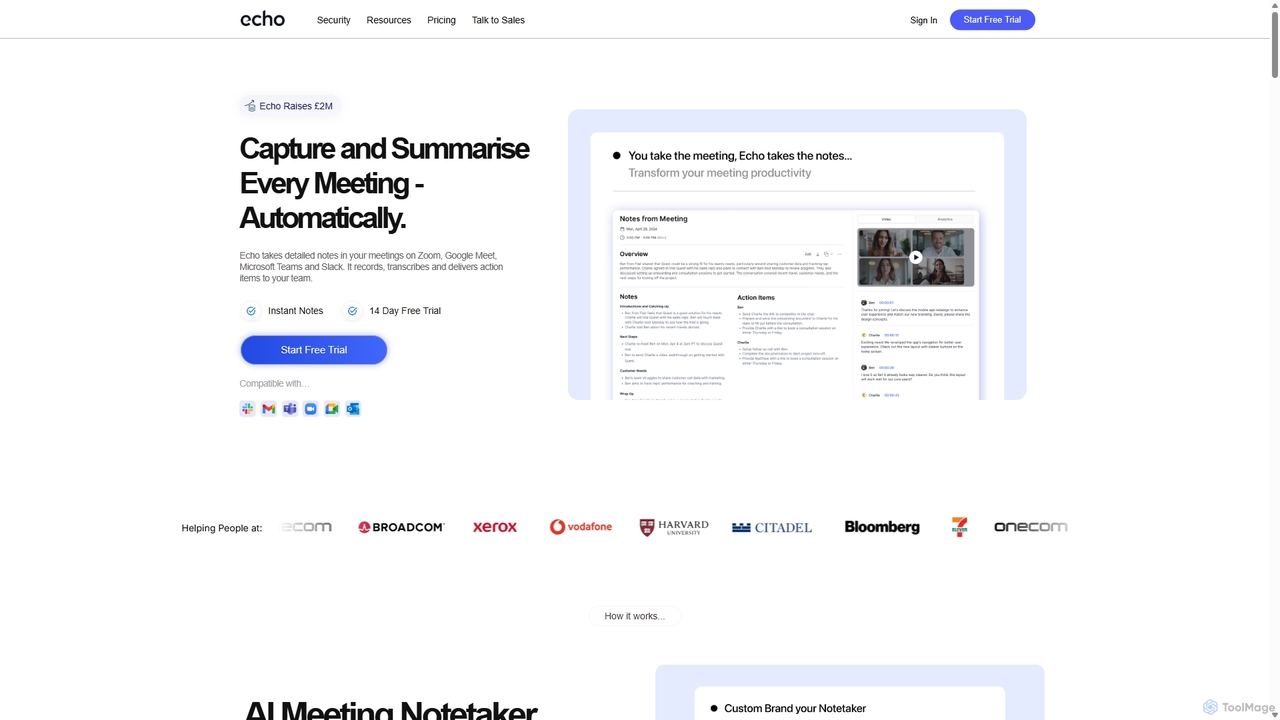
Meetecho
meetecho is an AI executive assistant that automatically joins your meetings on Zoom, Google Meet, and Microsoft Teams to record, transcribe, and generate detailed summaries with action items. It enhances productivity by eliminating manual note-taking and creating a searchable archive of all your conversations. Upcoming features include AI-powered email sorting and drafting.
Assistant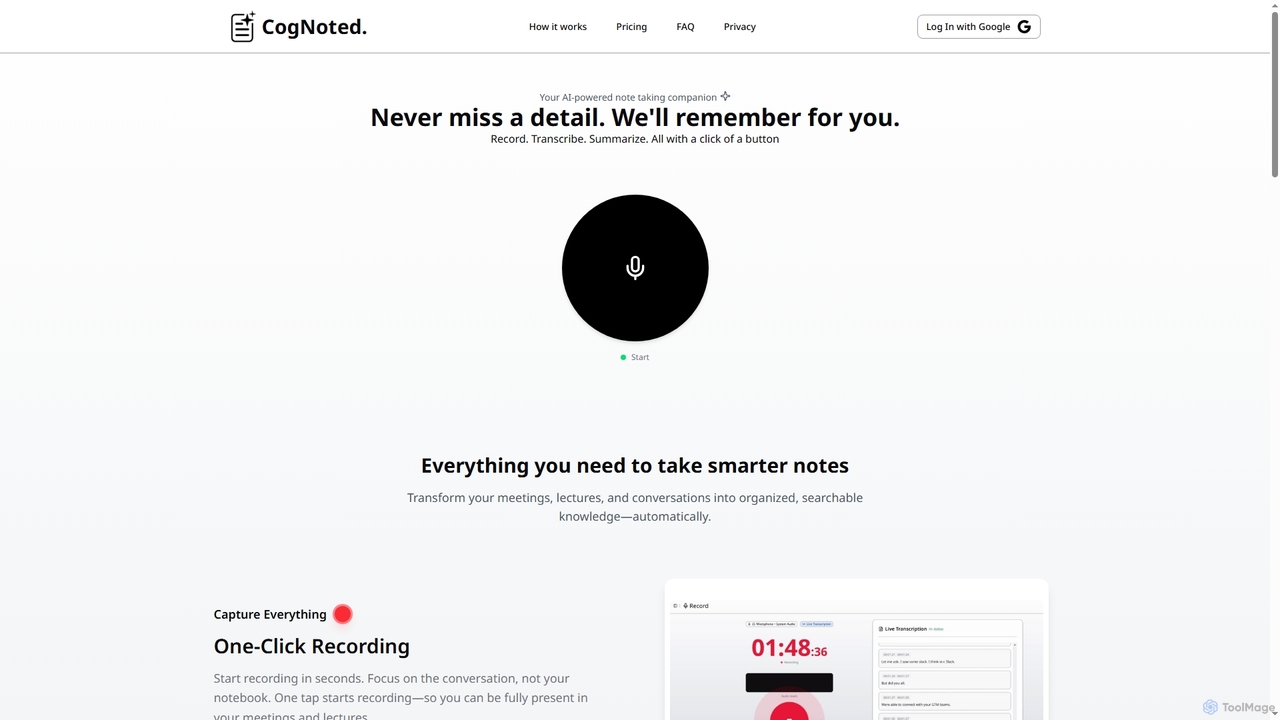
Cognoted
An AI-powered note-taking and transcription tool that transforms meetings, lectures, and conversations into organized, searchable knowledge. It offers one-click recording, real-time transcription, smart summaries, and an AI chat assistant to capture every detail and extract key insights effortlessly.
Meeting Assistant
Note This Down Comments (0)
Sign in to comment.
Sign inNo comments yet.