Office Best in category 3 results Document Management AI Tool

Popular AI tools in the Document Management field of Office include huixie、pen2txt、Note This Down, etc., helping you quickly improve efficiency.

pen2txt

pen2txt

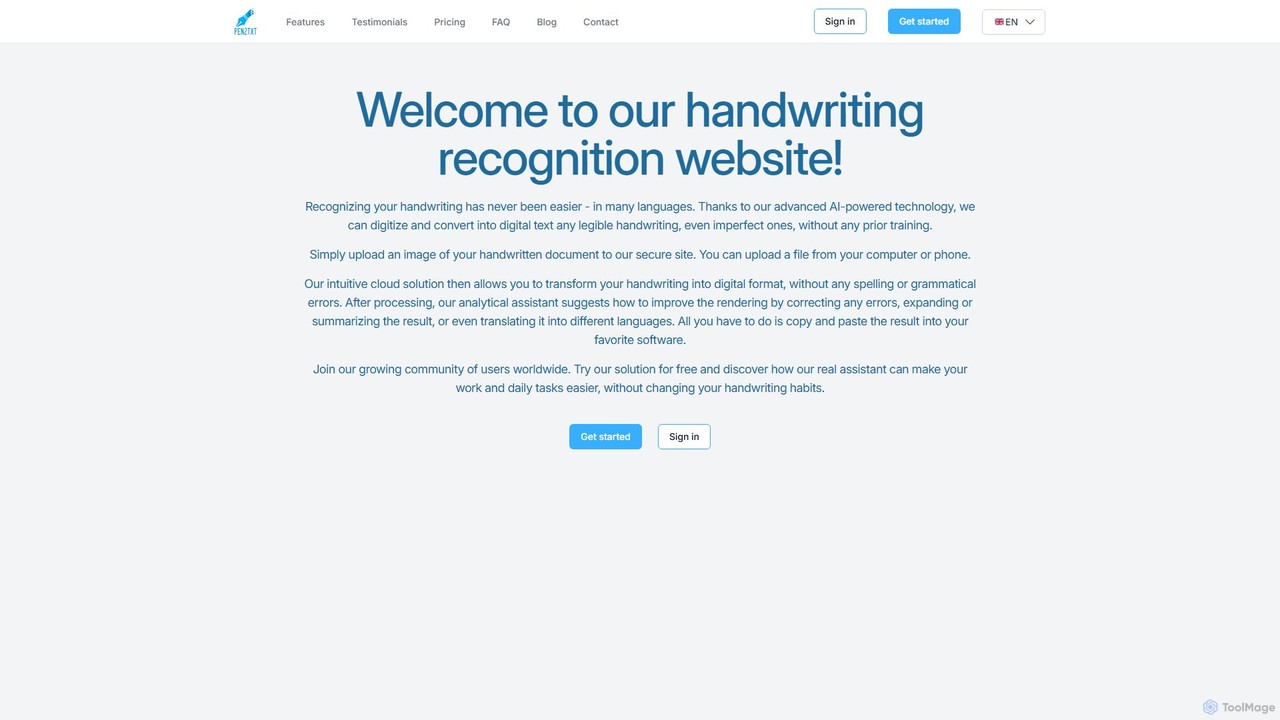
Pen2txt is an AI-powered handwriting recognition (HTR) tool that effortlessly converts handwritten notes into editable, searchable digital text. …

5.2K
huixie

huixie

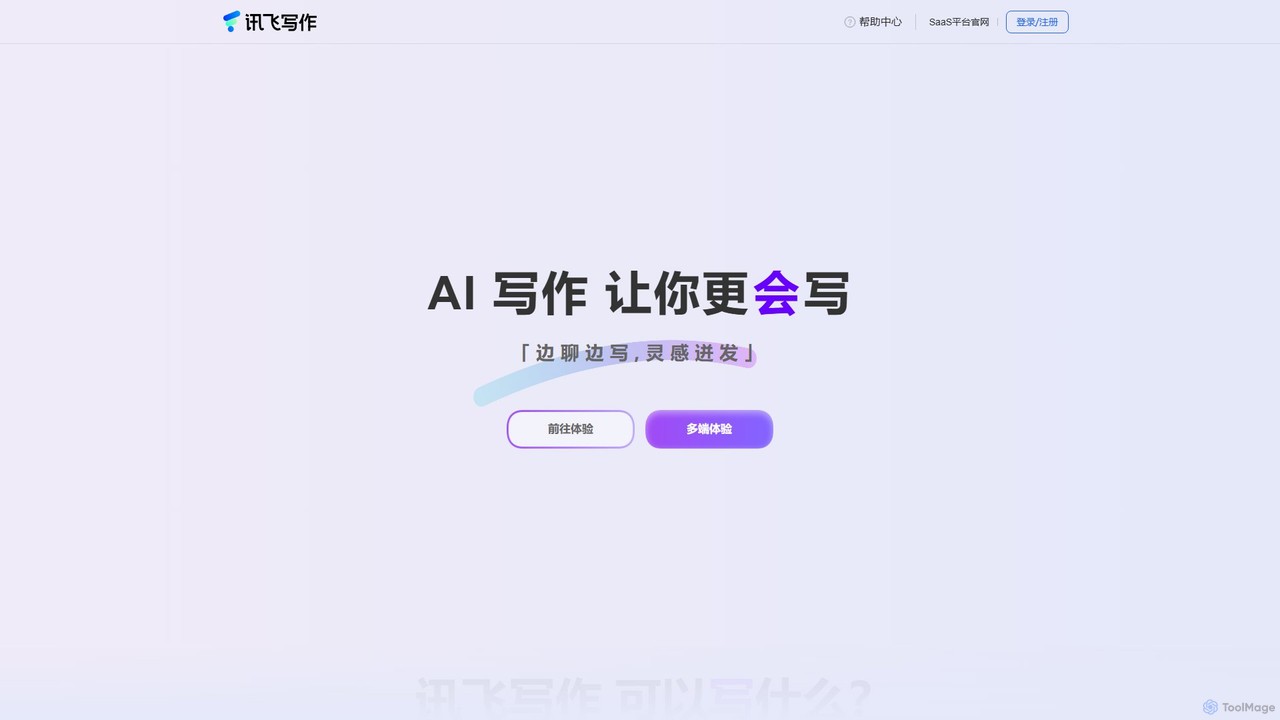
huixie is an intelligent AI writing assistant from iFlytek, designed to enhance writing efficiency and quality. It supports …

9.3K
Note This Down

Note This Down

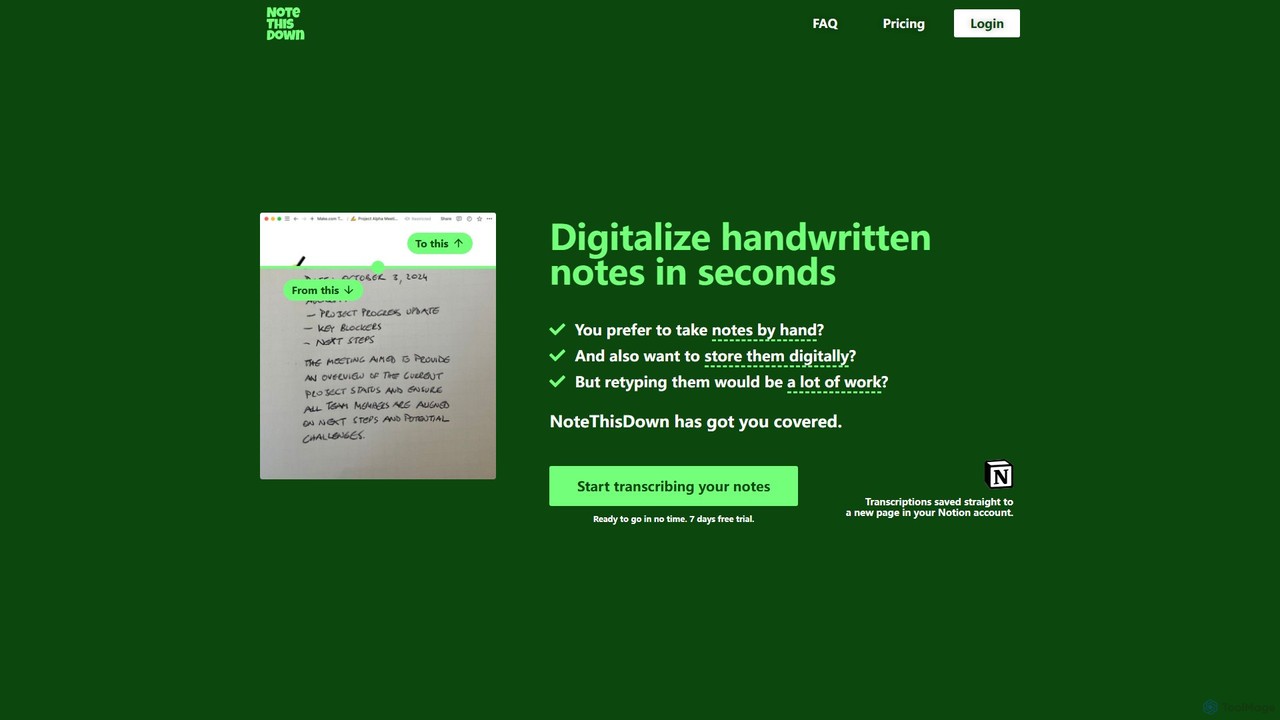
Note This Down is an AI-powered tool that specializes in transcribing handwritten notes into editable digital text. Simply …

2.4K

About Document Management

Document Management tools powered by AI are designed to automate, optimize, and enhance the entire lifecycle of digital documents, from creation and organization to retrieval and archiving. Leveraging advanced capabilities like Natural Language Processing (NLP), machine learning, and computer vision, these tools intelligently process unstructured data, extract key information, and facilitate seamless collaboration. They transform chaotic document workflows into structured, searchable, and actionable insights, significantly boosting operational efficiency and data accuracy across various business functions.

Core Features

  • Intelligent Classification & Tagging: Automatically categorizes documents and applies relevant tags based on content, enabling faster organization and retrieval.
  • Automated Data Extraction: Uses AI to identify and extract specific data points (e.g., invoice numbers, contract clauses, customer details) from various document types.
  • Semantic Search & Retrieval: Allows users to find documents not just by keywords, but by understanding the meaning and context of their queries, even across large repositories.
  • Document Summarization: Generates concise summaries of lengthy documents, helping users quickly grasp essential information without reading the full text.
  • Version Control & Audit Trails: AI-enhanced systems track document changes, manage versions, and provide detailed audit trails for compliance and transparency.

Applicable Scenarios

AI-powered Document Management is crucial for organizations handling vast amounts of information, such as legal firms managing contracts, finance departments processing invoices, or HR teams organizing employee records. It streamlines compliance processes, accelerates information discovery for research, and automates routine administrative tasks, freeing up valuable human resources for more strategic work.

How to Choose

When selecting an AI Document Management solution, consider its integration capabilities with existing systems, the accuracy of its AI models for your specific document types, and its scalability to handle future data growth. Evaluate its security features, compliance certifications, and the flexibility of its workflow automation tools. User-friendliness and robust support are also vital for successful adoption.

Document ManagementUse Cases

1

Automated Invoice Processing for Finance Teams

Finance departments often struggle with manually processing hundreds or thousands of invoices, leading to errors and delays. AI Document Management tools can automatically extract key data like vendor names, amounts, and due dates from various invoice formats (PDF, scanned images), classify them, and route them for approval. This significantly reduces manual data entry, accelerates payment cycles, and improves accuracy, allowing finance professionals to focus on financial analysis rather than repetitive tasks.

2

Contract Analysis and Compliance for Legal Departments

Legal teams manage complex contracts that require meticulous review for specific clauses, terms, and compliance risks. AI-powered document management can rapidly scan large volumes of contracts, identify critical clauses, highlight discrepancies, and flag potential compliance issues. This drastically cuts down review time, minimizes human error, and ensures adherence to regulatory requirements, providing legal professionals with a powerful tool for risk mitigation and efficient contract lifecycle management.

3

Research Paper Organization and Semantic Search for Academics

Academics and researchers frequently deal with vast libraries of scientific papers, articles, and reports. AI Document Management tools can automatically categorize these documents by topic, extract key findings, and enable semantic search, allowing researchers to find relevant information based on conceptual understanding rather than just keywords. This accelerates literature reviews, helps identify emerging trends, and supports the synthesis of complex information, enhancing research productivity.

4

Customer Feedback Analysis from Unstructured Documents

Product managers and customer experience teams often receive feedback through various unstructured documents like support tickets, emails, and survey responses. AI Document Management can process these documents, extract sentiment, identify common issues, and categorize feedback themes. This provides actionable insights into customer pain points and preferences, enabling data-driven product improvements and more targeted customer service strategies.

5

Policy Management and Updates for HR and Compliance

Human Resources and compliance departments must manage numerous policies, procedures, and regulatory documents that frequently require updates. AI tools can monitor regulatory changes, identify affected policies, and even suggest revisions based on new guidelines. They also ensure employees have access to the most current versions, automate acknowledgment tracking, and maintain an auditable trail, simplifying compliance and reducing administrative burden.

6

Automated Knowledge Base Creation and Maintenance for Support

Customer support teams rely on comprehensive knowledge bases to efficiently resolve queries. AI Document Management can automatically ingest support tickets, chat logs, and product manuals, extracting common questions and answers to populate a dynamic knowledge base. It can also identify gaps in existing documentation and suggest new content, ensuring the knowledge base remains up-to-date and highly effective, improving first-contact resolution rates.

Document ManagementFrequently Asked Questions