
Photes Overview
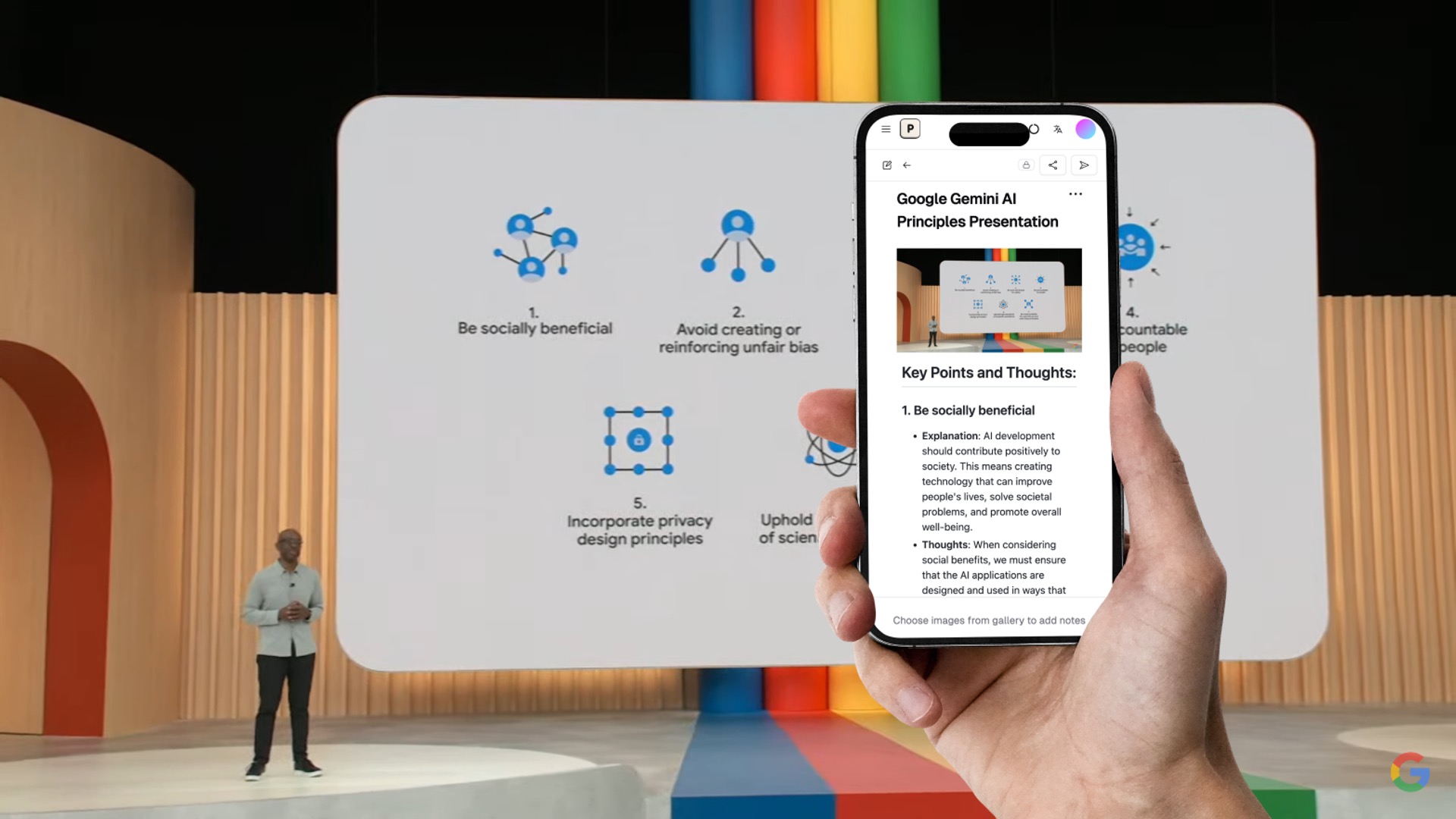
Photes, also known as Pixno, is a sophisticated AI note-taking tool designed to transform your smartphone and computer into an intelligent information capture device. It excels at converting unstructured data from various sources—such as photos of whiteboards, lecture slides, textbook pages, handwritten notes, audio recordings, and PDF documents—into well-organized, editable, and searchable digital notes. By utilizing advanced AI models like GPT-4 Vision and GPT-4o, Photes offers more than just standard Optical Character Recognition (OCR). It intelligently understands the context, layout, and content of your inputs, including complex elements like diagrams, charts, and graphs, to generate notes that are not only accurate but also logically structured.
The platform is built for modern workflows, offering seamless multi-device synchronization across phones, tablets, and desktops. This ensures your notes are always up-to-date and accessible wherever you are. Furthermore, Photes enhances your notes by automatically searching the web for relevant articles and references, adding depth and credibility to your captured information. With powerful integrations and a user-friendly interface, Photes aims to streamline your note-taking process, boost productivity, and help you turn scattered information into valuable knowledge.
How to use Photes
Using Photes is a straightforward process designed for efficiency. Here’s a step-by-step guide to get started:
- Sign Up: Visit the Photes website and register for an account using your email. This creates your personal workspace where all your notes will be stored and synced.
- Create a Notebook: Once logged in, create a new notebook to organize your notes by topic, project, or class.
- Upload Your Content: Click to upload files or simply drag and drop your content. Photes accepts multiple formats, including images (JPG, PNG), audio files (MP3), and documents (PDF). You can upload photos of slides, whiteboards, book pages, or handwritten notes.
- AI Processing: Photes' AI engine will automatically process the uploaded file. It extracts text, understands the structure, and generates a comprehensive, formatted note in seconds.
- Review and Edit: The generated note appears in the editor. You can review the text, make any necessary corrections, and add your own thoughts or annotations.
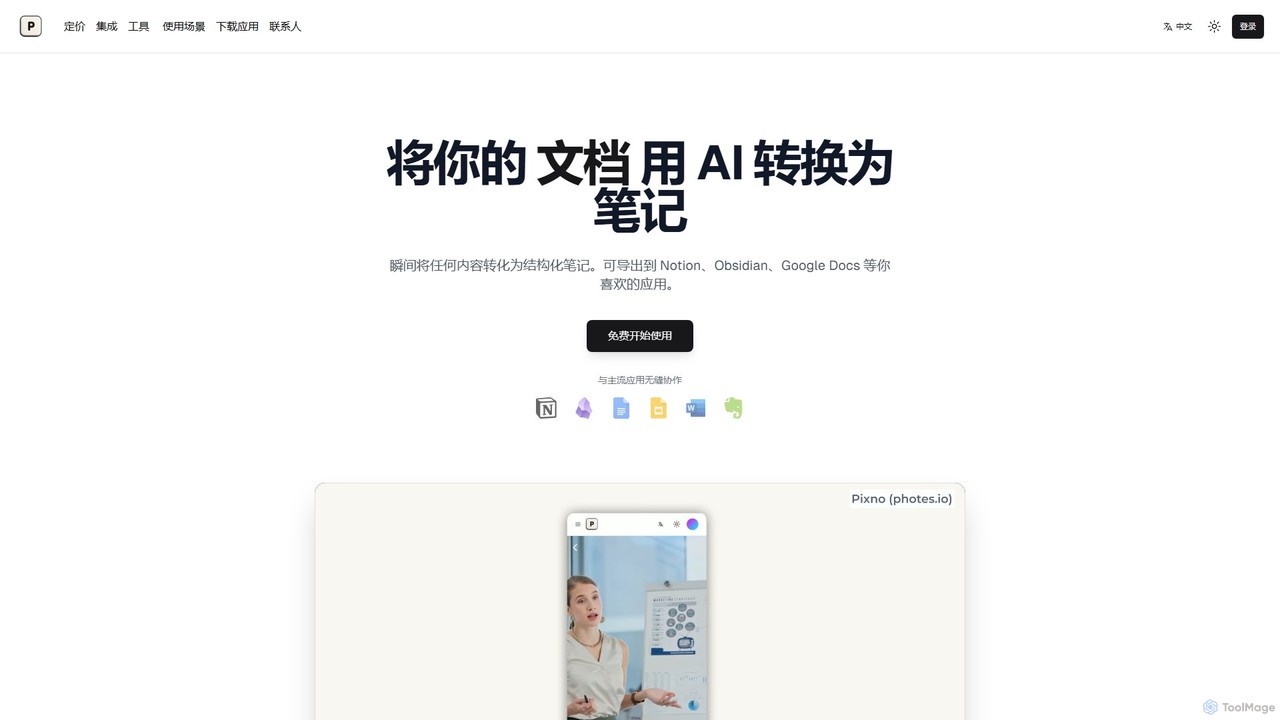
- Export and Sync: Your notes are saved automatically. You can keep them in Photes or export them with a single click to other applications like Notion, Obsidian, Google Docs, or Microsoft Word. For Obsidian users, a dedicated plugin allows for even deeper integration and direct note generation within Obsidian.
Core Features of Photes
- AI-Powered Content Conversion: Utilizes GPT-4 Vision and GPT-4o to accurately convert images, audio, and PDFs into structured text notes, understanding context beyond simple OCR.
- Multi-Modal Input: Supports a wide range of inputs including photos of slides, whiteboards, handwritten notes, textbook pages, and audio recordings.
- Intelligent Recognition: Capable of interpreting complex visual data such as Venn diagrams, statistical graphs, and charts, and organizing them logically within the notes.
- Seamless Integrations: Offers one-click export and synchronization with popular note-taking and productivity apps like Notion, Obsidian (via a dedicated plugin), Google Docs, and Microsoft Word.
- Web-Enhanced Notes: Automatically enriches notes by finding and citing relevant external articles and information from the web, adding context and credibility.
- Multi-Device Sync: Provides real-time synchronization of notes across all your devices, including smartphones, tablets, and desktops, ensuring you always have the latest version.
- Collaboration and Sharing: Allows you to share your notes with others and collaborate in real-time, making it ideal for team projects and study groups.
- AI-Powered Q&A: Ask questions about the content of your notes, and the AI assistant will provide answers based on the source material, acting as a personal tutor.
Use Cases for Photes
Photes is a versatile tool suitable for a wide range of users:
- For Students: Instantly digitize lecture slides, textbook chapters, and handwritten notes. Use the AI Q&A feature to study and prepare for exams by asking questions about the material.
- For Professionals: Capture whiteboard brainstorming sessions, meeting notes, and presentation slides. Quickly convert business cards into contacts and organize important documents.
- For Researchers: Digitize academic papers, book excerpts, and archival documents. Use the web-enhancement feature to find related studies and citations.
- For Content Creators: Transcribe interviews and podcasts from audio files. Gather information and inspiration from various sources and organize it into structured outlines.
- For Everyday Life: Save recipes from photos, digitize old letters, or organize information from event flyers.
Advantages of Photes
Photes stands out from other note-taking tools due to its powerful AI capabilities and user-centric design. Its primary advantage is its deep contextual understanding, which ensures that notes are not just transcribed but intelligently structured. The seamless integration with essential tools like Notion and Obsidian means it fits perfectly into existing workflows without disruption. The ability to process multiple types of media (images, audio, PDFs) in one place makes it a comprehensive solution for information management. Finally, the multi-device sync and collaboration features make it a flexible and powerful tool for both individual and team productivity.
Pricing and Plans
Photes operates on a freemium model, making it accessible to everyone.
- Free Plan: Users can get started for free to convert a limited number of photos, audio files, or documents into notes. This plan is ideal for trying out the core features and for light usage.
- Paid Plans: For users with more demanding needs, Photes offers premium subscription plans. These plans typically include a higher volume of conversions, access to advanced features like the AI Q&A and unlimited integrations, priority support, and larger storage capacity. Specific details on pricing tiers are available on the official website.
Traffic
Latest traffic
Status
Monthly traffic trend
- 2026-1: 68.8K
- 2026-2: 60.6K
- 2026-3: 75.5K
- 2026-4: 83.2K
- 2026-5: 69.8K
Geography
Top 5 countries / regions
- 🇺🇸United States32.2%
- 🇮🇳India20.4%
- 🇮🇹Italy19.2%
- 🇧🇪Belgium15.9%
- 🇲🇽Mexico12.2%
Traffic sources
| Source type | Percentage |
|---|---|
Direct | 80.1% |
Referral | 19.9% |
Top keywords
| Keyword | Cost per click |
|---|---|
| ai slides to notes generator | $0.00 |
| studio ghibli movies | $0.62 |
| tiktok video download | $0.40 |
| trasnformar de imagen a excel gratis | $0.00 |
| voglio argomentare delle slides in testo che programma posso usare con l'ai? | $0.00 |
Photes Alternatives
Audionotes.app
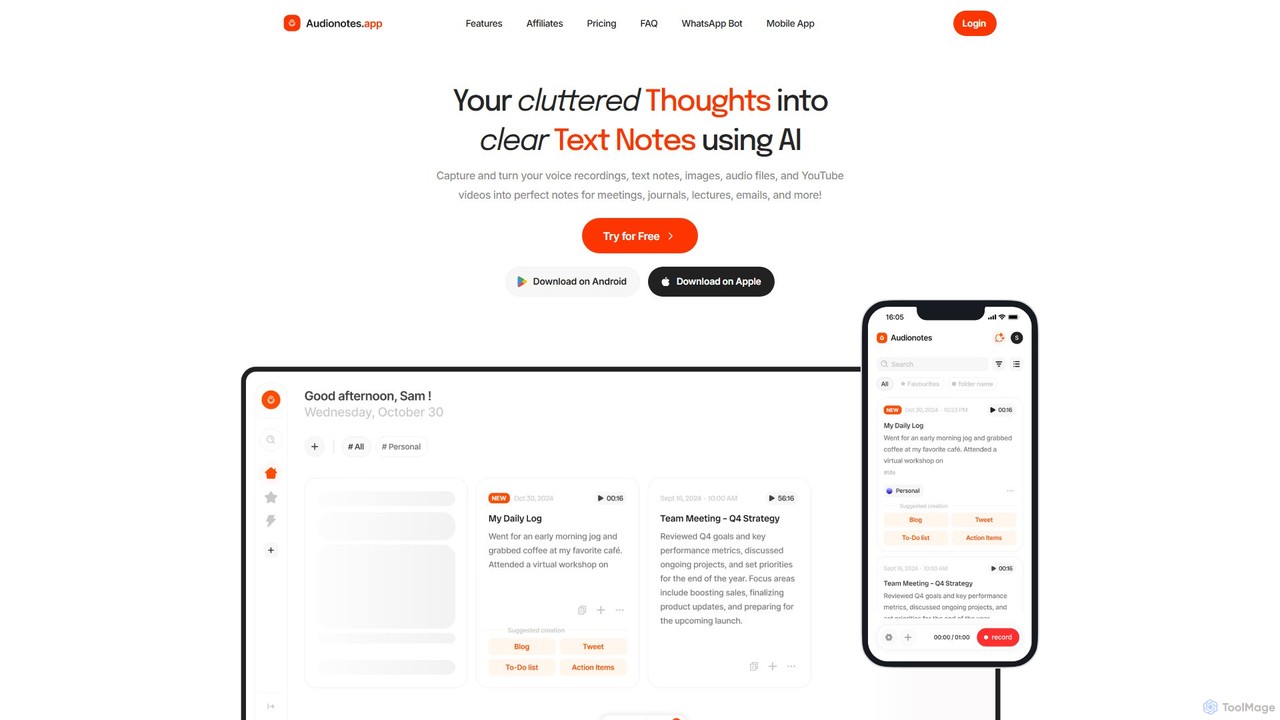
Audionotes.app is an AI-powered assistant that transforms your voice notes, text, images, audio/video files, and YouTube videos into clear, structured text. It's designed for professionals, students, and creators to capture ideas, transcribe meetings, summarize lectures, and generate content effortlessly across multiple platforms.
Transcription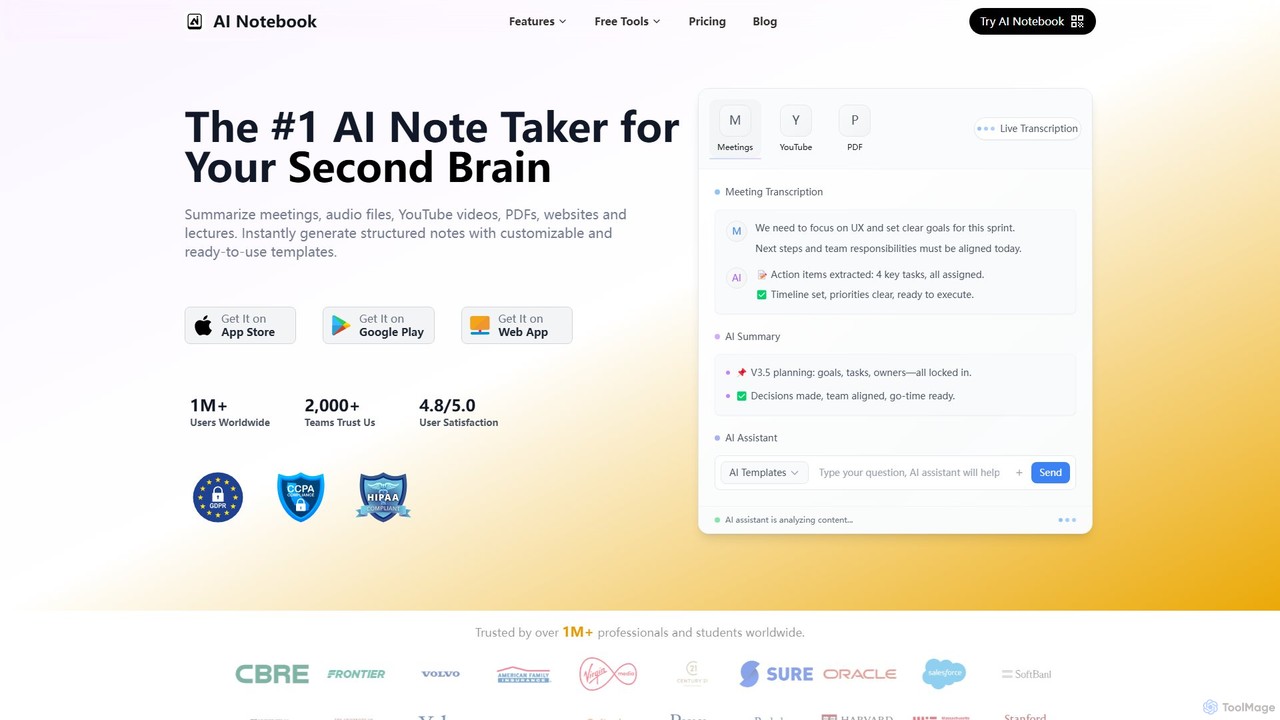
AI Notebook
AI Notebook is an intelligent note-taking and transcription tool that acts as your second brain. It instantly transcribes and summarizes meetings, lectures, audio/video files, YouTube videos, and PDFs. Using AI, it extracts key points, action items, and creates structured notes, boosting productivity for professionals, students, and teams.
Transcription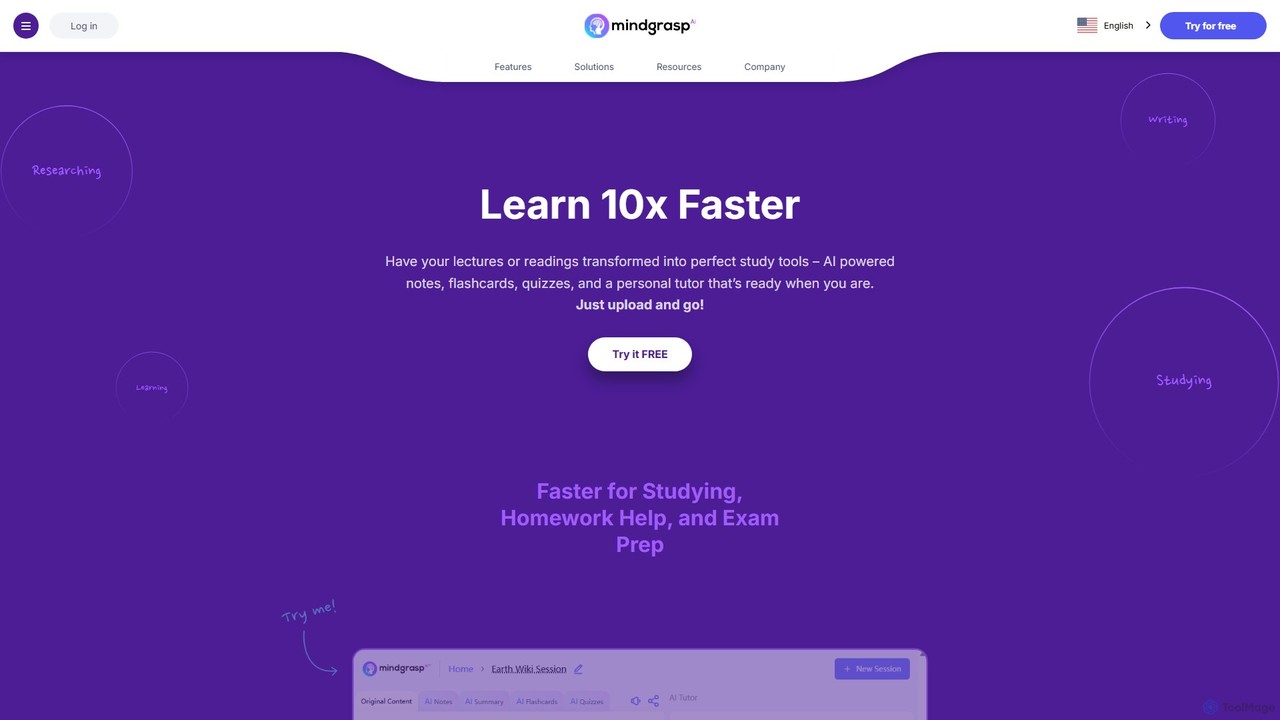
Mindgrasp
Mindgrasp is an AI-powered learning platform that helps students and professionals learn 10x faster. It instantly transforms any document, video, lecture, or link into summaries, detailed notes, flashcards, and quizzes. Its AI Tutor provides instant answers and assistance, making studying and research more efficient and accessible.
Study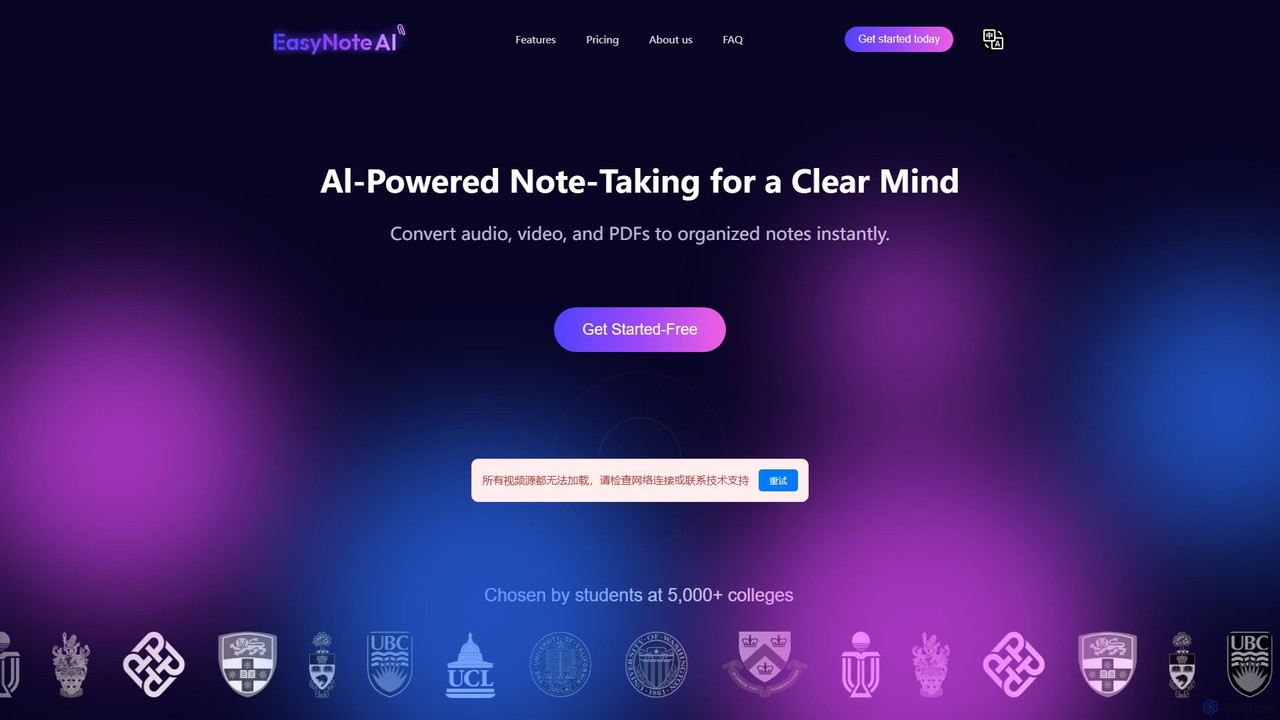
EasyNoteAI
EasyNoteAI is an AI-powered note-taking platform designed for students and researchers. It instantly converts audio, video, and PDFs into organized notes, summaries, quizzes, and mind maps. Streamline your learning and research by transforming unstructured information into structured, actionable knowledge with ease.
Summarizer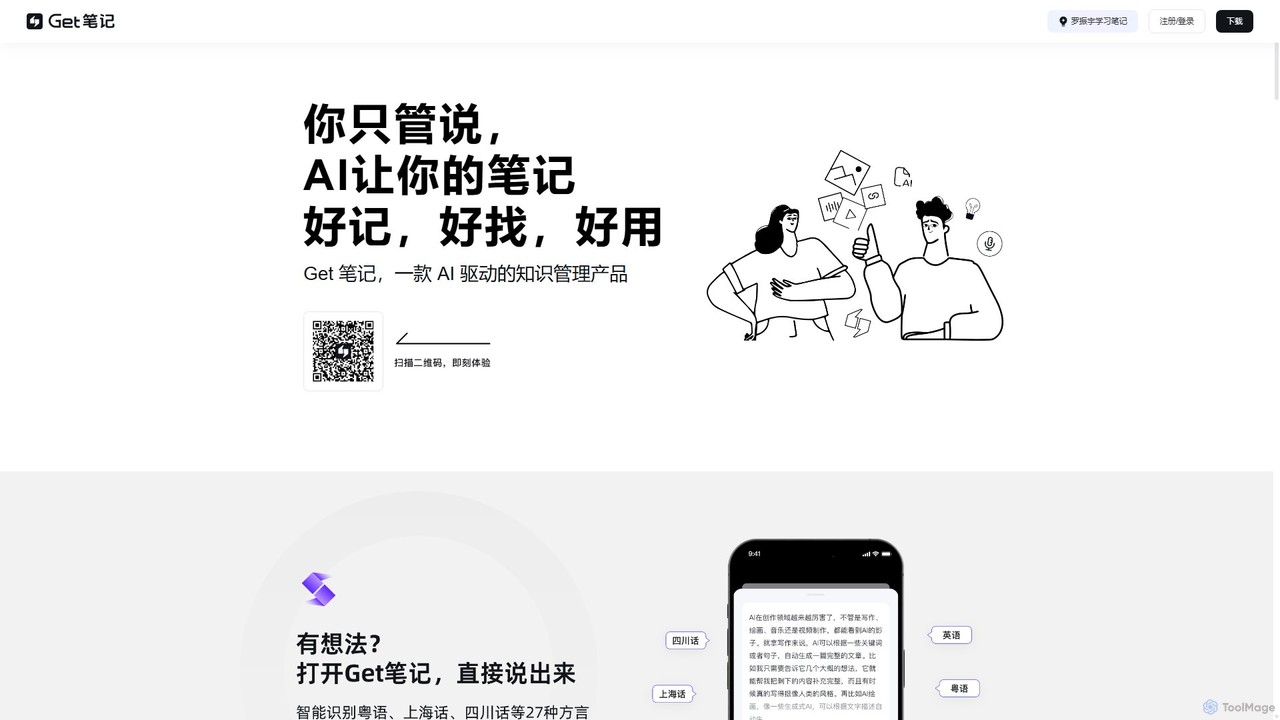
biji
biji is an AI-driven knowledge management app that transforms your spoken ideas into structured, searchable, and usable notes. Just talk, and biji's AI will handle transcription, summarization, and organization, making it effortless to capture and manage your thoughts, meetings, and learnings.
TranscriptionPhotes Categories
Photes Embed Widget
Copy this embed code to place the badge on your blog, article, or product site and send readers directly to this ToolMage detail page.

Related AI tools
Audionotes.app
Audionotes.app is an AI-powered assistant that transforms your voice notes, text, images, audio/video files, and YouTube videos into clear, structured text. It's designed for professionals, students, and creators to capture ideas, transcribe meetings, summarize lectures, and generate content effortlessly across multiple platforms.
Transcriptionbiji
biji is an AI-driven knowledge management app that transforms your spoken ideas into structured, searchable, and usable notes. Just talk, and biji's AI will handle transcription, summarization, and organization, making it effortless to capture and manage your thoughts, meetings, and learnings.
Transcription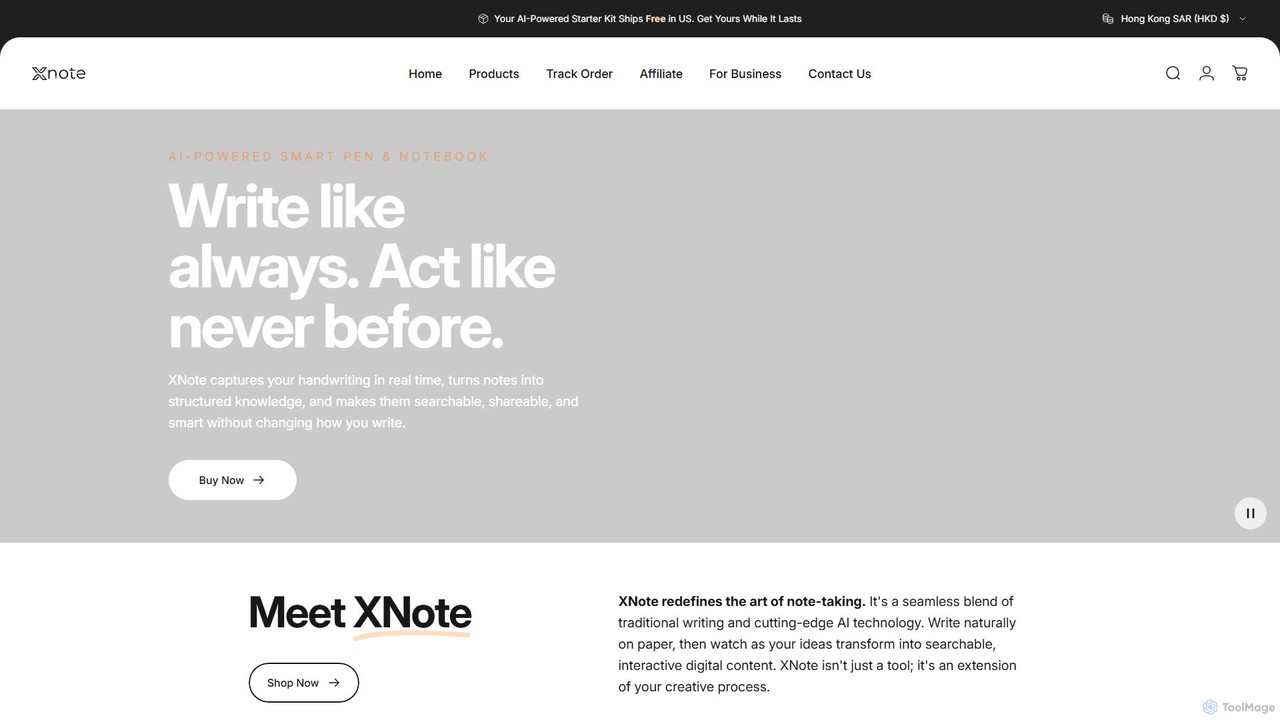
XNote
XNote is an AI-powered smart writing set that combines a traditional pen and paper notebook with advanced digital technology. It captures your handwriting in real-time, converts it into editable digital text, and uses AI to help you search, summarize, and organize your notes. It's designed for anyone who loves the feel of writing on paper but needs the power and convenience of digital tools.
Study Tools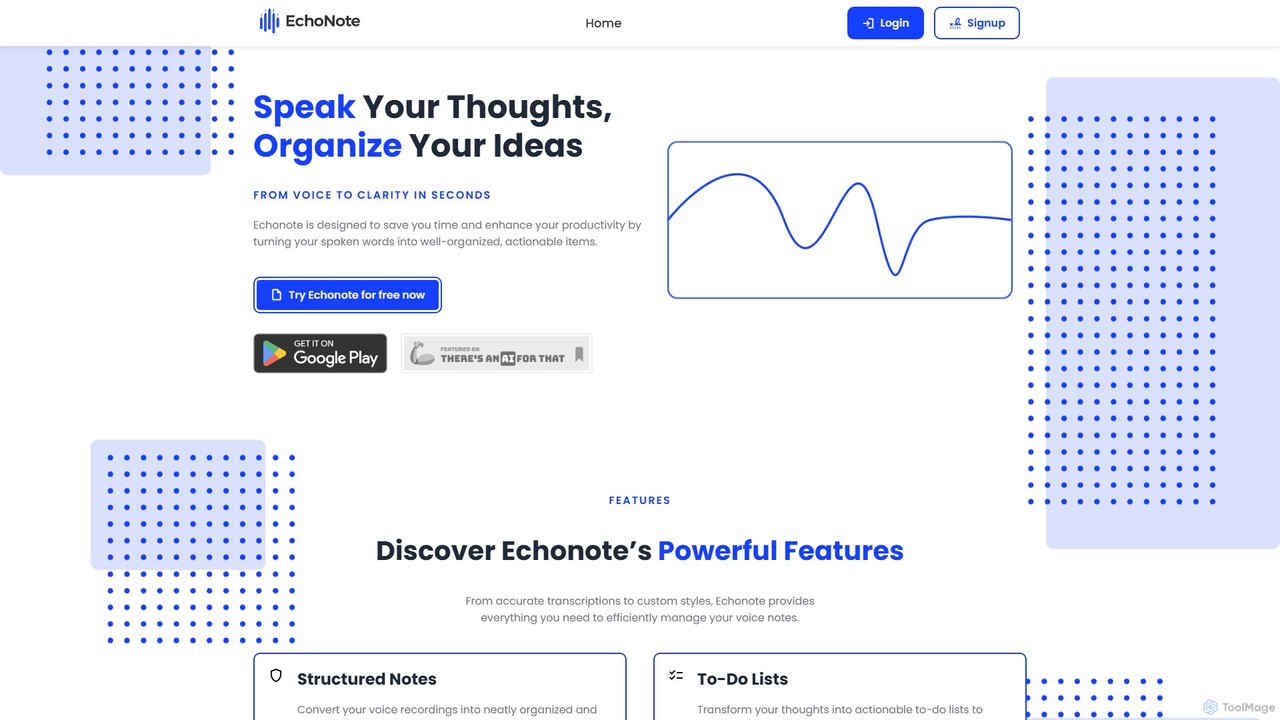
EchoNote
EchoNote is an AI-powered tool that transforms your voice recordings into structured notes, actionable to-do lists, and custom-formatted text. It supports over 50 languages and syncs across web, iOS, and Android to boost your productivity and organize your ideas effortlessly.
Speech To Text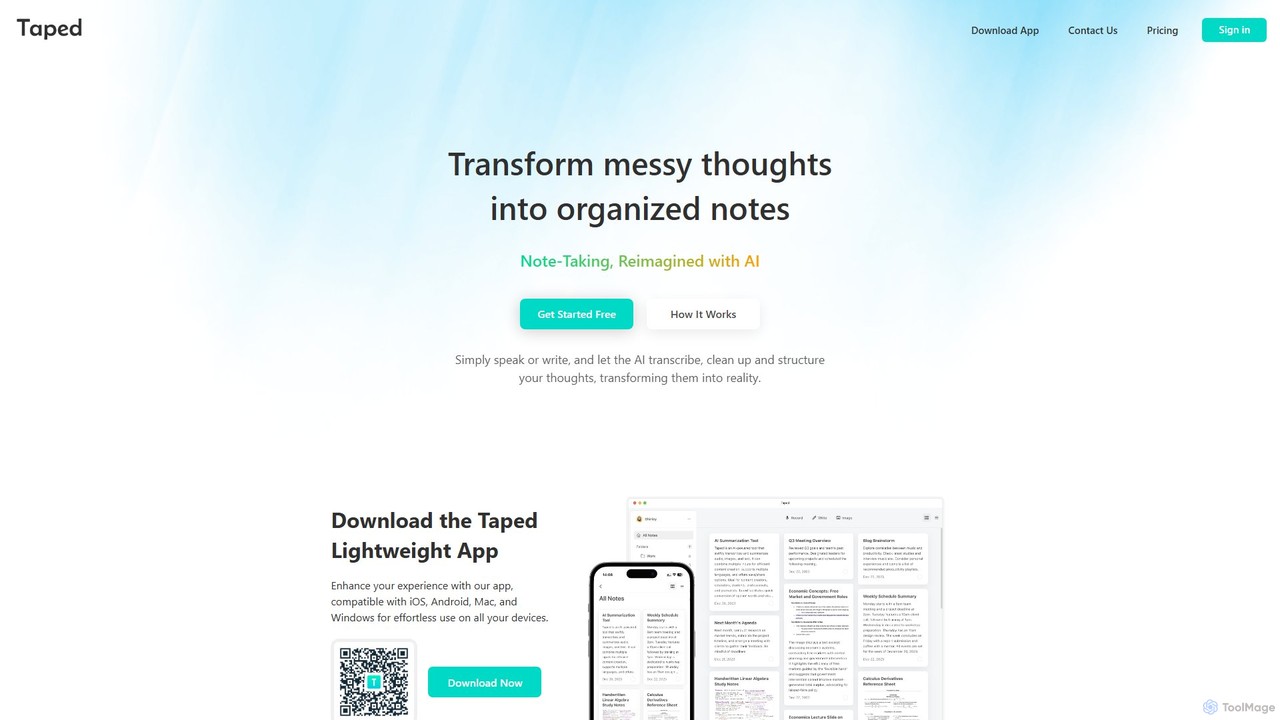
Taped
Taped is an AI-powered note-taking application that transforms your spoken or written thoughts into structured, organized, and summarized notes. It uses advanced AI to transcribe, clean up, and format your ideas, making it easy to capture and act on them across all your devices.
Transcription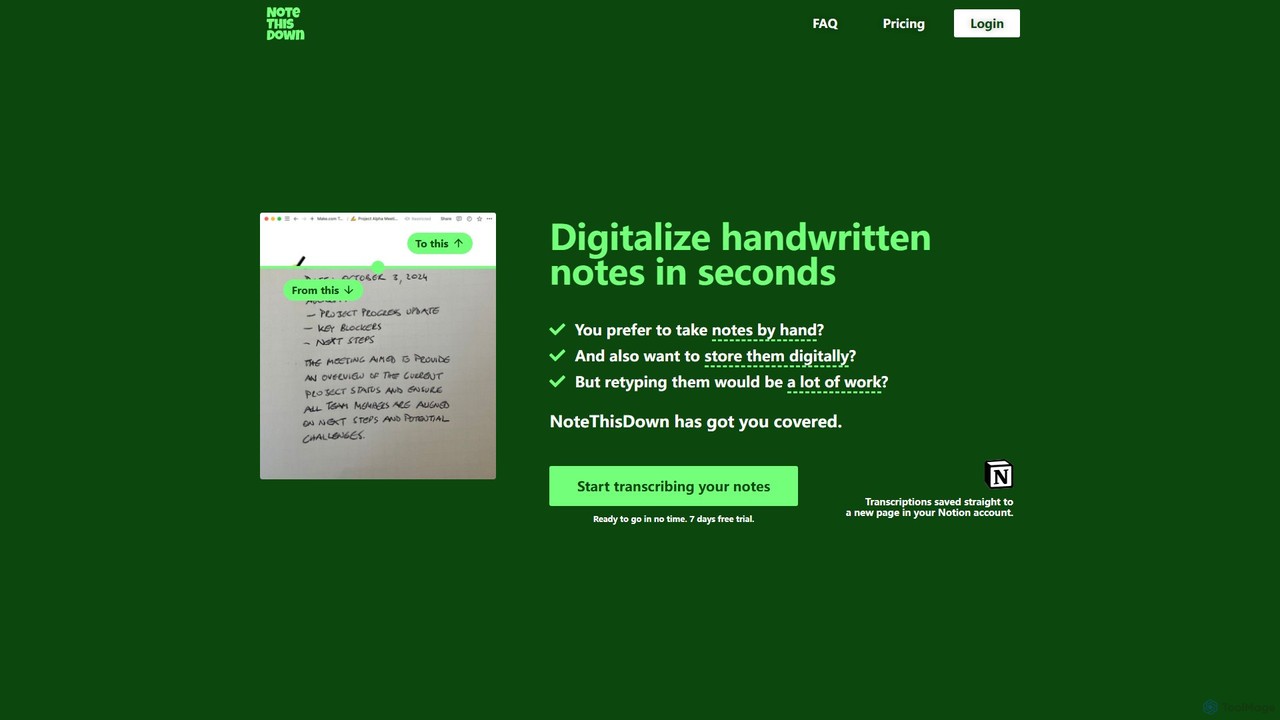
Note This Down
Note This Down is an AI-powered tool that specializes in transcribing handwritten notes into editable digital text. Simply upload photos of your notes, and the tool accurately converts them, saving the transcription directly to your Notion account for seamless organization and access.
Student Tools
Doclime
Doclime is an AI-powered document assistant that lets you chat with your PDFs. Upload any document, ask questions in plain English, and get instant, accurate answers with citations. It's designed to help students, researchers, and professionals quickly extract information and insights from dense materials.
Study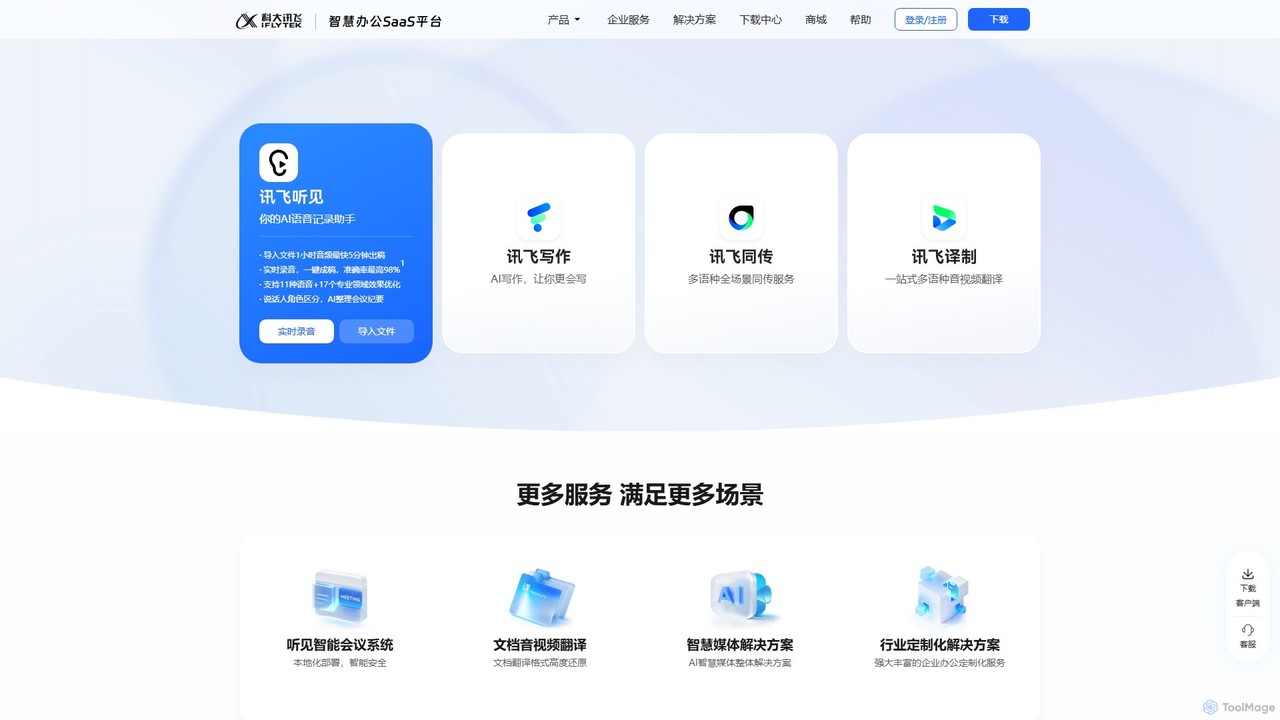
iflyrec
iFlyrec is an AI-powered voice assistant from iFlytek, specializing in high-accuracy speech-to-text transcription, real-time translation, and intelligent document generation. It supports multiple languages and professional domains, offering solutions for meetings, interviews, lectures, and content creation to boost productivity for professionals, students, and enterprises.
Speech To Text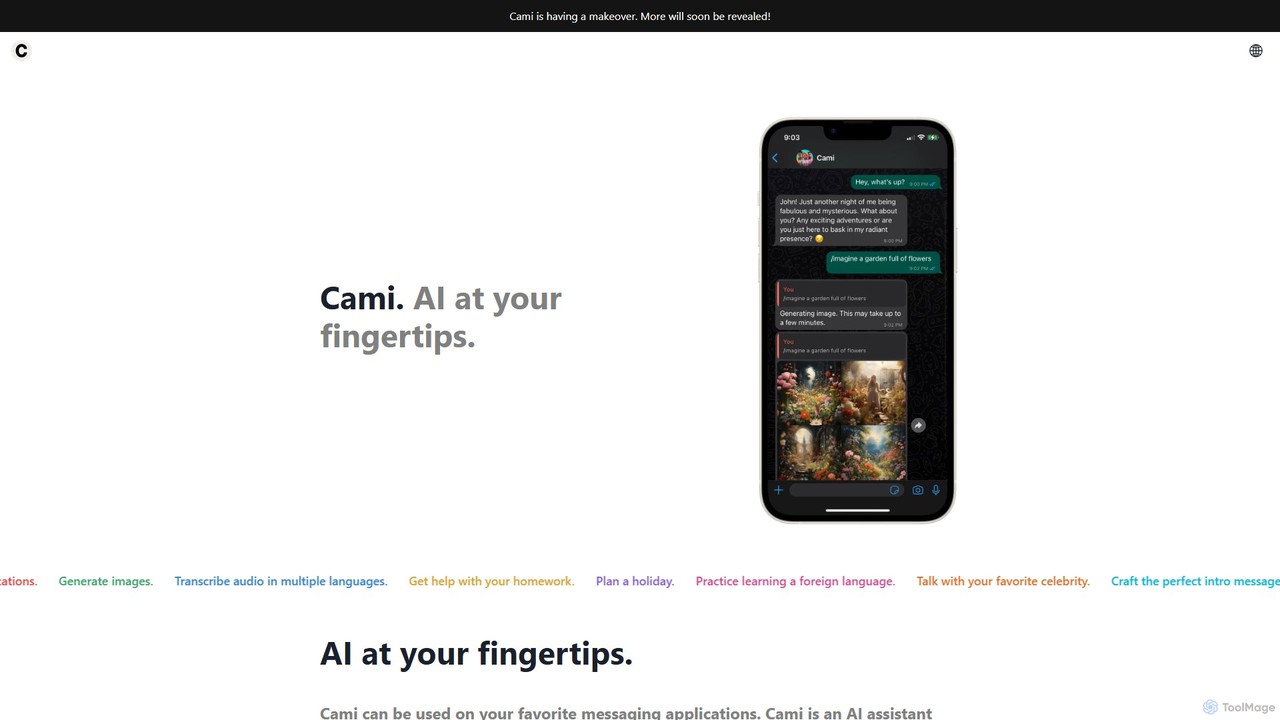
heycami
heycami is a versatile AI assistant integrated into your favorite messaging apps. It leverages advanced models like GPT-4 and Stable Diffusion to provide conversational help, generate stunning images, transcribe audio in multiple languages, and even adopt custom personalities. Access AI power directly from your chats for productivity and fun.
Transcription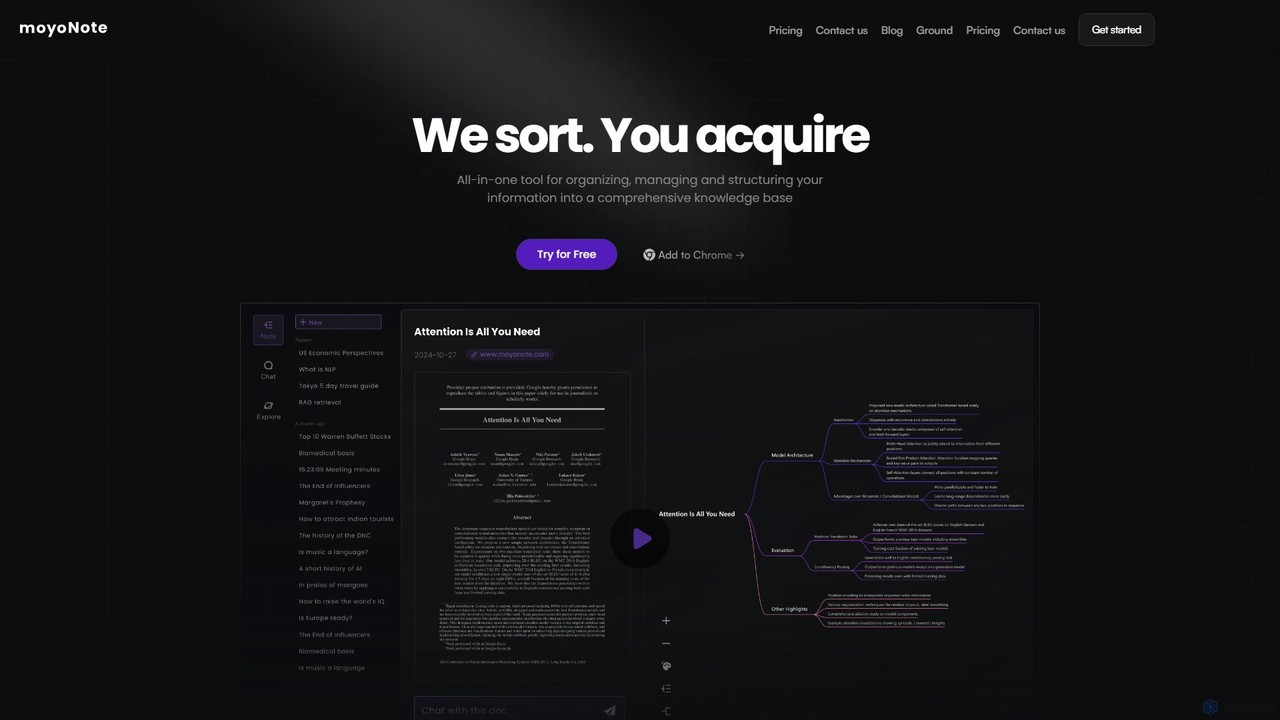
moyonote
moyonote is an AI-powered tool that automatically transforms documents, text, and various files into structured, interactive mind maps. It helps users quickly sort and acquire knowledge, enhancing productivity for students, professionals, and teams by simplifying complex information.
Document Analysis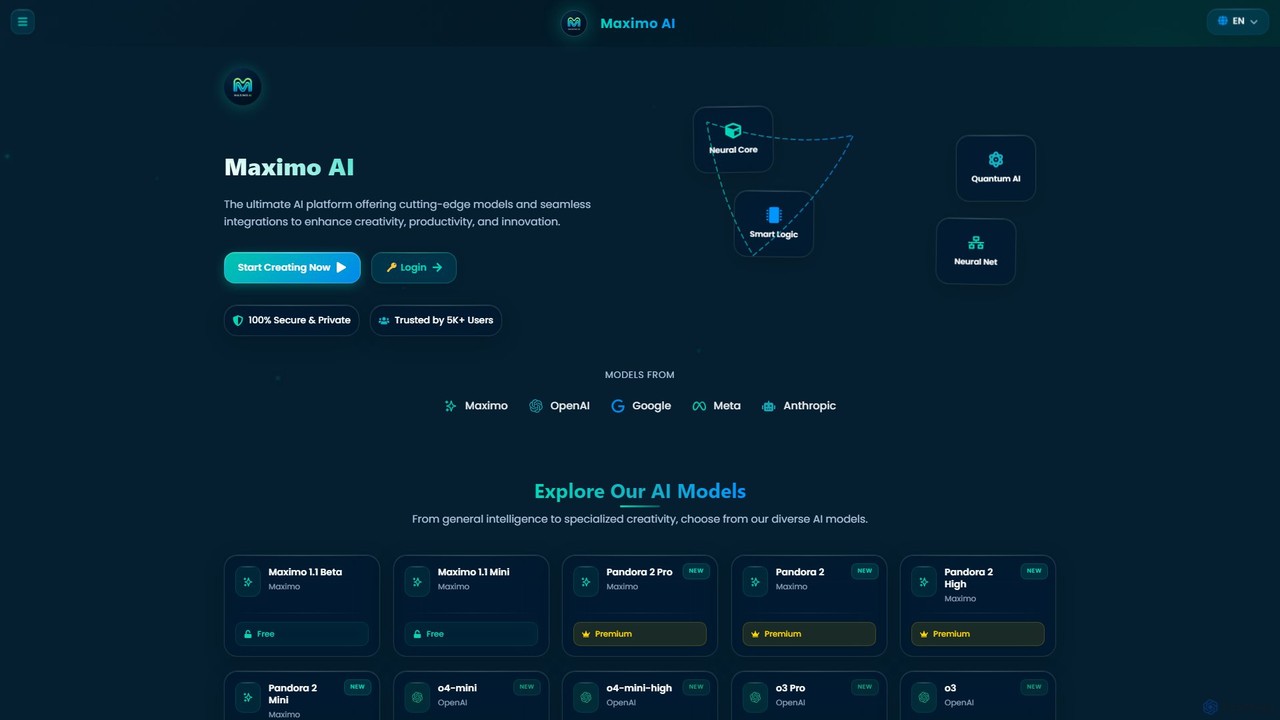
Maximo AI
Maximo AI is an advanced, all-in-one multi-modal AI platform that provides access to over 20 leading AI models, including GPT-4o, Claude 4, Gemini 2.5, and Llama 4. It's designed to supercharge your workflow by integrating AI chat, image generation, code assistance, and analysis of PDFs, audio, and video into a single, seamless interface. Enhance your creativity and productivity with this powerful AI toolkit.
Code Assistant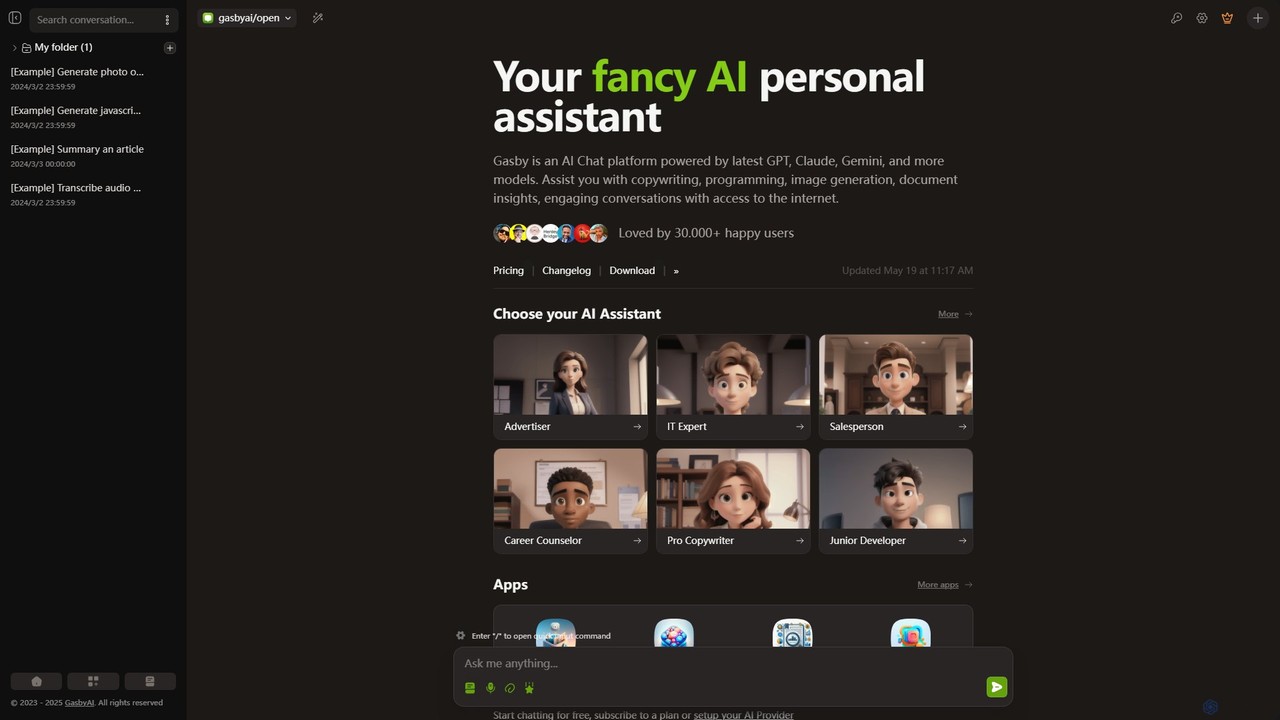
GasbyAI
GasbyAI is a versatile AI personal assistant and an all-in-one workspace that integrates over 100 AI models, including GPT-4, Claude 3, and Gemini. It offers a suite of specialized apps for image generation, audio transcription, document analysis, coding, and more, all within a unified, highly customizable, and user-friendly interface available on web and desktop.
Transcription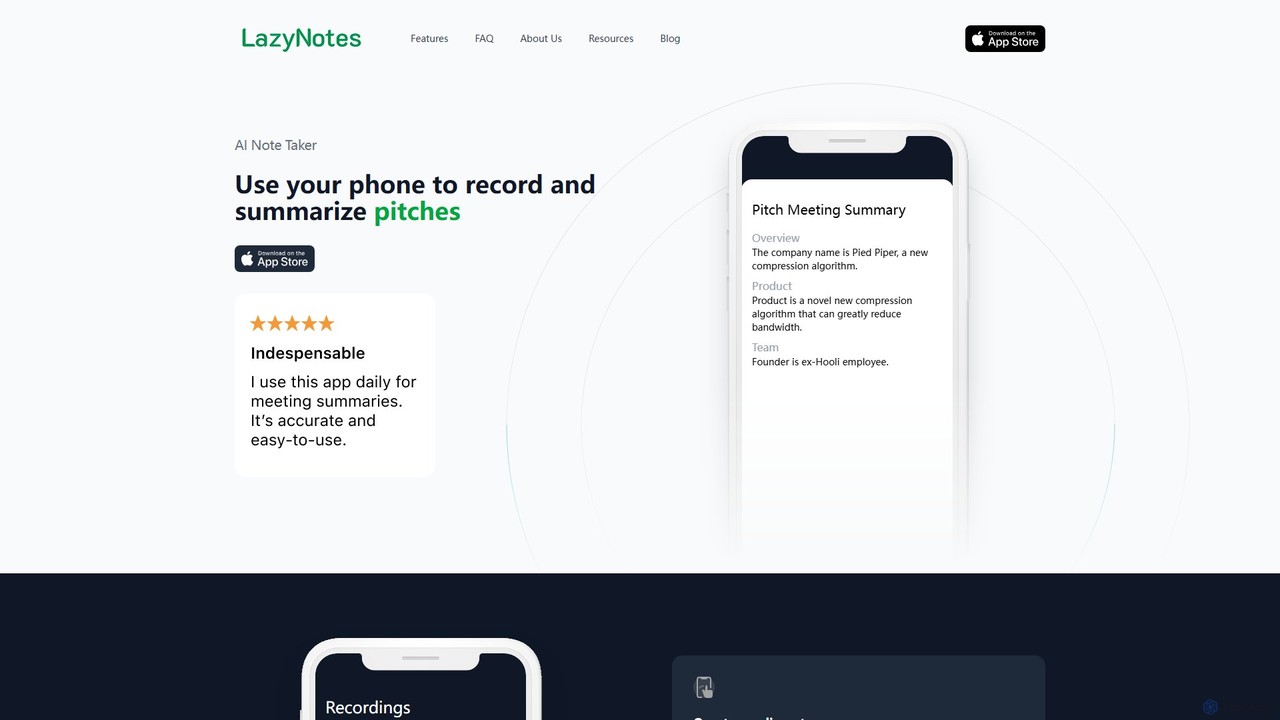
LazyNotes
LazyNotes is an AI-powered note-taker app for iPhone that records, transcribes, and summarizes your meetings. It allows you to stay fully engaged in conversations by automating the note-taking process. Get concise, human-like summaries with key action items and concerns delivered directly to your email, all with a single tap.
Transcription
minimemo
minimemo is an AI-powered tool designed for rapid summarization and intelligent note-taking. It transforms long articles, meeting transcripts, and videos into concise, digestible summaries, key points, and action items, helping users save time and absorb information more effectively.
Meeting AssistantAI Notebook
AI Notebook is an intelligent note-taking and transcription tool that acts as your second brain. It instantly transcribes and summarizes meetings, lectures, audio/video files, YouTube videos, and PDFs. Using AI, it extracts key points, action items, and creates structured notes, boosting productivity for professionals, students, and teams.
Transcription
Photes Comments (0)
Sign in to comment.
Sign inNo comments yet.